














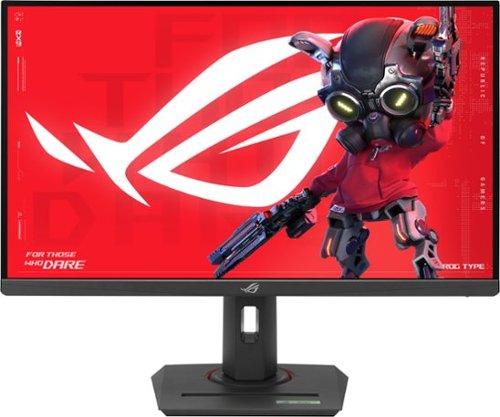
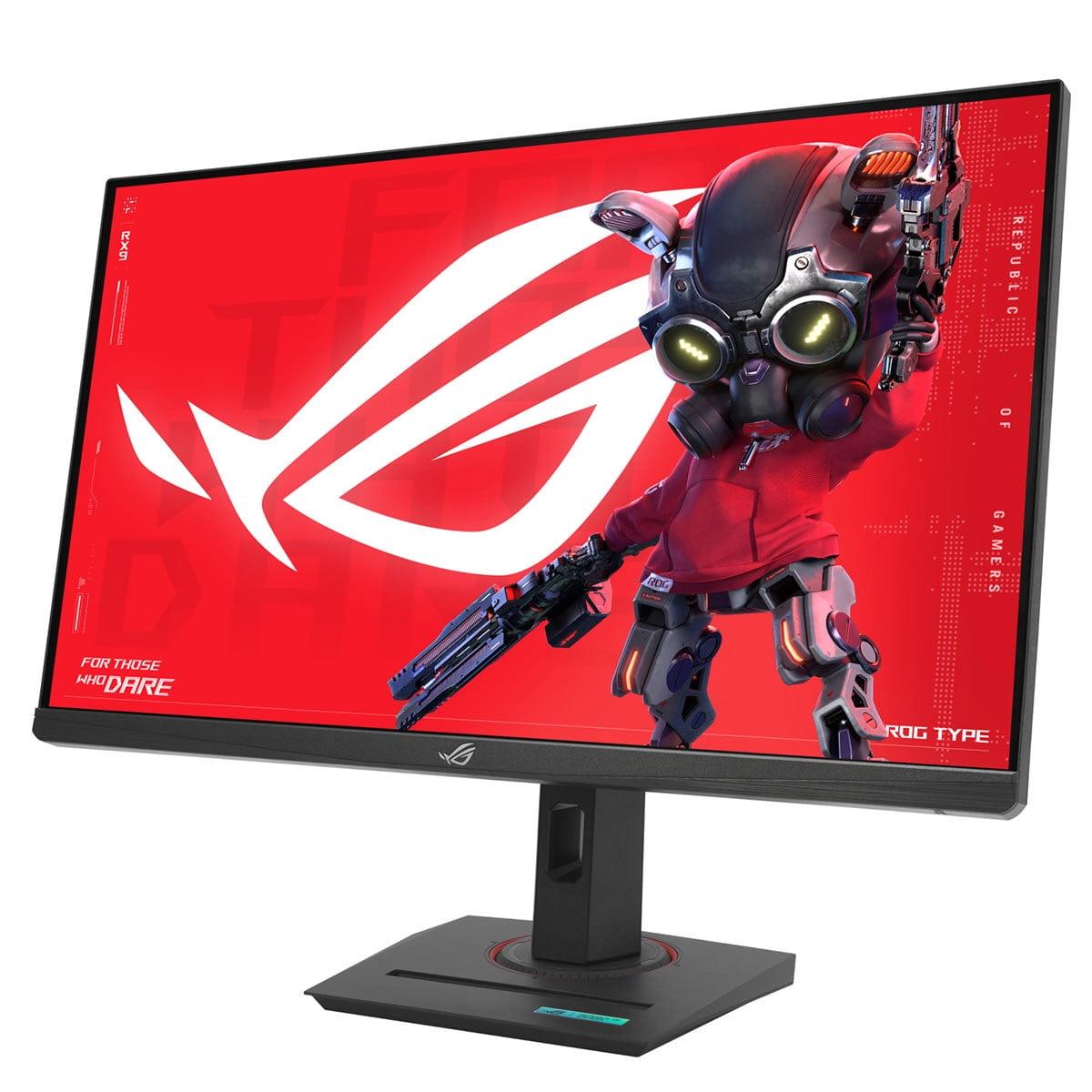
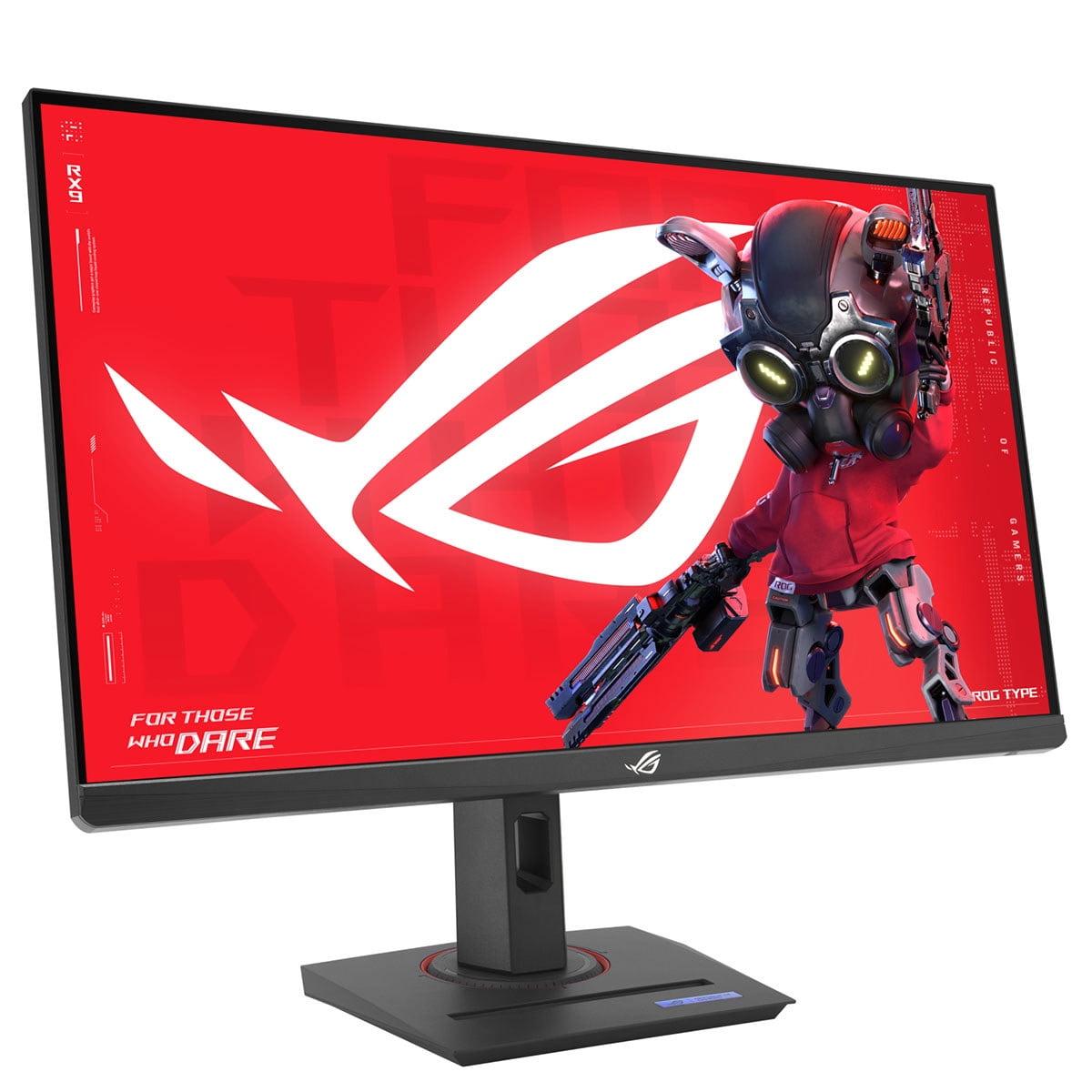
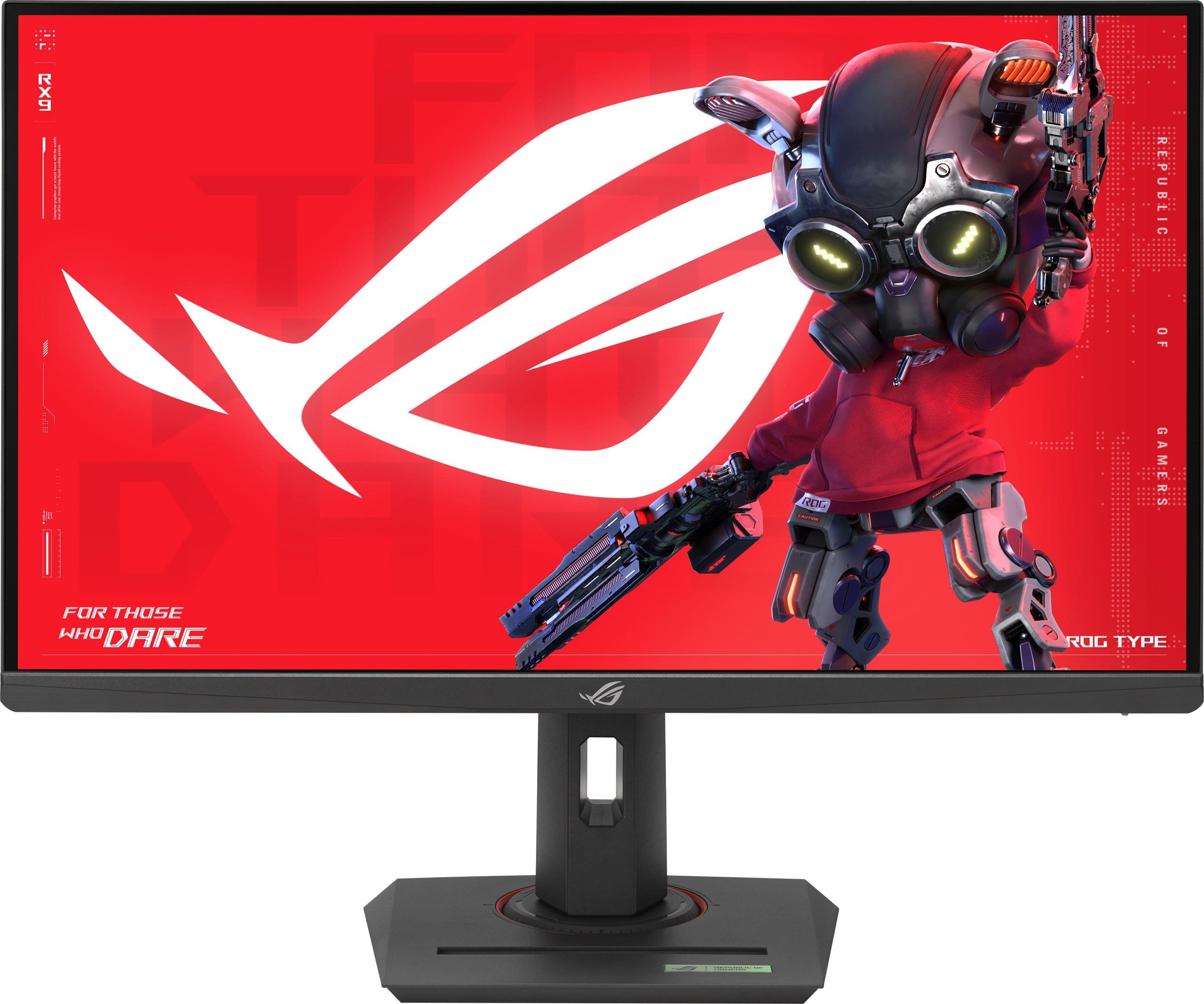
When you're shopping for a high-refresh gaming monitor, you're entering one of the most exciting segments of PC gaming gear. The 27-inch QHD (2560x1440 resolution) category has become the sweet spot for serious gamers who want crystal-clear visuals without needing a $1,500 graphics card to power 4K gaming. Today, we're comparing two standout options: the Alienware 27 QHD 180Hz Gaming Monitor and the ASUS ROG Strix XG27ACMG 27" QHD 270Hz Gaming Monitor.
Both monitors launched in 2024, representing the latest generation of Fast IPS gaming displays. This timing is significant because panel technology has made huge strides in recent years. Where we once had to choose between fast TN panels with washed-out colors or beautiful IPS displays with sluggish response times, modern Fast IPS technology gives us both speed and visual quality in one package.
Before diving into specifics, let's establish what really matters in a gaming monitor. The most crucial performance metrics are refresh rate, response time, input lag, and color accuracy. Refresh rate measures how many times per second your screen updates the image—higher numbers mean smoother motion. Response time indicates how quickly pixels can change colors, affecting motion blur. Input lag is the delay between your mouse click and seeing the action on screen.
For gaming, these specifications work together to create a responsive, fluid experience that can genuinely improve your performance in competitive titles while making single-player games more immersive.
The Alienware monitor positions itself as a value-focused option that doesn't sacrifice build quality or essential features. At the time of writing, it costs significantly less than premium alternatives while delivering professional-grade performance. Think of it as the "sweet spot" choice—it gives you 90% of what expensive monitors offer at a much more accessible price point.
The ASUS ROG Strix monitor, on the other hand, targets competitive gamers and content creators who need every possible advantage. It costs roughly 70% more than the Alienware but includes cutting-edge features and a higher refresh rate that can provide measurable benefits in fast-paced games.
This is where these monitors show their most significant difference. The Alienware model delivers 180Hz, while the ASUS ROG pushes to 270Hz when overclocked. But what does this actually mean for your gaming experience?
At 180Hz, you're already in excellent territory. Most competitive gamers will see substantial improvements coming from standard 60Hz or even 144Hz displays. The motion feels noticeably smoother, tracking moving targets becomes easier, and fast camera movements don't blur together. For games like Valorant, Apex Legends, or Rocket League, 180Hz provides genuine competitive advantages.
The ASUS monitor's 270Hz takes this further, but with diminishing returns. The jump from 60Hz to 180Hz is dramatic and immediately noticeable. The improvement from 180Hz to 270Hz exists but requires a trained eye and high-level competitive play to fully appreciate. If you're playing at Diamond rank or higher in competitive shooters, that extra smoothness can matter. For most gamers, including skilled players, 180Hz is already more than sufficient.
Here's the practical consideration: your graphics card needs to output frame rates matching your refresh rate to see the benefits. Hitting 180+ FPS is challenging enough in modern games; reaching 270 FPS requires either older/less demanding titles or significant graphics settings compromises.
Both monitors claim 1ms GTG (Gray-to-Gray) response times, but their approaches differ significantly. The Alienware monitor offers multiple response time modes: 4ms for optimal image quality with minimal artifacts, 2ms for balanced performance, and 1ms for maximum speed with potential overshoot (where pixels briefly swing past their target color before settling).
This flexibility is actually quite valuable. In slower-paced games or when watching movies, the 4ms mode provides cleaner visuals. When playing competitive shooters, you can switch to 1ms mode for maximum responsiveness. Having these options lets you optimize performance for different content types.
The ASUS ROG monitor implements something special called ELMB SYNC (Extreme Low Motion Blur Sync). Traditional motion blur reduction technologies force you to choose between variable refresh rate (which eliminates screen tearing) and backlight strobing (which reduces motion blur). ELMB SYNC does both simultaneously, eliminating ghosting and tearing without compromise. This is genuinely impressive technology that works particularly well in fast-paced games where motion clarity is crucial.
Both monitors use Fast IPS panels with identical specifications in most areas that matter. Each covers 95% of the DCI-P3 color space, which means vibrant, accurate colors for both gaming and content creation. Both support DisplayHDR 400, providing enhanced contrast and brightness for HDR content, though this represents entry-level HDR rather than the dramatic improvements you'd see from high-end HDR displays.
The ASUS model adds 125% sRGB coverage specification and includes factory color calibration verification. For content creators working with video editing or graphic design, this extra attention to color accuracy provides added confidence. For gaming, both displays look essentially identical in terms of color quality and overall visual experience.
Both monitors achieve 400 nits peak brightness, which is adequate for most lighting conditions and provides enough headroom for HDR highlights to appear brighter than standard content.
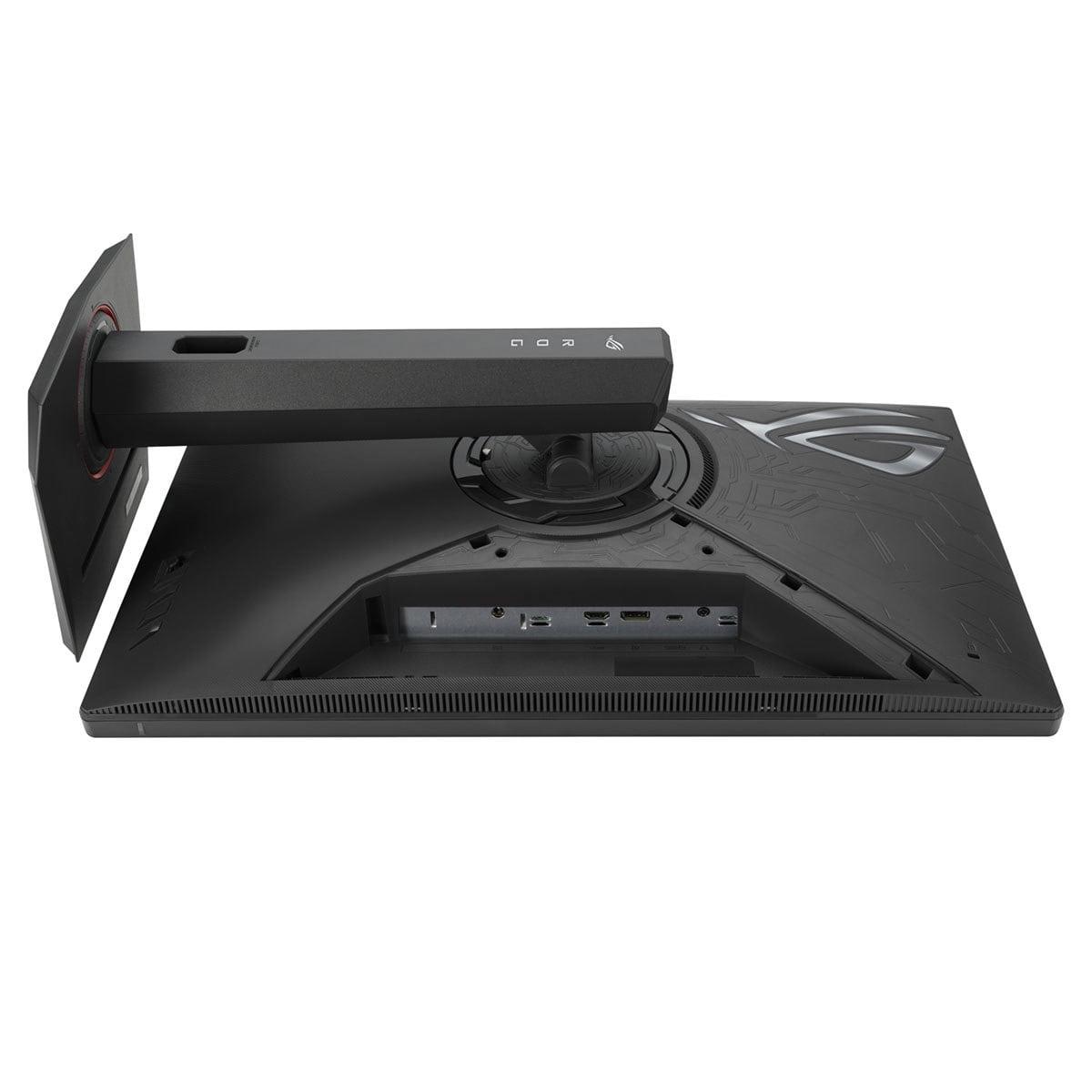
The Alienware monitor takes a traditional but practical approach to connectivity. Its dual HDMI 2.1 ports make it ideal for console gaming—you can connect both a PlayStation 5 and Xbox Series X simultaneously while maintaining full 4K 120Hz support on console games. The single DisplayPort 1.4 connection handles PC gaming at the monitor's full 180Hz refresh rate.
The ASUS ROG monitor includes USB-C with DisplayPort Alt Mode and 15W power delivery. This modern connectivity option lets you connect a laptop with a single cable, handling video, data, and charging simultaneously. For content creators, students, or professionals who frequently switch between gaming PCs and laptops, this convenience factor is substantial.
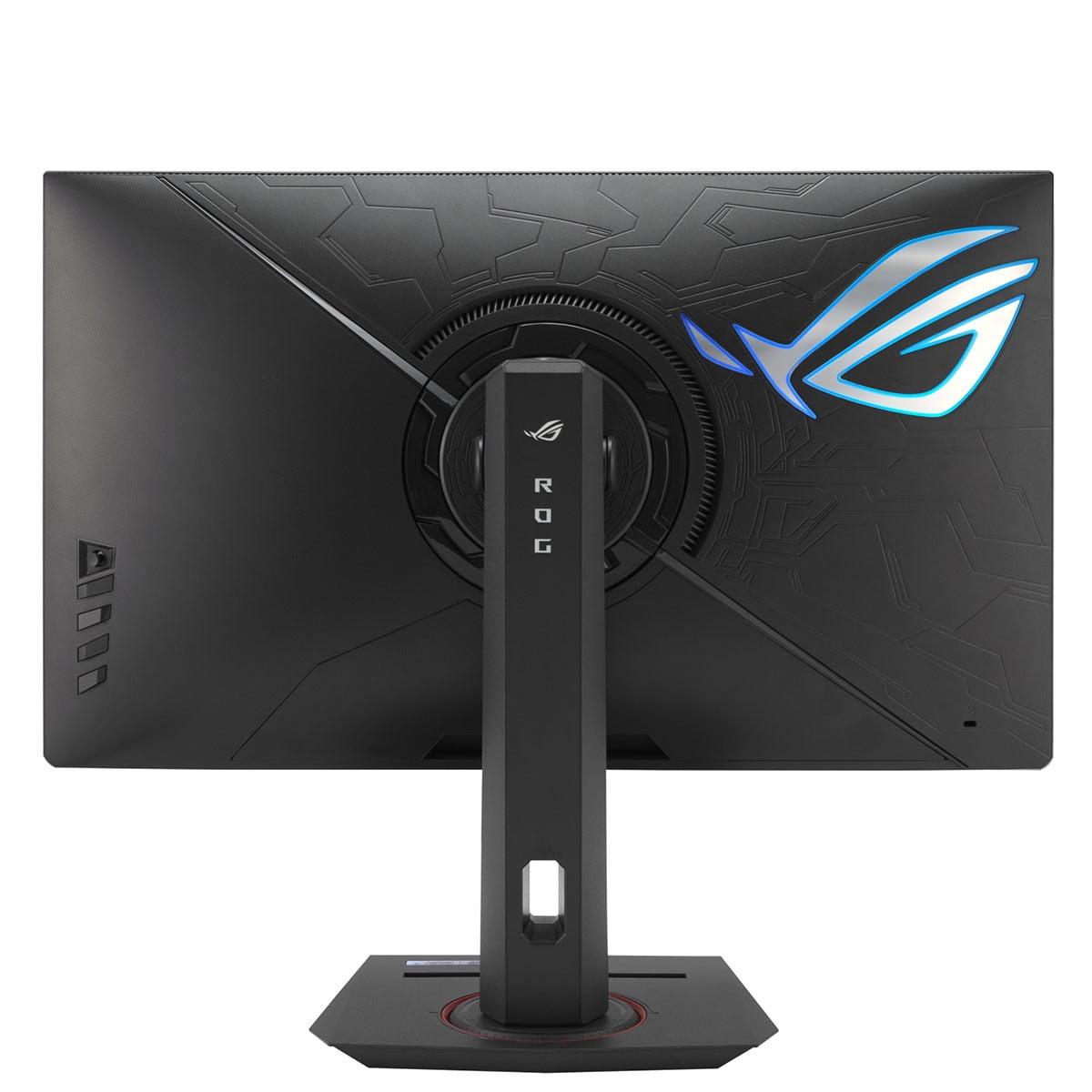
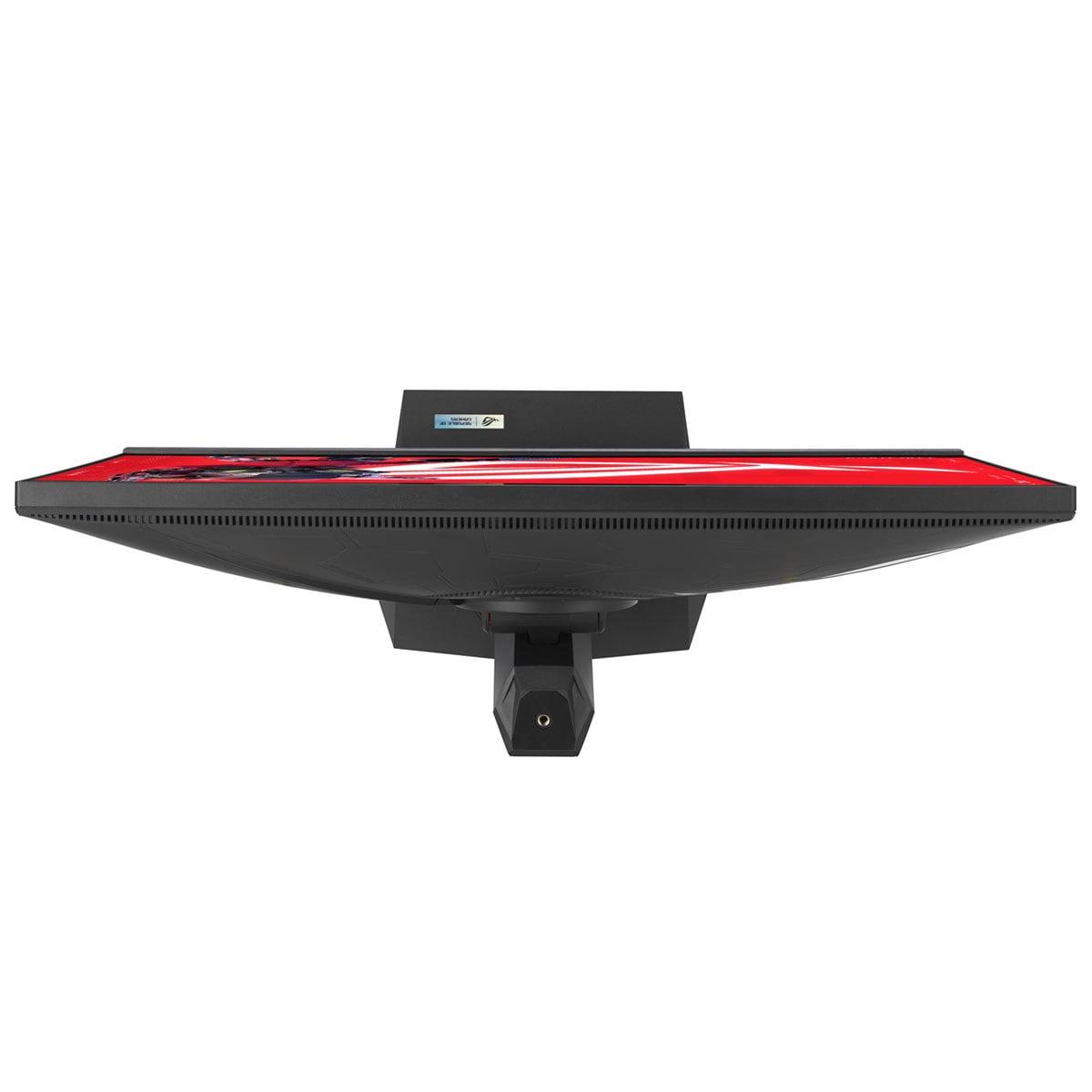
The ASUS also includes thoughtful features for streamers and content creators: a built-in tripod socket for webcam mounting and a phone holder integrated into the base. These might seem like small details, but they demonstrate ASUS's focus on users who do more than just game.
The Alienware monitor includes essential gaming features without overwhelming complexity. It supports both NVIDIA G-SYNC Compatible and AMD FreeSync technologies, eliminating screen tearing across different graphics card brands. The ComfortView Plus low blue light technology uses hardware-level filtering that maintains color accuracy while reducing eye strain during long gaming sessions.
The ASUS model goes significantly further with gaming-specific technologies. Beyond the ELMB SYNC motion handling, it includes Variable Overdrive, which automatically adjusts response time settings as your frame rate changes. This prevents the artifacts that typically occur when frame rates fluctuate during gameplay.
The DisplayWidget Center software lets you adjust monitor settings using your mouse instead of physical buttons—a surprisingly convenient feature when you're frequently tweaking settings for different games. The ROG Gaming AI provides game-specific optimizations, though the practical benefits of AI-enhanced gaming features remain somewhat unclear in real-world use.
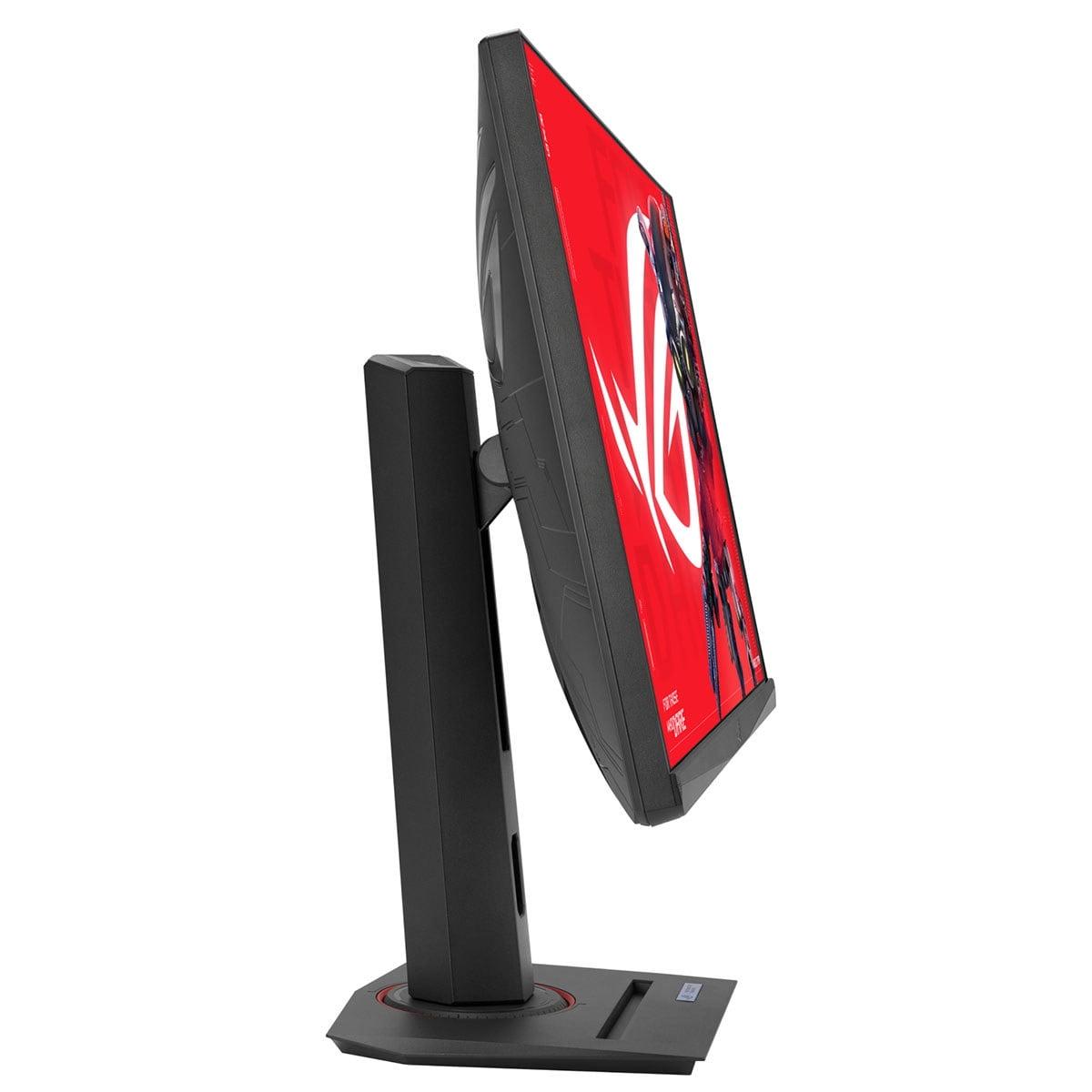
Both monitors demonstrate premium build quality with fully adjustable stands supporting height, tilt, swivel, and portrait rotation. The Alienware embraces a futuristic aesthetic that fits well in modern gaming setups, while the ASUS follows the ROG design language with customizable RGB lighting for users who want their peripherals to match their PC's lighting scheme.
Neither monitor includes built-in speakers, which is actually preferable for serious gaming. Built-in monitor speakers are universally mediocre, and most gamers use dedicated headphones or speaker systems anyway.
Both monitors support VESA mounting (100x100mm) for users who prefer monitor arms or wall mounting solutions.
Based on extensive review analysis and user feedback, both monitors deliver on their performance promises. The Alienware consistently receives praise for its exceptional value proposition, with users highlighting the crisp image quality, smooth motion, and robust build quality. The Fast IPS panel provides vivid colors that work well across different game genres.
The ASUS monitor earns recognition for its motion clarity advantages, particularly the ELMB SYNC technology. Competitive gamers report noticeable improvements in tracking moving targets and reduced eye fatigue during extended gaming sessions. The higher refresh rate provides measurable benefits in fast-paced esports titles, though the advantages are most apparent to experienced players.
Some users report minor backlight bleeding on both models, which is typical for IPS panels but rarely problematic during normal gaming use.
For users planning to incorporate either monitor into a living room or bedroom setup, both work reasonably well as secondary displays. The 27-inch size is appropriate for desk use but might feel small for couch gaming unless you're sitting relatively close.
The Alienware's dual HDMI 2.1 ports make console integration straightforward, while both monitors' HDR 400 support provides some enhancement for streaming content, though don't expect the dramatic improvements you'd see from dedicated home theater displays.
At the time of writing, the Alienware monitor represents exceptional value in the gaming monitor space. It delivers professional-grade performance at a price point that makes high-refresh gaming accessible to more users. The cost-per-hertz calculation strongly favors this option for budget-conscious gamers who still want premium features.
The ASUS ROG monitor commands a significant premium but justifies it through measurable performance improvements and advanced features. The question becomes whether the 270Hz refresh rate, ELMB SYNC technology, and modern connectivity features align with your specific needs and budget.
Choose the Alienware 27 QHD 180Hz Gaming Monitor if you want outstanding gaming performance without premium pricing. This monitor excels for gamers who play a variety of titles, use multiple consoles, or simply want reliable high-refresh gaming without breaking the budget. The 180Hz refresh rate handles modern games excellently, and the build quality matches monitors costing significantly more.
Choose the ASUS ROG Strix XG27ACMG if you compete seriously in fast-paced esports titles, create content regularly, or want the latest gaming technology. The 270Hz refresh rate provides genuine advantages in competitive scenarios, while the ELMB SYNC technology represents current innovation in motion handling. The USB-C connectivity and content creation features add significant value for users who'll utilize them.
Both monitors represent excellent choices within their respective market positions. The Alienware delivers premium gaming performance at mainstream pricing, making high-refresh gaming accessible to more users. The ASUS ROG pushes performance boundaries with cutting-edge features that benefit competitive gamers and content creators who can justify the additional investment.
Your decision should primarily focus on whether you need the absolute highest refresh rates and advanced features, or if exceptional performance at a more accessible price point better fits your gaming needs and budget. Either way, you're getting a monitor that will significantly enhance your gaming experience compared to older or lower-refresh alternatives.
| Alienware 27 QHD 180Hz Gaming Monitor | ASUS ROG Strix XG27ACMG 27" QHD 270Hz Gaming Monitor |
|---|---|
| Refresh Rate - Higher rates provide smoother motion and competitive advantages | |
| 180Hz (excellent for most gaming scenarios) | 270Hz overclocked (measurable benefits for esports competition) |
| Response Time Options - Flexibility to optimize for different game types | |
| Multiple modes: 4ms (best quality), 2ms (balanced), 1ms (fastest) | Fixed 1ms GTG across all modes |
| Motion Blur Technology - Advanced features reduce ghosting in fast-paced games | |
| Standard overdrive with basic blur reduction | ELMB SYNC (combines VRR with backlight strobing simultaneously) |
| Connectivity - Modern ports affect setup flexibility and device compatibility | |
| 2x HDMI 2.1, 1x DisplayPort 1.4, USB 3.2 hub | 1x HDMI 2.1, 1x DisplayPort 1.4, USB-C with 15W power delivery |
| Color Coverage - Important for content creation and visual accuracy | |
| 95% DCI-P3 (excellent for gaming and basic creative work) | 95% DCI-P3 + 125% sRGB with factory calibration |
| Gaming Features - Software enhancements and specialized technologies | |
| G-SYNC Compatible, FreeSync, ComfortView Plus | ELMB SYNC, Variable Overdrive, DisplayWidget Center, ROG Gaming AI |
| Content Creator Features - Additional functionality beyond gaming | |
| Standard gaming monitor setup | Integrated tripod socket, phone holder, streaming-focused design |
| Value Proposition - Performance per dollar at time of writing | |
| Exceptional value with 90% of premium performance at budget price | Premium features justify higher cost for competitive gamers and creators |
| Target User - Who benefits most from each model | |
| Casual to moderate competitive gamers wanting great value | Serious esports players and content creators needing cutting-edge tech |
The ASUS ROG Strix XG27ACMG is superior for competitive gaming due to its 270Hz refresh rate and ELMB SYNC technology. The higher refresh rate provides smoother motion tracking and reduced input lag, while ELMB SYNC eliminates ghosting without sacrificing variable refresh rate functionality. However, the Alienware 27 QHD 180Hz Gaming Monitor still offers excellent competitive performance at 180Hz for most players.
The primary difference is refresh rate: the Alienware monitor offers 180Hz while the ASUS ROG monitor delivers 270Hz when overclocked. The ASUS also includes advanced features like ELMB SYNC motion blur reduction, USB-C connectivity, and content creator-focused additions like a tripod socket, making it more feature-rich overall.
The Alienware 27 QHD 180Hz Gaming Monitor provides exceptional value, delivering premium gaming performance at a significantly lower cost. While the ASUS ROG Strix XG27ACMG costs substantially more, it justifies the premium through cutting-edge features and higher refresh rates that benefit competitive gamers and content creators.
Yes, both monitors support gaming consoles excellently. The Alienware monitor is particularly console-friendly with dual HDMI 2.1 ports, allowing simultaneous connection of PlayStation 5 and Xbox Series X. The ASUS ROG monitor also supports console gaming but focuses more on PC gaming features with its advanced refresh rate and gaming technologies.
Both monitors offer similar color performance with 95% DCI-P3 coverage, but the ASUS ROG Strix XG27ACMG has a slight edge with additional 125% sRGB coverage and factory color calibration verification. For serious content creation, both are capable, though the ASUS model provides more confidence in color accuracy out of the box.
Both monitors work well for entertainment with Fast IPS panels providing vibrant colors and wide viewing angles. They both support DisplayHDR 400 for enhanced contrast in HDR content. However, neither includes built-in speakers, so you'll need external audio. The 27-inch size is ideal for desk viewing but may feel small for living room use.
The Alienware 27 QHD 180Hz Gaming Monitor offers straightforward setup with traditional connectivity and controls. The ASUS ROG Strix XG27ACMG includes DisplayWidget Center software for easier settings adjustment via mouse, plus USB-C connectivity for simplified laptop connections, making it more convenient for users with multiple devices.
Both monitors benefit from powerful graphics cards to reach their full potential. The Alienware monitor requires consistent 180+ FPS for optimal performance, while the ASUS ROG monitor needs even higher frame rates to utilize its 270Hz capability. Mid-range to high-end graphics cards work best with both displays.
Both monitors feature premium build quality with fully adjustable stands supporting height, tilt, swivel, and pivot adjustments. The Alienware monitor offers a futuristic aesthetic, while the ASUS ROG monitor includes customizable RGB lighting and additional features like integrated phone holders and tripod sockets for streamers.
Both monitors lack built-in speakers, which is actually preferable for serious gaming. The Alienware monitor may show minor backlight bleeding typical of IPS panels. The ASUS ROG monitor requires overclocking to reach 270Hz and commands a significant price premium that may not justify the benefits for casual gamers.
The ASUS ROG Strix XG27ACMG is specifically designed for content creators with features like integrated tripod socket for webcam mounting, USB-C connectivity for laptops, and advanced color calibration. While the Alienware monitor can handle content creation tasks, it lacks the specialized features that make streaming setups more convenient.
Choose the Alienware 27 QHD 180Hz Gaming Monitor if you want excellent gaming performance at great value, especially for console gaming or budget-conscious PC gamers. Choose the ASUS ROG Strix XG27ACMG if you compete seriously in esports, create content regularly, or want the latest gaming technology and can justify the premium cost for advanced features.
We've done our best to create useful and informative comparisons to help you decide what product to buy. Our research uses advanced automated methods to create this comparison and perfection is not possible - please contact us for corrections or questions. These are the sites we've researched in the creation of this article: bestbuy.com - bestbuy.com - youtube.com - dell.com - tweaktown.com - dell.com - rtings.com - manuals.plus - tomshardware.com - displayspecifications.com - youtube.com - youtube.com - displayspecifications.com - dell.com - dellstore.com - ebay.com - rtings.com - e-catalog.com - bestbuy.com - rog.asus.com - rog.asus.com - youtube.com - youtube.com - versus.com - forum.pcmonitors.info - versus.com - cdw.com - rog.asus.com - rog.asus.com - rog.asus.com - avadirect.com - bhphotovideo.com - rog.asus.com - shi.com - shop.asus.com - publicsector.shidirect.com - bestbuy.com

Privacy Policy
Terms and Conditions - Affiliate Policy
Home Security
© Copyright 2008-2026.
11816 Inwood Rd #1211, Dallas, TX 75244