














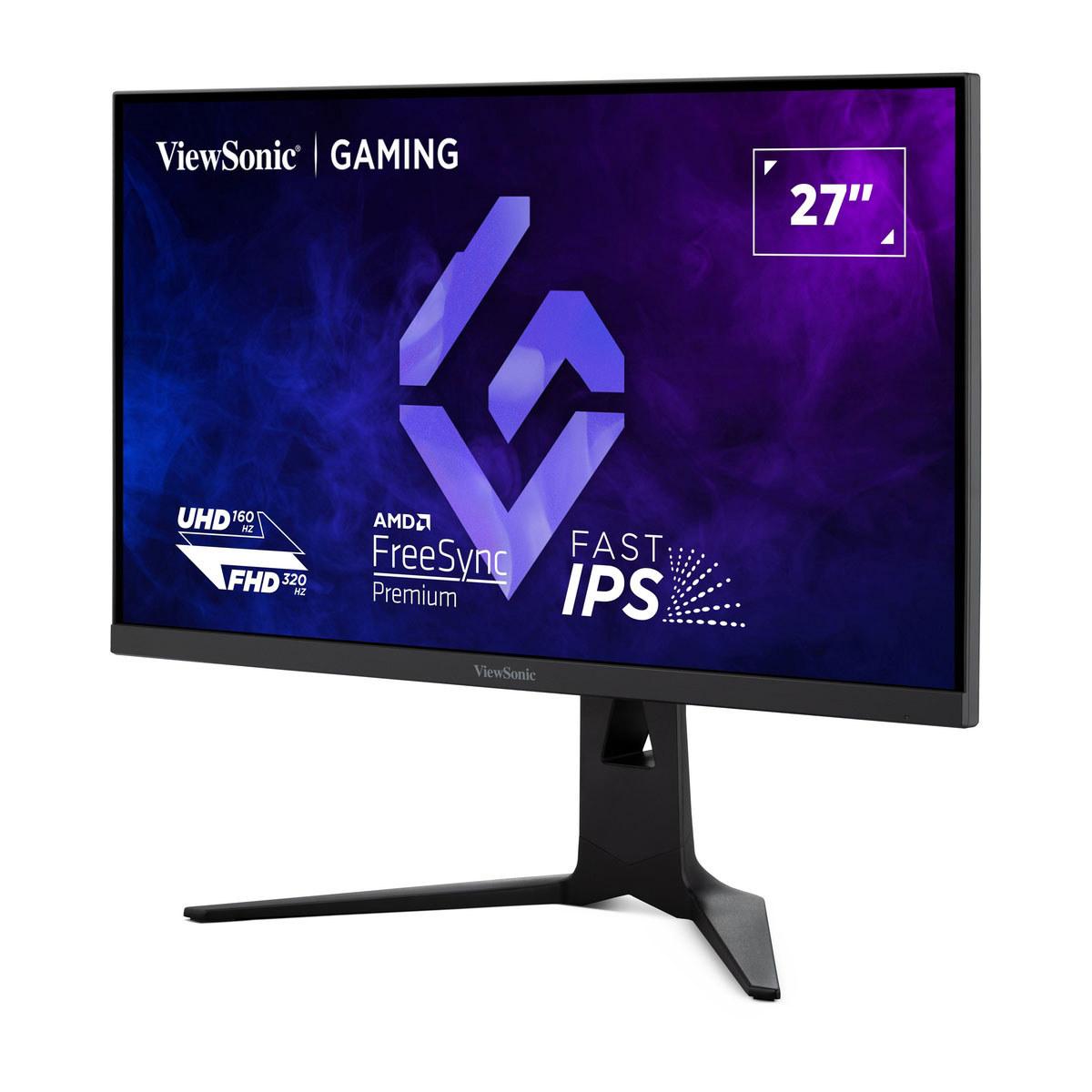
Gaming monitors have evolved dramatically over the past few years, and choosing the right one feels more complex than ever. Two monitors that perfectly illustrate this evolution are the Alienware AW2725DM and the ViewSonic XG275D-4K. Both launched in 2024, but they represent completely different philosophies about what gamers actually need.
The fundamental challenge with gaming monitors today is that no single specification tells the whole story. You've got resolution (how sharp everything looks), refresh rate (how smooth motion appears), response time (how quickly pixels change colors), and price all pulling in different directions. Higher resolution means you need a more powerful graphics card. Higher refresh rates can give you a competitive edge but might not matter for single-player games. And response time? Well, that's where things get really technical.
Let me break down what actually matters when you're shopping for a gaming monitor. Resolution determines how detailed your games look – think of it like the difference between watching a YouTube video in 720p versus 4K. Refresh rate, measured in Hertz (Hz), tells you how many times per second your monitor can display a new image. Standard monitors run at 60Hz, but gaming monitors can go much higher. Response time measures how quickly a pixel can change from one color to another, usually measured in milliseconds (ms). Lower numbers mean less blur during fast movement.
The Alienware AW2725DM takes what I'd call the "sweet spot" approach – it runs at 1440p resolution (also called QHD) with a 180Hz refresh rate. This resolution sits perfectly between standard 1080p and premium 4K, giving you noticeably sharper images without requiring a graphics card that costs more than most people's entire gaming setup.
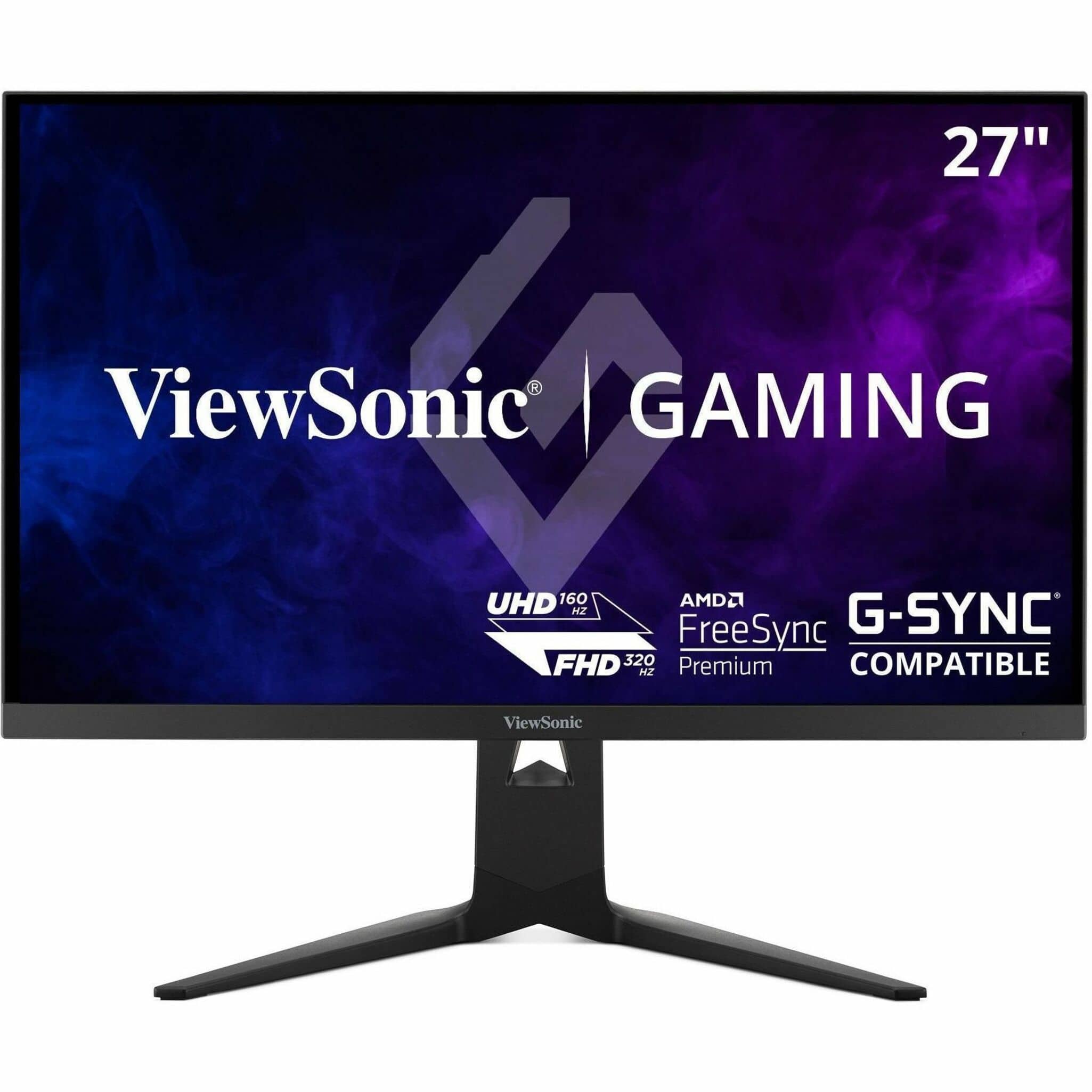
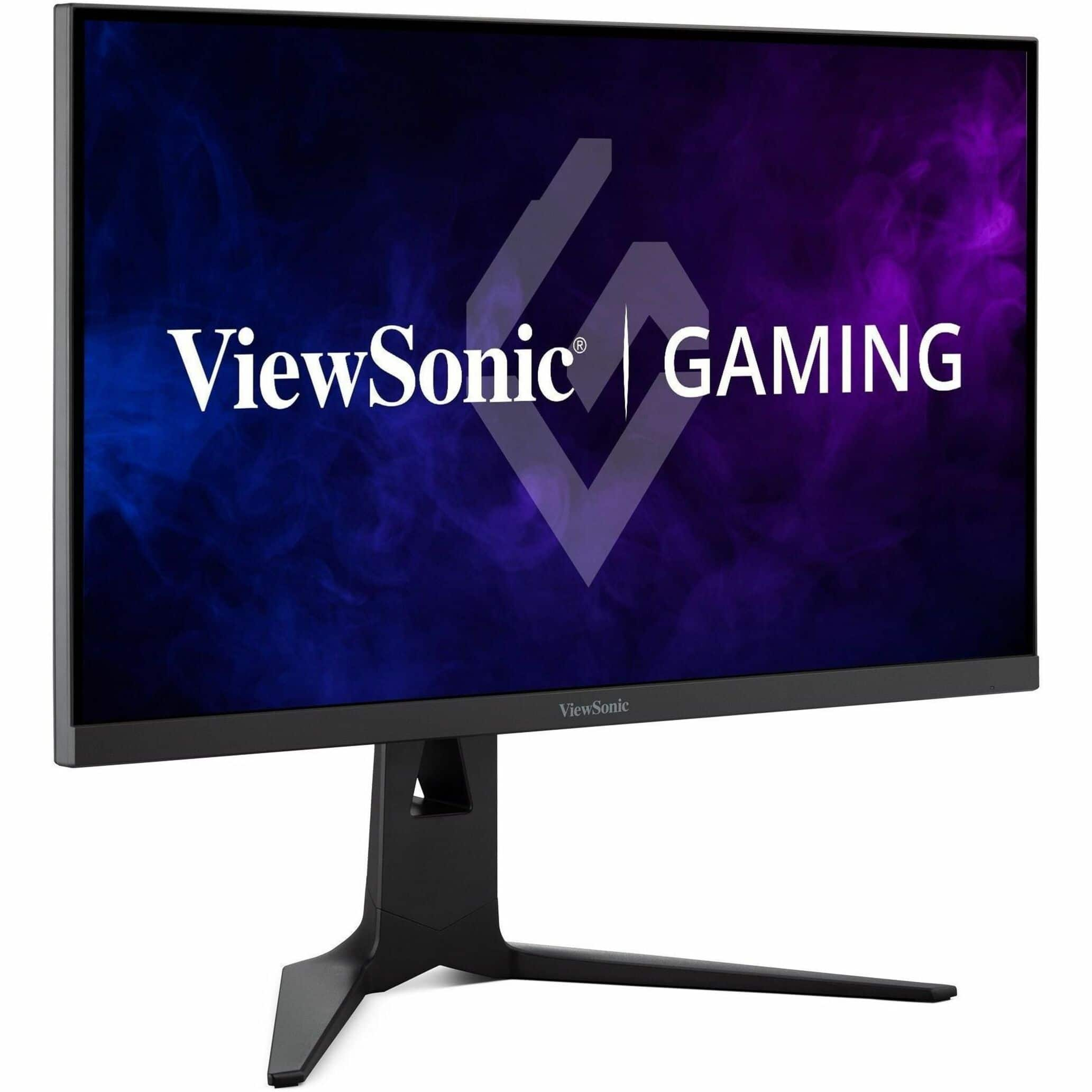
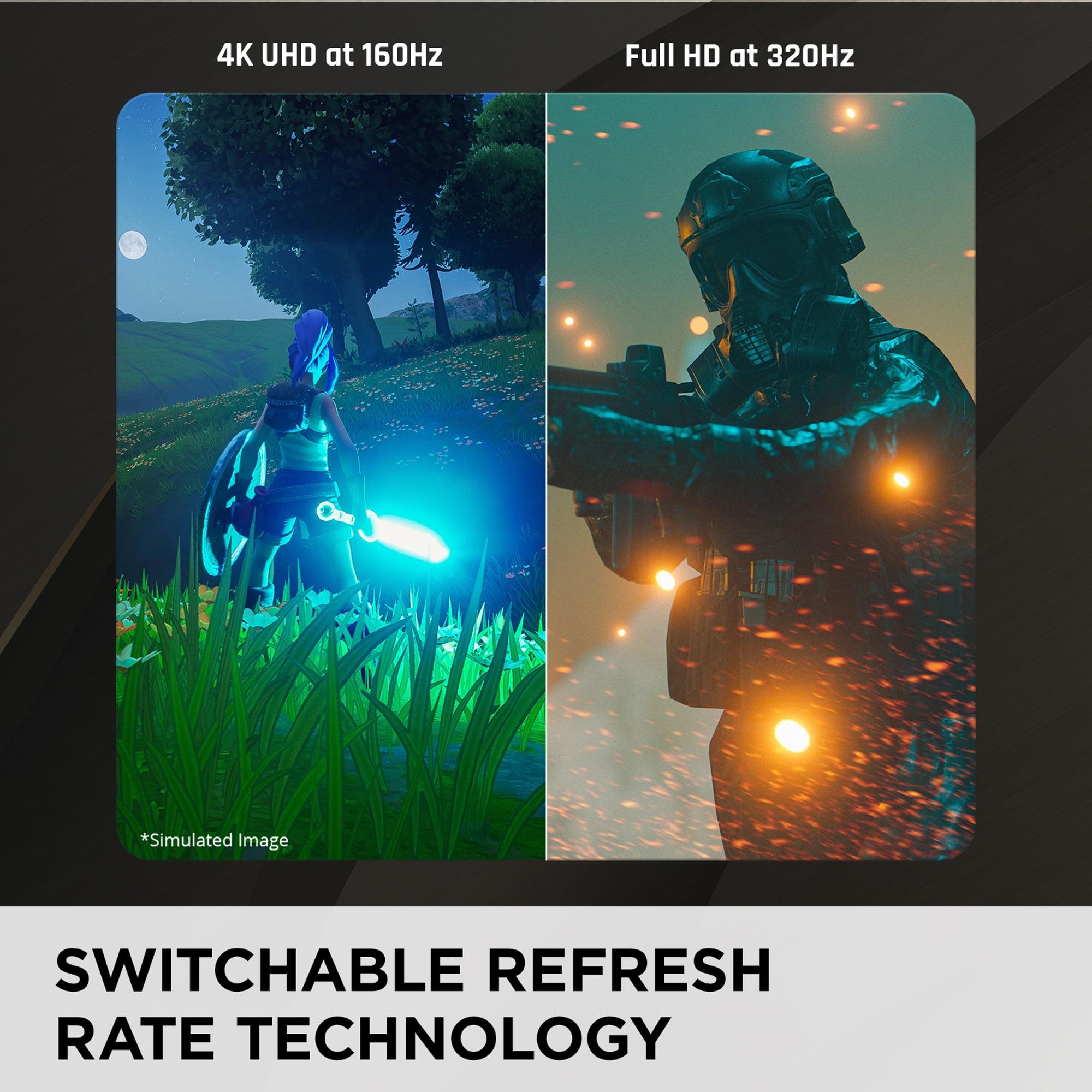
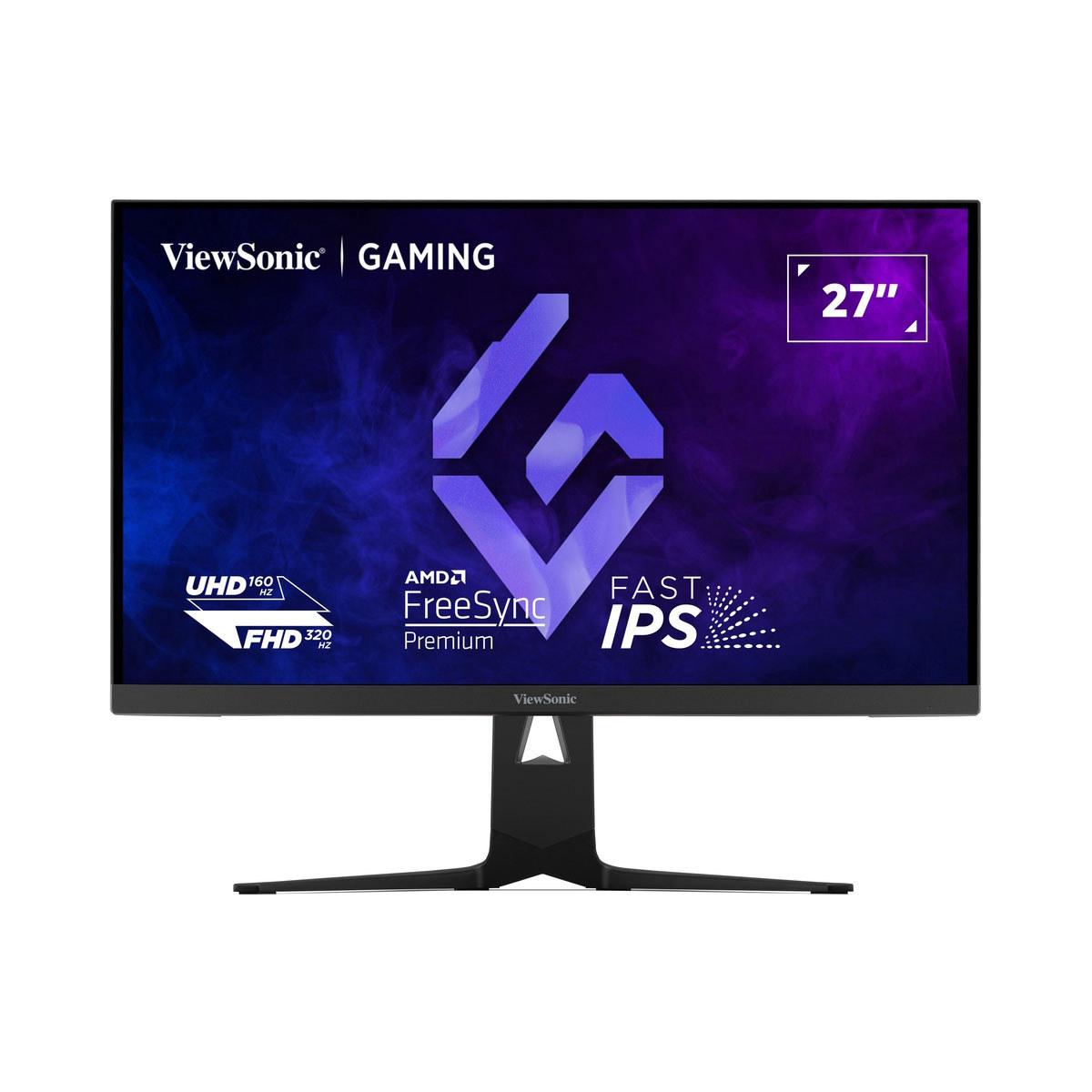
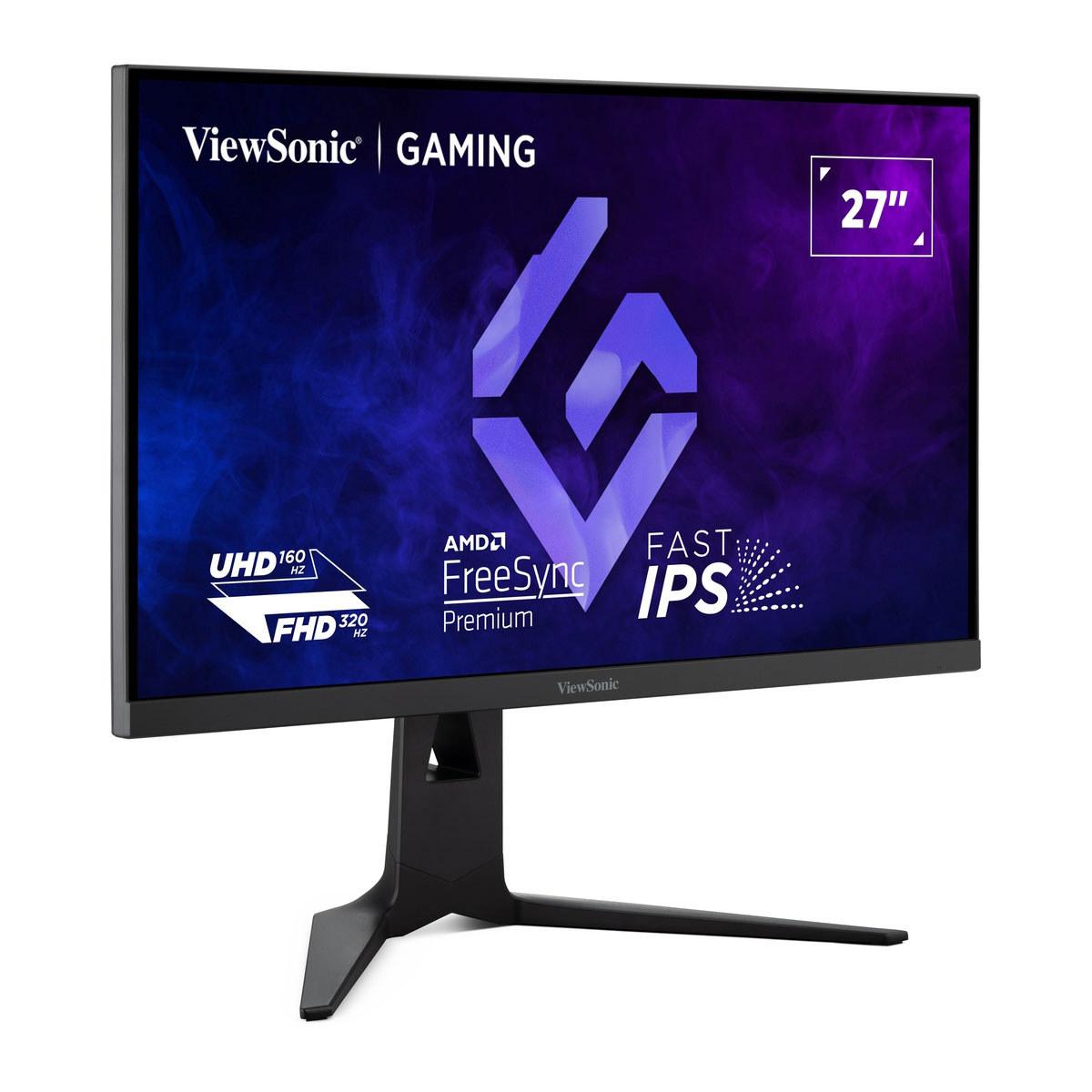
The ViewSonic XG275D-4K goes completely different direction with something I haven't seen before: switchable resolution and refresh rate. Push a button, and it changes from 1080p at 320Hz to 4K at 160Hz. It's like having two monitors in one, which sounds almost too good to be true.
The Alienware AW2725DM represents what happens when you optimize for one thing really well. At 27 inches with 1440p resolution, you get 108 pixels per inch – enough to make text crisp and game details pop without needing a magnifying glass. The Fast IPS panel (IPS stands for In-Plane Switching, a technology that provides better colors and viewing angles than older TN panels) delivers vibrant colors that actually look natural rather than oversaturated.
What impressed me most in researching this monitor is how Alienware handled response time options. Instead of just giving you one setting, you get three: 4ms for the best image quality, 2ms for balanced performance, and 1ms for pure speed. This matters because pushing response times to their absolute limit often introduces inverse ghosting – basically, you see bright halos around moving objects. Having options means you can tune the monitor to match what you're playing.
The 180Hz refresh rate hits what many consider the performance sweet spot. Going from 60Hz to 120Hz feels transformative – everything becomes fluid and responsive. Going from 120Hz to 180Hz is noticeable but less dramatic. Beyond 180Hz, the improvements become increasingly subtle for most people, though competitive esports players swear by every additional frame.
At the time of writing, the Alienware AW2725DM costs significantly less than most high-refresh 1440p gaming monitors, making it exceptional value. For roughly half the price of premium alternatives, you're getting about 90% of the performance. That's the kind of value proposition that makes me recommend a product without hesitation.
The ViewSonic XG275D-4K does something I've never seen before in a gaming monitor. Most displays lock you into one resolution and refresh rate – this one lets you switch between two completely different performance modes with a physical button press.
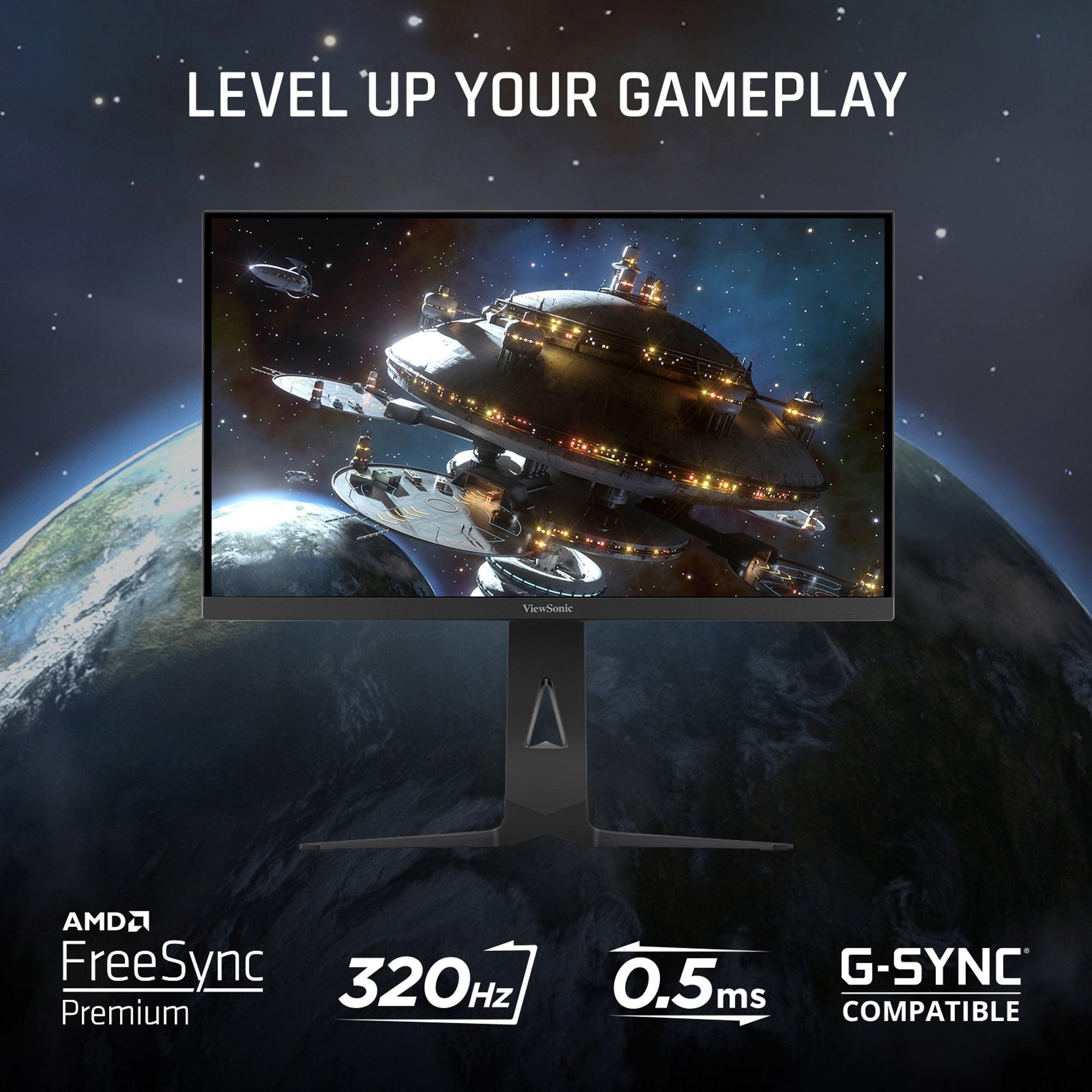
Mode one runs at 1080p with a staggering 320Hz refresh rate. This is faster than almost any gaming monitor on the market, designed for competitive esports where every millisecond matters. Mode two switches to 4K resolution at 160Hz, perfect for immersive single-player games where visual fidelity trumps raw speed.
The engineering behind this switchable system is genuinely impressive. The monitor uses what's called temporal resolution scaling – essentially, it can process the same pixel data at different rates depending on which mode you select. In 320Hz mode, it's refreshing the screen so quickly that motion blur becomes almost nonexistent, even without the fastest response times.
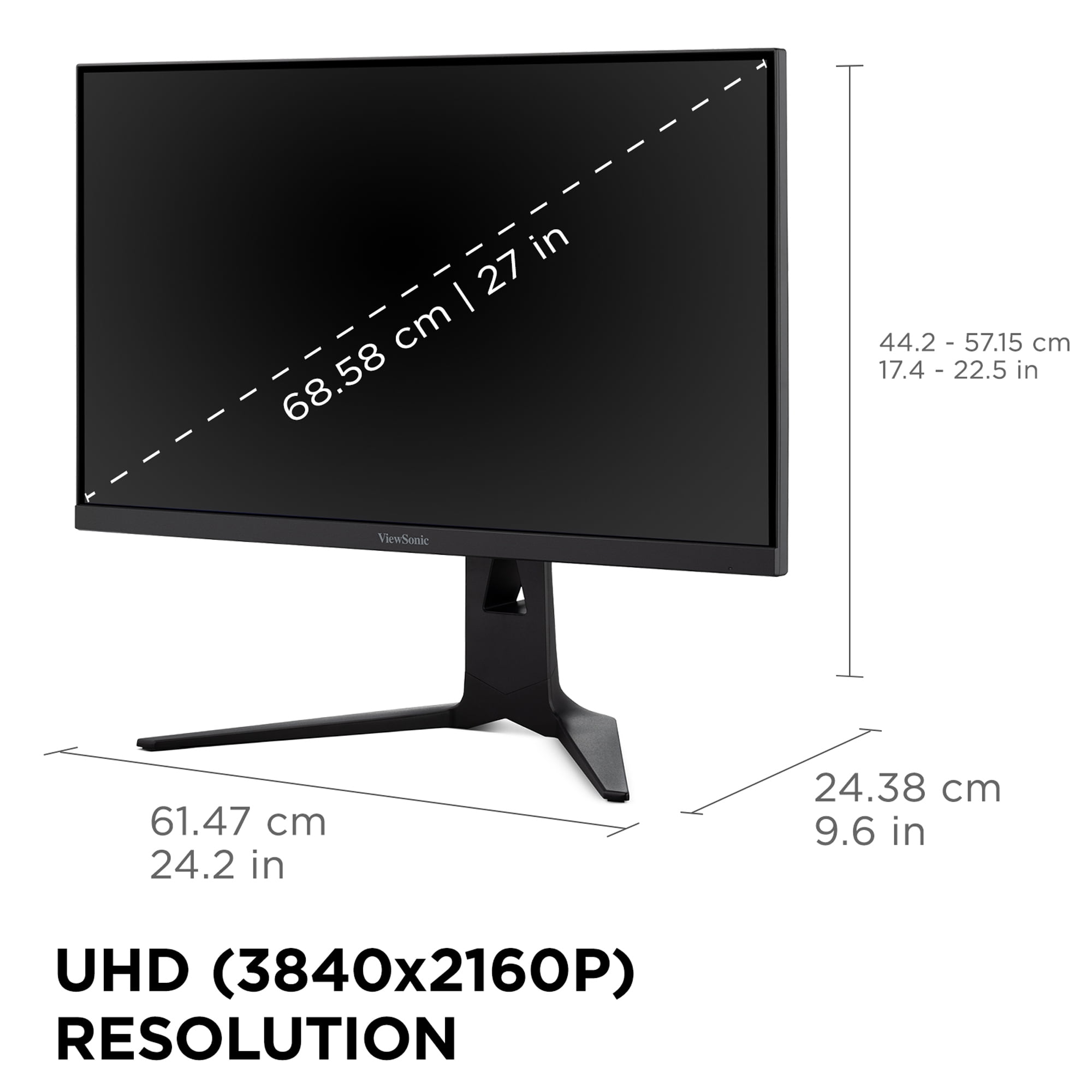
The 4K mode delivers 165 pixels per inch – significantly sharper than the Alienware AW2725DM. Text looks laser-sharp, and game textures reveal details you simply can't see at lower resolutions. The tradeoff is that driving 4K at high refresh rates requires serious graphics card horsepower. We're talking RTX 4070 or better for most modern games.
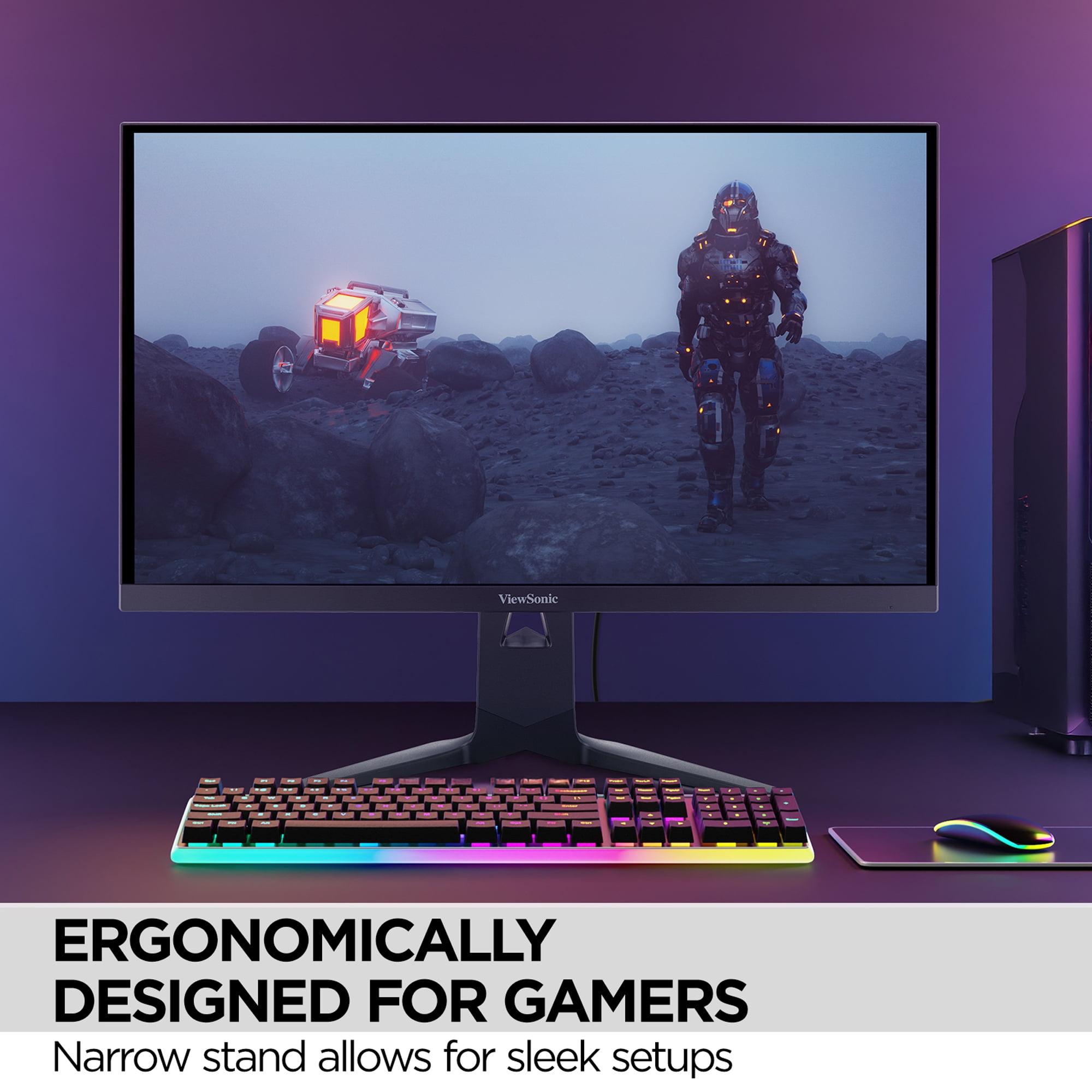
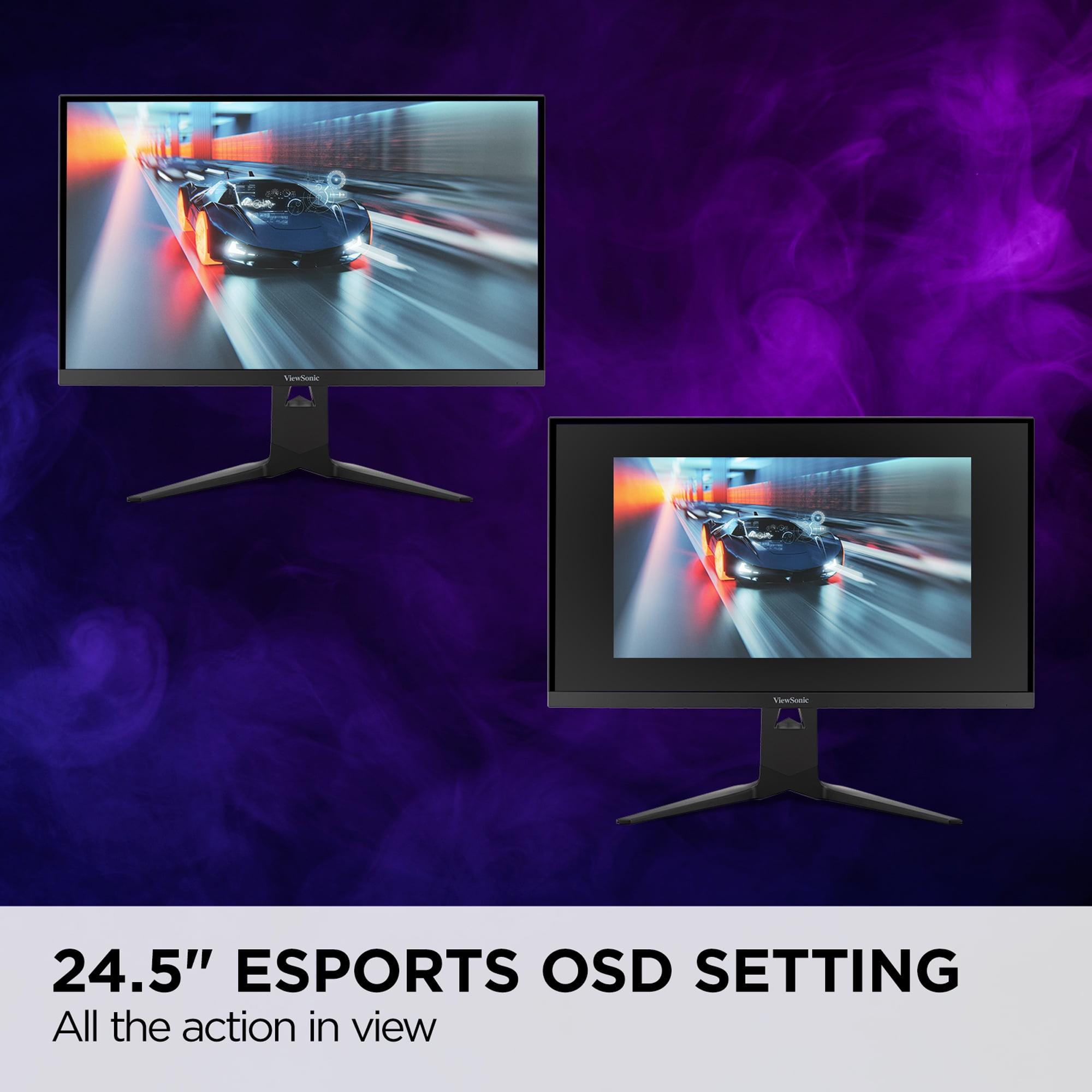
What makes the ViewSonic XG275D-4K particularly clever is the esports mode feature. When you enable this, it shrinks the usable screen area to 24.5 inches while keeping the full 27-inch display active. This mimics the smaller screens used in professional tournaments while maintaining the ergonomic benefits of a larger monitor. It's a small detail that shows ViewSonic really thought about how competitive players actually use their equipment.
Let's talk about what actually affects your gaming experience, starting with input lag – the delay between when you click your mouse and when something happens on screen. Both monitors excel here, with total input lag under 5ms in their optimal modes. This is fast enough that even professional esports players won't notice any delay.
Motion clarity is where things get interesting. The ViewSonic XG275D-4K achieves a 0.5ms MPRT (Moving Picture Response Time) in its fastest mode, which is exceptionally quick. MPRT measures how long pixels stay illuminated, and lower numbers mean less motion blur. The Alienware AW2725DM counters with its adjustable response time settings, letting you find the perfect balance between speed and image quality for your specific games.
For competitive gaming – think Counter-Strike, Valorant, or League of Legends – the ViewSonic XG275D-4K in 320Hz mode provides an almost unfair advantage. The refresh rate is so high that enemy movements appear smoother and more predictable. However, achieving 300+ fps consistently requires a high-end graphics card and optimized game settings.
For immersive gaming – single-player adventures, RPGs, or visually stunning titles – the ViewSonic XG275D-4K in 4K mode or the Alienware AW2725DM in 1440p both deliver excellent experiences. The choice comes down to whether you prioritize ultimate visual detail (4K) or consistent high frame rates (1440p).
Both monitors use IPS panel technology, but they implement it differently. The Alienware AW2725DM uses what Dell calls "Fast IPS," which prioritizes response time while maintaining good color accuracy. It covers 95% of the DCI-P3 color space – that's the standard used for digital cinema – meaning colors look vibrant and accurate.
The monitor also supports DisplayHDR 400, which provides basic high dynamic range support. HDR makes bright areas brighter and dark areas darker, creating more realistic lighting in games that support it. While HDR 400 isn't as dramatic as higher HDR standards, it's still a noticeable improvement over standard displays.
The ViewSonic XG275D-4K supports over 1 billion colors through 8-bit + FRC (Frame Rate Control) technology. FRC uses rapid flickering to simulate additional color depths, effectively creating smoother color gradients. This matters most for content creation or games with subtle color transitions.
One area where the ViewSonic XG275D-4K excels is its anti-glare coating. The 3H hard coating significantly reduces reflections without making the image look overly matte. This is particularly valuable if your gaming setup faces windows or room lighting that can't be easily controlled.
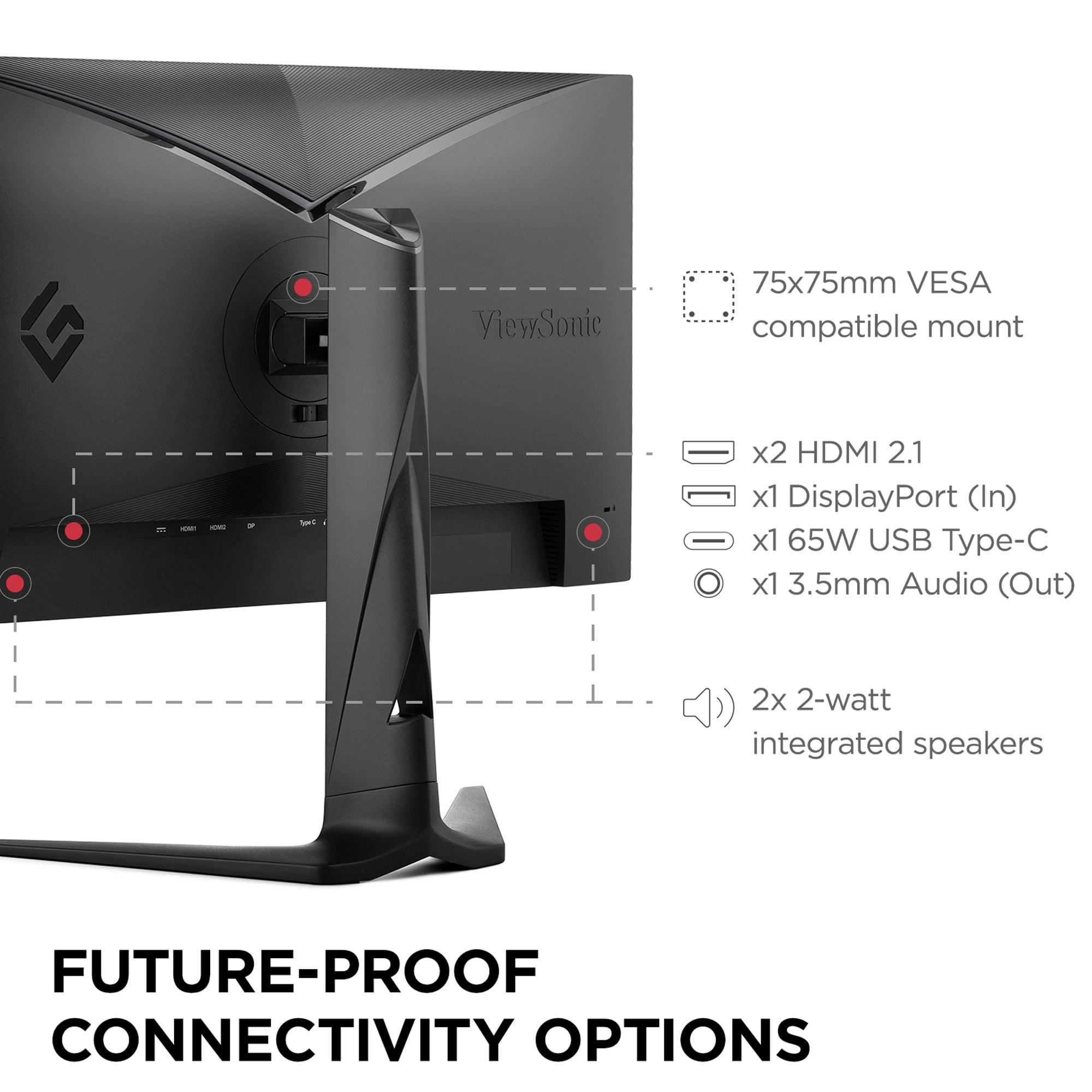
Modern gaming monitors need to connect to more than just gaming PCs, and this is where the ViewSonic XG275D-4K shows its versatility. The USB-C port with 65W power delivery means you can connect a laptop with a single cable and keep it charged while gaming or working. This feature transforms the monitor into a genuine workstation hub, not just a gaming display.
The Alienware AW2725DM focuses on traditional gaming connectivity with two HDMI 2.1 ports and DisplayPort 1.4. HDMI 2.1 is crucial for connecting modern gaming consoles like the PlayStation 5 or Xbox Series X, as it supports 4K at 120Hz and variable refresh rate features that eliminate screen tearing.
Both monitors support Adaptive Sync technology under different names (FreeSync, G-SYNC Compatible), which synchronizes the monitor's refresh rate with your graphics card's output. This prevents the jarring visual artifacts that occur when frame rates don't match refresh rates.
At the time of writing, the pricing difference between these monitors is substantial – the ViewSonic XG275D-4K costs roughly 2.5 times more than the Alienware AW2725DM. This price gap reflects their different target markets and feature sets.
The Alienware AW2725DM delivers exceptional value for pure gaming performance. You're getting professional-grade specs at an enthusiast price point. The 180Hz refresh rate and 1ms response time handle competitive gaming excellently, while the 1440p resolution provides sharp visuals without requiring top-tier graphics cards.
The ViewSonic XG275D-4K justifies its premium pricing through versatility and future-proofing. The switchable resolution feature essentially gives you two monitors in one – a 320Hz esports beast and a 4K content creation display. For users who need this flexibility, the price difference becomes more palatable.
Your graphics card choice significantly impacts which monitor makes sense. For the Alienware AW2725DM, mid-range cards like the RTX 4060 or RX 7600 can maintain high frame rates at 1440p in most games with optimized settings. This makes it accessible to a broader range of gaming setups.
The ViewSonic XG275D-4K demands more graphics horsepower, especially in 4K mode. To truly benefit from 4K at 160Hz, you'll want an RTX 4070 or better. However, the 1080p 320Hz mode is actually less demanding than 4K, making it achievable even with older high-end cards.
This compatibility factor is crucial for long-term satisfaction. Buying a 4K monitor with a graphics card that can't drive it properly leads to disappointment and compromised settings.
While both monitors focus on gaming, they handle multimedia content differently. The ViewSonic XG275D-4K in 4K mode excels for streaming movies and shows, providing the native resolution that matches modern content. The larger color gamut also benefits video content with more accurate and vibrant colors.
The Alienware AW2725DM, while limited to 1440p, still handles media consumption well. The Fast IPS panel provides excellent viewing angles for group viewing, and the DisplayHDR 400 support enhances compatible content.
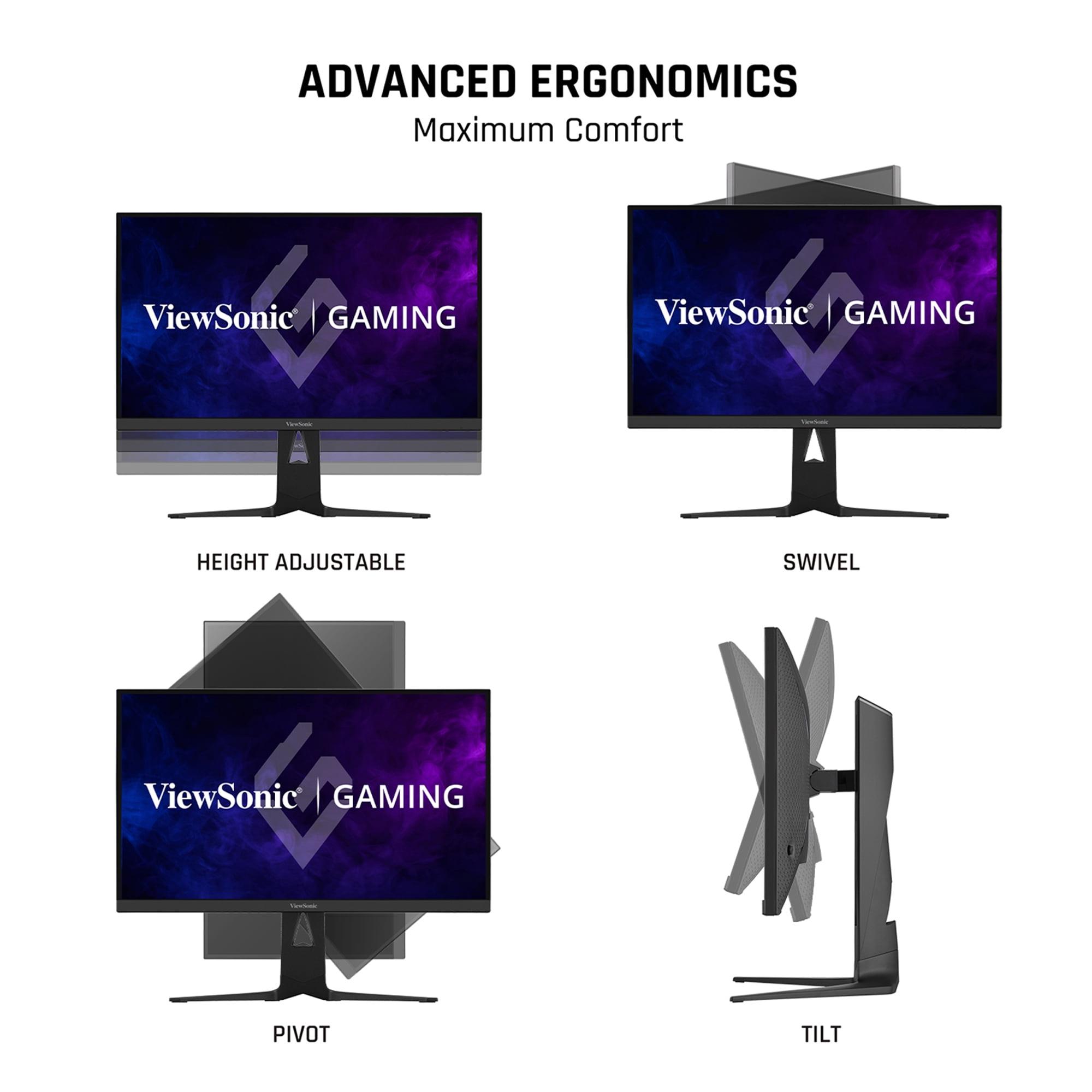
For productivity work, both monitors offer advantages. The ViewSonic XG275D-4K's 4K resolution provides more screen real estate for multitasking, while its USB-C connectivity simplifies laptop integration. The Alienware AW2725DM offers a more affordable entry into high-quality productivity displays with its color-accurate panel and ergonomic adjustability.
After extensive research into user experiences and expert reviews, clear patterns emerge about who each monitor serves best.
Choose the Alienware AW2725DM if you're a gamer who values consistent, reliable performance at an accessible price point. This monitor excels for competitive multiplayer games, provides excellent value for money, and works well with mid-range graphics cards. It's perfect for gamers upgrading from 1080p who want a significant performance boost without breaking their budget.
The ViewSonic XG275D-4K is ideal for users who refuse to compromise and need maximum versatility. If you play both competitive esports and visually demanding single-player games, or if you use your gaming setup for professional work, the switchable resolution feature becomes genuinely valuable. The premium price is justified by the unique functionality and future-proofing capabilities.
The decision ultimately comes down to your specific needs and budget. The Alienware AW2725DM delivers 90% of the performance at 40% of the cost, making it exceptional value. The ViewSonic XG275D-4K provides unique capabilities that no other monitor can match, justifying its premium positioning for users who need those specific features.
Both monitors represent the current state of gaming display technology in 2024, just approaching it from completely different angles. Your choice depends on whether you prioritize optimized consistency or adaptive versatility – both valid approaches to modern gaming.
| Alienware AW2725DM | ViewSonic XG275D-4K |
|---|---|
| Resolution - Determines image sharpness and GPU requirements | |
| 2560 x 1440 (QHD) - Sweet spot for performance and clarity | 3840 x 2160 (4K) + 1920 x 1080 (FHD) switchable - Ultimate flexibility |
| Refresh Rate - Higher numbers mean smoother motion and competitive advantage | |
| 180Hz at native 1440p - Consistent high performance | 320Hz at 1080p / 160Hz at 4K - Best of both worlds |
| Response Time - Lower numbers reduce motion blur in fast games | |
| 1ms GTG (adjustable to 2ms/4ms) - Customizable for image quality balance | 0.5ms MPRT - Among the fastest available |
| Panel Type - Affects colors, viewing angles, and speed | |
| Fast IPS - Gaming-optimized with excellent colors | Standard IPS with anti-glare coating - Versatile for work and play |
| HDR Support - Enhances contrast and brightness in compatible content | |
| DisplayHDR 400 certified - Basic but noticeable HDR improvement | Not specified - Likely standard brightness only |
| Color Coverage - More coverage means more vibrant, accurate colors | |
| 95% DCI-P3 coverage - Excellent for gaming and content | 1.07 billion colors (8-bit + FRC) - Smooth gradients for professional work |
| Connectivity - Determines what devices you can connect easily | |
| 2x HDMI 2.1, 1x DisplayPort 1.4, USB hub | DisplayPort, HDMI, USB-C with 65W power delivery - Laptop-friendly |
| Unique Features - Special capabilities that set each monitor apart | |
| Multiple response time modes, premium build quality | Switchable resolution modes, 24.5" esports mode, single-cable laptop connection |
| Best Graphics Card Match - What GPU power you need for optimal performance | |
| RTX 4060 / RX 7600 or better for high settings | RTX 4070+ for 4K mode, RTX 4060+ adequate for 320Hz mode |
| Target User - Who gets the most value from each monitor | |
| Competitive gamers wanting excellent value and consistent performance | Versatile users needing both esports speed and 4K clarity |
| Value Proposition - How price relates to performance delivered | |
| Exceptional price-to-performance ratio - 90% of premium performance at budget price | Premium pricing justified by unique dual-mode functionality |
The ViewSonic XG275D-4K has the edge for pure competitive gaming with its 320Hz refresh rate at 1080p and ultra-fast 0.5ms response time. However, the Alienware AW2725DM offers excellent competitive performance at 180Hz with 1ms response time at a much lower price point. Most gamers won't notice the difference between 180Hz and 320Hz, making the Alienware AW2725DM the better value choice for competitive play.
The key difference is flexibility versus consistency. The ViewSonic XG275D-4K can switch between 1080p at 320Hz for esports and 4K at 160Hz for immersive gaming with the press of a button. The Alienware AW2725DM focuses on delivering consistent 1440p performance at 180Hz. The ViewSonic costs significantly more but offers unique versatility that no other monitor provides.
The Alienware AW2725DM offers exceptional value, delivering professional-grade gaming performance at roughly half the price of the ViewSonic XG275D-4K. You get 90% of the gaming performance for about 40% of the cost. The ViewSonic justifies its premium pricing through unique dual-mode functionality, but the Alienware wins on pure price-to-performance ratio.
The Alienware AW2725DM works well with mid-range cards like RTX 4060 or RX 7600, making it accessible to most gaming setups. The ViewSonic XG275D-4K requires more power - you'll want an RTX 4070 or better to fully utilize 4K at 160Hz, though the 320Hz 1080p mode is actually less demanding than 4K gaming.
For immersive single-player gaming, the ViewSonic XG275D-4K in 4K mode provides superior visual detail with 165 pixels per inch compared to the Alienware AW2725DM's 108 pixels per inch. However, the Alienware's 1440p resolution still looks excellent and maintains higher frame rates. If you prioritize visual fidelity over frame rate, choose the ViewSonic; for smooth performance, the Alienware AW2725DM is ideal.
Both monitors support gaming consoles through HDMI connections. The Alienware AW2725DM has two HDMI 2.1 ports perfect for PS5 and Xbox Series X, supporting features like variable refresh rate. The ViewSonic XG275D-4K can display console games in native 4K, though consoles typically won't reach the monitor's maximum refresh rates in demanding games.
The Alienware AW2725DM has specified color coverage of 95% DCI-P3 and DisplayHDR 400 certification, providing excellent color accuracy for gaming and content creation. The ViewSonic XG275D-4K supports 1.07 billion colors through 8-bit + FRC technology, offering smooth color gradients. Both deliver good color performance, with the Alienware having slight advantages in HDR content.
Both monitors work well for productivity, but serve different needs. The ViewSonic XG275D-4K excels with its 4K resolution providing more screen real estate and USB-C connectivity with 65W power delivery for laptops. The Alienware AW2725DM offers a good balance of workspace and gaming performance at 1440p. For professional work requiring fine detail, the ViewSonic's 4K mode is superior.
The ViewSonic XG275D-4K achieves 0.5ms MPRT (Moving Picture Response Time), which is exceptionally fast for motion clarity. The Alienware AW2725DM offers 1ms GTG (Gray-to-Gray) with adjustable settings of 2ms and 4ms for better image quality. Both provide excellent gaming performance, with the ViewSonic having a slight technical edge in pure speed.
The ViewSonic XG275D-4K is more future-proof with its 4K resolution support and unique dual-mode functionality. As games become more demanding and graphics cards more powerful, having 4K capability becomes increasingly valuable. The Alienware AW2725DM focuses on the current gaming sweet spot of 1440p, which remains excellent but may feel dated sooner than 4K resolution.
Neither the Alienware AW2725DM nor the ViewSonic XG275D-4K include built-in speakers, focusing instead on display performance. The ViewSonic includes a 3.5mm audio jack for headphones, while both require external speakers or headsets for audio. This design choice allows manufacturers to focus resources on display quality rather than compromising with mediocre built-in audio.
For first-time gaming monitor buyers, the Alienware AW2725DM is the better choice due to its lower cost, simpler operation, and excellent performance that works with mid-range graphics cards. The ViewSonic XG275D-4K is better suited for experienced users who understand the benefits of switchable resolution modes and have high-end graphics cards to fully utilize its capabilities.
We've done our best to create useful and informative comparisons to help you decide what product to buy. Our research uses advanced automated methods to create this comparison and perfection is not possible - please contact us for corrections or questions. These are the sites we've researched in the creation of this article: bestbuy.com - bestbuy.com - youtube.com - dell.com - tweaktown.com - dell.com - rtings.com - manuals.plus - tomshardware.com - displayspecifications.com - youtube.com - youtube.com - displayspecifications.com - dell.com - dellstore.com - ebay.com - cgmagonline.com - gamingshogun.com - techpowerup.com - notebookcheck.net - bestbuy.com - newegg.com - techpowerup.com - shi.com - viewsonic.com - viewsonic.com - prnewswire.com - viewsonic.com - viewsonic.com - shop.avispl.com - guru3d.com - viewsonic.com - viewsonic.com - viewsonic.com - viewsonic.com

Privacy Policy
Terms and Conditions - Affiliate Policy
Home Security
© Copyright 2008-2026.
11816 Inwood Rd #1211, Dallas, TX 75244