














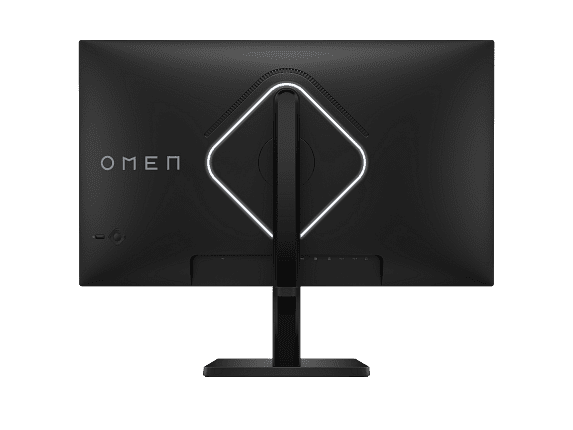
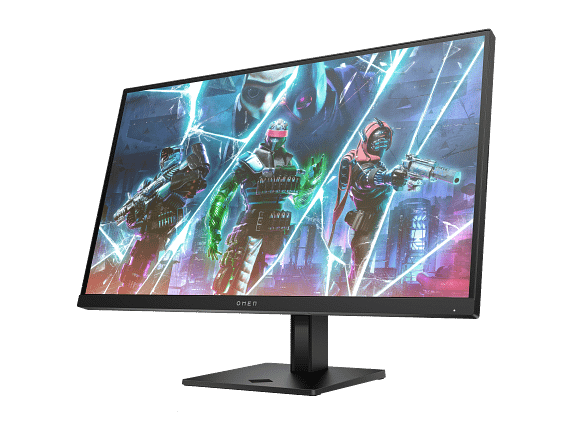
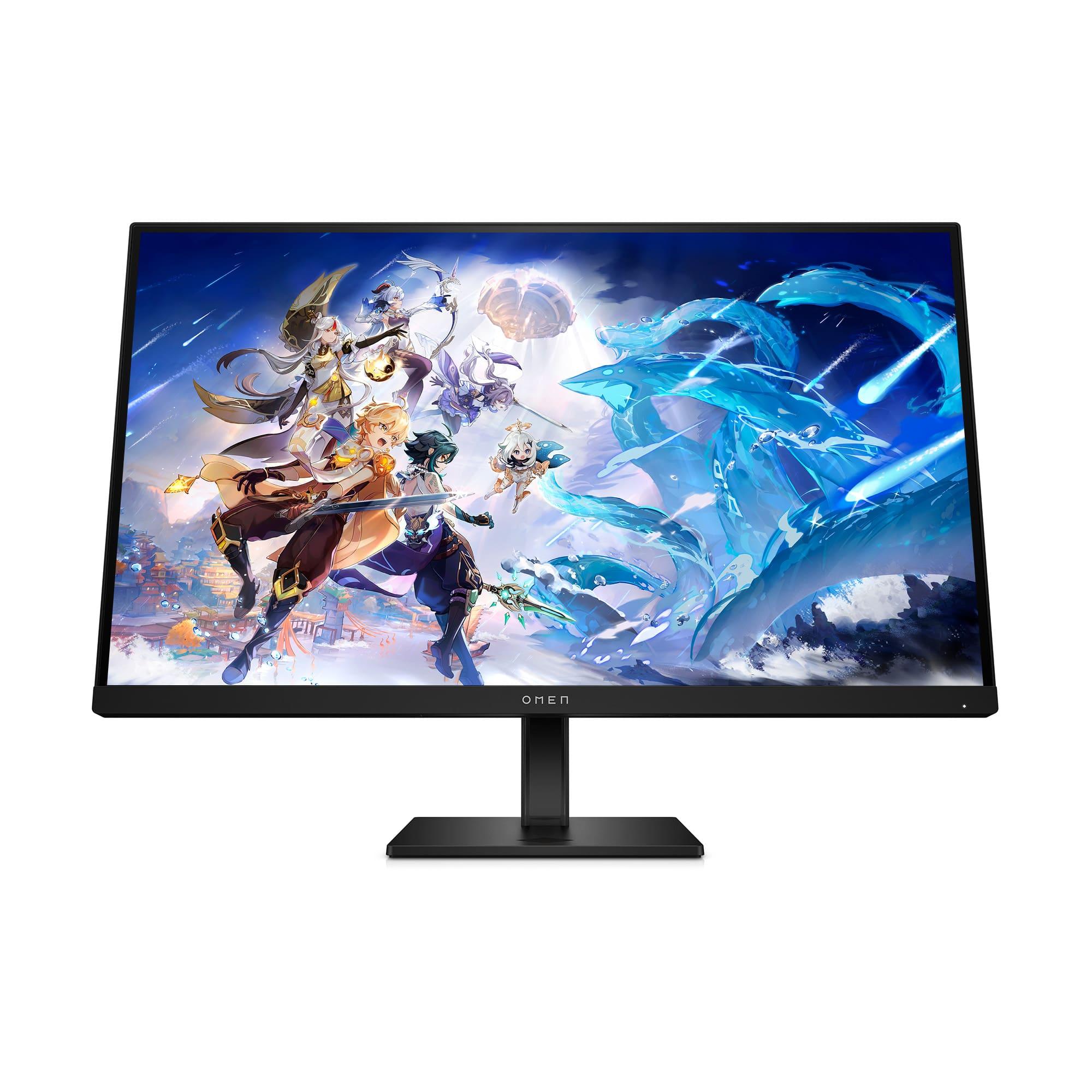
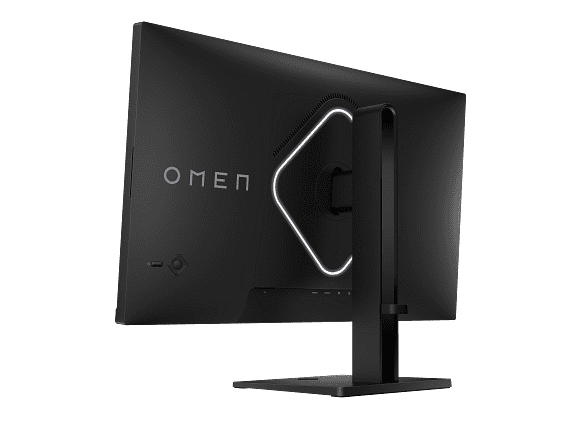
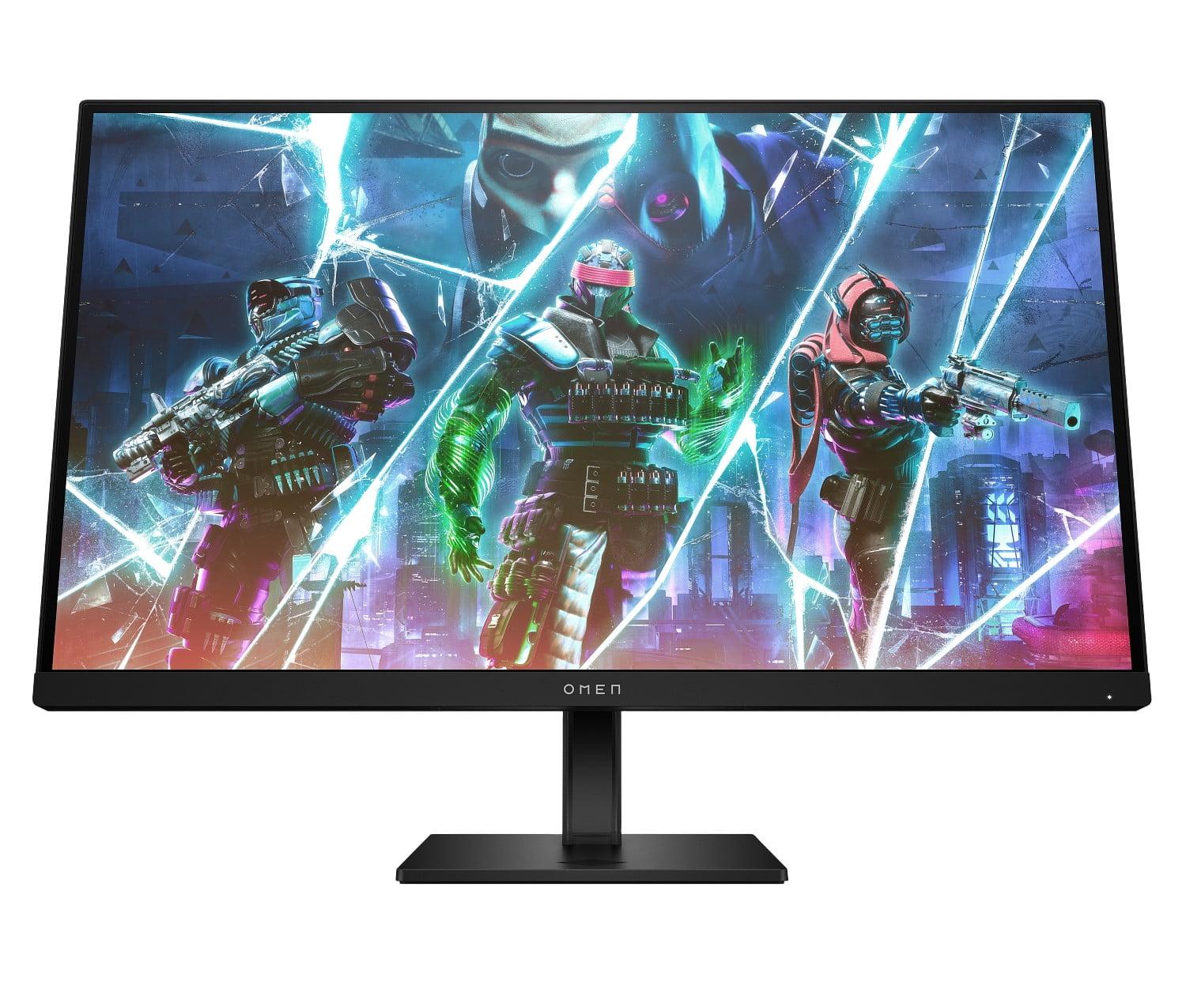

When you're shopping for a gaming monitor, you'll quickly discover that the market forces you to make a fundamental choice: do you want the sharpest possible image, or the smoothest possible motion? This trade-off sits at the heart of comparing the Alienware 27 QHD 180Hz Gaming Monitor and the HP OMEN 27s FHD 240Hz Gaming Monitor, two excellent displays that take completely different approaches to gaming performance.
Both monitors launched in 2023, representing the current generation of gaming display technology. Since their release, we've seen GPU performance continue to improve, making higher refresh rates more accessible while also enabling better performance at higher resolutions. This timing makes both monitors particularly relevant as we evaluate what works best for different types of gamers today.
Before diving into the specifics, let's establish what makes a gaming monitor different from a regular display. Gaming monitors prioritize three key characteristics: refresh rate (how many times per second the screen updates), response time (how quickly pixels can change color), and input lag (the delay between your controller input and the screen showing the result).
Refresh rate is measured in Hertz (Hz) and represents how many frames your monitor can display each second. A 60Hz monitor shows 60 frames per second, while a 240Hz monitor can show 240 frames per second. Higher refresh rates create smoother motion, especially noticeable in fast-paced games where objects move quickly across the screen.
Response time, measured in milliseconds (ms), indicates how quickly a pixel can transition from one color to another. Lower response times reduce "ghosting" – that blurry trail you sometimes see behind fast-moving objects. Most modern gaming monitors achieve 1-4ms response times.
The Alienware monitor and HP OMEN both excel in these areas but make different compromises. The Alienware offers 180Hz with QHD (2560×1440) resolution, while the HP pushes to 240Hz but uses FHD (1920×1080) resolution. This difference fundamentally shapes their performance characteristics and ideal use cases.
Resolution determines how sharp and detailed your games will look. The Alienware 27 QHD monitor uses a 2560×1440 resolution, which contains 3.7 million pixels. The HP OMEN 27s uses 1920×1080 resolution with 2.1 million pixels. That's a 78% difference in pixel count, which translates directly to visual clarity.
At 27 inches, this resolution difference is immediately noticeable. The Alienware delivers 109 pixels per inch (PPI) compared to the HP's 82 PPI. In practical terms, text appears sharper, game environments show more detail, and you can see enemies at greater distances in competitive games. If you've ever compared a high-resolution smartphone screen to an older, lower-resolution model, you'll understand the visual impact.
However, more pixels come with a performance cost. Your graphics card must work significantly harder to render QHD compared to FHD. A GPU that easily maintains 240 frames per second at 1080p might struggle to reach 180 fps at 1440p in demanding games. This creates the core tension between these two monitors: visual quality versus performance headroom.
For productivity tasks beyond gaming, the Alienware's higher resolution provides substantial benefits. Text appears crisp and clear, making it excellent for reading, coding, or content creation. You can fit more windows on screen comfortably, improving multitasking efficiency. The HP's lower resolution, while perfectly adequate for gaming, feels less refined for non-gaming applications on a 27-inch screen.
The HP OMEN 27s pushes refresh rates to 240Hz, while the Alienware reaches 180Hz. Both figures represent exceptional performance compared to standard 60Hz displays, but the difference between them is meaningful for certain types of gaming.
At 240Hz, the HP updates the screen every 4.17 milliseconds. The Alienware's 180Hz means screen updates every 5.56 milliseconds. That 1.39ms difference might seem tiny, but it translates to tangible advantages in competitive gaming scenarios. Fast-paced shooters like Counter-Strike, Valorant, and Overwatch benefit significantly from higher refresh rates, as they help track moving targets more precisely and reduce the perceived delay between input and visual feedback.
The smoothness advantage of 240Hz becomes most apparent during rapid mouse movements and when tracking fast-moving objects. Professional esports players often cite this as crucial for maintaining accuracy during intense firefights. However, these benefits diminish in slower-paced games where the difference between 180Hz and 240Hz becomes much less noticeable.
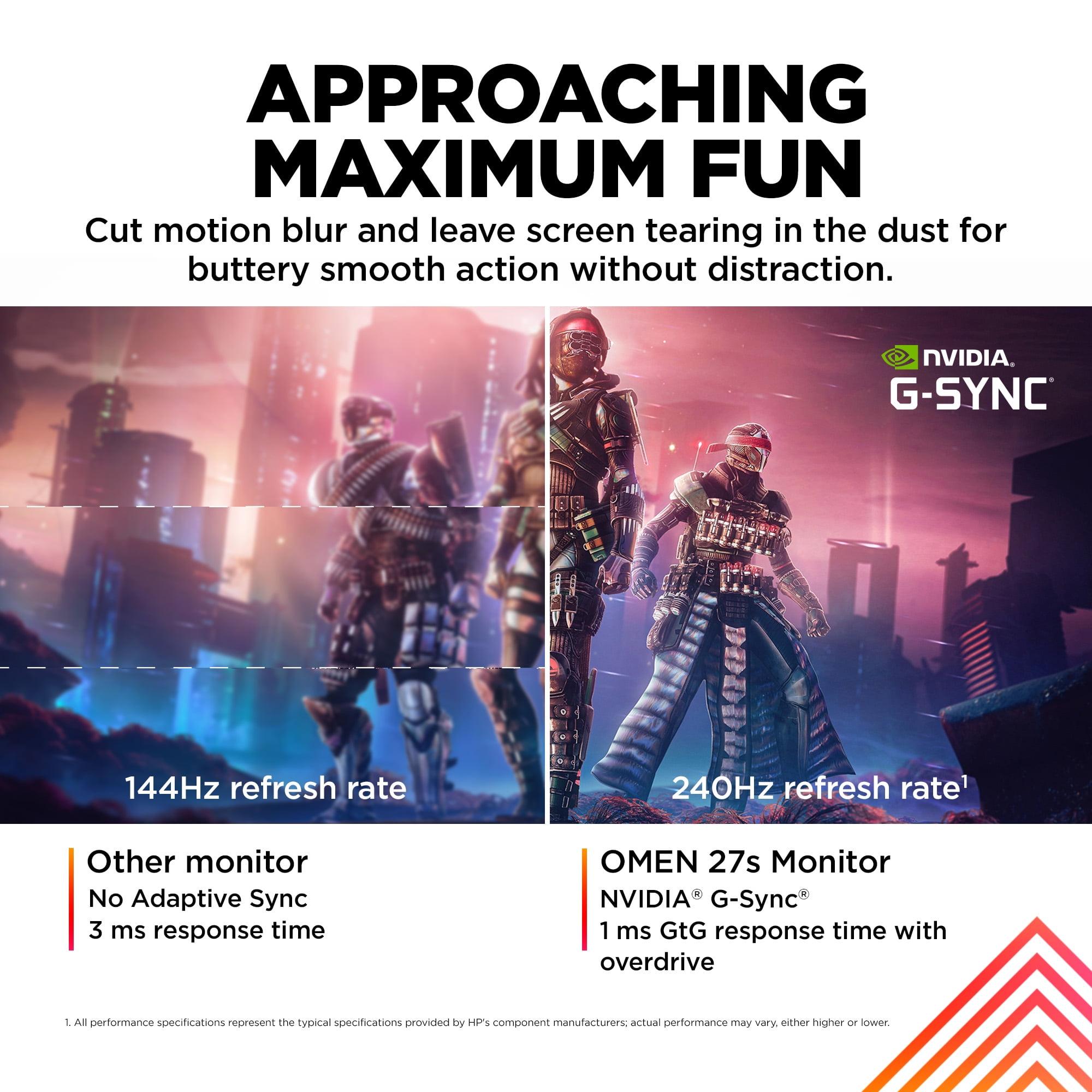
Both monitors support variable refresh rate technologies including NVIDIA G-SYNC compatibility and AMD FreeSync. These technologies synchronize your monitor's refresh rate with your graphics card's output, eliminating screen tearing (when parts of different frames appear simultaneously) and reducing stuttering when frame rates fluctuate.
Both monitors use IPS (In-Plane Switching) panel technology, which provides several advantages over alternatives like TN (Twisted Nematic) panels. IPS panels offer wider viewing angles – you can look at the screen from the side without colors shifting dramatically. They also typically produce more accurate colors and better contrast ratios.
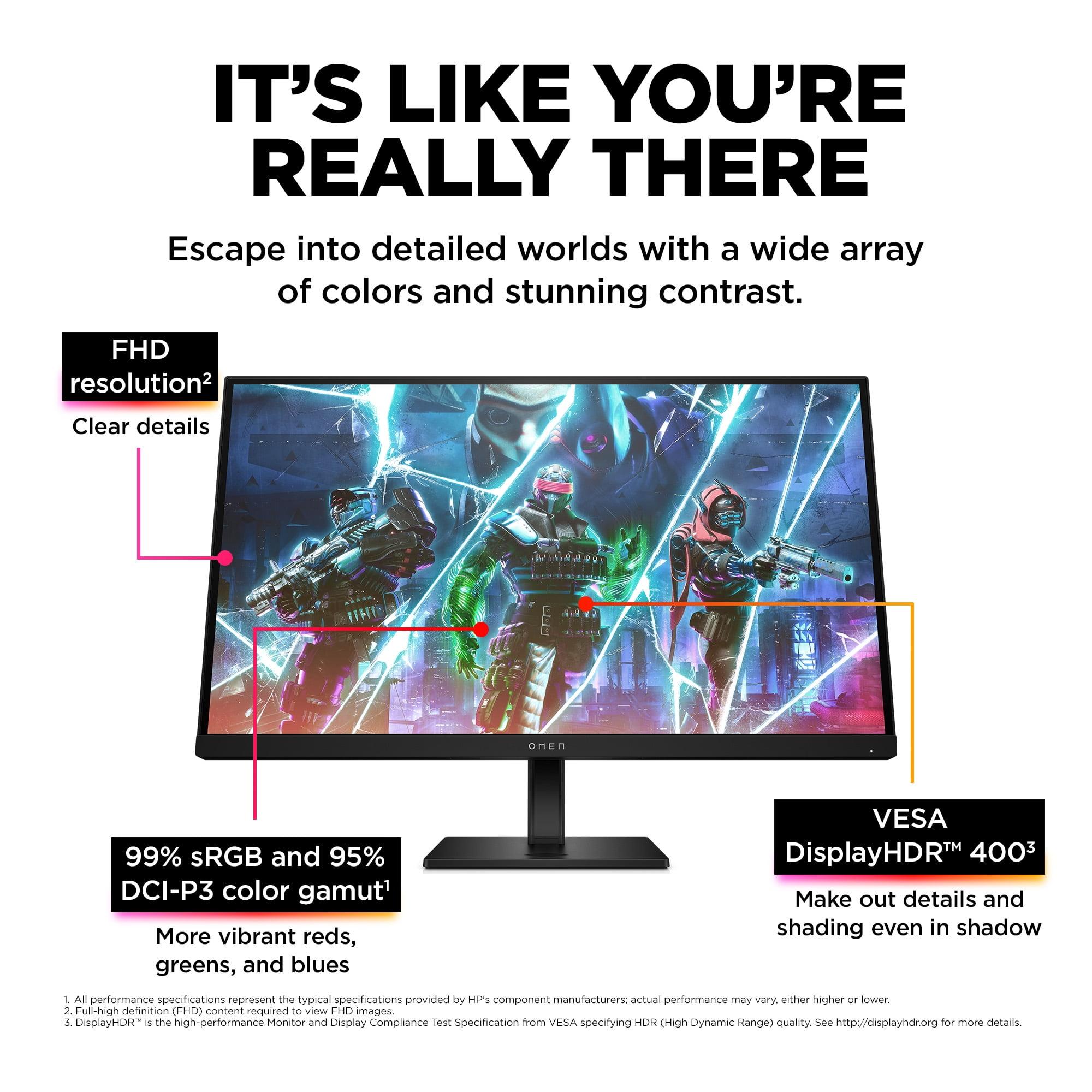
The Alienware monitor covers 95% of the DCI-P3 color space and up to 99% of sRGB, while the HP OMEN achieves 99% sRGB and 95% DCI-P3 coverage. These specifications are essentially equivalent, meaning both monitors can display vibrant, accurate colors suitable for both gaming and content creation.
Color gamut refers to the range of colors a display can reproduce. sRGB is the standard color space for web content and most games, while DCI-P3 is a wider color space used in digital cinema and increasingly in gaming content. Having good coverage of both ensures you'll see colors as developers intended.
Both monitors are VESA DisplayHDR 400 certified, supporting High Dynamic Range content with peak brightness of 400 nits. HDR enhances the contrast between the brightest and darkest parts of an image, making highlights more brilliant and shadows more detailed. However, DisplayHDR 400 represents entry-level HDR performance – noticeable but not dramatically different from standard content. True HDR impact requires higher brightness levels and better contrast ratios found in more expensive displays.
Response time performance separates good gaming monitors from great ones. Both monitors achieve 1ms gray-to-gray (GtG) response times using overdrive technology, which applies extra voltage to speed up pixel transitions. However, they implement this differently.
The Alienware monitor offers multiple response time modes: 4ms (Fast) for optimal image quality with minimal artifacts, 2ms (Super Fast) for balanced performance, and 1ms (Extreme) for maximum speed with potential slight overshoot artifacts. This flexibility lets you optimize performance for different game types.
The HP OMEN focuses on achieving consistent 1ms performance and includes VESA ClearMR 6000 certification, which measures motion blur reduction effectiveness. This certification indicates superior motion clarity during fast-paced scenes, particularly beneficial for competitive gaming.
In our research of user experiences and professional reviews, both monitors deliver excellent motion performance with minimal ghosting or trailing. The HP's higher refresh rate provides a slight edge in perceived motion smoothness, while the Alienware's multiple response time options offer more customization flexibility.
Modern gaming monitors must accommodate various devices, and both monitors provide comprehensive connectivity options, though with important differences.
The Alienware monitor includes two HDMI 2.1 ports and one DisplayPort 1.4 connection. HDMI 2.1 is significant because it supports higher bandwidth, enabling features like Variable Refresh Rate (VRR) with gaming consoles. PlayStation 5 and Xbox Series X/S can take advantage of these features for smoother gaming experiences. The HDMI 2.1 ports also support the monitor's full QHD resolution at high refresh rates.
The HP OMEN provides two HDMI 2.0 ports and one DisplayPort 1.4 connection. While HDMI 2.0 has sufficient bandwidth for the monitor's FHD resolution at 240Hz, it lacks some of the advanced features available with HDMI 2.1. For PC gaming, this difference is minimal, but console gamers might notice limitations in VRR support and future feature compatibility.
Both monitors include USB hubs for connecting peripherals, though the HP OMEN adds integrated 3-watt stereo speakers. While these speakers won't replace a dedicated audio setup, they provide convenience for casual use and eliminate cable clutter for users who don't want external speakers.
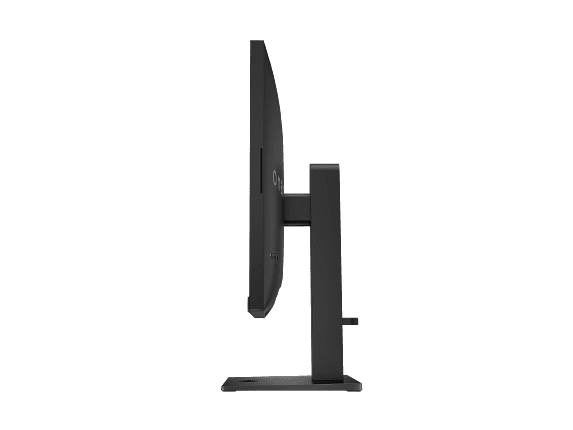
Premium gaming monitors should offer excellent adjustability and build quality for long-term comfort and durability. Both monitors provide comprehensive ergonomic adjustments including height, tilt, swivel, and pivot capabilities, plus VESA 100×100mm mounting compatibility for monitor arms.
The Alienware monitor demonstrates superior build quality with premium materials and construction. It includes a three-year warranty compared to the HP's one-year coverage, suggesting greater manufacturer confidence in long-term reliability. The stand design prioritizes both aesthetics and functionality, with effective cable management solutions.
The HP OMEN incorporates 85% post-consumer recycled plastics in its construction, appealing to environmentally conscious buyers. While the build quality is solid, it doesn't quite match the premium feel of the Alienware. However, the HP offers superior cable management solutions and a more refined overall design aesthetic.
Real-world gaming performance varies significantly between these monitors depending on your game preferences and hardware setup.
For competitive esports titles like Counter-Strike 2, Valorant, and Rocket League, the HP OMEN's 240Hz refresh rate provides a meaningful competitive advantage. The ultra-smooth motion helps track opponents more accurately, and the lower resolution ensures high frame rates with mid-range graphics cards. Professional players often prefer this setup because maintaining consistently high frame rates matters more than visual fidelity in competitive scenarios.
For immersive single-player games like Cyberpunk 2077, The Witcher 3, or Red Dead Redemption 2, the Alienware monitor's QHD resolution significantly enhances the visual experience. Environmental details appear sharper, text is more legible, and the overall image quality feels more premium. The 180Hz refresh rate still provides excellent smoothness for these games, where the difference between 180Hz and 240Hz becomes largely imperceptible.
Console gaming favors the Alienware monitor due to its HDMI 2.1 support and QHD resolution. Modern consoles often target 1440p output, making the Alienware's native resolution ideal for games that support it. The variable refresh rate support also works better with console hardware.
Monitor pricing fluctuates regularly, but at the time of writing, both monitors occupy different value positions. The Alienware monitor typically offers exceptional value when considering its QHD resolution, premium build quality, and future-proof connectivity features. The higher resolution alone provides significant long-term value as games continue to demand more detailed visuals.
The HP OMEN represents strong value for competitive gamers who prioritize refresh rate above all else. Its lower resolution reduces graphics card requirements, potentially extending the useful life of existing hardware. The integrated speakers also add convenience value for users who don't want separate audio equipment.
When evaluating long-term value, consider that QHD resolution is becoming increasingly standard for gaming, while FHD may feel dated sooner. However, if you primarily play competitive games where frame rates matter more than visual fidelity, the HP's approach remains valid for several more years.
While primarily designed for gaming, both monitors can serve in home theater setups with important limitations. The 27-inch screen size works well for desktop viewing but feels small for traditional living room entertainment from typical viewing distances.
The Alienware monitor's QHD resolution provides better detail for movie and streaming content, while its HDMI 2.1 ports support the latest console features. The superior build quality and more premium aesthetic also fit better in living spaces designed for entertainment.
Both monitors' IPS panels provide good viewing angles for small groups, though the colors and contrast don't match dedicated TV technologies like OLED or high-end LED displays. The 400-nit brightness is adequate for normal lighting conditions but may struggle in very bright rooms.
Choose the Alienware 27 QHD 180Hz Gaming Monitor if you want the best overall gaming experience with excellent visual quality. It's ideal for gamers who play a variety of titles, use their computer for productivity tasks, or own modern gaming consoles. The higher resolution provides lasting value, and the premium build quality suggests years of reliable performance. This monitor works especially well if you have a powerful graphics card that can take advantage of QHD gaming.
Choose the HP OMEN 27s FHD 240Hz Gaming Monitor if competitive gaming performance is your primary concern. It's perfect for esports enthusiasts who play fast-paced multiplayer games where every millisecond matters. The 240Hz refresh rate provides a genuine competitive advantage, and the lower resolution ensures high frame rates even with mid-range graphics hardware. The integrated speakers add convenience for streamlined setups.
The fundamental question remains: do you value the sharpest possible image quality or the smoothest possible motion? Both monitors excel in their respective strengths, and your gaming preferences should guide your choice. For most users seeking a single monitor for varied use, the Alienware's balanced approach and superior resolution provide better long-term satisfaction. For dedicated competitive gamers, the HP's ultra-high refresh rate delivers the performance edge that can improve gameplay outcomes.
| Alienware 27 QHD 180Hz Gaming Monitor | HP OMEN 27s FHD 240Hz Gaming Monitor |
|---|---|
| Resolution - Determines image sharpness and detail level | |
| 2560×1440 (QHD) - 78% more pixels for sharper visuals | 1920×1080 (FHD) - Lower GPU requirements for higher frame rates |
| Refresh Rate - Critical for competitive gaming smoothness | |
| 180Hz - Excellent for most gaming scenarios | 240Hz - Maximum competitive advantage in esports |
| Panel Type - Affects color accuracy and viewing angles | |
| Fast IPS - Wide viewing angles with vibrant colors | IPS - Consistent colors and wide viewing angles |
| Response Time - Reduces motion blur and ghosting | |
| 1ms/2ms/4ms selectable - Customizable for different game types | 1ms GtG with overdrive - Consistent fast performance |
| Adaptive Sync - Eliminates screen tearing | |
| G-SYNC Compatible, FreeSync, VESA AdaptiveSync | G-SYNC Compatible, FreeSync Premium, VESA AdaptiveSync |
| HDR Support - Enhanced contrast and brightness | |
| VESA DisplayHDR 400 - Entry-level HDR experience | VESA DisplayHDR 400 - Entry-level HDR experience |
| Color Gamut - Range of displayable colors | |
| 95% DCI-P3, 99% sRGB - Excellent color accuracy | 99% sRGB, 95% DCI-P3 - Excellent color accuracy |
| Connectivity - Future-proofing and device compatibility | |
| 2× HDMI 2.1, 1× DisplayPort 1.4 - Console-ready with VRR | 2× HDMI 2.0, 1× DisplayPort 1.4 - Standard PC connectivity |
| Built-in Audio - Convenience feature | |
| No speakers - Focus on display performance | Dual 3W speakers - Integrated audio solution |
| Ergonomics - Comfort and adjustability | |
| Full adjustment (height/tilt/swivel/pivot) - Premium stand | Full adjustment (height/tilt/swivel/pivot) - Solid build |
| Warranty Coverage - Long-term reliability assurance | |
| 3-year warranty - Premium support coverage | 1-year warranty - Standard manufacturer coverage |
| Best Use Case - Target audience and scenarios | |
| Mixed gaming + productivity, console compatibility | Competitive esports, maximum refresh rate priority |
The HP OMEN 27s FHD 240Hz Gaming Monitor is superior for competitive gaming due to its 240Hz refresh rate, which provides smoother motion tracking and faster visual updates compared to the Alienware 27 QHD 180Hz Gaming Monitor. The higher refresh rate gives competitive players a tangible advantage in fast-paced games like Counter-Strike and Valorant.
QHD (2560×1440) on the Alienware monitor offers 78% more pixels than FHD (1920×1080) on the HP OMEN, resulting in sharper text, more detailed game visuals, and better overall image clarity. However, QHD requires more powerful graphics cards to maintain high frame rates.
Both the Alienware 27 QHD 180Hz Gaming Monitor and HP OMEN 27s offer excellent color accuracy with 99% sRGB and 95% DCI-P3 coverage. Color performance is essentially equivalent between these IPS panel monitors, making this a tie in terms of color reproduction quality.
Yes, both the Alienware monitor and HP OMEN monitor are NVIDIA G-SYNC Compatible and support AMD FreeSync technologies. This ensures tear-free gaming regardless of whether you use NVIDIA or AMD graphics cards.
The Alienware 27 QHD 180Hz Gaming Monitor is better for console gaming because it features HDMI 2.1 ports that support Variable Refresh Rate (VRR) with PlayStation 5 and Xbox Series X/S. The QHD resolution also better matches modern console output capabilities compared to the HP OMEN's HDMI 2.0 connectivity.
Both monitors achieve 1ms response times, but the Alienware monitor offers selectable response time modes (1ms, 2ms, 4ms) for different gaming scenarios, while the HP OMEN focuses on consistent 1ms performance with VESA ClearMR 6000 certification for superior motion clarity.
The Alienware 27 QHD 180Hz Gaming Monitor is significantly better for productivity due to its higher 1440p resolution, which provides sharper text, more screen real estate, and better detail for work applications. The HP OMEN at 1080p feels less crisp for extended text-based work on a 27-inch screen.
Only the HP OMEN 27s includes integrated dual 3W speakers, while the Alienware monitor focuses purely on display performance without built-in audio. The HP's speakers provide basic audio convenience but aren't a replacement for dedicated gaming headphones or speakers.
The Alienware 27 QHD 180Hz Gaming Monitor typically offers better long-term value due to its higher resolution, premium build quality, HDMI 2.1 future-proofing, and 3-year warranty. The QHD resolution will remain relevant longer as games continue to improve visually.
For the HP OMEN 27s at 1080p 240Hz, a mid-range GPU like RTX 4060 or RX 7600 XT works well. The Alienware monitor at 1440p 180Hz requires more powerful hardware like RTX 4070 or RX 7700 XT for demanding games at high settings.
The Alienware 27 QHD 180Hz Gaming Monitor offers superior build quality with premium materials, better cable management, and a 3-year warranty compared to the HP OMEN's 1-year warranty. However, the HP monitor uses 85% recycled materials for environmental sustainability.
Both monitors work for movie watching, but the Alienware monitor provides a better experience due to its higher 1440p resolution and HDMI 2.1 connectivity for modern devices. However, at 27 inches, both are better suited for desk viewing rather than traditional home theater setups where larger displays are preferred.
We've done our best to create useful and informative comparisons to help you decide what product to buy. Our research uses advanced automated methods to create this comparison and perfection is not possible - please contact us for corrections or questions. These are the sites we've researched in the creation of this article: bestbuy.com - bestbuy.com - youtube.com - dell.com - tweaktown.com - dell.com - rtings.com - manuals.plus - tomshardware.com - displayspecifications.com - youtube.com - youtube.com - displayspecifications.com - dell.com - dellstore.com - ebay.com - bestbuy.com - hp.com - shi.com - hp.com - bestbuy.com - hp.com - tomshardware.com - hp.com - rtings.com - hp.com - displayspecifications.com - support.hp.com - publicsector.shidirect.com - objects.icecat.biz - files.bbystatic.com - hp.com - displayspecifications.com

Privacy Policy
Terms and Conditions - Affiliate Policy
Home Security
© Copyright 2008-2026.
11816 Inwood Rd #1211, Dallas, TX 75244