














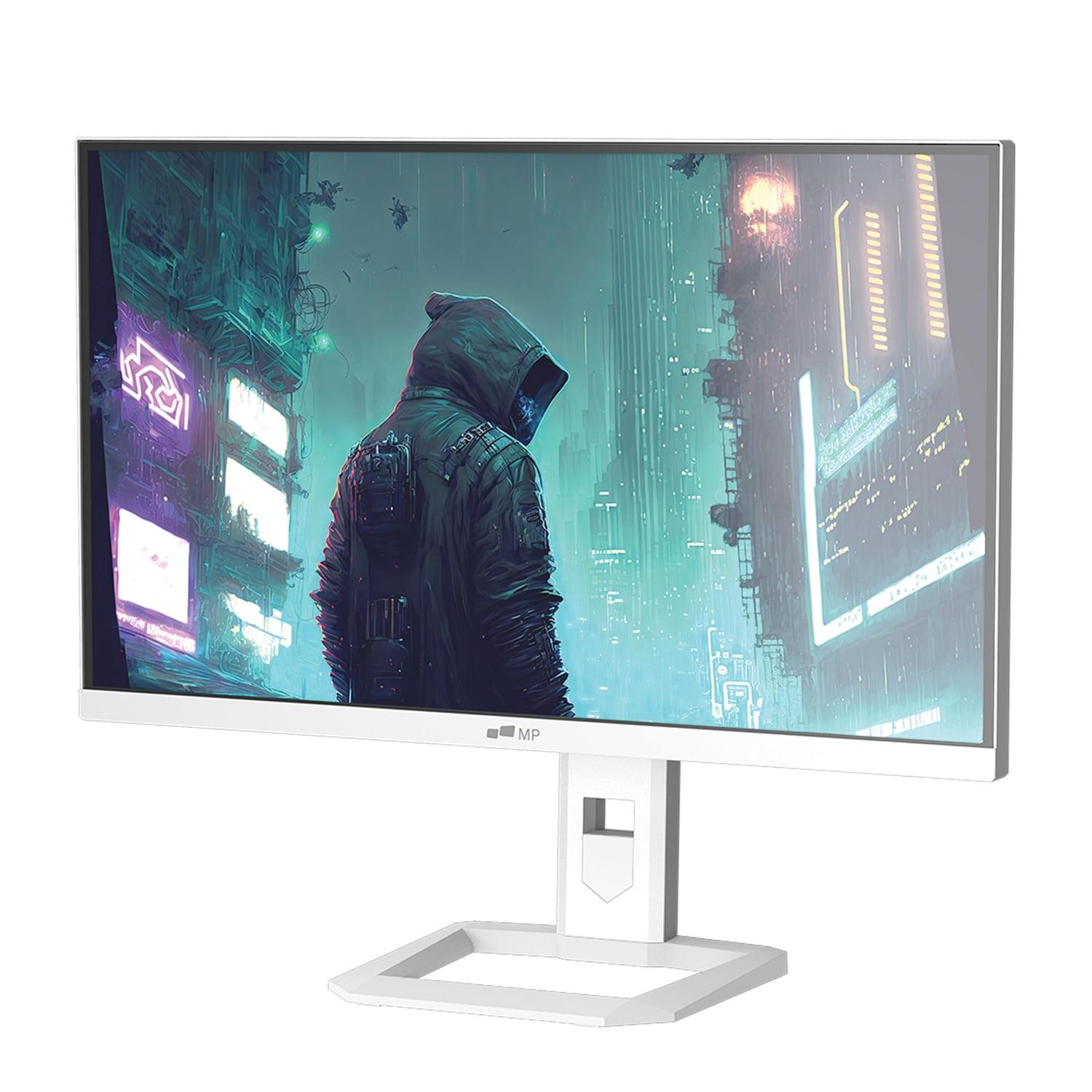
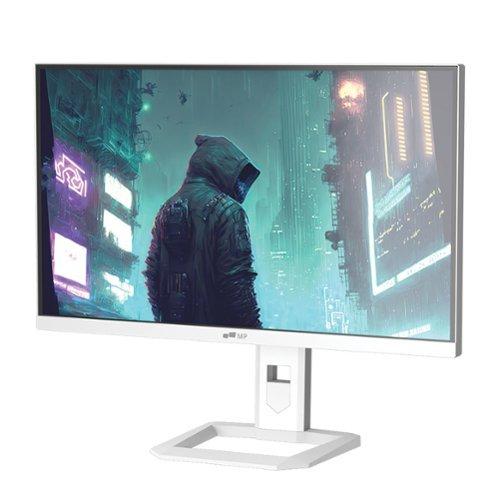
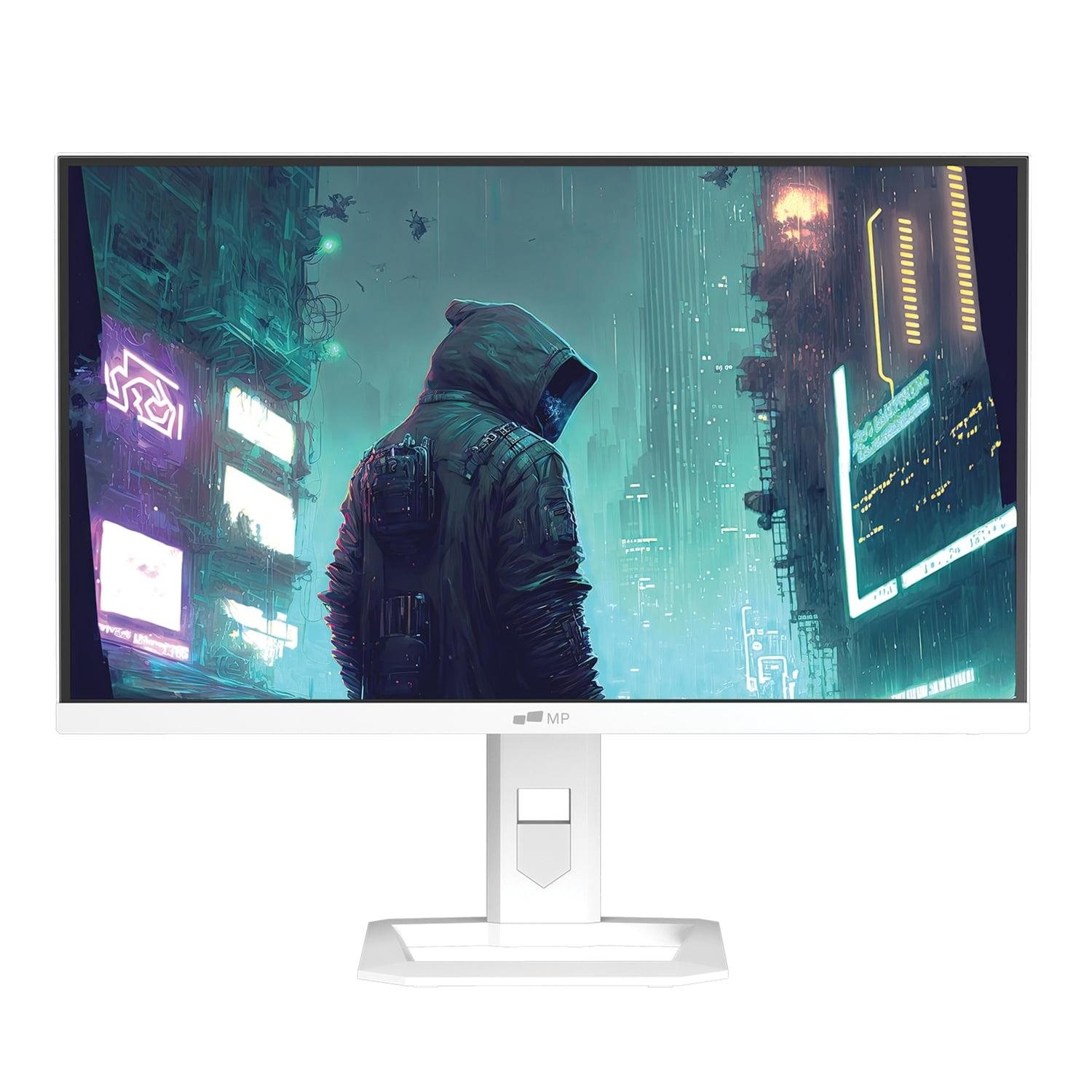
When you're hunting for a new gaming monitor, the sheer number of options can feel overwhelming. Two monitors that consistently pop up in discussions are the Alienware 27 QHD 180Hz Gaming Monitor and the Mobile Pixels 27" WQHD Mini-LED Gaming Monitor. While both target serious gamers with 27-inch QHD displays and lightning-fast 180Hz refresh rates, they represent fundamentally different approaches to achieving premium gaming performance.
The gaming monitor landscape has evolved dramatically over the past few years. Just five years ago, finding a 144Hz monitor under $300 was nearly impossible. Now we're seeing 180Hz displays with advanced features at surprisingly accessible price points. The Alienware monitor launched in 2024 as part of Dell's push to make high-refresh gaming more affordable, while the Mobile Pixels Mini-LED display represents the newer wave of Mini-LED technology that's been trickling down from premium TVs into gaming monitors.
Before diving into specifics, it's worth understanding what makes these monitors tick. Both use different panel technologies that fundamentally change how they display images. The Alienware AW2725DM employs Fast IPS (In-Plane Switching) technology, which has been the gold standard for color accuracy and viewing angles for years. IPS panels work by rotating liquid crystal molecules in a consistent plane, which allows light to pass through more uniformly than older TN (Twisted Nematic) panels.
The Mobile Pixels monitor, however, takes a completely different approach with Mini-LED backlighting. Instead of using a few dozen LED zones like traditional monitors, Mini-LED employs hundreds or thousands of tiny LEDs behind the LCD panel. This allows for much more precise control over brightness and darkness across different areas of the screen—a technique called local dimming. Think of it like having hundreds of tiny flashlights that can independently brighten or dim based on what's being displayed.
Both monitors share the same 2560 x 1440 resolution, often called QHD or 1440p. This resolution hits a sweet spot for gaming—it's about 78% more detailed than 1080p but doesn't hammer your graphics card as hard as 4K does. At 27 inches, this resolution delivers crisp text and detailed game visuals without requiring a mortgage-sized graphics card budget.
For gaming, motion performance is absolutely critical. Nothing ruins the competitive edge like stuttery movement or ghosting trails following fast-moving objects. Both monitors promise 180Hz refresh rates, meaning they can display up to 180 unique frames per second. To put this in perspective, most TVs and basic monitors are stuck at 60Hz, so you're getting three times the motion fluidity.
The Alienware monitor offers something particularly clever with its response time settings. Response time measures how quickly pixels can change from one color to another, typically measured in milliseconds. The Alienware gives you choices: 4ms for the best image quality with minimal artifacts, 2ms for balanced performance, or 1ms for maximum competitive gaming speed. This flexibility is genuinely useful because the fastest setting often introduces some visual compromises like slight overshoot (where pixels briefly go past their target color before settling).
The Mobile Pixels display takes a different approach, maintaining a consistent 1ms response time across all usage scenarios. While this sounds strictly better, the reality is more nuanced. Achieving 1ms consistently often requires more aggressive pixel overdrive, which can introduce artifacts in certain scenarios. However, for pure competitive gaming where every millisecond counts, this approach has merit.
Both monitors support adaptive sync technology, which is crucial for smooth gaming. When your graphics card's frame output doesn't match your monitor's refresh rate, you get screen tearing—ugly horizontal lines that appear when the display shows parts of different frames simultaneously. The Alienware monitor supports both AMD FreeSync and NVIDIA G-SYNC Compatible certification, plus VESA AdaptiveSync, giving it broad compatibility across different graphics cards.
Here's where the fundamental technology differences become crucial. The Alienware AW2725DM delivers what you'd expect from a quality IPS panel: vibrant colors covering 95% of the DCI-P3 color gamut (the standard used for digital cinema) and up to 99% of sRGB (the standard for computer displays). The colors look natural and consistent whether you're gaming, watching movies, or doing creative work.
However, brightness is where the Mobile Pixels Mini-LED monitor absolutely dominates. While the Alienware display peaks around 600 nits with DisplayHDR 400 certification, the Mobile Pixels reaches a blazing 1000 nits with full HDR1000 certification. To put this in context, a typical indoor room is around 100-200 nits, while bright sunlight can exceed 100,000 nits. That extra brightness headroom makes HDR content genuinely impressive rather than just a marketing checkbox.
The contrast story is equally dramatic. The Alienware monitor delivers the typical 1000:1 contrast ratio you'd expect from an IPS panel. This means the brightest white is 1000 times brighter than the darkest black the panel can produce. The Mobile Pixels display claims a 1,000,000:1 dynamic contrast ratio through its Mini-LED local dimming. While these numbers are often inflated, the real-world difference is significant—dark scenes in games look genuinely dark rather than grayish, and bright highlights can really pop.
For HDR gaming specifically, this brightness difference is game-changing. HDR (High Dynamic Range) aims to reproduce the full range of brightness our eyes can perceive, but many monitors claiming HDR support are too dim to do it justice. The Mobile Pixels monitor has enough brightness to make HDR content look genuinely different from standard dynamic range, while the Alienware display provides a more subtle HDR experience that's still enjoyable but less dramatic.
When it comes to actual gaming performance, both monitors excel but in different ways. The 180Hz refresh rate on both displays transforms competitive gaming. In fast-paced shooters like Counter-Strike 2 or Valorant, the difference between 60Hz and 180Hz is immediately noticeable—movement appears more fluid, tracking targets becomes easier, and input lag decreases noticeably.
The Alienware monitor's selectable response time modes prove surprisingly useful in practice. For competitive esports, the 1ms extreme mode delivers maximum responsiveness. But for single-player games where image quality matters more than split-second reactions, the 4ms fast mode provides cleaner image quality with less overshoot and fewer artifacts. This flexibility is something I genuinely appreciate, as it lets you optimize for different gaming scenarios.
The Mobile Pixels display shines in visually stunning games where HDR can show its benefits. Games like Cyberpunk 2077, Horizon Zero Dawn, or recent racing simulators look genuinely more immersive with proper HDR implementation. The bright highlights from explosions, car headlights, or sunlight feel more realistic, while dark areas maintain detail instead of becoming murky messes.
For competitive gaming, both monitors perform excellently, but the Alienware display might have a slight edge due to its broader adaptive sync compatibility and proven track record in esports environments. The Mobile Pixels monitor excels more in cinematic, story-driven games where visual impact trumps absolute speed.
While primarily gaming monitors, both displays have merit in home theater setups, though with important caveats. Neither includes built-in speakers, so you'll need external audio solutions. The Mobile Pixels monitor makes a stronger case for home theater use thanks to its significantly higher brightness and superior HDR performance.
The 1000-nit peak brightness of the Mobile Pixels display means it can handle ambient light much better than the Alienware monitor. If you're gaming or watching movies in a bright living room, the extra brightness becomes genuinely valuable. The superior contrast from Mini-LED local dimming also enhances movie watching, making dark scenes more atmospheric and bright scenes more impactful.
However, both monitors lack some features you'd want in a dedicated home theater setup. Neither has extensive smart TV functionality, though they connect easily to streaming devices, gaming consoles, and computers. The Mobile Pixels monitor includes ambient light sensing that automatically adjusts brightness based on room lighting, which is genuinely convenient for extended viewing sessions.
The physical design and adjustability of your monitor matters more than many people realize, especially for extended gaming sessions. The Alienware AW2725DM excels here with comprehensive ergonomic adjustments. You can adjust height up to 110mm, tilt from -5° to 21°, swivel ±20°, and even pivot to portrait orientation. This flexibility is crucial for finding comfortable viewing angles that reduce neck and eye strain during marathon gaming sessions.
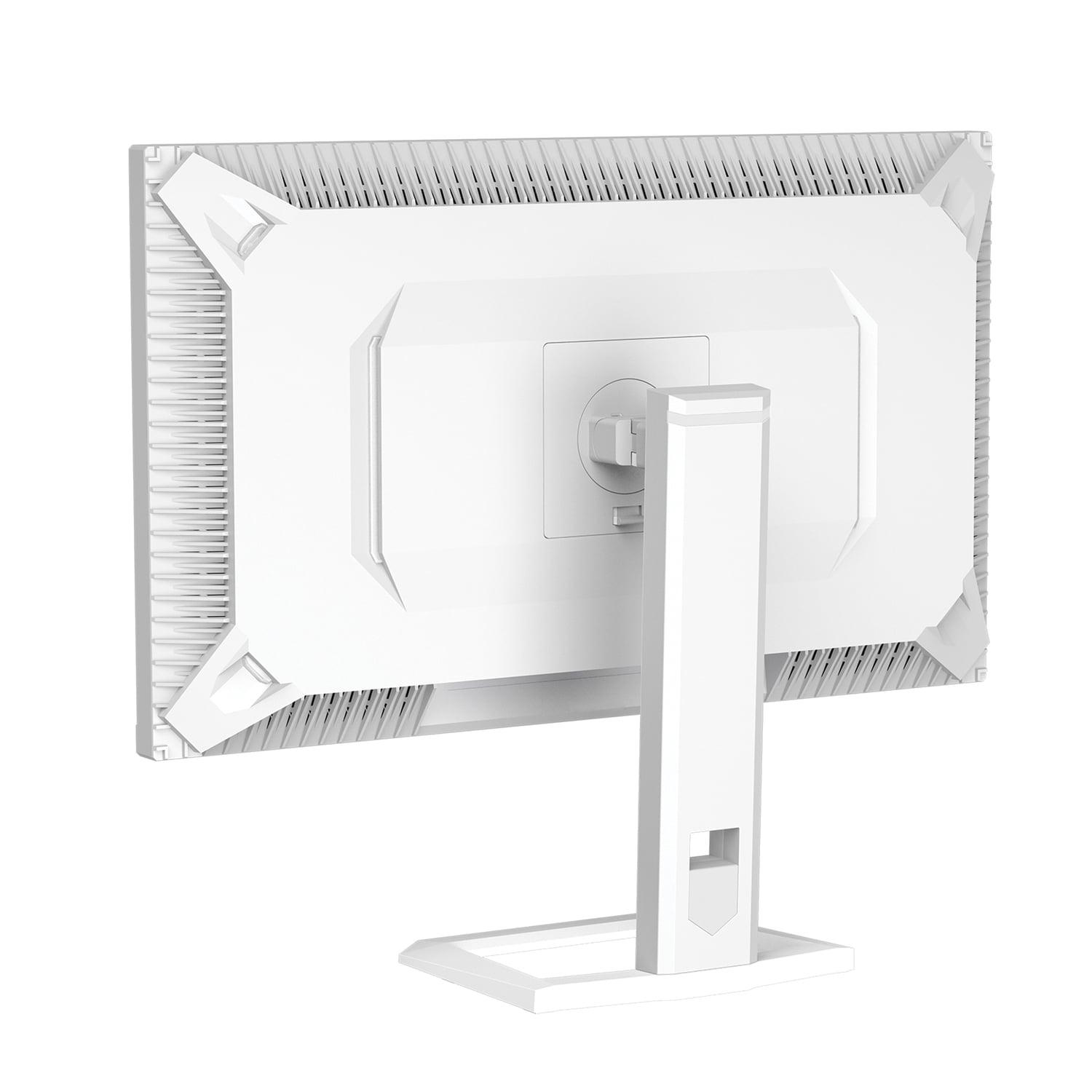
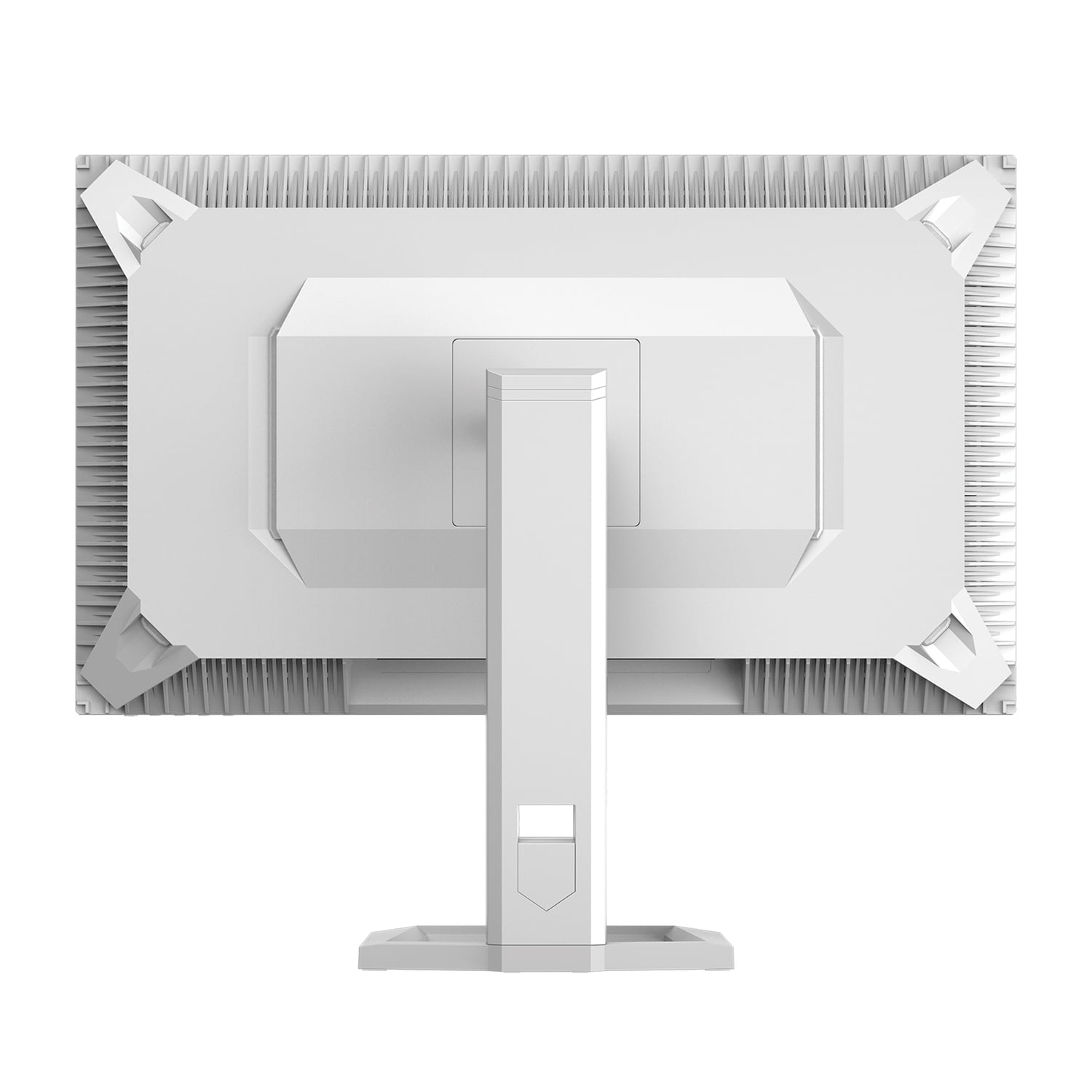
The Mobile Pixels monitor offers more limited adjustability, focusing primarily on tilt and swivel with portrait mode capability. While it supports VESA mounting like the Alienware, the lack of height adjustment in the included stand could be problematic depending on your desk setup.
Both monitors feature relatively slim bezels that look modern and minimize distractions, but the Alienware display has slightly thinner borders that work better in multi-monitor setups. The build quality of both feels solid, though the Alienware's stand feels more robust and stable during adjustment.
Modern gaming setups require flexible connectivity, and both monitors deliver adequately but differently. The Alienware monitor provides two HDMI 2.1 ports, one DisplayPort 1.4, and includes a USB hub with downstream ports for connecting peripherals. This USB hub functionality is genuinely useful for keeping your desk organized and connecting devices like wireless headset dongles or RGB controllers.
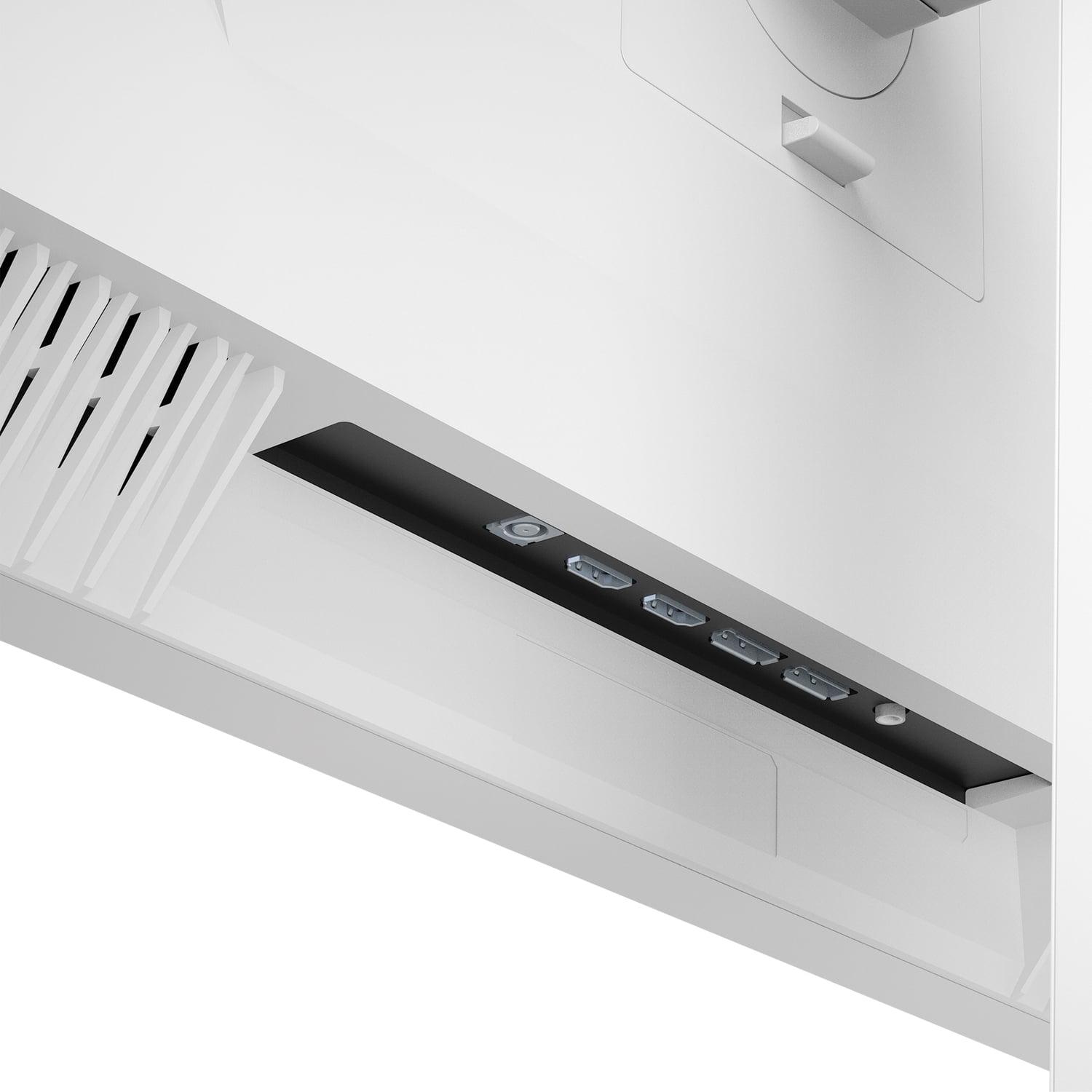
The Mobile Pixels display takes a different approach with two HDMI 2.1 ports and two DisplayPort 1.4 inputs—more video inputs but no USB hub. This could be better or worse depending on your setup needs.
Both monitors support the latest gaming consoles through their HDMI 2.1 ports, though you'll be limited to 144Hz on HDMI versus the full 180Hz available through DisplayPort. This limitation is common across most monitors and shouldn't significantly impact console gaming since current-generation consoles rarely push frame rates that high anyway.
At the time of writing, these monitors occupy very different value propositions. The Alienware 27 QHD 180Hz Gaming Monitor represents exceptional value for premium gaming performance, typically priced significantly lower than the Mobile Pixels Mini-LED display. This price difference—often around 150% more for the Mobile Pixels—reflects the premium Mini-LED technology and superior HDR capabilities.
For most gamers, the Alienware monitor delivers everything you need: fast refresh rates, low input lag, good color accuracy, and excellent ergonomics at a very reasonable price point. It's the kind of monitor that performs well across all gaming scenarios without breaking the bank.
The Mobile Pixels display justifies its premium pricing through cutting-edge display technology that genuinely enhances the visual experience, particularly for HDR content and bright environment usage. It's positioned more as a premium option for enthusiasts who prioritize visual excellence and future-proofing over value optimization.
Gaming sessions can stretch for hours, making eye comfort features increasingly important. The Mobile Pixels monitor includes advanced eye care technology with Low Blue Light filtering and automatic ambient light sensing. This ambient light sensor adjusts screen brightness based on room lighting without manual intervention—brightening in well-lit rooms and dimming in darker environments. This feature proves genuinely useful during all-day gaming sessions or when transitioning from daytime to nighttime gaming.
The Alienware display includes ComfortView Plus, a hardware-based low blue light solution, though it lacks the automatic ambient adjustments. Both approaches help reduce eye strain, but the Mobile Pixels' automatic adjustment feels more seamless in daily use.
The Alienware 27 QHD 180Hz Gaming Monitor makes sense for the majority of gamers. If you're primarily focused on competitive gaming, want excellent value for money, need maximum ergonomic flexibility, or game in controlled lighting environments, this monitor delivers everything you need. It's particularly appealing for esports enthusiasts, budget-conscious gamers who refuse to compromise on performance, and anyone building their first high-refresh gaming setup.
The Mobile Pixels 27" WQHD Mini-LED Gaming Monitor targets a more specific audience: visual enthusiasts who prioritize image quality above all else, gamers who frequently use HDR content, people gaming in bright rooms where extra brightness matters, and early adopters who want cutting-edge display technology. If you often find yourself adjusting monitor brightness throughout the day or wish your current monitor looked more vibrant, the Mini-LED technology provides genuine benefits.
Both monitors excel in their respective niches, but they serve different priorities. The Alienware display represents exceptional value and proven performance for mainstream gaming needs. It's the safe choice that delivers premium gaming performance without premium pricing, making high-refresh QHD gaming accessible to more people.
The Mobile Pixels monitor pushes the boundaries of what gaming monitors can achieve visually. The Mini-LED technology and superior HDR performance create genuinely impressive visual experiences that justify the premium for users who prioritize image quality.
For most readers, I'd recommend the Alienware 27 QHD 180Hz Gaming Monitor as the smarter purchase. It provides 90% of the performance at a significantly lower price point, with superior ergonomics and broader compatibility. The Mobile Pixels Mini-LED display makes sense for the subset of users who want the absolute best visual experience and have the budget to match their ambitions.
The gaming monitor market continues evolving rapidly, with technologies like Mini-LED becoming more accessible and OLED gaming monitors starting to appear at reasonable price points. Both of these monitors represent solid choices in late 2024, though the rapid pace of display technology advancement means even better options will likely emerge in the coming years.
| Alienware 27 QHD 180Hz Gaming Monitor | Mobile Pixels 27" WQHD Mini-LED Gaming Monitor |
|---|---|
| Display Technology - Determines color accuracy, contrast, and viewing angles | |
| Fast IPS panel with wide viewing angles and vibrant colors | Mini-LED backlight with local dimming for superior contrast |
| Peak Brightness - Critical for HDR gaming and bright room visibility | |
| 600 nits with DisplayHDR 400 (good for controlled lighting) | 1000 nits with HDR1000 certification (excellent for bright environments) |
| Contrast Ratio - Affects how deep blacks appear and overall image depth | |
| 1000:1 static contrast (typical for IPS panels) | 1,000,000:1 dynamic contrast (Mini-LED local dimming advantage) |
| Response Time Options - Flexibility for different gaming scenarios | |
| Selectable: 4ms/2ms/1ms modes for quality vs speed tradeoff | Fixed 1ms across all usage scenarios |
| Refresh Rate - Smoothness of motion in fast-paced games | |
| 180Hz via DisplayPort, 144Hz via HDMI | 180Hz via DisplayPort, 144Hz via HDMI |
| Color Gamut Coverage - Important for color accuracy and vibrancy | |
| 95% DCI-P3, up to 99% sRGB | 94% DCI-P3, 99% sRGB, 95% Adobe RGB |
| Adaptive Sync Support - Prevents screen tearing across different graphics cards | |
| AMD FreeSync, NVIDIA G-SYNC Compatible, VESA AdaptiveSync | AMD FreeSync Premium (specific NVIDIA support unclear) |
| Ergonomic Adjustability - Comfort for extended gaming sessions | |
| Full adjustability: height, tilt, swivel, pivot, VESA mount | Limited: tilt, swivel, pivot, VESA mount (no height adjustment) |
| Connectivity Options - Flexibility for multiple devices | |
| 2× HDMI 2.1, 1× DisplayPort 1.4, USB hub with downstream ports | 2× HDMI 2.1, 2× DisplayPort 1.4 (more video inputs, no USB hub) |
| Eye Comfort Features - Reduces strain during extended use | |
| ComfortView Plus low blue light (hardware-based) | Low Blue Light + ambient light sensing with auto brightness |
| Build Quality & Design | |
| Premium Alienware aesthetic with cable management | Sleek design focused on display performance |
| Value Proposition - Performance per dollar spent | |
| Exceptional value for premium gaming performance | Premium pricing justified by Mini-LED technology and superior HDR |
The Alienware 27 QHD 180Hz Gaming Monitor has a slight edge for competitive gaming due to its selectable response time modes and broader adaptive sync compatibility. It supports AMD FreeSync, NVIDIA G-SYNC Compatible, and VESA AdaptiveSync, ensuring smooth gameplay across different graphics cards. Both monitors offer 180Hz refresh rates, but the Alienware monitor lets you choose between 1ms, 2ms, or 4ms response times depending on whether you prioritize speed or image quality.
The key difference is display technology. The Alienware 27 QHD 180Hz Gaming Monitor uses Fast IPS panel technology for accurate colors and wide viewing angles, while the Mobile Pixels 27" WQHD Mini-LED Gaming Monitor employs Mini-LED backlighting with local dimming for superior contrast and brightness. This makes the Mobile Pixels significantly brighter (1000 nits vs 600 nits) and better for HDR content, while the Alienware offers better value and ergonomics.
The Mobile Pixels 27" WQHD Mini-LED Gaming Monitor delivers significantly better HDR performance with HDR1000 certification and 1000 nits peak brightness compared to the Alienware monitor's DisplayHDR 400 and 600 nits. The Mini-LED's local dimming also creates much deeper blacks and higher contrast, making HDR games and movies look more realistic and impactful.
The Mobile Pixels Mini-LED monitor is much better for bright rooms due to its 1000-nit peak brightness and ambient light sensing that automatically adjusts screen brightness. The Alienware 27 QHD 180Hz Gaming Monitor with its 600-nit brightness works well in controlled lighting but may appear dim in very bright environments or near windows.
The Alienware 27 QHD 180Hz Gaming Monitor provides superior ergonomics with full height, tilt, swivel, and pivot adjustments, plus a more robust stand. The Mobile Pixels monitor only offers tilt, swivel, and pivot adjustments without height adjustment in its included stand. Both support VESA mounting, but the Alienware is more flexible for desk setups.
Both the Alienware 27 QHD 180Hz Gaming Monitor and Mobile Pixels 27" WQHD Mini-LED Gaming Monitor work excellently with modern gaming consoles through their HDMI 2.1 ports, supporting up to 144Hz refresh rates. The Mobile Pixels offers better HDR gaming experiences on consoles that support it, while both provide smooth gameplay for competitive console titles.
The Alienware monitor includes a USB hub with downstream ports for connecting peripherals, plus 2 HDMI 2.1 and 1 DisplayPort 1.4. The Mobile Pixels monitor offers more video inputs with 2 HDMI 2.1 and 2 DisplayPort 1.4 connections but lacks USB hub functionality. Choose based on whether you need peripheral connectivity or more video input options.
The Mobile Pixels 27" WQHD Mini-LED Gaming Monitor works better for home theater applications due to its superior brightness, contrast, and HDR performance, plus ambient light sensing for automatic brightness adjustment. Neither monitor includes speakers, so external audio is required. The Alienware monitor can work for home theater but performs better in darker, controlled environments.
The Alienware 27 QHD 180Hz Gaming Monitor provides exceptional value, delivering premium gaming performance at a significantly lower price point than the Mobile Pixels monitor. The Mobile Pixels costs considerably more but justifies this through advanced Mini-LED technology and superior HDR capabilities. Most gamers will find the Alienware offers the best performance-per-dollar ratio.
Yes, both the Alienware 27 QHD 180Hz Gaming Monitor and Mobile Pixels 27" WQHD Mini-LED Gaming Monitor feature identical 2560 x 1440 QHD resolution at 27 inches. This provides sharp, detailed visuals that balance clarity with reasonable graphics card performance requirements, making both excellent for 1440p gaming.
The Alienware 27 QHD 180Hz Gaming Monitor offers more consistent color accuracy across different brightness levels due to its IPS panel technology, covering 95% DCI-P3 and up to 99% sRGB. The Mobile Pixels monitor covers similar color gamuts but may have slight color shifting in local dimming zones. For professional color work, the Alienware provides more predictable results.
Both monitors include eye comfort technologies. The Alienware monitor features ComfortView Plus hardware-based low blue light filtering. The Mobile Pixels 27" WQHD Mini-LED Gaming Monitor includes Low Blue Light Eye Care mode plus advanced ambient light sensing that automatically adjusts brightness based on room lighting, making it more convenient for all-day use without manual brightness adjustments.
We've done our best to create useful and informative comparisons to help you decide what product to buy. Our research uses advanced automated methods to create this comparison and perfection is not possible - please contact us for corrections or questions. These are the sites we've researched in the creation of this article: bestbuy.com - bestbuy.com - youtube.com - dell.com - tweaktown.com - dell.com - rtings.com - manuals.plus - tomshardware.com - displayspecifications.com - youtube.com - youtube.com - displayspecifications.com - dell.com - dellstore.com - ebay.com - odpbusiness.com - wellbots.com - bestbuy.com - bhphotovideo.com - youtube.com - networkhardwares.com - mobilepixels.us - bestbuy.com - business.walmart.com - newegg.com - beachaudio.com - petra.com - centralcomputer.com - mobilepixels.us - compsource.com - walmart.com - newegg.com

Privacy Policy
Terms and Conditions - Affiliate Policy
Home Security
© Copyright 2008-2026.
11816 Inwood Rd #1211, Dallas, TX 75244