














The gaming monitor landscape has undergone a dramatic transformation in recent years. What once was a simple choice between 60Hz and 120Hz displays has evolved into a complex ecosystem of technologies, refresh rates, and price points that can overwhelm even experienced gamers. At the heart of this evolution lies a fundamental question: do you prioritize exceptional value with proven technology, or push the boundaries with cutting-edge innovation?
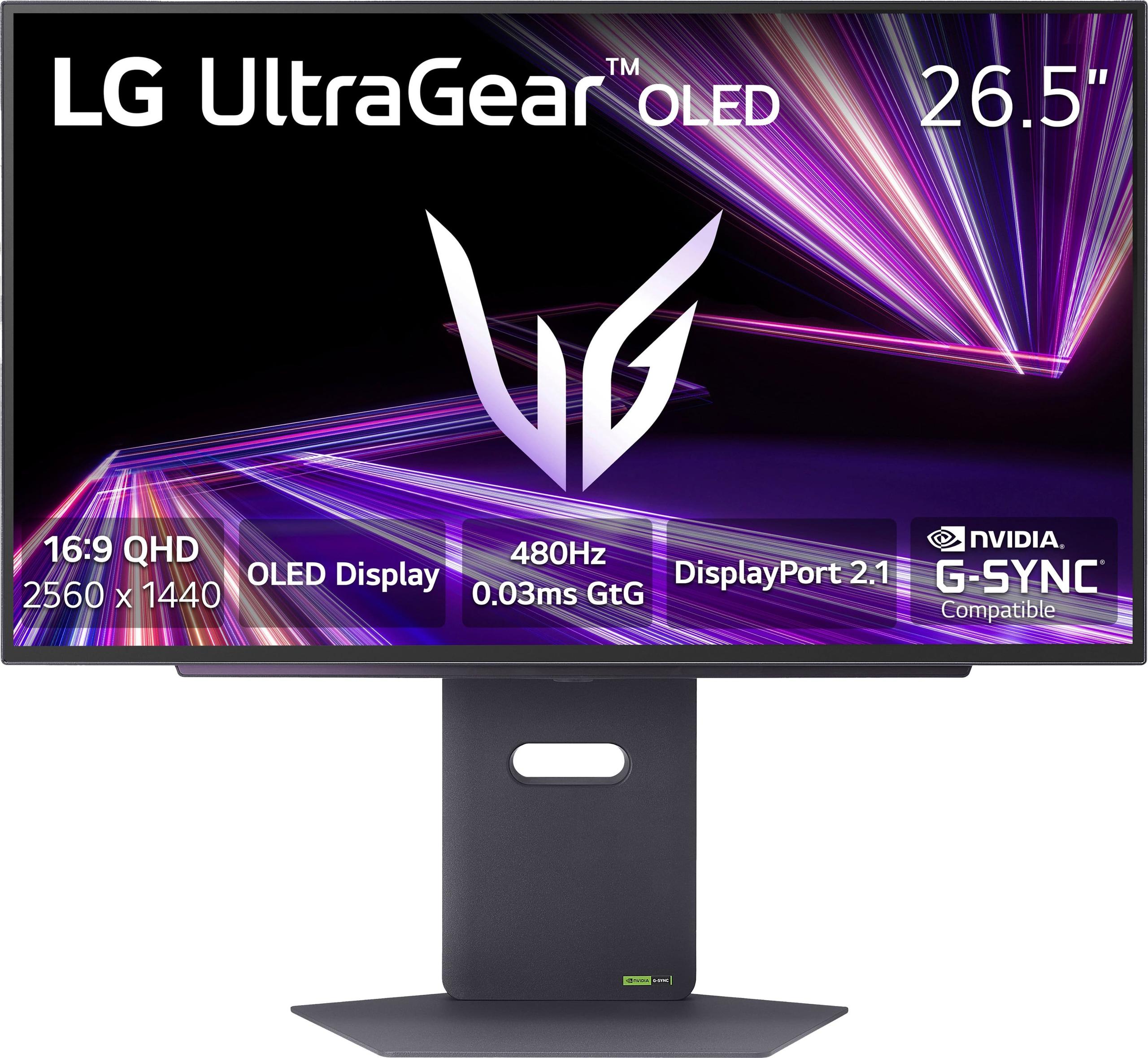
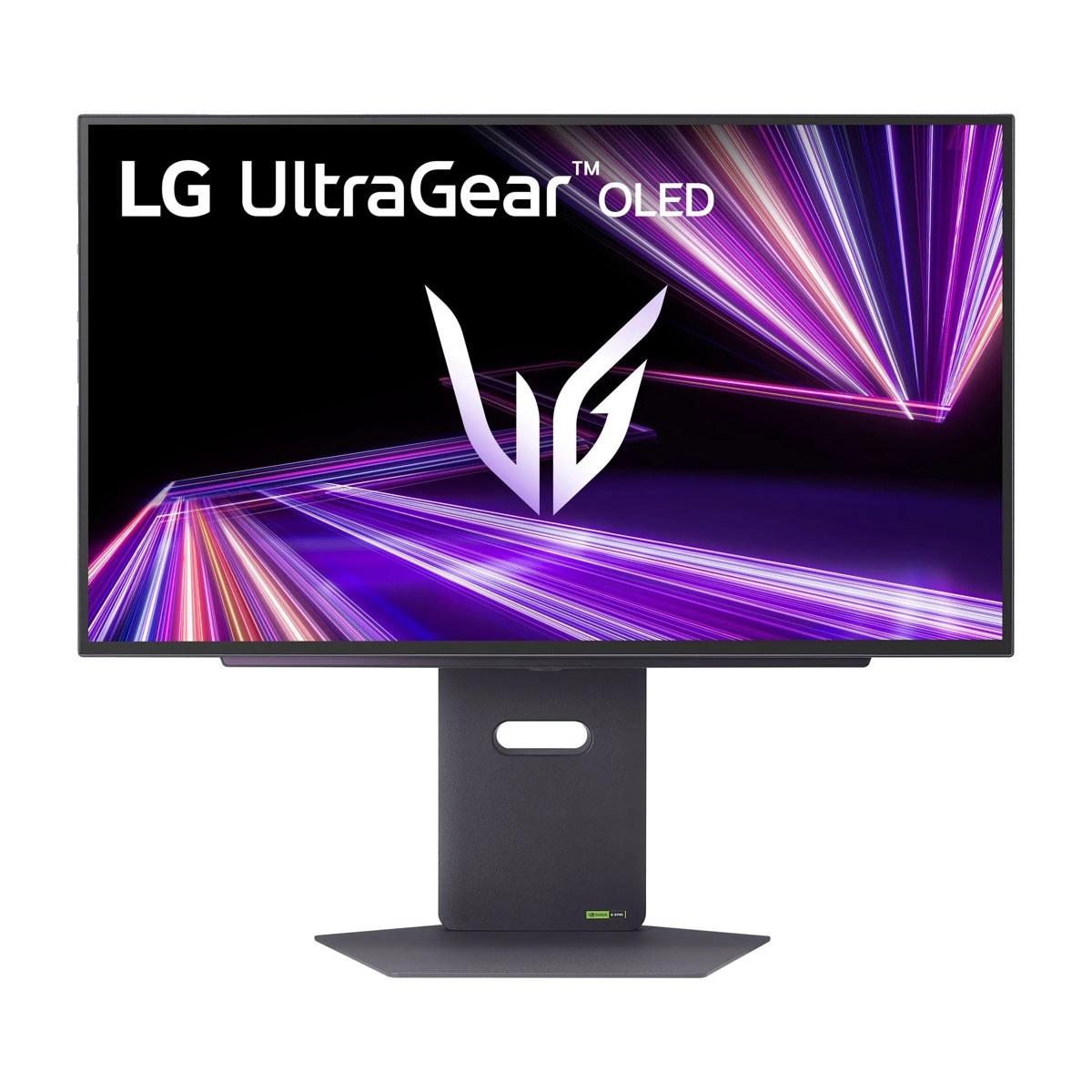
Today we're comparing two monitors that perfectly represent this divide: the Alienware 27 QHD 180Hz Gaming Monitor and the LG UltraGear 27" OLED QHD 480Hz Gaming Monitor. These displays showcase vastly different approaches to gaming performance, with a price gap that reflects the premium nature of OLED technology versus the mainstream appeal of advanced IPS panels.
Gaming monitors serve a fundamentally different purpose than regular displays. While a standard office monitor prioritizes color accuracy and viewing angles for productivity tasks, gaming monitors focus on speed, responsiveness, and motion clarity. The key specifications that matter most are refresh rate (how many times per second the screen updates), response time (how quickly pixels change color), and input lag (the delay between your graphics card sending a signal and the monitor displaying it).
Panel technology forms the foundation of any monitor's performance. Traditional LCD panels use liquid crystals that twist to block or allow light from a backlight to pass through, while OLED (Organic Light-Emitting Diode) panels generate their own light on a pixel-by-pixel basis. This fundamental difference affects everything from contrast ratios to response times to power consumption.
The adaptive sync technology—whether NVIDIA G-SYNC, AMD FreeSync, or the open VESA AdaptiveSync standard—synchronizes your graphics card's frame output with the monitor's refresh rate, eliminating screen tearing (horizontal lines that appear when frames are out of sync) and reducing stuttering during gameplay.
The Alienware 27 QHD 180Hz Gaming Monitor, released in 2024, represents the peak of what mainstream IPS gaming monitors can achieve. At its core lies a Fast IPS panel—a newer variant of traditional IPS technology that significantly reduces response times while maintaining the wide viewing angles and color accuracy that IPS panels are known for. This monitor targets the sweet spot of 1440p gaming, where you get substantially sharper visuals than 1080p without the GPU-crushing demands of 4K.
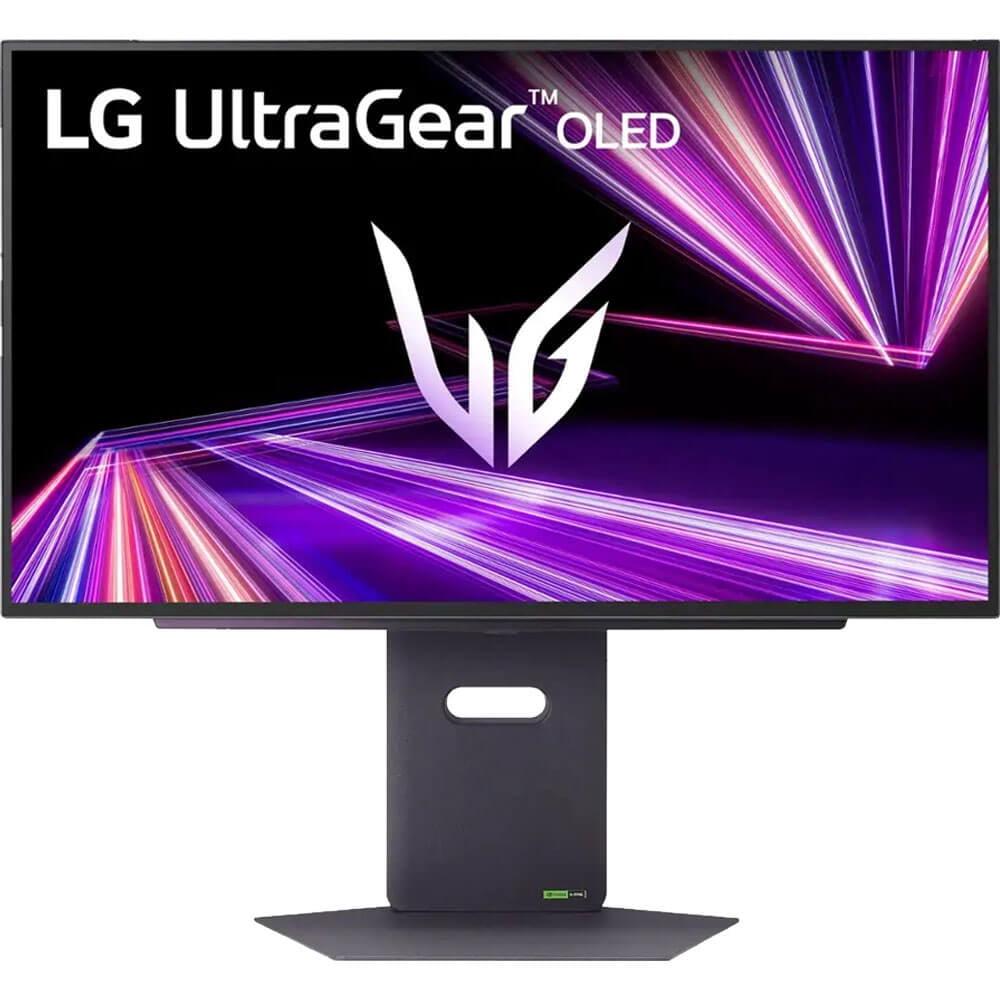
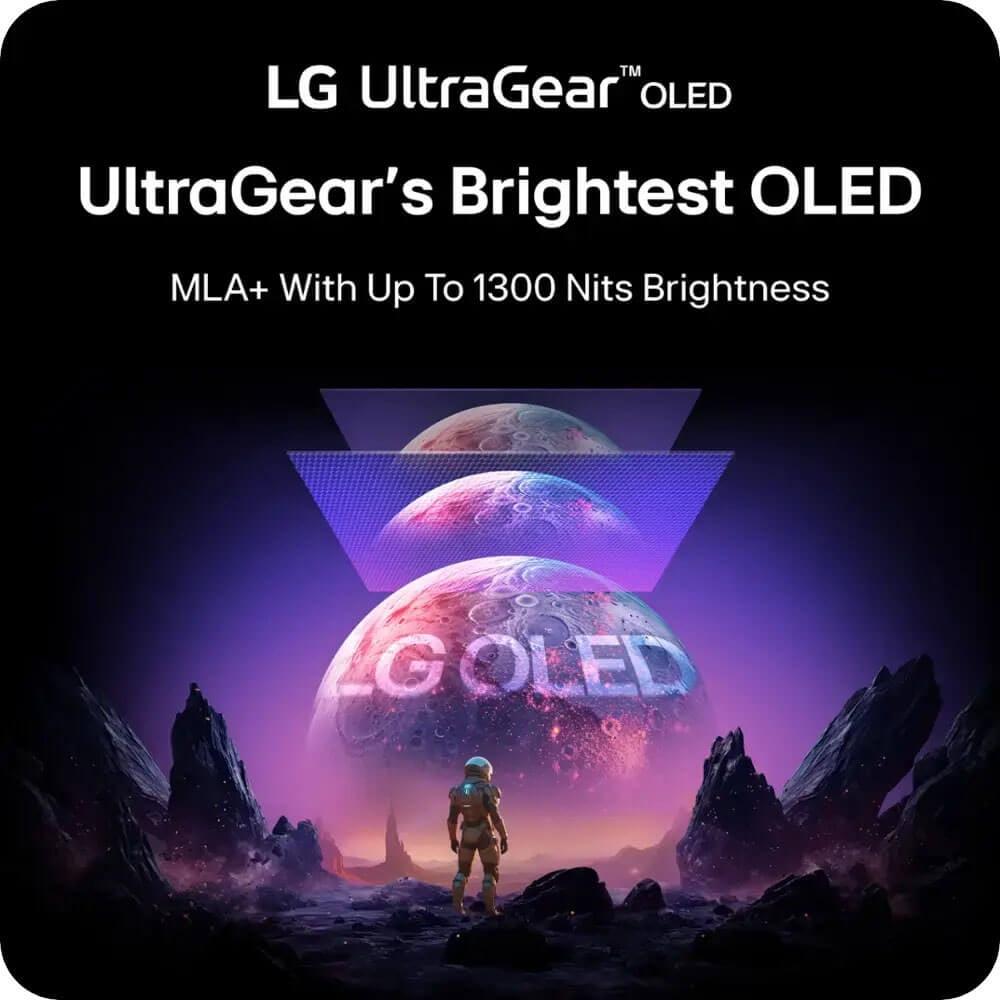
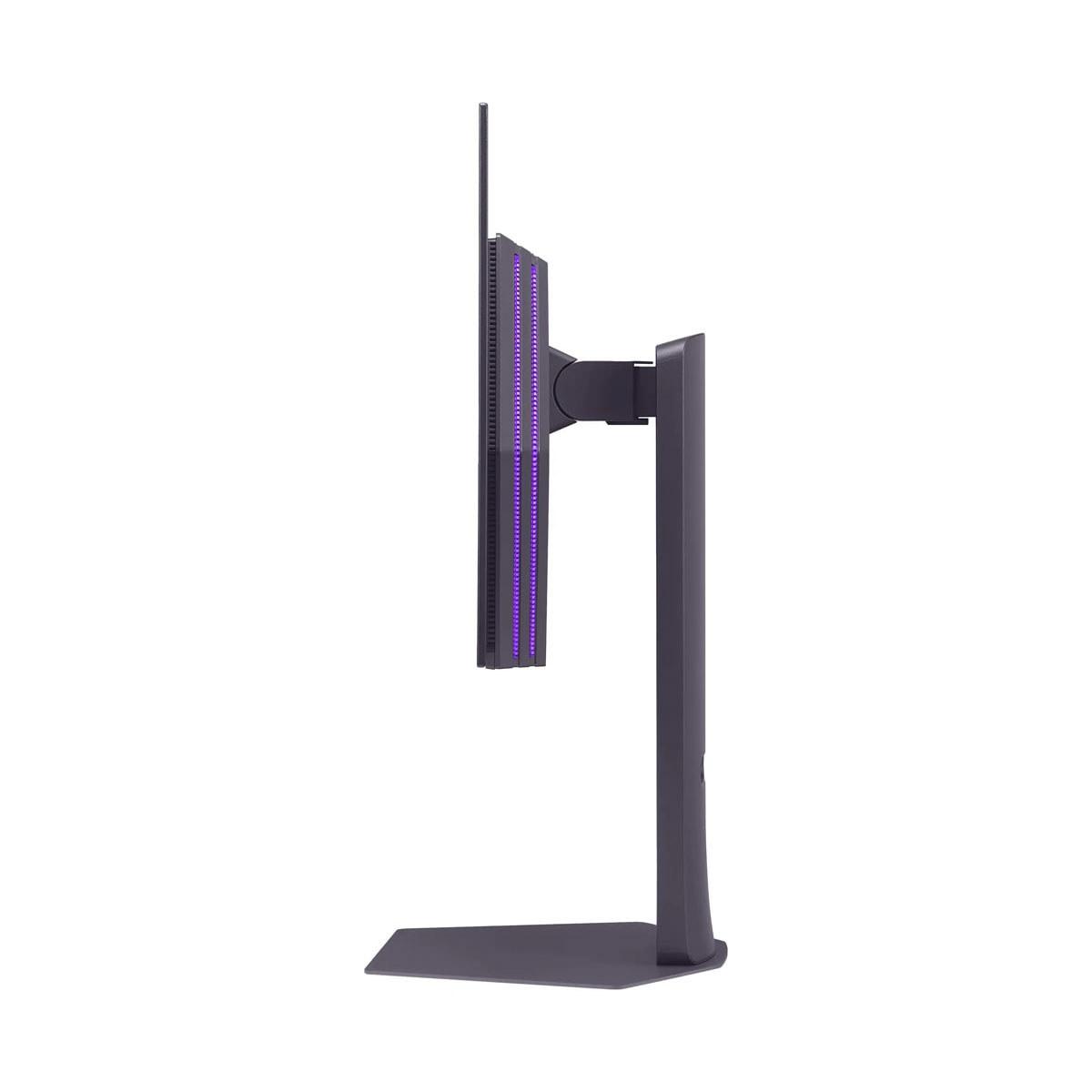
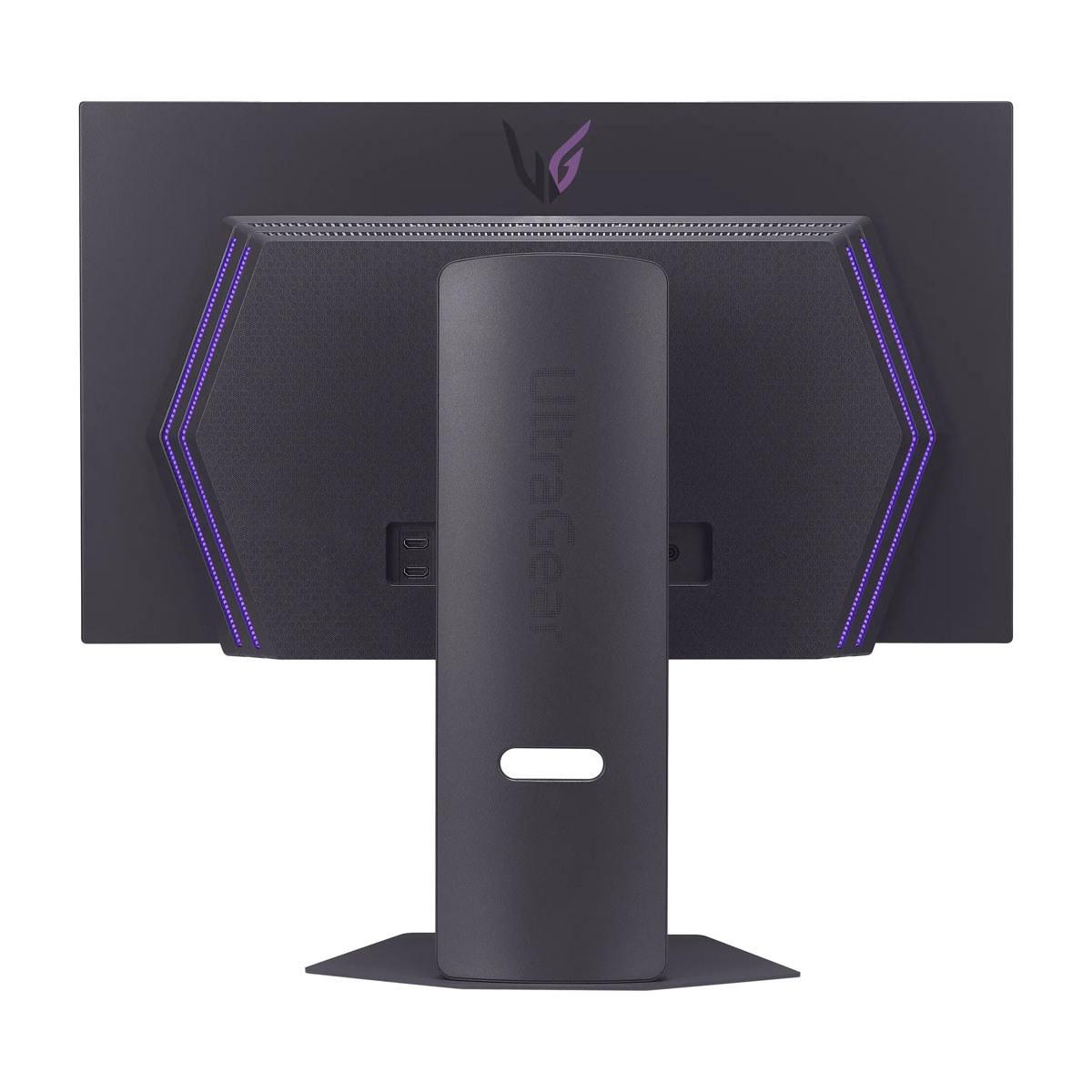
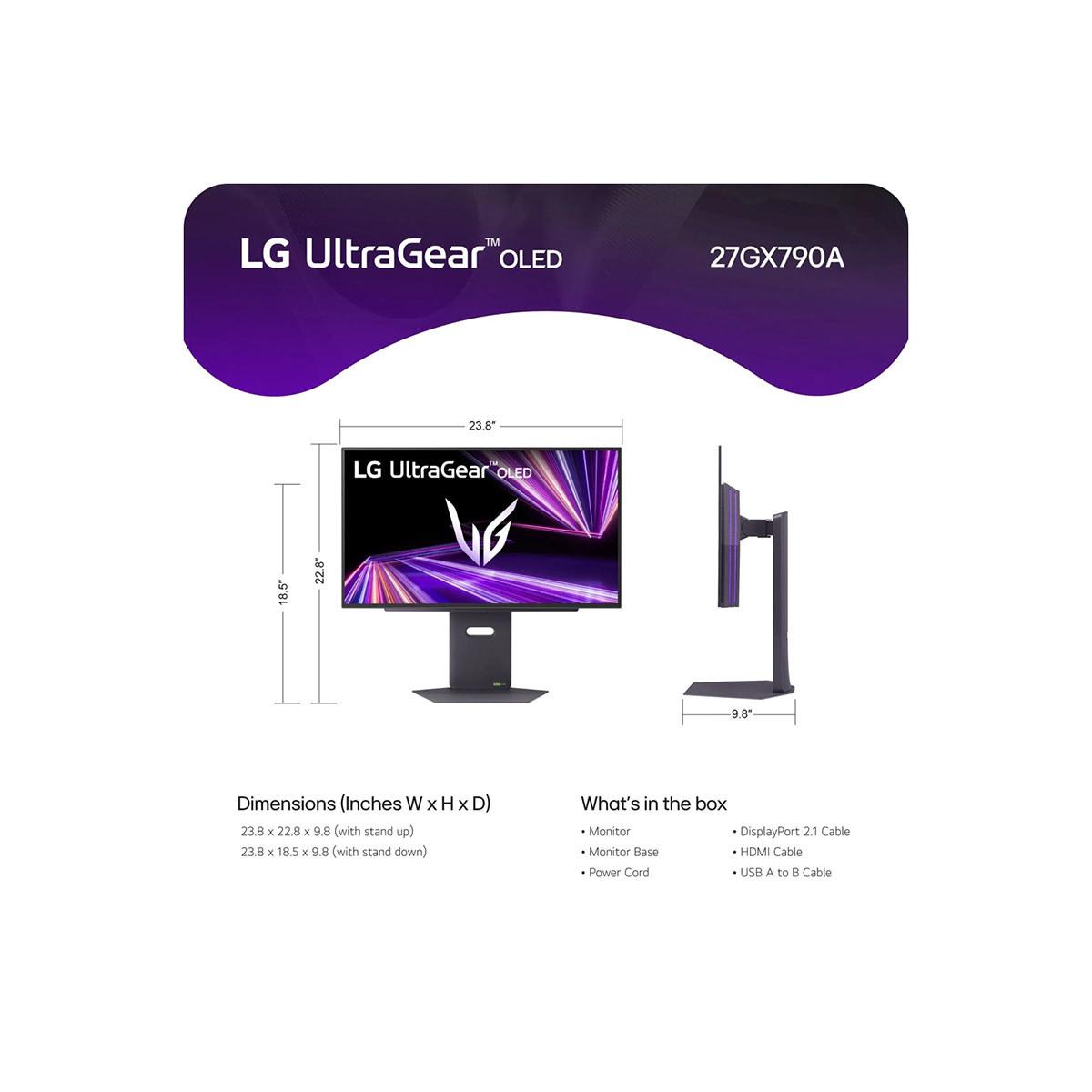
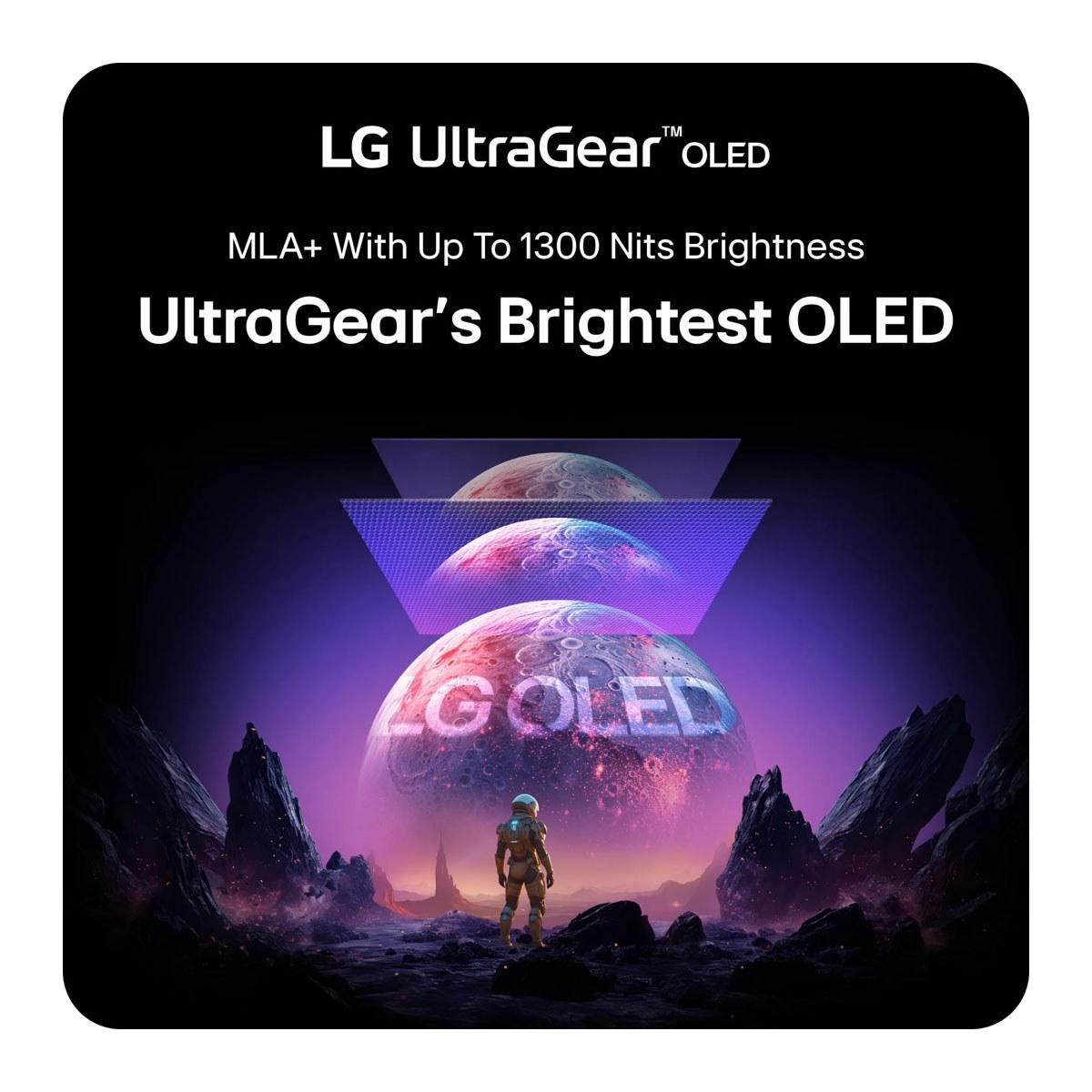
The LG UltraGear 27" OLED QHD 480Hz Gaming Monitor, launched in late 2024, pushes into territory that seemed impossible just a few years ago. Its 480Hz refresh rate represents more than double the speed of most premium gaming monitors, while its OLED panel technology delivers the kind of contrast and color performance typically reserved for high-end TVs. The inclusion of MLA+ (Micro Lens Array Plus) technology addresses one of OLED's traditional weaknesses—brightness—by using microscopic lenses to direct more light toward the viewer.
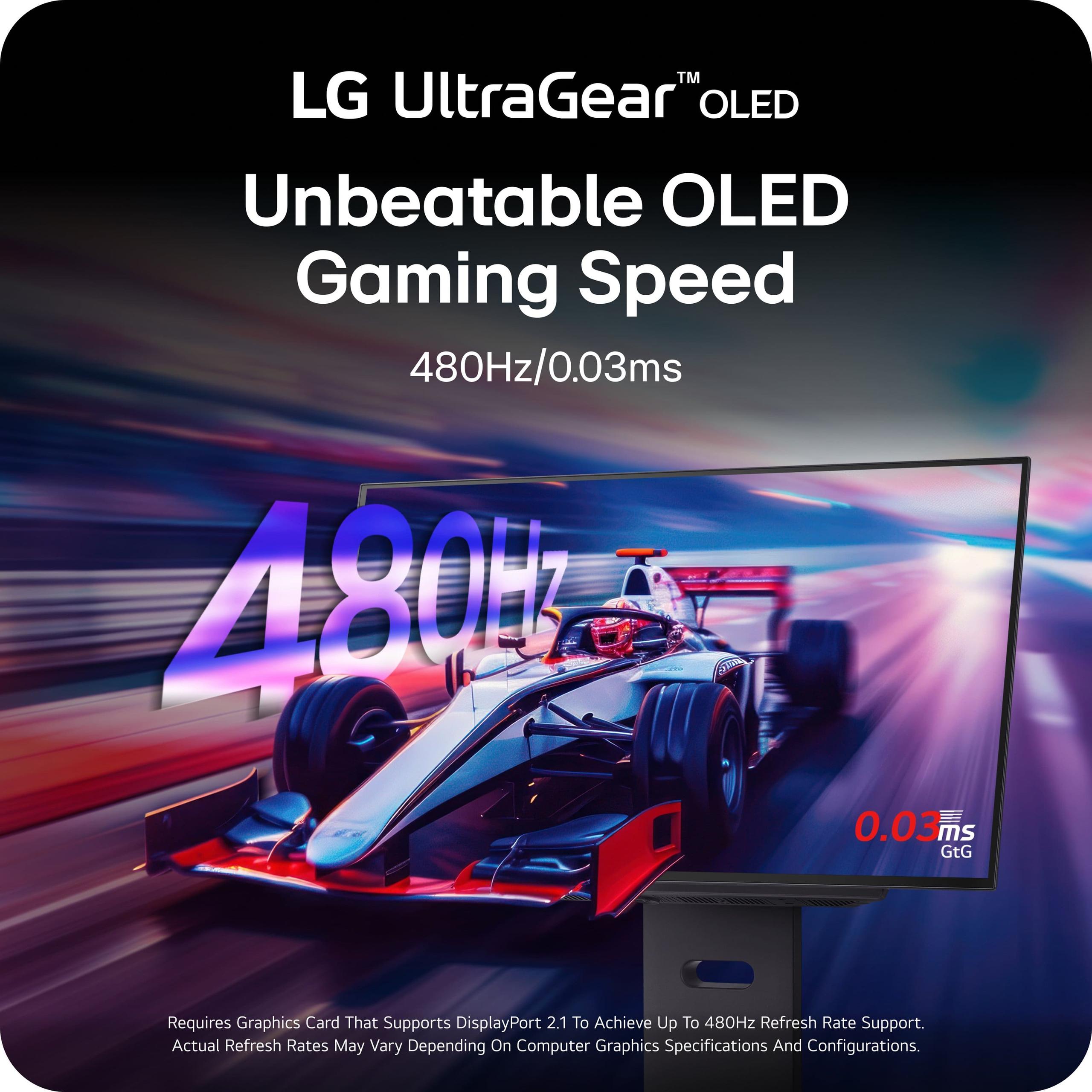
The most obvious difference between these monitors is refresh rate. The Alienware monitor caps out at 180Hz, while the LG OLED reaches a staggering 480Hz. To understand what this means, consider that each Hz represents one screen refresh per second—so 180Hz means the screen updates 180 times every second, creating frame times of about 5.56 milliseconds between updates.
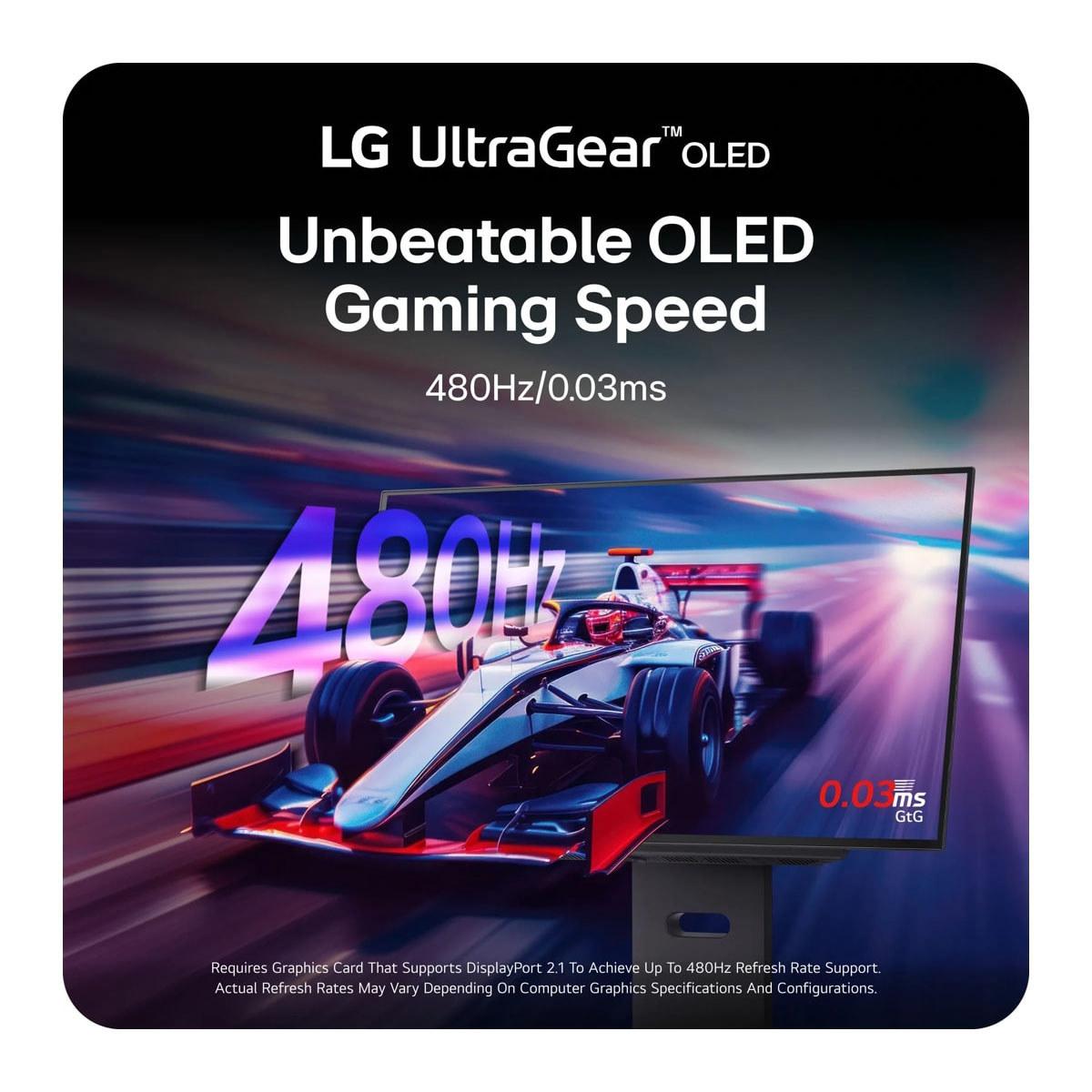
The LG's 480Hz shrinks that window to just 2.08 milliseconds. In fast-paced competitive games like Counter-Strike 2 or Valorant, this translates to smoother motion tracking and potentially faster target acquisition. However, there's a crucial caveat: your system needs to actually produce 480 frames per second to fully utilize this capability.
Based on current GPU performance data, even the most powerful graphics cards struggle to maintain 480fps at 1440p in modern AAA games. You'll need to drop settings significantly or focus on esports titles that are less graphically demanding. The Alienware's 180Hz, while lower, remains more achievable for most gaming systems, making it practical for a wider range of games and hardware configurations.
Response time measures how quickly pixels can change from one color to another, typically measured in Gray-to-Gray (GtG) transitions. The Alienware monitor offers multiple response time settings: 4ms for optimal image quality, 2ms for balanced performance, and 1ms in its most aggressive "Extreme" mode. This flexibility lets you tune performance based on your preferences and the specific game you're playing.
The LG OLED operates at 0.03ms—a figure so low it's essentially instantaneous from a human perception standpoint. This isn't just marketing; OLED pixels literally turn on and off individually, eliminating the liquid crystal mechanics that create delays in LCD panels. The result is motion clarity that's unmatched by any LCD technology, regardless of price.
This difference becomes most apparent in scenarios with rapid camera movement or fast-moving objects. In our research of user experiences, gamers consistently note that OLED monitors eliminate the subtle ghosting and motion blur that even premium LCD monitors can exhibit during intense gaming sessions.
Color reproduction represents one of the most dramatic differences between these technologies. The Alienware IPS panel covers 95% of the DCI-P3 color space and delivers up to 99% sRGB coverage—excellent specifications that produce vibrant, accurate colors suitable for both gaming and content creation.
However, the LG OLED pushes color performance even further with 98.5% DCI-P3 coverage and true 10-bit color depth. More importantly, its infinite contrast ratio—achieved because OLED pixels can turn completely off to produce perfect blacks—creates a visual experience that fundamentally differs from any LCD technology.
This contrast advantage extends to HDR (High Dynamic Range) content. The Alienware supports VESA DisplayHDR 400, which provides noticeable improvements over standard dynamic range but with limited peak brightness. The LG OLED achieves VESA DisplayHDR True Black 400 certification, which specifically recognizes displays capable of true blacks alongside bright highlights—a combination only possible with OLED technology.
Both monitors support the essential adaptive sync technologies. The Alienware works with NVIDIA G-SYNC Compatible and AMD FreeSync, covering the vast majority of modern graphics cards. The LG OLED adds FreeSync Premium Pro certification, which includes additional requirements for color gamut, brightness, and response time that ensure optimal HDR gaming performance.
The variable refresh rate ranges differ significantly. The Alienware operates from 1Hz up to its 180Hz maximum, while the LG spans 1Hz to 480Hz. This wider range on the LG provides smoother experiences when frame rates fluctuate dramatically, as the monitor can adapt more precisely to your GPU's output.
At the time of writing, these monitors sit in completely different price categories. The Alienware 27 QHD monitor positions itself firmly in the mainstream premium segment, offering high-end features at a price point accessible to most serious gamers. The LG OLED commands a significant premium—roughly four times the cost—placing it squarely in the enthusiast and professional gaming category.
This price difference reflects more than just marketing positioning. OLED manufacturing remains expensive and complex, with lower yields and specialized production requirements driving costs up. Additionally, the 480Hz capability requires cutting-edge display controllers and signal processing that add to the overall expense.
From a performance-per-dollar perspective, the Alienware delivers exceptional value. You're getting 94% of the visual experience at roughly 25% of the cost, making it an easy recommendation for most gamers. The LG OLED targets users who prioritize having the absolute best technology available, regardless of cost considerations.
Durability and longevity present important factors often overlooked in initial purchasing decisions. The Alienware IPS monitor uses mature, proven technology with consistent performance over time. IPS panels don't suffer from burn-in (permanent image retention) and maintain their color accuracy and brightness for many years of use.
OLED technology, while offering superior image quality, comes with different considerations. The LG OLED monitor includes various OLED Care features designed to prevent burn-in, such as pixel refreshing, screen saver activation, and logo dimming. LG backs this with a 2-year OLED warranty, which is shorter than the typical 3-year warranty on LCD monitors but reflects the company's confidence in their burn-in mitigation technologies.
Modern OLED panels have significantly improved in this regard compared to earlier generations. Based on extensive user reports and manufacturer data, burn-in typically only occurs with extreme usage patterns—like displaying the same static image for hundreds of hours. For gaming use, where content constantly changes, burn-in risk remains minimal.
Both monitors include modern connectivity options, but with important differences. The Alienware features DisplayPort 1.4 and dual HDMI 2.1 ports, providing ample bandwidth for its 180Hz capability and supporting both PC and console gaming.
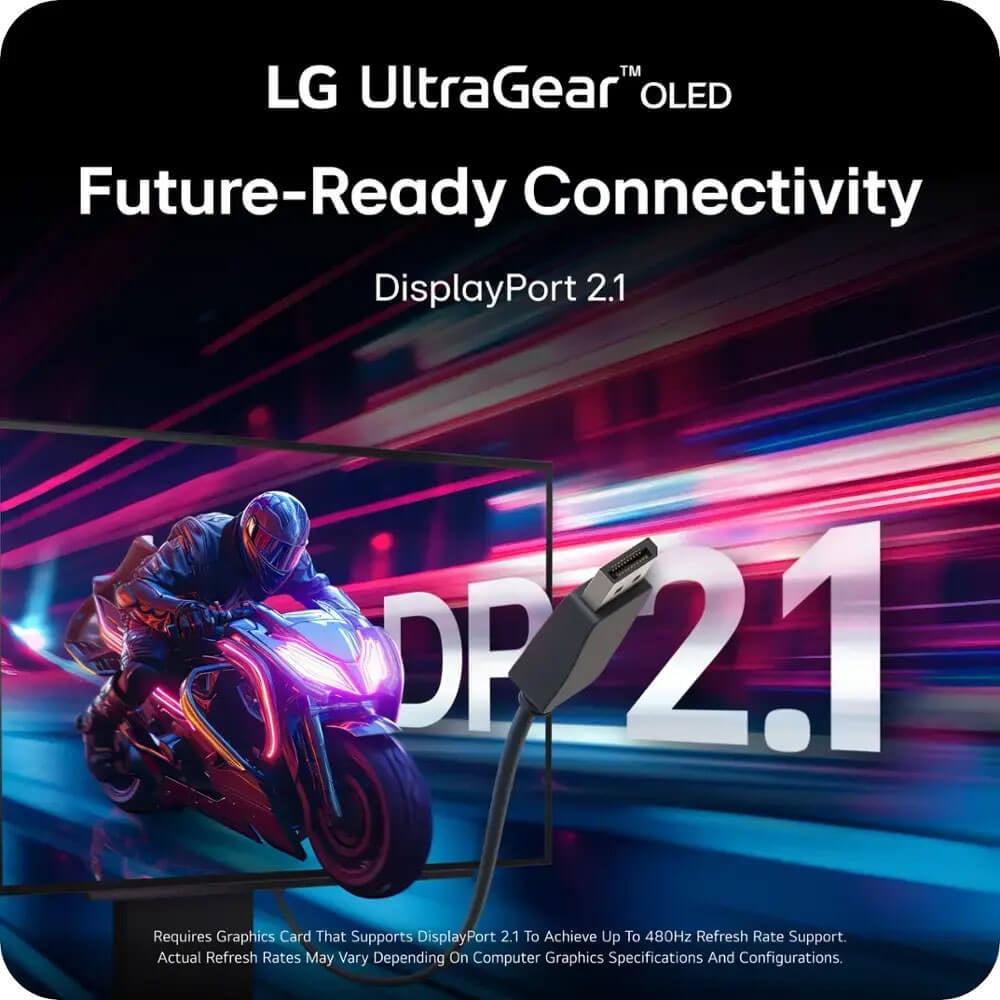
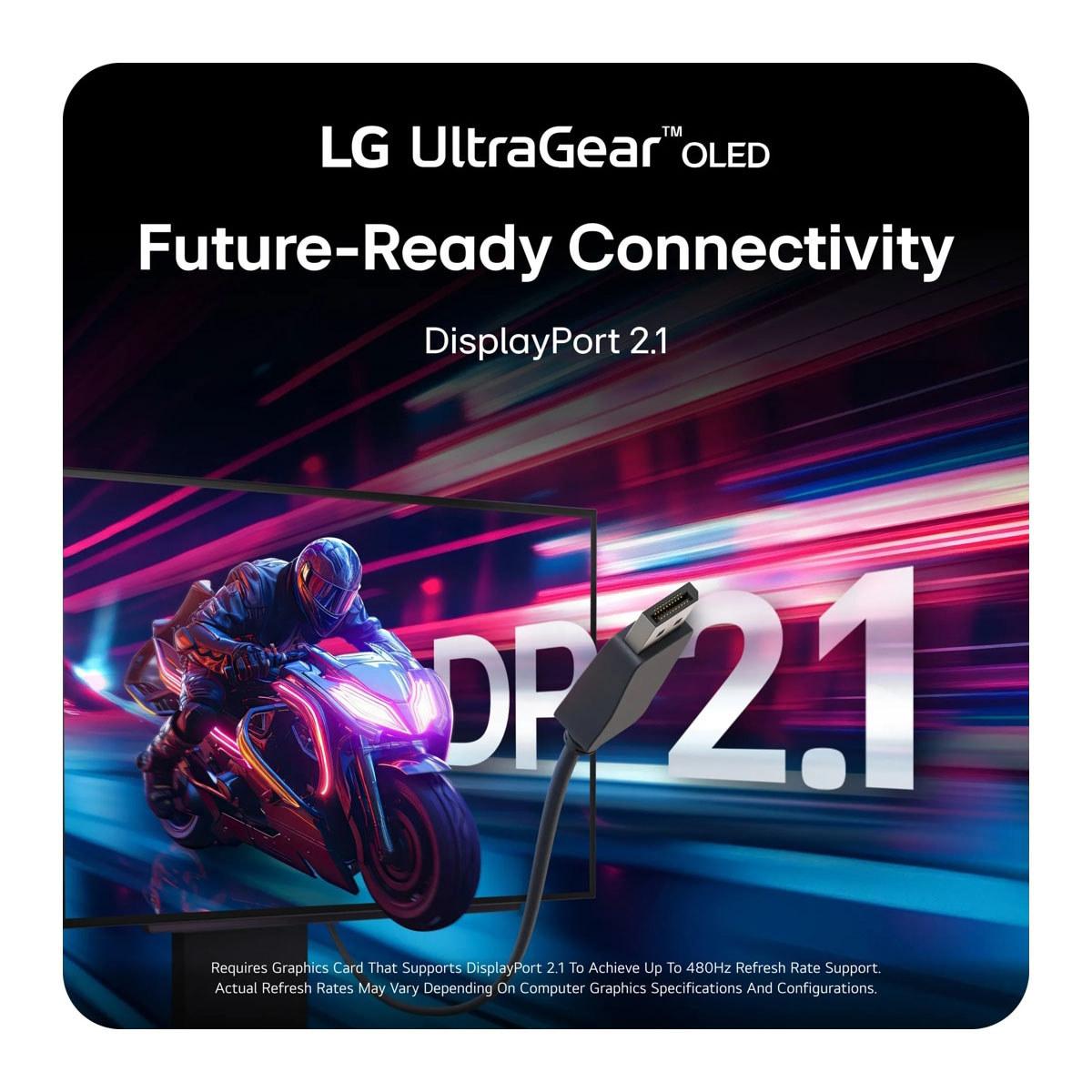
The LG OLED steps up to DisplayPort 2.1, which offers significantly higher bandwidth—essential for pushing 480Hz at 1440p resolution without compression. This newer standard also positions the monitor better for future graphics cards that may require even more bandwidth for advanced features.
While primarily gaming monitors, both displays can serve double duty in home theater setups. The Alienware works well for console gaming and media consumption, with its IPS panel providing consistent colors from various viewing angles—useful when multiple people are watching.
The LG OLED excels in this scenario, offering true cinematic image quality with perfect blacks and vibrant colors that rival dedicated OLED TVs. Its HDR capabilities particularly shine with movies and TV shows, creating an immersive viewing experience that transforms any room into a personal theater.
However, for extended TV watching with static elements like news tickers or channel logos, the Alienware might be the safer long-term choice due to its immunity to burn-in.
The Alienware 27 QHD 180Hz Gaming Monitor makes sense for the majority of gamers. If you're upgrading from a 1080p display, running mid-range to high-end graphics hardware (like RTX 4060 Ti through RTX 4080 class cards), or simply want excellent gaming performance without breaking the bank, this monitor delivers exceptional value. It's also ideal for mixed-use scenarios where you need a display that works equally well for productivity tasks and gaming.
The LG UltraGear 27" OLED QHD 480Hz Gaming Monitor targets a much more specific audience. Competitive esports players who can actually utilize 400+ frame rates will benefit from its extreme responsiveness. Content creators who demand perfect color accuracy for professional work will appreciate its OLED image quality. Enthusiasts with high-end systems who want the absolute best technology available, regardless of cost, will find the LG's capabilities worth the premium.
There's also a middle ground to consider: if you primarily play slower-paced single-player games where visual quality matters more than extreme responsiveness, the OLED's stunning image quality might justify the cost even if you never approach 480fps.
The choice between these monitors ultimately depends on your priorities, budget, and gaming setup. The Alienware represents the sweet spot of modern gaming monitors—offering excellent performance, proven reliability, and mainstream pricing. It's the monitor I'd recommend to most gamers looking to upgrade their setup without making extreme compromises elsewhere in their build.
The LG OLED pushes the boundaries of what's possible in gaming displays. If you have the budget and the system to drive it properly, it offers a glimpse into the future of gaming monitors. However, it's definitely a luxury purchase that requires specific use cases to justify its premium pricing.
Consider your typical frame rates in the games you play most. If you're consistently hitting 180+ fps and have room in your budget for a premium display, the LG OLED will provide a noticeable upgrade in both speed and image quality. If you're looking for the best bang-for-your-buck upgrade that will serve you well for years to come, the Alienware is the smarter choice for most users.
Both monitors represent excellent options within their respective categories, but they serve very different audiences. The key is being honest about your needs, budget, and gaming habits when making this significant investment in your setup.
| Alienware 27 QHD 180Hz Gaming Monitor | LG UltraGear 27" OLED QHD 480Hz Gaming Monitor |
|---|---|
| Panel Technology - Determines image quality and response time | |
| Fast IPS LCD with LED backlighting | WOLED with MLA+ technology |
| Refresh Rate - Higher numbers mean smoother motion in fast games | |
| 180Hz (excellent for most gaming) | 480Hz (cutting-edge for competitive esports) |
| Response Time - Lower is better for eliminating motion blur | |
| 1ms GTG (Extreme mode), 4ms GTG (optimal quality) | 0.03ms GTG (virtually instantaneous) |
| Resolution - Pixel density and sharpness | |
| QHD 2560 x 1440 | QHD 2560 x 1440 |
| Contrast Ratio - Affects depth and realism, especially in dark scenes | |
| 1,000:1 (typical for LCD panels) | 1,500,000:1 (infinite contrast from OLED) |
| Color Coverage - Wider gamuts produce more vibrant colors | |
| 95% DCI-P3, 99% sRGB | 98.5% DCI-P3, perfect blacks |
| HDR Support - Enhances brightness and color range | |
| VESA DisplayHDR 400 | VESA DisplayHDR True Black 400 |
| Peak Brightness - Important for HDR and bright room viewing | |
| 400 nits typical | Up to 1,300 nits peak (small areas) |
| Adaptive Sync - Eliminates screen tearing and stuttering | |
| G-SYNC Compatible, FreeSync | G-SYNC Compatible, FreeSync Premium Pro |
| Connectivity - Future-proofing and bandwidth | |
| DisplayPort 1.4, 2x HDMI 2.1, USB 3.2 | DisplayPort 2.1, 2x HDMI 2.1, USB 3.0 |
| Burn-in Risk - Permanent image retention concerns | |
| None (IPS technology immune) | Minimal with OLED Care features |
| Warranty Coverage - Protection period | |
| 3 years standard | 2 years OLED limited warranty |
| Target GPU Performance - Hardware needed for full benefit | |
| RTX 4060 Ti to RTX 4080 class | RTX 4080 to RTX 4090 for 400+ fps |
| Best Use Cases - Ideal scenarios for each monitor | |
| Mainstream gaming, mixed productivity use | Competitive esports, enthusiast gaming |
The LG UltraGear 27" OLED QHD 480Hz Gaming Monitor is superior for competitive gaming due to its 480Hz refresh rate and 0.03ms response time. This provides significantly smoother motion and faster response than the Alienware 27 QHD 180Hz Gaming Monitor. However, you need a high-end GPU capable of 400+ fps to fully utilize the LG OLED's capabilities.
The primary difference is panel technology and refresh rate. The Alienware 27 QHD 180Hz Gaming Monitor uses Fast IPS LCD technology with 180Hz, while the LG UltraGear 27" OLED QHD 480Hz Gaming Monitor features OLED technology with 480Hz. OLED provides perfect blacks, infinite contrast, and faster response times, but costs significantly more.
The Alienware 27 QHD 180Hz Gaming Monitor provides exceptional value, delivering excellent gaming performance at a mainstream price point. The LG OLED commands a premium price for cutting-edge technology that most users won't fully utilize unless they have high-end hardware and primarily play competitive esports.
Yes, but with different capabilities. The Alienware monitor supports VESA DisplayHDR 400, providing decent HDR performance. The LG UltraGear OLED features VESA DisplayHDR True Black 400, which delivers superior HDR with perfect blacks and higher peak brightness, creating more dramatic contrast.
The Alienware 27 QHD 180Hz Gaming Monitor is more versatile for mixed use. Its IPS panel provides consistent colors and brightness, has no burn-in risk, and works well for both gaming and productivity tasks. The LG OLED excels in gaming but requires more careful use to avoid potential burn-in with static content.
For the Alienware 180Hz monitor, GPUs from RTX 4060 Ti to RTX 4080 class work well. The LG 480Hz OLED requires RTX 4080 or RTX 4090 class hardware to achieve frame rates that justify its extreme refresh rate, particularly in demanding games.
The LG UltraGear 27" OLED QHD 480Hz Gaming Monitor offers superior color performance with 98.5% DCI-P3 coverage, perfect blacks, and infinite contrast ratio. The Alienware monitor still provides excellent colors with 95% DCI-P3 and 99% sRGB coverage, suitable for most users and content creation needs.
The Alienware 27 QHD 180Hz Gaming Monitor uses proven IPS technology with no burn-in risk and typically maintains performance for many years. The LG OLED includes burn-in prevention features and comes with a 2-year warranty, but OLED panels can potentially develop burn-in with extreme static content exposure.
Both work well with consoles, but the Alienware monitor may be more practical since most console games don't exceed 120-180fps. The LG OLED provides stunning image quality for single-player games but its 480Hz advantage won't be fully utilized by current console hardware.
The LG UltraGear 27" OLED QHD 480Hz Gaming Monitor excels for movies with its perfect blacks, infinite contrast, and excellent HDR performance, rivaling dedicated OLED TVs. The Alienware monitor provides good movie viewing with decent HDR support, though it can't match OLED's cinematic image quality.
The LG OLED offers more future-proof connectivity with DisplayPort 2.1, providing higher bandwidth for extreme refresh rates. The Alienware monitor includes DisplayPort 1.4 and dual HDMI 2.1 ports, which are sufficient for its 180Hz capability and most current gaming needs.
Choose the Alienware 27 QHD 180Hz Gaming Monitor if you want excellent gaming performance at a reasonable price, play a variety of games, or use your monitor for productivity. Pick the LG UltraGear 27" OLED QHD 480Hz Gaming Monitor if you're a competitive esports player, have high-end hardware, prioritize the best possible image quality, and budget isn't a primary concern.
We've done our best to create useful and informative comparisons to help you decide what product to buy. Our research uses advanced automated methods to create this comparison and perfection is not possible - please contact us for corrections or questions. These are the sites we've researched in the creation of this article: bestbuy.com - bestbuy.com - youtube.com - dell.com - tweaktown.com - dell.com - rtings.com - manuals.plus - tomshardware.com - displayspecifications.com - youtube.com - youtube.com - displayspecifications.com - dell.com - dellstore.com - ebay.com - bestbuy.com - bhphotovideo.com - engadget.com - newegg.com - youtube.com - bestbuy.com - techpowerup.com - techpowerup.com - rtings.com - lg.com - lgnewsroom.com - rtings.com - bestbuy.com - jonesapplianceandtv.com - thefrogpadappliances.com - lg.com - lg.com - lg.com - techpowerup.com - lg.com - lg.com

Privacy Policy
Terms and Conditions - Affiliate Policy
Home Security
© Copyright 2008-2026.
11816 Inwood Rd #1211, Dallas, TX 75244