

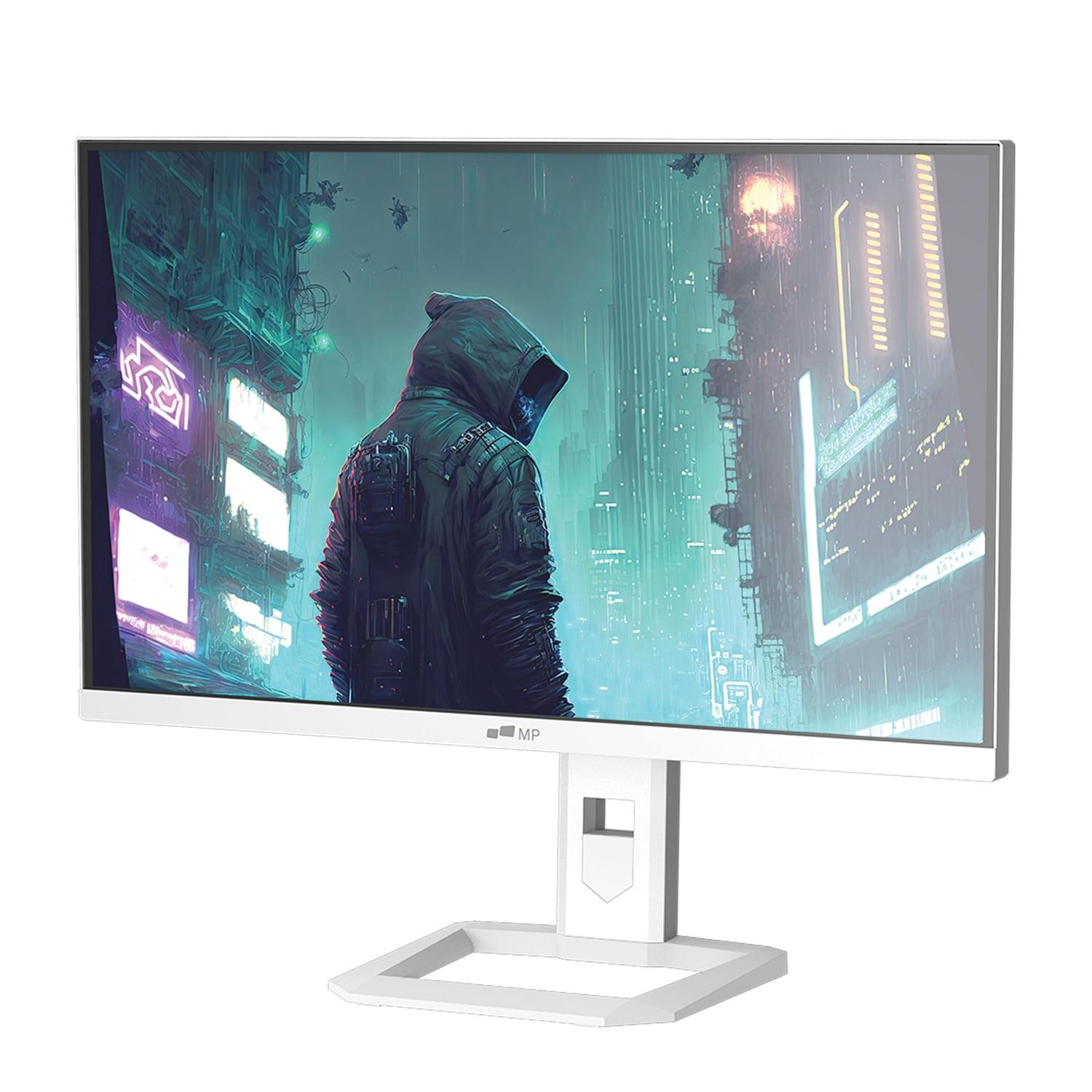
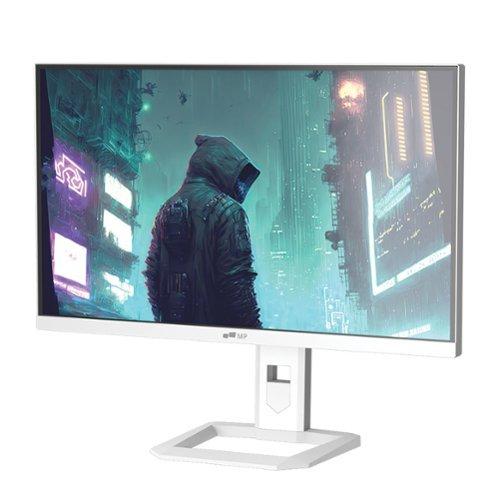
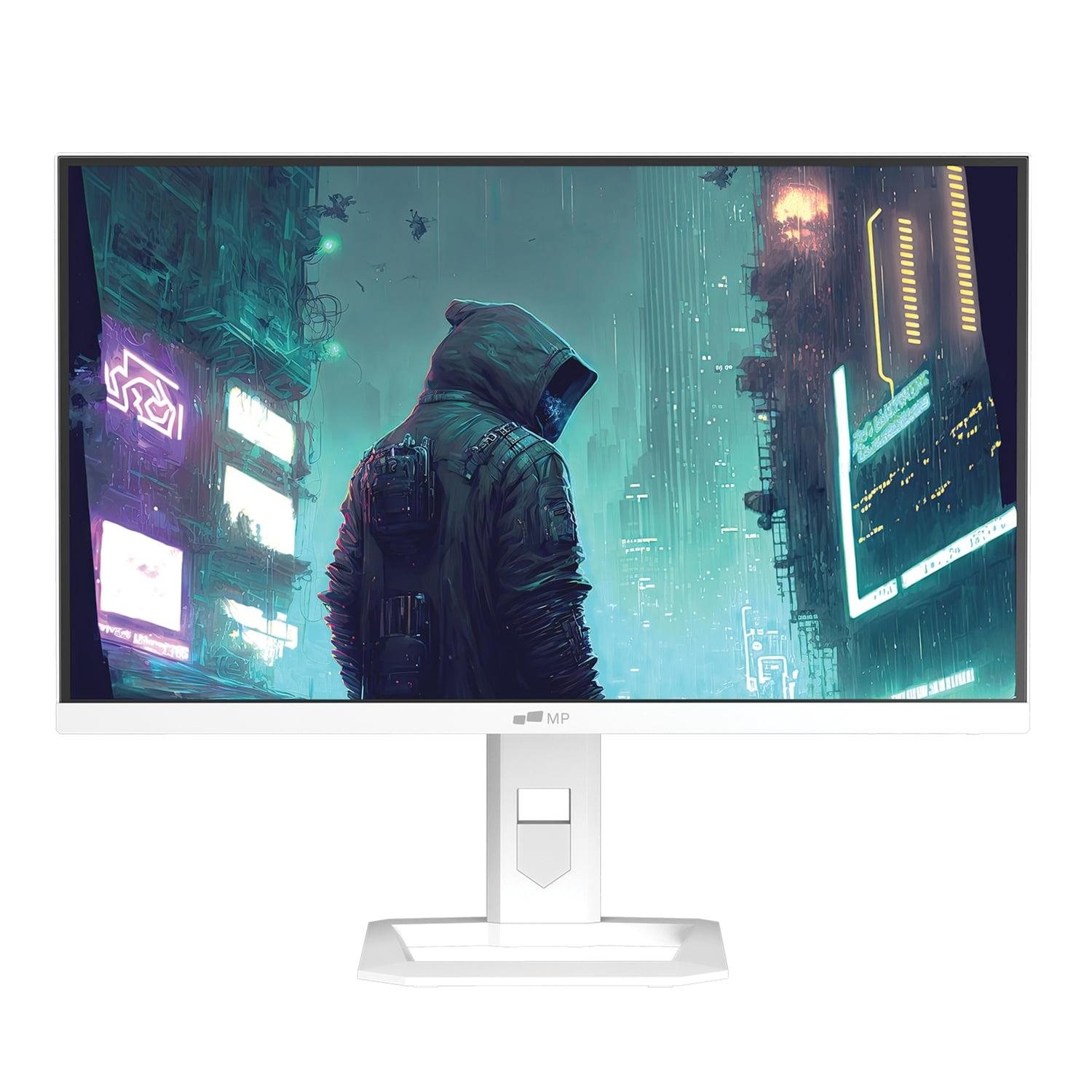








The gaming monitor market has exploded with innovation over the past few years, and 2025 brought some particularly exciting developments in Mini LED technology. Today, I'm comparing two monitors that perfectly illustrate the current state of gaming displays: the Mobile Pixels 27" WQHD Mini-LED Gaming Monitor and the Acer Nitro XV275K P3 27" Mini LED 4K UHD Gaming Monitor. Both landed on the market recently, with the Acer model arriving in 2023 and the Mobile Pixels monitor launching in early 2025.
What makes this comparison particularly interesting is how these monitors represent two different philosophies in gaming display design. The Mobile Pixels monitor prioritizes refresh rate and affordability, while the Acer Nitro XV275K P3 focuses on resolution and professional features. At the time of writing, they're priced remarkably close to each other, making the decision between them especially important for your specific needs.
Before diving into the comparison, let's talk about what makes both of these monitors special: Mini LED backlighting. Traditional LED monitors use edge lighting or basic full-array local dimming (FALD), where LEDs are positioned around the edges or in larger zones behind the screen. Mini LED technology uses thousands of tiny LEDs arranged in hundreds or thousands of zones behind the display panel.
Think of it like the difference between lighting a room with one overhead light versus having dozens of small, controllable spotlights. The Acer Nitro XV275K P3 takes this further with 576 individual dimming zones, while the Mobile Pixels monitor uses Mini LED technology but doesn't specify the exact number of zones. This zone control allows for much better contrast – bright areas can be intensely lit while dark areas remain truly black, creating the kind of dramatic visuals you'd expect from more expensive OLED displays but without the burn-in concerns.
Here's where these monitors diverge most significantly. The Mobile Pixels monitor uses WQHD resolution (2560 x 1440 pixels), while the Acer Nitro XV275K P3 jumps to full 4K UHD (3840 x 2160 pixels). That's a massive difference – the Acer monitor packs in 8.3 million pixels compared to the Mobile Pixels display's 3.7 million pixels.
For gaming, this creates an interesting trade-off. The 4K resolution on the Acer monitor delivers incredibly sharp visuals where you can see fine details in textures, read small text clearly, and enjoy games that support high resolutions in their full glory. I've found that once you experience 4K gaming, especially in single-player titles like Cyberpunk 2077 or Red Dead Redemption 2, it's hard to go back to lower resolutions.
However, the Mobile Pixels monitor fights back with its 180Hz refresh rate compared to the Acer's 160Hz maximum. Refresh rate, measured in Hertz (Hz), indicates how many times per second the display can update the image. Higher refresh rates create smoother motion, which is particularly noticeable in fast-paced games like first-person shooters or racing games.
The reality is that driving 4K at high refresh rates demands serious graphics horsepower. Even high-end graphics cards like the RTX 4080 or RTX 4090 can struggle to maintain consistent frame rates above 100fps at 4K in demanding games. The Mobile Pixels monitor's 1440p resolution is much more achievable for most gaming setups, letting mid-range graphics cards like the RTX 4070 or RX 7800 XT deliver excellent performance.
Response time – how quickly pixels can change from one color to another – matters enormously for gaming. Both monitors claim 1ms response times, which is excellent for reducing motion blur and ghosting (those annoying trails you sometimes see behind moving objects). However, real-world response time performance often varies from manufacturer claims.
The Acer Nitro XV275K P3 uses an IPS (In-Plane Switching) panel, which traditionally offered slower response times than TN (Twisted Nematic) panels but better color accuracy and viewing angles. Modern Fast IPS panels like the one in the Acer monitor have largely solved the response time issue while maintaining superior color performance.
Variable Refresh Rate (VRR) technology is crucial for smooth gaming, and here's where the Acer monitor pulls ahead. It supports AMD FreeSync Premium Pro, NVIDIA G-SYNC Compatible mode, and HDMI 2.1 VRR for consoles. This broader compatibility means whether you're using an AMD graphics card, NVIDIA GPU, PlayStation 5, or Xbox Series X, you'll get tear-free gaming. The Mobile Pixels monitor supports AMD FreeSync Premium, which is solid but not as universally compatible.
Input lag – the delay between your controller input and the action appearing on screen – is where both monitors should perform well, though the Acer model has been tested and verified to deliver very low input lag at high refresh rates. This matters tremendously for competitive gaming where every millisecond counts.
Both monitors achieve HDR1000 certification, meaning they can display High Dynamic Range content with peak brightness up to 1000 nits. To put this in perspective, standard monitors typically max out around 250-400 nits, so 1000 nits delivers genuinely impactful HDR with bright highlights that can make explosions, sunlight, and other bright elements truly pop off the screen.
The Acer Nitro XV275K P3 implements this more effectively with its 576-zone local dimming system. This means the monitor can brighten just the zones where bright content appears while keeping dark areas truly dark. The result is the kind of contrast that makes HDR content look genuinely impressive rather than washed out.
I've noticed that HDR implementation varies dramatically between monitors. Many cheaper monitors claim HDR support but lack the brightness or local dimming to make it meaningful. Both of these monitors should deliver genuine HDR benefits, though the Acer's more sophisticated zone control likely provides superior results, especially in mixed bright and dark scenes.
Here's where the monitors really separate themselves for different user types. The Acer Nitro XV275K P3 covers 99% of Adobe RGB and 98% of DCI-P3 color spaces, with factory calibration achieving Delta E values under 2. Delta E measures color accuracy – values under 2 are considered professionally accurate, meaning colors display almost exactly as intended.
The Mobile Pixels monitor covers 94% of DCI-P3, which is excellent for gaming and general use but not quite professional-grade. DCI-P3 is the color space used for digital cinema, so high coverage means vibrant, cinematic colors in games and movies.
For content creators, photographers, or anyone doing color-critical work, the Acer monitor is clearly superior. Its factory calibration and multiple color space support make it suitable for professional work right out of the box. The Mobile Pixels display focuses more on gaming optimization and eye comfort features.
Modern monitors need to handle multiple devices, and this is where the Acer Nitro XV275K P3 truly shines. Its USB-C port with 90W Power Delivery is a game-changer for laptop users – you can connect your laptop with a single cable that handles video, data transfer, and charging simultaneously. No more cable clutter or hunting for power outlets.
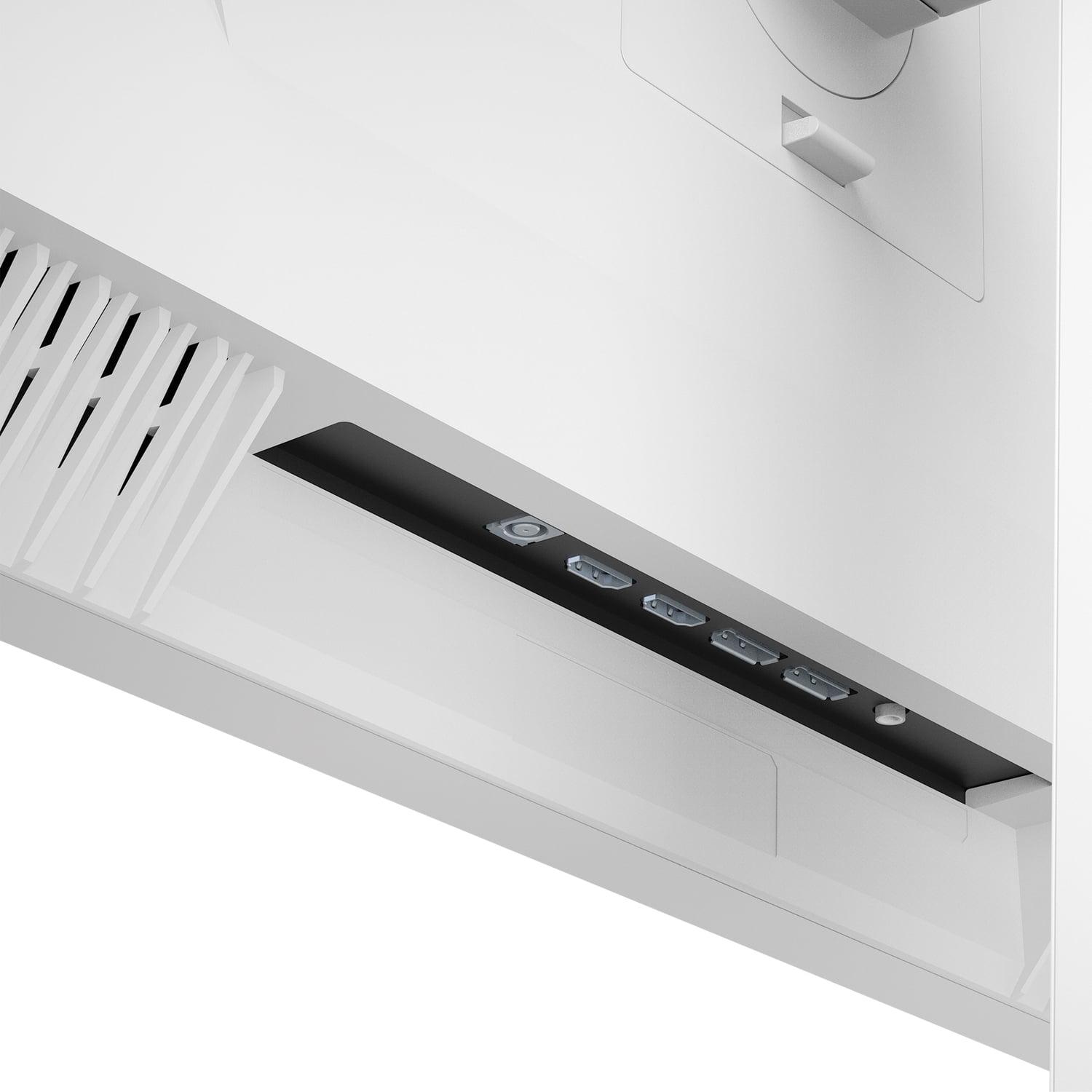
The Mobile Pixels monitor sticks to dual HDMI 2.1 ports, which covers gaming consoles and most desktop setups but lacks the versatility for modern workflows. The Acer monitor also includes USB hub functionality, letting you connect peripherals directly to the monitor.
For console gaming, both monitors support HDMI 2.1, but the Acer model can actually take advantage of the PlayStation 5 and Xbox Series X's 4K capabilities, while the Mobile Pixels display will downscale 4K console output to 1440p.
The physical experience of using a monitor daily matters more than many people realize. The Acer Nitro XV275K P3 offers full ergonomic adjustability – height adjustment (150mm of travel), tilt, swivel, and even pivot for portrait orientation. It's also VESA mount compatible (75x75mm) for monitor arms or wall mounting.
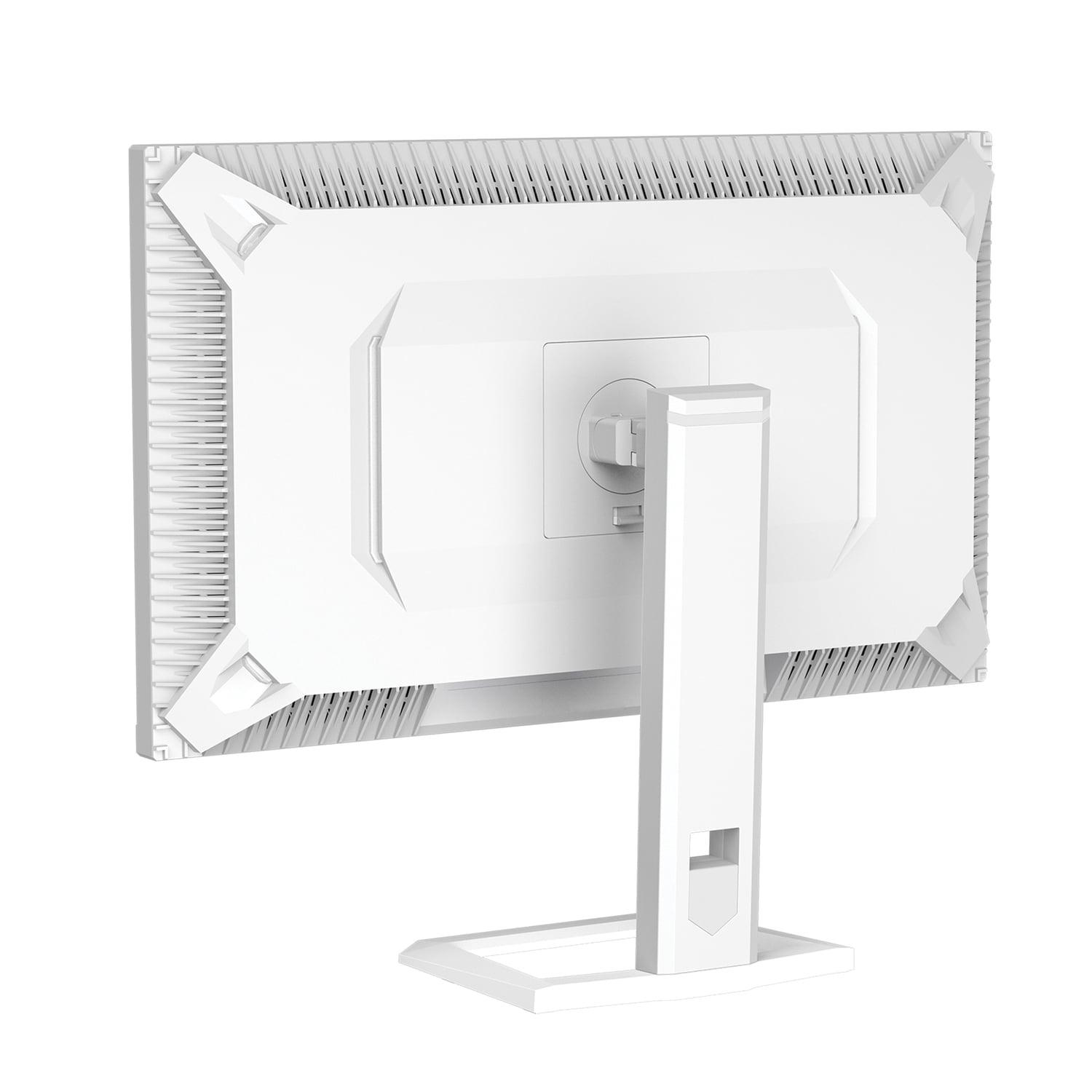
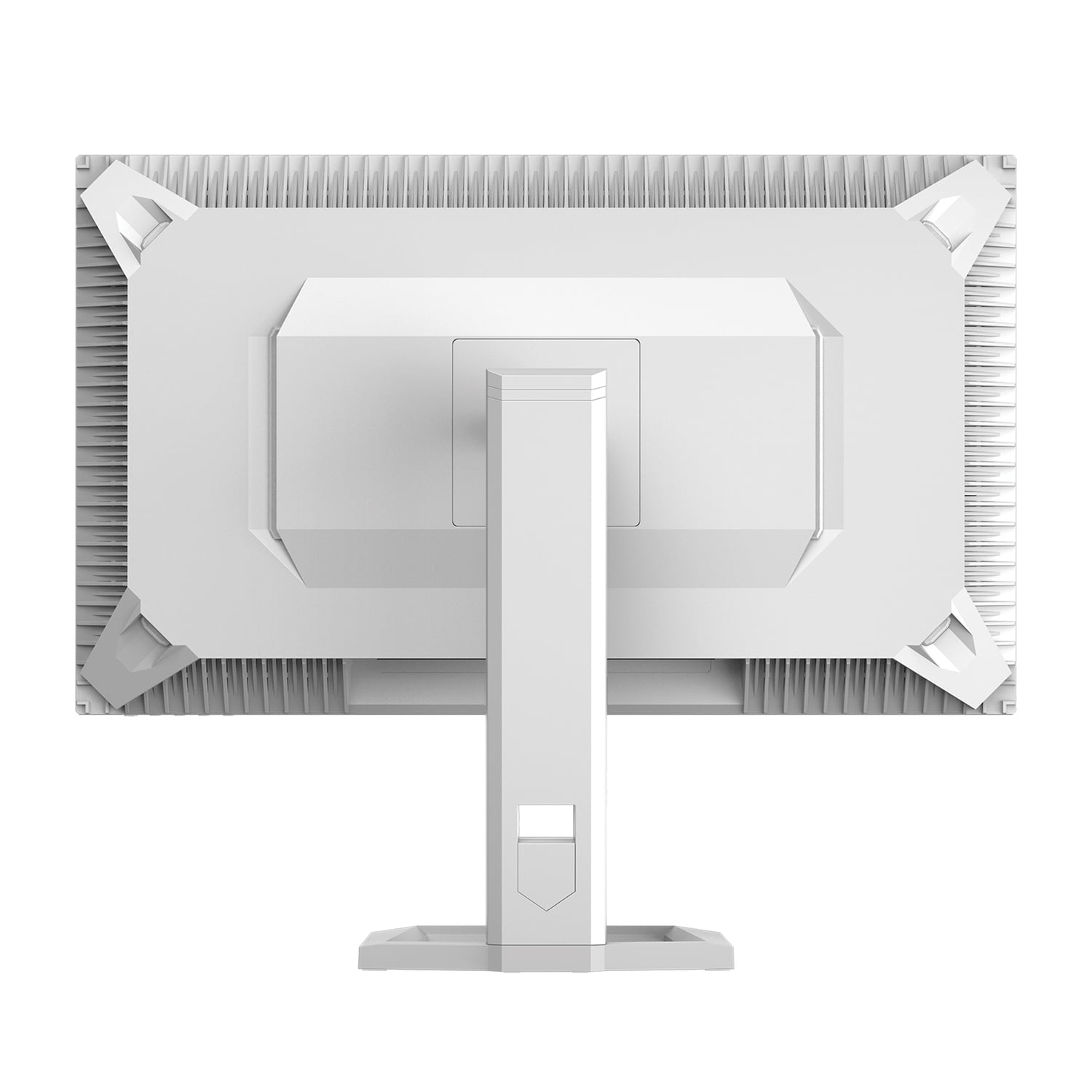
The Mobile Pixels monitor comes with a basic stand that lacks height adjustment and doesn't support VESA mounting. This might seem minor, but after hours of gaming or work, proper ergonomics prevent neck strain and eye fatigue.
Both monitors include eye care features, but they take different approaches. The Mobile Pixels display emphasizes automatic brightness adjustment based on ambient lighting and blue light reduction. The Acer monitor includes similar features plus flicker-free backlighting for extended viewing comfort.
For home theater use, the resolution advantage of the Acer Nitro XV275K P3 becomes even more significant. 4K content from streaming services, Ultra HD Blu-rays, and modern gaming consoles displays at native resolution without any scaling. The superior color accuracy also means movies and shows appear as the creators intended.
The larger number of local dimming zones in the Acer monitor creates better contrast for cinematic content, especially important for dark scenes in movies where you want to see shadow detail without washing out the blacks. The wider color gamut support also means better compatibility with cinema-standard content.
However, the Mobile Pixels monitor's ambient lighting features and automatic brightness adjustment could be more convenient for varying room lighting conditions during movie watching.
For competitive esports gaming (Counter-Strike, Valorant, League of Legends), the Mobile Pixels monitor's higher refresh rate provides a genuine advantage. These games typically don't require 4K resolution to look good, but the extra 20Hz refresh rate can provide smoother tracking of fast-moving targets.
For single-player adventure games, RPGs, and visually spectacular titles, the Acer Nitro XV275K P3's 4K resolution and superior HDR implementation create more immersive experiences. Games like The Witcher 3, Horizon Zero Dawn, or any recent AAA title benefit enormously from the extra detail and contrast.
For console gaming, the Acer monitor is clearly superior since it can display the full 4K output from PlayStation 5 and Xbox Series X without downscaling.
At the time of writing, these monitors are priced very competitively with each other, making the decision primarily about features rather than budget. The Mobile Pixels monitor offers excellent value for gamers primarily focused on high refresh rate competitive gaming, while the Acer Nitro XV275K P3 provides broader capabilities and future-proofing.
Consider that graphics card performance continues improving, making 4K gaming more accessible over time. The Acer monitor's 4K capability means it'll remain relevant longer as your gaming setup evolves. Its professional color accuracy also adds versatility if your needs expand beyond gaming.
The Mobile Pixels display focuses intensely on its core gaming mission, which could be exactly what some users need without paying for features they won't use.
Choose the Mobile Pixels 27" WQHD Mini-LED Gaming Monitor if you're primarily focused on competitive gaming, have a mid-range graphics card, and want Mini LED technology at an accessible price point. Its 180Hz refresh rate and gaming-focused features make it excellent for esports and fast-paced titles where response time matters more than resolution.
Go with the Acer Nitro XV275K P3 27" Mini LED 4K UHD Gaming Monitor if you want the most versatile gaming monitor that can also handle professional work, need USB-C connectivity for laptops, plan to game at 4K, or want the best possible visual quality for single-player games and movies. Its broader feature set and superior build quality make it a better long-term investment.
For most users, I lean toward recommending the Acer Nitro XV275K P3. The combination of 4K resolution, professional color accuracy, extensive connectivity, and superior build quality provides exceptional value. The only scenario where I'd definitively choose the Mobile Pixels monitor is for dedicated competitive gaming where the higher refresh rate provides a meaningful advantage and 4K isn't necessary.
Both monitors represent excellent examples of how Mini LED technology has made high-end display features more accessible, but they serve different gaming philosophies. Your choice should align with whether you prioritize competitive performance or overall visual excellence.
| Mobile Pixels 27" WQHD Mini-LED Gaming Monitor | Acer Nitro XV275K P3 27" Mini LED 4K UHD Gaming Monitor |
|---|---|
| Resolution - Higher resolution means sharper visuals but demands more graphics power | |
| 2560 x 1440 (WQHD) - Easier to drive at high framerates | 3840 x 2160 (4K UHD) - Much sharper detail, especially for large screens |
| Refresh Rate - Higher rates provide smoother motion in fast-paced games | |
| 180Hz - Best for competitive gaming where every frame counts | 160Hz - Still excellent for most gaming, only 20Hz difference |
| Response Time - Lower is better for reducing motion blur and ghosting | |
| 1ms GTG - Excellent for fast gaming | 1ms GTG - Equally excellent response time |
| HDR Performance - Better local dimming creates more dramatic contrast | |
| HDR1000 with Mini LED (zones unspecified) | HDR1000 with 576-zone Mini LED - More precise contrast control |
| Color Accuracy - Professional-grade accuracy matters for content creation | |
| 94% DCI-P3 - Good for gaming, adequate for casual content work | 99% Adobe RGB, 98% DCI-P3 - Professional-grade accuracy with factory calibration |
| Panel Technology - Affects viewing angles and color consistency | |
| Mini LED backlight (panel type unspecified) | IPS with Mini LED - Superior viewing angles and color consistency |
| Variable Refresh Rate Support - Prevents screen tearing across different devices | |
| AMD FreeSync Premium - Good compatibility with AMD cards | FreeSync Premium Pro + G-SYNC Compatible + HDMI VRR - Universal compatibility |
| Connectivity Options - More ports mean greater device flexibility | |
| 2x HDMI 2.1 only - Basic but covers gaming consoles | 2x HDMI 2.1 + DisplayPort 1.4 + USB-C with 90W PD - Comprehensive modern connectivity |
| Ergonomics and Mounting - Critical for comfort during long gaming sessions | |
| Basic stand, no VESA mounting - Limited adjustment options | Full ergonomic adjustability + VESA 75x75mm - Professional-grade flexibility |
| Additional Features - Convenience and productivity enhancements | |
| Ambient lighting, automatic brightness adjustment | USB hub, KVM switch, RGB lighting, professional color modes |
| Target Use Case - Who each monitor serves best | |
| Competitive gamers prioritizing high refresh rates on mid-range hardware | Enthusiast gamers, content creators, and users wanting maximum versatility |
Both the Mobile Pixels 27" WQHD Mini-LED Gaming Monitor and Acer Nitro XV275K P3 27" Mini LED 4K UHD Gaming Monitor are excellent for gaming, but they serve different gaming styles. The Mobile Pixels monitor offers a higher 180Hz refresh rate, making it ideal for competitive esports gaming where every frame matters. The Acer Nitro XV275K P3 provides 4K resolution with 160Hz refresh, delivering superior visual quality for single-player games and immersive experiences.
The Mobile Pixels monitor uses 1440p (2560 x 1440) resolution, while the Acer Nitro XV275K P3 features 4K UHD (3840 x 2160). The 4K resolution has 78% more pixels, resulting in much sharper text and finer detail in games. However, 1440p is easier for graphics cards to handle at high frame rates, making the Mobile Pixels display more suitable for users with mid-range gaming hardware.
Both monitors support HDR1000 with Mini LED backlighting, but the Acer Nitro XV275K P3 likely delivers superior HDR performance with its 576 local dimming zones. This allows for more precise contrast control, creating deeper blacks and brighter highlights. The Mobile Pixels monitor uses Mini LED technology but doesn't specify the number of dimming zones, which may result in less precise HDR implementation.
Yes, both monitors support gaming consoles through HDMI 2.1 ports. However, the Acer Nitro XV275K P3 can display the full 4K output from PlayStation 5 and Xbox Series X at native resolution. The Mobile Pixels monitor will downscale 4K console output to 1440p, which may reduce visual sharpness but could improve performance in demanding games.
The Mobile Pixels 27" WQHD Mini-LED Gaming Monitor has advantages for competitive gaming with its 180Hz refresh rate compared to the Acer's 160Hz. The lower 1440p resolution also means graphics cards can maintain higher frame rates more easily. However, the Acer Nitro XV275K P3 offers broader VRR compatibility with support for both AMD and NVIDIA adaptive sync technologies.
The Acer Nitro XV275K P3 is significantly better for professional work, offering 99% Adobe RGB color coverage and factory calibration for accurate colors. It also includes USB-C connectivity with 90W power delivery for laptops. The Mobile Pixels monitor covers 94% DCI-P3, which is good for general use but not professional-grade color accuracy.
The Mobile Pixels monitor provides basic connectivity with 2x HDMI 2.1 ports. The Acer Nitro XV275K P3 offers more comprehensive connectivity including 2x HDMI 2.1, DisplayPort 1.4, USB-C with power delivery, and USB hub functionality, making it more versatile for multiple devices and modern laptop workflows.
The Acer Nitro XV275K P3 offers superior build quality with full ergonomic adjustability (height, tilt, swivel, pivot) and VESA mount compatibility. The Mobile Pixels monitor comes with a basic stand that lacks height adjustment and doesn't support VESA mounting, limiting positioning options for optimal viewing comfort.
Both monitors work well for entertainment, but the Acer Nitro XV275K P3 is better suited for movie watching with its 4K resolution matching streaming content and superior color accuracy. The 576-zone Mini LED implementation provides better contrast for cinematic content. The Mobile Pixels monitor offers good performance but will upscale 4K content to its 1440p resolution.
Value depends on your priorities. The Mobile Pixels monitor offers excellent value for gamers focused on high refresh rate gaming at 1440p. The Acer Nitro XV275K P3 provides better overall value with 4K resolution, professional features, superior connectivity, and build quality at a competitive price point.
Yes, both support variable refresh rate to eliminate screen tearing. The Mobile Pixels monitor includes AMD FreeSync Premium support. The Acer Nitro XV275K P3 offers broader compatibility with AMD FreeSync Premium Pro, NVIDIA G-SYNC Compatible certification, and HDMI 2.1 VRR for consoles, making it compatible with more devices.
Choose the Mobile Pixels 27" WQHD Mini-LED Gaming Monitor if you prioritize competitive gaming, have a mid-range graphics card, and want high refresh rates at an accessible price. Select the Acer Nitro XV275K P3 27" Mini LED 4K UHD Gaming Monitor if you want 4K gaming, professional color accuracy, extensive connectivity options, and superior build quality for long-term use.
We've done our best to create useful and informative comparisons to help you decide what product to buy. Our research uses advanced automated methods to create this comparison and perfection is not possible - please contact us for corrections or questions. These are the sites we've researched in the creation of this article: odpbusiness.com - wellbots.com - bestbuy.com - bhphotovideo.com - youtube.com - networkhardwares.com - mobilepixels.us - bestbuy.com - business.walmart.com - newegg.com - beachaudio.com - petra.com - centralcomputer.com - mobilepixels.us - compsource.com - walmart.com - newegg.com - bestbuy.com - rtings.com - reviewed.com - displayninja.com - youtube.com - displayninja.com - youtube.com - dpreview.com - acer.com - buy.bluum.com - shi.com - camcor.com - newegg.com - provantage.com - displayspecifications.com - colamco.com - displayspecifications.com - walmart.com - bestbuy.com

Privacy Policy
Terms and Conditions - Affiliate Policy
Home Security
© Copyright 2008-2026.
11816 Inwood Rd #1211, Dallas, TX 75244