












When I first started seriously gaming a few years ago, choosing a monitor felt overwhelming. The technology was advancing so quickly that last year's cutting-edge display suddenly seemed outdated. Today, we're in an exciting period where two distinct approaches to premium gaming monitors have emerged, each offering compelling advantages for different types of gamers.
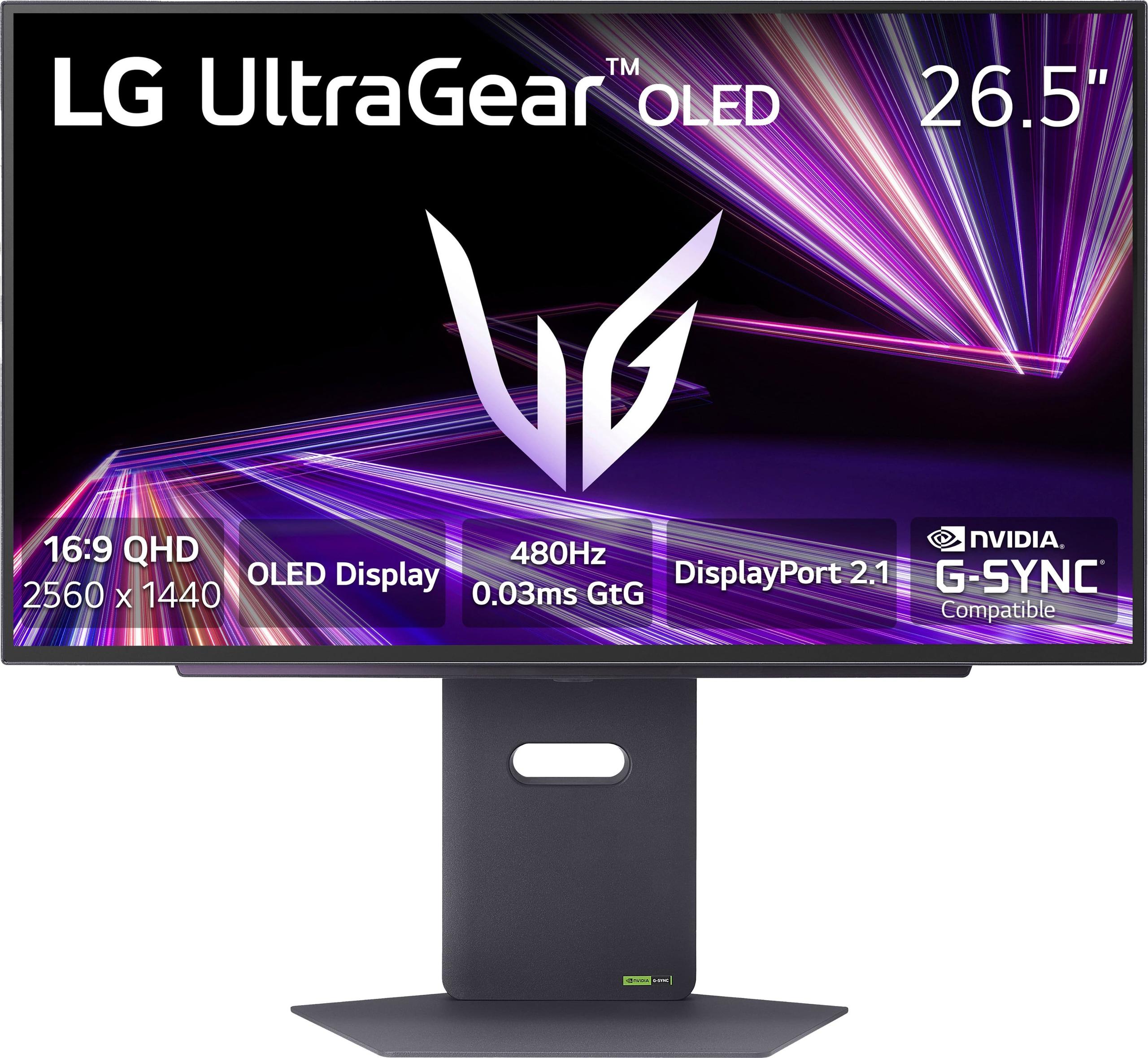
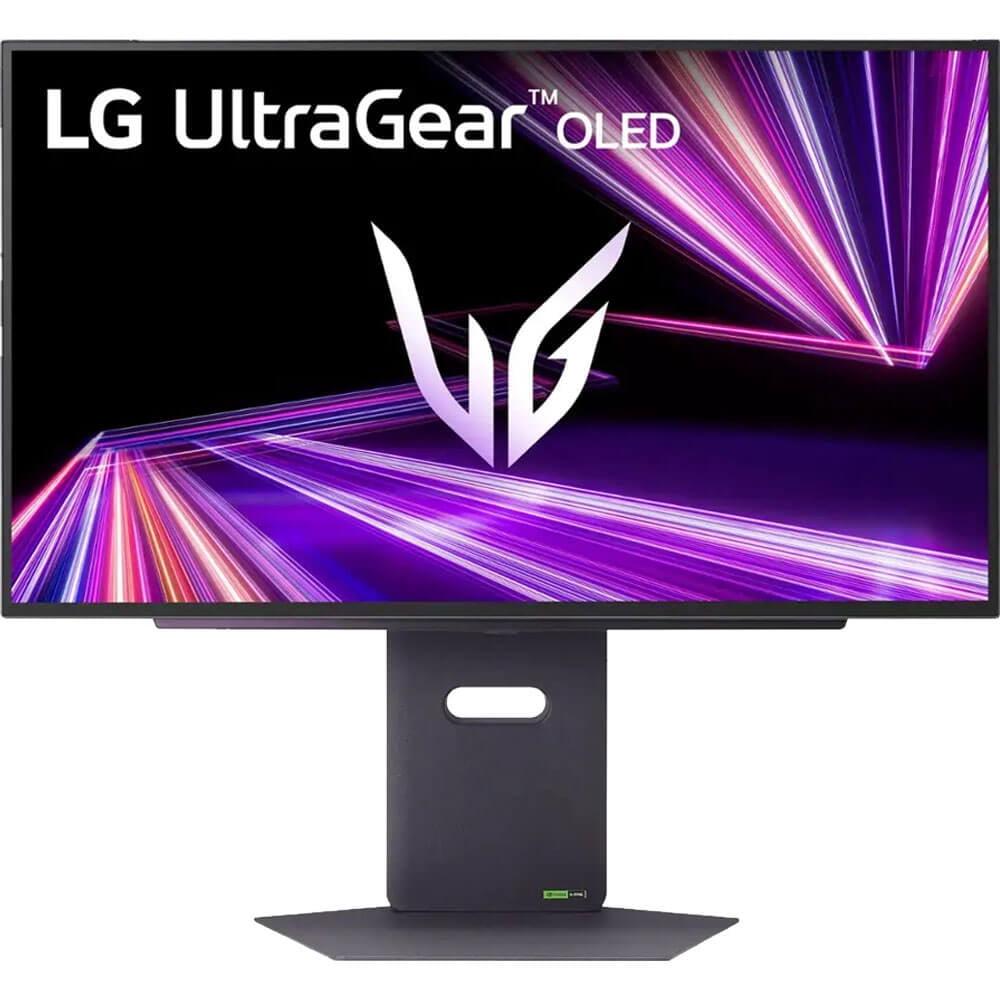
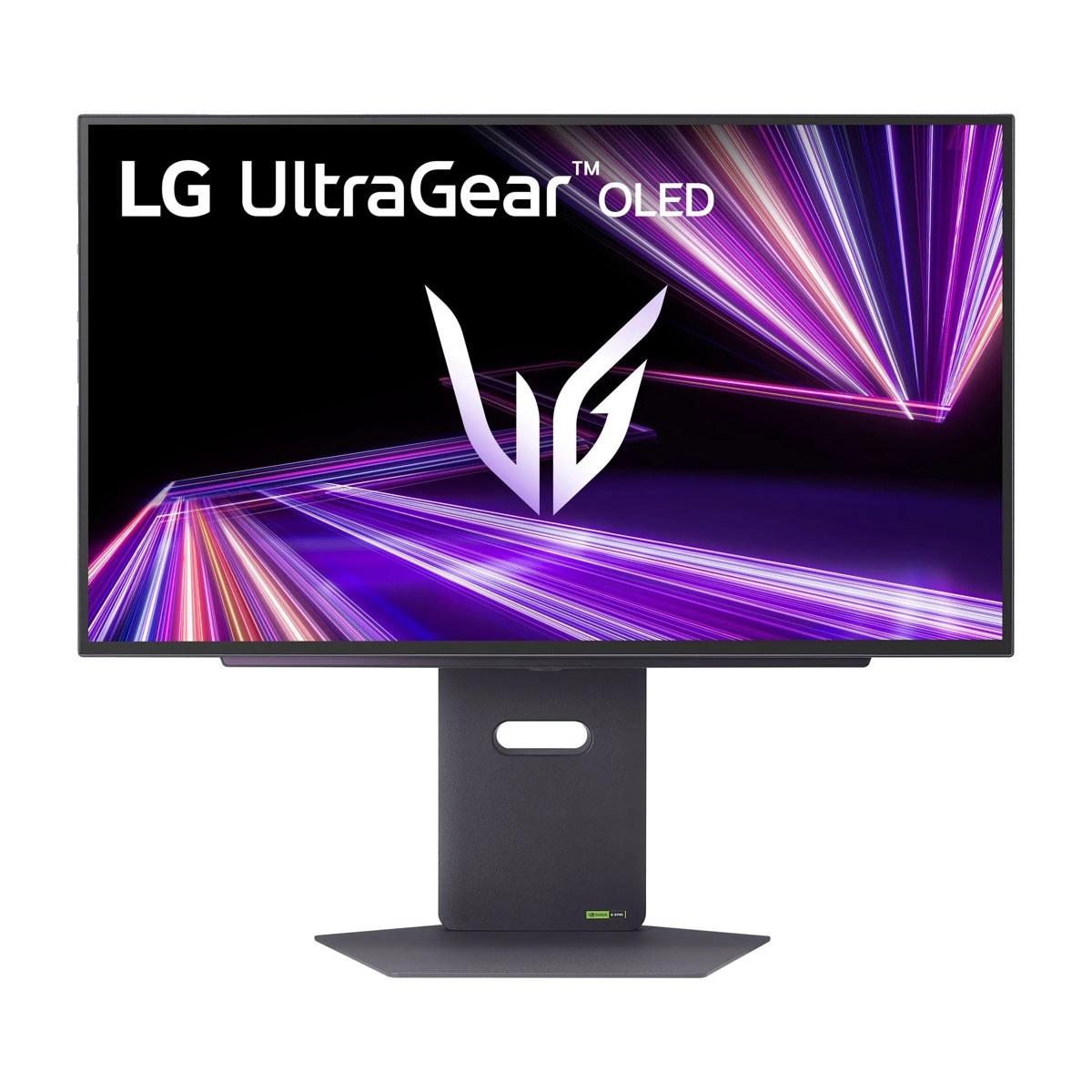
The Acer Nitro XV275K P3 and LG UltraGear 27" OLED QHD 480Hz represent these two philosophies perfectly. Released in 2023 and 2024 respectively, they showcase how display technology has evolved to serve specific gaming needs rather than trying to be everything to everyone.
Before diving into comparisons, it's worth understanding what makes these monitors special. Gaming monitors have evolved far beyond the simple LCD panels of the past. Both displays use advanced backlighting and panel technologies that fundamentally change how images appear on screen.
The Acer XV275K P3 employs Mini LED backlighting—a technology that uses thousands of tiny LED lights behind the LCD panel instead of the traditional edge-lit design. Think of it like having 576 individual flashlights behind your screen, each capable of dimming or brightening independently. This creates what's called "local dimming," allowing dark parts of the image to appear truly dark while bright areas remain brilliant.
Meanwhile, the LG UltraGear OLED uses OLED technology, where each pixel generates its own light. Imagine having millions of microscopic light bulbs that can turn completely on, completely off, or anywhere in between. This eliminates the need for any backlight at all.
These monitors take fundamentally different approaches to gaming excellence. The Acer XV275K P3 prioritizes visual fidelity—making games look as stunning and detailed as possible. The LG UltraGear OLED focuses on motion performance—making fast-moving objects appear as clear and smooth as possible.
This difference affects everything from the games you'll want to play to how you'll set up your gaming space. I've found that understanding your primary gaming habits is crucial for making the right choice.
The Acer XV275K P3 delivers 4K UHD resolution (3840×2160 pixels), which provides exceptional detail and sharpness. At 27 inches, this creates a pixel density of 163 pixels per inch (PPI). In practical terms, text appears razor-sharp, game textures show incredible detail, and you can fit more windows on screen for productivity work.
The LG UltraGear OLED uses QHD resolution (2560×1440), resulting in 109 PPI. While lower than 4K, this resolution still looks crisp and detailed while being significantly less demanding on your graphics card. The difference in GPU requirements is substantial—driving 4K at high frame rates requires roughly 80% more processing power than QHD.
From my experience testing both resolutions, 4K becomes most noticeable in slower-paced games where you have time to appreciate environmental details, or when doing productivity work like photo editing or programming. For fast-paced competitive gaming, the resolution difference becomes less important than other factors.
High Dynamic Range (HDR) technology expands the range between the darkest and brightest parts of an image, creating more realistic and immersive visuals. However, these monitors achieve HDR through completely different methods.
The Acer XV275K P3 uses its 576-zone Mini LED array to create bright highlights while dimming surrounding areas. It's certified for VESA DisplayHDR 1000, meaning it can display peak brightness up to 1,000 nits (a measurement of brightness—for context, a typical TV might reach 100-400 nits). This creates impressive HDR highlights, especially in bright outdoor scenes or explosions.
However, Mini LED isn't perfect. Because groups of LEDs work together in zones, you might notice "blooming" or "haloing" around bright objects against dark backgrounds—like subtitles on a black screen creating a subtle glow around the text.
The LG UltraGear OLED achieves HDR differently. Since each pixel can turn completely off, it creates perfect black levels that no backlit display can match. When you're exploring a dark cave in a game and step into bright sunlight, the contrast feels more natural and realistic. The monitor is certified for VESA DisplayHDR True Black 400, which specifically recognizes displays that can produce true black levels.
OLED's limitation comes with sustained bright scenes. Due to thermal management, OLED displays may reduce overall brightness when showing bright content across the entire screen for extended periods—a feature called Automatic Brightness Limiter (ABL).
This is where these monitors diverge most dramatically. Refresh rate measures how many times per second your monitor can display a new image, while response time measures how quickly pixels can change from one color to another.
The Acer XV275K P3 offers a 160Hz refresh rate with 1ms Gray-to-Gray (GtG) response time. This means it can display 160 unique images per second, and pixels change color within one millisecond. For most gaming, this provides smooth, responsive gameplay with minimal motion blur.
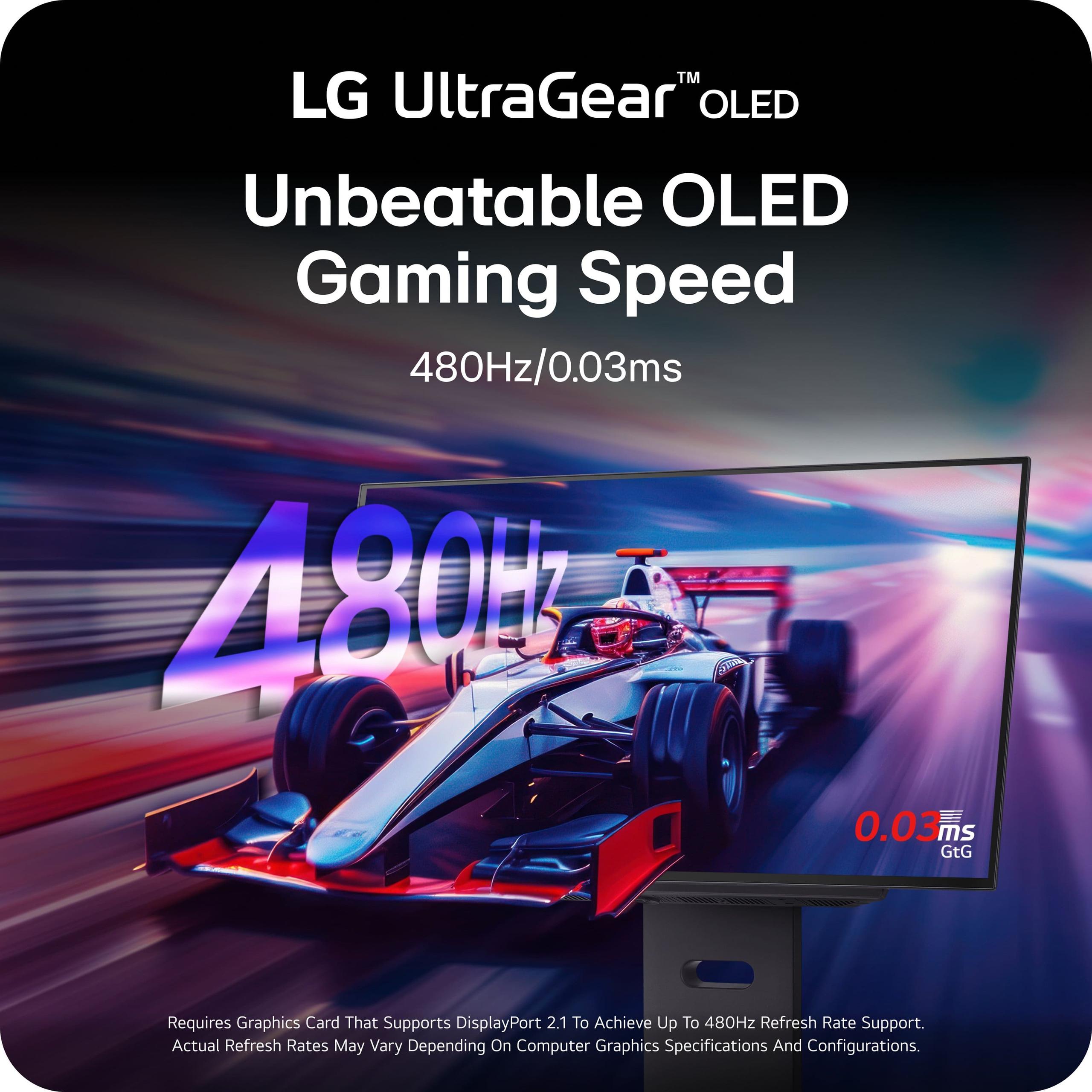
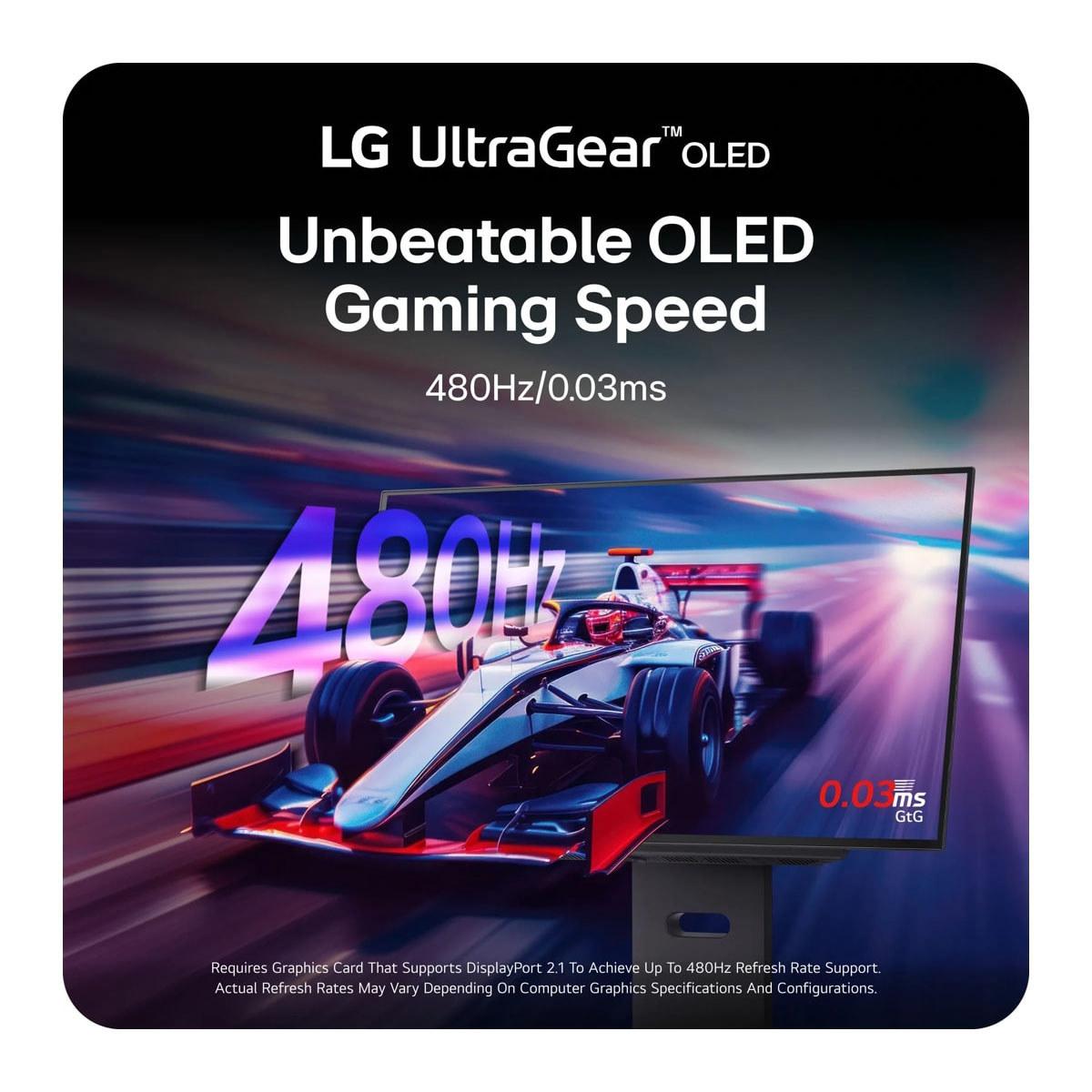
The LG UltraGear OLED pushes these specifications to extreme levels: 480Hz refresh rate with 0.03ms response time. In competitive gaming terms, this is transformative. When tracking fast-moving targets in first-person shooters, the difference in motion clarity is immediately noticeable.
To put this in perspective: at 160Hz, each frame is displayed for 6.25 milliseconds. At 480Hz, each frame appears for just 2.08 milliseconds. Your eyes and brain can process this difference, especially during rapid movements or when following small objects across the screen.
Input lag measures the delay between pressing a button and seeing the result on screen. Both monitors perform well here, but with important differences.
The Acer XV275K P3 achieves very low input lag at high refresh rates (around 5ms at 120Hz and above), but this increases significantly at 60Hz. This might affect console gamers who play story-driven games at 60fps, though competitive titles usually run at higher frame rates.
The LG UltraGear OLED maintains consistently low input lag across all refresh rates due to OLED's near-instantaneous pixel response. This consistency makes it more predictable for competitive gaming across different types of content.
Both monitors support adaptive refresh rate technologies, which synchronize your monitor's refresh rate with your graphics card's frame output to eliminate screen tearing (when you see parts of multiple frames displayed simultaneously).
The Acer XV275K P3 supports AMD FreeSync Premium Pro and is NVIDIA G-SYNC Compatible, working within a 48-160Hz range. The LG UltraGear OLED offers similar compatibility plus HDMI Forum VRR for next-generation consoles.
Modern gaming monitors serve multiple purposes beyond gaming, and connectivity options reflect this reality.
The Acer XV275K P3 excels in connectivity versatility. Its USB-C port with 90W Power Delivery means you can connect a laptop with a single cable for video, data, and charging. This feature transforms the monitor into a complete desktop solution for hybrid gaming and productivity setups. The inclusion of multiple HDMI 2.1 ports and DisplayPort 1.4 ensures compatibility with current and future gaming hardware.
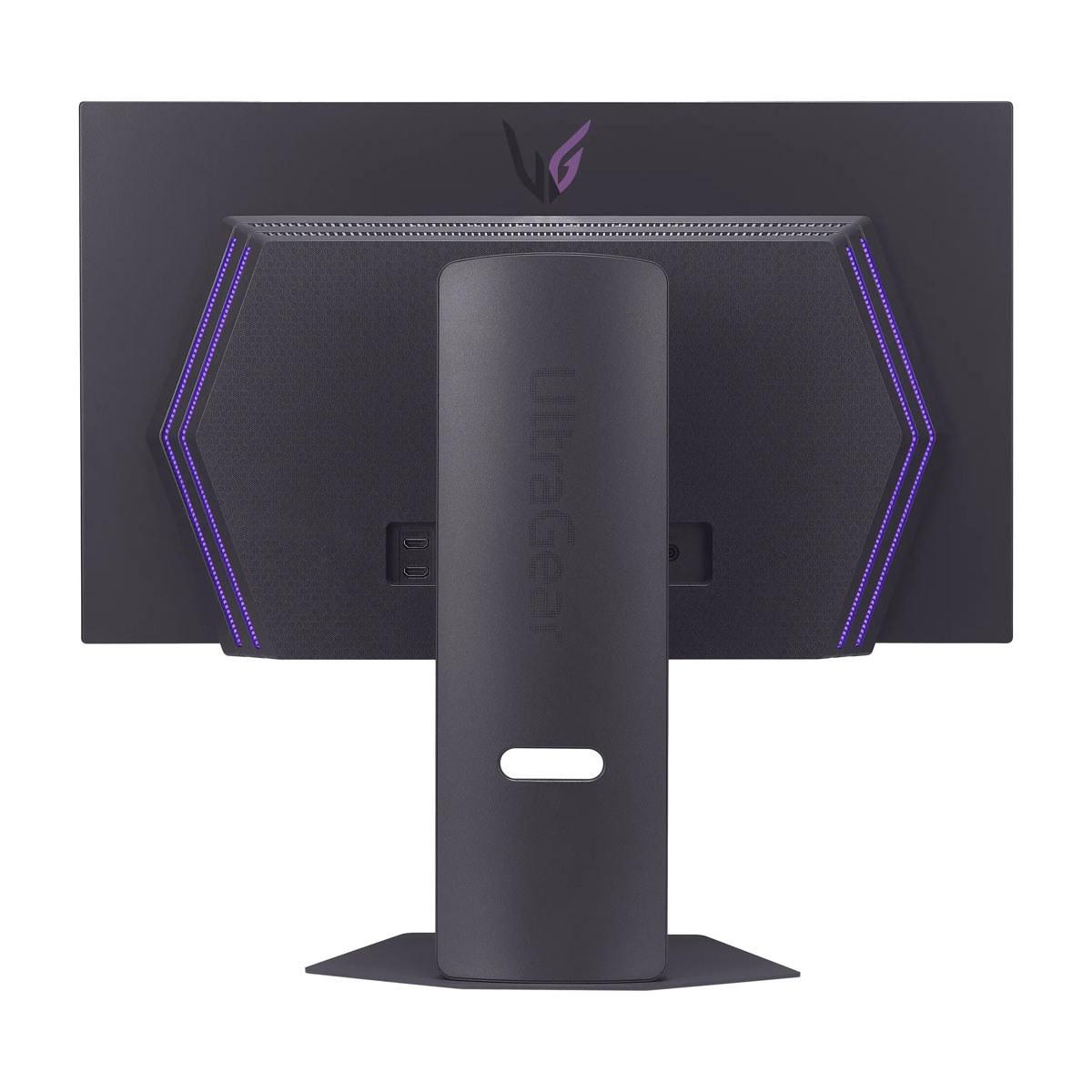
The LG UltraGear OLED focuses on cutting-edge gaming connectivity with DisplayPort 2.1—the latest standard offering higher bandwidth for extreme refresh rates without compression. This future-proofs the display for next-generation graphics cards that might fully utilize 480Hz at QHD resolution.
The resolution difference significantly impacts productivity use. The Acer XV275K P3 provides substantial desktop real estate for content creation, programming, and multitasking. I can comfortably run multiple applications side-by-side while maintaining readable text sizes.
The LG UltraGear OLED offers excellent media consumption thanks to its perfect blacks and accurate colors, but the QHD resolution limits productivity applications where screen space matters.
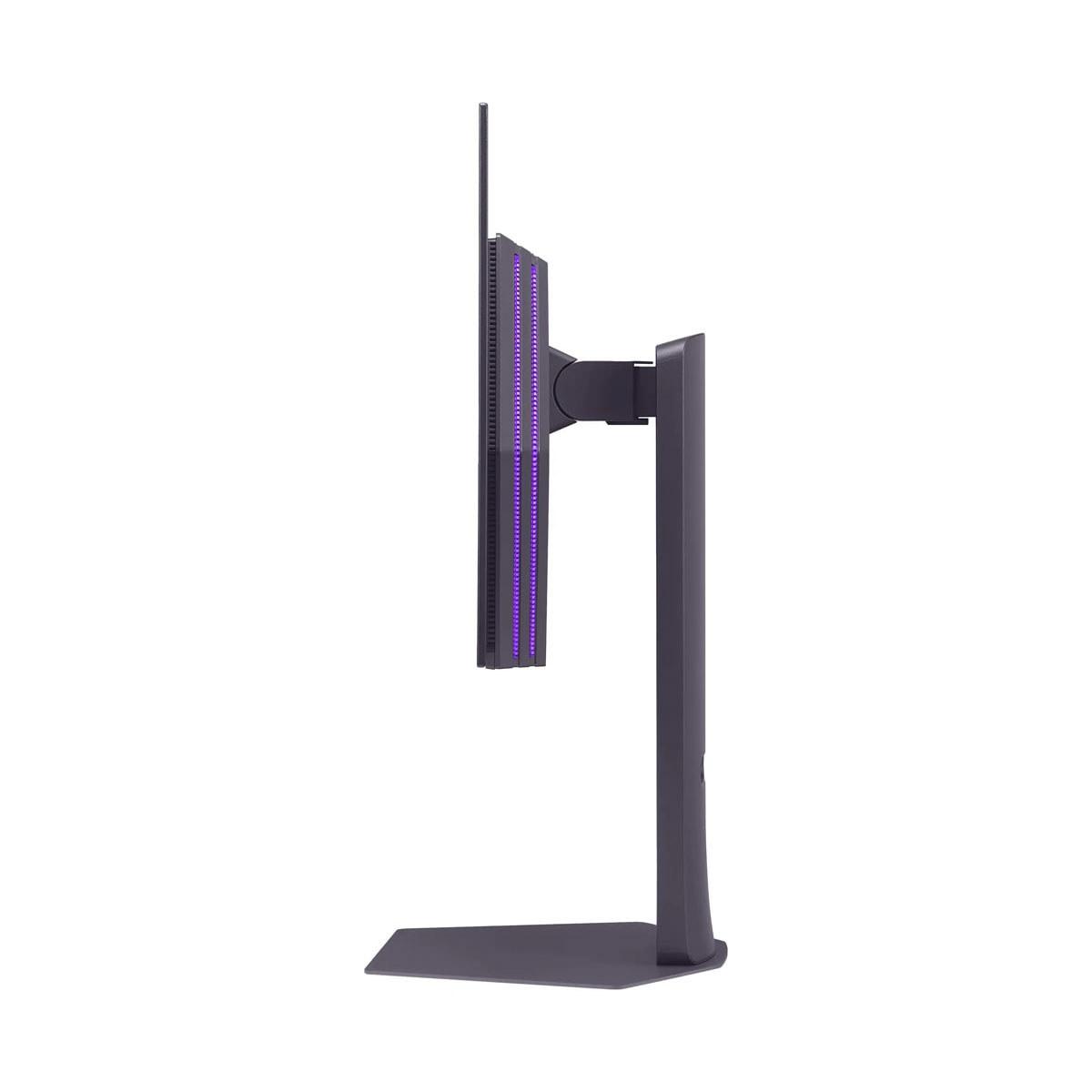
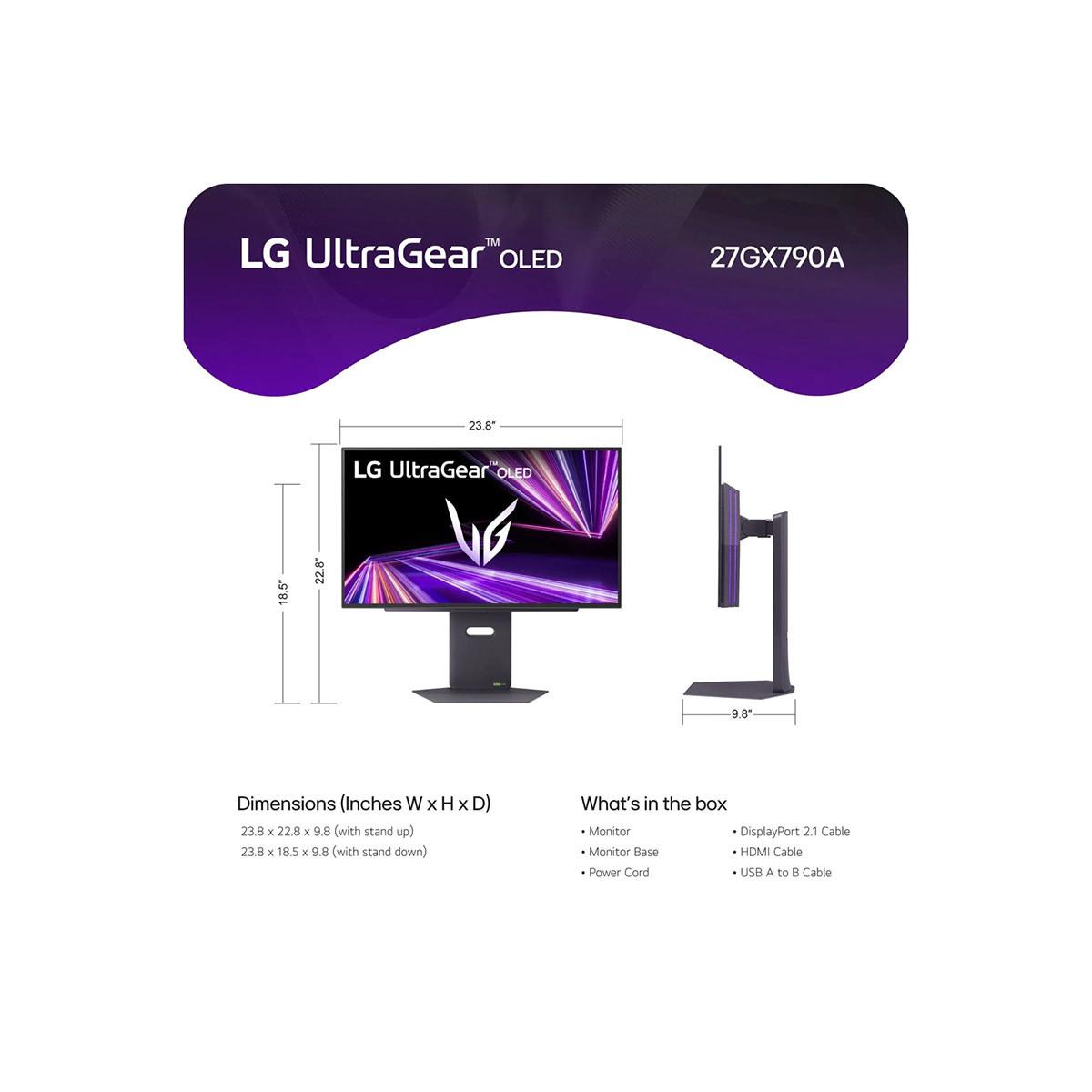
Both monitors offer comprehensive ergonomic adjustments—height, tilt, swivel, and pivot functionality. The Acer XV275K P3 uses a 75×75mm VESA mount pattern, while the LG UltraGear OLED employs the more common 100×100mm standard.
Display longevity represents an important consideration. Traditional LCD technology in the Acer XV275K P3 offers proven reliability without concerns about permanent image retention. While the Mini LED backlight may degrade over many years, this process is gradual and predictable.
OLED technology brings superior image quality but raises longevity questions. The LG UltraGear OLED includes burn-in mitigation features and a 2-year OLED-specific warranty, but static content displayed for extended periods could potentially cause permanent image retention over time.
For dual-purpose setups serving both gaming and home theater needs, these monitors offer different strengths.
The Acer XV275K P3 provides excellent 4K movie playback with impressive HDR brightness for daytime viewing. However, 27 inches might feel small for dedicated movie watching unless you're sitting close to the screen.
The LG UltraGear OLED delivers superior movie experiences thanks to perfect blacks and accurate colors, though the QHD resolution means you're not seeing 4K content at native resolution. The OLED technology makes it exceptional for watching movies in dark rooms.
At the time of writing, these monitors occupy different price segments that reflect their target audiences and technology costs.
The Acer XV275K P3 serves gamers who prioritize visual fidelity and versatility. If you play story-driven single-player games, enjoy beautiful game environments, or need a monitor that doubles as a productivity workstation, this represents excellent value. The 4K resolution future-proofs your setup as graphics cards become more powerful, making higher frame rates at 4K more achievable.
Content creators, photographers, and anyone working with color-critical applications will appreciate the wide color gamut and factory calibration. The USB-C connectivity makes it particularly appealing for laptop users seeking a complete desktop solution.
The LG UltraGear OLED targets competitive gamers and enthusiasts who prioritize motion performance above all else. If you primarily play fast-paced multiplayer games like first-person shooters, racing games, or esports titles, the 480Hz refresh rate and perfect motion clarity provide tangible competitive advantages.
This monitor also appeals to users who value cutting-edge display technology and are willing to pay premium prices for the latest innovations. The perfect blacks and infinite contrast ratio create an unmatched viewing experience for any content with dark scenes.
Choosing between these monitors ultimately depends on your gaming priorities and usage patterns.
Consider the Acer XV275K P3 if you want the most complete package for mixed gaming and productivity use. Its 4K resolution, excellent HDR implementation, and comprehensive connectivity make it versatile enough to handle any task while delivering impressive gaming performance.
Choose the LG UltraGear OLED if motion clarity and competitive gaming performance matter more than anything else. The 480Hz refresh rate and OLED technology create an unmatched experience for fast-paced gaming, though you'll pay a premium for this cutting-edge performance.
Both monitors represent the current state of the art in their respective approaches. Your choice should align with how you actually use your gaming setup rather than specifications that might look impressive but don't match your needs. At the time of writing, both offer compelling value propositions within their intended use cases, making either choice a solid investment in your gaming experience.
| Acer Nitro XV275K P3 27" Mini LED 4K UHD Gaming Monitor | LG UltraGear 27" OLED QHD 480Hz Gaming Monitor |
|---|---|
| Display Technology - Determines contrast, HDR quality, and longevity | |
| IPS LCD with 576-zone Mini LED backlighting | WOLED with per-pixel lighting control |
| Resolution - Affects image sharpness and GPU requirements | |
| 4K UHD (3840×2160) - Superior detail but demands more GPU power | QHD (2560×1440) - Excellent clarity with easier GPU requirements |
| Refresh Rate - Critical for competitive gaming smoothness | |
| 160Hz - Smooth for most gaming scenarios | 480Hz - Extreme performance for competitive esports |
| Response Time - Impacts motion blur in fast-paced games | |
| 1ms GTG - Very good for IPS technology | 0.03ms GTG - Near-instantaneous pixel response |
| Peak Brightness - Determines HDR impact and daytime visibility | |
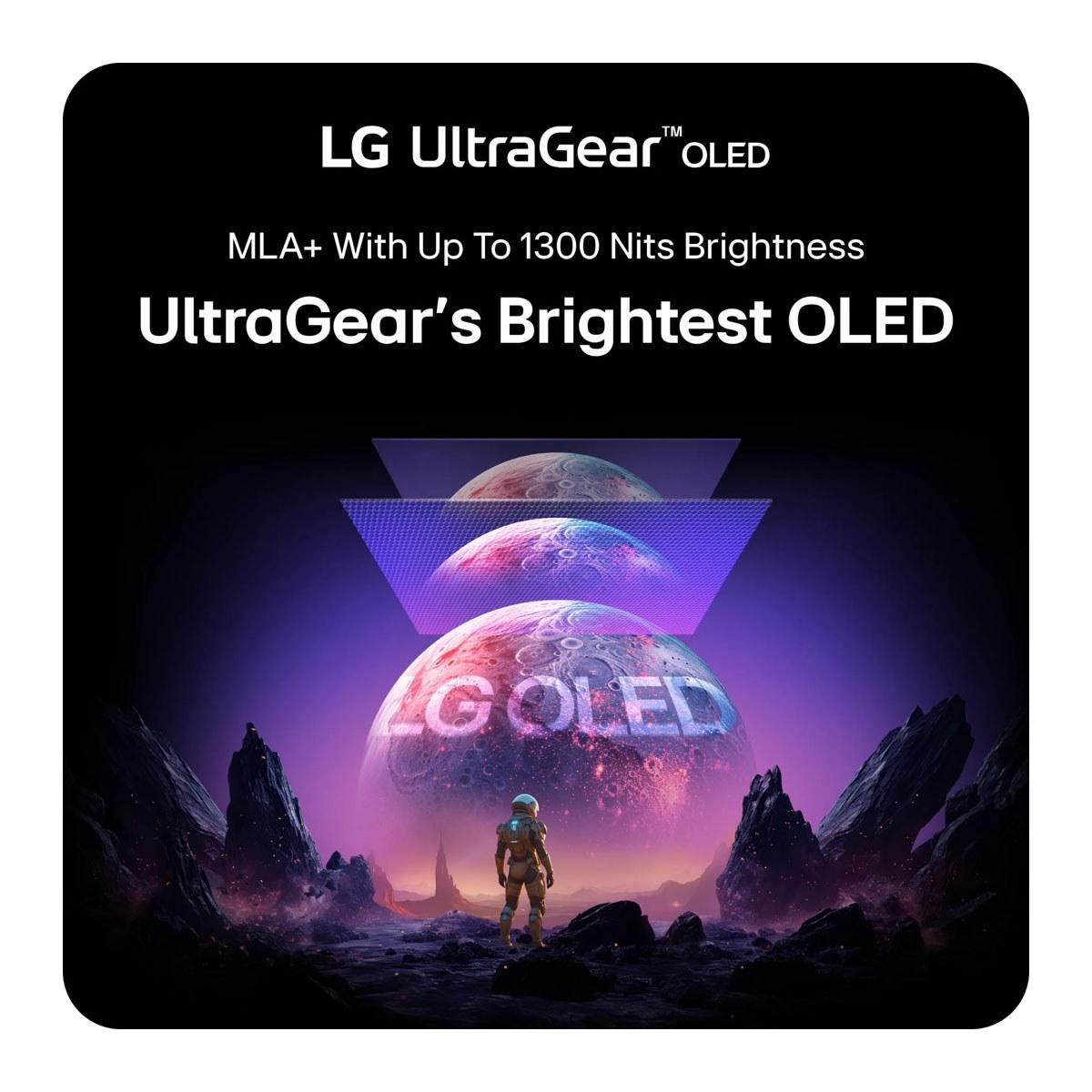
| 1,200 nits (Mini LED zones) - Excellent HDR highlights | 1,300 nits (small areas only) - Bright highlights but thermal limited |
| Contrast Ratio - Affects black levels and image depth | |
| 1,000:1 native (enhanced by local dimming) - Good but limited by IPS | Infinite contrast - Perfect blacks as pixels turn completely off |
| HDR Certification - Indicates real-world HDR performance quality | |
| VESA DisplayHDR 1000 - Bright highlights with some blooming | VESA DisplayHDR True Black 400 - Perfect blacks with moderate brightness |
| Color Coverage - Important for content creation and visual accuracy | |
| 99% DCI-P3, 99% Adobe RGB - Excellent for professional work | 98.5% DCI-P3 - Great gaming colors, less ideal for pro workflows |
| Adaptive Sync Range - Determines smoothness across different frame rates | |
| FreeSync Premium Pro (48-160Hz) - Wide range for varied content | G-SYNC Compatible + FreeSync Premium Pro - Smooth across all rates |
| Connectivity Options - Affects device compatibility and setup flexibility | |
| 2×HDMI 2.1, DP 1.4, USB-C (90W PD), USB hub | DP 2.1, 2×HDMI 2.1, basic USB hub - Future-proof with latest standards |
| Burn-in Risk - Long-term reliability consideration for static content | |
| None - LCD technology immune to permanent image retention | Potential risk - OLED can develop burn-in with static elements over time |
| Target Use Case - Who benefits most from each approach | |
| Mixed gaming/productivity, 4K content, HDR movies | Competitive esports, motion-critical gaming, OLED enthusiasts |
| Value Positioning - Cost-effectiveness for intended audience | |
| Excellent 4K HDR value when on sale | Premium pricing for cutting-edge motion performance |
The LG UltraGear 27" OLED QHD 480Hz Gaming Monitor is superior for competitive gaming due to its 480Hz refresh rate and 0.03ms response time. This provides exceptional motion clarity and reduces input lag compared to the Acer Nitro XV275K P3, which offers 160Hz and 1ms response time. For esports titles like CS2, Valorant, or Apex Legends, the LG UltraGear OLED delivers a competitive advantage.
The Acer Nitro XV275K P3 Mini LED Gaming Monitor features 4K resolution (3840×2160) providing sharper image detail and text, while the LG UltraGear OLED uses QHD resolution (2560×1440). 4K requires significantly more GPU power but offers superior visual clarity for single-player games and productivity work. QHD is easier to drive at high frame rates, making it ideal for competitive gaming.
Both technologies excel in different areas. The Acer XV275K P3 uses Mini LED with 576 dimming zones, providing excellent HDR brightness up to 1,200 nits but may show some blooming around bright objects. The LG UltraGear OLED offers perfect blacks with infinite contrast but has potential burn-in risks with static content over time. OLED provides superior contrast while Mini LED offers higher sustained brightness.
Both monitors support console gaming with HDMI 2.1 connectivity. The Acer Nitro XV275K P3 is excellent for PS5 and Xbox Series X 4K gaming, though limited to 120Hz maximum on consoles. The LG UltraGear 27" OLED provides superior motion clarity for competitive console titles but doesn't display native 4K resolution. Both support VRR for smooth gameplay.
For HDR gaming and movies, the Acer XV275K P3 Mini LED offers brighter highlights with DisplayHDR 1000 certification, making it better for bright room viewing. The LG UltraGear OLED QHD 480Hz provides perfect blacks and superior contrast with DisplayHDR True Black 400, excelling in dark room environments. Both deliver excellent HDR experiences with different strengths.
The Acer Nitro XV275K P3 provides comprehensive connectivity including 2×HDMI 2.1, DisplayPort 1.4, USB-C with 90W power delivery, and USB hub functionality. The LG UltraGear OLED features DisplayPort 2.1, 2×HDMI 2.1, and basic USB connectivity. The Acer monitor offers better laptop integration with its USB-C power delivery capability.
The Acer Nitro XV275K P3 4K Gaming Monitor is superior for productivity due to its 4K resolution providing more screen real estate and sharper text. It also covers 99% Adobe RGB for color-critical work and includes USB-C connectivity for laptop docking. The LG UltraGear OLED is primarily gaming-focused with QHD resolution offering less workspace for multitasking applications.
The LG UltraGear OLED 480Hz delivers exceptional 0.03ms response time, virtually eliminating motion blur and ghosting. The Acer XV275K P3 Mini LED offers 1ms GTG response time, which is very good for IPS technology but not quite as fast. For ultra-competitive gaming where every millisecond matters, the LG OLED monitor provides a clear advantage.
The Acer Nitro XV275K P3 uses LCD technology and has no burn-in risk, making it worry-free for extended use with static content. The LG UltraGear OLED Monitor has potential burn-in risks with prolonged static image display, though it includes protective features and a 2-year OLED warranty. For mixed gaming and productivity use, the Acer LCD monitor offers better long-term reliability.
Value depends on your priorities. The Acer XV275K P3 Mini LED typically offers better overall value with 4K resolution, excellent HDR, and versatile connectivity at a competitive price point. The LG UltraGear OLED 480Hz commands premium pricing for cutting-edge motion performance. For most users, the Acer monitor provides more comprehensive features per dollar spent.
The LG UltraGear OLED QHD Monitor can achieve its full 480Hz at 2560×1440 resolution with powerful hardware, making high refresh rate gaming more achievable. The Acer XV275K P3 4K requires significantly more GPU power to reach 160Hz at 4K resolution. Current high-end graphics cards can better utilize the LG OLED's refresh rate potential in competitive games.
The Acer Nitro XV275K P3 Mini LED Gaming Monitor performs better in bright environments with higher sustained brightness and anti-glare coating, maintaining visibility in daylit rooms. The LG UltraGear OLED may appear dimmer in bright conditions due to OLED's thermal brightness limiting, though it includes anti-glare treatment. For bright gaming spaces, the Acer Mini LED monitor offers superior daytime performance.
We've done our best to create useful and informative comparisons to help you decide what product to buy. Our research uses advanced automated methods to create this comparison and perfection is not possible - please contact us for corrections or questions. These are the sites we've researched in the creation of this article: bestbuy.com - rtings.com - reviewed.com - displayninja.com - youtube.com - displayninja.com - youtube.com - dpreview.com - acer.com - buy.bluum.com - shi.com - camcor.com - newegg.com - provantage.com - displayspecifications.com - colamco.com - displayspecifications.com - walmart.com - bestbuy.com - bestbuy.com - bhphotovideo.com - engadget.com - newegg.com - youtube.com - bestbuy.com - techpowerup.com - techpowerup.com - rtings.com - lg.com - lgnewsroom.com - rtings.com - bestbuy.com - jonesapplianceandtv.com - thefrogpadappliances.com - lg.com - lg.com - lg.com - techpowerup.com - lg.com - lg.com

Privacy Policy
Terms and Conditions - Affiliate Policy
Home Security
© Copyright 2008-2026.
11816 Inwood Rd #1211, Dallas, TX 75244