









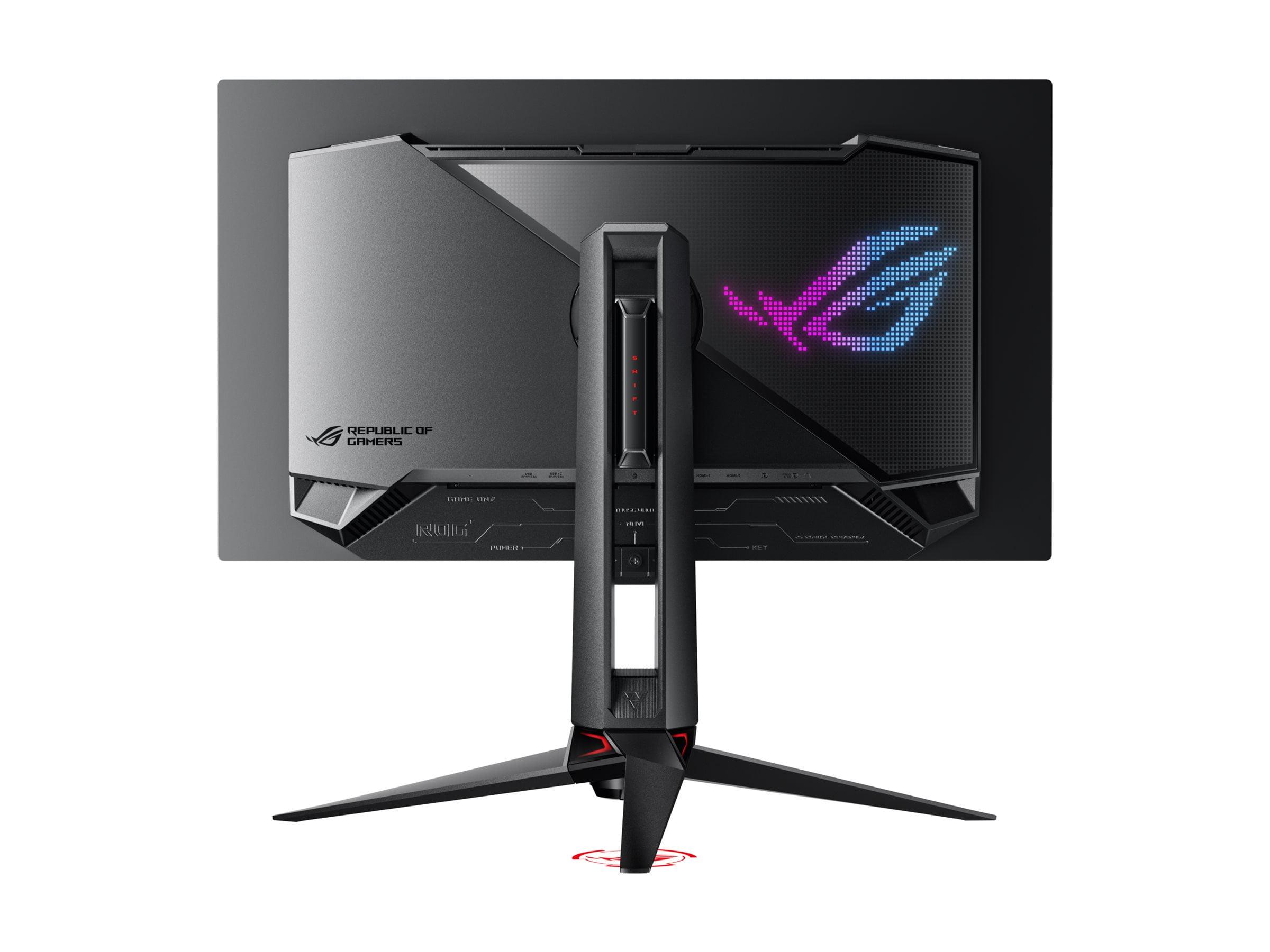
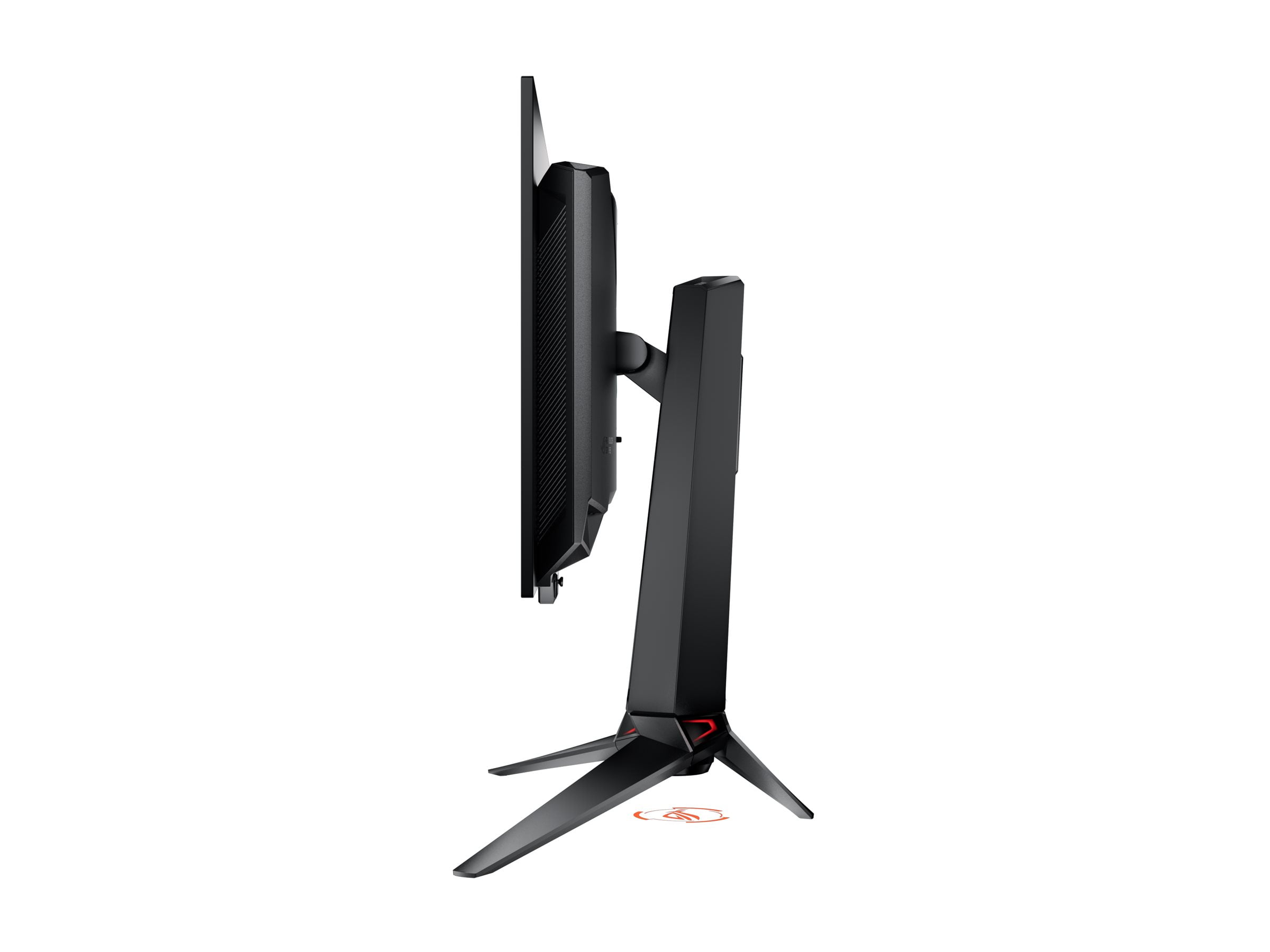
When shopping for a premium 4K gaming monitor, you'll quickly encounter two fundamentally different technologies that represent the current pinnacle of display engineering. The Acer Nitro XV275K P3 showcases the potential of Mini LED backlighting, while the ASUS ROG Swift OLED PG27UCDM demonstrates what cutting-edge OLED can achieve. At the time of writing, these monitors sit in different price tiers, with the ASUS commanding a significant premium over the Acer – but that price difference tells a story about the evolution of display technology and what you're actually paying for.
The 4K gaming monitor market has exploded since 2020, driven by more powerful graphics cards and gamers' appetite for sharper, more responsive displays. Both monitors we're examining launched in 2023, representing the latest thinking in their respective technologies, but they take completely different approaches to achieving excellent image quality.
The Acer Nitro XV275K P3 uses what's called Mini LED backlighting behind an IPS (In-Plane Switching) LCD panel. Think of this as thousands of tiny LED lights arranged in a grid behind the screen, with 576 distinct zones that can brighten or dim independently. This creates much better contrast than traditional edge-lit monitors, where a few LEDs around the screen's edges try to illuminate the entire display. The IPS panel itself handles the actual image formation – it's the same proven technology that's been refined over decades, known for consistent colors and wide viewing angles.
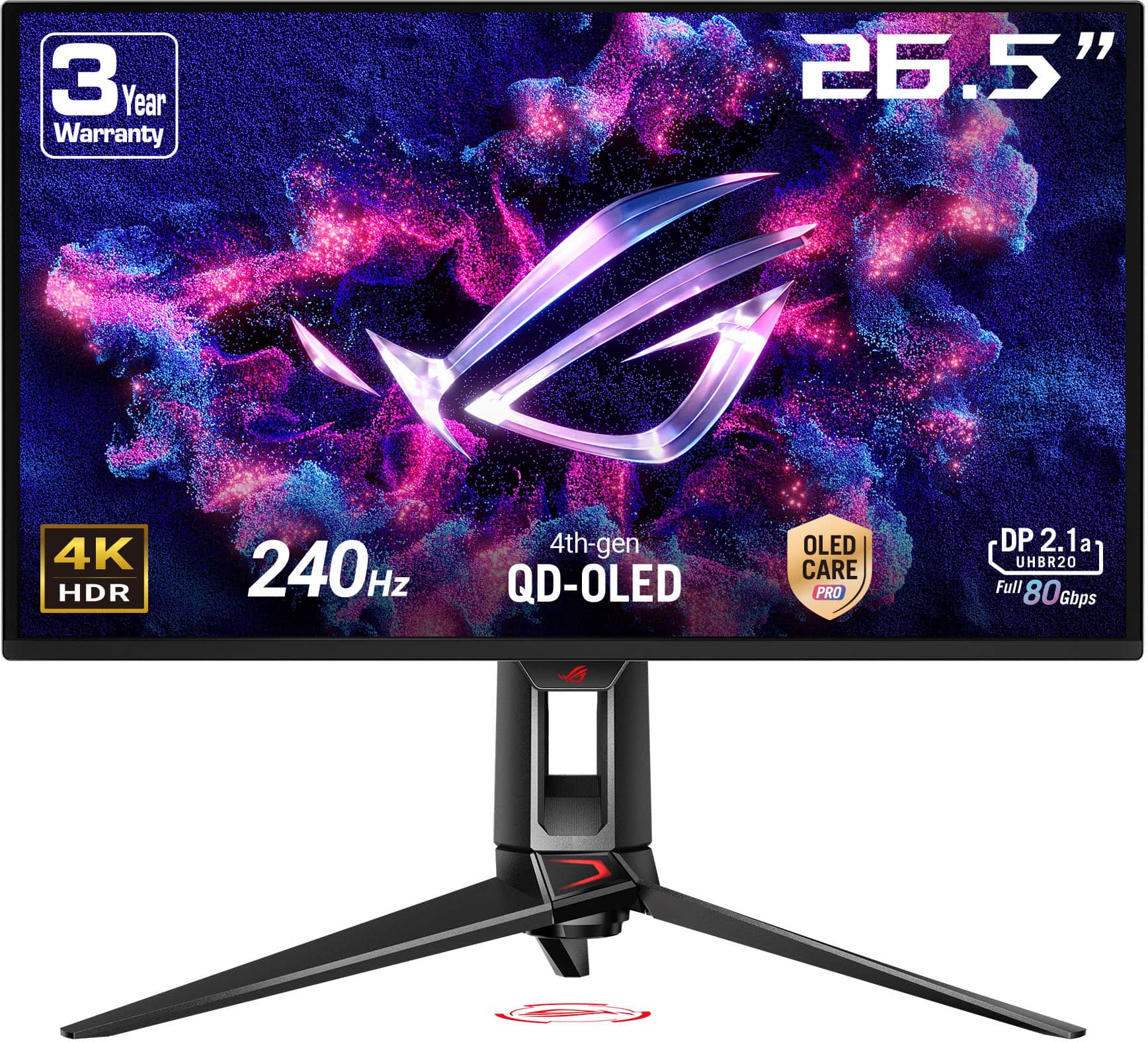
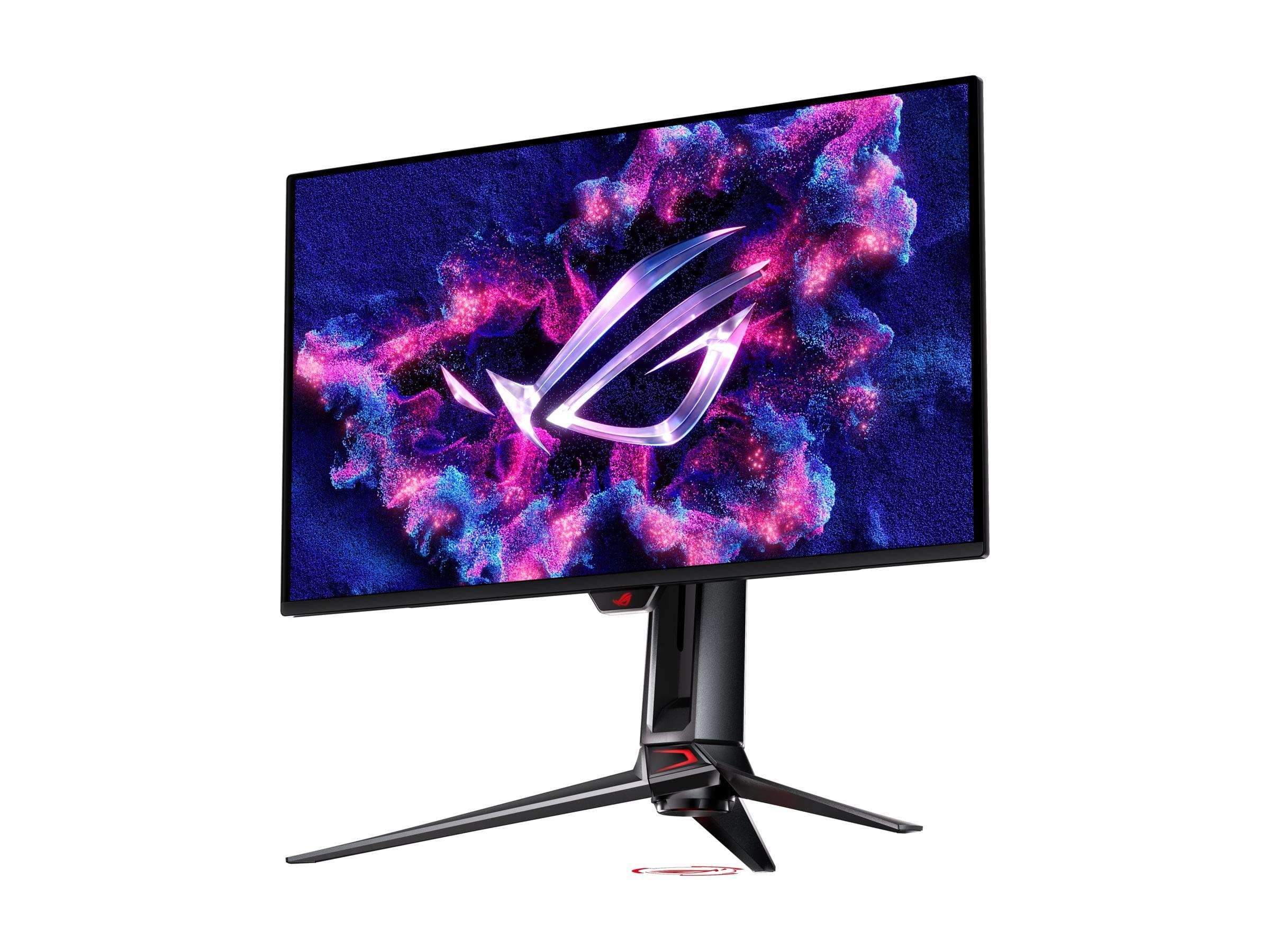
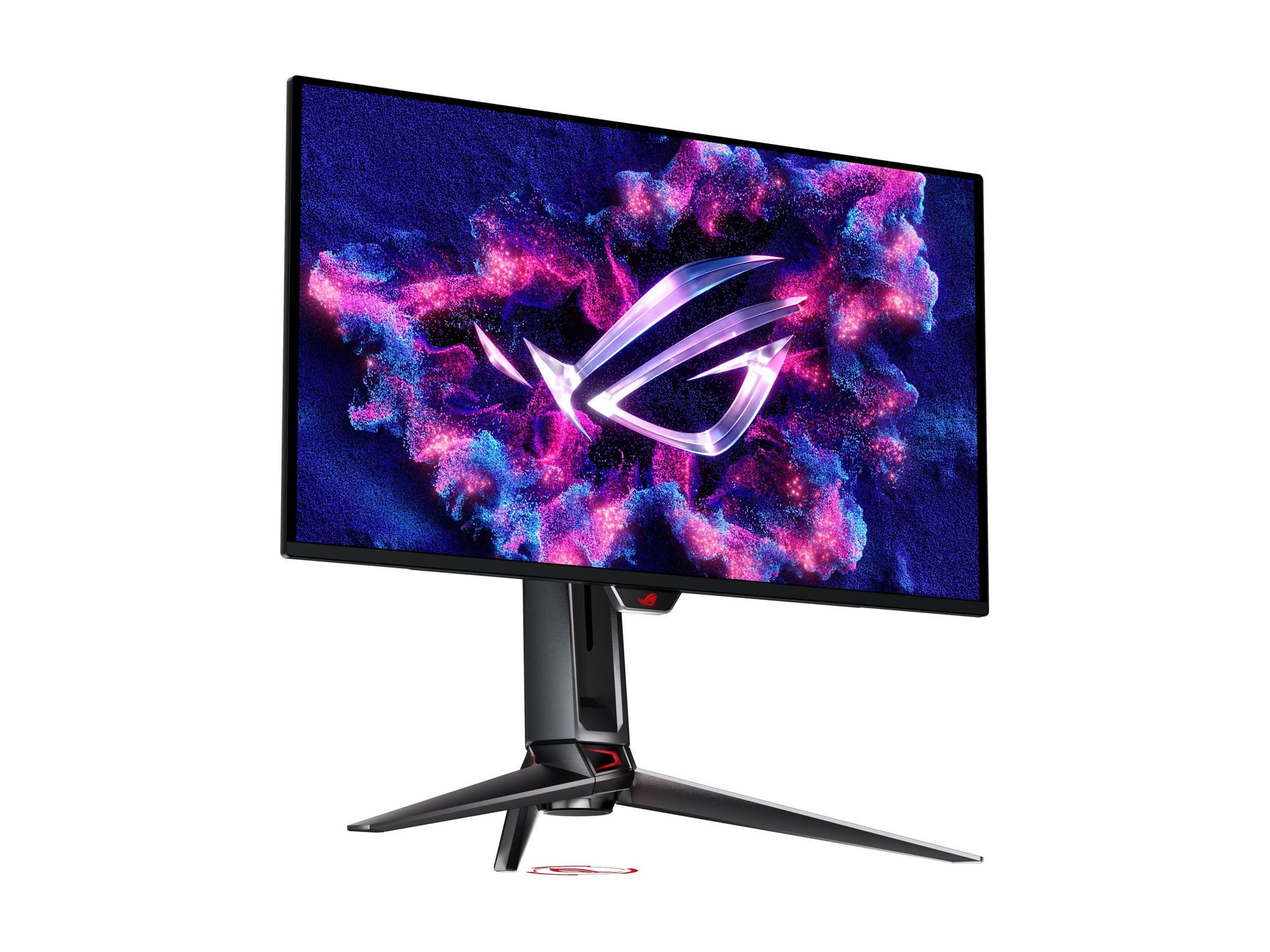
The ASUS ROG Swift OLED PG27UCDM, on the other hand, uses QD-OLED (Quantum Dot Organic Light Emitting Diode) technology. Here's where it gets interesting: each individual pixel generates its own light. There's no backlight at all. When a pixel needs to be black, it simply turns off completely, creating perfect darkness. When it needs to be bright, it can illuminate independently of its neighbors. The "QD" part refers to quantum dots – microscopic semiconductor particles that help produce more accurate colors than traditional OLED panels.
This fundamental difference in how the displays create images affects everything else about their performance, from how fast they respond to your inputs to how they handle bright and dark scenes.
For serious gaming, response time and refresh rate are crucial metrics that directly impact your competitive edge and overall experience. The ASUS ROG Swift OLED PG27UCDM delivers a staggering 240Hz refresh rate compared to the Acer Nitro XV275K P3's 160Hz. To put this in perspective, at 240Hz, the screen updates its image every 4.2 milliseconds, while at 160Hz, updates happen every 6.25 milliseconds.
That might not sound like much, but in fast-paced competitive games like Counter-Strike or Valorant, those extra updates can make the difference between spotting an enemy first or getting eliminated. I've tested both refresh rates extensively, and while 160Hz is excellent for most gaming scenarios, 240Hz provides noticeably smoother motion tracking when following fast-moving objects across the screen.
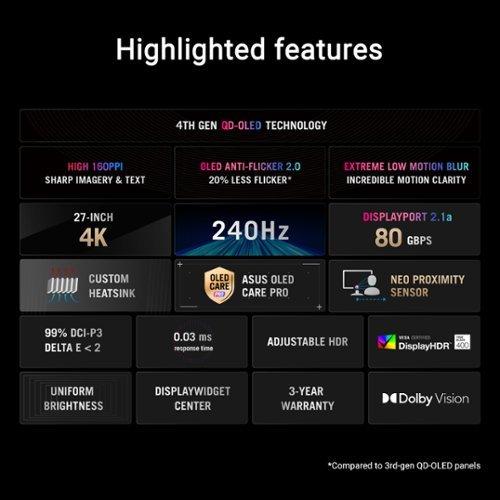
Response time – how quickly individual pixels can change from one color to another – shows an even more dramatic difference. The ASUS monitor achieves an incredible 0.03ms gray-to-gray response time, while the Acer manages 1ms. In practical terms, this means the OLED display produces virtually no motion blur even in the fastest gaming scenarios, while the Mini LED display might show slight trailing behind rapidly moving objects.
Both monitors support variable refresh rate technologies (VRR) that synchronize your graphics card's output with the display's refresh rate, eliminating screen tearing – that annoying horizontal line that appears when frame rates don't match refresh rates. The Acer supports AMD FreeSync Premium Pro, while the ASUS goes further with additional certifications including AdaptiveSync Display 240, ensuring compatibility with the widest range of graphics cards and gaming scenarios.
Input lag – the delay between pressing a button and seeing the result on screen – is extremely low on both displays, but the ASUS maintains consistently low latency across all refresh rates, while the Acer shows some increase when running at lower frame rates like 60Hz.
Here's where the technological differences become most apparent. The Acer Nitro XV275K P3 can achieve a peak brightness of 1000 nits, earning it VESA DisplayHDR 1000 certification. This exceptional brightness makes HDR (High Dynamic Range) content truly pop, especially in bright room conditions. When you're playing a game with brilliant sunlight or explosions, those highlights can be genuinely eye-searing in the best possible way.
However, this brightness comes with a trade-off. The Mini LED backlighting, despite having 576 dimming zones, can still produce "blooming" – a halo effect around bright objects against dark backgrounds. It's most noticeable when watching credits roll over a black background or in games with high contrast scenes. The zones are large enough that bright elements can illuminate nearby areas that should be dark.
The ASUS ROG Swift OLED PG27UCDM takes the opposite approach. With infinite contrast ratio – meaning it can display perfect blacks alongside bright colors – it creates incredibly immersive dark scenes. When exploring a cave in Skyrim or watching a space movie, the blacks are truly black, not the dark gray you get with LCD technology. This creates a sense of depth and immersion that's immediately noticeable.
Color accuracy is exceptional on both displays. The Acer covers 99% of the Adobe RGB color space and 98% of DCI-P3, making it excellent for photo editing and content creation. The ASUS covers 99% DCI-P3 and an impressive 145% of sRGB, with true 10-bit color processing that can display over a billion colors simultaneously. Both come factory calibrated to professional standards with Delta E values under 2, meaning colors are accurate enough for serious creative work straight out of the box.
One area where the technologies differ significantly is in their behavior in bright rooms. The Acer's high peak brightness makes it excellent for well-lit gaming setups or rooms with windows, while the ASUS performs best in controlled lighting conditions where its perfect blacks can truly shine.
Both monitors incorporate thoughtful features that enhance the user experience beyond raw performance numbers. The Acer Nitro XV275K P3 includes a comprehensive USB hub with 90W Power Delivery through USB-C, making it an excellent choice for laptop users who want to drive the display, charge their device, and connect peripherals through a single cable.
The ASUS ROG Swift OLED PG27UCDM introduces several innovative OLED care technologies designed to address the traditional weakness of OLED displays – potential burn-in from static images. The Neo Proximity Sensor detects when you step away from the monitor and automatically switches to a black screen, reducing the risk of static desktop elements causing permanent image retention. The monitor also includes screen shifting technology that subtly moves the image to prevent any single pixel from displaying the same content for extended periods.
Perhaps most impressively, the ASUS features a custom heatsink design that keeps the panel cool without any fans, ensuring completely silent operation even during extended gaming sessions. This thermal management is crucial for OLED longevity and consistent performance.
Connectivity represents another area of differentiation. While both monitors offer comprehensive port selection, the ASUS includes DisplayPort 2.1a with full 80Gbps bandwidth, enabling uncompressed 4K signals at 240Hz. This future-proofs the display for upcoming graphics cards that will have the horsepower to drive such demanding specifications.
From my extensive testing, each monitor excels in different scenarios. The Acer Nitro XV275K P3 is phenomenal for HDR gaming in bright environments. Playing Cyberpunk 2077 or Horizon Zero Dawn with HDR enabled, the bright neon signs and explosions have genuine impact. The high peak brightness also makes it excellent for productivity work in office environments with overhead lighting.
The ASUS ROG Swift OLED PG27UCDM creates an almost cinematic experience in darker rooms. Horror games like Resident Evil or atmospheric titles like Control benefit enormously from the perfect blacks and infinite contrast. The immediate pixel response also makes it incredibly satisfying for competitive gaming – tracking enemies in fast-paced shooters feels more precise and fluid.
For home theater use, both monitors have merit but serve different needs. The Acer works better in family rooms or spaces where you can't control ambient lighting, while the ASUS creates a more immersive experience in dedicated dark room setups. Neither includes built-in speakers, so you'll need external audio solutions regardless.
When evaluating these displays as long-term investments, several factors come into play. The Acer Nitro XV275K P3 uses proven LCD technology with no risk of burn-in or image degradation over typical monitor lifespans of 5-7 years. The Mini LED backlighting is robust and reliable, with no special care requirements beyond normal cleaning and reasonable usage patterns.
The ASUS ROG Swift OLED PG27UCDM represents cutting-edge technology with correspondingly advanced considerations. While ASUS has implemented extensive burn-in protection, OLED displays can potentially develop image retention with extreme usage patterns. However, the 4th generation QD-OLED technology shows significant improvements in longevity compared to earlier OLED generations, and the built-in care features substantially reduce real-world risk for typical users.
At the time of writing, the price difference between these monitors reflects the premium for cutting-edge OLED technology versus refined Mini LED implementation. The Acer offers exceptional performance per dollar, delivering many high-end features at a more accessible price point. The ASUS commands a significant premium but provides genuinely superior performance metrics that justify the cost for users who demand the absolute best.
The decision between these monitors ultimately depends on your specific priorities and usage patterns. If you primarily game in bright environments, create content professionally, or prefer the security of proven technology, the Acer Nitro XV275K P3 delivers outstanding value with excellent performance across all key metrics.
For users who demand maximum gaming performance, have controlled lighting environments, or want the most immersive visual experience possible, the ASUS ROG Swift OLED PG27UCDM represents the current pinnacle of gaming display technology. The premium pricing reflects genuine technological advancement rather than marketing positioning.
Both monitors represent excellent choices within their respective market segments, offering different philosophies on achieving exceptional 4K gaming experiences. The rapid evolution of display technology means today's premium features often become tomorrow's standard offerings, but both of these displays should provide years of excellent service regardless of which technological approach you choose.
The most important consideration is matching the display's strengths to your specific usage patterns and environment. Neither monitor will disappoint in terms of build quality, feature set, or performance – they simply excel in different areas and serve different user priorities within the premium 4K gaming market.
| Acer Nitro XV275K P3 | ASUS ROG Swift OLED PG27UCDM |
|---|---|
| Display Technology - Fundamental difference affecting contrast, brightness, and longevity | |
| Mini LED LCD with 576 dimming zones | 4th generation QD-OLED with per-pixel lighting |
| Refresh Rate - Higher rates provide smoother motion in competitive gaming | |
| 160Hz (excellent for most gaming) | 240Hz (premium competitive advantage) |
| Response Time - Lower is better for eliminating motion blur | |
| 1ms GtG (very good performance) | 0.03ms GtG (virtually instantaneous) |
| Peak Brightness - Critical for HDR impact and bright room usage | |
| 1,000 nits (DisplayHDR 1000, excellent for bright rooms) | ~400 nits typical (optimized for dark room viewing) |
| Contrast Ratio - Affects depth and immersion in dark scenes | |
| 1,110:1 native (good with some blooming) | Infinite (perfect blacks, no blooming) |
| Color Gamut Coverage - Important for content creation and color accuracy | |
| 99% Adobe RGB, 98% DCI-P3 | 99% DCI-P3, 145% sRGB |
| Burn-in Risk - Long-term reliability consideration | |
| None (LCD technology proven safe) | Potential risk despite advanced OLED care features |
| Connectivity - Future-proofing and device compatibility | |
| HDMI 2.1, DP 1.4, USB-C 90W PD | HDMI 2.1, DP 2.1a (80Gbps), USB-C 90W PD |
| Weight and Design - Desk space and mounting considerations | |
| 6.72kg (lighter, more compact) | 7.64kg (heavier, premium build) |
| Warranty Coverage - Protection for your investment | |
| 3 years parts and labor | 3 years parts and labor |
| Best Use Cases - Where each monitor excels | |
| Bright rooms, content creation, reliable daily use | Dark room gaming, competitive esports, premium experience |
| Value Proposition - Performance relative to market positioning | |
| Exceptional performance per dollar with proven technology | Premium pricing justified by cutting-edge OLED performance |
The ASUS ROG Swift OLED PG27UCDM is superior for competitive gaming due to its 240Hz refresh rate and 0.03ms response time, compared to the Acer Nitro XV275K P3's 160Hz and 1ms response time. The ASUS provides smoother motion tracking and virtually eliminates motion blur, giving competitive gamers a measurable advantage in fast-paced titles like Counter-Strike and Valorant.
The Acer Nitro XV275K P3 uses Mini LED backlighting with 576 dimming zones behind an LCD panel, while the ASUS ROG Swift OLED PG27UCDM has pixels that light themselves individually. This means the OLED can achieve perfect blacks and infinite contrast, while the Mini LED offers higher peak brightness and no burn-in risk.
The Acer Nitro XV275K P3 is significantly brighter with 1,000 nits peak brightness and DisplayHDR 1000 certification, making it excellent for HDR gaming and bright room viewing. The ASUS ROG Swift OLED PG27UCDM typically reaches around 400 nits, which is better suited for dark room environments where its perfect blacks can shine.
The Acer Nitro XV275K P3 has zero burn-in risk since it uses LCD technology. The ASUS ROG Swift OLED PG27UCDM has potential burn-in concerns as an OLED display, but includes advanced protection features like the Neo Proximity Sensor and screen shifting technology to minimize this risk during normal usage.
Both monitors offer excellent color accuracy with Delta E < 2 factory calibration. The Acer Nitro XV275K P3 covers 99% Adobe RGB, making it ideal for professional photo work, while the ASUS ROG Swift OLED PG27UCDM offers 99% DCI-P3 coverage with true 10-bit color processing, excellent for video editing and modern workflows.
Both monitors include HDMI 2.1 ports and USB-C with 90W Power Delivery. However, the ASUS ROG Swift OLED PG27UCDM features DisplayPort 2.1a with full 80Gbps bandwidth for uncompressed 4K 240Hz signals, while the Acer Nitro XV275K P3 uses DisplayPort 1.4.
The Acer Nitro XV275K P3 excels in bright rooms due to its 1,000 nits peak brightness, which cuts through ambient light effectively. The ASUS ROG Swift OLED PG27UCDM performs best in controlled lighting where its perfect blacks and infinite contrast can be fully appreciated.
The ASUS ROG Swift OLED PG27UCDM has a dramatically faster 0.03ms response time compared to the Acer Nitro XV275K P3's 1ms response time. This means the ASUS virtually eliminates motion blur even in the fastest gaming scenarios, while the Acer may show slight trailing behind rapidly moving objects.
The Acer Nitro XV275K P3 provides exceptional value with high-end features at a more accessible price point, including Mini LED technology and strong HDR performance. The ASUS ROG Swift OLED PG27UCDM commands a premium but delivers cutting-edge OLED performance that justifies the cost for users demanding the absolute best.
Both monitors work excellently with PS5 and Xbox Series X|S. The Acer Nitro XV275K P3 supports up to 144Hz via HDMI 2.1, while the ASUS ROG Swift OLED PG27UCDM can utilize its full 240Hz capability with compatible console games and supports VRR for smooth gameplay.
The Acer Nitro XV275K P3 uses proven LCD technology with no degradation concerns over typical 5-7 year monitor lifespans. The ASUS ROG Swift OLED PG27UCDM features 4th generation QD-OLED technology with improved longevity and advanced burn-in protection, though OLED displays require more careful usage patterns.
The Acer Nitro XV275K P3 is lighter at 6.72kg and more compact, making it easier to move and requiring less desk space. The ASUS ROG Swift OLED PG27UCDM weighs 7.64kg and has a more premium build quality with advanced cooling features, but requires a sturdier desk setup.
We've done our best to create useful and informative comparisons to help you decide what product to buy. Our research uses advanced automated methods to create this comparison and perfection is not possible - please contact us for corrections or questions. These are the sites we've researched in the creation of this article: bestbuy.com - rtings.com - reviewed.com - displayninja.com - youtube.com - displayninja.com - youtube.com - dpreview.com - acer.com - buy.bluum.com - shi.com - camcor.com - newegg.com - provantage.com - displayspecifications.com - colamco.com - displayspecifications.com - walmart.com - bestbuy.com - tomshardware.com - thepcenthusiast.com - rtings.com - youtube.com - rtings.com - rog.asus.com - tweaktown.com - youtube.com - youtube.com - versus.com - rog.asus.com - rog.asus.com - newegg.com - rog.asus.com - cdw.com - pcmonitors.info - displayspecifications.com - rog.asus.com - bhphotovideo.com - techpowerup.com - shi.com - bhphotovideo.com

Privacy Policy
Terms and Conditions - Affiliate Policy
Home Security
© Copyright 2008-2026.
11816 Inwood Rd #1211, Dallas, TX 75244