









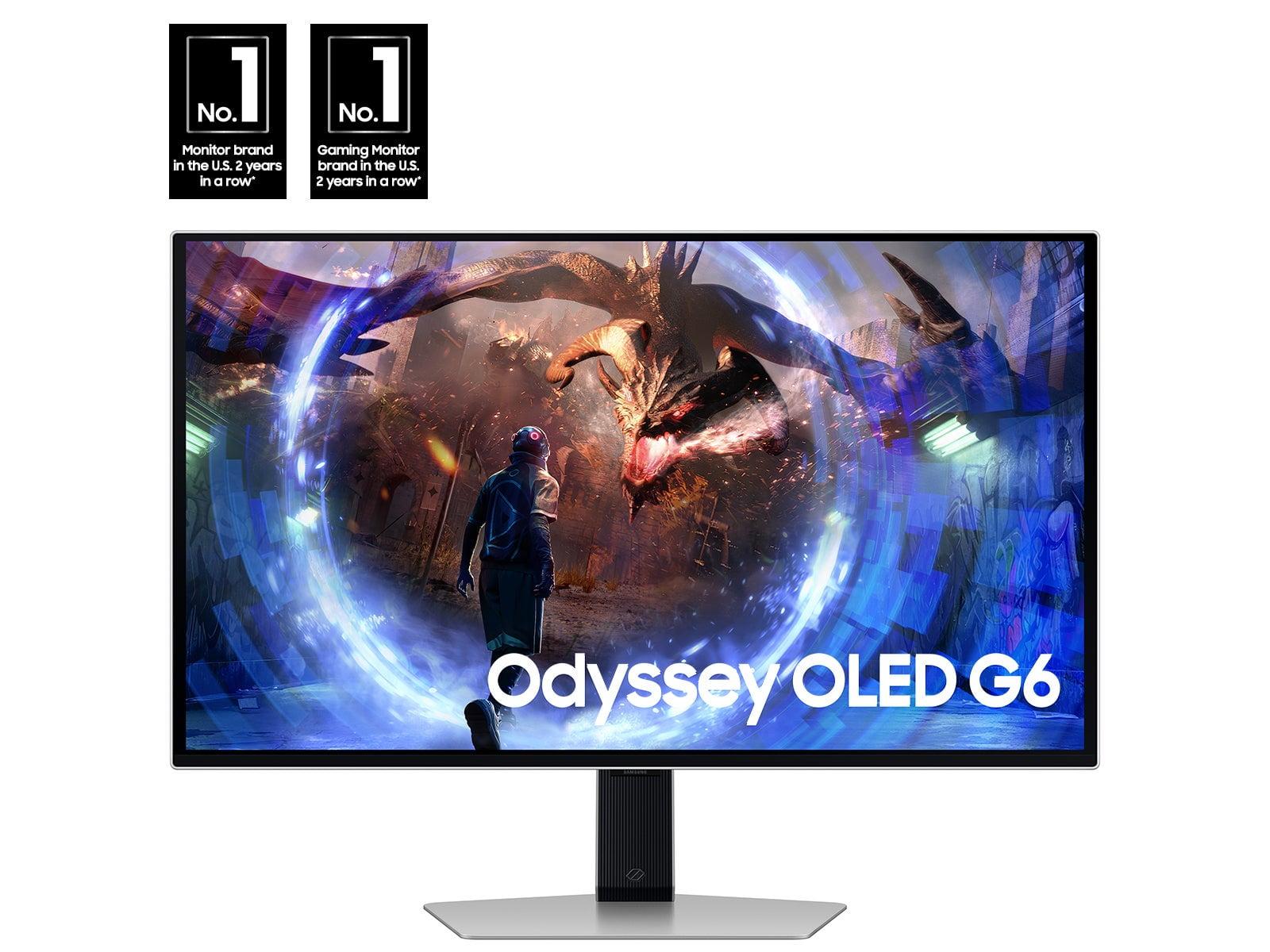

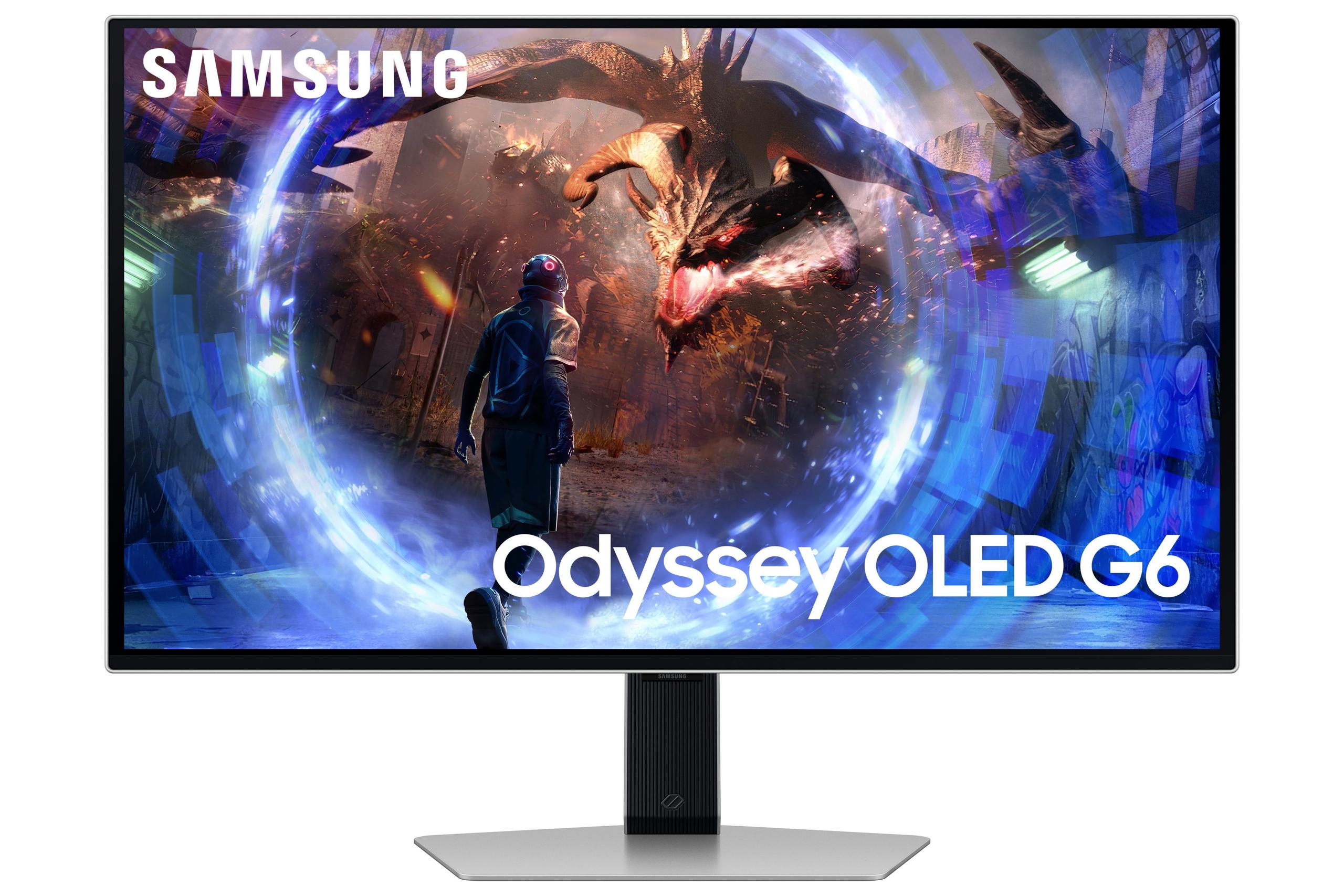
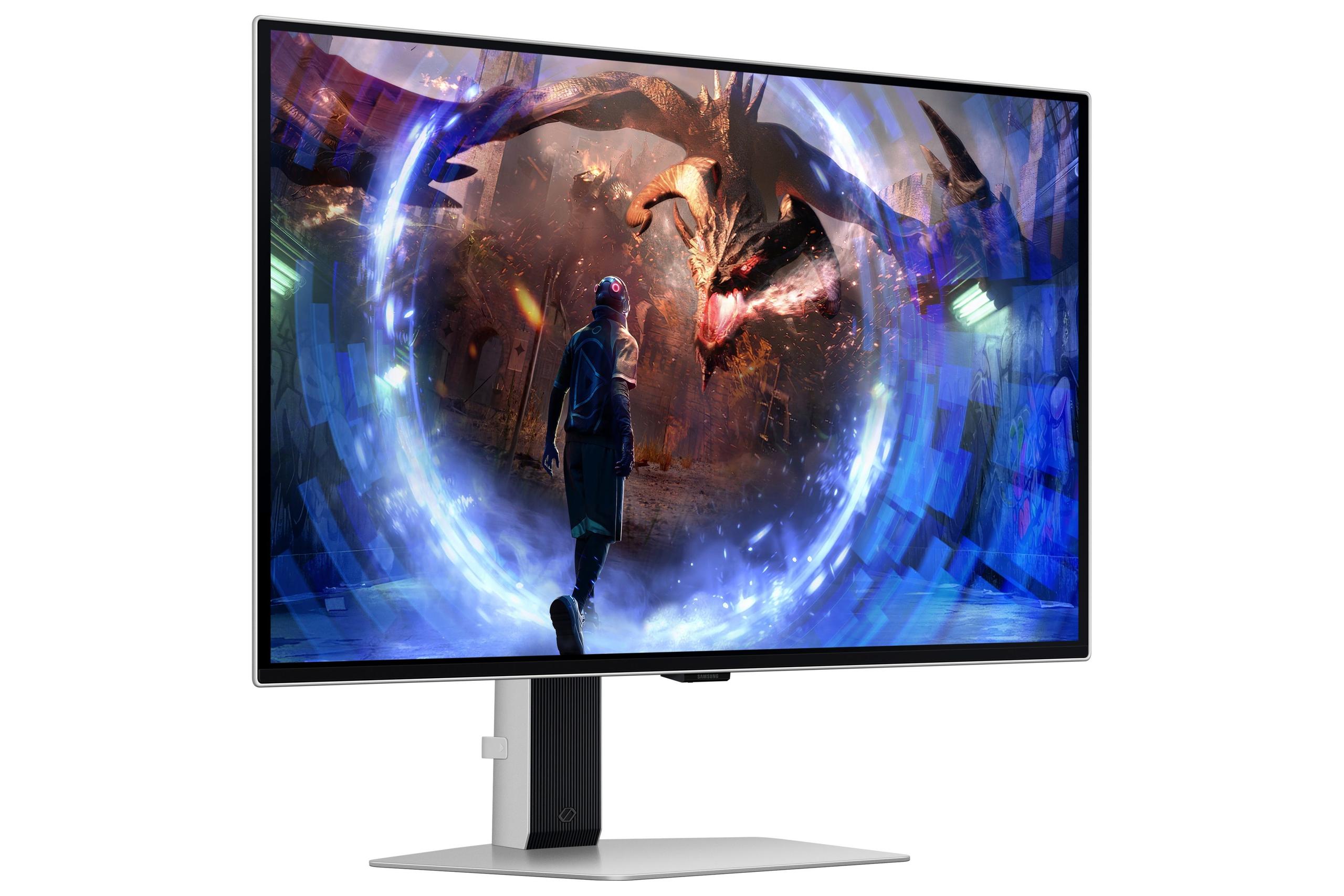
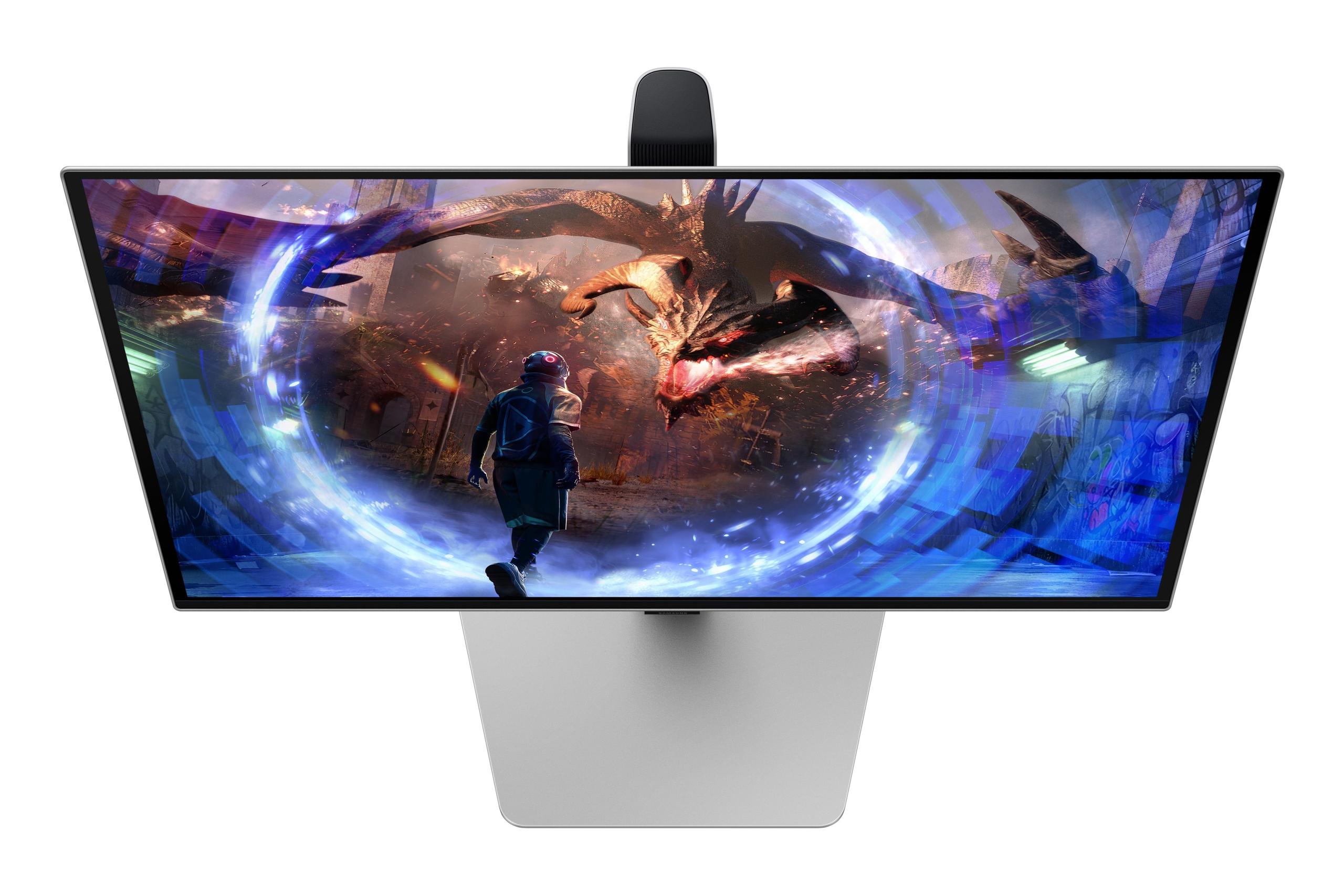
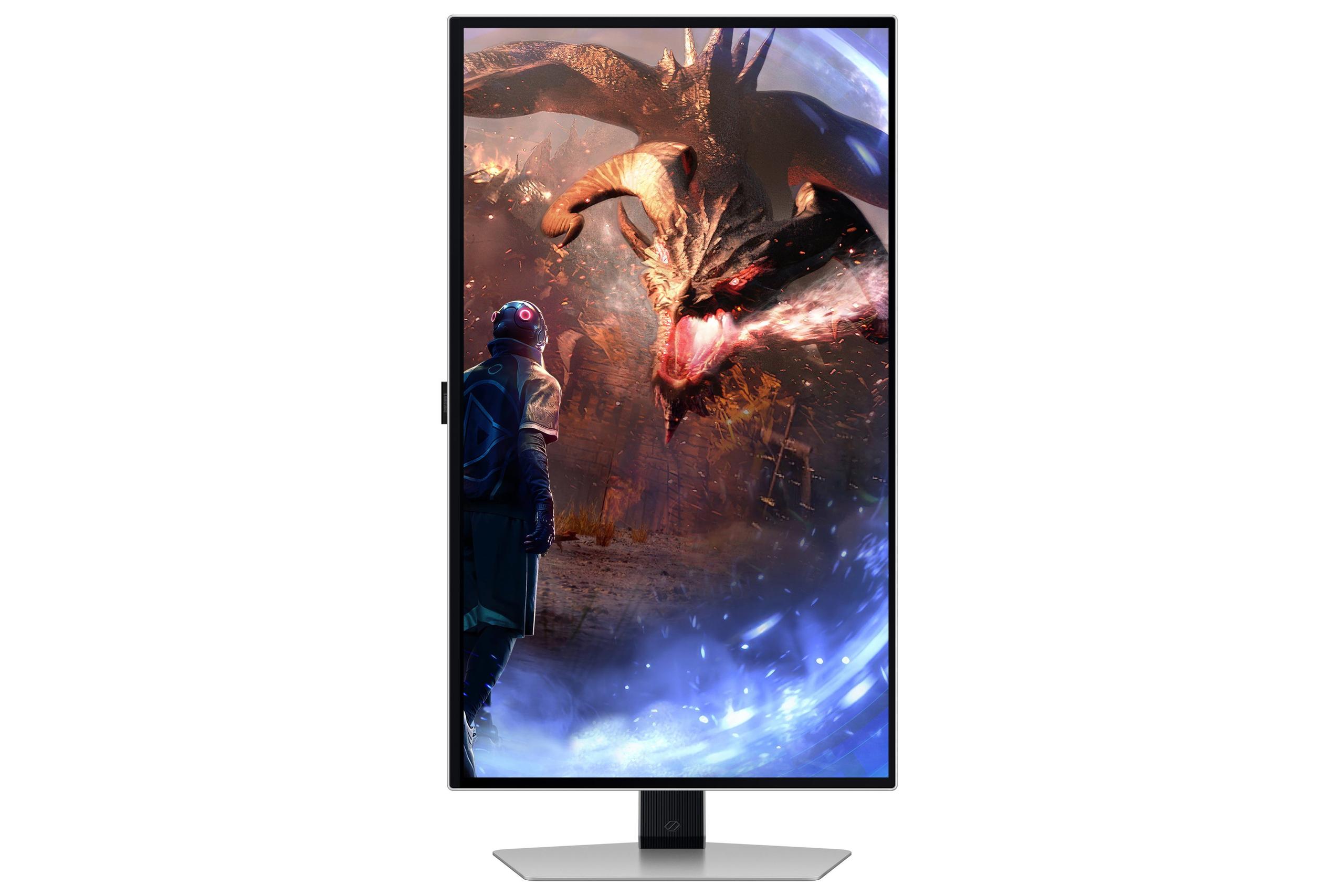

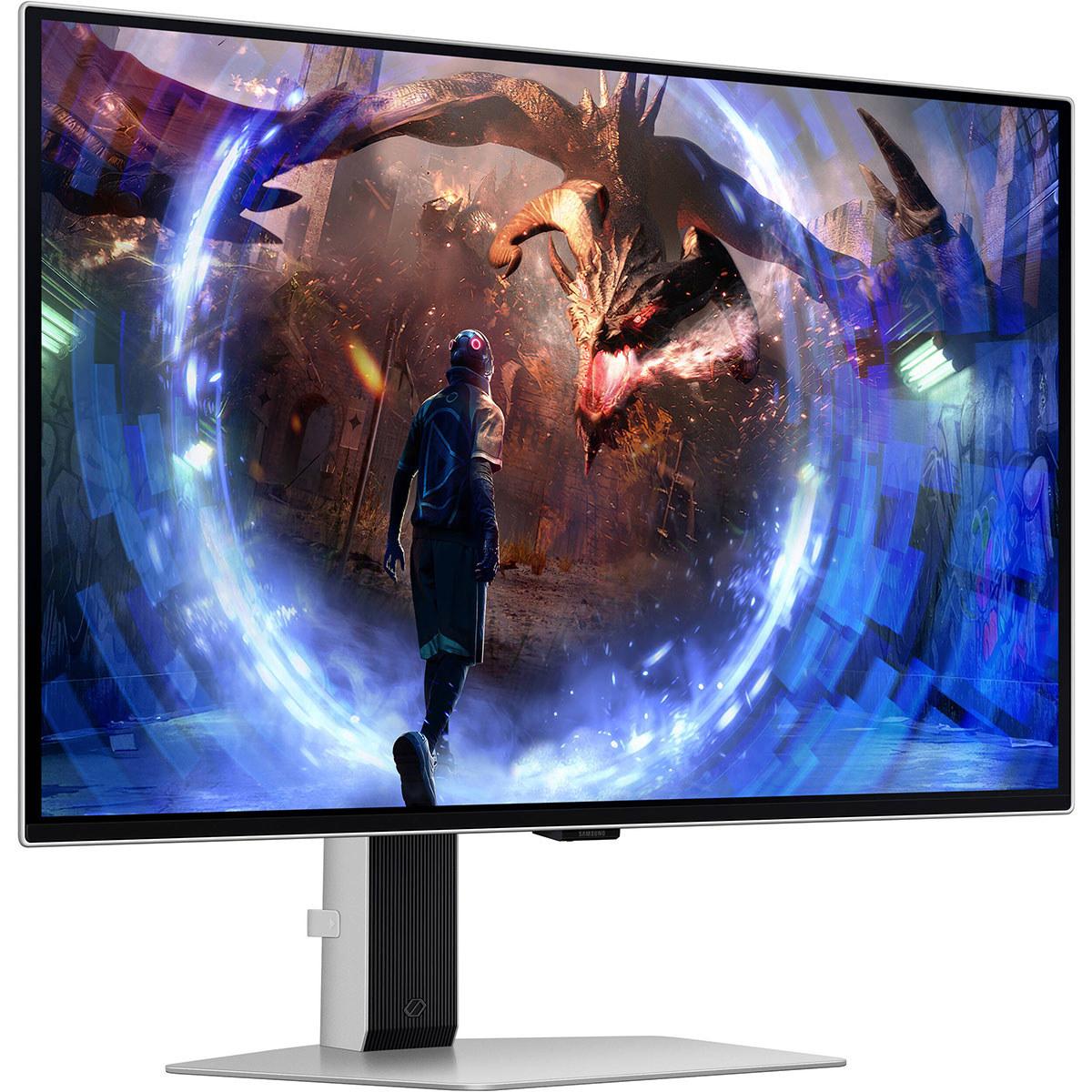
Gaming monitors have come a long way from the basic displays we used to settle for. Today's market offers specialized screens that can make or break your gaming experience, whether you're grinding ranked matches or exploring vast open worlds. Two monitors that perfectly illustrate this evolution are the Acer Nitro XV275K P3 and the Samsung 27" Odyssey OLED G6 – each representing a fundamentally different philosophy about what makes a great gaming display.
Before diving into specifics, let's talk about what separates a gaming monitor from your average office display. Gaming monitors prioritize three core elements: how fast they can refresh the image (refresh rate), how quickly pixels can change colors (response time), and how well they handle the wide range of brightness in modern games (HDR performance).
Think of refresh rate like the frame rate of a movie – higher numbers mean smoother motion. Most standard monitors refresh 60 times per second, but gaming monitors can go much higher. Response time measures how quickly a pixel can shift from one color to another, typically measured in milliseconds (ms). The lower this number, the less ghosting and blur you'll see during fast movement.
HDR, or High Dynamic Range, is about displaying a wider range of brightness levels – from deep shadows to bright sunlight – making games look more realistic. However, not all HDR implementations are created equal, and this is where our two monitors start to show their different priorities.
The gaming monitor market has evolved significantly since 2020, with manufacturers pushing boundaries in different directions. Some focus on ultra-high refresh rates for competitive gaming, while others emphasize visual quality with better HDR and higher resolutions. This split has created distinct categories that serve different gaming needs.
The Acer Nitro XV275K P3, released in 2023, represents the "visual fidelity first" approach. It packs a 4K resolution (3840x2160 pixels) into a 27-inch screen with Mini-LED backlighting – a technology that uses thousands of tiny LEDs behind the screen for precise brightness control. This creates 576 individual dimming zones that can brighten or darken independently, delivering impressive contrast and HDR performance.
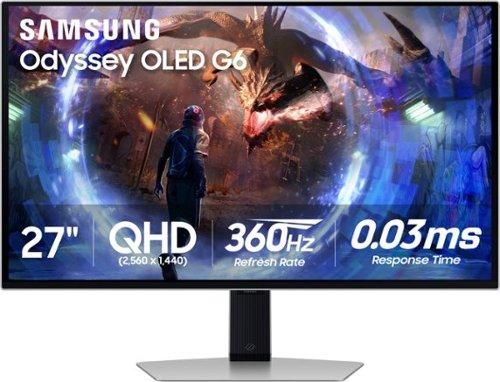
On the other side, the Samsung Odyssey OLED G6, launched in 2024, takes the "performance above all" route. It uses OLED (Organic Light-Emitting Diode) technology, where each pixel produces its own light, eliminating the need for a backlight entirely. This allows for perfect blacks and incredibly fast response times, but at a lower QHD resolution (2560x1440).
The timing of these releases matters. The Acer monitor came out during a period when 4K gaming was becoming more accessible thanks to more powerful graphics cards. Meanwhile, the Samsung display arrived as competitive gaming reached new heights of popularity, with esports professionals demanding every possible advantage.
Understanding the core technologies here is crucial because they fundamentally shape what each monitor can do well. The Acer's Mini-LED system works by placing hundreds of small LEDs behind an LCD panel. These LEDs can be controlled in groups (called dimming zones) to make specific areas of the screen brighter or darker. It's like having a grid of flashlights behind your screen that can turn on and off independently.
This approach allows the XV275K P3 to reach impressive brightness levels – up to 1000 nits in bright scenes. For context, most indoor lighting is around 100-300 nits, so this monitor can get genuinely bright. The 576 dimming zones mean it can create convincing HDR effects, where a bright explosion can light up part of the screen while keeping dark areas properly dark.
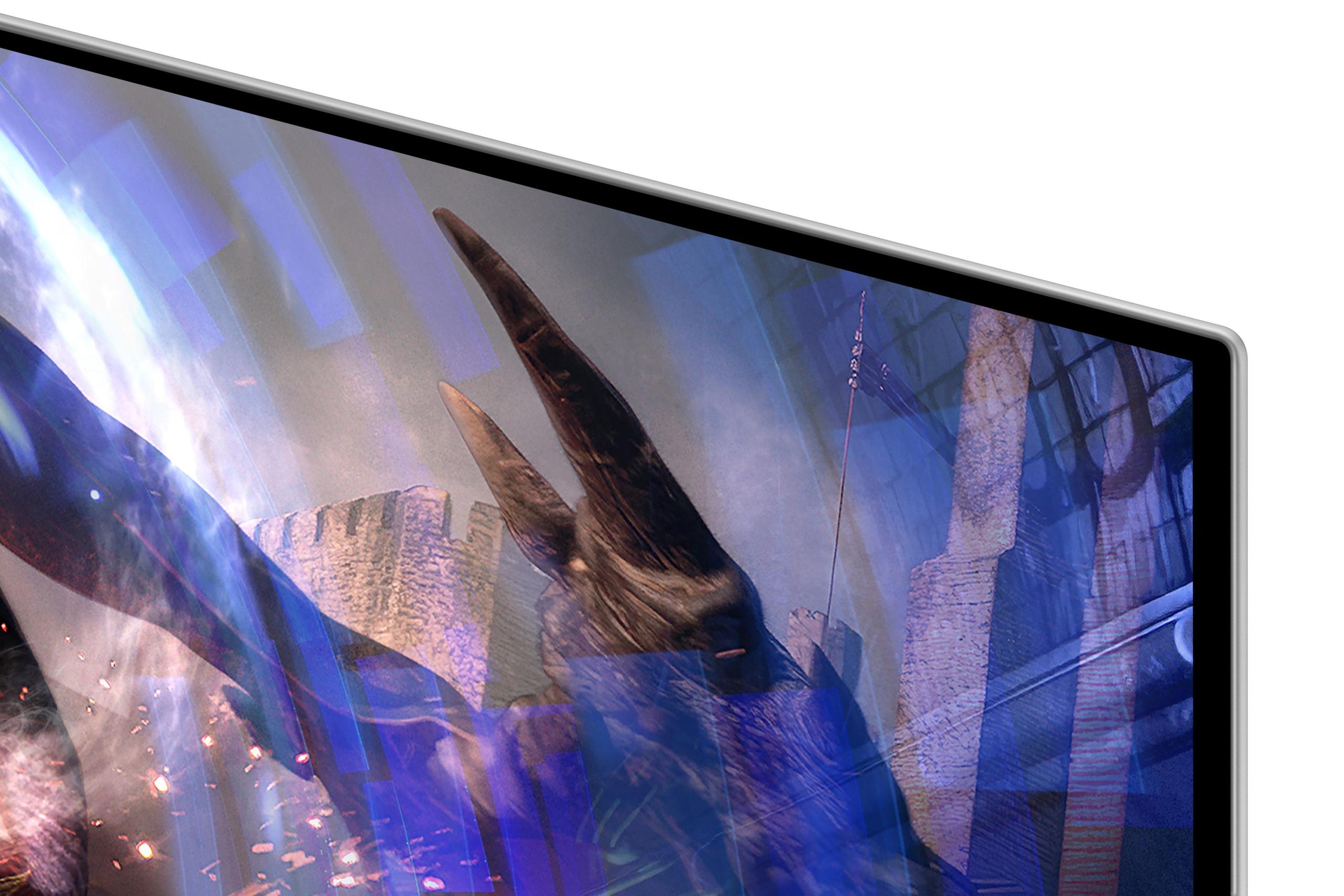
The Samsung's OLED technology works completely differently. Each pixel is essentially a tiny light bulb that can turn on, off, or dim independently. When a pixel needs to be black, it simply turns off completely – no light leaks through. This creates perfect blacks and an infinite contrast ratio, something LCD-based displays can't match.
However, OLED has trade-offs. The Samsung monitor maxes out at around 250 nits in normal use – about four times dimmer than the Acer. While OLED can hit higher peaks in small areas (up to 1000 nits for tiny highlights), it can't sustain high brightness across larger portions of the screen without risking damage to the organic compounds that make the pixels glow.
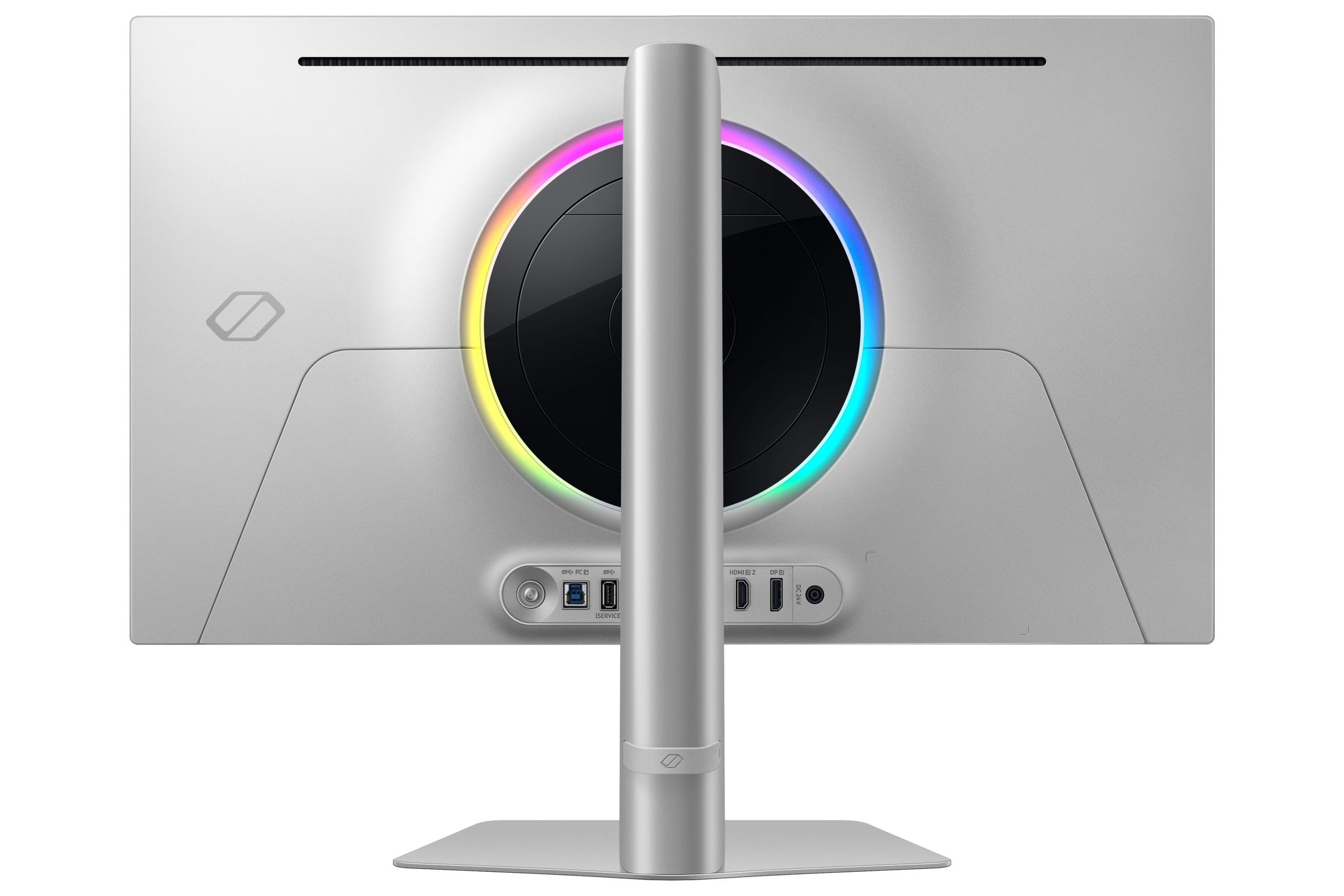
There's also the burn-in concern with OLED. If you leave a static image (like a Windows taskbar or game UI element) on screen for hours, it can leave a permanent ghost image. Samsung addresses this with their OLED Safeguard+ system, which includes a unique pulsating heat pipe cooling system and software that detects static elements and takes protective measures.
Here's where these monitors diverge most dramatically. The Acer delivers 4K resolution – that's 8.3 million pixels packed into 27 inches. The Samsung uses QHD resolution with 3.7 million pixels. That might not sound like a huge difference, but it translates to 78% more pixels on the Acer's screen.
More pixels mean sharper text, more detailed textures in games, and more screen real estate for productivity. When I'm working on a 4K display, I can comfortably have multiple windows open without everything feeling cramped. For gaming, those extra pixels make distant enemies more visible in competitive shooters and reveal fine details in single-player adventures that you'd miss at lower resolutions.
However, those extra pixels come with a cost – literally and figuratively. Your graphics card has to work much harder to push 4K at high frame rates. While a mid-range GPU might easily hit 144 fps at 1440p in most games, getting those same frame rates at 4K often requires high-end hardware and sometimes reduced graphics settings.
The Samsung's QHD resolution hits a sweet spot for many gamers. It's sharp enough to look crisp on a 27-inch screen while being much easier for graphics cards to handle. This resolution leaves more GPU power available for higher frame rates, which is exactly what competitive gamers want.
This is where the Samsung monitor absolutely dominates. Its 360Hz refresh rate means the screen updates 360 times per second – six times faster than a standard 60Hz monitor and more than twice as fast as the Acer's 160Hz. To put this in perspective, at 360Hz, there's only 2.8 milliseconds between each frame update, compared to 6.25ms at 160Hz.
The difference is genuinely noticeable. Fast-paced games feel smoother, tracking moving targets becomes easier, and there's less perceived input lag between your actions and seeing the results on screen. However, you need a graphics card capable of pushing 360+ fps to truly benefit from this refresh rate, which limits its usefulness to competitive esports titles and high-end hardware.
Response time tells a similar story. The Samsung's OLED panel achieves an incredibly fast 0.03ms gray-to-gray response time, while the Acer manages 1ms. In practical terms, the Samsung virtually eliminates ghosting and motion blur, while the Acer still performs very well but isn't quite as crisp during rapid movement.
For competitive gaming – especially first-person shooters, racing games, or fighting games – these speed advantages can provide a real competitive edge. The faster refresh rate means you see new information sooner, and the faster response time ensures moving objects remain sharp and clear.
High Dynamic Range is about displaying a broader spectrum of brightness and color, making images look more like what your eyes see in real life. This is where the Acer monitor showcases its strengths most clearly.
The XV275K P3 achieves VESA DisplayHDR 1000 certification, meaning it can display highlights at 1000 nits while maintaining good performance across the brightness spectrum. Its Mini-LED backlighting with 576 dimming zones allows for impressive local contrast – bright areas can be genuinely bright while dark areas remain properly dark.
When playing HDR games like Cyberpunk 2077 or watching HDR movies, the difference is striking. Neon signs glow realistically against dark city streets, sunlight streaming through windows creates convincing bright spots, and the overall image has more depth and dimensionality.
The Samsung monitor, despite having perfect per-pixel contrast, struggles with HDR due to its brightness limitations. While it can display perfect blacks, it simply can't get bright enough to deliver impactful HDR highlights. This isn't necessarily Samsung's fault – it's a fundamental limitation of current OLED technology when it comes to sustained brightness.
For home theater use, this becomes particularly important. If you're planning to use your monitor for streaming movies or console gaming in a living room setting, the Acer's superior HDR performance will provide a more cinematic experience. The brighter output also helps in rooms with ambient lighting, where the Samsung's dimmer panel might appear washed out.
Both monitors excel in color reproduction, but in different ways. The Acer covers 99% of the Adobe RGB color space and 98% of DCI-P3, making it suitable for color-critical work like photo editing or graphic design. Its factory calibration achieves Delta E < 2, which means colors are accurate enough for professional use right out of the box.
The Samsung's OLED panel also delivers excellent color accuracy with its Quantum Dot OLED technology. The per-pixel control allows for precise color reproduction, and it's Pantone validated for professional workflows. However, its lower resolution makes it less ideal for detailed creative work where you need to see fine details clearly.
The Acer's USB-C connectivity with 90W power delivery adds significant value for laptop users. You can connect a modern laptop with a single cable that handles video, data, and charging simultaneously. This makes it particularly appealing for users who switch between gaming and productivity tasks.
The real-world gaming experience differs significantly between these monitors depending on what you're playing. For competitive esports titles like Counter-Strike, Valorant, or Rocket League, the Samsung's 360Hz refresh rate and ultra-low response time provide clear advantages. The smoother motion and reduced input lag can genuinely improve your performance in fast-paced competitive scenarios.
However, for single-player games, story-driven adventures, or visually impressive titles like Red Dead Redemption 2 or The Witty 3, the Acer's 4K resolution and superior HDR create a more immersive experience. The extra detail and better contrast make game worlds feel more alive and engaging.
Console gaming presents an interesting consideration. While neither monitor can fully utilize next-generation console capabilities (which support 4K at up to 120Hz), the Acer is better positioned for console gaming thanks to its 4K resolution and proper HDR support. The Samsung, while compatible with consoles, doesn't offer the same visual improvements for console games.
At the time of writing, both monitors command premium prices, but they offer value in different ways. The Acer typically costs less while providing more resolution and better HDR capability, making it the better value for most users. The Samsung commands a higher price for its specialized performance characteristics.
Future-proofing considerations favor the Acer monitor. As graphics cards become more powerful, 4K gaming will become more accessible, and the monitor's resolution advantage will age well. The Samsung's 360Hz capability already exceeds what most current games and hardware can utilize, so it's essentially future-proof in terms of refresh rate, but the lower resolution may feel limiting as games become more detailed.
The choice between these monitors comes down to understanding your priorities and usage patterns. The Acer Nitro XV275K P3 is the more versatile choice, excelling at visual quality, productivity, and providing a great gaming experience across all genres. It's particularly compelling for users who want one monitor to handle gaming, work, and media consumption.
The Samsung Odyssey OLED G6 is the specialist, designed specifically for competitive gaming where every millisecond matters. If you're serious about esports, play primarily fast-paced competitive games, and don't need the monitor for other tasks, its performance advantages justify the focused approach.
For most gamers, especially those who enjoy a variety of game types or need their monitor to pull double duty for work, the Acer offers superior overall value. Its combination of 4K resolution, excellent HDR, and solid gaming performance makes it a more complete package. However, if you're primarily focused on competitive gaming performance and want the absolute smoothest, most responsive experience possible, the Samsung's specialized capabilities make it worth considering despite its higher price and limitations in other areas.
The gaming monitor landscape continues to evolve rapidly, with new technologies emerging regularly. Both of these monitors represent the current state of the art in their respective approaches, showcasing how the industry has matured to serve different gaming needs with increasingly sophisticated solutions.
| Acer Nitro XV275K P3 27" Mini LED 4K UHD Gaming Monitor | Samsung 27" Odyssey OLED G6 QHD 360Hz Gaming Monitor |
|---|---|
| Resolution - Higher resolution means sharper text and more detailed gaming visuals | |
| 4K UHD (3840 x 2160) - 78% more pixels for superior clarity | QHD (2560 x 1440) - Easier to drive at high frame rates |
| Refresh Rate - Higher rates provide smoother motion in fast-paced games | |
| 160Hz - Excellent for most gaming scenarios | 360Hz - Maximum smoothness for competitive esports |
| Response Time - Lower numbers reduce motion blur and ghosting | |
| 1ms GtG - Very good motion clarity | 0.03ms GtG - Virtually eliminates motion blur |
| Panel Technology - Affects contrast, color accuracy, and potential burn-in | |
| Mini-LED IPS with 576 dimming zones - No burn-in risk, excellent HDR | QD-OLED - Perfect blacks but potential burn-in concerns |
| Peak Brightness - Critical for HDR impact and daytime visibility | |
| 1000 nits - Proper HDR performance with impactful highlights | 250 nits typical - Limited HDR brightness, best in darker rooms |
| HDR Certification - Indicates quality of high dynamic range performance | |
| VESA DisplayHDR 1000 - True HDR experience | HDR10/HDR10+ support - Basic HDR due to brightness limitations |
| Color Gamut Coverage - Wider coverage means more vibrant and accurate colors | |
| 99% Adobe RGB, 98% DCI-P3 - Professional-grade color accuracy | 99% DCI-P3 - Excellent gaming colors with OLED precision |
| Contrast Ratio - Higher ratios provide better distinction between dark and bright areas | |
| 100,000,000:1 dynamic with local dimming - Excellent contrast control | 1,000,000:1 static - Perfect blacks with infinite contrast |
| Connectivity - More options provide greater device compatibility | |
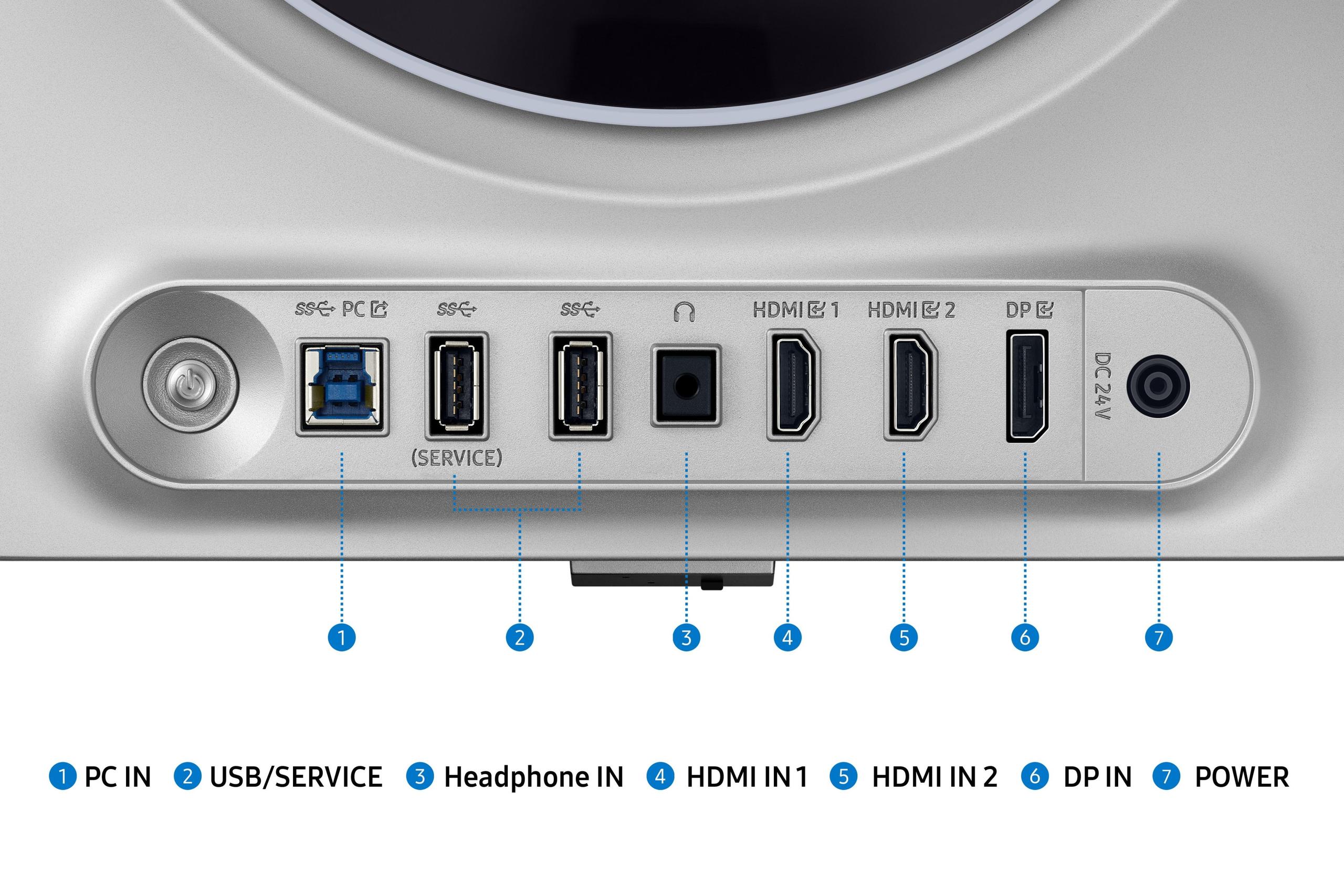
| 2x HDMI 2.1, 1x DP 1.4, USB-C with 90W PD - Versatile laptop connectivity | 2x HDMI 2.1, 1x DP 1.4, USB hub - Standard gaming connectivity |
| Adaptive Sync - Eliminates screen tearing for smooth gameplay | |
| AMD FreeSync Premium Pro, G-SYNC Compatible | AMD FreeSync Premium Pro, G-SYNC Compatible |
| Ergonomics - Adjustability affects long-term comfort and viewing angles | |
| Height, tilt, swivel, pivot adjustments with VESA mount | Height, tilt, swivel adjustments with VESA mount |
| Anti-Glare Technology - Reduces reflections in bright environments | |
| Standard anti-glare coating | OLED Glare Free technology - Advanced reflection reduction |
| Burn-in Protection - Important for OLED longevity with static content | |
| N/A - Mini-LED technology immune to burn-in | OLED Safeguard+ with dynamic cooling system |
| Best Use Cases - Primary scenarios where each monitor excels | |
| 4K gaming, content creation, HDR media, productivity | Competitive esports, fast-paced gaming, dark room setups |
The Samsung Odyssey OLED G6 is superior for competitive gaming due to its 360Hz refresh rate and 0.03ms response time, compared to the Acer Nitro XV275K P3's 160Hz and 1ms response time. The Samsung provides smoother motion and faster pixel response, giving competitive gamers a clear advantage in fast-paced esports titles.
The Acer XV275K P3 features 4K resolution (3840x2160) with 8.3 million pixels, while the Samsung G6 uses QHD resolution (2560x1440) with 3.7 million pixels. The Acer offers 78% more pixels, resulting in sharper text and more detailed visuals, but requires more GPU power to drive at high frame rates.
The Acer Nitro XV275K P3 delivers significantly better HDR with its 1000-nit peak brightness and VESA DisplayHDR 1000 certification. The Samsung OLED G6 is limited to 250 nits typical brightness, which severely restricts its HDR impact despite having perfect blacks from OLED technology.
Both monitors support console gaming, but the Acer XV275K P3 is better suited for PS5 and Xbox Series X due to its 4K resolution and superior HDR performance. The Samsung G6 works with consoles but doesn't offer the same visual improvements since most console games benefit more from higher resolution than ultra-high refresh rates.
The Acer XV275K P3 excels for productivity with its 4K resolution providing more screen real estate, USB-C connectivity with 90W power delivery for laptops, and wider color gamut coverage (99% Adobe RGB). The Samsung monitor is primarily designed for gaming and offers limited productivity advantages.
The Samsung OLED G6 does have potential burn-in risk from static content like taskbars or game UIs, though Samsung includes OLED Safeguard+ protection with dynamic cooling and detection systems. The Acer Mini-LED monitor has no burn-in risk whatsoever due to its LCD-based technology.
The Acer Nitro XV275K P3 typically offers better overall value, providing 4K resolution, excellent HDR, and versatile connectivity at a generally lower price point. The Samsung G6 commands a premium for its specialized high-refresh gaming performance but serves a narrower range of use cases.
Both monitors offer excellent color accuracy, with the Acer XV275K P3 covering 99% Adobe RGB and 98% DCI-P3, making it suitable for professional work. The Samsung OLED G6 provides 99% DCI-P3 coverage with the natural color accuracy advantages of OLED technology, but at a lower resolution that limits detail work.
The Acer XV275K P3 is superior for movie watching due to its 4K resolution, proper HDR brightness (1000 nits), and Mini-LED local dimming that creates impressive contrast. The Samsung monitor's limited brightness makes it less ideal for HDR content, though its perfect blacks are excellent for dark room viewing.
The Acer Nitro XV275K P3 offers more versatile connectivity with USB-C that includes 90W power delivery for charging laptops, plus standard HDMI 2.1 and DisplayPort connections. The Samsung G6 provides similar gaming connectivity but lacks the USB-C power delivery feature that makes the Acer more laptop-friendly.
The Samsung OLED G6 is much easier to drive due to its QHD resolution requiring 78% fewer pixels to render. This allows graphics cards to achieve higher frame rates more easily. The Acer's 4K resolution demands significantly more GPU power, especially when trying to maintain high refresh rates in demanding games.
The Acer XV275K P3 provides a superior single-player gaming experience with its 4K resolution revealing fine details, excellent HDR creating immersive lighting, and Mini-LED technology delivering great contrast. The Samsung G6 offers smooth motion but its lower resolution and limited HDR brightness make it less impressive for story-driven or visually spectacular games.
We've done our best to create useful and informative comparisons to help you decide what product to buy. Our research uses advanced automated methods to create this comparison and perfection is not possible - please contact us for corrections or questions. These are the sites we've researched in the creation of this article: bestbuy.com - rtings.com - reviewed.com - displayninja.com - youtube.com - displayninja.com - youtube.com - dpreview.com - acer.com - buy.bluum.com - shi.com - camcor.com - newegg.com - provantage.com - displayspecifications.com - colamco.com - displayspecifications.com - walmart.com - bestbuy.com - bestbuy.com - gamesradar.com - gamesradar.com - versus.com - youtube.com - versus.com - player2.net.au - youtube.com - rtings.com - youtube.com - samsung.com - files.bbystatic.com - techpowerup.com - samsung.com - bestbuy.com - samsung.com - bhphotovideo.com - bestbuy.com - youtube.com - de.shi.com - pangoly.com

Privacy Policy
Terms and Conditions - Affiliate Policy
Home Security
© Copyright 2008-2026.
11816 Inwood Rd #1211, Dallas, TX 75244