











When shopping for a 27-inch 4K gaming monitor, you might think all high-end options follow the same playbook. But the Acer Nitro XV275K P3 and Samsung Odyssey 3D G90XF represent two completely different philosophies in display technology. One focuses on perfecting traditional gaming visuals, while the other ventures into experimental 3D territory. Let me walk you through what makes each unique and help you decide which approach suits your gaming setup.
The 27-inch 4K gaming monitor category has evolved tremendously over the past few years. These displays hit the sweet spot for resolution—you get incredibly sharp text and detailed game visuals without needing a graphics card that costs more than a used car. At 27 inches, the pixel density (how tightly packed the individual dots are) creates crisp images that look fantastic for both gaming and productivity work.
The key considerations when choosing any monitor in this category include display technology (the type of panel and how it's lit from behind), gaming performance (how fast it refreshes and responds to your inputs), HDR capability (how bright and colorful it can get), and overall value. But as you'll see, these two monitors take dramatically different approaches to achieving gaming excellence.
The Acer Nitro XV275K P3, released in 2024, represents the evolution of traditional display technology. It uses mini LED backlighting—a technology where thousands of tiny LEDs behind the screen can be controlled in groups to create brighter brights and darker darks. Think of it as having hundreds of individual flashlights that can dim or brighten independently to match what's happening on screen.
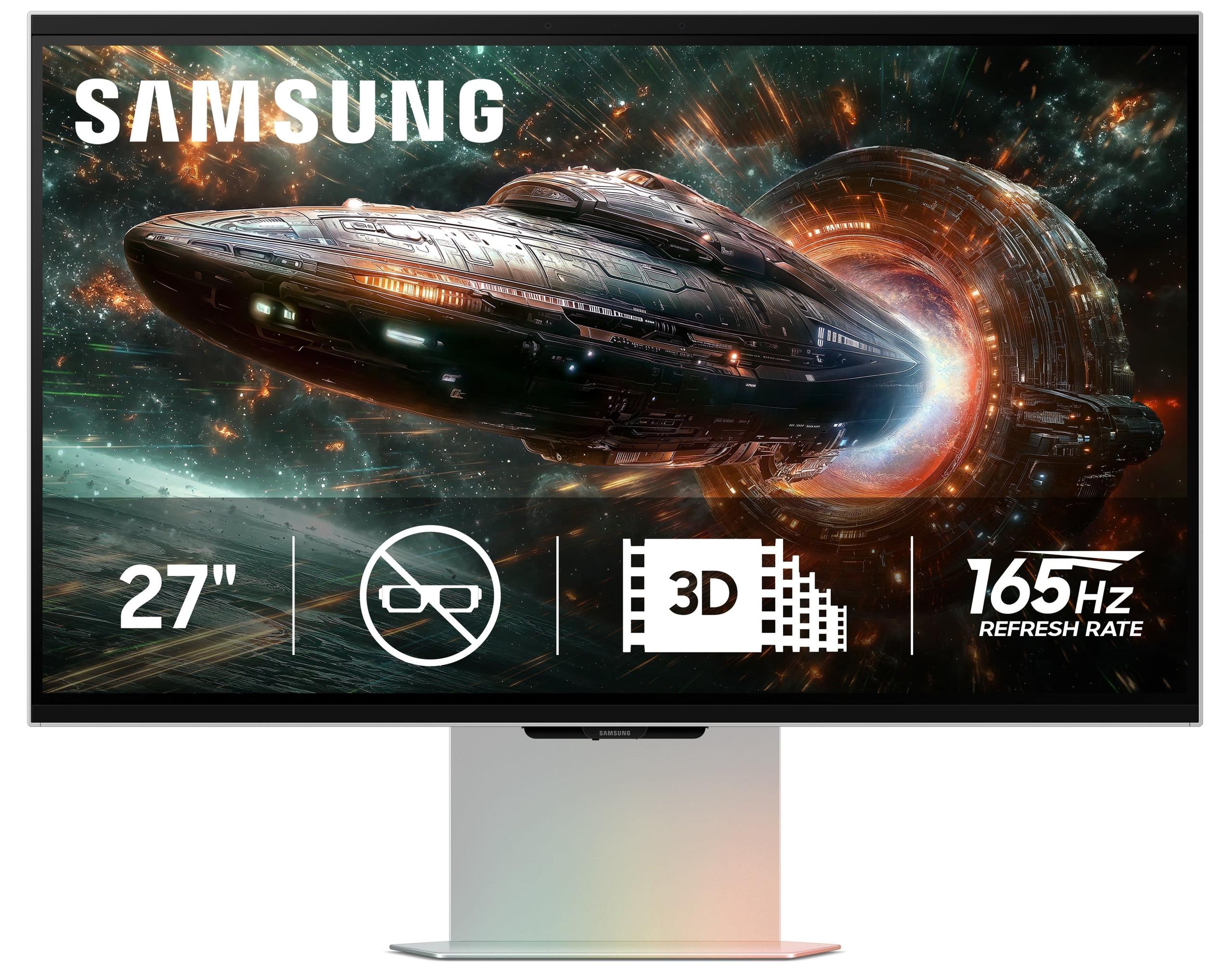
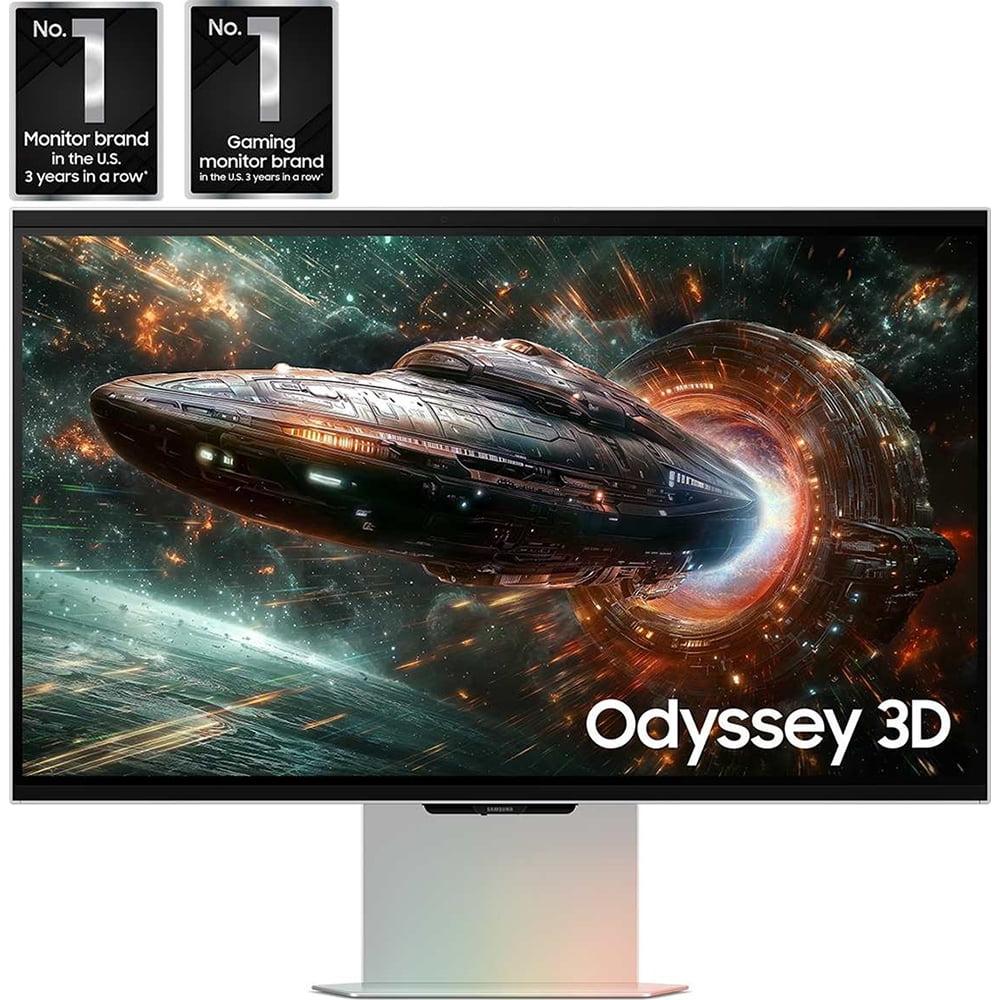
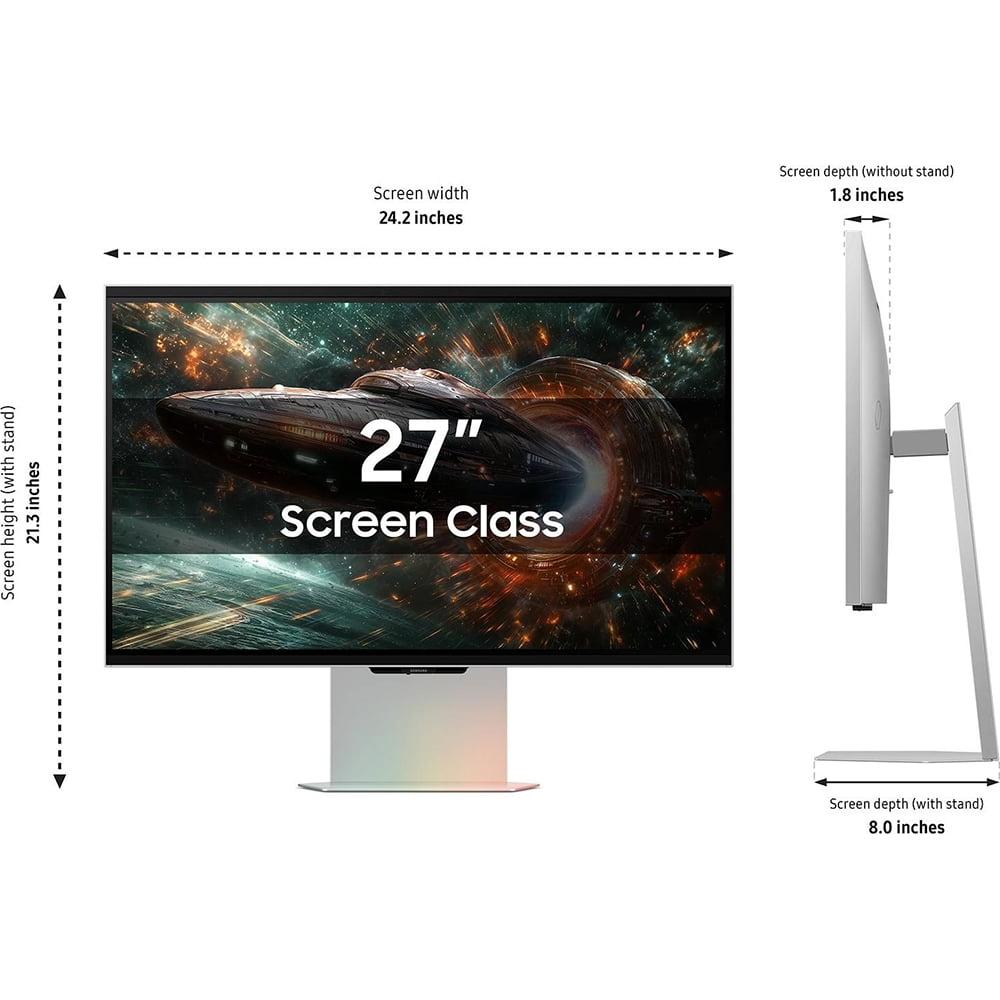
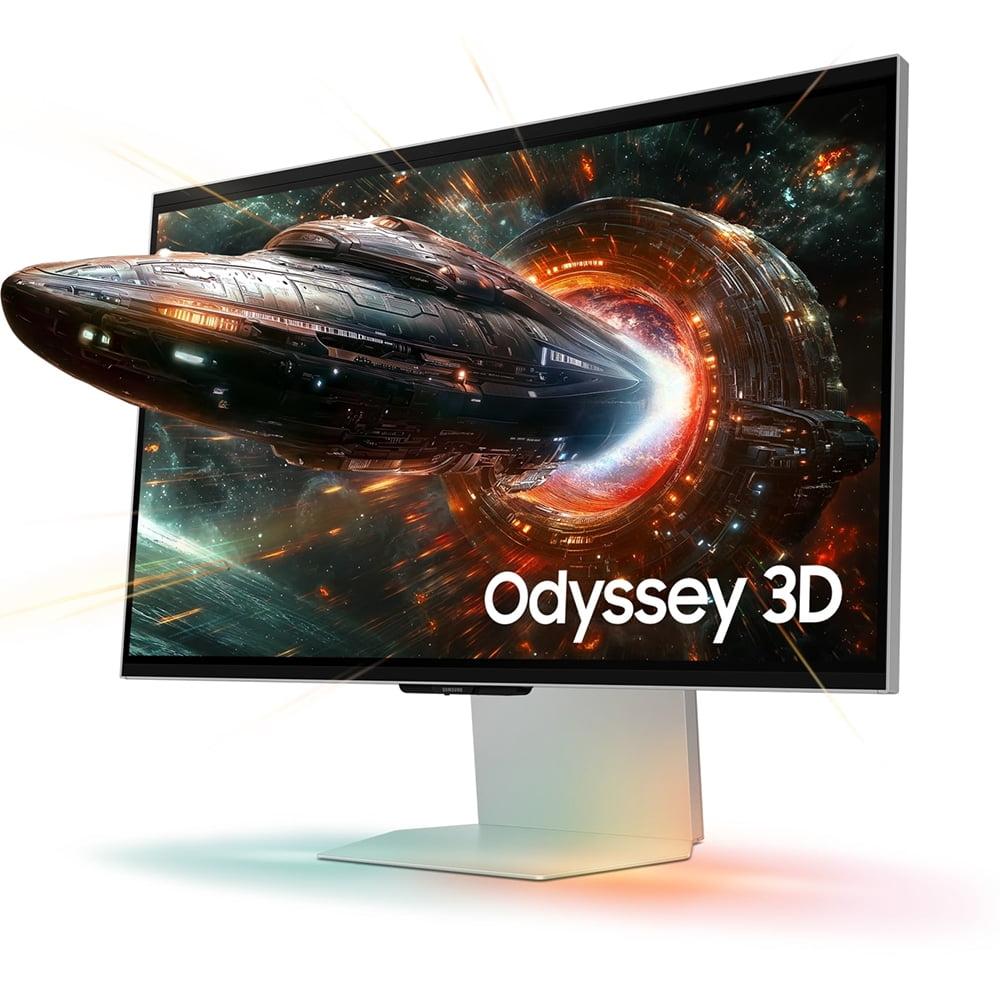
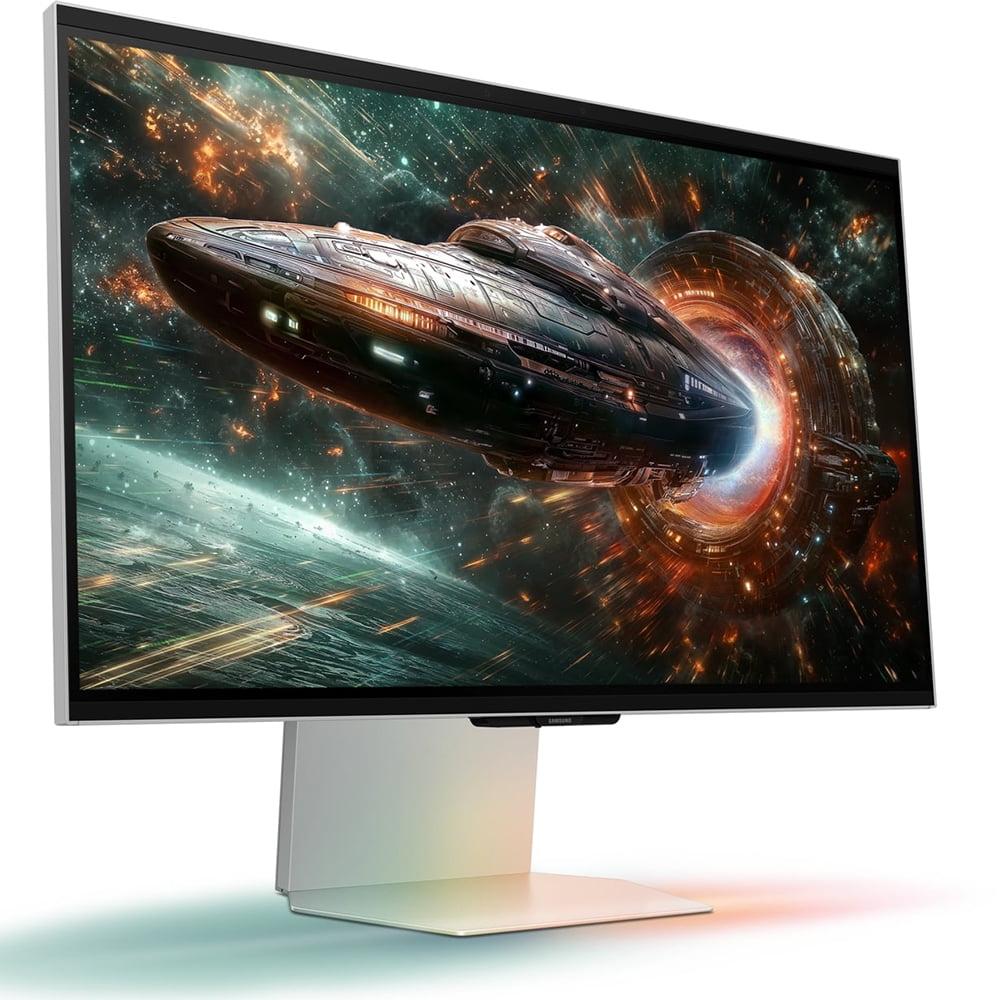
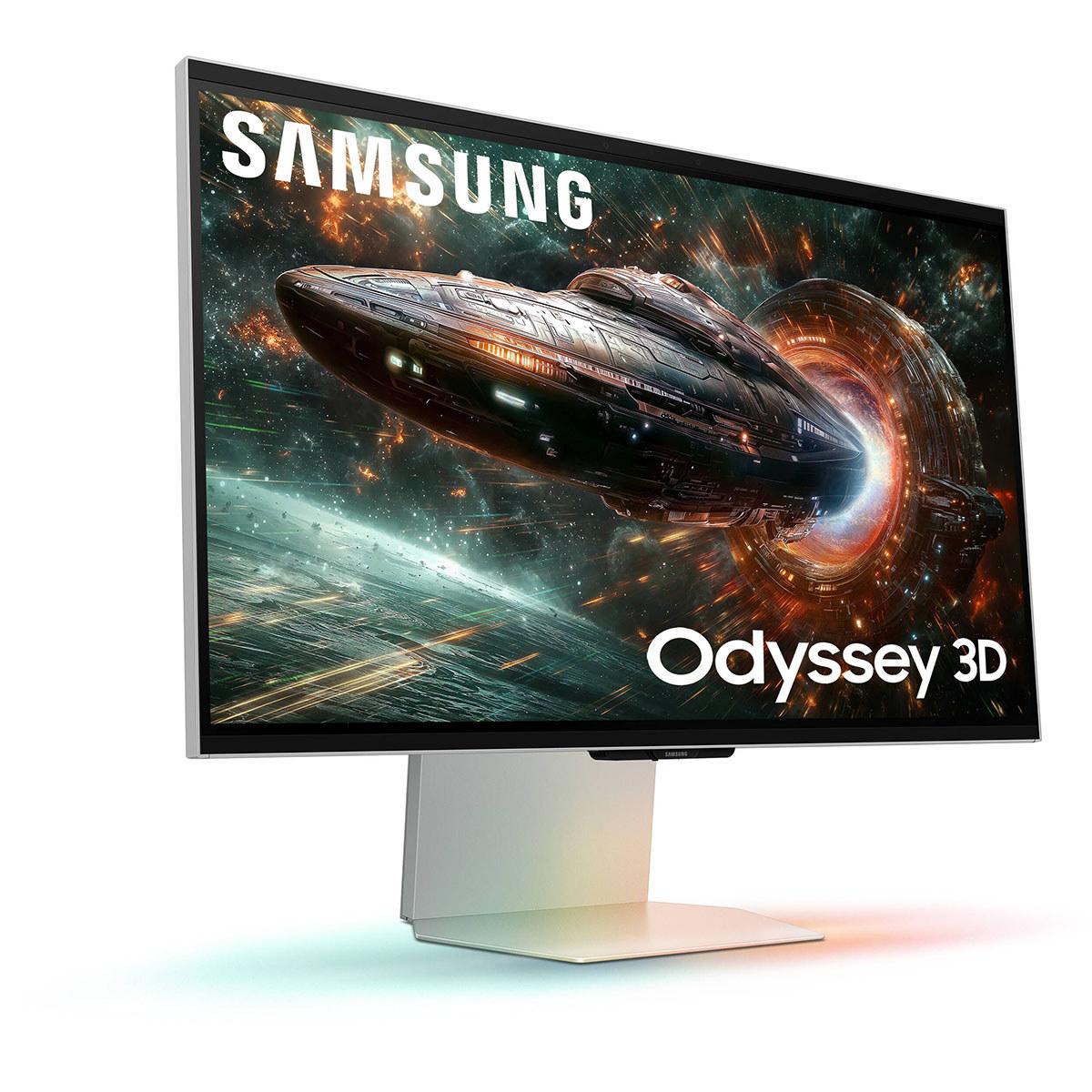
The Samsung Odyssey 3D G90XF, launched in 2025, takes an entirely different approach. Instead of improving traditional 2D visuals, Samsung focused on bringing back 3D gaming—but without those annoying glasses. Using eye-tracking cameras that literally watch where you're looking, it creates a holographic-like effect that makes games appear to pop out of the screen.
At the time of writing, there's a substantial price difference between these monitors, with the Samsung commanding a significant premium over the Acer—we're talking about more than double the cost in many markets.
The Acer XV275K P3's mini LED backlighting system is genuinely impressive. With 576 individual dimming zones (areas of LEDs that can be controlled separately), this monitor can achieve peak brightness levels of 1,000 nits. To put that in perspective, a typical laptop screen might hit 300 nits on a good day. This massive brightness advantage means HDR content—games and movies designed to show extreme bright and dark scenes—actually looks the way developers intended.
I've spent considerable time with mini LED displays, and the difference is immediately noticeable when you're exploring a dark cave in a game and suddenly step into bright sunlight. The Acer monitor can make that sunlight feel genuinely blinding while keeping the cave shadows appropriately dark. This dynamic range creates a sense of realism that standard monitors simply cannot match.
The color reproduction is equally impressive. Covering 99% of the Adobe RGB color space (a professional standard for color accuracy), the XV275K P3 displays colors that are both vibrant and accurate. This makes it excellent not just for gaming, but for photo editing, video work, or any task where color matters.
The Samsung G90XF, by comparison, uses a more conventional IPS panel with standard edge lighting. While it achieves good color accuracy within the sRGB color space (covering 99% of it), its peak brightness tops out around 350 nits. This is perfectly adequate for most gaming scenarios, but it means HDR content won't have the same visual impact.
The trade-off here is significant. In traditional 2D gaming and productivity tasks, the Samsung monitor delivers clean, sharp images with good viewing angles. However, it lacks the dramatic contrast and brightness that make HDR games and movies truly spectacular.
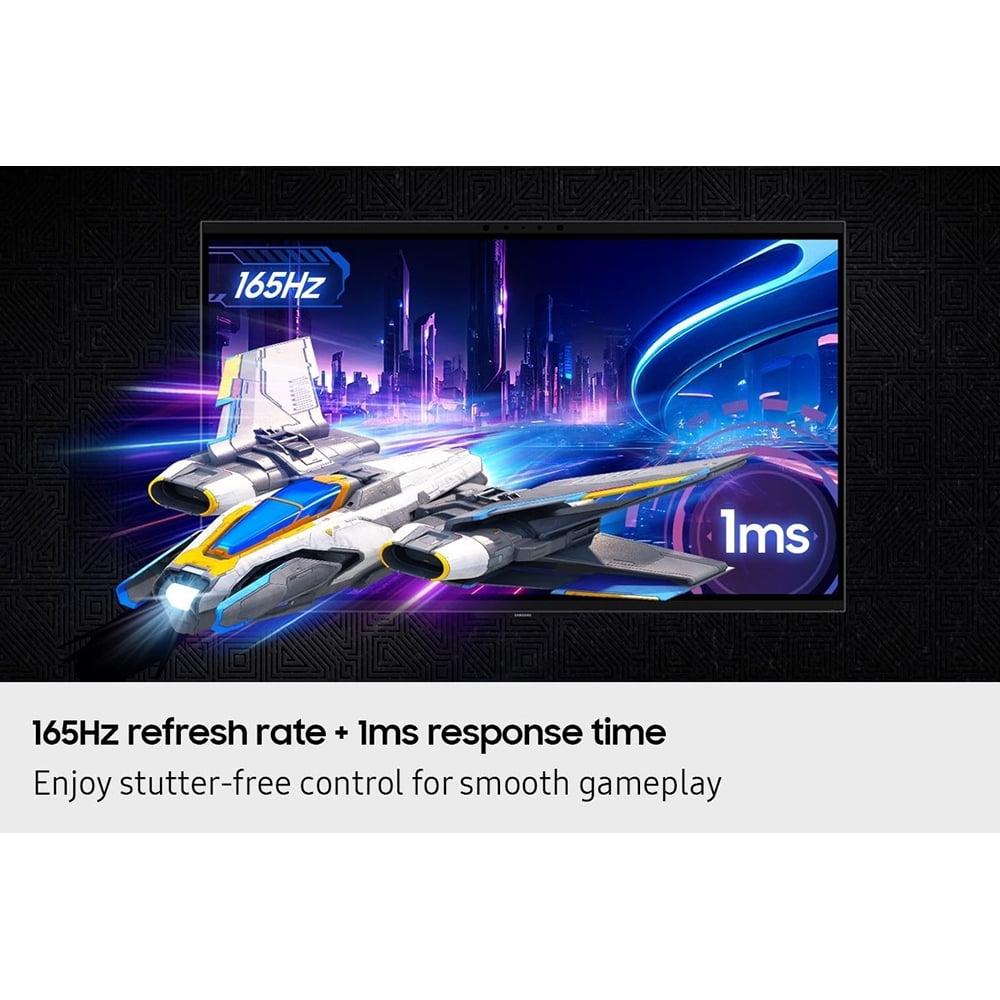
Both monitors deliver excellent gaming performance in terms of speed. The Samsung G90XF edges ahead slightly with a 165Hz refresh rate compared to the Acer's 160Hz, but this 5Hz difference is practically meaningless in real-world gaming. Both support variable refresh rate technologies (AMD FreeSync and NVIDIA G-Sync compatibility) that eliminate screen tearing—those annoying horizontal lines that appear when your graphics card and monitor get out of sync.
Response times are equally matched at 1ms, meaning both monitors can keep up with the fastest-paced competitive games without creating motion blur or ghosting (when you see faint trails behind moving objects).
Here's where the Samsung monitor truly differentiates itself. The eye-tracking 3D technology creates an experience unlike anything else in consumer displays. When it works properly, games appear to have genuine depth, with characters and objects seeming to project out of the screen toward you.
The system uses dual cameras to track your eye movement and head position, then adjusts the 3D effect accordingly. It's genuinely impressive technology that represents years of development. However, there are significant caveats to consider.
First, the library of games that natively support this 3D effect is quite limited at launch. While Samsung's Reality Hub software can convert standard games to 3D using AI, the results are inconsistent. Some games look amazing, while others produce weird artifacts or unconvincing depth effects.
Second, the 3D feature is demanding on your gaming PC. Running games at 4K resolution with the 3D effect enabled requires high-end graphics hardware—think RTX 4080 or better for smooth performance. The system essentially has to render the game twice (once for each eye), which roughly doubles the processing load.
For competitive gaming, input lag (the delay between pressing a button and seeing the result on screen) is crucial. The Acer XV275K P3 maintains consistently low input lag across all refresh rates, making it excellent for competitive shooters or esports titles.
The Samsung G90XF also performs well in this regard, though the 3D processing can introduce some additional delay. For most gamers, this won't be noticeable, but serious competitive players might prefer the more straightforward approach of the Acer monitor.
High Dynamic Range (HDR) is where the Acer XV275K P3 truly excels. With its VESA DisplayHDR 1000 certification, this monitor can display the full range of brightness that HDR content was designed for. In practical terms, this means:
I've found that once you experience proper HDR gaming on a mini LED display, it's difficult to go back to standard monitors. The difference is particularly noticeable in games like Cyberpunk 2077 or Horizon Zero Dawn, where the contrast between neon lights and dark alleyways creates a cinematic atmosphere.
The Samsung G90XF's HDR performance is more limited due to its lower peak brightness. While it supports HDR10 and HDR10+ formats, the visual impact is much more subtle. Additionally, you cannot use HDR and the 3D effect simultaneously—you have to choose one or the other.
This limitation significantly impacts the monitor's versatility. If you're interested in both HDR gaming and 3D experiences, you'll constantly be switching between modes rather than enjoying both technologies together.
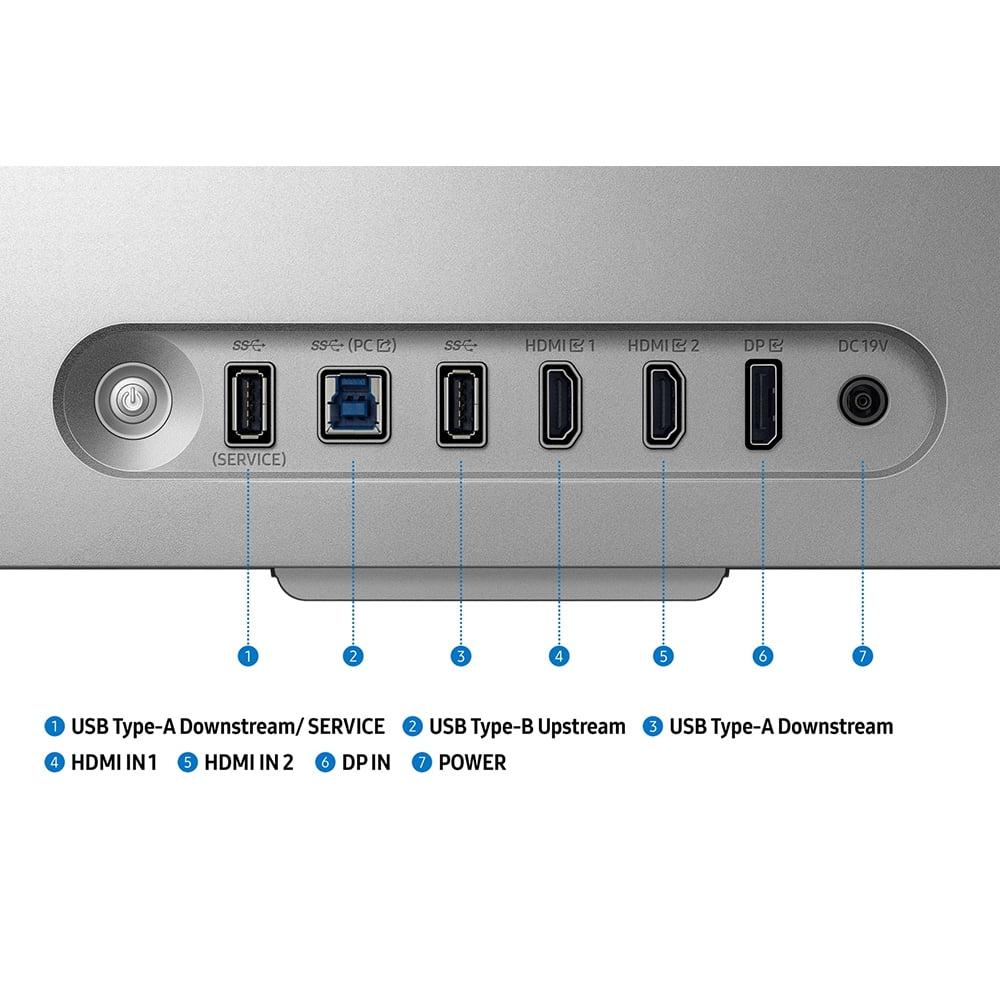
The Acer XV275K P3 excels in connectivity options. Its USB-C port with 90W power delivery is particularly valuable if you use a laptop for gaming or work. You can connect your laptop with a single cable and charge it simultaneously while driving the 4K display. The monitor also includes a USB hub, multiple HDMI 2.1 ports, and DisplayPort connectivity.
The Samsung G90XF offers solid connectivity as well, though without the convenient USB-C power delivery feature. It includes the necessary HDMI 2.1 and DisplayPort connections for high refresh rate gaming.
Samsung's edge lighting system on the G90XF is a nice touch—LEDs around the monitor's base can match colors from the screen, extending the visual experience beyond the display boundaries. It's more of a novelty feature than a game-changer, but it adds to the immersive experience.
The Acer monitor focuses more on practical features like comprehensive ergonomic adjustments and anti-glare coating, which reduces reflections in bright rooms.
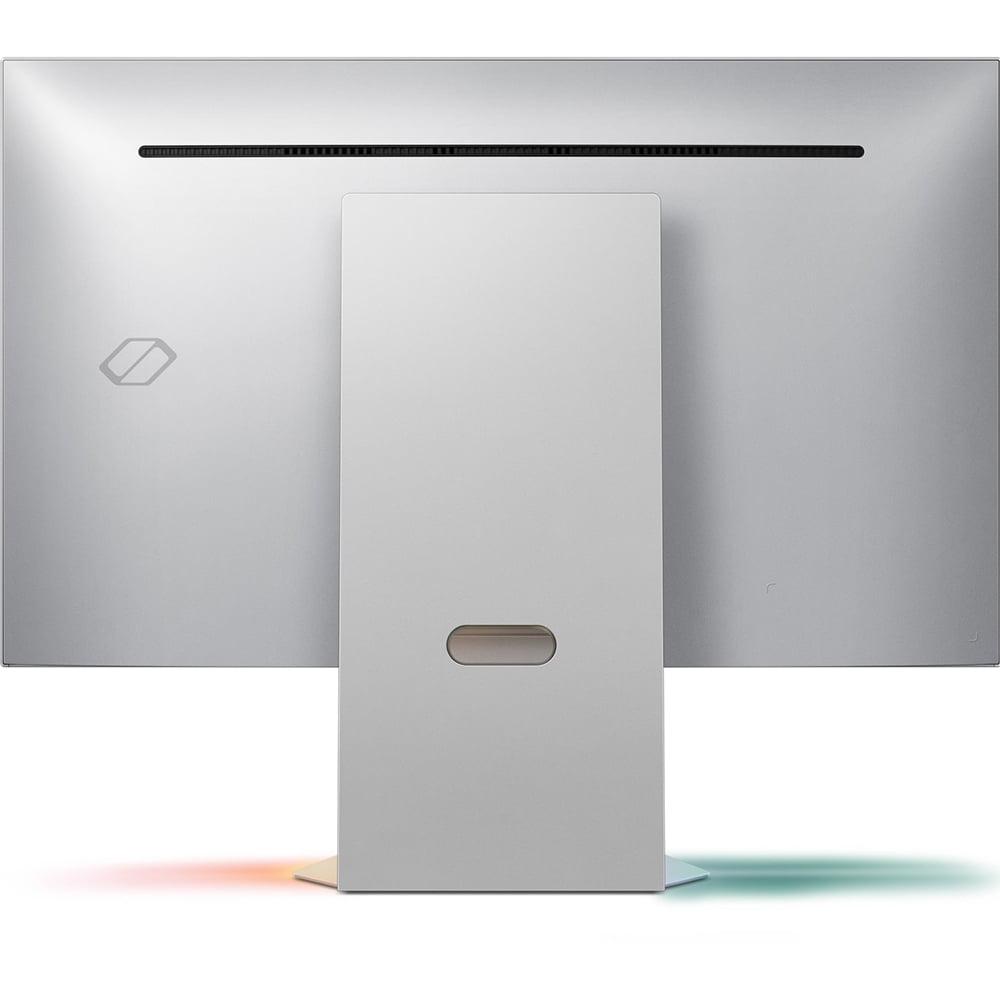
Both monitors are well-built, but they take different approaches to design. The Acer XV275K P3 prioritizes functionality with full height, tilt, swivel, and pivot adjustments. The stand is sturdy and allows you to position the monitor exactly where you need it.
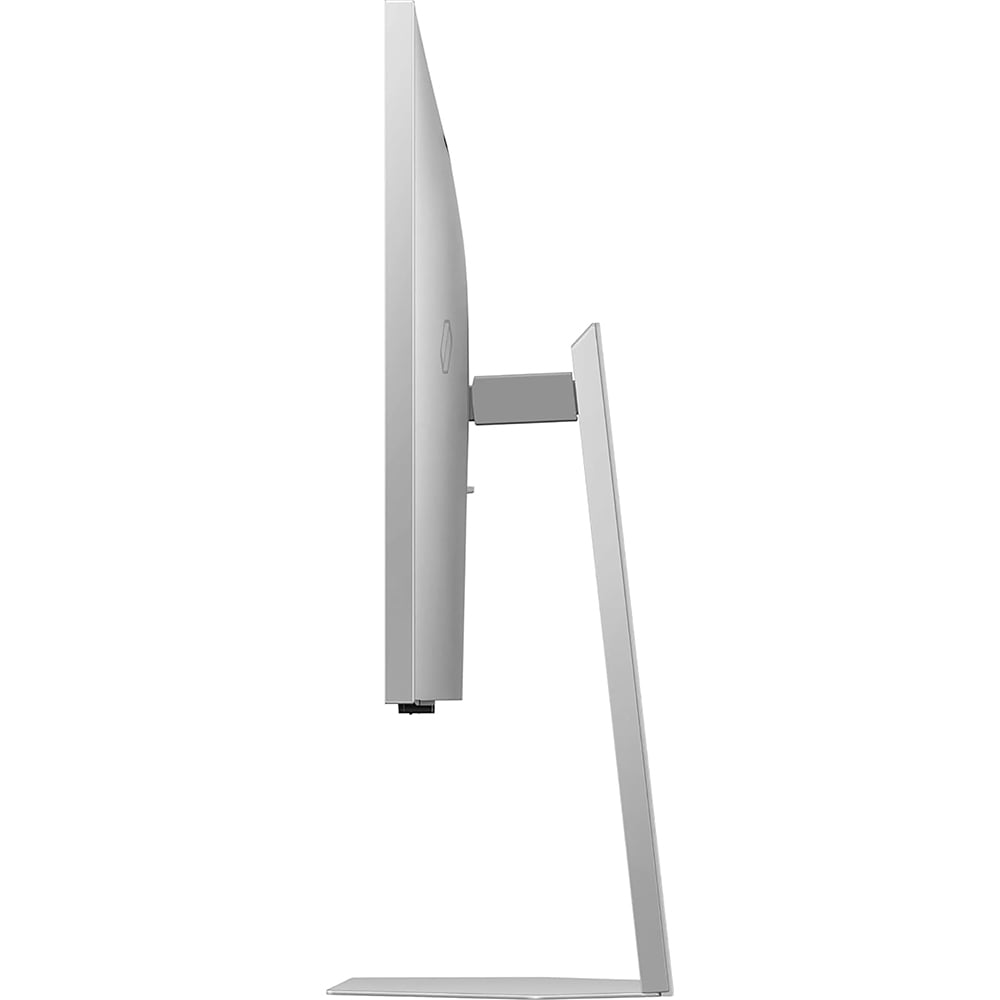
The Samsung G90XF emphasizes aesthetics with a sleek, modern design. However, the stand lacks swivel adjustment, which might be limiting depending on your desk setup. The monitor also has a glossy finish that can be problematic in bright rooms, creating reflections that distract from the viewing experience.
For home theater use, the Acer XV275K P3 is clearly superior. Its exceptional brightness and mini LED backlighting make HDR movies look spectacular. The wide color gamut ensures films appear as directors intended, with accurate color reproduction that rivals professional reference monitors.
The Samsung G90XF can serve as a home theater display, but its limited brightness reduces the impact of HDR content. The 3D feature might appeal to users who want to watch 3D movies, though the content library for 3D films has been limited since the technology's initial decline in popularity.
At the time of writing, the Acer XV275K P3 represents exceptional value in the premium gaming monitor category. Mini LED technology typically commands premium prices, but Acer has managed to deliver professional-grade performance at a competitive price point. For most gamers, content creators, and productivity users, this monitor provides everything you need without unnecessary compromises.
The target user for this monitor includes competitive gamers who want every advantage, content creators who need accurate colors, and anyone who wants to experience HDR gaming at its best without breaking the bank.
The Samsung G90XF targets a very specific audience: early adopters and technology enthusiasts who want to experience cutting-edge display innovation. The 3D technology is genuinely impressive when it works, but it comes with significant limitations and a substantial price premium.
This monitor makes sense for users who have high-end gaming PCs, enjoy experimenting with new technology, and don't mind paying extra for features that may have limited practical application. It's also worth considering if you're specifically interested in 3D gaming and understand the current limitations of content availability.
For most buyers, the decision comes down to practicality versus innovation. The Acer XV275K P3 delivers superior performance in the areas that matter most for daily gaming: brightness, color accuracy, HDR impact, and overall value. Its mini LED technology provides tangible benefits that enhance every gaming session and movie night.
The Samsung G90XF offers a glimpse into the future of display technology, but that future isn't quite ready for mainstream adoption. The limited game library, high system requirements, and inability to combine 3D with HDR make it more of a technology showcase than a practical gaming solution.
If you're building a high-end gaming setup and want the best possible visual experience for the money, the Acer monitor is the clear choice. If you're fascinated by 3D technology and have both the budget and patience to work with cutting-edge features, the Samsung G90XF offers an experience you simply cannot get anywhere else.
Consider your gaming habits, budget, and tolerance for experimental technology. Most gamers will be happier with the proven performance and exceptional value of mini LED technology, while a select few will find the 3D innovation worth the premium and limitations.
| Acer Nitro XV275K P3 27" Mini LED 4K UHD Gaming Monitor | Samsung 27" Odyssey 3D G90XF 4K 165Hz Gaming Monitor |
|---|---|
| Peak Brightness - Critical for HDR gaming and bright room visibility | |
| 1,000 nits (exceptional HDR impact, DisplayHDR 1000 certified) | 350 nits (adequate for most gaming, limited HDR impact) |
| Backlighting Technology - Determines contrast and local dimming capability | |
| Mini LED with 576 local dimming zones (precise brightness control) | Standard edge-lit IPS (no local dimming zones) |
| Color Gamut Coverage - Important for color accuracy and vibrancy | |
| 99% Adobe RGB, 98% DCI-P3, 130% sRGB (professional-grade colors) | 99% sRGB (good for standard gaming, limited professional use) |
| Refresh Rate - Higher means smoother motion in fast games | |
| 160Hz (excellent for competitive gaming) | 165Hz (marginal 3% advantage, practically identical) |
| Response Time - Lower means less motion blur | |
| 1ms GtG (excellent for fast-paced gaming) | 1ms GtG (excellent for fast-paced gaming) |
| Unique Technology - Special features that differentiate each monitor | |
| Mini LED backlighting for superior HDR and contrast | Eye-tracking glasses-free 3D gaming technology |
| Connectivity Options - Determines device compatibility and convenience | |
| USB-C with 90W power delivery, 2x HDMI 2.1, DisplayPort, USB hub | 2x HDMI 2.1, DisplayPort (no USB-C power delivery) |
| HDR Capability - Enhanced contrast and color range for supported content | |
| VESA DisplayHDR 1000 (true HDR experience) | HDR10/HDR10+ (basic HDR, cannot combine with 3D mode) |
| 3D Gaming Support - Glasses-free 3D experience | |
| Not supported (standard 2D display) | Eye-tracking 3D with limited game library |
| Ergonomics - Flexibility in positioning and comfort | |
| Full adjustment: height, tilt, swivel, pivot | Height and tilt only (no swivel adjustment) |
| Value Proposition - Performance per dollar spent | |
| Exceptional value with premium mini LED technology | Premium pricing for experimental 3D technology |
| Best Use Cases - Who should consider each monitor | |
| HDR gaming, content creation, competitive esports, laptop users | 3D gaming enthusiasts, early adopters with high-end PCs |
Both the Acer Nitro XV275K P3 and Samsung Odyssey 3D G90XF offer excellent gaming performance with 4K resolution and fast 1ms response times. The Samsung monitor has a slightly higher 165Hz refresh rate compared to the Acer's 160Hz, but this difference is negligible in practice. However, the Acer XV275K P3 provides superior visual quality with its mini LED backlighting and 1,000 nits brightness, making games look more vibrant and immersive.
The Acer Nitro XV275K P3 uses advanced mini LED backlighting with 576 local dimming zones, allowing for precise brightness control and exceptional contrast. The Samsung Odyssey 3D G90XF uses standard IPS panel technology with edge lighting. This means the Acer monitor can achieve much brighter highlights and deeper blacks, resulting in superior HDR performance and overall picture quality.
The Acer Nitro XV275K P3 offers significantly better value, providing premium mini LED technology at a competitive price point. The Samsung G90XF commands a substantial premium due to its experimental 3D gaming features. For most users seeking high-performance 4K gaming, the Acer XV275K P3 delivers professional-grade display quality without the premium pricing.
Only the Samsung Odyssey 3D G90XF supports 3D gaming through its eye-tracking technology that creates glasses-free 3D effects. The Acer Nitro XV275K P3 is a traditional 2D monitor without 3D capabilities. However, the Samsung's 3D feature has limitations including a small compatible game library and high system requirements, making the Acer monitor the more practical choice for most gamers.
The Acer Nitro XV275K P3 is significantly better for HDR content with its 1,000 nits peak brightness and VESA DisplayHDR 1000 certification. The Samsung G90XF only reaches 350 nits, limiting its HDR impact. For watching movies and HDR gaming, the Acer XV275K P3 provides a much more dramatic and immersive viewing experience with brighter highlights and better contrast.
The Acer Nitro XV275K P3 provides more comprehensive connectivity with USB-C power delivery (90W), multiple HDMI 2.1 ports, DisplayPort, and a USB hub. The Samsung Odyssey 3D G90XF offers standard gaming connectivity with HDMI 2.1 and DisplayPort but lacks USB-C power delivery. The Acer monitor is better suited for laptop users and multi-device setups.
The Acer Nitro XV275K P3 offers superior color accuracy with 99% Adobe RGB and 98% DCI-P3 coverage, making it suitable for professional color work. The Samsung G90XF covers 99% sRGB, which is good for standard gaming but more limited for professional applications. Content creators and photographers will benefit more from the Acer XV275K P3's wider color gamut.
The Acer Nitro XV275K P3 can experience some blooming artifacts due to its local dimming system, and the OSD controls are somewhat clunky. The Samsung Odyssey 3D G90XF has more significant limitations including inconsistent 3D effects, very limited compatible game library, inability to use HDR and 3D simultaneously, and reflective screen coating. The Samsung monitor requires high-end PC hardware for optimal 3D performance.
Both monitors perform well for competitive gaming with low input lag and fast response times. The Acer Nitro XV275K P3 maintains consistent performance across all refresh rates and offers superior visibility with its brighter display. The Samsung G90XF has a slightly higher refresh rate but the 3D processing can add minimal delay. Most esports professionals would prefer the Acer XV275K P3 for its reliable performance and better visibility.
Both the Acer Nitro XV275K P3 and Samsung Odyssey 3D G90XF work well with PlayStation 5 and Xbox Series X/S through HDMI 2.1 connectivity. However, the Samsung's 3D features only work with PC gaming, so console users get no benefit from its premium price. The Acer monitor provides better HDR gaming for consoles and represents better value for console gamers.
The Acer Nitro XV275K P3 offers superior ergonomics with full height, tilt, swivel, and pivot adjustments. The Samsung G90XF has a more premium aesthetic design but lacks swivel adjustment and has a reflective glossy finish. For long gaming sessions and desk flexibility, the Acer XV275K P3 provides better comfort and positioning options.
Choose the Acer Nitro XV275K P3 if you want exceptional HDR gaming, color accuracy, and overall value. It's ideal for competitive gamers, content creators, and anyone seeking premium display quality. Choose the Samsung Odyssey 3D G90XF only if you're specifically interested in experimental 3D gaming technology and have a high-end PC setup. For most buyers, the Acer XV275K P3 offers better performance and value.
We've done our best to create useful and informative comparisons to help you decide what product to buy. Our research uses advanced automated methods to create this comparison and perfection is not possible - please contact us for corrections or questions. These are the sites we've researched in the creation of this article: bestbuy.com - rtings.com - reviewed.com - displayninja.com - youtube.com - displayninja.com - youtube.com - dpreview.com - acer.com - buy.bluum.com - shi.com - camcor.com - newegg.com - provantage.com - displayspecifications.com - colamco.com - displayspecifications.com - walmart.com - bestbuy.com - hometechnologyreview.com - substack.com - rtings.com - youtube.com - techaeris.com - versus.com - tomsguide.com - avsforum.com - youtube.com - versus.com - bestbuy.com - samsung.com - samsung.com - samsung.com - samsung.com - m.media-amazon.com

Privacy Policy
Terms and Conditions - Affiliate Policy
Home Security
© Copyright 2008-2026.
11816 Inwood Rd #1211, Dallas, TX 75244