

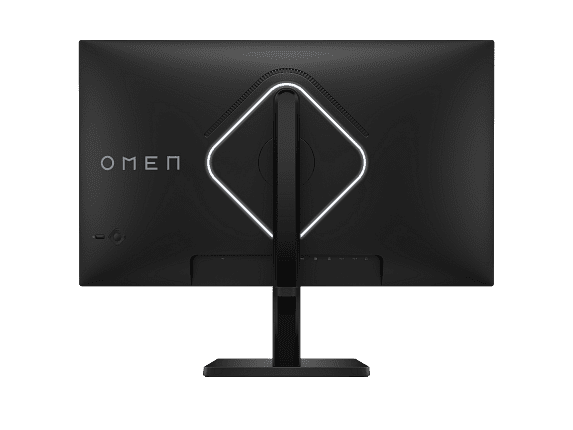
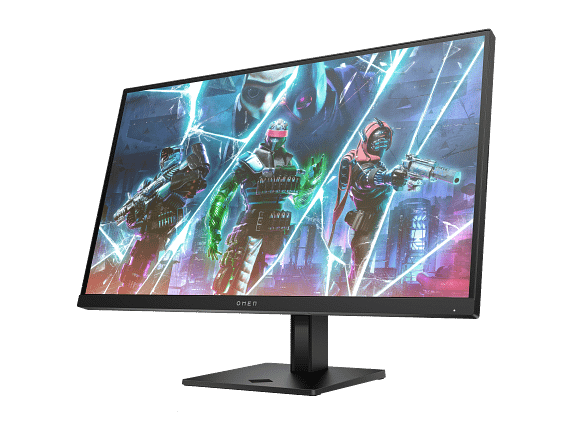
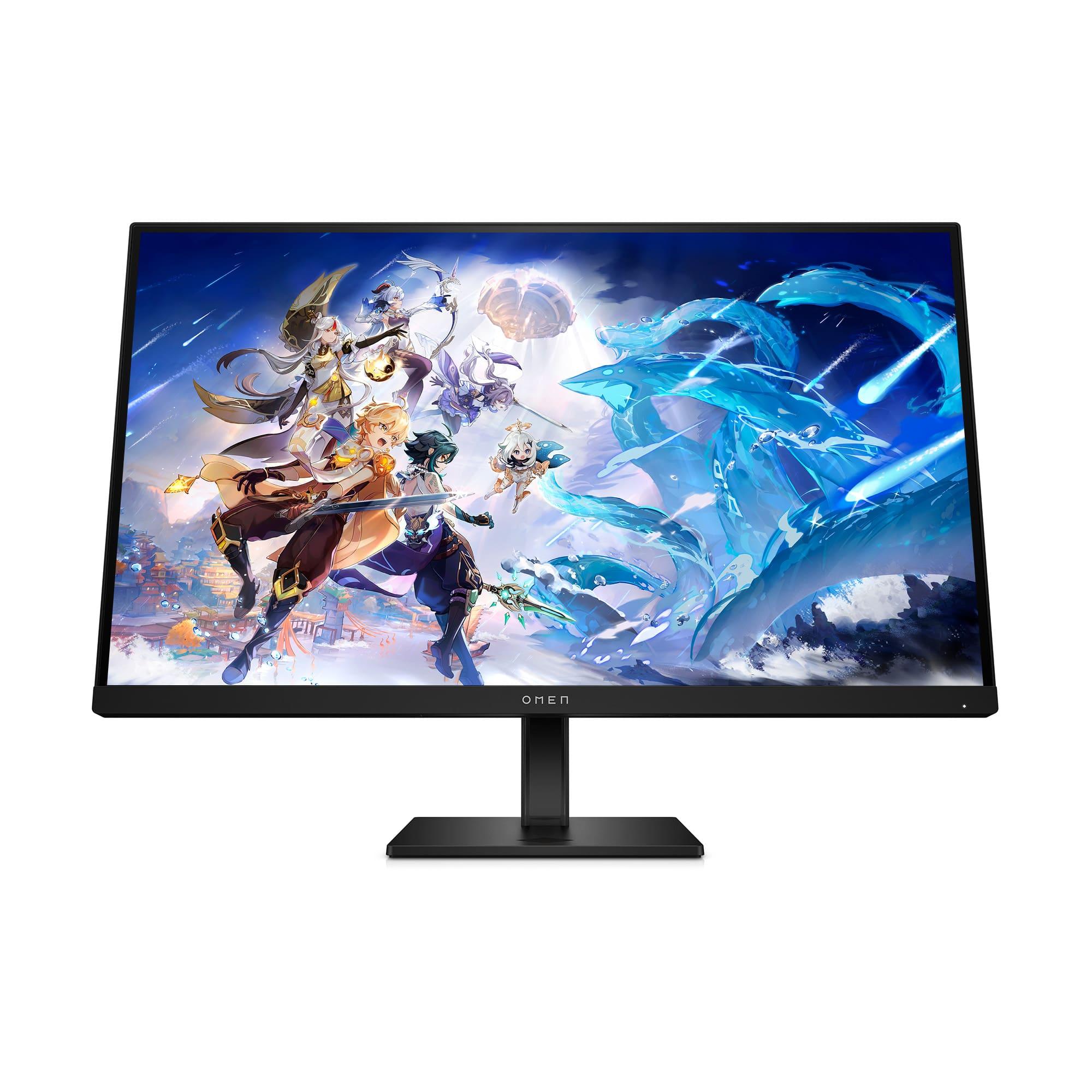
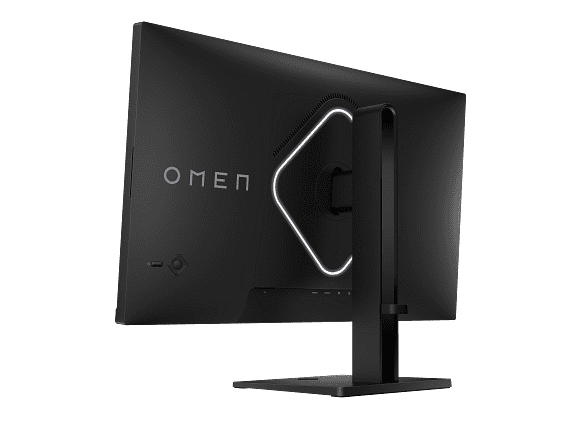
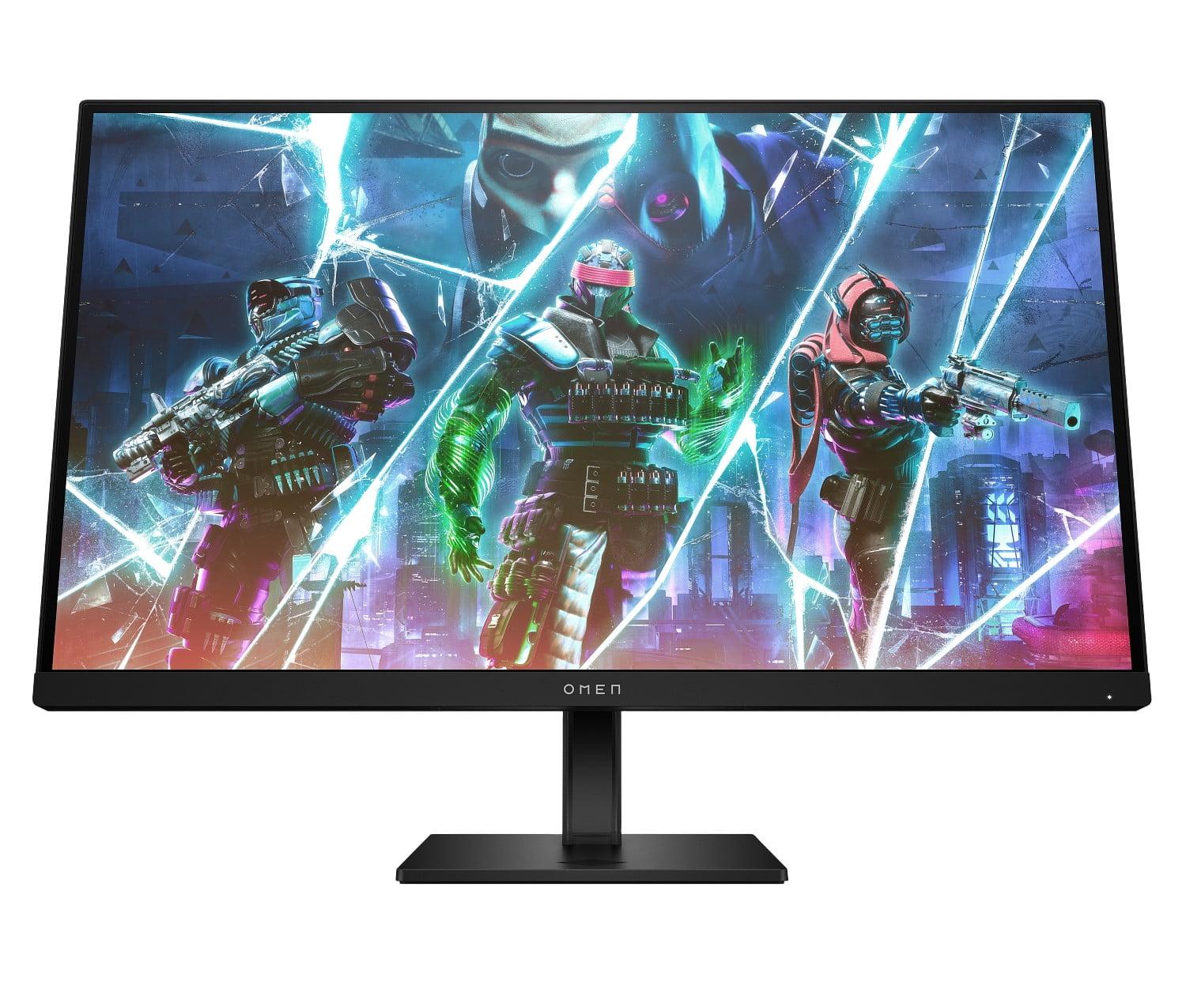









If you're shopping for a gaming monitor in 2024, you're facing one of the most interesting debates in PC gaming: do you chase the smoothest possible gameplay or the most stunning visuals? Two monitors perfectly represent these competing philosophies—the HP OMEN 27s with its lightning-fast 240Hz refresh rate, and the Acer Nitro XV275K P3 with its gorgeous 4K Mini LED display.
Both launched in 2023, representing the current state of gaming monitor technology. But they take completely different approaches to what makes a great gaming experience. Let's dig into which one deserves your desk space.
Gaming monitors aren't just bigger versions of regular computer screens. They're built around three core principles that regular monitors often ignore: speed, visual quality, and adaptive technologies that prevent screen tearing (when your graphics card and monitor get out of sync, creating a horizontal line across your screen).
The most important decision you'll make is understanding the fundamental trade-off between refresh rate and resolution. Think of refresh rate like frames per second for your monitor—it's how many times per second your screen can update the image. Higher refresh rates mean smoother motion, especially crucial in fast games where you're tracking moving targets.
Resolution, meanwhile, determines how sharp and detailed everything looks. It's measured in pixels—tiny dots that make up your image. More pixels mean crisper text, more detailed game environments, and generally more impressive visuals.
The catch? Your graphics card has to work much harder to push more pixels, and it gets exponentially more difficult. Going from 1080p to 4K means your GPU needs to render four times as many pixels every single frame.
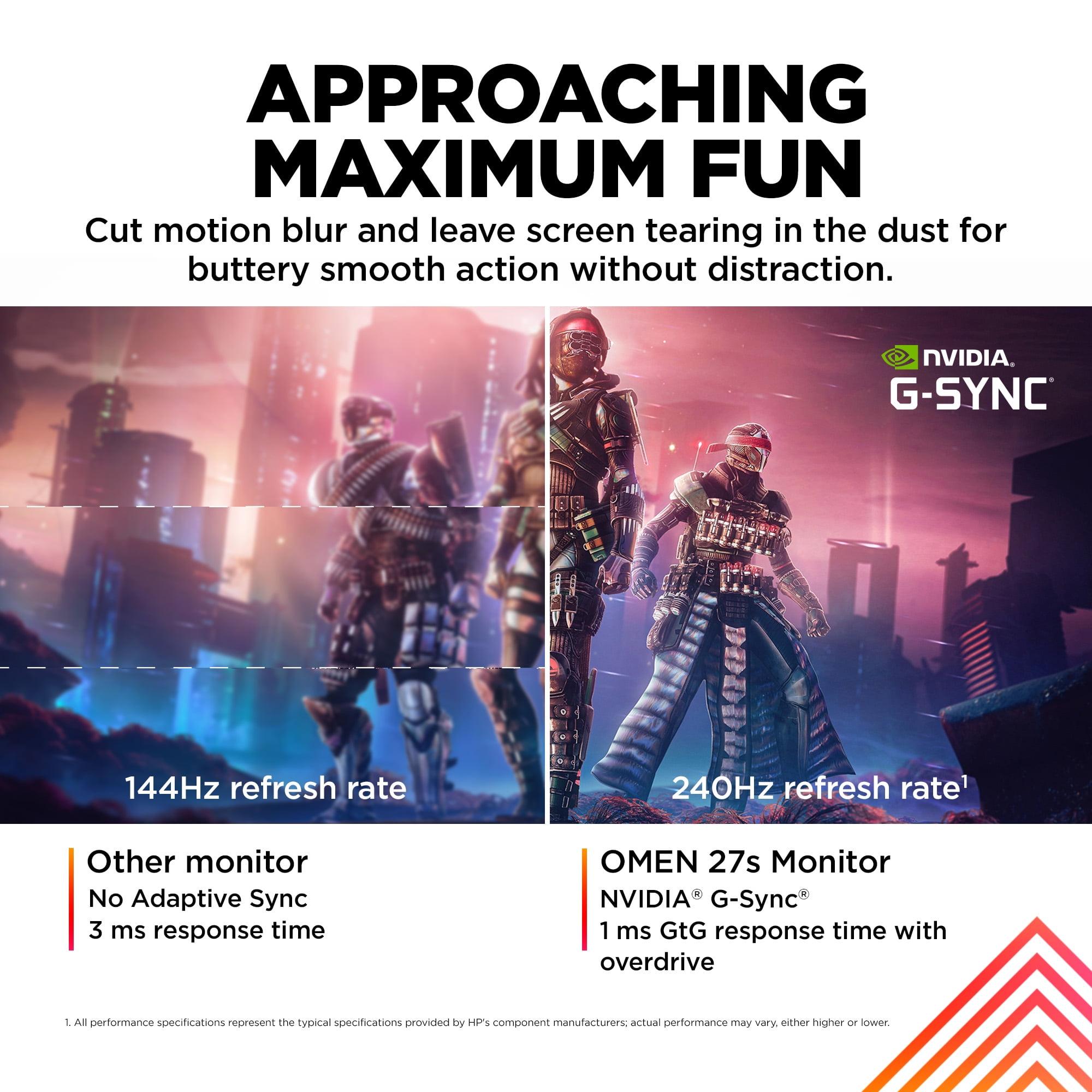
The HP OMEN 27s is built for one thing: making competitive gaming as smooth as possible. Its 240Hz refresh rate means it updates the screen 240 times per second, compared to a typical monitor's 60Hz. That translates to each frame being displayed for just 4.17 milliseconds instead of 16.67 milliseconds on a standard screen.
Why does this matter? In competitive shooters like Counter-Strike or Valorant, enemies can move across your screen in milliseconds. With a 240Hz monitor, you get nearly four times as many "snapshots" of their movement, making it much easier to track and aim at fast-moving targets. It's like the difference between watching a stop-motion animation and smooth video.
The monitor pairs this high refresh rate with a 1ms gray-to-gray response time. Response time measures how quickly a pixel can change from one shade of gray to another—essentially how fast the monitor can keep up with rapid changes. Combined with the high refresh rate, this virtually eliminates motion blur and ghosting (when fast-moving objects leave faint trails behind them).
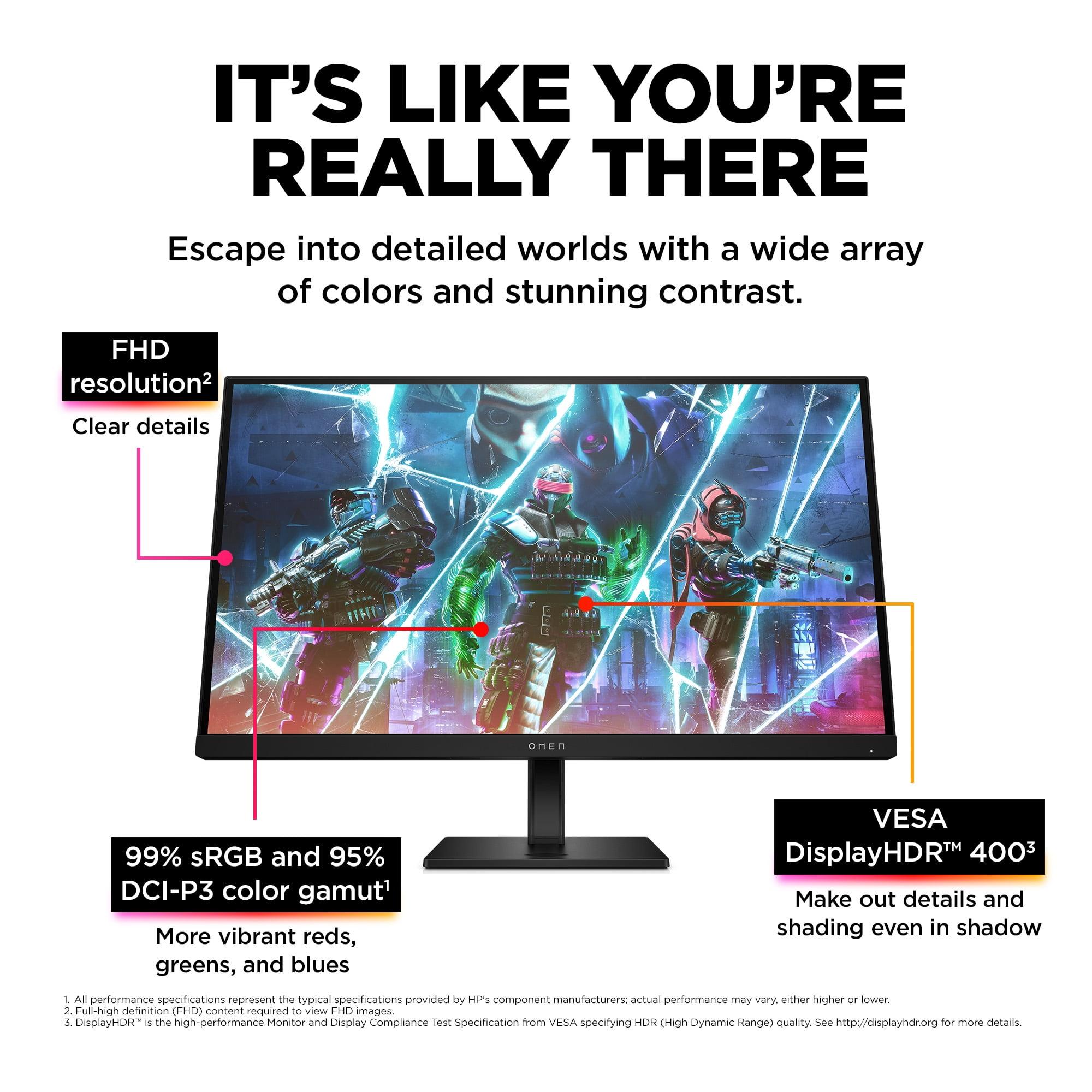
At 27 inches with 1920x1080 resolution, the HP OMEN 27s delivers what competitive gamers call the "sweet spot." The pixel density isn't as sharp as 4K, but it's perfectly adequate for gaming, and more importantly, it allows even mid-range graphics cards to push high frame rates consistently.
The monitor includes NVIDIA G-SYNC compatibility and AMD FreeSync support—technologies that synchronize your graphics card's frame output with the monitor's refresh rate. This prevents screen tearing without the input lag penalty of traditional V-Sync. Whether you have an NVIDIA or AMD graphics card, you'll get smooth, tear-free gaming.
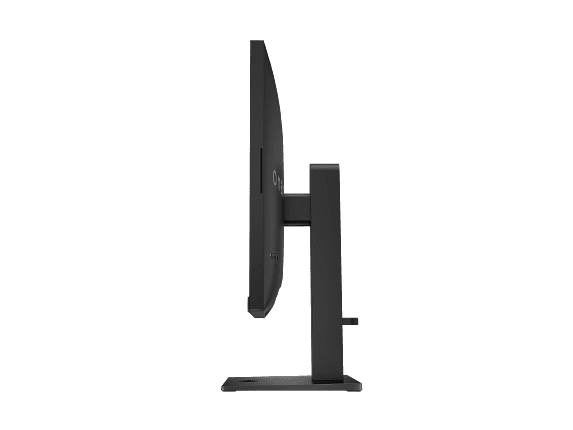
From an ergonomics standpoint, HP got the basics right. The monitor includes height adjustment, tilt, and pivot capabilities, plus it's VESA mount compatible if you want to use a monitor arm. The built-in USB hub is genuinely useful—you can connect your gaming mouse and keyboard directly to the monitor, keeping your PC's ports free for other devices.
The Acer XV275K P3 takes the opposite approach, prioritizing visual fidelity over raw speed. Its 4K resolution (3840x2160) packs 8.3 million pixels into 27 inches, delivering incredibly sharp text and detailed game environments that make the HP OMEN 27s look soft by comparison.
But the real star is its Mini LED backlighting with 576 local dimming zones. Traditional monitors use edge-lit LEDs that can't precisely control brightness across the screen. Mini LED uses hundreds of tiny LEDs behind the panel, each controlling a small zone. This allows for much brighter highlights and deeper shadows—crucial for proper HDR (High Dynamic Range) performance.
The Acer XV275K P3 achieves VESA DisplayHDR 1000 certification, meaning it can hit 1000 nits of brightness in small areas. For context, a typical monitor maxes out around 250-300 nits. This dramatic brightness range makes HDR games and movies look significantly more realistic, with bright explosions that actually feel bright and dark shadows that maintain detail.
The color coverage is exceptional too, supporting 99% of Adobe RGB and DCI-P3 color spaces. These are wider color gamuts than standard sRGB, meaning the monitor can display colors that simply don't exist on typical screens. Games designed with HDR in mind, like Cyberpunk 2077 or Red Dead Redemption 2, look genuinely different—more vibrant and lifelike.
At 160Hz refresh rate, the Acer XV275K P3 isn't slow by any means. It's still nearly three times faster than a standard 60Hz monitor and smooth enough for most competitive gaming. The 1ms response time matches the HP OMEN 27s, so motion clarity is excellent.
The connectivity story is more compelling than HP's offering. Two HDMI 2.1 ports support the full feature set of PlayStation 5 and Xbox Series X, including 4K120 gaming and variable refresh rate. The USB-C port with 90W power delivery is a game-changer for laptop users—you can connect video, data, and power with a single cable.
For pure competitive gaming, the HP OMEN 27s has clear advantages. That 240Hz refresh rate isn't marketing hype—it genuinely provides a competitive edge in fast-paced games. Professional esports players almost universally choose high refresh rate monitors over high resolution because split-second reactions matter more than pretty graphics.
The lower resolution also means your graphics card doesn't work as hard, leaving more performance headroom for maintaining consistent frame rates. A mid-range GPU like an RTX 4060 can easily push 200+ FPS in competitive games at 1080p, but would struggle to maintain even 100 FPS at 4K in the same games.
Input lag—the delay between your mouse movement and seeing the result on screen—is lower on the HP OMEN 27s when running at high refresh rates. Every millisecond counts in competitive gaming, and this monitor minimizes that delay.
For story-driven games, open-world adventures, and basically anything where you want to be immersed in the game world, the Acer XV275K P3 is in a different league. The 4K resolution makes a massive difference in games designed to showcase it.
Text is razor sharp, distant objects remain detailed, and the overall image quality is simply stunning. When combined with proper HDR content, the Mini LED backlighting creates contrast ratios that approach OLED-like quality while maintaining much higher brightness.
Games like The Witcher 3, Microsoft Flight Simulator, or Forza Horizon look genuinely cinematic on this display. The extra resolution isn't just about sharper graphics—it's about seeing more detail in the game world, making exploration more rewarding.
Both monitors work with PlayStation 5 and Xbox Series X, but they serve different gaming styles. The HP OMEN 27s is excellent for competitive console games, especially if you play at 120Hz modes where supported.
The Acer XV275K P3 really shines with console gaming because many console games are optimized for 4K output. Console manufacturers put significant effort into making games look great at 4K, and this monitor displays that work properly. The HDMI 2.1 support means you get variable refresh rate and auto low-latency mode on both consoles.
If you do any photo editing, video work, or content creation, the Acer XV275K P3 is the clear winner. The wide color gamut, factory calibration, and 4K resolution make it suitable for professional work. The HP OMEN 27s is fine for general productivity, but the lower resolution makes text less sharp and limits how much content you can fit on screen comfortably.
Both monitors represent significant evolution from earlier gaming displays. When high refresh rate gaming monitors first appeared around 2012-2013, they were typically 24-inch 1080p panels with basic TN technology that offered fast response times but poor colors and viewing angles.
The HP OMEN 27s represents the maturation of this concept—IPS panel technology that delivers excellent colors and viewing angles while maintaining the speed that competitive gamers demand. The 240Hz refresh rate was essentially impossible to achieve at reasonable prices just five years ago.
The Acer XV275K P3 showcases how Mini LED technology is democratizing high-end display features. Previously, this level of HDR performance required expensive professional monitors costing thousands of dollars. Mini LED brings much of that capability to gaming-focused displays at more reasonable prices.
Since 2023, we've seen even more innovation in this space, with OLED gaming monitors becoming more common and affordable, and newer Mini LED implementations adding even more local dimming zones. Both monitors we're discussing remain competitive, but the pace of innovation shows how quickly this market moves.
Based on extensive research into user reviews and professional testing, both monitors deliver on their core promises with some important caveats.
The HP OMEN 27s is consistently praised for its smoothness and reliability. Users report that once you experience 240Hz gaming, it's difficult to go back to lower refresh rates. The IPS panel provides good color reproduction for an older gaming monitor, though it can't compete with newer displays in this regard. Build quality is solid, and the monitor tends to be trouble-free.
The main criticism of the HP OMEN 27s centers on the resolution feeling low for a 27-inch screen, especially for productivity work. Text can appear less crisp than users expect coming from higher resolution displays.
The Acer XV275K P3 receives praise for its stunning image quality and impressive HDR performance. Users consistently mention how much more immersive games feel, particularly in darker scenes where the local dimming really shows its strength. The build quality is excellent, and the wide connectivity options make it versatile for different setups.
However, there are some concerns. The Mini LED backlighting can produce "blooming" around bright objects on dark backgrounds—this is when light from bright zones bleeds into nearby dark zones. While much better than edge-lit displays, it's not perfect. Some users also report firmware issues with certain settings, though this varies by unit.
Both monitors can serve double duty as entertainment displays, but with different strengths. The HP OMEN 27s is adequate for streaming and movie watching, but the 1080p resolution and basic HDR support limit its appeal for this use case.
The Acer XV275K P3 is genuinely excellent as a secondary entertainment display. The 4K resolution properly displays Netflix 4K content, and the HDR support means HDR movies and shows look significantly better than on standard displays. The Mini LED backlighting provides the contrast needed for cinematic content to look its best.
For a bedroom or office setup where you want one display for both gaming and entertainment, the Acer XV275K P3 is the more versatile choice.
At the time of writing, both monitors represent solid value in their respective categories, though they target different budgets and priorities.
The HP OMEN 27s offers excellent performance-per-dollar for competitive gaming. You're getting genuine 240Hz performance with good build quality and features at a reasonable price point. For someone primarily focused on competitive gaming with a mid-range system, it's hard to find better value.
The Acer XV275K P3 commands a premium but justifies it with features that were recently found only on much more expensive displays. The Mini LED backlighting alone makes it competitive with displays costing significantly more. For users who want visual quality and have the GPU power to drive 4K gaming, it represents good value in the premium segment.
Choose the HP OMEN 27s if:
Choose the Acer XV275K P3 if:
The decision ultimately comes down to understanding your priorities and being honest about how you actually use your computer. Both monitors excel in their intended roles, but neither is a compromise-free solution. The gaming monitor market has evolved to offer these distinct choices precisely because different users have fundamentally different needs.
| HP OMEN 27s FHD 240Hz Gaming Monitor | Acer Nitro XV275K P3 27" Mini LED 4K UHD Gaming Monitor |
|---|---|
| Resolution - Determines image sharpness and system requirements | |
| 1920 x 1080 (FHD) - easier on GPU, competitive gaming focused | 3840 x 2160 (4K UHD) - 4x sharper, requires powerful GPU |
| Refresh Rate - How smooth motion appears, critical for competitive gaming | |
| 240Hz - maximum smoothness for esports advantage | 160Hz - still very smooth, good compromise for 4K gaming |
| Response Time - Affects motion blur and ghosting | |
| 1ms GtG with Overdrive - excellent for fast-paced games | 1ms GtG - equally fast response for motion clarity |
| Panel Technology - Impacts colors, viewing angles, and overall image quality | |
| IPS LCD - good colors and viewing angles, proven reliability | IPS with Mini LED backlighting - superior HDR and contrast |
| Peak Brightness - Affects HDR performance and visibility in bright rooms | |
| 400 nits - adequate for SDR, basic HDR support | 1000 nits - excellent HDR performance, bright room suitable |
| HDR Certification - Indicates quality of high dynamic range content | |
| VESA DisplayHDR 400 - entry-level HDR experience | VESA DisplayHDR 1000 - genuine cinematic HDR with local dimming |
| Color Gamut - Range of colors the monitor can display | |
| 99% sRGB, 95% DCI-P3 - good for gaming, adequate for content work | 99% Adobe RGB, 99% DCI-P3 - excellent for professional color work |
| Local Dimming Zones - Controls contrast in different screen areas | |
| None - standard backlight, limited contrast control | 576 zones - dramatic contrast improvement, minimal blooming |
| Adaptive Sync Support - Eliminates screen tearing | |
| NVIDIA G-SYNC Compatible, AMD FreeSync Premium | AMD FreeSync Premium Pro, NVIDIA G-SYNC Compatible |
| Key Connectivity - Determines what devices you can connect | |
| 2x HDMI 2.0, 1x DisplayPort 1.4, USB hub | 2x HDMI 2.1, 1x DisplayPort 1.4, USB-C with 90W power delivery |
| Ergonomics - Adjustability for comfort and desk setup | |
| Height, tilt, pivot, swivel - full adjustment range | Height, tilt, pivot, swivel - full adjustment range |
| Best Use Cases - Who should consider each monitor | |
| Competitive gaming, esports, budget-conscious buyers with mid-range GPUs | Single-player gaming, content creation, high-end GPU owners, console gaming |
| Target User - Primary audience for each product | |
| Competitive gamers prioritizing performance over visuals | Enthusiasts wanting premium visuals and future-proofing |
The HP OMEN 27s is significantly better for competitive gaming due to its 240Hz refresh rate, which provides smoother motion tracking and faster response to enemy movements. The lower 1080p resolution also allows mid-range graphics cards to maintain high frame rates consistently, giving you a competitive advantage in fast-paced games like CS2, Valorant, and Overwatch.
The core difference is resolution versus refresh rate. The HP OMEN 27s prioritizes speed with 240Hz at 1080p for competitive gaming, while the Acer Nitro XV275K P3 focuses on visual quality with 4K resolution and Mini LED technology for immersive single-player gaming and content creation.
The Acer Nitro XV275K P3 has dramatically better picture quality with its 4K resolution (4x sharper than 1080p), Mini LED backlighting with 576 local dimming zones, and support for genuine HDR with 1000 nits peak brightness. Colors are more vibrant and accurate, making games and movies look significantly more realistic.
The HP OMEN 27s works well with mid-range graphics cards like the RTX 4060 or RX 7600, easily maintaining high frame rates at 1080p. The Acer Nitro XV275K P3 requires a high-end GPU like RTX 4070 or better to fully utilize its 4K resolution, especially in demanding games.
The Acer Nitro XV275K P3 is better for console gaming because it supports 4K resolution that matches PS5 and Xbox Series X output, plus HDMI 2.1 connectivity for variable refresh rate and auto low-latency mode. Most console games are optimized for 4K rather than high refresh rates.
For general productivity, the Acer Nitro XV275K P3 is superior due to its sharp 4K resolution making text crisp and allowing more content on screen. It's also excellent for content creation with wide color gamut support and factory calibration. The HP OMEN 27s is adequate for basic productivity but the lower resolution makes text less sharp.
Value depends on your priorities. The HP OMEN 27s offers excellent performance-per-dollar for competitive gaming, delivering genuine 240Hz performance at a reasonable price point. The Acer Nitro XV275K P3 commands a premium but provides features previously found only in much more expensive displays.
The Acer Nitro XV275K P3 provides genuine HDR with VESA DisplayHDR 1000 certification, 1000 nits peak brightness, and local dimming for dramatic contrast. The HP OMEN 27s only supports basic HDR 400, which offers limited improvement over standard content.
The Acer Nitro XV275K P3 is much better for entertainment content with its 4K resolution properly displaying Netflix 4K streams, excellent HDR performance for supported content, and Mini LED backlighting providing the contrast needed for cinematic viewing. The HP OMEN 27s is adequate but limited by 1080p resolution.
The difference matters most for competitive gaming. The HP OMEN 27s at 240Hz provides smoother motion tracking and potentially better reaction times in fast-paced games. For single-player games and general use, the Acer Nitro XV275K P3 at 160Hz is still very smooth and more than adequate.
The Acer Nitro XV275K P3 has more versatile connectivity with HDMI 2.1 ports supporting full console features and USB-C with 90W power delivery for single-cable laptop connections. The HP OMEN 27s offers solid connectivity with HDMI 2.0, DisplayPort, and USB hub functionality.
Choose the HP OMEN 27s and high refresh rate if you primarily play competitive multiplayer games where reaction time matters most. Choose the Acer Nitro XV275K P3 and 4K resolution if you prefer single-player games, want immersive visuals, or do content creation work alongside gaming.
We've done our best to create useful and informative comparisons to help you decide what product to buy. Our research uses advanced automated methods to create this comparison and perfection is not possible - please contact us for corrections or questions. These are the sites we've researched in the creation of this article: bestbuy.com - hp.com - shi.com - hp.com - bestbuy.com - hp.com - tomshardware.com - hp.com - rtings.com - hp.com - displayspecifications.com - support.hp.com - publicsector.shidirect.com - objects.icecat.biz - files.bbystatic.com - hp.com - displayspecifications.com - bestbuy.com - rtings.com - reviewed.com - displayninja.com - youtube.com - displayninja.com - youtube.com - dpreview.com - acer.com - buy.bluum.com - shi.com - camcor.com - newegg.com - provantage.com - displayspecifications.com - colamco.com - displayspecifications.com - walmart.com - bestbuy.com

Privacy Policy
Terms and Conditions - Affiliate Policy
Home Security
© Copyright 2008-2026.
11816 Inwood Rd #1211, Dallas, TX 75244