









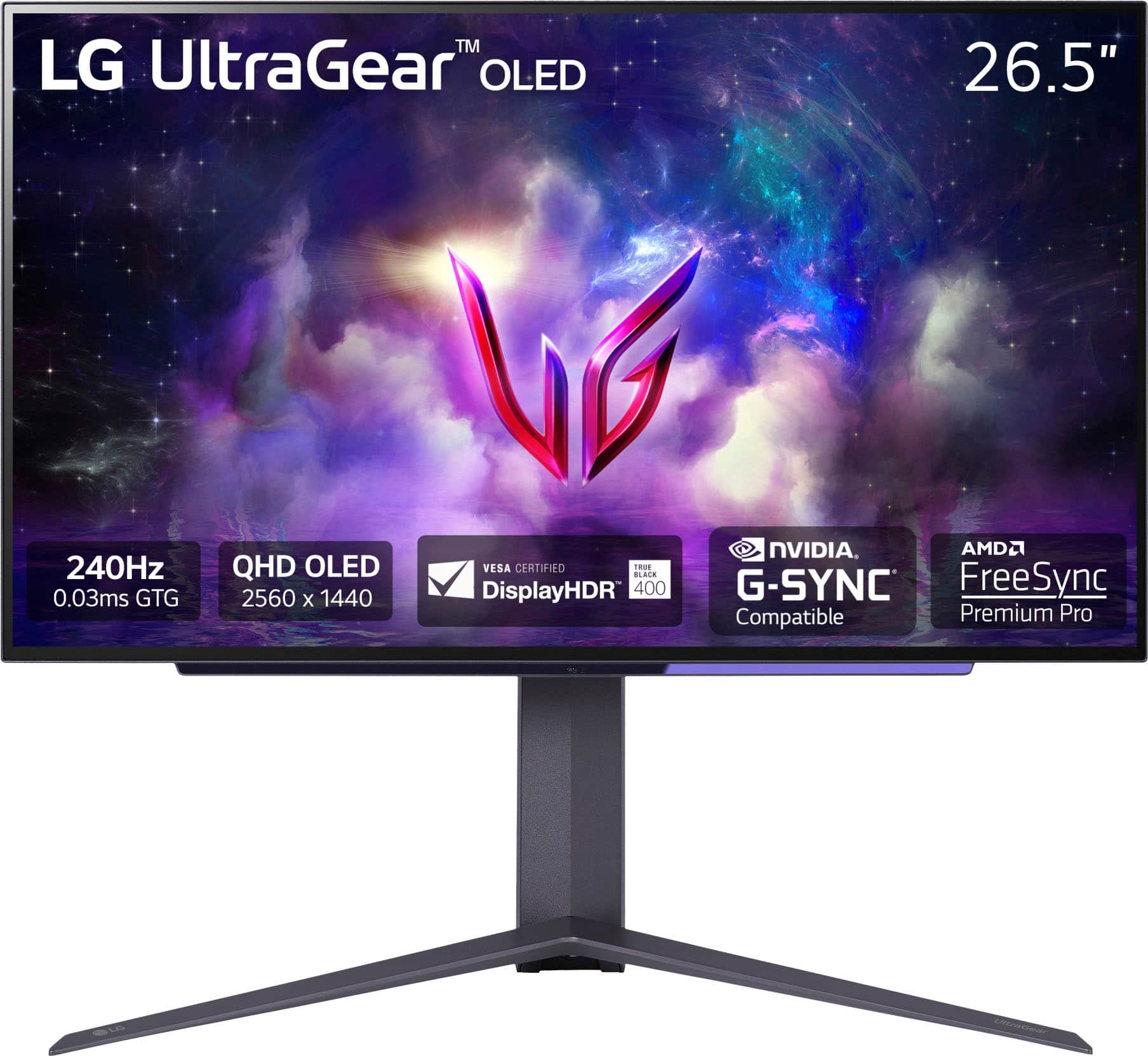
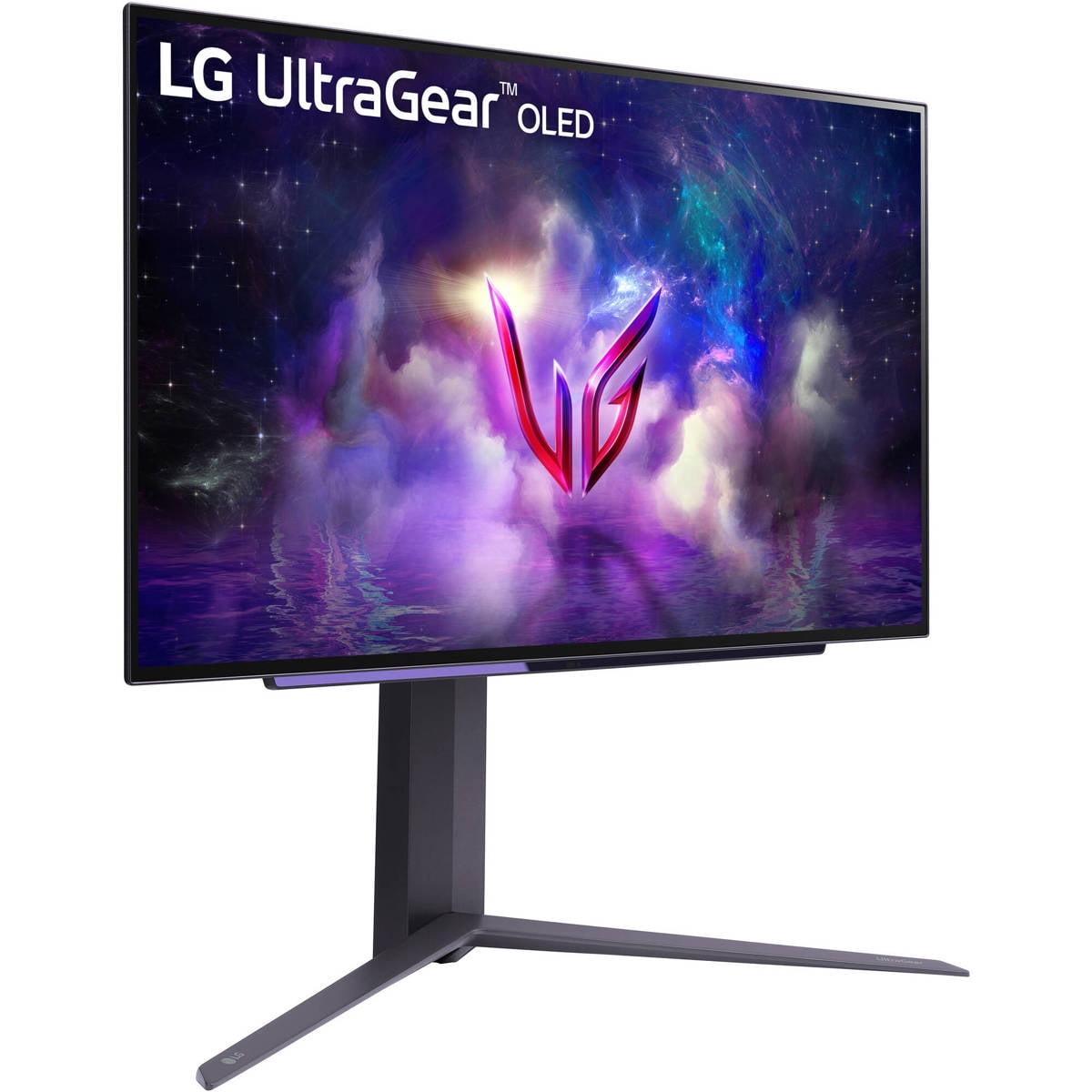
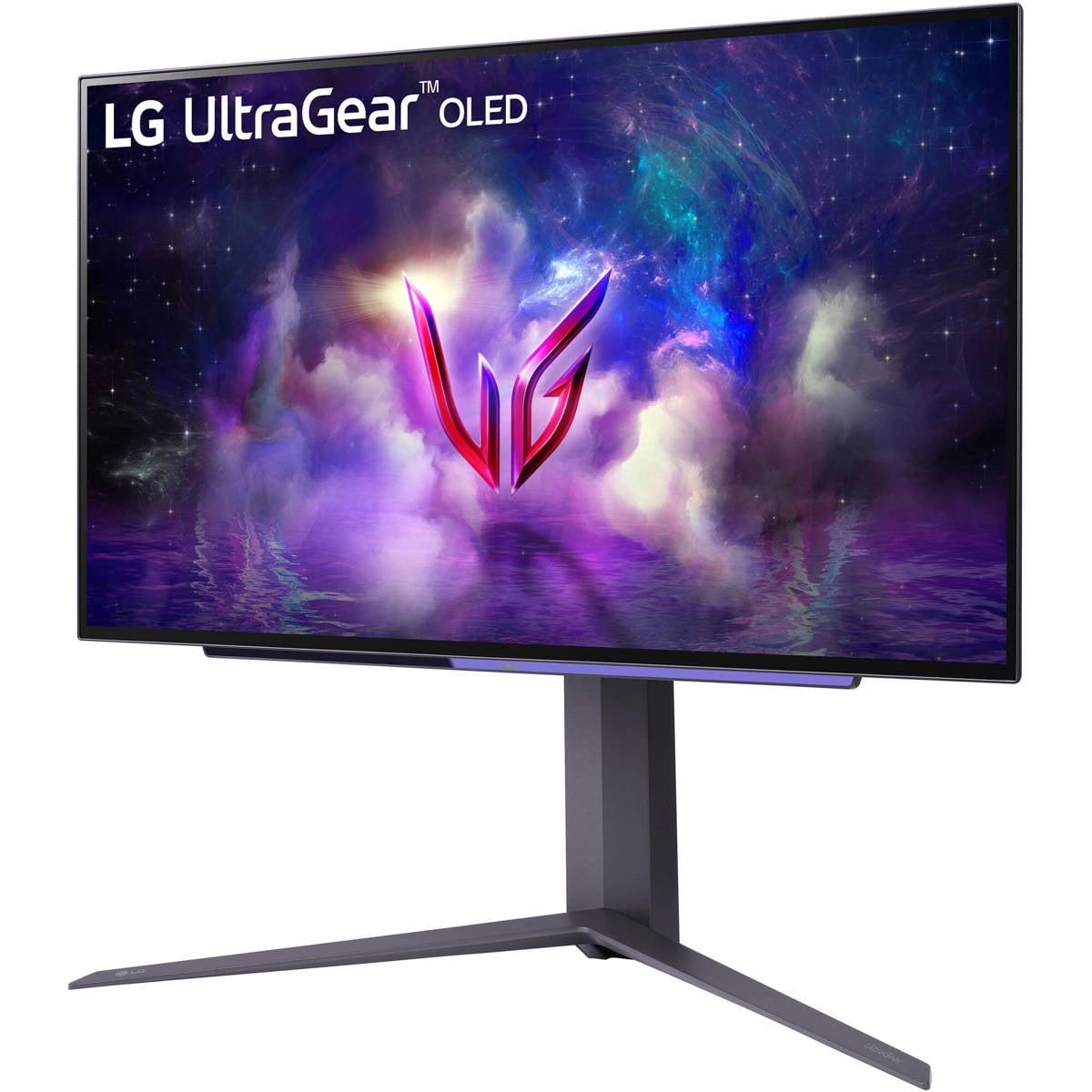
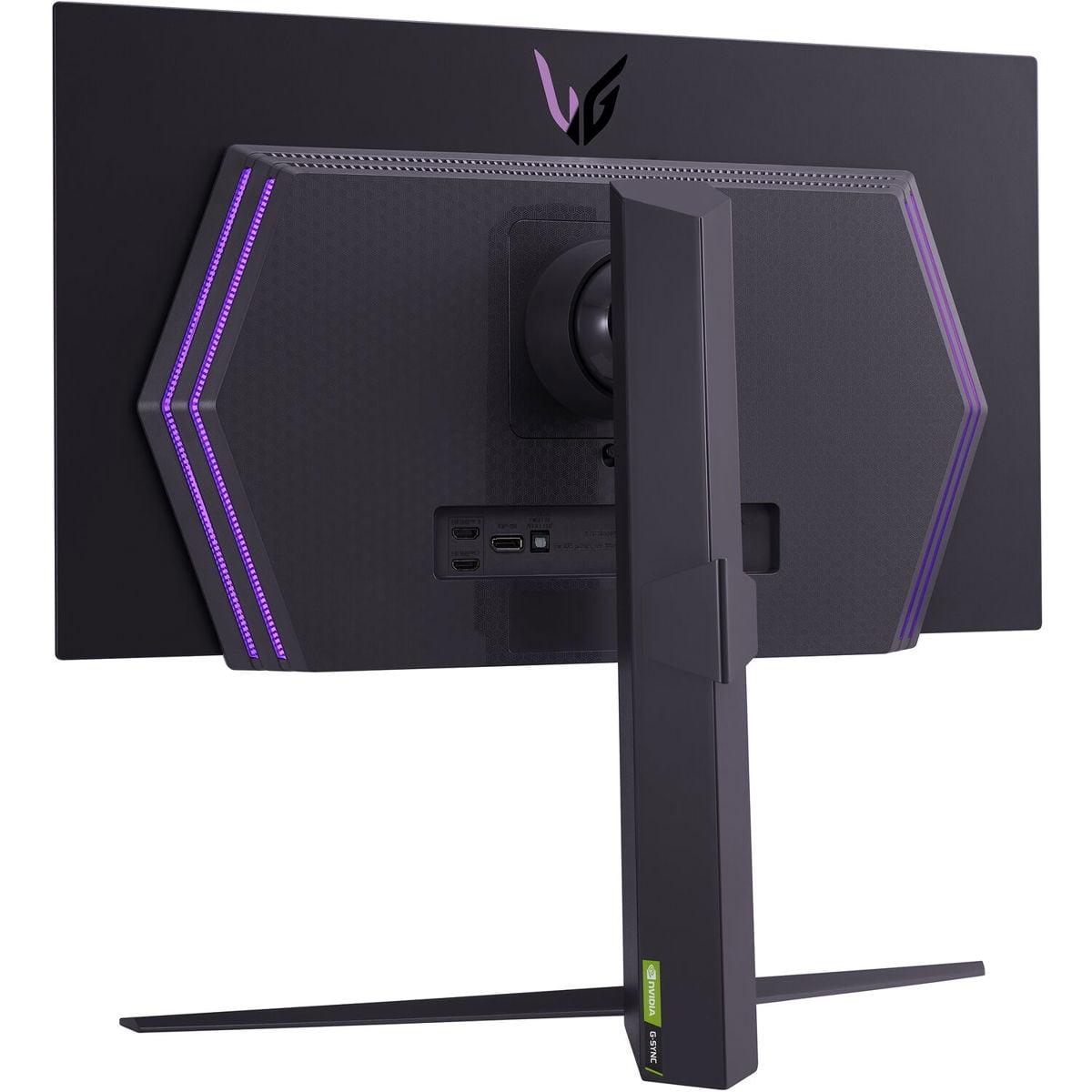
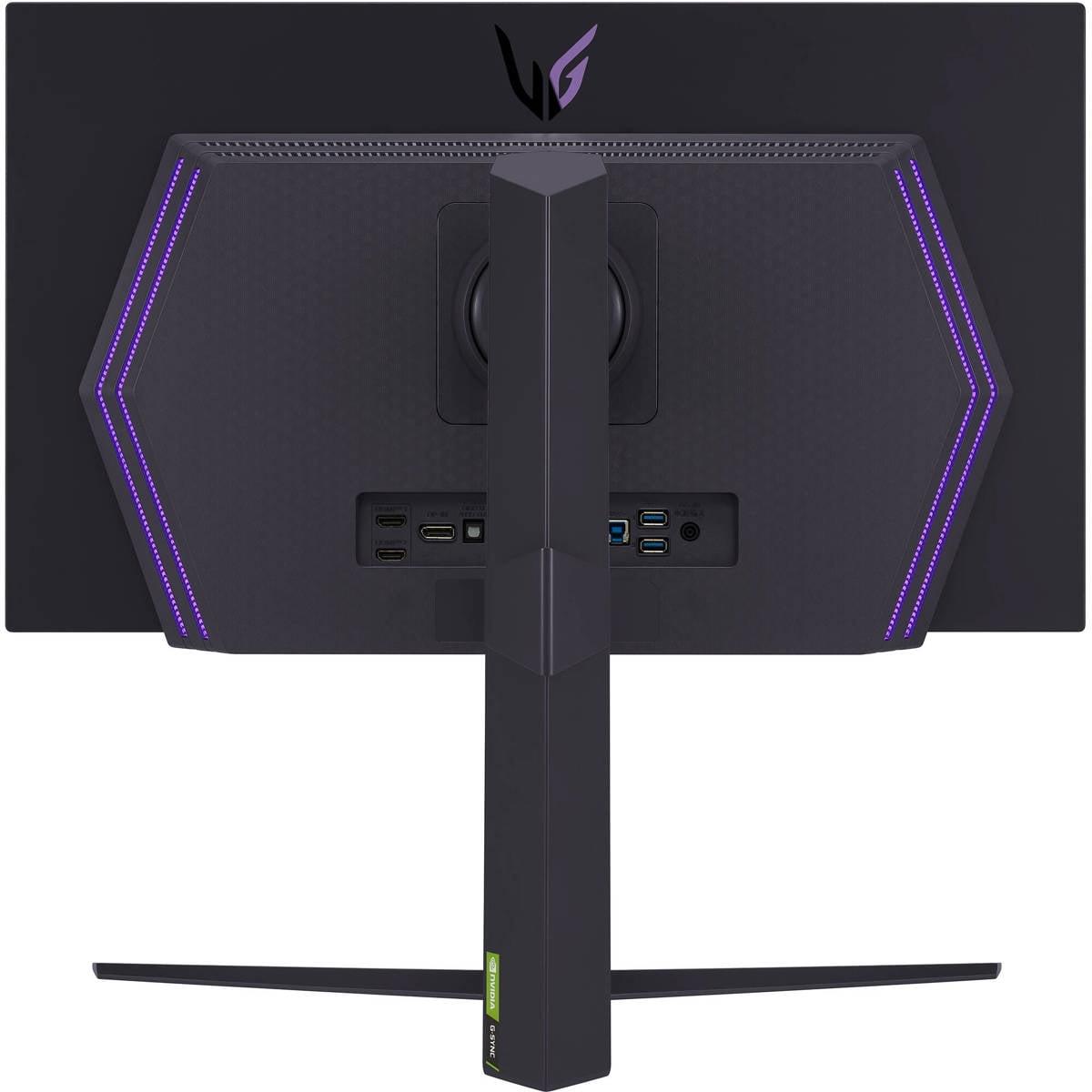
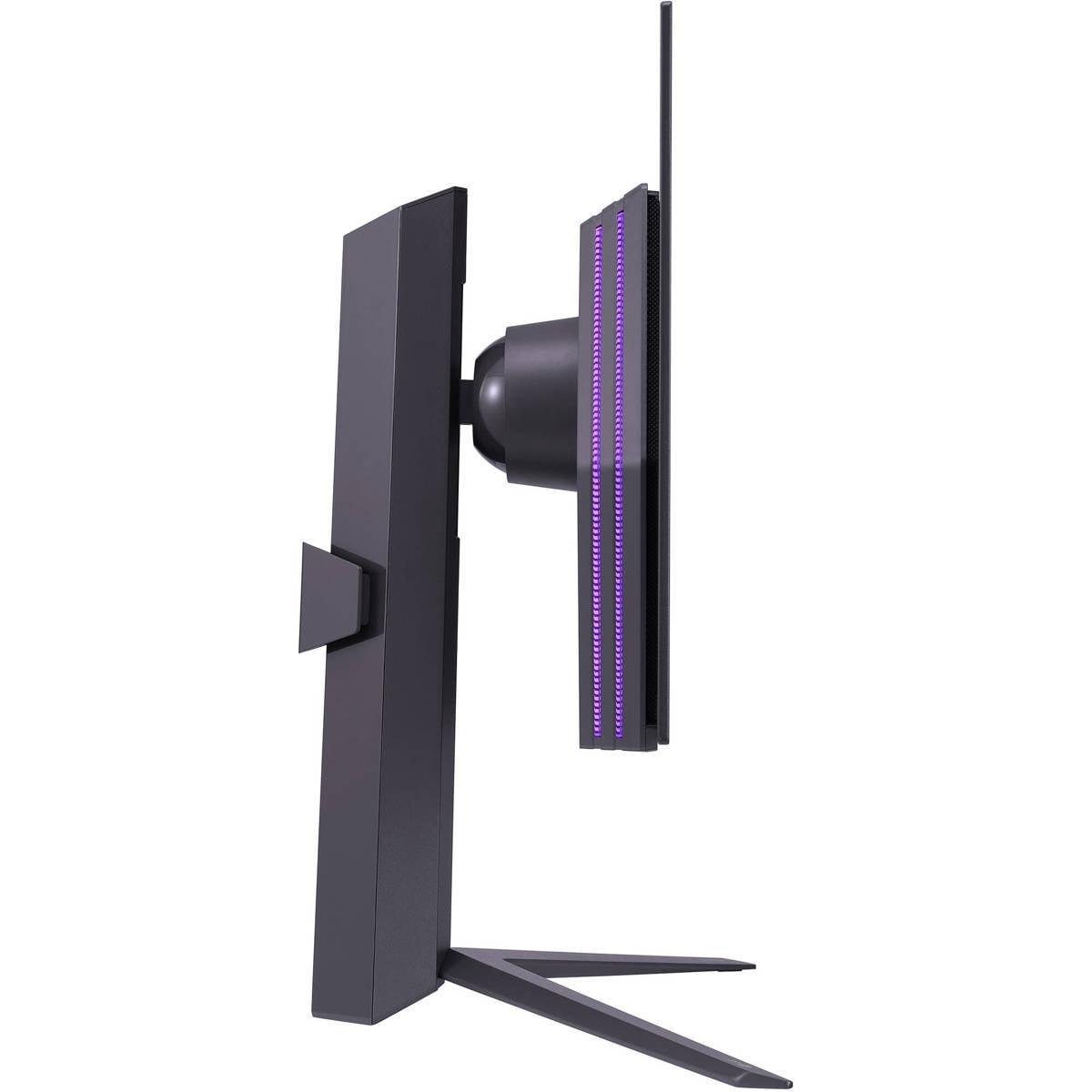

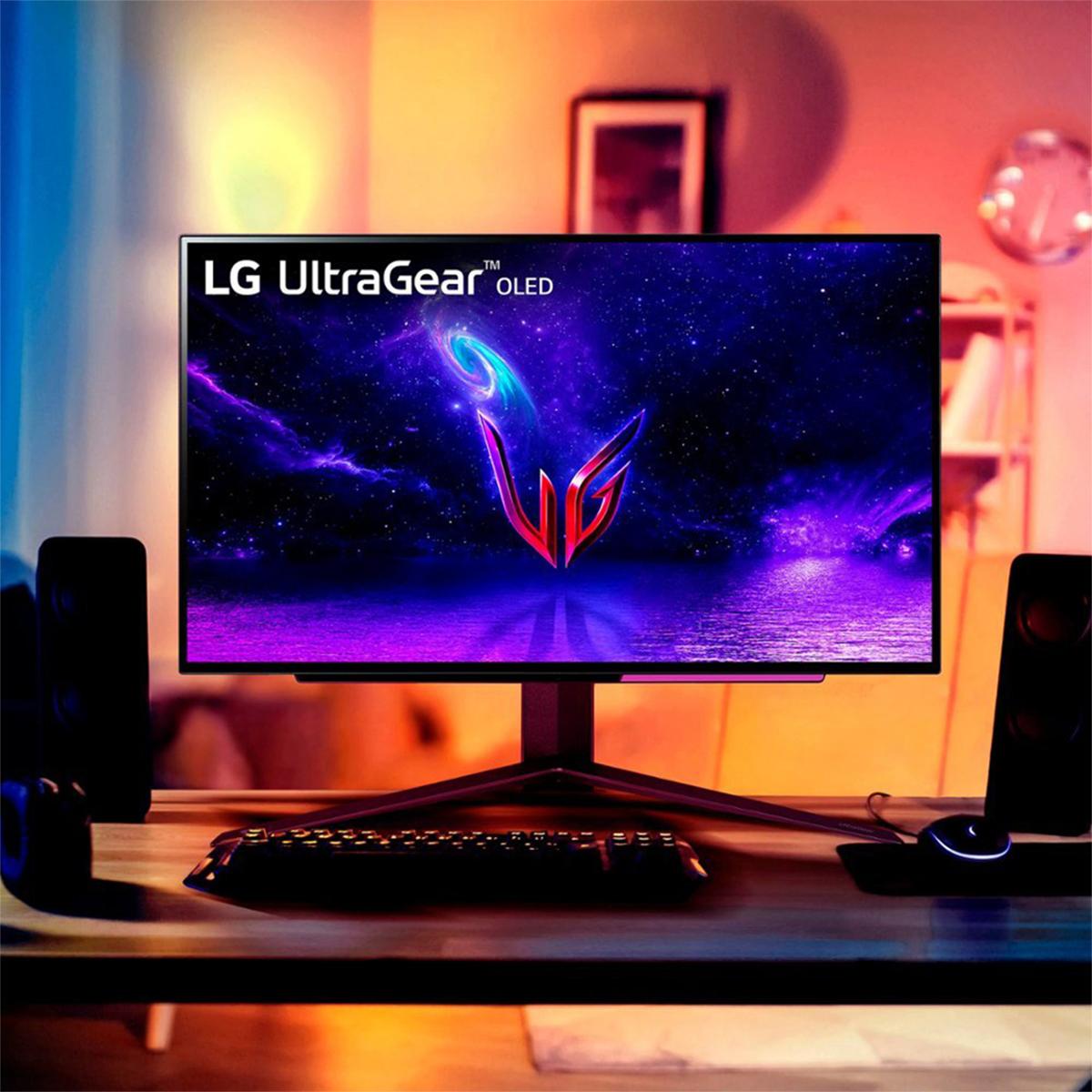

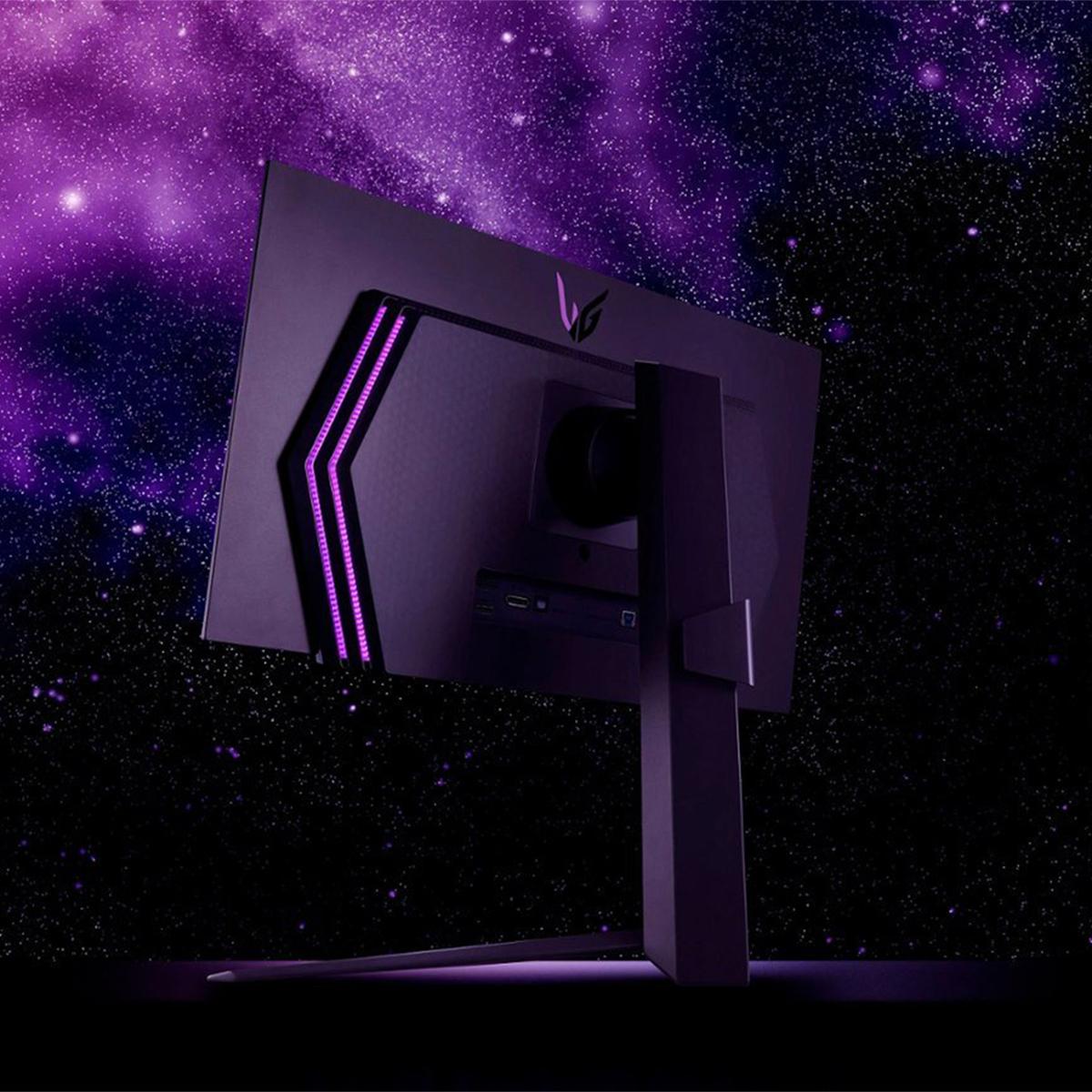
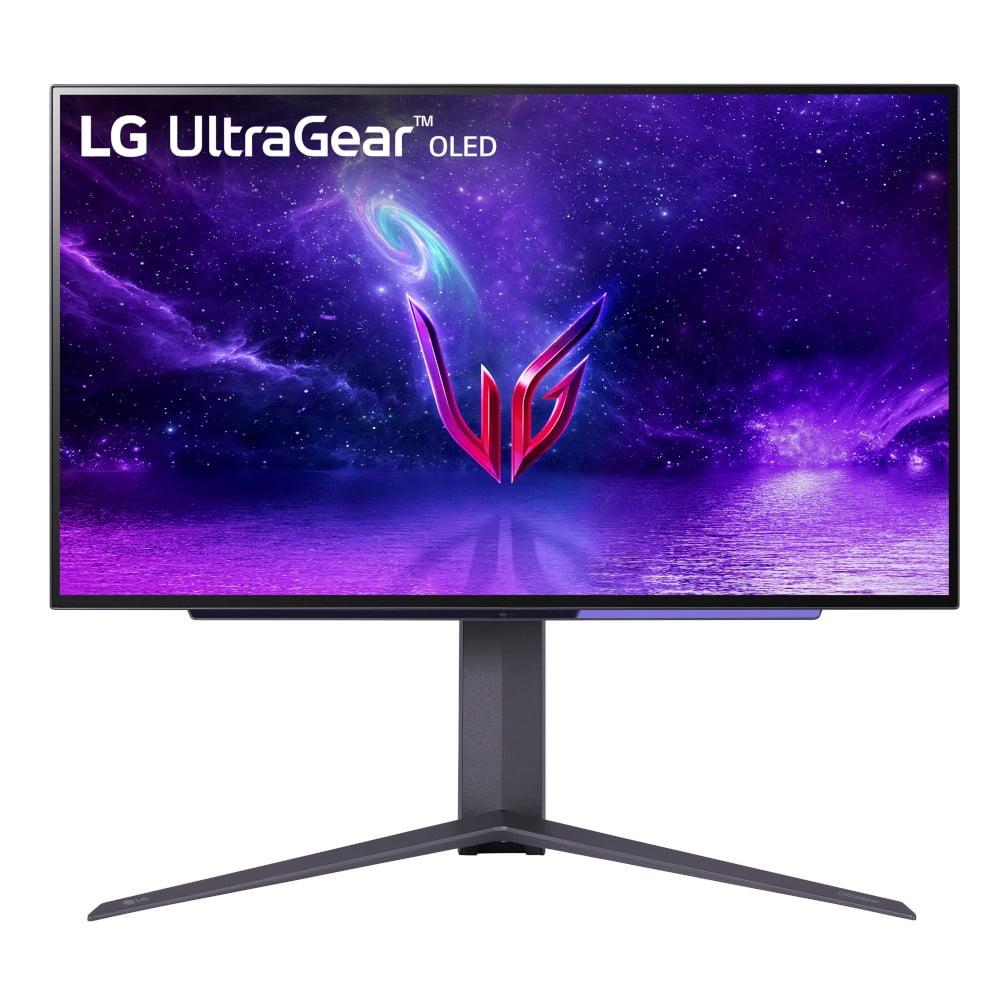
When you walk into the world of premium gaming monitors, you'll quickly discover there's no one-size-fits-all solution. Two standout monitors perfectly illustrate this reality: the Acer Nitro XV275K P3 with its stunning 4K Mini LED display, and the LG UltraGear 27" OLED with its lightning-fast 240Hz refresh rate. Both launched in 2023-2024 during a fascinating period when display technology was evolving in multiple directions simultaneously.
Understanding which monitor suits your needs requires diving deep into what makes each approach special. Let's explore these two very different philosophies in gaming display technology.
The modern gaming monitor market has essentially split into two camps. On one side, you have displays like the Acer XV275K P3 that prioritize pixel density and visual fidelity. On the other, monitors like the LG OLED focus on motion performance and competitive gaming advantages.
This wasn't always the case. Just a few years ago, most gaming monitors topped out at 144Hz, and 4K gaming required significant compromises in refresh rate. However, advances in display controllers, graphics processing, and manufacturing have allowed both approaches to mature significantly. The Acer XV275K P3 represents how Mini LED technology has made high-quality 4K gaming more accessible, while the LG OLED showcases how OLED panels have finally achieved the refresh rates competitive gamers demand.
When choosing between these approaches, consider what you value most: the crisp detail and versatility of 4K resolution, or the fluid motion and responsiveness of ultra-high refresh rates.
The Acer XV275K P3 uses Mini LED technology, which places thousands of tiny LED lights behind a traditional LCD panel. Think of it like having 576 individual flashlights that can dim or brighten independently to create better contrast and HDR performance. This approach allows the monitor to achieve DisplayHDR 1000 certification, meaning it can display true HDR content with peak brightness reaching 1000 nits.
The LG OLED takes a fundamentally different approach. Each pixel generates its own light, eliminating the need for any backlighting system. When an OLED pixel needs to display black, it simply turns off completely, creating perfect blacks that no backlit display can match. This results in an impressive 1,500,000:1 contrast ratio compared to the Acer's more modest but still excellent contrast performance.
Here's where personal preference really matters. The Acer XV275K P3 displays 3840 x 2160 pixels, giving you roughly 8.3 million individual dots of information. At 27 inches, this creates incredibly sharp text and detailed gaming visuals. You'll notice this most when reading small text, viewing detailed textures in games, or using the monitor for productivity tasks.
The LG OLED opts for 2560 x 1440 resolution, which provides about 3.7 million pixels. While this means less detail per inch, it allows the display to push much higher refresh rates without overwhelming your graphics card. Modern GPUs can more easily maintain high frame rates at 1440p, making the 240Hz refresh rate actually achievable in many games.
This is where the LG OLED absolutely dominates. With a 0.03ms response time, it's essentially instantaneous. To put this in perspective, most gaming monitors range from 1-5ms response time. The difference is immediately noticeable in fast-paced games like first-person shooters or racing games, where motion blur can obscure important details.
The Acer XV275K P3 offers a respectable 1ms response time, which is excellent for most gaming scenarios. However, in side-by-side comparisons, you'll notice slightly more motion blur during rapid camera movements or when tracking fast-moving objects across the screen.
The LG OLED's 240Hz refresh rate means it can display 240 individual frames per second, assuming your graphics card can generate them. This creates incredibly smooth motion that provides a real competitive advantage in esports titles. Professional gamers often describe the difference as being able to track enemies more precisely during rapid movements.
The Acer XV275K P3's 160Hz refresh rate is no slouch either. Most gamers will find this perfectly smooth for the vast majority of games. The sweet spot for most gaming experiences sits around 120-144Hz, so the Acer exceeds this comfortably while still offering the benefits of 4K resolution.
Both monitors excel in input lag performance, but with important nuances. The LG OLED maintains consistently low input lag across all refresh rates, making it ideal for console gaming where frame rates might vary. The Acer XV275K P3 performs excellently at high refresh rates but shows increased input lag at 60Hz, which could affect console gaming experiences where games might run at lower frame rates.
HDR (High Dynamic Range) capability represents one of the biggest differences between these monitors. The Acer XV275K P3 achieves DisplayHDR 1000 certification, meaning it can display genuine HDR content with bright highlights that pop off the screen. When you're exploring a sunlit landscape in a game or watching HDR movies, the difference is dramatic.
However, the Mini LED implementation isn't perfect. You might notice "blooming" around bright objects against dark backgrounds – essentially, light leaking from bright zones into adjacent dark areas. This is most noticeable in dark movie scenes with bright text or UI elements.
The LG OLED approaches HDR differently. While it can't achieve the same peak brightness levels, its perfect black levels create excellent contrast. Dark scenes in games and movies look incredible because true blacks make every other color appear more vibrant by comparison. You won't see any blooming effects, but very bright HDR highlights might not be quite as impactful.
The Acer XV275K P3 covers 99% of Adobe RGB and 98% DCI-P3 color spaces, making it excellent for content creation and professional work. It comes factory-calibrated with Delta E less than 2, meaning colors are extremely accurate out of the box. If you do any photo editing, graphic design, or content creation, this level of color accuracy is invaluable.
The LG OLED offers excellent color coverage at 98.5% DCI-P3, which is perfect for gaming and entertainment content. While not quite as comprehensive for professional color work, it's more than adequate for gaming and general use.
Here's where the resolution difference becomes most apparent. The Acer XV275K P3's 4K resolution provides exceptionally sharp text, making it excellent for productivity work, coding, or any task involving reading. You can comfortably fit multiple windows side-by-side, and even small text remains crisp and readable.
The LG OLED provides good text clarity at 1440p, but the OLED subpixel structure can sometimes make text appear slightly fuzzy compared to traditional LCD panels. This isn't necessarily a dealbreaker, but it's something to consider if you plan to use the monitor for extensive text-based work.
The Acer XV275K P3 includes USB-C connectivity with 90W power delivery, making it incredibly convenient for laptop users. You can connect your laptop with a single cable that handles video, data, and charging simultaneously. The monitor also includes a comprehensive USB hub with multiple USB-A ports, essentially functioning as a desktop docking station.
The LG OLED focuses more on pure gaming connectivity, offering HDMI 2.1 and DisplayPort 1.4 connections without the workspace-friendly features of the Acer.
Both monitors can serve double duty as entertainment displays, but with different strengths. The Acer XV275K P3's 4K resolution makes it ideal for streaming 4K content from Netflix, Amazon Prime, or other services. The Mini LED backlighting provides impressive HDR performance for movies, though you might notice some blooming in very dark scenes.
The LG OLED excels in dark movie scenes thanks to its perfect black levels. Horror movies, sci-fi films, and any content with dramatic lighting looks incredible. However, the 1440p resolution means you won't see the full detail available in 4K streaming content.
The Acer XV275K P3 pairs excellently with PlayStation 5 and Xbox Series X consoles, taking full advantage of their 4K gaming capabilities. The HDMI 2.1 VRR support ensures smooth gameplay even when frame rates fluctuate.
The LG OLED works well with current-gen consoles, though you're not utilizing their full 4K capability. However, the ultra-low input lag and fast response time can make console gaming feel more responsive, particularly in competitive titles.
This is a crucial consideration that often gets overlooked. The Acer XV275K P3 uses traditional LCD technology, which means it should maintain consistent performance for many years without significant degradation. You don't need to worry about burn-in or adjust your usage patterns.
The LG OLED requires more careful consideration. OLED panels can experience burn-in if static elements (like game HUDs or taskbars) remain on screen for extended periods. While modern OLED panels include various protective features, it's still a factor to consider for long-term use. The monitor includes OLED Care features to help mitigate this risk, but LG's warranty doesn't cover burn-in damage.
At the time of writing, the Acer XV275K P3 typically commands a lower price point while offering more versatility. It's the better choice if you need a monitor that excels at gaming while also handling productivity tasks, content creation, or general computing. The 4K resolution and comprehensive connectivity make it feel more "future-proof" for various use cases.
The monitor particularly appeals to users who game on both PC and consoles, work from home, or want one display that handles everything well rather than excelling in just one area.
The LG OLED typically carries a price premium but justifies it for specific users. If competitive gaming is your primary focus and you have a powerful graphics card capable of pushing high frame rates at 1440p, this monitor provides an unmatched experience.
It's particularly appealing to esports enthusiasts, streaming content creators focused on gaming, or anyone who prioritizes motion performance above all else. The perfect blacks also make it excellent for atmospheric gaming experiences, even if productivity use is limited.
Choosing between these monitors ultimately depends on understanding your priorities and usage patterns. The Acer XV275K P3 offers more versatility and broader appeal, making it the safer choice for most users. Its combination of 4K resolution, good gaming performance, and productivity features provides excellent value for mixed-use scenarios.
The LG OLED is the specialist's choice – if ultra-smooth gaming performance is your primary goal and you're willing to accept the limitations that come with that focus, it delivers an unparalleled gaming experience.
Consider your current and future needs carefully. Do you need one monitor to handle work and play, or are you building a dedicated gaming setup? Your answer will likely point you toward the right choice between these two excellent but very different approaches to premium gaming displays.
Both monitors represent significant technological achievements in their respective areas, and either would be a substantial upgrade for most users coming from older gaming displays. The key is matching the technology to your specific needs rather than simply choosing based on specifications alone.
| Acer Nitro XV275K P3 27" Mini LED 4K UHD Gaming Monitor | LG UltraGear 27" OLED QHD 240Hz Gaming Monitor |
|---|---|
| Display Technology - Determines visual quality approach and longevity | |
| Mini LED with 576 local dimming zones behind IPS panel | Self-emissive OLED pixels with perfect per-pixel control |
| Resolution - Affects sharpness, productivity use, and GPU requirements | |
| 4K UHD (3840 x 2160) - Superior detail and text clarity | QHD (2560 x 1440) - Easier to drive at high frame rates |
| Refresh Rate - Critical for competitive gaming and motion smoothness | |
| 160Hz (DisplayPort/USB-C), 144Hz (HDMI) - Excellent for most gaming | 240Hz - Maximum competitive advantage in esports |
| Response Time - Affects motion blur and ghosting in fast games | |
| 1ms GtG - Very good performance with minimal blur | 0.03ms GtG - Virtually instant, eliminates motion blur |
| Peak Brightness - Determines HDR impact and bright room usability | |
| 1000 nits (DisplayHDR 1000 certified) - Excellent HDR highlights | Up to 1000 nits in HDR mode - Good but not as consistent |
| Contrast Ratio - Affects black levels and overall image depth | |
| 100,000,000:1 (dynamic with local dimming) - Good blacks with some blooming | 1,500,000:1 (native OLED) - Perfect blacks, no blooming |
| Color Gamut - Important for content creation and color accuracy | |
| 99% Adobe RGB, 98% DCI-P3 - Professional-grade color coverage | 98.5% DCI-P3 - Excellent for gaming, less comprehensive for pro work |
| Connectivity - Affects versatility and ease of use with different devices | |
| 2x HDMI 2.1, 1x DP 1.4, USB-C with 90W PD, USB hub | 2x HDMI 2.1, 1x DP 1.4 - Gaming-focused connectivity only |
| Adaptive Sync - Prevents screen tearing across different GPU brands | |
| AMD FreeSync Premium Pro, G-SYNC Compatible, HDMI VRR | AMD FreeSync Premium, G-SYNC Compatible |
| Burn-in Risk - Long-term durability consideration for daily use | |
| None (traditional LCD technology) - Worry-free for any usage | Potential OLED burn-in - Requires careful usage patterns |
| Warranty Coverage - Protection for your investment | |
| 3 years parts and labor | 2 years limited (burn-in not covered) |
| Best Use Cases - Who should prioritize each monitor | |
| 4K gaming, productivity, content creation, console gaming | Competitive esports, fast-paced PC gaming, dark atmospheric games |
The LG UltraGear 27" OLED is superior for competitive gaming due to its 240Hz refresh rate and 0.03ms response time, providing virtually no motion blur and maximum responsiveness. The Acer Nitro XV275K P3 offers excellent gaming performance at 160Hz with 1ms response time, but can't match the ultra-fast motion clarity that gives competitive gamers an edge in esports titles.
The Acer Nitro XV275K P3 features 4K resolution (3840 x 2160) which provides incredibly sharp detail and crisp text, making it excellent for both gaming and productivity. The LG UltraGear 27" OLED uses 1440p resolution (2560 x 1440) which is easier for graphics cards to drive at high frame rates, allowing you to actually achieve the full 240Hz refresh rate in more games.
The Acer Nitro XV275K P3 offers superior HDR with DisplayHDR 1000 certification and 1000 nits peak brightness, creating more impactful bright highlights in HDR content. However, the LG UltraGear 27" OLED provides perfect black levels and infinite contrast, making dark scenes look incredible despite having lower peak brightness in HDR mode.
The Acer Nitro XV275K P3 is excellent for productivity with its 4K resolution providing sharp text, USB-C connectivity with 90W power delivery, and comprehensive USB hub functionality. The LG UltraGear 27" OLED can handle basic productivity tasks but the OLED subpixel structure may affect text clarity, and it lacks the connectivity features that make the Acer XV275K P3 ideal for work setups.
The Acer Nitro XV275K P3 is better suited for console gaming because it matches the 4K resolution capability of PlayStation 5 and Xbox Series X, and maintains consistent input lag performance at 60Hz. The LG UltraGear 27" OLED works with consoles but you won't utilize their full 4K capabilities, though the ultra-low input lag can make games feel more responsive.
Both monitors can serve as entertainment displays, but with different strengths. The Acer Nitro XV275K P3 is ideal for 4K streaming content with excellent HDR performance, though you may notice some blooming in dark scenes. The LG UltraGear 27" OLED excels in dark movie scenes with perfect blacks, making horror and sci-fi films look incredible, but you won't see full 4K detail in streaming content.
The LG UltraGear 27" OLED does have potential burn-in risk if static elements like game HUDs or desktop taskbars remain on screen for extended periods, though it includes OLED Care features to help prevent this. The Acer Nitro XV275K P3 uses traditional LCD technology with no burn-in risk, allowing worry-free usage for any application or extended periods.
The Acer Nitro XV275K P3 offers superior color coverage with 99% Adobe RGB and 98% DCI-P3, plus factory calibration with Delta E less than 2, making it excellent for content creation and professional color work. The LG UltraGear 27" OLED provides excellent color accuracy at 98.5% DCI-P3 coverage, which is perfect for gaming and entertainment but not as comprehensive for professional applications.
The Acer Nitro XV275K P3 provides extensive connectivity with 2x HDMI 2.1, DisplayPort 1.4, USB-C with 90W power delivery, and a full USB hub, making it ideal for laptop users and workstation setups. The LG UltraGear 27" OLED focuses on gaming connectivity with 2x HDMI 2.1 and DisplayPort 1.4, but lacks the workspace-friendly features of the Acer monitor.
The LG UltraGear 27" OLED is superior for fast-paced games with its 0.03ms response time and 240Hz refresh rate, providing exceptional motion clarity for tracking fast-moving objects and enemies. The Acer Nitro XV275K P3 offers good performance with 1ms response time and 160Hz refresh rate, which is excellent for most gaming but not quite at the level needed for competitive advantage in the fastest games.
The Acer Nitro XV275K P3 includes a comprehensive 3-year warranty covering both parts and labor, providing better long-term protection for your investment. The LG UltraGear 27" OLED comes with a 2-year limited warranty, but importantly, burn-in damage is not covered, which means you bear the risk for the most common OLED failure mode.
The Acer Nitro XV275K P3 provides better overall value for users who need both gaming and productivity capabilities, offering 4K resolution, excellent connectivity including USB-C, and versatile performance across different use cases. The LG UltraGear 27" OLED delivers exceptional specialized gaming performance but has limited productivity features, making the Acer XV275K P3 the better choice for mixed-use scenarios.
We've done our best to create useful and informative comparisons to help you decide what product to buy. Our research uses advanced automated methods to create this comparison and perfection is not possible - please contact us for corrections or questions. These are the sites we've researched in the creation of this article: bestbuy.com - rtings.com - reviewed.com - displayninja.com - youtube.com - displayninja.com - youtube.com - dpreview.com - acer.com - buy.bluum.com - shi.com - camcor.com - newegg.com - provantage.com - displayspecifications.com - colamco.com - displayspecifications.com - walmart.com - bestbuy.com - bestbuy.com - bestbuy.com - youtube.com - rtings.com - youtube.com - youtube.com - lg.com - bhphotovideo.com - bestbuy.com - forum.beyond3d.com - youtube.com - lg.com - lg.com - lg.com - techpowerup.com - newegg.com - bestbuy.com - pcmonitors.info - lg.com - lg.com

Privacy Policy
Terms and Conditions - Affiliate Policy
Home Security
© Copyright 2008-2026.
11816 Inwood Rd #1211, Dallas, TX 75244