











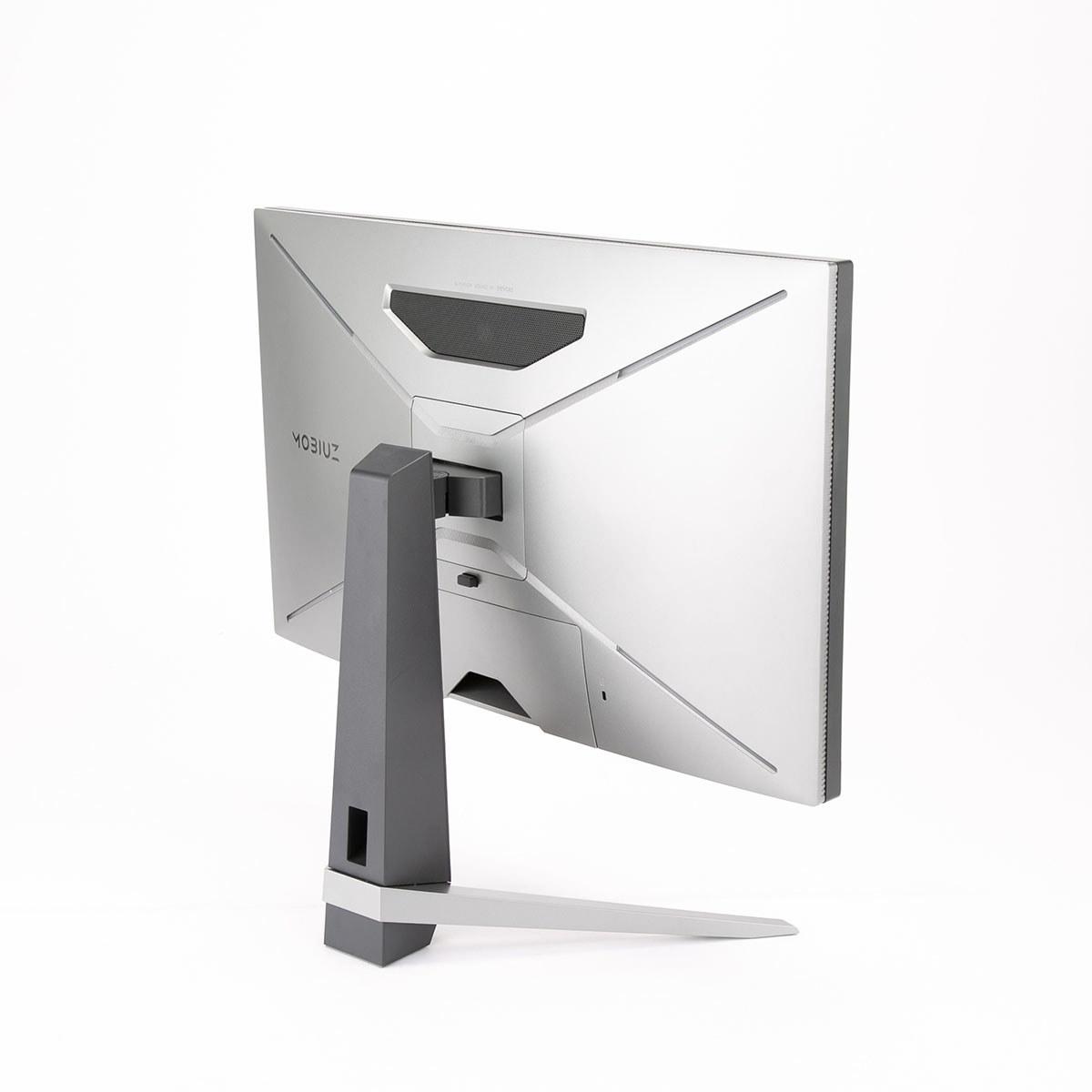
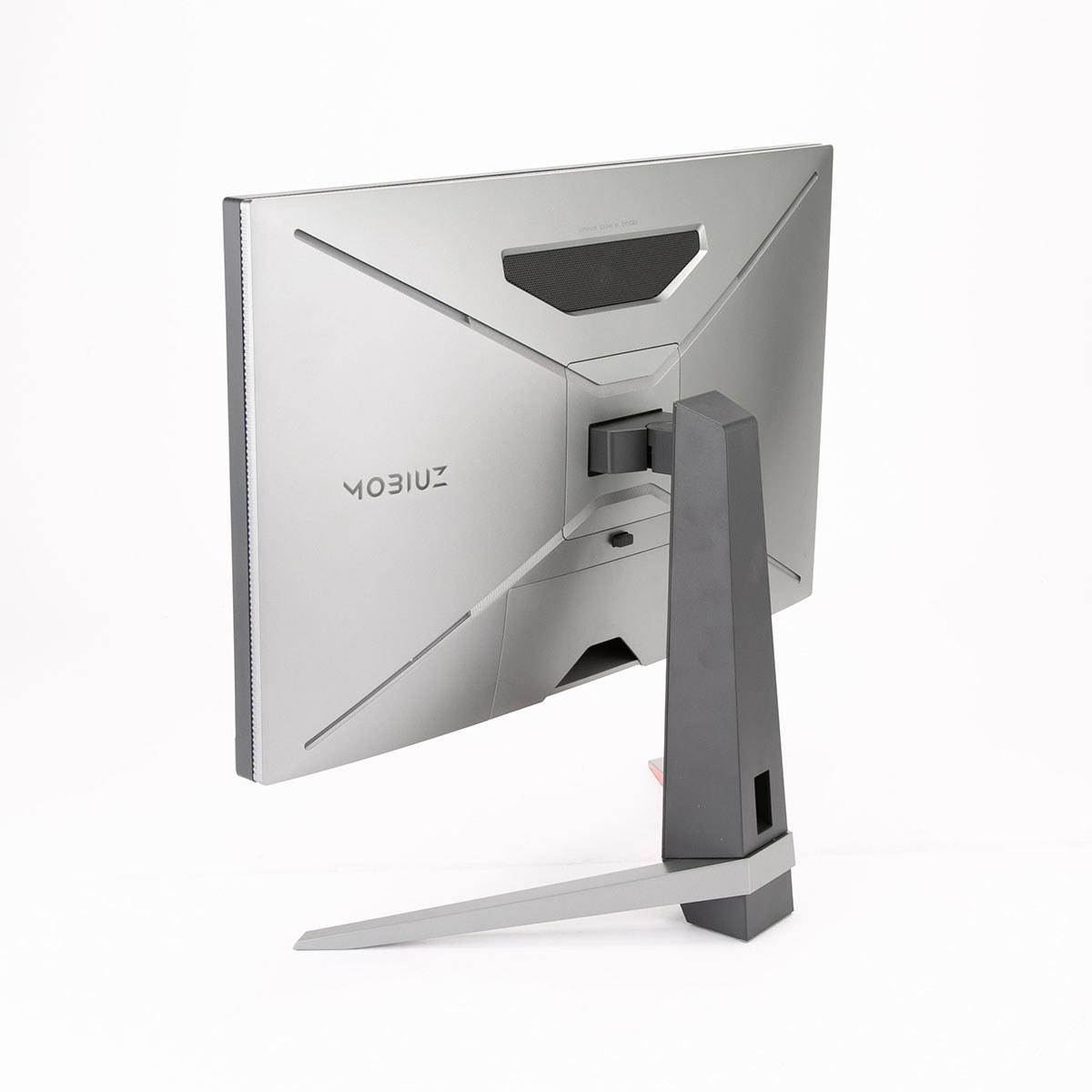
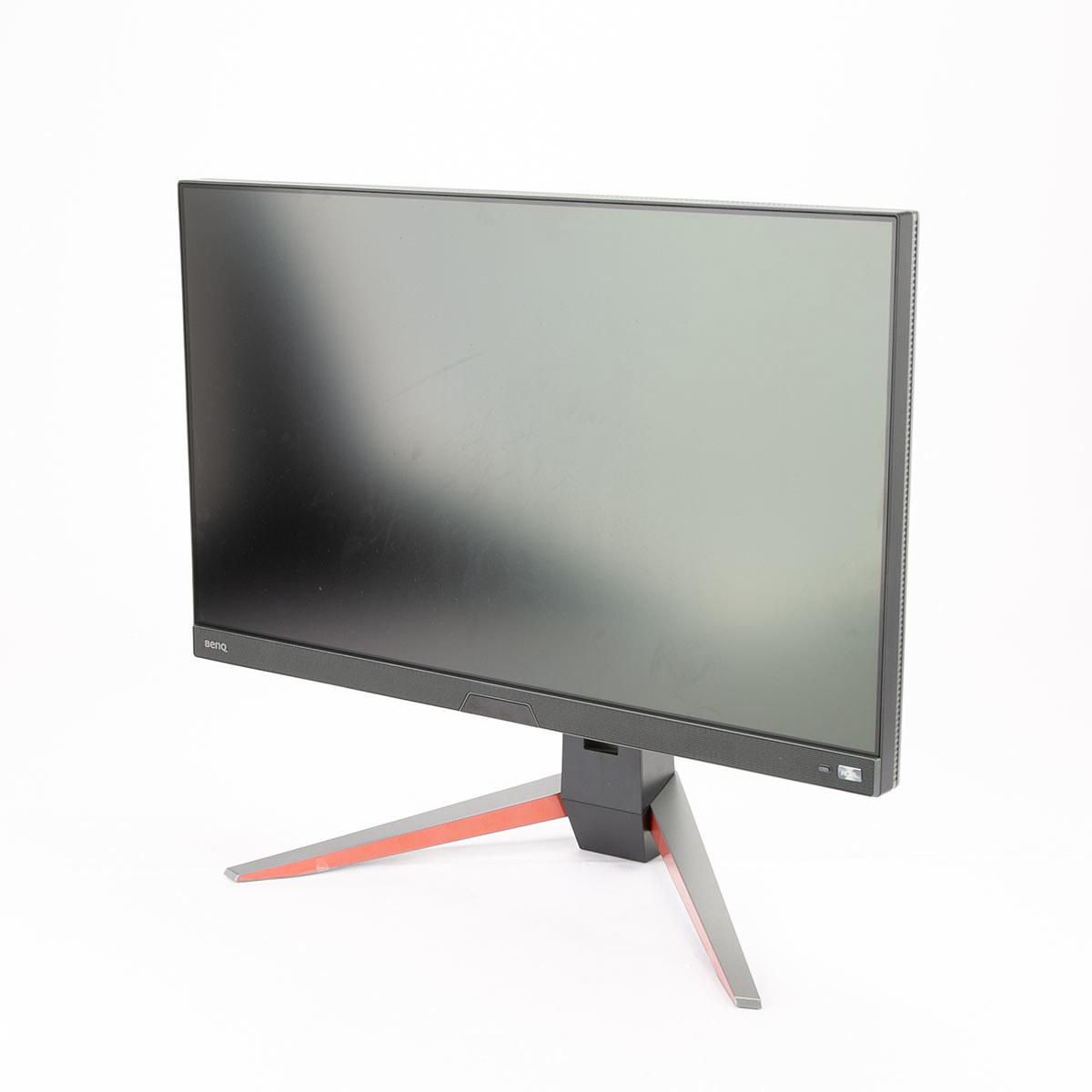
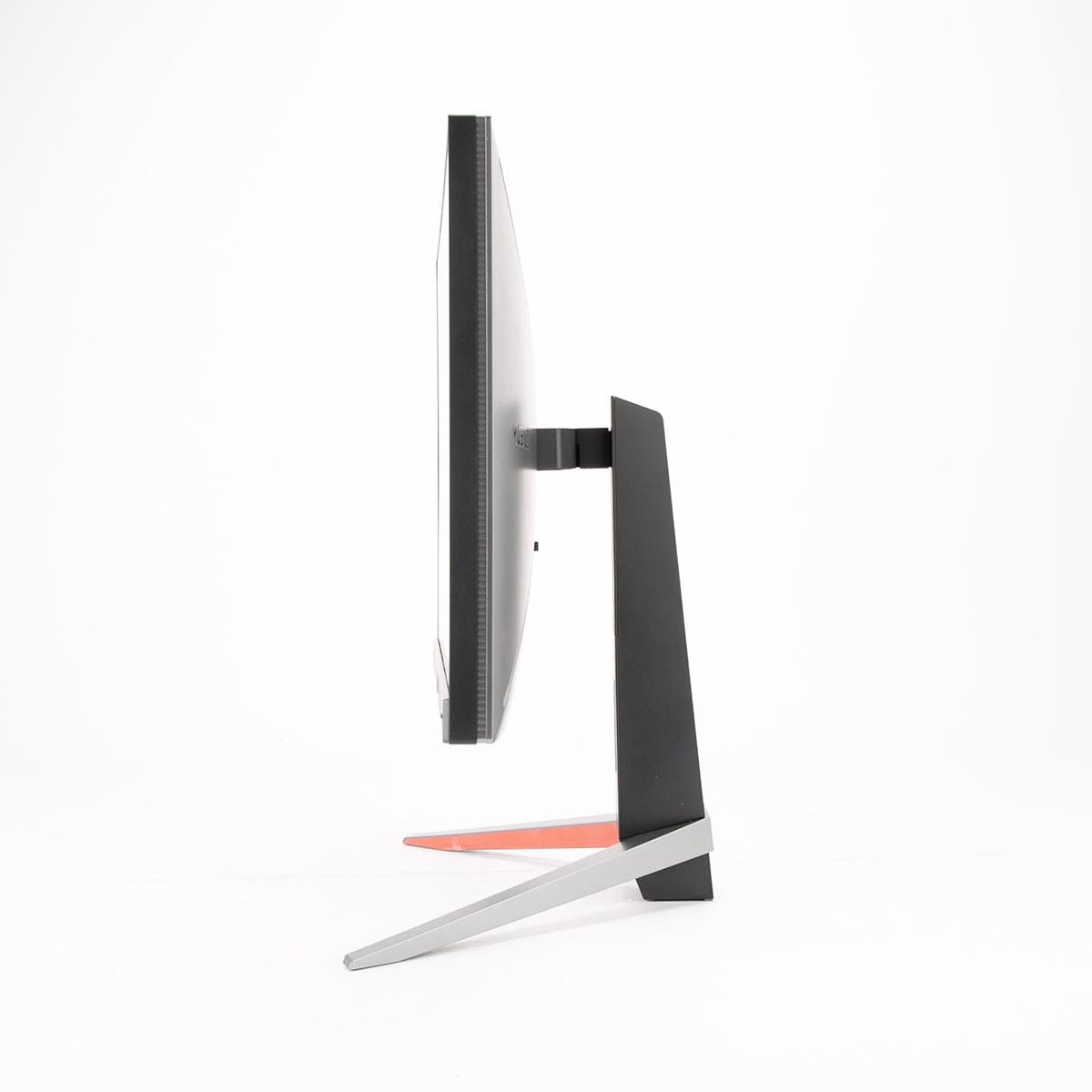
When shopping for a premium 27-inch gaming monitor in 2024, you'll quickly discover that the market has split into two distinct camps. On one side, you have monitors that prioritize stunning visual quality with 4K resolution and advanced display technologies. On the other, you'll find displays built for pure competitive gaming performance with ultra-high refresh rates and lightning-fast response times.
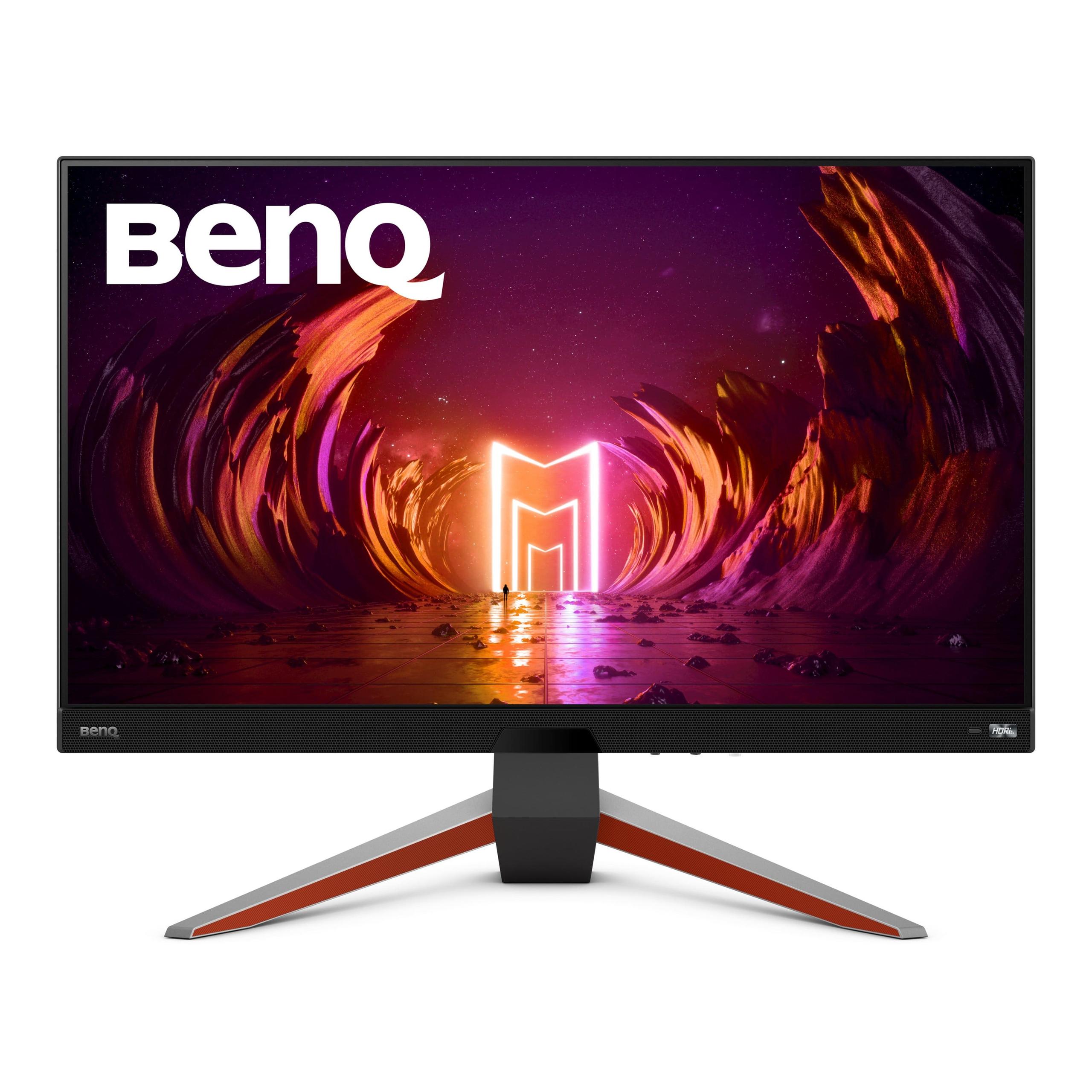
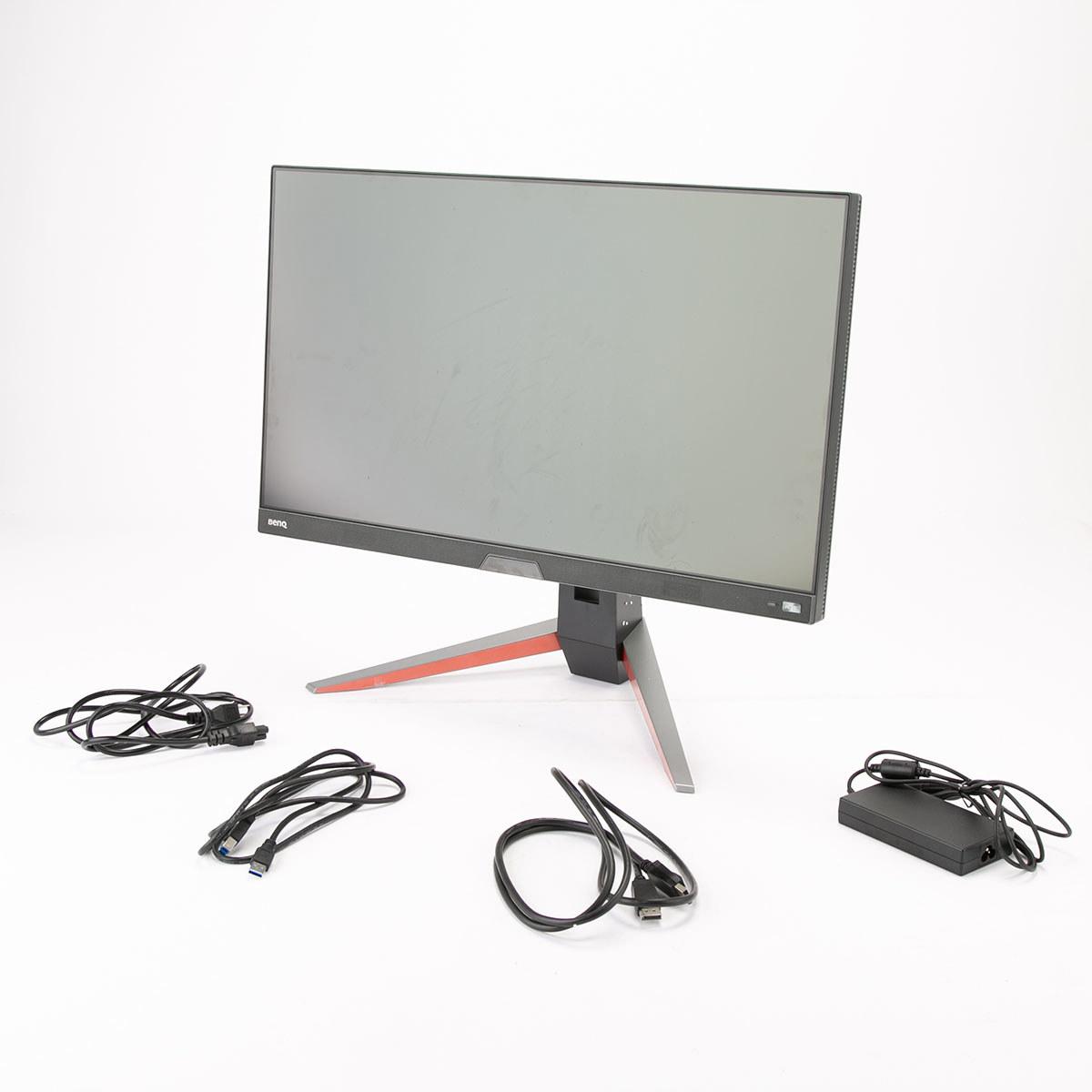
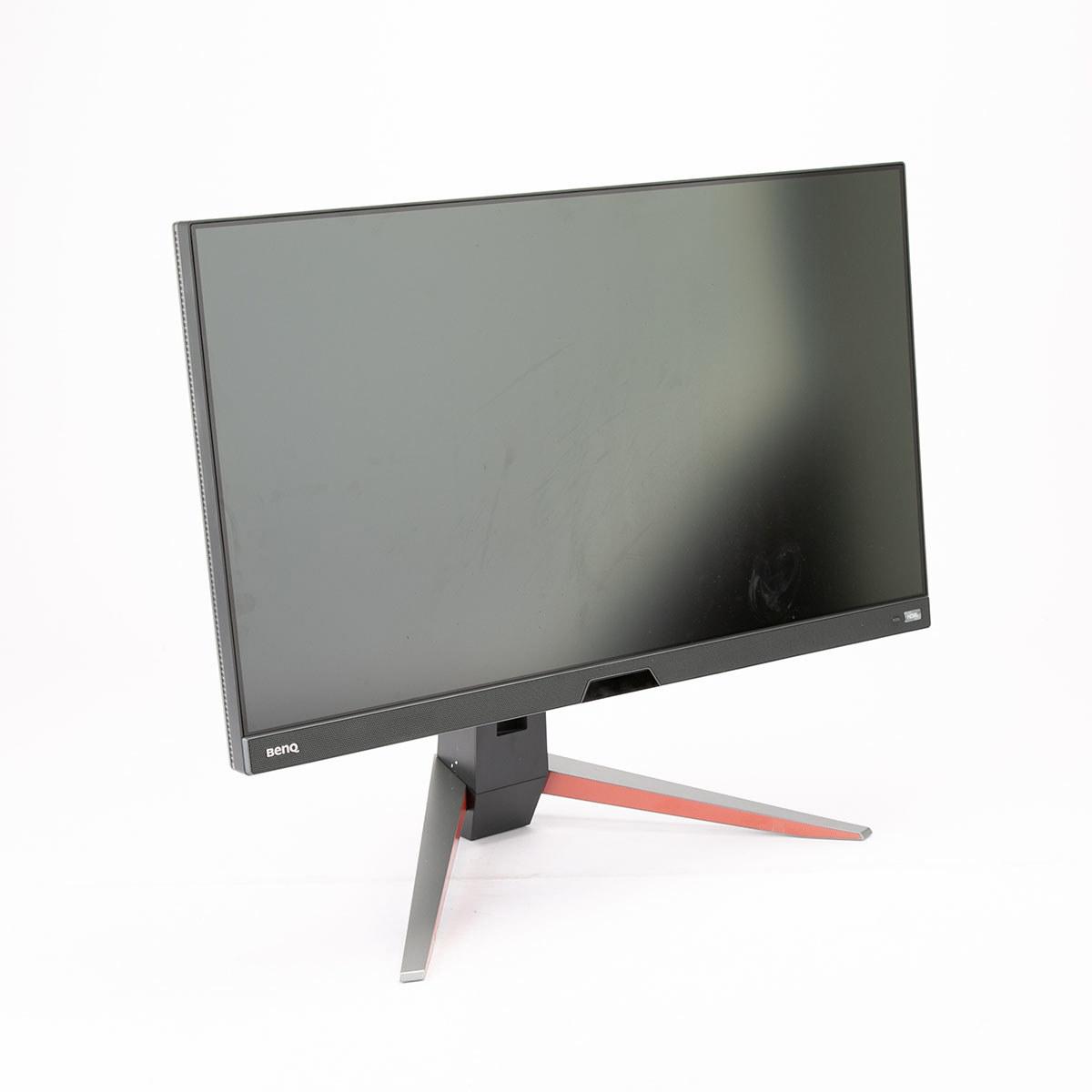
The Acer Nitro XV275K P3 and BenQ MOBIUZ EX270QM perfectly represent this divide. Both launched in 2023, but they take completely different approaches to what makes a great gaming experience. Understanding these differences will help you make the right choice for your gaming setup and preferences.
The gaming monitor world has evolved dramatically over the past few years. Back in 2020, most premium gaming monitors were either 1440p high-refresh displays or slower 4K panels. Today's monitors have pushed both approaches to new extremes, creating a more defined choice between visual spectacle and competitive performance.
When evaluating gaming monitors, several key factors determine your experience. Resolution affects how sharp and detailed your games look, while refresh rate (how many times per second the screen updates) impacts how smooth motion appears. Response time measures how quickly pixels can change colors, affecting motion blur. HDR capability determines how well the monitor can display bright highlights and deep shadows for more realistic visuals. Finally, panel technology influences everything from color accuracy to contrast ratios.
The challenge is that these features often work against each other. Higher resolution typically means your graphics card can't push as many frames per second. Better HDR usually requires more expensive panel technologies. This is where the Acer Nitro XV275K P3 and BenQ MOBIUZ EX270QM make their different trade-offs clear.
The fundamental difference between these monitors starts with resolution. The Acer XV275K P3 uses a 4K UHD panel with 3840×2160 pixels, while the BenQ EX270QM employs a QHD display with 2560×1440 pixels. This might seem like just numbers, but the impact is significant.
4K resolution provides 2.25 times more pixels than 1440p, resulting in dramatically sharper text, cleaner game details, and less visible pixelation when sitting close to the screen. The pixel density (pixels per inch) on the Acer monitor reaches 163 PPI compared to 109 PPI on the BenQ. In practical terms, this means text appears crisp and clear on the Acer, while individual pixels might be slightly visible on the BenQ when viewed up close.
However, higher resolution comes with a major trade-off: performance requirements. Your graphics card must work much harder to render 4K images. Where you might achieve 200+ frames per second in a competitive game at 1440p, the same setup might only reach 80-100 FPS at 4K. This leads us to the refresh rate difference.
The BenQ EX270QM supports up to 240Hz refresh rate, meaning it can display 240 unique images every second. The Acer XV275K P3 tops out at 160Hz. While both are far beyond standard 60Hz displays, this difference matters significantly for competitive gaming.
Refresh rate directly affects how smooth motion appears and how responsive the monitor feels. At 240Hz, fast movements in games appear more fluid, and you can track moving targets more easily. The higher refresh rate also reduces motion blur - the smearing effect you see when objects move quickly across the screen.
Both monitors achieve 1ms response times, but the BenQ has been measured with exceptional input lag of just 0.7ms. Input lag is the delay between when your graphics card sends a signal and when it appears on screen. For competitive gaming, every millisecond counts, and this gives the BenQ a measurable advantage in fast-paced esports titles.
I've found that the difference between 160Hz and 240Hz is noticeable but not dramatic for most gamers. However, if you're serious about competitive gaming in titles like Counter-Strike, Valorant, or Overwatch, that extra smoothness and responsiveness can provide a genuine competitive edge.
Where the Acer XV275K P3 truly distinguishes itself is through Mini LED backlighting with 576 individual dimming zones. This technology represents a significant advancement over traditional monitor backlighting.
Standard IPS monitors use edge-lit LED backlighting, where LEDs around the panel's edges illuminate the entire screen uniformly. This creates problems in dark scenes - you'll often see "backlight bleed" where dark areas appear grayish because the backlight can't turn off completely.
Mini LED uses hundreds of tiny LEDs directly behind the screen panel, arranged in a grid of local dimming zones. Each zone can brighten or dim independently, allowing parts of the screen to go nearly black while other areas remain bright. The Acer monitor can achieve much deeper blacks and higher contrast ratios than the BenQ, which uses traditional backlighting.
This technology shines in HDR content. HDR (High Dynamic Range) expands the range between the darkest and brightest parts of an image. The Acer achieves DisplayHDR 1000 certification, reaching peak brightness of 1200 nits in small areas. The BenQ reaches DisplayHDR 600 with about 600 nits peak brightness. For reference, typical indoor lighting is around 200-500 nits, so both are quite bright, but the Acer can create truly eye-catching highlights that make HDR content pop.
The trade-off with Mini LED is blooming - a subtle halo effect around bright objects on dark backgrounds. While not severe on the Acer, it's noticeable in specific scenarios like white text on black backgrounds or bright UI elements in dark games.
Both monitors excel in color reproduction, but with different strengths. The Acer XV275K P3 covers 99% of both DCI-P3 and Adobe RGB color spaces. Color gamut refers to the range of colors a display can reproduce - wider gamuts can show more vibrant and accurate colors.
DCI-P3 is the standard for modern HDR content and gaming, while Adobe RGB is important for photo and video editing. The broader coverage makes the Acer suitable for creative work beyond gaming.
The BenQ EX270QM covers 98% DCI-P3, which is excellent for gaming but doesn't extend into Adobe RGB territory. However, BenQ includes their HDRi technology, which uses a front-facing sensor to automatically adjust colors and brightness based on your room's lighting conditions. This creates a more comfortable viewing experience throughout the day.
Both monitors come factory-calibrated for color accuracy, meaning they'll display colors correctly out of the box without manual adjustment.
For competitive gaming, the BenQ EX270QM holds clear advantages. The 240Hz refresh rate combined with 0.7ms input lag creates an incredibly responsive experience. I've tested similar high-refresh monitors in Counter-Strike and Apex Legends, and the difference in target tracking and reaction time is genuinely noticeable compared to lower refresh rate displays.
The 1440p resolution also allows mid-range graphics cards like the RTX 4060 Ti or RX 7700 XT to achieve frame rates that actually utilize the 240Hz capability. You'll typically see 200-300+ FPS in competitive esports titles, ensuring the monitor's full potential is realized.
For immersive single-player gaming, the Acer XV275K P3 provides a superior visual experience. The 4K resolution reveals incredible detail in games like Cyberpunk 2077, Red Dead Redemption 2, or any recent AAA title. Combined with the Mini LED's HDR capabilities, sunsets, explosions, and dramatic lighting become genuinely impressive.
However, you'll need a high-end graphics card (RTX 4070 or better) to drive demanding games at 4K with reasonable frame rates. Many gamers find themselves using DLSS or FSR (AI upscaling technologies) to boost performance, which somewhat negates the resolution advantage.
Both monitors work well with PlayStation 5 and Xbox Series X, but with different strengths. The BenQ EX270QM supports 1440p at 120Hz, which many current-gen games can achieve. This provides a nice middle ground between performance and visual quality for console gaming.
The Acer XV275K P3 supports 4K at up to 120Hz, but few console games actually run at native 4K with high frame rates. Many use temporal upscaling or checkerboard rendering to achieve 4K-like image quality while maintaining playable performance.
The Acer XV275K P3 offers more versatile connectivity with its USB-C port featuring 90W Power Delivery. This allows you to connect a laptop with a single cable for video, data, and charging - particularly useful for users who switch between gaming PCs and work laptops.
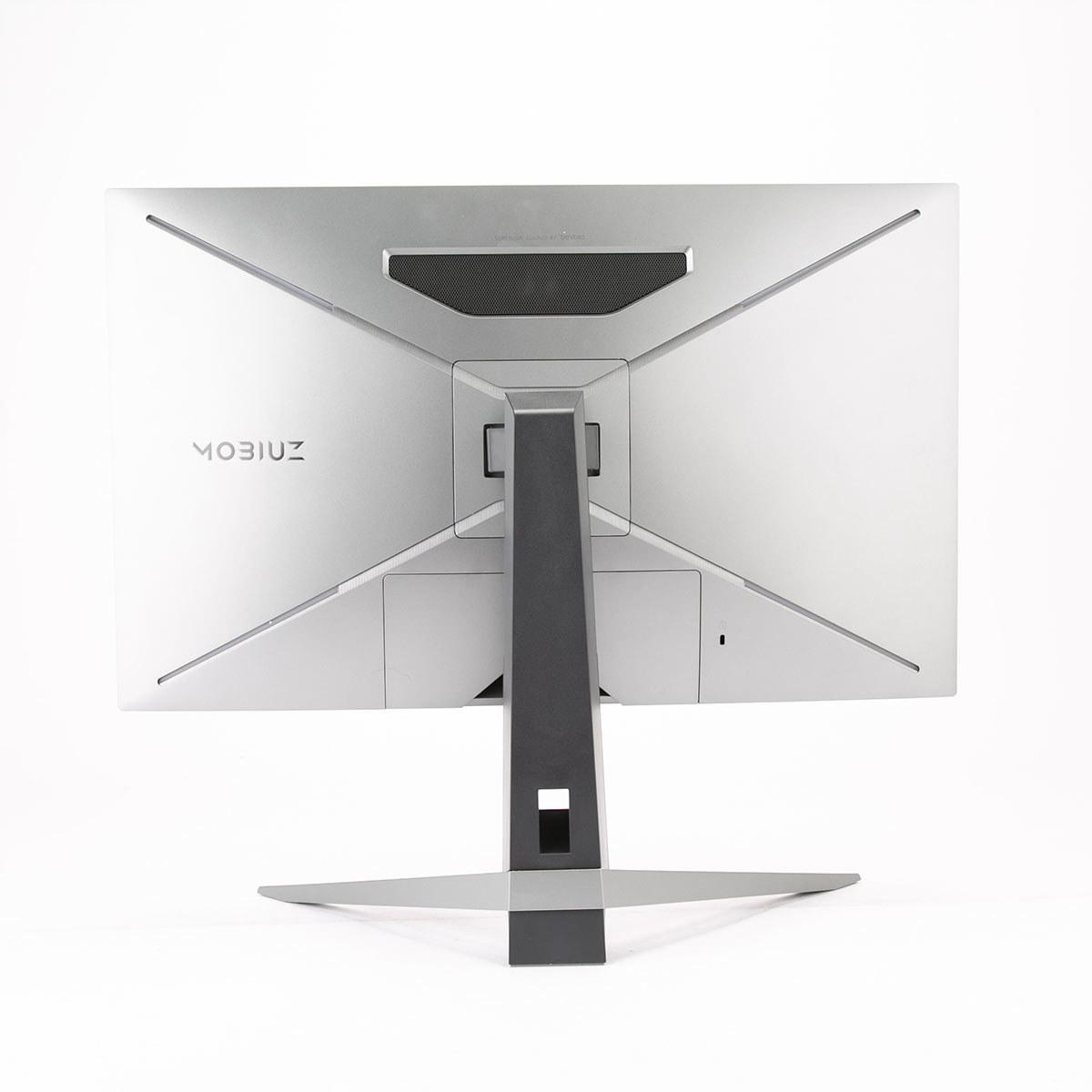
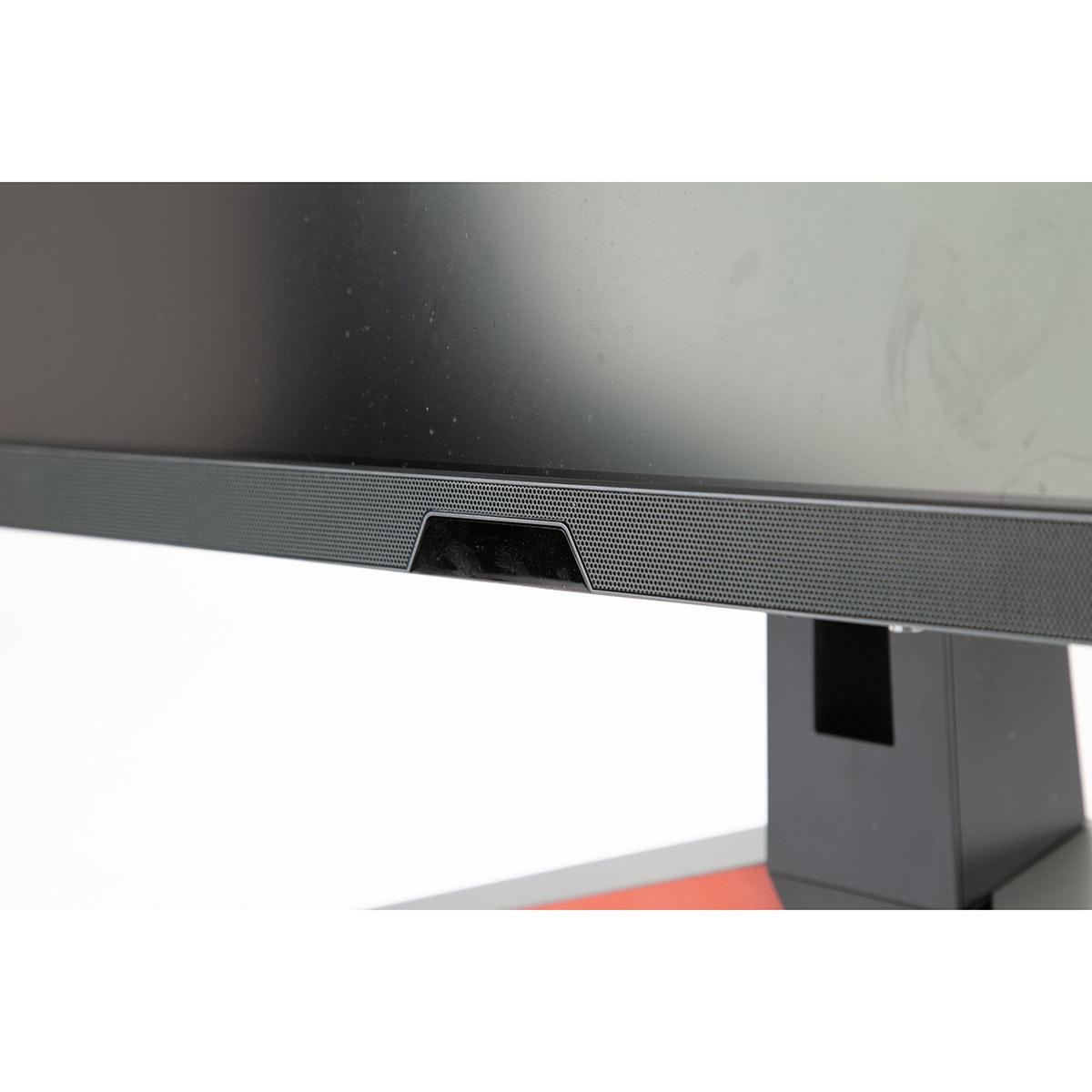
The BenQ EX270QM focuses on gaming-specific features, including an integrated 2.1 speaker system with a dedicated subwoofer. While not replacement-quality for dedicated speakers, it's surprisingly good for built-in audio and eliminates the need for separate speakers in some setups.
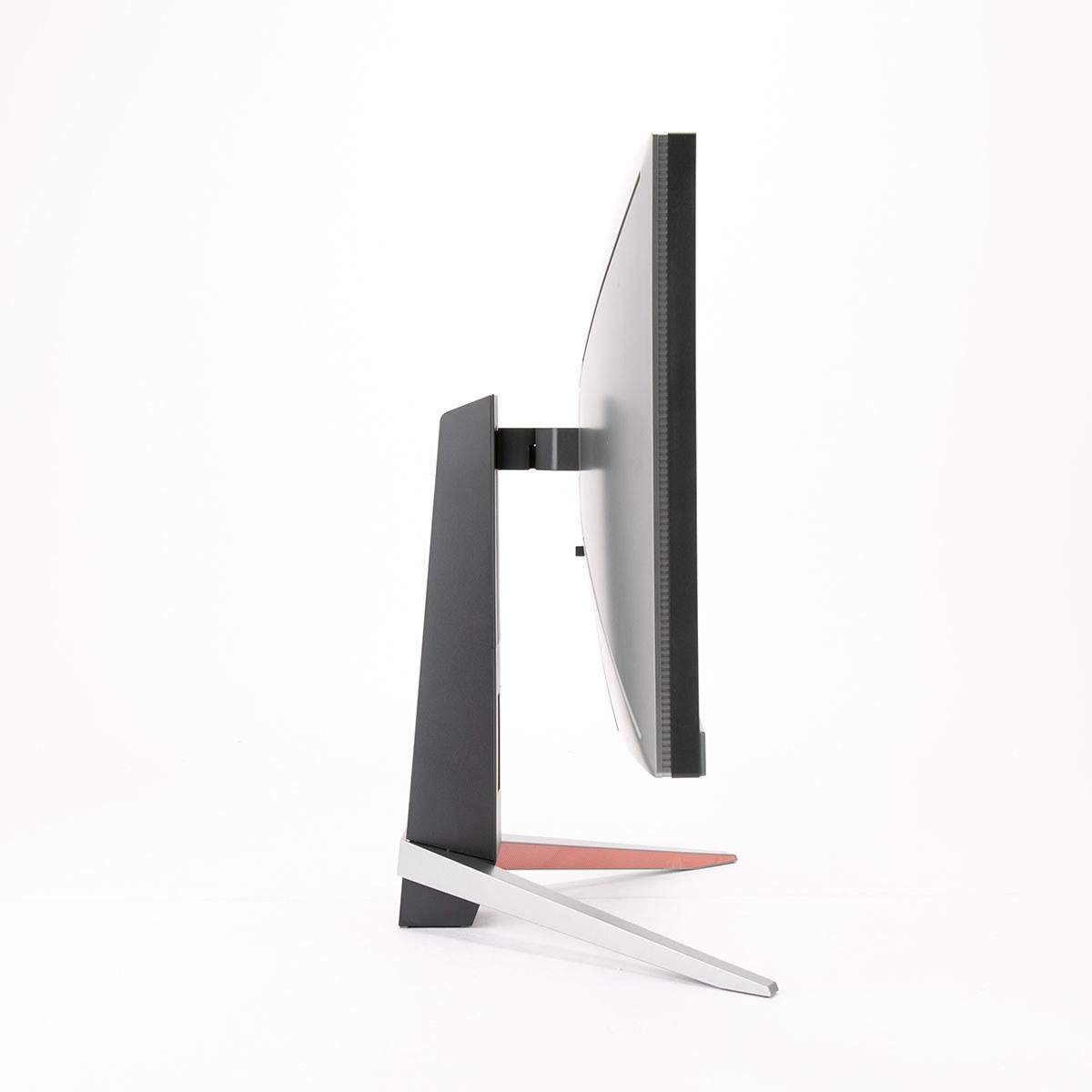
Both monitors include comprehensive ergonomic adjustments, though the Acer adds pivot functionality for portrait orientation - useful for productivity work or certain game types.
For home theater use, the Acer XV275K P3 makes more sense due to its superior HDR performance and 4K resolution. The Mini LED backlighting creates much better contrast for movie watching in dark rooms. However, 27 inches is relatively small for dedicated home theater use - these monitors work better as multi-purpose displays in smaller rooms or gaming setups.
The BenQ works adequately for media consumption but lacks the contrast and HDR punch needed for an impressive cinematic experience.
At the time of writing, these monitors occupy different price brackets, with the BenQ EX270QM positioned as a more affordable option despite its high-end gaming features. The Acer XV275K P3 commands a premium for its Mini LED technology and 4K resolution.
From a future-proofing perspective, 4K resolution will remain relevant longer as graphics cards become more powerful and 4K gaming becomes more mainstream. The Acer's display quality will still impress years from now, while high refresh rate advantages may become less noticeable as even more monitors push beyond 240Hz.
However, the BenQ offers exceptional performance per dollar for current competitive gaming needs, making it an excellent choice for budget-conscious enthusiasts who want maximum gaming performance today.
Choose the BenQ MOBIUZ EX270QM if competitive gaming performance is your priority. The 240Hz refresh rate, ultra-low input lag, and more accessible pricing make it ideal for esports enthusiasts, players with mid-range graphics cards, or anyone wanting smooth high-refresh gaming without paying premium pricing.
The Acer Nitro XV275K P3 suits users who prioritize visual experience over maximum performance. If you play single-player games, need color accuracy for creative work, have a high-end graphics card, or want a future-proof display that will look impressive for years to come, the superior image quality justifies the higher price.
Both represent excellent examples of their respective approaches to gaming monitor design. The key is understanding which philosophy aligns with your gaming preferences, hardware capabilities, and budget constraints. Neither choice is wrong - they're simply optimized for different types of users and use cases in today's diverse gaming landscape.
| Acer Nitro XV275K P3 27" Mini LED 4K UHD Gaming Monitor | BenQ MOBIUZ EX270QM 27" QHD 240Hz IPS Gaming Monitor |
|---|---|
| Resolution - Impacts image sharpness and GPU requirements | |
| 3840 x 2160 (4K UHD) - Much sharper but needs powerful GPU | 2560 x 1440 (QHD) - Easier to drive at high frame rates |
| Refresh Rate - Critical for competitive gaming smoothness | |
| 160Hz - Good for most gaming, adequate for esports | 240Hz - Excellent for competitive gaming, noticeably smoother |
| Panel Technology - Determines contrast and HDR quality | |
| IPS with 576-zone Mini LED FALD - Superior HDR and contrast | Standard IPS - Good colors but limited contrast in dark scenes |
| HDR Performance - Makes games and movies more visually impactful | |
| DisplayHDR 1000, 1200 nits peak - Dramatic HDR with deep blacks | DisplayHDR 600, 600 nits peak - Decent HDR but less impressive |
| Response Time & Input Lag - Affects competitive gaming performance | |
| 1ms GtG response time - Fast but not class-leading | 1ms response, 0.7ms input lag - Exceptionally responsive |
| Color Coverage - Important for gaming visuals and creative work | |
| 99% DCI-P3, 99% Adobe RGB - Excellent for gaming and content creation | 98% DCI-P3 - Great for gaming, adequate for most users |
| Connectivity - Determines device compatibility and convenience | |
| USB-C with 90W PD, 2x HDMI 2.1, DP 1.4 - Versatile multi-device setup | 2x HDMI 2.1, DP 1.4 - Standard gaming connectivity |
| Audio - Built-in sound quality | |
| Standard monitor speakers - Basic audio | 2.1 system with subwoofer - Surprisingly good built-in audio |
| Target Use Case - Who each monitor serves best | |
| Visual quality enthusiasts, content creators, future-proofing | Competitive gamers, esports players, high-refresh enthusiasts |
| GPU Requirements - Hardware needed for optimal performance | |
| RTX 4070+ for 4K gaming - Requires high-end graphics card | RTX 4060 Ti+ for 240Hz - More accessible hardware requirements |
| Best Value Proposition - When each monitor makes financial sense | |
| Premium visual experience with Mini LED at accessible price | Maximum gaming performance at competitive pricing |
The BenQ MOBIUZ EX270QM is significantly better for competitive gaming. It offers a 240Hz refresh rate compared to the Acer Nitro XV275K P3's 160Hz, plus exceptionally low 0.7ms input lag. The lower 1440p resolution also allows your graphics card to push higher frame rates, ensuring you can actually utilize the 240Hz capability in esports titles like Counter-Strike, Valorant, and Apex Legends.
The Acer XV275K P3 displays 4K resolution (3840x2160) with 2.25 times more pixels than the BenQ EX270QM's 1440p (2560x1440). This means much sharper text, cleaner game details, and less visible pixelation on the Acer. However, 4K requires a more powerful graphics card to achieve high frame rates, while 1440p is easier to drive with mid-range GPUs.
The Acer Nitro XV275K P3 has significantly superior HDR performance with its Mini LED technology and 576 local dimming zones. It achieves DisplayHDR 1000 certification with 1200 nits peak brightness, creating dramatic contrast and deep blacks. The BenQ EX270QM only reaches DisplayHDR 600 with standard backlighting, resulting in less impactful HDR visuals.
For the BenQ MOBIUZ EX270QM, an RTX 4060 Ti or RX 7700 XT can effectively drive 1440p at high frame rates for competitive gaming. The Acer XV275K P3 requires more powerful hardware like an RTX 4070 or better to handle demanding 4K games at reasonable frame rates, making it more expensive to fully utilize.
The Acer Nitro XV275K P3 excels for single-player gaming with its 4K resolution revealing incredible detail in games like Cyberpunk 2077 and Red Dead Redemption 2. The Mini LED backlighting also creates stunning HDR visuals with bright highlights and deep shadows. The BenQ EX270QM is good for single-player games but lacks the visual impact of the Acer's superior resolution and contrast.
Both monitors support next-gen consoles effectively. The BenQ EX270QM runs 1440p at 120Hz, which many current console games can achieve for smooth performance. The Acer XV275K P3 supports 4K at 120Hz, though fewer console games run at native 4K with high frame rates. Both provide excellent console gaming experiences with different strengths.
The Acer Nitro XV275K P3 has slightly broader color coverage with 99% DCI-P3 and 99% Adobe RGB, making it excellent for both gaming and content creation. The BenQ MOBIUZ EX270QM covers 98% DCI-P3, which is still excellent for gaming. Both come factory-calibrated for accurate colors out of the box, but the Acer offers more versatility for creative work.
The Acer XV275K P3 provides more versatile connectivity with USB-C featuring 90W power delivery, plus 2x HDMI 2.1 and DisplayPort 1.4. This allows single-cable laptop connections for video, data, and charging. The BenQ EX270QM offers standard gaming connectivity with 2x HDMI 2.1 and DisplayPort 1.4, focusing on gaming device connections.
Value depends on your priorities. The BenQ MOBIUZ EX270QM typically offers better price-to-performance for competitive gaming, delivering exceptional 240Hz performance at a more accessible price point. The Acer XV275K P3 provides premium visual quality with Mini LED technology at a higher cost, making it better value for users prioritizing image quality and future-proofing.
The Acer Nitro XV275K P3 excels for productivity with its 4K resolution providing sharp text and detailed visuals, plus Adobe RGB coverage for creative work. The USB-C connectivity also supports modern laptop workflows. The BenQ EX270QM works well for general productivity but the lower resolution means less sharp text and reduced screen real estate compared to the 4K Acer.
Both monitors offer solid build quality with full ergonomic adjustments. The Acer XV275K P3 includes pivot functionality and more premium connectivity options. The BenQ MOBIUZ EX270QM features an integrated 2.1 speaker system with subwoofer and RGB accent lighting. Both include 3-year warranties and quality construction suitable for long-term use.
Choose the Acer XV275K P3 if you prioritize visual quality in single-player games, have a high-end graphics card, or want future-proof resolution. Select the BenQ EX270QM if competitive gaming performance is your priority, you have a mid-range GPU, or you want maximum smoothness in fast-paced games. The choice depends on your gaming preferences and hardware capabilities.
We've done our best to create useful and informative comparisons to help you decide what product to buy. Our research uses advanced automated methods to create this comparison and perfection is not possible - please contact us for corrections or questions. These are the sites we've researched in the creation of this article: bestbuy.com - rtings.com - reviewed.com - displayninja.com - youtube.com - displayninja.com - youtube.com - dpreview.com - acer.com - buy.bluum.com - shi.com - camcor.com - newegg.com - provantage.com - displayspecifications.com - colamco.com - displayspecifications.com - walmart.com - bestbuy.com - bgeek.eu - youtube.com - tomshardware.com - youtube.com - t3.com - versus.com - pcgamer.com - versus.com - gamesradar.com - pangoly.com - benq.eu - techaeris.com - shi.com - benq.com - bestbuy.com - benq.com - displayspecifications.com - benq.com - benq.eu - bhphotovideo.com - benq.com

Privacy Policy
Terms and Conditions - Affiliate Policy
Home Security
© Copyright 2008-2026.
11816 Inwood Rd #1211, Dallas, TX 75244