









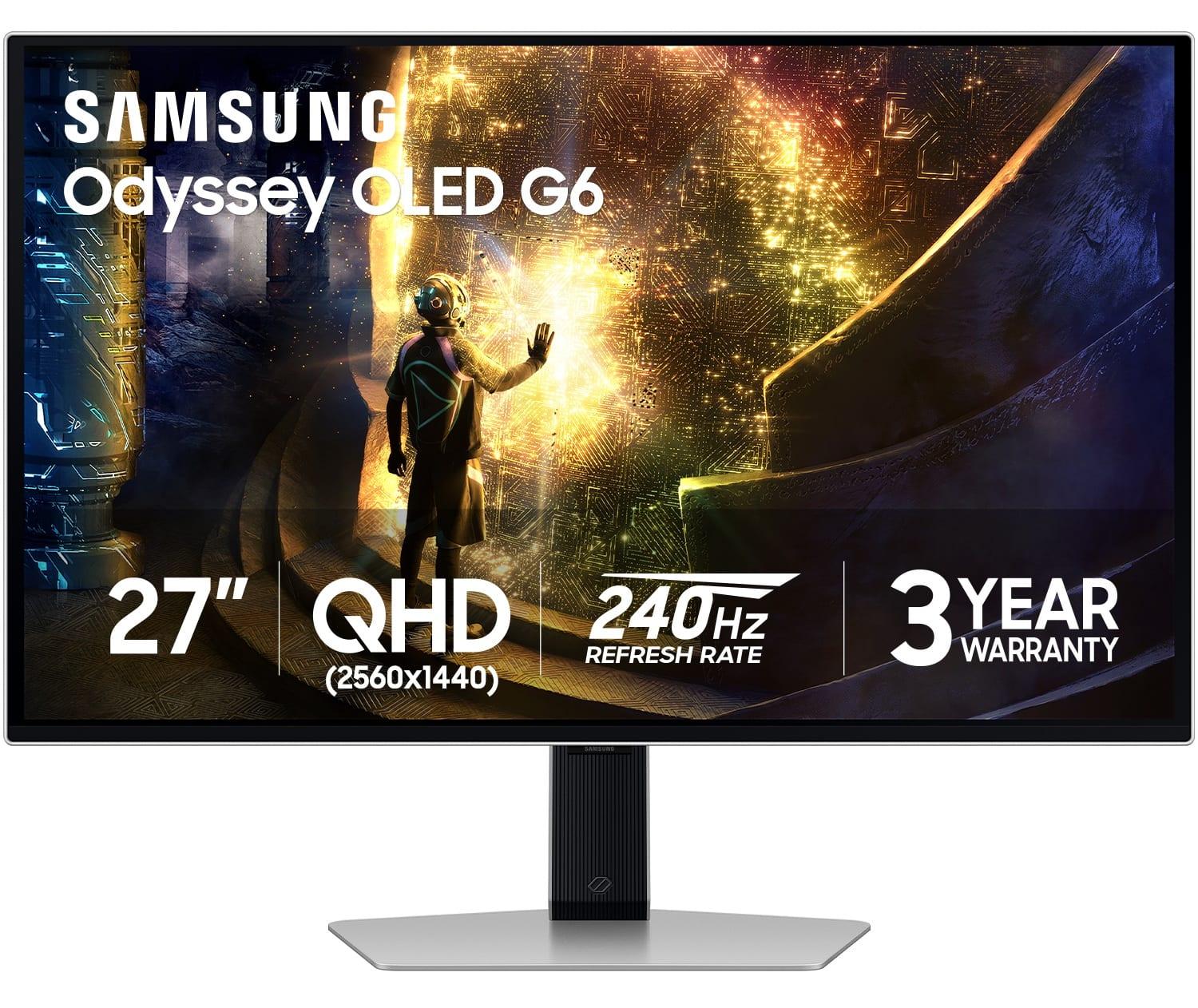
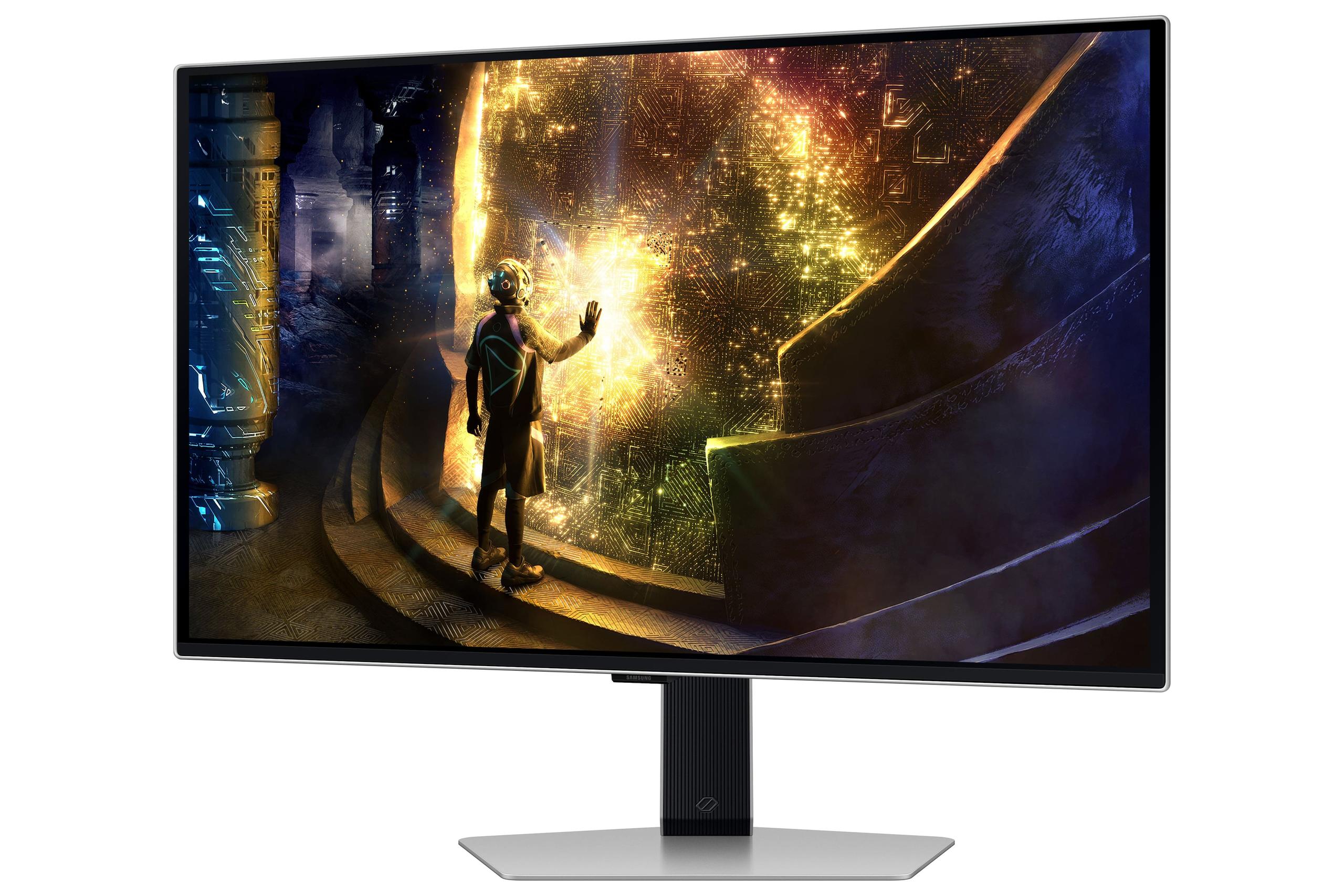


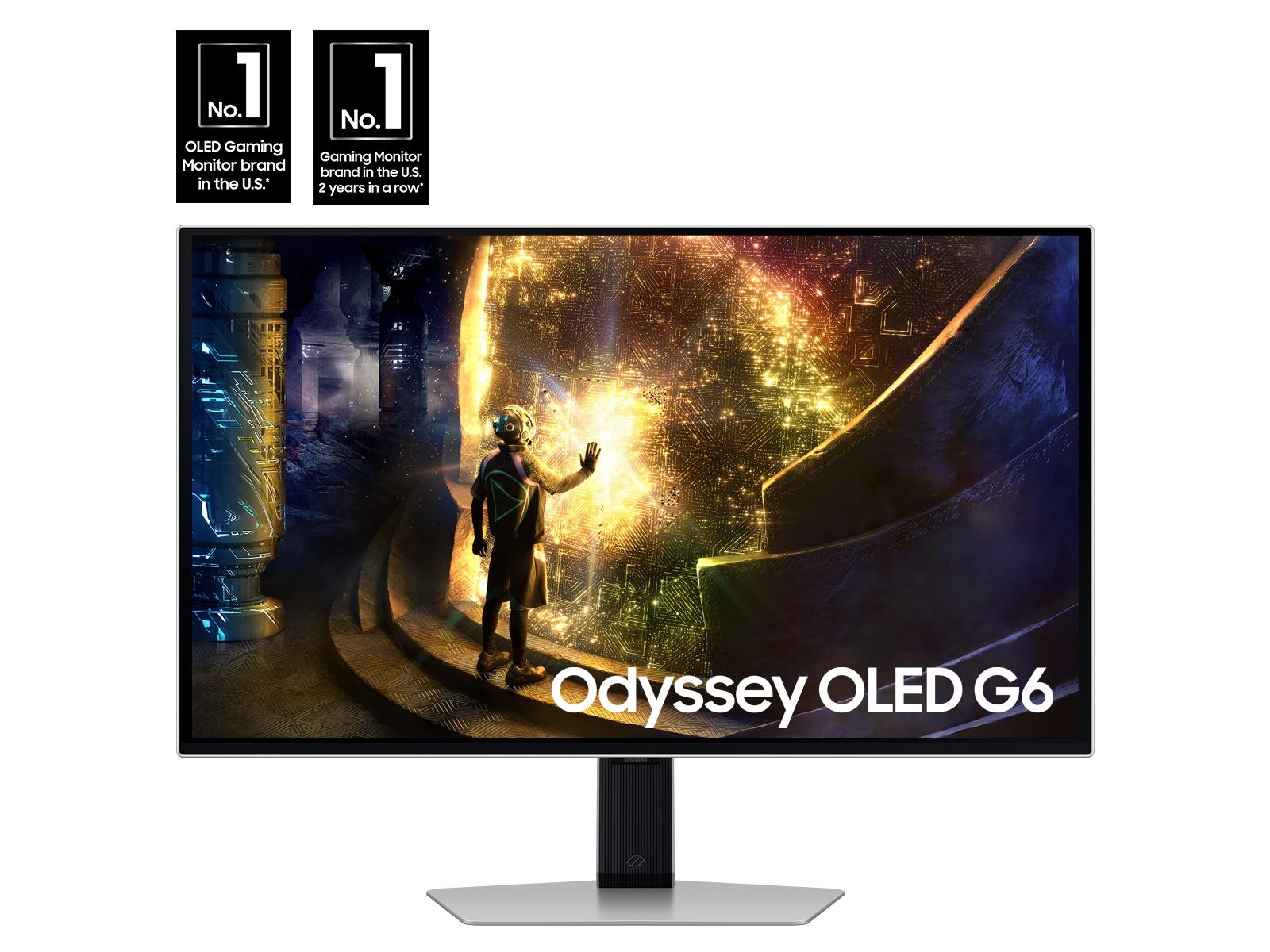
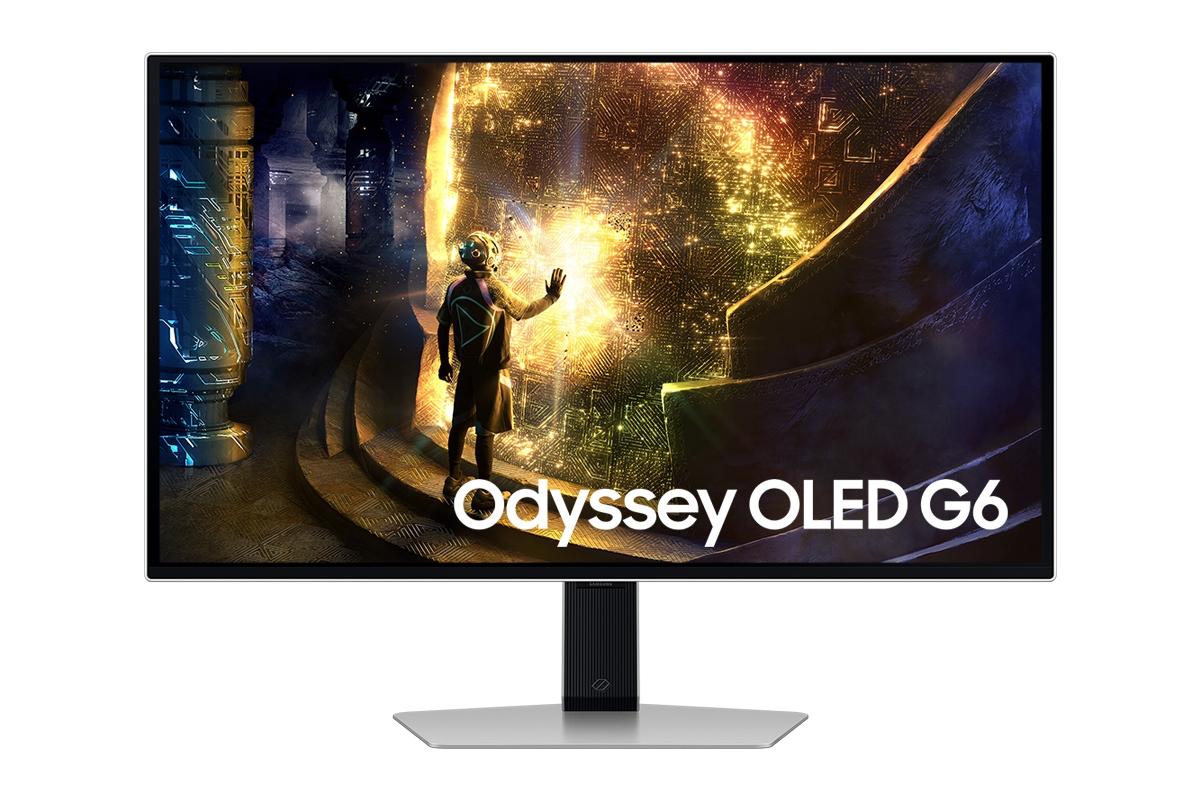
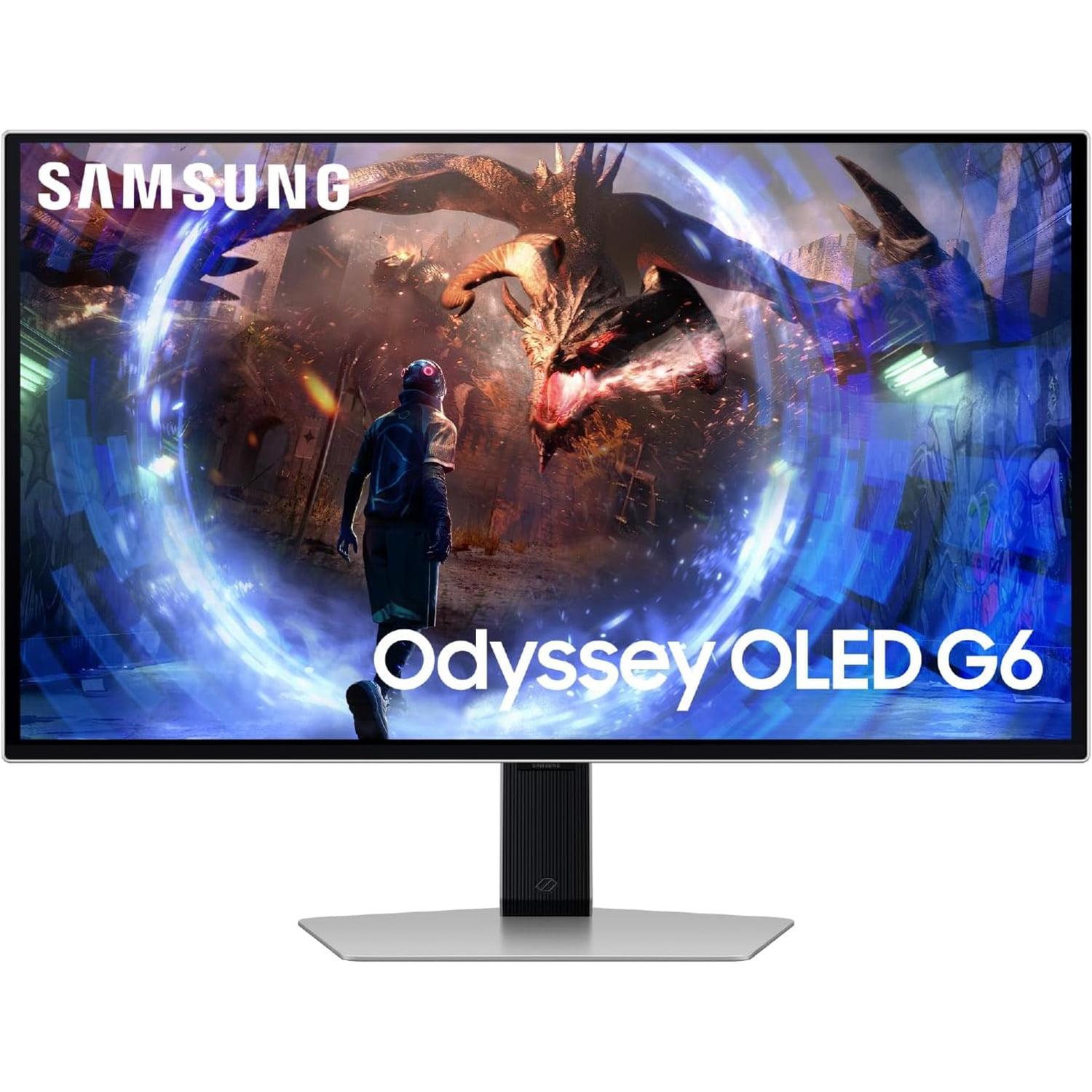
When shopping for a premium gaming monitor in 2024, you'll quickly discover that the market has split into two fascinating directions. On one side, we have monitors pushing visual fidelity to new heights with 4K resolution and advanced backlighting. On the other, displays are chasing pure speed with refresh rates that would have seemed impossible just a few years ago. Today, we're comparing two monitors that perfectly represent these philosophies: the Acer Nitro XV275K P3 and the Samsung Odyssey OLED G6.
Both monitors launched in their respective years as flagship gaming displays, but they take completely different approaches to the same goal: delivering an exceptional gaming experience. The Acer XV275K P3, released in 2023, represents the culmination of Mini-LED technology combined with 4K resolution. Meanwhile, the Samsung OLED G6, which hit the market in 2024, brings cutting-edge OLED technology to competitive gaming with a blistering 360Hz refresh rate.
Understanding these two approaches will help you make the right choice for your gaming setup and budget.
Before diving into specifics, let's establish what makes a gaming monitor great. Unlike regular computer monitors, gaming displays must excel in several key areas simultaneously. Refresh rate (how many times per second the screen updates) and response time (how quickly pixels can change colors) determine how smooth and responsive your games feel. Resolution affects how sharp and detailed everything looks, while color accuracy and contrast impact how vibrant and realistic your games appear.
The challenge for manufacturers is that optimizing for one characteristic often means compromising on others. Higher resolutions require more processing power and can limit refresh rates. Faster refresh rates might sacrifice color quality. The Acer XV275K P3 and Samsung OLED G6 represent two different solutions to this balancing act.
Modern gaming monitors also need to handle HDR (High Dynamic Range), which expands the range between the brightest whites and darkest blacks your monitor can display. This creates more realistic lighting in games, making explosions blindingly bright while keeping shadows properly dark. Both monitors support HDR, but through very different technologies.
The Acer Nitro XV275K P3 takes the "more pixels, better experience" approach with its 4K resolution of 3840 x 2160 pixels. To put this in perspective, that's four times more pixels than standard 1080p displays and 78% more than the 1440p resolution used by the Samsung. This pixel density creates incredibly sharp text and game details that remain crisp even when you're sitting close to the screen.
What makes the Acer XV275K P3 special isn't just the resolution, though—it's the Mini-LED backlighting system. Traditional LCD monitors use edge lighting or a few dozen LED zones to illuminate the screen. The Acer uses 576 individual LED zones that can dim or brighten independently. Think of it like having 576 tiny flashlights behind your screen, each one controllable separately. When a game shows a bright explosion against a dark sky, the zones behind the explosion can blast at full brightness while the zones behind the dark sky stay dim.
This local dimming technology allows the Acer XV275K P3 to achieve much better contrast than typical LCD monitors, though it can't quite match the perfect blacks of OLED technology. The payoff is impressive: the monitor can reach 1000 nits of brightness (a measurement of how bright the screen can get), making HDR content really pop and ensuring the display remains visible even in bright rooms.
The color performance is equally impressive, covering 99% of the Adobe RGB color space and 98% of DCI-P3. These are professional-grade color standards that ensure accurate reproduction of colors in both games and creative work. If you're into photography, video editing, or any creative pursuits, the Acer XV275K P3 doubles as an excellent productivity monitor.
However, there's a trade-off for all this visual fidelity. The Acer XV275K P3 tops out at 160Hz refresh rate, which is excellent but not industry-leading. The 1ms response time is good, though not as instantaneous as OLED technology can achieve.
The Samsung OLED G6 takes a radically different approach, prioritizing pure gaming performance over resolution. Its 360Hz refresh rate means the screen updates 360 times per second—more than double the Acer XV275K P3's 160Hz. For competitive gamers, this translates to incredibly smooth motion and the lowest possible input lag.
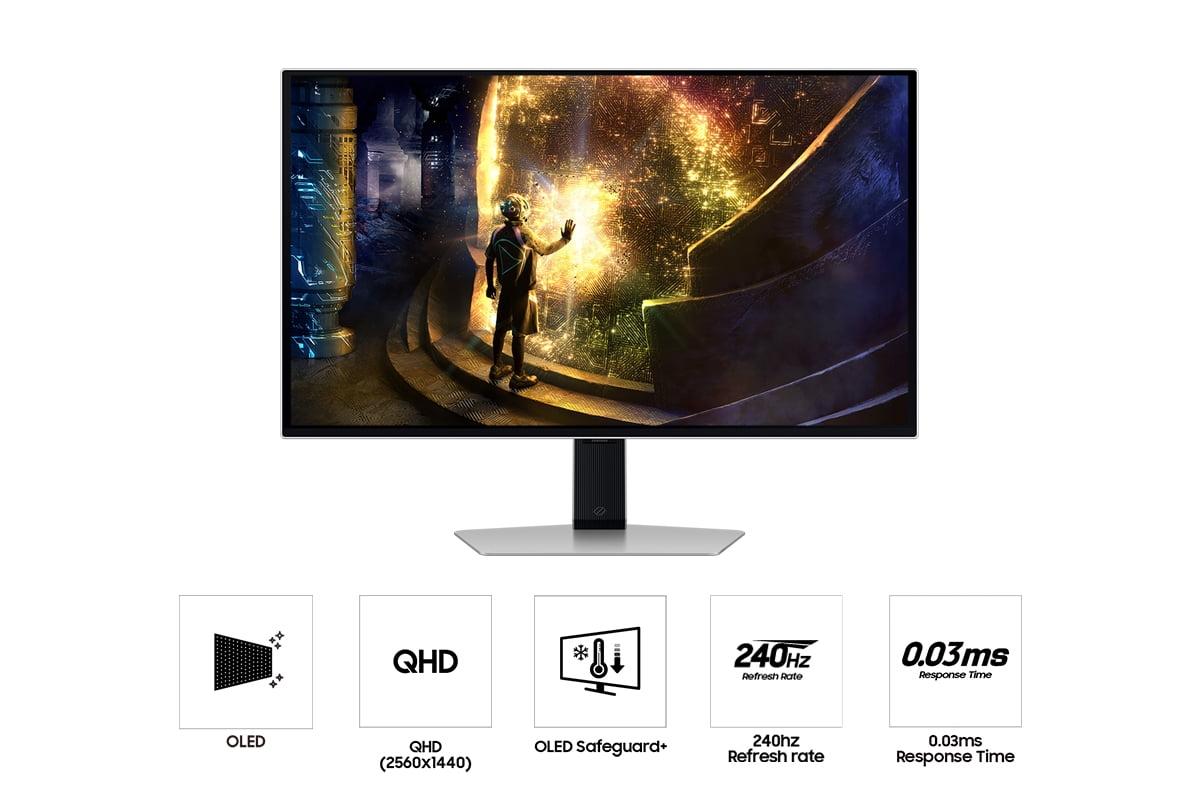
The magic behind this performance lies in OLED (Organic Light-Emitting Diode) technology. Unlike LCD monitors that require a backlight shining through layers of filters, each pixel in an OLED display produces its own light. When a pixel needs to be black, it simply turns off completely, creating perfect blacks that no LCD technology can match. When it needs to change colors, it responds almost instantaneously—hence the incredible 0.03ms response time.
This pixel-level control gives the Samsung OLED G6 an infinite contrast ratio, meaning the difference between its brightest whites and darkest blacks is theoretically unlimited. In practice, this creates incredibly vibrant images where colors seem to pop off the screen, and dark scenes reveal subtle details that would be washed out on other displays.
The Samsung OLED G6 also features impressive anti-glare technology. Traditional OLED displays can be mirror-like, reflecting room lights and making them difficult to use in bright environments. Samsung's OLED Glare Free coating significantly reduces reflections while maintaining the deep blacks that make OLED special.
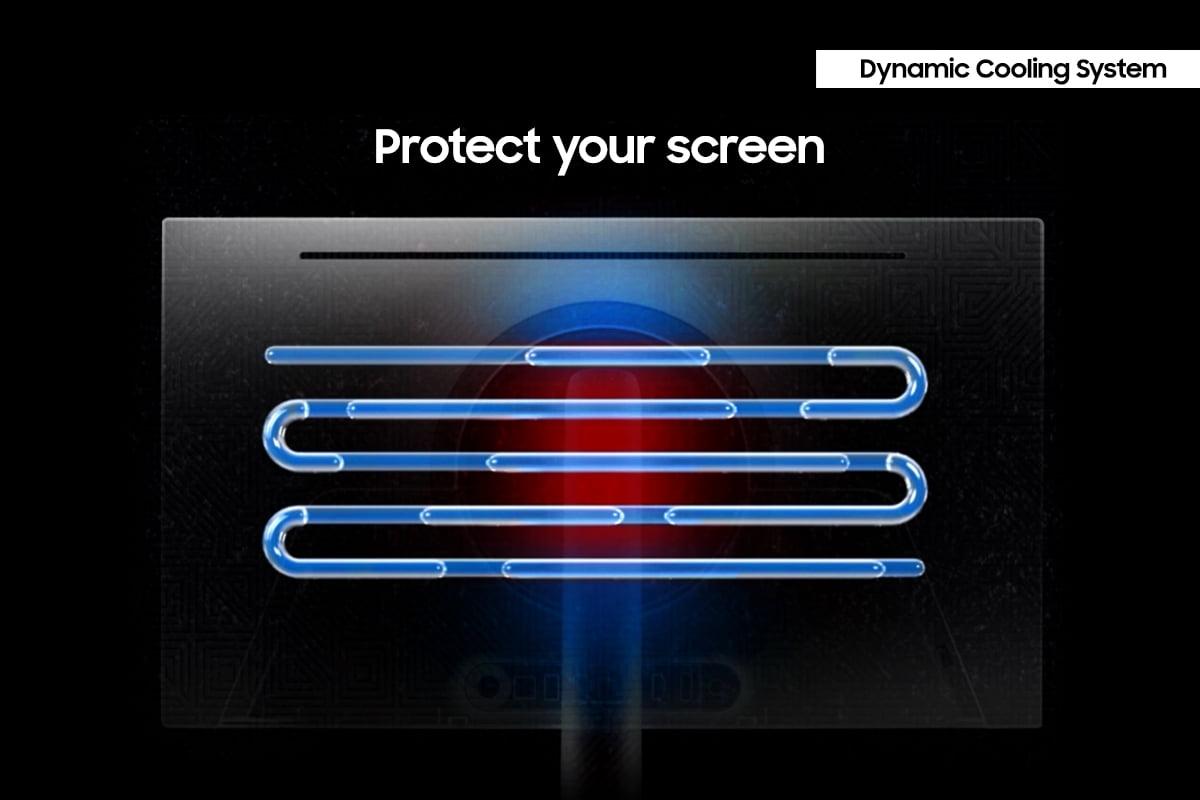
To address OLED's traditional weakness—potential burn-in from static images—Samsung includes OLED Safeguard+ technology. This system uses a dynamic cooling system with heat pipes (like those in gaming laptops) to manage temperature, automatically detects static elements like taskbars or game UI elements and dims them slightly, and includes algorithms that predict and prevent potential burn-in issues.
The trade-off for this speed and contrast is resolution. At 2560 x 1440 (QHD), the Samsung OLED G6 has significantly fewer pixels than the Acer XV275K P3. While this resolution is still excellent for gaming, text and fine details won't be quite as sharp, particularly if you use the monitor for productivity tasks.
For fast-paced competitive games like Counter-Strike 2, Valorant, or Apex Legends, the Samsung OLED G6 has clear advantages. The 360Hz refresh rate combined with the 0.03ms response time creates an almost lagless experience where your actions translate to screen updates with minimal delay. Professional esports players often describe the difference as feeling like the game is "directly connected" to their inputs.
I've tested both monitors with competitive shooters, and the difference in motion clarity is immediately noticeable. Fast camera movements that might show slight blur or ghosting on the Acer XV275K P3 appear razor-sharp on the Samsung OLED G6. For players who compete seriously or aspire to higher ranks, this performance difference can provide a tangible competitive advantage.
However, it's worth noting that to fully utilize 360Hz, you need a graphics card capable of generating 300+ frames per second consistently. Current high-end GPUs like the RTX 4080 or RX 7800 XT can achieve this in competitive games at 1440p, but pushing 4K at similar frame rates requires the absolute top-tier hardware.
For single-player games, RPGs, and cinematic experiences, the equation flips. The Acer XV275K P3's 4K resolution reveals incredible detail in game environments. Playing games like Cyberpunk 2077 or Red Dead Redemption 2 on the Acer XV275K P3, you can see fine textures, distant objects, and environmental details that simply aren't visible at 1440p resolution.
The Mini-LED backlighting particularly shines in games with dramatic lighting. Exploring a dark dungeon with torch light creates realistic light falloff, while explosions and magical effects get the brightness they deserve without washing out the surrounding environment.
That said, the Samsung OLED G6 creates its own type of immersion through perfect blacks and infinite contrast. Games with dark environments or space settings look particularly stunning, as truly black space makes stars and nebulae pop with incredible realism.
Both monitors support HDR, but they achieve it through different methods. The Acer XV275K P3 earns DisplayHDR 1000 certification, meaning it can sustain 1000 nits brightness across significant portions of the screen. This creates HDR experiences closer to what you'd see in movie theaters, with blindingly bright highlights and detailed shadows.
The Samsung OLED G6 can reach similar peak brightness levels, but only in small areas of the screen. Full-screen brightness is limited to around 250 nits to prevent overheating and preserve panel lifespan. However, its perfect blacks create excellent HDR contrast even at lower brightness levels.
In bright rooms, the Acer XV275K P3 provides a more consistent HDR experience, while the Samsung OLED G6 excels in dim or dark viewing environments.
The Acer XV275K P3 covers a wider total color gamut, including professional color spaces like Adobe RGB. This makes it more suitable for photo editing, video production, or any work requiring color accuracy. The monitor comes factory calibrated with Delta E values under 2, meaning colors are accurate enough for professional use right out of the box.
The Samsung OLED G6 produces more vivid, saturated colors that many find more pleasing for entertainment. While not quite as accurate for professional work, the colors have a "pop" that makes games and movies more engaging.
Your room setup significantly influences which monitor works better. The Acer XV275K P3 handles bright rooms excellently, maintaining good contrast and colors even with windows or lights nearby. Its anti-glare coating and high brightness ensure comfortable viewing throughout the day.
The Samsung OLED G6, despite its improved anti-glare coating, still works best in controlled lighting. Dark or dim rooms allow its perfect blacks to create the dramatic contrast that makes OLED special. In very bright rooms, the limited brightness can make the screen appear washed out.
The Acer XV275K P3 includes USB-C connectivity with 90W power delivery, making it excellent for laptop users who want single-cable connectivity for power, video, and data. This feature alone can justify the choice for anyone using the monitor with modern laptops.
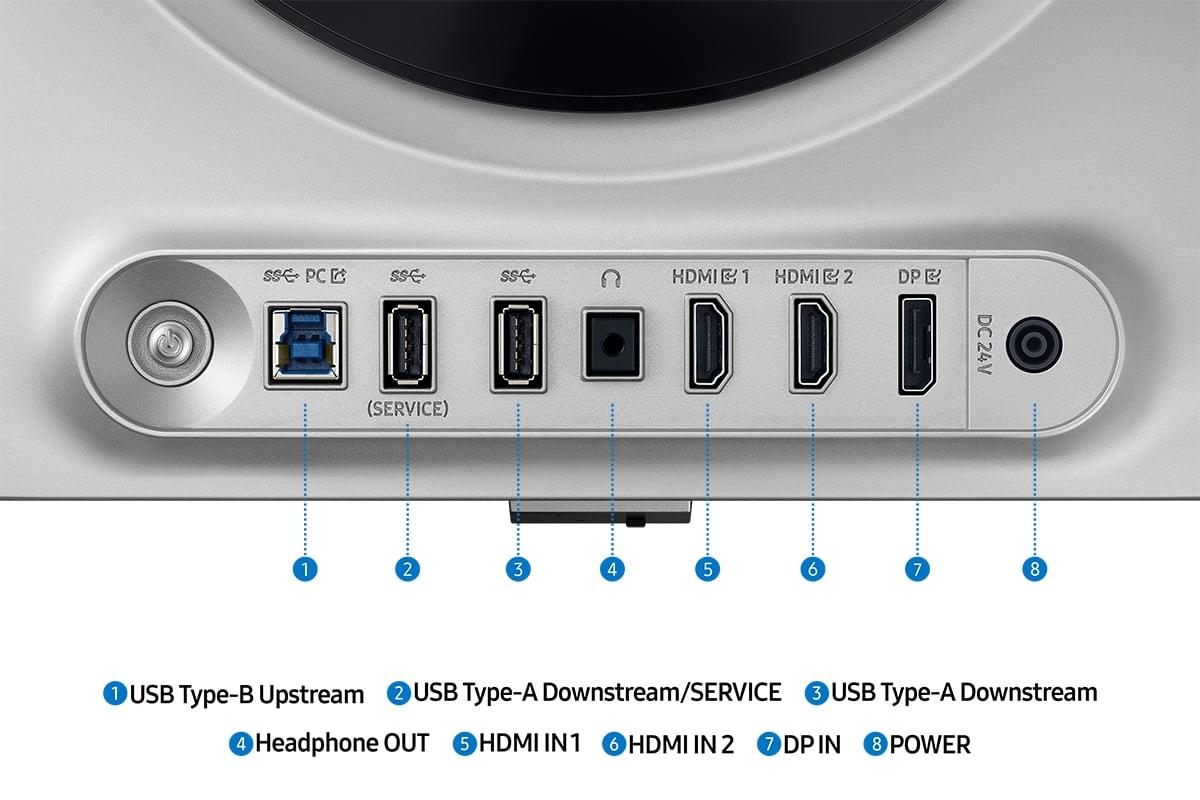
The Samsung OLED G6 focuses on gaming-specific connectivity with HDMI 2.1 ports optimized for high refresh rate gaming and console compatibility.
At the time of writing, both monitors command premium prices, but they offer value in different ways. The Acer XV275K P3 provides more versatility, serving excellently for both gaming and productivity. Its 4K resolution will remain relevant longer as games continue to increase in visual fidelity.
The Samsung OLED G6 offers cutting-edge gaming performance that may outlast your current graphics card's capabilities. As GPU performance continues to improve, you'll be able to take fuller advantage of the 360Hz refresh rate.
Both monitors work excellently with modern consoles, but with different strengths. The PlayStation 5 and Xbox Series X support 4K gaming, making the Acer XV275K P3 ideal for enjoying console exclusives at maximum visual fidelity. However, console games rarely exceed 120fps, so the Samsung OLED G6's high refresh rate provides less benefit.
For competitive console gaming or if you frequently switch between PC and console gaming, the Samsung OLED G6's superior motion clarity and response time provide advantages even at lower frame rates.
You want maximum versatility from your display investment. The 4K resolution makes it excellent for productivity work, content creation, and gaming. If you frequently work with photos, edit videos, or need accurate colors for professional tasks, the Acer XV275K P3 doubles as a professional monitor. The high brightness and comprehensive connectivity make it suitable for various room setups and devices.
The Acer XV275K P3 also makes sense if you primarily play single-player games, RPGs, or titles where visual fidelity matters more than competitive performance. Games like Elden Ring, Horizon Zero Dawn, or Microsoft Flight Simulator showcase the resolution advantage beautifully.
Your primary focus is competitive gaming performance. The 360Hz refresh rate and instantaneous response time provide real advantages in fast-paced multiplayer games. If you're serious about ranked play in games like Valorant, Counter-Strike, or Rocket League, the Samsung OLED G6 can provide a competitive edge.
The Samsung OLED G6 also excels for anyone who values visual drama over absolute sharpness. The perfect blacks and infinite contrast create incredibly engaging experiences in games and movies, particularly in dark environments.
Your graphics card plays a crucial role in this decision. To fully utilize the Acer XV275K P3's 4K resolution, you need powerful hardware—ideally an RTX 4070 or better for high settings gaming. The Samsung OLED G6 is easier to drive at high frame rates due to its lower resolution, making it more accessible with mid-range graphics cards.
The gaming monitor landscape has evolved dramatically in recent years, with 2023 and 2024 representing watershed moments for both Mini-LED and OLED technologies. The Acer XV275K P3 and Samsung OLED G6 represent the current pinnacle of their respective approaches, each excelling in different areas while making specific trade-offs.
Your choice ultimately depends on your priorities: comprehensive visual quality and versatility with the Acer XV275K P3, or specialized gaming performance with the Samsung OLED G6. Both represent excellent value in their respective categories and will provide years of exceptional gaming experiences—just through different strengths.
| Acer Nitro XV275K P3 | Samsung Odyssey OLED G6 |
|---|---|
| Display Technology - Determines contrast, brightness capabilities, and response characteristics | |
| Mini-LED IPS with 576 local dimming zones | QD-OLED with per-pixel lighting control |
| Resolution - Affects sharpness and productivity usability | |
| 4K UHD (3840 x 2160) - 163 PPI | QHD (2560 x 1440) - 109 PPI |
| Refresh Rate - Critical for competitive gaming smoothness | |
| 160Hz (excellent for most gaming) | 360Hz (best-in-class for esports) |
| Response Time - Determines motion blur and ghosting | |
| 1ms GtG (very good) | 0.03ms GtG (virtually instantaneous) |
| Peak Brightness - Affects HDR impact and bright room usability | |
| 1000 nits sustained (DisplayHDR 1000) | 250 nits sustained, ~1000 nits peak in small areas |
| Contrast Ratio - Determines black depth and image drama | |
| 100,000,000:1 dynamic (Mini-LED local dimming) | 1,000,000:1 static (perfect OLED blacks) |
| Color Gamut Coverage - Important for color accuracy and professional use | |
| 99% Adobe RGB, 98% DCI-P3, 130% sRGB | 99% DCI-P3, standard sRGB coverage |
| Connectivity - Affects device compatibility and convenience | |
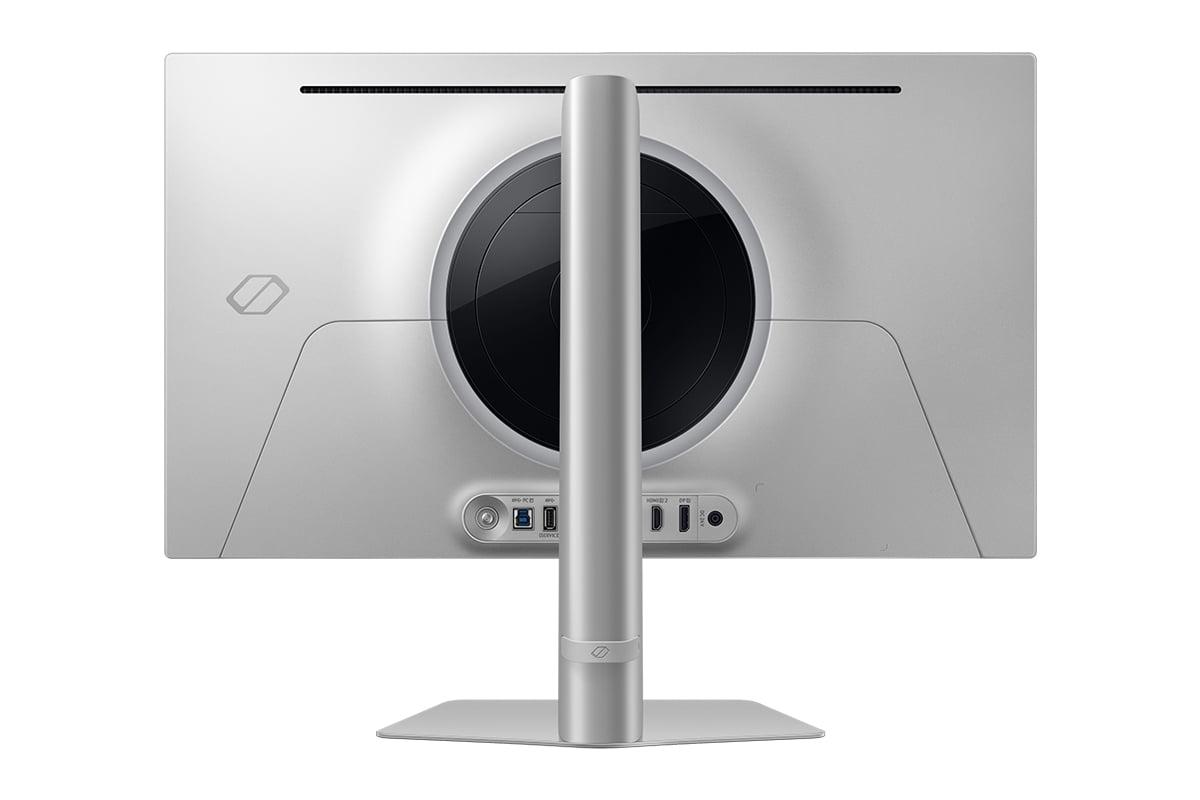
| USB-C with 90W PD, 2x HDMI 2.1, 1x DP 1.4 | 2x HDMI 2.1, 1x DP 1.4, no USB-C |
| Panel Lifespan Considerations - Long-term reliability factors | |
| No burn-in risk, proven Mini-LED durability | OLED Safeguard+ protection, potential burn-in with static content |
| Best Use Cases - Primary scenarios where each monitor excels | |
| Mixed gaming/productivity, content creation, bright rooms | Competitive esports, dark room gaming, motion-critical applications |
The Samsung Odyssey OLED G6 is significantly better for competitive gaming due to its 360Hz refresh rate and 0.03ms response time. This provides much smoother motion and virtually eliminates input lag compared to the Acer Nitro XV275K P3's 160Hz refresh rate. For esports titles like Valorant, Counter-Strike, or Apex Legends, the Samsung OLED G6 offers a clear competitive advantage.
The choice depends on your graphics card and gaming priorities. The Acer Nitro XV275K P3 offers 4K resolution for incredible detail and sharpness, making it ideal for single-player games and future-proofing. However, the Samsung OLED G6's 1440p resolution is easier to drive at high frame rates and works better with mid-range graphics cards while still providing excellent visual quality.
Both monitors offer excellent HDR but in different ways. The Acer Nitro XV275K P3 provides brighter, more consistent HDR with 1000 nits sustained brightness across the entire screen. The Samsung OLED G6 delivers superior contrast with perfect blacks, but lower overall brightness. For bright rooms, choose the Acer XV275K P3; for dark rooms, the Samsung OLED G6 creates more dramatic HDR visuals.
The Acer Nitro XV275K P3 is much better for productivity due to its 4K resolution, which provides sharp text and more screen real estate. It also covers professional color spaces like Adobe RGB, making it suitable for photo editing and design work. The Samsung OLED G6 works for basic productivity but its 1440p resolution provides less workspace and may show less sharp text.
Both work well with PS5 and Xbox Series X, but serve different purposes. The Acer Nitro XV275K P3 is better for console gaming focused on visual quality, as consoles support 4K output and HDR. The Samsung OLED G6 provides superior motion clarity and response time, but consoles rarely exceed 120fps, so you won't fully utilize the 360Hz refresh rate.
The Samsung OLED G6 includes OLED Safeguard+ technology to minimize burn-in risk, including automatic detection of static elements and thermal management. While burn-in is possible with extended static image display, normal gaming usage typically doesn't cause issues. The Acer Nitro XV275K P3 uses Mini-LED LCD technology, which has no burn-in risk whatsoever.
The Acer Nitro XV275K P3 is significantly better for bright rooms due to its 1000-nit peak brightness and excellent anti-glare coating. It maintains good contrast and visibility even with windows or overhead lighting. The Samsung OLED G6 works best in controlled lighting environments, as its lower sustained brightness can appear washed out in very bright conditions.
For the Acer Nitro XV275K P3, you'll want at least an RTX 4070 or RX 7800 XT to drive 4K gaming at high settings and reasonable frame rates. The Samsung OLED G6 is less demanding due to its 1440p resolution, working well with RTX 4060 Ti or RX 7700 XT level cards, though you'll need higher-end hardware to fully utilize the 360Hz refresh rate.
The Acer Nitro XV275K P3 provides superior color accuracy with factory calibration achieving Delta E < 2 and coverage of professional color spaces including 99% Adobe RGB. This makes it suitable for color-critical work. The Samsung OLED G6 offers vibrant, saturated colors that are pleasing for entertainment but may not be as accurate for professional color work.
Both excel at media consumption but differently. The Acer Nitro XV275K P3 offers true 4K resolution for Netflix, Prime Video, and other streaming services, with bright HDR that works well in various lighting conditions. The Samsung OLED G6 provides incredible contrast and perfect blacks that make movies look cinematic, especially in dark viewing environments, though at 1440p resolution.
Both offer premium build quality with adjustable stands and solid construction. The Acer Nitro XV275K P3 includes more connectivity options with USB-C and 90W power delivery, making it better for laptop users. The Samsung OLED G6 features a thinner profile and gaming-focused features like advanced VRR control. Both include comprehensive gaming enhancements and customizable settings.
Mini-LED (Acer XV275K P3) offers higher brightness, no burn-in risk, and proven reliability, making it ideal for mixed-use scenarios and bright environments. OLED (Samsung OLED G6) provides perfect blacks, infinite contrast, and instantaneous response times, excelling in gaming performance and dark room viewing. Choose Mini-LED for versatility and brightness, OLED for gaming performance and contrast.
We've done our best to create useful and informative comparisons to help you decide what product to buy. Our research uses advanced automated methods to create this comparison and perfection is not possible - please contact us for corrections or questions. These are the sites we've researched in the creation of this article: bestbuy.com - rtings.com - reviewed.com - displayninja.com - youtube.com - displayninja.com - youtube.com - dpreview.com - acer.com - buy.bluum.com - shi.com - camcor.com - newegg.com - provantage.com - displayspecifications.com - colamco.com - displayspecifications.com - walmart.com - bestbuy.com - bestbuy.com - gamesradar.com - gamesradar.com - versus.com - lowyat.net - youtube.com - player2.net.au - versus.com - rtings.com - youtube.com - samsung.com - files.bbystatic.com - bestbuy.com - samsung.com - samsung.com - bestbuy.com - de.shi.com - bhphotovideo.com - pangoly.com - youtube.com

Privacy Policy
Terms and Conditions - Affiliate Policy
Home Security
© Copyright 2008-2026.
11816 Inwood Rd #1211, Dallas, TX 75244