









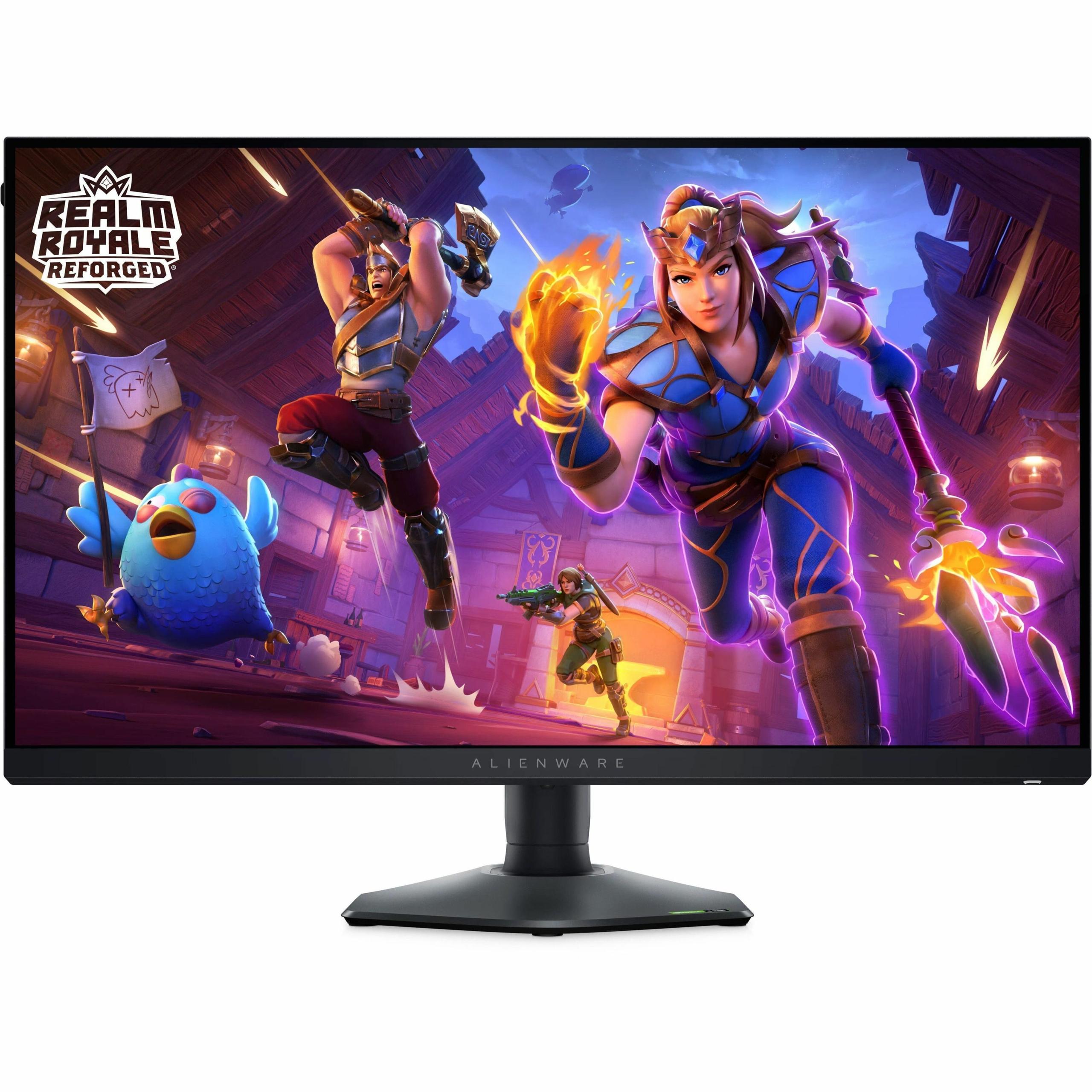
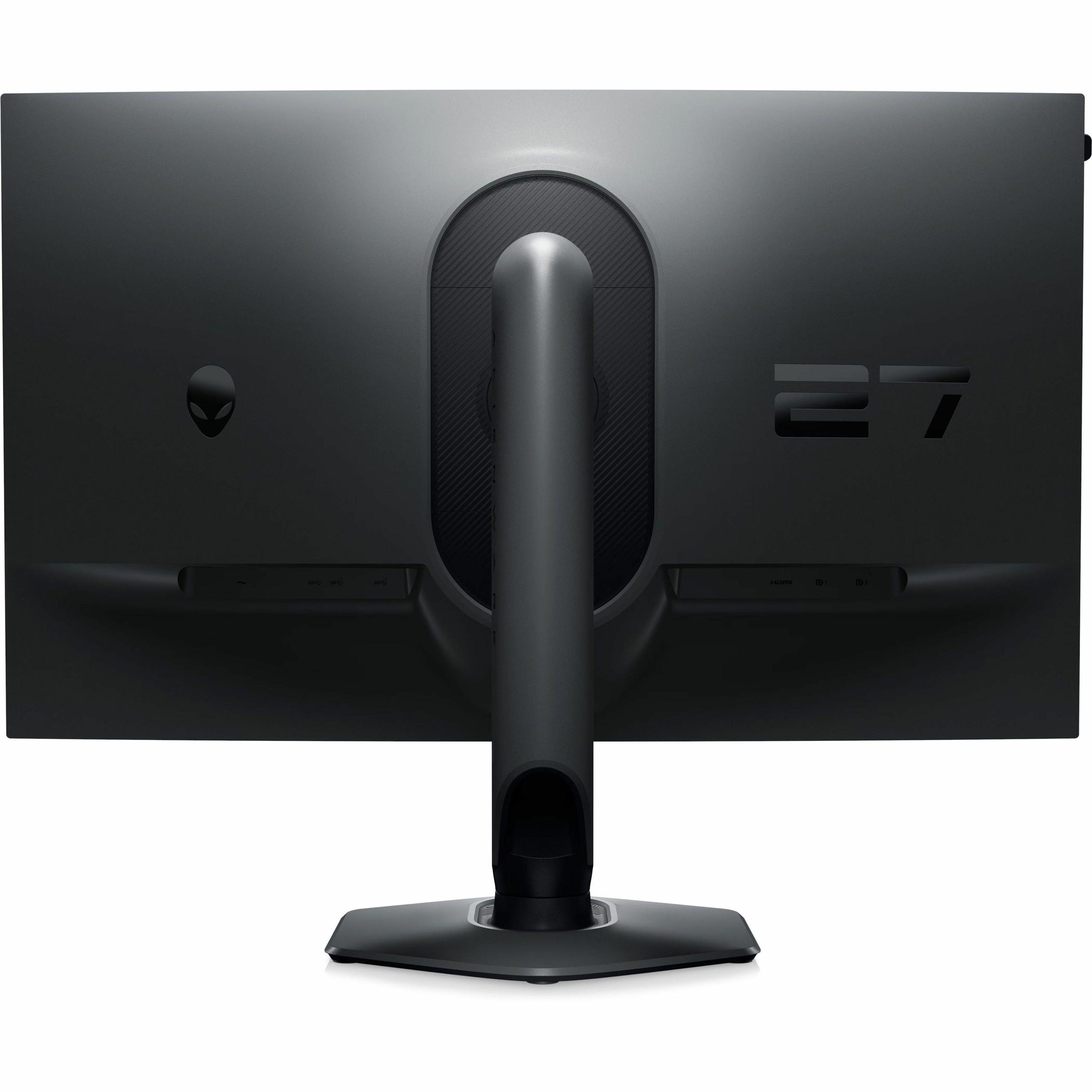
When I first started gaming seriously, choosing a monitor seemed straightforward – bigger was better, and that was about it. Today's gaming monitor market tells a completely different story. The choice between the Acer Nitro XV275K P3 and the Alienware AW2724HF perfectly illustrates how gaming monitors have evolved into specialized tools, each designed for fundamentally different gaming experiences.
Gaming monitors have split into two distinct philosophies that reflect how we actually use them. On one side, you have visual fidelity monitors like the Acer Nitro XV275K P3, which prioritize stunning image quality, vibrant colors, and immersive experiences. These displays excel at making your games look absolutely gorgeous, whether you're exploring vast open worlds or watching movies during downtime.
On the other side, competitive performance monitors like the Alienware AW2724HF focus entirely on speed and responsiveness. Every millisecond of input lag (the delay between your mouse click and the screen updating) gets scrutinized, and refresh rates push into territory that would have seemed impossible just a few years ago.
The fundamental trade-off remains resolution versus refresh rate. Higher resolution means sharper, more detailed images but requires significantly more processing power from your graphics card. Higher refresh rates create smoother motion and faster response times but typically mean sacrificing some visual fidelity. Understanding this trade-off is crucial because it affects everything from your gaming experience to what graphics card you'll need.
Panel technology also plays a massive role. IPS (In-Plane Switching) panels offer excellent color accuracy and wide viewing angles, meaning colors stay consistent even when you're not sitting directly in front of the screen. VA (Vertical Alignment) panels provide better contrast ratios, creating deeper blacks and more vibrant highlights, though they can sometimes suffer from motion blur in fast-moving scenes.
Released in 2023, the Acer Nitro XV275K P3 represents the cutting edge of visual fidelity technology. Its standout feature is Mini LED backlighting with 576 individual dimming zones – imagine having 576 tiny LED lights behind your screen that can independently brighten or dim to create perfect contrast. This technology enables the monitor to achieve true blacks in dark scenes while simultaneously displaying brilliant highlights, something that was previously only possible with expensive OLED displays.
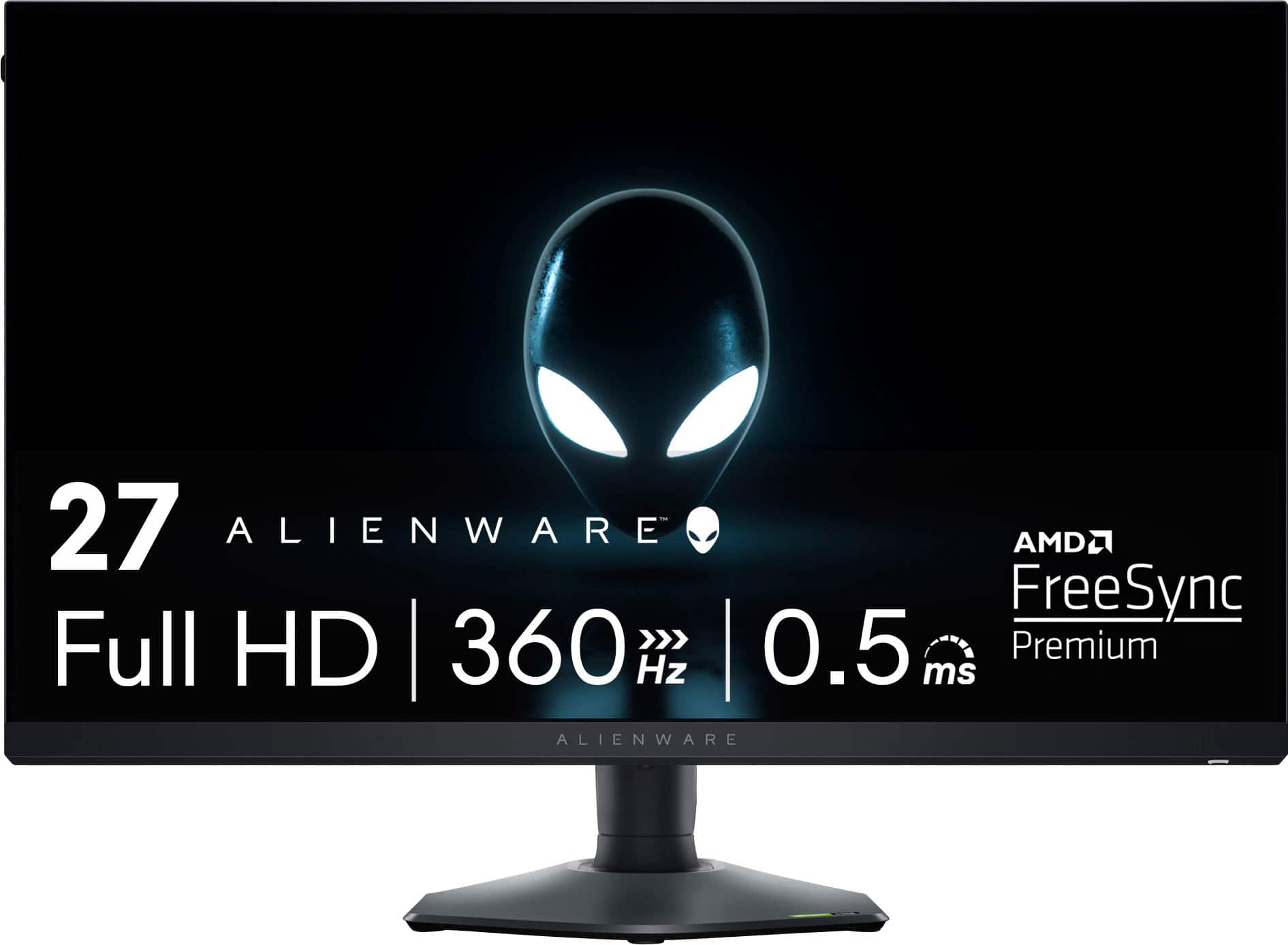
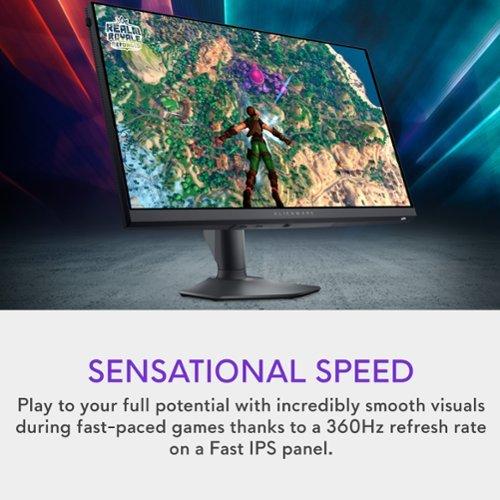
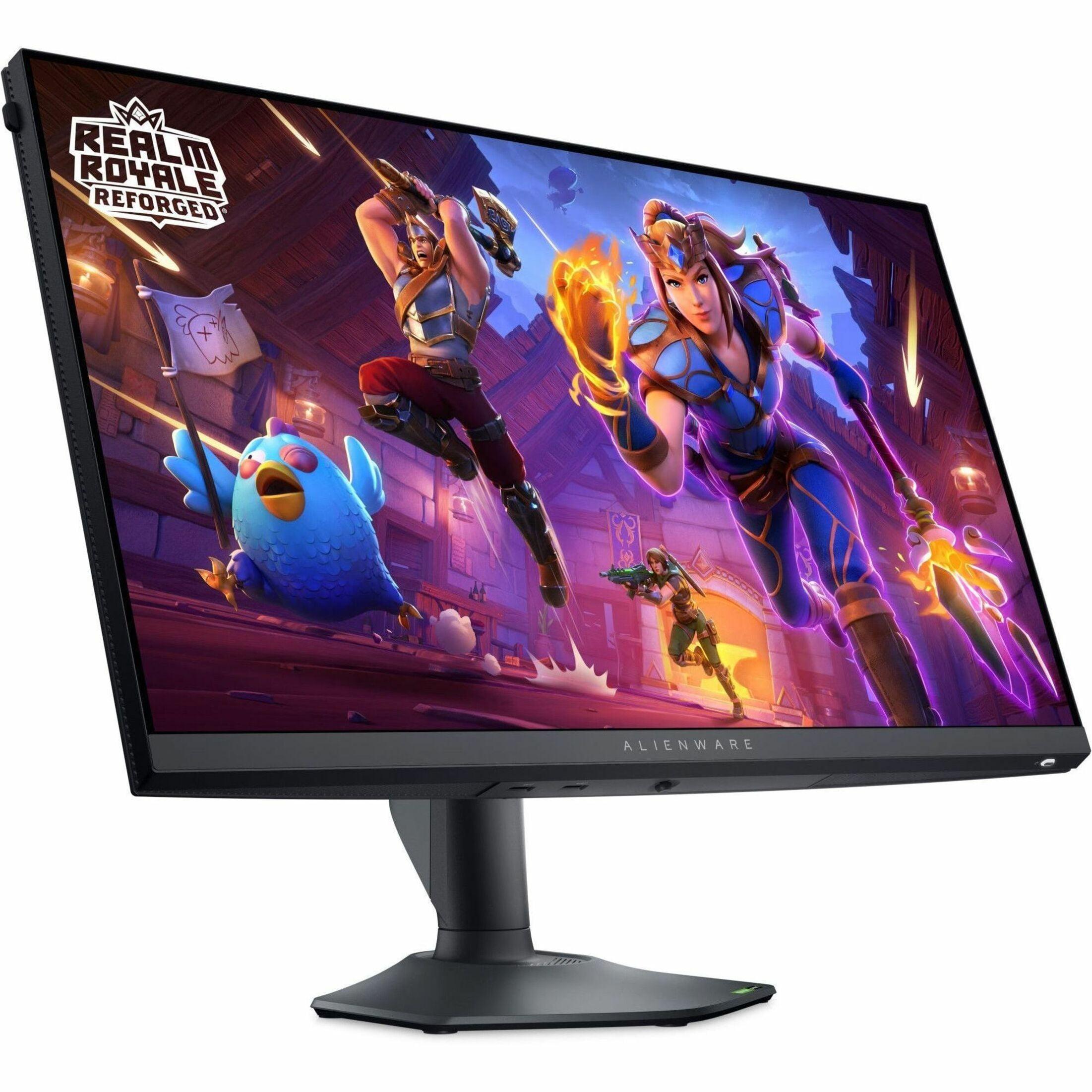
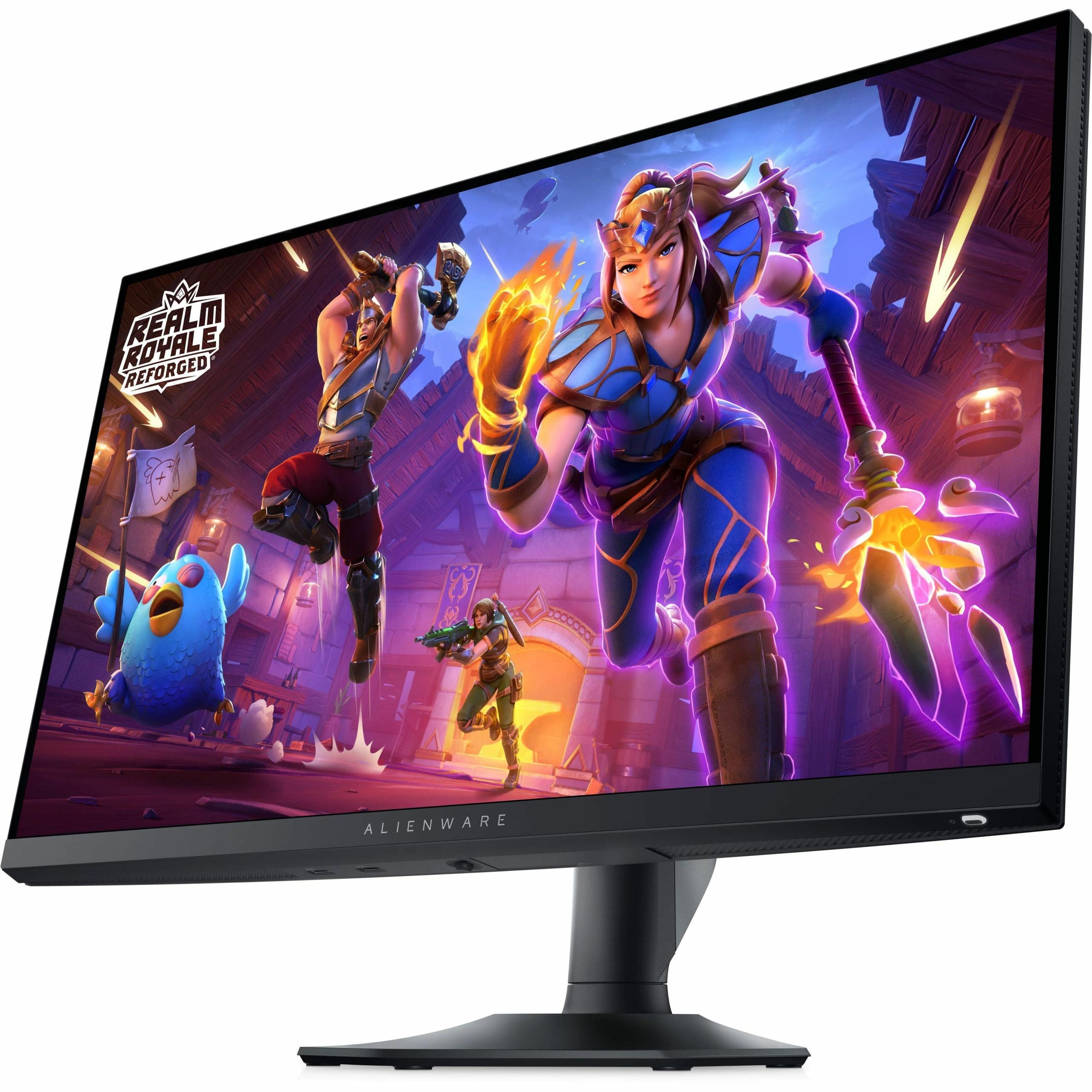
The Alienware AW2724HF, launched in 2024, takes the opposite approach. It sacrifices resolution for an incredible 360Hz refresh rate, meaning the screen updates 360 times per second. To put this in perspective, standard monitors refresh at 60Hz, while many gaming monitors top out at 144Hz or 240Hz. This level of performance creates an almost surreal smoothness that competitive gamers swear by.
The difference between these monitors' resolutions is dramatic. The Acer XV275K P3 displays 4K UHD resolution at 3840 x 2160 pixels, providing four times the detail of the Alienware AW2724HF's Full HD 1920 x 1080 resolution. When I first switched from 1080p to 4K gaming, the difference was immediately noticeable – text became razor-sharp, game textures showed incredible detail, and the overall visual experience felt more immersive.
However, there's a practical consideration here. At 27 inches, the Alienware AW2724HF's 1080p resolution results in a pixel density of about 82 pixels per inch (PPI). While this might sound low, it's actually fine for fast-paced gaming where you're focused on movement rather than fine details. The Acer XV275K P3's 163 PPI creates noticeably sharper images, especially beneficial for reading text, detailed game environments, and productivity tasks.
Here's where the Acer XV275K P3 absolutely shines. Its Mini LED backlighting technology with 576 local dimming zones creates what's called Full Array Local Dimming (FALD). Think of this as having hundreds of individual flashlights behind your screen that can turn on and off independently. When a scene has bright sunlight and dark shadows simultaneously, these zones can make the bright areas brilliant while keeping the dark areas truly black.
The monitor achieves VESA DisplayHDR 1000 certification, meaning it can display peak brightness of 1000 nits (a measurement of brightness – for reference, a typical indoor environment is about 100-200 nits). This capability makes HDR content genuinely impactful, with bright explosions that feel intense and dark cave scenes that maintain visible shadow detail.
In contrast, the Alienware AW2724HF uses standard edge-lit backlighting, where LEDs around the monitor's edges illuminate the entire panel uniformly. While this creates consistent brightness, it can't achieve the deep blacks and bright highlights that make HDR content special. Its maximum brightness of 400 nits is perfectly adequate for SDR (Standard Dynamic Range) content but limited for true HDR experiences.
The Acer XV275K P3 covers 99% of the Adobe RGB color space and 98% of DCI-P3, two professional color standards that ensure accurate color reproduction. This wide color gamut means you're seeing colors as developers intended them, and it's particularly noticeable in games with rich, saturated environments. The monitor comes factory calibrated to Delta E < 2, a technical measurement where lower numbers indicate more accurate colors – Delta E values under 3 are considered excellent.
The Alienware AW2724HF focuses on the sRGB color space, covering 99% of this standard. sRGB is perfectly adequate for gaming and general use, but it represents a smaller range of colors compared to Adobe RGB or DCI-P3. For competitive gaming, this narrower focus is actually beneficial – consistent, predictable colors matter more than the widest possible color range.
The Alienware AW2724HF's 360Hz refresh rate represents a significant leap in gaming smoothness. Each frame displays for just 2.78 milliseconds, compared to 6.25 milliseconds at 160Hz on the Acer XV275K P3. While this might seem like a tiny difference, it's immediately noticeable in fast-paced games like first-person shooters or racing games.
I've experienced the difference firsthand when tracking fast-moving targets in competitive games – the 360Hz display provides noticeably smoother motion that makes it easier to maintain accurate aim during rapid movements. However, achieving these frame rates requires a powerful graphics card and careful game settings optimization.
The Acer XV275K P3's 160Hz refresh rate is still excellent for gaming, providing smooth motion that's far superior to standard 60Hz displays. The trade-off is worthwhile when you consider the visual quality benefits of 4K resolution, especially for single-player games where you want maximum immersion rather than competitive advantage.
Response time measures how quickly pixels can change from one color to another, typically measured in gray-to-gray transitions. The Alienware AW2724HF achieves an exceptional 0.5ms response time, minimizing motion blur and ghosting (when fast-moving objects leave trailing shadows). This creates incredibly crisp motion that competitive gamers consider essential.
The Acer XV275K P3 offers a 1ms response time, which is still excellent for most gaming scenarios. However, the monitor's local dimming zones can occasionally create brief artifacts during rapid scene changes, though this is typically only noticeable in specific circumstances and doesn't significantly impact the overall gaming experience.
Both monitors support adaptive sync technologies that synchronize your graphics card's output with the monitor's refresh rate, eliminating screen tearing (when the image appears to be cut horizontally) and stuttering (irregular frame delivery). The Acer XV275K P3 supports AMD FreeSync Premium Pro and is NVIDIA G-SYNC Compatible, working across a wide range of refresh rates.
The Alienware AW2724HF includes AMD FreeSync Premium and VESA AdaptiveSync certification, ensuring smooth gameplay across its entire refresh rate range. The effectiveness of these technologies means that even when your frame rate fluctuates, the visual experience remains smooth and consistent.
The Acer XV275K P3 excels in connectivity versatility with two HDMI 2.1 ports, DisplayPort 1.4, and a USB-C port with 90W Power Delivery. This USB-C connection is particularly valuable for laptop users – you can connect your laptop with a single cable that simultaneously displays video, transfers data, and charges your device. This makes the monitor excellent for hybrid work-gaming setups.
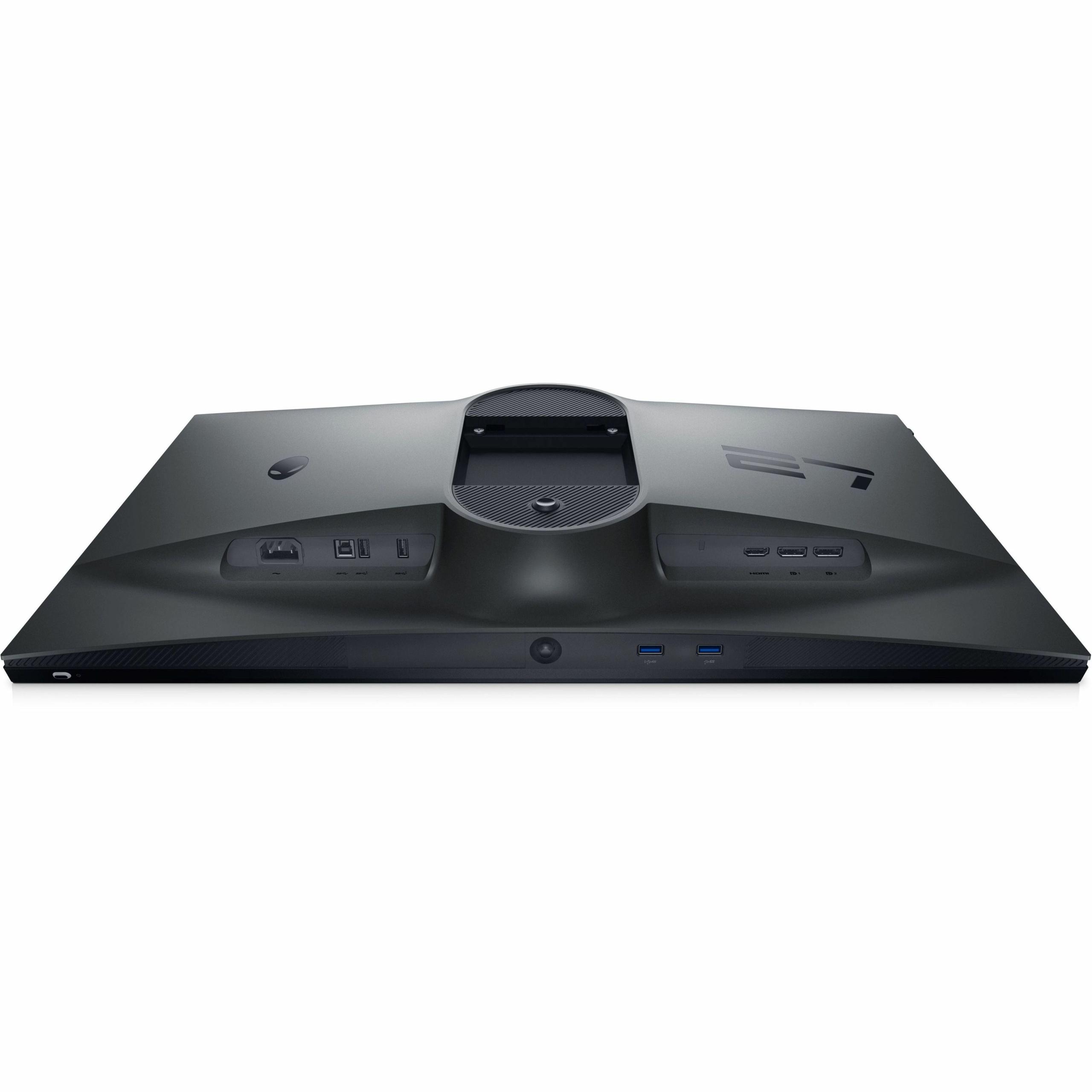
The Alienware AW2724HF focuses on PC gaming connectivity with two DisplayPort 1.4 connections and one HDMI port, plus an extensive USB 3.2 hub with four downstream ports. One USB port even supports power charging for devices like smartphones or gaming controllers. This setup is ideal for dedicated gaming rigs where you need multiple USB connections for gaming peripherals.
Both monitors include gaming-specific features, though with different focuses. The Acer XV275K P3 offers customizable crosshair overlays, refresh rate displays, and multiple color space modes for different content types. Its RGB lighting system adds aesthetic appeal to gaming setups.
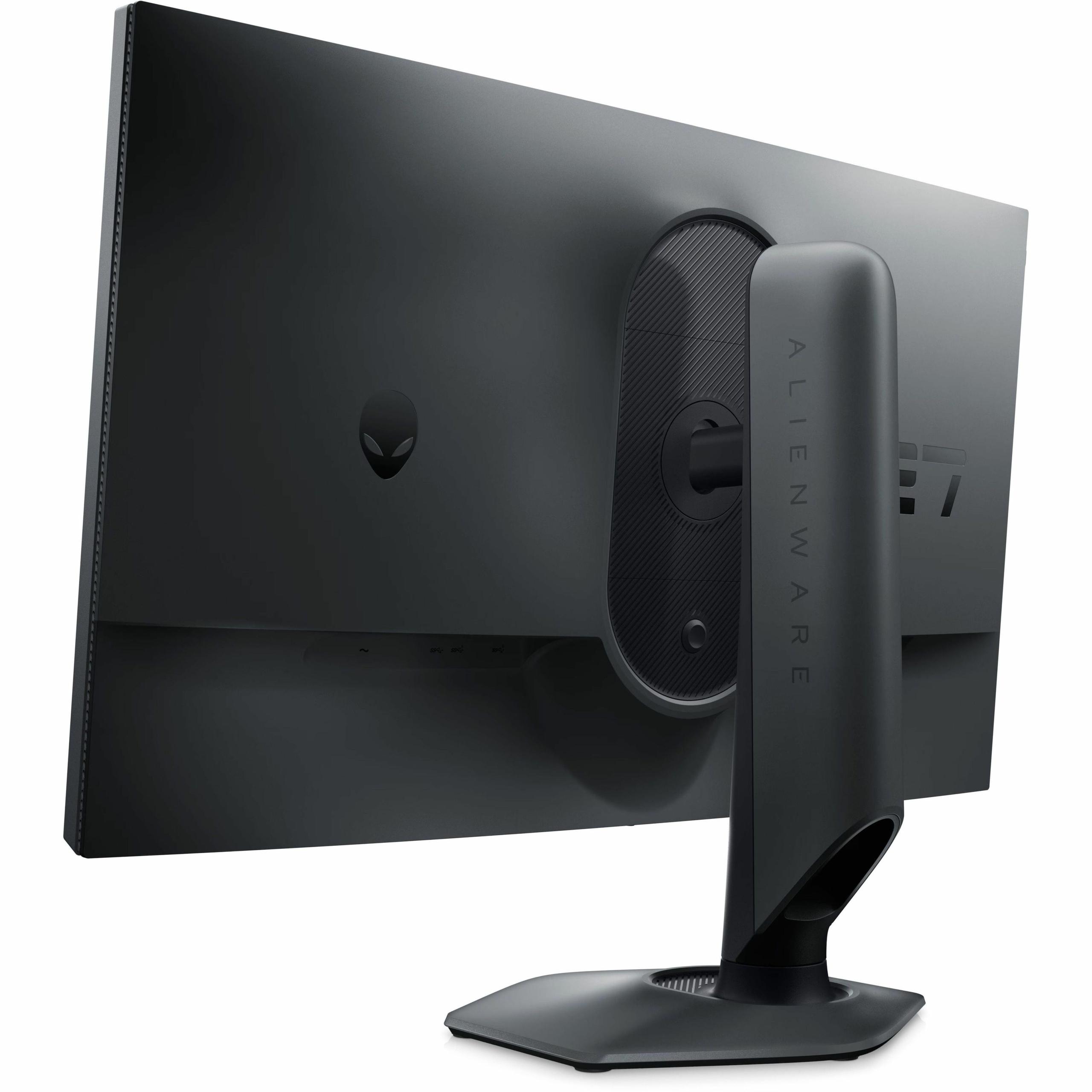
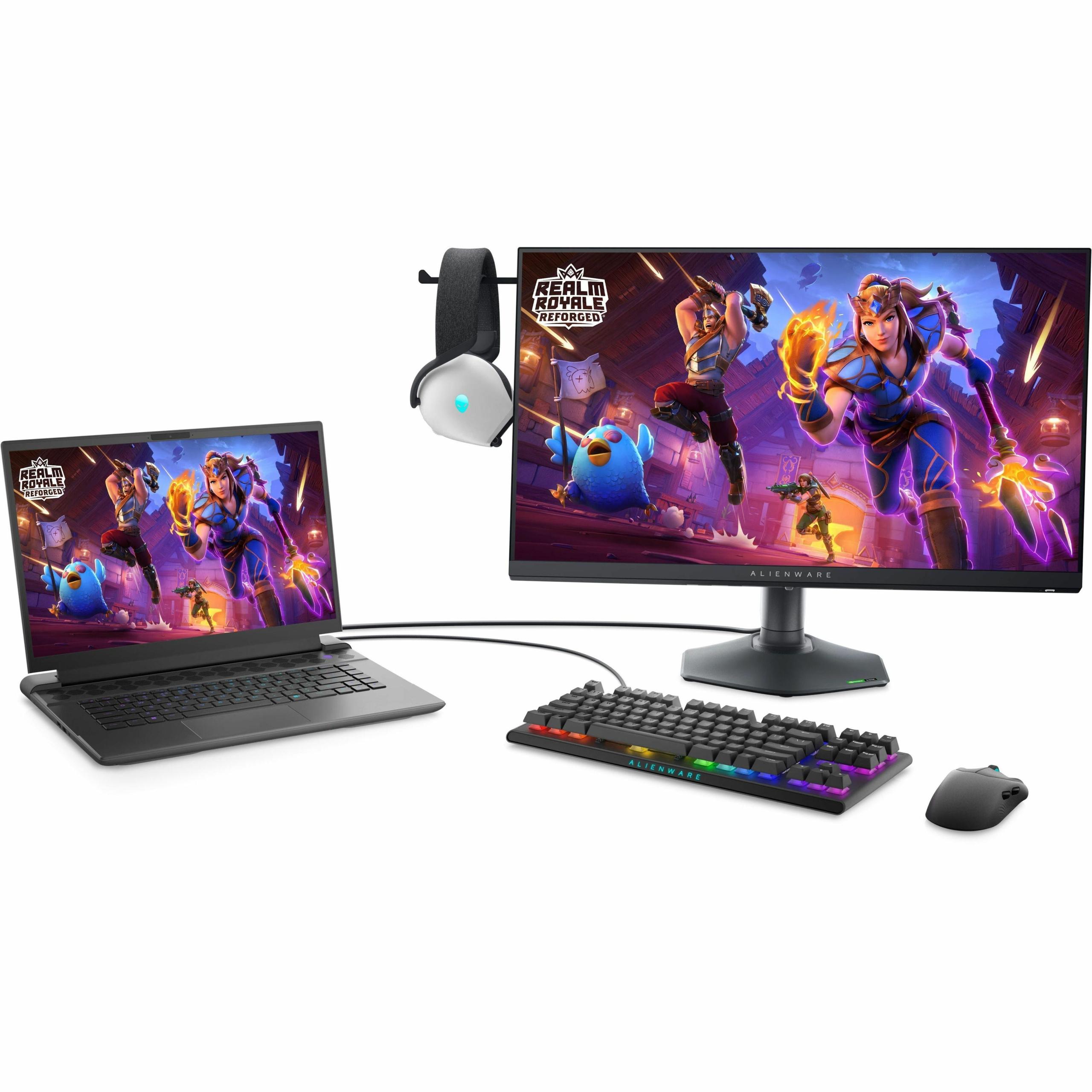
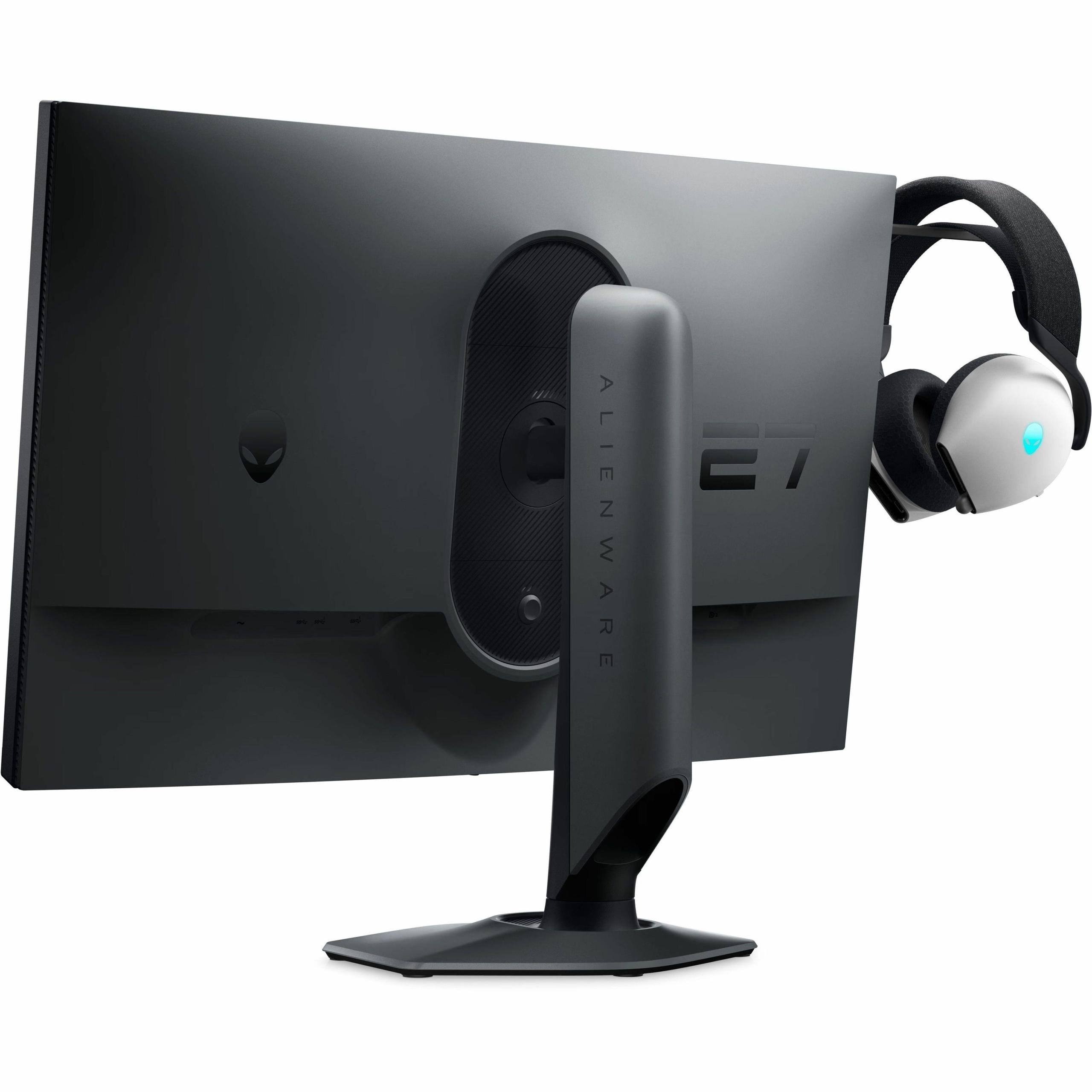
The Alienware AW2724HF includes AlienFX customizable lighting, gaming mode presets optimized for different game genres, and practical features like a retractable headphone hanger. These details show Alienware's focus on the complete competitive gaming experience.
At the time of writing, these monitors occupy different price tiers that reflect their target markets. The Alienware AW2724HF positions itself as an accessible entry point into high-refresh gaming, offering 360Hz performance at a price that makes competitive gaming technology available to more users.
The Acer XV275K P3 commands a premium price that's justified by its advanced Mini LED technology, 4K resolution, and wide color gamut capabilities. For users who prioritize visual quality and plan to use their monitor for multiple purposes beyond gaming, the additional cost provides significant value.
From a long-term perspective, the Acer XV275K P3 offers better future-proofing. As graphics cards become more powerful and 4K gaming becomes mainstream, its resolution advantage will remain relevant for years. The monitor's professional-grade color accuracy also makes it suitable for content creation, effectively serving multiple purposes.
If you're considering either monitor for home theater use, the Acer XV275K P3 is clearly the better choice. Its 4K resolution matches modern streaming content, and the Mini LED backlighting creates an impressive HDR experience for movies and shows. The wide color gamut ensures that Netflix, Disney+, and other streaming services display with accurate, vibrant colors.
The USB-C connectivity also makes it easy to connect streaming devices or laptops for content consumption. However, at 27 inches, both monitors are better suited for near-field viewing rather than across-the-room home theater setups where larger displays would be more appropriate.
The Alienware AW2724HF's 1080p resolution and standard backlighting make it less ideal for home theater use, though it would still work fine for casual movie watching at typical computer desk distances.
Choose the Acer XV275K P3 if you primarily play single-player games, value visual quality above all else, or use your computer for content creation alongside gaming. This monitor excels at making games look absolutely stunning, whether you're exploring detailed game worlds or watching movies during breaks. You'll need a powerful graphics card (RTX 4070 or better) to fully utilize its 4K resolution at high frame rates, but the visual payoff is substantial.
The monitor's versatility makes it an excellent choice for users who want one display that handles gaming, work, and entertainment equally well. The USB-C connectivity is particularly valuable for laptop users who want a premium external display.
Choose the Alienware AW2724HF if competitive gaming is your primary focus, you play fast-paced multiplayer games, or you want maximum gaming performance on a more modest budget. The 360Hz refresh rate creates an almost surreal level of smoothness that competitive gamers consider essential for peak performance.
This monitor also makes sense if you have a mid-range graphics card that would struggle to drive 4K games at high frame rates. You can achieve high refresh rates in competitive games without needing the most expensive hardware.
These two monitors represent how far gaming display technology has advanced in recent years. Just five years ago, most gamers were happy with 1080p displays at 144Hz. Today, we're choosing between 4K displays with advanced local dimming and 360Hz refresh rates that seemed impossible not long ago.
The competitive gaming scene has driven much of this innovation, with professional esports players demanding every possible advantage. Simultaneously, the rise of content creation and streaming has increased demand for monitors that can handle professional color work alongside gaming.
Both approaches have merit, and the "right" choice depends entirely on how you use your computer. The Acer XV275K P3 and Alienware AW2724HF represent the pinnacle of their respective philosophies, making either an excellent choice when matched to the right use case.
The key is being honest about your priorities and understanding that you can't have everything in one monitor – at least not yet. Whether you choose visual fidelity or competitive performance, both of these displays will significantly enhance your gaming experience compared to older or more basic monitors.
| Acer Nitro XV275K P3 27" Mini LED 4K UHD Gaming Monitor | Alienware AW2724HF 27" FHD 360Hz IPS Gaming Monitor |
|---|---|
| Resolution - Determines image sharpness and detail level | |
| 4K UHD (3840 x 2160) - Exceptional detail for immersive gaming | Full HD (1920 x 1080) - Lower detail but easier to drive at high frame rates |
| Refresh Rate - Critical for competitive gaming smoothness | |
| 160Hz - Excellent for most games, smooth motion | 360Hz - Exceptional for competitive esports, unmatched smoothness |
| Panel Technology - Affects color accuracy and contrast | |
| IPS with Mini LED backlighting - Superior HDR and contrast | Fast IPS - Great color accuracy with wide viewing angles |
| HDR Performance - Makes games more visually impactful | |
| VESA DisplayHDR 1000 with 576 local dimming zones - Excellent HDR experience | HDR10 support with standard backlighting - Basic HDR capability |
| Response Time - Reduces motion blur in fast-paced games | |
| 1ms GtG - Very fast, minimal ghosting | 0.5ms GtG - Exceptional speed, virtually no motion blur |
| Color Accuracy - Important for content creation and immersive gaming | |
| 99% Adobe RGB, 98% DCI-P3 - Professional-grade color coverage | 99% sRGB - Excellent for gaming, limited professional use |
| Brightness - Affects visibility in different lighting conditions | |
| 1000 cd/m² peak (HDR) - Brilliant highlights and excellent daytime visibility | 400 cd/m² typical - Good for most environments, adequate brightness |
| Connectivity - Determines device compatibility and convenience | |
| 2x HDMI 2.1, 1x DP 1.4, USB-C with 90W PD - Excellent for laptops and consoles | 2x DP 1.4, 1x HDMI, 4x USB 3.2 ports - PC gaming focused with extensive USB hub |
| Target Use Case - Who each monitor serves best | |
| Single-player gaming, content creation, mixed-use scenarios | Competitive esports, fast-paced multiplayer gaming, budget-conscious gamers |
| Graphics Card Requirements - Hardware needed for optimal performance | |
| High-end GPU (RTX 4070+ recommended) for 4K gaming | Mid-range GPU sufficient for 360Hz in competitive titles |
| Future-Proofing - Long-term relevance and value retention | |
| Excellent - 4K resolution matches current content standards | Good for competitive gaming - may feel limited as 4K becomes standard |
The Alienware AW2724HF is significantly better for competitive gaming due to its 360Hz refresh rate and 0.5ms response time. This creates exceptionally smooth motion and minimal input lag, giving competitive players a real advantage in fast-paced games like CS2, Valorant, and Overwatch. While the Acer Nitro XV275K P3 offers excellent gaming performance at 160Hz, it can't match the responsiveness that serious esports players demand.
The fundamental difference is resolution versus refresh rate. The Acer Nitro XV275K P3 prioritizes visual quality with 4K resolution and advanced Mini LED technology for stunning image quality, while the Alienware AW2724HF focuses on competitive performance with 360Hz refresh rate for maximum smoothness and responsiveness in fast-paced games.
The Acer Nitro XV275K P3 delivers vastly superior picture quality for single-player gaming. Its 4K resolution provides four times the detail of the Alienware AW2724HF, while the Mini LED backlighting with 576 local dimming zones creates exceptional HDR performance with deep blacks and bright highlights that make games look truly cinematic.
Yes, but with different requirements. The Acer Nitro XV275K P3 requires a high-end graphics card (RTX 4070 or better) to drive 4K games at decent frame rates. The Alienware AW2724HF is more forgiving, as mid-range graphics cards can easily achieve 360Hz in competitive games at 1080p resolution.
The Acer Nitro XV275K P3 is excellent for home theater use with its 4K resolution matching modern streaming content and impressive HDR performance that makes movies look vibrant and detailed. The Alienware AW2724HF is adequate for casual movie watching but lacks the resolution and HDR capabilities for a premium viewing experience.
The Acer Nitro XV275K P3 offers professional-grade color accuracy with 99% Adobe RGB and 98% DCI-P3 coverage, making it suitable for content creation alongside gaming. The Alienware AW2724HF provides excellent sRGB coverage for gaming but has limited wider color gamut support, making it less suitable for color-critical professional work.
Value depends on your priorities. The Alienware AW2724HF offers exceptional value for competitive gamers seeking maximum performance without premium pricing. The Acer Nitro XV275K P3 provides better long-term value for users wanting a versatile monitor that excels at gaming, content creation, and entertainment.
The Acer Nitro XV275K P3 is excellent for content creation with its wide color gamut, factory calibration, and 4K resolution providing sharp detail for editing work. The Alienware AW2724HF is not ideal for professional content creation due to its limited color space coverage and 1080p resolution, though it's fine for casual photo editing.
Both monitors offer good connectivity but for different purposes. The Acer Nitro XV275K P3 excels with USB-C connectivity including 90W power delivery, making it perfect for laptop users. The Alienware AW2724HF focuses on PC gaming with multiple DisplayPort connections and an extensive USB hub for gaming peripherals.
The Acer Nitro XV275K P3 delivers true HDR performance with VESA DisplayHDR 1000 certification, 1000 nits peak brightness, and 576 local dimming zones that create impressive contrast. The Alienware AW2724HF offers basic HDR10 support but lacks the brightness and local dimming needed for impactful HDR experiences.
The Acer Nitro XV275K P3 is more future-proof with its 4K resolution matching current content standards and advanced display technology that will remain relevant for years. The Alienware AW2724HF is optimized for current competitive gaming needs but may feel limited as 4K gaming becomes more mainstream.
Choose 4K with the Acer Nitro XV275K P3 if you prioritize visual quality, play single-player games, and have a powerful graphics card. Choose high refresh rate with the Alienware AW2724HF if you play competitive multiplayer games, want maximum responsiveness, or have a mid-range graphics card that struggles with 4K gaming.
We've done our best to create useful and informative comparisons to help you decide what product to buy. Our research uses advanced automated methods to create this comparison and perfection is not possible - please contact us for corrections or questions. These are the sites we've researched in the creation of this article: bestbuy.com - rtings.com - reviewed.com - displayninja.com - youtube.com - displayninja.com - youtube.com - dpreview.com - acer.com - buy.bluum.com - shi.com - camcor.com - newegg.com - provantage.com - displayspecifications.com - colamco.com - displayspecifications.com - walmart.com - bestbuy.com - bestbuy.com - gamesradar.com - bestbuy.com - rtings.com - windowscentral.com - youtube.com - techpowerup.com - dell.com - dellonline.ae - dellonline.co.za - files.bbystatic.com - mysoft.hu - pcgamermexico.com - displayspecifications.com - gzhls.at - bestbuy.com - device.report - newegg.com - multitronic.fi - youtube.com

Privacy Policy
Terms and Conditions - Affiliate Policy
Home Security
© Copyright 2008-2026.
11816 Inwood Rd #1211, Dallas, TX 75244