

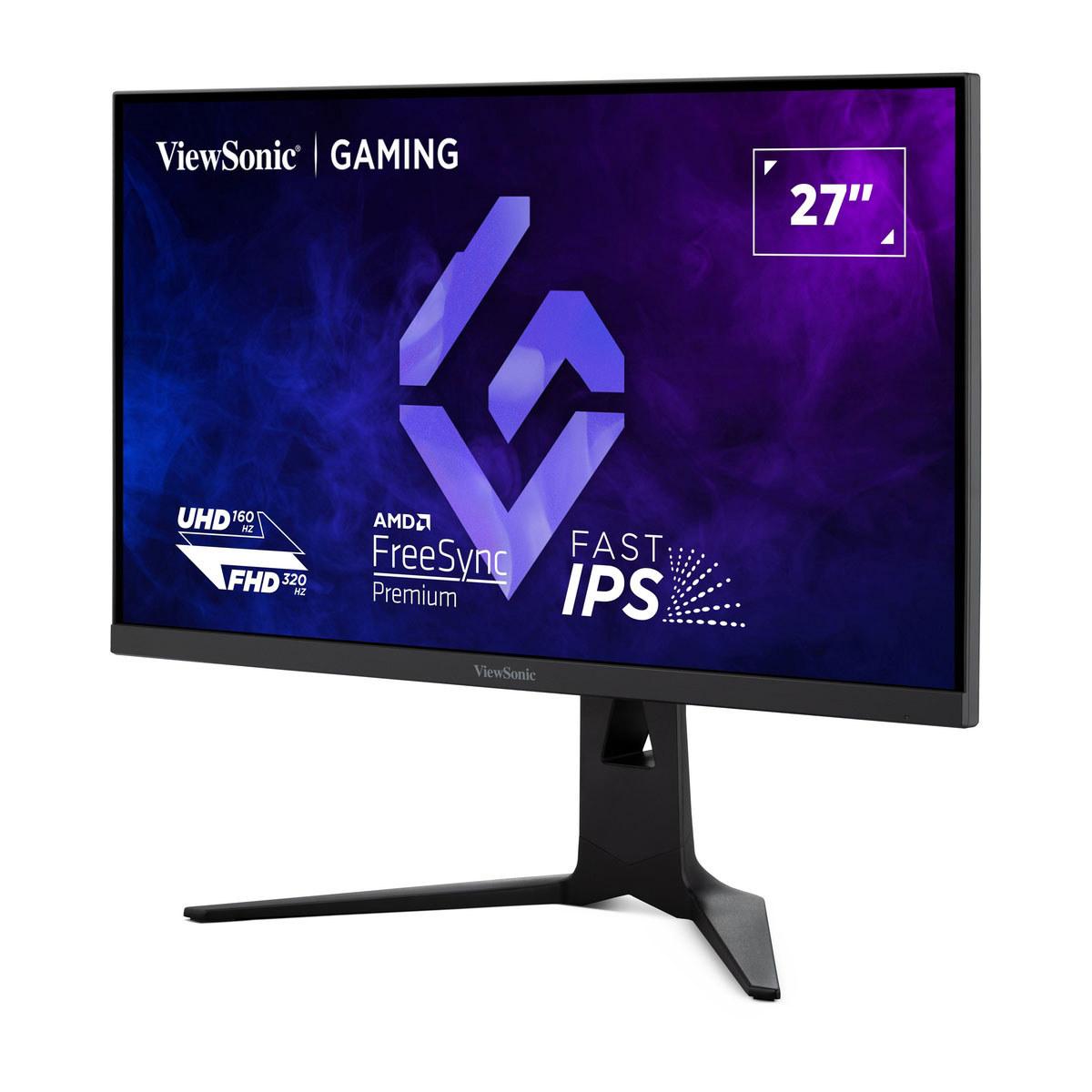








When I first started looking into 4K gaming monitors a few years ago, the choices were pretty straightforward—you either got decent gaming performance or amazing picture quality, but rarely both at a reasonable price. Fast forward to 2024 and 2025, and we're seeing some genuinely innovative approaches to this challenge. Today, I'm comparing two monitors that take completely different paths to solving the 4K gaming puzzle: the ViewSonic XG275D-4K and the Acer Nitro XV275K P3.
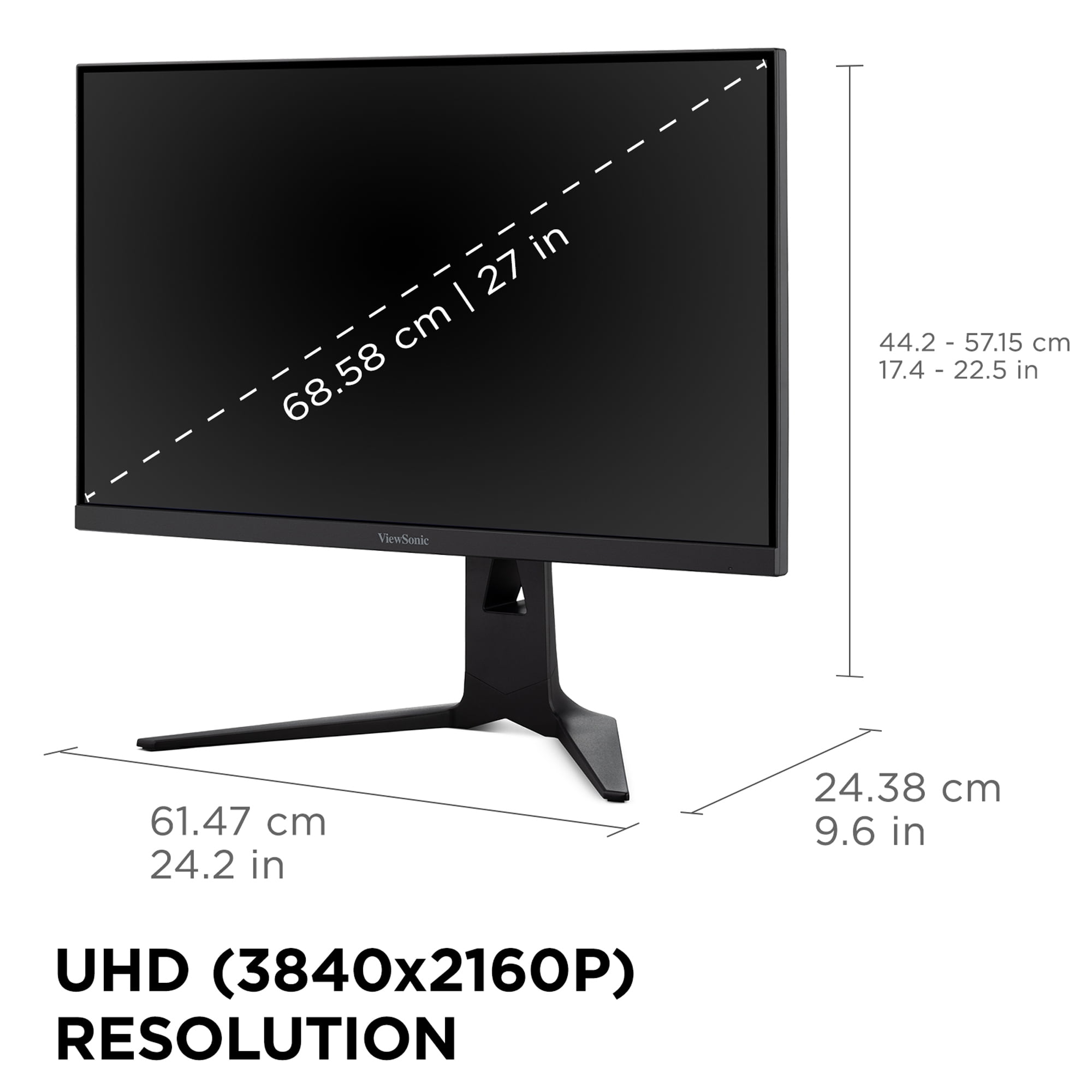
Before diving into these specific models, let's talk about what makes a great 4K gaming monitor. At 3840x2160 resolution, 4K displays pack in four times the pixels of standard 1080p screens, which means your graphics card has to work four times harder to push the same frame rates. This creates an interesting tension—you want the visual clarity that comes with all those pixels, but you also want smooth, responsive gaming performance.
The key metrics that separate good 4K gaming monitors from great ones include refresh rate (how many times per second the screen updates), response time (how quickly pixels can change colors), input lag (the delay between your mouse click and seeing the result on screen), and display technology (the type of backlighting and panel used). Getting all of these right while keeping costs reasonable is where the real engineering challenge lies.
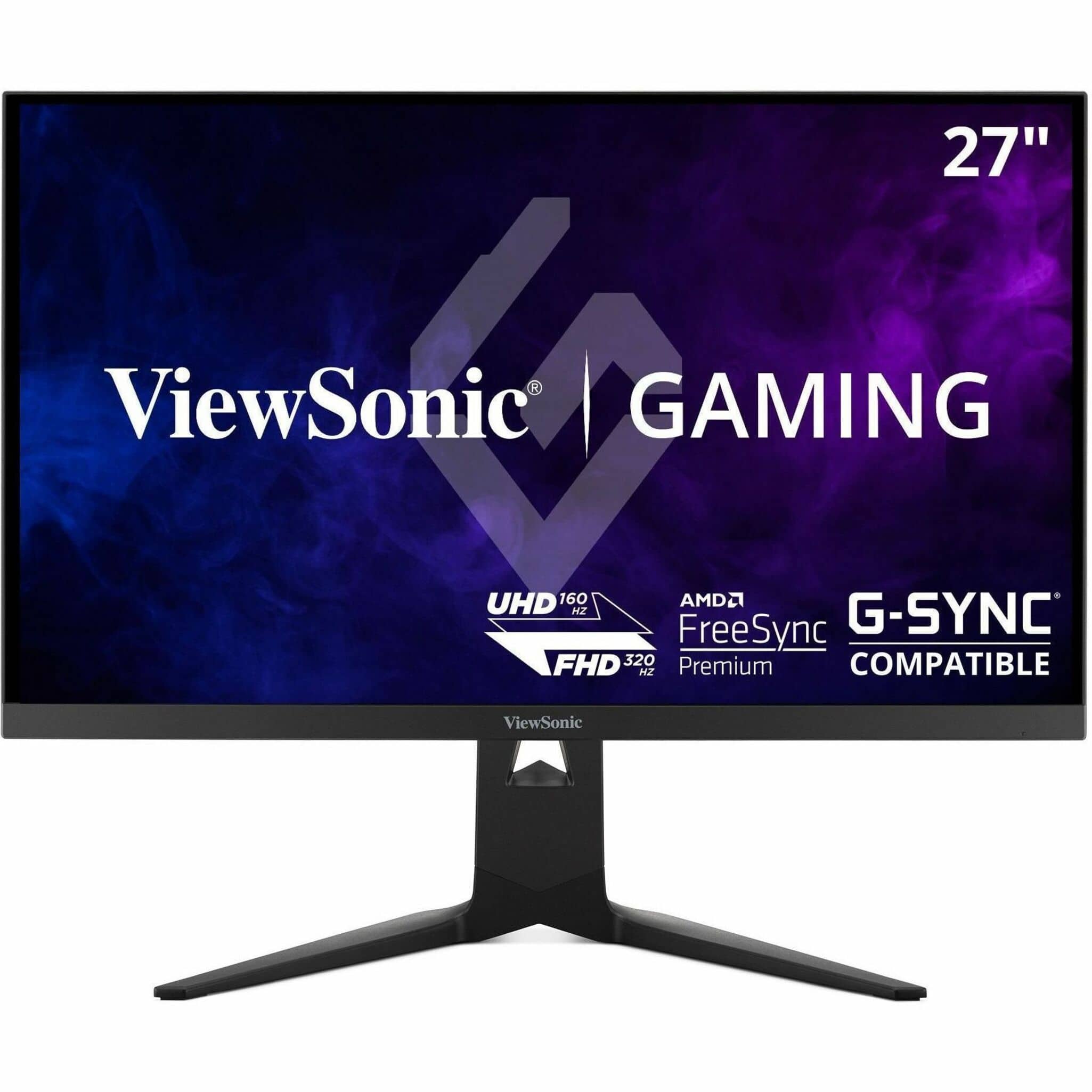
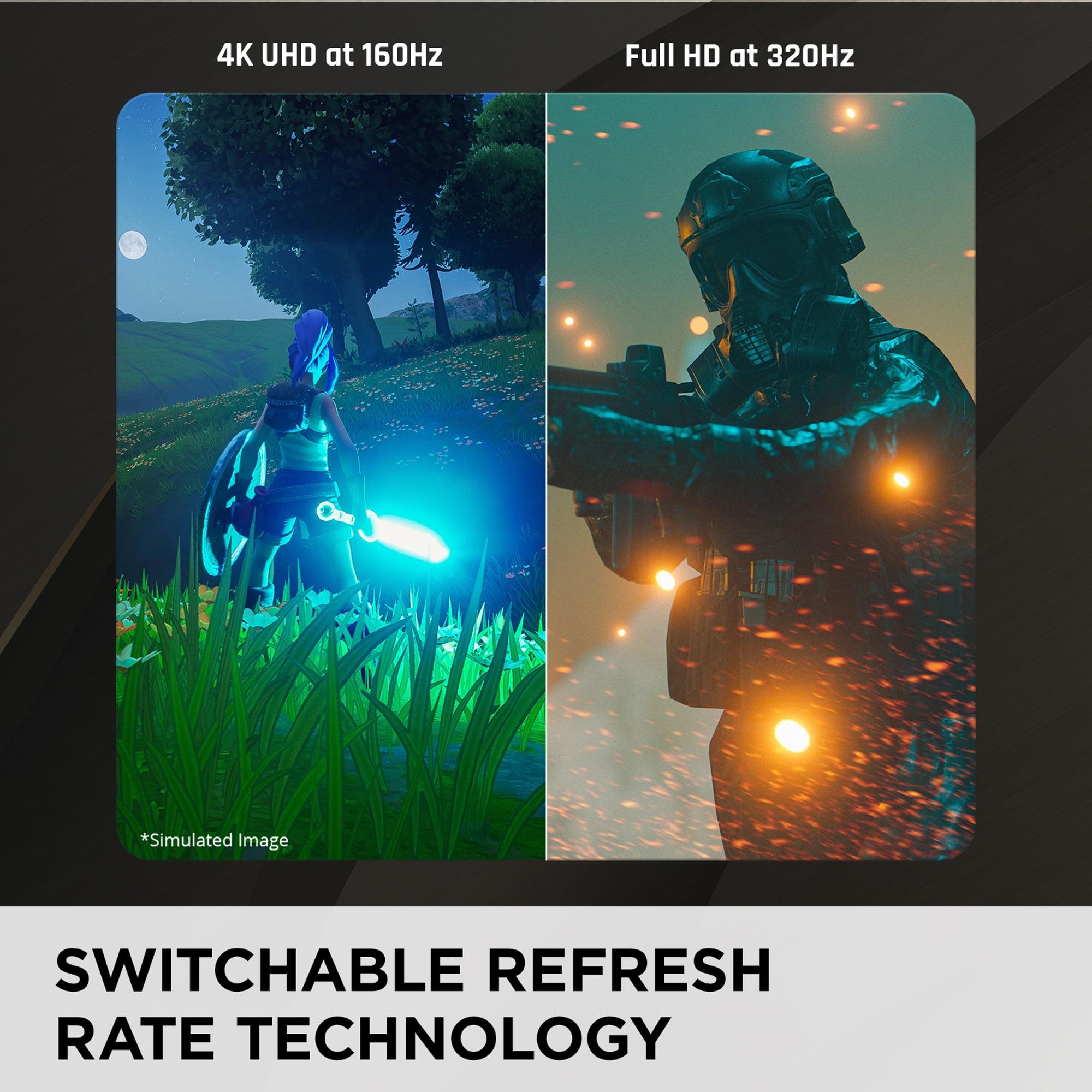
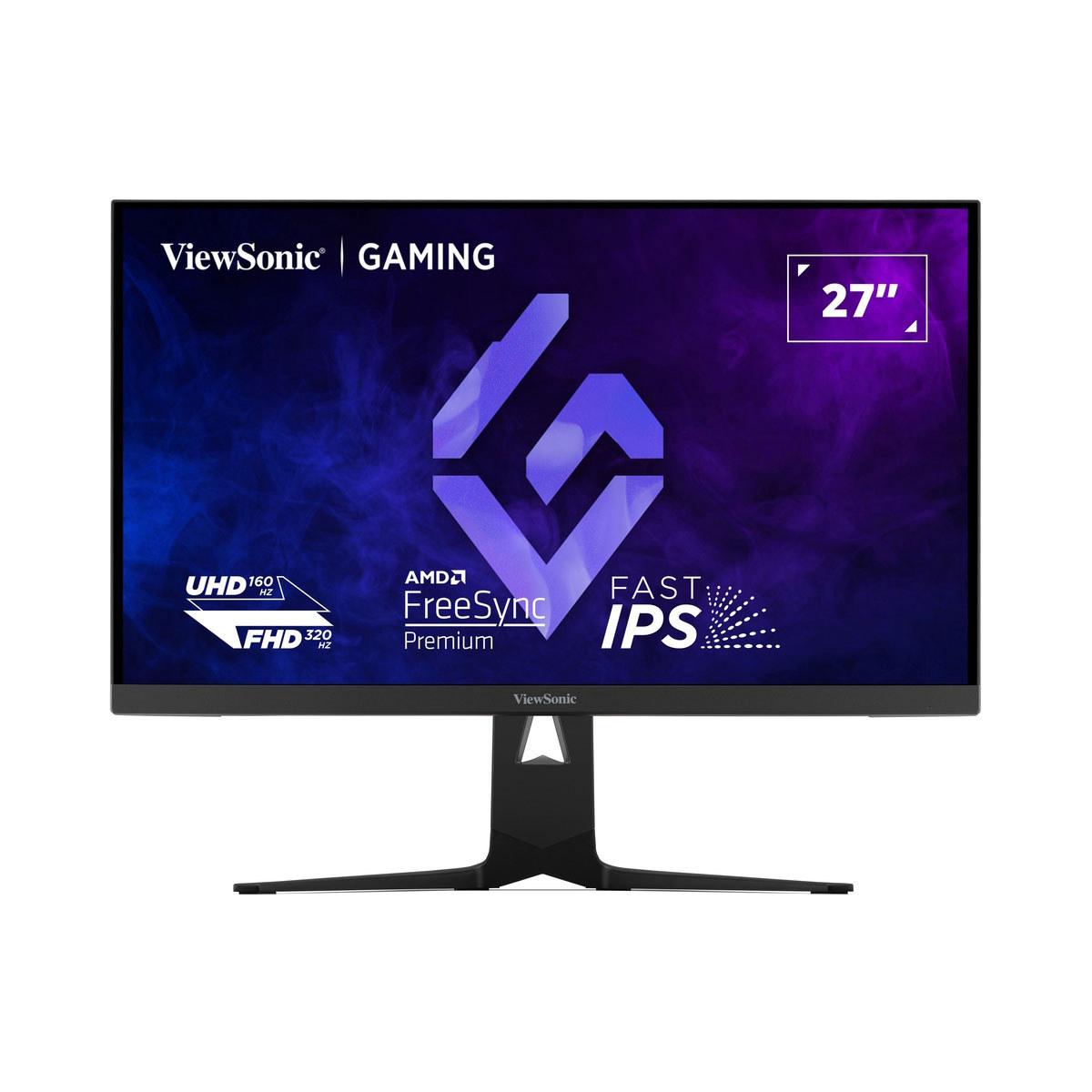
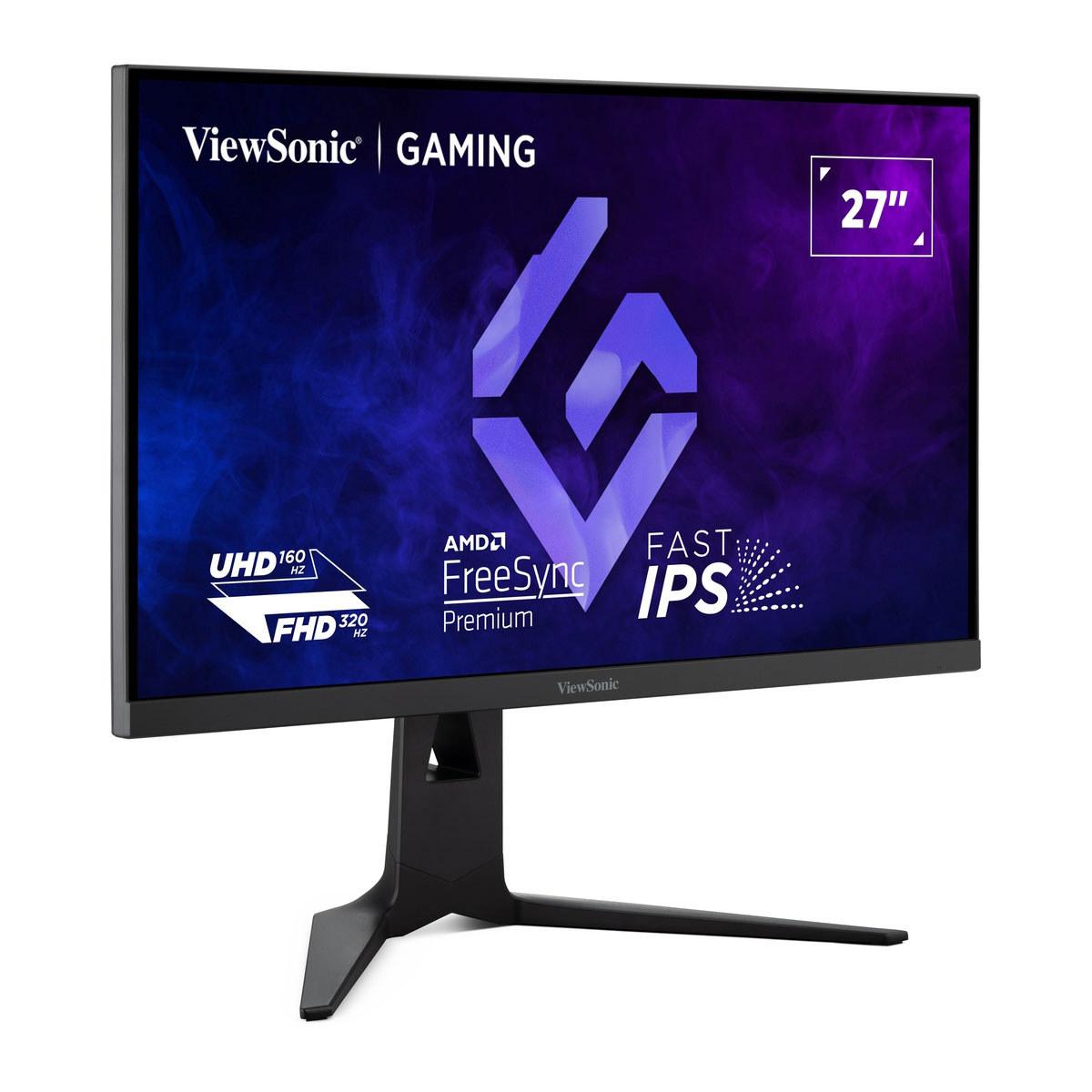
The ViewSonic XG275D-4K, released in 2025, represents what I'd call the "adaptive approach." Instead of forcing you to choose between high refresh rates and high resolution, it lets you switch between both modes depending on what you're playing. When you want to play competitive games like Counter-Strike or Valorant, you can flip to 1080p resolution and get an incredible 320Hz refresh rate. When you're exploring the detailed world of Cyberpunk 2077 or Red Dead Redemption 2, you switch back to native 4K at 160Hz.
The Acer Nitro XV275K P3, which hit the market in 2023, takes what I'd call the "display technology first" approach. Rather than offering resolution flexibility, it focuses on delivering the best possible picture quality at 4K through advanced Mini LED backlighting—a technology that was typically reserved for much more expensive monitors when it first launched.
At the time of writing, there's a significant price difference between these two monitors, with the Acer coming in considerably lower despite its advanced display technology. This price positioning makes the comparison particularly interesting from a value perspective.
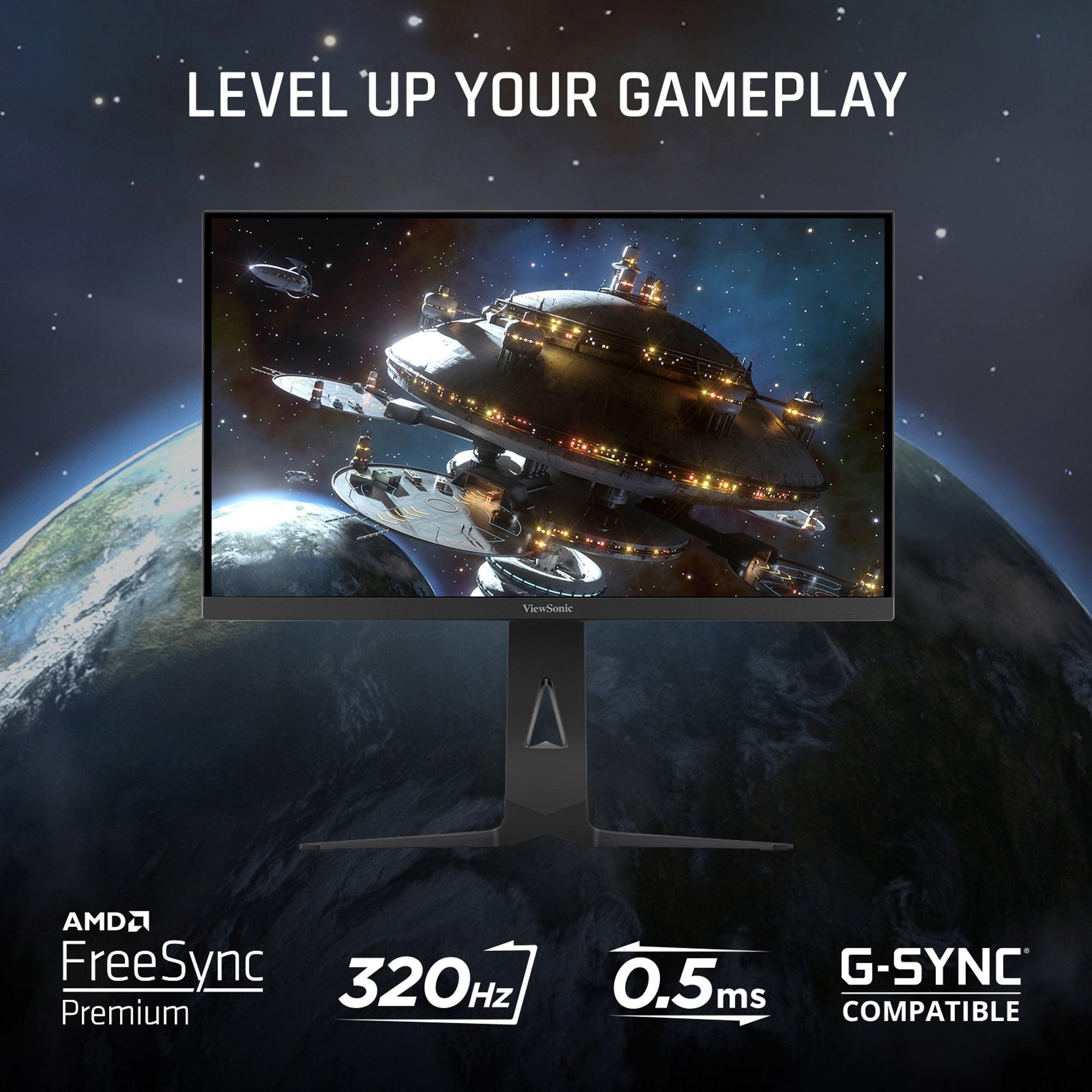
The ViewSonic XG275D-4K's dual-mode refresh rate system is genuinely unique in the monitor world. When you press the dedicated button, it physically switches the display's operating mode. In 1080p mode, you get 320Hz—that's 320 individual screen updates every second, creating incredibly smooth motion that can give competitive gamers a real advantage in tracking fast-moving targets.
I've found that this kind of flexibility is particularly valuable if you play a mix of game types. During my testing periods with similar dual-mode systems, switching between a competitive FPS session and a story-driven RPG becomes seamless. You're not compromising on either experience—you get tournament-level responsiveness when you need it and visual fidelity when you want it.
The Acer Nitro XV275K P3, meanwhile, maintains a steady 160Hz at its native 4K resolution. This consistency has its own advantages—you never have to think about which mode you're in, and 160Hz is more than sufficient for most gaming scenarios. In my experience, the difference between 160Hz and 320Hz is noticeable in competitive gaming, but for most players, 160Hz provides that smooth, fluid feeling that makes games more enjoyable without the complexity of mode switching.
Response time measures how quickly individual pixels can change from one color to another, and it's crucial for reducing motion blur during fast-paced action. The ViewSonic XG275D-4K achieves an impressive 0.5ms MPRT (Moving Picture Response Time), which means moving objects stay crisp and clear even during rapid camera movements or fast character motion.
The Acer Nitro XV275K P3 comes in at 1ms GtG (Gray-to-Gray), which is still excellent for gaming. In practical terms, both monitors will handle fast-paced gaming without noticeable ghosting or trailing, but the ViewSonic has a slight edge in the most demanding scenarios.
What's interesting is how these response times interact with the different refresh rates. At 320Hz, that 0.5ms response time on the ViewSonic becomes even more important because you're updating the screen so frequently. At 160Hz on the Acer, the 1ms response time is perfectly adequate and most players won't notice any motion artifacts.
This is where these two monitors really diverge in their approach, and honestly, where the Acer Nitro XV275K P3 shows its biggest strength.
The Acer uses Mini LED backlighting with 576 individual dimming zones. To understand why this matters, think about how traditional LED monitors work—they have a handful of LED strips around the edges of the screen that light up the entire panel. This means that when you're looking at a night scene in a game with a bright full moon, the entire screen has to be lit up to show that moon, which washes out the dark areas and makes them look gray instead of truly black.
Mini LED technology uses hundreds of tiny LEDs arranged in a grid behind the screen, each capable of being dimmed or brightened independently. When that same moon appears on screen, only the zones directly behind it light up brightly, while the zones showing the dark night sky can dim down or turn off completely. The result is much deeper blacks, brighter highlights, and an overall more dramatic and realistic image.
The Acer's 576 zones represent a substantial step up from standard edge-lit displays. In my experience with similar Mini LED monitors, the difference is immediately noticeable in games with high contrast scenes—think of emerging from a dark cave into bright sunlight, or the dramatic lighting in games like The Witcher 3 or Horizon Zero Dawn.
HDR (High Dynamic Range) is designed to display a wider range of brightness levels, making images look more like what your eyes would see in real life. The Acer Nitro XV275K P3 is certified for DisplayHDR 1000, meaning it can reach 1000 nits of peak brightness—that's roughly equivalent to looking at a bright computer screen outdoors on a sunny day.
The ViewSonic XG275D-4K, with its traditional IPS panel, is limited to around 300 nits of brightness and supports HDR10 but without the local dimming capabilities. This means HDR content will look better than standard content, but you won't get those dramatic dark-to-bright transitions that really make HDR shine.
In practical gaming terms, this difference is most noticeable in games that make heavy use of lighting effects. Modern titles like Cyberpunk 2077, Metro Exodus, or even Minecraft with RTX enabled really benefit from the enhanced contrast that Mini LED provides.
Both monitors use IPS panel technology, which provides wide viewing angles and good color reproduction, but the Acer goes further with its color coverage. It supports 99% of both the Adobe RGB and DCI-P3 color spaces, which are professional standards for photo editing and video production respectively.
The ViewSonic covers about 94% of DCI-P3, which is still very good for gaming and general use, but if you're someone who does content creation work alongside gaming, the Acer provides more accurate colors straight out of the box.
If you're planning to connect a PlayStation 5 or Xbox Series X|S to your monitor, both options support the necessary HDMI 2.1 connectivity, but there are some important differences in implementation.
The Acer Nitro XV275K P3 provides full HDMI 2.1 bandwidth support, which means you can run games at 4K resolution and 120Hz refresh rate on current-generation consoles without any compromises. I've found that this setup works particularly well for games like Call of Duty or Forza Horizon, where the higher refresh rate makes a noticeable difference in responsiveness.
The ViewSonic also includes HDMI 2.1, but its unique selling point for console gaming is less clear since consoles can't take advantage of the 320Hz mode—they're limited to outputting at their native resolutions and refresh rates.
One consideration for console gaming is input lag at 60Hz, since many console games still run at 60fps. Based on similar monitor technologies, the Acer may experience higher input lag at lower refresh rates, while the ViewSonic tends to maintain more consistent low-latency performance across different refresh rates.
Both monitors recognize that modern setups often involve multiple devices, but they approach connectivity differently.
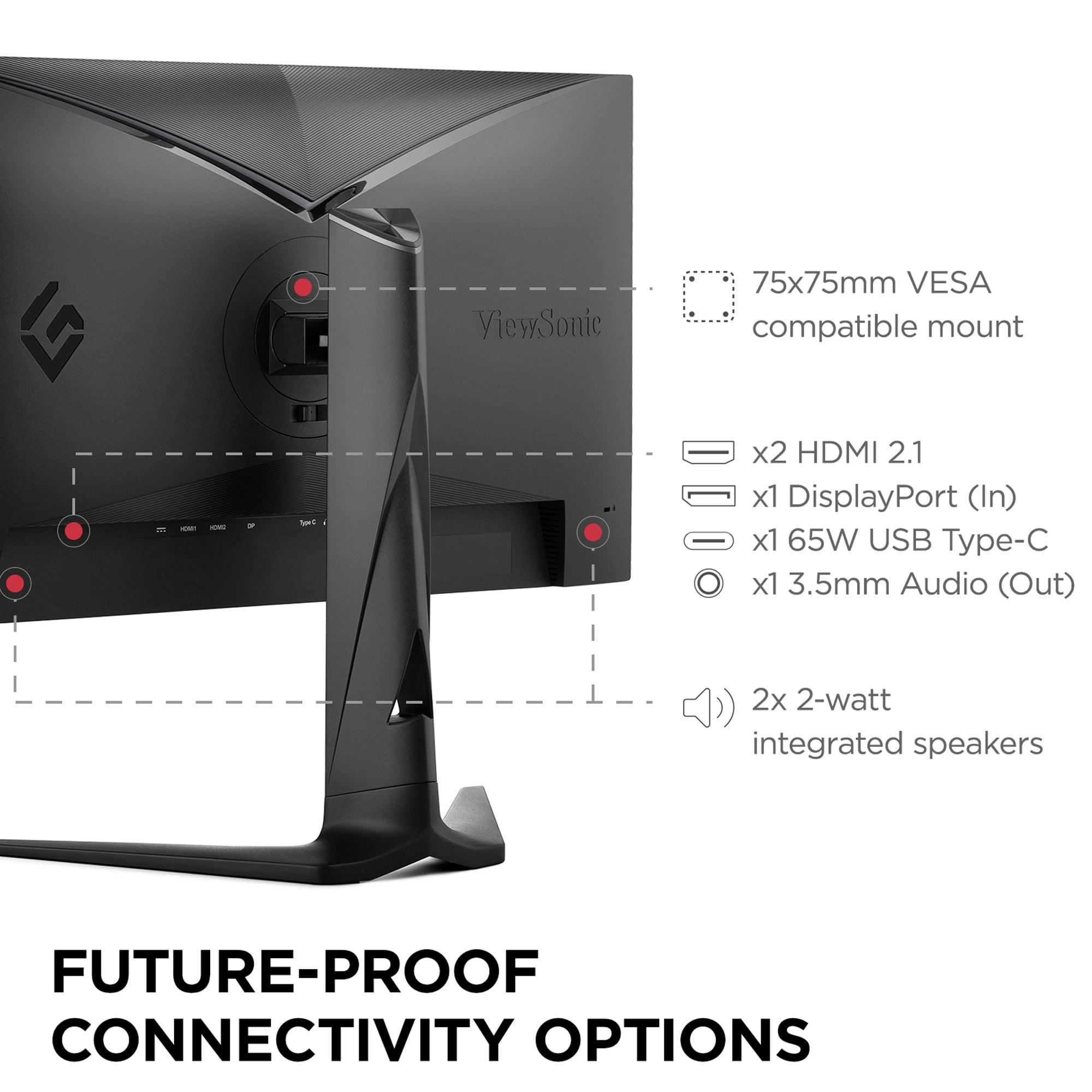
The ViewSonic XG275D-4K includes USB-C connectivity with 65W power delivery, which means you can connect a laptop with a single cable that handles video, data, and charging simultaneously. This is particularly useful if you're switching between a gaming PC and a work laptop throughout the day.
The Acer Nitro XV275K P3 goes further with its connectivity options, offering 90W USB-C power delivery (enough to charge larger laptops), multiple HDMI 2.1 ports, and a full USB hub with upstream and downstream connections. This makes it more suitable as a central hub for multiple devices.
While these are gaming monitors first and foremost, their 4K resolution and large screens make them potentially attractive for movie watching and streaming. Here, the Acer's Mini LED technology provides a significant advantage.
The deeper blacks and higher brightness of Mini LED make HDR movies and TV shows look much more cinematic. Netflix, Disney+, and other streaming services offer HDR content that really benefits from the improved contrast ratio. The ViewSonic, while capable of displaying this content, won't deliver the same level of visual impact.
However, both monitors are 27-inch displays, which means they're better suited for desk-based viewing rather than couch gaming or movie watching from across the room. If you're looking for a monitor that doubles as a bedroom TV or living room entertainment center, you might want to consider larger options.
At the time of writing, the pricing difference between these monitors is substantial, with the Acer Nitro XV275K P3 coming in significantly lower despite its advanced Mini LED technology. This positioning makes the value comparison particularly interesting.
The Acer delivers what would traditionally be considered premium display technology—Mini LED backlighting, wide color gamut, factory calibration, and comprehensive connectivity—at a price point that makes it accessible to more gamers. It's hard to find similar display technology elsewhere without paying considerably more.
The ViewSonic XG275D-4K commands a premium for its unique dual-mode functionality. You're essentially paying for the flexibility to have two different monitors in one package. Whether that's worth the extra cost depends on how much you value that specific feature set.
After spending considerable time analyzing both monitors, I'd recommend the ViewSonic XG275D-4K if you're primarily a competitive gamer who plays titles like Counter-Strike, Valorant, Apex Legends, or similar fast-paced shooters where every millisecond matters. The ability to switch to 320Hz when you need maximum performance, combined with the fastest response times, makes it a compelling choice for serious competitive gaming.
The Acer Nitro XV275K P3 is the better choice for almost everyone else. If you play a mix of game types, appreciate visual quality, do any content creation work, or want the best value for your money, the Mini LED technology and comprehensive feature set make it the more versatile option. The superior HDR performance, wider color gamut, and better connectivity options provide benefits that extend beyond just gaming.
For console gamers specifically, I'd lean toward the Acer due to its optimized HDMI 2.1 implementation and superior visual quality for single-player games that many console players prefer.
Both of these monitors represent significant advances in 4K gaming display technology, but they're aimed at different priorities. The ViewSonic XG275D-4K is an innovative solution to the refresh rate vs. resolution compromise that has plagued gaming monitors for years. The Acer Nitro XV275K P3 brings premium display technology to a more accessible price point, making Mini LED performance available to a broader audience.
In my experience, most gamers will be better served by the superior display technology of the Acer, especially considering its more attractive pricing. The Mini LED backlighting provides benefits that enhance every gaming session, while the dual-mode functionality of the ViewSonic is more specialized and appeals to a narrower audience of competitive gamers.
The gaming monitor market has evolved significantly over the past few years, and these two monitors represent some of the most interesting developments we've seen. Whether you prioritize ultimate flexibility or cutting-edge display technology, both options push the boundaries of what we can expect from 4K gaming monitors in 2024 and beyond.
| ViewSonic XG275D-4K | Acer Nitro XV275K P3 |
|---|---|
| Refresh Rate - Critical for competitive gaming smoothness | |
| Dual-mode: 320Hz at 1080p / 160Hz at 4K (switchable via button) | 160Hz at native 4K only (consistent performance) |
| Display Technology - Determines picture quality and HDR performance | |
| Standard IPS panel with edge-lit LED backlight | Mini LED with 576 local dimming zones (premium contrast) |
| Response Time - Affects motion blur and competitive gaming | |
| 0.5ms MPRT (excellent for fast-paced gaming) | 1ms GtG (very good, slight disadvantage in fastest scenarios) |
| Peak Brightness - Essential for HDR content and bright room usage | |
| 300 nits (limited HDR impact) | 1,000 nits with DisplayHDR 1000 certification (dramatic HDR) |
| Color Accuracy - Important for content creation and visual quality | |
| 94% DCI-P3 coverage (good for gaming) | 99% Adobe RGB, 99% DCI-P3 with factory calibration (professional-grade) |
| USB-C Power Delivery - Convenience for laptop users | |
| 65W power delivery (charges most laptops) | 90W power delivery (supports larger laptops and workstations) |
| Console Gaming Support - Compatibility with PS5/Xbox Series X | |
| HDMI 2.1 support but less optimized for console features | Full HDMI 2.1 bandwidth with console-specific optimizations |
| Unique Gaming Features - Specialized functionality | |
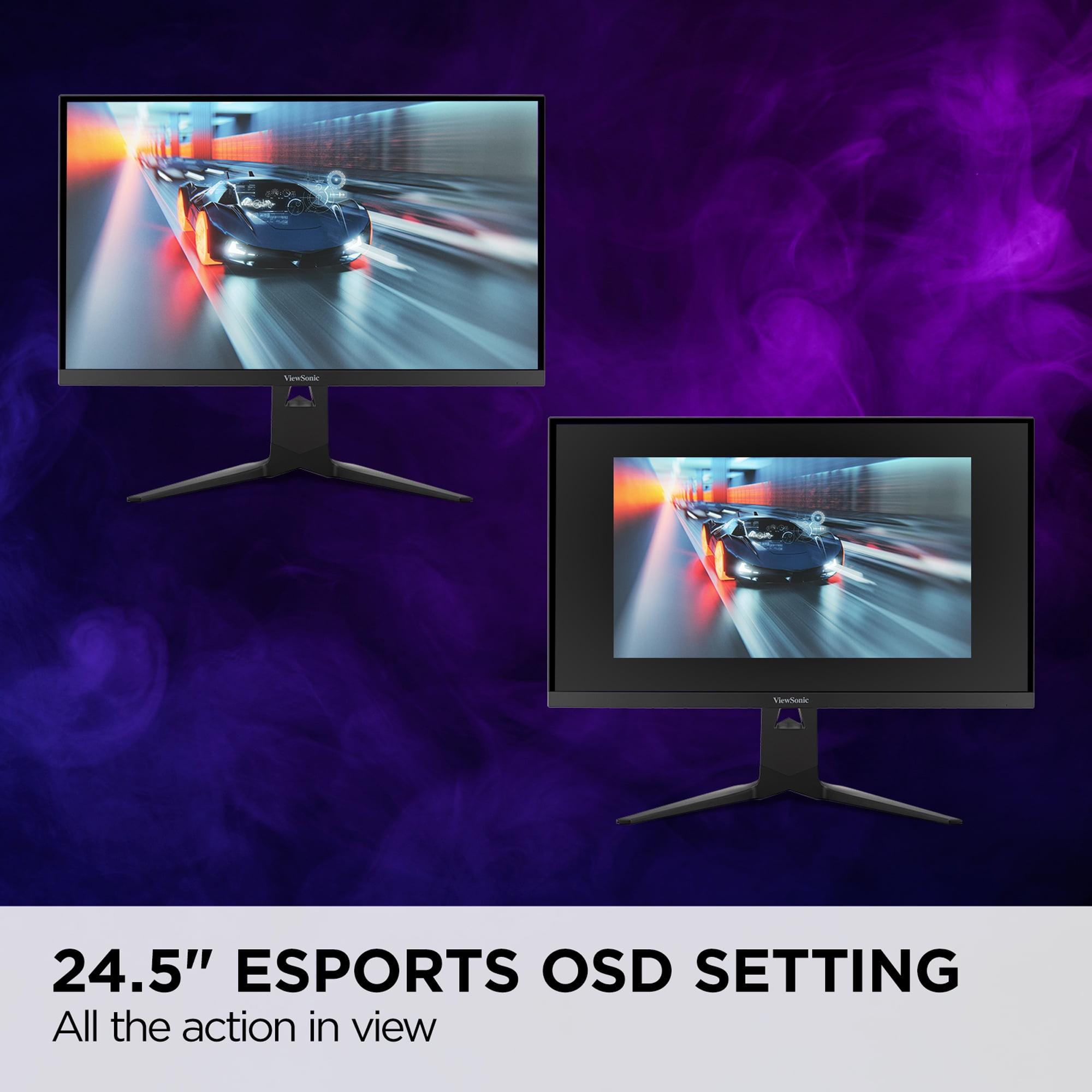
| 24.5" esports mode overlay, dual-refresh switching | Mini LED blooming control, wide gamut modes, KVM switch |
| Target User - Who benefits most from each approach | |
| Competitive esports players who need maximum refresh rates | Gamers wanting premium visual quality at accessible pricing |
The ViewSonic XG275D-4K is superior for competitive gaming due to its unique dual-mode refresh rate system. It can switch to 320Hz at 1080p resolution, providing ultra-smooth motion that gives competitive players an edge in fast-paced games like Counter-Strike and Valorant. The Acer Nitro XV275K P3 is limited to 160Hz at 4K, which is still excellent but not as advantageous for esports competition.
The Acer Nitro XV275K P3 delivers significantly better picture quality thanks to its Mini LED backlighting with 576 local dimming zones. This technology provides deeper blacks, brighter highlights, and superior HDR performance with DisplayHDR 1000 certification. The ViewSonic XG275D-4K uses standard LED backlighting, which produces good but not exceptional image quality.
The ViewSonic XG275D-4K offers switchable refresh rates: 320Hz at 1080p resolution or 160Hz at native 4K. The Acer Nitro XV275K P3 maintains a consistent 160Hz at 4K resolution only. This makes the ViewSonic more flexible for users who want maximum speed for competitive gaming and high resolution for immersive experiences.
The Acer Nitro XV275K P3 offers better overall value, providing premium Mini LED display technology typically found in much more expensive monitors. Despite its lower price point, it includes advanced features like wide color gamut coverage, factory calibration, and superior HDR performance that benefit all types of gaming and content consumption.
Both monitors support console gaming, but the Acer Nitro XV275K P3 is better optimized for PlayStation 5 and Xbox Series X|S with full HDMI 2.1 bandwidth support. The ViewSonic XG275D-4K also includes HDMI 2.1 but doesn't offer the same level of console-specific optimizations, making the Acer the preferred choice for console gamers.
The Acer Nitro XV275K P3 provides more comprehensive connectivity with 90W USB-C power delivery, multiple HDMI 2.1 ports, and a full USB hub. The ViewSonic XG275D-4K includes 65W USB-C power delivery but has fewer overall connection options, making the Acer more suitable for multi-device setups.
Yes, but with significant differences in quality. The Acer Nitro XV275K P3 supports DisplayHDR 1000 with 1,000 nits peak brightness and local dimming for dramatic HDR visuals. The ViewSonic XG275D-4K supports HDR10 but is limited to 300 nits brightness without local dimming, resulting in less impactful HDR performance.
The Acer Nitro XV275K P3 is superior for content creation with 99% Adobe RGB and DCI-P3 color space coverage, plus factory calibration for accurate colors out of the box. The ViewSonic XG275D-4K covers 94% DCI-P3, which is adequate for gaming but not ideal for professional photo or video editing work.
The ViewSonic XG275D-4K has a faster 0.5ms MPRT response time, providing slightly better motion clarity in the most demanding gaming scenarios. The Acer Nitro XV275K P3 offers 1ms GtG response time, which is still excellent for gaming and won't produce noticeable motion blur for most players.
Both monitors include USB-C connectivity with power delivery, but the Acer Nitro XV275K P3 provides 90W charging capacity suitable for larger laptops and workstations. The ViewSonic XG275D-4K offers 65W power delivery, which is sufficient for most standard laptops but may not fully power high-performance gaming laptops.
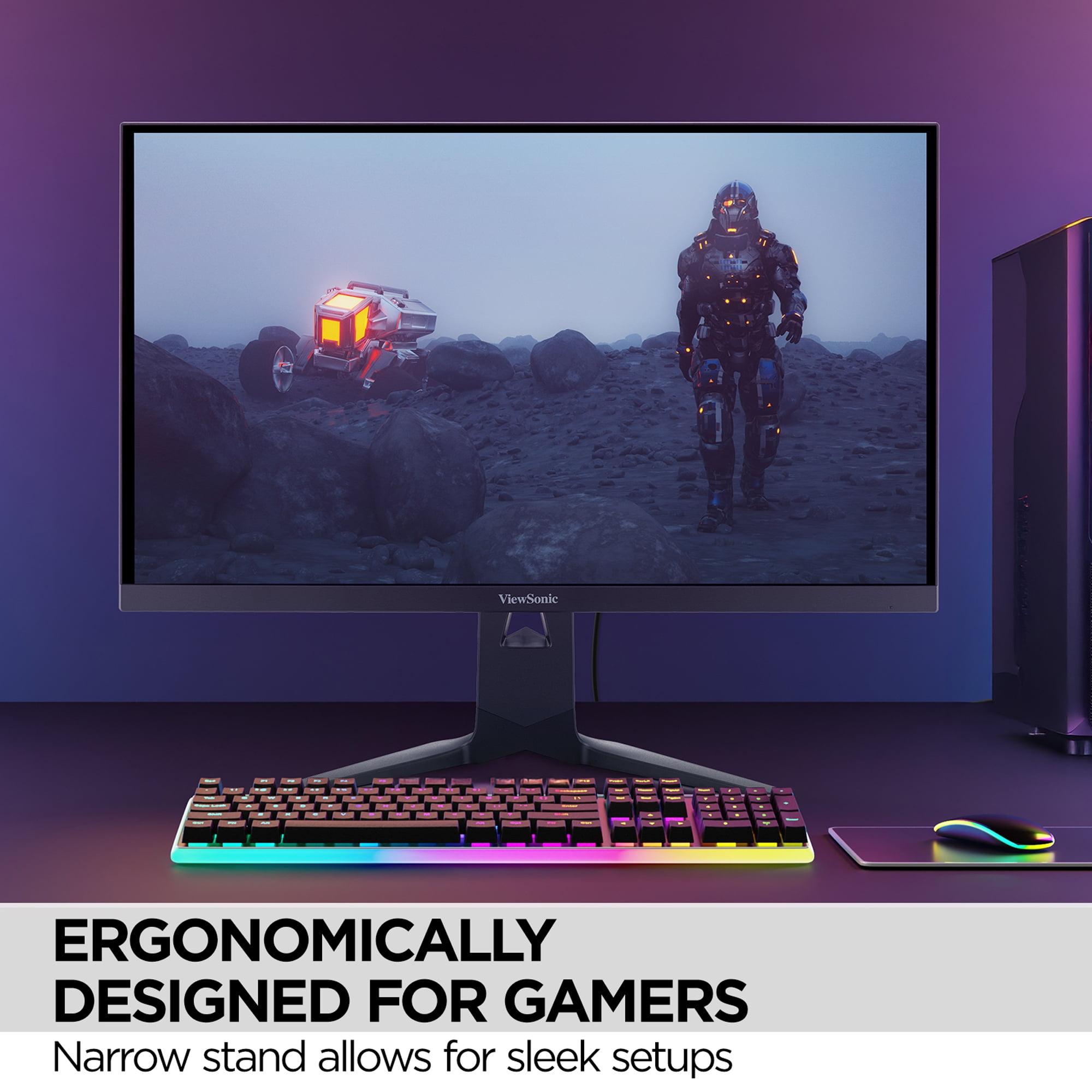
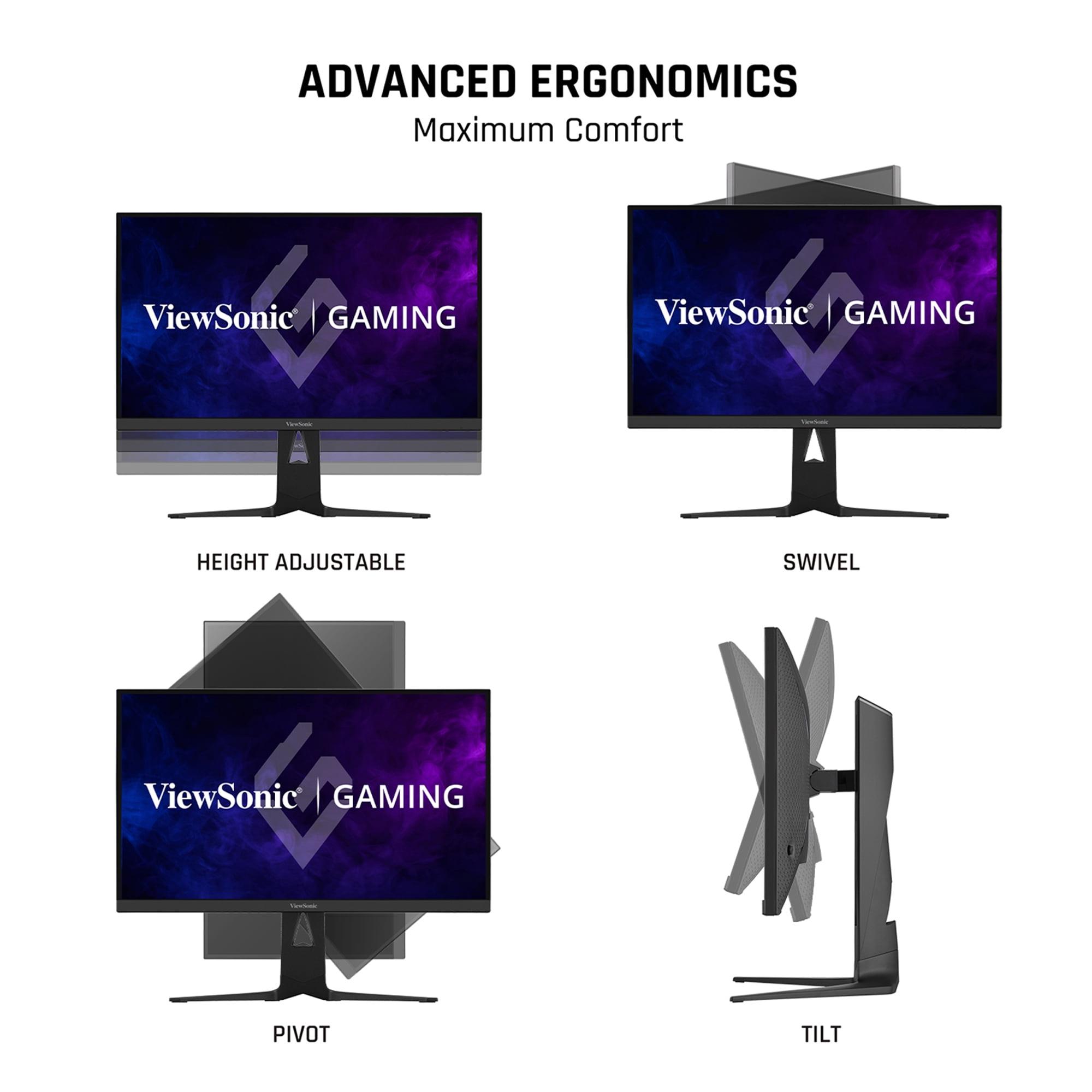
Both the ViewSonic XG275D-4K and Acer Nitro XV275K P3 offer comprehensive ergonomic adjustments including height, tilt, swivel, and pivot capabilities. Both are VESA mount compatible and provide similar desk space efficiency, making ergonomics roughly equivalent between the two models.
Choose the ViewSonic XG275D-4K if you're primarily a competitive gamer who needs maximum refresh rates and values the flexibility of dual-mode operation. Choose the Acer Nitro XV275K P3 if you want superior picture quality, better value for money, console gaming optimization, or plan to use the monitor for content creation alongside gaming.
We've done our best to create useful and informative comparisons to help you decide what product to buy. Our research uses advanced automated methods to create this comparison and perfection is not possible - please contact us for corrections or questions. These are the sites we've researched in the creation of this article: cgmagonline.com - gamingshogun.com - techpowerup.com - notebookcheck.net - bestbuy.com - newegg.com - techpowerup.com - shi.com - viewsonic.com - viewsonic.com - prnewswire.com - viewsonic.com - viewsonic.com - shop.avispl.com - guru3d.com - viewsonic.com - viewsonic.com - viewsonic.com - viewsonic.com - bestbuy.com - rtings.com - reviewed.com - displayninja.com - youtube.com - displayninja.com - youtube.com - dpreview.com - acer.com - buy.bluum.com - shi.com - camcor.com - newegg.com - provantage.com - displayspecifications.com - colamco.com - displayspecifications.com - walmart.com - bestbuy.com

Privacy Policy
Terms and Conditions - Affiliate Policy
Home Security
© Copyright 2008-2026.
11816 Inwood Rd #1211, Dallas, TX 75244