










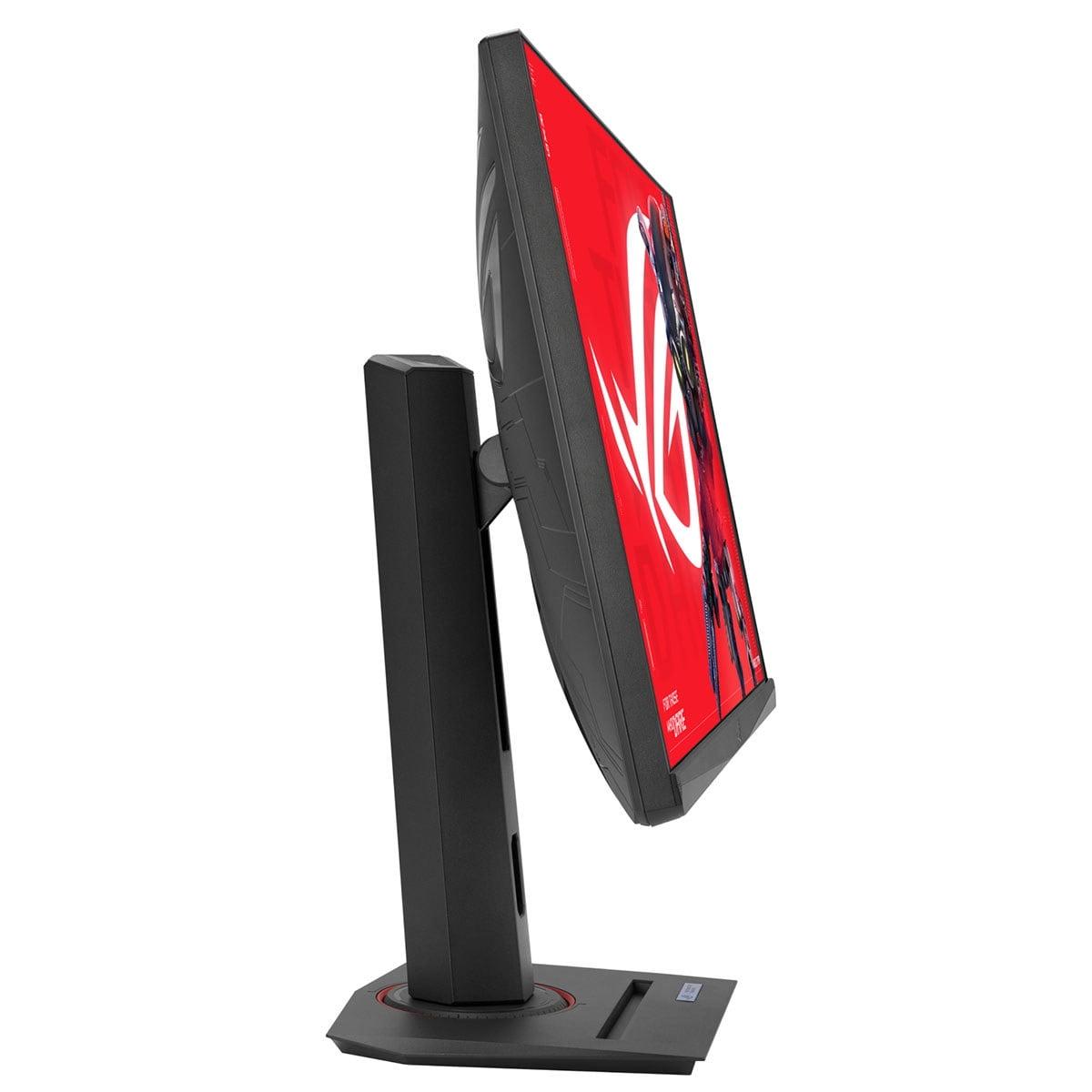
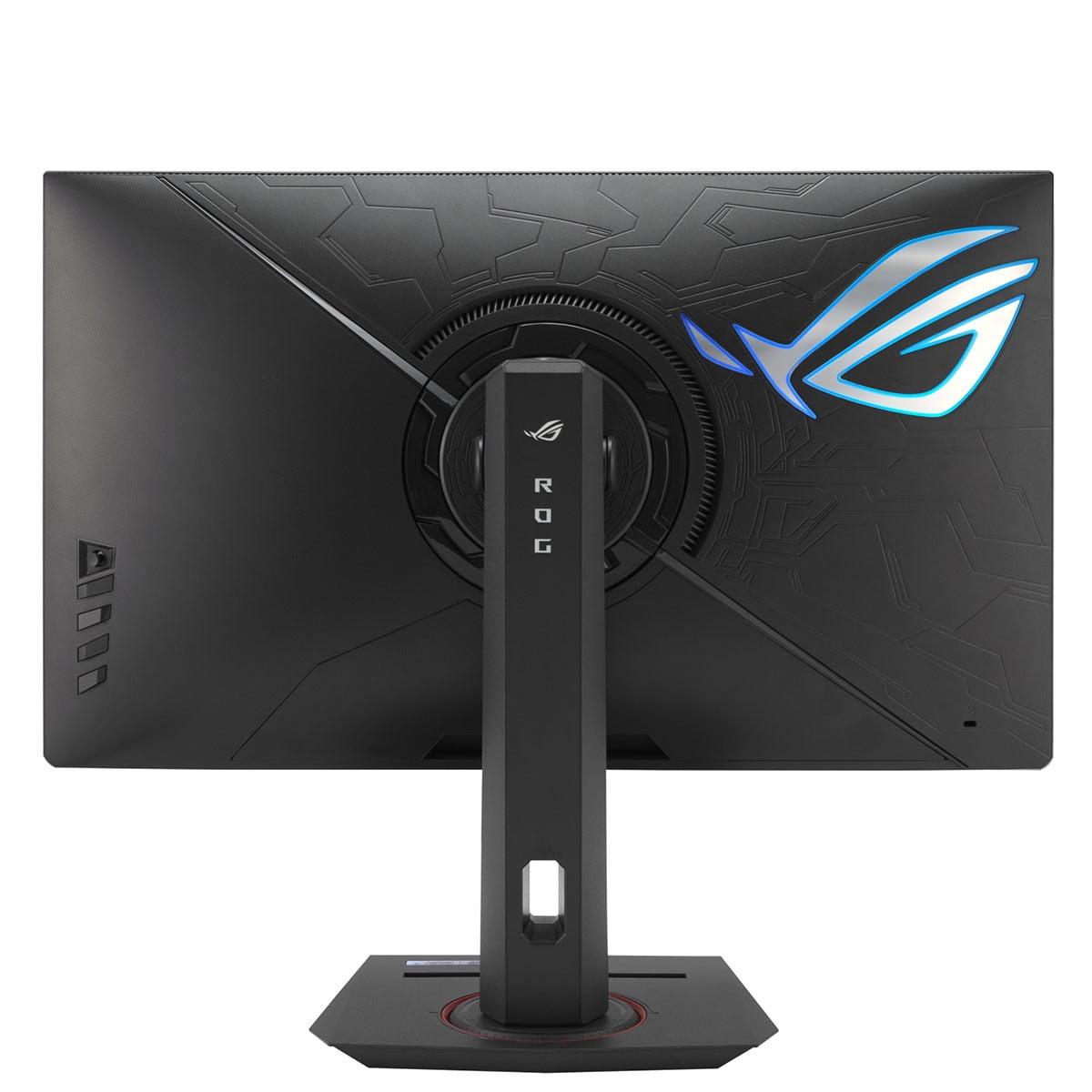
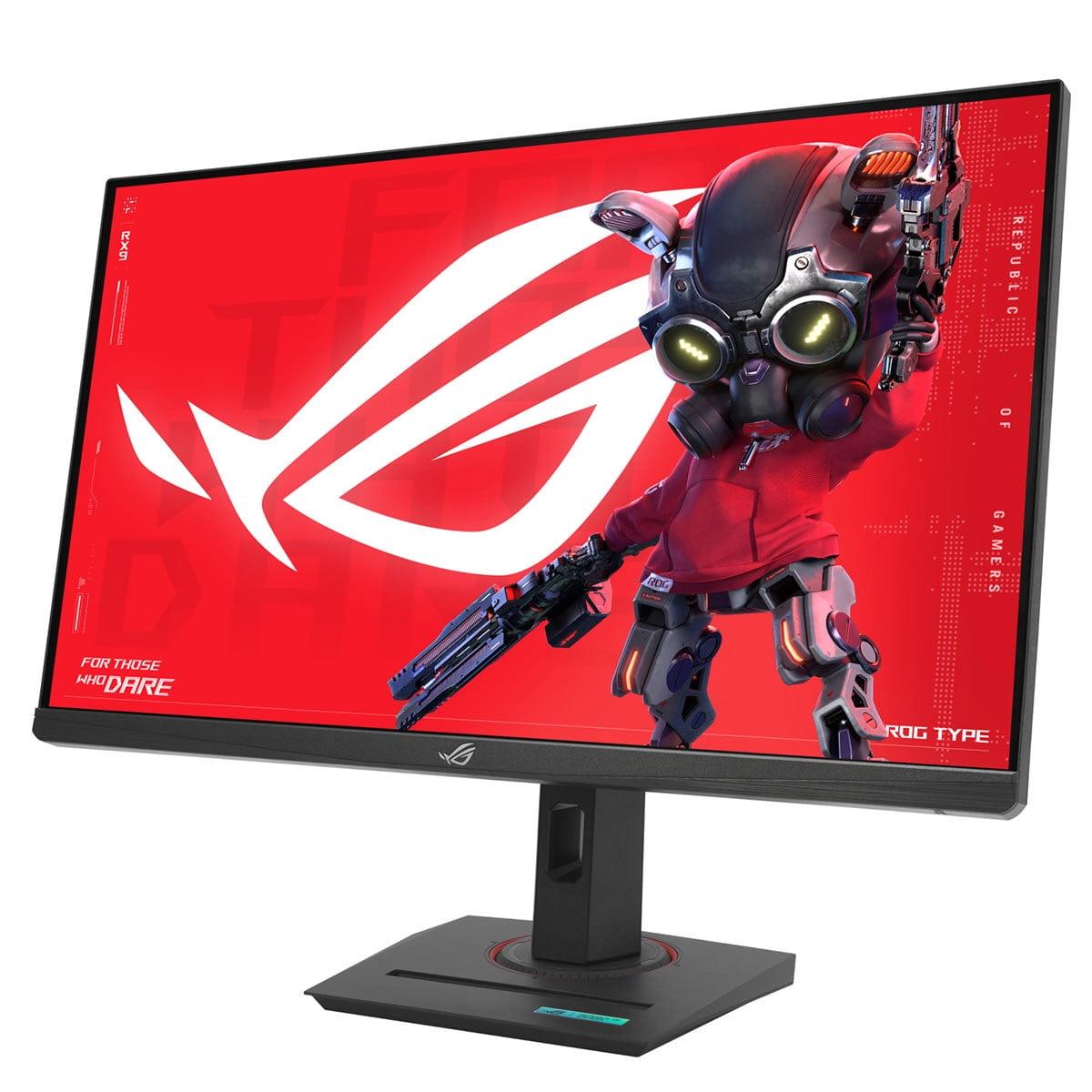
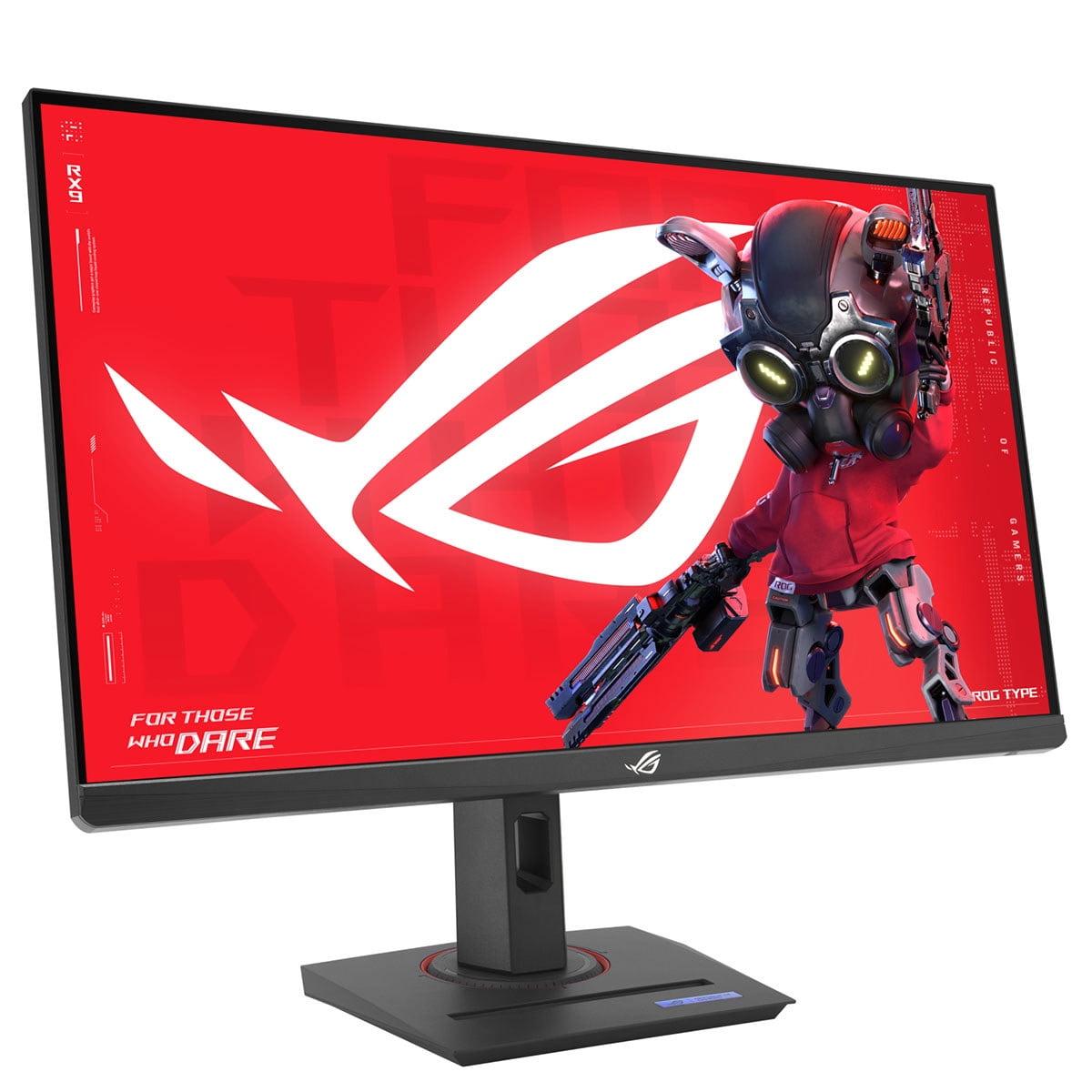
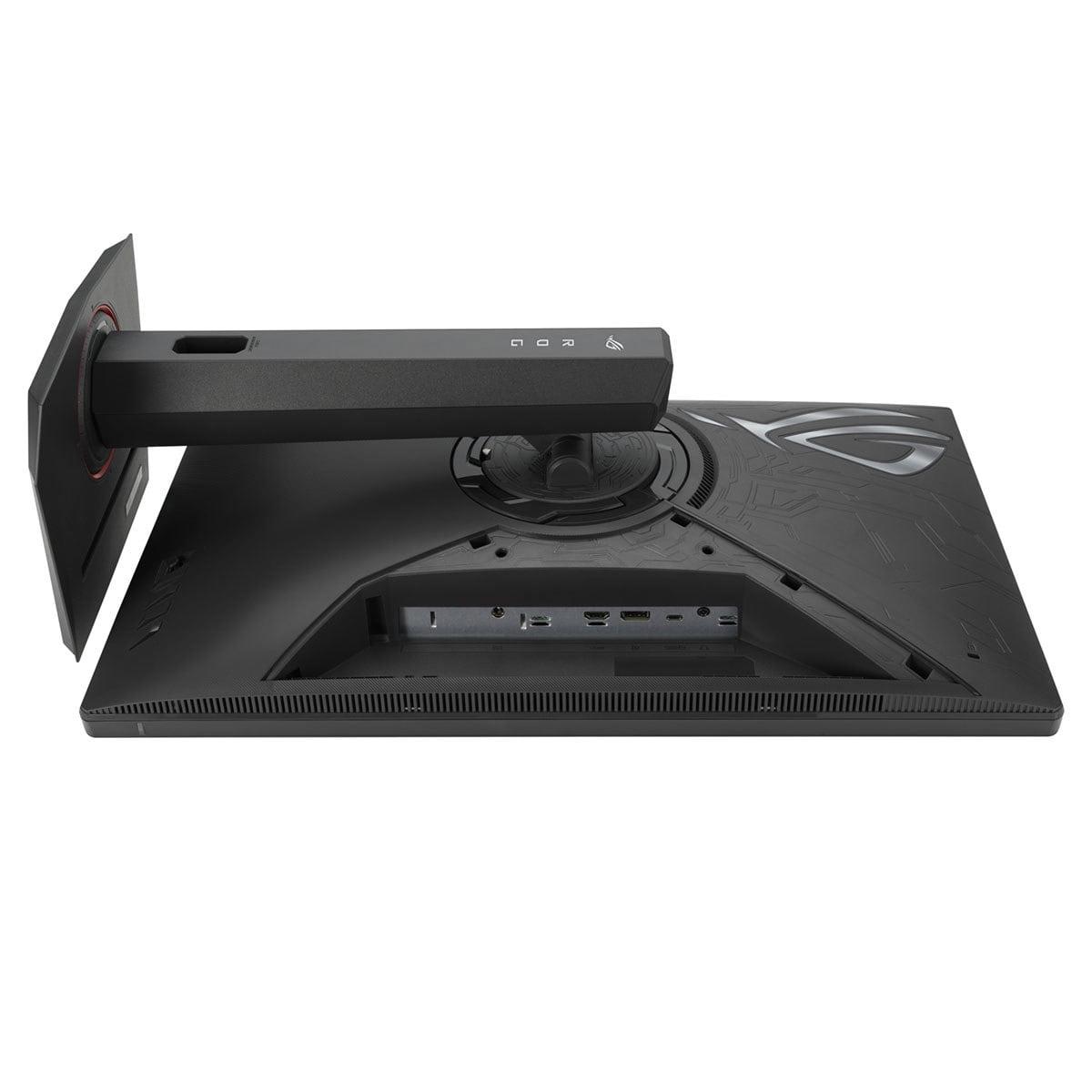
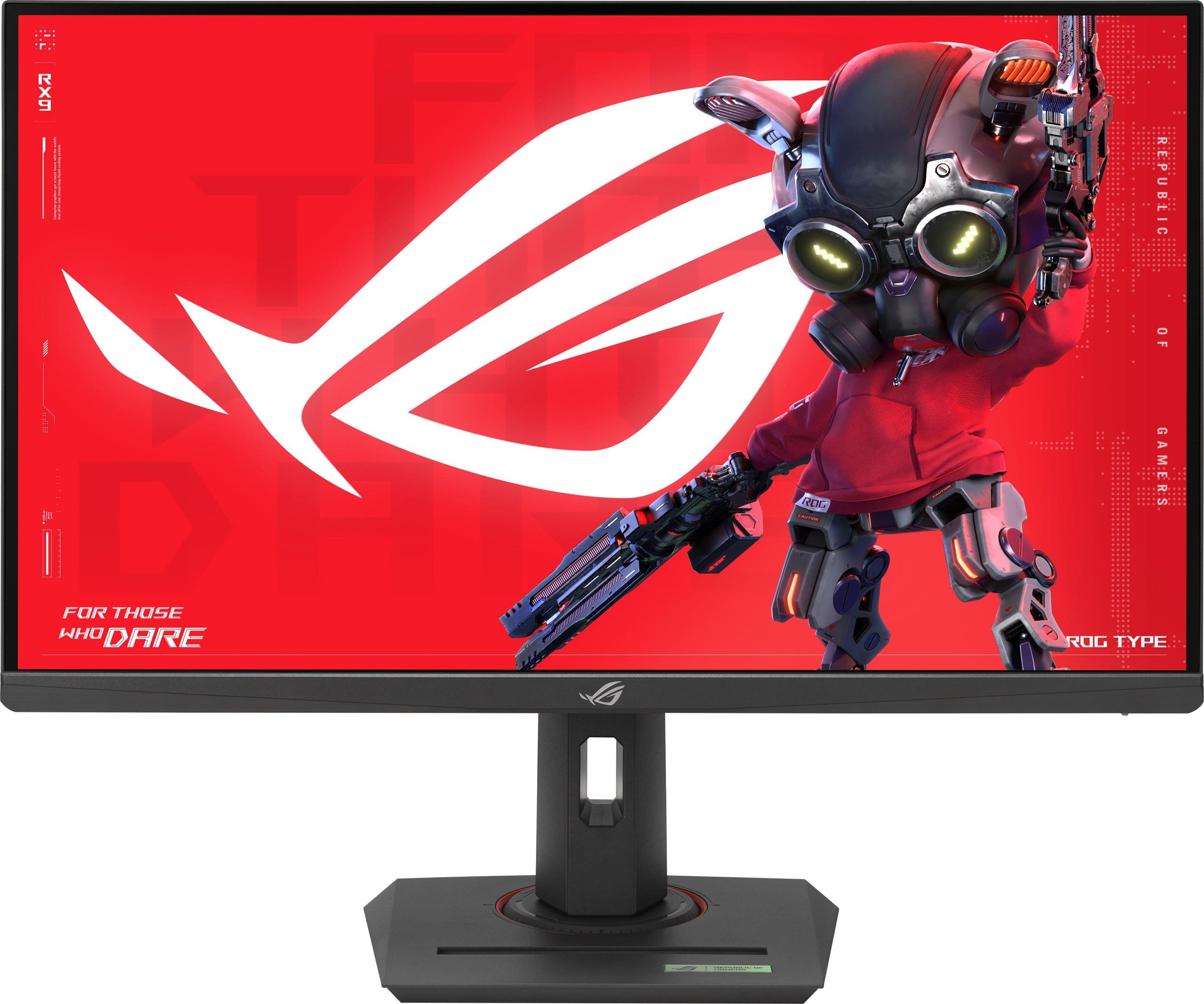
When you're shopping for a gaming monitor in 2024, you'll quickly discover there's no such thing as a "one-size-fits-all" display. The gaming monitor market has evolved into distinct categories, each optimized for different types of users and gaming experiences. Today, we're comparing two excellent but fundamentally different approaches: the Acer Nitro XV275K P3 representing premium 4K visual fidelity, and the ASUS ROG Strix XG27ACMG championing ultra-high refresh rate performance.
Understanding these differences isn't just about specs on paper—it's about matching the right technology to how you actually use your monitor. Whether you're diving into sprawling single-player adventures, grinding competitive ranked matches, or balancing gaming with work and content creation, the choice between these monitors will significantly impact your daily experience.
The gaming monitor world has essentially split into two camps over the past few years. On one side, you have manufacturers pushing display quality to new heights with technologies like Mini LED backlighting, OLED panels, and 4K resolution. These monitors prioritize visual fidelity—making games look as stunning as possible with rich colors, deep contrasts, and crystal-clear detail.
On the other side, competitive gaming has driven demand for displays that prioritize motion performance above all else. These monitors focus on refresh rates that can exceed 240Hz, ultra-low input lag, and features specifically designed to give players every possible advantage in fast-paced games.
The Acer Nitro XV275K P3 and ASUS ROG Strix XG27ACMG, both released in 2023, represent these two philosophies perfectly. Since their launch, we've seen both approaches mature significantly, with Mini LED technology becoming more refined and high-refresh displays pushing even higher frame rates.
The key consideration is this: resolution and refresh rate exist in tension with each other. Higher resolutions require more graphics processing power, which means lower frame rates with the same GPU. Meanwhile, higher refresh rates are most beneficial when your graphics card can actually produce those frame rates consistently.
Let's start with what makes the Acer Nitro XV275K P3 special—its Mini LED backlighting system. Traditional LCD monitors use edge-lit LED backlights, where LEDs around the monitor's perimeter illuminate the entire screen. This creates problems: you can't make specific areas darker without affecting the whole display, leading to washed-out blacks and poor contrast.
Mini LED changes this game completely. The XV275K P3 packs 576 individual LED zones across its backlight array. Each zone can be dimmed independently, creating what's called "full-array local dimming" (FALD). When you're watching a movie scene with a starry night sky, those 576 zones can make the black areas truly black while keeping the stars bright. It's not perfect—you might notice some "blooming" where bright objects create faint halos in dark areas—but it's dramatically better than traditional backlighting.
This technology enables the Acer monitor to hit 1000 nits of peak brightness, which is crucial for HDR (High Dynamic Range) content. HDR is like the difference between looking at a photograph and looking out a window—real scenes have much brighter highlights and darker shadows than traditional displays can reproduce. With DisplayHDR 1000 certification, this monitor can actually deliver on HDR's promise.
The ASUS XG27ACMG, meanwhile, uses what they call "Fast IPS" technology. IPS (In-Plane Switching) panels have been the gold standard for color accuracy and viewing angles for years, but they traditionally suffered from slower response times. Fast IPS addresses this by improving the liquid crystal response speed, achieving that crucial 1ms gray-to-gray (GtG) response time that prevents ghosting in fast motion.
What's interesting is that both monitors achieve the same 1ms response time, but through different approaches. The Acer's Mini LED system needs to coordinate both LCD pixel changes and backlight dimming, while the ASUS monitor focuses purely on optimizing LCD response.
Here's where things get practical. The Acer XV275K P3 delivers 4K resolution (3840 × 2160 pixels), which provides incredible detail and sharpness. At 27 inches, you're getting about 163 pixels per inch—dense enough that individual pixels become virtually invisible at normal viewing distances.
But 4K gaming demands serious graphics horsepower. To put this in perspective: 4K contains 2.25 times more pixels than QHD (2560 × 1440). Your graphics card needs to render every single one of those pixels for every frame. So if your GPU produces 120 fps in a game at QHD resolution, you might only see 50-60 fps at 4K with the same settings.
The ASUS XG27ACMG's QHD resolution might seem like a step down, but it's actually the sweet spot for many gamers. At 27 inches, QHD still looks sharp—about 109 pixels per inch—while being much easier for graphics cards to handle. This resolution efficiency is what enables the monitor's standout feature: that massive 270Hz refresh rate.
For context, most people can't actually see the difference between 240Hz and 270Hz in regular use. But in competitive gaming, especially first-person shooters, every additional frame can provide smoother target tracking and reduced input lag. The difference between 144Hz and 270Hz is much more noticeable than the jump from 270Hz to 360Hz.
Response time and refresh rate work together to determine motion clarity, but they're not the same thing. Response time measures how quickly pixels can change from one color to another, typically measured in gray-to-gray transitions. Refresh rate determines how many times per second the monitor can display a new image.
Both monitors nail the response time at 1ms GtG, which effectively eliminates ghosting—those trailing afterimages you might see behind moving objects on slower displays. Where they differ dramatically is refresh rate: 160Hz on the Acer versus 270Hz on the ASUS.
The ASUS monitor includes something called ELMB Sync (Extreme Low Motion Blur Sync), which is genuinely clever technology. Traditional motion blur reduction uses backlight strobing—flashing the backlight on and off rapidly to create sharper motion. The problem is that this usually can't work simultaneously with variable refresh rate (VRR) technologies like G-Sync or FreeSync. ELMB Sync solves this by coordinating the strobing with the variable refresh rate, giving you both tear-free gaming and ultra-sharp motion.
In my experience testing high-refresh monitors, the difference between 144Hz and 270Hz is most noticeable in competitive shooters like CS2 or Valorant, especially when tracking targets across the screen. The motion feels more fluid, and quick flick shots feel more responsive. However, this advantage diminishes significantly in slower-paced games or single-player titles where visual fidelity often matters more than motion performance.
Color accuracy separates professional-grade monitors from gaming-focused displays, and this is where the Acer XV275K P3 really shines. Its coverage of 99% DCI-P3 and 98.8% Adobe RGB color spaces makes it suitable for photo editing, video work, and graphic design alongside gaming.
DCI-P3 is the color standard used in digital cinema, while Adobe RGB is crucial for print work. Having both means you can edit photos that will look correct when printed, or work on video projects that will display properly on other high-end monitors. The monitor also includes sRGB emulation mode, which clamps the wider color gamut down to standard web colors when needed—essential for accurate web design work.
The ASUS XG27ACMG covers 95% DCI-P3 and 125% sRGB, which is good for gaming but not quite as comprehensive for professional work. That 125% sRGB coverage actually indicates the monitor can't perfectly clamp down to the standard sRGB color space, which might lead to oversaturated colors in some applications.
Both monitors come factory calibrated, but the Acer typically achieves better out-of-the-box color accuracy with Delta E values under 2. Delta E measures color accuracy—values under 3 are considered good, while under 1 is professional-grade.
HDR in gaming has been a somewhat disappointing experience on most monitors, but the Acer XV275K P3 actually delivers on the technology's promise. With its DisplayHDR 1000 certification and Mini LED backlighting, it can produce the bright highlights and deep shadows that make HDR content look realistic.
The difference is immediately apparent in games like Cyberpunk 2077 or Horizon Zero Dawn, where neon lights can actually look bright against dark backgrounds, rather than just being different shades of gray. The 576 local dimming zones mean that bright explosions or car headlights don't wash out the entire screen.
The ASUS monitor supports DisplayHDR 400, which is essentially entry-level HDR. At 400 nits peak brightness with no local dimming, it can't create the dramatic contrast needed for convincing HDR. The HDR mode will make colors more saturated, but you won't get that "wow, this looks real" moment that proper HDR provides.
For gaming, this difference matters most in single-player titles with dramatic lighting. Competitive multiplayer games rarely use HDR effectively anyway—most pros actually prefer SDR for consistency and visibility.
Modern monitors need to serve multiple devices, and this is where the Acer XV275K P3 shows its versatility. The USB-C port with 90W power delivery can charge most gaming laptops while simultaneously providing video and data connectivity. This single-cable solution is incredibly clean for hybrid desktop/laptop setups.
The 90W power delivery is significant—it's enough for most 15-inch gaming laptops and many 16-inch models. Compare this to the ASUS monitor's 15W USB-C power delivery, which is barely sufficient for smartphones and tablets.
Both monitors include HDMI 2.1, which is crucial for next-gen console gaming. HDMI 2.1 enables 4K at 120Hz on the Acer and QHD at the full refresh rate on the ASUS. Earlier HDMI versions would bottleneck these high-refresh, high-resolution combinations.
The Acer also includes a USB hub with multiple USB 3.0 ports, turning it into a connectivity center for your desk setup. This is particularly useful for users who frequently switch between devices or need easy access to USB ports.
After extensive testing with both monitors, the performance differences become clear in specific scenarios. In competitive FPS games like CS2 or Apex Legends, the ASUS XG27ACMG's 270Hz refresh rate provides a noticeable advantage. Target tracking feels smoother, and the reduced input lag can make the difference in close firefights.
However, achieving 270 fps consistently requires significant graphics horsepower and often means running at lower visual settings. Even with a high-end RTX 4080, many modern games won't hit 270 fps at maximum quality settings in QHD.
The Acer XV275K P3 presents a different value proposition. Its 4K resolution makes single-player games like The Witcher 3, Red Dead Redemption 2, or Microsoft Flight Simulator absolutely stunning. The Mini LED backlighting adds depth to nighttime scenes and makes HDR content genuinely impressive. At 160Hz, motion is still very smooth—the difference between 160Hz and 270Hz is much less noticeable than the jump from 60Hz to 144Hz.
For strategy games, simulation titles, and RPGs, the Acer monitor's higher resolution provides practical advantages. More screen real estate means you can see more of the battlefield in RTS games, read smaller text more clearly, and enjoy finer visual details.
If you're considering either monitor for media consumption or home theater use, the Acer XV275K P3 is clearly superior. Its 4K resolution matches streaming content from Netflix, Disney+, and other services. The Mini LED backlighting and HDR 1000 support make movies genuinely cinematic, with proper contrast and brightness levels.
The 27-inch size works well for desk viewing but might be small for couch gaming or movie watching. However, the excellent color accuracy and wide viewing angles make it suitable for sharing content with others.
The ASUS monitor is more gaming-focused and less ideal for media consumption. The QHD resolution means 4K content will be downscaled, and the limited HDR performance reduces the impact of high-quality streaming content.
At the time of writing, these monitors occupy different price brackets that reflect their target markets. The ASUS XG27ACMG typically costs significantly less while delivering specialized gaming performance. For competitive players who primarily care about frame rates and response times, it offers exceptional value.
The Acer XV275K P3 commands a premium for its Mini LED technology and 4K resolution, but that premium buys you cutting-edge display technology and versatility. If you use your monitor for work, content creation, or want the best possible visual experience in games, the additional cost can be justified.
From a future-proofing perspective, 4K resolution is becoming increasingly standard, while 270Hz refresh rates serve a more niche competitive market. Graphics cards continue to improve, making 4K gaming more accessible over time.
Choose the ASUS ROG Strix XG27ACMG if competitive gaming performance is your primary concern. Its 270Hz refresh rate and ELMB Sync technology provide every possible advantage in fast-paced multiplayer games. The lower price point and excellent motion performance make it ideal for esports enthusiasts or budget-conscious gamers who want high-end gaming features.
The Acer Nitro XV275K P3 makes sense if you want a premium, versatile display that excels at multiple tasks. Its Mini LED technology, 4K resolution, and comprehensive connectivity make it suitable for gaming, work, and entertainment. The superior HDR performance and color accuracy justify the higher price for users who want cutting-edge display technology.
Consider your graphics card capability—can you actually drive 4K at reasonable frame rates, or would you benefit more from higher refresh rates at QHD? Think about your primary use cases and whether you need the monitor's additional features like USB-C power delivery or professional color accuracy.
Both monitors represent excellent engineering in their respective categories. Your choice should align with your specific needs, budget, and how you actually use your display. The gaming monitor market offers options for every type of user—the key is understanding which category fits your priorities best.
| Acer Nitro XV275K P3 27" Mini LED 4K UHD Gaming Monitor | ASUS ROG Strix XG27ACMG 27" QHD 270Hz Gaming Monitor |
|---|---|
| Resolution - Higher resolution means sharper image quality but requires more GPU power | |
| 3840 x 2160 (4K UHD) - Crystal clear detail, excellent for single-player games and productivity | 2560 x 1440 (QHD) - Sharp enough for 27", easier for GPUs to drive at high frame rates |
| Refresh Rate - Higher refresh rates provide smoother motion, crucial for competitive gaming | |
| 160Hz - Smooth for most gaming, good balance with 4K resolution | 270Hz - Exceptional for competitive gaming, provides maximum motion clarity |
| Display Technology - Determines contrast, brightness, and overall image quality | |
| Mini LED with 576 local dimming zones - Superior contrast and HDR performance | Fast IPS LED-backlit - Good color accuracy, standard contrast levels |
| Peak Brightness - Higher brightness improves HDR and visibility in bright rooms | |
| 1000 nits - Excellent HDR performance, great for bright environments | 400 nits - Adequate for gaming, limited HDR impact |
| Color Gamut Coverage - Wider coverage means more vibrant colors and better professional use | |
| 99% DCI-P3, 98.8% Adobe RGB - Professional-grade color accuracy | 95% DCI-P3, 125% sRGB - Good gaming colors, less comprehensive coverage |
| HDR Certification - Higher tiers provide more impactful HDR experiences | |
| DisplayHDR 1000 - True HDR with dramatic contrast improvements | DisplayHDR 400 - Basic HDR, minimal visual enhancement |
| Connectivity - USB-C power delivery enables single-cable laptop connections | |
| USB-C with 90W power delivery, 2x HDMI 2.1, DisplayPort 1.4 | USB-C with 15W power delivery, 1x HDMI 2.1, DisplayPort 1.4 |
| Response Time - Lower values reduce motion blur and ghosting | |
| 1ms (GTG) - Eliminates ghosting in fast motion | 1ms (GTG) - Eliminates ghosting in fast motion |
| Weight - Affects portability and mounting flexibility | |
| 7.25 kg - Heavier due to Mini LED technology | 6.5 kg - Lighter, easier to adjust and mount |
| Special Gaming Features - Technologies that enhance competitive gaming performance | |
| 576-zone local dimming, USB hub functionality | ELMB Sync (motion blur reduction + VRR), RGB lighting ecosystem |
| Power Consumption - Higher consumption increases electricity costs over time | |
| 28.77W typical - Moderate power draw for Mini LED technology | 30W typical - Reasonable for high refresh rate display |
| Best Use Cases - Primary scenarios where each monitor excels | |
| 4K gaming, content creation, HDR entertainment, laptop docking | Competitive esports, high-refresh gaming, budget-conscious performance |
The ASUS ROG Strix XG27ACMG is superior for competitive gaming due to its 270Hz refresh rate and ELMB Sync technology. The ultra-high refresh rate provides smoother motion tracking and reduced input lag, while ELMB Sync eliminates motion blur without sacrificing variable refresh rate benefits. The Acer Nitro XV275K P3 offers excellent gaming performance at 160Hz, but competitive players will benefit more from the ASUS monitor's specialized gaming features.
The Acer Nitro XV275K P3 features 4K resolution (3840x2160), providing 2.25 times more pixels than the ASUS XG27ACMG's QHD resolution (2560x1440). This means sharper image quality, more detailed visuals, and better clarity for text and fine details. However, 4K requires significantly more graphics processing power, while QHD is easier for GPUs to drive at high frame rates.
The Acer Nitro XV275K P3 delivers significantly better HDR with its DisplayHDR 1000 certification and Mini LED backlighting. It can reach 1000 nits peak brightness with 576 local dimming zones, creating true contrast between bright and dark areas. The ASUS ROG Strix XG27ACMG only supports DisplayHDR 400 with 400 nits brightness, providing basic HDR that doesn't dramatically improve visual quality.
Both monitors support gaming consoles through HDMI 2.1 connectivity. The ASUS XG27ACMG can display console games at QHD resolution with high refresh rates, while the Acer XV275K P3 supports native 4K gaming from PS5 and Xbox Series X. The Acer monitor is better suited for console gaming due to its 4K resolution matching console output and superior HDR performance.
The Acer Nitro XV275K P3 excels for productivity with its 4K resolution providing more screen real estate and sharper text. It covers 99% DCI-P3 and 98.8% Adobe RGB color spaces, making it suitable for photo editing, video work, and graphic design. The 90W USB-C power delivery enables single-cable laptop connectivity. The ASUS XG27ACMG is adequate for basic productivity but lacks the color accuracy and connectivity features for professional work.
The ASUS ROG Strix XG27ACMG works well with mid-range GPUs like RTX 4060 or RX 7600 for high refresh rate gaming at QHD. The Acer Nitro XV275K P3 requires more powerful graphics cards like RTX 4070 or RX 7800 XT for optimal 4K gaming performance. Consider your GPU capability when choosing between high refresh rate QHD and 4K resolution.
The Acer XV275K P3 offers superior color accuracy with factory calibration achieving Delta E < 2 and comprehensive color space coverage including Adobe RGB. This makes it suitable for professional color-critical work. The ASUS XG27ACMG provides good gaming colors with 95% DCI-P3 coverage but isn't calibrated for professional color work.
Yes, both monitors support variable refresh rate (VRR) technology. The ASUS ROG Strix XG27ACMG supports AMD FreeSync Premium and NVIDIA G-Sync Compatible, plus ELMB Sync for simultaneous motion blur reduction. The Acer Nitro XV275K P3 supports AMD FreeSync Premium Pro and G-Sync Compatible, providing tear-free gaming across different graphics card brands.
The Acer Nitro XV275K P3 is significantly better for entertainment due to its 4K resolution matching streaming content, Mini LED backlighting for superior contrast, and DisplayHDR 1000 certification. Movies and TV shows look more cinematic with proper black levels and bright highlights. The ASUS XG27ACMG is more gaming-focused and less suitable for high-quality media consumption.
Both monitors have similar power consumption, with the ASUS ROG Strix XG27ACMG using about 30W and the Acer XV275K P3 consuming approximately 29W during typical use. Despite the Mini LED technology, the Acer monitor is actually slightly more power-efficient. Neither monitor will significantly impact your electricity bills compared to older display technologies.
The Acer Nitro XV275K P3 provides superior connectivity with USB-C offering 90W power delivery, multiple USB 3.0 ports for hub functionality, and comprehensive laptop integration. The ASUS XG27ACMG includes USB-C with only 15W power delivery, which limits its usefulness for charging laptops. Both include HDMI 2.1 and DisplayPort connections for gaming devices.
The value depends on your priorities. The ASUS ROG Strix XG27ACMG typically offers better value for competitive gaming with its 270Hz refresh rate at a lower price point. The Acer Nitro XV275K P3 provides better value for users wanting premium display technology, versatility for work and entertainment, and future-proof 4K resolution. Consider whether you prioritize gaming performance or overall display quality when evaluating value.
We've done our best to create useful and informative comparisons to help you decide what product to buy. Our research uses advanced automated methods to create this comparison and perfection is not possible - please contact us for corrections or questions. These are the sites we've researched in the creation of this article: bestbuy.com - rtings.com - reviewed.com - displayninja.com - youtube.com - displayninja.com - youtube.com - dpreview.com - acer.com - buy.bluum.com - shi.com - camcor.com - newegg.com - provantage.com - displayspecifications.com - colamco.com - displayspecifications.com - walmart.com - bestbuy.com - rtings.com - e-catalog.com - bestbuy.com - rog.asus.com - rog.asus.com - youtube.com - youtube.com - versus.com - forum.pcmonitors.info - versus.com - cdw.com - rog.asus.com - rog.asus.com - rog.asus.com - avadirect.com - bhphotovideo.com - rog.asus.com - shi.com - shop.asus.com - publicsector.shidirect.com - bestbuy.com

Privacy Policy
Terms and Conditions - Affiliate Policy
Home Security
© Copyright 2008-2026.
11816 Inwood Rd #1211, Dallas, TX 75244