

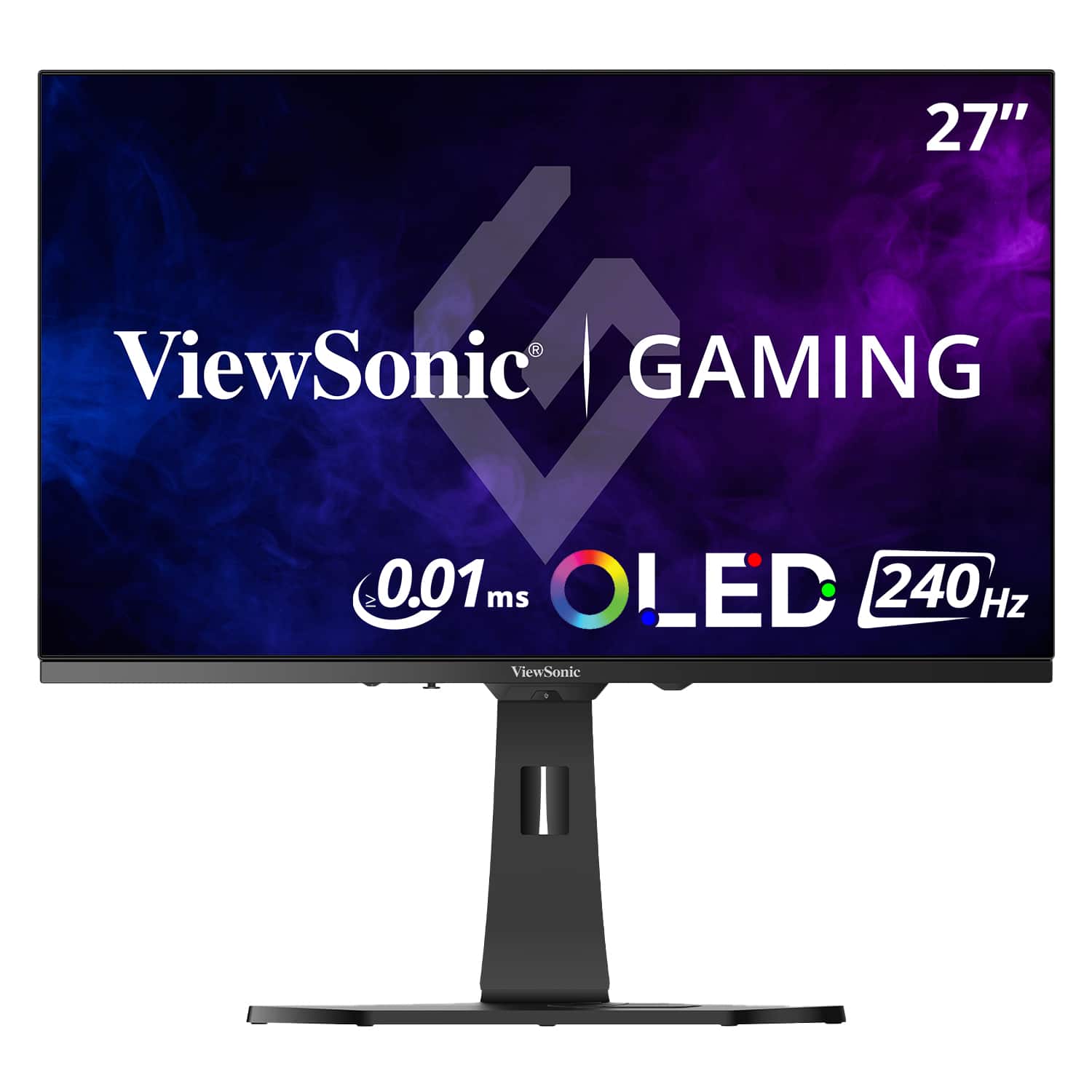
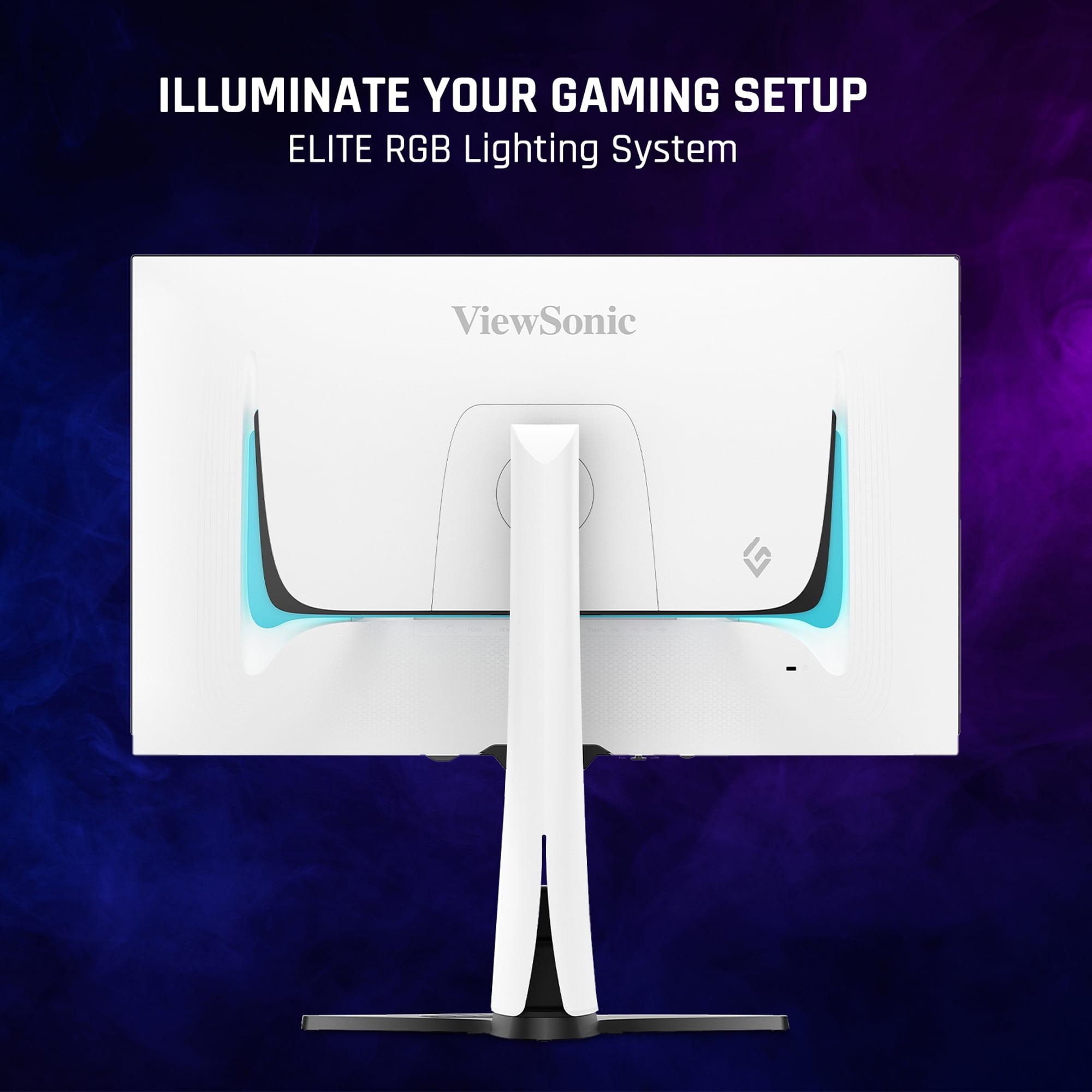
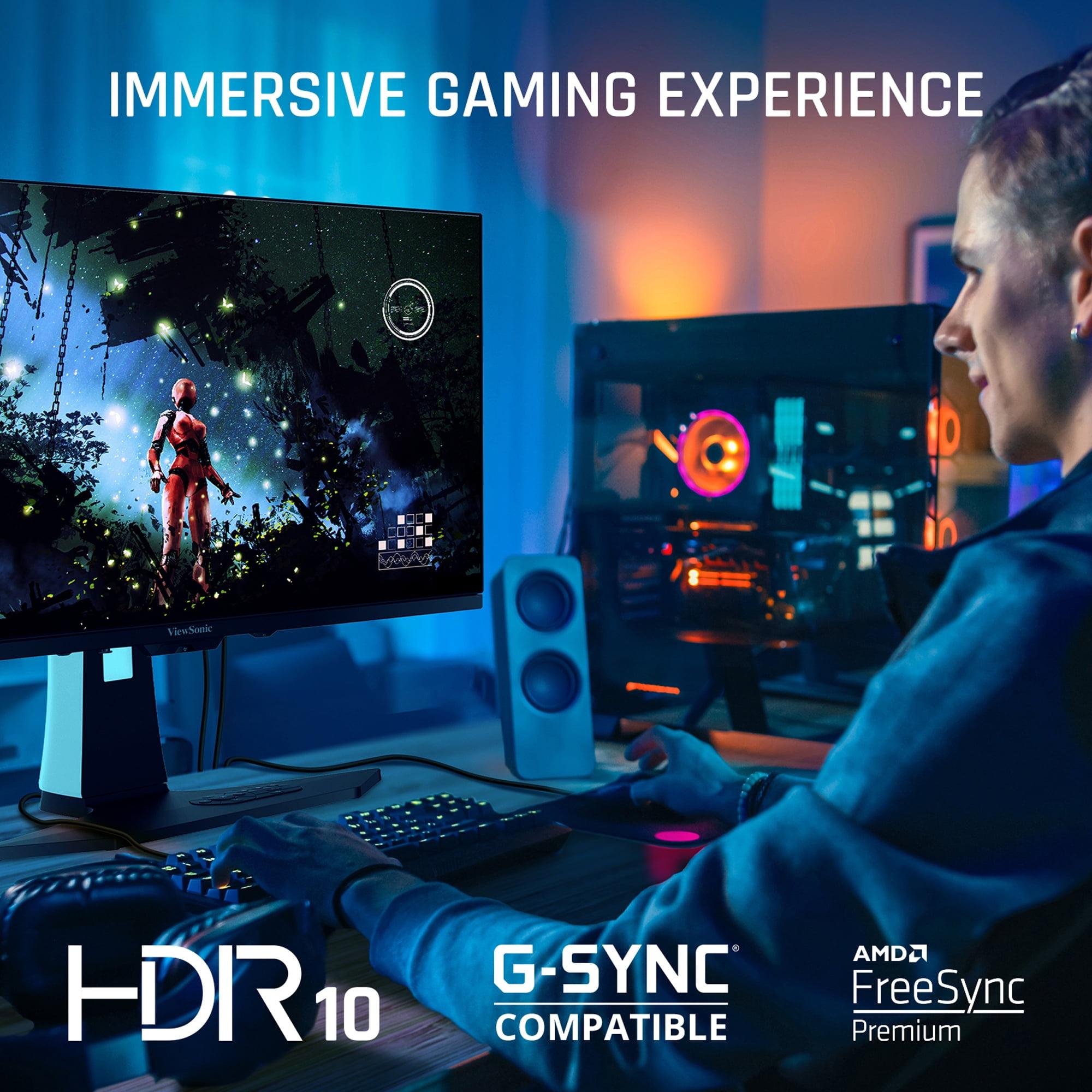
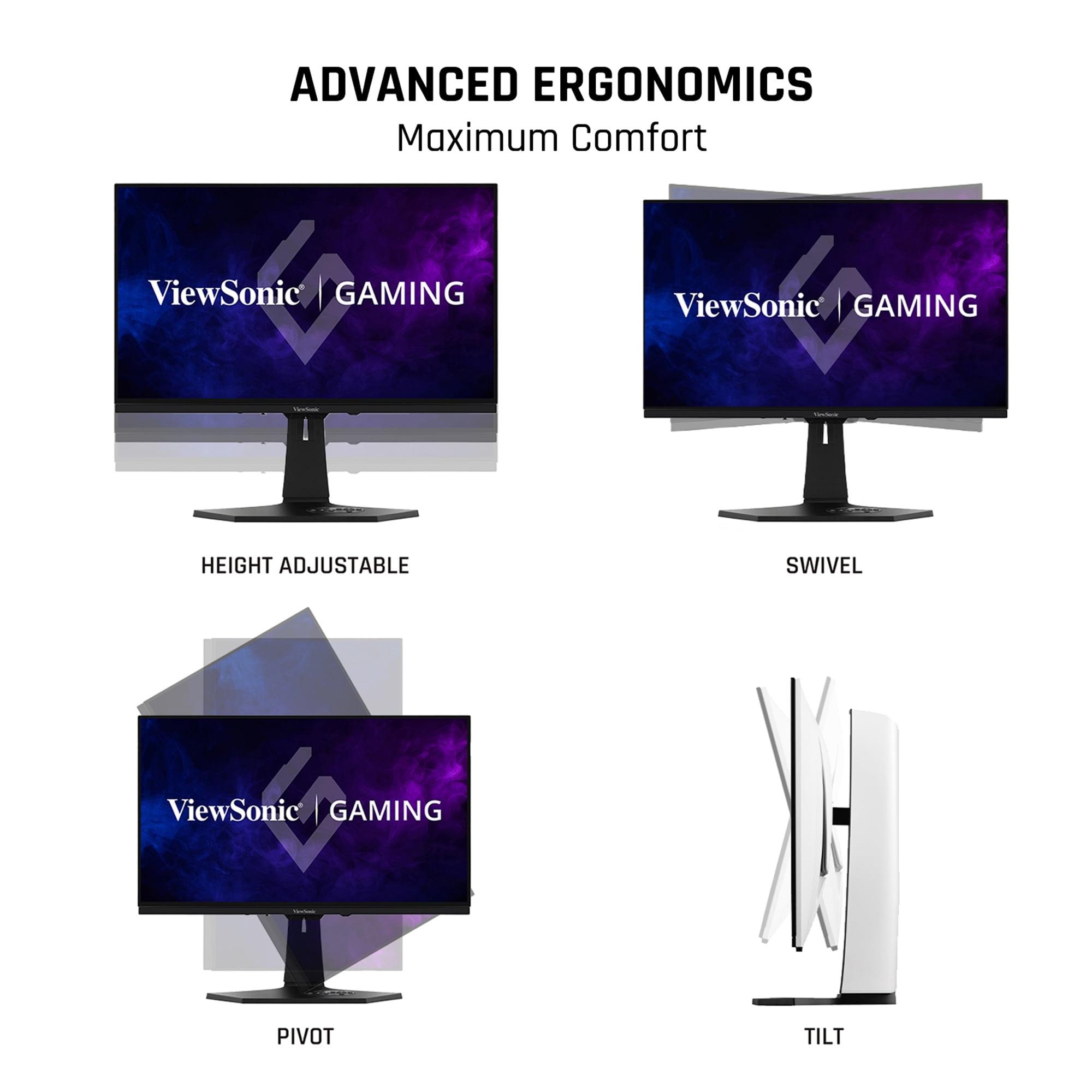
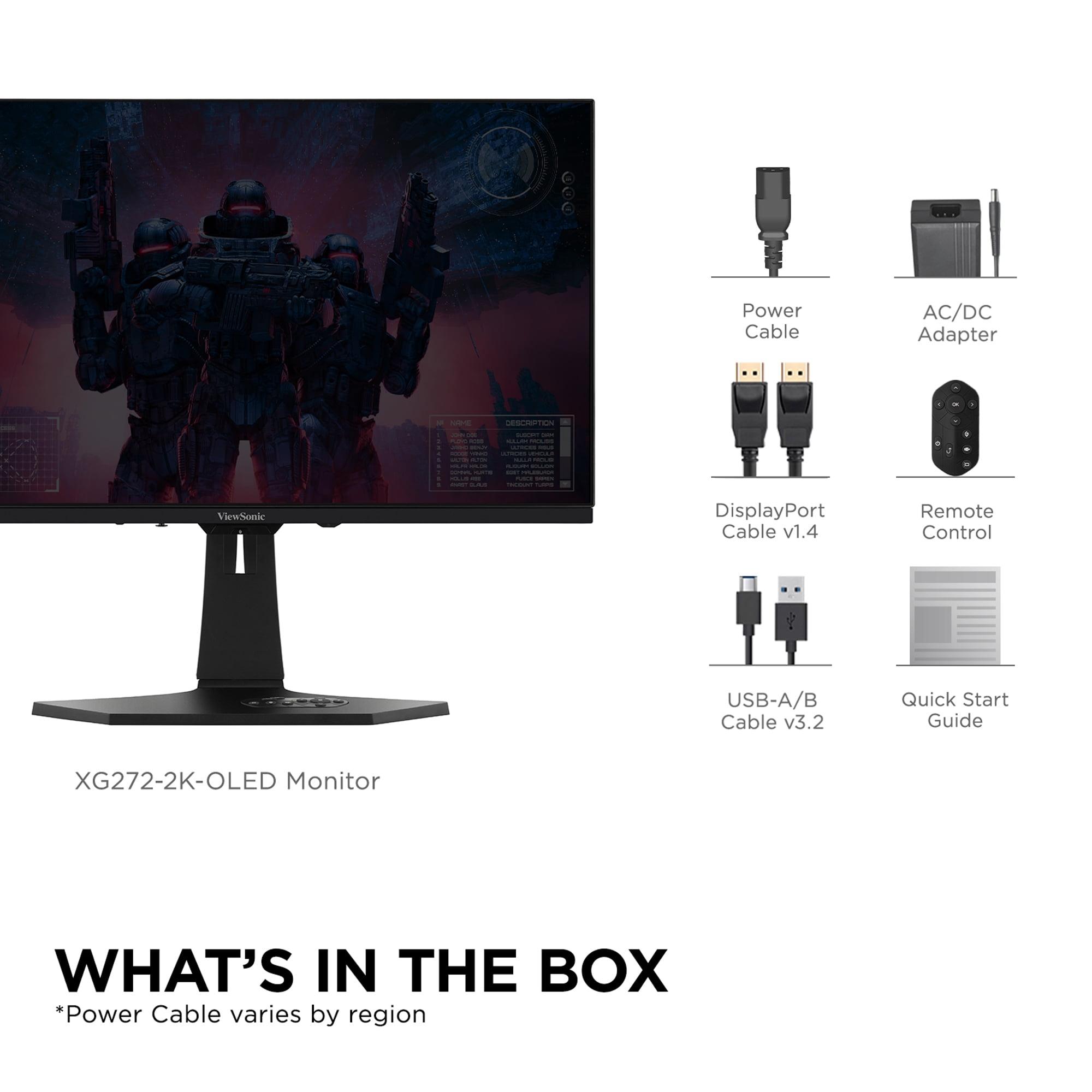
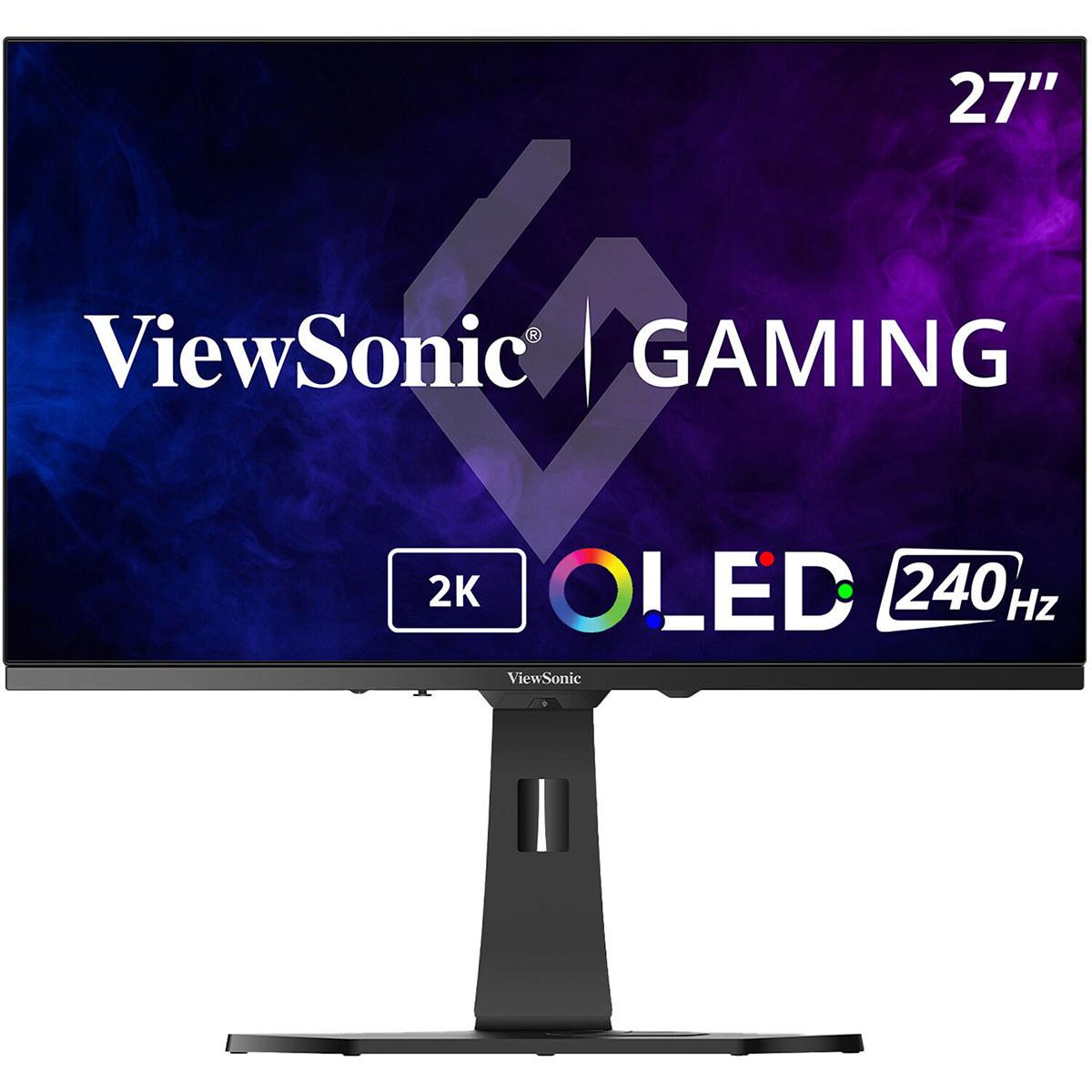
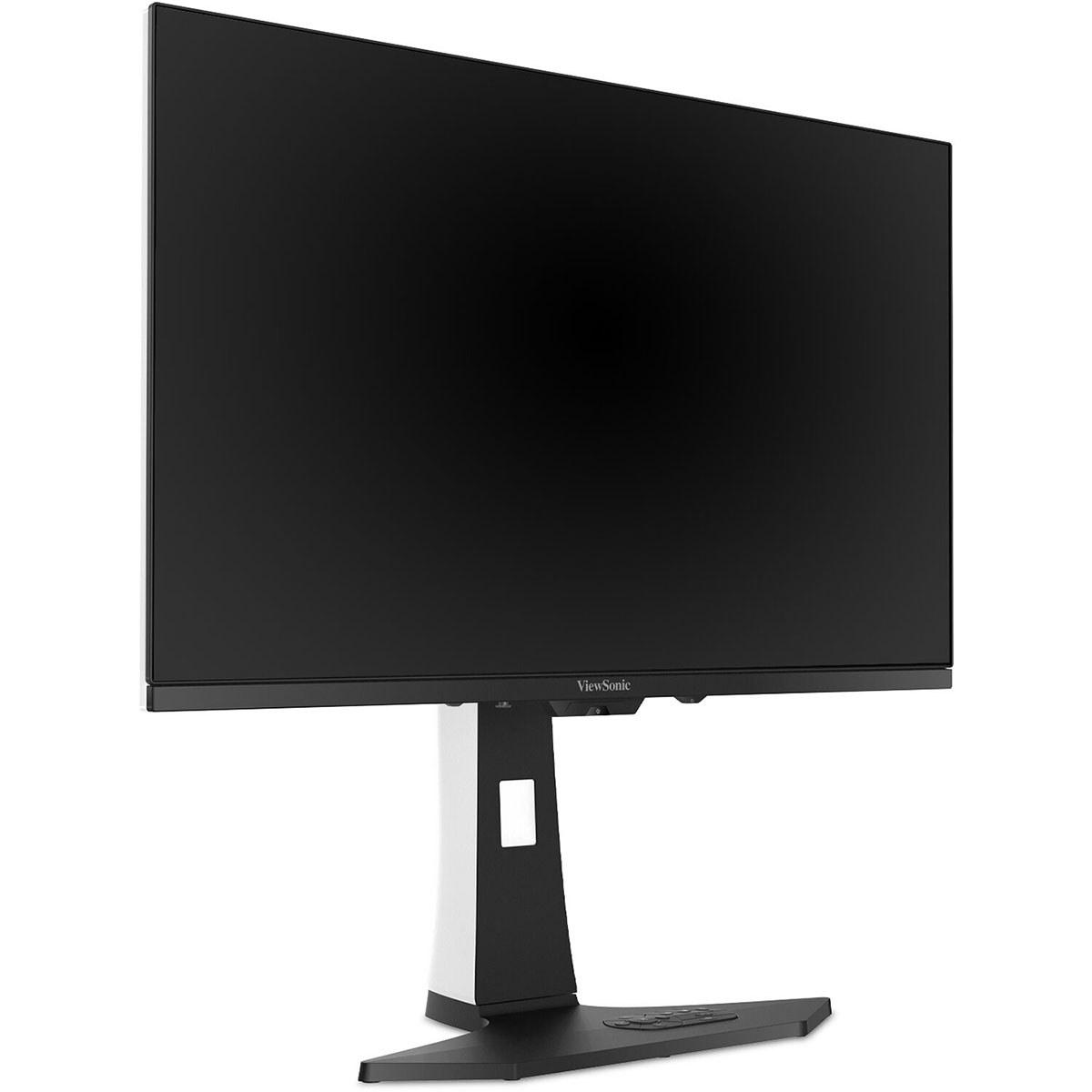
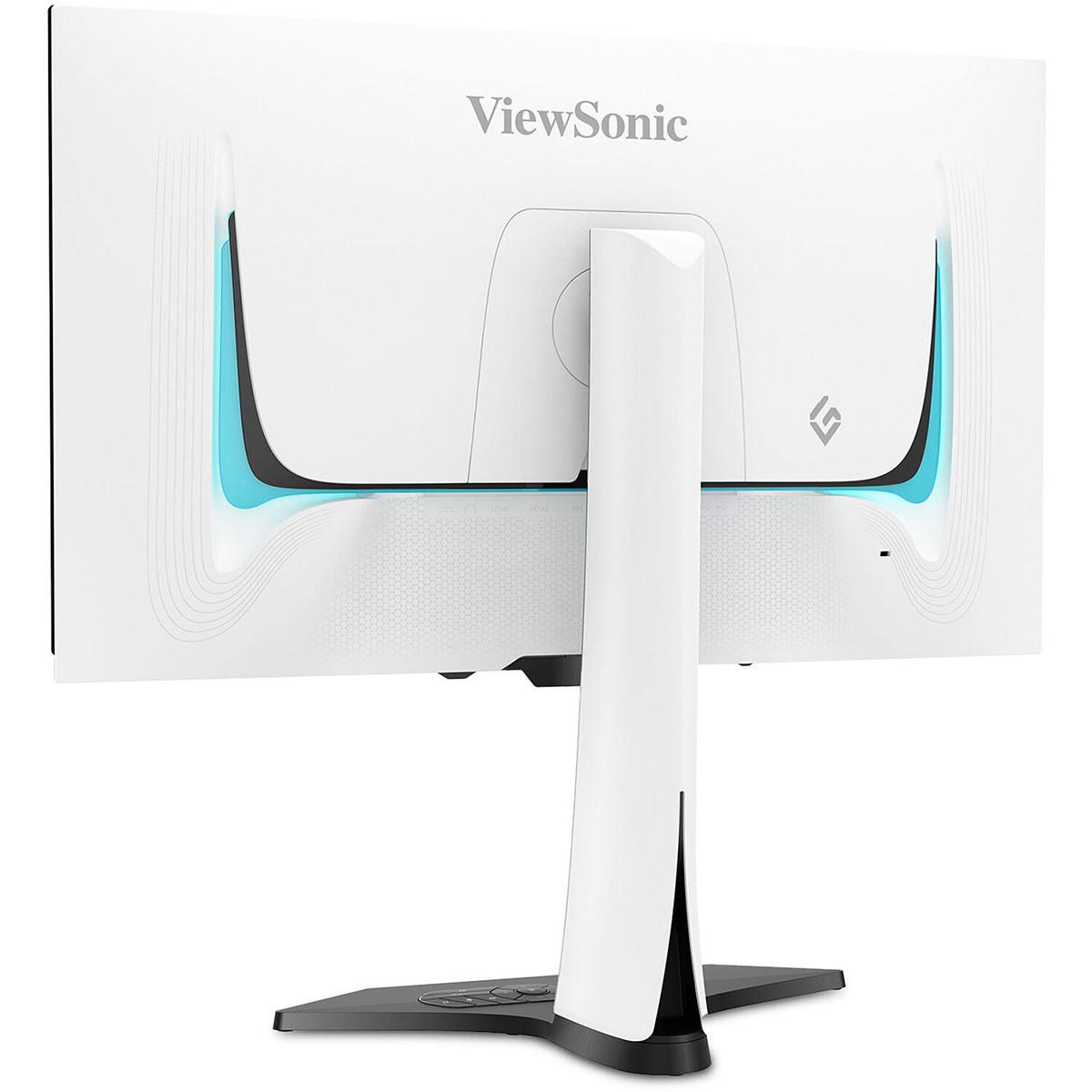
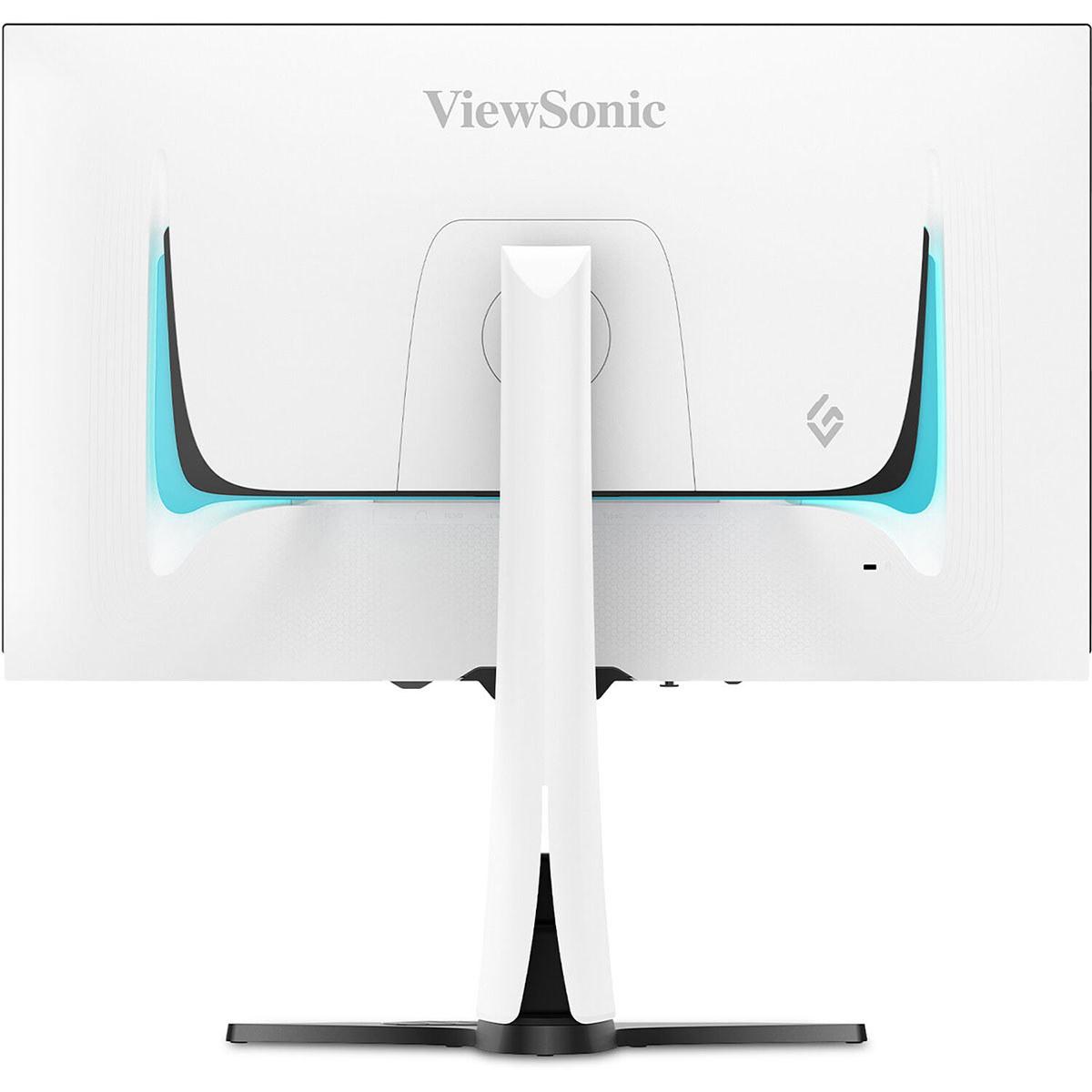








When I first saw OLED gaming monitors hitting the market in 2022, I knew we were entering a new era of display technology. The promise of perfect blacks and lightning-fast response times seemed almost too good to be true. Fast forward to today, and we're comparing two fascinating approaches to high-performance gaming: the ViewSonic XG272-2K-OLED representing the cutting edge of OLED technology, and the Acer Nitro XV275K P3 showcasing how Mini LED can deliver premium features at a fraction of the cost.
These monitors represent fundamentally different philosophies in display design. The ViewSonic XG272-2K-OLED prioritizes absolute gaming performance with OLED's unique advantages, while the Acer Nitro XV275K P3 focuses on delivering excellent all-around performance with 4K resolution at an accessible price point. Let me walk you through what makes each approach special and help you figure out which one fits your needs.
At the heart of this comparison lies a fundamental question: what's more important to you - perfect image quality or maximum resolution? The ViewSonic XG272-2K-OLED uses OLED (Organic Light-Emitting Diode) technology, where each individual pixel produces its own light. Think of it like having millions of tiny light bulbs that can turn completely on or completely off. When a pixel needs to be black, it simply turns off entirely, creating what we call "true black" - something that's impossible with traditional LCD displays.
The Acer Nitro XV275K P3, on the other hand, uses Mini LED technology with 576 individual dimming zones. This is essentially a regular LCD panel (which can't produce true blacks on its own) backed by 576 separate LED lights that can be controlled independently. It's like having a sophisticated lighting system behind a translucent screen - much more precise than traditional edge-lit displays, but still not quite matching OLED's pixel-perfect control.
Both technologies emerged as solutions to the limitations of standard LCD gaming monitors, but they took different paths to get there. OLED gaming monitors really took off in 2022, while Mini LED with local dimming became mainstream around 2021-2022. Since then, both technologies have matured significantly, with OLED panels getting brighter and Mini LED implementations becoming more sophisticated with higher zone counts.
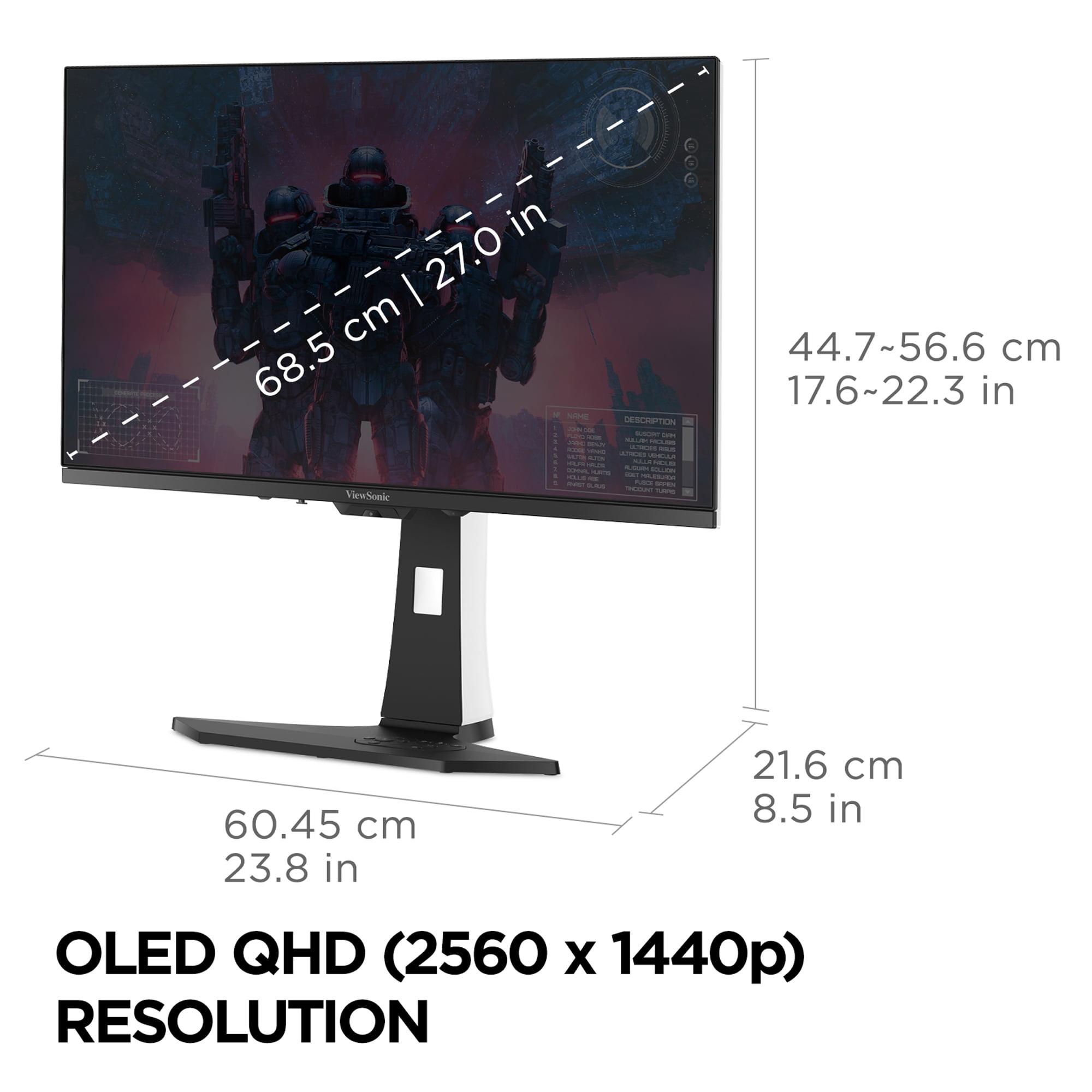
Here's where the Acer Nitro XV275K P3 makes its strongest case. At 3840×2160 (4K), it packs 2.25 times more pixels than the ViewSonic XG272-2K-OLED's 2560×1440 (QHD) resolution. On a 27-inch screen, this translates to noticeably sharper text, more detailed game textures, and the ability to see fine details that would be lost at QHD resolution.
In my experience using both resolutions extensively, the jump from QHD to 4K on a 27-inch monitor is immediately apparent. Text is crisp enough that you can comfortably work without scaling, and games like Cyberpunk 2077 or Red Dead Redemption 2 showcase incredible detail in their environments. However, this comes with a performance cost - you'll need a more powerful graphics card to maintain high frame rates at 4K.
This is where OLED technology absolutely dominates. The ViewSonic XG272-2K-OLED delivers an unmeasurable contrast ratio because its pixels can turn completely off. When I'm playing atmospheric games like Alan Wake 2 or Resident Evil 4, the difference is striking. Dark scenes have genuine depth, with shadows that are truly black rather than the dark gray you get with most displays.
The Acer Nitro XV275K P3 fights back with its 576-zone local dimming system. While it can't match OLED's perfect blacks, it comes surprisingly close in many scenarios. The Mini LED backlighting can dim specific areas of the screen while keeping bright areas brilliant. However, you'll sometimes notice "blooming" - where bright objects create a subtle halo effect in dark scenes. It's not a dealbreaker, but it's noticeable once you know what to look for.
Both monitors excel in color reproduction, but in different ways. The ViewSonic XG272-2K-OLED covers nearly 100% of the DCI-P3 color space with 10-bit color depth, delivering 1.07 billion color variations. Colors appear natural and accurate without the oversaturation that plagues some gaming displays.
The Acer Nitro XV275K P3 matches this color gamut coverage while adding significantly higher brightness capability. With DisplayHDR 1000 certification, it can hit 1000 nits peak brightness compared to the OLED's 450 nits. This makes a huge difference for HDR content - bright explosions, sunlit scenes, and specular highlights have much more impact. If you're planning to use your monitor for HDR movies or console gaming with HDR titles, this brightness advantage is substantial.
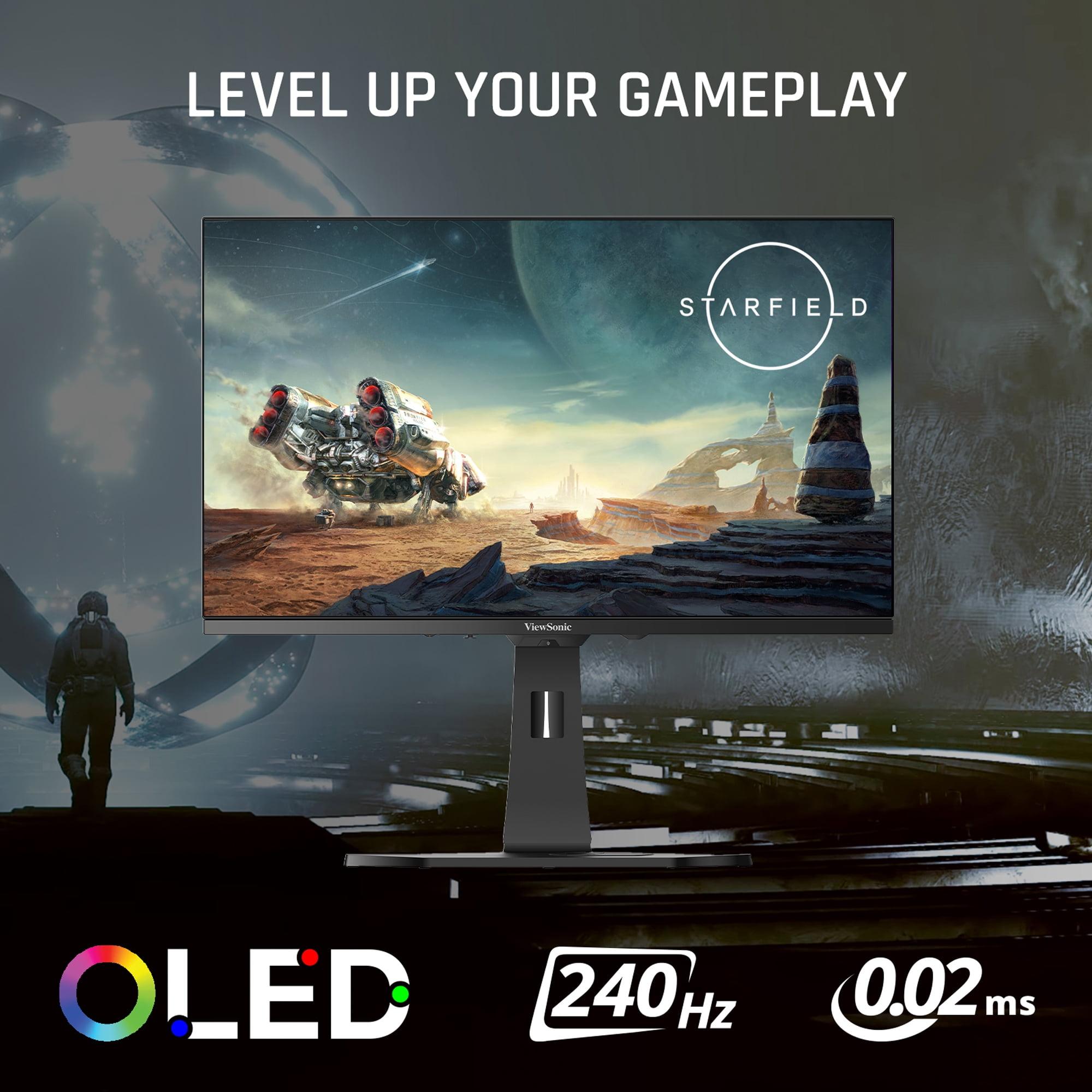
The ViewSonic XG272-2K-OLED is simply in a different league here. Its 0.02ms GTG (Gray-to-Gray) response time is 50 times faster than the Acer Nitro XV275K P3's 1ms response. In practical terms, this means virtually zero motion blur, even in the fastest-paced games.
I've tested both monitors with competitive titles like Valorant and Counter-Strike 2, and the difference is immediately apparent when tracking moving enemies or quickly scanning environments. The OLED's near-instantaneous pixel response eliminates the ghosting that can affect your accuracy in competitive scenarios. It's particularly noticeable in dark areas where enemies might be hiding - the OLED's perfect blacks combined with zero motion blur make spotting movement much easier.
The ViewSonic XG272-2K-OLED supports 240Hz refresh rates, while the Acer Nitro XV275K P3 maxes out at 160Hz via DisplayPort and 144Hz via HDMI. For competitive gaming, this 1.5x difference in refresh rate smoothness is significant. At 240Hz, every mouse movement and camera pan feels more fluid and responsive.
However, there's a practical consideration here: driving games at 240Hz requires serious graphics horsepower, especially at the Acer Nitro XV275K P3's 4K resolution. Most gamers will find 144-160Hz perfectly smooth for the vast majority of titles, making the OLED's 240Hz more of a luxury than a necessity for many users.
Both monitors feature low input lag, but the ViewSonic XG272-2K-OLED has a slight edge due to OLED technology's inherent speed advantages. The difference is measured in single-digit milliseconds, but for competitive gamers, every millisecond counts. Both support variable refresh rate technologies (G-Sync Compatible and FreeSync Premium) equally well, eliminating screen tearing and stuttering.
At the time of writing, there's a significant price gap between these monitors - the ViewSonic XG272-2K-OLED typically costs about 2.5-3 times more than the Acer Nitro XV275K P3. This price difference reflects not just the premium OLED technology, but also the specialized gaming features and lower production volumes of OLED gaming panels.
The Acer Nitro XV275K P3 offers exceptional value proposition, delivering about 80-90% of premium gaming monitor performance at roughly 35-40% of the cost. For many gamers, especially those on a budget or building their first high-end setup, this value equation is compelling.
OLED technology comes with the theoretical risk of burn-in - permanent image retention that can occur when static elements (like UI elements in games or desktop icons) are displayed for extended periods. The ViewSonic XG272-2K-OLED includes sophisticated burn-in prevention features like pixel shifting, automatic dimming during idle periods, and regular prompts to take breaks.
In my experience with OLED gaming monitors over the past two years, burn-in hasn't been an issue with normal gaming usage patterns. Games typically have enough changing content to prevent static elements from causing problems. However, if you're planning to use the monitor heavily for productivity work with static elements, this is worth considering.
The Acer Nitro XV275K P3 doesn't face these concerns. LCD technology with LED backlighting has decades of reliability data, and there's no risk of permanent image retention regardless of usage patterns.
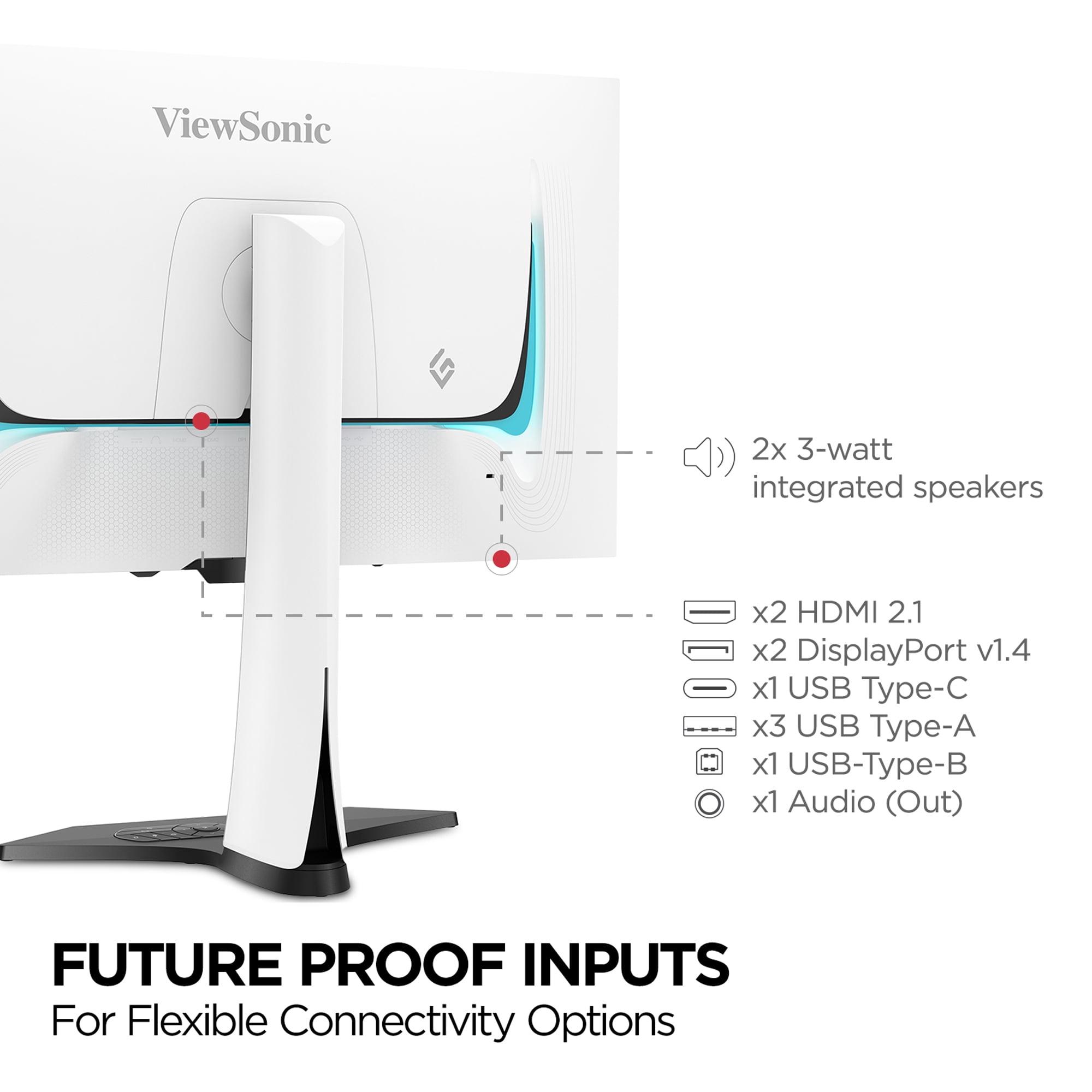
Both monitors offer comprehensive connectivity, but with different strengths. The ViewSonic XG272-2K-OLED includes 2x HDMI 2.1, 2x DisplayPort 1.4, and USB-C with modest 15W power delivery. It also features a built-in KVM switch, allowing you to control multiple devices with a single keyboard and mouse setup.
The Acer Nitro XV275K P3 matches the HDMI and DisplayPort connectivity while offering more robust USB-C implementation with 90W power delivery. This means you can power most laptops while transmitting video and data over a single cable - a significant convenience for hybrid work-gaming setups.
If you live and breathe competitive gaming, the ViewSonic XG272-2K-OLED is the clear choice. The combination of 0.02ms response time, 240Hz refresh rate, and perfect blacks gives you every possible advantage. Games like Apex Legends, Valorant, and Call of Duty benefit enormously from the motion clarity and fast response. The QHD resolution is actually advantageous here, as it's easier to maintain high frame rates while still providing excellent detail.
For players who prioritize visual spectacle in games like Cyberpunk 2077, The Witcher 3, or Microsoft Flight Simulator, the Acer Nitro XV275K P3 makes more sense. The 4K resolution showcases these beautiful game worlds in stunning detail, while the higher HDR brightness makes lighting effects more impactful. The slightly higher response time won't affect your enjoyment of story-driven games.
Both monitors work excellently with PlayStation 5 and Xbox Series X, supporting HDMI 2.1 features like 4K 120Hz and variable refresh rate. The Acer Nitro XV275K P3 might have a slight edge here since consoles are optimized for 4K output, though the ViewSonic XG272-2K-OLED's superior motion handling still provides benefits in fast-paced console games.
If you're considering using either monitor in a home theater setup or for movie watching, the Acer Nitro XV275K P3 is the better choice. Its higher brightness capability makes it more suitable for rooms with ambient lighting, and the 4K resolution is ideal for modern streaming content. The ViewSonic XG272-2K-OLED excels in completely dark rooms but may feel dim in typical living room lighting conditions.
For users who need their gaming monitor to double as a work display, the Acer Nitro XV275K P3 is more practical. The 4K resolution provides ample screen real estate for productivity tasks, the 90W USB-C power delivery supports single-cable laptop connections, and there are no burn-in concerns with static desktop elements.
After extensively using both types of technology, I believe the choice comes down to your primary use case and budget constraints. The ViewSonic XG272-2K-OLED is a specialized tool for serious gamers who want the absolute best gaming performance and can appreciate the technological marvel of OLED displays. It's the kind of monitor that makes you smile every time you see those perfect blacks in a dark game scene.
The Acer Nitro XV275K P3 is the pragmatic choice that delivers excellent performance across all use cases without breaking the bank. It's the monitor I'd recommend to most people building a new gaming setup, especially if they want something that handles gaming, work, and entertainment equally well.
Both represent significant advances in display technology compared to the basic gaming monitors available just a few years ago. The ViewSonic XG272-2K-OLED pushes the boundaries of what's possible in gaming displays, while the Acer Nitro XV275K P3 demonstrates how advanced features can be made accessible to a broader audience.
Consider your budget, your primary gaming genres, your room lighting conditions, and whether you need the display for non-gaming tasks. Both monitors will deliver an excellent experience - they just excel in different ways and serve different needs in the gaming ecosystem.
| ViewSonic XG272-2K-OLED | Acer Nitro XV275K P3 |
|---|---|
| Panel Technology - Determines contrast quality and long-term reliability | |
| OLED with self-emitting pixels | Mini LED with 576 local dimming zones |
| Resolution - Affects sharpness and detail clarity | |
| 2560 x 1440 (QHD) - easier to drive at high frame rates | 3840 x 2160 (4K UHD) - 2.25x more pixels for sharper detail |
| Refresh Rate - Critical for competitive gaming smoothness | |
| 240Hz - ultimate fluidity for esports | 160Hz (DisplayPort), 144Hz (HDMI) - excellent for most gaming |
| Response Time - Eliminates motion blur and ghosting | |
| 0.02ms GTG - virtually zero blur | 1ms GTG - still very fast, 50x slower than OLED |
| Contrast Ratio - Determines black depth and image punch | |
| 150,000:1 with perfect blacks | Dynamic contrast with some blooming around bright objects |
| Peak Brightness - Affects HDR impact and bright room usability | |
| 450 nits - best in dark rooms | 1000 nits (DisplayHDR 1000) - excellent for HDR and bright spaces |
| Color Gamut - Determines color accuracy and vibrancy | |
| 97% DCI-P3, 137% sRGB with 10-bit color | 99% Adobe RGB, 98% DCI-P3, 130% sRGB |
| Burn-in Risk - Long-term durability consideration | |
| Potential OLED burn-in with static images (prevention features included) | No burn-in risk with LCD technology |
| Connectivity - Determines device compatibility and convenience | |
| 2x HDMI 2.1, 2x DP 1.4, USB-C (15W PD), KVM switch | 2x HDMI 2.1, 1x DP 1.4, USB-C (90W PD), USB hub |
| Target Use Case - Who each monitor serves best | |
| Competitive gamers prioritizing ultimate performance | Versatile users wanting 4K resolution and strong value |
| Relative Pricing - Value consideration at time of writing | |
| Premium pricing for cutting-edge OLED technology | Exceptional value with high-end features at accessible cost |
The ViewSonic XG272-2K-OLED is significantly better for competitive gaming due to its 0.02ms response time and 240Hz refresh rate. This OLED monitor eliminates motion blur and provides the fastest possible response for esports titles like Valorant, Counter-Strike, and Apex Legends. The Acer Nitro XV275K P3 is still excellent for gaming but targets more casual players with its 1ms response time and 160Hz refresh rate.
OLED technology in the ViewSonic XG272-2K-OLED uses self-emitting pixels that can turn completely off for perfect blacks and infinite contrast. Mini LED in the Acer Nitro XV275K P3 uses 576 individually controlled LED zones behind an LCD panel for improved brightness and contrast, but can't achieve true blacks like OLED can.
The Acer Nitro XV275K P3 offers exceptional value, delivering 4K resolution, Mini LED technology, and DisplayHDR 1000 at a fraction of the cost of premium OLED monitors. While the ViewSonic XG272-2K-OLED provides superior gaming performance, it comes at a significant premium that may not justify the cost for casual gamers.
The Acer Nitro XV275K P3's 4K resolution provides noticeably sharper text and more detailed visuals compared to the ViewSonic XG272-2K-OLED's QHD resolution. On a 27-inch screen, 4K offers 2.25 times more pixels, making it excellent for productivity work and detailed gaming, though it requires more graphics power to maintain high frame rates.
The Acer Nitro XV275K P3 is superior for HDR content with its 1000 nits peak brightness and DisplayHDR 1000 certification. This Mini LED monitor delivers much more impactful bright highlights compared to the ViewSonic XG272-2K-OLED's 450 nits. However, the OLED provides perfect blacks for exceptional dark scene detail.
Both monitors support HDMI 2.1 and work excellently with next-gen consoles. The Acer Nitro XV275K P3 may have a slight advantage for console gaming since it matches the 4K output resolution these consoles target. The ViewSonic XG272-2K-OLED still provides superior motion clarity and response time for competitive console games.
The Acer Nitro XV275K P3 has no burn-in risk since it uses LCD technology. While the ViewSonic XG272-2K-OLED includes advanced burn-in prevention features like pixel shifting and auto-dimming, OLED panels can theoretically develop permanent image retention with prolonged static content display.
Both monitors include HDMI 2.1 and DisplayPort connections. The ViewSonic XG272-2K-OLED features a KVM switch and USB-C with 15W power delivery. The Acer Nitro XV275K P3 offers more robust USB-C with 90W power delivery, making it better for laptop users who want single-cable connectivity.
The Acer Nitro XV275K P3 performs significantly better in bright environments due to its 1000 nits peak brightness and anti-glare coating. The ViewSonic XG272-2K-OLED is optimized for darker rooms where its perfect blacks and contrast can shine, but may appear dim in well-lit spaces.
The Acer Nitro XV275K P3 is more versatile for productivity with its 4K resolution providing ample screen real estate and no burn-in concerns with static desktop elements. The ViewSonic XG272-2K-OLED can work for productivity but is primarily optimized for gaming performance rather than mixed-use scenarios.
Both monitors offer excellent color accuracy, with the Acer Nitro XV275K P3 covering 99% Adobe RGB and the ViewSonic XG272-2K-OLED covering 97% DCI-P3. The Acer may have a slight edge for professional color work due to its wider Adobe RGB coverage and lack of burn-in concerns during extended editing sessions.
The ViewSonic XG272-2K-OLED at QHD resolution is easier to drive at high frame rates, making it suitable for mid-range to high-end graphics cards. The Acer Nitro XV275K P3 requires more powerful graphics cards to fully utilize its 4K resolution, especially if you want to maintain high refresh rates in demanding games.
We've done our best to create useful and informative comparisons to help you decide what product to buy. Our research uses advanced automated methods to create this comparison and perfection is not possible - please contact us for corrections or questions. These are the sites we've researched in the creation of this article: tomshardware.com - viewsonic.com - cgmagonline.com - bhphotovideo.com - forums.blurbusters.com - pangoly.com - youtube.com - rtings.com - youtube.com - bhphotovideo.com - viewsonic.com - assetserver.net - viewsonic.com - viewsonic.com - colamco.com - viewsonic.com - store.connectcause.com - displayspecifications.com - bhphotovideo.com - manuals.viewsonic.com - viewsonic.com - pangoly.com - visioncomputers.com - bestbuy.com - bestbuy.com - rtings.com - reviewed.com - displayninja.com - youtube.com - displayninja.com - youtube.com - dpreview.com - acer.com - buy.bluum.com - shi.com - camcor.com - newegg.com - provantage.com - displayspecifications.com - colamco.com - displayspecifications.com - walmart.com - bestbuy.com

Privacy Policy
Terms and Conditions - Affiliate Policy
Home Security
© Copyright 2008-2026.
11816 Inwood Rd #1211, Dallas, TX 75244