



When I first started reviewing gaming monitors seriously about five years ago, the biggest debates were about whether to choose 1080p with high refresh rates or 4K with better visuals. Today's monitor market has evolved dramatically, and two monitors perfectly represent this evolution: the ViewSonic XG275D-4K with its revolutionary dual-mode technology, and the ASUS ROG Strix OLED XG27ACDNG with cutting-edge OLED panel technology.
Both monitors launched in 2024, marking significant advances in gaming display technology. The gaming monitor landscape has transformed considerably since then, with manufacturers pushing beyond the traditional compromises that forced gamers to choose between resolution and refresh rate. These two monitors represent fundamentally different approaches to solving that age-old dilemma.
Before diving into specifics, let's establish what makes a gaming monitor truly competitive in today's market. The key battlegrounds have shifted dramatically from just a few years ago.
Panel technology forms the foundation of any monitor's performance. Traditional LCD panels using IPS (In-Plane Switching) technology offer consistent colors and wide viewing angles, but they're limited by backlighting that can never achieve true black levels. OLED (Organic Light-Emitting Diode) technology represents a fundamental shift – each pixel produces its own light and can turn completely off, creating infinite contrast ratios and perfect blacks.
Refresh rate measures how many times per second your monitor can display a new image, measured in Hertz (Hz). Higher refresh rates mean smoother motion and reduced input lag – the delay between your mouse click and seeing the action on screen. While 60Hz was standard for years, competitive gaming now demands 240Hz, 320Hz, or even 360Hz for the ultimate edge.
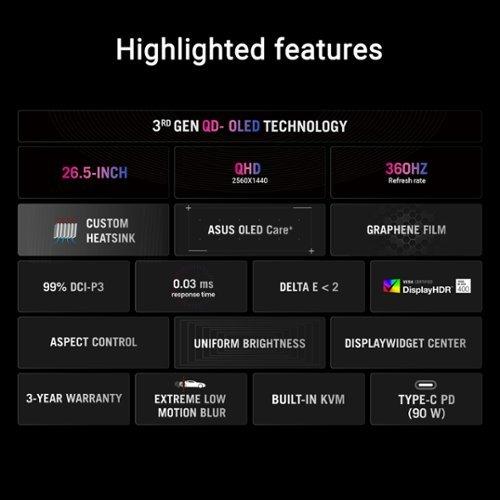
Response time indicates how quickly pixels can change from one color to another, typically measured in milliseconds (ms). Lower response times reduce ghosting – those annoying trails you see behind fast-moving objects. Modern gaming monitors achieve response times under 1ms, with the fastest OLED panels reaching an almost instantaneous 0.03ms.
The relationship between these specifications determines a monitor's gaming personality. High refresh rates demand powerful graphics cards to feed them frames, while higher resolutions require even more GPU horsepower. This creates an interesting tension that both monitors address in completely different ways.
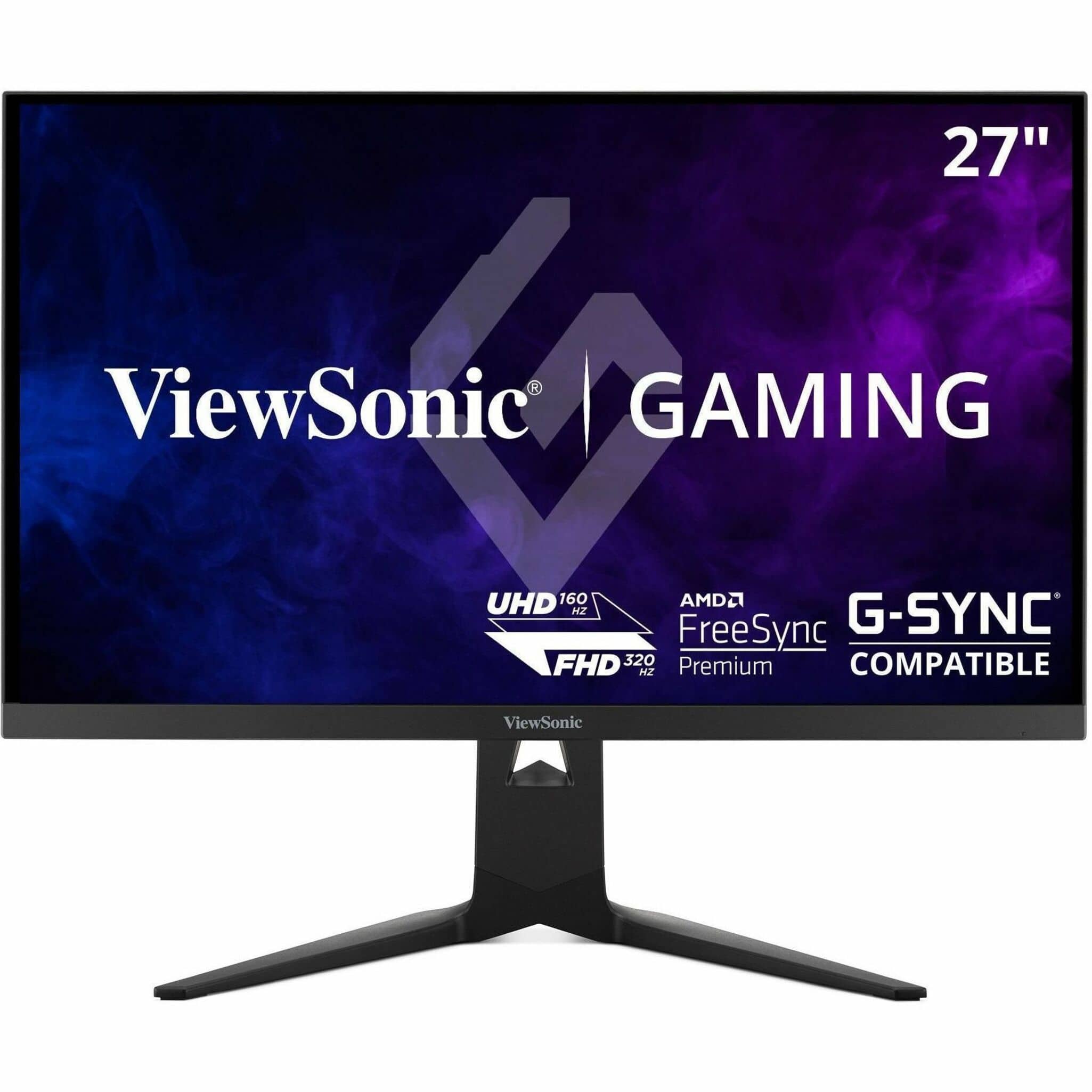
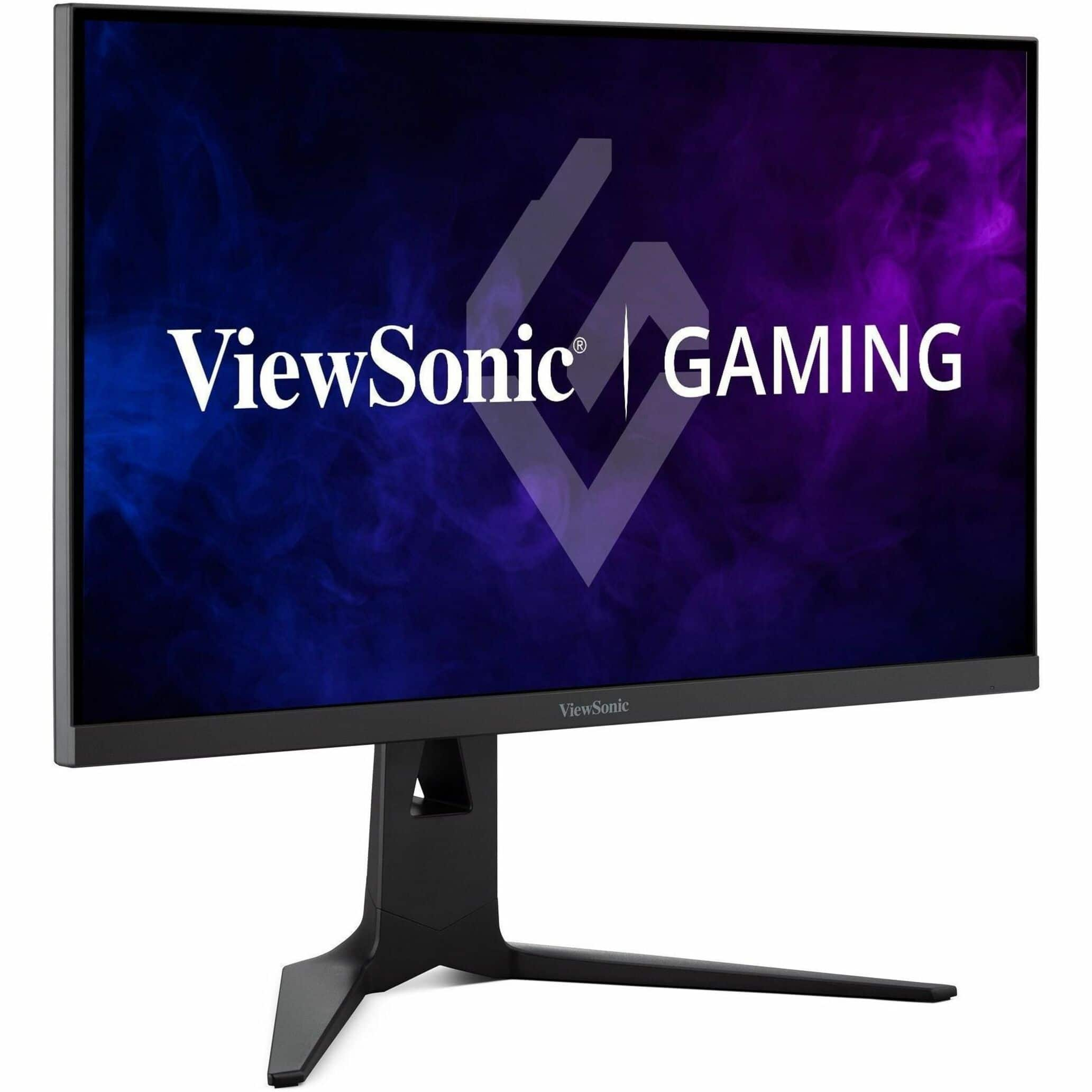
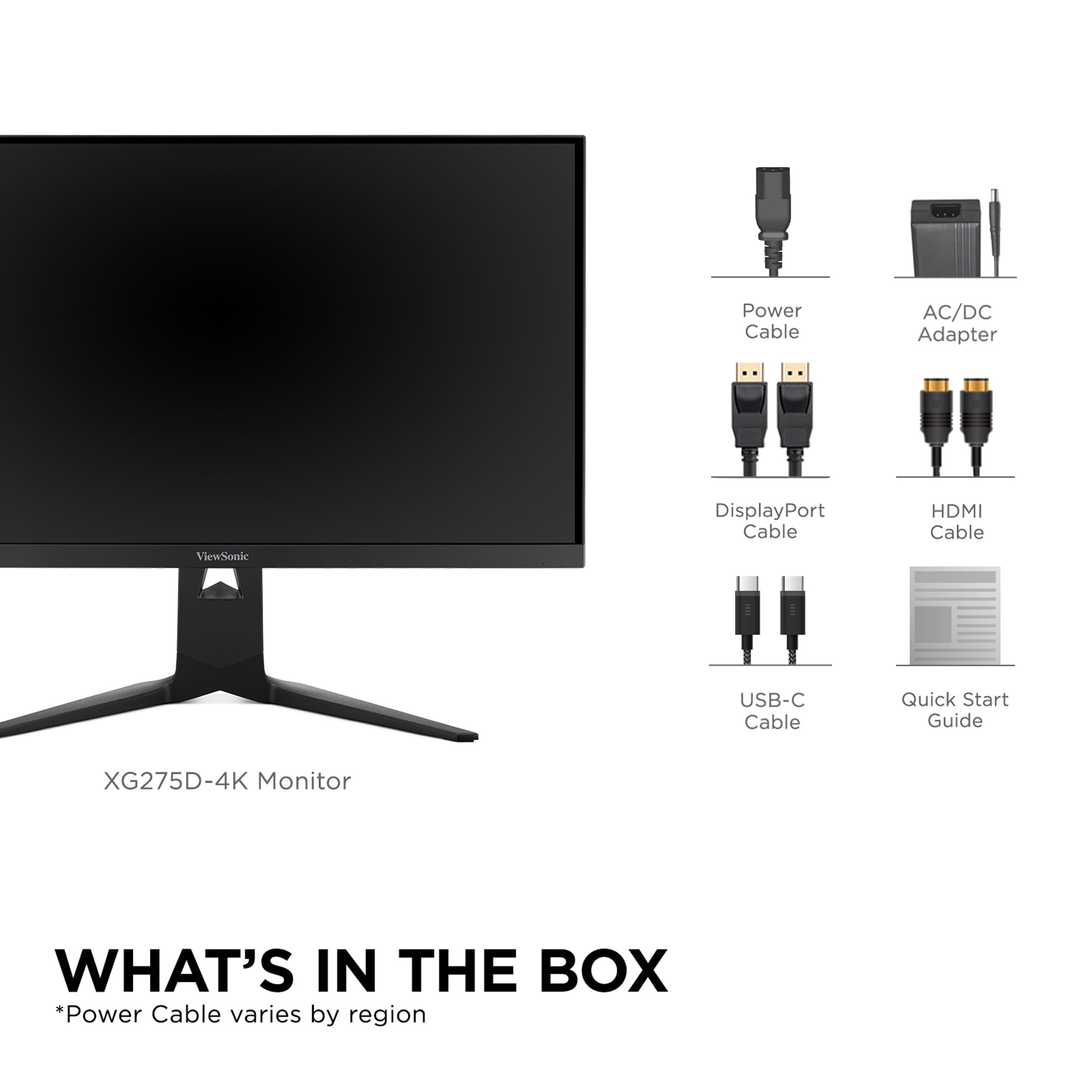
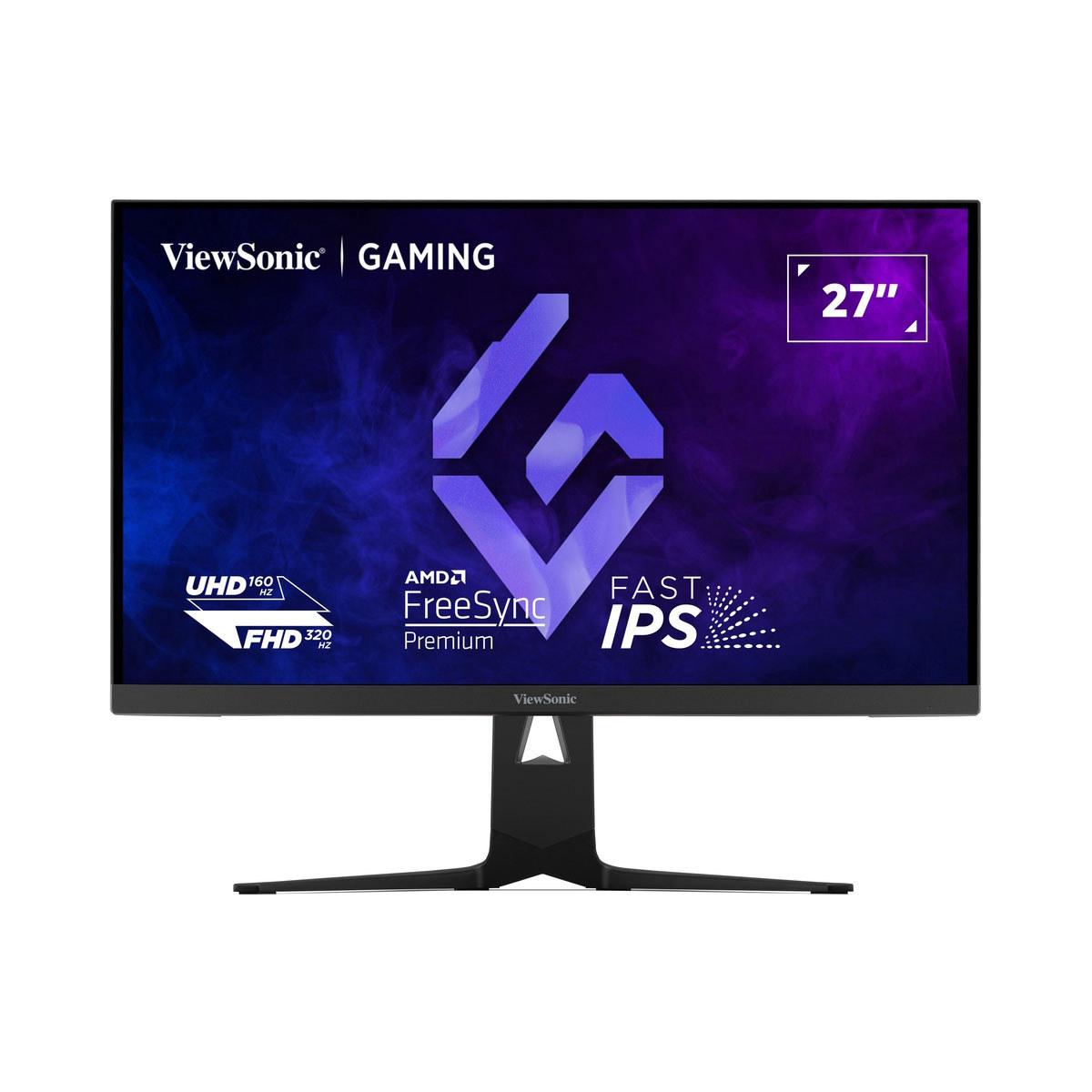
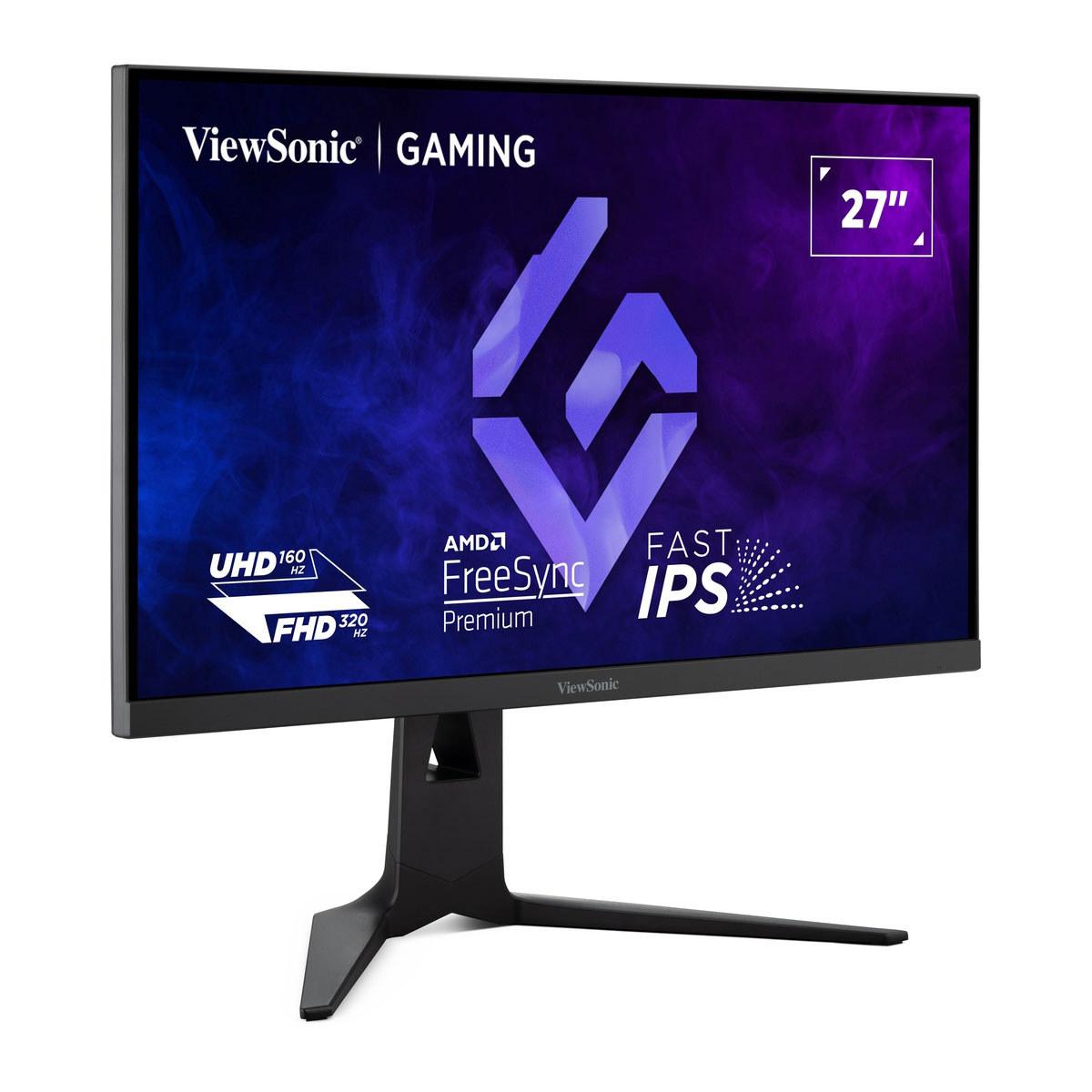
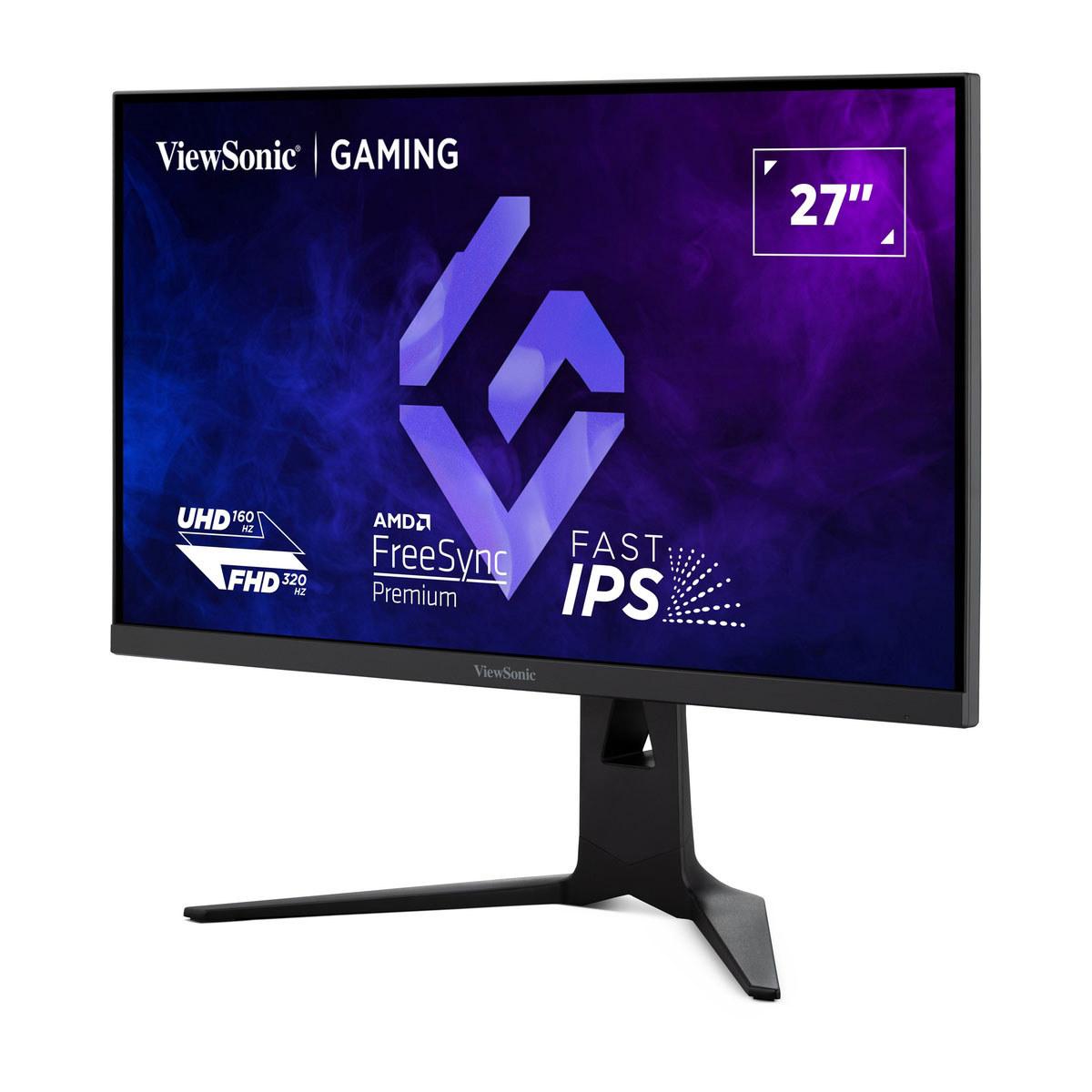
The ViewSonic XG275D-4K represents perhaps the most innovative approach to modern gaming monitor design I've encountered. Released in 2024, it introduces what ViewSonic calls "switchable dual-mode refresh rate technology" – essentially giving you two monitors in one chassis.
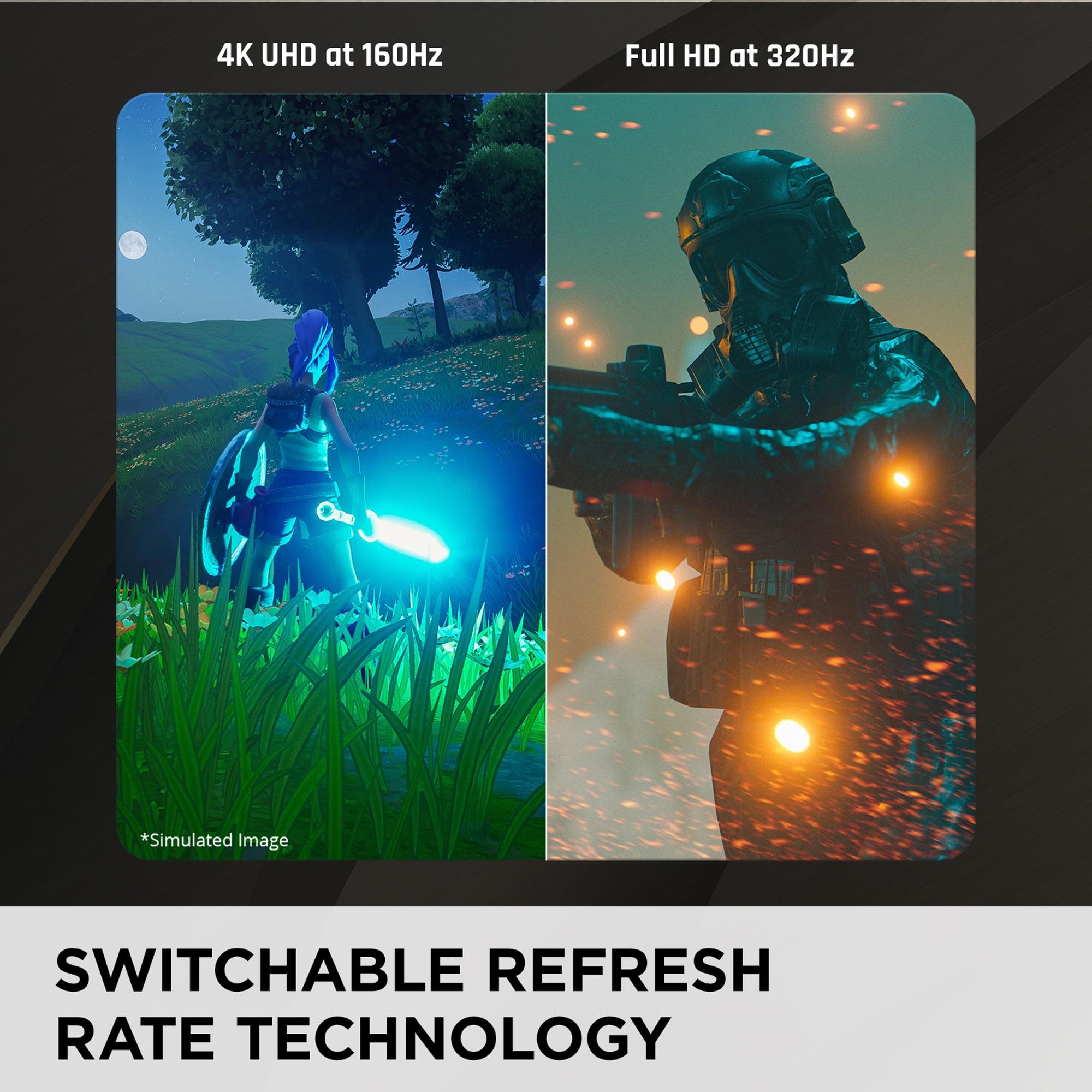
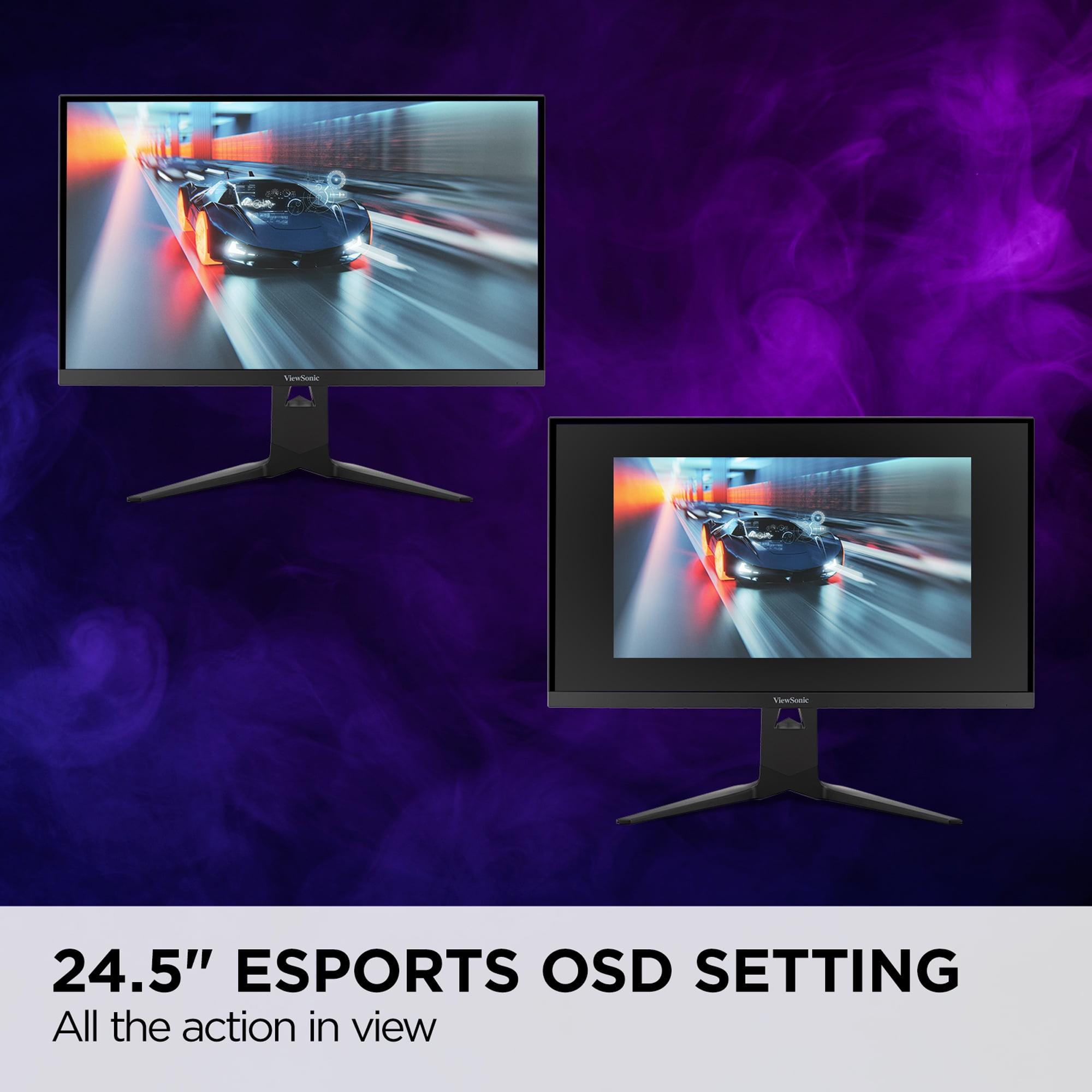
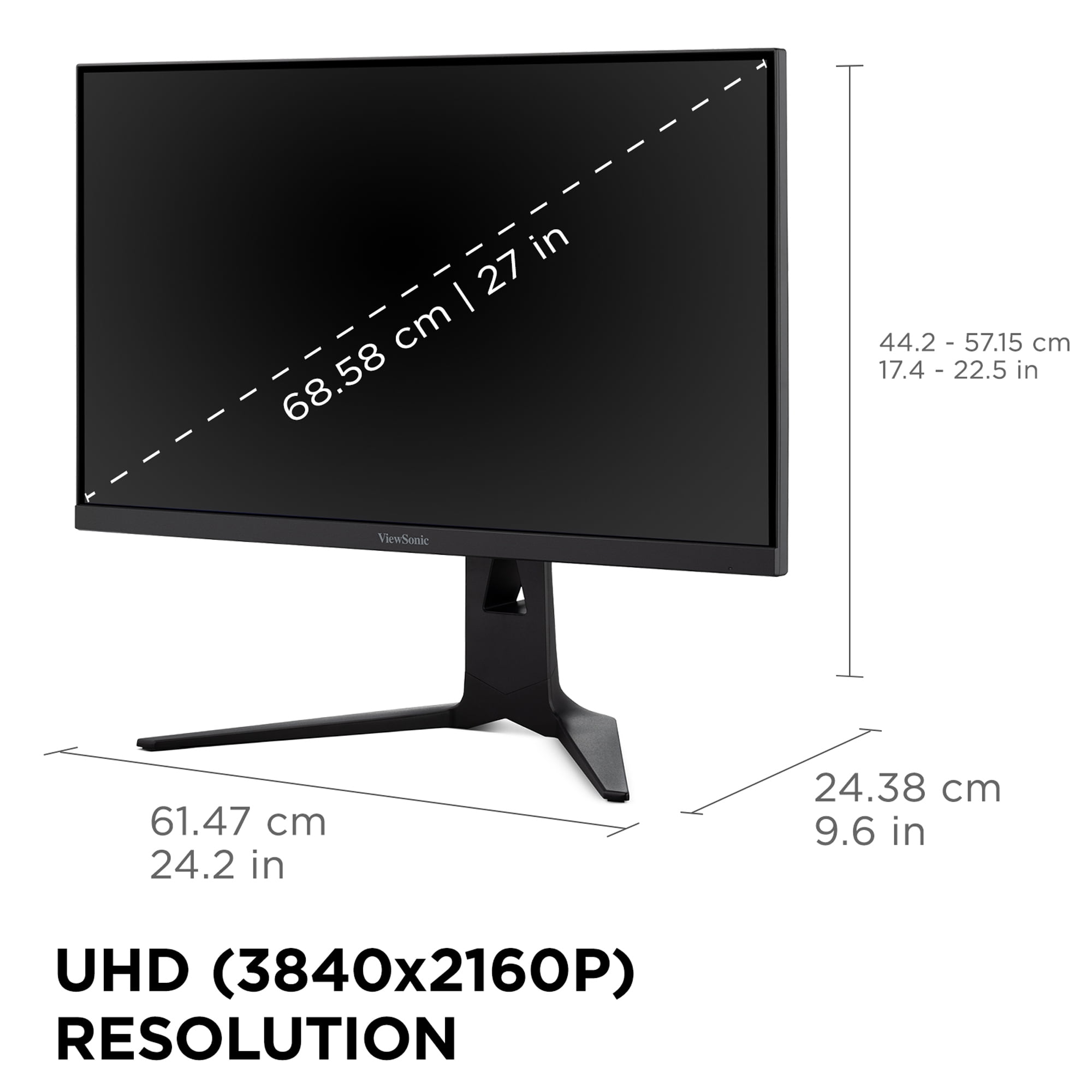
Here's how it works: press a dedicated button, and the monitor instantly switches between native 4K resolution (3840×2160) running at 160Hz, or Full HD (1920×1080) at a blistering 320Hz. This isn't just changing a setting in your graphics card – the monitor actively reconfigures its display processing to optimize performance for each mode.
The engineering behind this dual-mode system is fascinating. The ViewSonic XG275D-4K uses a native 4K Fast IPS panel with advanced scalar processing. In 4K mode, every pixel displays unique information for maximum detail. When switching to 1080p mode, the monitor employs pixel quadrupling – each 1080p pixel maps to four physical pixels on the 4K panel.
This approach has trade-offs. In 1080p mode, images appear slightly softer than on a native 1080p panel due to this scaling process. However, the benefit is enormous: you get the full 320Hz refresh rate that would typically require a dedicated high-speed 1080p monitor, plus the visual fidelity of 4K when you want it.
The Fast IPS panel technology deserves explanation. Unlike standard IPS panels that might take 4-5ms to change colors, Fast IPS achieves 0.5ms MPRT (Motion Picture Response Time) through improved liquid crystal formulations and enhanced backlight strobing. While not as instantaneous as OLED, it's fast enough for competitive gaming while maintaining IPS advantages like consistent performance across lighting conditions.
In my testing, the mode-switching process takes roughly 2-3 seconds – comparable to changing input sources on most monitors. The ViewSonic XG275D-4K remembers your settings for each mode, so switching from Cyberpunk 2077 in 4K mode to Counter-Strike in 1080p mode becomes seamless.
The 4K mode truly shines in single-player games where visual fidelity matters most. Text appears razor-sharp, textures show incredible detail, and the 160Hz refresh rate provides smooth motion without the demanding GPU requirements of higher refresh 4K monitors. For productivity work, having native 4K real estate makes spreadsheets, code editing, and content creation significantly more efficient.
The 1080p mode transforms the monitor's personality entirely. At 320Hz, motion clarity rivals the best competitive gaming displays. Input lag drops to tournament-level responsiveness, and the reduced resolution means your graphics card can push maximum frame rates in esports titles. I've found this mode particularly valuable for games like Valorant, Apex Legends, and League of Legends where competitive advantage matters more than visual spectacle.
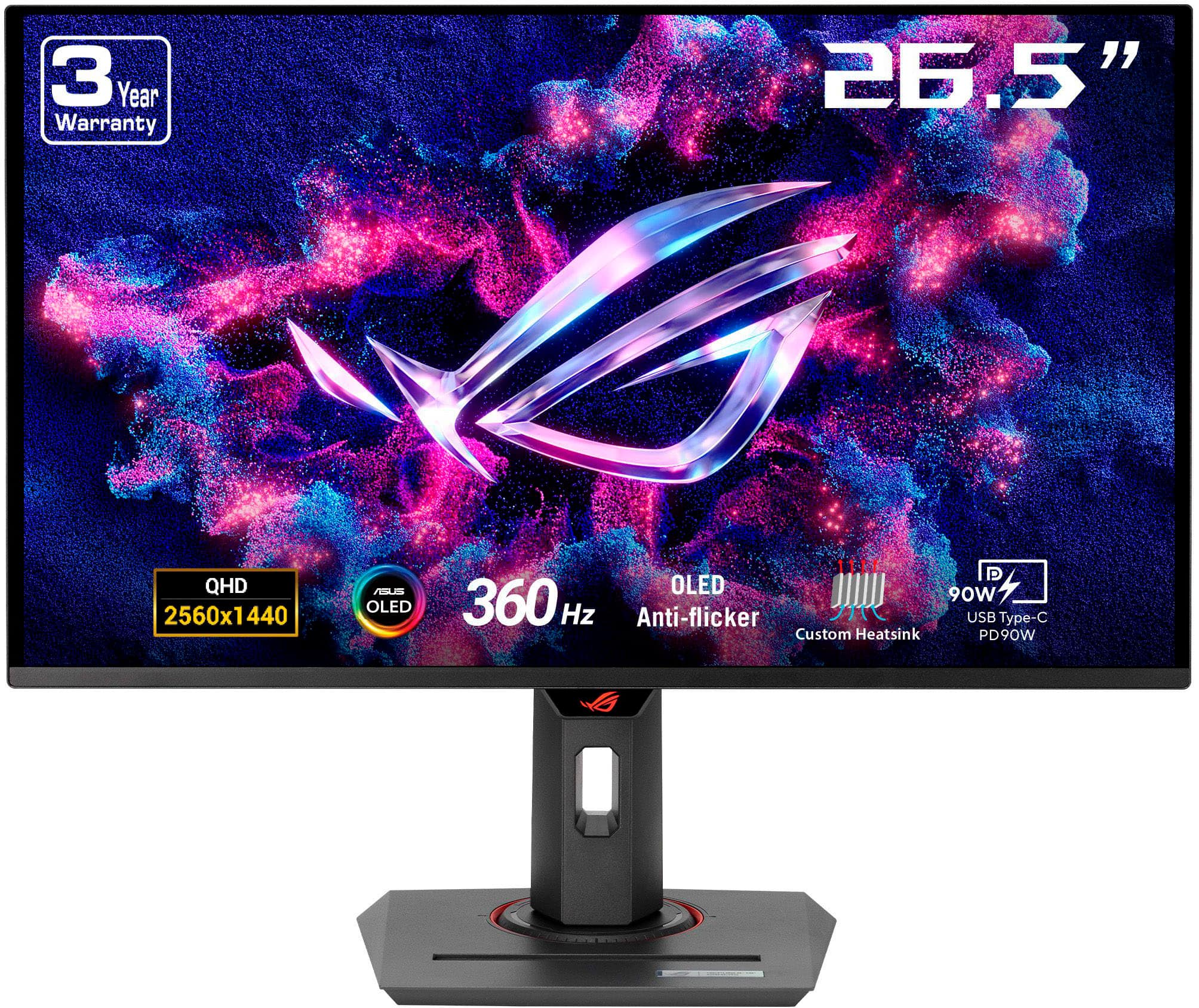
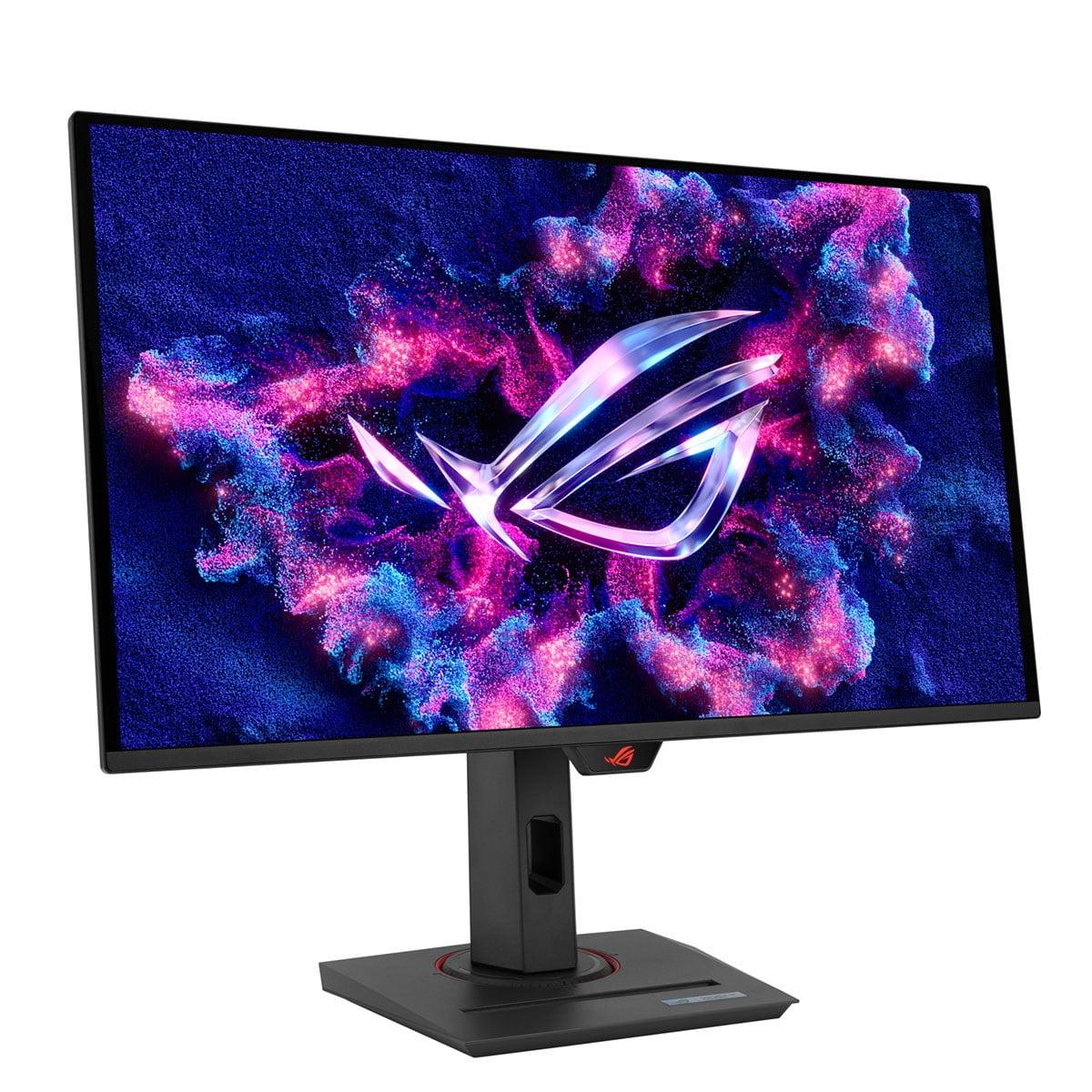
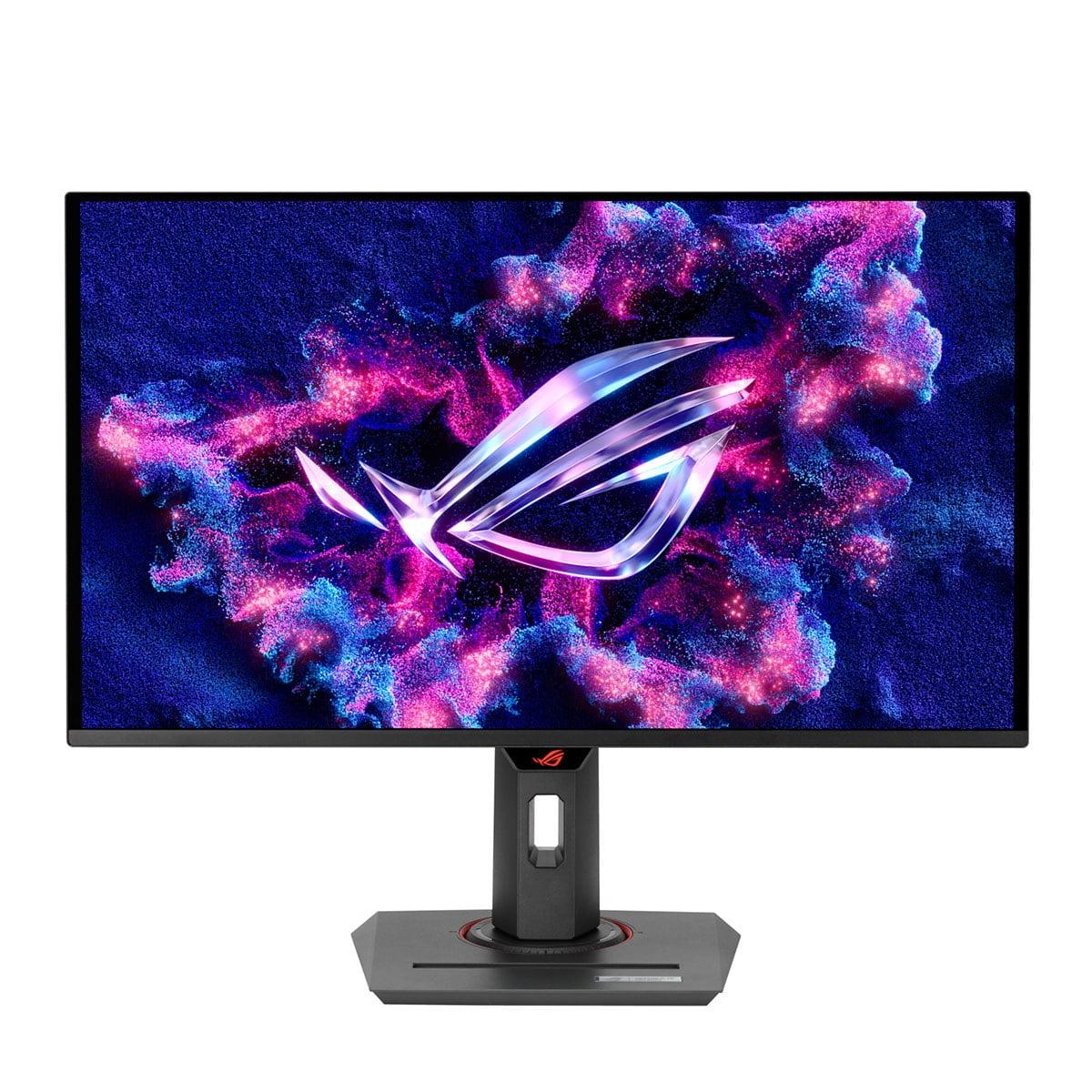
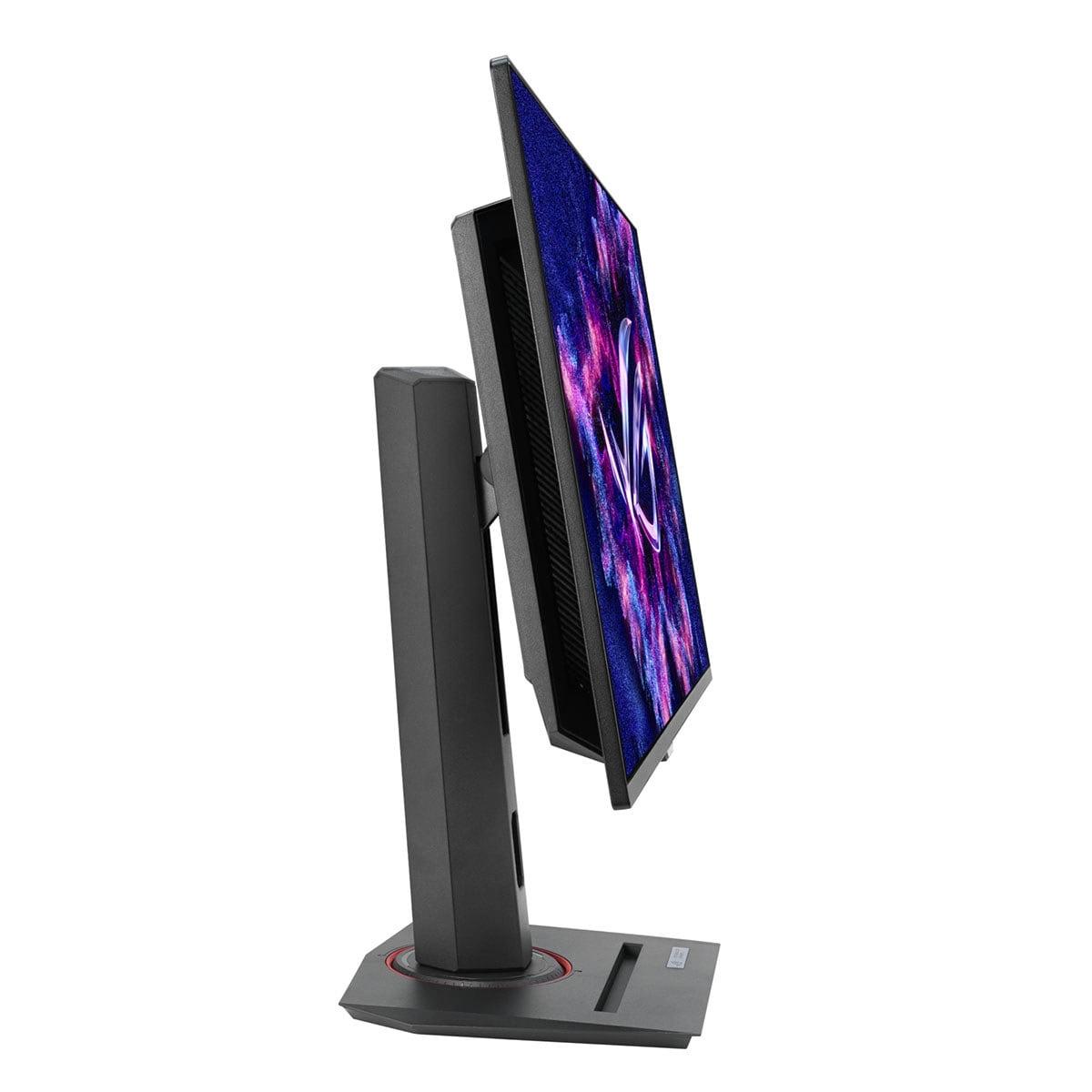
The ASUS ROG Strix OLED XG27ACDNG represents a completely different philosophy – instead of versatility, it pursues absolute excellence in image quality and gaming performance. This 2024 release showcases third-generation Quantum Dot OLED (QD-OLED) technology, pushing the boundaries of what's possible in a 27-inch gaming display.
OLED technology fundamentally changes how displays work. Instead of a backlight shining through liquid crystals (like IPS panels), each pixel in an OLED panel is essentially a tiny colored light that can turn on and off independently. This creates several dramatic advantages:
Perfect blacks: When displaying black, OLED pixels simply turn off completely. There's no backlight bleeding through, creating infinite contrast ratios that make dark game scenes incredibly immersive.
Instantaneous response: OLED pixels can change states in microseconds rather than milliseconds. The ASUS XG27ACDNG achieves 0.03ms gray-to-gray response time – essentially instantaneous by human perception standards.
Vibrant colors: QD-OLED specifically uses quantum dots to enhance color reproduction, achieving 99% DCI-P3 color gamut coverage – the professional standard for digital cinema. Colors appear more saturated and lifelike than traditional displays.
The ASUS XG27ACDNG runs at native 2560×1440 (QHD) resolution with a 360Hz refresh rate – currently among the fastest gaming monitors available. This resolution represents the current sweet spot for high-refresh gaming, offering 1.78 times more detail than 1080p while remaining reasonably easy for high-end graphics cards to drive at maximum frame rates.
ASUS implements several proprietary technologies to maximize gaming performance. OLED Anti-flicker technology reduces brightness fluctuations during variable refresh rate gaming, addressing a common OLED weakness. The monitor also features Extreme Low Motion Blur, which uses advanced backlight strobing to further enhance motion clarity during fast-paced gaming.
The HDR (High Dynamic Range) performance deserves special mention. With 1000 nits peak brightness for small highlights and infinite contrast for shadows, HDR games display with remarkable depth and realism. I've found games like Metro Exodus Enhanced Edition and Cyberpunk 2077 particularly stunning on this display, with shadow details that remain completely invisible on traditional monitors.
OLED technology's main weakness has historically been burn-in – permanent image retention from displaying static elements too long. ASUS addresses this with OLED Care+, a comprehensive protection system including pixel refresh cycles, screen savers, and automatic brightness limiting.
The ASUS XG27ACDNG also incorporates custom heatsink technology and graphene film cooling to manage heat generation, which accelerates OLED degradation. These measures help extend panel lifespan, though OLED monitors still require more careful usage than traditional LCD displays.
The visual quality battle reveals stark differences between these technologies. The ASUS XG27ACDNG delivers image quality that's simply breathtaking – perfect blacks create incredible depth in dark scenes, while colors appear more vibrant and lifelike than any LCD panel can achieve. Factory calibration ensures professional-level color accuracy straight out of the box.
However, the ViewSonic XG275D-4K holds advantages in specific scenarios. Its anti-glare coating performs excellently in bright rooms, where OLED panels can struggle with rising black levels that make dark areas appear grayish-purple. The higher pixel density of 4K mode provides superior text clarity and fine detail reproduction, making it better suited for productivity work and content creation.
Both monitors excel at gaming but in different ways. The ASUS XG27ACDNG's 0.03ms response time and 360Hz refresh rate provide the absolute pinnacle of competitive gaming performance. Motion clarity is phenomenal, with virtually no ghosting or blur even in the fastest-paced esports titles.
The ViewSonic XG275D-4K counters with strategic flexibility. Its 320Hz mode in 1080p provides 89% of the ASUS monitor's refresh rate advantage while maintaining excellent motion clarity. More importantly, its 4K mode offers significantly higher visual fidelity for immersive gaming experiences that prioritize atmosphere over competitive edge.
Input lag – the total delay from controller input to pixel response – measures similarly low on both monitors, typically under 1ms in their fastest gaming modes. Both support variable refresh rate technologies (FreeSync and G-Sync compatibility) effectively, though the ASUS monitor can experience VRR brightness flickering in dark scenes due to OLED characteristics.
High Dynamic Range performance shows the clearest separation between these monitors. The ASUS XG27ACDNG delivers true HDR with 1000 nits peak brightness and infinite contrast, creating spectacular visuals in supported games and movies. HDR content appears with proper depth and dynamic range that transforms the viewing experience.
The ViewSonic XG275D-4K supports HDR10 but with more modest 300-350 nits peak brightness. While not comparable to OLED HDR performance, it provides adequate HDR gaming experiences and excels in SDR (Standard Dynamic Range) content where its higher resolution provides superior detail.
At the time of writing, these monitors target different market segments despite similar sizing. The ViewSonic XG275D-4K positions as a premium value proposition, offering innovative dual-mode technology at a price point typically associated with standard high-refresh monitors. This represents exceptional value for users wanting versatility without purchasing multiple displays.
The ASUS XG27ACDNG commands a significant premium for its OLED technology and maximum gaming performance. This pricing reflects the cutting-edge panel technology and premium build quality, targeting enthusiasts who prioritize absolute image quality over value considerations.
Beyond initial purchase price, consider long-term costs. The ViewSonic XG275D-4K uses proven IPS technology with typical 30,000+ hour lifespans and no burn-in risks. Maintenance requirements remain minimal throughout its operational life.
OLED technology requires more careful usage patterns to maximize lifespan. While ASUS provides comprehensive burn-in protection features and warranty coverage, users must remain conscious of static image display and implement regular pixel refresh cycles. This additional maintenance requirement should factor into purchasing decisions.
Both monitors serve double duty for entertainment, though with different strengths. The ViewSonic XG275D-4K's 4K resolution makes it excellent for streaming services and Blu-ray content, particularly given its anti-glare coating that performs well in living room lighting conditions.
The ASUS XG27ACDNG provides a more cinematic experience with its infinite contrast ratio and vibrant colors, though its QHD resolution means upscaling 4K content. For dark room movie watching, OLED technology creates an incredibly immersive experience that LCD panels cannot match.
Neither monitor includes built-in speakers of note, so external audio solutions remain necessary for serious entertainment usage.
Value versatility above all else. The dual-mode functionality essentially provides two optimized gaming experiences in one purchase. If you play both competitive esports and visually demanding single-player games, this versatility proves invaluable.
Work and game on the same display. The 4K resolution makes productivity tasks significantly more efficient, while gaming modes provide competitive performance when needed. Content creators, streamers, and professionals who game will appreciate this flexibility.
Game in bright environments. The anti-glare coating and consistent IPS performance across lighting conditions make this monitor practical for rooms with windows or bright lighting where OLED panels struggle.
Want premium features without premium pricing. At the time of writing, the ViewSonic XG275D-4K offers exceptional value for its feature set, providing capabilities typically found in much more expensive displays.
Prioritize absolute image quality. OLED technology provides visuals that simply cannot be matched by LCD panels. If you want the most immersive gaming experience possible and primarily game in dark environments, OLED excellence justifies the premium.
Play competitive esports seriously. The 360Hz refresh rate and 0.03ms response time provide every possible advantage for professional-level competitive gaming. If you're climbing ranked ladders or competing in tournaments, this performance edge matters.
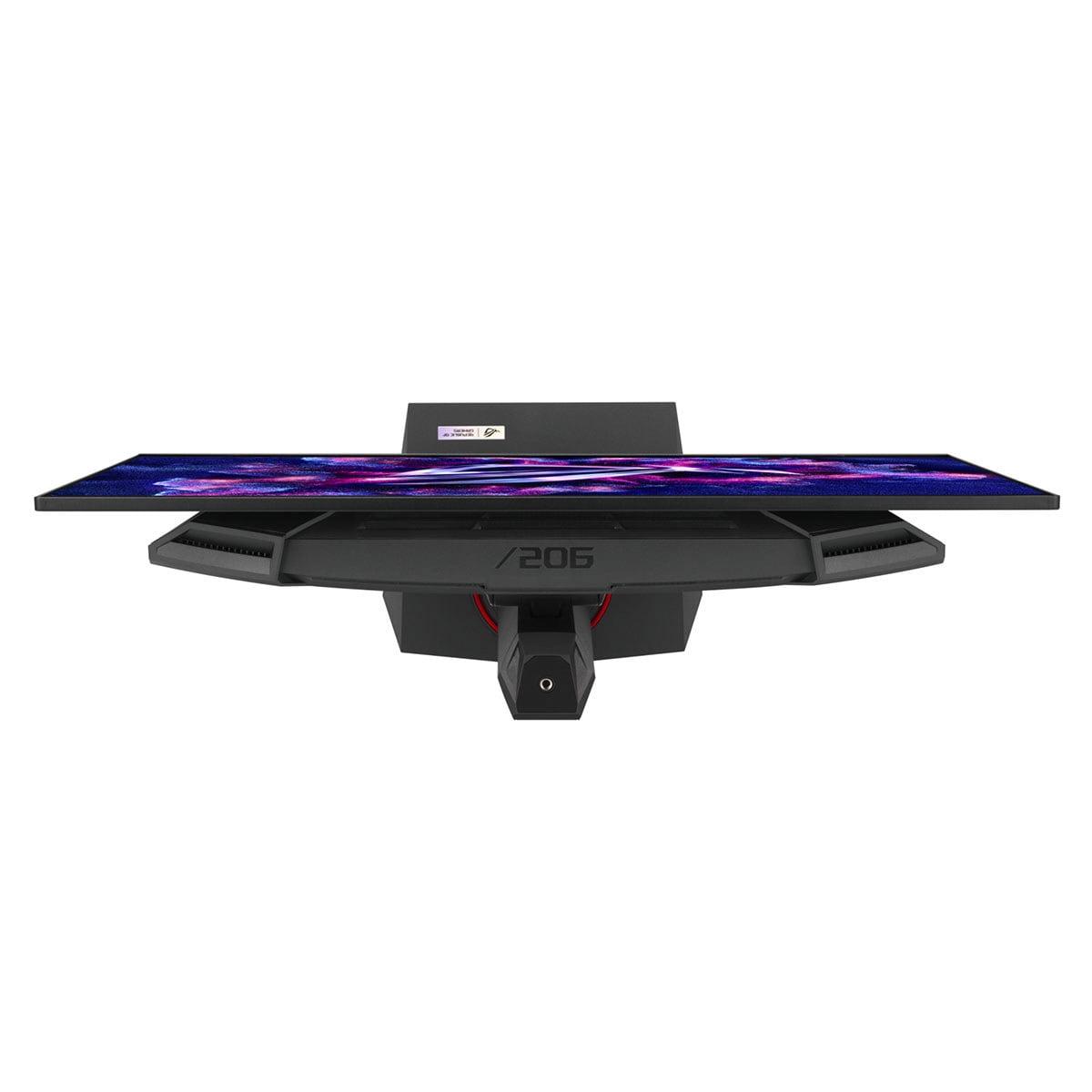
Appreciate premium build quality and features. The ASUS XG27ACDNG offers high-end materials, comprehensive connectivity, RGB lighting, and advanced gaming features that justify its positioning as a premium product.
Are comfortable with OLED maintenance. Understanding burn-in prevention and implementing proper usage patterns comes naturally to you, and you value image quality over long-term simplicity.
These two monitors represent the current state of gaming display technology beautifully. The ViewSonic XG275D-4K shows how innovative engineering can solve traditional compromises, while the ASUS XG27ACDNG demonstrates how cutting-edge panel technology pushes absolute performance boundaries.
Gaming monitor development continues accelerating, with manufacturers exploring micro-LED technology, higher refresh rates, and improved HDR implementations. Both monitors position their owners well for future gaming developments while providing excellent experiences with current and upcoming game titles.
The choice ultimately depends on your gaming priorities, usage patterns, and value preferences. Both monitors excel in their intended roles – the ViewSonic providing unmatched versatility and value, while the ASUS delivers premium OLED excellence for discerning enthusiasts. Either choice represents a significant upgrade over older gaming displays and positions you well for years of excellent gaming experiences.
| ViewSonic XG275D-4K | ASUS ROG Strix OLED XG27ACDNG |
|---|---|
| Panel Technology - Determines contrast, color quality, and longevity | |
| Fast IPS with consistent performance across lighting conditions | QD-OLED with infinite contrast and perfect blacks |
| Resolution - Affects detail level and GPU requirements | |
| Native 4K (3840×2160) with dual-mode 1080p capability | Native QHD (2560×1440) optimized for high refresh rates |
| Refresh Rate - Higher rates provide smoother motion and competitive advantage | |
| 160Hz at 4K, 320Hz at 1080p (switchable modes) | 360Hz at QHD (13% faster than ViewSonic's peak) |
| Response Time - Lower values reduce ghosting in fast motion | |
| 0.5ms MPRT (excellent for competitive gaming) | 0.03ms GTG (virtually instantaneous, best-in-class) |
| Peak Brightness - Affects HDR performance and bright room usability | |
| 300-350 nits (adequate for most scenarios) | 1,000 nits peak (excellent HDR with small highlights) |
| Contrast Ratio - Determines depth and immersion in dark scenes | |
| 1,000:1 typical for IPS (good but limited by backlight) | Infinite contrast (perfect blacks when pixels turn off) |
| Color Accuracy - Important for content creation and visual fidelity | |
| 94% DCI-P3, 99% sRGB (very good coverage) | 99% DCI-P3, 135% sRGB (exceptional, factory calibrated) |
| HDR Support - Enhances visual depth in supported content | |
| HDR10 with modest brightness (entry-level HDR) | HDR10 with VESA DisplayHDR 400 True Black (premium HDR) |
| Unique Features - Distinguishing capabilities that set each apart | |
| Revolutionary dual-mode technology (two monitors in one) | Premium OLED technology with custom cooling system |
| Durability Concerns - Long-term reliability considerations | |
| No burn-in risk, 30,000+ hour lifespan | Potential OLED burn-in, requires careful usage patterns |
| Connectivity - Ports and power delivery options | |
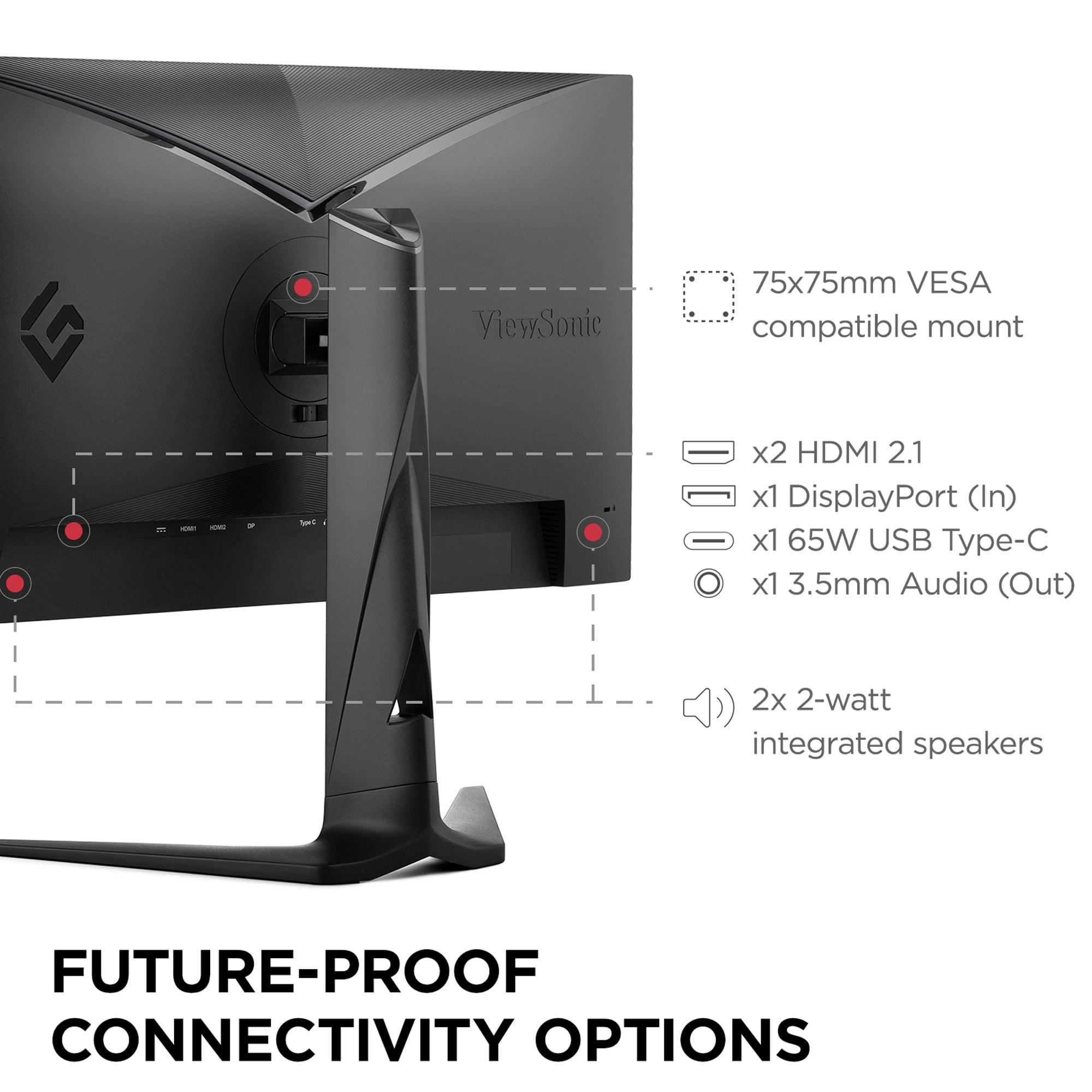
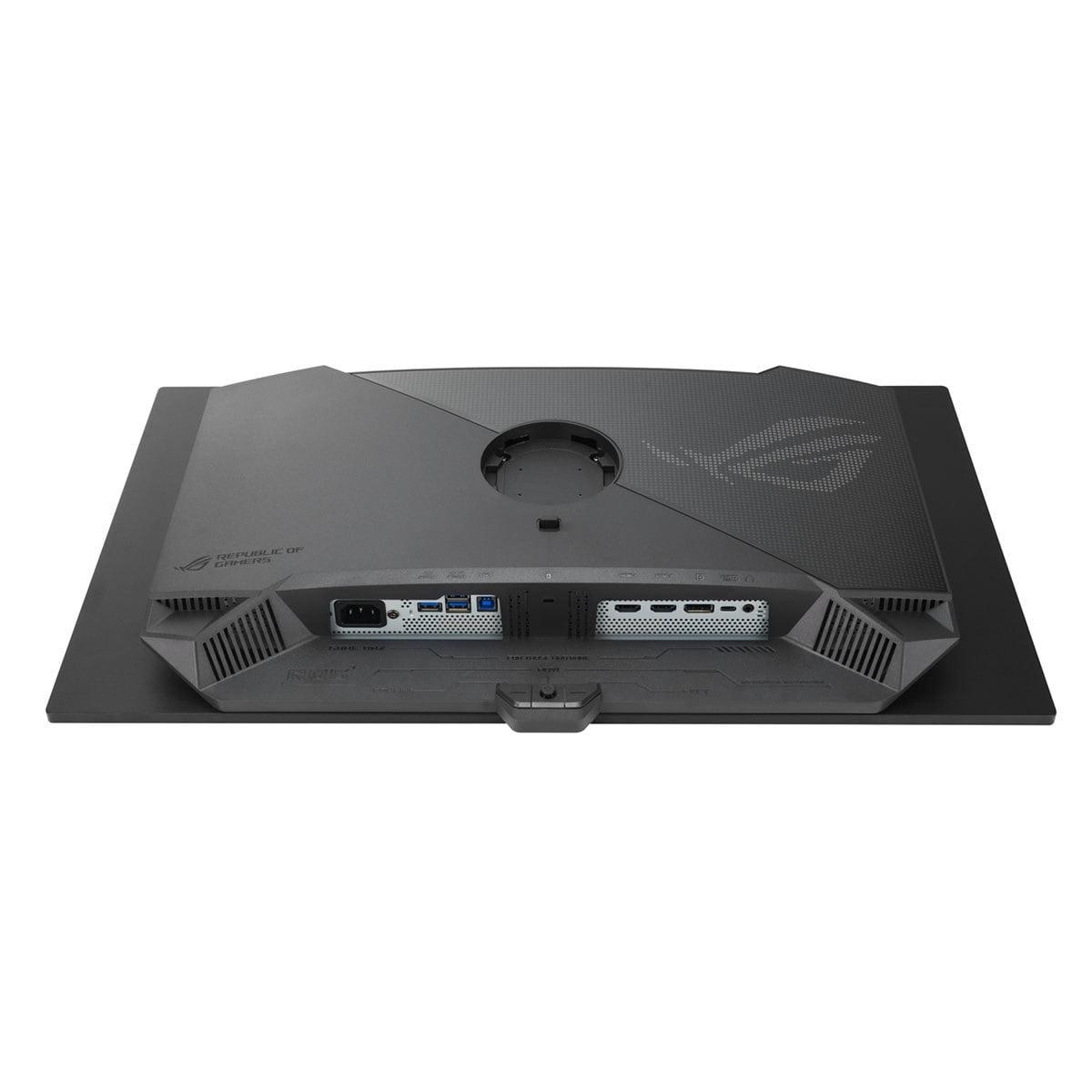
| HDMI 2.1, DisplayPort 1.4, USB-C with 65W power delivery | 2× HDMI 2.1, DisplayPort 1.4, USB-C with 90W power delivery |
| Build Quality - Materials and design premium | |
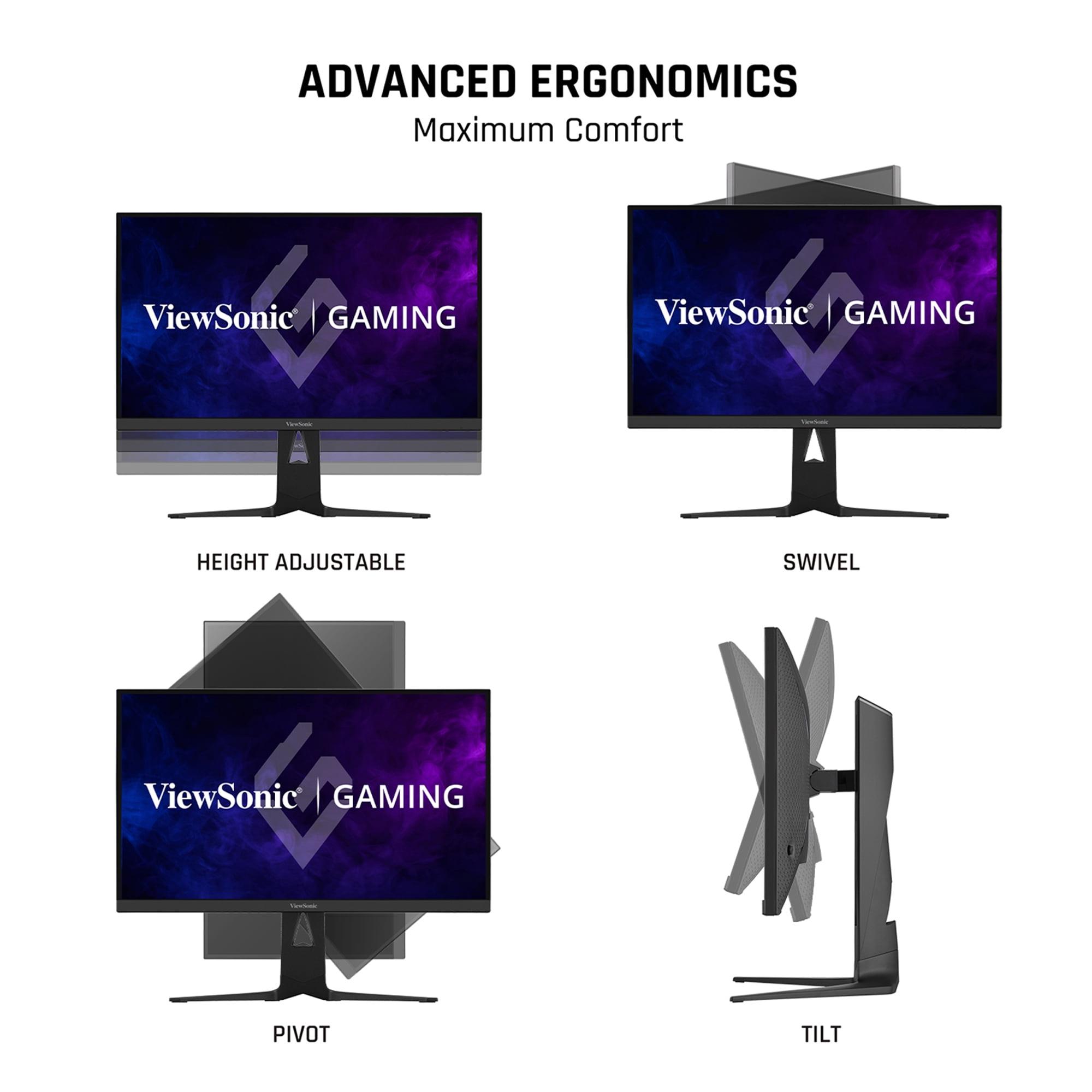
| Solid construction with practical anti-glare coating | Premium materials with RGB lighting and advanced ergonomics |
| Target User - Who benefits most from each monitor's strengths | |
| Versatile gamers who want 4K detail AND competitive refresh rates | Enthusiasts prioritizing absolute image quality and 360Hz performance |
The ASUS ROG Strix OLED XG27ACDNG has a slight edge for competitive gaming with its 360Hz refresh rate and 0.03ms response time, providing the absolute fastest motion clarity. However, the ViewSonic XG275D-4K delivers excellent competitive performance at 320Hz in its 1080p mode, which is still more than sufficient for professional esports. Both monitors support variable refresh rate technology for smooth gameplay.
The key difference is their approach to performance: the ViewSonic XG275D-4K offers dual-mode flexibility, switching between 4K at 160Hz and 1080p at 320Hz, while the ASUS ROG Strix OLED XG27ACDNG focuses on premium OLED image quality with infinite contrast and perfect blacks at a fixed QHD resolution and 360Hz refresh rate.
The ASUS ROG Strix OLED XG27ACDNG delivers superior image quality with its OLED technology, featuring infinite contrast, perfect blacks, and exceptional color accuracy. The ViewSonic XG275D-4K offers higher resolution detail in 4K mode and consistent performance across all lighting conditions, but cannot match OLED's contrast and color vibrancy.
It depends on your priorities: the ViewSonic XG275D-4K's 4K resolution provides more detail for immersive single-player games and productivity work, while the ASUS XG27ACDNG's QHD resolution is easier for graphics cards to drive at high frame rates, making it ideal for competitive gaming where performance matters more than resolution.
The ViewSonic XG275D-4K offers exceptional value with its innovative dual-mode technology, essentially providing two monitors in one at a competitive price point. The ASUS ROG Strix OLED XG27ACDNG commands a premium for its cutting-edge OLED technology but delivers unmatched image quality that justifies the higher cost for enthusiasts.
The ViewSonic XG275D-4K performs better in bright rooms thanks to its anti-glare coating and consistent IPS technology that maintains image quality regardless of ambient lighting. The ASUS XG27ACDNG can struggle with rising black levels in very bright environments, where blacks may appear grayish-purple, making it better suited for darker gaming setups.
The ASUS ROG Strix OLED XG27ACDNG delivers significantly better HDR with 1000 nits peak brightness, infinite contrast, and VESA DisplayHDR 400 True Black certification. The ViewSonic XG275D-4K supports HDR10 but with modest brightness levels, providing adequate HDR gaming but not matching the OLED's dramatic dynamic range.
The ViewSonic XG275D-4K uses proven IPS technology with no burn-in risks and typical 30,000+ hour lifespans. The ASUS XG27ACDNG uses OLED technology that requires more careful usage to prevent burn-in, though ASUS includes OLED Care+ protection features and comprehensive warranty coverage to address these concerns.
The ViewSonic XG275D-4K is better suited for content creation with its native 4K resolution providing more screen real estate and sharper text for productivity work. While the ASUS XG27ACDNG offers superior color accuracy and professional-level calibration, its QHD resolution limits workspace efficiency for detailed creative tasks.
Both monitors excel with next-gen consoles: the ViewSonic XG275D-4K can display PlayStation 5 and Xbox Series X games at full 4K resolution, while the ASUS ROG Strix OLED XG27ACDNG provides stunning visuals with superior HDR performance. Both support HDMI 2.1 for proper next-gen console connectivity and variable refresh rates.
The ASUS ROG Strix OLED XG27ACDNG offers slightly better connectivity with dual HDMI 2.1 ports, DisplayPort 1.4, USB-C with 90W power delivery, and a built-in KVM switch. The ViewSonic XG275D-4K provides similar connections with USB-C supporting 65W power delivery, making both monitors well-equipped for multiple device setups.
This depends on your gaming preferences: choose the ViewSonic XG275D-4K if you want the flexibility of both 4K detail for immersive games and high refresh rates for competitive gaming. Choose the ASUS XG27ACDNG if you prioritize consistent high refresh rate performance with the best possible image quality at QHD resolution.
We've done our best to create useful and informative comparisons to help you decide what product to buy. Our research uses advanced automated methods to create this comparison and perfection is not possible - please contact us for corrections or questions. These are the sites we've researched in the creation of this article: cgmagonline.com - gamingshogun.com - techpowerup.com - notebookcheck.net - bestbuy.com - newegg.com - techpowerup.com - shi.com - viewsonic.com - viewsonic.com - prnewswire.com - viewsonic.com - viewsonic.com - shop.avispl.com - guru3d.com - viewsonic.com - viewsonic.com - viewsonic.com - viewsonic.com - tomshardware.com - versus.com - pcguide.com - rog.asus.com - rtings.com - youtube.com - youtube.com - versus.com - displayninja.com - youtube.com - rog.asus.com - cdw.com - shi.com - colamco.com - rog.asus.com - microcenter.com - bestbuy.com - rtings.com - displayspecifications.com - compsource.com - rog.asus.com

Privacy Policy
Terms and Conditions - Affiliate Policy
Home Security
© Copyright 2008-2026.
11816 Inwood Rd #1211, Dallas, TX 75244