







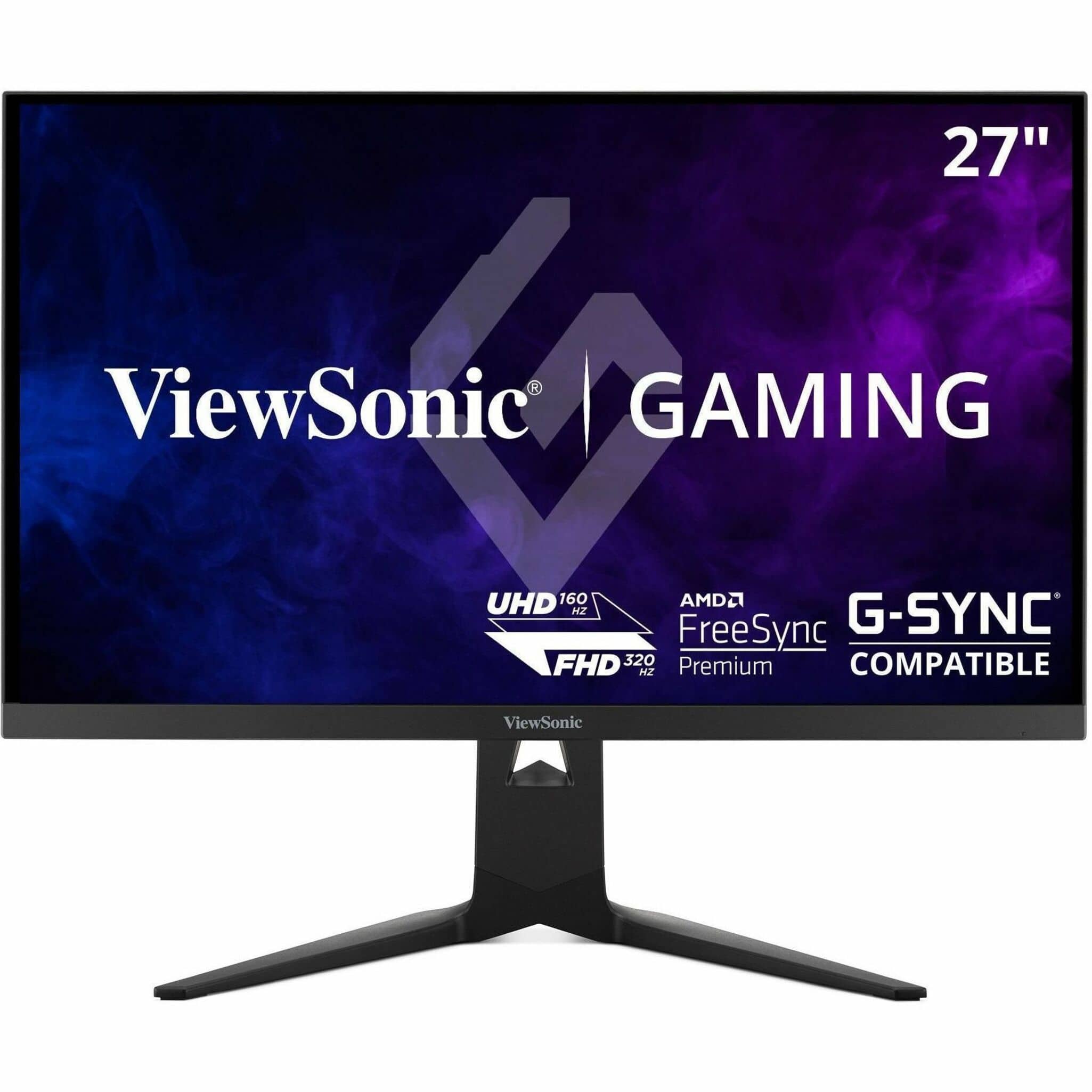
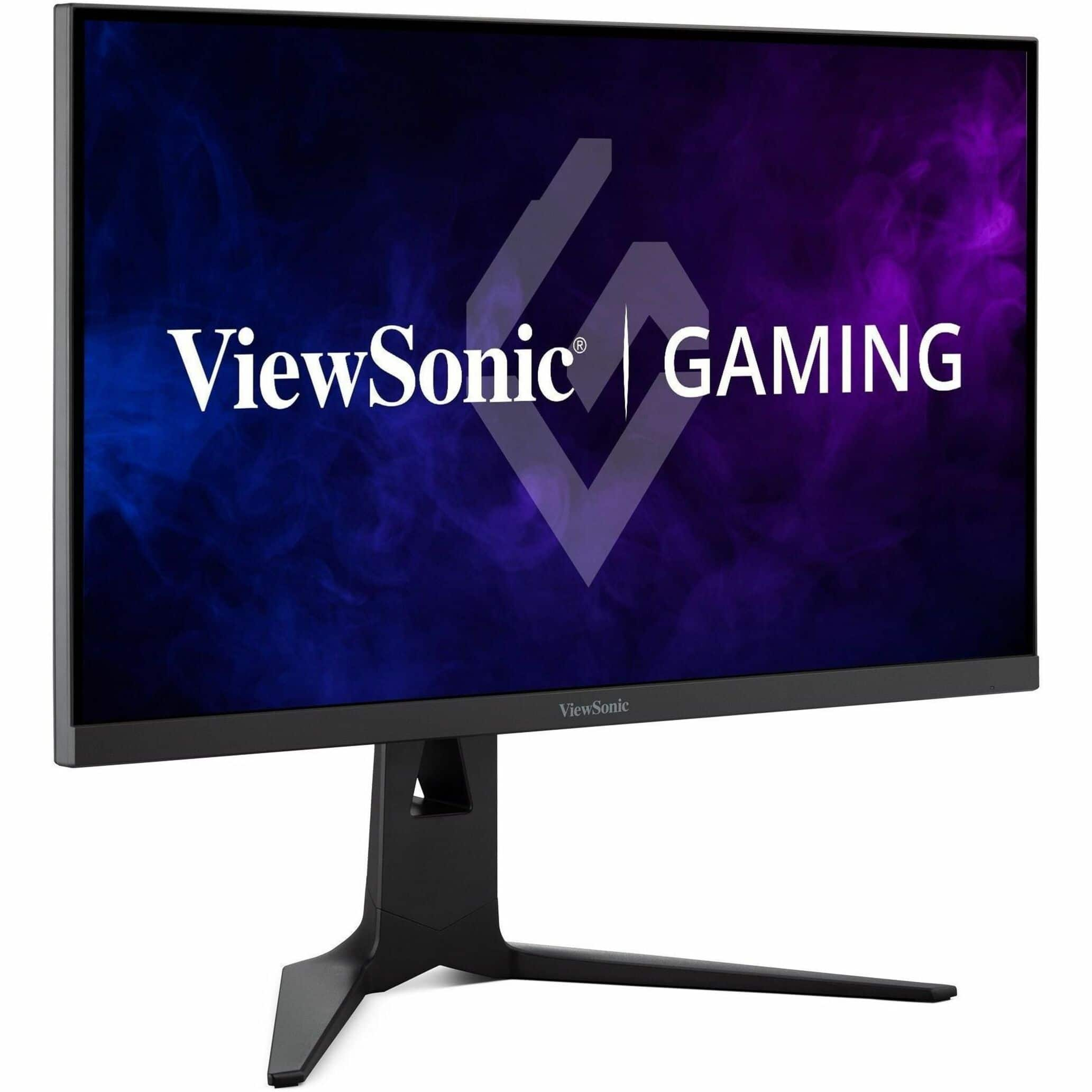

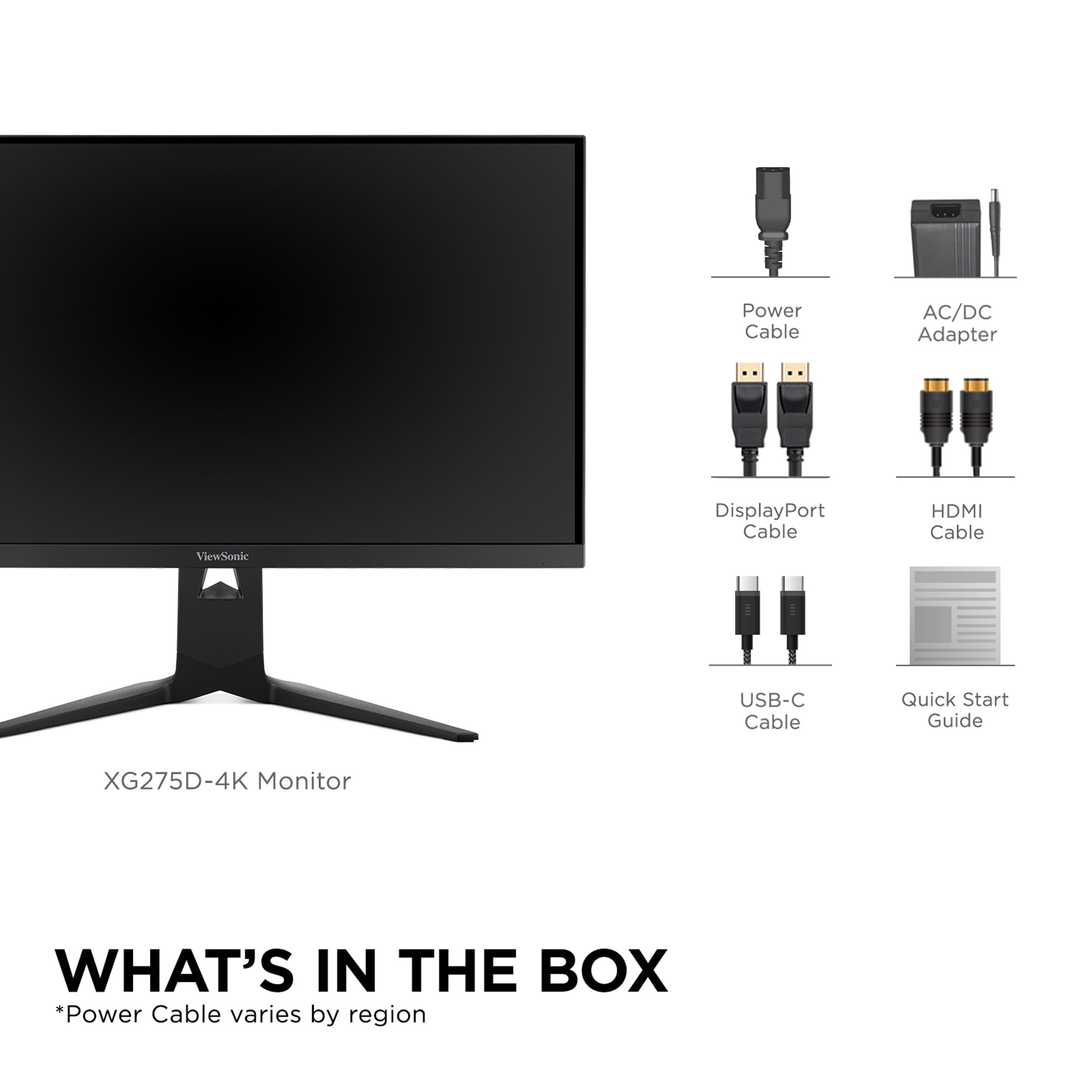
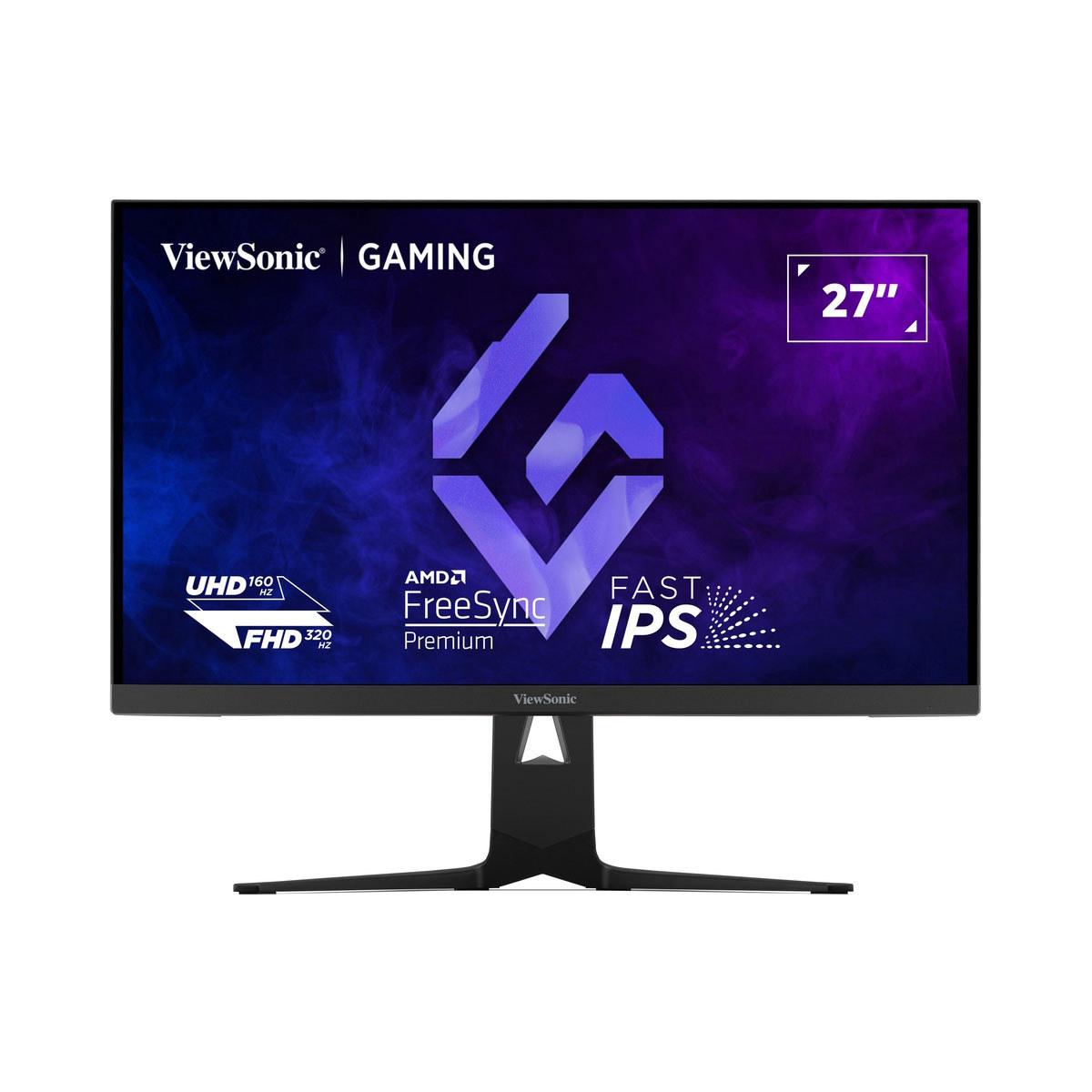
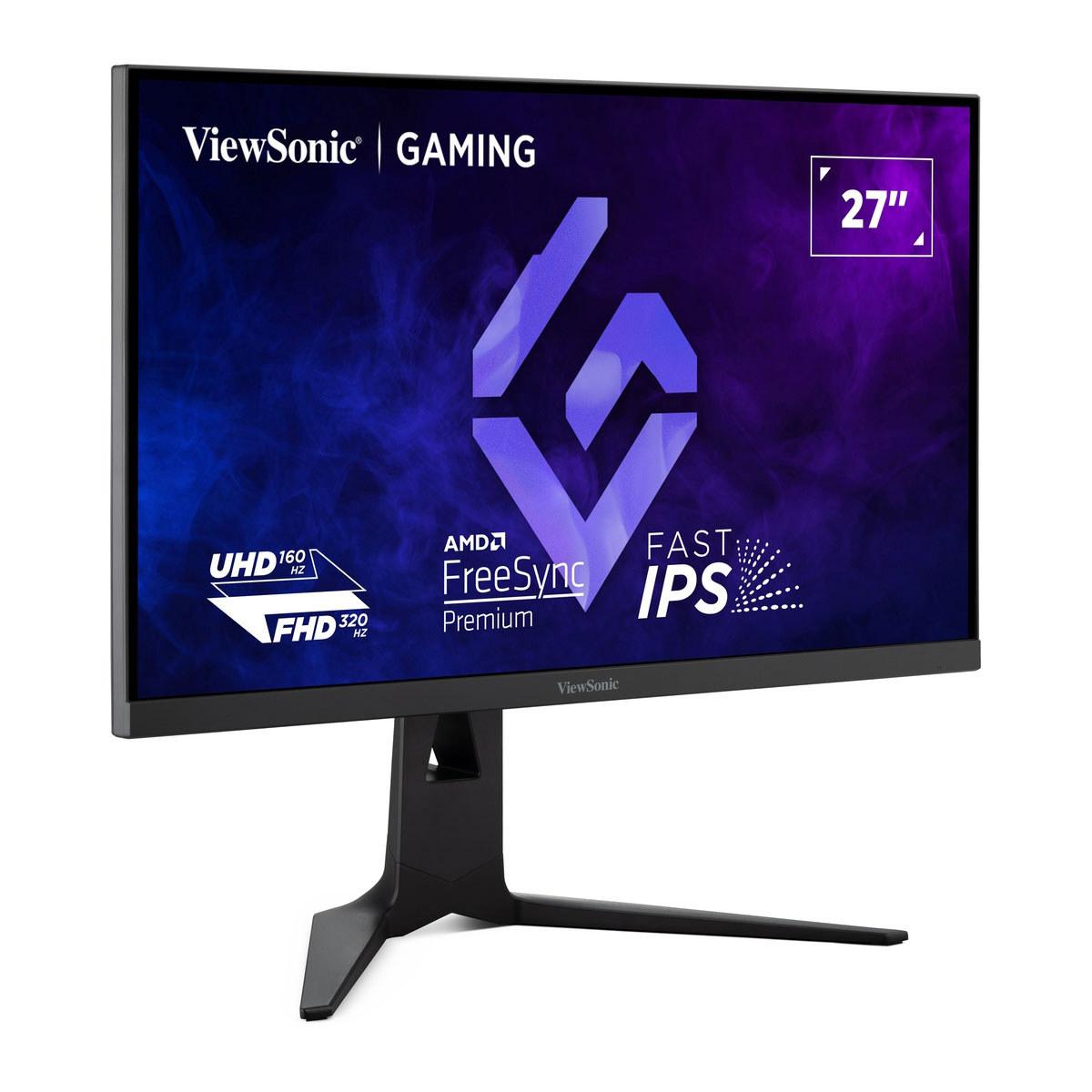
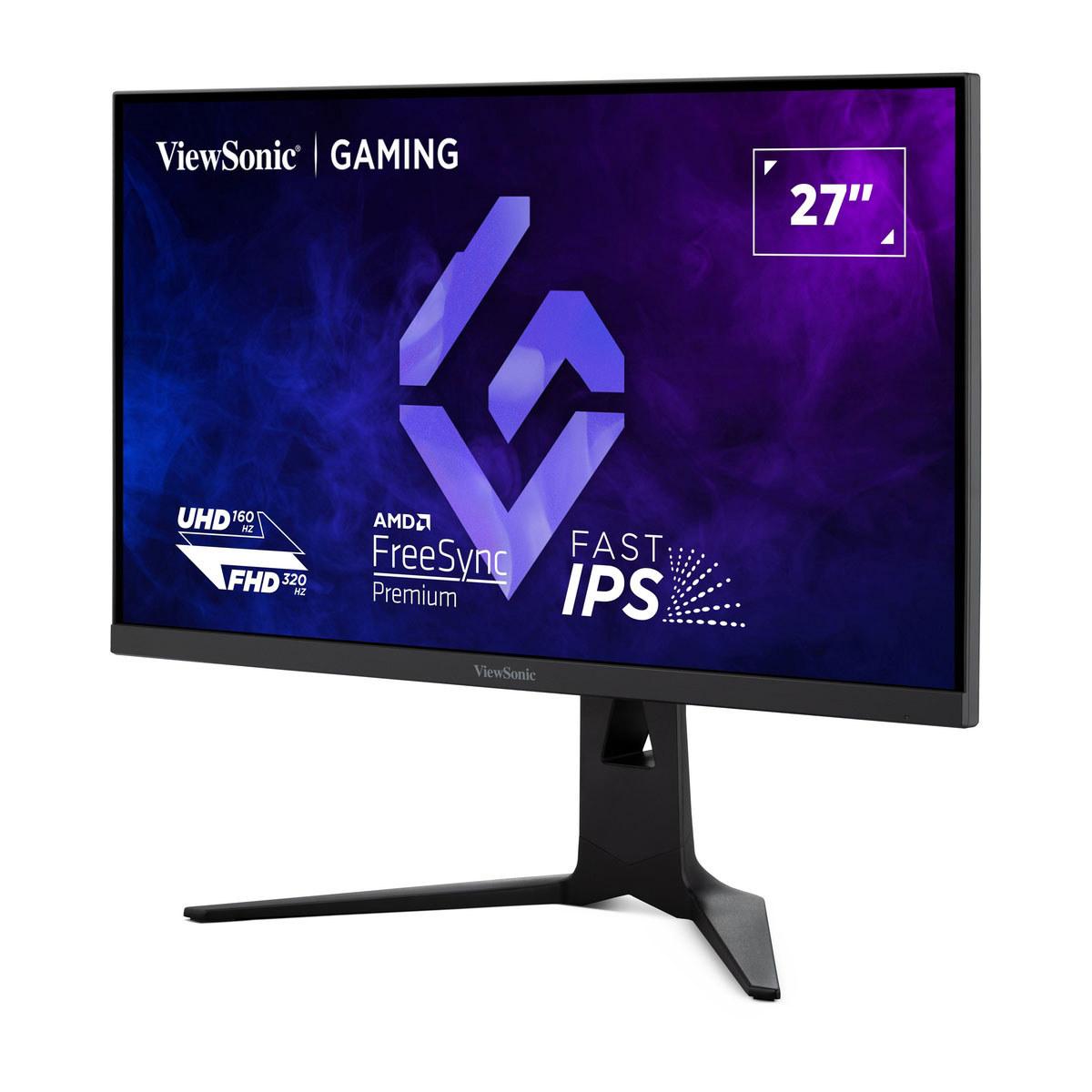
Gaming monitors have evolved dramatically over the past few years, with options ranging from budget-friendly 1080p displays to cutting-edge 4K panels that can switch refresh rates on the fly. Today, we're comparing two monitors that represent very different approaches to gaming displays: the Sceptre E275W-FW100T, a budget-conscious 27-inch monitor that launched in 2023, and the ViewSonic XG275D-4K, a premium dual-mode display that hit the market in early 2024.
Understanding what makes a good gaming monitor has become more complex as the technology has advanced. The most important factors include refresh rate (how many times per second the screen updates), response time (how quickly pixels can change color), input lag (the delay between your actions and what you see), and resolution (how sharp the image appears). But beyond these technical specs, real-world performance often comes down to how well these elements work together.
The gaming monitor market has reached an interesting crossroads. Budget monitors like the Sceptre E275W-FW100T now offer features that were premium just a few years ago—100Hz refresh rates, adaptive sync technology, and decent color reproduction—all at prices that won't break the bank. Meanwhile, premium monitors like the ViewSonic XG275D-4K are pushing boundaries with innovative features like switchable refresh rates and resolution modes.
This evolution reflects the broader gaming hardware landscape. With graphics cards becoming more powerful and game consoles supporting higher frame rates, there's genuine demand for monitors that can keep pace. However, not everyone needs or can afford the absolute latest technology, which is why understanding the practical differences between budget and premium options matters so much.
Before diving into specifics, it's worth understanding the different panel types these monitors use. The Sceptre E275W-FW100T uses a VA (Vertical Alignment) panel, while the ViewSonic XG275D-4K features an IPS (In-Plane Switching) panel. These aren't just technical acronyms—they significantly affect your viewing experience.
VA panels excel at contrast ratio, which is the difference between the darkest blacks and brightest whites a screen can display. The Sceptre monitor achieves a 3000:1 contrast ratio, meaning its whites are 3000 times brighter than its blacks. This creates more dramatic, cinematic visuals, especially in dark scenes. However, VA panels traditionally suffer from slower response times, which can cause ghosting—faint trails that follow fast-moving objects on screen.
IPS panels, like the one in the ViewSonic XG275D-4K, prioritize color accuracy and viewing angles. They maintain consistent colors even when you're not looking straight at the screen, making them popular for professional work. Modern IPS panels have largely overcome their historical response time disadvantages, with the ViewSonic achieving an impressive 0.5ms MPRT (Motion Picture Response Time).
Here's where these monitors take fundamentally different approaches. The Sceptre E275W-FW100T sticks with 1920x1080 (Full HD) resolution across its 27-inch screen. This gives you a pixel density of about 82 pixels per inch (PPI). To put this in perspective, that's roughly equivalent to viewing a 24-inch 1080p monitor from a bit further away.
Some might argue that 1080p looks too pixelated on a 27-inch screen, and there's truth to this concern. Text won't be as crisp as on smaller screens or higher-resolution displays, and you'll notice individual pixels if you sit close. However, there are significant advantages: virtually any modern graphics card can drive 1080p at high frame rates, meaning you'll actually utilize that 100Hz refresh rate in demanding games.
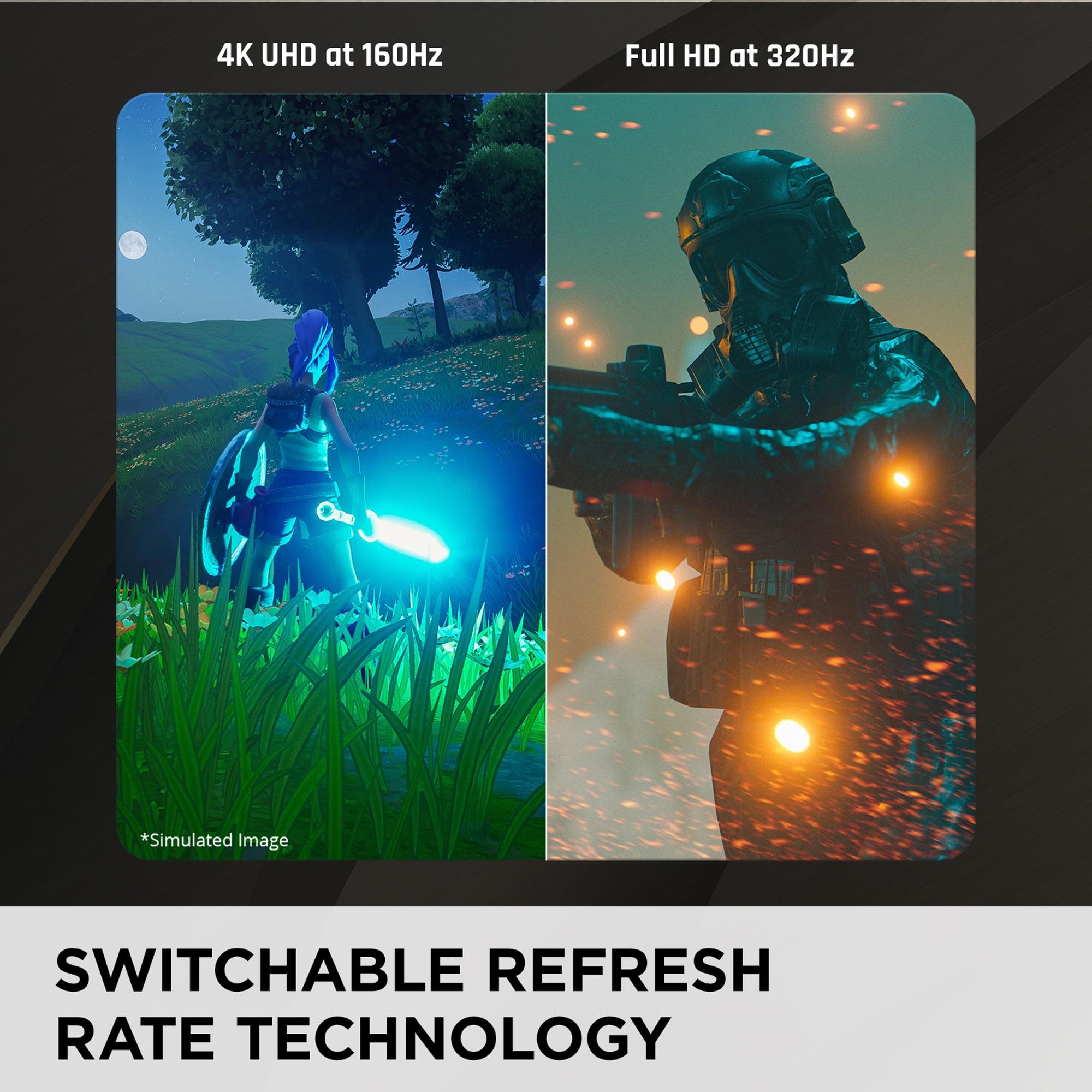
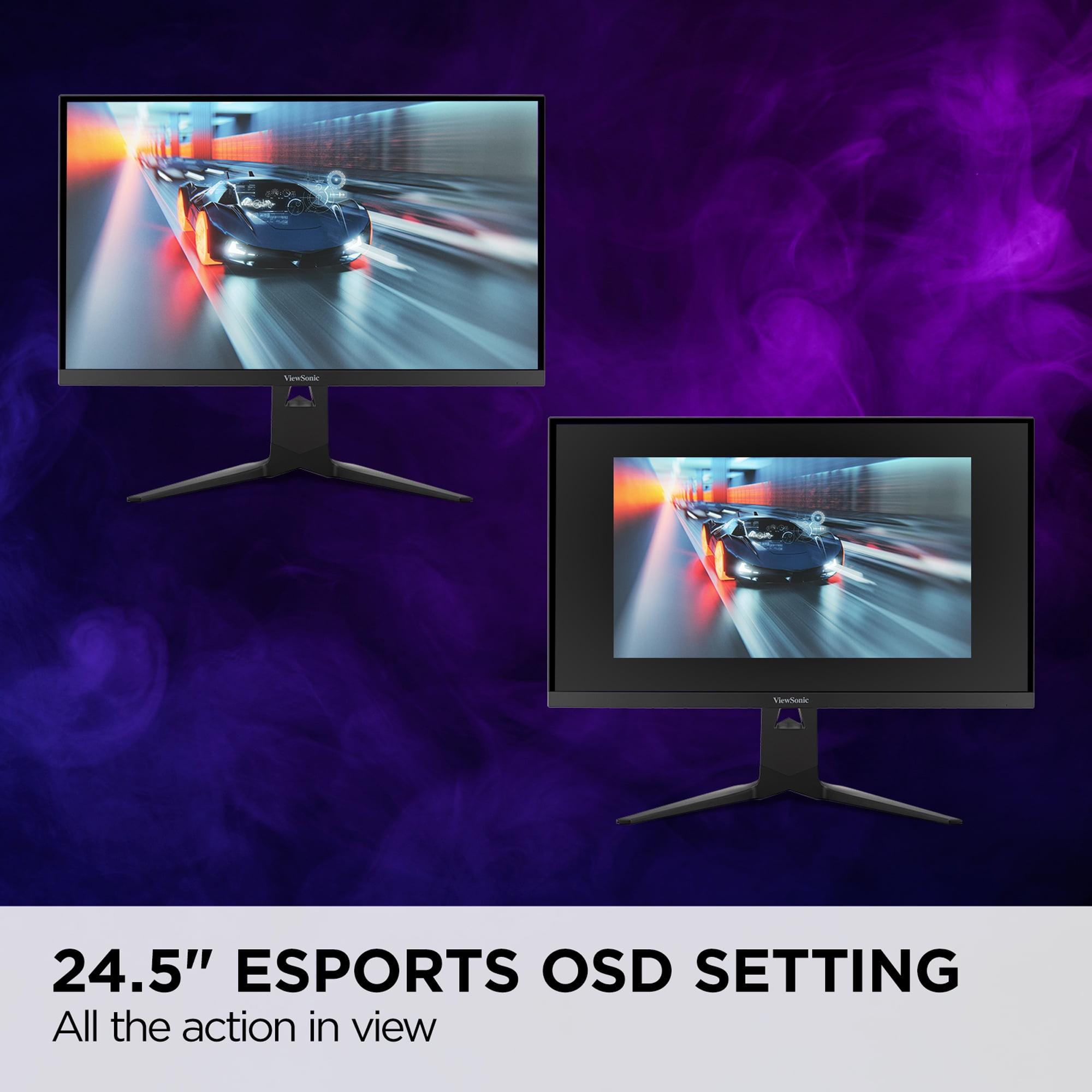
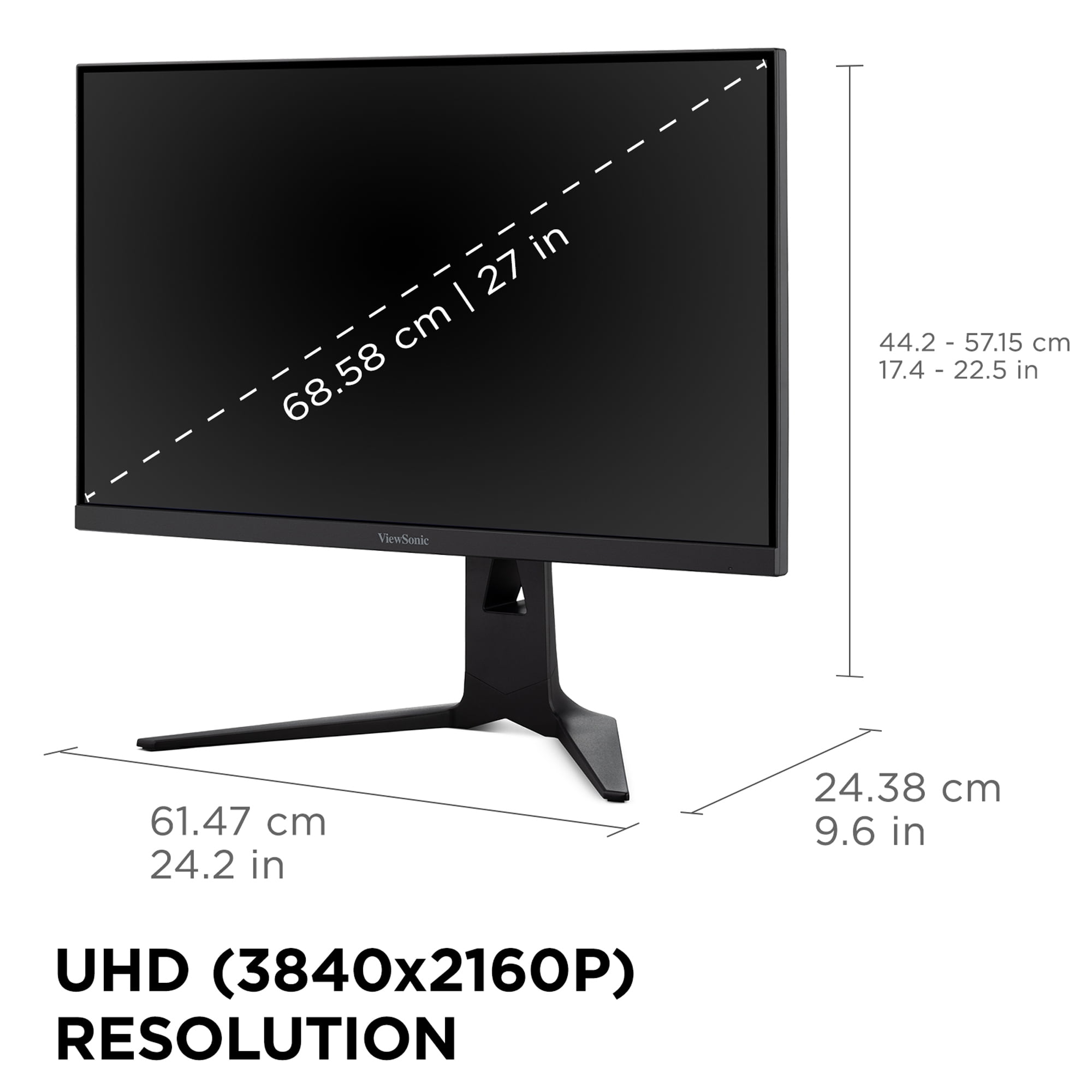
The ViewSonic XG275D-4K takes a radically different approach with its switchable resolution system. At 4K (3840x2160), you get 163 PPI—nearly double the pixel density of the Sceptre. Text is razor-sharp, games look incredibly detailed, and the overall visual experience is significantly more immersive. But here's the clever part: you can switch to 1080p mode for competitive gaming, boosting the refresh rate from 160Hz to an incredible 320Hz.
This dual-mode functionality addresses one of the biggest dilemmas in gaming monitors. Do you prioritize visual fidelity or competitive performance? The ViewSonic says "why not both?" though this flexibility comes with caveats. When running in 1080p mode on the native 4K panel, the image won't be quite as sharp as a native 1080p display due to scaling, though it's still very playable.
Refresh rate has become the headline specification for gaming monitors, but understanding what it actually means for your gaming experience requires some context. The Sceptre E275W-FW100T offers 100Hz, which means the screen can display 100 unique frames per second. Compared to standard 60Hz monitors, this creates noticeably smoother motion, reduced input lag, and a more responsive feel in games.
However, 100Hz in 2024 feels somewhat modest. Many competitive gamers have moved to 144Hz or higher, and the difference is perceptible. The ViewSonic XG275D-4K pushes this much further with its dual-mode approach: 160Hz at 4K resolution and an eye-watering 320Hz at 1080p.
The 320Hz mode deserves special attention because it represents the cutting edge of gaming display technology. At this refresh rate, the monitor updates every 3.125 milliseconds, creating an incredibly smooth and responsive experience. For competitive first-person shooters, this can provide a genuine advantage by reducing the time between your actions and their representation on screen.
But here's the practical reality: to benefit from 320Hz, you need a graphics card capable of generating 320 frames per second, which typically means a high-end GPU running less demanding games or older titles. Most current games will struggle to maintain such high frame rates even on powerful hardware.
Response time specifications can be confusing because manufacturers use different measurement methods. The Sceptre E275W-FW100T claims 5ms GtG (Gray-to-Gray) and 1ms MPRT (Motion Picture Response Time). GtG measures how quickly a pixel can change from one gray shade to another, while MPRT measures perceived motion blur using backlight strobing.
Based on our research into user experiences and expert reviews, the Sceptre does exhibit some ghosting in fast-paced games, which is typical for VA panels in this price range. It's not severe enough to ruin the gaming experience, but it's noticeable in rapid movement scenarios like first-person shooters or racing games.
The ViewSonic XG275D-4K achieves a much faster 0.5ms MPRT, and being an IPS panel, it suffers from minimal ghosting. This creates a cleaner, more precise visual experience during fast motion. For competitive gaming, this difference is meaningful—less motion blur means better target tracking and more accurate visual feedback.
Input lag, which is separate from response time, measures the delay between your input (like clicking a mouse) and seeing the result on screen. Both monitors perform well here, with typical input lag under 10ms, though the ViewSonic's higher refresh rates inherently reduce this delay further.
Both monitors support adaptive sync, but with different implementations and capabilities. The Sceptre E275W-FW100T includes AMD FreeSync with a Variable Refresh Rate (VRR) range of 48-100Hz. This technology synchronizes the monitor's refresh rate with your graphics card's output, eliminating screen tearing (horizontal lines that appear when frame rates don't match refresh rates) and reducing stuttering.
The ViewSonic XG275D-4K supports both AMD FreeSync Premium and NVIDIA G-SYNC compatibility, making it work with a broader range of graphics cards. More importantly, its VRR ranges are much wider, covering the full span of each mode's capabilities.
For gaming, adaptive sync makes a significant difference in visual smoothness. Without it, you either deal with tearing (if V-Sync is off) or added input lag (if V-Sync is on). With adaptive sync, frame rate fluctuations become much less noticeable, creating a more consistent experience.
Color reproduction represents another significant difference between these monitors. The Sceptre E275W-FW100T covers 100% of the sRGB color space, which is the standard for web content and most games. It uses 8-bit color depth, displaying about 16.7 million colors. For gaming and general use, this provides accurate, vibrant visuals without oversaturation.
The VA panel's high contrast ratio is its standout feature for visual quality. Dark scenes in games look genuinely dark, with blacks that don't appear gray or washed out. This creates a more immersive experience in atmospheric games and better shadow detail in competitive titles.
The ViewSonic XG275D-4K takes color performance further with 10-bit color depth (1.07 billion colors) and coverage of 94% DCI-P3, a wider color space used in movie production. It also supports HDR10, though with a peak brightness of only 300-350 nits, the HDR experience is fairly basic compared to dedicated HDR displays.
For content creation, photo editing, or professional work, the ViewSonic's color accuracy and consistency across viewing angles make it more versatile. For pure gaming, especially in darker environments, the Sceptre's superior contrast might actually provide a more engaging experience.
Modern gaming setups often involve multiple devices, making connectivity crucial. The Sceptre E275W-FW100T provides the basics: two HDMI 2.0 ports and one DisplayPort 1.2. This covers most gaming scenarios—PC via DisplayPort and consoles via HDMI—but lacks modern conveniences.
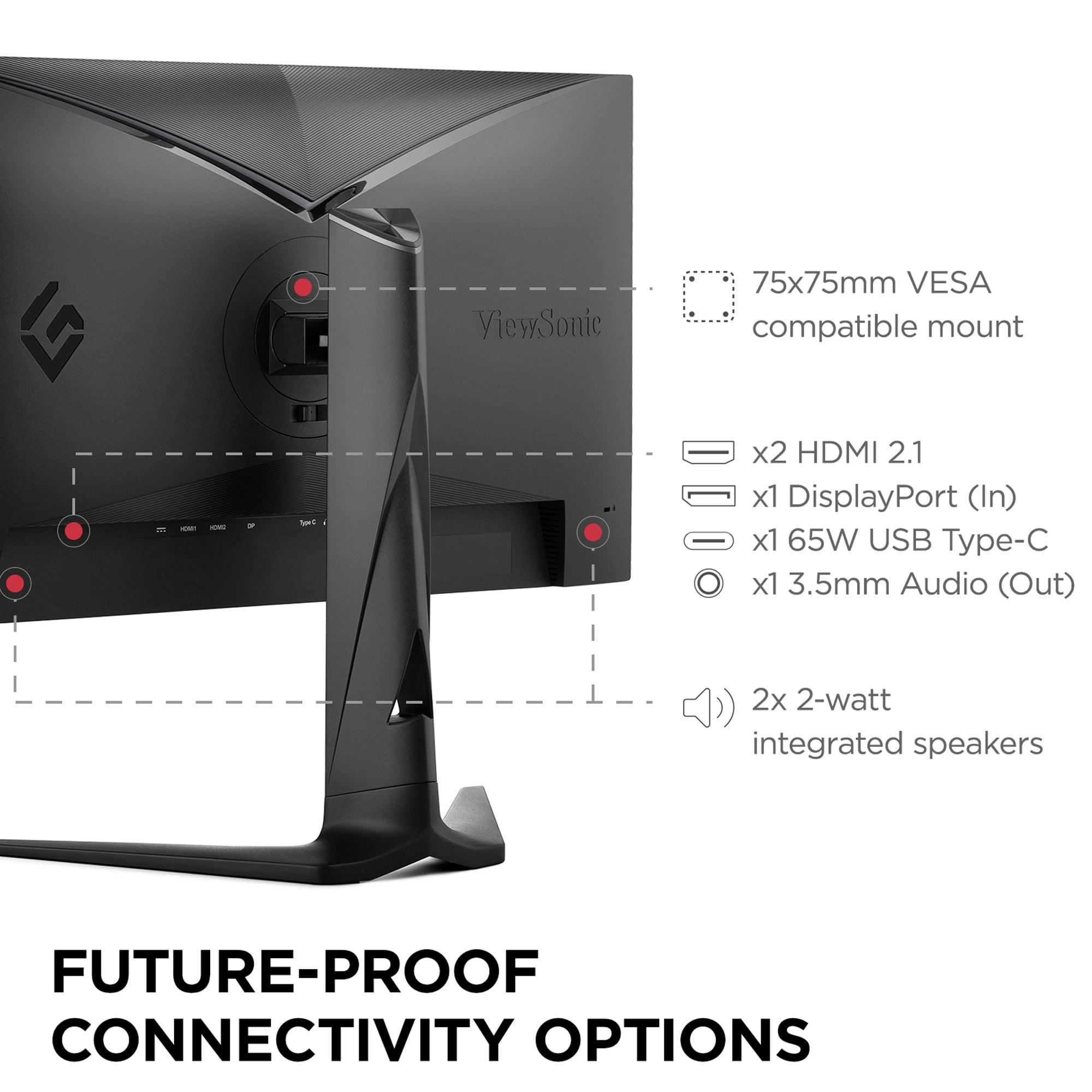
The ViewSonic XG275D-4K offers significantly more comprehensive connectivity with HDMI 2.1, DisplayPort 1.4, and USB-C with 65W power delivery. The HDMI 2.1 port is particularly important for PlayStation 5 and Xbox Series X owners, as it supports their highest resolution and refresh rate modes. The USB-C port with power delivery means you can connect and charge a laptop with a single cable, turning the monitor into a true workspace hub.
Both monitors include built-in speakers, though neither excels in this area. The audio quality is adequate for system sounds and casual use, but serious gaming or entertainment requires external speakers or headphones.
The physical design reveals the price difference between these monitors. The Sceptre E275W-FW100T uses a basic stand with only tilt adjustment, which limits your ability to find the perfect viewing position. The build quality is functional but not premium—it gets the job done without unnecessary frills.
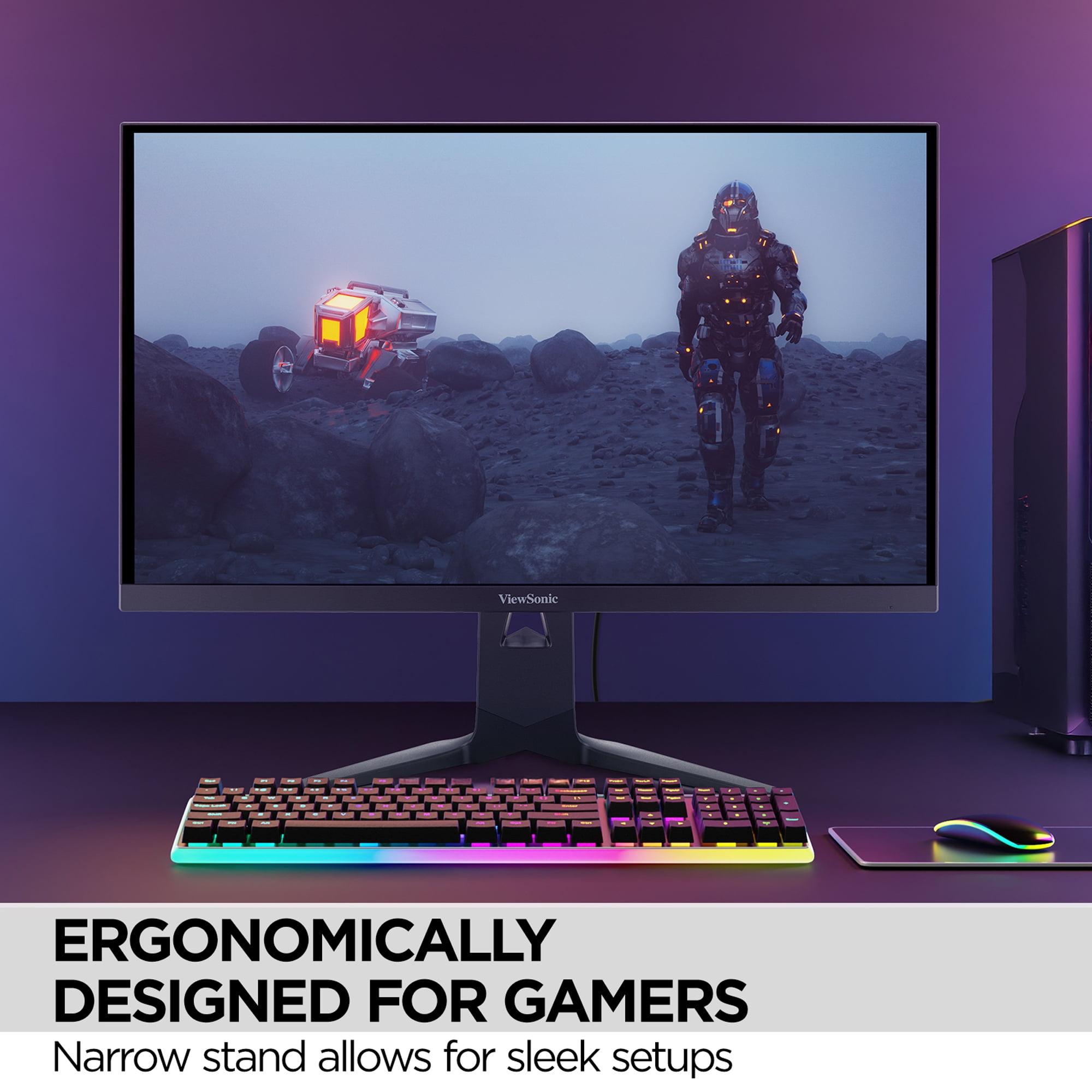
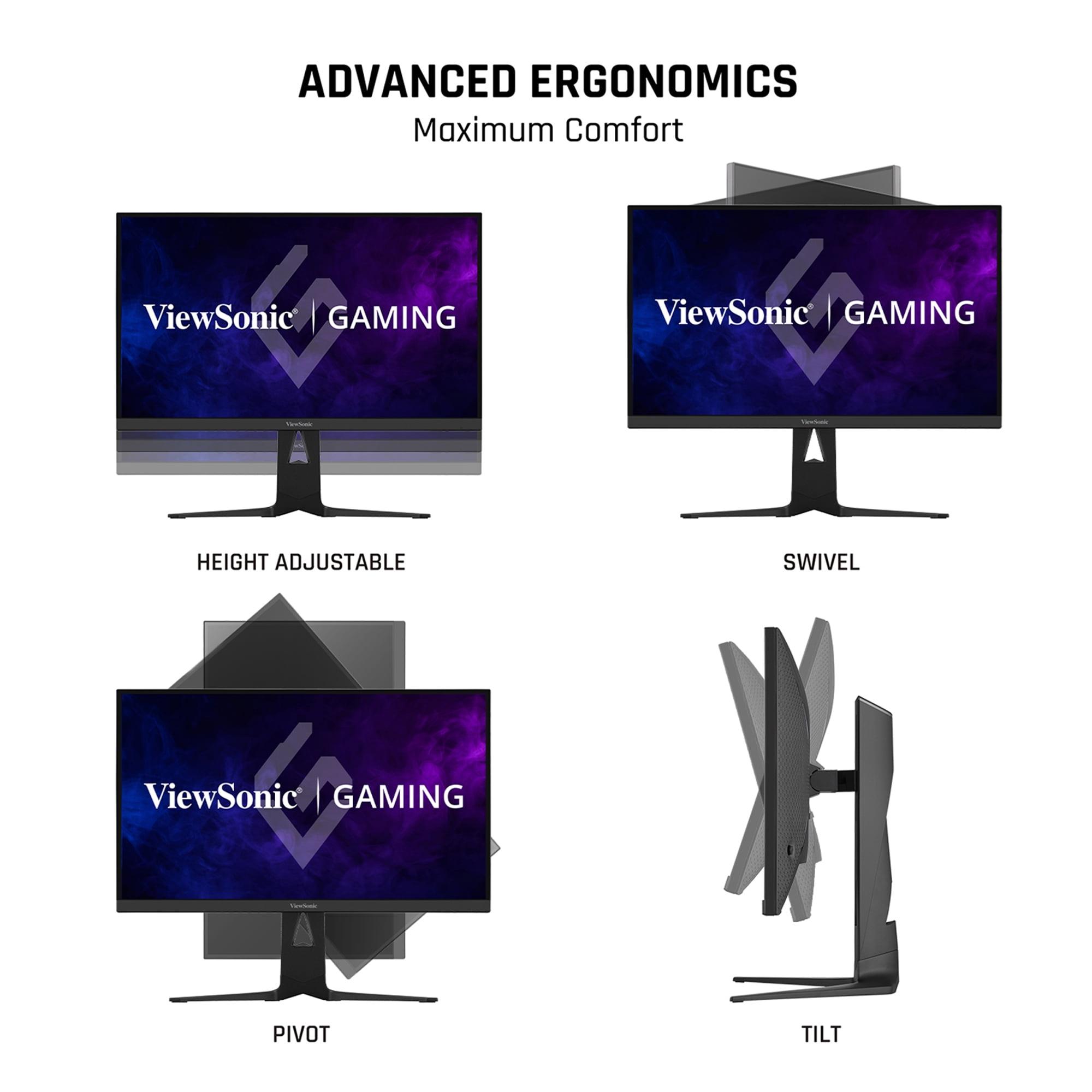
The ViewSonic XG275D-4K features a fully adjustable stand with height, tilt, swivel, and pivot adjustments. This flexibility is genuinely useful for extended gaming sessions, allowing you to dial in the perfect ergonomic setup. The build quality feels more substantial, with better materials and construction throughout.
Both monitors support VESA mounting (100x100mm for the Sceptre, 75x75mm for the ViewSonic), so you can upgrade to an aftermarket arm if needed.
Real-world gaming performance depends heavily on your graphics card and game preferences. With the Sceptre E275W-FW100T, expect excellent performance in competitive games like Counter-Strike, Valorant, and Rocket League, where maintaining high frame rates is easier. The 100Hz refresh rate provides a noticeable improvement over 60Hz monitors, making gameplay feel more responsive and smooth.
For more demanding single-player games, the 1080p resolution ensures your graphics card won't struggle to maintain high frame rates. Even mid-range GPUs like the RTX 4060 or RX 7600 can fully utilize the monitor's capabilities across most games.
The ViewSonic XG275D-4K serves two distinct gaming philosophies. In 4K mode at 160Hz, it's perfect for immersive single-player experiences where visual fidelity matters most. Games like Cyberpunk 2077, Red Dead Redemption 2, and Microsoft Flight Simulator look stunning at this resolution. However, you'll need a high-end GPU (RTX 4070 Super or better) to maintain high frame rates.
Switch to 1080p/320Hz mode, and the ViewSonic becomes a competitive gaming powerhouse. The ultra-high refresh rate provides tangible advantages in fast-paced multiplayer games, though you'll need a very powerful GPU to reach such high frame rates consistently.
For living room gaming or home theater use, the Sceptre E275W-FW100T works adequately, though the 27-inch size feels small for couch viewing. The VA panel's superior contrast ratio helps in darker viewing environments, making movie content more engaging.
The ViewSonic XG275D-4K is better suited for home theater applications, thanks to its 4K resolution and HDR support. While the HDR implementation is basic, it still provides better contrast and color than standard displays. The larger color gamut also makes movies and streaming content more vibrant.
The Sceptre E275W-FW100T makes sense for several specific scenarios. If you're building your first gaming PC on a budget, upgrading from a 60Hz monitor, or primarily play competitive games where frame rates matter more than visual fidelity, it offers excellent value. Students and office workers who need occasional gaming capability will appreciate its balance of features and affordability.
The ViewSonic XG275D-4K targets enthusiast gamers who want the flexibility to prioritize either visual quality or competitive performance depending on what they're playing. Content creators who need color accuracy, professionals requiring multiple connectivity options, and gamers with high-end hardware who want to future-proof their setup will find it worthwhile.
At the time of writing, these monitors represent two very different value propositions in the gaming display market. The Sceptre E275W-FW100T delivers solid 100Hz gaming performance at a budget-friendly price, making high refresh rate gaming accessible to more users. Its main limitations—modest resolution density and some motion blur—are reasonable compromises for the cost.
The ViewSonic XG275D-4K, while significantly more expensive, offers genuinely innovative dual-mode functionality that addresses the classic gaming monitor dilemma of choosing between resolution and refresh rate. It's a premium product with premium pricing, but the feature set justifies the cost for users who can take advantage of its capabilities.
For most budget-conscious gamers, especially those with mid-range graphics cards, the Sceptre provides an excellent entry point into high refresh rate gaming. For enthusiasts with powerful hardware who want cutting-edge features and the flexibility to optimize for different gaming scenarios, the ViewSonic represents the current state of the art in gaming displays.
The choice ultimately depends on your budget, hardware, and gaming preferences, but both monitors successfully serve their intended markets while pushing gaming display technology forward in their respective price categories.
| Sceptre E275W-FW100T | ViewSonic XG275D-4K |
|---|---|
| Resolution - Higher pixel density means sharper text and game details | |
| 1920x1080 (82 PPI) - adequate for gaming, text may look pixelated up close | 3840x2160 (163 PPI) - crisp 4K visuals with excellent detail |
| Refresh Rate - Higher rates provide smoother motion and competitive advantages | |
| 100Hz fixed - noticeable improvement over 60Hz for casual gaming | Dual-mode: 160Hz (4K) or 320Hz (1080p) - cutting-edge performance |
| Response Time - Lower values reduce motion blur and ghosting | |
| 5ms GtG, 1ms MPRT - some ghosting visible in fast games | 0.5ms MPRT - virtually eliminates motion blur |
| Panel Type - Affects contrast, colors, and viewing angles | |
| VA panel with 3000:1 contrast - excellent blacks, slower response | IPS panel with 1000:1 contrast - better viewing angles, faster response |
| Color Performance - Important for visual quality and professional work | |
| 100% sRGB, 8-bit color - good for gaming and general use | 94% DCI-P3, 10-bit color, HDR10 - superior for content creation |
| Adaptive Sync - Eliminates screen tearing for smoother gameplay | |
| AMD FreeSync (48-100Hz) - works with AMD GPUs | AMD FreeSync Premium + G-SYNC Compatible - works with all modern GPUs |
| Connectivity - More ports mean better device compatibility | |
| 2x HDMI 2.0, 1x DisplayPort 1.2 - covers basic gaming needs | HDMI 2.1, DisplayPort 1.4, USB-C 65W - comprehensive hub capabilities |
| Ergonomics - Better adjustability improves comfort during long sessions | |
| Tilt-only stand - limited positioning options | Full adjustment (height, tilt, swivel, pivot) - excellent ergonomics |
| Target Graphics Card - GPU power needed to utilize full performance | |
| Mid-range GPUs (RTX 4060, RX 7600) can max out capabilities | High-end GPUs (RTX 4070 Super+) required for best experience |
| Best Use Cases - Scenarios where each monitor excels | |
| Budget gaming, office work, first high refresh rate upgrade | Competitive esports, 4K gaming, content creation, professional work |
The Sceptre E275W-FW100T is the clear winner for budget gaming. It offers 100Hz refresh rate and AMD FreeSync at a fraction of the cost of premium monitors. While the ViewSonic XG275D-4K provides superior performance, the Sceptre delivers excellent value for casual and competitive gaming without breaking the bank.
The primary difference is resolution and refresh rate capabilities. The Sceptre E275W-FW100T offers 1080p at 100Hz, while the ViewSonic XG275D-4K features innovative dual-mode technology with 4K at 160Hz or 1080p at 320Hz. The ViewSonic also includes premium features like USB-C connectivity and full ergonomic adjustments.
For contrast and deep blacks, the Sceptre E275W-FW100T wins with its VA panel's 3000:1 contrast ratio. However, the ViewSonic XG275D-4K offers superior overall image quality with 4K resolution, 10-bit color depth, HDR10 support, and better color accuracy for professional work.
The Sceptre E275W-FW100T works well with mid-range GPUs like RTX 4060 or RX 7600. The ViewSonic XG275D-4K requires high-end graphics cards (RTX 4070 Super or better) to fully utilize its 4K capabilities, though you can use 1080p mode with less powerful hardware.
The ViewSonic XG275D-4K excels in competitive gaming with its 320Hz mode at 1080p and 0.5ms response time, providing minimal input lag and motion blur. The Sceptre E275W-FW100T is decent for competitive gaming at 100Hz but can't match the ViewSonic's ultra-high refresh rate performance.
Both work with consoles, but the ViewSonic XG275D-4K is better suited for PS5 and Xbox Series X with its HDMI 2.1 port supporting 4K at higher refresh rates. The Sceptre E275W-FW100T works fine with consoles but is limited to 1080p output through its HDMI 2.0 ports.
The ViewSonic XG275D-4K offers superior connectivity with HDMI 2.1, DisplayPort 1.4, and USB-C with 65W power delivery, making it a complete workspace hub. The Sceptre E275W-FW100T provides basic connectivity with two HDMI 2.0 ports and one DisplayPort 1.2.
The ViewSonic XG275D-4K virtually eliminates motion blur with its 0.5ms response time and IPS panel technology. The Sceptre E275W-FW100T shows some ghosting in fast-paced games due to its VA panel and slower 5ms response time, though it's not severe enough to ruin the gaming experience.
The ViewSonic XG275D-4K is superior for productivity with its sharp 4K resolution, accurate colors, wide viewing angles, and USB-C connectivity for single-cable laptop setups. The Sceptre E275W-FW100T works for basic office tasks but lacks the pixel density and color accuracy needed for professional work.
Both monitors perform adequately in bright rooms, though neither is exceptionally bright. The ViewSonic XG275D-4K reaches about 300-350 nits, while the Sceptre E275W-FW100T achieves 280 nits. Both feature anti-glare coatings to reduce reflections, making them suitable for most lighting conditions.
This depends on your needs and budget. The Sceptre E275W-FW100T offers exceptional value for budget-conscious gamers who want to experience high refresh rate gaming. The ViewSonic XG275D-4K provides better value for enthusiast gamers and professionals who can utilize its advanced features and superior performance.
For home theater use, the ViewSonic XG275D-4K is the better choice with its 4K resolution, HDR10 support, and wider color gamut, making movies and streaming content more engaging. The Sceptre E275W-FW100T works for casual viewing but lacks the resolution and features optimal for home theater applications.
We've done our best to create useful and informative comparisons to help you decide what product to buy. Our research uses advanced automated methods to create this comparison and perfection is not possible - please contact us for corrections or questions. These are the sites we've researched in the creation of this article: pcvarge.com - walmart.com - cubed.run - productchart.com - displayninja.com - target.com - youtube.com - versus.com - youtube.com - youtube.com - sceptre.com - sceptre.com - cgmagonline.com - gamingshogun.com - techpowerup.com - notebookcheck.net - bestbuy.com - newegg.com - techpowerup.com - shi.com - viewsonic.com - viewsonic.com - prnewswire.com - viewsonic.com - viewsonic.com - shop.avispl.com - guru3d.com - viewsonic.com - viewsonic.com - viewsonic.com - viewsonic.com

Privacy Policy
Terms and Conditions - Affiliate Policy
Home Security
© Copyright 2008-2026.
11816 Inwood Rd #1211, Dallas, TX 75244