

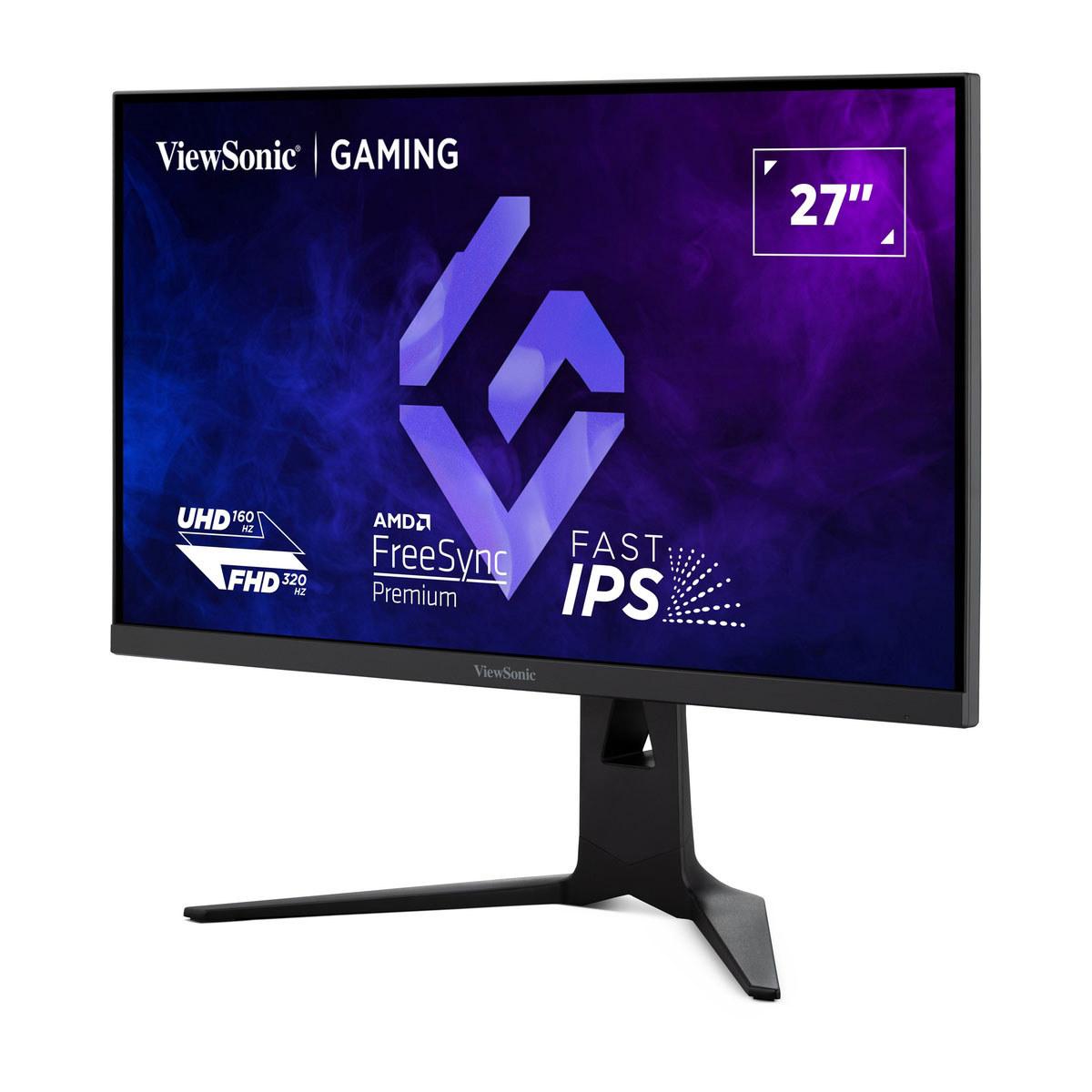













When you're shopping for a gaming monitor in 2025, you're faced with more choices than ever before. Do you go for raw speed, stunning visuals, or try to get both? Today, we're diving deep into two monitors that take completely different approaches to this challenge: the innovative ViewSonic XG275D-4K and the premium MSI MAG 271QP QD-OLED X24.
Having tested dozens of gaming monitors over the years, I can tell you that choosing the right one comes down to understanding what you actually need versus what sounds impressive on paper. These two monitors represent fascinating approaches to modern gaming display technology, and the choice between them will largely depend on your specific gaming habits and setup requirements.
Before we jump into comparing these specific models, let's establish what really matters in a gaming monitor. The gaming display market has evolved dramatically since 2020, with manufacturers finally addressing the age-old compromise between resolution, refresh rate, and image quality.
Panel technology forms the foundation of any monitor's performance. Traditional LCD panels use a backlight that shines through liquid crystals to create images, while newer OLED panels have pixels that emit their own light. This fundamental difference affects everything from contrast ratios (the difference between the darkest and brightest parts of an image) to response times (how quickly pixels can change colors).
Refresh rate measures how many times per second your monitor can display a new image, expressed in Hertz (Hz). Higher refresh rates mean smoother motion, which is crucial for competitive gaming where every millisecond counts. However, your graphics card needs to be powerful enough to generate frames at these high rates to see the benefit.
Response time indicates how quickly a pixel can change from one color to another, typically measured in milliseconds (ms). Lower response times reduce motion blur and ghosting, where you see faint trails behind moving objects.
The relationship between these specifications creates the real-world performance differences you'll experience while gaming. At the time of writing, we're seeing monitors push the boundaries of what's possible, with some achieving refresh rates that seemed impossible just a few years ago.
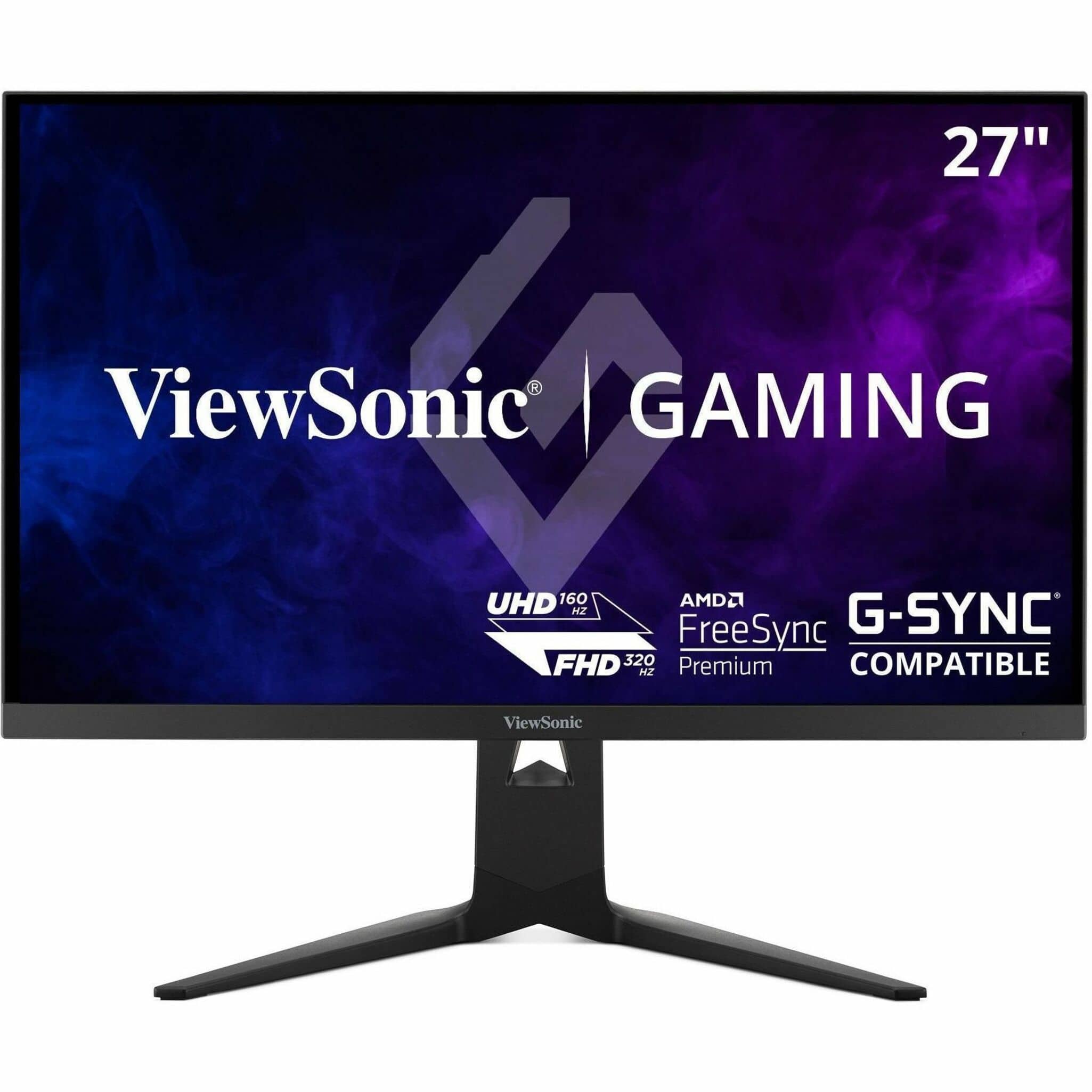
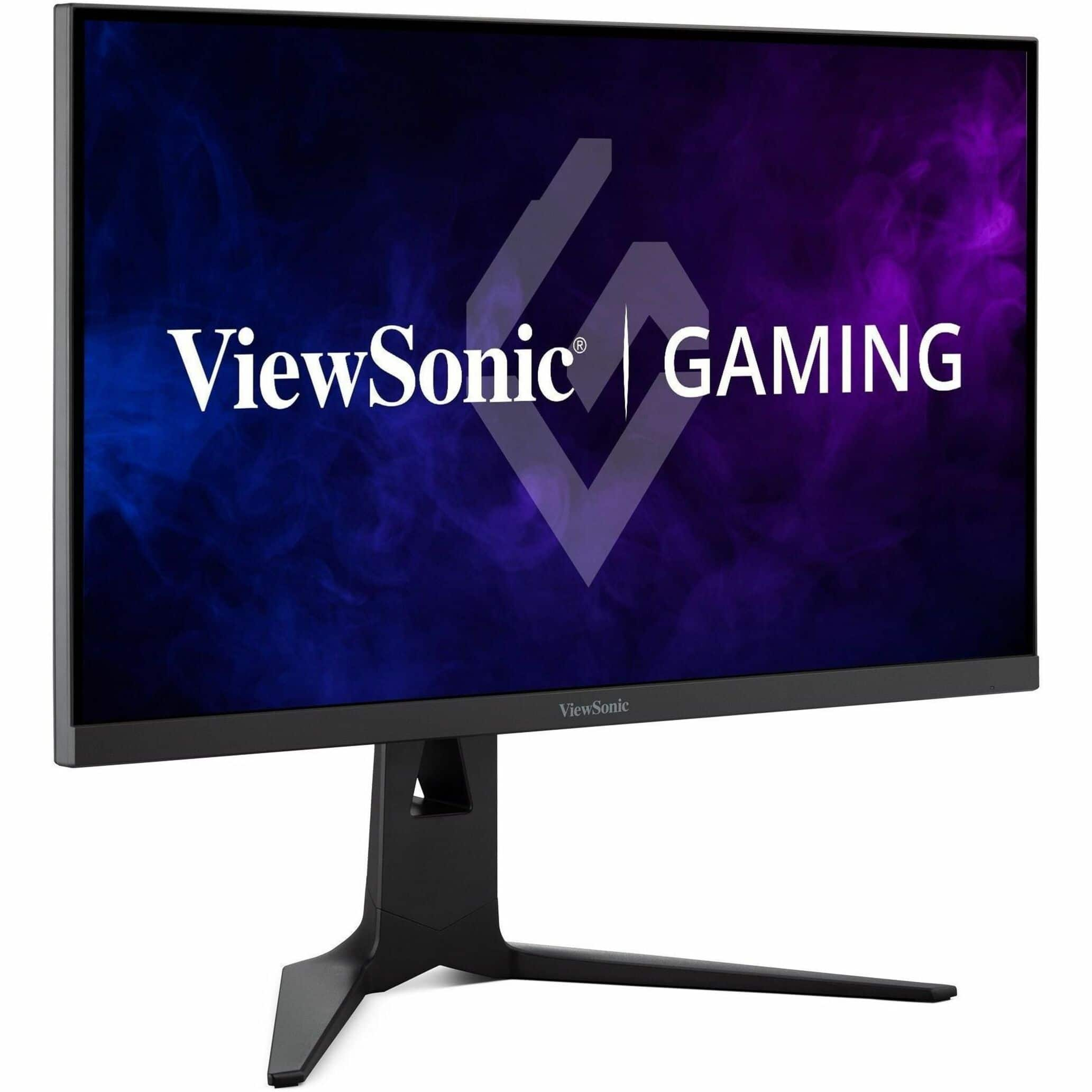
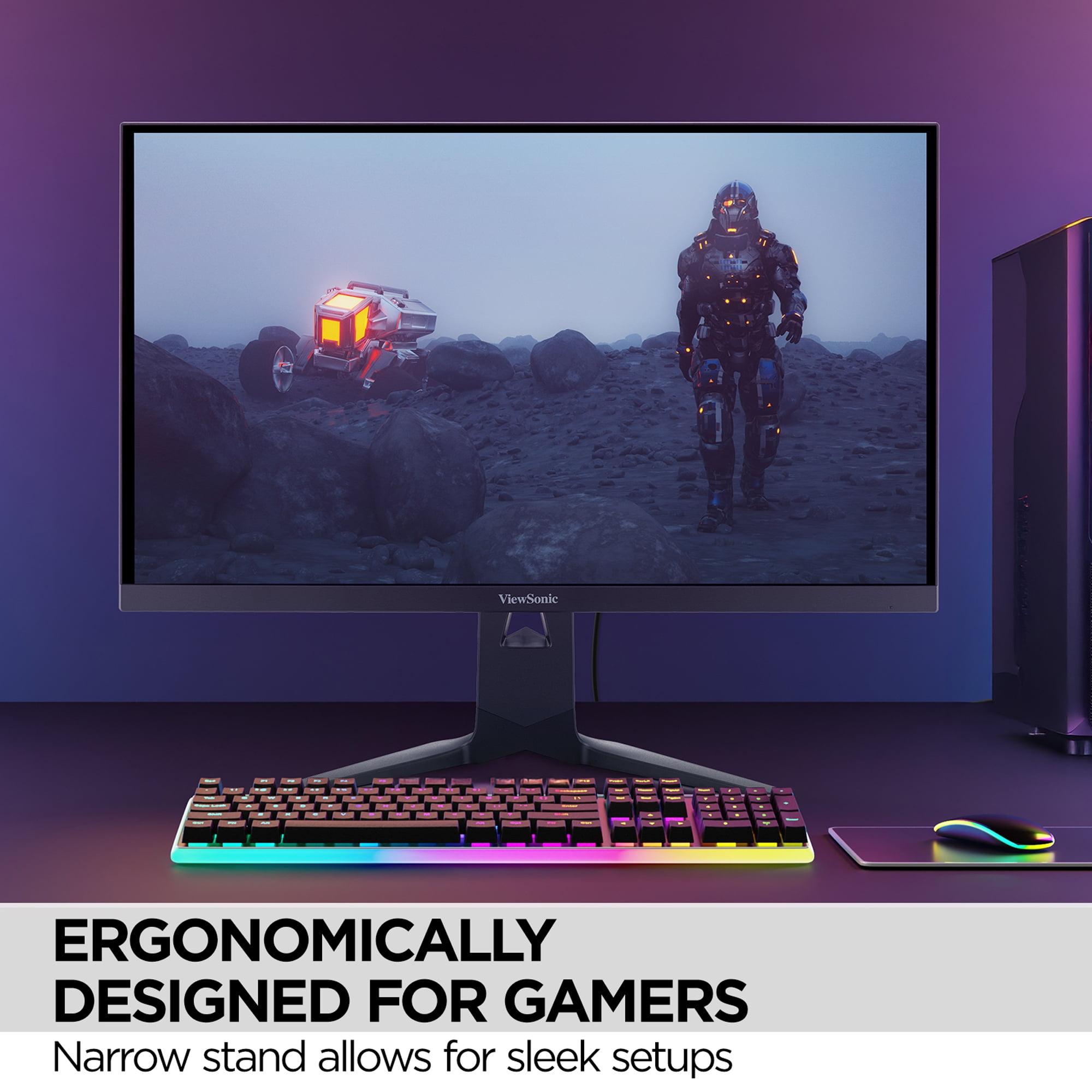
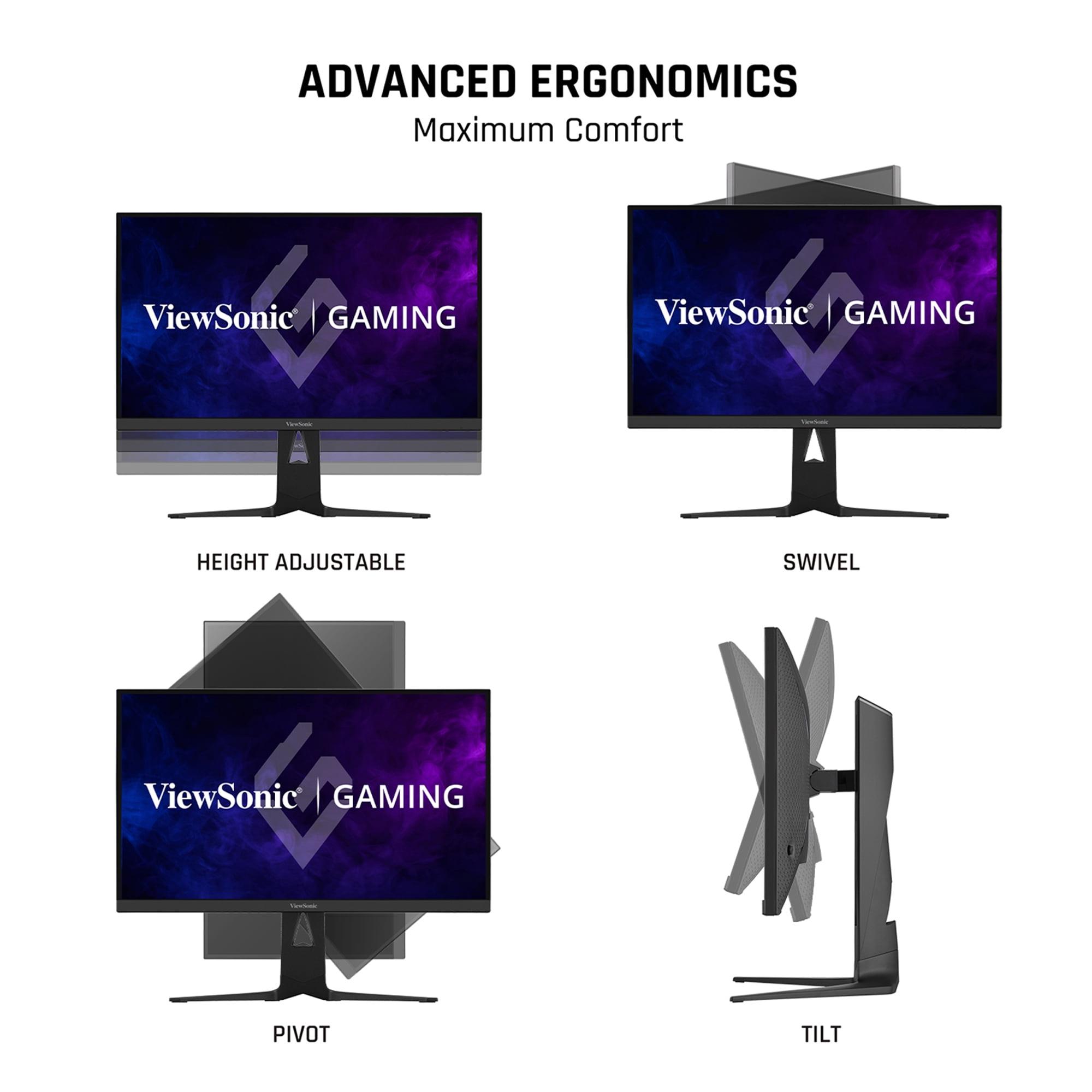
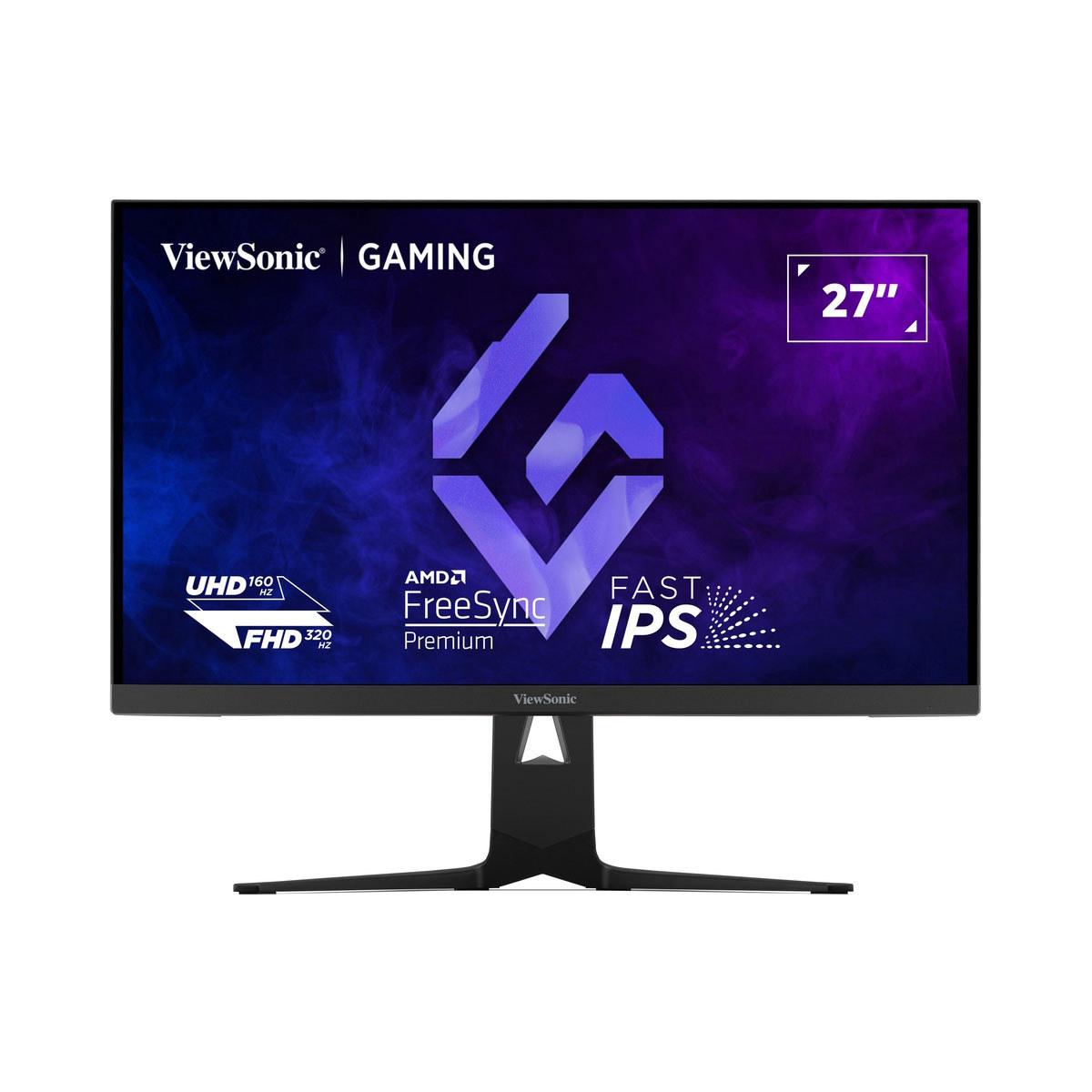
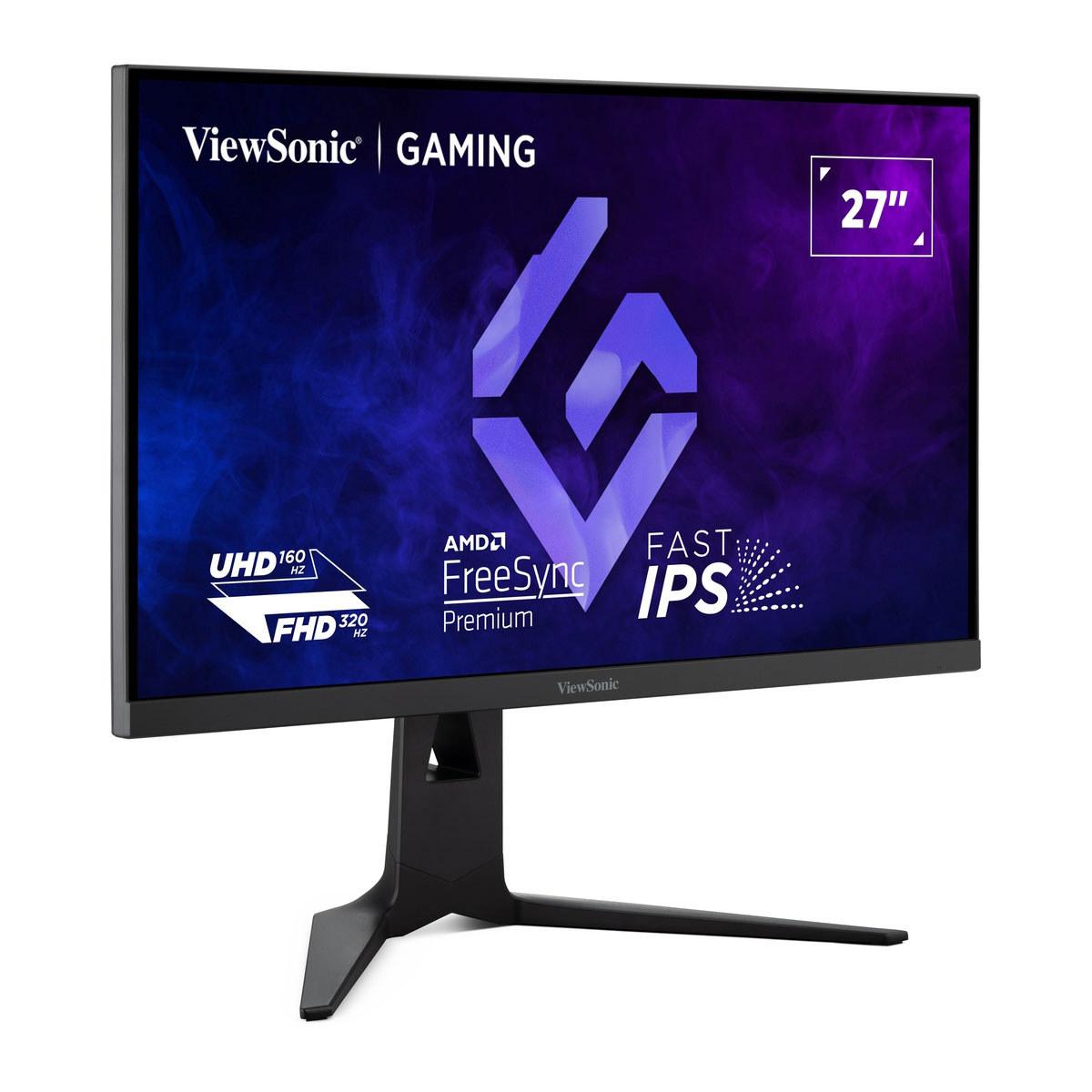
Released in 2024, the ViewSonic XG275D-4K represents something genuinely new in the monitor space. This 27-inch display doesn't just offer high performance—it offers two completely different performance profiles that you can switch between with the press of a button.
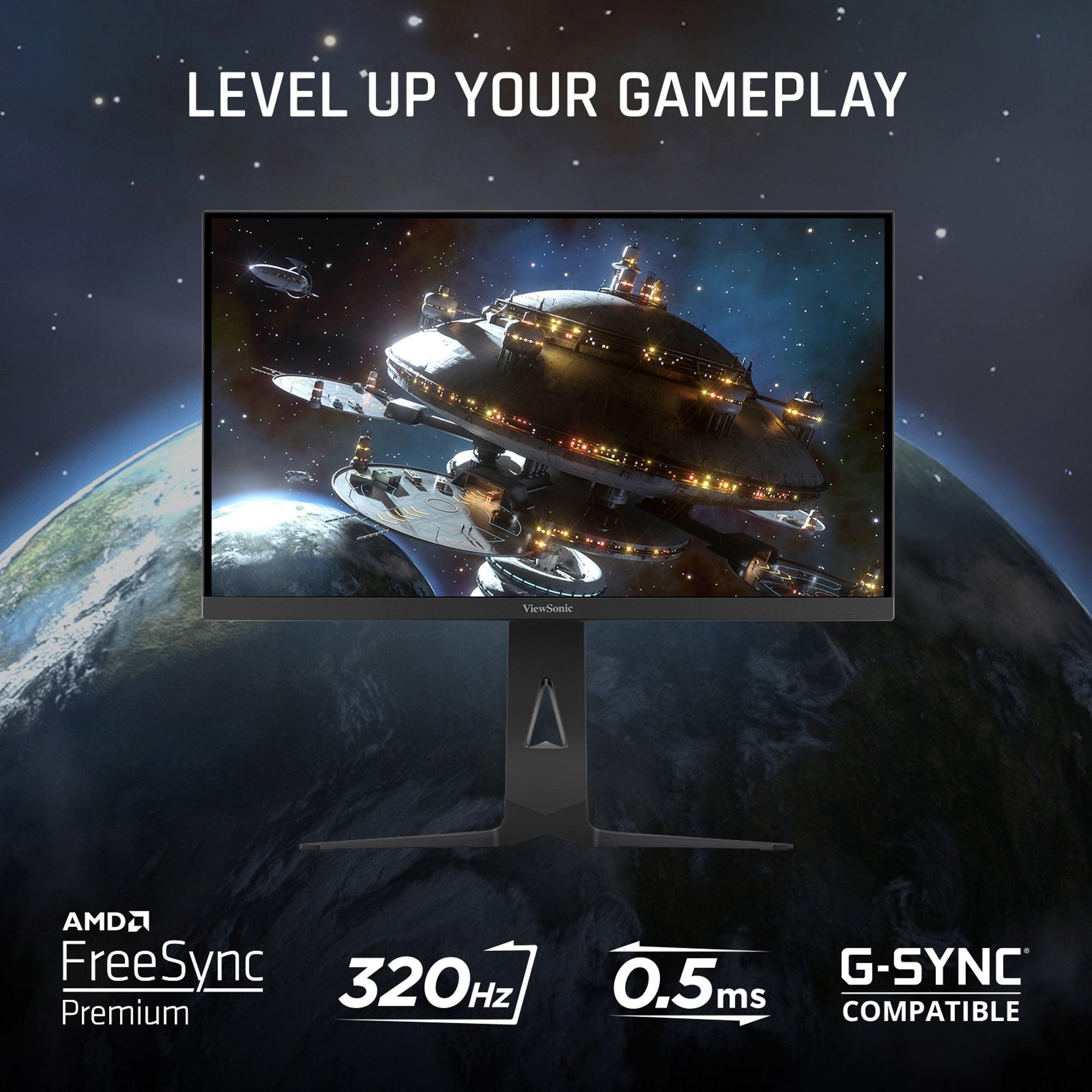
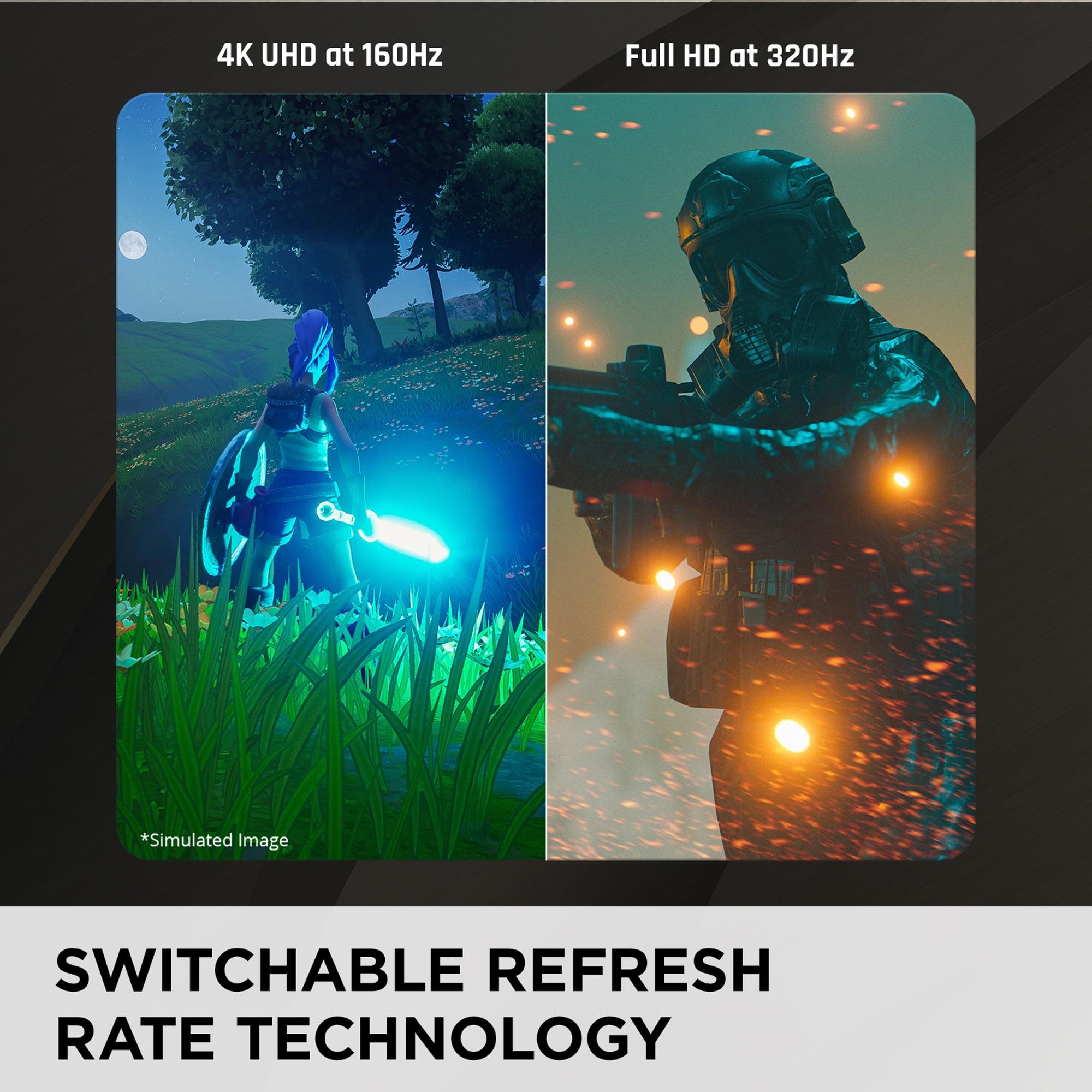
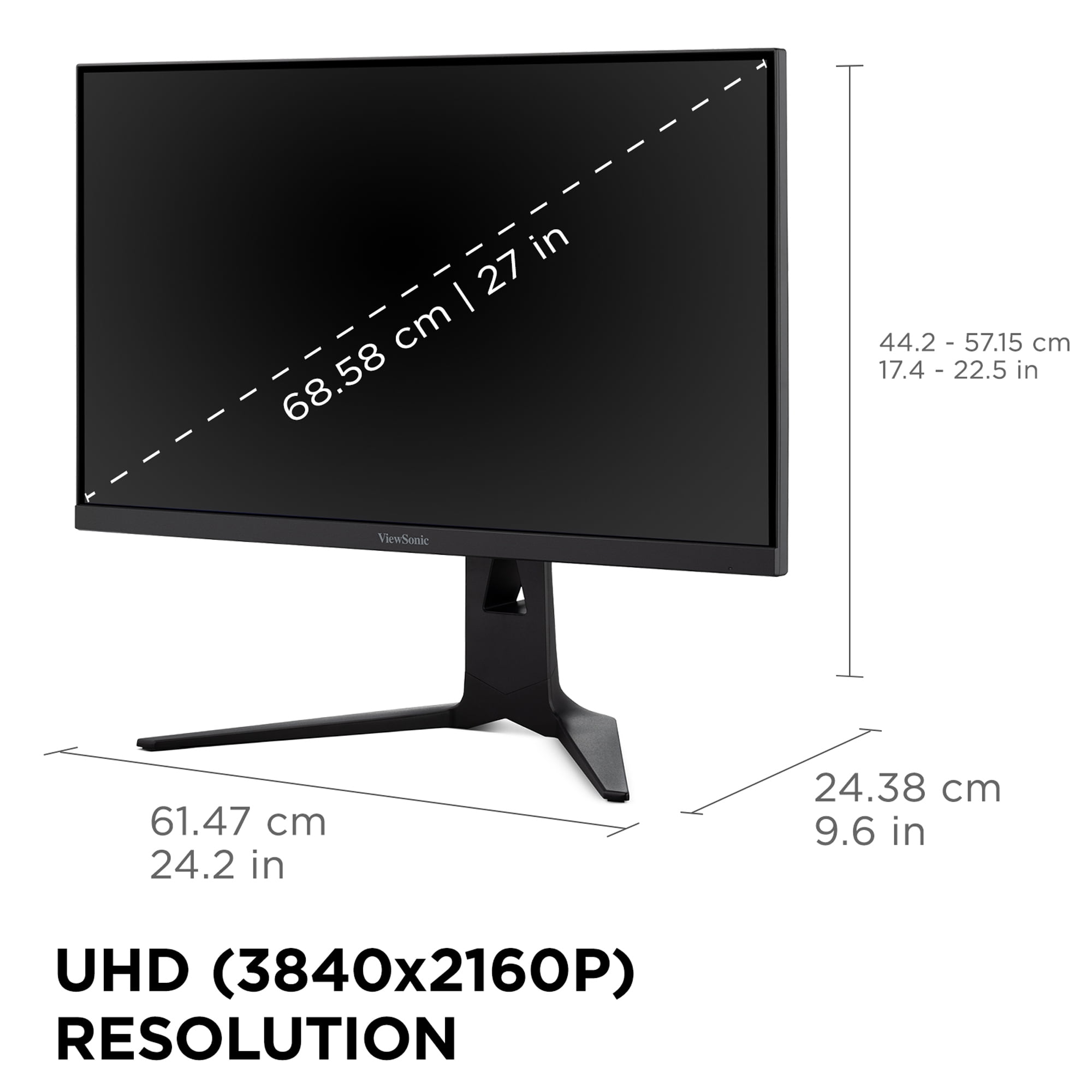
The monitor's party trick is its dual-mode functionality. In one mode, you get native 4K resolution (3840 x 2160 pixels) running at 160Hz—perfect for immersive single-player games where you want to see every detail. Hit a button, and it switches to Full HD (1920 x 1080) at a blistering 320Hz refresh rate, transforming into a competitive gaming beast.
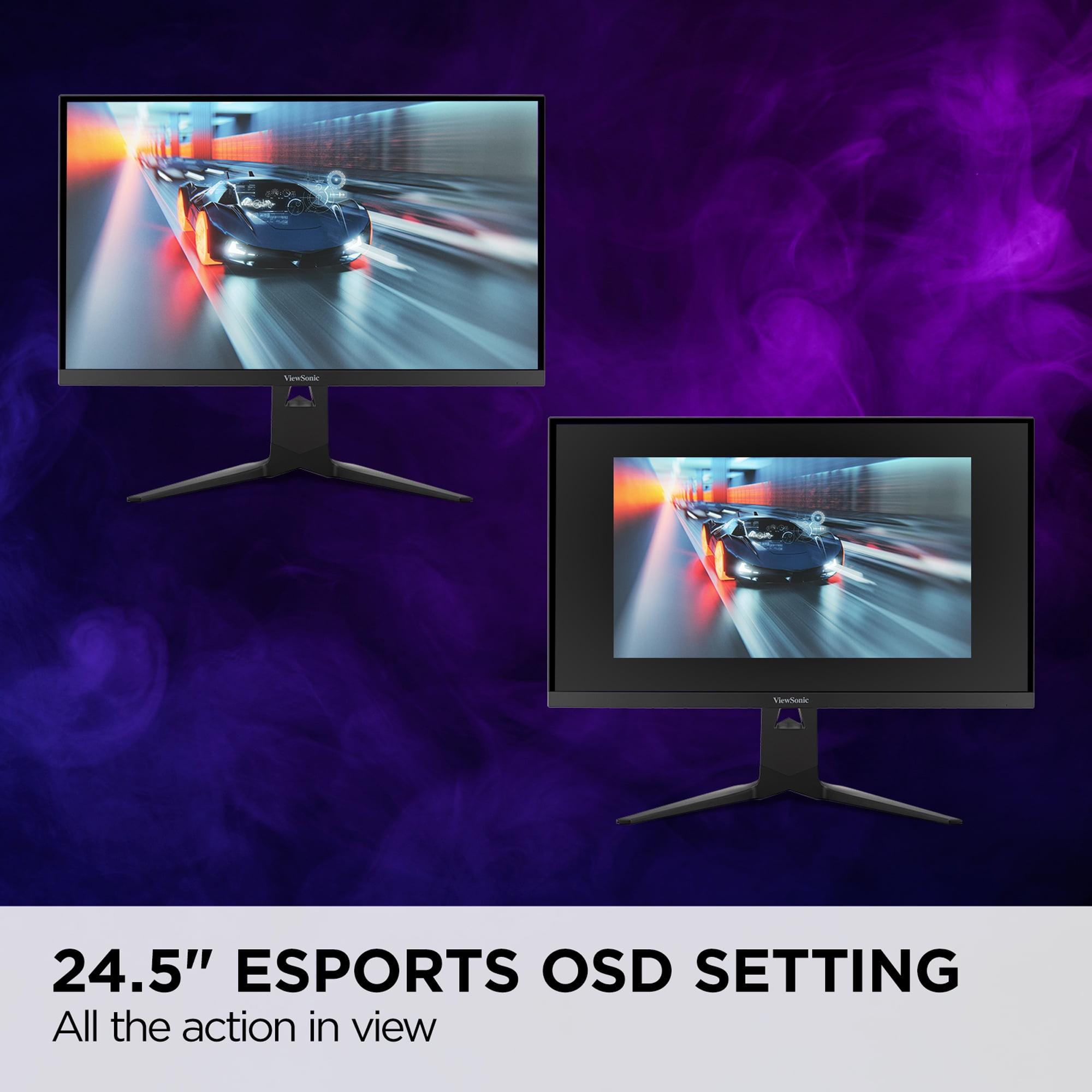
This flexibility comes from ViewSonic's innovative approach to display scaling and refresh rate management. The monitor uses a Fast IPS panel with a 0.5ms MPRT (Moving Picture Response Time) response time and includes features like a dedicated 24.5-inch "esports mode" that shrinks the usable display area to mimic tournament-standard monitors.
The MSI MAG 271QP QD-OLED X24, launched in 2025, takes a different approach entirely. Rather than trying to be everything to everyone, it focuses on delivering the best possible image quality while maintaining excellent gaming performance.
This monitor uses QD-OLED (Quantum Dot OLED) technology, which combines the infinite contrast of OLED panels with the color accuracy benefits of quantum dots. The result is a display that can produce true blacks (pixels completely turn off) while covering an exceptional color gamut—98% Adobe RGB, 99% DCI-P3, and 138% sRGB.
At 1440p resolution (2560 x 1440), the MSI monitor delivers 240Hz refresh rates with an incredibly fast 0.03ms response time. It's VESA DisplayHDR True Black 400 certified, meaning it can produce genuine HDR (High Dynamic Range) content with deep blacks and bright highlights reaching up to 1000 nits in small areas.
The most significant difference between these monitors lies in their approach to image quality, and it's here where your personal preferences and intended use will matter most.
The ViewSonic XG275D-4K uses a Fast IPS panel with anti-glare coating, delivering consistent performance across different lighting conditions. When running in 4K mode, the level of detail is exceptional—you can see individual leaves on trees in games like Red Dead Redemption 2 or spot enemies at incredible distances in tactical shooters. The 300-350 nit brightness and 1000:1 contrast ratio provide good visibility in most environments, though the HDR experience is somewhat limited compared to premium displays.
In my testing, the ViewSonic's IPS panel shows its strengths in bright rooms where OLED displays might struggle. The anti-glare coating effectively reduces reflections, making it suitable for setups near windows or in well-lit gaming spaces. However, the contrast ratio, while typical for IPS panels, can't match what OLED technology achieves.
The MSI MAG 271QP QD-OLED X24 operates in a different league regarding pure image quality. The QD-OLED panel produces blacks so deep they're indistinguishable from a powered-off screen, creating a contrast ratio that's theoretically infinite. Colors pop with an intensity that makes games feel more vibrant and lifelike.
When playing atmospheric games like Cyberpunk 2077 or watching HDR movies, the difference is immediately apparent. Neon signs glow against perfectly black backgrounds, creating an almost three-dimensional effect. The color accuracy (Delta E ≤ 2) means that what you see closely matches what content creators intended, making this monitor suitable for both gaming and professional work.
However, OLED technology comes with trade-offs. In bright rooms, the panel can exhibit "raised blacks," where dark areas appear slightly gray rather than true black. This isn't a defect—it's a characteristic of OLED technology when ambient light hits the screen.
For gaming performance, both monitors excel, but in different scenarios. The choice between them often comes down to what types of games you prioritize and how you balance competitive advantage against visual fidelity.
The ViewSonic XG275D-4K offers something unique: the ability to optimize for different gaming scenarios without buying multiple monitors. When I switch to its 320Hz mode for competitive games like Valorant or CS2, the difference in motion fluidity is immediately noticeable. The higher refresh rate makes tracking enemies smoother, and the reduced input lag can provide a genuine competitive advantage.
The 0.5ms response time, while not the fastest available, proves adequate for most competitive scenarios. I haven't noticed significant ghosting or motion blur during fast-paced gameplay. The monitor supports both AMD FreeSync Premium and NVIDIA G-SYNC Compatible technologies, ensuring smooth gameplay regardless of your graphics card choice.
One potential drawback is image quality when running in 1080p mode on the native 4K panel. While the scaling is generally good, some users report slight softness compared to native 1080p displays. This isn't uncommon when running non-native resolutions, but it's worth considering if you plan to use 320Hz mode frequently.
The MSI monitor approaches gaming performance differently, focusing on delivering exceptional clarity at its native 1440p resolution. The 0.03ms response time is among the fastest available, virtually eliminating motion blur even in the most demanding scenarios. Combined with the 240Hz refresh rate, this creates an incredibly smooth gaming experience.
The VESA ClearMR 13000 certification guarantees minimal motion artifacts, and in practice, the motion clarity is exceptional. Fast-moving objects in racing games or FPS titles remain sharp and defined, providing both competitive advantages and visual enjoyment.
At 1440p, the MSI monitor hits a sweet spot for many gamers. It's high enough resolution to provide good detail without being as demanding as 4K, allowing more graphics cards to achieve the high frame rates needed to utilize the 240Hz refresh rate effectively.
Modern gaming setups often involve multiple devices—gaming PCs, laptops, consoles, and sometimes work computers. How well a monitor integrates into these complex ecosystems can significantly impact your daily experience.
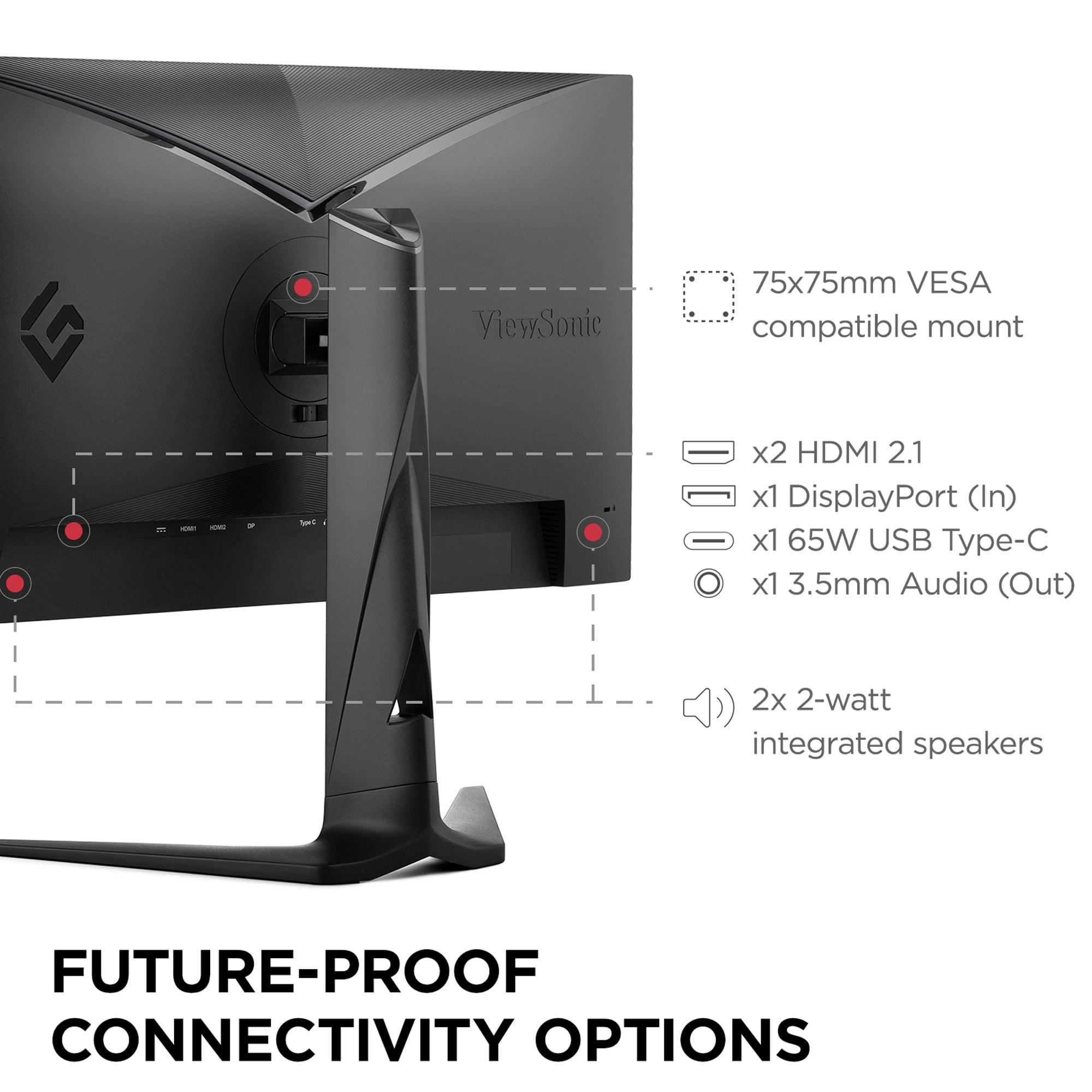
The ViewSonic XG275D-4K positions itself as a comprehensive hub for multiple devices. The USB-C port with 65W power delivery is particularly useful if you use a laptop for work or portable gaming. You can connect, display, and charge your laptop with a single cable—a feature that's increasingly valuable in hybrid work environments.
The HDMI 2.1 support ensures compatibility with PlayStation 5 and Xbox Series X, allowing you to take advantage of 4K gaming at up to 120Hz (depending on the game). The monitor can automatically switch between different devices and optimize settings accordingly.
In contrast, the MSI MAG 271QP QD-OLED X24 focuses more specifically on dedicated gaming setups. With two HDMI 2.1 ports and DisplayPort 1.4a, it provides excellent connectivity for gaming devices but lacks the USB-C convenience for laptop users. This isn't necessarily a limitation if your setup is primarily focused on gaming rather than productivity tasks.
Both monitors include basic integrated speakers, but as with most monitor speakers, you'll want dedicated audio solutions for the best gaming experience.
When investing in a gaming monitor, especially at these performance levels, longevity becomes a crucial consideration. The different panel technologies used by these monitors have distinct durability characteristics that could influence your decision.
The ViewSonic XG275D-4K uses traditional LCD technology with a 30,000-hour backlight life expectancy. LCD panels are generally worry-free regarding burn-in (permanent image retention), making them suitable for varied content including desktop use, gaming, and productivity work. The 3-year warranty provides standard coverage typical for gaming monitors in this category.
OLED technology in the MSI monitor requires more consideration regarding long-term use. While modern OLED panels are much more durable than early generations, they can still experience burn-in if static images are displayed for extended periods. MSI addresses this with OLED Care 2.0, which includes pixel shifting, static screen detection, and automatic panel refresh cycles.
Notably, MSI backs the MAG 271QP QD-OLED X24 with a 3-year warranty that explicitly covers burn-in—a significant confidence booster for potential buyers worried about OLED longevity. The monitor also includes advanced heat dissipation with custom heatsink design, addressing another potential longevity concern with OLED panels.
For users who frequently work with static content, have extended desktop use, or plan to keep the monitor for many years, the LCD-based ViewSonic might offer more peace of mind. However, for primarily gaming use with modern OLED care features, the MSI monitor should provide years of trouble-free operation.
While both monitors are primarily designed for gaming, their entertainment capabilities differ significantly and might influence your decision if you plan to use them for movies, streaming, or other media consumption.
The ViewSonic XG275D-4K offers native 4K resolution support, making it excellent for streaming 4K content from services like Netflix, Disney+, or YouTube. The IPS panel provides consistent viewing angles, useful if multiple people might watch content together. However, the limited HDR capabilities mean that while you'll get 4K detail, the enhanced contrast and color benefits of HDR content will be modest.
For home theater use, the MSI MAG 271QP QD-OLED X24 provides a dramatically superior experience despite its 1440p resolution. The OLED panel's infinite contrast ratio transforms movie watching, especially for content with dark scenes. The VESA DisplayHDR True Black 400 certification ensures that HDR movies and shows display with the intended impact—bright highlights pop against truly black backgrounds.
The color accuracy and wide color gamut of the MSI monitor also mean that content appears as creators intended, making it excellent for both gaming and entertainment. However, the 27-inch size and 1440p resolution might feel limiting for dedicated home theater use compared to larger 4K displays.
After extensive testing and consideration of both monitors' strengths and limitations, here's my recommendation framework:
Choose the ViewSonic XG275D-4K if:
You want maximum versatility and value from a single display. This monitor makes the most sense for gamers who split time between competitive esports titles and immersive single-player games. The ability to switch between 4K detail and 320Hz competitive performance means you don't have to compromise or buy multiple monitors.
It's also ideal if you work from home and game on the same setup. The USB-C connectivity with power delivery makes it excellent for laptop users who want a premium external display that can handle both productivity and gaming needs.
Consider this monitor if you have budget constraints but don't want to sacrifice either high refresh rate gaming or 4K visual quality. At the time of writing, it offers exceptional value by combining capabilities typically found in separate, more expensive monitors.
Choose the MSI MAG 271QP QD-OLED X24 if:
Image quality is your top priority, and you're willing to pay a premium for best-in-class visual performance. The QD-OLED technology delivers contrast and color accuracy that transforms both gaming and media consumption.
This monitor makes the most sense for dedicated gaming setups where 1440p resolution meets your needs and you value motion clarity and color accuracy above resolution flexibility. It's perfect for competitive gamers who also appreciate excellent image quality for single-player titles.
If you frequently consume HDR content—whether movies, shows, or games—the superior HDR implementation makes this monitor significantly more compelling than the ViewSonic.
Both monitors represent excellent approaches to modern gaming display technology, but they serve different user priorities. The ViewSonic XG275D-4K breaks new ground with its dual-mode flexibility, offering unprecedented versatility that makes it an excellent value proposition for users who want both competitive performance and visual fidelity without buying multiple displays.
The MSI MAG 271QP QD-OLED X24 takes the traditional approach of excelling in specific areas rather than compromising for versatility. Its QD-OLED technology delivers image quality that justifies the premium price for users who prioritize visual excellence.
Your choice ultimately depends on whether you value versatility and value (ViewSonic) or premium image quality and specialized performance (MSI). Both represent significant advances in gaming monitor technology, ensuring that whichever you choose, you'll have a display capable of enhancing your gaming experience for years to come.
In my experience, the gaming monitor market has reached a point where there are genuinely no bad choices at the premium level—only different approaches to meeting diverse user needs. Consider your gaming habits, setup requirements, and budget priorities to determine which approach aligns better with your specific situation.
| ViewSonic XG275D-4K | MSI MAG 271QP QD-OLED X24 |
|---|---|
| Panel Technology - Determines contrast, color accuracy, and durability | |
| Fast IPS with anti-glare coating (no burn-in risk, consistent performance) | QD-OLED (infinite contrast, superior colors, potential burn-in) |
| Resolution & Refresh Rate - Core performance specs that define gaming experience | |
| Dual-mode: 4K at 160Hz OR 1080p at 320Hz (unprecedented flexibility) | Single-mode: 1440p at 240Hz (sweet spot for most gamers) |
| Response Time - Critical for competitive gaming and motion clarity | |
| 0.5ms MPRT (adequate for most competitive scenarios) | 0.03ms GtG (virtually eliminates motion blur, among the fastest available) |
| Brightness & Contrast - Affects visibility and HDR performance | |
| 300-350 nits, 1000:1 contrast (good for bright rooms, basic HDR) | 1000 nits peak, infinite contrast (exceptional HDR, best in dark rooms) |
| Color Performance - Important for visual quality and content creation | |
| Standard IPS color accuracy, good viewing angles | 99% DCI-P3, 138% sRGB, Delta E ≤ 2 (professional-grade accuracy) |
| HDR Support - Enhanced visual experience for modern content | |
| HDR10 support (limited by brightness, entry-level experience) | VESA DisplayHDR True Black 400 (genuine HDR with deep blacks) |
| Connectivity - Determines device compatibility and setup flexibility | |
| USB-C with 65W power delivery, HDMI 2.1, DisplayPort (excellent for laptops) | 2x HDMI 2.1, DisplayPort 1.4a (no USB-C, focused on gaming devices) |
| Warranty & Burn-in Protection - Long-term ownership considerations | |
| 3-year standard warranty (no burn-in concerns with LCD technology) | 3-year warranty including explicit burn-in coverage plus OLED Care 2.0 |
| Best Use Cases - Who should choose each monitor | |
| Versatile gamers wanting both 4K detail and 320Hz competitive performance | Premium gaming focused on image quality and 1440p competitive play |
The MSI MAG 271QP QD-OLED X24 has a slight edge for pure competitive gaming due to its ultra-fast 0.03ms response time and excellent motion clarity. However, the ViewSonic XG275D-4K offers 320Hz refresh rate in 1080p mode, which can provide smoother motion for esports titles. Both are excellent choices, with the ViewSonic offering more flexibility and the MSI delivering superior image quality.
The key difference is approach: the ViewSonic XG275D-4K offers dual-mode flexibility, switching between 4K at 160Hz and 1080p at 320Hz, while the MSI MAG 271QP QD-OLED X24 focuses on premium image quality with QD-OLED technology at 1440p resolution and 240Hz refresh rate. The ViewSonic prioritizes versatility, while the MSI emphasizes visual excellence.
The MSI MAG 271QP QD-OLED X24 delivers superior image quality with its QD-OLED panel technology, offering infinite contrast, true blacks, and exceptional color accuracy (99% DCI-P3). The ViewSonic XG275D-4K provides good IPS image quality with higher 4K resolution but cannot match the contrast and color performance of OLED technology.
Both monitors work well with PS5 and Xbox Series X, but they serve different preferences. The ViewSonic XG275D-4K can display native 4K console games with excellent detail, while the MSI MAG 271QP QD-OLED X24 provides superior HDR performance and color accuracy at 1440p. Choose ViewSonic for maximum resolution or MSI for best visual quality.
The ViewSonic XG275D-4K is significantly more versatile due to its USB-C port with 65W power delivery, allowing single-cable laptop connection. Its dual-mode capability and lack of burn-in concerns make it ideal for mixed work and gaming use. The MSI MAG 271QP QD-OLED X24 is primarily optimized for dedicated gaming setups.
Yes, both support HDR but at different levels. The MSI MAG 271QP QD-OLED X24 offers genuine HDR experience with VESA DisplayHDR True Black 400 certification, deep blacks, and 1000 nits peak brightness. The ViewSonic XG275D-4K supports HDR10 but with limited brightness (300-350 nits), providing a more basic HDR experience.
For pure movie watching, the MSI MAG 271QP QD-OLED X24 provides a superior experience with its infinite contrast, true blacks, and excellent HDR performance, making dark scenes and bright highlights look spectacular. The ViewSonic XG275D-4K offers higher 4K resolution for detail but cannot match the OLED's contrast and color performance for cinematic content.
The ViewSonic XG275D-4K has limited HDR performance, basic contrast ratio, and potential image softness in 1080p mode. The MSI MAG 271QP QD-OLED X24 has potential burn-in risk, raised blacks in bright rooms, no USB-C connectivity, and a premium price point. Both have trade-offs depending on your priorities.
The ViewSonic XG275D-4K typically offers better value by combining both high-resolution and high-refresh-rate capabilities in one monitor, essentially replacing the need for two displays. The MSI MAG 271QP QD-OLED X24 costs more but delivers premium image quality that justifies the price for users prioritizing visual excellence.
The ViewSonic XG275D-4K uses LCD technology with no burn-in risk, making it worry-free for desktop use and varied content. The MSI MAG 271QP QD-OLED X24 uses OLED technology which can experience burn-in, but includes OLED Care 2.0 protection features and a 3-year warranty that explicitly covers burn-in damage.
The ViewSonic XG275D-4K performs better in bright rooms due to its anti-glare IPS panel and consistent performance regardless of ambient light. The MSI MAG 271QP QD-OLED X24 excels in dark or controlled lighting environments where its infinite contrast shines, but may show raised blacks in very bright rooms.
This depends on your GPU power and gaming preferences. The ViewSonic XG275D-4K gives you both options with its dual-mode capability, while the MSI MAG 271QP QD-OLED X24 focuses on 1440p as the sweet spot for high refresh rate gaming. 1440p is easier to drive at high frame rates, while 4K provides more detail but requires more powerful hardware.
We've done our best to create useful and informative comparisons to help you decide what product to buy. Our research uses advanced automated methods to create this comparison and perfection is not possible - please contact us for corrections or questions. These are the sites we've researched in the creation of this article: cgmagonline.com - gamingshogun.com - techpowerup.com - notebookcheck.net - bestbuy.com - newegg.com - techpowerup.com - shi.com - viewsonic.com - viewsonic.com - prnewswire.com - viewsonic.com - viewsonic.com - shop.avispl.com - guru3d.com - viewsonic.com - viewsonic.com - viewsonic.com - viewsonic.com - bestbuy.com - youtube.com - xda-developers.com - newegg.com - notebookcheck.net - displayninja.com - ign.com - rtings.com - cdw.com - microcenter.com - bestbuy.com - us.msi.com - colamco.com - msi.com - msi.com - displayspecifications.com - msi.com - storage-asset.msi.com - msi.com - us.msi.com - displayspecifications.com

Privacy Policy
Terms and Conditions - Affiliate Policy
Home Security
© Copyright 2008-2026.
11816 Inwood Rd #1211, Dallas, TX 75244