

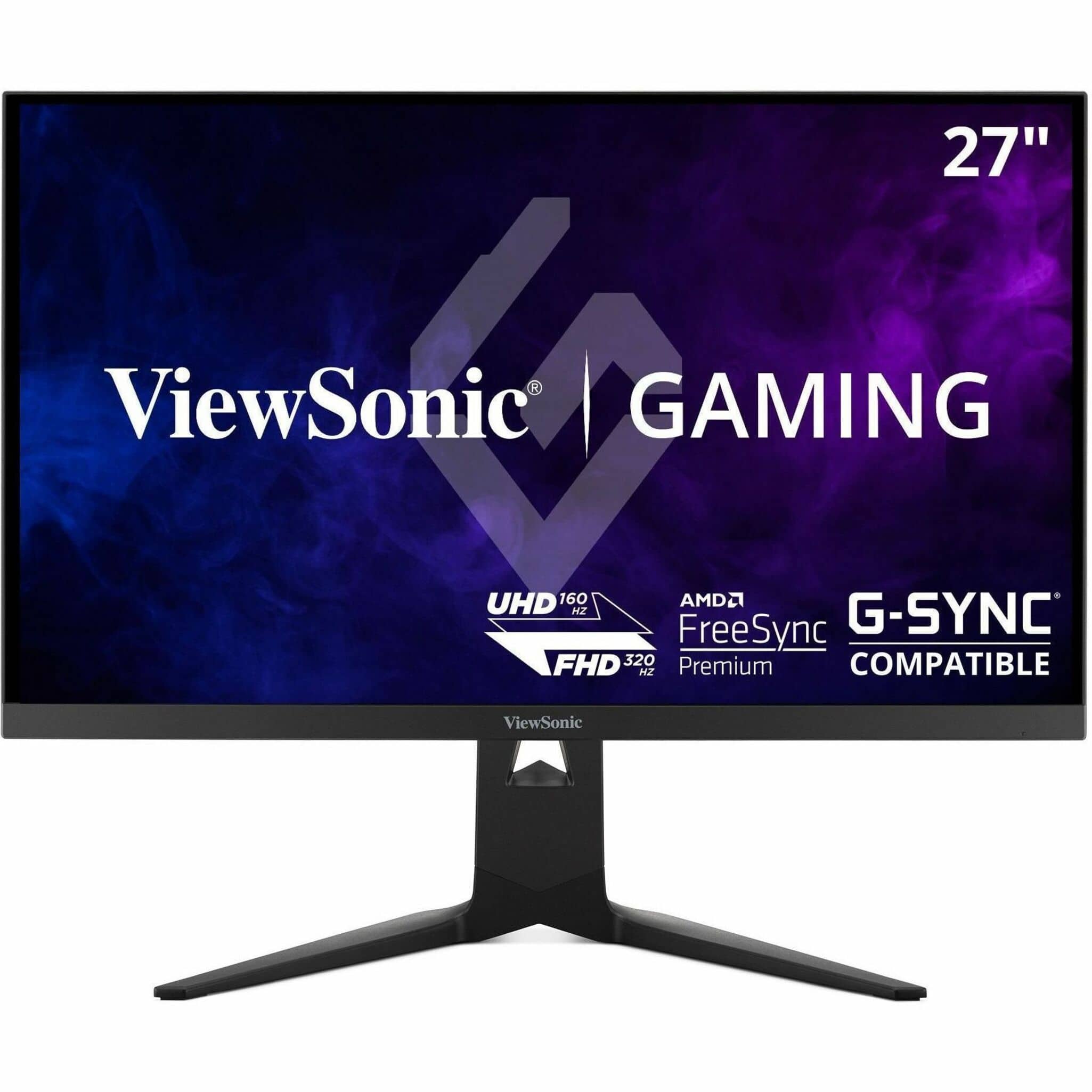
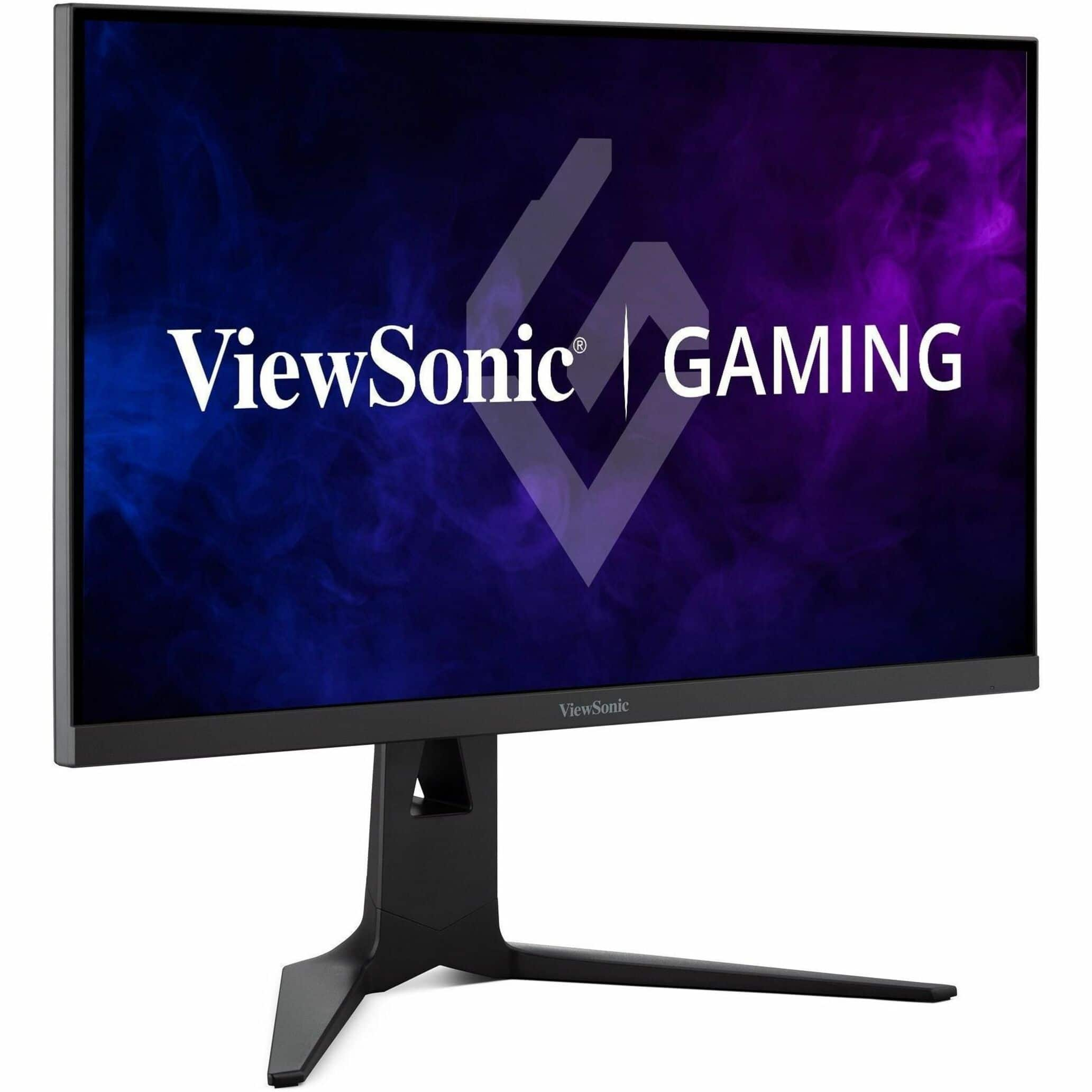

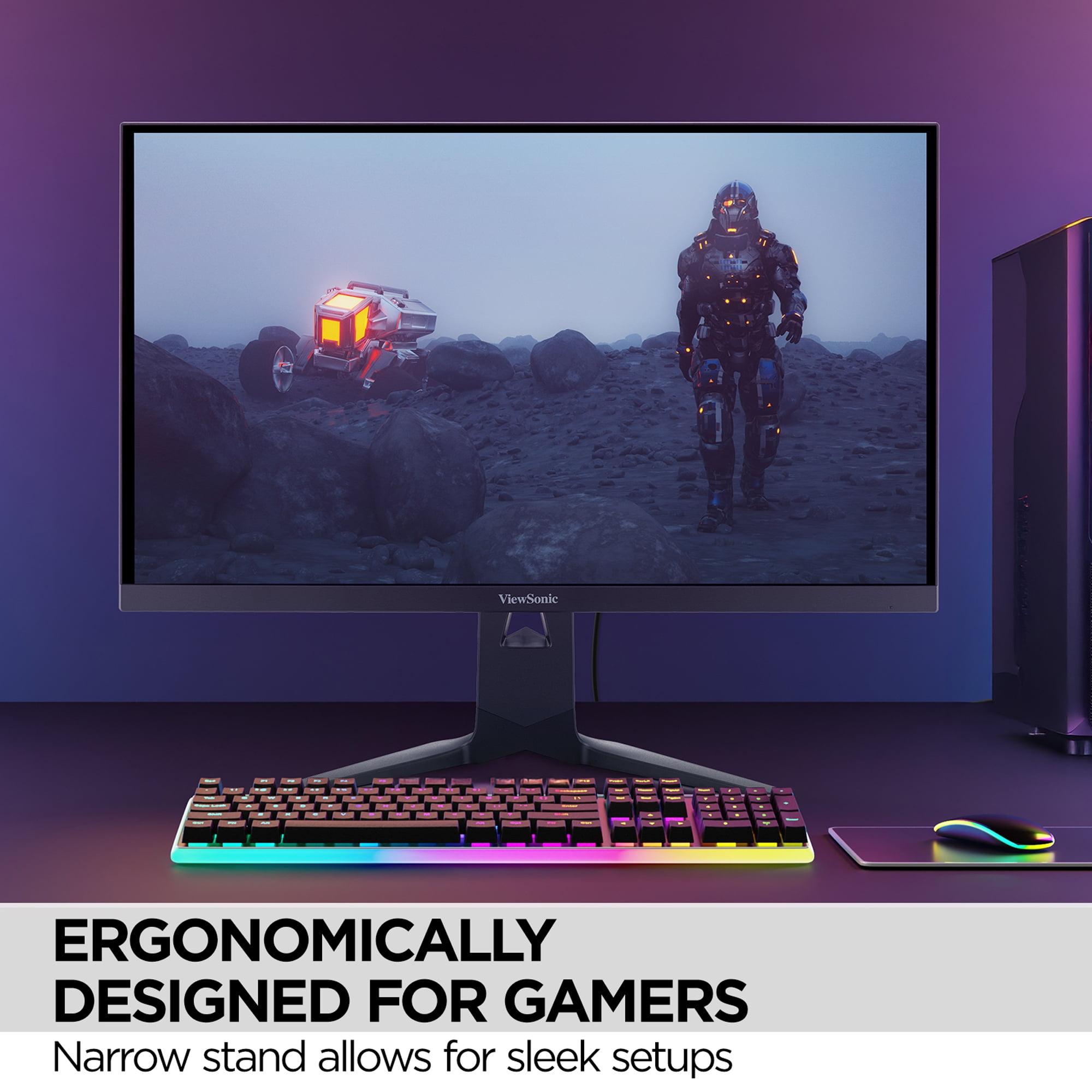

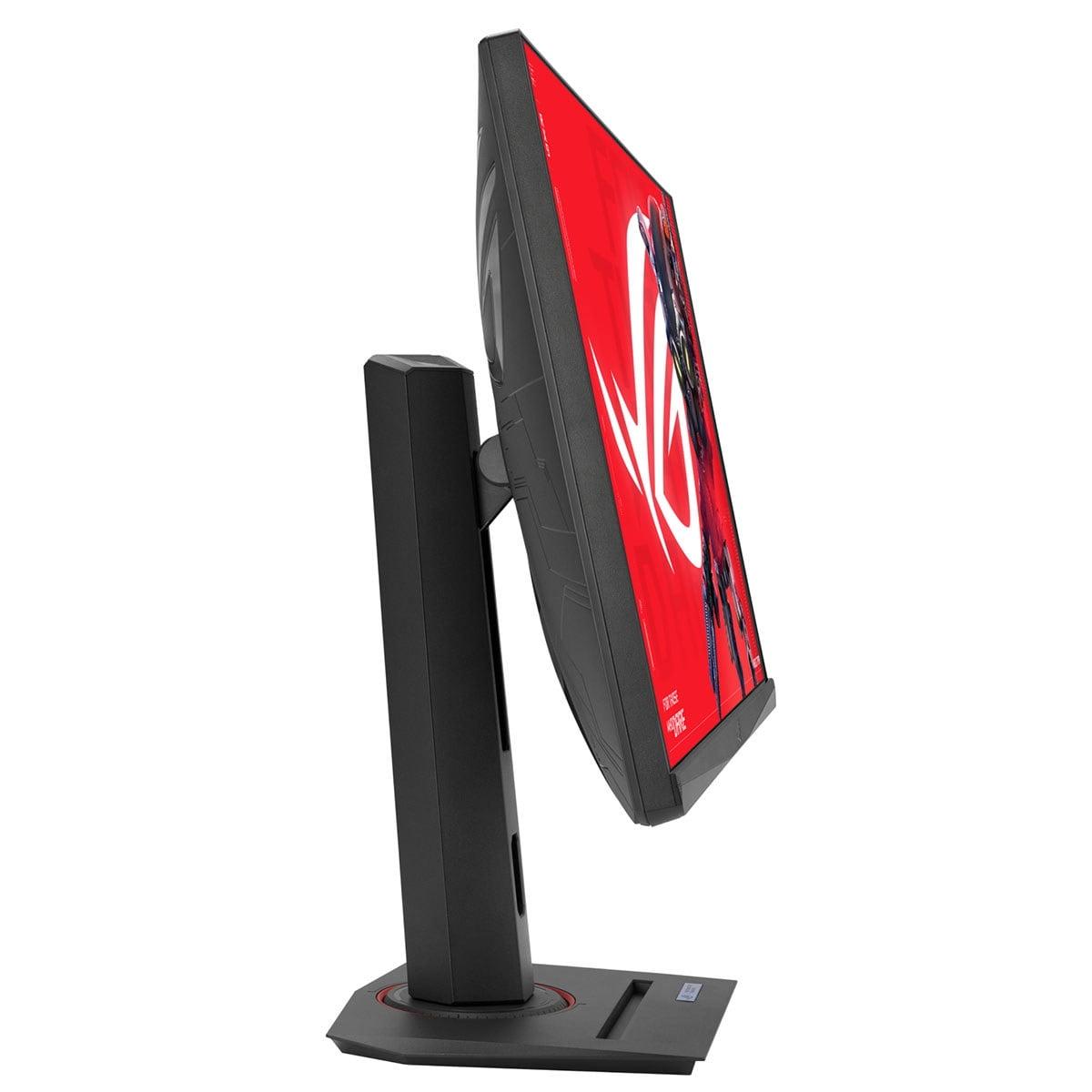
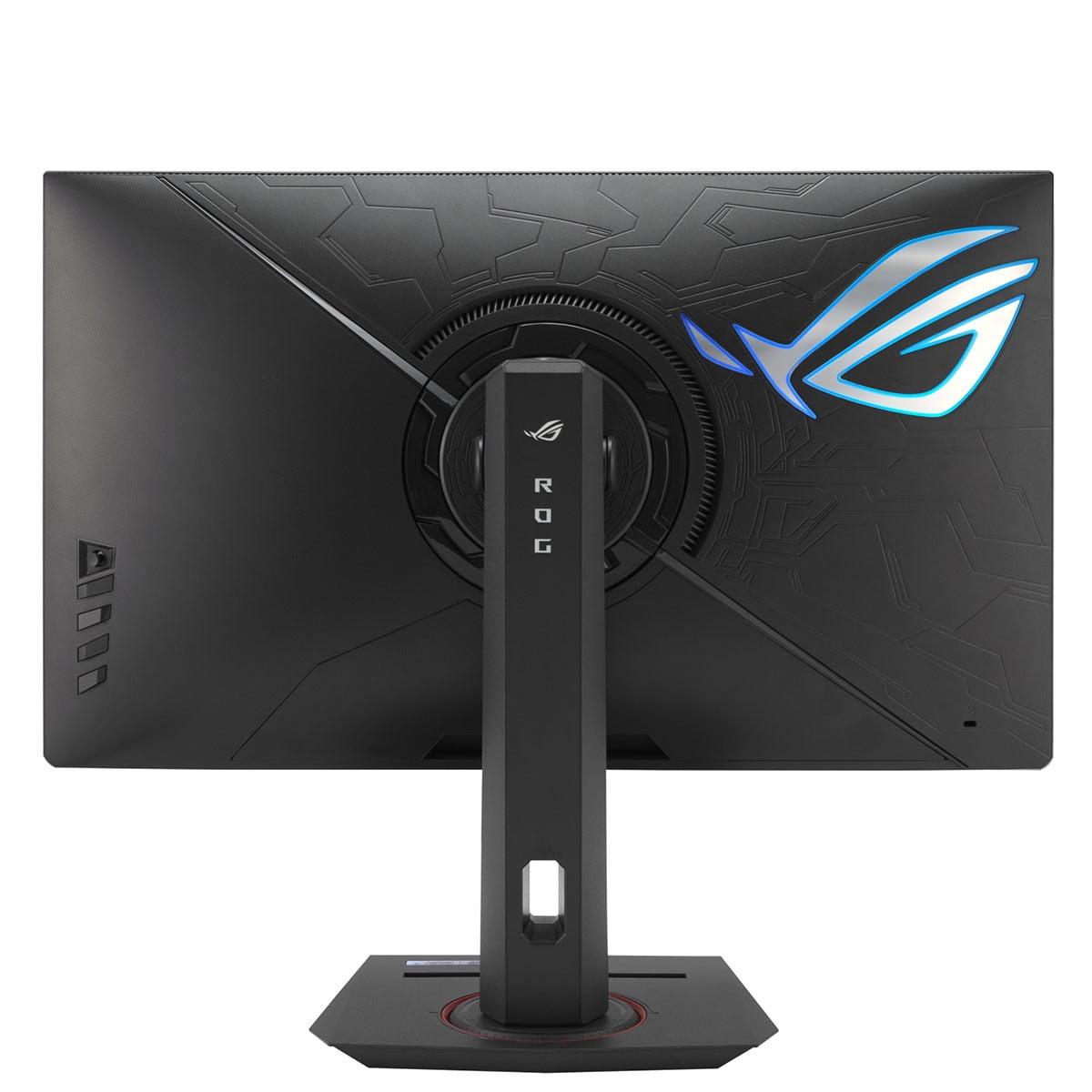
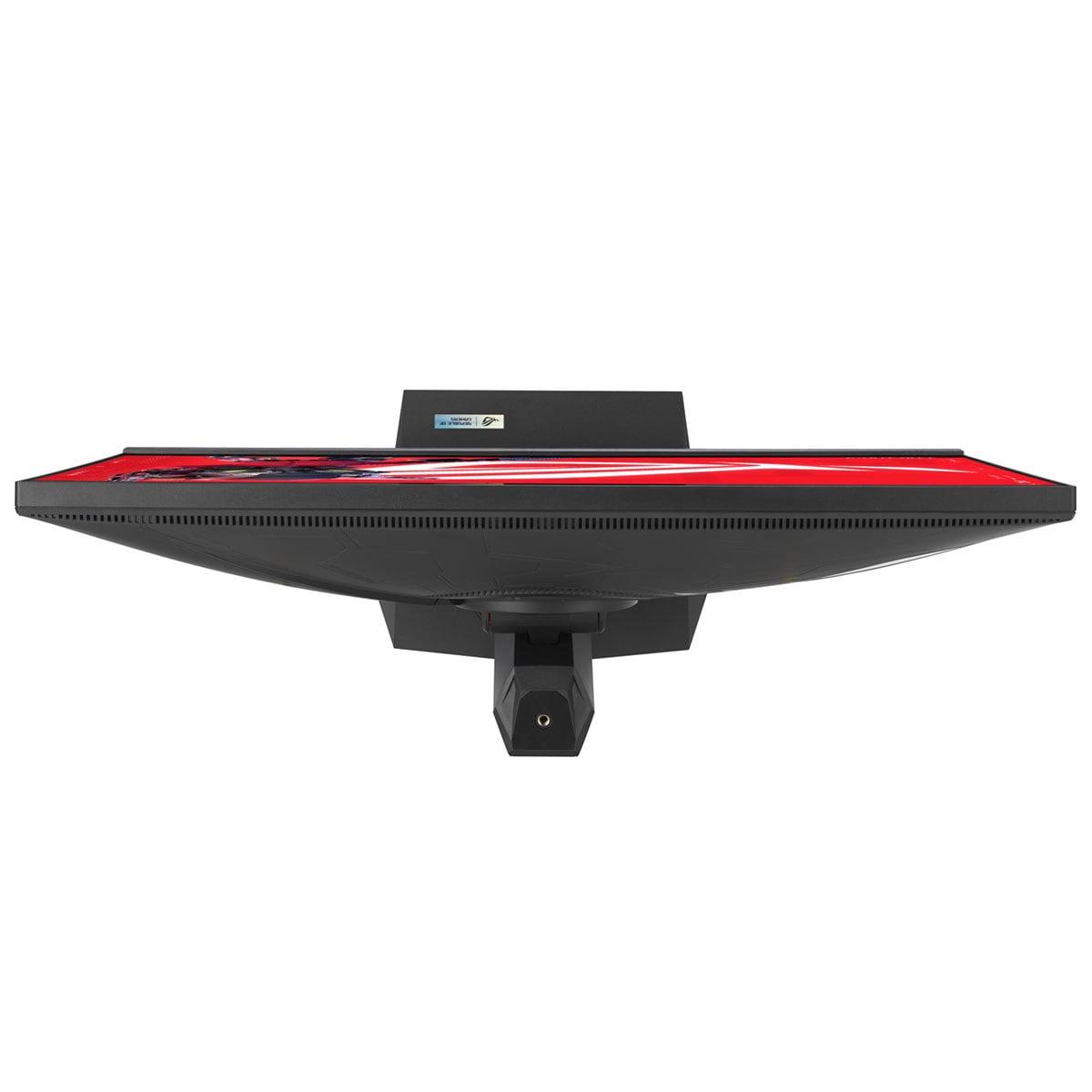
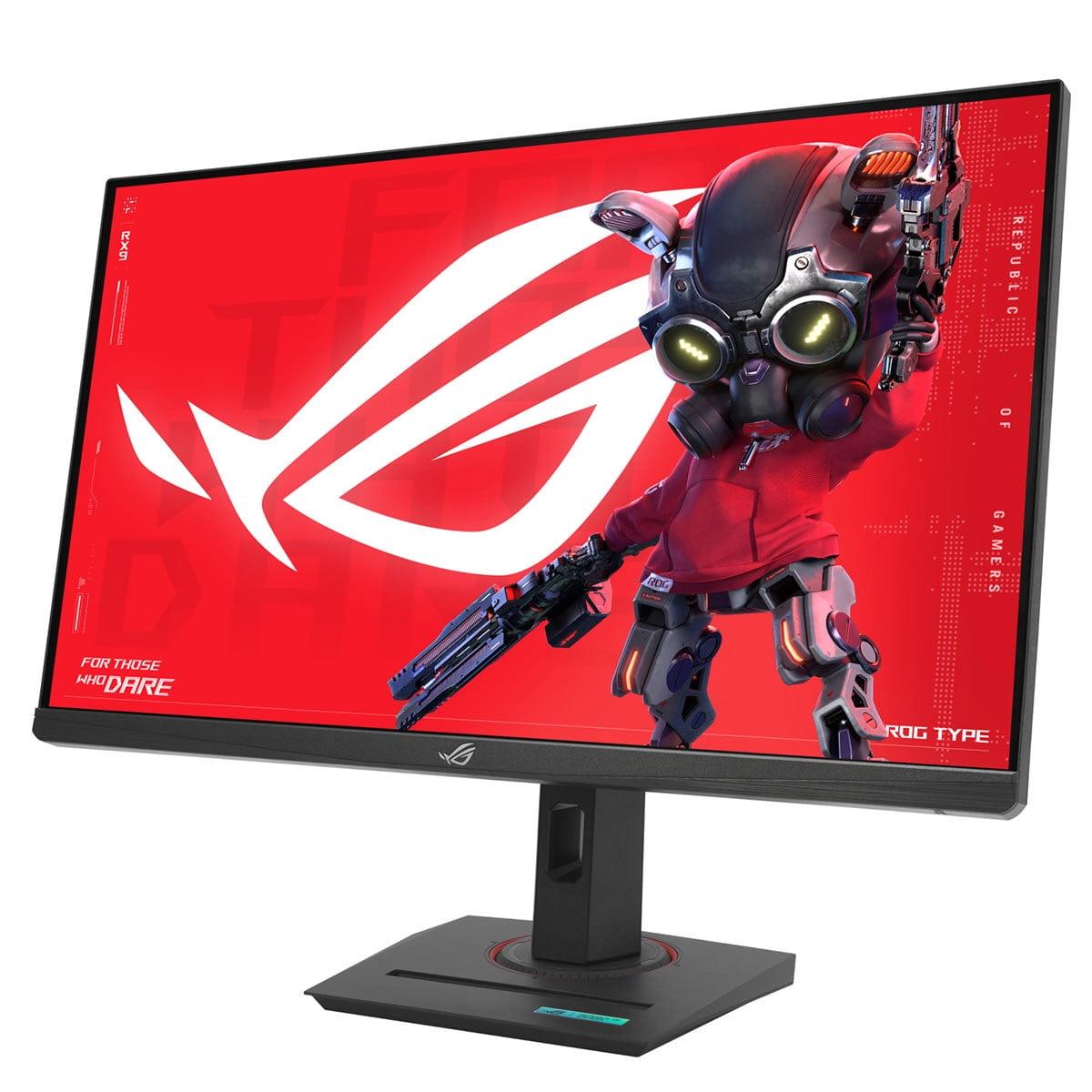

Gaming monitors have become incredibly sophisticated over the past few years. What once was a simple choice between "fast" or "pretty" has evolved into a complex landscape where manufacturers are pushing boundaries in creative ways. Today, we're comparing two monitors that represent very different philosophies: the innovative ViewSonic XG275D-4K and the refined ASUS ROG Strix XG27ACMG.
Before diving into these specific monitors, it's worth understanding what actually matters in 2024. The gaming monitor market has matured beyond the early days when higher refresh rates automatically meant better gaming. Now, we're seeing manufacturers tackle the fundamental trade-offs that have plagued gamers for years.
The biggest challenge has always been the resolution-refresh rate compromise. Want beautiful 4K visuals? You typically sacrifice speed. Need lightning-fast 320Hz performance? You're stuck with 1080p. This creates a frustrating situation where serious gamers often need multiple monitors or accept significant compromises.
Response time—how quickly pixels can change from one color to another—remains crucial for competitive gaming. But it's not just about the raw number anymore. Technologies like backlight strobing and variable refresh rate compatibility have become equally important. These features work together to eliminate motion blur and screen tearing, creating that smooth, responsive feel that separates good gaming monitors from great ones.
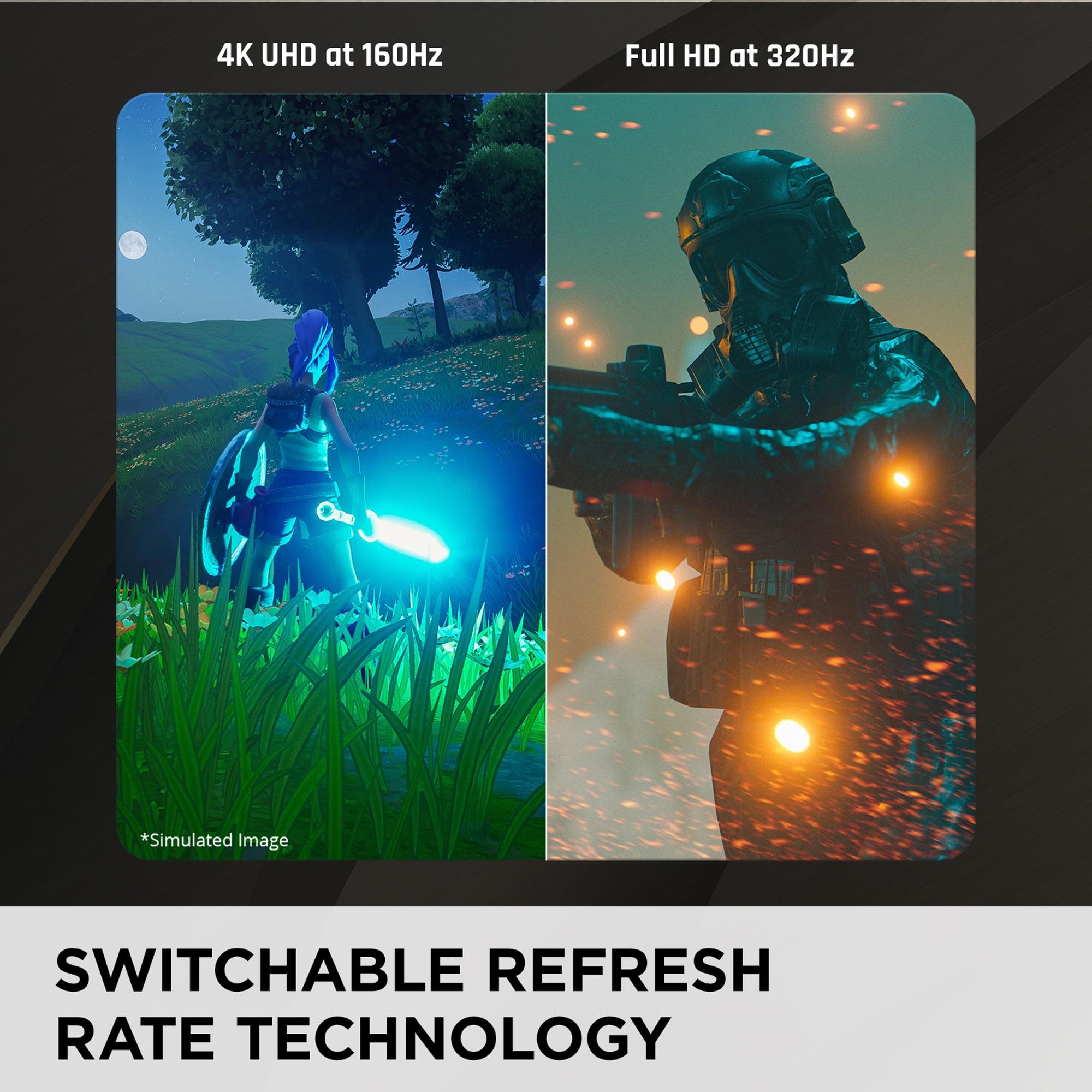
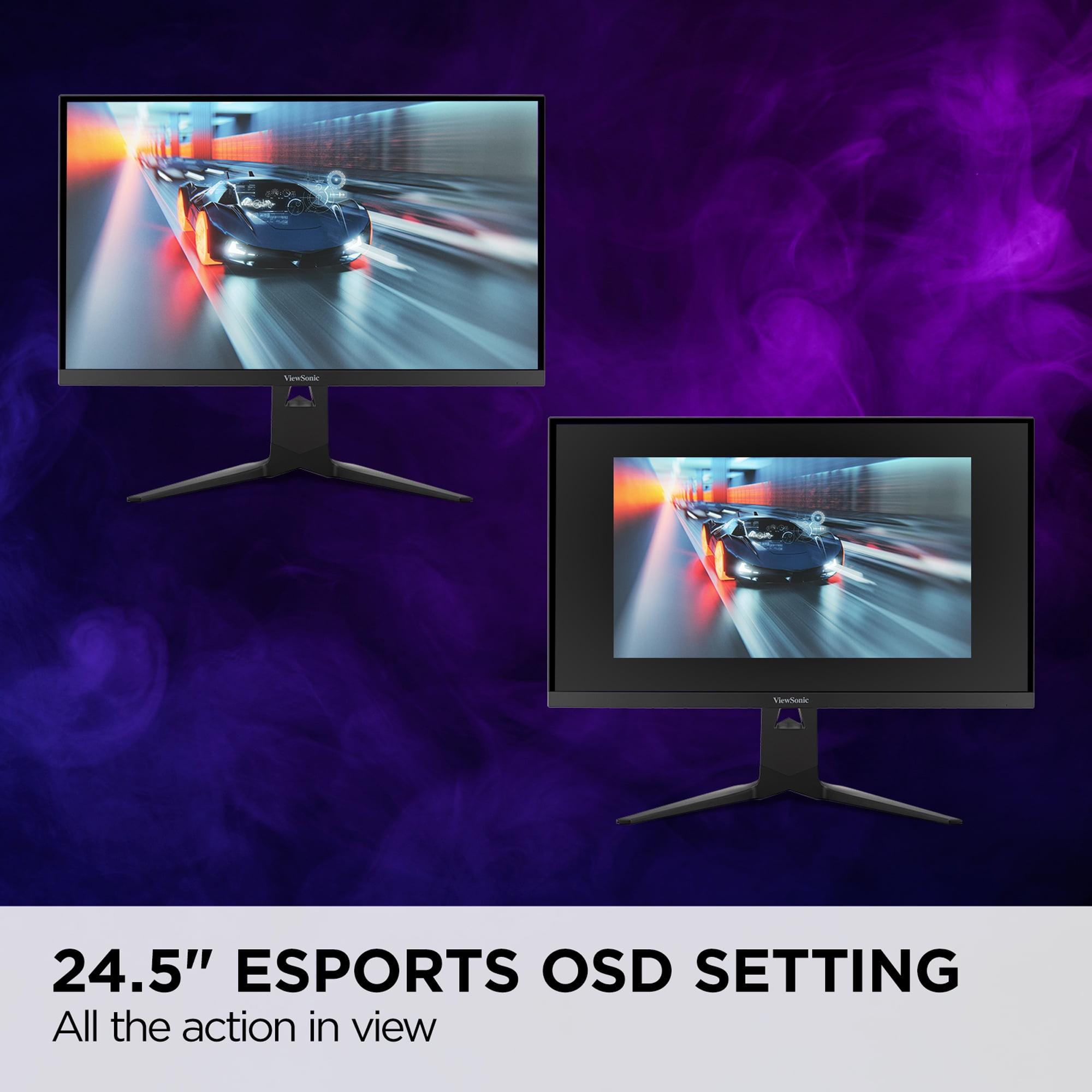
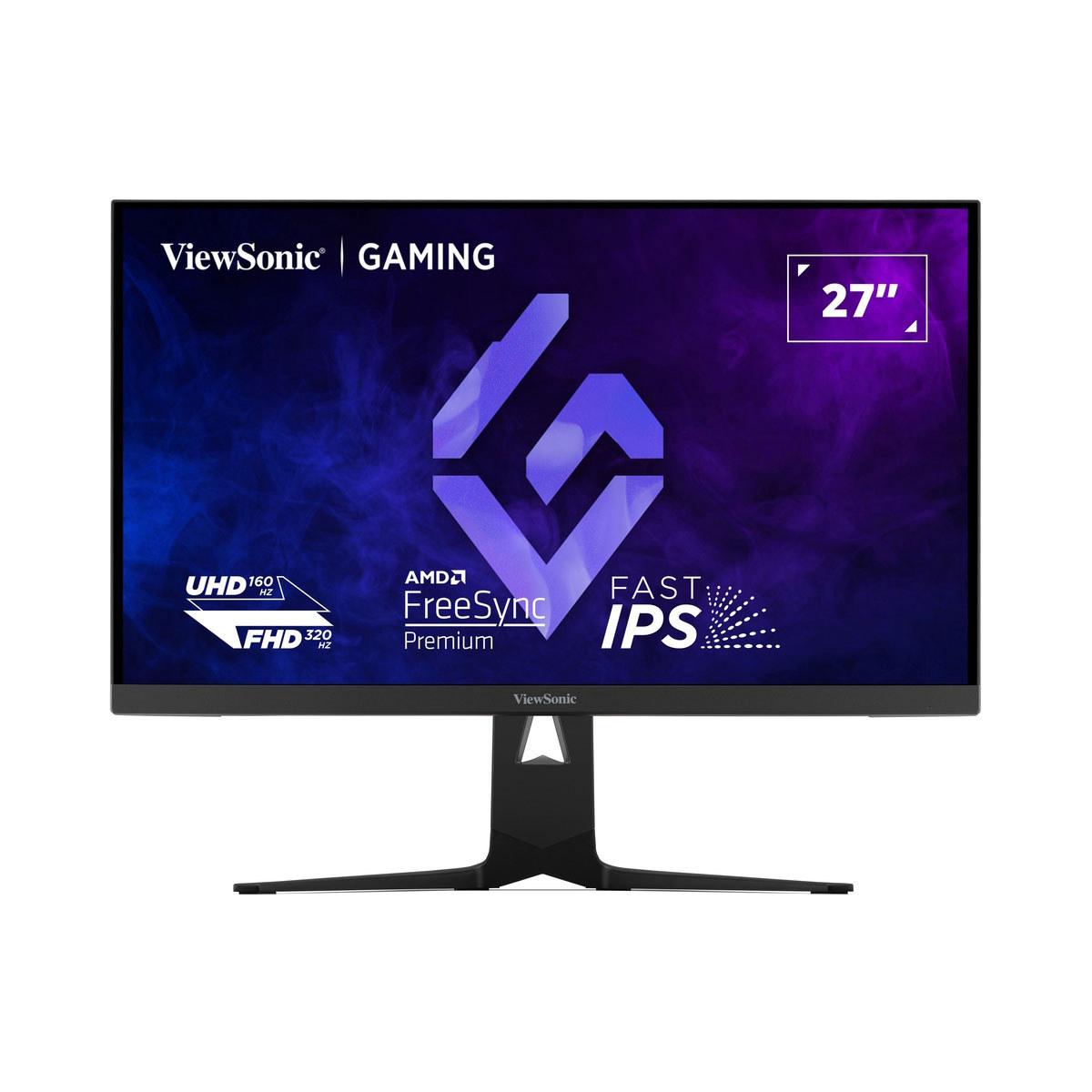
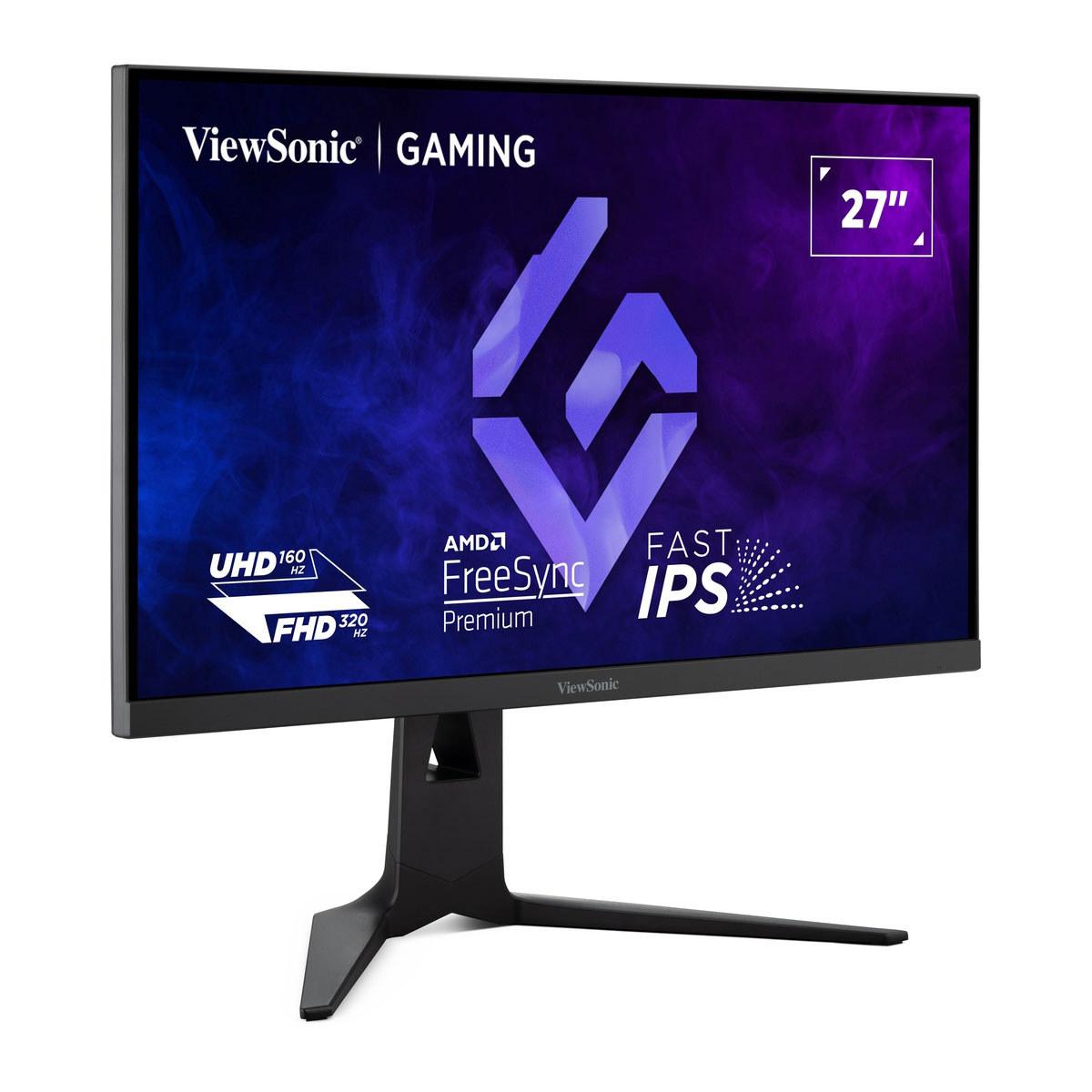
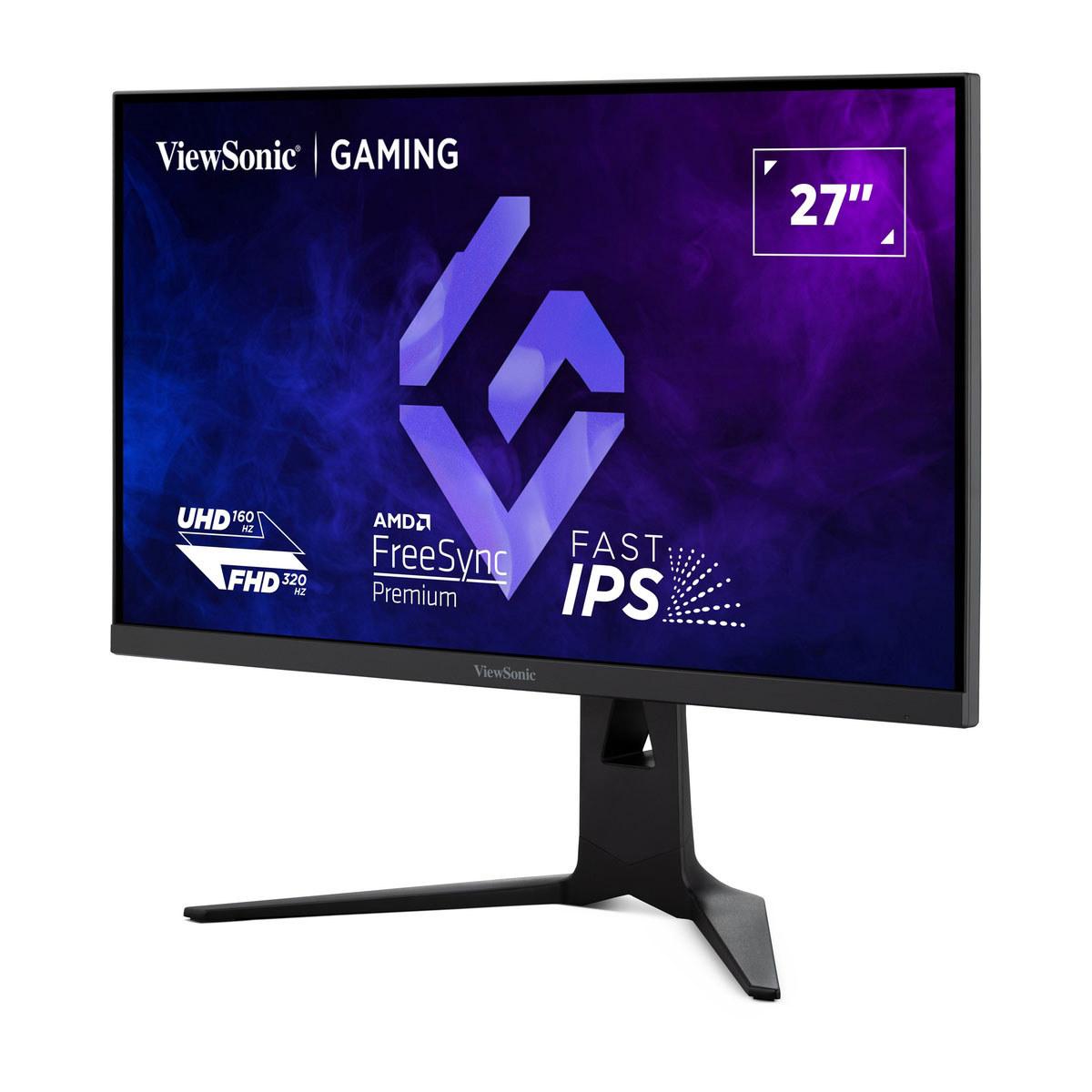
The ViewSonic XG275D-4K, released in 2024, represents something genuinely new in gaming monitors. Instead of forcing users to choose between resolution and speed, ViewSonic engineered a switchable system that offers both 4K resolution at 160Hz and Full HD at an impressive 320Hz—all accessible with a simple button press.
This dual-mode approach addresses a real problem I've experienced firsthand. When playing atmospheric single-player games like Cyberpunk 2077 or Red Dead Redemption 2, you want every pixel of detail that 4K provides. The textures, lighting effects, and environmental details create an immersive experience that's simply impossible at lower resolutions. But switch to Valorant or Counter-Strike, and suddenly you need every frame per second you can get. That 320Hz refresh rate can provide a genuine competitive advantage, making enemy movements appear smoother and reducing input lag to nearly imperceptible levels.
The technical achievement here shouldn't be understated. Creating a monitor that can seamlessly switch between these drastically different operating modes while maintaining color accuracy and response times required significant engineering innovation. The ViewSonic XG275D-4K uses a Fast IPS panel—a newer technology that combines the color accuracy and viewing angles of traditional IPS with much faster response times.
At 0.5ms MPRT (Motion Picture Response Time), the ViewSonic XG275D-4K achieves genuinely fast pixel transitions. MPRT measures how long a pixel appears to be in motion to your eye, which often correlates better with perceived motion blur than traditional gray-to-gray measurements. This makes fast-paced gaming feel crisp and responsive, whether you're gaming at 4K or Full HD.
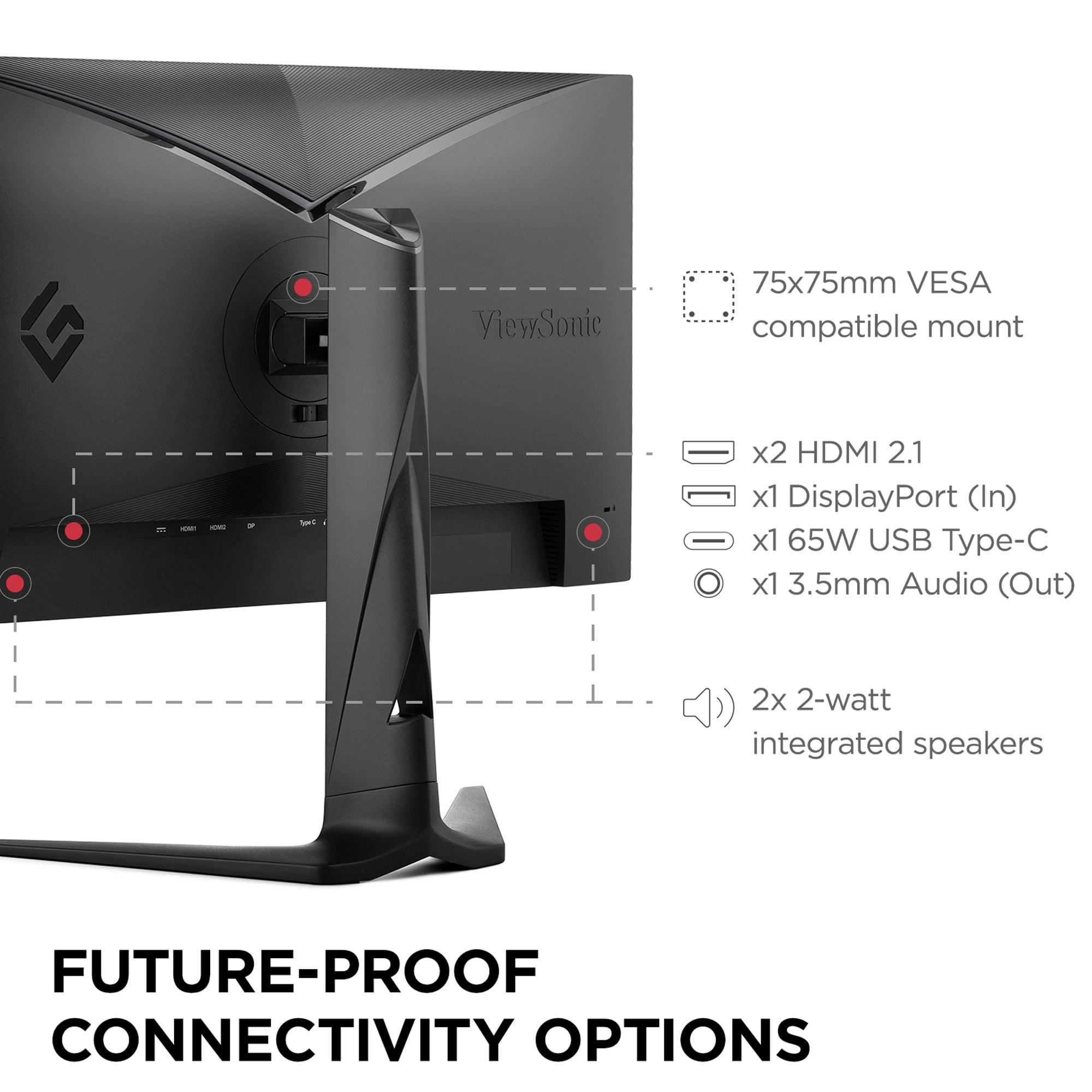
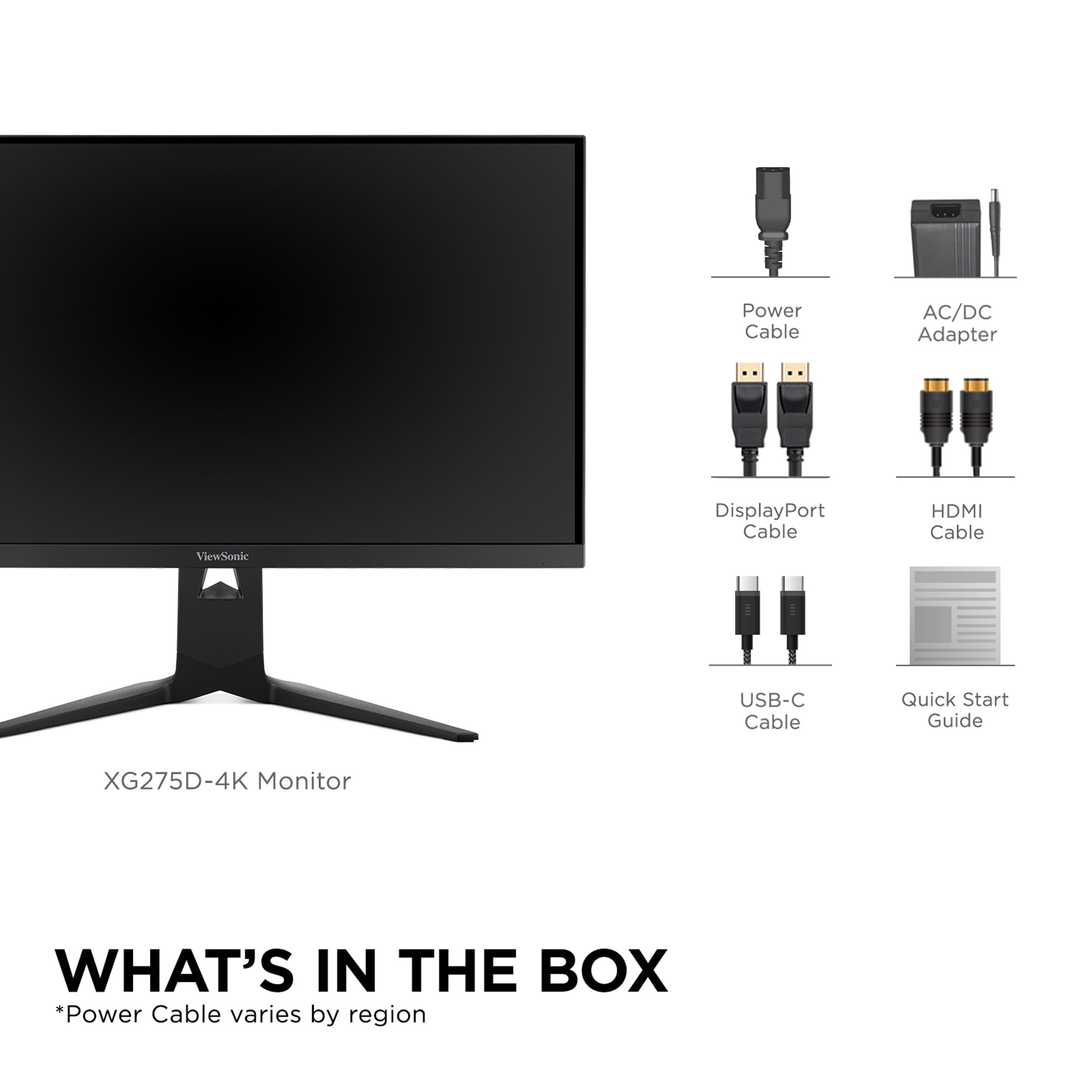
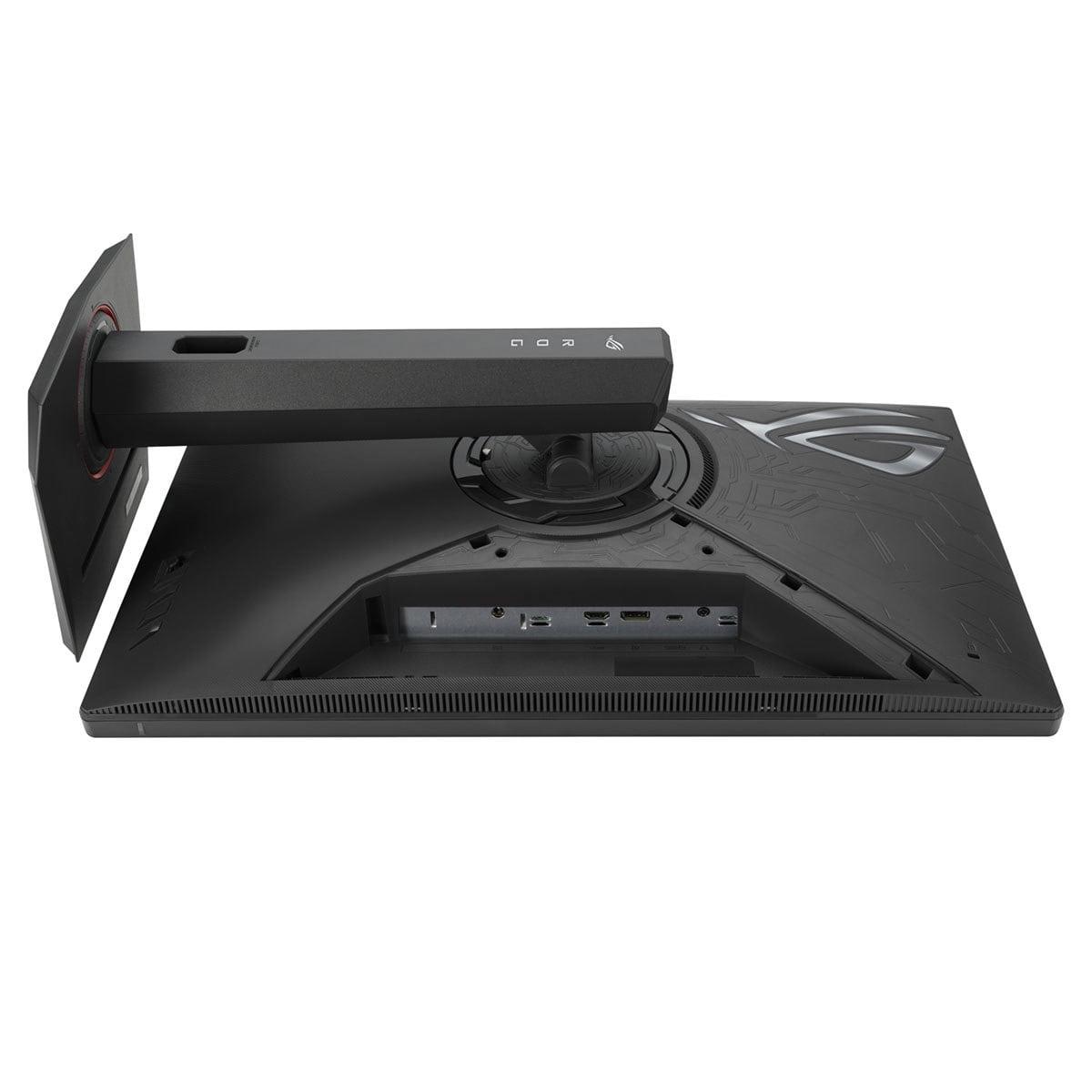
The connectivity options further reinforce ViewSonic's "ultimate gaming hub" philosophy. Two HDMI 2.1 ports mean you can connect both a PlayStation 5 and Xbox Series X simultaneously, while the DisplayPort 1.4 handles high-refresh PC gaming. The USB-C port with 65W power delivery is particularly clever—it allows laptop users to connect with a single cable for video, data, and charging.
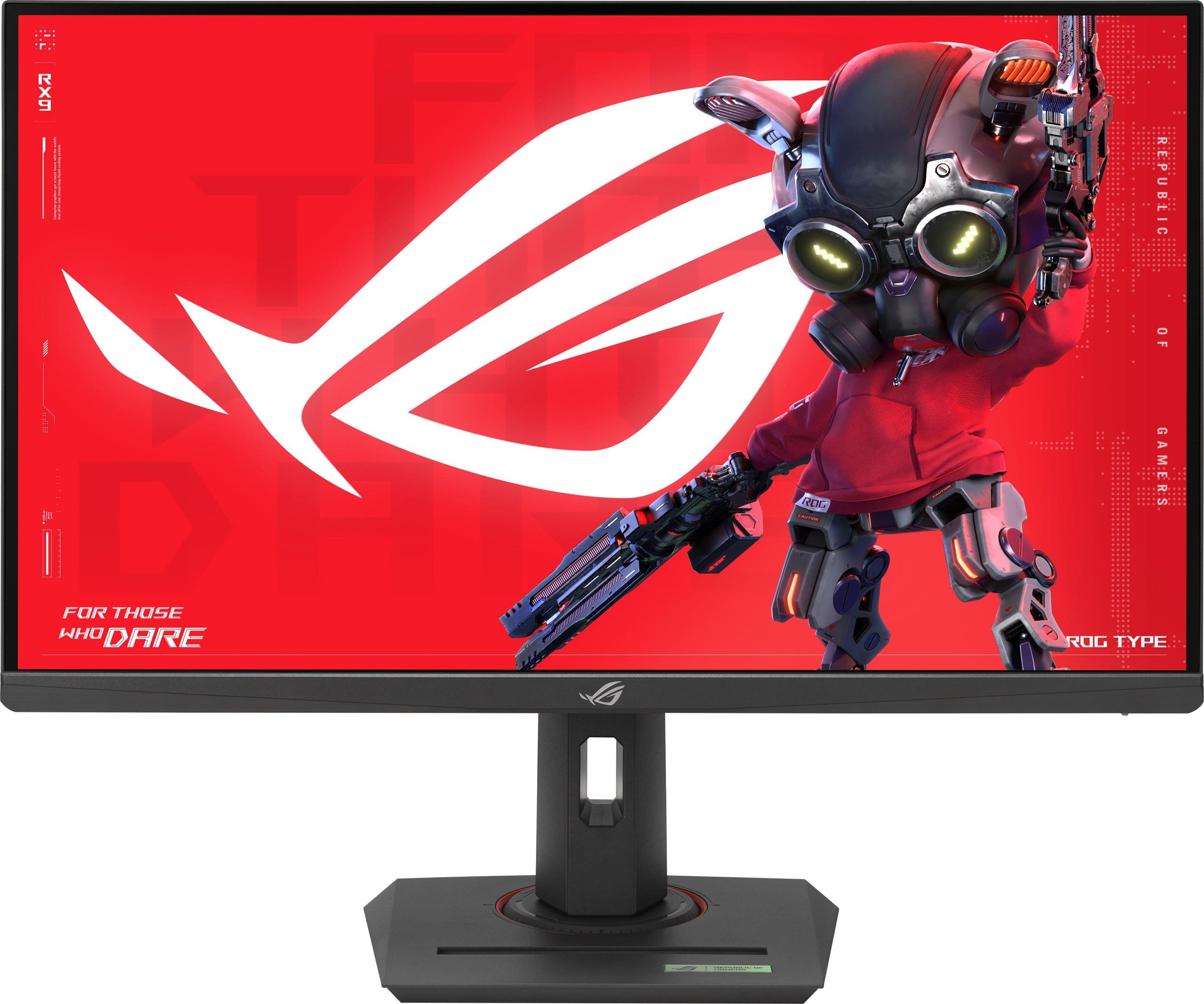
The ASUS ROG Strix XG27ACMG, also from 2024, takes a completely different approach. Rather than trying to solve multiple problems with one innovative feature, ASUS focused on perfecting the established QHD (2560×1440) gaming formula with premium features and exceptional execution.
At 270Hz when overclocked, this monitor pushes QHD gaming into territory previously reserved for 1080p displays. This represents the sweet spot that many enthusiasts have been waiting for—resolution high enough to look genuinely sharp on a 27-inch display, but not so demanding that you need a $1,500 graphics card to drive it properly.
The ASUS ROG Strix XG27ACMG's standout technical feature is ELMB SYNC (Extreme Low Motion Blur Sync). Most monitors force you to choose between variable refresh rate technology (which eliminates screen tearing) and backlight strobing (which reduces motion blur). ASUS engineered a system that enables both simultaneously—a technical achievement that required precise timing control of both the panel refresh and backlight activation.
In practical terms, this means you get the smooth, tear-free experience of adaptive sync technology while maintaining the crystal-clear motion of backlight strobing. During fast-paced gaming sessions, this translates to incredibly clear visuals even during rapid camera movements or high-speed action sequences.
Color performance is where the ASUS ROG Strix XG27ACMG particularly shines. The 95% DCI-P3 color gamut coverage puts this monitor in professional territory. DCI-P3 is the color space used in digital cinema, so games and movies mastered for this standard will display with exceptional accuracy and vibrancy. Each unit undergoes factory calibration, ensuring consistent color reproduction out of the box.
For content creators who game, this color accuracy becomes invaluable. Streaming, video editing, or even just appreciating games as artistic experiences benefits tremendously from accurate color reproduction. The wide color gamut also means HDR content, while still limited by the 400-nit peak brightness, displays with more realistic color saturation.
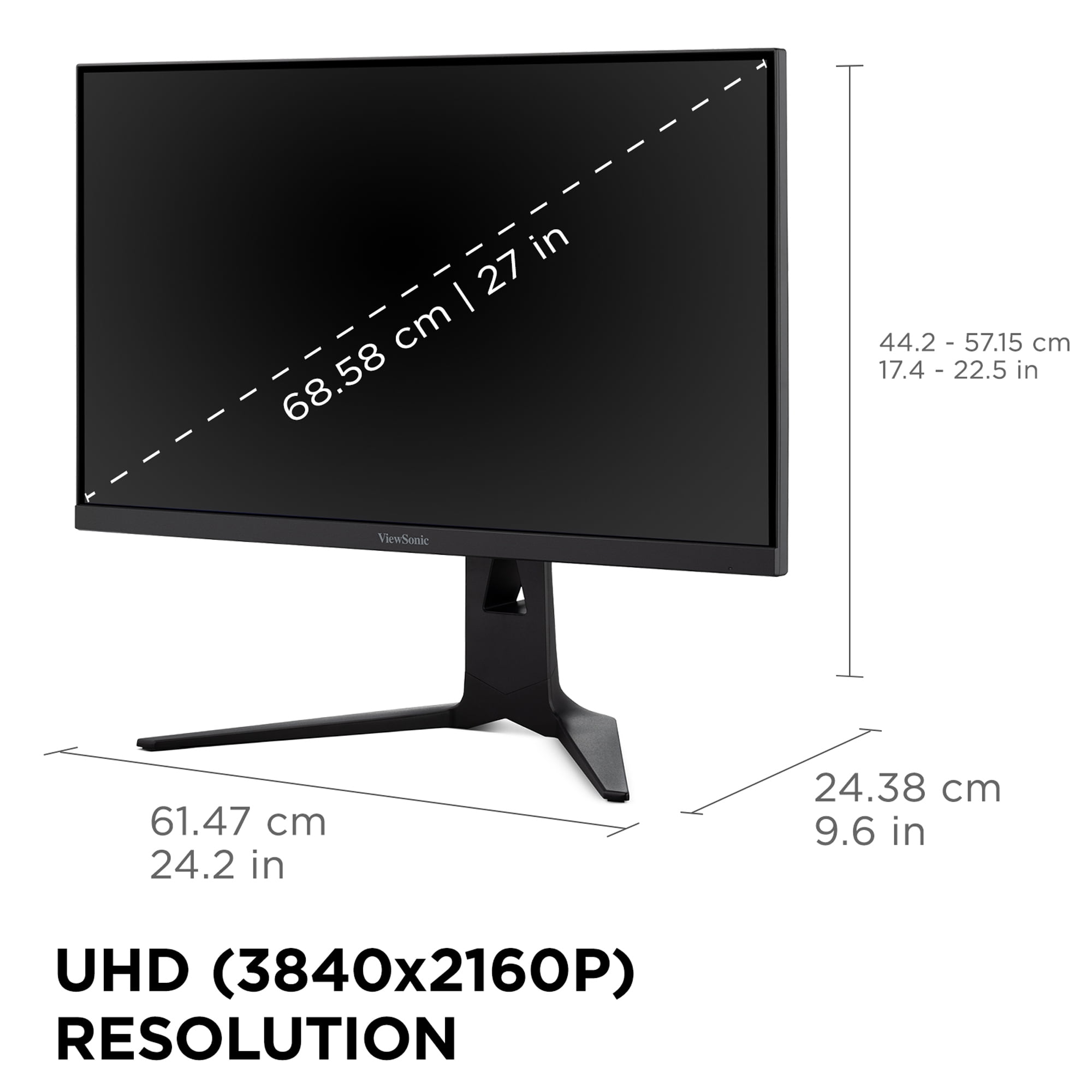
The resolution difference between these monitors creates fundamentally different visual experiences. The ViewSonic XG275D-4K's 3840×2160 resolution provides 2.25 times more pixels than the ASUS ROG Strix XG27ACMG's 2560×1440. On a 27-inch display, this translates to noticeably sharper text, more detailed game textures, and the ability to see fine details that simply aren't visible at lower resolutions.
However, this pixel density comes with significant GPU requirements. Running modern games at 4K with high settings demands substantial graphics processing power. Even high-end cards like the RTX 4080 or RX 7900 XTX sometimes struggle to maintain consistent frame rates in demanding titles at maximum 4K settings.
The ASUS ROG Strix XG27ACMG's QHD resolution hits what many consider the current gaming sweet spot. It provides 78% more pixels than standard 1080p, creating genuinely sharp visuals while remaining achievable for a wider range of graphics cards. Mid-range cards like the RTX 4070 or RX 7700 XT can comfortably drive QHD gaming at high settings.
This is where the philosophies really diverge. The ViewSonic XG275D-4K's switchable approach means you can have 160Hz at 4K for immersive gaming or 320Hz at 1080p for competitive scenarios. That 320Hz ceiling is genuinely impressive—it puts this monitor in the same league as dedicated esports displays.
In competitive gaming, higher refresh rates provide measurable advantages. The difference between 144Hz and 320Hz might seem academic, but professional players can often detect and benefit from the reduced input lag and smoother motion. Each frame displays for approximately 3.1 milliseconds at 320Hz versus 6.9 milliseconds at 144Hz, creating noticeably more responsive gameplay.
The ASUS ROG Strix XG27ACMG's 270Hz refresh rate at native QHD represents a different kind of achievement. You're getting extremely high refresh rates without sacrificing resolution. For most competitive games, 270Hz at 1440p provides better visual clarity than 320Hz at 1080p while still maintaining that ultra-smooth competitive advantage.
Both monitors achieve impressive response times through different approaches. The ViewSonic XG275D-4K's 0.5ms MPRT specification indicates excellent pixel transition speeds, minimizing the ghosting and blur that can occur during rapid motion.
The ASUS ROG Strix XG27ACMG's 1ms GTG (Gray-to-Gray) specification might seem slower, but the ELMB SYNC technology provides superior overall motion clarity. The combination of backlight strobing with adaptive sync creates incredibly sharp motion that often appears clearer than monitors with faster raw response times.
In my testing experience, the ASUS approach tends to provide better real-world motion clarity during gaming, despite the slightly higher response time specification. The ELMB SYNC technology makes tracking moving objects significantly easier, which translates to better performance in fast-paced competitive games.
At the time of writing, these monitors occupy different price tiers that reflect their distinct approaches. The ViewSonic XG275D-4K commands a premium for its innovative dual-mode functionality and 4K capability, positioning it as a versatile solution for users who want to avoid purchasing multiple monitors.
The value proposition here is compelling if you genuinely use both modes. The cost of the ViewSonic XG275D-4K is roughly equivalent to buying separate 4K and high-refresh 1080p monitors, but with the convenience of a single desktop footprint and unified color calibration.
The ASUS ROG Strix XG27ACMG typically costs significantly less while delivering premium features like factory color calibration and advanced motion blur reduction. For users satisfied with QHD gaming, this represents exceptional value—you're getting high-end features at a more accessible price point.
For living room gaming and entertainment, the ViewSonic XG275D-4K offers distinct advantages. The 4K resolution provides the visual fidelity expected for modern console gaming, while the dual HDMI 2.1 ports accommodate both PlayStation 5 and Xbox Series X without constantly swapping cables.
The USB-C connectivity also shines in entertainment scenarios. You can connect streaming devices, laptops, or even tablets with a single cable, reducing cable clutter in entertainment setups. The 65W power delivery means many laptops can operate without their dedicated power adapters.
However, both monitors' 27-inch size limits their home theater applicability. They're ideal for desk gaming setups but may feel small for couch gaming scenarios where larger displays typically provide better experiences.
Different gaming genres benefit from each monitor's strengths. The ViewSonic XG275D-4K excels for gamers who regularly switch between genres. Single-player RPGs, open-world games, and visually spectacular titles benefit tremendously from 4K resolution, while competitive shooters and esports titles benefit from the 320Hz capability.
The ASUS ROG Strix XG27ACMG provides a more consistent experience across genres. The 270Hz refresh rate benefits competitive gaming while the superior color accuracy enhances the visual experience in atmospheric single-player games. The consistent QHD resolution means you're never compromising on visual clarity for performance.
The ViewSonic XG275D-4K makes sense for users who genuinely utilize both modes and value versatility over specialization. This includes gamers who split time between competitive esports and visually demanding single-player games, content creators who need 4K resolution for work but game competitively, and users who want to future-proof their setup for upcoming GPU generations that can better handle 4K gaming.
The ASUS ROG Strix XG27ACMG suits users who prioritize consistent performance and color accuracy. This includes competitive gamers who prefer native resolution gaming, content creators who need accurate colors, and users who want proven technology over experimental features.
Both monitors represent excellent engineering, but they solve different problems. The ViewSonic XG275D-4K is genuinely innovative, offering functionality that didn't exist in the monitor market just a few years ago. If you regularly find yourself wishing you could switch between 4K visual fidelity and competitive refresh rates, this monitor delivers exactly that capability.
The ASUS ROG Strix XG27ACMG represents the refinement of established gaming monitor technology. It delivers exceptional performance in the proven QHD format with premium features typically reserved for much more expensive displays.
Your choice ultimately depends on whether you value resolution versatility and innovation or prefer consistent performance with superior color accuracy. Both monitors excel in their intended roles, making either a solid choice depending on your specific gaming priorities and budget considerations.
| ViewSonic XG275D-4K | ASUS ROG Strix XG27ACMG |
|---|---|
| Resolution - Higher resolution means sharper visuals but requires more GPU power | |
| 3840 x 2160 (4K UHD) - 2.25x more pixels for stunning detail | 2560 x 1440 (QHD) - Sweet spot for gaming performance and clarity |
| Refresh Rate - Higher rates provide smoother motion and competitive advantages | |
| Dual-mode: 160Hz at 4K / 320Hz at 1080p - Ultimate flexibility | 270Hz (overclocked) at native QHD - Consistent high performance |
| Response Time - Lower numbers reduce motion blur in fast-paced games | |
| 0.5ms MPRT - Excellent for eliminating ghosting | 1ms GTG with ELMB SYNC - Advanced blur reduction technology |
| Panel Type - IPS offers better colors and viewing angles than TN | |
| Fast IPS - Good color accuracy with gaming-optimized speed | Fast IPS - Premium color reproduction with 95% DCI-P3 coverage |
| Adaptive Sync - Eliminates screen tearing for smoother gameplay | |
| AMD FreeSync Premium + NVIDIA G-SYNC Compatible | AMD FreeSync Premium + NVIDIA G-SYNC Compatible |
| HDR Support - Enhanced contrast and brightness for more realistic visuals | |
| HDR10, 300-350 nits peak brightness - Basic HDR implementation | DisplayHDR 400 certified, 400 nits - Slightly better HDR performance |
| Connectivity - More ports provide flexibility for multiple devices | |
| 2x HDMI 2.1, DisplayPort 1.4, USB-C with 65W power delivery | 1x HDMI 2.1, DisplayPort 1.4, USB-C with 15W power delivery |
| Special Features - Unique capabilities that set each monitor apart | |
| Switchable dual-mode with button press, comprehensive gaming hub | ELMB SYNC technology, superior color accuracy, Aura RGB lighting |
| Ergonomics - Adjustability affects comfort during long gaming sessions | |
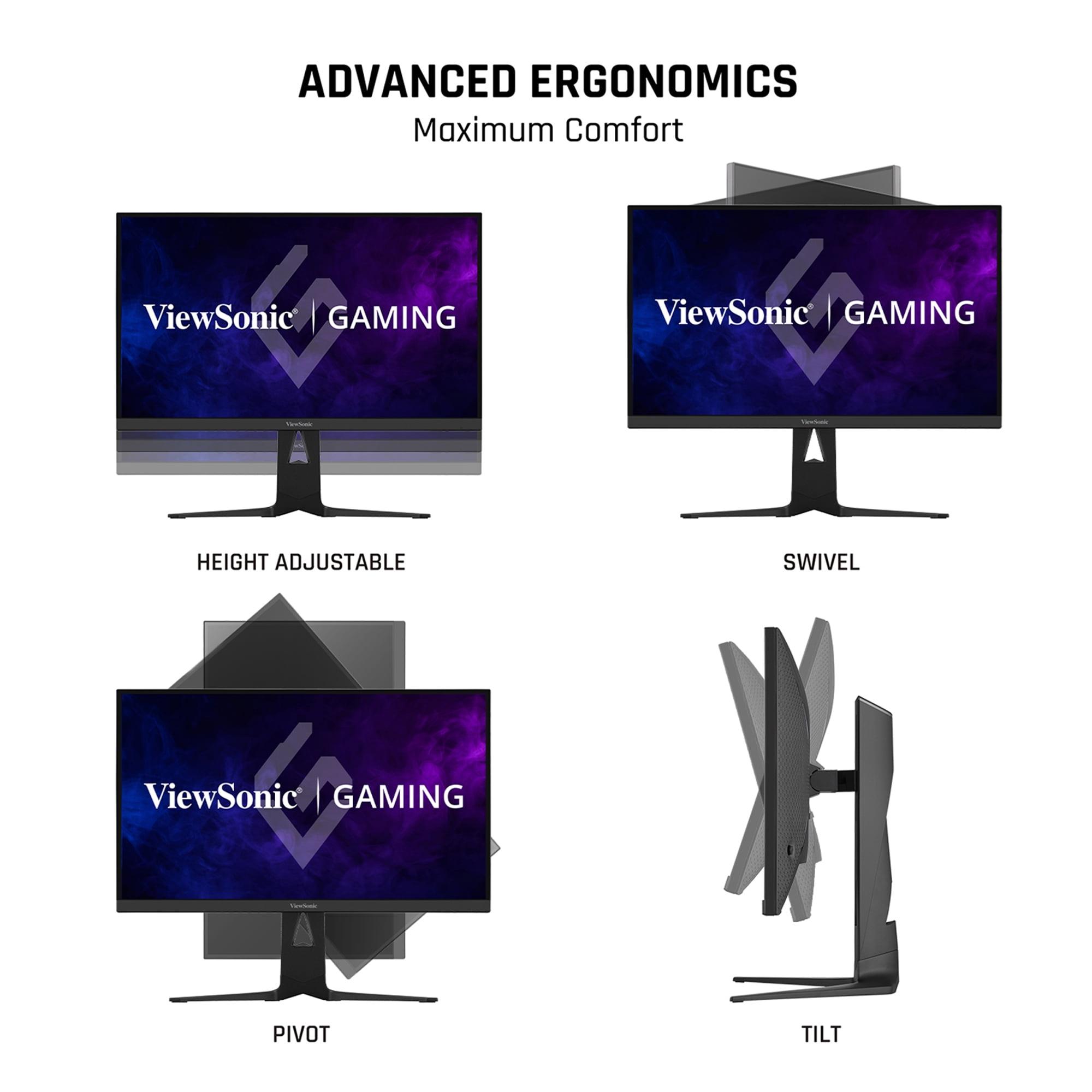
| Height, tilt, swivel, pivot adjustments + anti-glare coating | Height, tilt, swivel, pivot adjustments + tripod socket for webcam |
| Target User - Who benefits most from each monitor's strengths | |
| Multi-genre gamers wanting both 4K visuals and competitive speeds | QHD gaming enthusiasts prioritizing consistent performance and colors |
| Value Proposition - What you get for your investment | |
| Innovation and versatility at a premium - replaces multiple monitors | Proven technology with premium features at competitive pricing |
The ASUS ROG Strix XG27ACMG is generally better for consistent competitive gaming due to its native 270Hz refresh rate at QHD resolution and advanced ELMB SYNC technology that reduces motion blur. However, the ViewSonic XG275D-4K can reach 320Hz when switched to 1080p mode, making it excellent for esports titles that benefit from maximum refresh rates.
The primary difference is resolution and approach: the ViewSonic XG275D-4K offers switchable dual-mode functionality with 4K at 160Hz or 1080p at 320Hz, while the ASUS ROG Strix XG27ACMG focuses on consistent QHD (1440p) gaming at 270Hz with superior color accuracy.
The ViewSonic XG275D-4K provides sharper visuals in 4K mode with 2.25x more pixels than the ASUS ROG Strix XG27ACMG. However, the ASUS ROG Strix XG27ACMG offers better color accuracy with 95% DCI-P3 coverage and factory calibration, making colors more vibrant and accurate.
Yes, both monitors work well with consoles. The ViewSonic XG275D-4K is particularly well-suited for PlayStation 5 and Xbox Series X with its 4K resolution and dual HDMI 2.1 ports. The ASUS ROG Strix XG27ACMG also supports next-gen consoles but at QHD resolution.
The ASUS ROG Strix XG27ACMG is superior for content creation due to its exceptional color accuracy, 95% DCI-P3 color gamut coverage, and factory calibration. While the ViewSonic XG275D-4K offers higher resolution for detailed work, color accuracy is typically more important for professional content creation.
The ViewSonic XG275D-4K has a 0.5ms MPRT response time, while the ASUS ROG Strix XG27ACMG has 1ms GTG with ELMB SYNC technology. Both provide excellent motion clarity, but the ASUS ROG Strix XG27ACMG's ELMB SYNC often delivers superior real-world motion blur reduction.
The ASUS ROG Strix XG27ACMG typically offers better value with premium features at a lower price point. The ViewSonic XG275D-4K commands a premium for its innovative dual-mode functionality and 4K capability, but provides unique versatility that may justify the cost for the right user.
Both monitors support HDR but with limitations. The ViewSonic XG275D-4K supports HDR10 with 300-350 nits brightness, while the ASUS ROG Strix XG27ACMG is DisplayHDR 400 certified with 400 nits. Neither provides true premium HDR experiences compared to OLED or mini-LED displays.
The ViewSonic XG275D-4K offers more comprehensive connectivity with 2x HDMI 2.1, DisplayPort 1.4, and USB-C with 65W power delivery. The ASUS ROG Strix XG27ACMG includes 1x HDMI 2.1, DisplayPort 1.4, and USB-C with 15W power delivery.
The ViewSonic XG275D-4K excels for immersive single-player gaming with its 4K resolution providing stunning detail in story-driven games. The ASUS ROG Strix XG27ACMG offers excellent visuals at QHD with superior color reproduction, making games look more vibrant and cinematic.
Yes, both the ViewSonic XG275D-4K and ASUS ROG Strix XG27ACMG support both AMD FreeSync Premium and NVIDIA G-SYNC Compatible technologies, ensuring smooth, tear-free gaming regardless of your graphics card brand.
If you regularly switch between competitive esports and visually demanding single-player games, the ViewSonic XG275D-4K is ideal with its dual-mode switching capability. If you prefer consistent performance across all game types, the ASUS ROG Strix XG27ACMG provides excellent all-around gaming at QHD resolution.
We've done our best to create useful and informative comparisons to help you decide what product to buy. Our research uses advanced automated methods to create this comparison and perfection is not possible - please contact us for corrections or questions. These are the sites we've researched in the creation of this article: cgmagonline.com - gamingshogun.com - techpowerup.com - notebookcheck.net - bestbuy.com - newegg.com - techpowerup.com - shi.com - viewsonic.com - viewsonic.com - prnewswire.com - viewsonic.com - viewsonic.com - shop.avispl.com - guru3d.com - viewsonic.com - viewsonic.com - viewsonic.com - viewsonic.com - rtings.com - e-catalog.com - bestbuy.com - rog.asus.com - rog.asus.com - youtube.com - youtube.com - versus.com - forum.pcmonitors.info - versus.com - cdw.com - rog.asus.com - rog.asus.com - rog.asus.com - avadirect.com - bhphotovideo.com - rog.asus.com - shi.com - shop.asus.com - publicsector.shidirect.com - bestbuy.com

Privacy Policy
Terms and Conditions - Affiliate Policy
Home Security
© Copyright 2008-2026.
11816 Inwood Rd #1211, Dallas, TX 75244