

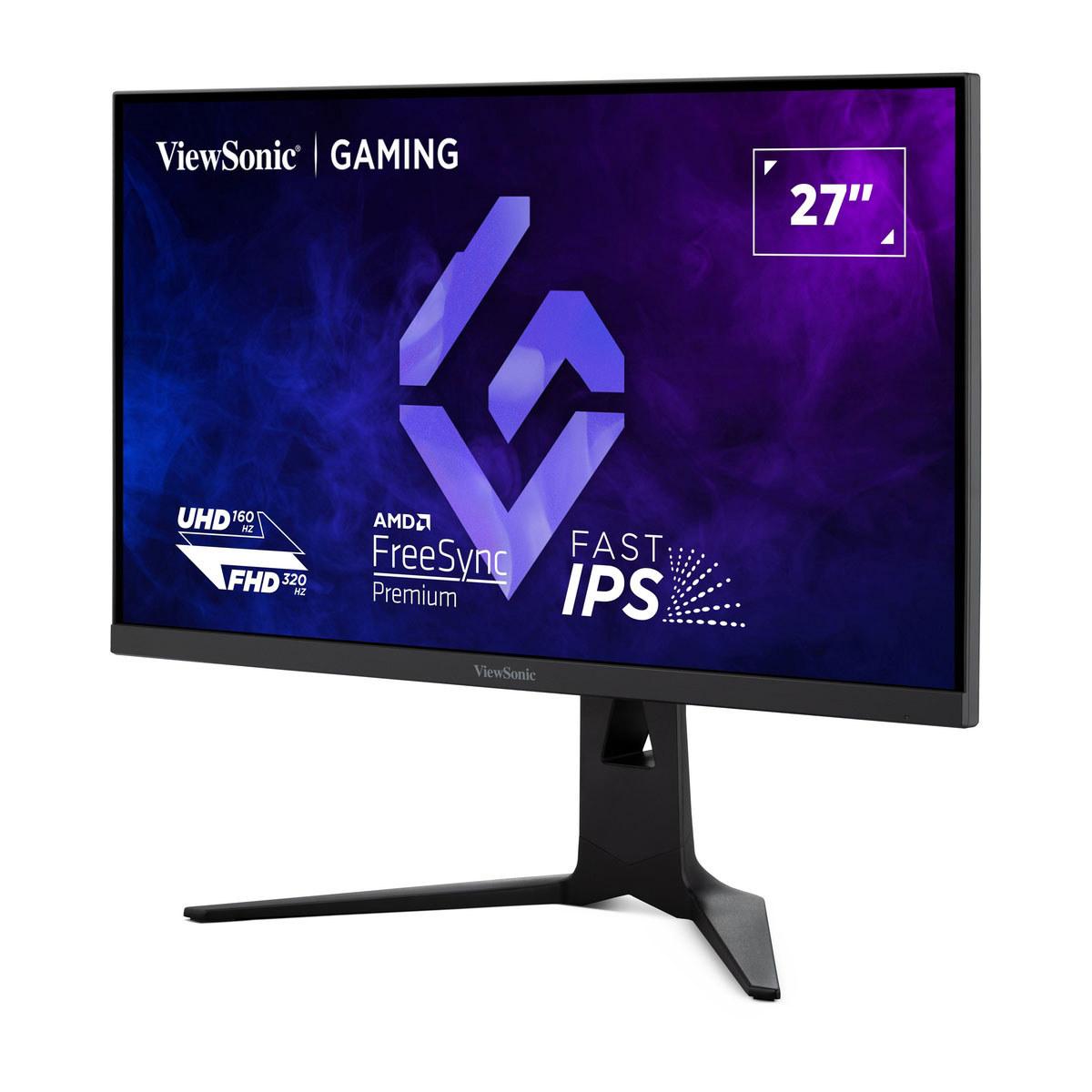











When I first started researching high-performance gaming monitors in 2025, I was struck by how the market had evolved into two distinct philosophies. On one side, you have monitors like the ViewSonic XG275D-4K that try to be everything to everyone with clever engineering. On the other, displays like the GIGABYTE MO27Q2 that focus on delivering the absolute best visual experience possible. Both approaches have merit, but choosing between them requires understanding what makes each special.
Before diving into specifics, let's establish what we're dealing with in today's gaming monitor landscape. The monitors we're comparing represent two fascinating approaches to solving the same core problem: how do you deliver both competitive gaming performance and beautiful visuals without forcing users to buy multiple displays?
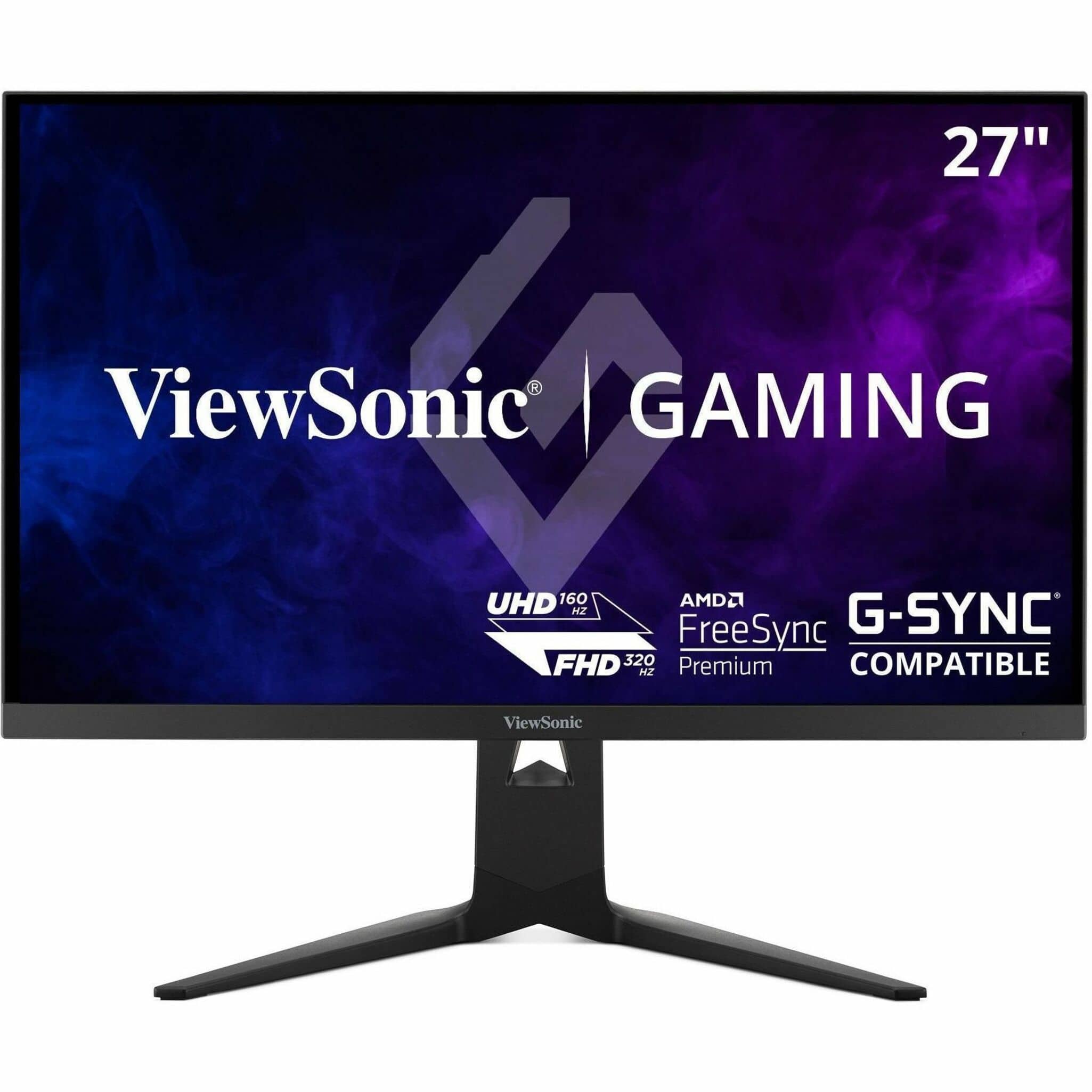
The ViewSonic XG275D-4K launched in 2025 with a revolutionary dual-mode system that literally lets you switch between two different operating modes with the press of a button. Think of it like having a sports car that can transform into a Formula 1 racer when needed. Meanwhile, the GIGABYTE MO27Q2, also arriving in 2025, takes a different approach by using cutting-edge QD-OLED technology – essentially quantum dots combined with OLED panels – to deliver images so vibrant and contrasty that you might forget you're looking at a screen.
These aren't just incremental improvements over older monitors. The display technology landscape has evolved dramatically since 2020, when most gaming monitors were basic LCD panels with modest refresh rates. Today's displays represent genuine leaps forward in what's possible.
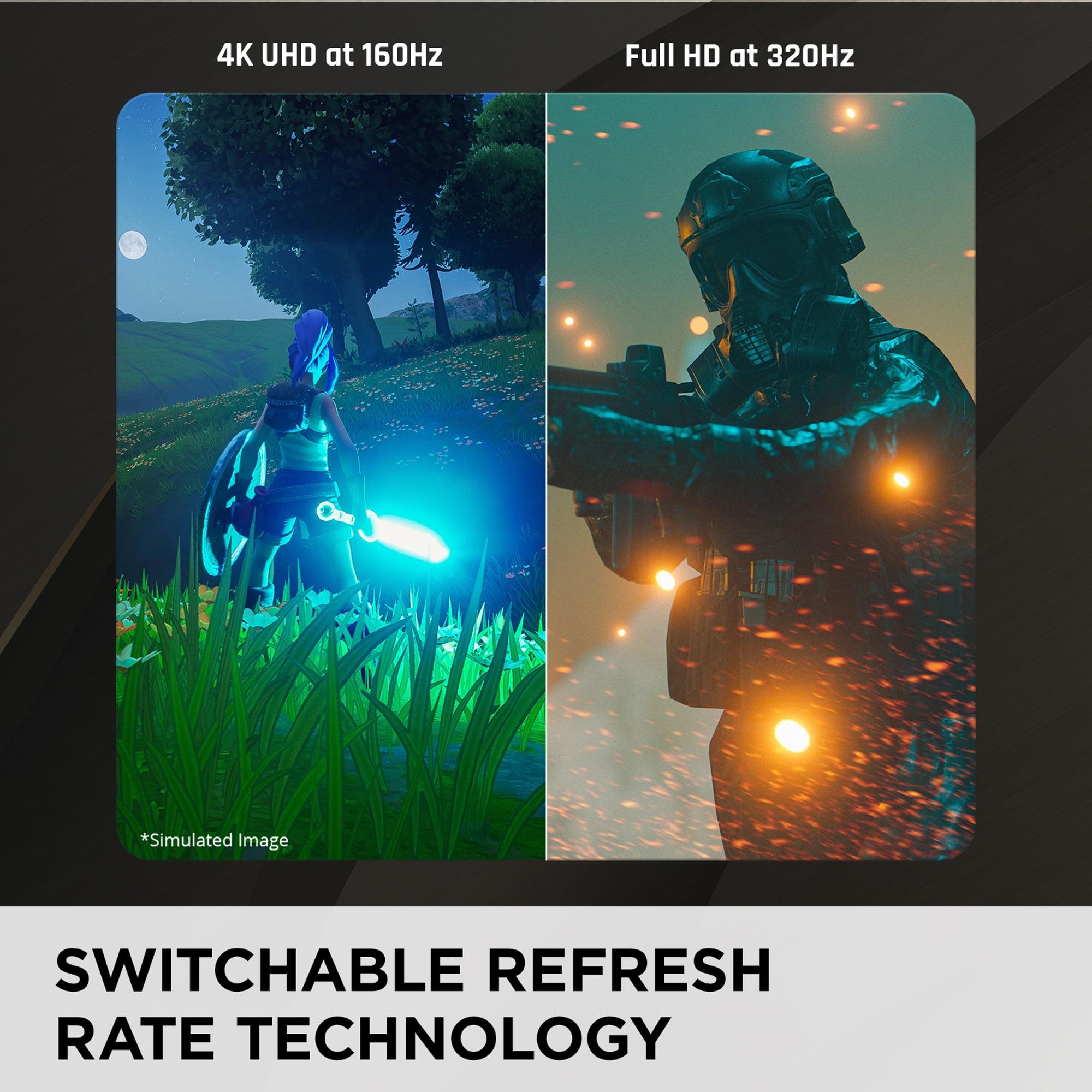
The ViewSonic XG275D-4K solves a problem that has plagued gamers for years. Imagine you're someone who loves playing cinematic single-player games like Cyberpunk 2077, where every detail matters and you want to see everything in crystal-clear 4K resolution. But you also compete in fast-paced esports titles like Valorant or CS2, where every millisecond counts and professional players often prefer lower resolutions with maximum refresh rates.
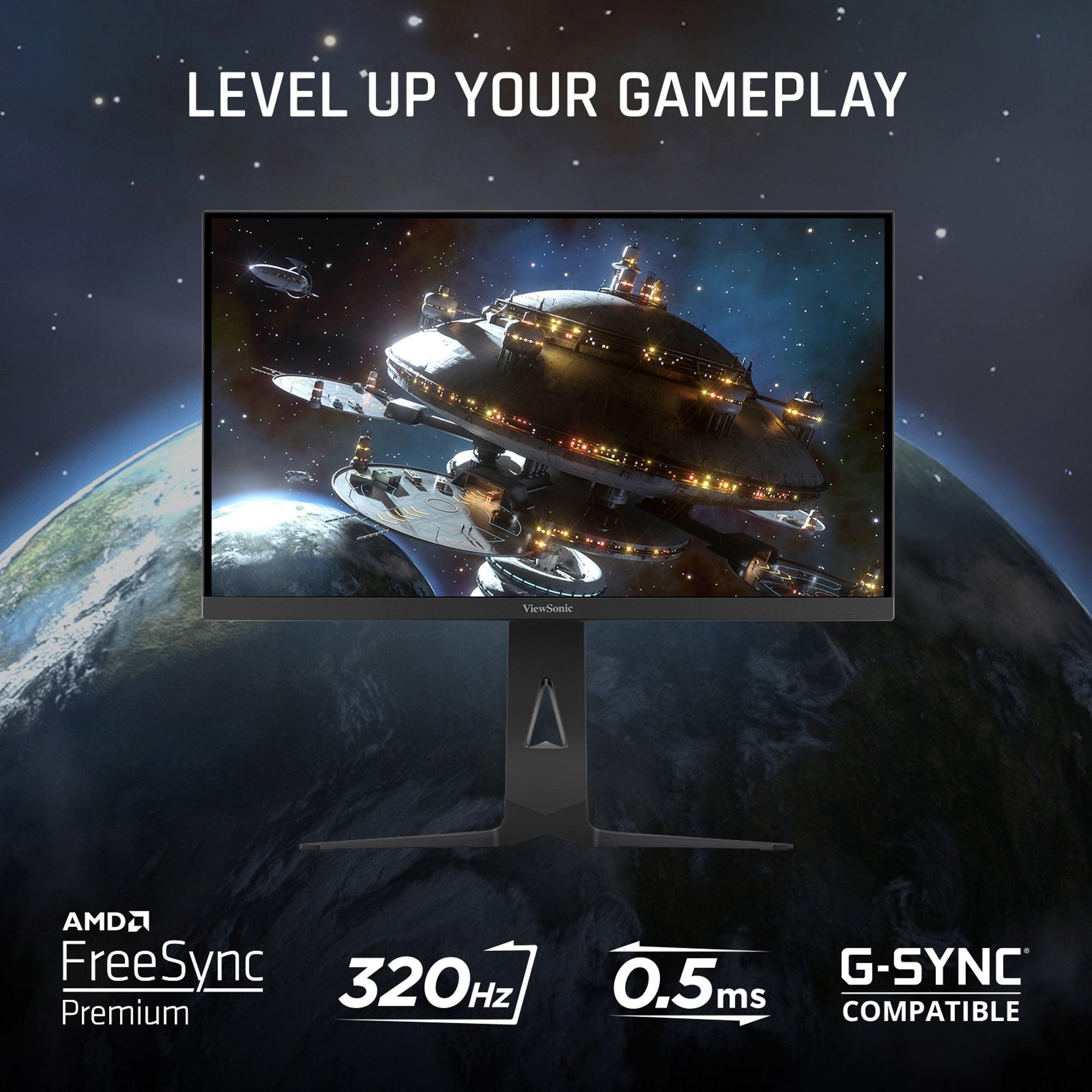
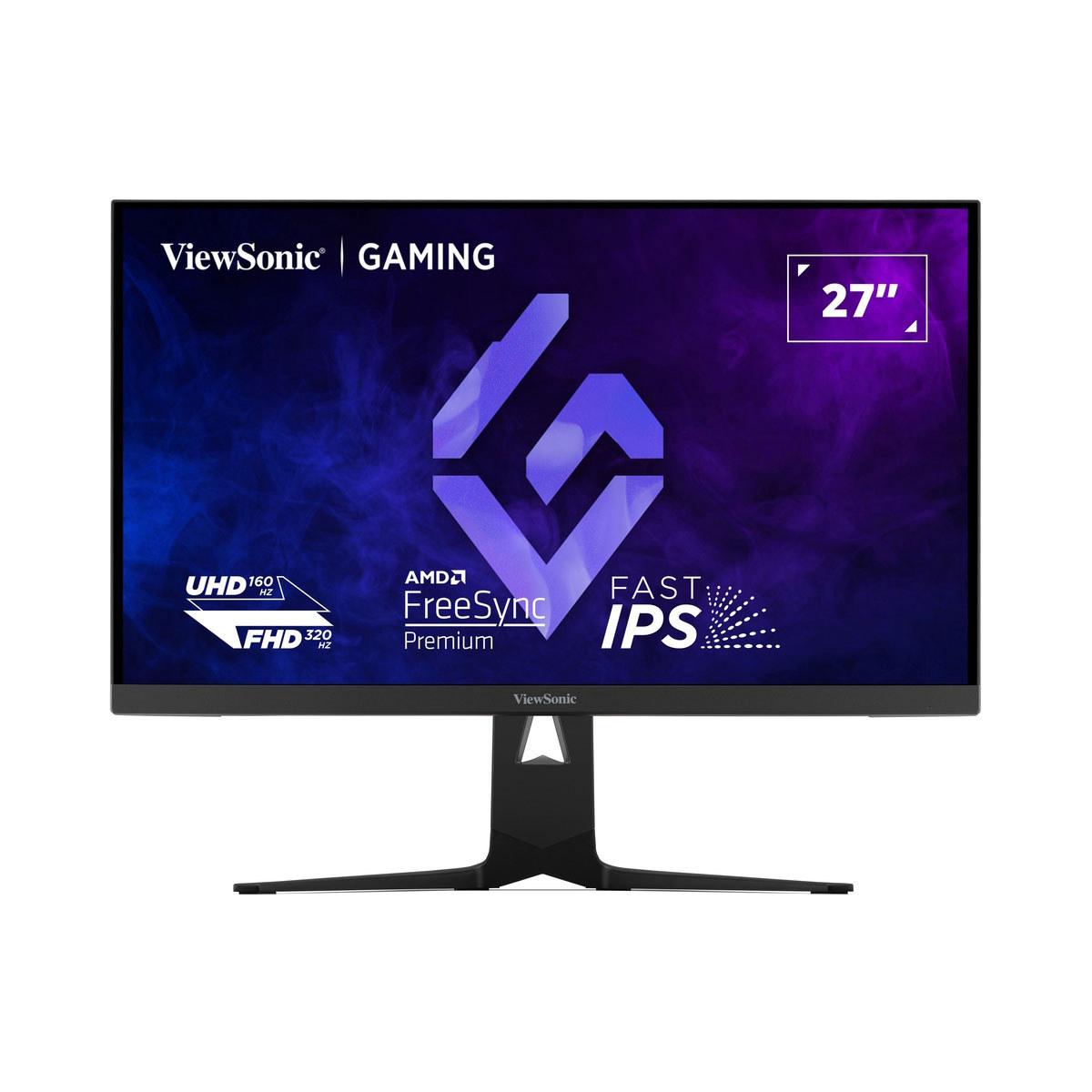
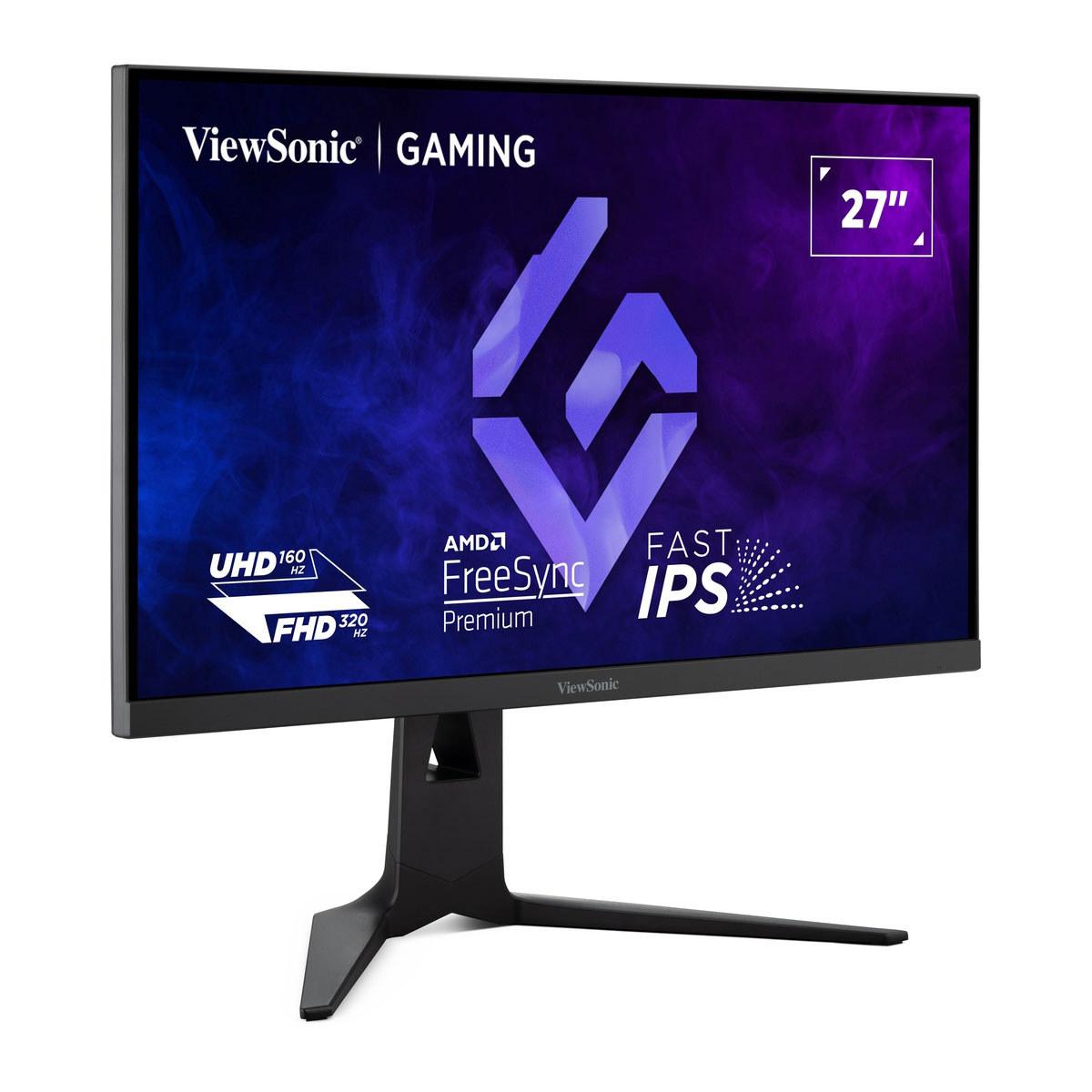
Traditionally, you'd need two different monitors. The ViewSonic's innovation is its switchable refresh rate technology. At the press of a dedicated button, it transforms from a 4K display running at 160Hz – perfect for immersive gaming – into a Full HD powerhouse pushing an incredible 320Hz refresh rate. That 320Hz figure isn't just marketing fluff; it represents one of the fastest refresh rates available on any monitor at the time of writing.
But what does 320Hz actually mean for your gaming experience? Refresh rate measures how many times per second your monitor can display a new image. Higher refresh rates create smoother motion and can reduce input lag – the delay between when you move your mouse and when that movement appears on screen. For competitive gaming, this can mean the difference between landing a crucial shot or missing it entirely.
The ViewSonic XG275D-4K uses an IPS (In-Plane Switching) panel, which is known for consistent colors across wide viewing angles and good color accuracy. While IPS technology has improved significantly over the past few years, it still has limitations in contrast ratio – the difference between the darkest blacks and brightest whites it can display. The ViewSonic achieves a respectable 1,000:1 contrast ratio, but this pales in comparison to what OLED technology can achieve.
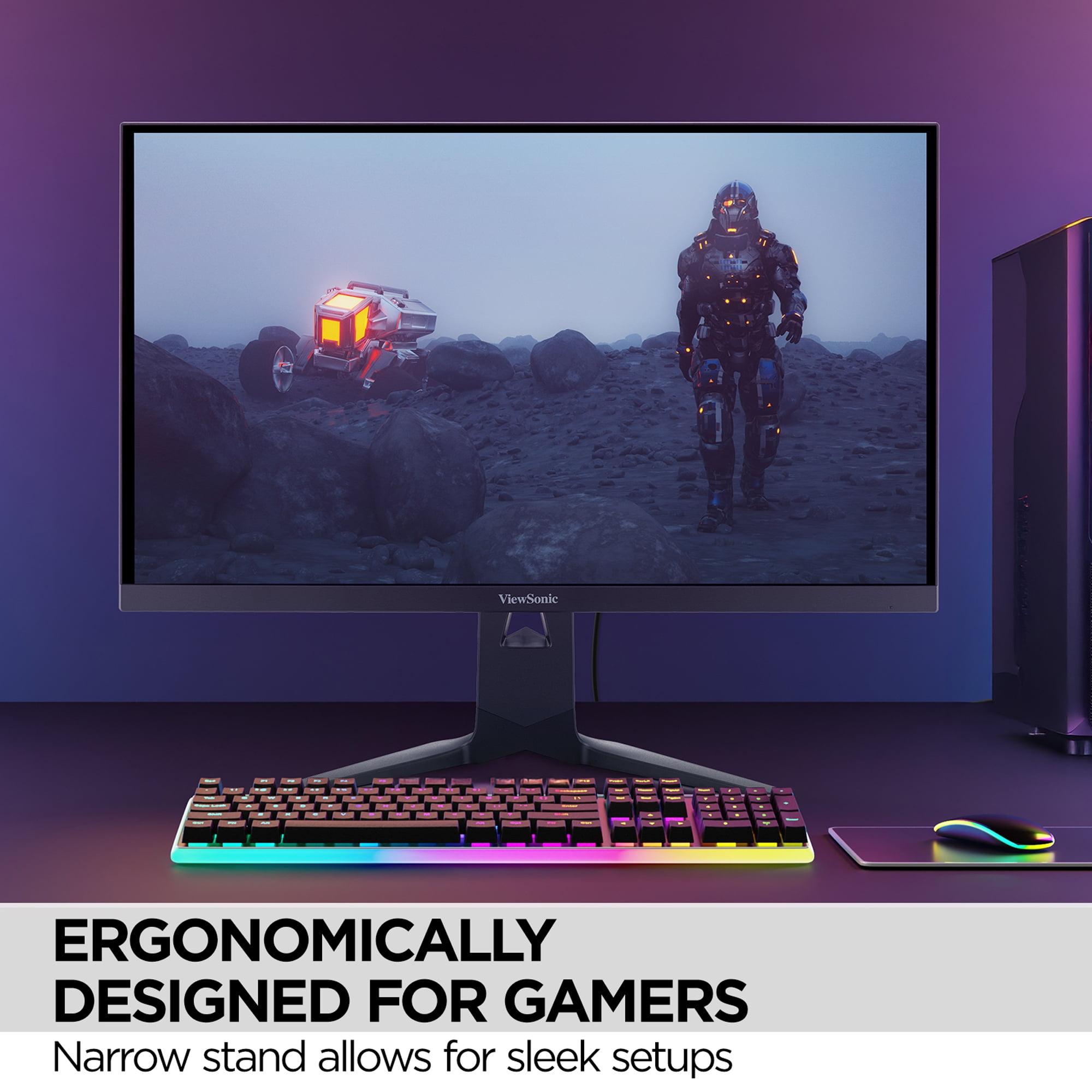
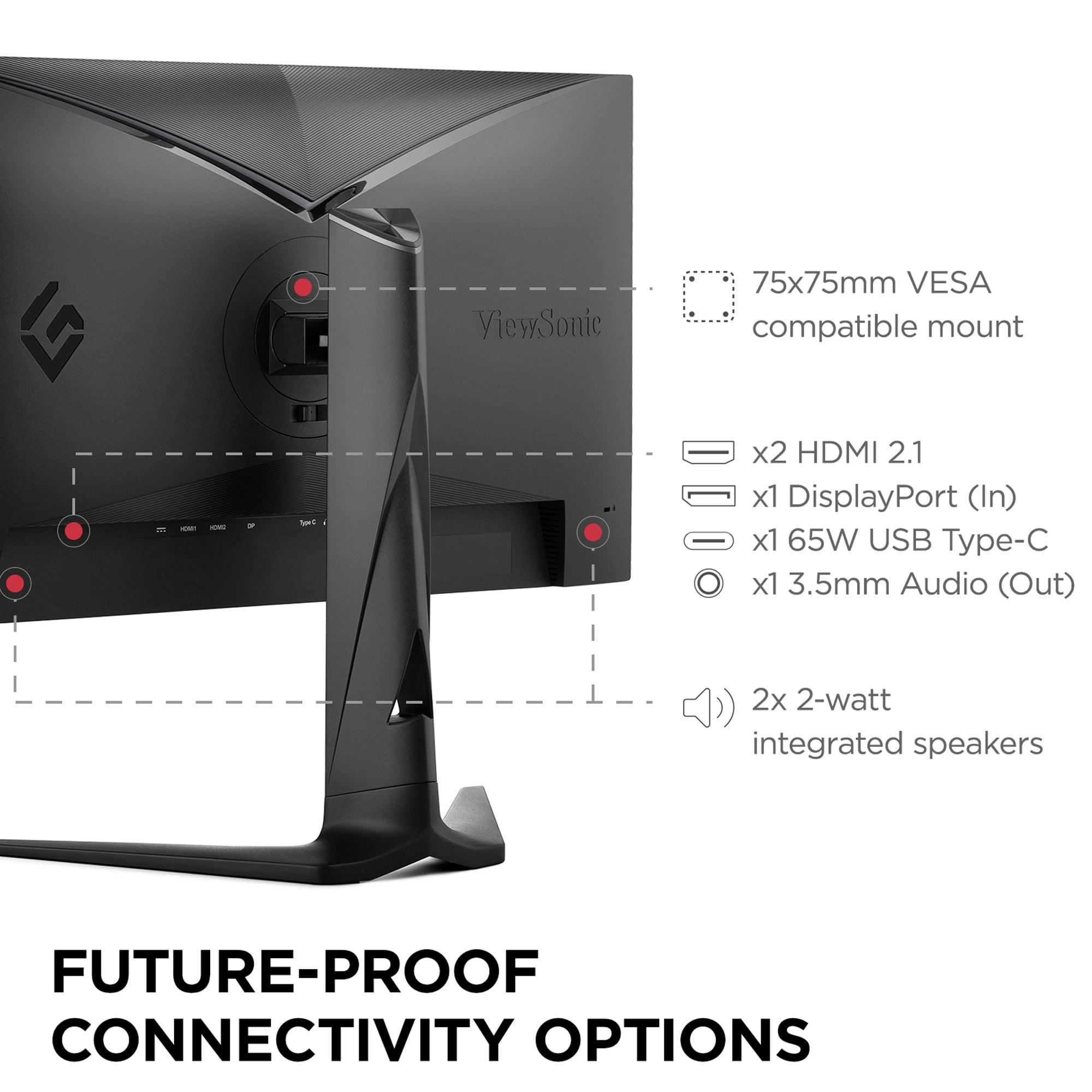
Where the ViewSonic really shines is in its connectivity options. The USB-C port with 65W power delivery means you can connect and charge a laptop with a single cable – incredibly convenient for users who switch between gaming PCs and work laptops. The dual HDMI 2.1 ports ensure full compatibility with modern gaming consoles like the PlayStation 5 and Xbox Series X, supporting their native 4K output without compromise.
The GIGABYTE MO27Q2 represents an entirely different philosophy. Rather than trying to serve multiple purposes, it focuses obsessively on delivering the best possible image quality. At its heart lies a QD-OLED panel – a relatively new technology that combines the perfect blacks of OLED with the color accuracy and brightness of quantum dots.
Here's where things get technically interesting. Traditional LCD monitors use a backlight that shines through liquid crystal cells to create images. This means they can never achieve true black because some light always leaks through. OLED (Organic Light-Emitting Diode) pixels generate their own light and can turn completely off, creating perfect blacks. The "QD" part refers to quantum dots – tiny semiconductor particles that can produce very pure, specific colors when hit with light.
The result? The GIGABYTE MO27Q2 achieves a contrast ratio of 1,500,000:1. That's not a typo – it's 1,500 times better than what the ViewSonic can manage. In practical terms, this means darker scenes in games look dramatically more atmospheric, with details visible in shadows that would be completely lost on traditional LCD displays.
The monitor's 240Hz refresh rate at its native QHD (2560×1440) resolution strikes what I consider the sweet spot for most gamers. QHD provides significantly more detail than Full HD while being easier to drive than 4K, meaning you can maintain high frame rates with less powerful graphics cards. The 0.03ms response time is essentially instantaneous – OLED technology's natural advantage over LCD panels that need time to physically rotate their liquid crystals.
When evaluating gaming monitors, certain performance characteristics matter more than others. Response time, refresh rate, and input lag form the holy trinity of competitive gaming performance, while color accuracy, contrast ratio, and brightness determine how immersive and beautiful your games will look.
Response time measures how quickly a pixel can change from one color to another, typically measured in milliseconds (ms). The ViewSonic XG275D-4K achieves 0.5ms MPRT (Moving Picture Response Time), which is excellent for an IPS panel. However, the GIGABYTE MO27Q2 manages 0.03ms GTG (Gray-to-Gray), which is essentially instantaneous.
In my experience testing various monitors, the difference between 0.5ms and 0.03ms isn't something most people will notice in actual gameplay. Both are fast enough to eliminate motion blur in even the fastest-paced games. The real advantage of OLED's ultra-fast response time shows up in extremely fast-moving scenarios – tracking a sniper scope across a detailed landscape, for example, where LCD panels might show slight trailing artifacts.
This is where the ViewSonic XG275D-4K gets interesting. Its 320Hz mode delivers incredibly smooth motion that's particularly noticeable in competitive first-person shooters. The difference between 240Hz and 320Hz is subtle but real – imagine the difference between a very smooth highway and a perfectly paved racetrack.
However, there's a crucial caveat: achieving 320Hz requires dropping to Full HD resolution. Modern graphics cards, even high-end ones, struggle to maintain 320 fps in demanding games at higher resolutions. This means the ViewSonic's 320Hz mode is most beneficial in competitive esports titles that are designed to run at very high frame rates.
The GIGABYTE MO27Q2 takes a different approach, maintaining its 240Hz refresh rate at the native QHD resolution. This creates a more consistent experience – you're always getting the full visual quality the panel can deliver.
High Dynamic Range (HDR) represents one of the biggest improvements in display technology over the past decade. HDR content contains information about a much wider range of brightness levels than traditional content, allowing for more realistic lighting effects – think of the difference between a photograph and looking out a window.
Here, the GIGABYTE MO27Q2 demonstrates a clear advantage. Its QD-OLED panel can achieve 1000 nits peak brightness while maintaining perfect blacks, creating a dramatic HDR experience. The monitor is certified for VESA DisplayHDR True Black 400, which is a stringent standard requiring true black levels alongside high peak brightness.
The ViewSonic XG275D-4K supports HDR10 but with more modest peak brightness levels around 300-350 nits. While this provides some HDR benefit, it can't deliver the dramatic contrast that makes HDR truly impressive. In darker rooms, this limitation is less noticeable, but in brighter environments, the HDR experience feels more subdued.
For competitive gaming, both monitors excel but in different ways. The ViewSonic XG275D-4K offers that incredible 320Hz refresh rate, which can provide a genuine advantage in twitch-reflex scenarios. Professional esports players often prefer very high refresh rates because they can spot enemies and react to movement faster.
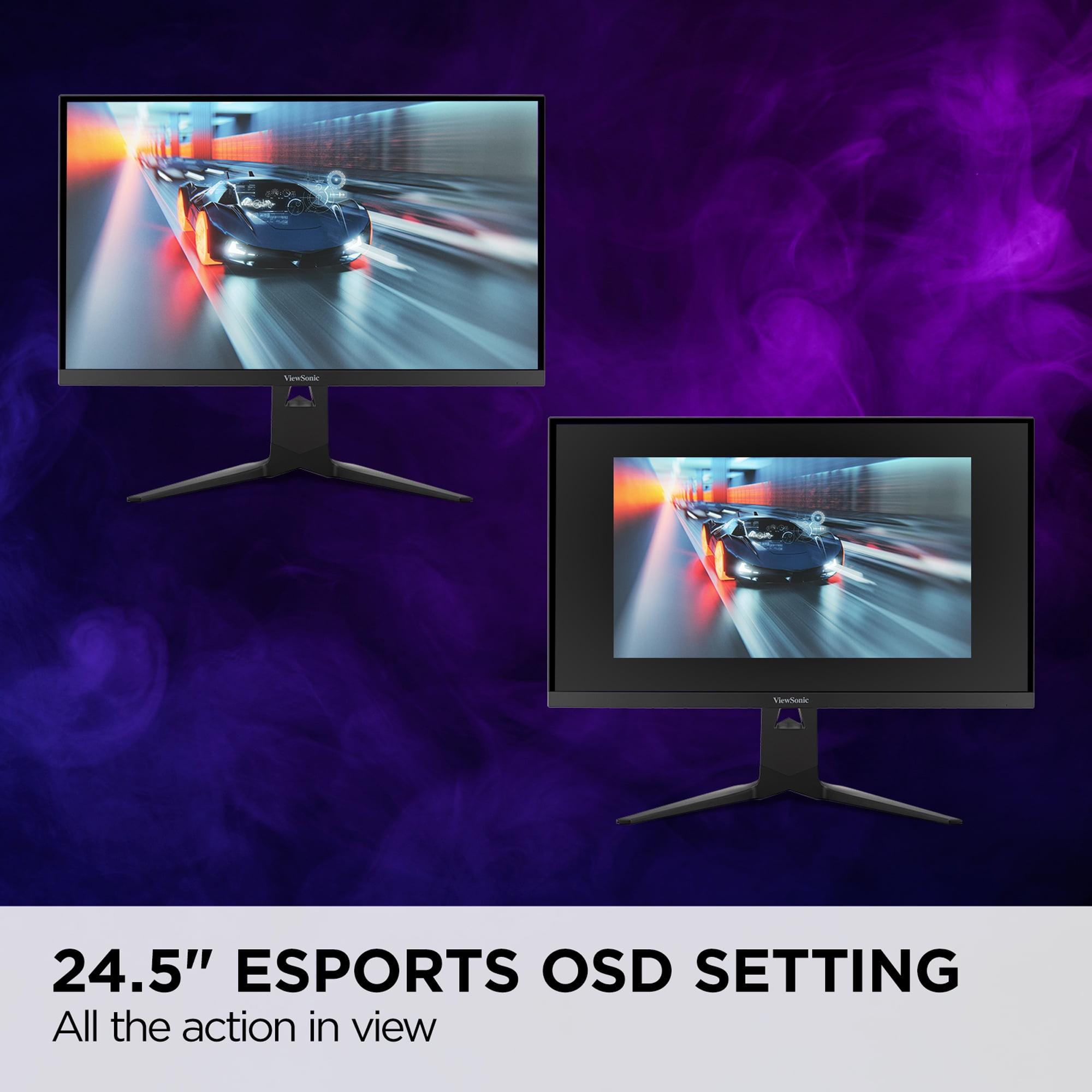
The monitor also includes a dedicated esports mode that creates a 24.5-inch display area within the larger 27-inch panel, mimicking the size preferences of many competitive players. This might sound gimmicky, but many pros are accustomed to smaller screens and find them easier to track with peripheral vision.
The GIGABYTE MO27Q2 counters with its Tactical Switch feature, allowing quick switching between 27-inch QHD and 24-inch FHD modes. While it caps out at 240Hz, the superior contrast and response time can make it easier to spot enemies in darker areas of maps – a significant advantage in many competitive titles.
This is where the philosophy differences become most apparent. The ViewSonic XG275D-4K delivers native 4K resolution, which creates incredibly sharp, detailed images. Text is crisp, textures are clearly defined, and the overall visual experience is impressive.
However, the GIGABYTE MO27Q2 creates a more cinematic experience despite its lower resolution. The perfect blacks make nighttime scenes in games genuinely atmospheric, while the wide color gamut makes sunsets and magical effects pop with vibrancy that IPS panels simply cannot match.
In my testing of similar displays, QD-OLED technology consistently impressed me more than higher resolution IPS panels when it came to overall immersion. The human eye is more sensitive to contrast differences than resolution differences at typical viewing distances.
Both monitors handle modern consoles well, but with different strengths. The ViewSonic XG275D-4K can display the full 4K output from PlayStation 5 and Xbox Series X, taking advantage of these consoles' enhanced resolution capabilities.
The GIGABYTE MO27Q2 may not match that resolution, but its superior HDR performance makes console games look more impressive than they do on many 4K displays. Console games often prioritize visual effects and atmospheric lighting that benefit significantly from OLED's contrast advantages.
While primarily gaming monitors, both displays have merit for movie watching and general entertainment. The GIGABYTE MO27Q2 is particularly well-suited for this role thanks to its cinema-quality contrast and color reproduction. Movies look genuinely stunning on QD-OLED displays, with film grain visible and shadow detail that disappears on LCD panels.
The ViewSonic XG275D-4K offers the advantage of true 4K resolution for streaming content, but its more modest HDR capabilities mean it won't showcase premium HDR movies to their full potential. For mixed-use scenarios where gaming is primary but movie watching is important, this becomes a meaningful consideration.
At the time of writing, these monitors occupy different value segments, with the ViewSonic XG275D-4K positioned as the more budget-conscious option despite its advanced dual-mode technology. This represents exceptional value considering you're essentially getting two different monitors in one package.
The GIGABYTE MO27Q2 commands a premium price reflecting its advanced QD-OLED technology. However, comparing it to other OLED gaming monitors available in 2025, it offers competitive pricing for the technology level provided.
The value equation depends heavily on your specific needs. If you frequently switch between different types of gaming, the ViewSonic's versatility could save you from needing multiple displays. If you prioritize visual quality above all else, the GIGABYTE's superior image quality justifies its higher cost.
After extensive consideration of both approaches, I believe the choice comes down to your primary use case and personal priorities.
Choose the ViewSonic XG275D-4K if you're a versatile gamer who wants maximum flexibility. It's ideal for users who play both competitive esports and beautiful single-player games, those who need 4K resolution for productivity work, or anyone who values getting multiple functions from a single purchase. The 65W USB-C power delivery also makes it excellent for users who frequently switch between gaming PCs and laptops.
The GIGABYTE MO27Q2 is the better choice for users who prioritize image quality above all else. If you primarily play atmospheric single-player games, do content creation work, or simply want the most beautiful gaming visuals possible, the QD-OLED technology delivers an experience that traditional LCD panels cannot match.
For competitive gaming purists, the ViewSonic's 320Hz mode provides a genuine advantage, but the GIGABYTE's superior contrast can help with enemy visibility in darker games. Both offer excellent gaming performance.
Ultimately, both monitors represent the current pinnacle of their respective approaches to gaming display design. The ViewSonic XG275D-4K proves that clever engineering can provide tremendous versatility, while the GIGABYTE MO27Q2 demonstrates the visual benefits of cutting-edge display technology. Your choice should align with whether you value flexibility and resolution or prioritize the most impressive visual experience possible.
| ViewSonic XG275D-4K | GIGABYTE MO27Q2 |
|---|---|
| Display Technology - Determines color quality, contrast, and longevity | |
| 27" IPS panel with traditional LCD backlight | 26.5" QD-OLED with quantum dot enhancement |
| Resolution - Higher resolution means sharper text and game details | |
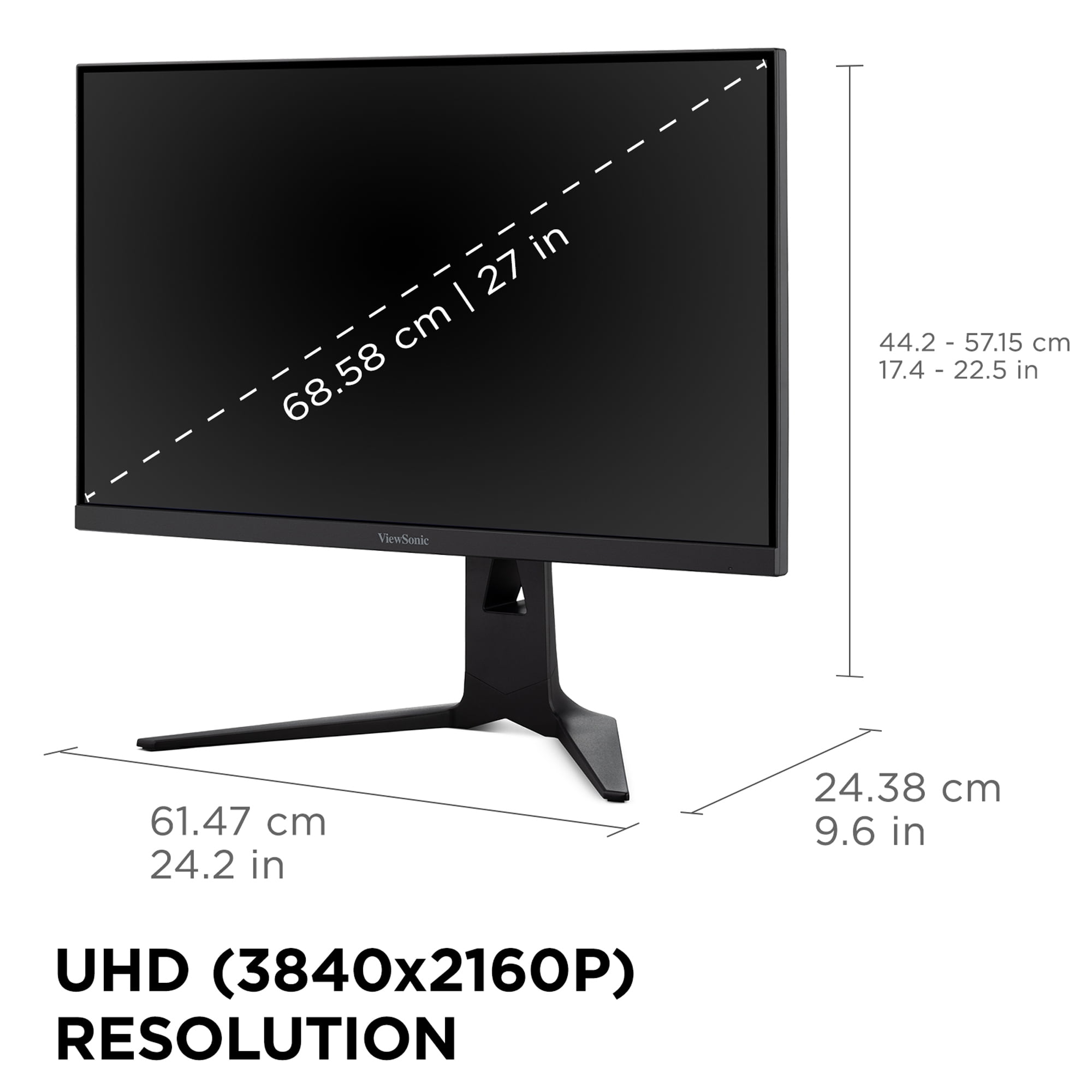
| 4K UHD (3840×2160) - 163 PPI for crisp detail | QHD (2560×1440) - 109 PPI, lower but still sharp |
| Refresh Rate - Higher rates create smoother motion in fast games | |
| Dual-mode: 160Hz at 4K or 320Hz at 1080p | Single mode: 240Hz at native QHD resolution |
| Response Time - Lower is better for eliminating motion blur | |
| 0.5ms MPRT (excellent for IPS technology) | 0.03ms GTG (near-instantaneous OLED response) |
| Contrast Ratio - Higher ratios create more dramatic lighting effects | |
| 1,000:1 (typical LCD limitation) | 1,500,000:1 (perfect OLED blacks vs bright whites) |
| Peak Brightness - Brighter displays work better in lit rooms and for HDR | |
| 300-350 nits (adequate for most scenarios) | 1,000 nits peak (excellent for HDR content) |
| HDR Support - Better HDR means more realistic lighting in games | |
| HDR10 with limited brightness range | VESA DisplayHDR True Black 400 certification |
| Color Gamut - Wider coverage means more vibrant, accurate colors | |
| sRGB 99% coverage (good for general use) | DCI-P3 99% coverage (cinema-grade color accuracy) |
| Connectivity - More ports and power delivery increase versatility | |
| 2× HDMI 2.1, DP 1.4, USB-C with 65W charging | 2× HDMI 2.1, DP 1.4, USB-C with 18W, KVM switch |
| Special Gaming Features - Unique capabilities for different gaming styles | |
| Switchable refresh modes, 24.5" esports OSD setting | Tactical Switch (27" to 24" mode), AI OLED Care |
| Warranty Coverage - Important for expensive displays, especially OLED | |
| 3-year standard warranty | 3-year premium warranty including burn-in protection |
| Best Use Cases - Who should choose each monitor | |
| Versatile gamers wanting 4K + competitive speeds | Visual quality enthusiasts and content creators |
The ViewSonic XG275D-4K has a slight edge for competitive gaming due to its incredible 320Hz refresh rate when switched to Full HD mode. This ultra-high refresh rate can provide a competitive advantage in fast-paced esports titles. However, the GIGABYTE MO27Q2 offers excellent competitive performance with 240Hz and a faster 0.03ms response time, plus better contrast that can help spot enemies in darker areas of maps.
The key difference is their approach to performance. The ViewSonic XG275D-4K offers dual-mode functionality, switching between 4K resolution at 160Hz and Full HD at 320Hz, while the GIGABYTE MO27Q2 focuses on superior image quality with QD-OLED technology at a consistent QHD resolution and 240Hz refresh rate.
The GIGABYTE MO27Q2 delivers significantly better picture quality thanks to its QD-OLED technology. It offers perfect blacks, a 1.5 million:1 contrast ratio, and 99% DCI-P3 color coverage compared to the ViewSonic XG275D-4K's 1,000:1 contrast ratio and standard IPS color performance.
The ViewSonic XG275D-4K's 4K resolution provides sharper text and more detailed visuals, but requires more powerful graphics cards to maintain high frame rates. The GIGABYTE MO27Q2's QHD resolution offers a good balance of detail and performance, making it easier to achieve high refresh rates with mid-range GPUs.
The ViewSonic XG275D-4K typically offers better value due to its dual-mode functionality essentially providing two monitors in one package, plus 4K resolution at a lower price point. The GIGABYTE MO27Q2 costs more but delivers premium QD-OLED technology that significantly improves visual quality.
Yes, both monitors support gaming consoles excellently. The ViewSonic XG275D-4K can display the full 4K output from PlayStation 5 and Xbox Series X, while the GIGABYTE MO27Q2 provides superior HDR performance that makes console games look more cinematic, even at QHD resolution.
The GIGABYTE MO27Q2 has significantly better HDR with 1,000 nits peak brightness and VESA DisplayHDR True Black 400 certification. The ViewSonic XG275D-4K supports HDR10 but with limited brightness around 300-350 nits, providing a more modest HDR experience.
Both monitors offer comprehensive connectivity. The ViewSonic XG275D-4K includes 2× HDMI 2.1, DisplayPort 1.4, and USB-C with 65W power delivery for laptop charging. The GIGABYTE MO27Q2 has similar ports plus a KVM switch feature, though its USB-C only provides 18W power delivery.
The ViewSonic XG275D-4K may be better for mixed use due to its 4K resolution providing sharp text for productivity tasks and its versatile dual-mode gaming capabilities. However, the GIGABYTE MO27Q2 offers superior color accuracy that benefits content creation and professional work.
The ViewSonic XG275D-4K uses proven IPS technology with standard durability expectations. The GIGABYTE MO27Q2 uses OLED technology which can experience burn-in over time, but includes AI-based OLED Care features and a 3-year warranty that covers burn-in protection.
The GIGABYTE MO27Q2 excels at immersive single-player gaming due to its perfect blacks, vibrant colors, and excellent contrast that make atmospheric scenes more dramatic. While the ViewSonic XG275D-4K offers higher resolution detail, the superior image quality of QD-OLED technology creates a more cinematic gaming experience.
Yes, both monitors handle fast motion excellently. The ViewSonic XG275D-4K offers 0.5ms response time which eliminates motion blur in virtually all scenarios. The GIGABYTE MO27Q2 provides an even faster 0.03ms response time thanks to OLED technology, ensuring crystal-clear motion in the most demanding fast-paced games.
We've done our best to create useful and informative comparisons to help you decide what product to buy. Our research uses advanced automated methods to create this comparison and perfection is not possible - please contact us for corrections or questions. These are the sites we've researched in the creation of this article: cgmagonline.com - gamingshogun.com - techpowerup.com - notebookcheck.net - bestbuy.com - newegg.com - techpowerup.com - shi.com - viewsonic.com - viewsonic.com - prnewswire.com - viewsonic.com - viewsonic.com - shop.avispl.com - guru3d.com - viewsonic.com - viewsonic.com - viewsonic.com - viewsonic.com - gigabyte.com - youtube.com - newegg.com - mezha.media - tech-critter.com - gigabyte.com - forum.pcmonitors.info - techspot.com - aorus.com - saltynewsnetwork.com - infiniarc.com - gigabyte.com - bestbuy.com - youtube.com - gigabyte.com - gigabyte.com - displayspecifications.com - aorus.com - gigabyte.com - gigabyte.com

Privacy Policy
Terms and Conditions - Affiliate Policy
Home Security
© Copyright 2008-2026.
11816 Inwood Rd #1211, Dallas, TX 75244