



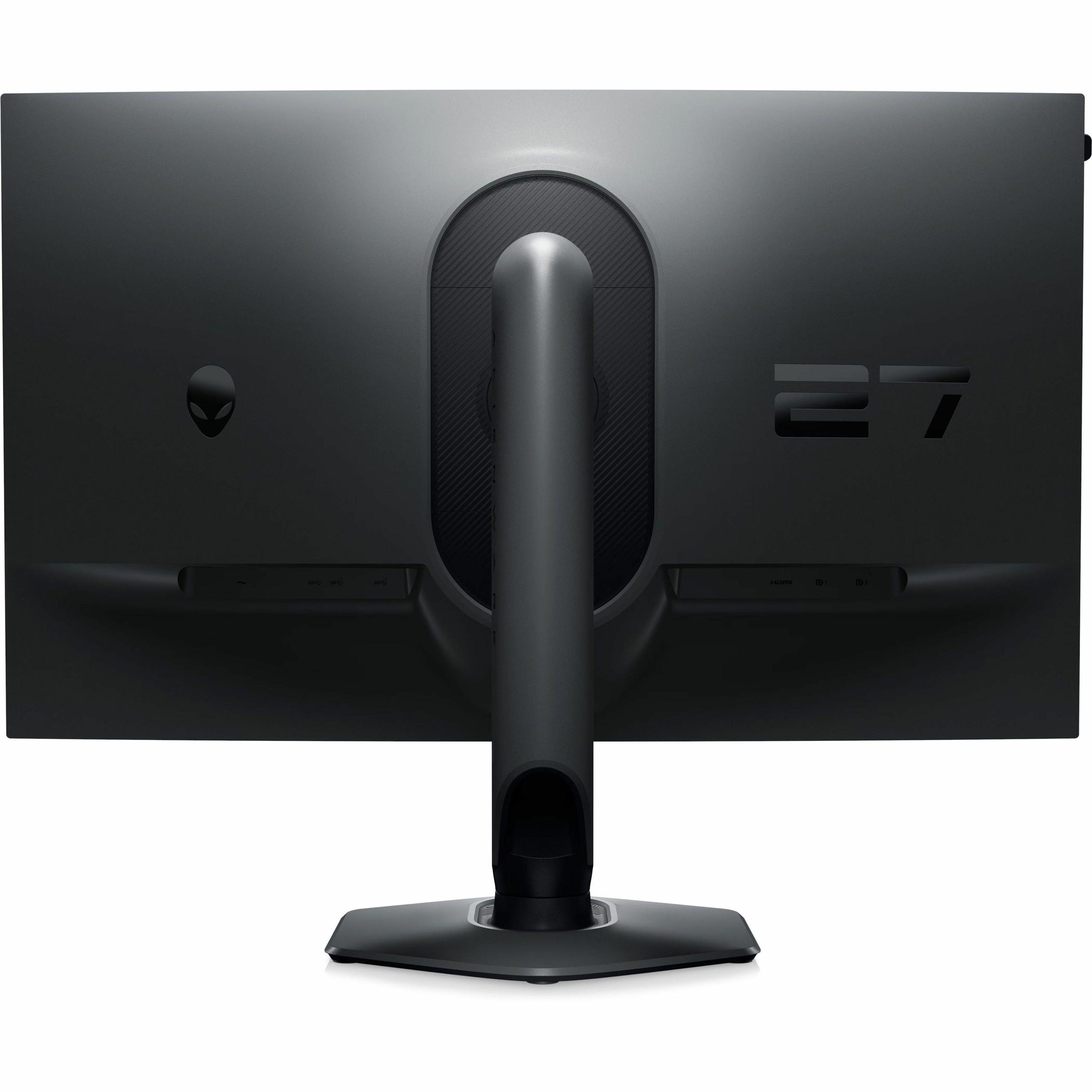
When you're shopping for a gaming monitor in 2025, you're facing one of the most exciting yet challenging decisions in PC gaming. The monitor market has evolved dramatically over the past few years, giving us incredible options that were pure science fiction just a decade ago. Today, we're diving deep into two fascinating monitors that represent completely different philosophies: the ViewSonic XG275D-4K and the Alienware AW2724HF.
Both monitors hit the market in 2024, arriving at a time when the industry was grappling with a fundamental question: should gamers prioritize ultra-high refresh rates or crystal-clear 4K resolution? These two displays answer that question in dramatically different ways, and understanding their approaches will help you make the right choice for your setup.
The gaming monitor world has become incredibly sophisticated since the early days of basic 60Hz displays. We're now in an era where refresh rates—the number of times your screen updates per second—can exceed 300Hz, while resolutions have jumped from standard 1080p to ultra-sharp 4K and beyond.
Here's what makes this comparison particularly interesting: both monitors use Fast IPS technology, which is a newer type of LCD panel that combines the color accuracy and viewing angles of traditional IPS panels with much faster response times. Response time is how quickly a pixel can change from one color to another, measured in milliseconds (ms). Lower response times mean less motion blur and ghosting during fast-paced gaming.
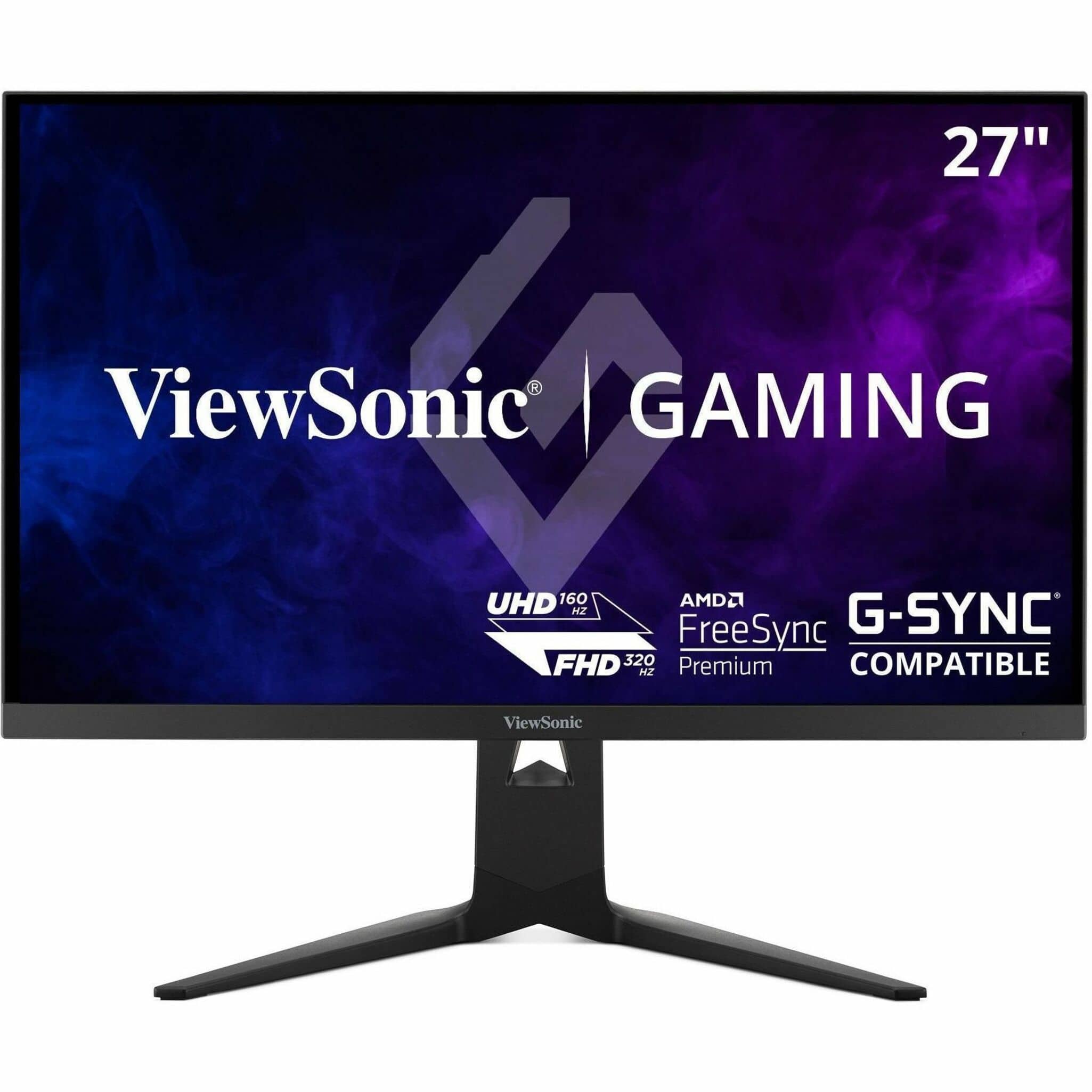
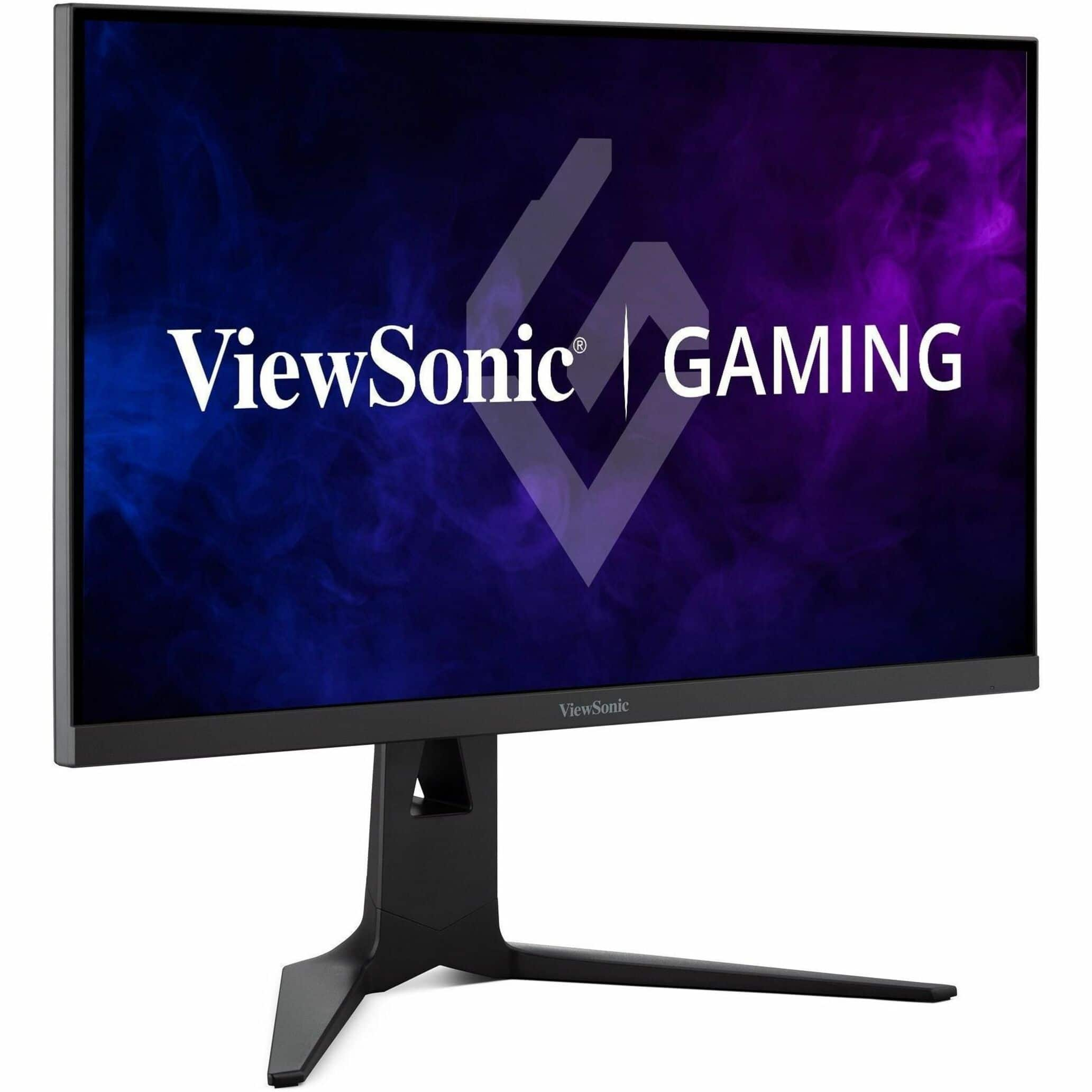
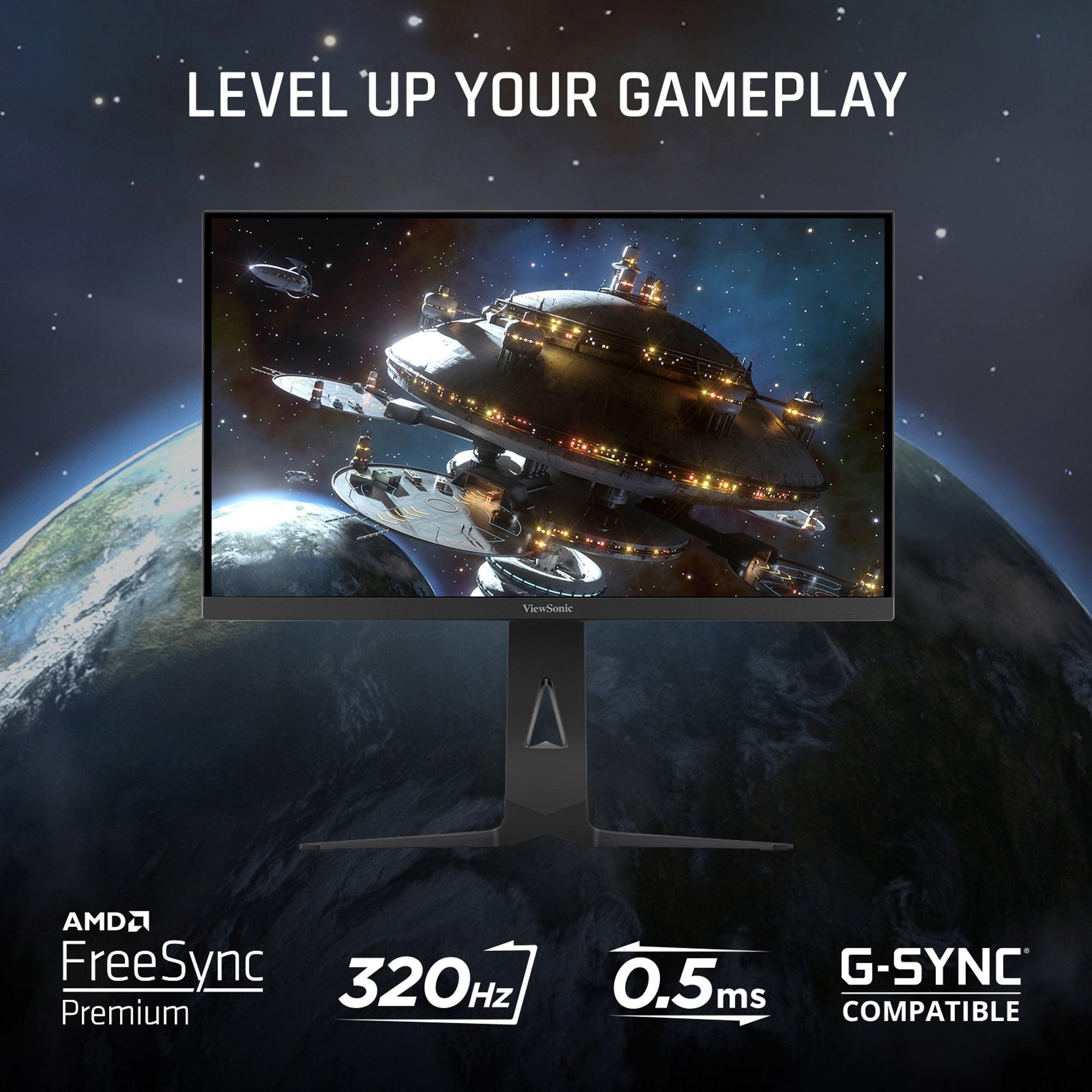
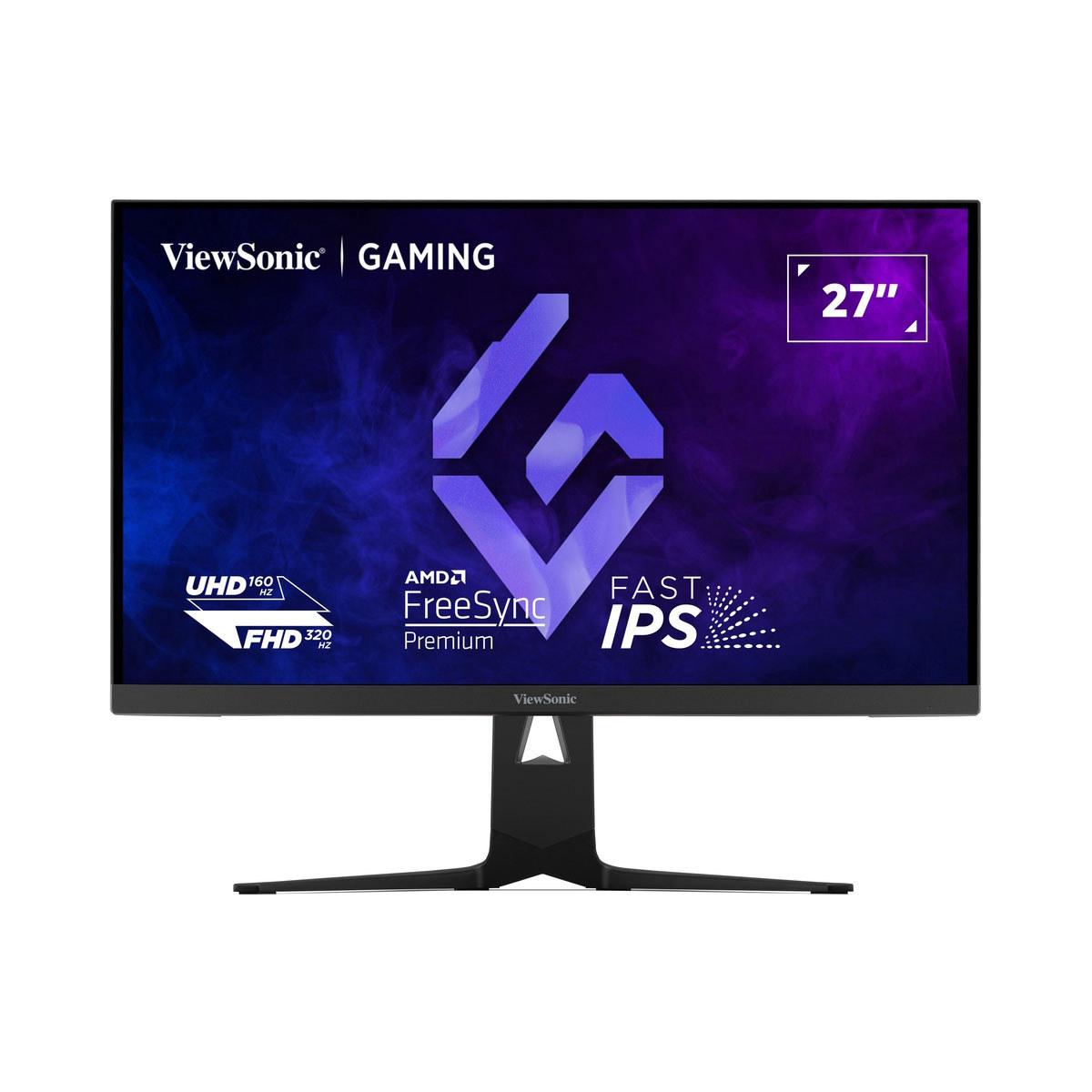
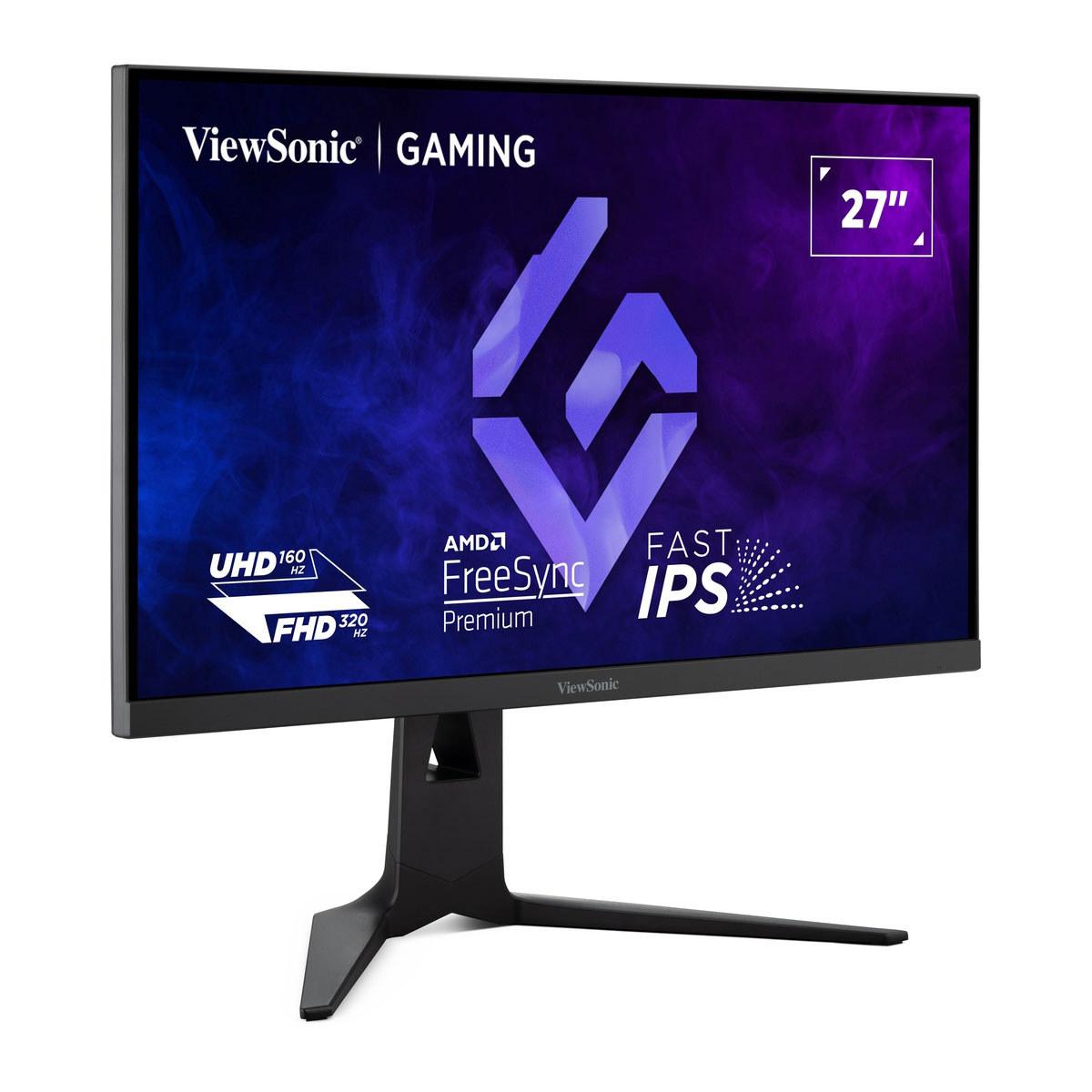
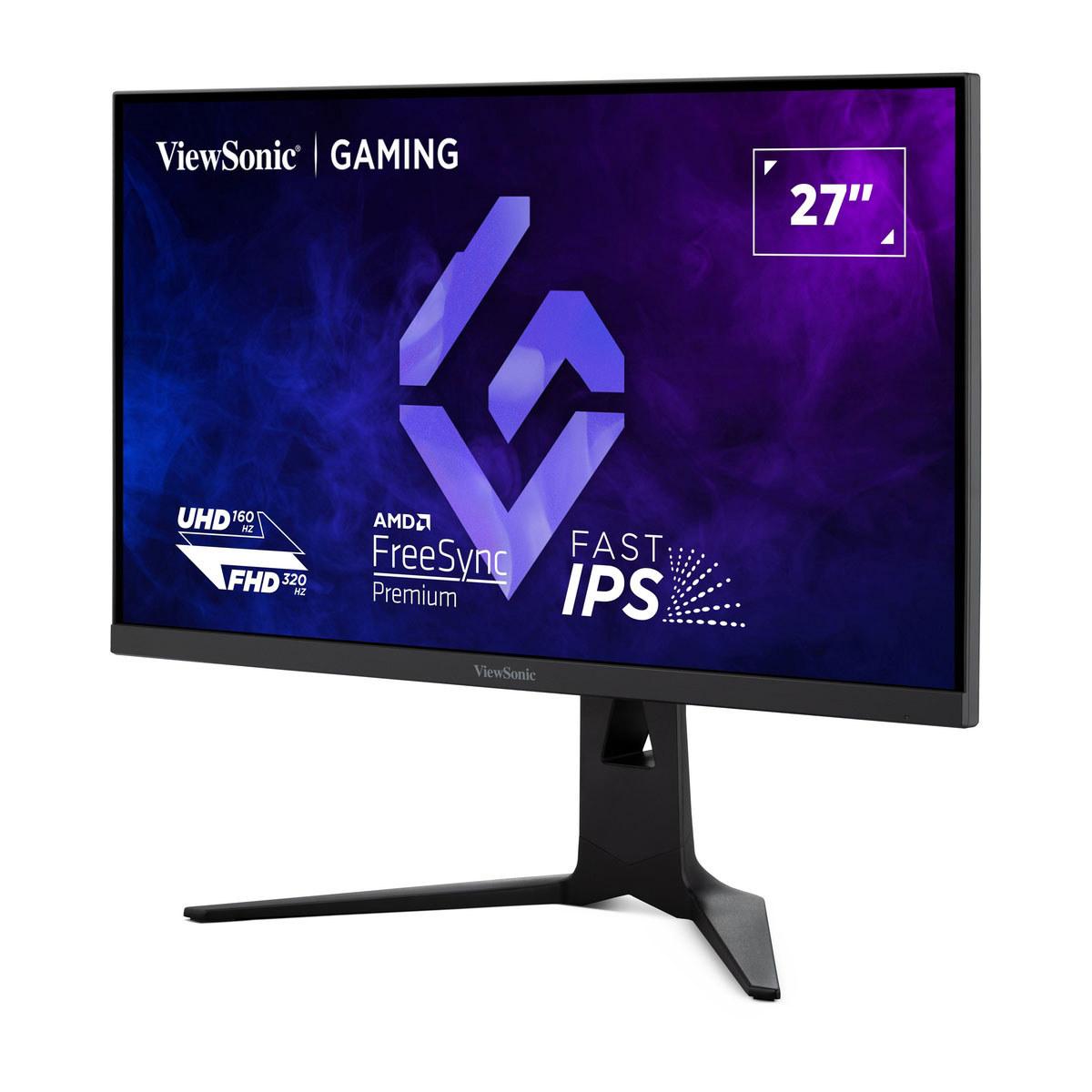
The ViewSonic XG275D-4K represents what I'd call the "best of both worlds" approach. Released in early 2024, it's built around a unique dual-mode system that lets you switch between 4K resolution at 160Hz or 1080p at 320Hz with a simple button press. Meanwhile, the Alienware AW2724HF takes a more traditional but highly refined approach, focusing entirely on delivering 360Hz performance at 1080p resolution.
At the time of writing, you're looking at roughly a $200 difference between these monitors, with the ViewSonic commanding a premium for its versatility and 4K capability.
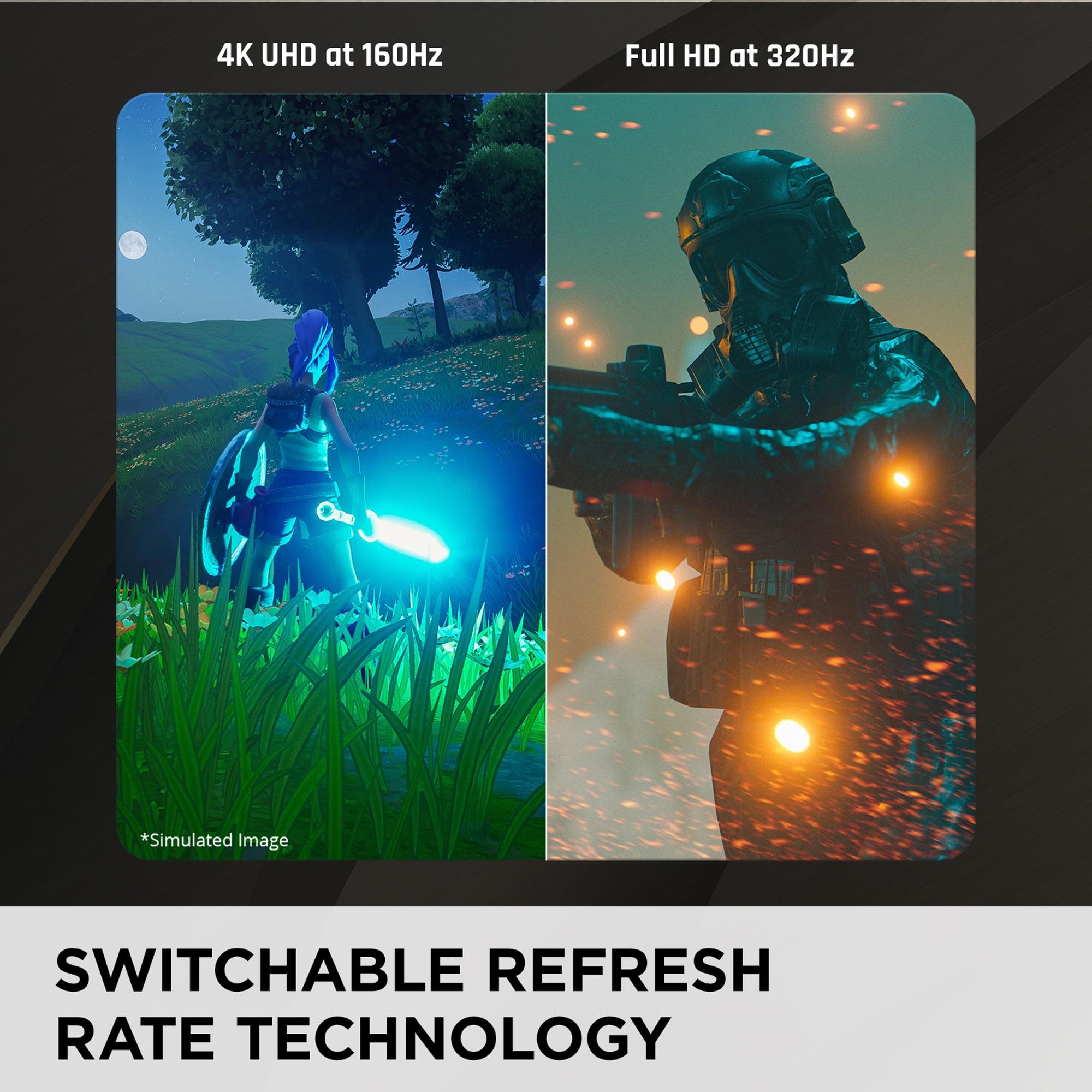
The ViewSonic XG275D-4K introduces something genuinely innovative: switchable refresh rate technology. This isn't just a software trick—it's hardware-level switching that fundamentally changes how the monitor operates. When you press the dedicated button, you're actually changing the monitor's native operating mode.
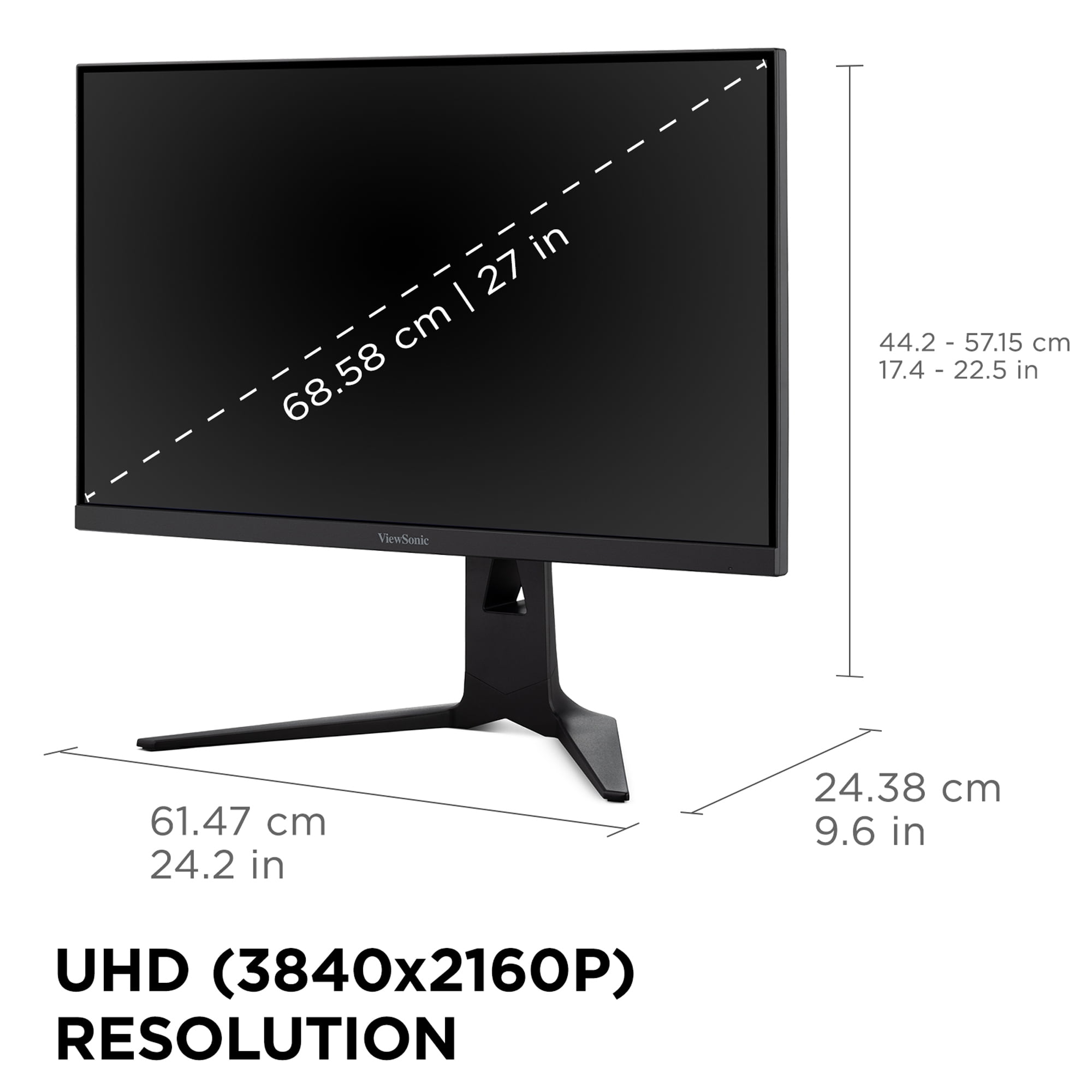
In 4K mode, you get the full 3840 x 2160 resolution running at 160Hz. That's four times the pixel density of 1080p, meaning incredibly sharp text, detailed game environments, and the ability to see fine details that simply aren't visible on lower-resolution displays. When I'm playing single-player games like Cyberpunk 2077 or exploring vast worlds in games like The Witcher 3, that extra resolution makes an enormous difference in immersion.
But here's where it gets interesting: flip the switch, and suddenly you're running at 1920 x 1080 resolution but at a blistering 320Hz. This mode is designed for competitive gaming, where every millisecond matters and you want the smoothest possible motion. The monitor achieves this by essentially "overclocking" its refresh rate when freed from the demanding task of pushing 4K pixels.
The technical implementation is fascinating. Most monitors that claim to offer multiple refresh rates are simply adjusting their timing within the same basic framework. The ViewSonic actually reconfigures its internal processing to optimize for each mode, which is why the switching is instantaneous and doesn't require driver adjustments or Windows configuration changes.
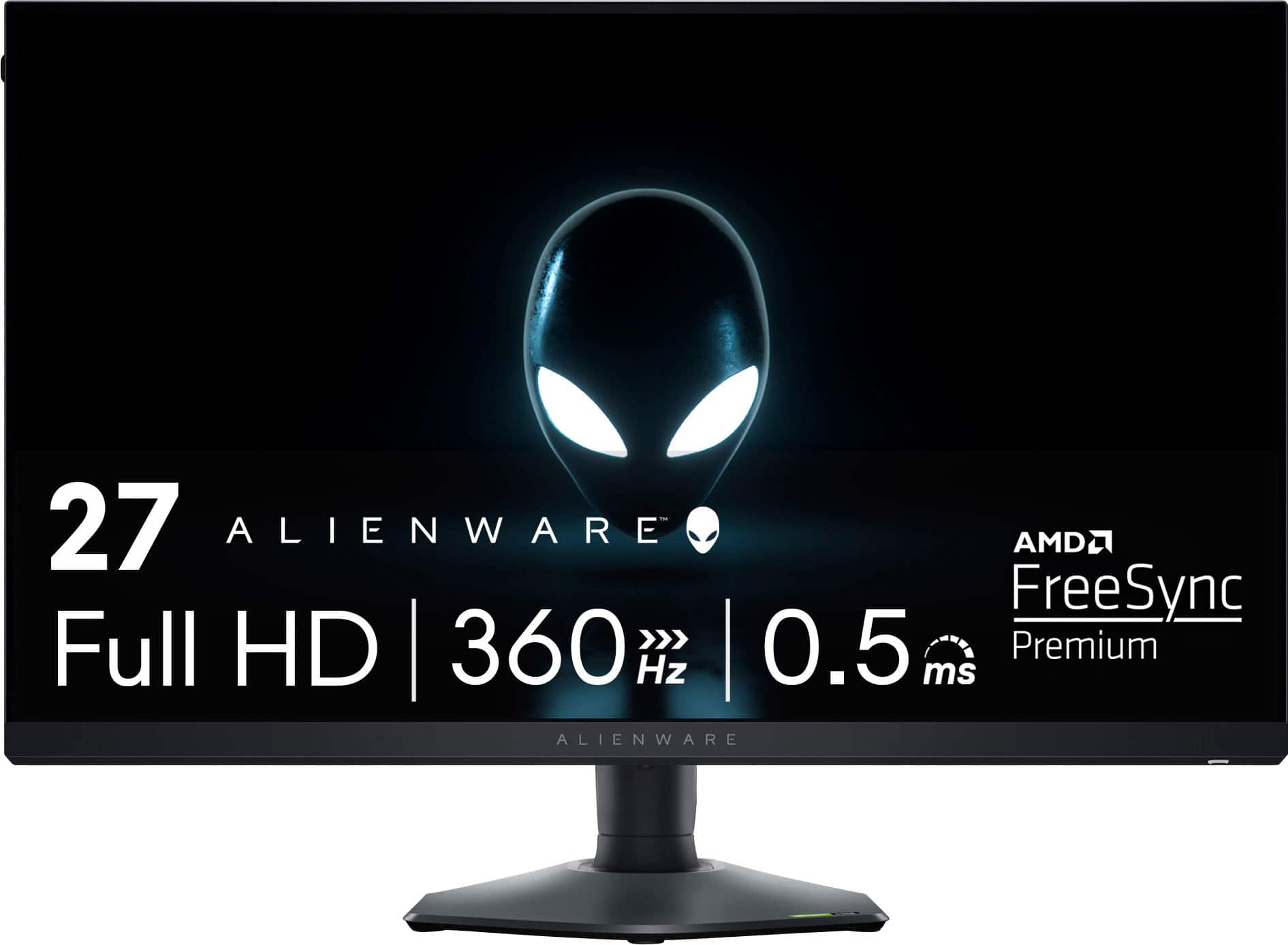
The Alienware AW2724HF takes a fundamentally different approach: absolute specialization. Instead of trying to be all things to all users, Dell's gaming division focused on creating what might be the ultimate competitive gaming display.
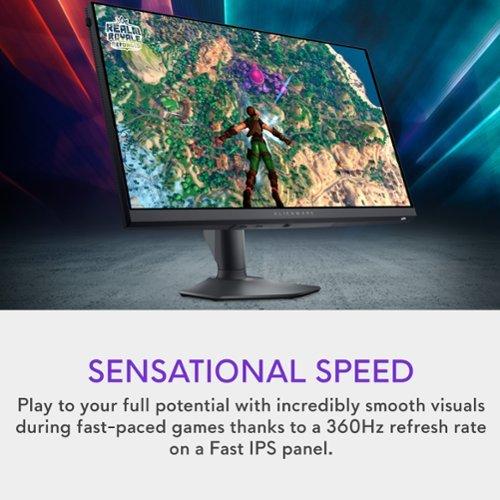
At 360Hz, this monitor refreshes its image 360 times per second. To put that in perspective, that's six times faster than a standard 60Hz monitor and 1.5 times faster than many "gaming" monitors from just a few years ago. The practical impact is remarkable—motion appears incredibly smooth, and input lag (the delay between your action and seeing it on screen) is minimized to an almost imperceptible level.
What makes the Alienware special isn't just the raw refresh rate, though. It's the attention to detail in implementation. The monitor achieves its 0.5ms response time through careful tuning of the liquid crystal molecules in the display. Fast IPS technology allows these pixels to twist and align much more quickly than traditional IPS panels, reducing the "ghosting" effect you might see when objects move quickly across the screen.
The AW2724HF also includes AMD FreeSync Premium and VESA AdaptiveSync certification. These technologies synchronize your graphics card's output with the monitor's refresh rate, eliminating screen tearing—those annoying horizontal lines that can appear when your GPU and monitor get out of sync.
Let's talk about what these performance numbers actually mean for your gaming experience. Refresh rate is probably the most talked-about specification, but it's important to understand when it matters and when it doesn't.
For competitive gaming—think Counter-Strike, Valorant, or Rocket League—higher refresh rates provide a genuine competitive advantage. When you're tracking enemies or making precise movements, the extra visual information from 320Hz or 360Hz can help you react faster and aim more accurately. I've noticed that tracking moving targets feels noticeably easier on ultra-high refresh rate displays.
However, there's a point of diminishing returns. The difference between 60Hz and 120Hz is massive and immediately noticeable. The jump from 120Hz to 240Hz is significant but smaller. Moving from 240Hz to 320Hz or 360Hz? The improvement is there, but it's subtle and mainly beneficial for serious competitive players.
Response time is equally important but often misunderstood. The ViewSonic XG275D-4K and Alienware AW2724HF both claim 0.5ms response times, but this is measured under specific conditions (usually gray-to-gray transitions in the fastest mode). Real-world response times vary depending on the color change, but both monitors perform excellently in this regard.
What's more interesting is how these monitors handle color transitions. Fast IPS technology has largely eliminated the color shifting and slow response times that plagued older IPS panels. You get the wide viewing angles and accurate colors of IPS without sacrificing gaming performance.
This is where personal preference and use cases become crucial. The ViewSonic XG275D-4K offers native 4K resolution, which means 8.3 million pixels compared to the 2.1 million pixels of the Alienware's 1080p display.
On a 27-inch monitor, 4K provides a pixel density of about 163 pixels per inch (PPI), while 1080p gives you 82 PPI. The practical difference is significant—text appears crisp and smooth, game details are incredibly sharp, and you can see much more of the game world without it appearing pixelated.
However, there's a trade-off. Driving games at 4K resolution requires substantially more graphics processing power. A graphics card that easily pushes 300+ frames per second at 1080p might struggle to maintain even 100 fps at 4K in demanding games. This is where the ViewSonic's dual-mode capability becomes invaluable—you can enjoy 4K for single-player campaigns and switch to 1080p for competitive multiplayer.
The Alienware AW2724HF makes the opposite bet: that competitive gamers would rather have guaranteed ultra-high frame rates than higher resolution. At 1080p, even mid-range graphics cards can achieve the 300+ fps needed to fully utilize the 360Hz capability.
Both monitors use Fast IPS panels, but their color capabilities differ. The ViewSonic XG275D-4K covers 94% of the DCI-P3 color space and 128% of sRGB, with 10-bit color depth. DCI-P3 is a wider color gamut used in digital cinema, while sRGB is the standard for web content and most games. The wider color gamut means more vibrant colors and better HDR performance.
The Alienware AW2724HF focuses on 99% sRGB coverage, which is excellent for gaming and general use but doesn't venture into the wider color spaces. For competitive gaming, this is actually preferable—you want consistent, accurate colors rather than oversaturated visuals that might affect gameplay.
HDR (High Dynamic Range) support is where the differences become more apparent. The ViewSonic supports HDR10, though with a peak brightness of around 350 nits, it's entry-level HDR. The Alienware doesn't emphasize HDR capabilities, instead focusing on fast, consistent performance.
For home theater use, the ViewSonic XG275D-4K is clearly the better choice. The 4K resolution makes movies and streaming content look fantastic, and the HDR support, while basic, does improve the viewing experience for compatible content. The wider color gamut also helps with movie content that uses DCI-P3 color space.
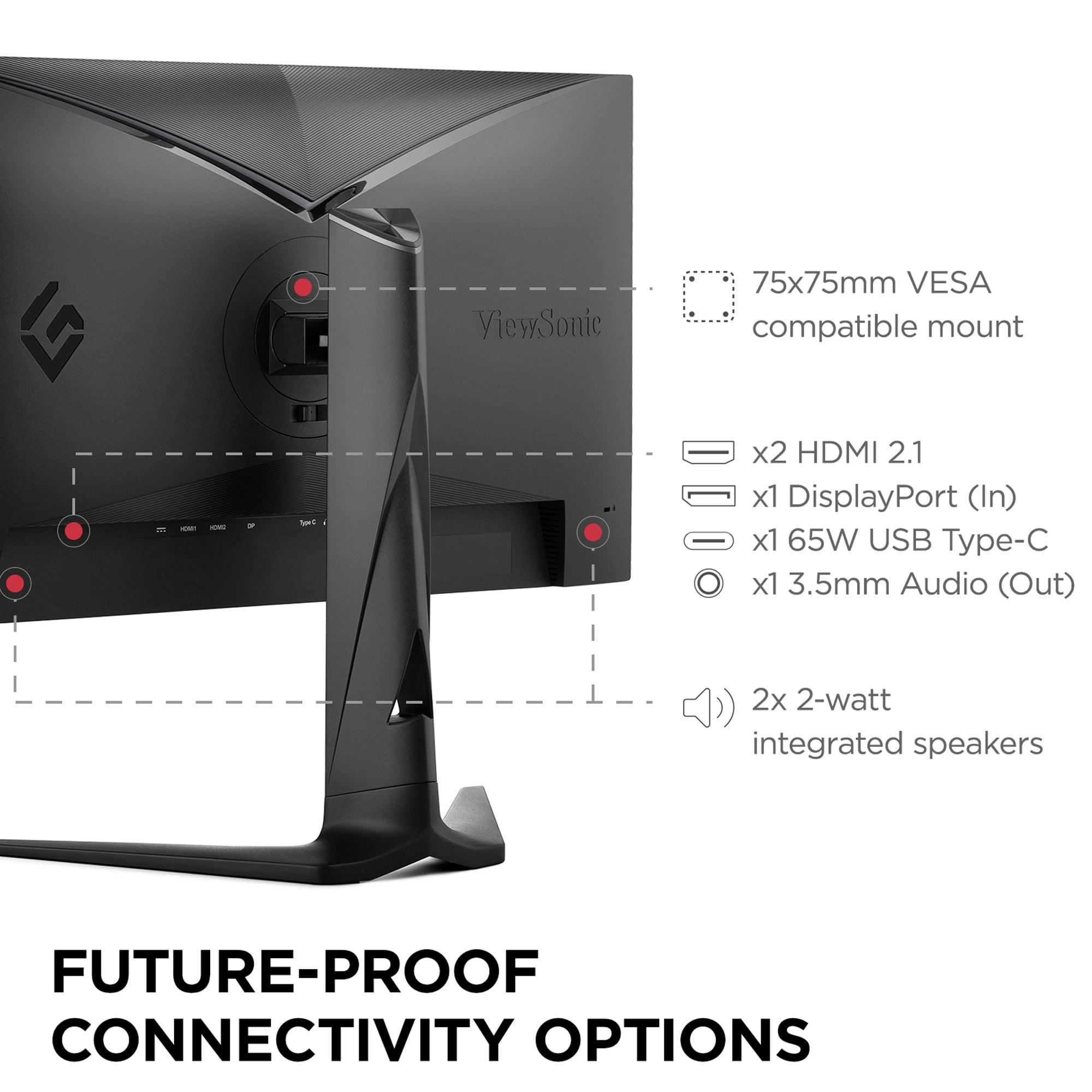
Modern gaming monitors need to connect to multiple devices, and both displays handle this well but with different focuses. The ViewSonic XG275D-4K includes HDMI 2.1, DisplayPort 1.4, and notably, USB-C with 65W power delivery. This USB-C port is a game-changer for laptop users—you can connect a MacBook or gaming laptop with a single cable that provides video, data, and power.
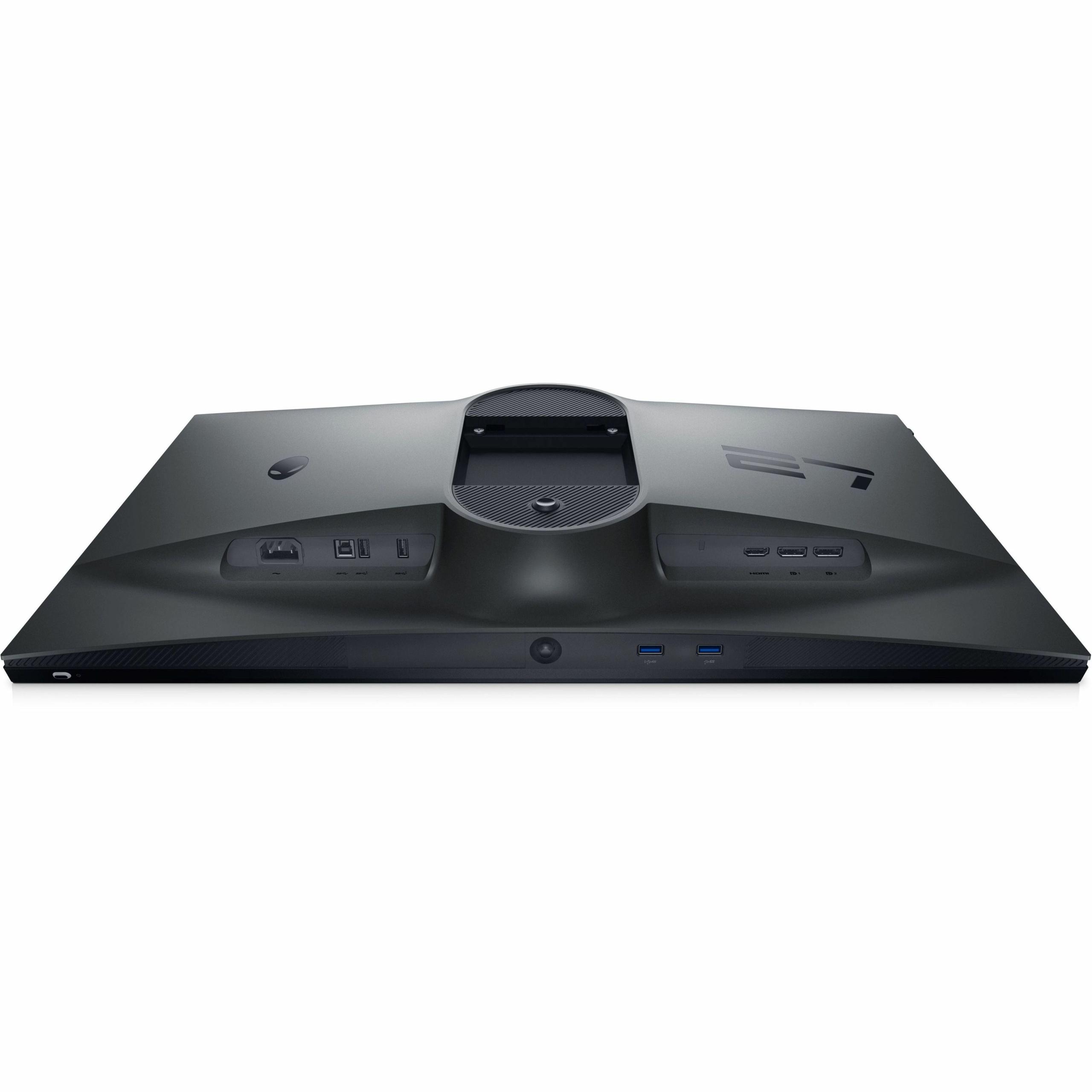
The Alienware AW2724HF offers dual DisplayPort inputs and HDMI, plus a USB hub with four USB-A ports. One of these ports provides power charging, which is handy for keeping devices like wireless mouse receivers or gaming accessories powered.
Both monitors support console gaming, but there are important differences. The ViewSonic can accept 4K signals from PlayStation 5 or Xbox Series X, displaying games in their full resolution. The Alienware will downscale 4K console output to 1080p, but it can accept higher refresh rate signals—up to 120Hz from modern consoles.
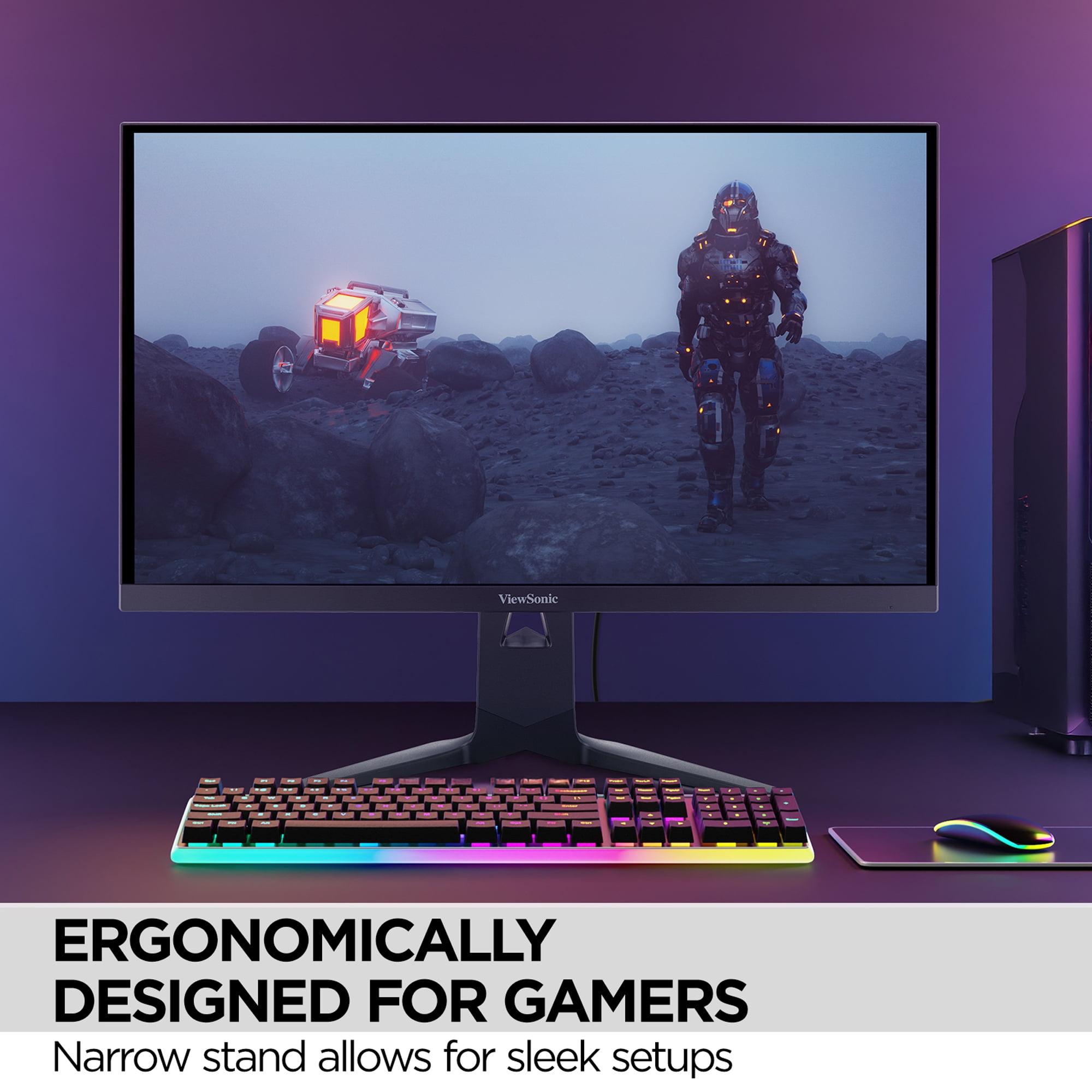
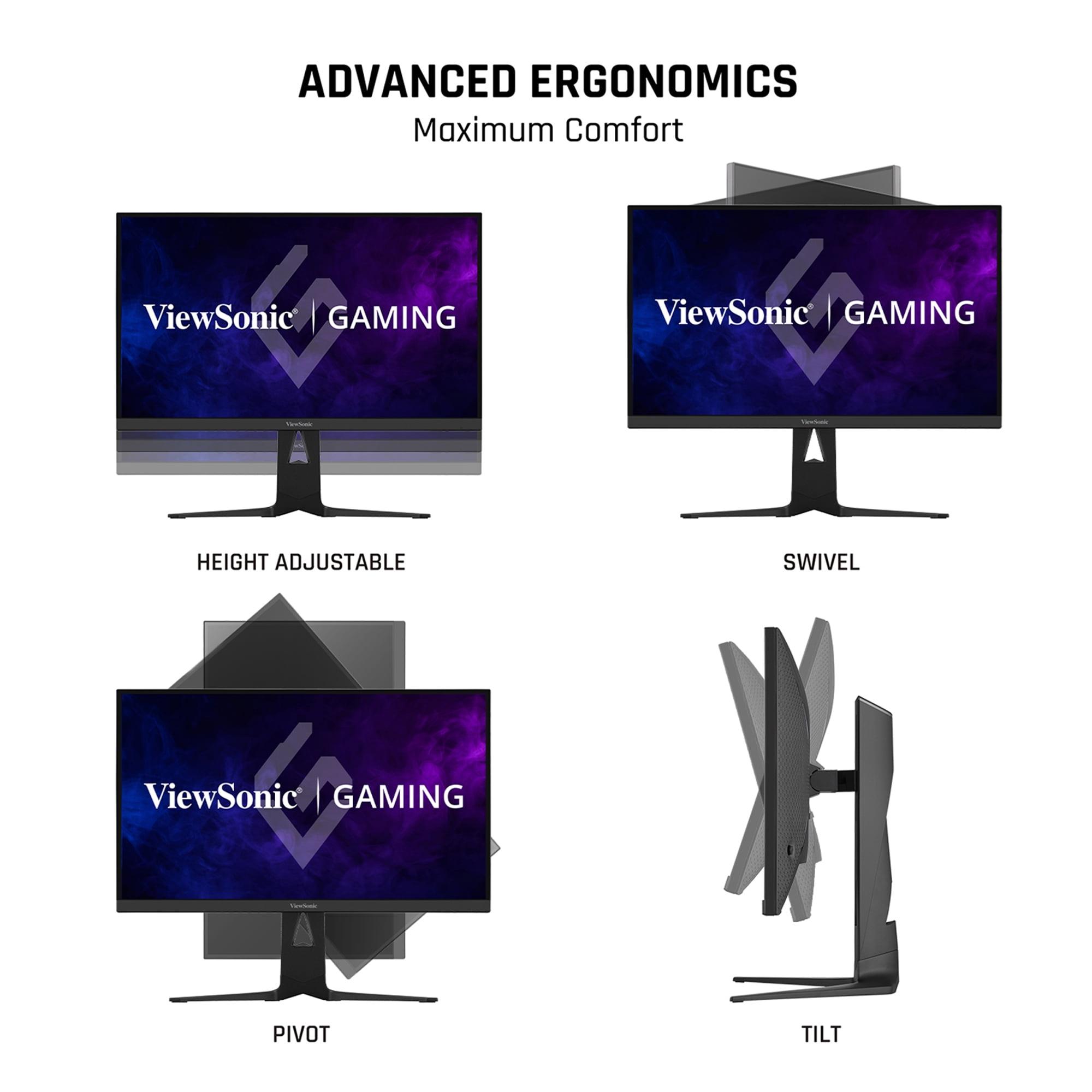
Both monitors feature excellent build quality, but with different design philosophies. The ViewSonic XG275D-4K uses a more understated design with full ergonomic adjustment—130mm of height adjustment, 90-degree swivel, and complete pivot functionality. The anti-glare coating is particularly effective, reducing reflections that can interfere with gaming in bright rooms.
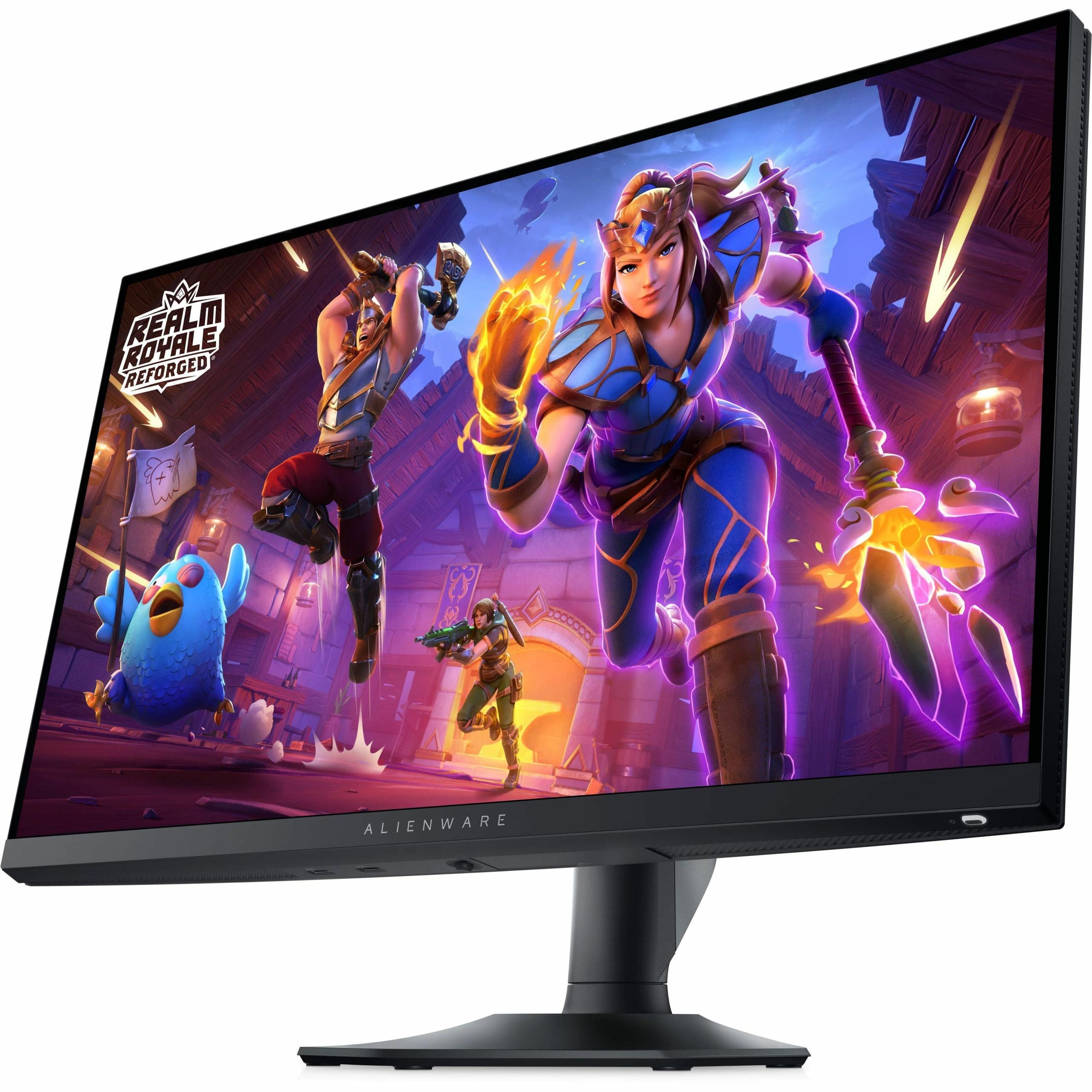
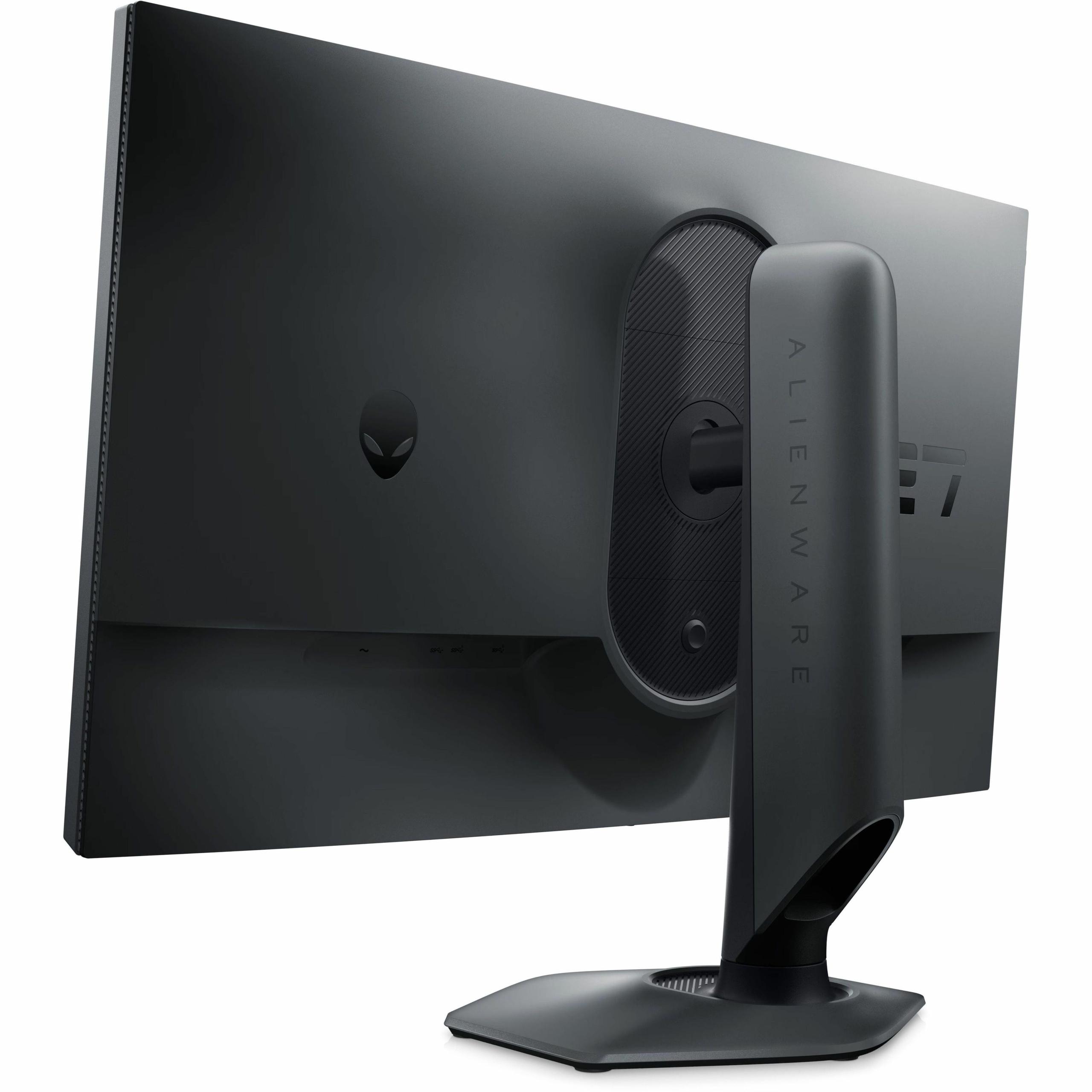
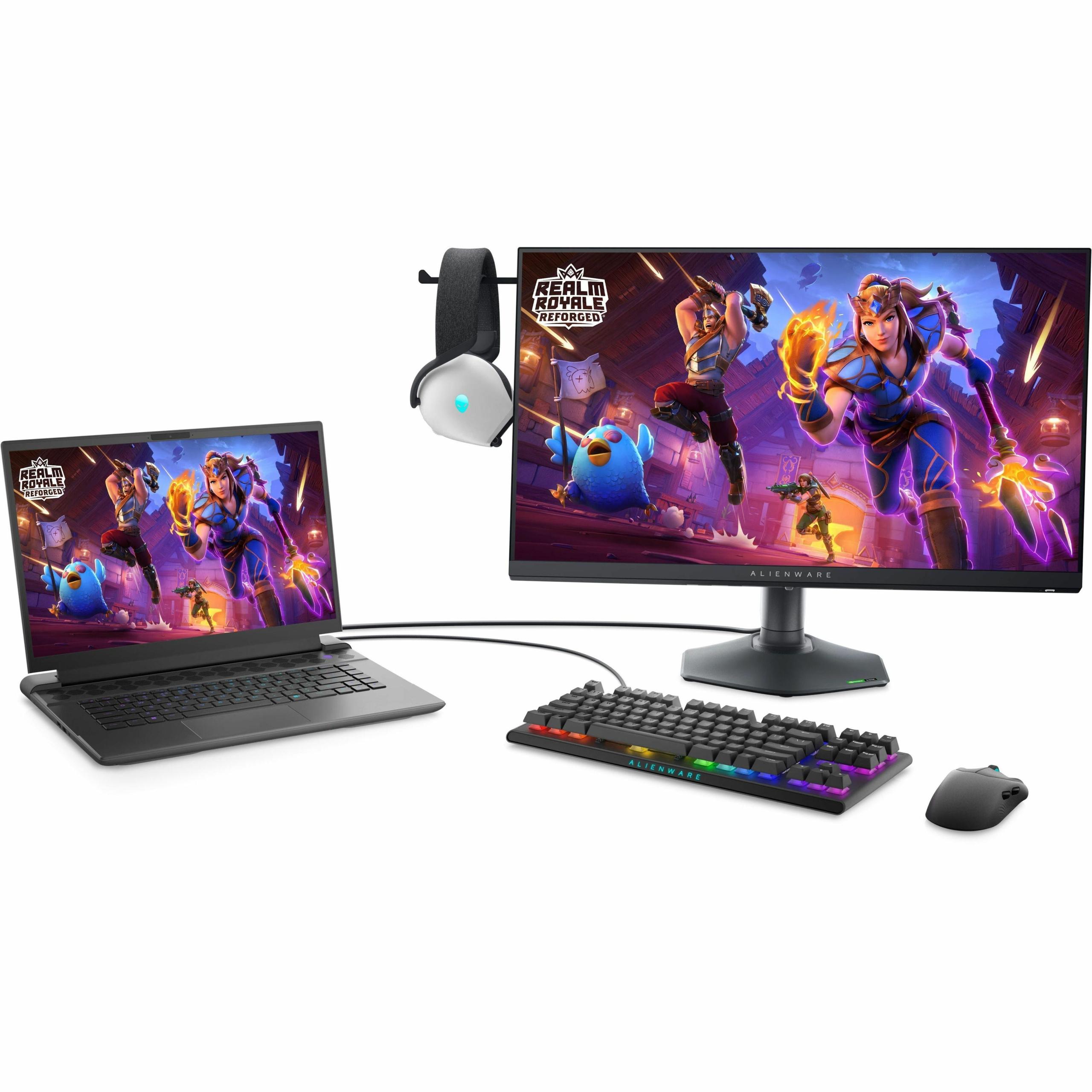
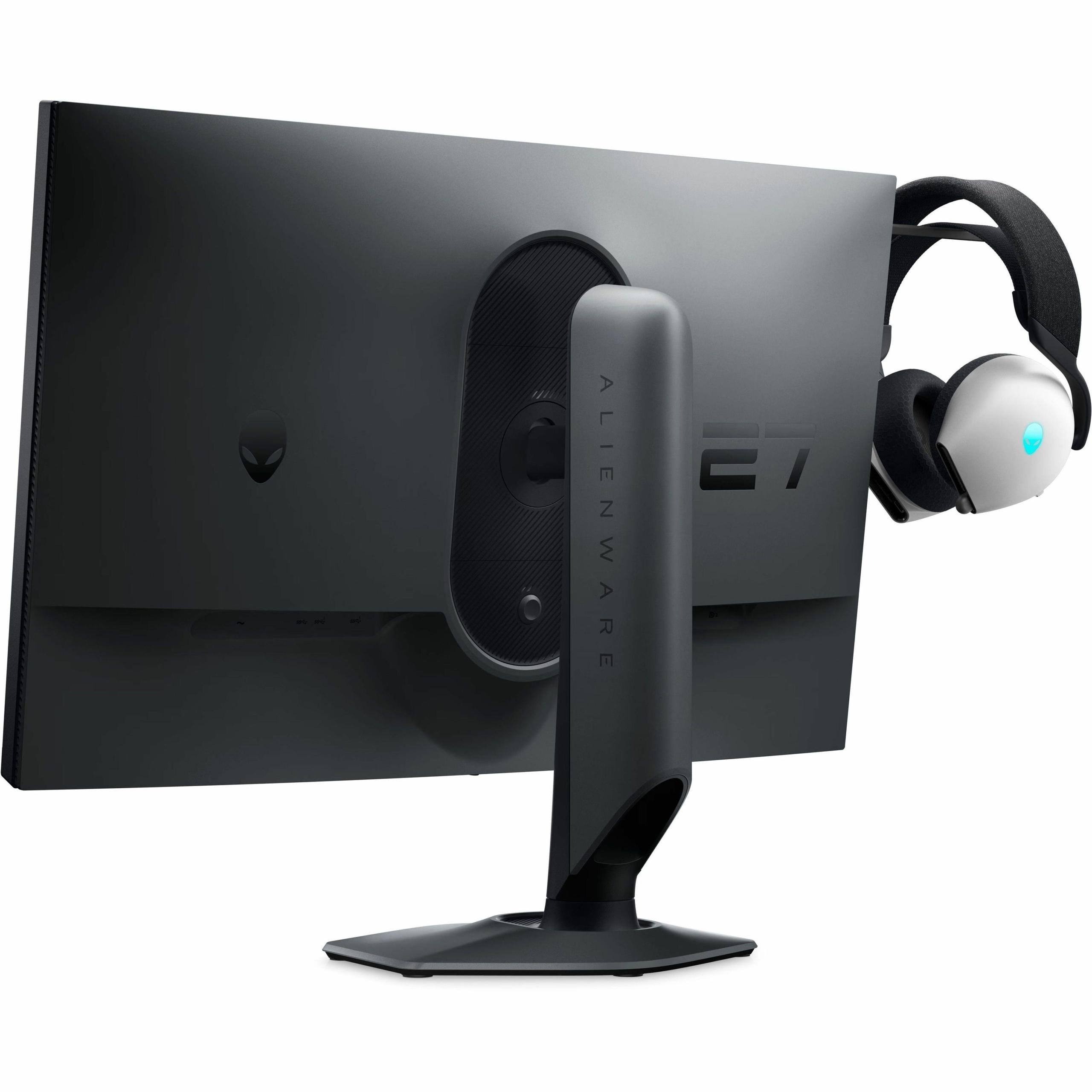
The Alienware AW2724HF showcases Dell's "Legend 2.0" design language with customizable RGB lighting and a more aggressive gaming aesthetic. The hexagonal base takes up less desk space, which competitive gamers often appreciate since they need room for large mouse pads and low-sensitivity gaming.
Both stands are rock-solid, but I particularly appreciate the ViewSonic's height adjustment markers, which make it easy to return to your preferred position after adjustments.
The ViewSonic XG275D-4K is ideal for what I'd call the "modern gamer"—someone who plays a variety of games and wants one monitor that excels at everything. If you enjoy both competitive multiplayer games and single-player story campaigns, this monitor's ability to switch between modes is genuinely useful. The 4K capability also makes it excellent for content creation, streaming, and general productivity work.
It's also the better choice if you're planning to keep this monitor for several years. As graphics cards become more powerful, that 4K capability will become increasingly valuable. The USB-C connectivity also future-proofs the display for newer devices.
The Alienware AW2724HF is perfect for dedicated competitive gamers and esports enthusiasts. If you primarily play fast-paced multiplayer games like Counter-Strike, Valorant, Apex Legends, or fighting games, the pure speed advantage is worth more than higher resolution. The lower price point also makes it accessible to more serious gamers who want professional-level performance without premium pricing.
This monitor also makes sense if you already have or plan to have multiple displays. Many content creators and serious gamers use multi-monitor setups, where having one ultra-fast gaming display alongside other monitors for productivity makes perfect sense.
Both the ViewSonic XG275D-4K and Alienware AW2724HF represent excellent examples of their respective approaches to gaming monitor design. The choice between them ultimately comes down to your priorities and usage patterns.
If versatility and future-proofing are important to you, the ViewSonic offers incredible value despite its higher price. The ability to enjoy both 4K gaming and ultra-high refresh rate competitive gaming in one package is genuinely compelling.
If pure competitive performance is your goal and you want to maximize your esports potential, the Alienware delivers world-class speed at a more accessible price point. It's a focused tool designed for a specific purpose, and it excels at that purpose.
Neither choice is wrong—they're simply optimized for different types of gamers. The gaming monitor market has matured to the point where we can have these kinds of specialized, high-performance options. Whether you choose versatility or specialization, both monitors represent the cutting edge of what's possible in gaming display technology.
| ViewSonic XG275D-4K | Alienware AW2724HF |
|---|---|
| Display Resolution - Higher resolution means sharper visuals but requires more GPU power | |
| 4K UHD (3840 x 2160) native, switchable to 1080p | Full HD (1920 x 1080) only |
| Maximum Refresh Rate - Higher rates provide smoother motion in fast-paced games | |
| 320Hz at 1080p / 160Hz at 4K (dual-mode switching) | 360Hz at 1080p (single mode) |
| Panel Technology - Affects color accuracy, viewing angles, and response time | |
| Fast IPS with anti-glare 3H hard coating | Fast IPS with anti-glare coating |
| Response Time - Lower is better for reducing motion blur and ghosting | |
| 0.5ms MPRT (both modes) | 0.5ms gray-to-gray minimum, 1ms typical |
| Color Coverage - Wider gamuts provide more vibrant colors for content creation | |
| 94% DCI-P3, 128% sRGB, 10-bit color depth | 99% sRGB coverage, 10-bit color depth |
| HDR Support - Enhances contrast and brightness in compatible content | |
| HDR10 support with 300-350 nits peak brightness | Limited HDR capabilities |
| Adaptive Sync Technology - Eliminates screen tearing and stuttering | |
| AMD FreeSync Premium, NVIDIA G-SYNC Compatible | AMD FreeSync Premium, VESA AdaptiveSync certified |
| Connectivity Options - More ports provide greater device compatibility | |
| HDMI 2.1, DisplayPort 1.4, USB-C with 65W power delivery | 2x DisplayPort 1.4, 1x HDMI, USB 3.2 hub with 4 ports |
| Ergonomic Adjustments - Better adjustability improves comfort during long sessions | |
| 130mm height, ±45° swivel, 90° pivot, -3°/+20° tilt | 110mm height, ±20° swivel, ±90° pivot, -5°/+21° tilt |
| Special Gaming Features - Unique capabilities that enhance the gaming experience | |
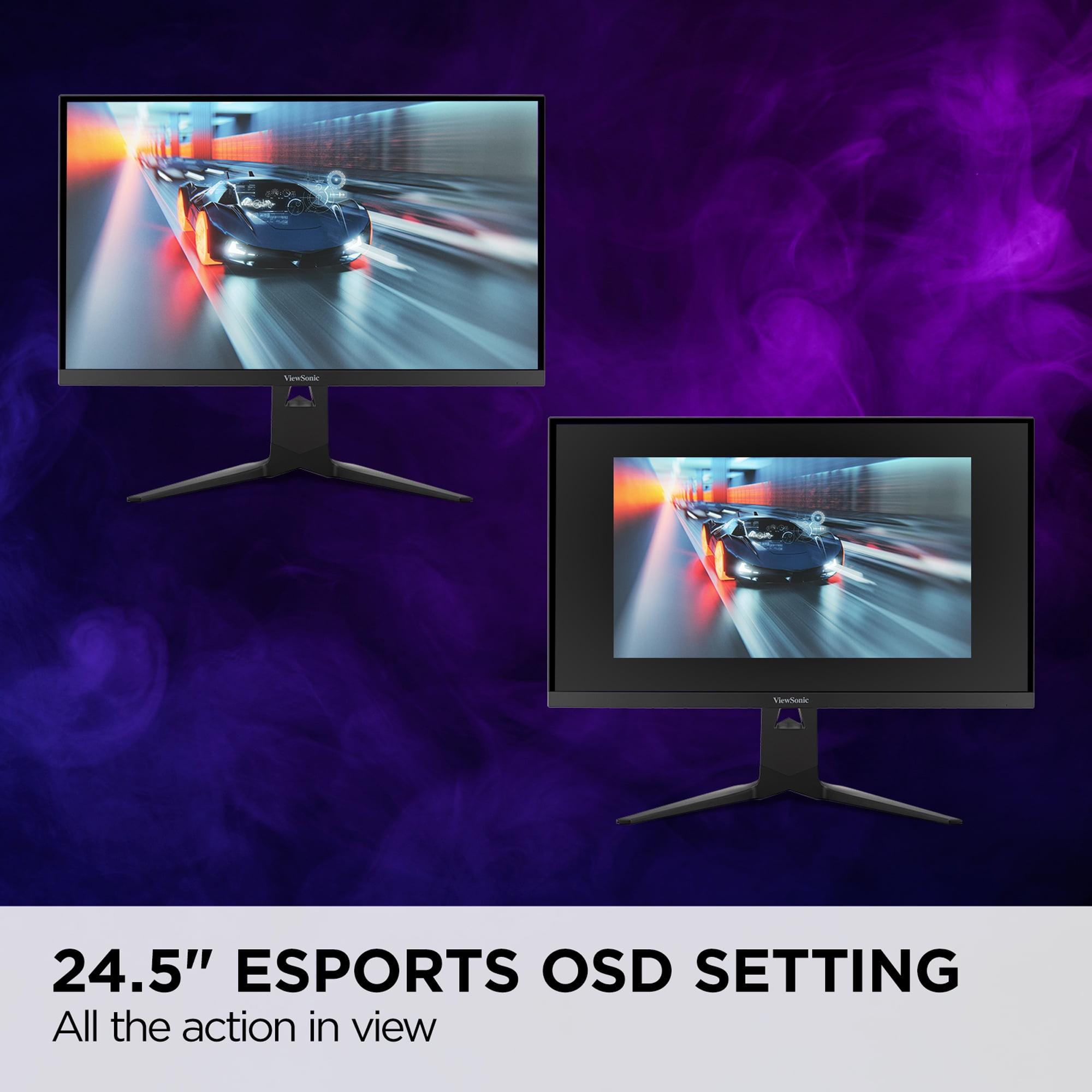
| Dual-mode button switching, 24.5" esports OSD mode | Console mode, retractable headset hanger, AlienFX lighting |
| Target Use Case - Primary intended audience and gaming scenarios | |
| Versatile gaming + productivity, single-monitor setups | Dedicated competitive esports and high-refresh gaming |
| Value Positioning - What you're paying for compared to alternatives | |
| Premium price for dual-mode versatility and 4K capability | Mid-range pricing for specialized 360Hz performance |
The Alienware AW2724HF is specifically designed for competitive gaming with its dedicated 360Hz refresh rate at 1080p resolution. This provides the smoothest possible motion and lowest input lag for esports titles. While the ViewSonic XG275D-4K can reach 320Hz at 1080p, the Alienware maintains its peak performance consistently and includes gaming-focused features like customizable game modes and console optimization.
Only the ViewSonic XG275D-4K supports native 4K gaming at up to 160Hz, making it ideal for single-player games and immersive experiences. The Alienware AW2724HF is limited to 1080p resolution, so it cannot display 4K content at native resolution. If you want to enjoy modern games in 4K detail, the ViewSonic is your only option between these two.
The Alienware AW2724HF typically costs significantly less while delivering world-class 360Hz performance, making it excellent value for competitive gamers. The ViewSonic XG275D-4K commands a premium but offers dual-mode functionality that effectively replaces two separate monitors. Your value depends on whether you need the versatility of the ViewSonic or can focus purely on high-refresh gaming with the Alienware.
Both monitors support modern gaming consoles, but with different strengths. The ViewSonic XG275D-4K can display PlayStation 5 and Xbox Series X games at their native 4K resolution, providing the sharpest console gaming experience. The Alienware AW2724HF includes a dedicated console mode and can accept up to 120Hz signals from consoles, though it will downscale 4K output to 1080p.
The ViewSonic XG275D-4K is superior for home theater use thanks to its native 4K resolution, HDR10 support, and wider DCI-P3 color coverage. Movies and streaming content will look significantly sharper and more detailed compared to the 1080p Alienware AW2724HF. The ViewSonic also handles cinematic content better with its improved color accuracy for non-gaming applications.
For the Alienware AW2724HF, a mid-range graphics card like RTX 4060 or RX 7600 can easily drive 300+ fps at 1080p in competitive games. The ViewSonic XG275D-4K requires more powerful hardware - you'll want at least an RTX 4070 or RX 7800 XT for good 4K performance, though you can always use its 1080p mode for maximum frame rates with lower-end cards.
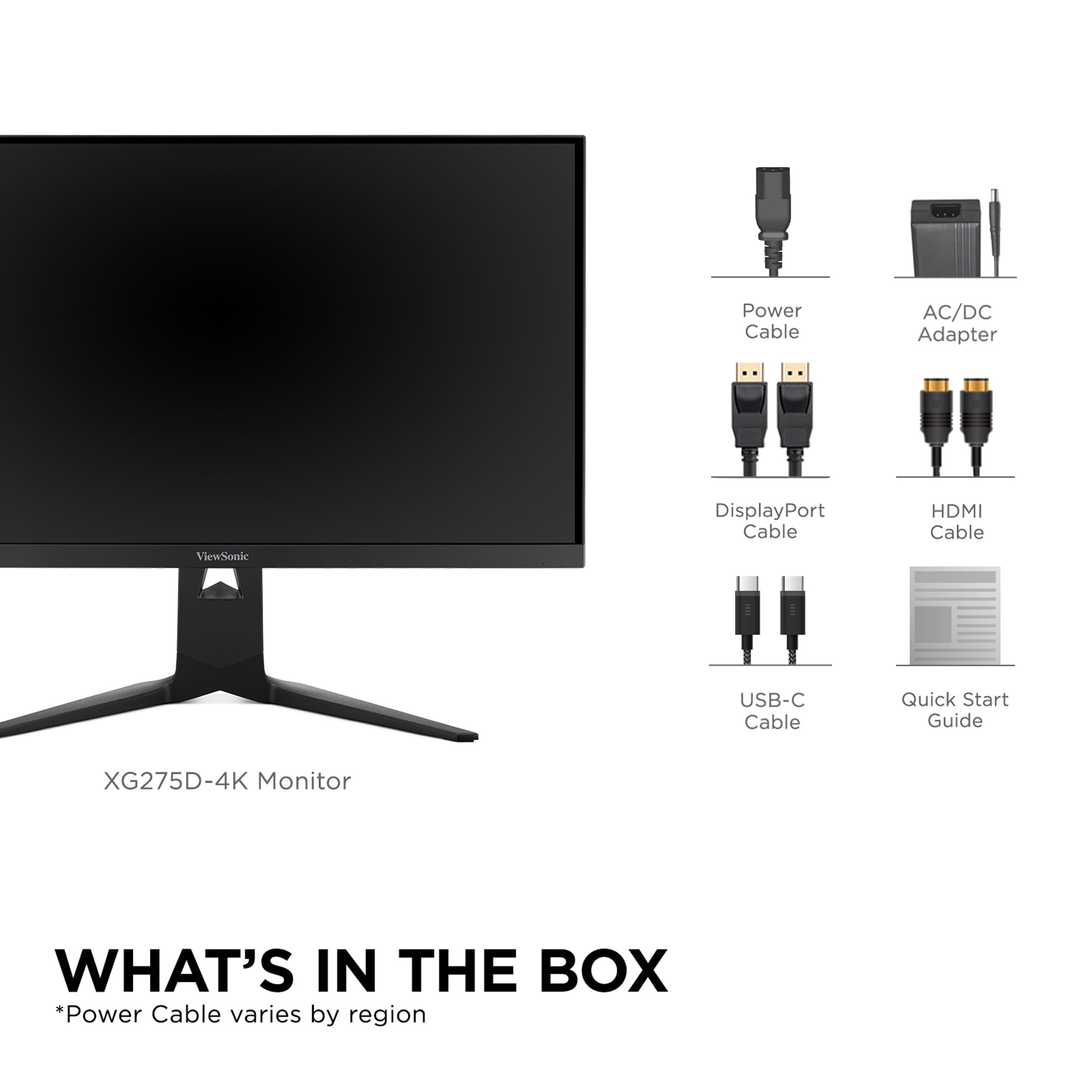
Both monitors support laptop connectivity, but the ViewSonic XG275D-4K offers superior convenience with its USB-C port that provides 65W power delivery. This means you can connect and charge compatible laptops with a single cable. The Alienware AW2724HF requires separate video and power cables but includes a USB hub for connecting peripherals to your laptop setup.
The ViewSonic XG275D-4K provides wider color coverage with 94% DCI-P3 and 128% sRGB, making it better for content creation and color-critical work. The Alienware AW2724HF focuses on accurate sRGB coverage at 99%, which is perfectly adequate for gaming but less versatile for professional applications. If you do any photo editing or content creation alongside gaming, the ViewSonic is the clear choice.
The ViewSonic XG275D-4K excels at productivity with its sharp 4K resolution making text incredibly crisp and providing ample screen real estate for multitasking. The Alienware AW2724HF can handle basic productivity tasks, but the 1080p resolution on a 27-inch display may show pixelation in text and fine details. For mixed gaming and work use, the ViewSonic is significantly better.
Both monitors offer excellent ergonomic adjustments, but with different focuses. The ViewSonic XG275D-4K provides 130mm of height adjustment and comprehensive positioning options with a professional appearance. The Alienware AW2724HF features a space-saving hexagonal base design with RGB lighting and includes a retractable headset hanger, making it more gaming-focused in its ergonomic features.
The ViewSonic XG275D-4K is more future-proof with its 4K capability and USB-C connectivity, ensuring compatibility with upcoming games and devices that will leverage higher resolutions. As graphics cards become more powerful, the 4K performance will become increasingly valuable. The Alienware AW2724HF delivers peak performance today but may feel limited as 4K gaming becomes more mainstream and accessible.
The fundamental choice is between versatility and specialization. The ViewSonic XG275D-4K offers a "best of both worlds" approach with switchable 4K/high-refresh modes, making it ideal for gamers who want one monitor for everything. The Alienware AW2724HF is a specialized esports weapon that maximizes competitive performance at a lower price point, perfect for dedicated competitive gamers who prioritize speed above all else.
We've done our best to create useful and informative comparisons to help you decide what product to buy. Our research uses advanced automated methods to create this comparison and perfection is not possible - please contact us for corrections or questions. These are the sites we've researched in the creation of this article: cgmagonline.com - gamingshogun.com - techpowerup.com - notebookcheck.net - bestbuy.com - newegg.com - techpowerup.com - shi.com - viewsonic.com - viewsonic.com - prnewswire.com - viewsonic.com - viewsonic.com - shop.avispl.com - guru3d.com - viewsonic.com - viewsonic.com - viewsonic.com - viewsonic.com - bestbuy.com - gamesradar.com - bestbuy.com - rtings.com - windowscentral.com - youtube.com - techpowerup.com - dell.com - dellonline.ae - dellonline.co.za - files.bbystatic.com - mysoft.hu - pcgamermexico.com - displayspecifications.com - gzhls.at - bestbuy.com - device.report - newegg.com - multitronic.fi - youtube.com

Privacy Policy
Terms and Conditions - Affiliate Policy
Home Security
© Copyright 2008-2026.
11816 Inwood Rd #1211, Dallas, TX 75244