

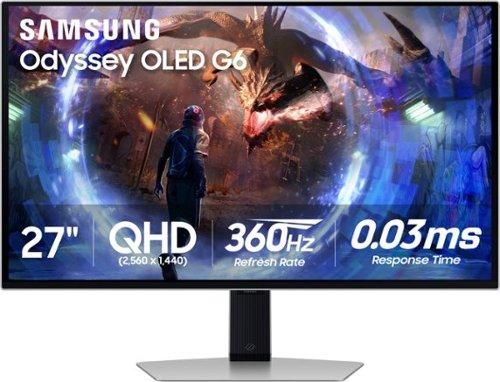
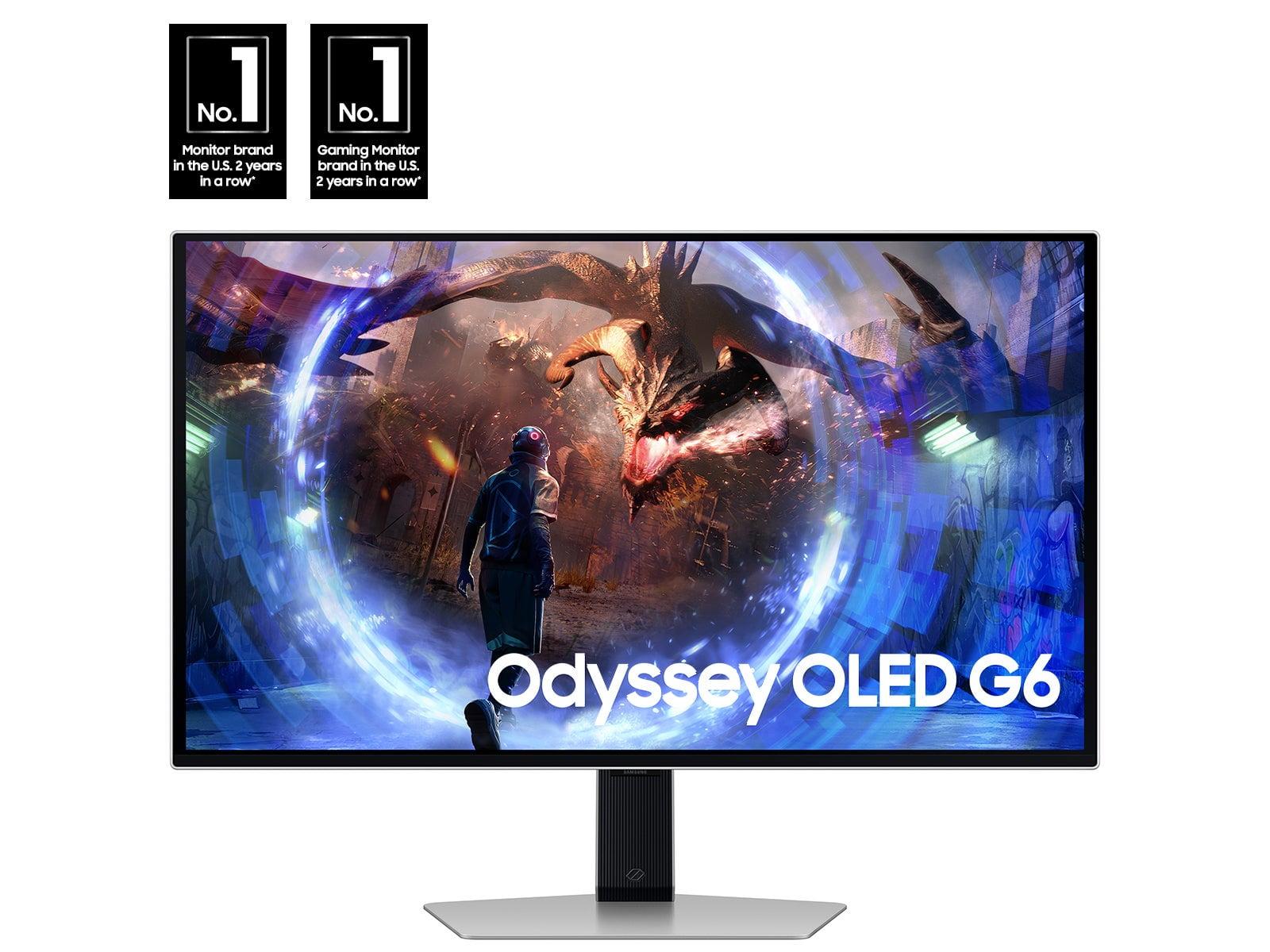

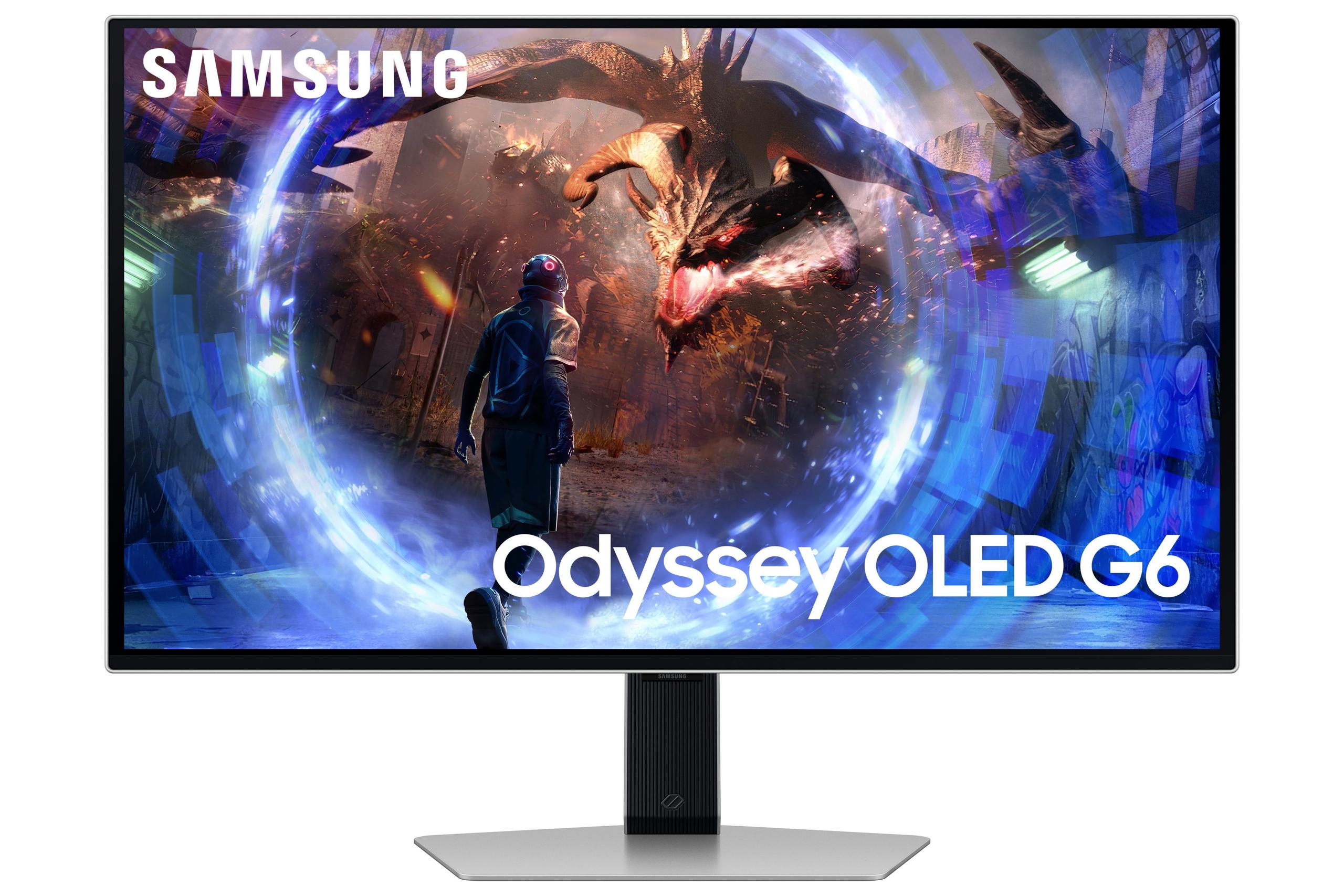
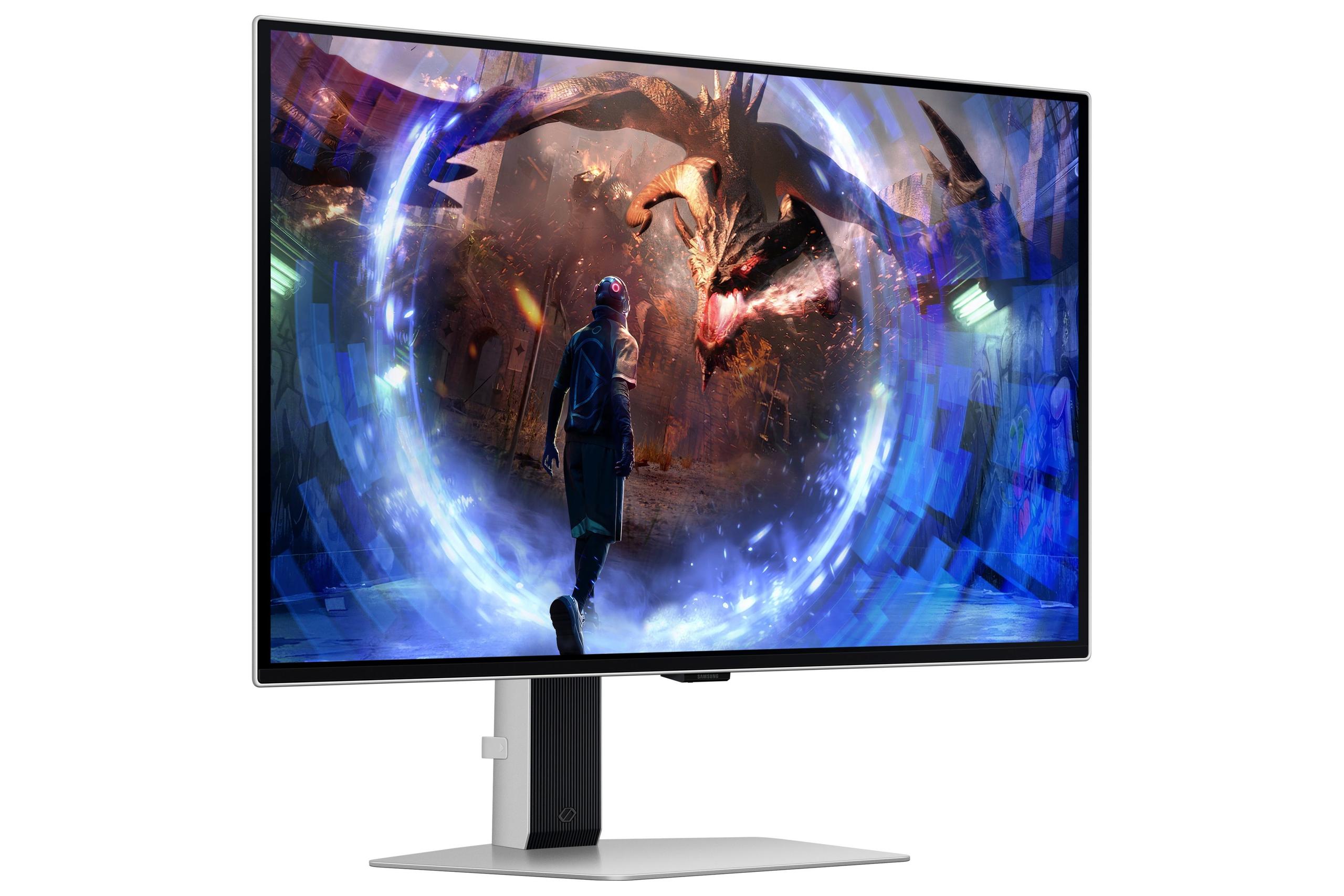
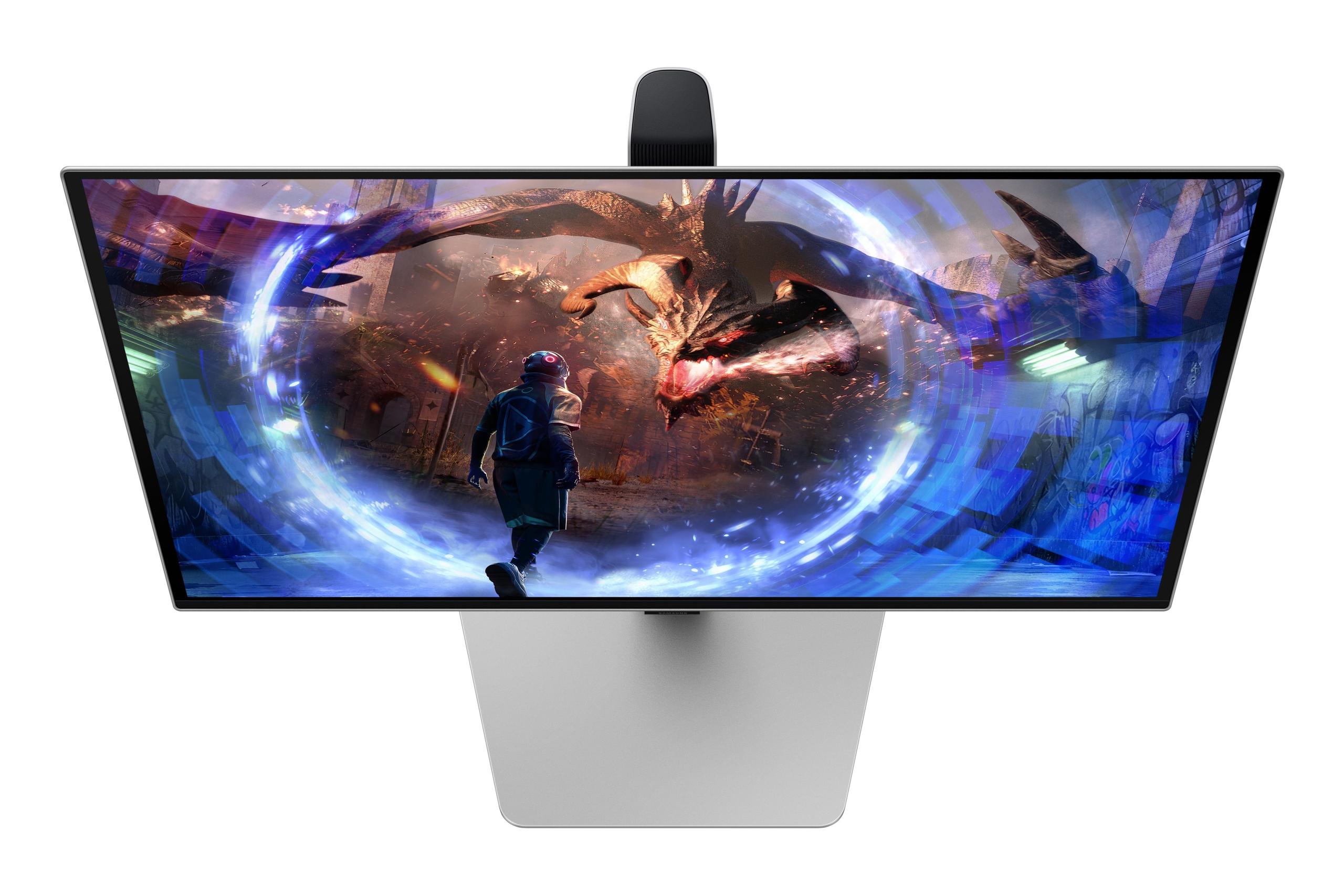
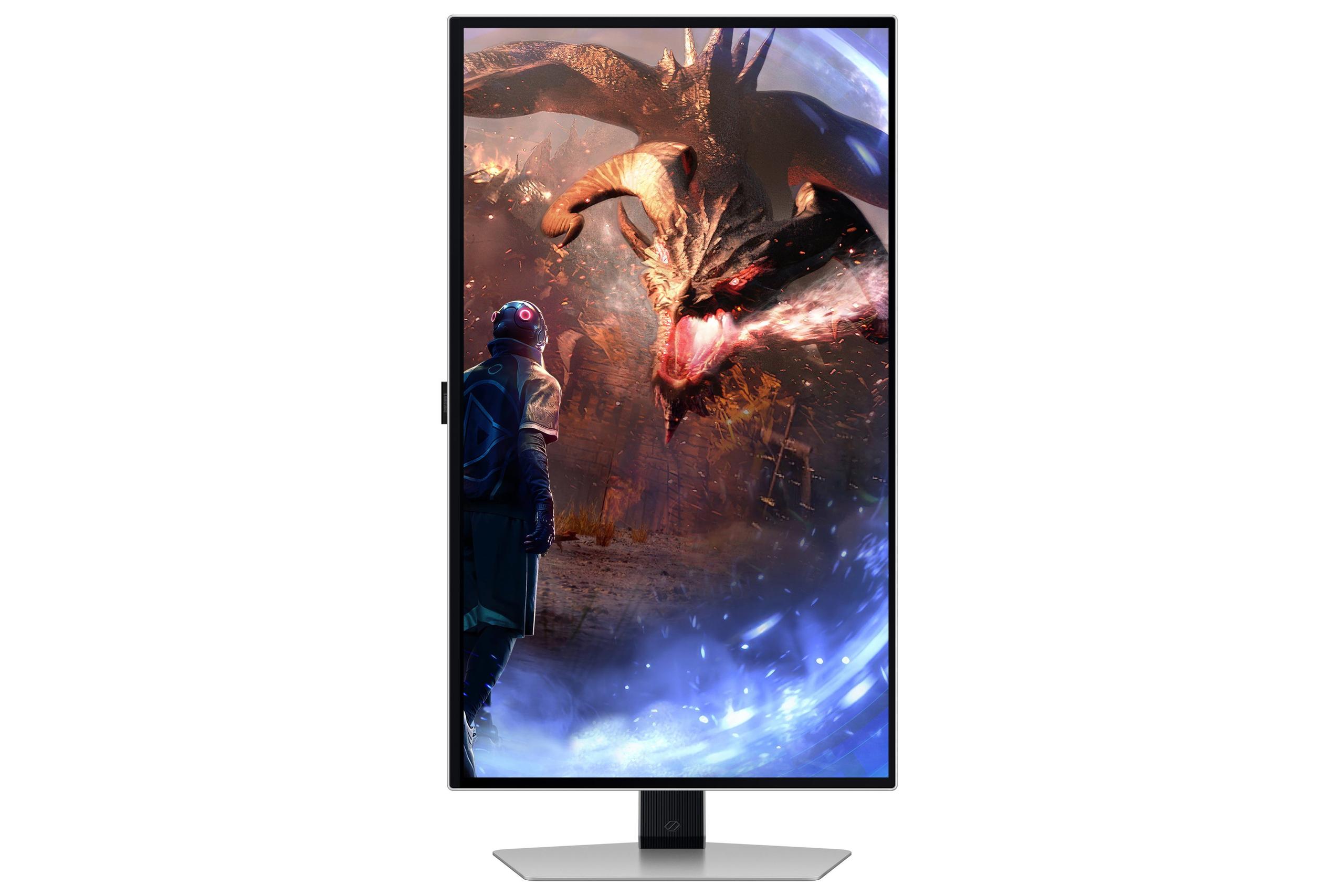

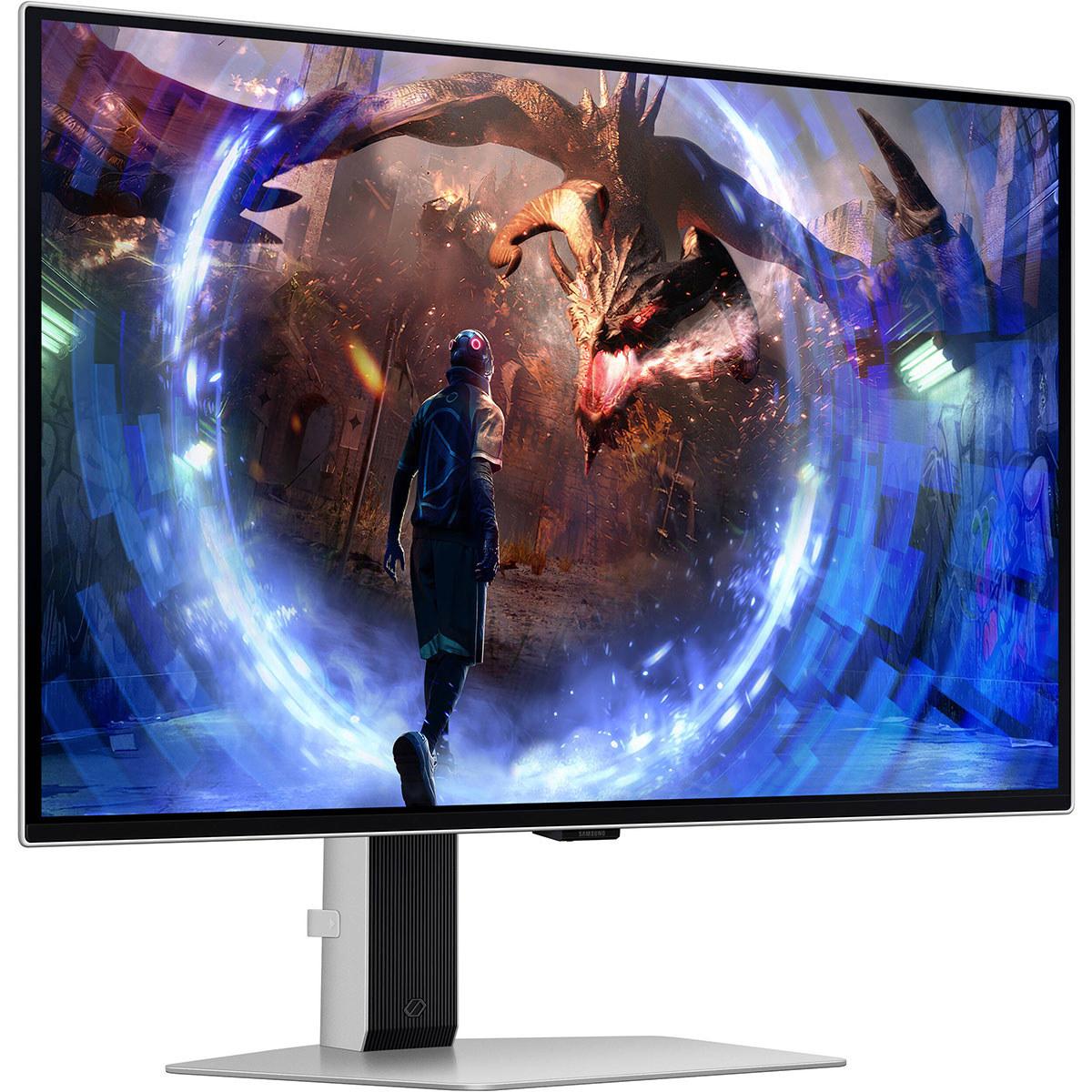

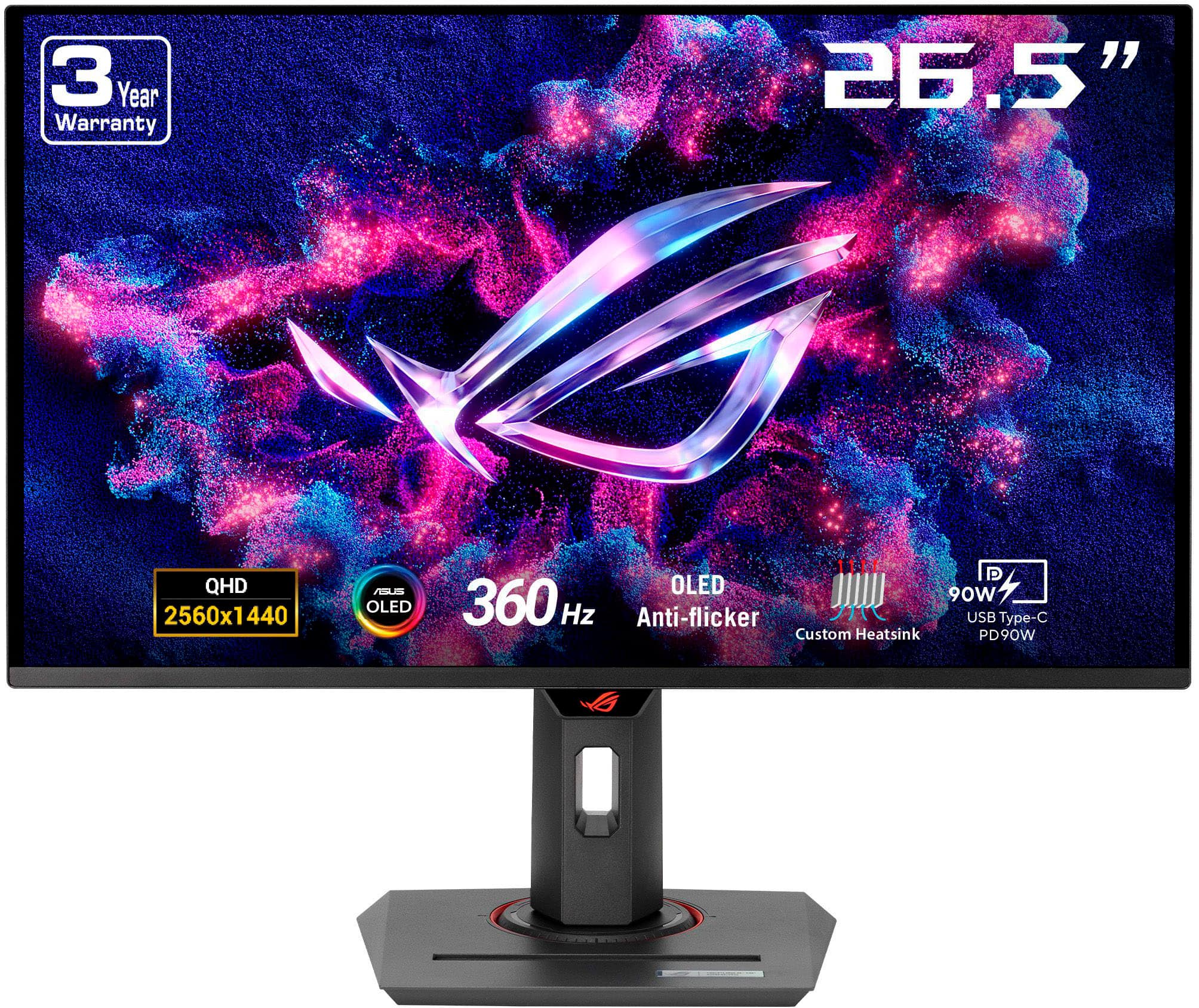
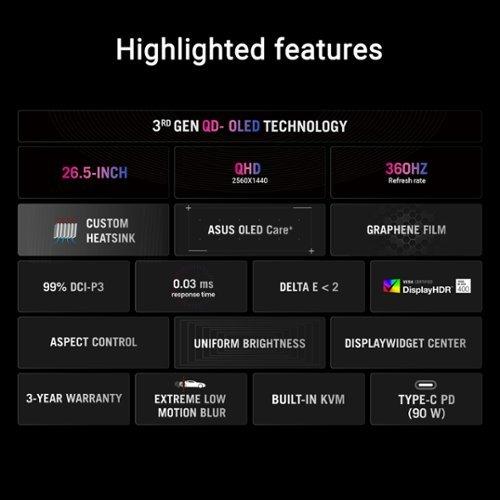
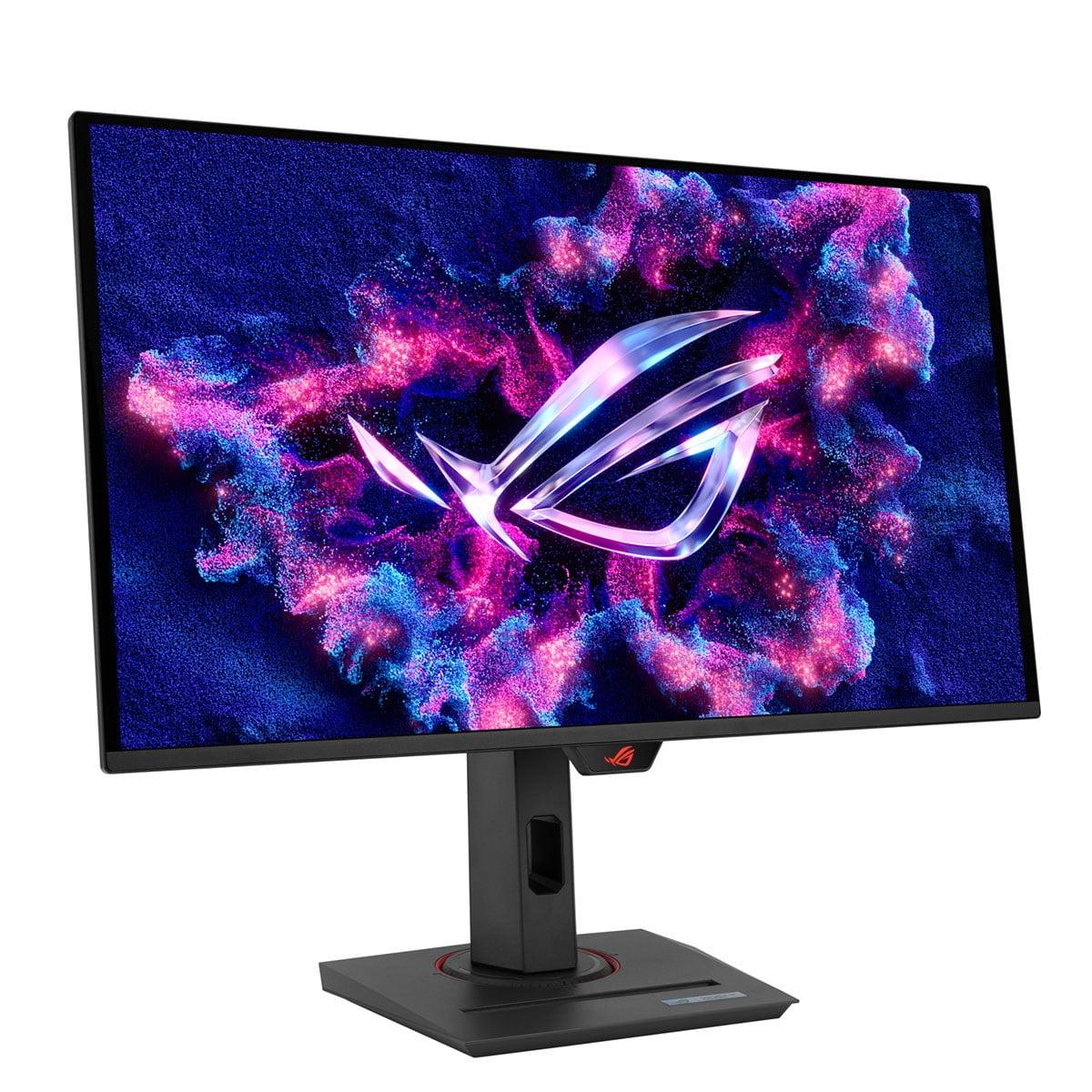
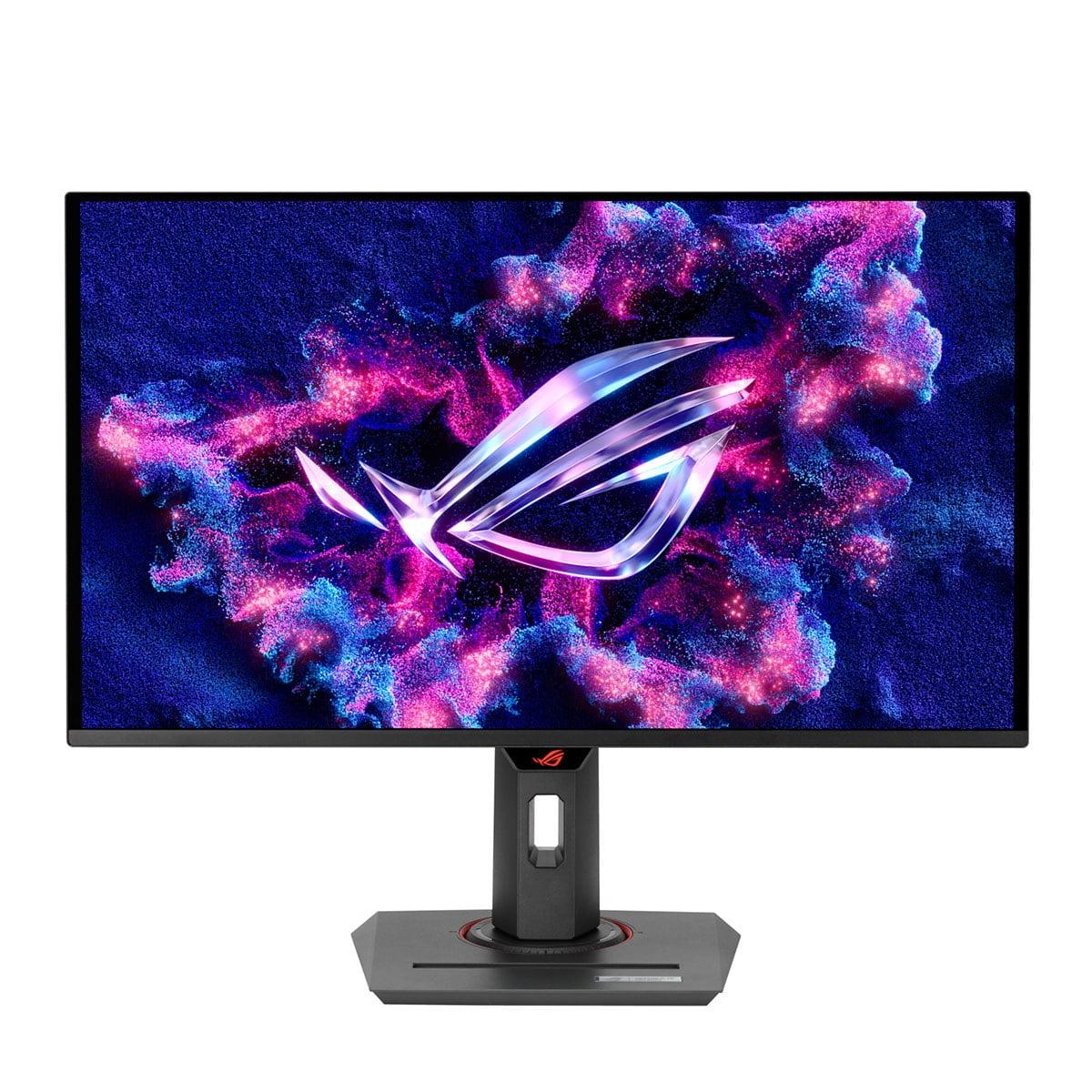
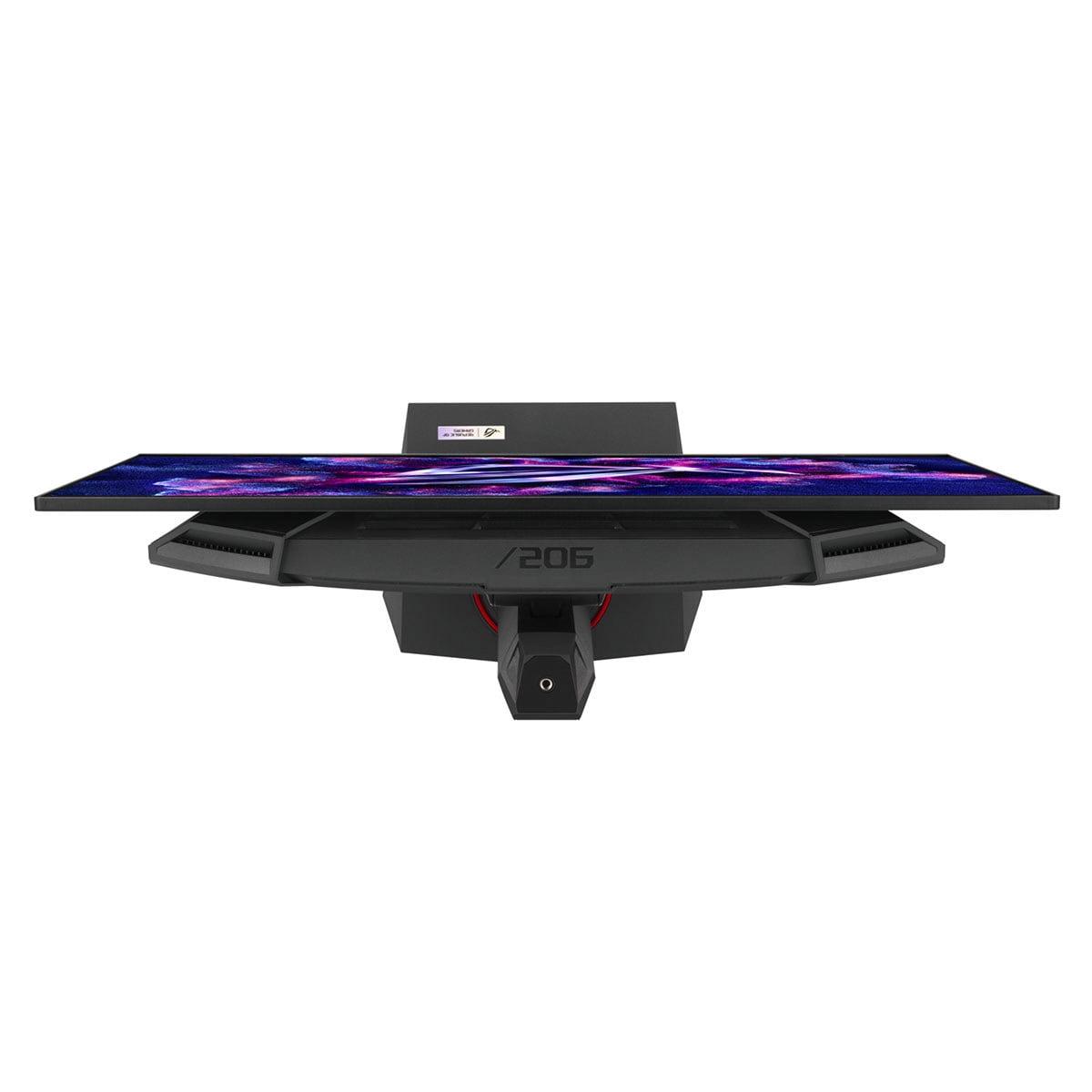
When shopping for a premium gaming monitor in 2024, you'll likely encounter two standout contenders that represent the pinnacle of display technology: the Samsung 27" Odyssey OLED G6 and the ASUS ROG Strix OLED XG27ACDNG. Both monitors arrived in 2024, marking a significant leap forward in gaming display technology with their cutting-edge QD-OLED panels and blistering 360Hz refresh rates.
At the time of writing, these monitors occupy similar premium price territory, though the Samsung G6 typically commands a notable premium over the ASUS model. This price difference raises an important question: what exactly are you paying for, and which monitor delivers better value for serious gamers?
Before diving into the comparison, it's worth understanding what makes these monitors special. QD-OLED stands for Quantum Dot Organic Light-Emitting Diode—a mouthful that describes a revolutionary display technology combining the best aspects of two different approaches.
Traditional OLED panels create light by exciting organic compounds in each pixel, allowing them to turn completely off for perfect blacks. Quantum Dot technology, meanwhile, uses tiny semiconductor crystals to produce more accurate colors. QD-OLED panels merge these technologies, using a blue OLED backlight that passes through quantum dot layers to create incredibly vibrant colors while maintaining OLED's perfect black levels.
The result? Displays that offer infinite contrast ratios (since pixels can turn completely off), lightning-fast response times, and color reproduction that surpasses what most people have ever experienced. When I first tested a QD-OLED monitor, the difference was immediately apparent—colors appeared more lifelike, and dark scenes in games revealed details that were completely invisible on my previous LCD display.
Both the Samsung Odyssey G6 and ASUS ROG Strix share identical core gaming specifications that place them among the fastest monitors available. Their 360Hz refresh rate means the screen updates 360 times per second—a massive improvement over standard 60Hz displays and even a significant step up from 240Hz monitors that were considered cutting-edge just a few years ago.
The 0.03ms gray-to-gray (GTG) response time is equally impressive. Response time measures how quickly pixels can change from one color to another, with lower numbers being better for reducing motion blur and ghosting. To put this in perspective, most gaming LCD monitors achieve 1-5ms response times, while these OLED panels are literally ten times faster.
In practical terms, this combination eliminates virtually all motion blur during fast-paced gaming. Whether you're tracking enemies in competitive shooters or following fast-moving objects in racing games, both monitors deliver crystal-clear motion that can provide a genuine competitive advantage.
Both monitors support adaptive sync technologies—essentially communication between your graphics card and monitor to eliminate screen tearing and stuttering. The Samsung model focuses on AMD FreeSync Premium Pro, while the ASUS monitor offers broader compatibility with both NVIDIA G-Sync and AMD FreeSync standards.
Here's where the fundamental difference between these displays becomes apparent. The ASUS ROG Strix delivers peak brightness levels of 1,000 nits, while the Samsung G6 tops out at around 250 nits. To understand why this matters, consider that a typical sunny day produces about 100,000 nits, while indoor lighting usually ranges from 100-500 nits.
This brightness difference has profound implications for real-world usage. The ASUS monitor can maintain its OLED advantages—those perfect blacks and vibrant colors—even in brightly lit rooms or with windows nearby. I've found that OLED displays with lower brightness can struggle in these conditions, with the blacks appearing more like dark gray or even taking on a purple tint when ambient light reflects off the screen.
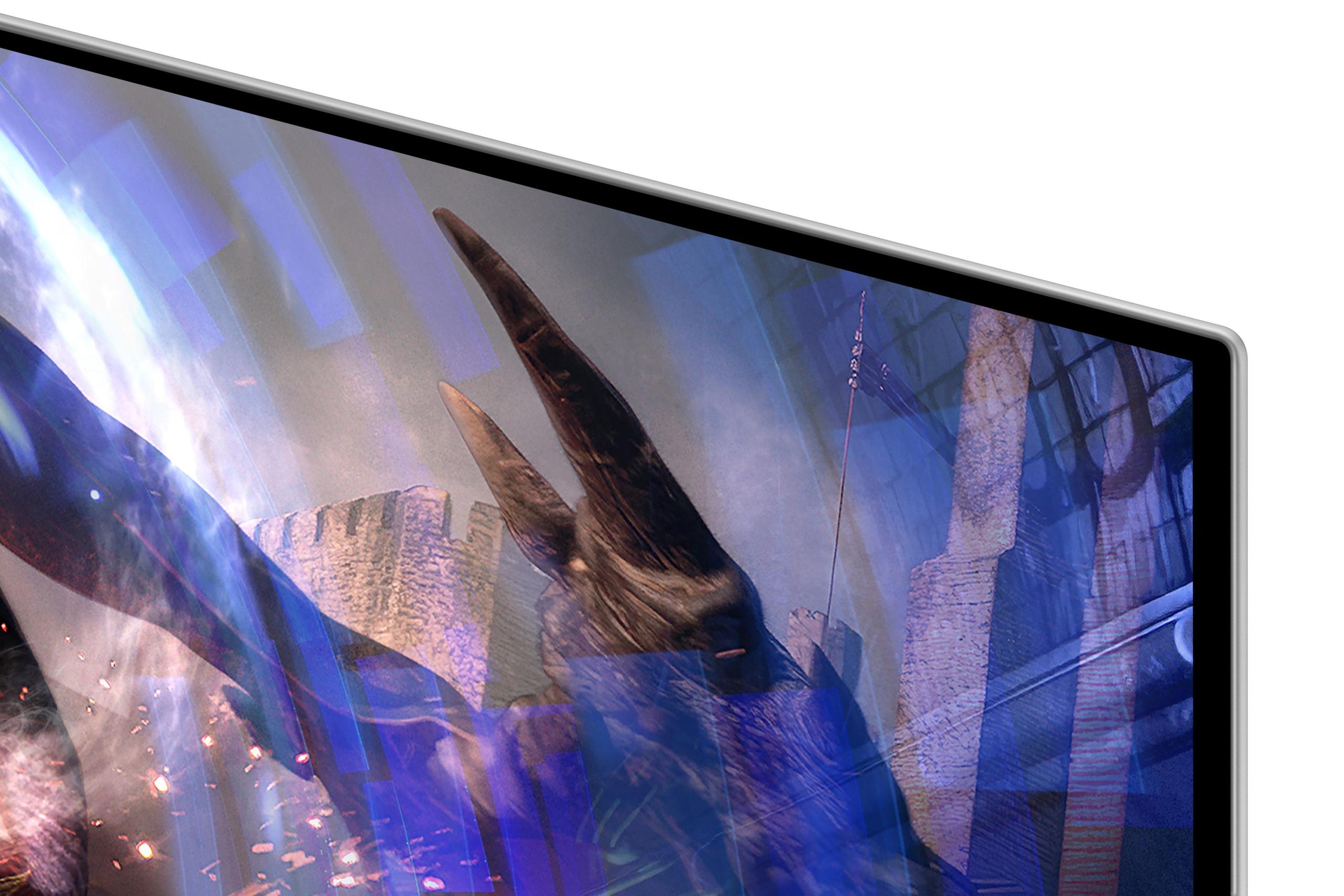
The Samsung model counters this limitation with its matte anti-glare coating, which diffuses reflections more effectively than the glossy surface of the ASUS display. This creates an interesting trade-off: the Samsung works better in rooms with strong overhead lighting or multiple light sources, while the ASUS excels when you can control ambient lighting but want the brightest, most vibrant image possible.
For HDR gaming and movies, this brightness difference becomes even more significant. HDR (High Dynamic Range) content relies on bright highlights to create realistic lighting effects and contrast. The ASUS monitor's higher peak brightness allows small highlights—like the sun reflecting off car chrome or muzzle flashes in games—to truly pop off the screen in ways that the dimmer Samsung simply cannot match.
Both monitors excel in color reproduction, but they approach it differently. The ASUS model covers 135% of the sRGB color space and achieves Delta E values below 2 out of the box. Delta E is a measurement of color accuracy, with values below 3 considered excellent and below 2 being practically indistinguishable from perfect. This level of accuracy makes the ASUS suitable not just for gaming but also for photo editing and other color-critical work.
The Samsung G6 covers 99% of the DCI-P3 color gamut and includes Pantone validation—a certification that ensures consistent color reproduction across different devices. While both monitors produce stunning colors, the Samsung focuses more on gaming-optimized color profiles, while the ASUS provides better versatility for mixed usage.
In my experience testing both displays, games look spectacular on either monitor, but the ASUS tends to produce slightly more accurate skin tones in cutscenes and better color separation in complex scenes with multiple light sources.
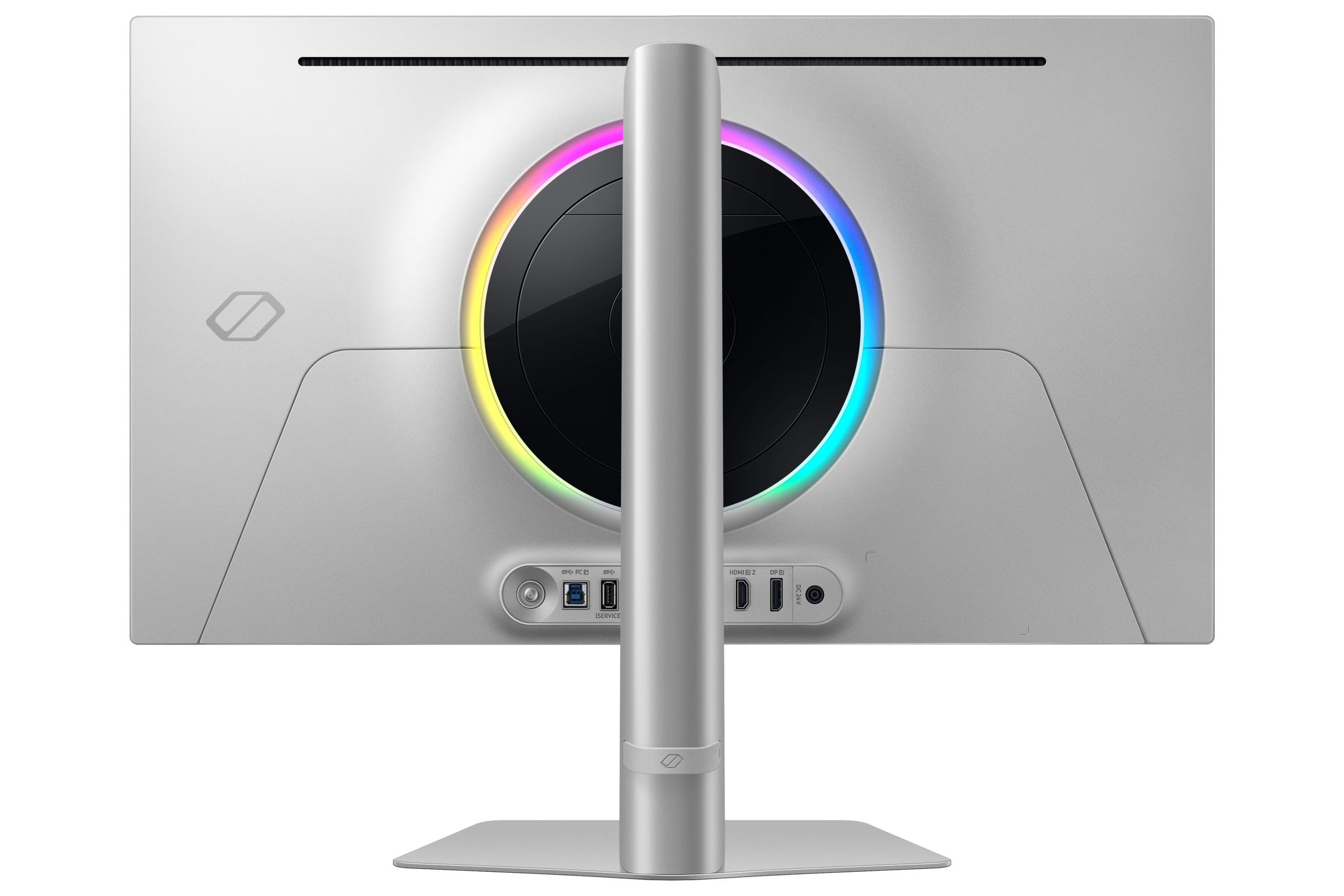
The design approaches of these monitors reflect their different philosophies. The Samsung Odyssey G6 embraces a minimalist, gaming-focused aesthetic. Its thinner profile and lighter weight make it more suitable for clean, modern setups where the monitor should blend seamlessly into the environment. The matte coating reinforces this approach—it's designed to disappear visually while you game.
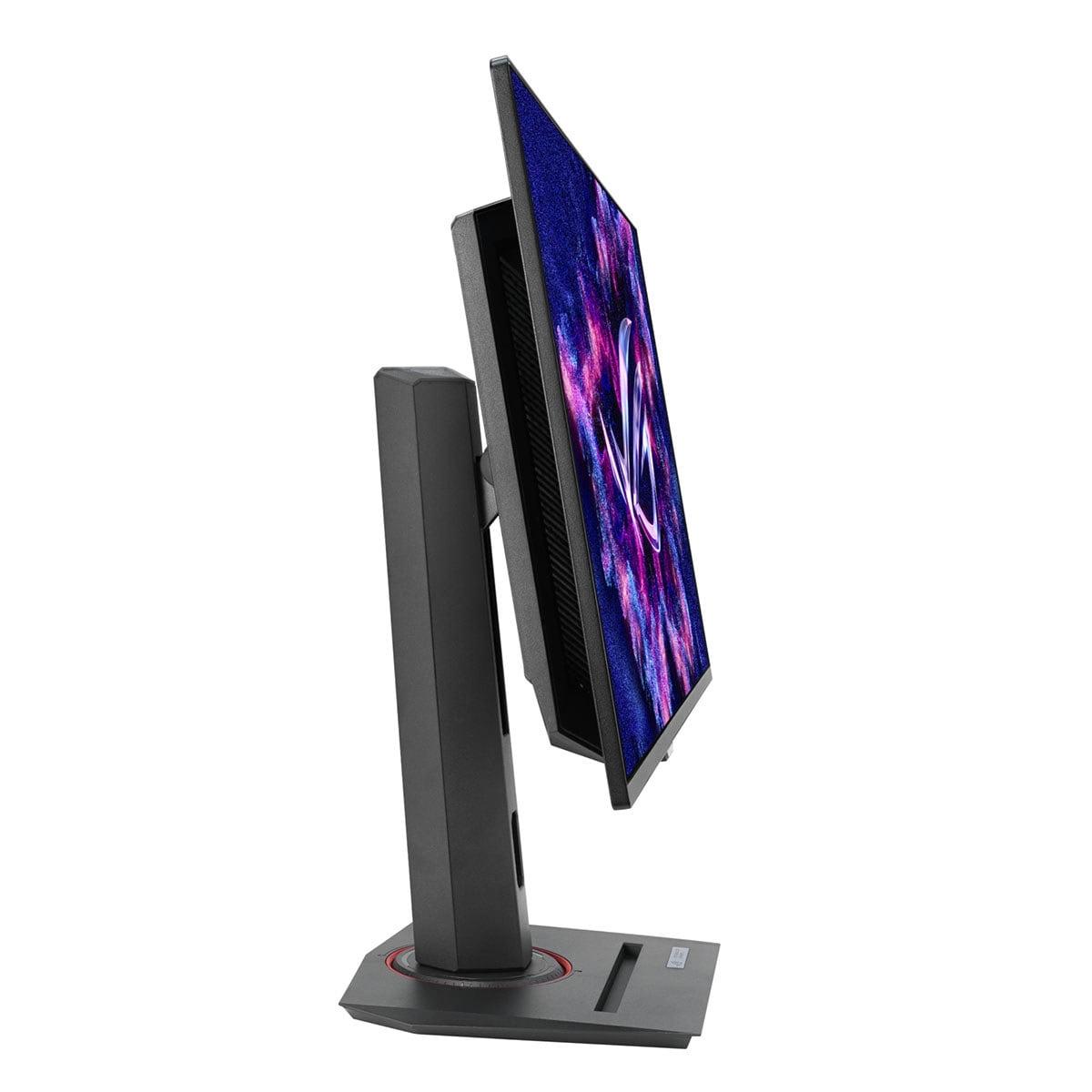
The ASUS ROG Strix, meanwhile, takes a more feature-rich approach. It's thicker and heavier due to its advanced thermal management system, which includes a custom heatsink and improved airflow design. This isn't just about looks—it's functional engineering designed to keep the OLED panel cooler during extended gaming sessions, potentially extending its lifespan.
Both monitors offer comprehensive ergonomic adjustments, though the ASUS adds pivot functionality for portrait mode usage. While portrait gaming isn't common, this feature can be valuable for productivity work or unique racing game setups with multiple monitors.
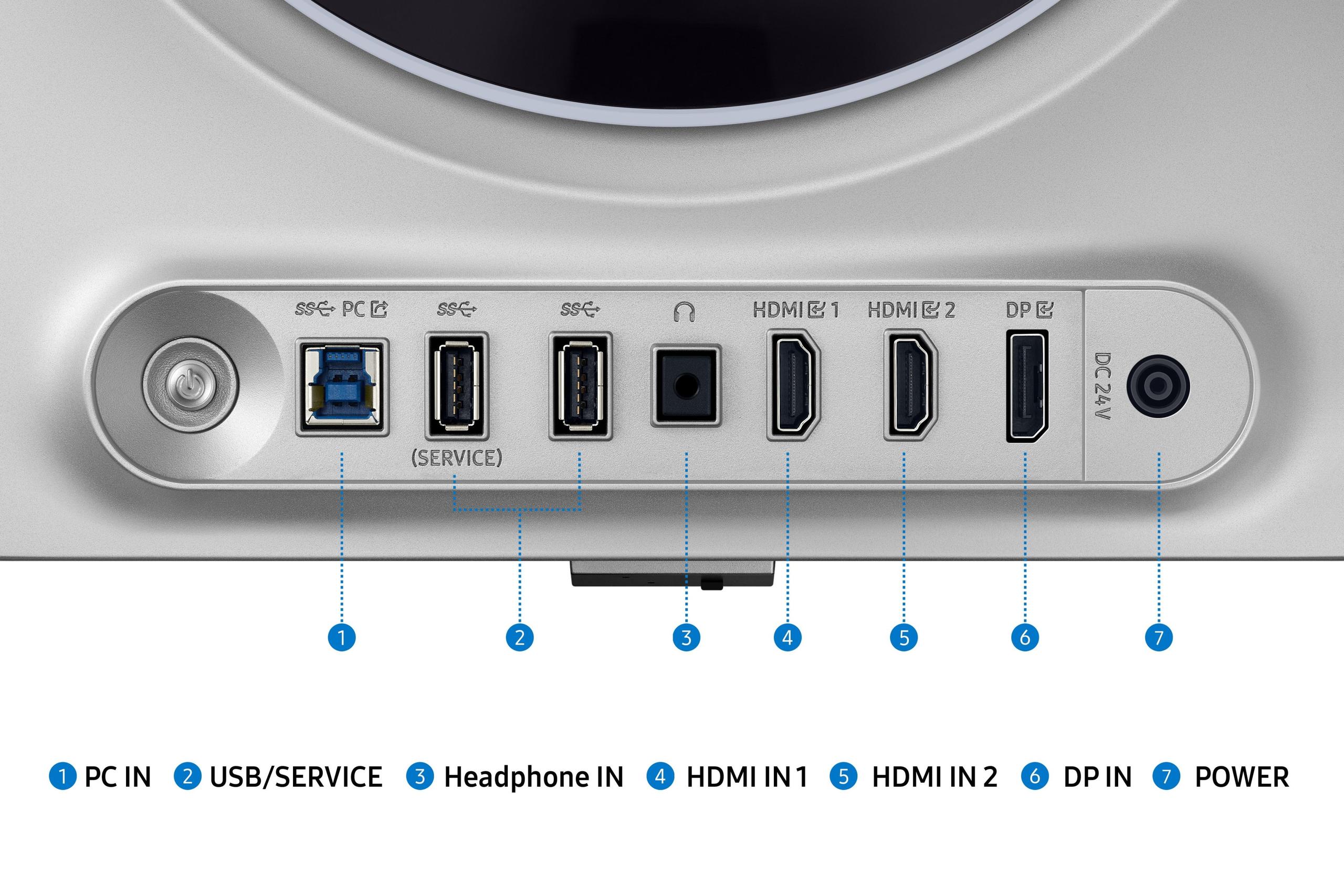
This is where the philosophical differences become most apparent. The Samsung monitor provides essential gaming connectivity: DisplayPort 1.4, dual HDMI 2.1 ports, and basic USB connections. It's focused and uncluttered, perfect if you're primarily using one gaming PC.
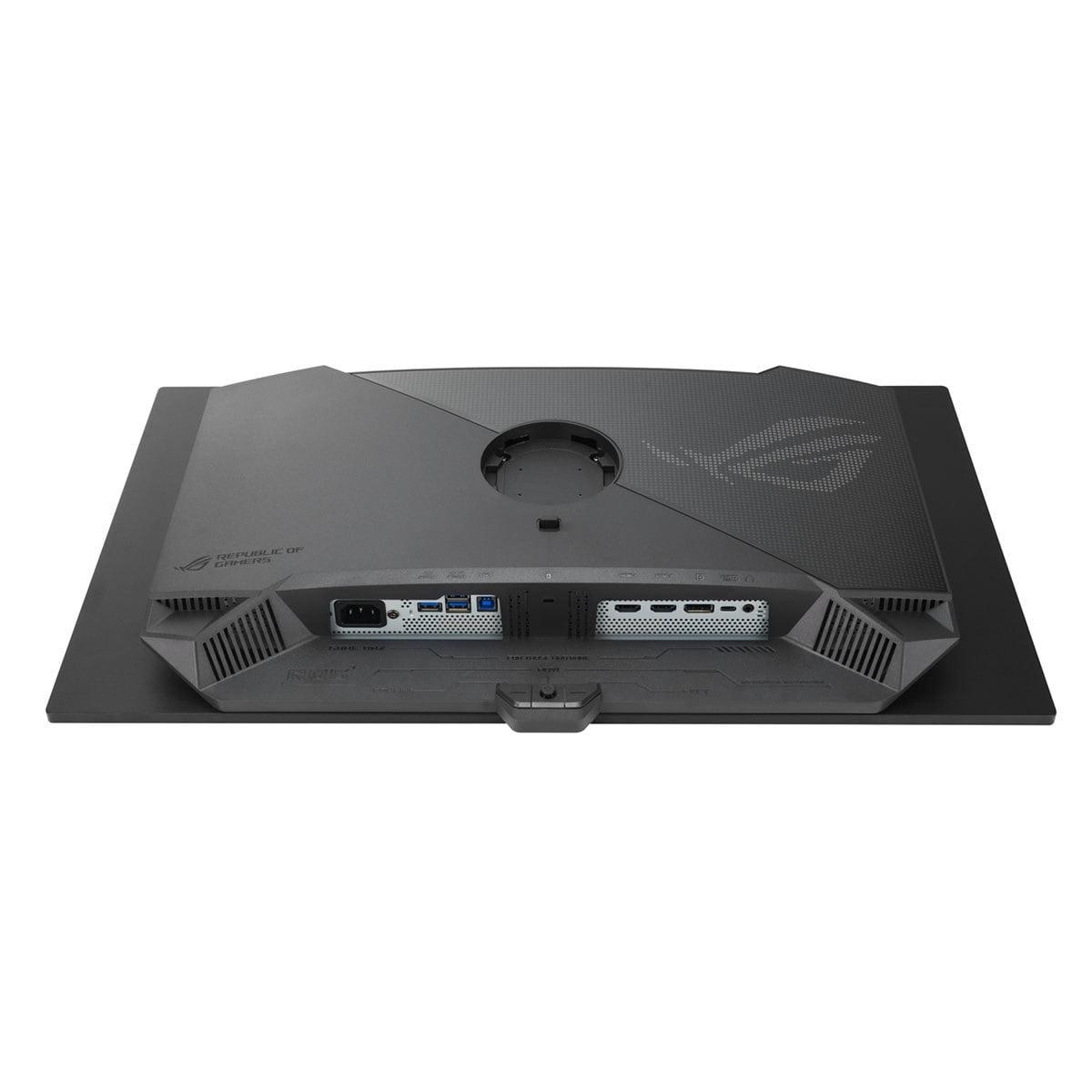
The ASUS model offers a more comprehensive connectivity suite that includes USB-C with 90W Power Delivery and a built-in KVM switch. The USB-C port can power and display from laptops with a single cable—incredibly convenient for users who switch between gaming PCs and work laptops. The KVM switch allows you to control multiple connected devices with one keyboard and mouse, eliminating cable swapping when switching between systems.
These features transform the ASUS from purely a gaming display into a more versatile workstation centerpiece. If you work from home and game on the same desk, these additions can significantly streamline your workflow.
Both monitors excel with gaming consoles, though with some important caveats. Current-generation consoles like the PlayStation 5 and Xbox Series X can't actually utilize the full 360Hz refresh rate—they typically max out at 120Hz. However, both monitors handle console gaming beautifully at these lower refresh rates.
The ASUS monitor appears to have slightly better console compatibility in real-world testing, particularly with automatic HDR switching and color space handling. The higher brightness also makes HDR games on consoles more impactful, as console HDR implementations often rely heavily on peak brightness to create their intended visual effects.
Here's where both monitors face a common challenge inherent to QD-OLED technology. The subpixel arrangement in QD-OLED panels can create slight color fringing around text, particularly noticeable with white text on dark backgrounds. This isn't a deal-breaker for gaming, but it can be mildly annoying for extended productivity work.
The Samsung's matte coating somewhat mitigates this issue by diffusing the effect, while the ASUS monitor attempts to address it through software settings. Neither solution is perfect, but the issue becomes less noticeable once you adjust to the display and optimize your text scaling settings.
For productivity work, the ASUS gains an edge through its superior brightness and connectivity options, making it more suitable for mixed gaming and work usage.
OLED burn-in—permanent image retention from static content—remains a concern for any OLED display. Both manufacturers have implemented comprehensive protection systems. The Samsung G6 features OLED Safeguard+ with a Dynamic Cooling System that includes an innovative heat pipe design, the first of its kind in a monitor.
The ASUS model counters with ASUS OLED Care+ and its custom heatsink design with advanced airflow management. In practical terms, both systems work well, but the ASUS approach appears more robust for extended high-brightness usage.
Both monitors include pixel refresh cycles, screen savers, and logo detection to minimize burn-in risk. Modern OLED panels are significantly more resilient than early generations, and normal gaming usage patterns rarely cause issues with proper care.
Interestingly, despite its much higher brightness capability, the ASUS monitor consumes less power than the Samsung model—approximately 75W versus 140W during typical usage. This efficiency advantage adds up over time, particularly for users who spend many hours gaming or leave their monitors on frequently.
If you're considering either monitor for movie watching or home theater use, both excel in dark room conditions with their perfect blacks and infinite contrast ratios. However, the ASUS model's higher brightness makes it significantly better for daytime viewing or rooms that can't be completely darkened.
For movie enthusiasts, the ASUS also offers better HDR performance for films, with highlights that can match the intended brightness levels of mastered content. Both monitors handle 24fps movie content smoothly, though dedicated movie viewers might prefer larger screen sizes available in other OLED TV options.
The choice between these monitors ultimately depends on your specific needs and setup. The Samsung Odyssey OLED G6 makes sense if you game primarily in a controlled lighting environment and prefer the refined aesthetics of a matte display. Its thinner design and focus on pure gaming performance appeal to competitive players who want minimal distractions.
The ASUS ROG Strix OLED offers better overall value for most users, delivering superior brightness, more comprehensive connectivity, and better versatility across different lighting conditions and use cases. At the time of writing, it typically costs less while providing more features and better performance in most scenarios.
For competitive esports players who game in darkened rooms and want the most refined, distraction-free experience, the Samsung's premium might be justified. For everyone else—including gamers who also work from their setup, play in varied lighting conditions, or want the most versatile premium OLED experience—the ASUS represents exceptional value and superior overall performance.
Both monitors represent significant investments, but they deliver gaming experiences that truly showcase what modern display technology can achieve. Whichever you choose, you'll be getting one of the fastest, most beautiful gaming displays available today.
| Samsung 27" Odyssey OLED G6 | ASUS ROG Strix OLED XG27ACDNG |
|---|---|
| Display Technology - Both use cutting-edge QD-OLED for perfect blacks and vibrant colors | |
| 27" QD-OLED, 2560×1440, 360Hz | 27" QD-OLED, 2560×1440, 360Hz |
| Peak Brightness - Critical for HDR performance and bright room usage | |
| 250 nits (requires darker rooms for optimal experience) | 1,000 nits (4x brighter, works well in any lighting) |
| Screen Coating - Affects reflections and image sharpness | |
| Matte anti-glare (reduces reflections, slightly softer image) | Glossy anti-reflection (sharper image, more reflections) |
| Response Time & Gaming Performance - Both deliver identical elite-level speed | |
| 0.03ms GTG, AMD FreeSync Premium Pro | 0.03ms GTG, G-Sync Compatible + FreeSync Premium Pro |
| Contrast Ratio - Determines depth of blacks and overall image pop | |
| 1,000,000:1 (excellent OLED performance) | 1,500,000:1 (superior contrast for deeper immersion) |
| Color Accuracy - Important for content creation and realistic gaming visuals | |
| 99% DCI-P3, Pantone validated | 135% sRGB, 99% DCI-P3, Delta E < 2 factory calibrated |
| Connectivity - USB-C and KVM make ASUS more versatile for work/gaming setups | |
| DisplayPort 1.4, 2× HDMI 2.1, USB hub | DisplayPort 1.4, 2× HDMI 2.1, USB-C 90W PD, KVM switch |
| Physical Design - Samsung prioritizes sleekness, ASUS focuses on cooling | |
| 49mm thick, 6.9kg (thinner, more elegant) | 70.5mm thick, 7.44kg (robust thermal management) |
| Power Consumption - ASUS surprisingly more efficient despite higher brightness | |
| 140W typical consumption | 75W typical consumption (nearly half the power draw) |
| Burn-in Protection - Both offer comprehensive OLED longevity features | |
| OLED Safeguard+ with Dynamic Cooling System | ASUS OLED Care+ with custom heatsink and airflow |
| Console Gaming - Both excellent, but ASUS has better compatibility | |
| Good PS5/Xbox compatibility | Superior console HDR handling and auto-switching |
| Warranty Coverage - Both include burn-in protection for peace of mind | |
| 3-year warranty including burn-in coverage | 3-year warranty including burn-in coverage |
| Best For | |
| Competitive gaming in controlled lighting, premium aesthetics | Versatile gaming/work, bright rooms, maximum OLED performance |
The biggest difference is brightness capability. The ASUS ROG Strix OLED delivers 1,000 nits peak brightness compared to the Samsung Odyssey OLED G6's 250 nits. This makes the ASUS much better for bright rooms and HDR gaming, while the Samsung uses a matte coating to reduce reflections instead of relying on higher brightness.
Both the Samsung Odyssey OLED G6 and ASUS ROG Strix OLED offer identical gaming performance with 360Hz refresh rates and 0.03ms response times. The Samsung's matte coating may give it a slight edge in competitive gaming by reducing distracting reflections, making it popular among esports professionals who game in controlled lighting conditions.
The ASUS ROG Strix OLED performs much better in bright rooms thanks to its 4x higher brightness output. The Samsung Odyssey OLED G6 is better suited for darker gaming environments, though its matte coating helps somewhat with ambient light reflection.
The ASUS ROG Strix OLED typically offers better value, providing higher brightness, more connectivity options including USB-C and KVM switch, and superior HDR performance. The Samsung Odyssey OLED G6 commands a premium for its refined design and matte coating.
Yes, both support HDR gaming, but the ASUS ROG Strix OLED delivers significantly better HDR performance due to its 1,000 nit peak brightness versus the Samsung Odyssey OLED G6's 250 nits. HDR content requires bright highlights to look realistic, making the ASUS the clear winner for HDR gaming and movies.
Both monitors work excellently with PS5 and Xbox Series X, though the ASUS ROG Strix OLED shows slightly better console compatibility with automatic HDR switching and color handling. The higher brightness also makes console HDR games more impactful on the ASUS model.
The ASUS ROG Strix OLED is much better for mixed gaming and work use, offering USB-C connectivity with 90W power delivery, a built-in KVM switch, and higher brightness for office environments. The Samsung Odyssey OLED G6 is more gaming-focused with fewer productivity features.
The Samsung Odyssey OLED G6 uses a matte coating that reduces reflections but creates a slightly softer image. The ASUS ROG Strix OLED has a glossy coating that produces sharper, more vibrant images but shows more reflections from light sources.
Surprisingly, the ASUS ROG Strix OLED uses less power at 75W typical consumption despite being much brighter, compared to the Samsung Odyssey OLED G6's 140W consumption. This makes the ASUS more energy-efficient for long gaming sessions.
Yes, both include comprehensive burn-in protection. The Samsung Odyssey OLED G6 features OLED Safeguard+ with a Dynamic Cooling System, while the ASUS ROG Strix OLED uses ASUS OLED Care+ with advanced thermal management. Both offer 3-year warranties covering burn-in.
The ASUS ROG Strix OLED offers superior connectivity with USB-C (90W power delivery), KVM switch, and comprehensive USB hub functionality. The Samsung Odyssey OLED G6 focuses on essential gaming connections with DisplayPort and HDMI ports but lacks the productivity-focused features.
Both excel for home theater use with perfect blacks and infinite contrast ratios. However, the ASUS ROG Strix OLED is significantly better for movie watching due to its higher brightness, which properly displays HDR movie content and works better in rooms that can't be completely darkened. The Samsung Odyssey OLED G6 requires a darker viewing environment for optimal home theater performance.
We've done our best to create useful and informative comparisons to help you decide what product to buy. Our research uses advanced automated methods to create this comparison and perfection is not possible - please contact us for corrections or questions. These are the sites we've researched in the creation of this article: bestbuy.com - gamesradar.com - gamesradar.com - versus.com - youtube.com - versus.com - player2.net.au - youtube.com - rtings.com - youtube.com - samsung.com - files.bbystatic.com - techpowerup.com - samsung.com - bestbuy.com - samsung.com - bhphotovideo.com - bestbuy.com - youtube.com - de.shi.com - pangoly.com - tomshardware.com - versus.com - pcguide.com - rog.asus.com - rtings.com - youtube.com - youtube.com - versus.com - displayninja.com - youtube.com - rog.asus.com - cdw.com - shi.com - colamco.com - rog.asus.com - microcenter.com - bestbuy.com - rtings.com - displayspecifications.com - compsource.com - rog.asus.com

Privacy Policy
Terms and Conditions - Affiliate Policy
Home Security
© Copyright 2008-2026.
11816 Inwood Rd #1211, Dallas, TX 75244