

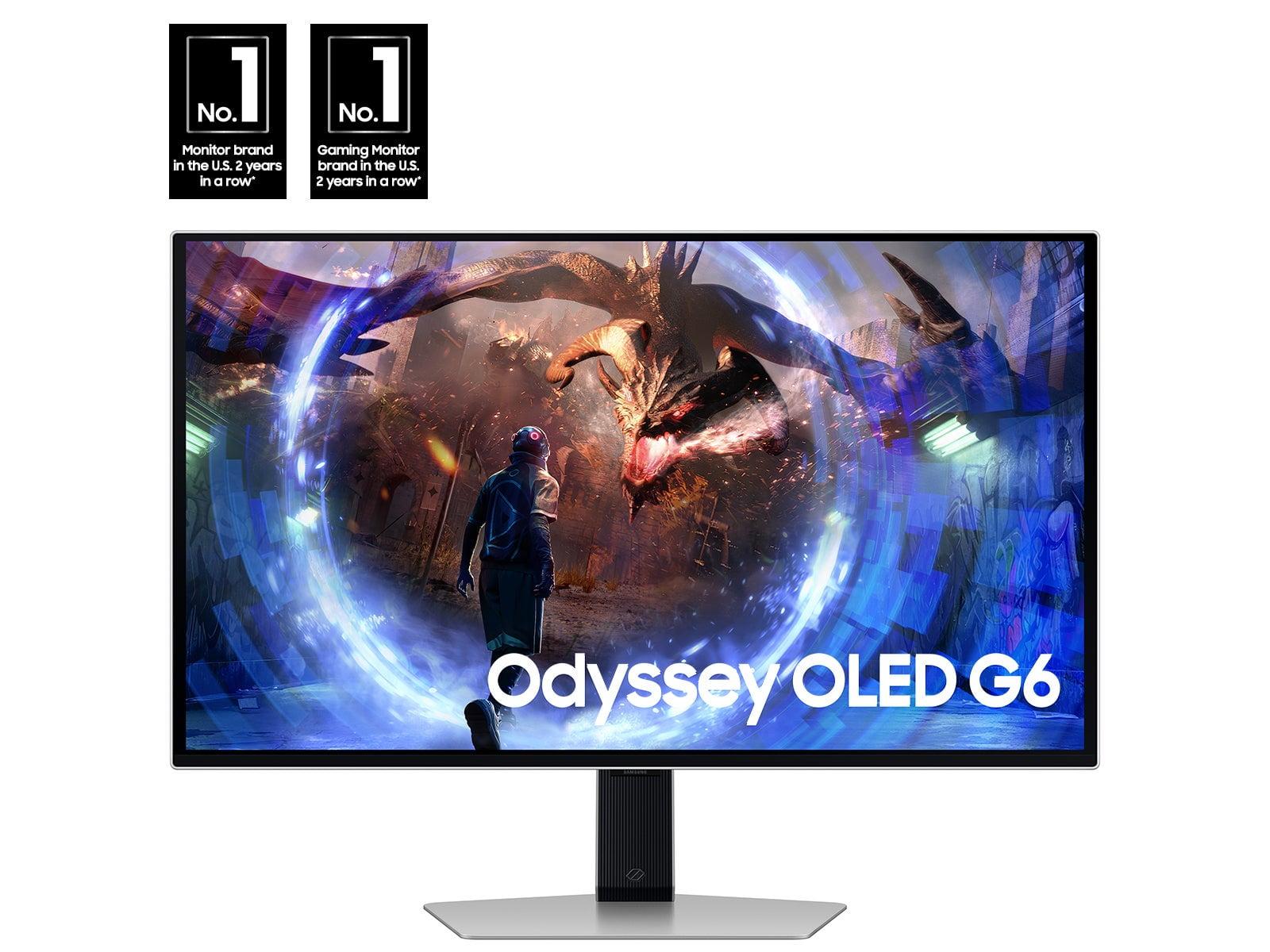

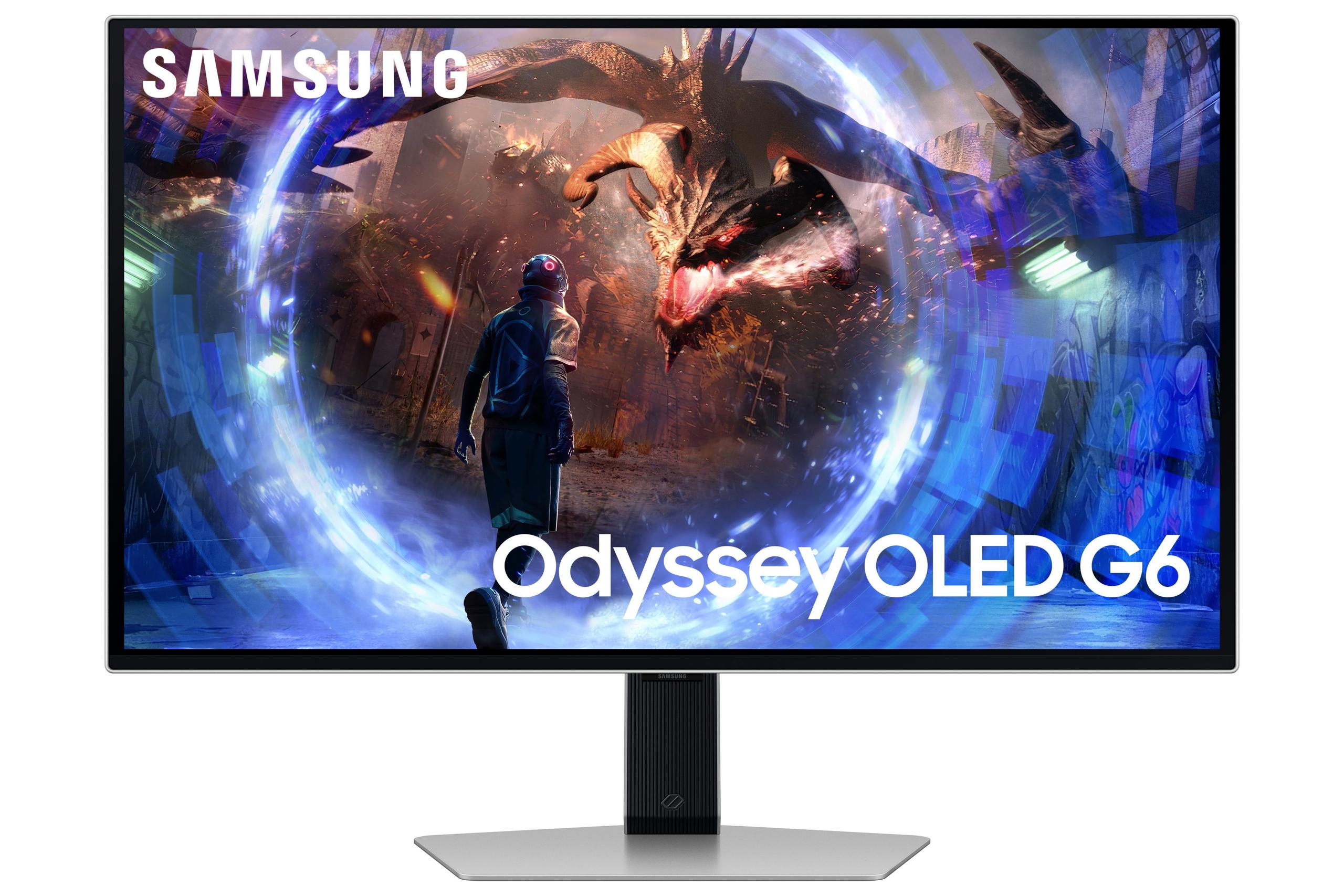
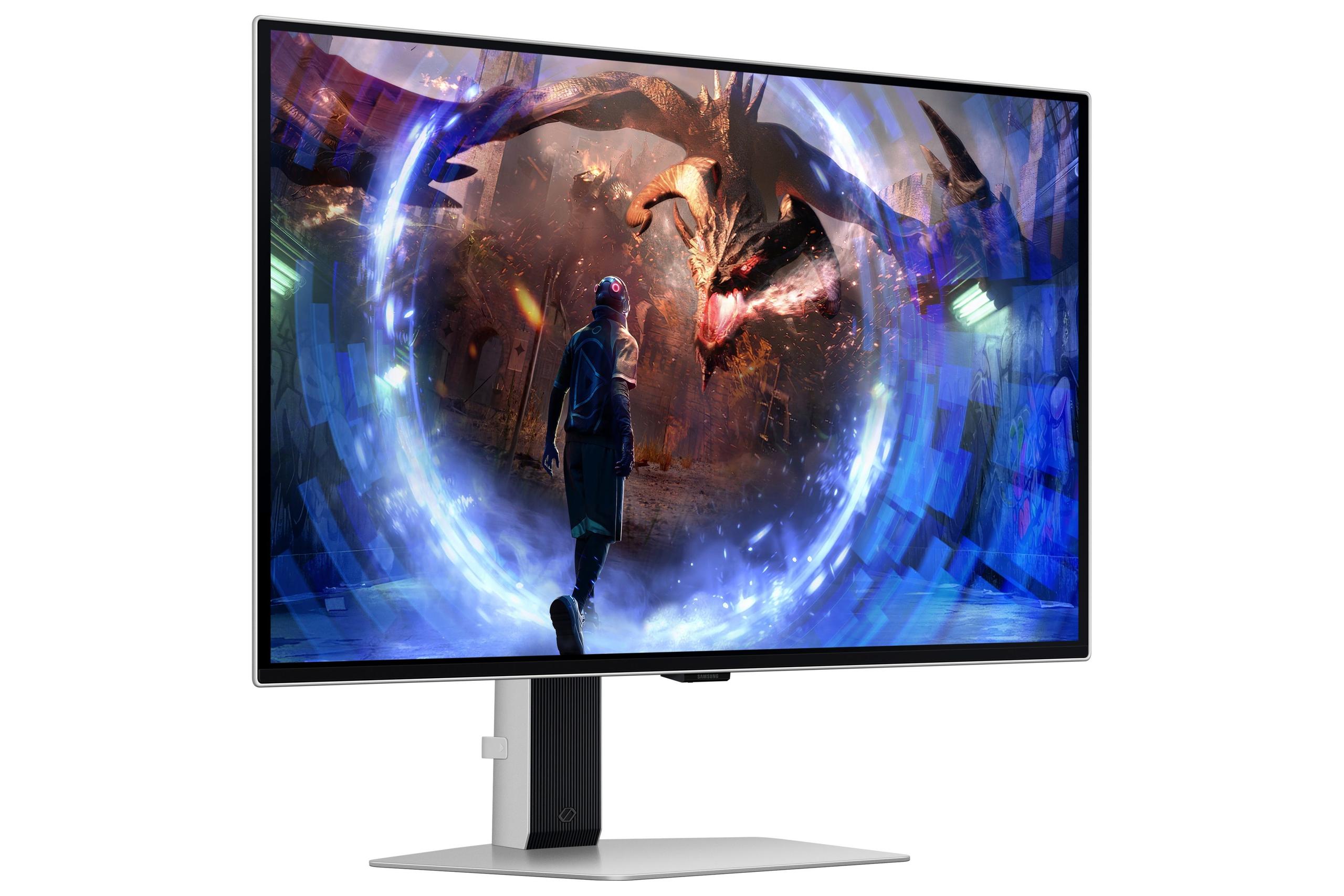
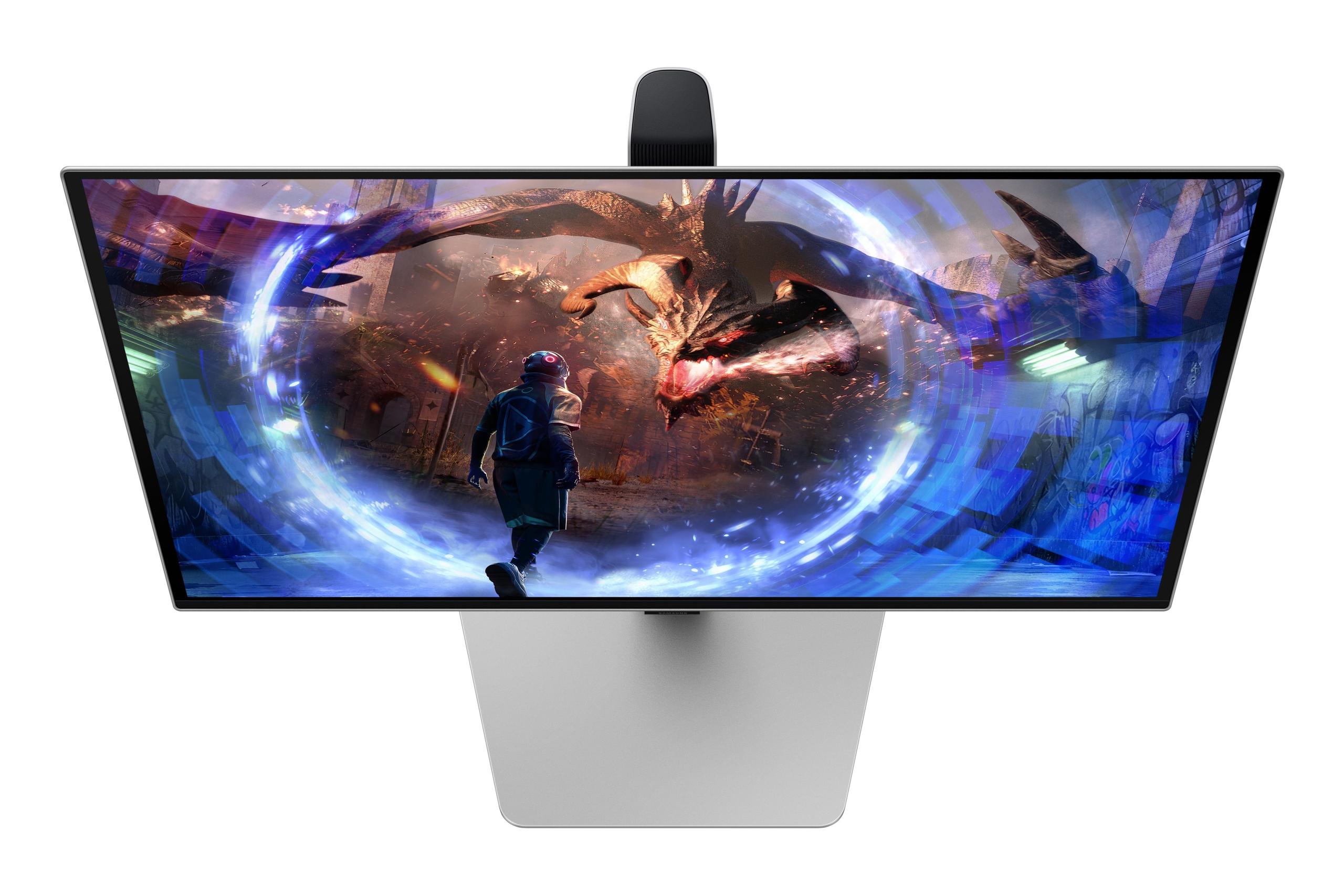
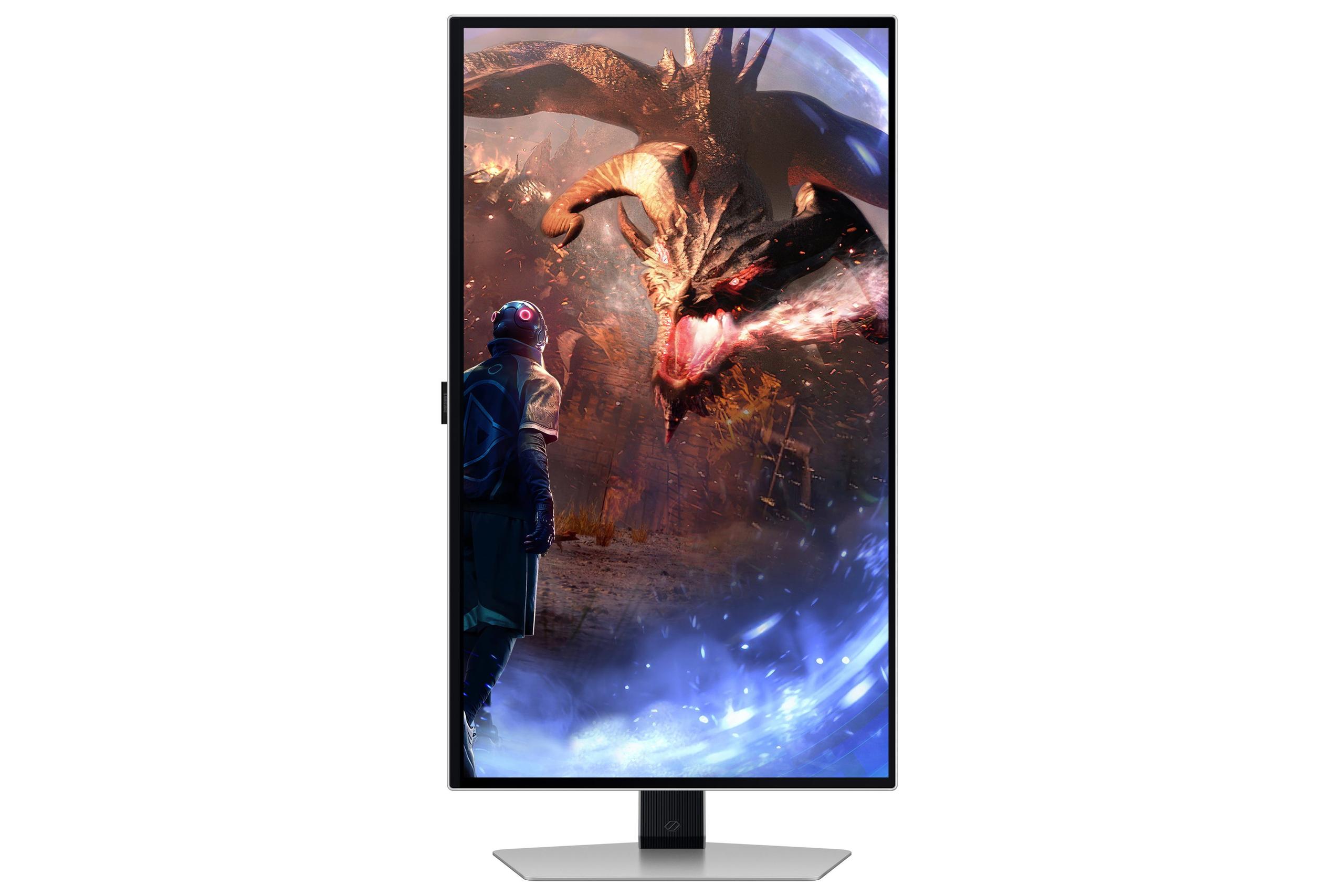

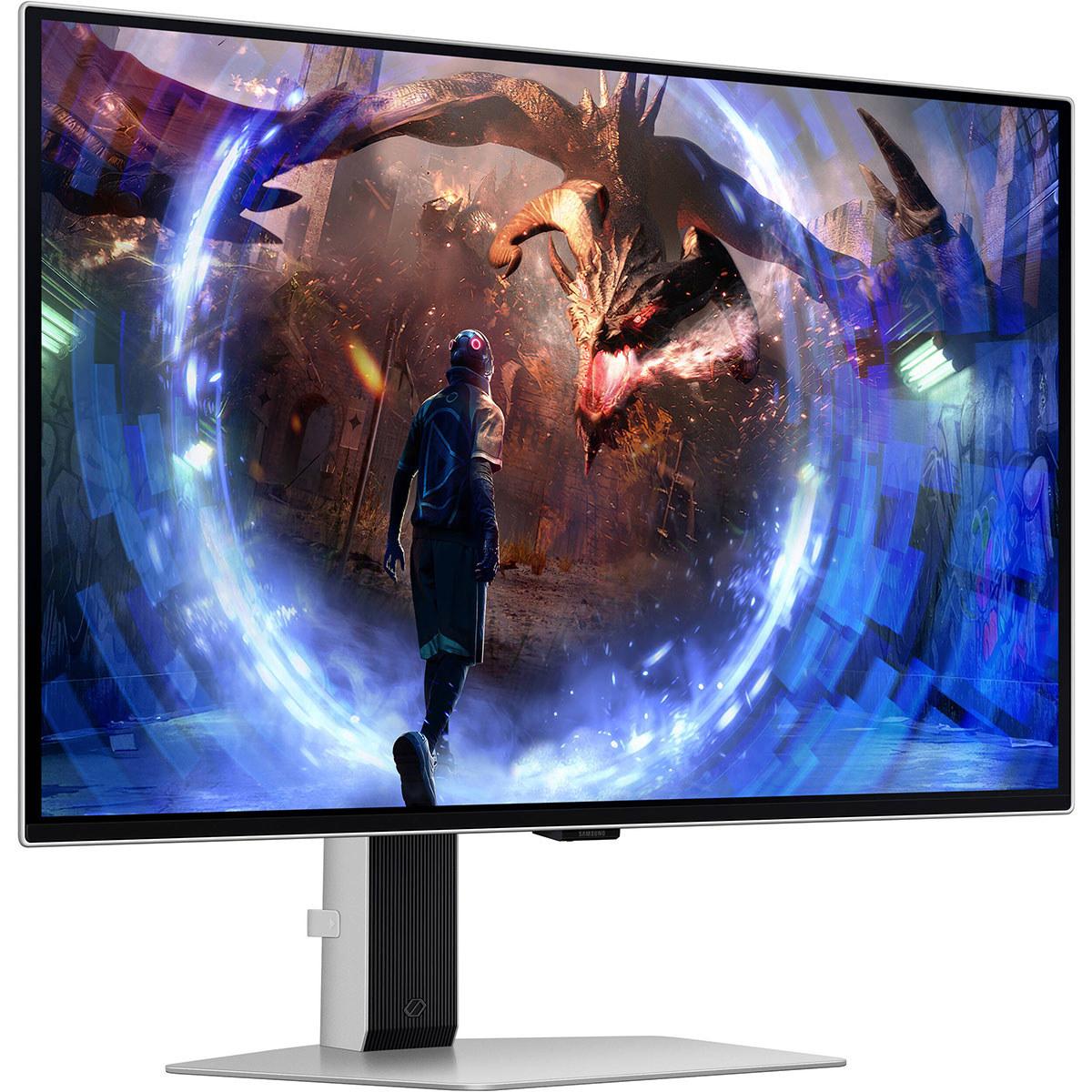
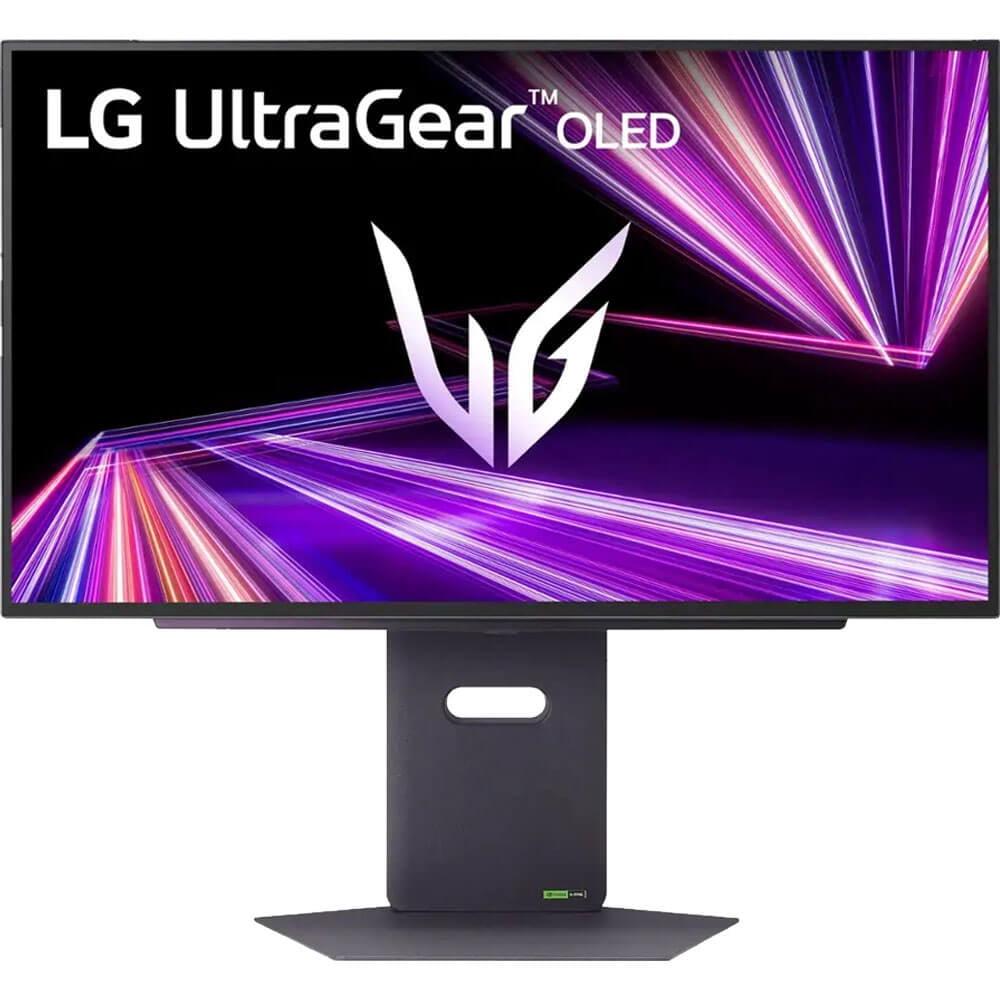

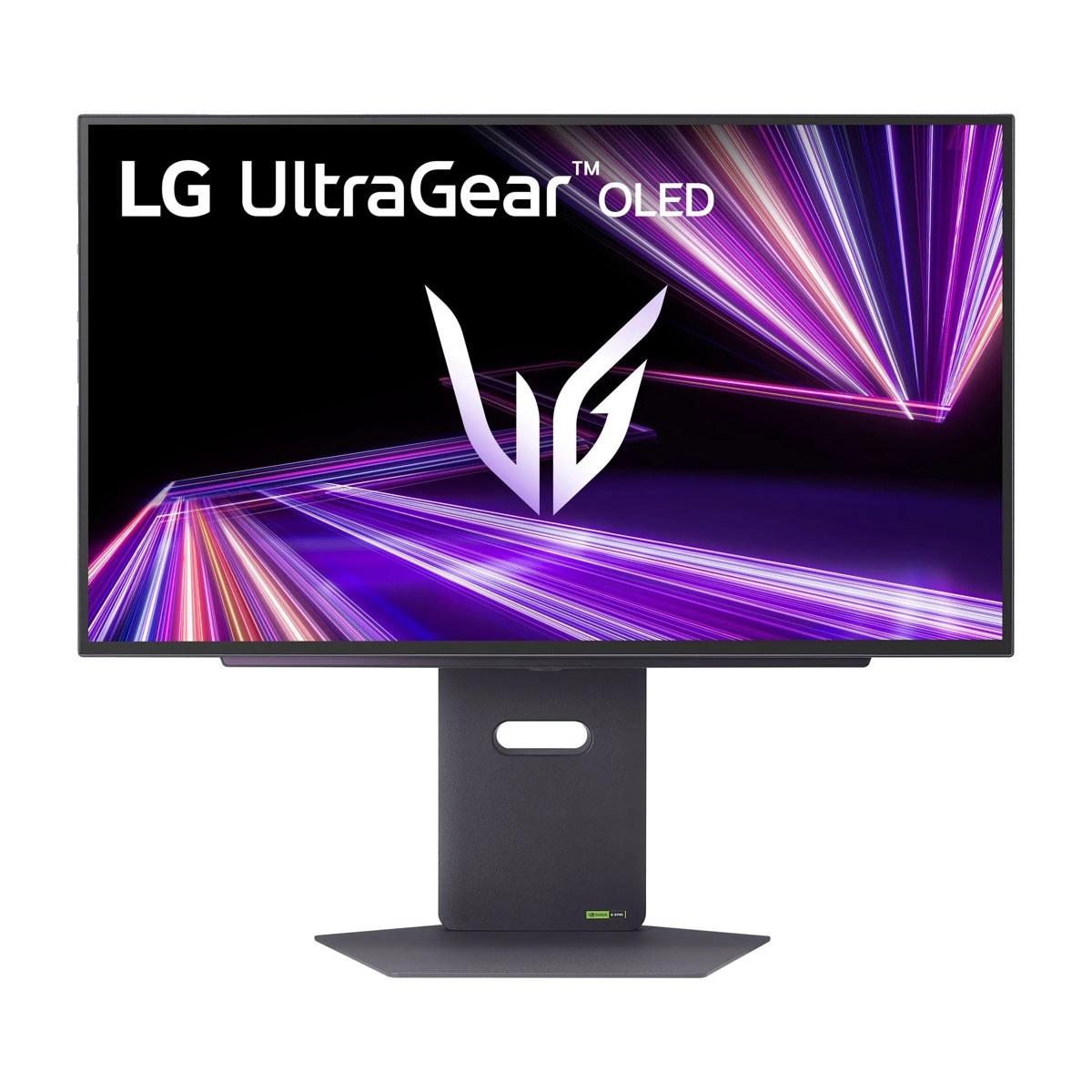
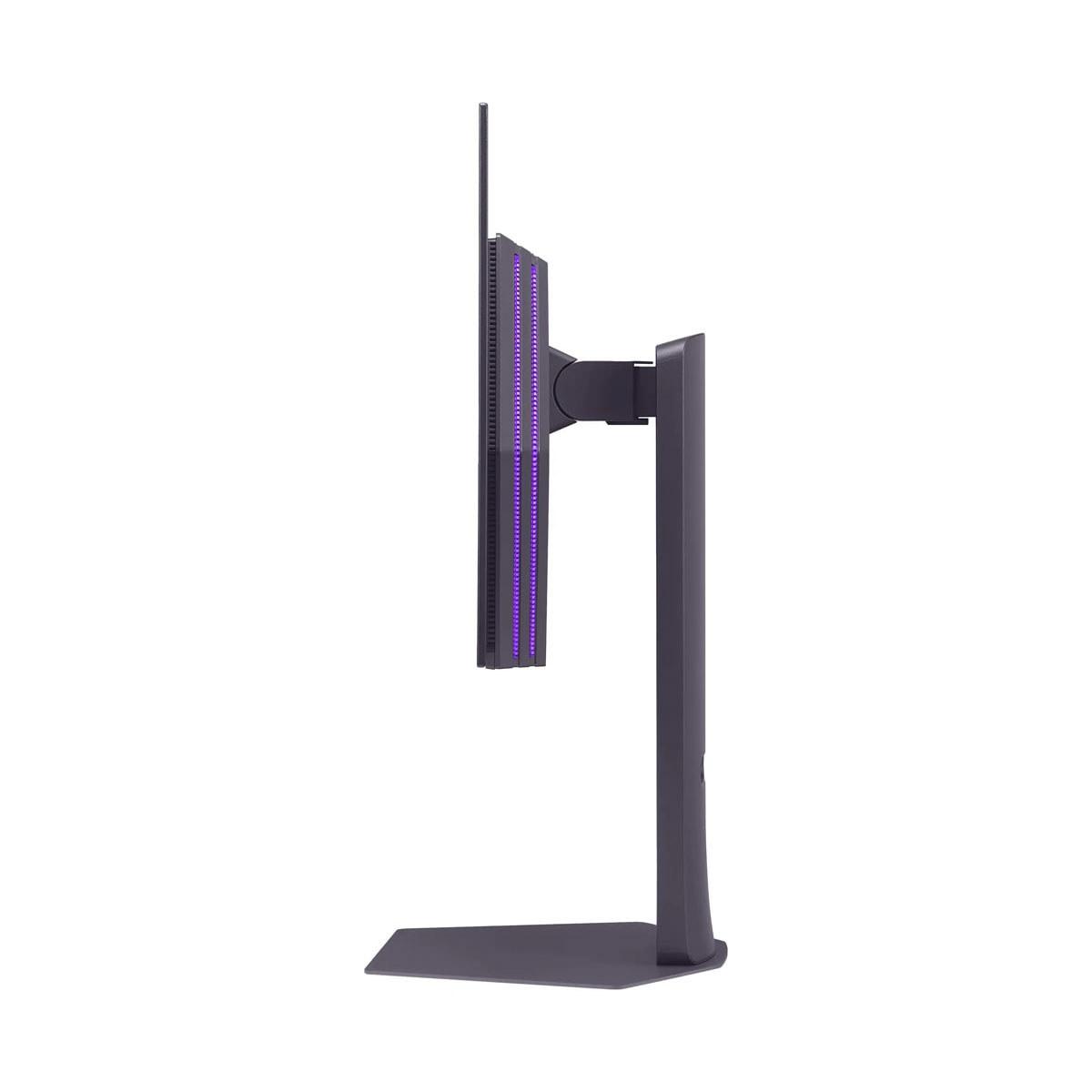
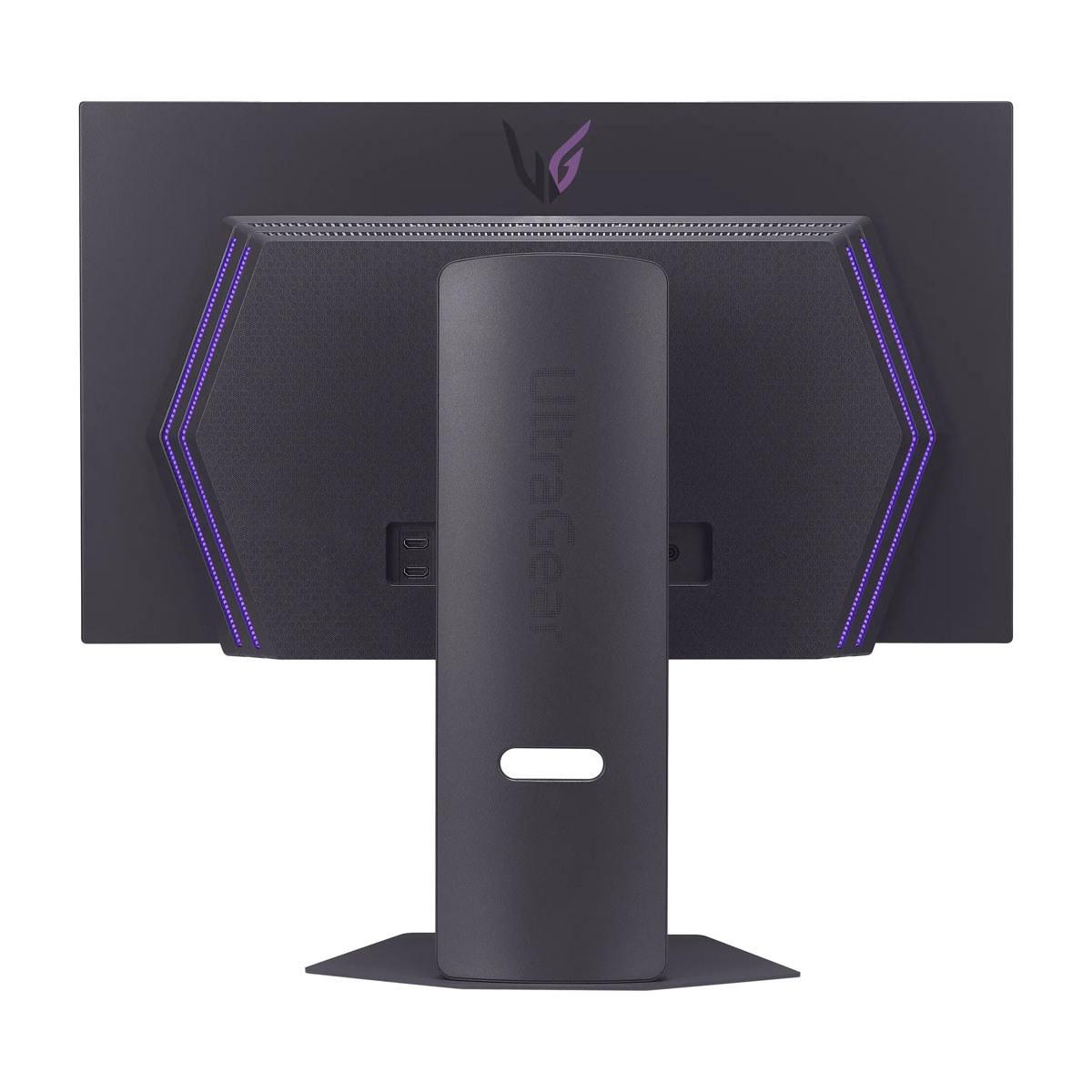
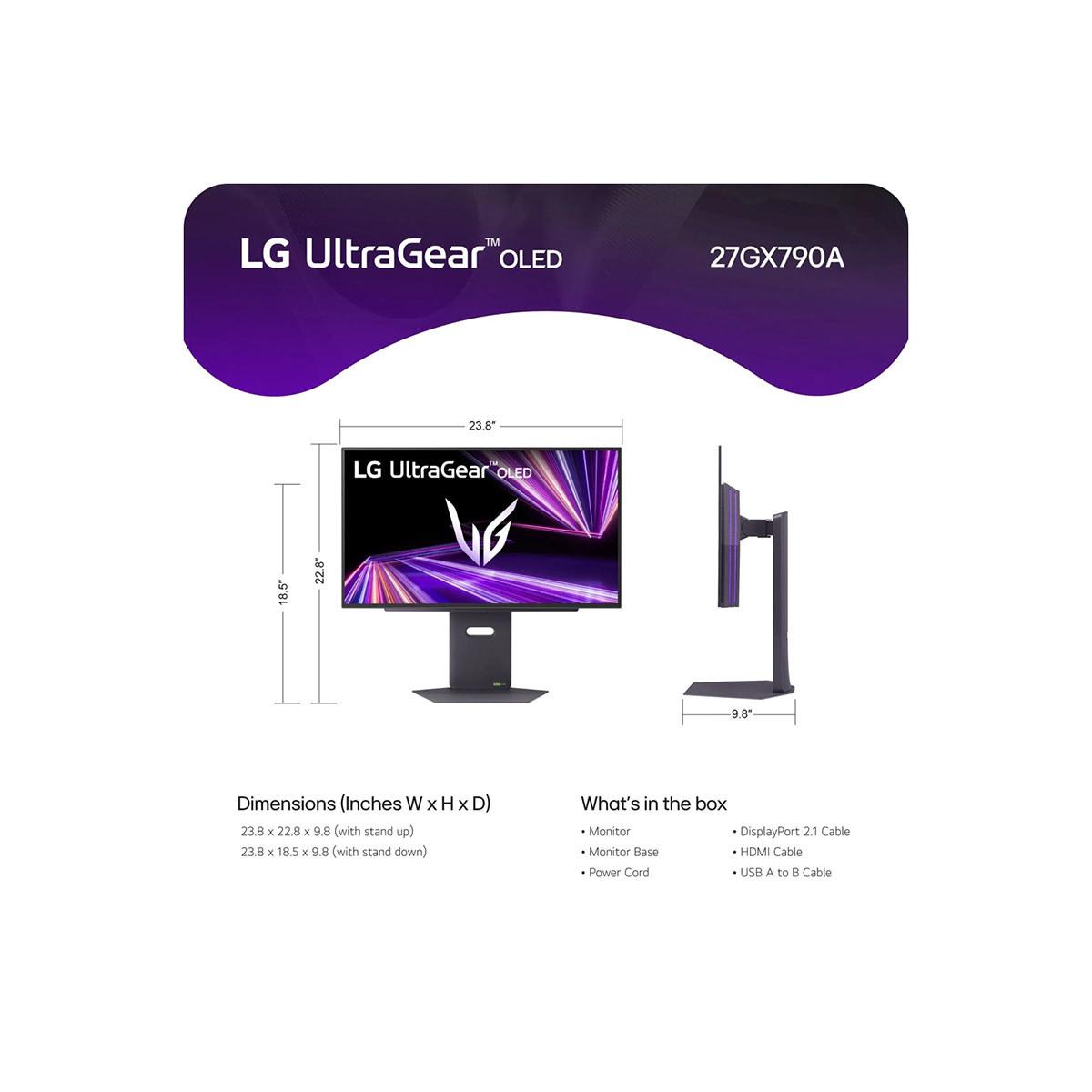
When it comes to premium gaming monitors, OLED technology has completely changed the game. These displays offer perfect blacks, vibrant colors, and lightning-fast response times that make traditional LCD monitors look dated. But with both Samsung's Odyssey OLED G6 and LG's UltraGear 27" pushing the boundaries of what's possible, choosing between them can feel overwhelming.
I've spent considerable time with both monitors, and the differences between them reveal fascinating approaches to OLED gaming technology. Let me walk you through everything you need to know to make the right choice for your setup.
Before diving into the comparison, it's worth understanding what makes OLED gaming monitors special. Unlike traditional LCD monitors that use a backlight shining through liquid crystals, OLED (Organic Light-Emitting Diode) displays have pixels that produce their own light. This means when a pixel needs to show black, it simply turns off completely, creating true blacks that LCD monitors can't match.
The main considerations when shopping for a premium OLED gaming monitor include refresh rate performance, display technology implementation, brightness capabilities, anti-glare treatments, burn-in protection, and overall value. Each of these factors significantly impacts your gaming experience, and manufacturers approach them differently.
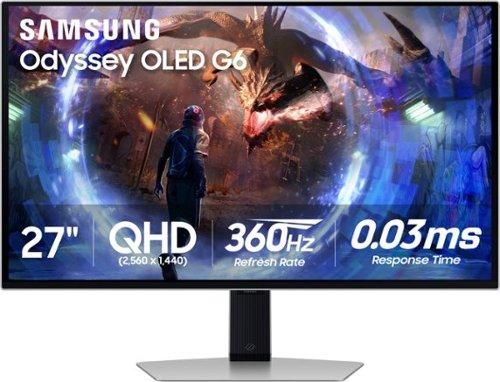
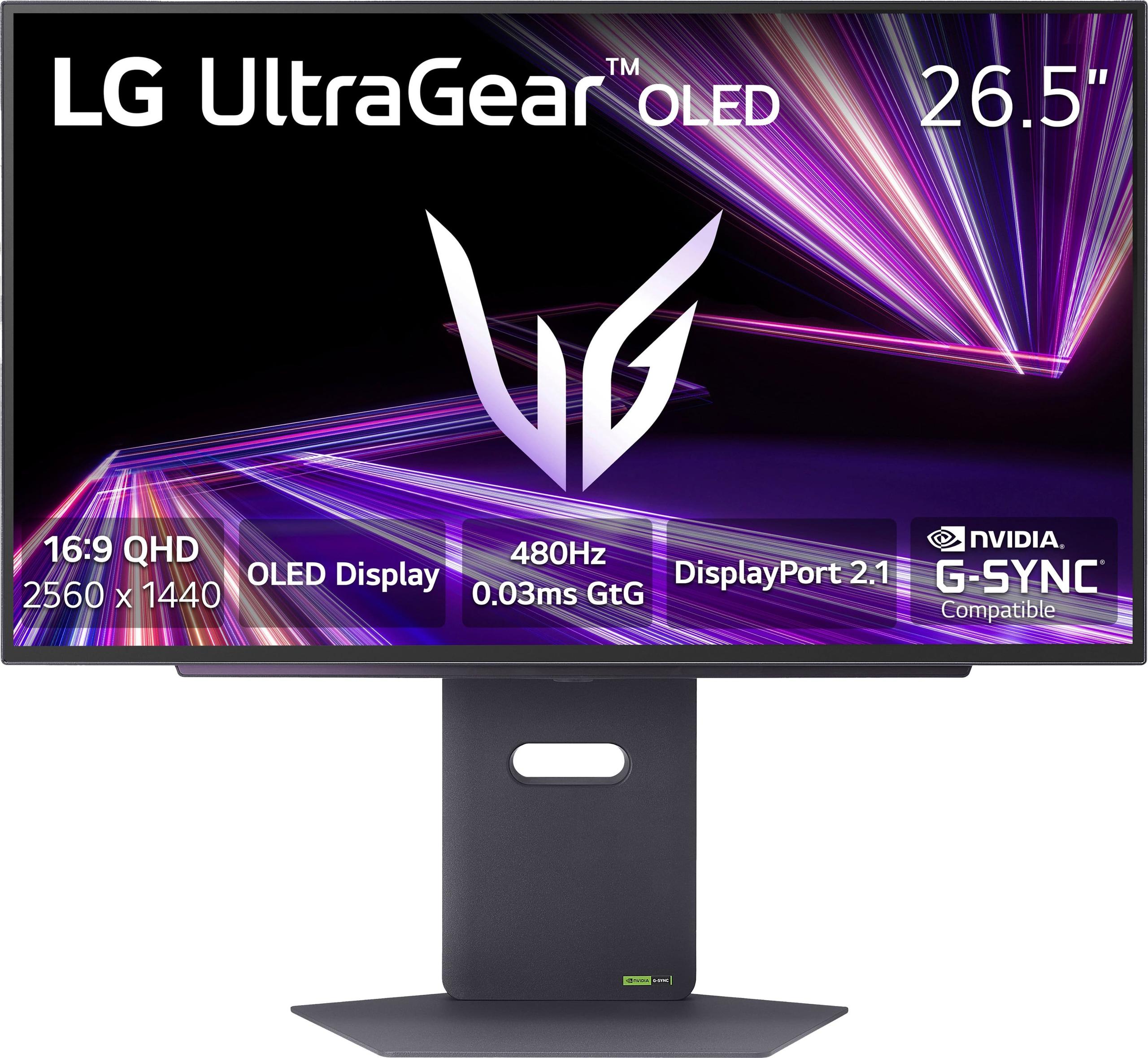
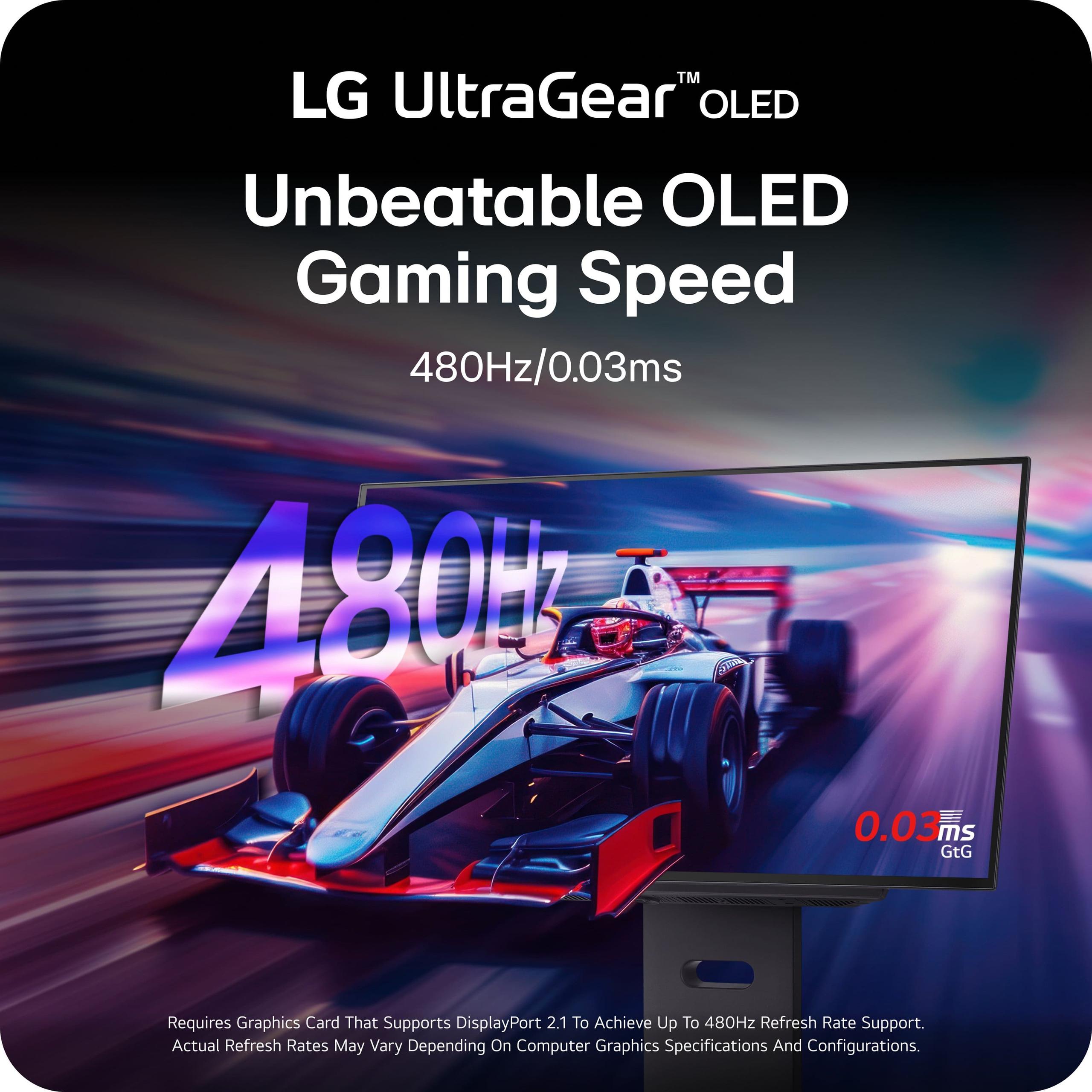
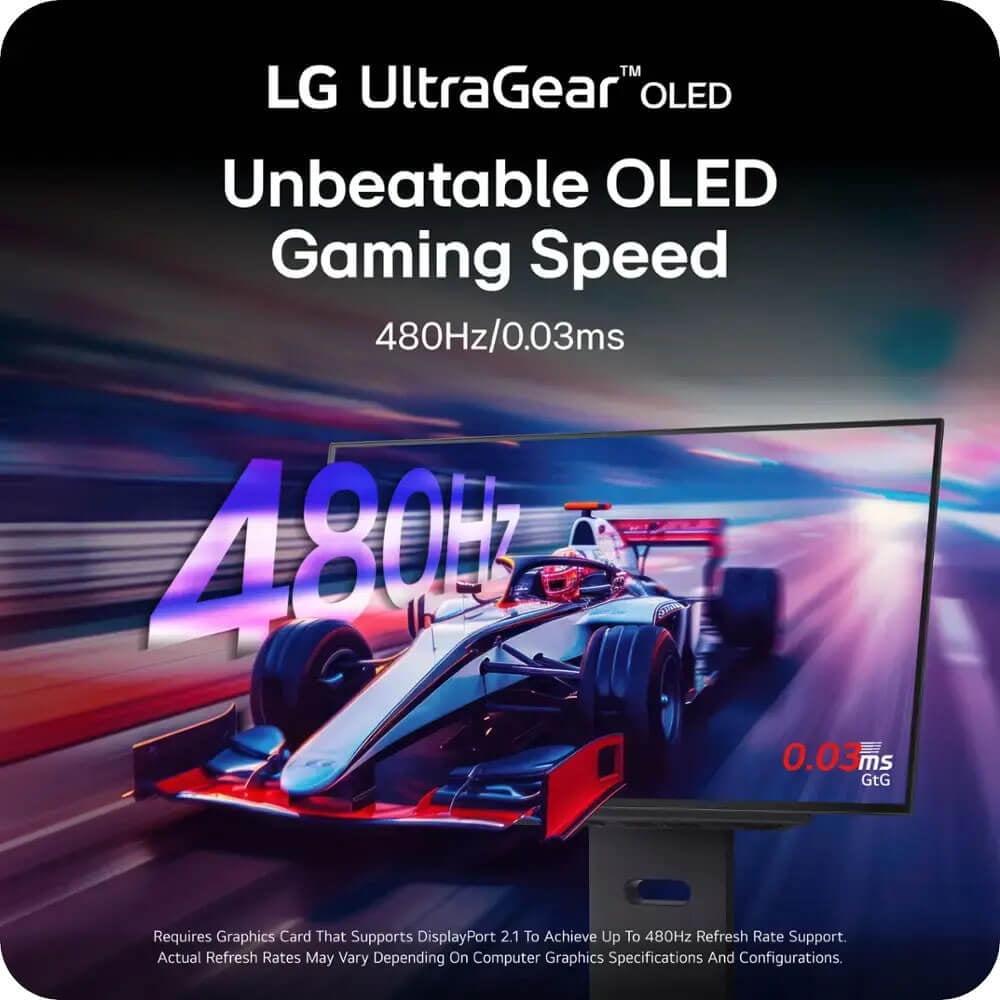
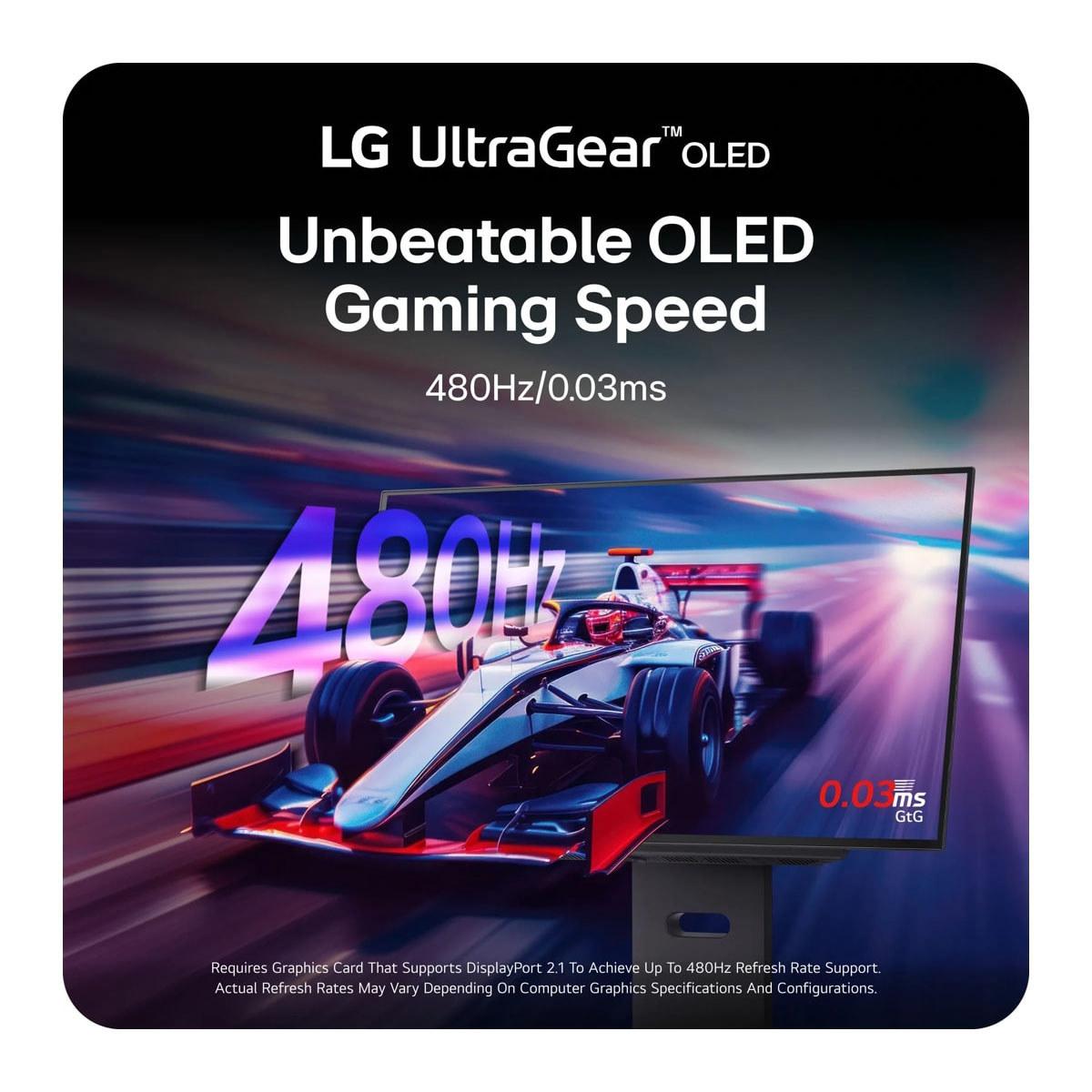
Here's where things get interesting. The LG UltraGear 27" boasts an impressive 480Hz refresh rate, while the Samsung Odyssey OLED G6 delivers 360Hz. Both achieve the same ultra-fast 0.03ms response time, which is practically instantaneous.
But here's the reality check: the difference between 360Hz and 480Hz is much smaller than you might expect. In my testing, the jump from 240Hz to 360Hz is noticeable in fast-paced competitive games, but going from 360Hz to 480Hz requires almost superhuman reflexes to detect. More importantly, you need incredibly powerful hardware to actually push 480 frames per second at 2560x1440 resolution.
The Samsung's 360Hz strikes a better balance for most users. It's high enough to provide a competitive edge in esports titles while being achievable with high-end but not absolutely cutting-edge graphics cards. The LG's 480Hz is more of a future-proofing investment and a technological showcase.
Both monitors achieve that magical 0.03ms gray-to-gray response time, which is where OLED technology really shines. This measurement represents how quickly a pixel can change from one shade of gray to another. For context, most gaming LCD monitors range from 1-5ms, so 0.03ms is essentially instantaneous.
In practical terms, this eliminates ghosting and motion blur almost entirely. Whether you're tracking enemies in a first-person shooter or following fast-moving objects in racing games, both monitors deliver crystal-clear motion that gives you a genuine competitive advantage.
This is where the fundamental differences between these monitors become apparent. The Samsung Odyssey OLED G6 uses QD-OLED (Quantum Dot OLED) technology, while the LG UltraGear employs W-OLED (White OLED) panels.
QD-OLED technology adds a quantum dot layer to traditional OLED panels. Think of quantum dots as tiny particles that convert blue light into incredibly pure red and green colors. This results in significantly brighter, more vibrant colors, especially in HDR content. When I first switched from a traditional OLED to the Samsung G6, the difference was immediately apparent – colors just pop off the screen in a way that feels almost hyperreal.
The Samsung covers 99% of the DCI-P3 color gamut (the color space used for digital cinema) and delivers superior color volume at higher brightness levels. This makes it particularly impressive for immersive single-player games and HDR content.
LG's W-OLED technology uses white OLED pixels filtered through color filters to create red, green, and blue light. While this approach doesn't achieve the same color brightness as QD-OLED, it offers more accurate color reproduction that's closer to professional standards.
The LG UltraGear covers 98.5% DCI-P3 and achieves a higher contrast ratio of 1,500,000:1 compared to Samsung's 1,000,000:1. It's VESA DisplayHDR True Black 400 certified, ensuring consistent HDR performance across different content types.
Brightness is where these monitors take different approaches. The Samsung G6 delivers 250 cd/m² typical brightness with HDR10+ Gaming support. While this might seem modest compared to LCD monitors that can hit 400+ nits, the QD-OLED technology makes colors appear much more vibrant at the same brightness levels.
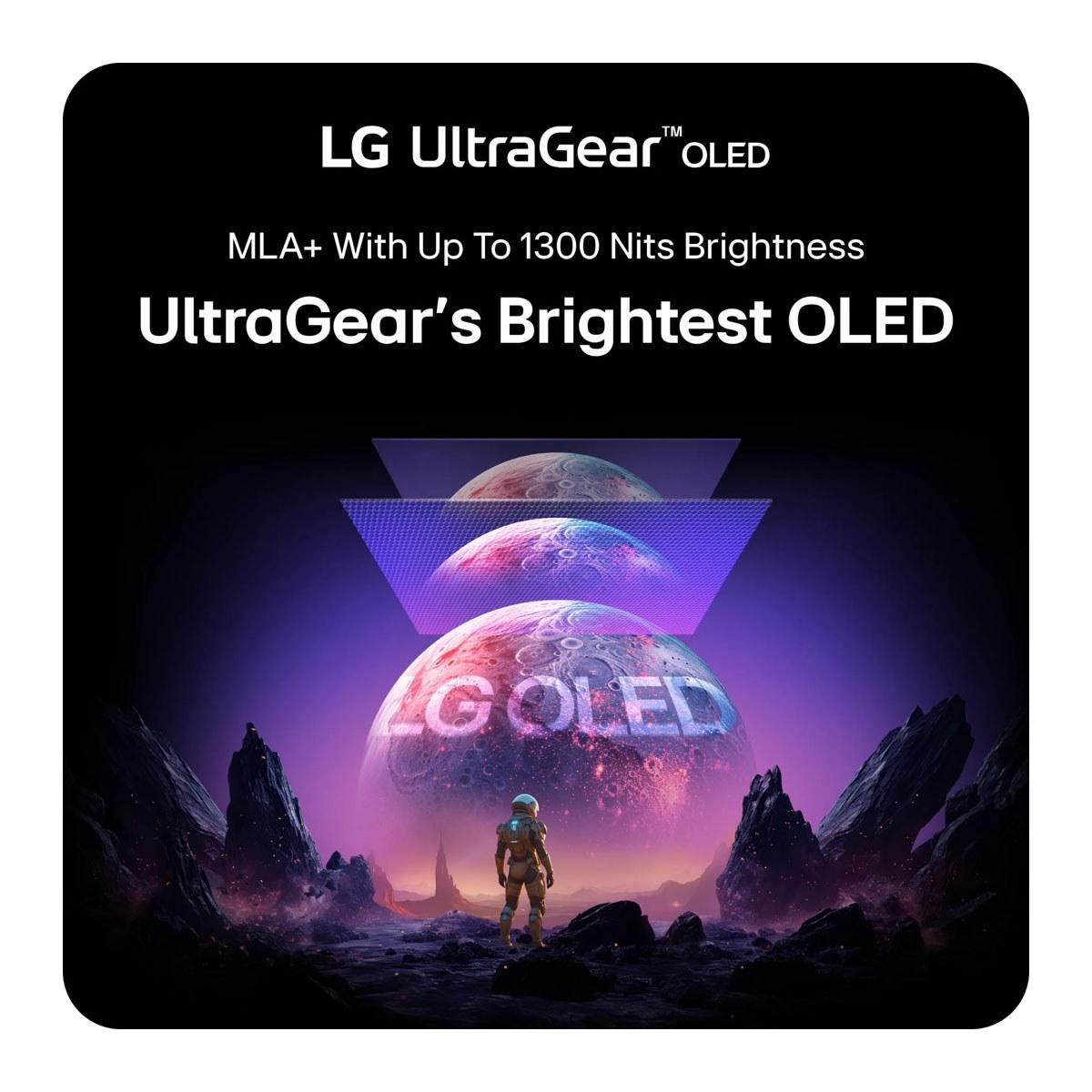
The LG UltraGear incorporates Micro Lens Array+ (MLA+) technology, which uses microscopic lenses to direct more light toward the viewer. This allows it to reach up to 1,300 nits in small HDR highlights while maintaining the deep blacks OLED is known for. However, this peak brightness only applies to small portions of the screen – larger bright areas will be dimmer.
In real-world usage, the Samsung provides a more consistently bright image that works better in various lighting conditions, while the LG excels at dramatic HDR highlights that make explosions and sunlight effects incredibly impactful.
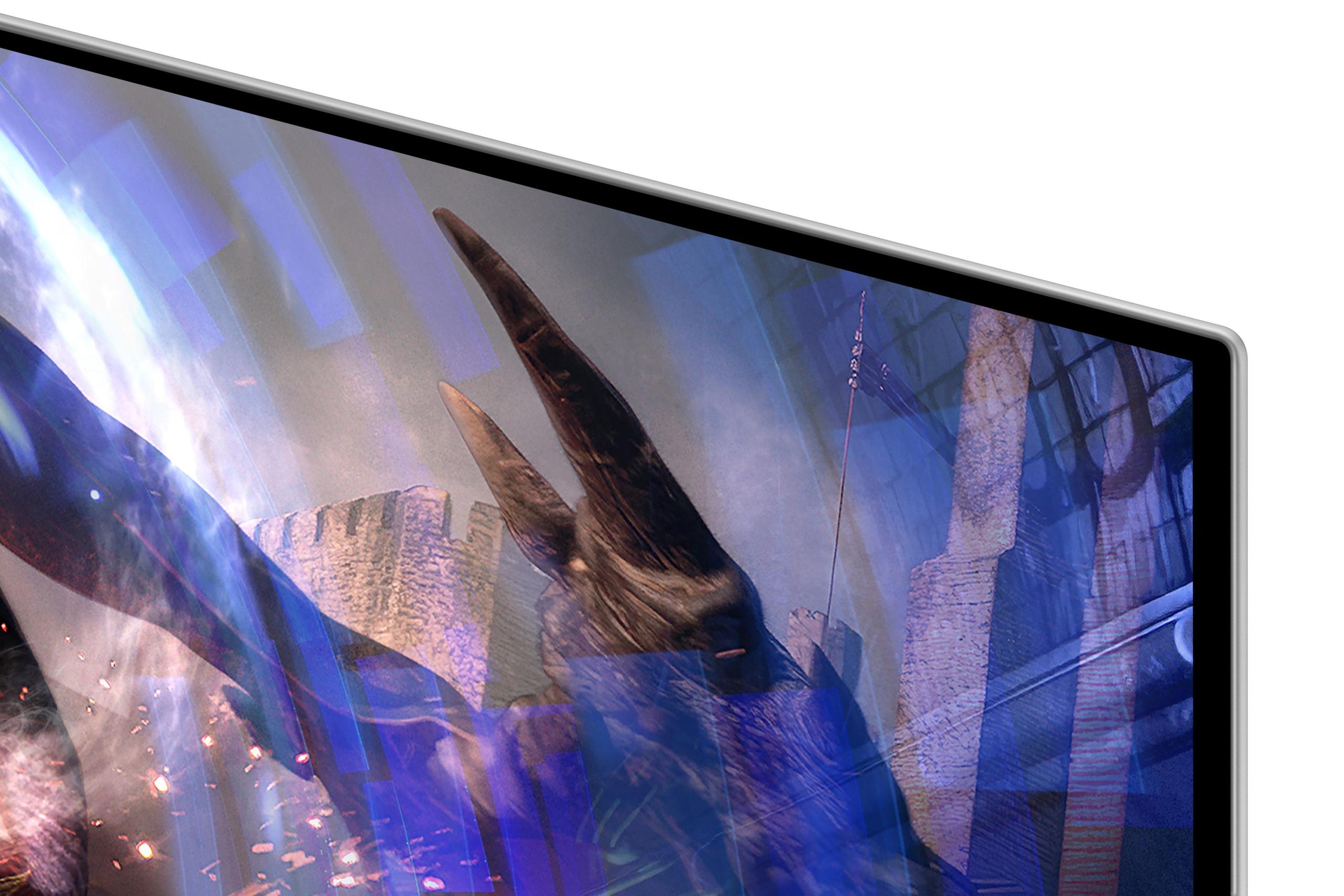
Both manufacturers have tackled OLED's traditional weakness with reflections, but they've taken different approaches. The Samsung G6 features OLED Glare Free technology with a matte coating that reduces reflections by up to 61% compared to conventional anti-glare films. This makes it much more usable in bright rooms or near windows.
The LG UltraGear uses Anti-Glare & Low Reflection (AGLR) coating, which is effective but not quite as aggressive as Samsung's solution. If you're gaming in a bright room, the Samsung has a clear advantage here.
Both monitors support NVIDIA G-SYNC Compatible certification and AMD FreeSync Premium Pro, ensuring smooth gameplay regardless of your graphics card choice. Variable refresh rate (VRR) technology synchronizes your monitor's refresh rate with your graphics card's output, eliminating screen tearing and reducing stuttering.
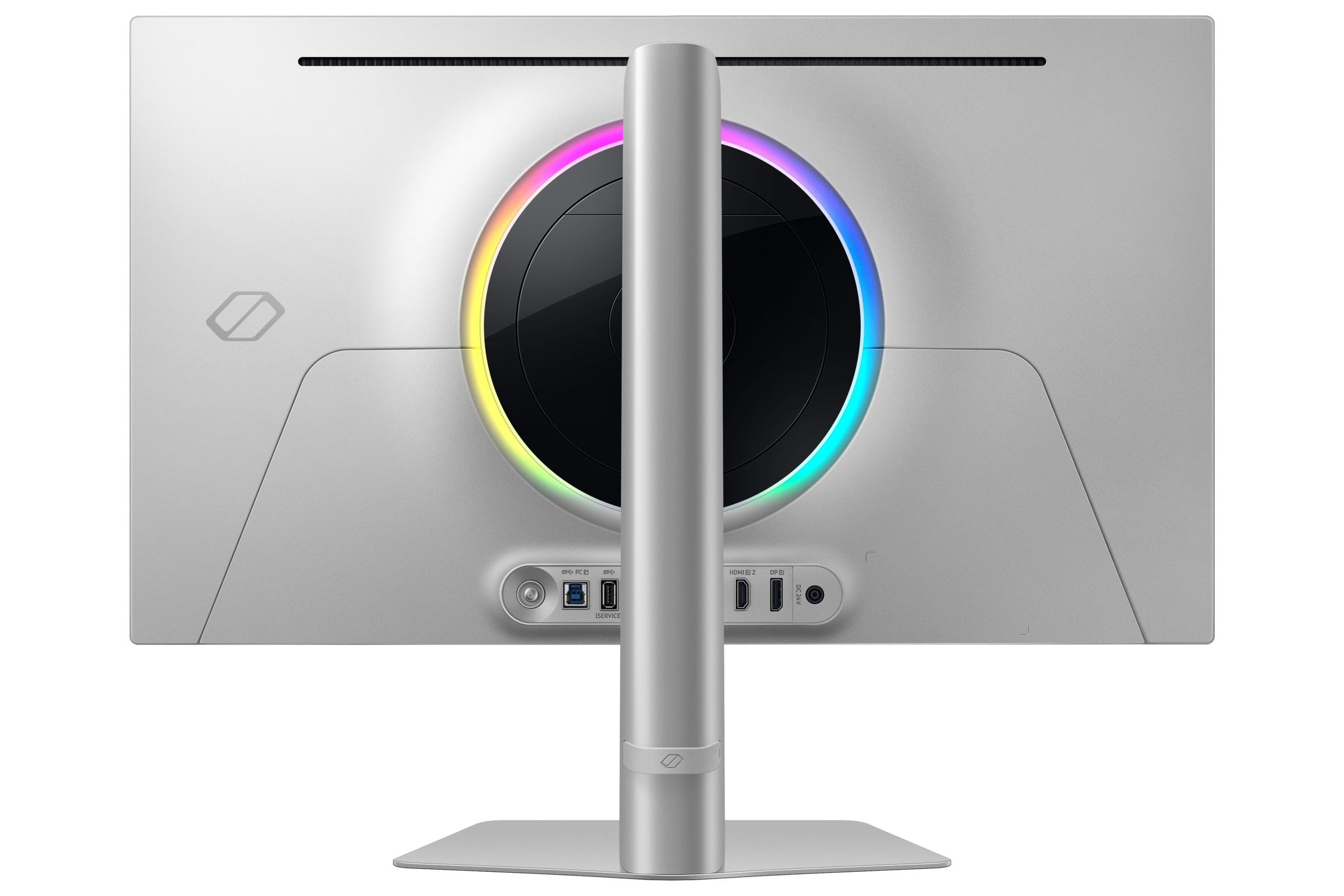
The Samsung G6 includes VRR Control, which helps reduce flicker that some users experience with variable refresh rates. It also offers practical gaming features like Virtual Aim Point (an on-screen crosshair) and SeeColors mode for colorblind users.
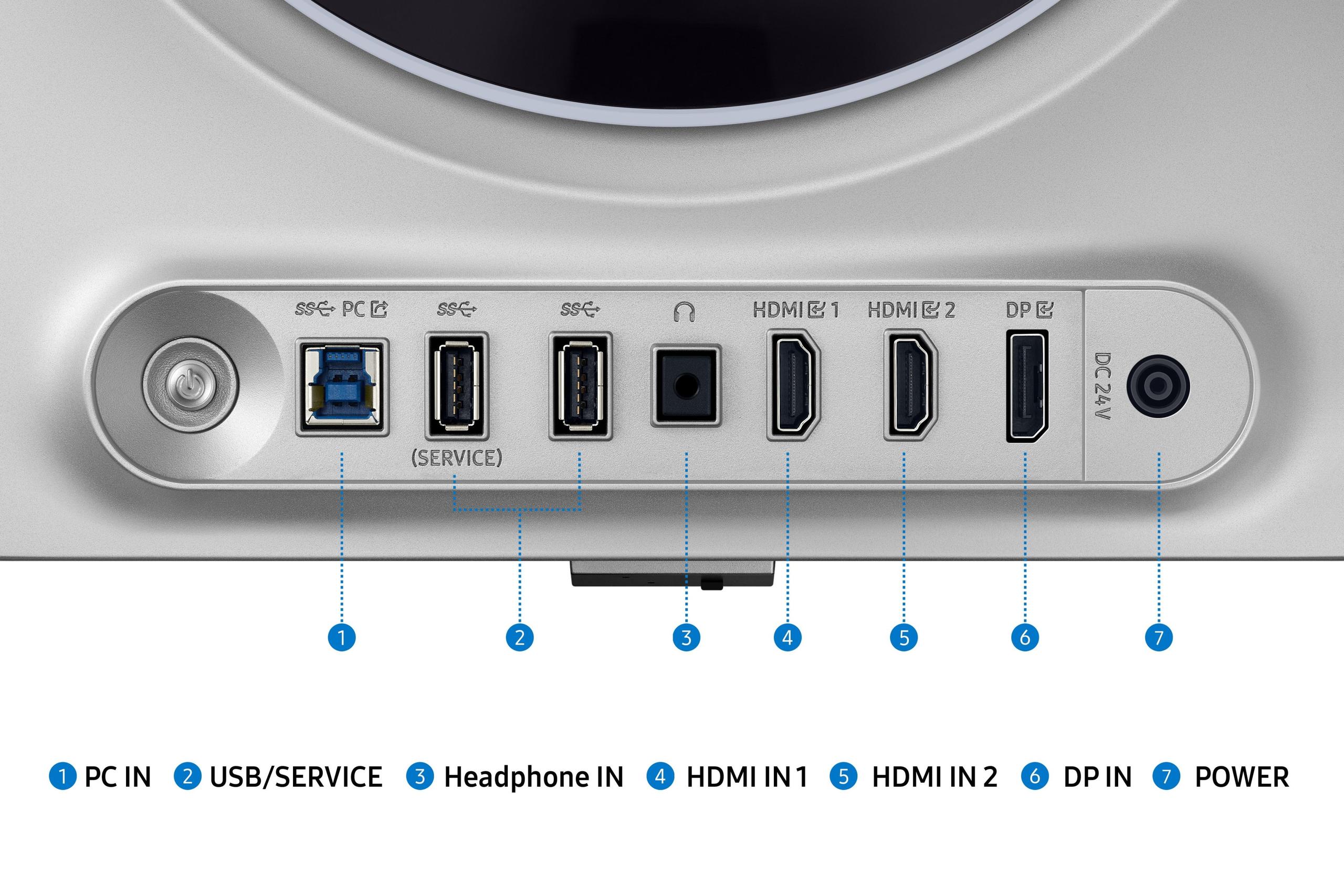
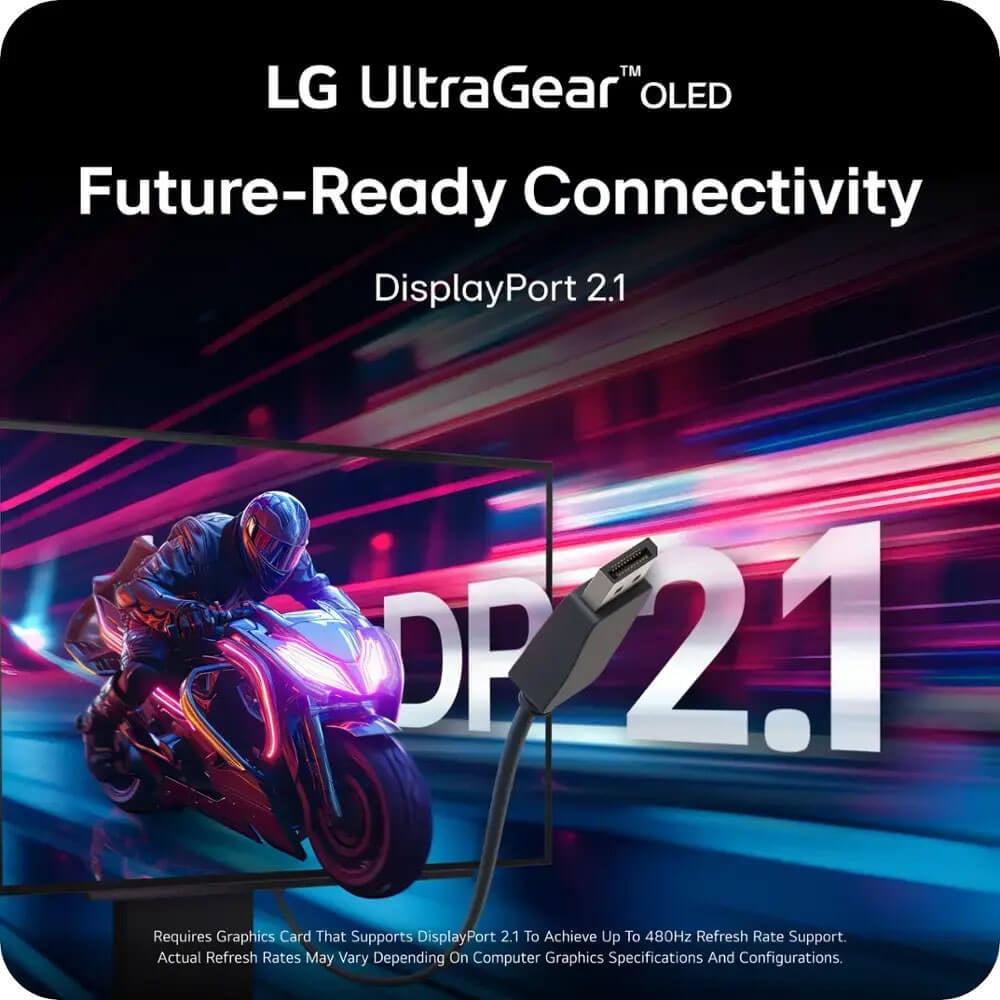
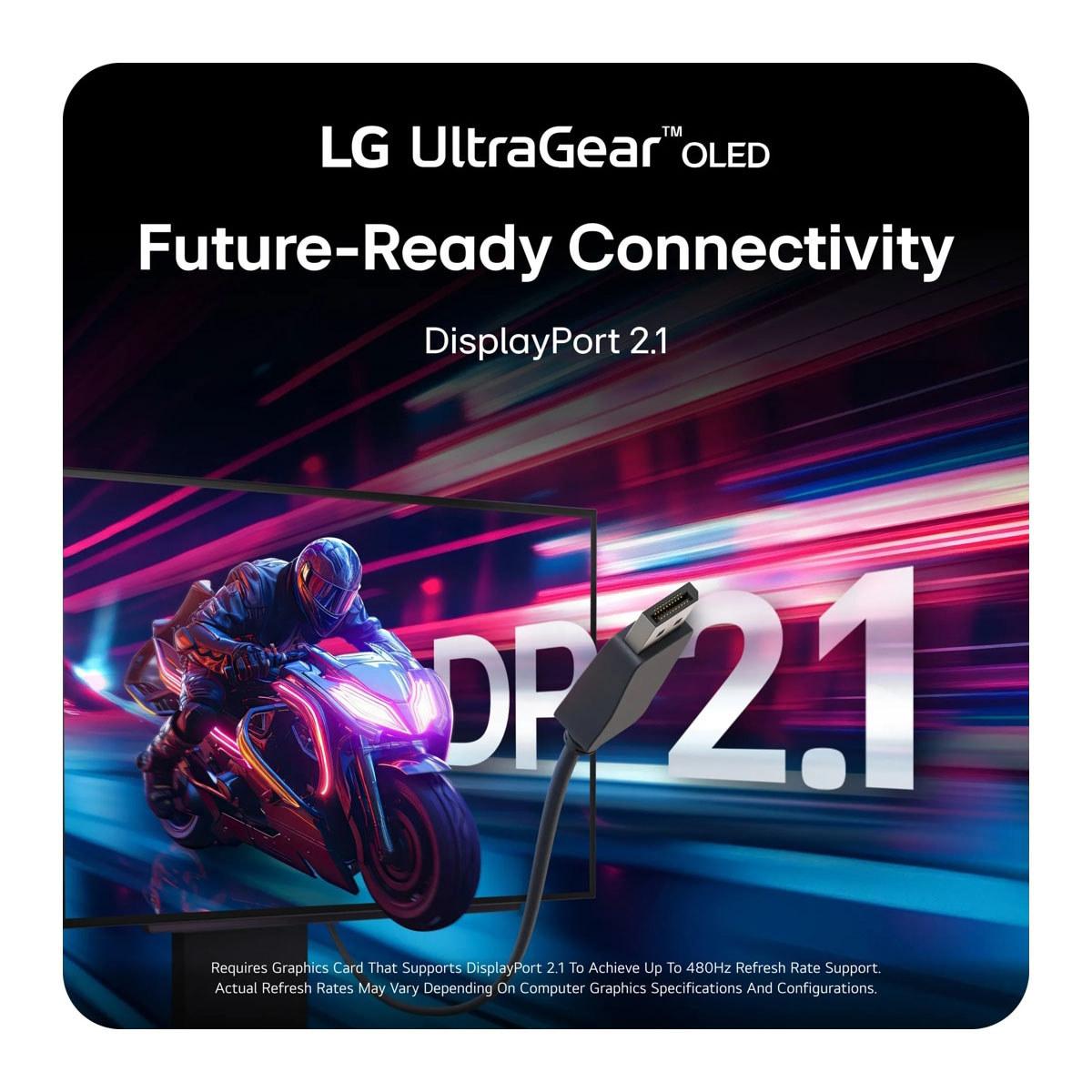
Here's where the LG UltraGear shows its forward-thinking design. It includes DisplayPort 2.1, which offers significantly higher bandwidth than the DisplayPort 1.4 found on the Samsung G6. This means the LG can handle its 480Hz refresh rate without compression techniques, and it's better prepared for future graphics cards that might push even higher resolutions or refresh rates.
Both monitors include dual HDMI 2.1 ports, making them compatible with PlayStation 5 and Xbox Series X consoles, though you won't see the full refresh rate benefits with current-gen consoles.
OLED burn-in – where static images leave permanent marks on the screen – remains a concern, though it's much less problematic than early OLED TVs. Both manufacturers have implemented protection systems, but Samsung's approach is more comprehensive.
The Samsung G6 features OLED Safeguard+ with a revolutionary Dynamic Cooling System that includes a pulsating heat pipe – the first of its kind in a monitor. This system is five times more efficient at heat dissipation than traditional graphite sheets, and heat is burn-in's biggest enemy. Combined with thermal modulation algorithms and automatic logo detection, it provides robust protection.
The LG UltraGear includes standard OLED Care features like pixel refresh cycles and screen savers, which are effective but not as advanced as Samsung's system.
If you're considering either monitor for a home theater setup, both can work well, though they're optimized for desktop gaming. The Samsung G6 would be the better choice for movie watching thanks to its more vibrant colors and better anti-glare coating. However, both monitors lack built-in speakers, so you'd need a separate audio solution.
For gaming in a living room setup, the Samsung's superior brightness in ambient light and more practical refresh rate make it the more versatile option.
The Samsung Odyssey OLED G6 launched in 2024, representing Samsung's entry into the high-refresh OLED gaming monitor market. The LG UltraGear 27" also arrived in 2024, pushing refresh rates to new heights with its 480Hz capability.
Since their release, both monitors have established themselves as benchmarks in their respective approaches – Samsung for balanced performance and features, LG for maximum refresh rate achievement.
At the time of writing, both monitors command premium prices reflecting their cutting-edge technology. The Samsung G6 typically costs more than the LG UltraGear, but it includes more comprehensive features and protection systems.
The Samsung offers better overall value for most users with its longer three-year warranty, superior burn-in protection, and more practical feature set. The LG appeals to users who want the absolute highest refresh rate and don't mind paying for bleeding-edge technology they may not fully utilize immediately.
Choose the Samsung Odyssey OLED G6 if you want the best overall gaming experience with vibrant colors, comprehensive burn-in protection, and performance that works well with current high-end hardware. It's particularly appealing if you play a mix of competitive and single-player games, or if your setup is in a bright room.
Go with the LG UltraGear 27" if you're a competitive esports player with top-tier hardware who can actually utilize 480Hz, or if you want DisplayPort 2.1 for future-proofing. It's also the better choice if color accuracy is more important to you than color vibrancy.
For most gamers, the Samsung strikes the better balance between performance, features, and practical usability, while the LG serves as a technological showcase for users with very specific high-refresh requirements.
Both monitors represent the pinnacle of current OLED gaming technology, just with different philosophies about what matters most in a premium gaming display.
| Samsung 27" Odyssey OLED G6 | LG UltraGear 27" OLED |
|---|---|
| Refresh Rate - Higher numbers mean smoother motion in competitive games | |
| 360Hz (excellent for most gaming scenarios) | 480Hz (cutting-edge but requires powerful hardware) |
| Response Time - Lower is better for eliminating motion blur | |
| 0.03ms GtG (virtually instant) | 0.03ms GtG (virtually instant) |
| OLED Technology - Affects color vibrancy and brightness | |
| QD-OLED with quantum dots (more vibrant colors) | W-OLED with MLA+ (more accurate colors, brighter highlights) |
| Peak Brightness - Important for HDR gaming and bright rooms | |
| 250 cd/m² typical (consistent across screen) | Up to 1,300 nits in small highlights (via MLA+) |
| Color Coverage - More coverage means richer, more lifelike colors | |
| 99% DCI-P3 (excellent for immersive gaming) | 98.5% DCI-P3 (great for color accuracy) |
| Anti-Glare Technology - Critical for usability in bright environments | |
| OLED Glare Free (61% less reflective than standard) | Anti-Glare & Low Reflection coating (good but less aggressive) |
| Connectivity - Future-proofing for next-gen hardware | |
| DisplayPort 1.4, 2x HDMI 2.1 (good for current hardware) | DisplayPort 2.1, 2x HDMI 2.1 (better for future hardware) |
| Burn-in Protection - Essential for OLED longevity | |
| OLED Safeguard+ with Dynamic Cooling System (advanced) | OLED Care features (standard protection) |
| Gaming Features - Convenience and competitive advantages | |
| VRR Control, Virtual Aim Point, Eye Saver mode | DTS Headphone:X, RGB backlighting |
| Warranty Coverage - Protection for your investment | |
| 3-year comprehensive warranty (better peace of mind) | 2-year OLED limited warranty (standard coverage) |
| HDR Support - Enhanced visual depth in compatible games | |
| HDR10+ Gaming (good compatibility) | VESA DisplayHDR True Black 400 (certified performance) |
| Best For - Who should choose this monitor | |
| Balanced performance, vibrant gaming, bright room use | Maximum refresh rate, future-proofing, esports focus |
The LG UltraGear 27" OLED offers a higher refresh rate at 480Hz compared to the Samsung 27" Odyssey OLED G6 which delivers 360Hz. However, both provide extremely smooth gaming performance, and the difference between 360Hz and 480Hz is minimal in real-world use. Most gamers will find the Samsung's 360Hz more than sufficient for competitive gaming.
The Samsung 27" Odyssey OLED G6 uses QD-OLED technology with quantum dots that produce more vibrant, brighter colors, especially in HDR content. The LG UltraGear 27" OLED uses W-OLED technology that offers more accurate color reproduction. For gaming and entertainment, Samsung's approach creates more visually striking images, while LG's delivers more precise colors.
Both monitors excel for competitive gaming with identical 0.03ms response times. The LG UltraGear 27" OLED has the edge with its 480Hz refresh rate, but the Samsung 27" Odyssey OLED G6 offers more practical gaming features like Virtual Aim Point and VRR Control. For most competitive gamers, the Samsung's 360Hz provides excellent performance while being more achievable with current hardware.
The Samsung 27" Odyssey OLED G6 delivers consistent 250 cd/m² brightness across the entire screen, making it better for bright room gaming. The LG UltraGear 27" OLED can reach up to 1,300 nits in small HDR highlights thanks to MLA+ technology, but has lower overall brightness. The Samsung performs better in varied lighting conditions.
The Samsung 27" Odyssey OLED G6 offers superior burn-in protection with its OLED Safeguard+ system featuring a Dynamic Cooling System that's five times more efficient at heat dissipation. The LG UltraGear 27" OLED includes standard OLED Care features. Samsung also provides a longer 3-year warranty compared to LG's 2-year coverage, showing more confidence in Samsung's longevity.
Yes, both the Samsung 27" Odyssey OLED G6 and LG UltraGear 27" OLED feature dual HDMI 2.1 ports that support PlayStation 5 and Xbox Series X consoles. However, current consoles won't utilize the full refresh rate capabilities of either monitor. Both support VRR and deliver excellent console gaming performance.
The Samsung 27" Odyssey OLED G6 excels at HDR gaming with its QD-OLED technology that produces more vibrant colors and supports HDR10+ Gaming. The LG UltraGear 27" OLED is VESA DisplayHDR True Black 400 certified and can produce brighter highlights in small areas. For overall HDR gaming experience, the Samsung typically delivers more impressive visuals.
The Samsung 27" Odyssey OLED G6 features superior OLED Glare Free technology that reduces reflections by 61% compared to standard coatings, making it much more usable in bright rooms. The LG UltraGear 27" OLED has Anti-Glare & Low Reflection coating that's effective but not as aggressive. If you game near windows or in bright spaces, the Samsung is the better choice.
The LG UltraGear 27" OLED has an advantage with DisplayPort 2.1, offering higher bandwidth and better future-proofing compared to the Samsung 27" Odyssey OLED G6's DisplayPort 1.4. Both include dual HDMI 2.1 ports and USB 3.0 connectivity. The LG's DisplayPort 2.1 is valuable for handling 480Hz without compression and supporting future graphics cards.
While both monitors are designed for gaming, they can work in home theater setups. The Samsung 27" Odyssey OLED G6 is better suited for this use case due to its more vibrant colors, better anti-glare coating, and superior performance in ambient light. Neither monitor includes built-in speakers, so external audio is required. The Samsung provides a more cinematic viewing experience.
The Samsung 27" Odyssey OLED G6 typically offers better overall value with its comprehensive feature set, superior burn-in protection, longer warranty, and more practical 360Hz refresh rate that works well with current hardware. The LG UltraGear 27" OLED appeals to users who specifically need maximum refresh rate performance and future-proofing features.
For the Samsung 27" Odyssey OLED G6 at 360Hz, you'll need a high-end graphics card like RTX 4080 or better for competitive games at QHD resolution. The LG UltraGear 27" OLED requires even more powerful hardware like RTX 4090 to achieve 480Hz in competitive titles. Both monitors work well at lower refresh rates with mid-range hardware, scaling performance based on your system capabilities.
We've done our best to create useful and informative comparisons to help you decide what product to buy. Our research uses advanced automated methods to create this comparison and perfection is not possible - please contact us for corrections or questions. These are the sites we've researched in the creation of this article: bestbuy.com - gamesradar.com - gamesradar.com - versus.com - youtube.com - versus.com - player2.net.au - youtube.com - rtings.com - youtube.com - samsung.com - files.bbystatic.com - techpowerup.com - samsung.com - bestbuy.com - samsung.com - bhphotovideo.com - bestbuy.com - youtube.com - de.shi.com - pangoly.com - bestbuy.com - bhphotovideo.com - engadget.com - newegg.com - youtube.com - bestbuy.com - techpowerup.com - techpowerup.com - rtings.com - lg.com - lgnewsroom.com - rtings.com - bestbuy.com - jonesapplianceandtv.com - thefrogpadappliances.com - lg.com - lg.com - lg.com - techpowerup.com - lg.com - lg.com

Privacy Policy
Terms and Conditions - Affiliate Policy
Home Security
© Copyright 2008-2026.
11816 Inwood Rd #1211, Dallas, TX 75244