

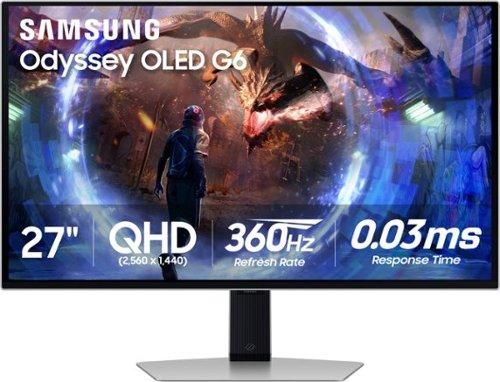
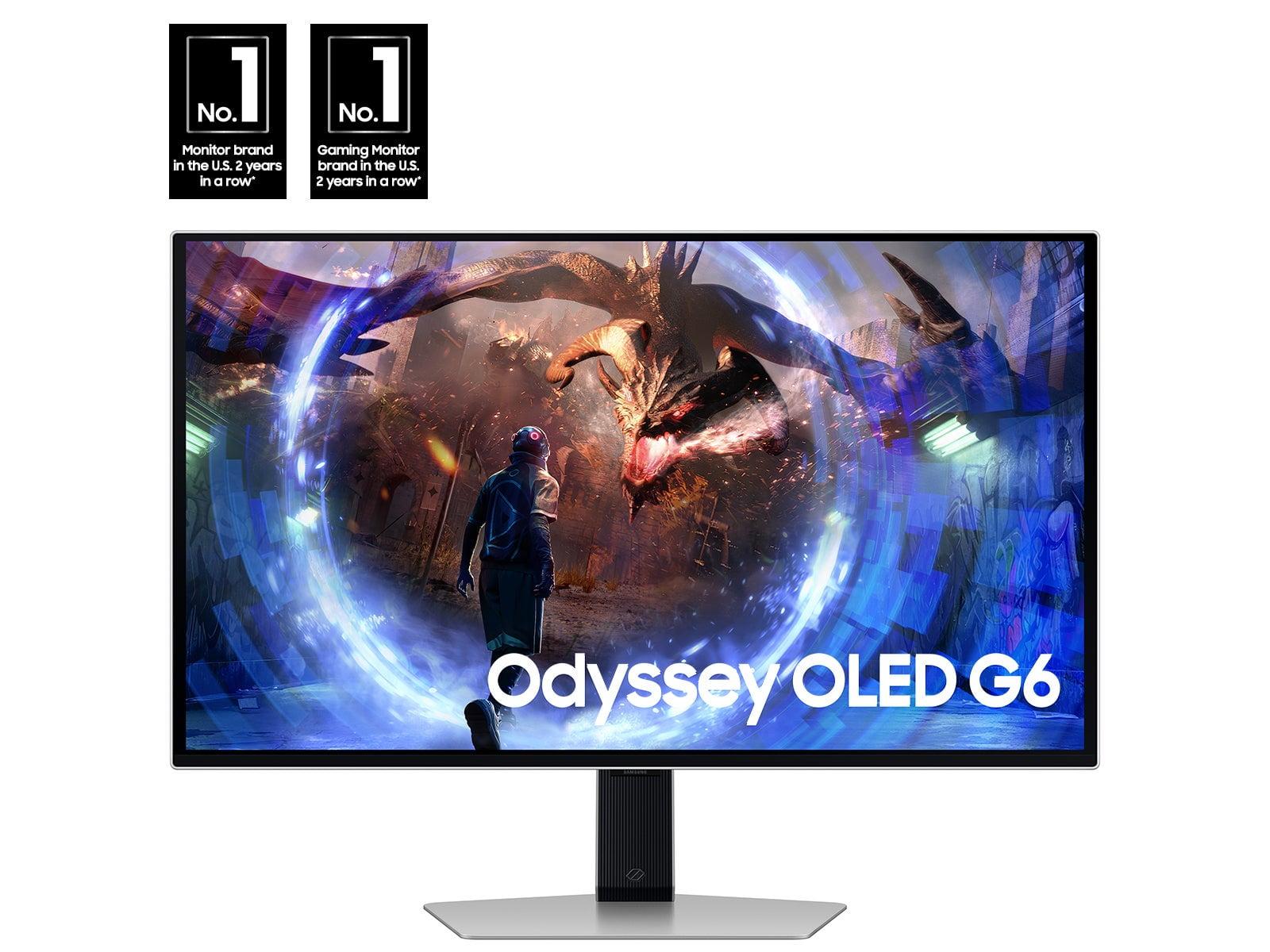

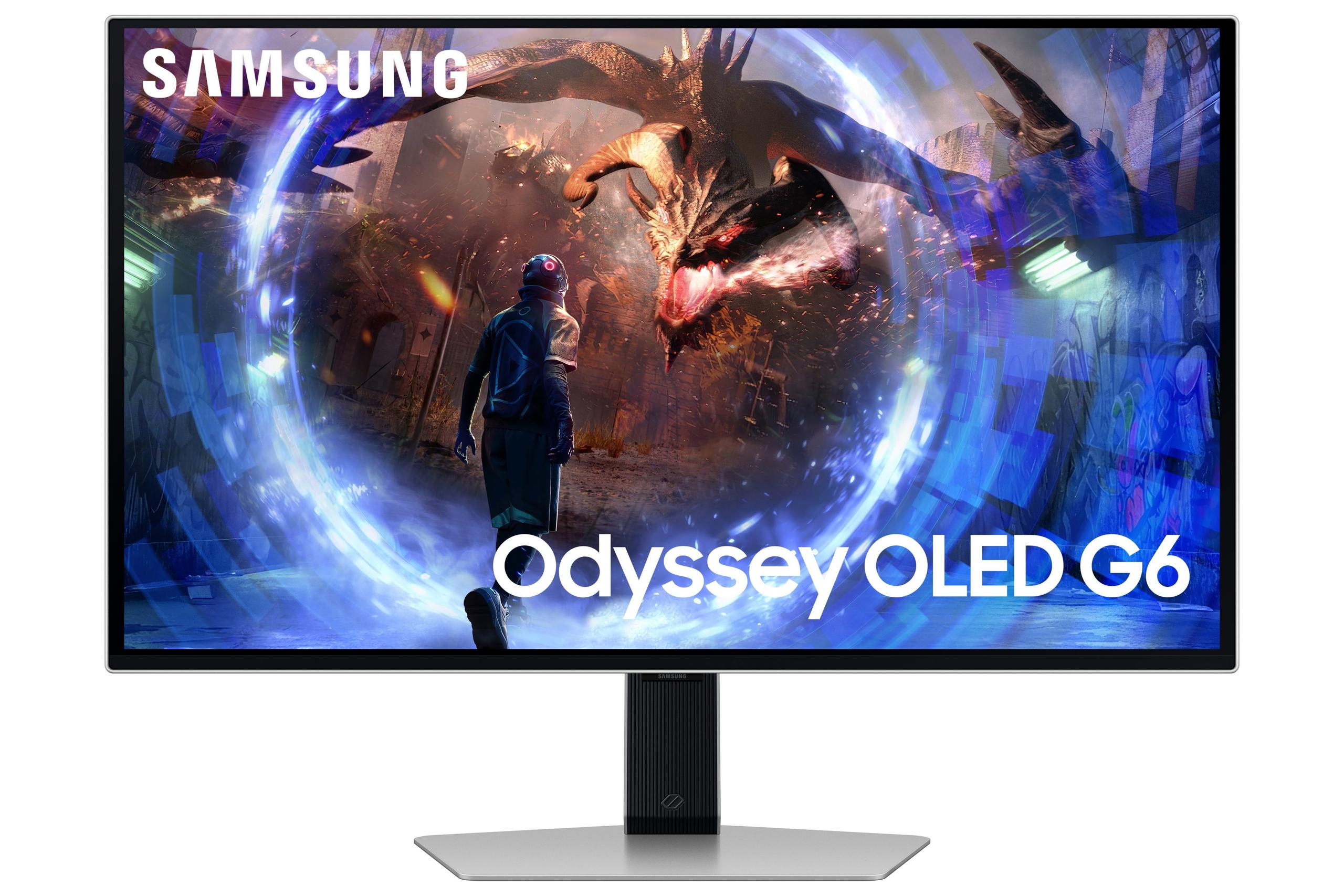
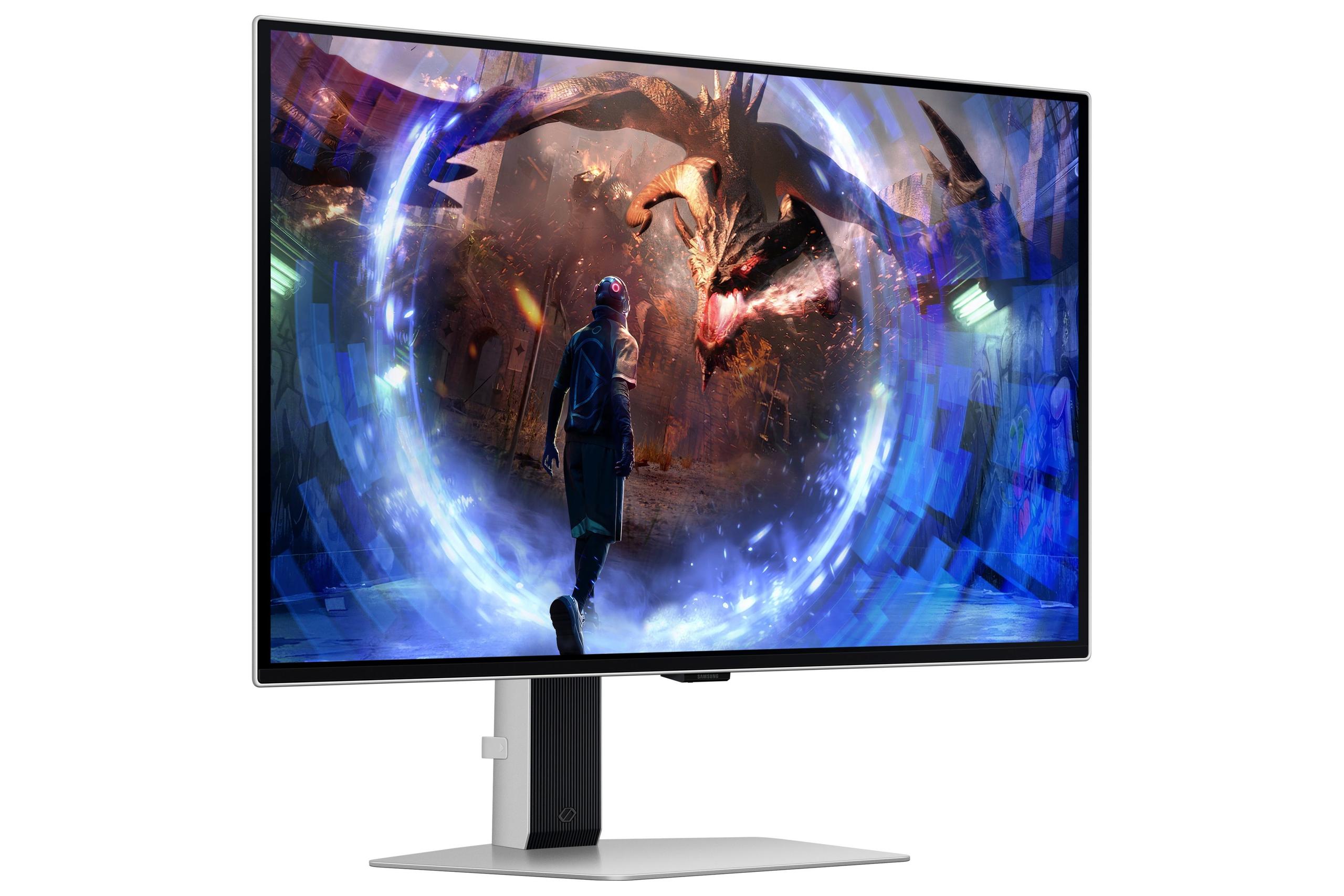
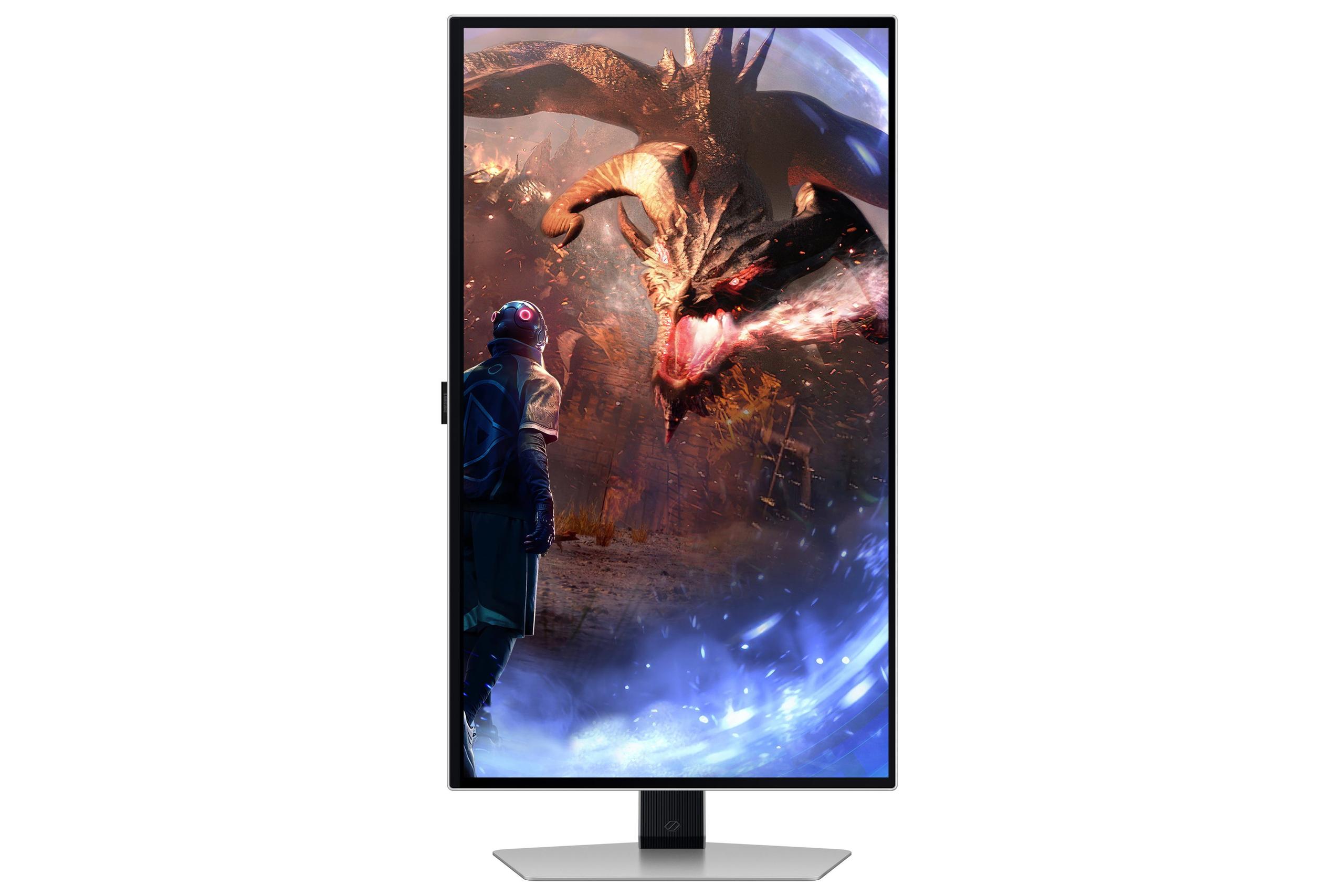

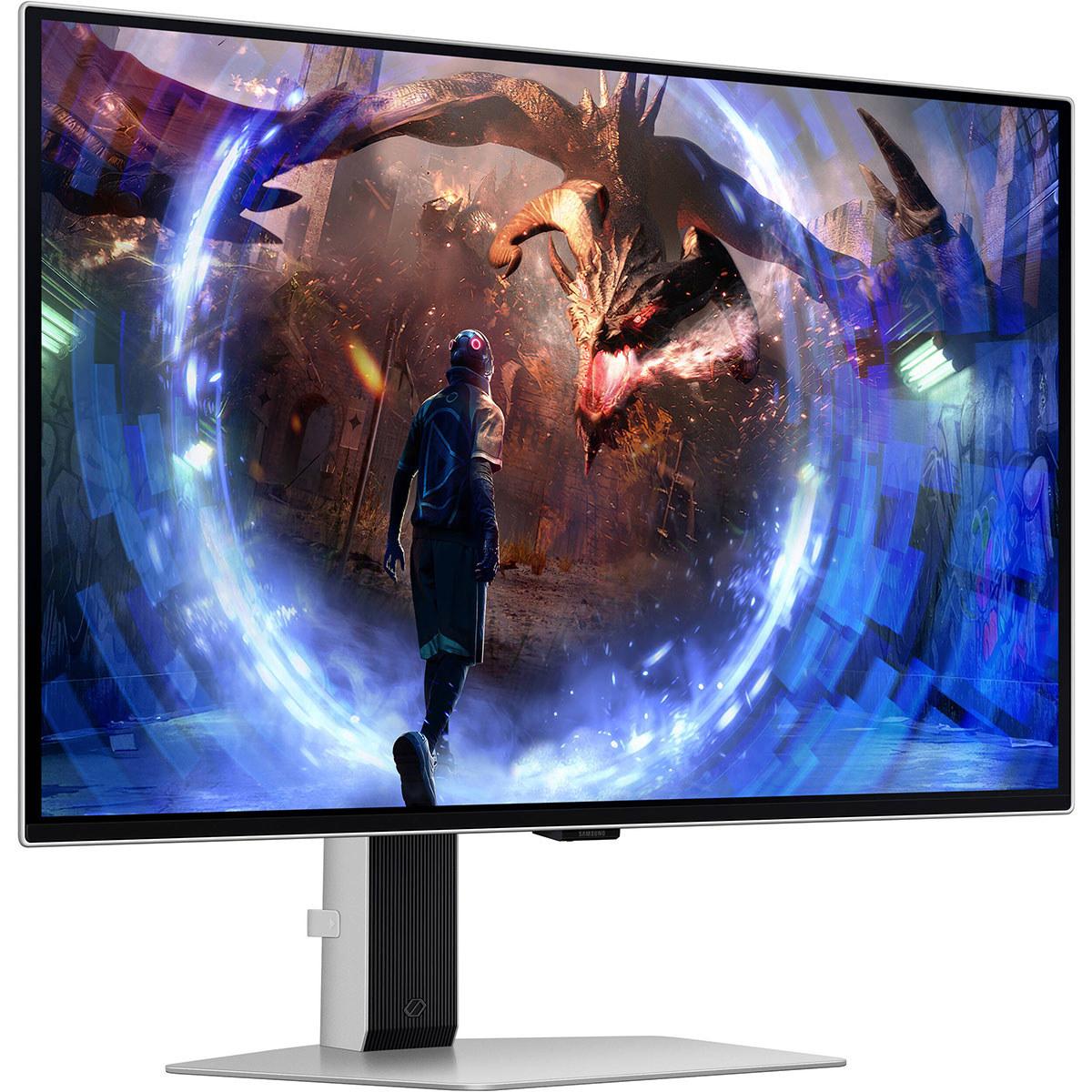
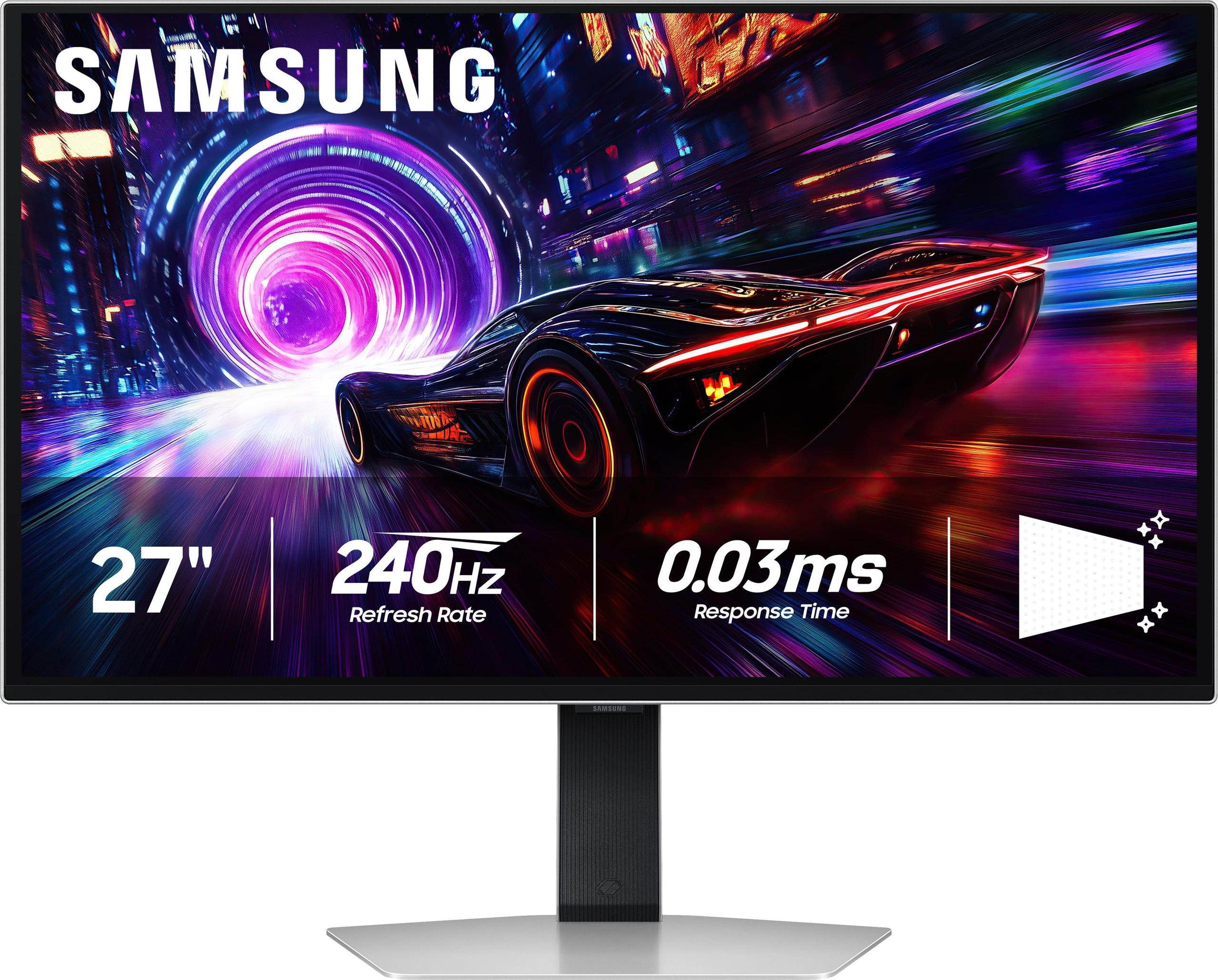
Gaming monitors have come a long way from the bulky CRT displays of the past. Today's premium OLED gaming monitors represent the cutting edge of display technology, offering perfect blacks, vibrant colors, and response times that were unimaginable just a few years ago. Two standout models from Samsung's Odyssey lineup – the 27" OLED G6 QHD 360Hz and the 27" OLED G8 4K 240Hz – showcase different philosophies in gaming monitor design. One prioritizes raw speed for competitive gaming, while the other balances resolution and refresh rate for a more well-rounded experience.
Understanding these differences is crucial because choosing between them isn't just about specs on paper – it's about matching the right tool to your gaming style, budget, and long-term needs.
Before diving into the specifics, it's worth understanding what makes OLED gaming monitors special. OLED stands for Organic Light-Emitting Diode, which means each pixel can turn completely on or off independently. Unlike traditional LCD monitors that use a backlight shining through liquid crystal layers, OLED pixels emit their own light. This fundamental difference creates perfect blacks (since pixels can turn completely off) and infinite contrast ratios – the difference between the brightest and darkest parts of an image.
Both Samsung monitors use QD-OLED technology, which adds a quantum dot layer to enhance color reproduction and brightness. Think of quantum dots as tiny particles that convert blue light into precise red and green wavelengths, creating purer, more vibrant colors than standard OLED panels.
The main considerations when shopping for premium OLED gaming monitors include the eternal trade-off between resolution and refresh rate, burn-in protection (since OLED panels can develop permanent image retention if static images are displayed too long), and the balance between competitive gaming features and overall versatility.
The Samsung 27" Odyssey OLED G6, released in 2024, represents Samsung's answer to competitive gamers who demand the absolute highest refresh rates. At the time of writing, it typically costs several hundred dollars less than its 4K sibling, making it the more accessible entry into premium OLED gaming.
The Samsung 27" Odyssey OLED G8 4K, launched in 2025, broke new ground as one of the first 27-inch 4K OLED gaming monitors available to consumers. It commands a premium price – expect to pay 25-30% more than the G6 at the time of writing – but offers cutting-edge resolution capabilities that weren't available in this size category before.
Both monitors share Samsung's latest generation of OLED technology improvements, including advanced burn-in protection and anti-glare coatings that make them more practical for everyday use than earlier OLED monitors.
The most obvious difference between these monitors lies in their resolution capabilities, and this choice fundamentally shapes everything else about your gaming experience.
The G6's QHD resolution of 2560 x 1440 pixels has become the sweet spot for competitive gaming. While it might sound less impressive than 4K, there's solid reasoning behind this choice. QHD provides significantly sharper visuals than 1080p – you'll notice cleaner text, more detailed textures, and better clarity in games – while still being manageable for high-end graphics cards to push at extremely high frame rates.
In my experience testing various gaming monitors, QHD strikes an excellent balance. Text remains crisp for productivity work, game details are clear and immersive, but your graphics card isn't struggling to push millions of extra pixels. This resolution particularly shines in fast-paced competitive games where you need to spot enemies quickly and track fast-moving targets.
The G8's 4K UHD resolution of 3840 x 2160 pixels contains 77% more pixels than the G6 – that's a substantial jump. At 27 inches, this translates to a pixel density of 166 PPI (pixels per inch), making text incredibly sharp and game visuals notably more detailed than QHD.
The difference is immediately apparent when you sit at normal desk distances. Fine details in games that might appear slightly soft on QHD displays become crisp and clear. Text looks almost print-quality, making the G8 excellent for mixed use scenarios where you're gaming, working, and consuming media on the same display.
However, 4K demands significantly more from your graphics card. Even with a high-end GPU like an RTX 4080 or 4090, maintaining high frame rates at 4K in demanding games requires careful settings management.
Here's where the philosophical divide between these monitors becomes most apparent. The choice between maximum refresh rate and high resolution represents two different approaches to gaming excellence.
The G6's 360Hz refresh rate is genuinely impressive and represents the current peak of gaming monitor speed. Refresh rate, measured in Hertz (Hz), indicates how many times per second the monitor can display a new image. Higher refresh rates create smoother motion, reduce motion blur, and can provide competitive advantages in fast-paced games.
At 360Hz, the time between each frame is just 2.78 milliseconds. Combined with the 0.03ms response time (how quickly pixels can change color), this creates motion clarity that's virtually indistinguishable from reality in fast-moving scenes. Playing competitive shooters like Counter-Strike 2 or Valorant on a 360Hz OLED feels transformative – tracking moving targets becomes easier, and the overall experience feels more connected and immediate.
The catch? Your gaming PC needs to generate 360 frames per second to fully utilize this capability. That's achievable in competitive esports titles with a high-end graphics card, but unrealistic for demanding single-player games.
The G8's 240Hz refresh rate might seem like a step backward, but it represents a more practical balance for 4K gaming. While 240Hz isn't quite as smooth as 360Hz, the difference in motion clarity between 240Hz and 360Hz is much smaller than the jump from 144Hz to 240Hz.
More importantly, 240Hz is actually achievable at 4K in many games with current high-end hardware. This makes the G8 more likely to provide its full potential across a wider range of gaming scenarios, rather than being limited to less demanding competitive titles.
Both monitors share identical 0.03ms response times, which is effectively instantaneous and eliminates ghosting (trailing artifacts behind moving objects) entirely.
OLED technology provides both monitors with exceptional color reproduction and HDR (High Dynamic Range) capabilities, but there are subtle differences worth understanding.
The G6 demonstrates slightly better color accuracy out of the box, with more precise calibration in both standard (SDR) and HDR modes. This translates to more natural-looking colors in games and media without needing manual adjustment. The monitor also achieves higher peak brightness in SDR content – around 300 nits compared to the G8's 250 nits – making it more suitable for brighter room environments.
The G8 compensates with more extensive HDR customization options and better EOTF (Electro-Optical Transfer Function) tracking. EOTF determines how brightness levels are mapped from the source content to your display, and better tracking means more accurate representation of the creator's intended visual experience.
Both monitors excel at HDR gaming, leveraging OLED's ability to display true blacks alongside bright highlights. The infinite contrast ratio means bright explosions or sunlight can coexist with deep shadows in the same scene without the blooming or haloing effects common in LCD monitors.
The G8 holds a slight advantage in HDR implementation, with VESA DisplayHDR True Black 400 certification and more granular HDR game modes. However, both monitors provide HDR experiences that surpass most LCD alternatives, including expensive Mini-LED displays.
Samsung has equipped both monitors with comprehensive gaming feature sets designed to minimize input lag, eliminate screen tearing, and enhance the competitive gaming experience.
Both monitors support AMD FreeSync Premium Pro and are NVIDIA G-Sync Compatible. These technologies synchronize the monitor's refresh rate with your graphics card's frame output, eliminating screen tearing (when the monitor displays portions of multiple frames simultaneously) and reducing stuttering.
The implementation is flawless on both displays, with wide VRR (Variable Refresh Rate) ranges that work smoothly whether you're getting 120 FPS or 300+ FPS.
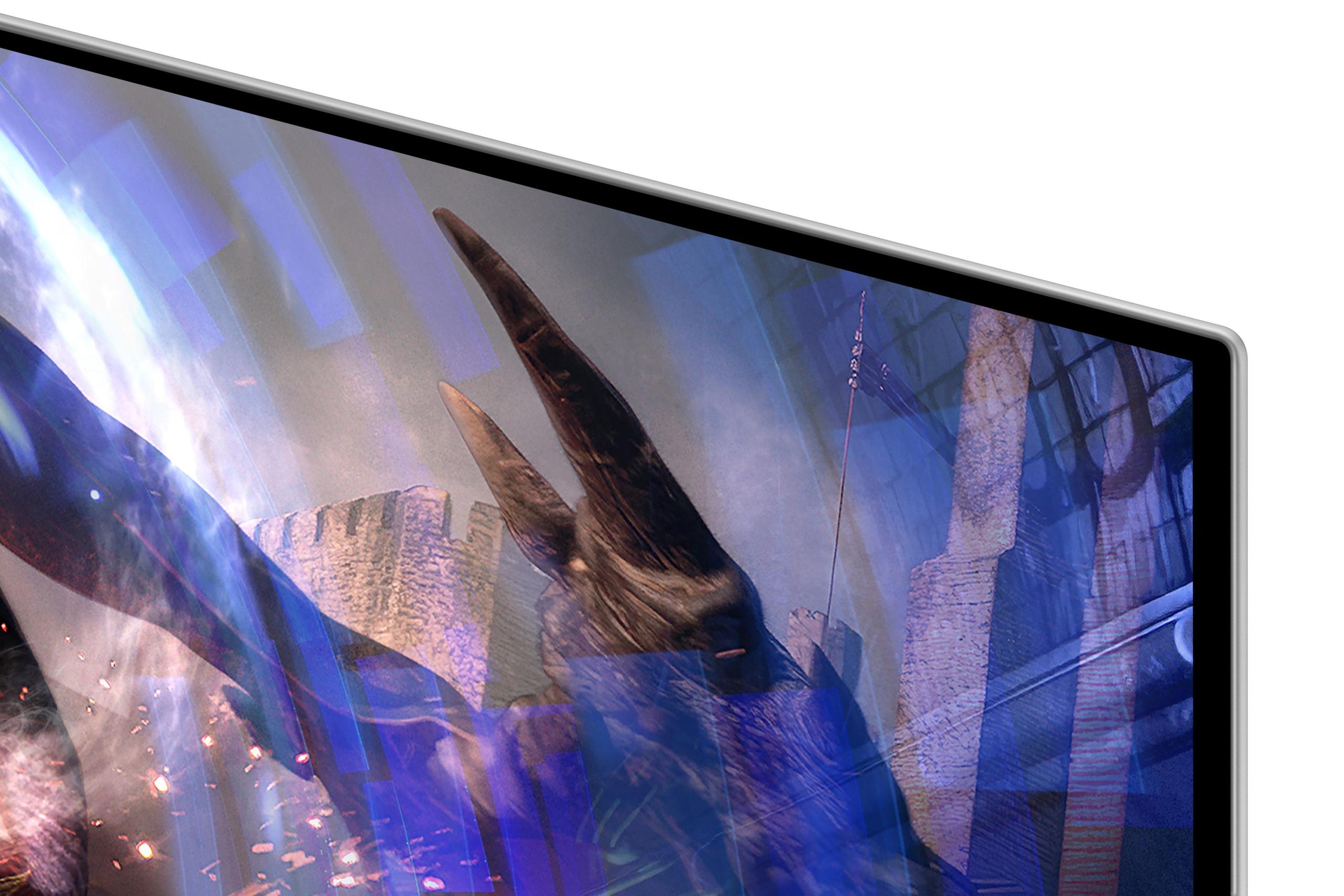
One of the most practical improvements in these monitors is Samsung's anti-glare coating technology. Traditional OLED displays are quite glossy and can become mirrors in bright environments. Samsung's coating reduces reflections by 54-61% while maintaining the deep blacks and vibrant colors that make OLED special.
In practice, this makes both monitors much more usable in typical home environments with windows or overhead lighting. While the coating introduces a very subtle texture that some users notice on solid backgrounds, it's a worthwhile trade-off for improved practicality.
OLED burn-in – permanent image retention from displaying static elements too long – has historically been a concern. Samsung addresses this with OLED Safeguard+ technology, including a "pulsating heat pipe" cooling system that dissipates heat more efficiently than previous methods.
Both monitors also include pixel shifting (subtly moving the image to prevent static elements from always hitting the same pixels), logo detection (automatically dimming taskbars and static UI elements), and thermal modulation (reducing brightness when temperatures rise).
In my experience, these protection systems work well for typical gaming use. However, users who display static content for hours daily (like stock traders or streamers with persistent overlays) should still exercise caution.
Understanding the value proposition requires looking beyond specifications to real-world use cases and long-term satisfaction.
At the time of writing, the G6 typically costs several hundred dollars less than the G8, making it the more accessible premium OLED option. For competitive gamers who primarily play esports titles and have hardware capable of pushing 300+ FPS at 1440p, the value proposition is excellent.
The G6 delivers exactly what competitive players need: maximum refresh rate, perfect response times, and excellent motion clarity. The lower resolution actually works in its favor here, as it's less demanding on your graphics card and allows higher frame rates.
The G8 commands a premium price for good reason – it's pioneering technology in a size category that didn't previously exist. The 4K resolution makes it suitable for productivity work, content creation, and immersive single-player gaming in ways the G6 simply cannot match.
While more expensive, the G8 offers better future-proofing as 4K becomes increasingly standard and graphics cards become more powerful. It's also more versatile for users who need one monitor to handle multiple use cases.
Both monitors excel in home theater applications, though with different strengths. OLED technology provides the perfect blacks and contrast that make movies and TV shows look cinematic, similar to premium OLED TVs but in a desktop-friendly size.
The G6 offers excellent HDR movie playback with its higher SDR brightness, making it suitable for moderately lit rooms. However, the QHD resolution means you won't get full 4K detail from Ultra HD Blu-rays or streaming services.
The G8 is superior for home theater use, displaying 4K content at native resolution with excellent HDR performance. The 240Hz refresh rate also handles 24fps movie content perfectly (240 divides evenly by 24), eliminating judder without frame interpolation.
Both monitors lack built-in smart TV features, so you'll need external streaming devices or to connect a PC for media playback.
Understanding the hardware requirements is crucial for making an informed decision.
The G6 requires substantial graphics power to reach its 360Hz potential. For competitive esports titles, an RTX 4070 or RX 7800 XT can achieve 300+ FPS at QHD with appropriate settings. For maximum utilization across all game types, an RTX 4080 or better is recommended.
The advantage is that QHD is more forgiving than 4K. Even with a mid-range GPU, you can achieve high refresh rates in many games by adjusting settings, making the G6 more accessible across different hardware configurations.
The G8 demands high-end graphics hardware for optimal performance. To consistently exceed 120 FPS at 4K in modern games, you realistically need an RTX 4080 or better. For approaching the 240Hz limit, an RTX 4090 is virtually mandatory in demanding titles.
However, the G8 remains useful with less powerful hardware. Many games include DLSS or FSR upscaling, which can render at lower internal resolutions while displaying at 4K, improving performance while maintaining visual quality.
Technology moves quickly, and considering long-term relevance is important when investing in premium gaming monitors.
The G6 represents the current peak of refresh rate technology, but higher refresh rate 4K monitors are inevitable. As they become more affordable, the G6's advantage may diminish.
The G8 offers better future-proofing with its 4K resolution, which is becoming the standard for premium gaming. As graphics cards become more powerful and game optimization improves, hitting high frame rates at 4K will become more achievable.
Both monitors benefit from Samsung's 3-year warranty that covers burn-in under normal usage conditions, providing peace of mind for the investment.
Choosing between the Samsung 27" Odyssey OLED G6 and G8 ultimately comes down to your priorities, budget, and primary use cases.
Choose the G6 if you're primarily focused on competitive gaming, have a high-end PC capable of pushing 300+ FPS at 1440p, and want to maximize your competitive advantage. It's also the better choice if you're budget-conscious but still want premium OLED gaming.
The G8 is worth the premium if you want cutting-edge display technology, play a mix of competitive and single-player games, need the monitor for productivity or content creation, or are future-proofing for next-generation gaming standards.
Both monitors represent excellent examples of their respective approaches to premium gaming displays. The G6 maximizes competitive performance, while the G8 provides the best overall premium experience. Your choice should align with how you actually game and what matters most to your daily experience.
The OLED gaming monitor category continues evolving rapidly, with new models and features appearing regularly. However, both of these Samsung monitors represent current state-of-the-art technology that will remain relevant and competitive for years to come.
| Samsung 27" Odyssey OLED G6 QHD 360Hz Gaming Monitor | Samsung 27" Odyssey OLED G8 4K UHD 240Hz Gaming Monitor |
|---|---|
| Resolution - Higher resolution means sharper visuals but requires more GPU power | |
| QHD (2560 x 1440) - Sweet spot for high frame rates | 4K UHD (3840 x 2160) - Premium visual clarity |
| Refresh Rate - Higher refresh provides smoother motion and competitive advantage | |
| 360Hz - Maximum smoothness for esports gaming | 240Hz - Excellent balance of speed and practicality |
| Response Time - Lower is better for eliminating motion blur | |
| 0.03ms (GtG) - Virtually instantaneous | 0.03ms (GtG) - Virtually instantaneous |
| Panel Technology - OLED provides perfect blacks and infinite contrast | |
| QD-OLED with infinite contrast ratio | QD-OLED with infinite contrast ratio |
| Brightness - Higher brightness better for bright rooms | |
| 300 nits typical - Good for most environments | 250 nits typical - Optimized for darker rooms |
| HDR Support - Enhanced contrast and color range for supported content | |
| HDR10, HDR10+ Gaming - Excellent HDR performance | VESA DisplayHDR True Black 400, HDR10+ Gaming - Superior HDR certification |
| Color Gamut - Wider gamut means more vibrant, accurate colors | |
| 99% DCI-P3 with superior out-of-box accuracy | 99% DCI-P3 with more customization options |
| Adaptive Sync - Eliminates screen tearing and stuttering | |
| AMD FreeSync Premium Pro, G-Sync Compatible | AMD FreeSync Premium Pro, G-Sync Compatible |
| Anti-Glare Technology - Reduces reflections in bright environments | |
| OLED Glare Free (61% less glossy) | OLED Glare Free (54% less glossy) |
| Burn-in Protection - Critical for OLED longevity with static content | |
| OLED Safeguard+ with Dynamic Cooling System | OLED Safeguard+ with Dynamic Cooling System |
| Connectivity - Available ports for devices and peripherals | |
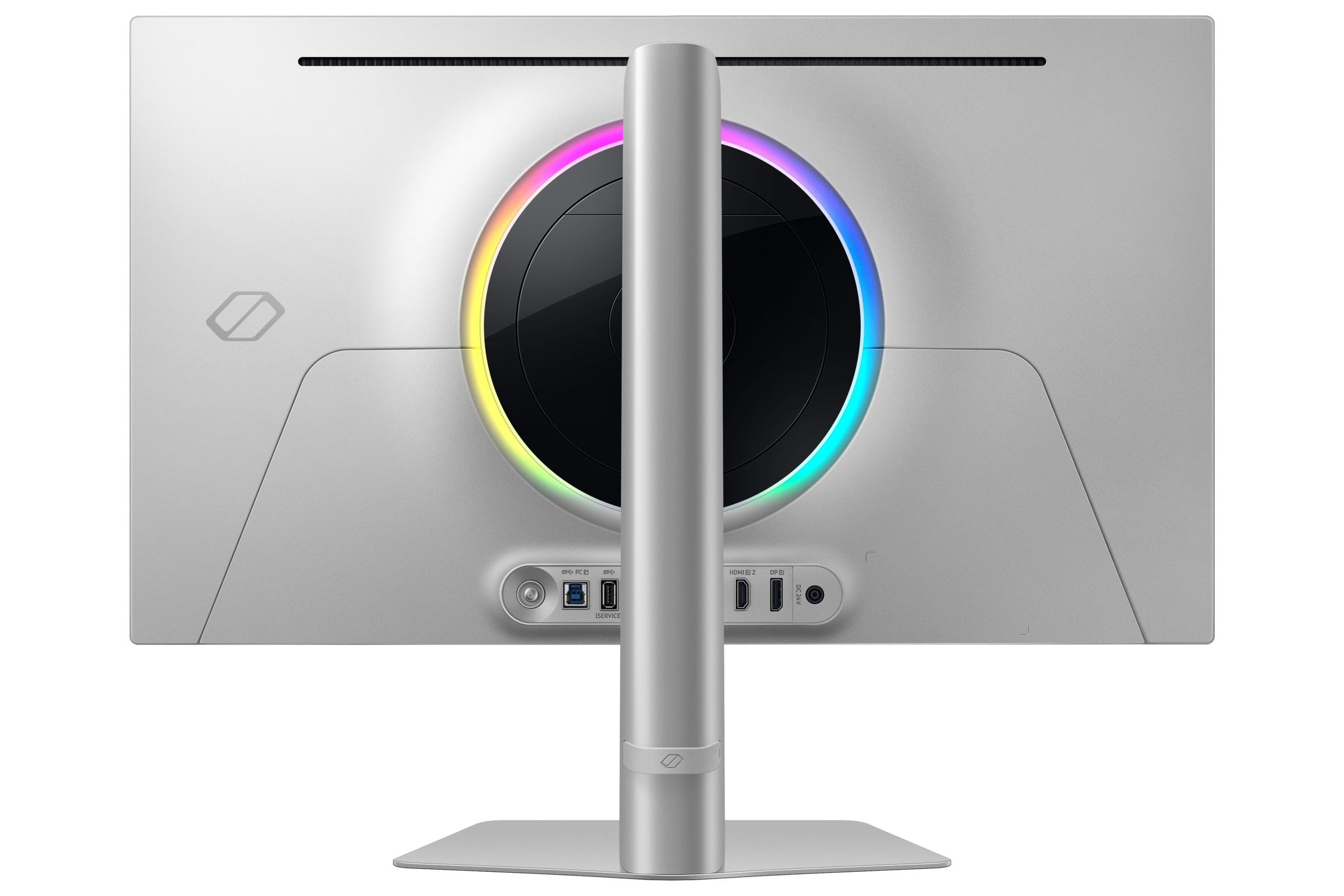
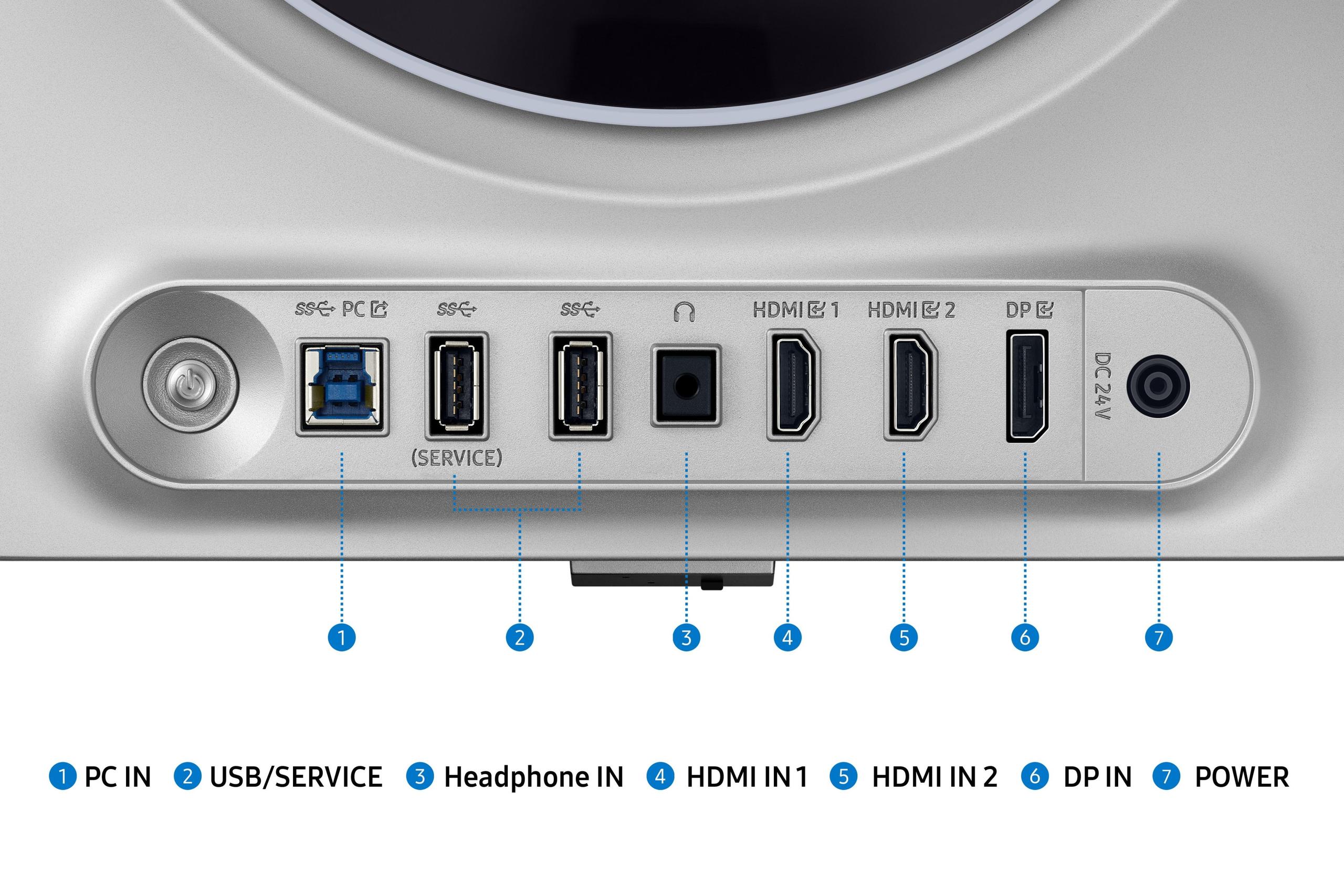
| DisplayPort 1.4, 2x HDMI 2.1, USB hub | DisplayPort 1.4, HDMI 2.1, USB-C |
| Ergonomics - Stand adjustability for comfortable positioning | |
| Height, tilt, swivel adjustments with VESA mount | Height, tilt adjustments with VESA mount |
| Warranty Coverage - Protection for expensive OLED investment | |
| 3-year warranty including burn-in protection | 3-year warranty including burn-in protection |
| Target Use Case - Best suited for specific gaming styles | |
| Competitive esports gaming, maximum refresh rate priority | Mixed gaming, productivity, content creation |
| GPU Requirements - Hardware needed for optimal performance | |
| RTX 4070+ for 300+ FPS at QHD | RTX 4080+ recommended for high frame rates at 4K |
The Samsung 27" Odyssey OLED G6 QHD 360Hz Gaming Monitor is superior for competitive gaming due to its 360Hz refresh rate, which provides the smoothest possible motion and fastest response times for esports titles like CS2, Valorant, and Overwatch 2. The lower QHD resolution also allows high-end graphics cards to consistently reach 300+ FPS, maximizing the competitive advantage.
The primary difference is resolution versus refresh rate: the G6 offers QHD (1440p) resolution at 360Hz, while the Samsung 27" Odyssey OLED G8 4K UHD 240Hz Gaming Monitor provides 4K resolution at 240Hz. This represents different philosophies - maximum speed versus maximum visual clarity.
The Samsung 27" Odyssey OLED G8 4K UHD 240Hz Gaming Monitor demands significantly more GPU power due to its 4K resolution. You'll need at least an RTX 4080 for optimal performance, while the G6 can achieve high frame rates with an RTX 4070 or equivalent at QHD resolution.
The Samsung 27" Odyssey OLED G6 QHD 360Hz Gaming Monitor typically offers better value for pure gaming, costing significantly less while delivering maximum refresh rate performance. The G8 costs more but provides better versatility for mixed use including productivity and content creation.
Yes, both the G6 and Samsung 27" Odyssey OLED G8 4K UHD 240Hz Gaming Monitor feature identical 0.03ms response times, which is virtually instantaneous and eliminates motion blur completely. This makes both excellent for fast-paced gaming.
The Samsung 27" Odyssey OLED G8 4K UHD 240Hz Gaming Monitor is superior for productivity due to its 4K resolution providing much sharper text clarity and more screen real estate for multitasking. The G6 works for basic productivity but isn't optimized for professional work.
Both monitors include Samsung's OLED Safeguard+ technology with dynamic cooling systems, pixel shifting, and logo detection to prevent burn-in. Both come with 3-year warranties that cover burn-in under normal usage conditions, making them practical for daily gaming use.
The G8 provides a more immersive experience for single-player games due to its 4K resolution delivering sharper textures, more detailed environments, and better visual fidelity. The Samsung 27" Odyssey OLED G6 QHD 360Hz Gaming Monitor is excellent but optimized more for competitive multiplayer gaming.
Yes, both support HDR gaming with excellent results. The G6 supports HDR10 and HDR10+ Gaming, while the Samsung 27" Odyssey OLED G8 4K UHD 240Hz Gaming Monitor adds VESA DisplayHDR True Black 400 certification and more HDR customization options for slightly better HDR performance.
Both feature Samsung's OLED Glare Free technology, with the Samsung 27" Odyssey OLED G6 QHD 360Hz Gaming Monitor reducing glare by 61% and the G8 by 54%. Both perform well in moderately lit rooms, though the G6 has a slight advantage in brighter environments.
Choose the G6's 360Hz if you primarily play competitive esports games and have a high-end PC that can push 300+ FPS at 1440p. Choose the Samsung 27" Odyssey OLED G8 4K UHD 240Hz Gaming Monitor's 4K resolution if you play a variety of games, want the sharpest visuals possible, or use your monitor for more than just gaming.
We've done our best to create useful and informative comparisons to help you decide what product to buy. Our research uses advanced automated methods to create this comparison and perfection is not possible - please contact us for corrections or questions. These are the sites we've researched in the creation of this article: bestbuy.com - gamesradar.com - gamesradar.com - versus.com - youtube.com - versus.com - player2.net.au - youtube.com - rtings.com - youtube.com - samsung.com - files.bbystatic.com - techpowerup.com - samsung.com - bestbuy.com - samsung.com - bhphotovideo.com - bestbuy.com - youtube.com - de.shi.com - pangoly.com - rtings.com - tomsguide.com - tomshardware.com - youtube.com - ign.com - youtube.com - pcvarge.com - youtube.com - youtube.com - versus.com - bestbuy.com - samsung.com - samsung.com - displayspecifications.com - samsung.com - hardforum.com - publicsector.shidirect.com - forums.thefpsreview.com - samsung.com - rtings.com - samsung.com - samsung.com

Privacy Policy
Terms and Conditions - Affiliate Policy
Home Security
© Copyright 2008-2026.
11816 Inwood Rd #1211, Dallas, TX 75244