







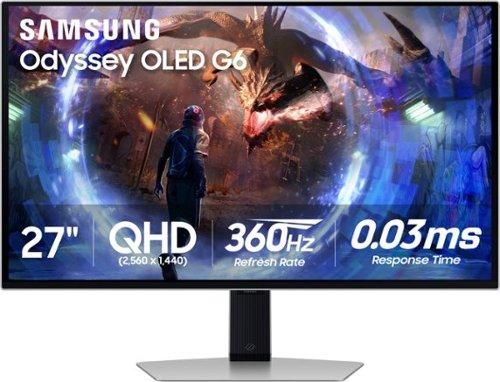
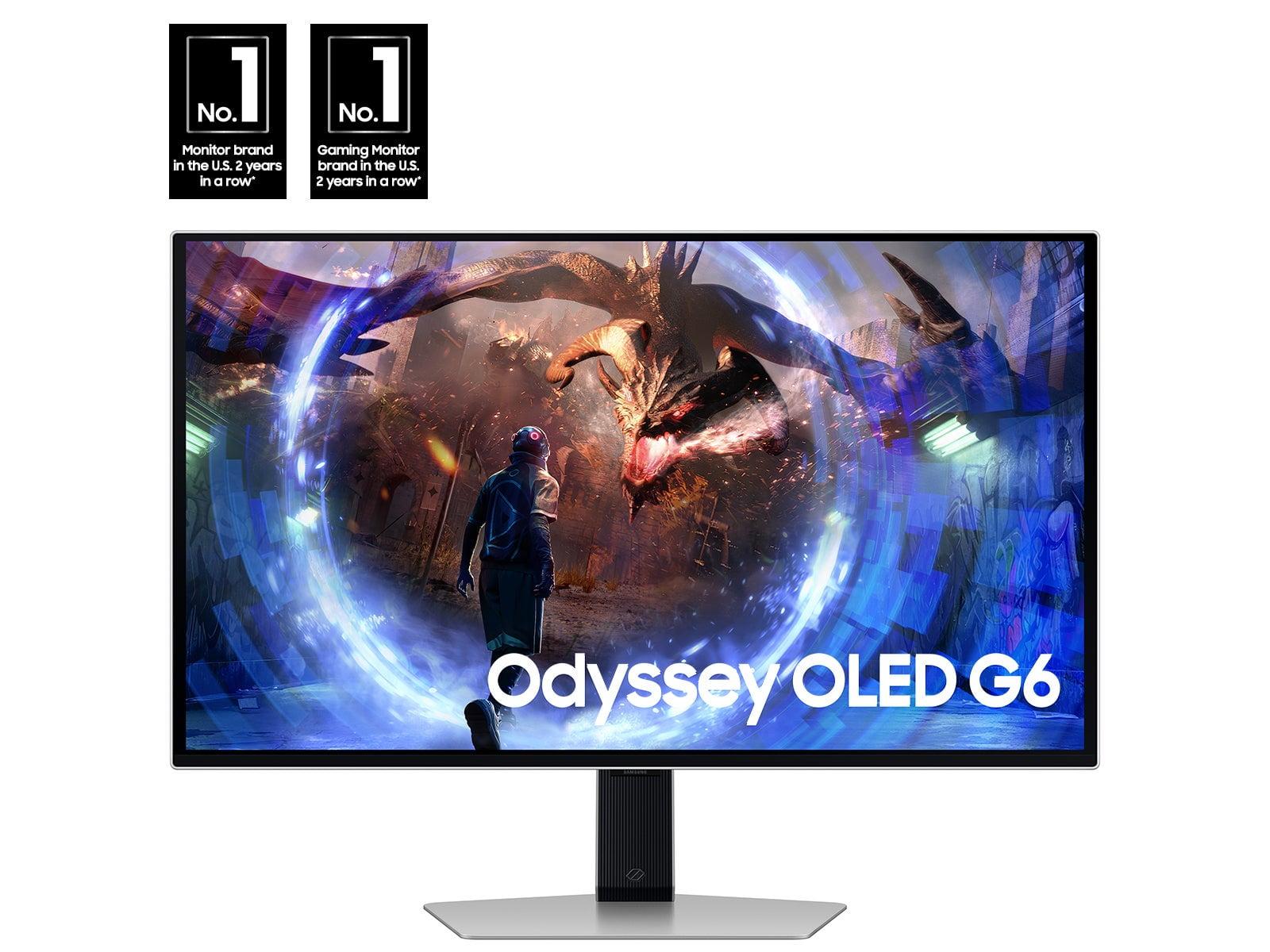

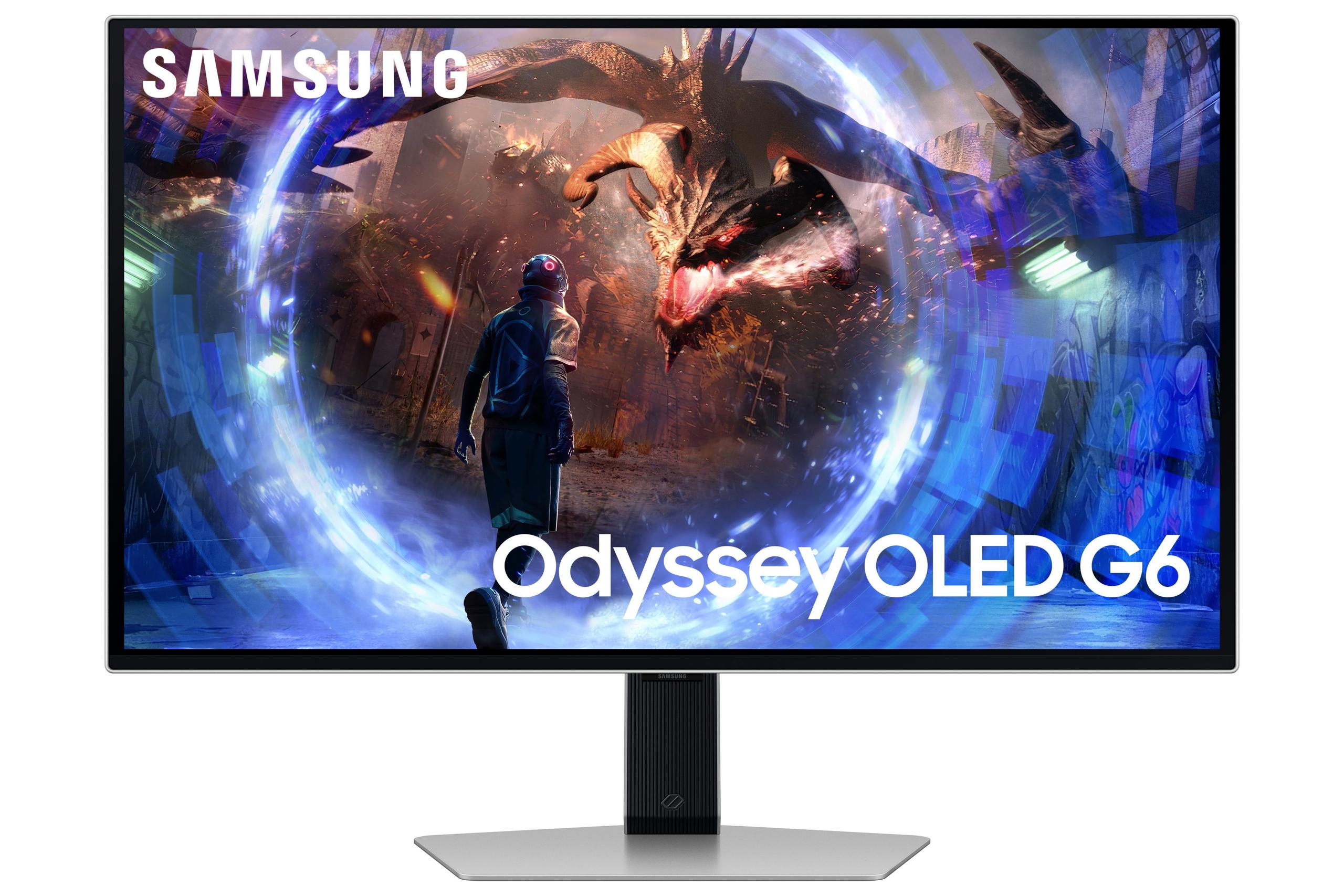
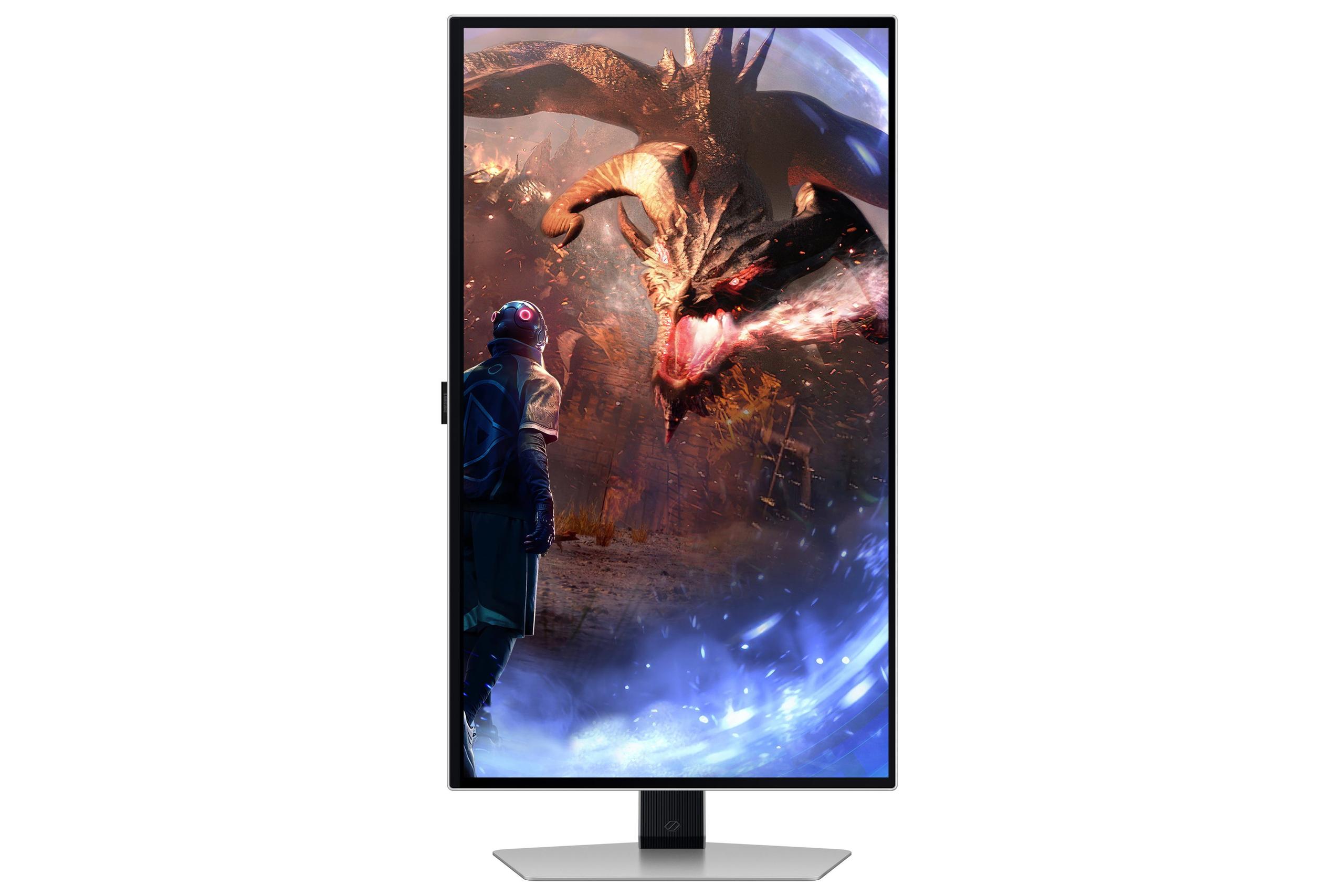

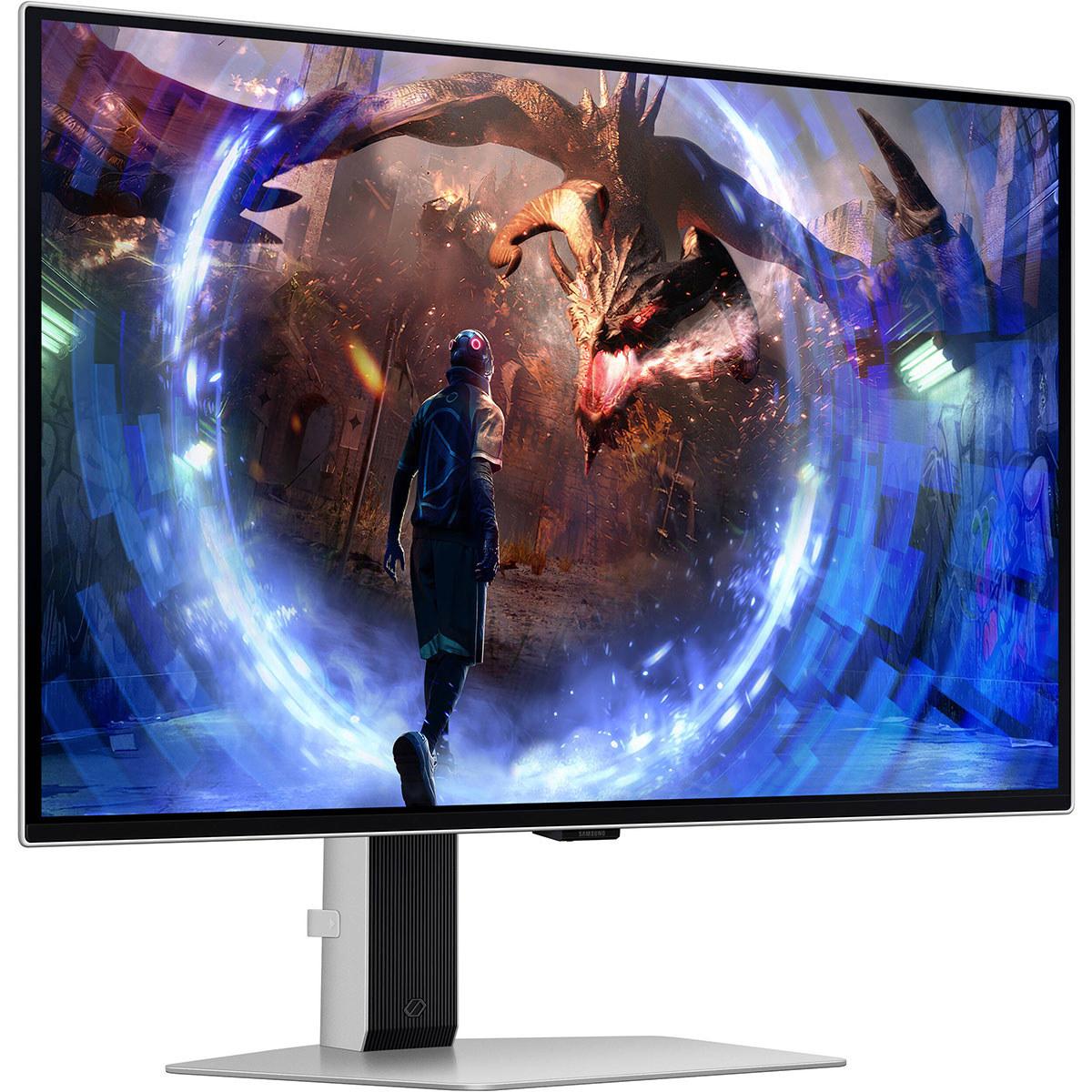
Shopping for a gaming monitor can feel overwhelming, especially when you're trying to figure out whether spending more actually gets you better performance. Today, we're comparing two 27-inch gaming monitors that couldn't be more different: the budget-friendly Sceptre E275W-FW100T and the premium Samsung Odyssey OLED G6. At the time of writing, these monitors sit at opposite ends of the price spectrum, with the Samsung costing roughly six times more than the Sceptre—but is that price difference justified?
Before diving into specifics, let's establish what makes a gaming monitor different from a regular display. Gaming monitors prioritize three key performance areas: input lag (the delay between your mouse click and screen response), motion clarity (how sharp moving objects appear), and refresh rate (how many times per second the screen updates).
Traditional monitors refresh at 60Hz, meaning they update the image 60 times per second. Gaming monitors push this much higher—the Sceptre operates at 100Hz while the Samsung reaches an extraordinary 360Hz. Higher refresh rates create smoother motion, reduce blur, and can provide competitive advantages in fast-paced games.
Response time measures how quickly pixels can change colors, typically measured in milliseconds. Lower numbers mean less ghosting (those annoying trails behind moving objects). Adaptive sync technologies like AMD FreeSync and NVIDIA G-Sync eliminate screen tearing by synchronizing your graphics card's output with the monitor's refresh rate.
Released in 2024, the Sceptre E275W-FW100T represents what budget gaming monitors have become capable of. At under $100 at the time of writing, it packs features that would have cost several hundred dollars just a few years ago. The monitor uses a VA (Vertical Alignment) panel—a technology that sits between cheaper TN panels and more expensive IPS displays in terms of performance.
VA panels excel at contrast ratio, which measures the difference between the darkest blacks and brightest whites a display can produce. The Sceptre achieves a 3,000:1 contrast ratio, significantly better than typical IPS panels that usually manage around 1,000:1. This translates to deeper blacks and more immersive dark scenes in games like horror titles or space simulators.
The monitor covers 100% of the sRGB color space—the standard color range used for most web content and games. While this isn't exceptional by today's standards, it ensures colors appear as developers intended. The 1920×1080 resolution provides the same pixel count as standard Full HD, spread across 27 inches for a pixel density of 81 PPI (pixels per inch).
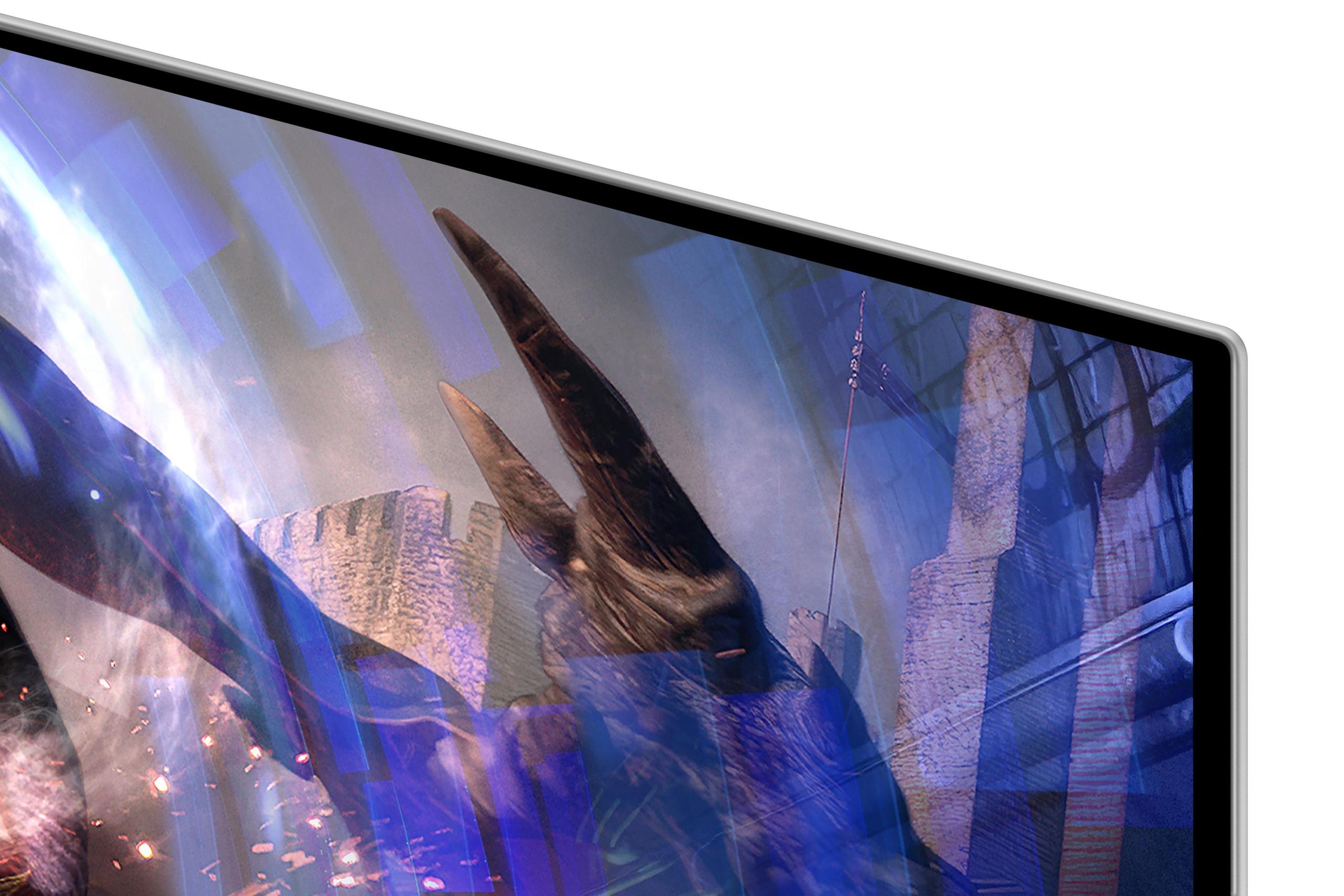
The Samsung Odyssey OLED G6, also released in 2024, showcases cutting-edge display technology. Its QD-OLED (Quantum Dot Organic Light-Emitting Diode) panel represents the latest evolution in display tech, combining OLED's perfect blacks with quantum dots' color enhancement.
Unlike traditional displays that use backlights, OLED pixels emit their own light and can turn completely off to create true blacks. This enables the Samsung to achieve a theoretical 1,000,000:1 contrast ratio—essentially infinite contrast since completely black pixels produce no light whatsoever.
The monitor's 2560×1440 QHD resolution provides 78% more pixels than 1080p, resulting in 108 PPI—a significant sharpness improvement over the Sceptre. This higher pixel density makes text crisper and reveals more detail in games, though it also demands more from your graphics card.
The fundamental difference between these monitors lies in their display technology. The Sceptre's VA panel uses liquid crystals that twist to control light from LED backlights. While effective and affordable, this approach has inherent limitations—the backlight always produces some light, preventing true blacks, and the liquid crystals take time to respond, creating motion blur.
The Samsung's OLED technology eliminates these compromises. Each pixel is essentially a tiny colored light that can instantly turn on or off. This provides several advantages: perfect blacks (since off pixels produce no light), near-instantaneous response times, and wider viewing angles. The quantum dot enhancement adds superior color volume, allowing the display to produce more saturated colors at various brightness levels.
However, OLED technology comes with trade-offs. The organic compounds that create light gradually degrade over time, potentially leading to burn-in where static images leave permanent marks. Samsung addresses this with their OLED Safeguard+ system, which includes thermal monitoring, automatic brightness adjustments, and a sophisticated cooling system featuring the first pulsating heat pipe in a monitor.
The performance gap between these monitors becomes immediately apparent in motion handling. The Sceptre's 100Hz refresh rate provides a noticeable improvement over standard 60Hz displays, updating the image 67% more frequently. This creates smoother panning in games and reduces motion blur, though you'll still notice some trailing in fast-paced shooters.
The Samsung's 360Hz refresh rate operates in a different league entirely. It updates the image 3.6 times more frequently than the Sceptre, creating almost impossibly smooth motion. In competitive first-person shooters like CS2 or Valorant, this translates to clearer target tracking and reduced motion blur that can provide genuine competitive advantages.
From our research into user experiences, the jump from 60Hz to 100Hz feels more dramatic than from 100Hz to 360Hz due to diminishing returns. However, competitive gamers consistently report that ultra-high refresh rates help with precise aiming and target acquisition.
Response time differences between these monitors are staggering. The Sceptre achieves 5ms gray-to-gray response time, which is respectable for its price range but still produces noticeable ghosting in fast-moving scenes. Users report seeing trails behind characters in fast-paced games, though it's not severe enough to ruin the experience for casual gaming.
The Samsung's 0.03ms response time is essentially instantaneous—166 times faster than the Sceptre. This virtually eliminates ghosting, creating crystal-clear motion that's particularly beneficial for competitive gaming. The difference is immediately apparent when switching between monitors; moving objects appear significantly sharper on the Samsung.
Both monitors support AMD FreeSync, but with different capabilities. The Sceptre operates in the 48-100Hz range with Low Framerate Compensation, which duplicates frames when your GPU falls below the minimum sync range. This works well for most gaming scenarios, especially with mid-range graphics cards that naturally output frame rates in this range.
The Samsung supports FreeSync Premium Pro, which includes HDR support and typically wider VRR (Variable Refresh Rate) ranges. It's also G-Sync Compatible, meaning NVIDIA users can enjoy tear-free gaming. The broader compatibility and higher refresh rate ceiling make it suitable for high-end graphics cards capable of pushing hundreds of frames per second.
The resolution difference between these monitors significantly impacts daily use. The Sceptre's 1080p resolution spread across 27 inches results in relatively large pixels that become noticeable during productivity tasks. Text appears somewhat soft, and fine details in games may lack definition. For gaming, this isn't necessarily problematic—many competitive players prefer 1080p for higher frame rates—but it limits the monitor's versatility.
The Samsung's QHD resolution provides substantially sharper imagery. Text appears crisp, game textures show more detail, and the overall experience feels more premium. However, this comes with a performance cost—your graphics card must render 78% more pixels, potentially requiring reduced settings to maintain high frame rates.
Both monitors cover 100% sRGB, ensuring accurate color reproduction for standard content. However, the Samsung extends into wider color gamuts with 99% DCI-P3 coverage, enabling more saturated and lifelike colors in HDR content.
The HDR experience differs dramatically between these displays. The Sceptre lacks meaningful HDR support—while it may accept HDR signals, it cannot display the wide brightness range or color volume that makes HDR impactful.
The Samsung delivers exceptional HDR performance thanks to its OLED technology. With perfect blacks and peak highlights reaching 1,000 nits in small areas, it creates the dramatic contrast range that makes HDR content truly immersive. Games like Cyberpunk 2077 or Red Dead Redemption 2 showcase lighting and atmosphere that simply isn't possible on traditional monitors.
Interestingly, the budget Sceptre achieves higher sustained brightness at 280 nits compared to the Samsung's 250 nits in SDR mode. This makes the Sceptre better suited for bright rooms or near windows. The Samsung's lower peak brightness is typical of OLED panels but becomes less problematic in darker environments where the perfect blacks create perceived contrast that makes images appear more vivid.
The Sceptre embraces functional minimalism with a basic plastic construction and straightforward design. The stand provides tilt adjustment only, which may frustrate users wanting height or swivel adjustments. However, it includes 100×100mm VESA mounting compatibility for those planning to use monitor arms. The included 2W speakers are basic but convenient for saving desk space.
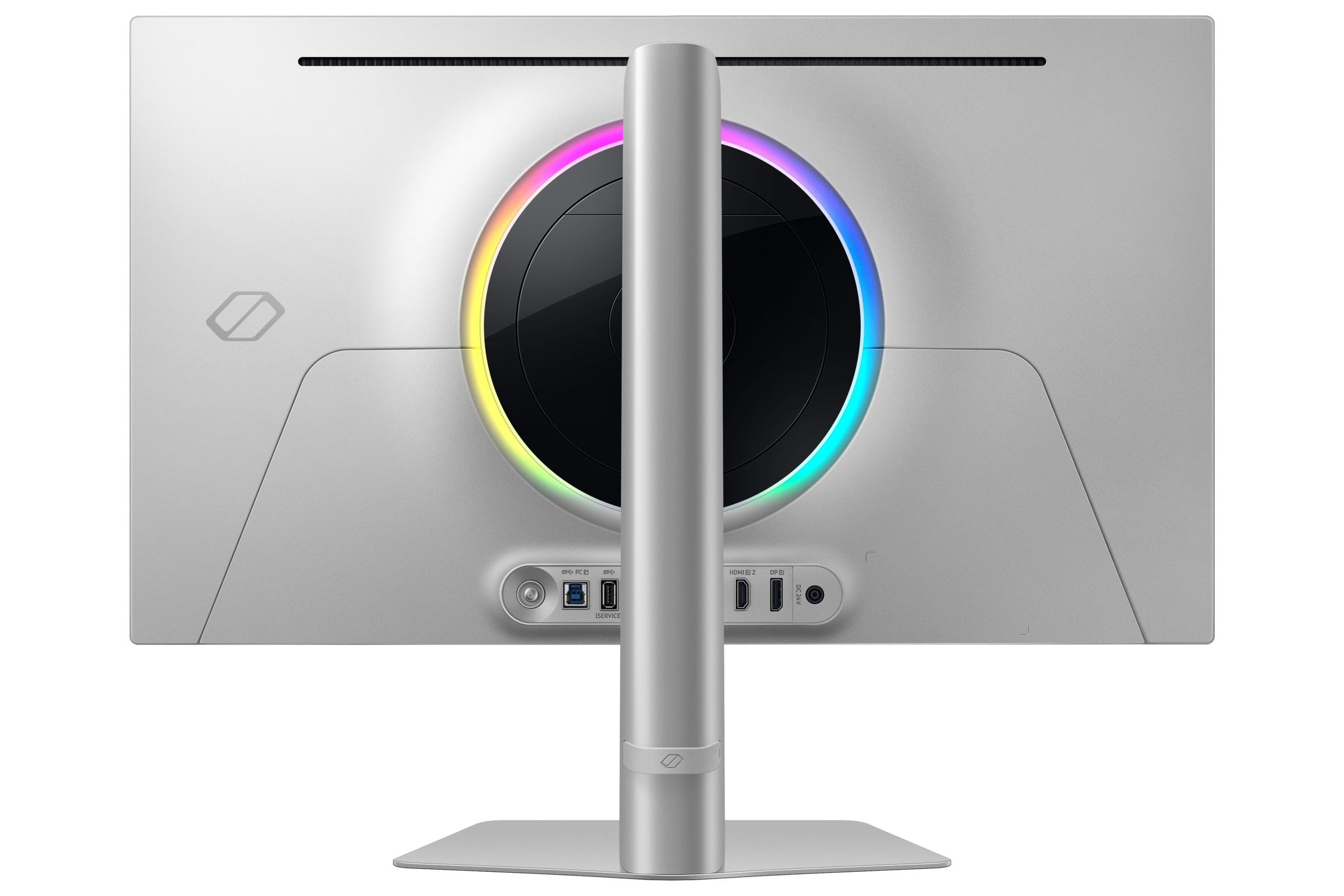
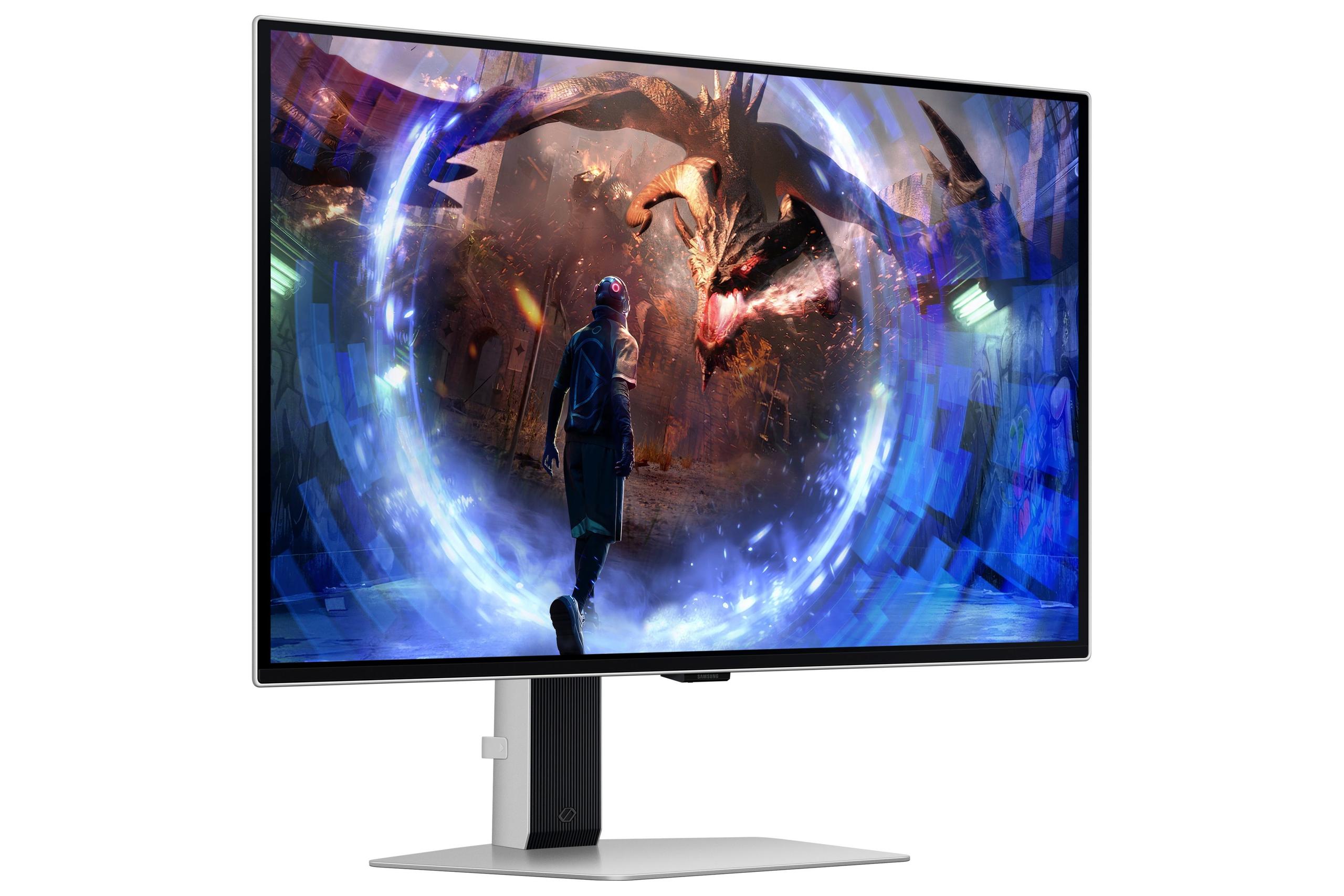
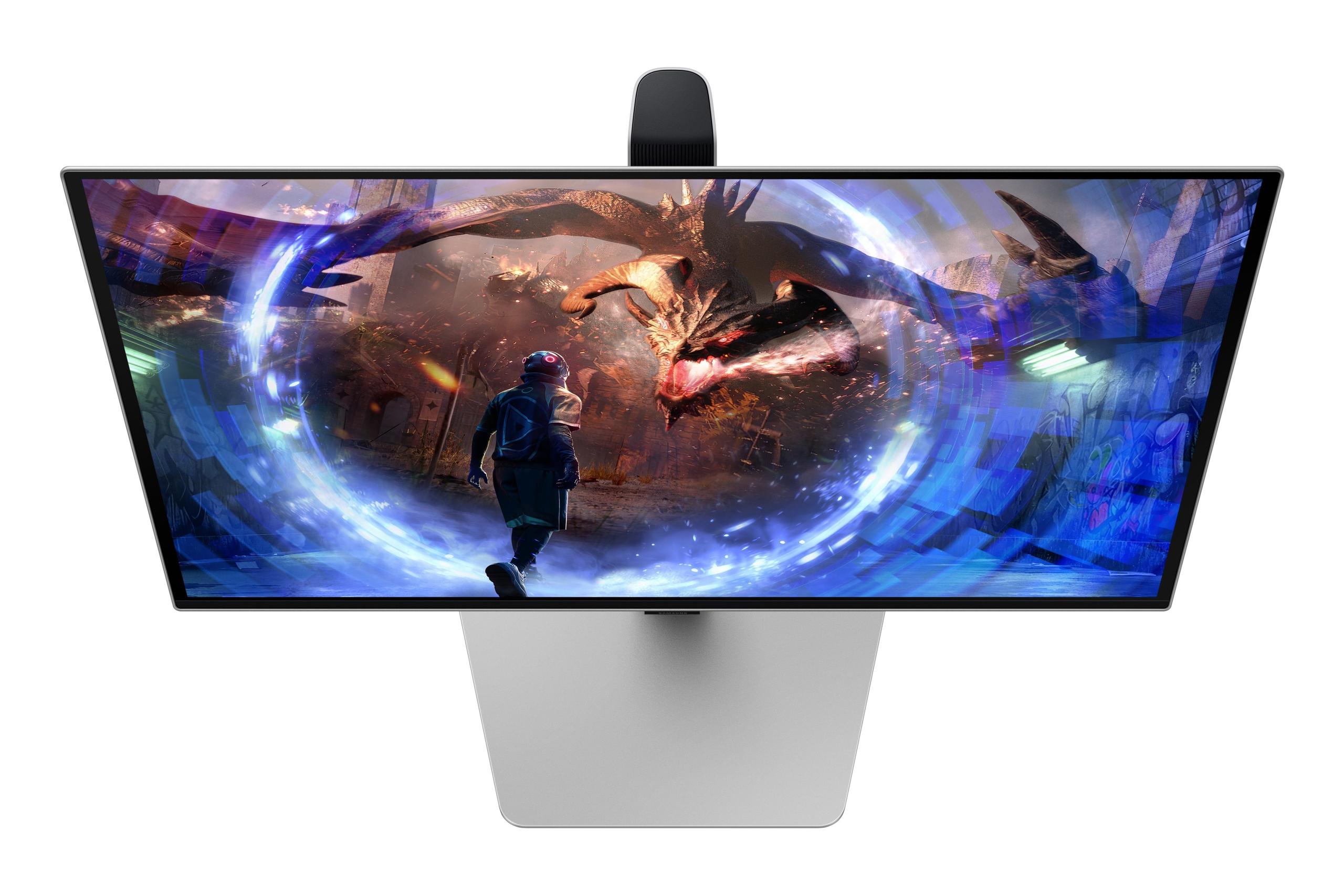
The Samsung showcases premium construction with a sleek metal chassis and fully adjustable stand supporting height, tilt, and swivel movements. The CoreLighting+ RGB system adds customizable ambient lighting, appealing to enthusiasts who want their setup to look as impressive as it performs. The lack of built-in speakers reflects the assumption that users at this price point likely have dedicated audio solutions.
The technology differences create a significant power consumption gap. The Sceptre sips just 28W during operation, making it environmentally friendly and suitable for extended use without heating concerns. The Samsung demands 140W—five times more power—reflecting the energy requirements of OLED panels and high refresh rate operation. This translates to higher electricity bills and more heat generation, requiring better desk ventilation.
The Sceptre E275W-FW100T excels for users who want gaming monitor features without premium pricing. It's particularly well-suited for:
The 100Hz refresh rate provides enough smoothness improvement over 60Hz to enhance most gaming experiences, while the VA panel's good contrast makes darker games more immersive than typical IPS alternatives in this price range.
The Samsung Odyssey OLED G6 targets serious gamers who prioritize performance above cost considerations. It particularly benefits:
The 360Hz refresh rate and near-zero response time create a competitive edge that's measurable in esports scenarios, while the OLED image quality enhances single-player experiences dramatically.
For users considering these monitors for media consumption or home theater setups, the differences become even more pronounced. The Sceptre handles standard video content adequately, with its VA panel providing better contrast than IPS alternatives for movie watching in darker rooms.
The Samsung transforms into a premium home theater display with its OLED technology. Perfect blacks make movies appear more cinematic, HDR content displays with reference-quality accuracy, and the wide color gamut ensures films appear as directors intended. However, the smaller 27-inch size limits its suitability for dedicated home theater use compared to larger OLED TVs.
Both monitors represent 2024 technology standards, but with different longevity expectations. The Sceptre reflects mature VA panel technology that's unlikely to see dramatic improvements. Its 1080p resolution may feel dated as games become more demanding and graphics cards more powerful over the coming years.
The Samsung showcases cutting-edge technology that sets the standard for premium gaming monitors. QD-OLED represents the current pinnacle of display technology, with improvements likely to be incremental rather than revolutionary. The QHD resolution provides a sweet spot between performance and visual fidelity that should remain relevant for years.
OLED technology has evolved significantly since early implementations, with burn-in resistance improving dramatically. Samsung's advanced cooling system and protective algorithms represent the latest solutions to OLED longevity concerns, though long-term durability remains somewhat unproven compared to traditional LCD technology.
The choice between these monitors ultimately depends on your priorities and budget flexibility. The Sceptre E275W-FW100T delivers remarkable value, providing gaming monitor features that were expensive just a few years ago at an extremely accessible price point. For users with limited budgets or casual gaming needs, it represents an excellent entry point into higher refresh rate gaming.
The Samsung Odyssey OLED G6 justifies its premium pricing through genuinely superior performance and image quality. The technology advantages aren't marketing hype—they create measurable improvements in competitive gaming scenarios and dramatic enhancement in visual quality for all content types.
Consider the Sceptre if you're budget-conscious, primarily play slower-paced games, or need a capable secondary monitor. Choose the Samsung if you're serious about competitive gaming, own high-end hardware capable of utilizing its capabilities, or want the best possible image quality regardless of cost.
The six-fold price difference reflects genuine technology gaps rather than brand premium, making both monitors reasonable choices within their respective market segments. Your gaming habits, hardware capabilities, and budget constraints should guide your decision more than specifications alone.
At the time of writing, the gaming monitor market continues evolving rapidly, with OLED technology becoming more accessible and budget options gaining features. Whatever you choose, both monitors represent significant improvements over older displays and will enhance your gaming experience compared to standard 60Hz panels.
| Sceptre E275W-FW100T | Samsung Odyssey OLED G6 |
|---|---|
| Display Technology - Foundation that affects all image quality | |
| VA panel with LED backlight | QD-OLED with per-pixel lighting |
| Resolution - Impacts sharpness and detail clarity | |
| 1920×1080 (Full HD, 81 PPI) | 2560×1440 (QHD, 108 PPI) |
| Refresh Rate - Critical for smooth motion in fast games | |
| 100Hz (good improvement over 60Hz) | 360Hz (competitive esports level) |
| Response Time - Determines motion blur and ghosting | |
| 5ms GtG (noticeable ghosting in fast scenes) | 0.03ms GtG (virtually no ghosting) |
| Contrast Ratio - Affects depth and immersion in dark scenes | |
| 3,000:1 (good for VA panel) | 1,000,000:1 (perfect OLED blacks) |
| Color Coverage - Important for color accuracy | |
| 100% sRGB (standard gaming coverage) | 99% DCI-P3 + 100% sRGB (wide gamut) |
| HDR Support - Makes bright highlights and dark shadows more realistic | |
| Limited HDR (accepts signal but minimal impact) | HDR10+ Gaming with 1,000 nits peak |
| Peak Brightness - Affects visibility in bright rooms | |
| 280 nits (better for bright environments) | 250 nits SDR (designed for darker rooms) |
| Adaptive Sync - Eliminates screen tearing | |
| AMD FreeSync (48-100Hz range) | FreeSync Premium Pro + G-Sync Compatible |
| Build Quality - Affects durability and adjustability | |
| Basic plastic, tilt-only stand | Premium metal, full ergonomic adjustment |
| Power Consumption - Impacts electricity costs and heat | |
| 28W (very energy efficient) | 140W (requires more cooling) |
| Built-in Audio - Convenience for basic setups | |
| 2×2W speakers included | No built-in speakers |
| Burn-in Protection - OLED longevity concern | |
| Not applicable (LCD technology) | Advanced OLED Safeguard+ with cooling system |
| Best Use Cases - Who should consider each monitor | |
| Budget gaming, productivity, casual use | Competitive esports, premium gaming, content creation |
The Samsung Odyssey OLED G6 is significantly better for competitive gaming due to its 360Hz refresh rate and 0.03ms response time, which virtually eliminates motion blur and ghosting. The Sceptre E275W-FW100T offers decent performance at 100Hz but will show noticeable ghosting in fast-paced shooters. Professional esports players would benefit most from the Samsung's ultra-fast performance.
The biggest difference is display technology. The Samsung Odyssey OLED G6 uses OLED panels that produce perfect blacks and infinite contrast, while the Sceptre E275W-FW100T uses a VA panel with good but limited contrast. The Samsung also has higher 1440p resolution compared to the Sceptre's 1080p, making text and details much sharper.
The Sceptre E275W-FW100T offers exceptional value for budget-conscious buyers, providing 100Hz gaming performance and decent image quality at a fraction of the cost. The Samsung Odyssey OLED G6 justifies its premium price with cutting-edge OLED technology and professional-grade gaming performance, but costs significantly more than the Sceptre.
Both work well with consoles, but serve different needs. The Sceptre E275W-FW100T is perfectly adequate for PS5 and Xbox gaming, handling 120fps content smoothly. The Samsung Odyssey OLED G6 provides superior image quality for single-player games with its OLED blacks and HDR support, though consoles can't utilize its full 360Hz capability like the Sceptre's more modest specs.
The Samsung Odyssey OLED G6 excels for media consumption with perfect blacks, excellent HDR performance, and wide color coverage that makes movies look cinematic. The Sceptre E275W-FW100T handles standard video content adequately with decent VA panel contrast, but can't match the Samsung's OLED technology for true home theater quality viewing.
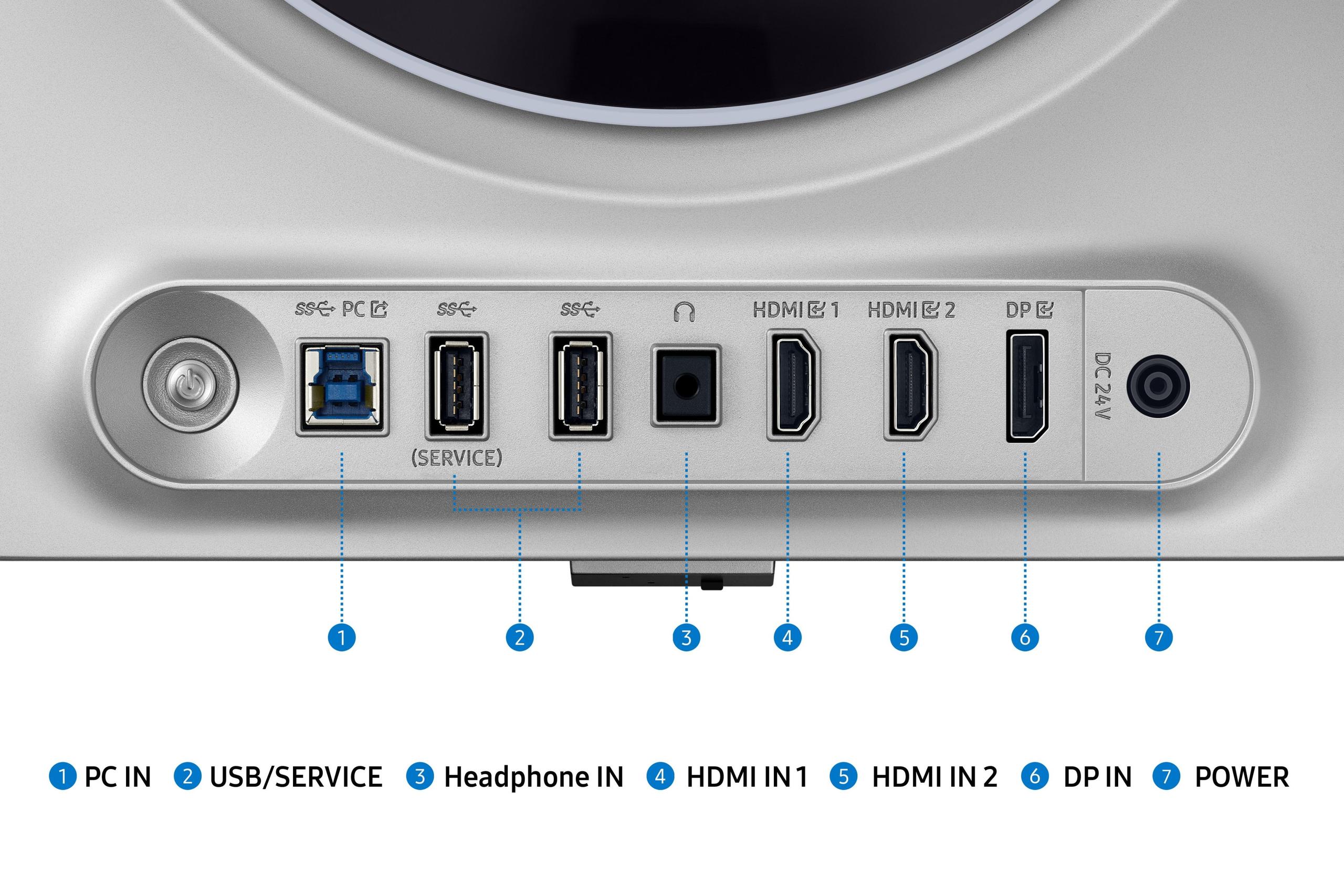
Yes, both monitors support multiple graphics cards. The Sceptre E275W-FW100T works with AMD FreeSync and NVIDIA G-Sync over DisplayPort. The Samsung Odyssey OLED G6 offers broader compatibility with both AMD FreeSync Premium Pro and NVIDIA G-Sync certification, making it more versatile than the Sceptre across different GPU brands.
The Sceptre E275W-FW100T is much more energy efficient at just 28W power consumption, making it environmentally friendly and cheaper to run. The Samsung Odyssey OLED G6 consumes 140W—five times more power than the Sceptre—due to its OLED technology and high refresh rate, resulting in higher electricity bills and more heat generation.
The Samsung Odyssey OLED G6 provides much sharper text with its 1440p resolution and 108 PPI pixel density. The Sceptre E275W-FW100T's 1080p resolution at 27 inches results in 81 PPI, making text appear somewhat soft and pixelated. For productivity work, the Samsung offers a significantly better experience than the Sceptre.
The Samsung Odyssey OLED G6 features premium metal construction with a fully adjustable stand offering height, tilt, and swivel adjustments. The Sceptre E275W-FW100T uses basic plastic construction with only tilt adjustment, though both monitors support VESA mounting. The Samsung clearly offers superior build quality compared to the budget-focused Sceptre.
The Samsung Odyssey OLED G6 includes advanced OLED Safeguard+ technology with thermal monitoring and automatic brightness adjustments to prevent burn-in, plus a 3-year warranty for peace of mind. The Sceptre E275W-FW100T uses traditional LCD technology without burn-in concerns. Modern OLED monitors like the Samsung have significantly improved burn-in resistance compared to older OLED displays.
The Sceptre E275W-FW100T works well for multi-monitor setups due to its affordable price point and low power consumption, making it practical to buy multiple units. The Samsung Odyssey OLED G6 would be expensive for multi-monitor use and consumes much more power. For secondary displays, the Sceptre makes more economic sense than multiple Samsung units.
Both monitors provide similar connectivity with DisplayPort and dual HDMI inputs. The Sceptre E275W-FW100T includes built-in 2W speakers and a headphone jack. The Samsung Odyssey OLED G6 adds USB hub functionality but lacks built-in speakers, expecting users to have dedicated audio solutions. The Samsung offers slightly more connectivity flexibility than the Sceptre.
We've done our best to create useful and informative comparisons to help you decide what product to buy. Our research uses advanced automated methods to create this comparison and perfection is not possible - please contact us for corrections or questions. These are the sites we've researched in the creation of this article: pcvarge.com - walmart.com - cubed.run - productchart.com - displayninja.com - target.com - youtube.com - versus.com - youtube.com - youtube.com - sceptre.com - sceptre.com - bestbuy.com - gamesradar.com - gamesradar.com - versus.com - youtube.com - versus.com - player2.net.au - youtube.com - rtings.com - youtube.com - samsung.com - files.bbystatic.com - techpowerup.com - samsung.com - bestbuy.com - samsung.com - bhphotovideo.com - bestbuy.com - youtube.com - de.shi.com - pangoly.com

Privacy Policy
Terms and Conditions - Affiliate Policy
Home Security
© Copyright 2008-2026.
11816 Inwood Rd #1211, Dallas, TX 75244