

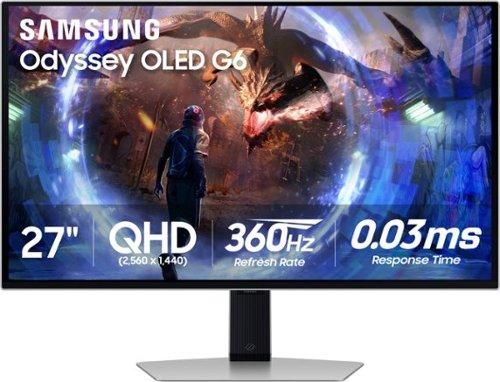
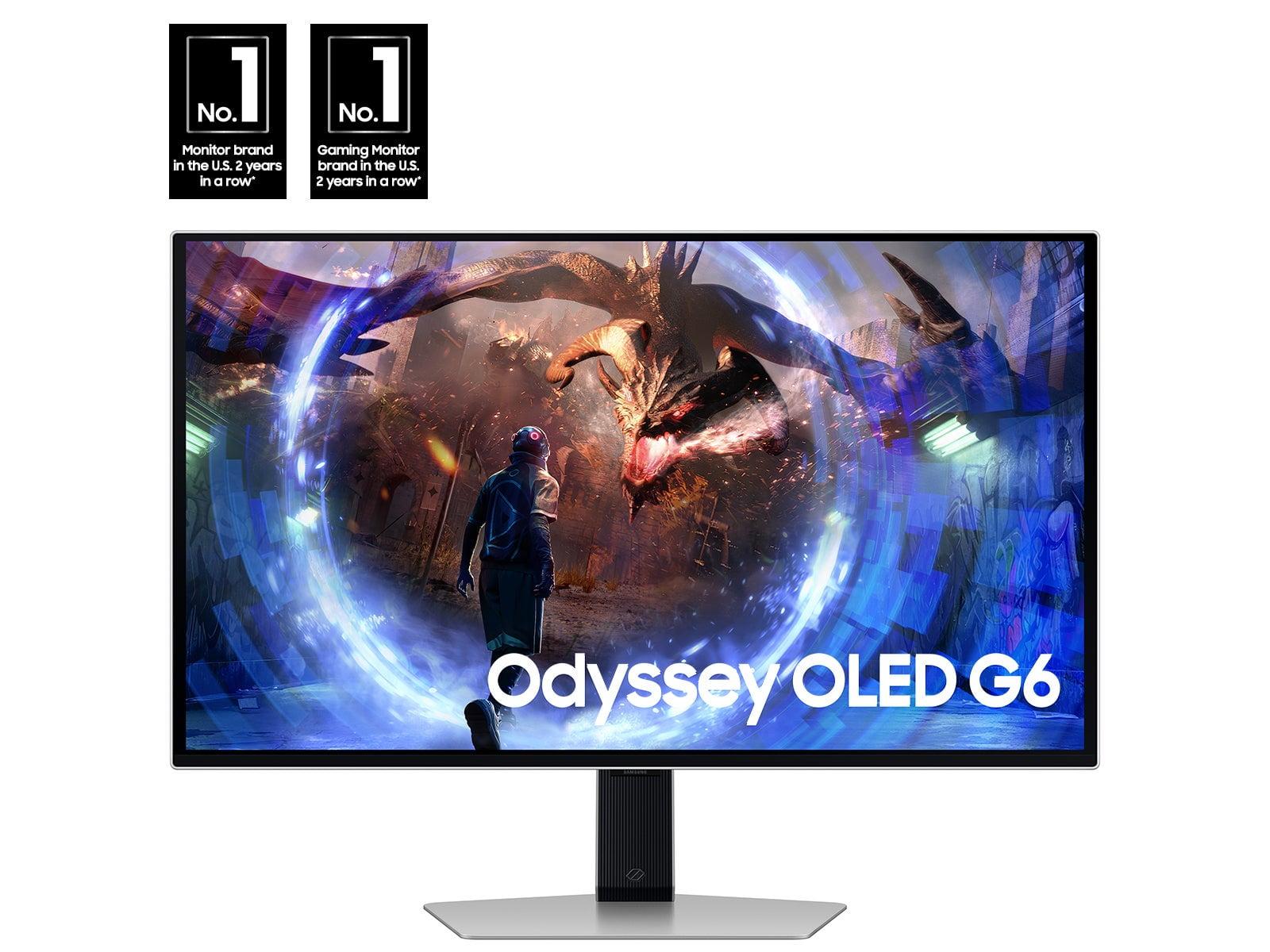

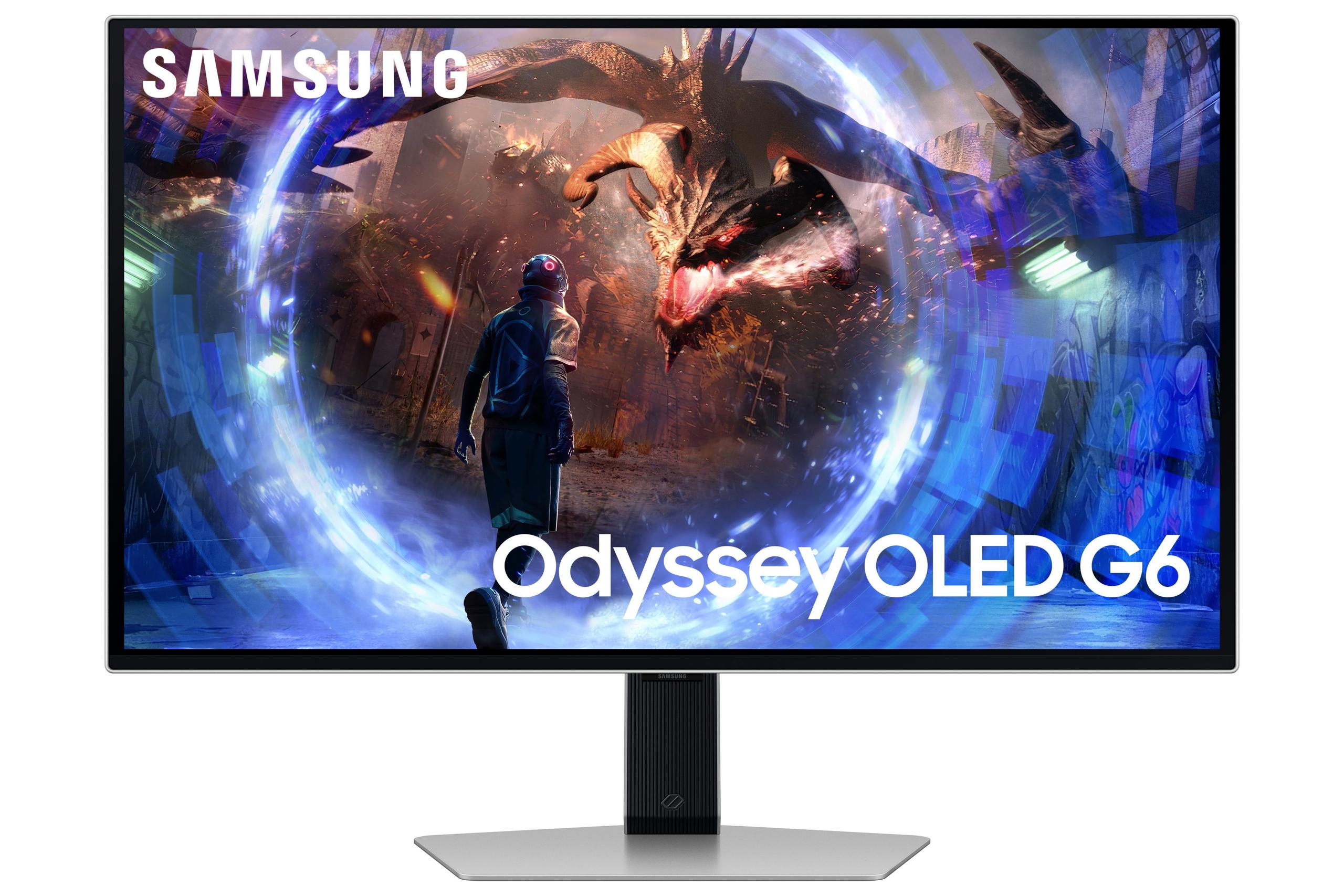
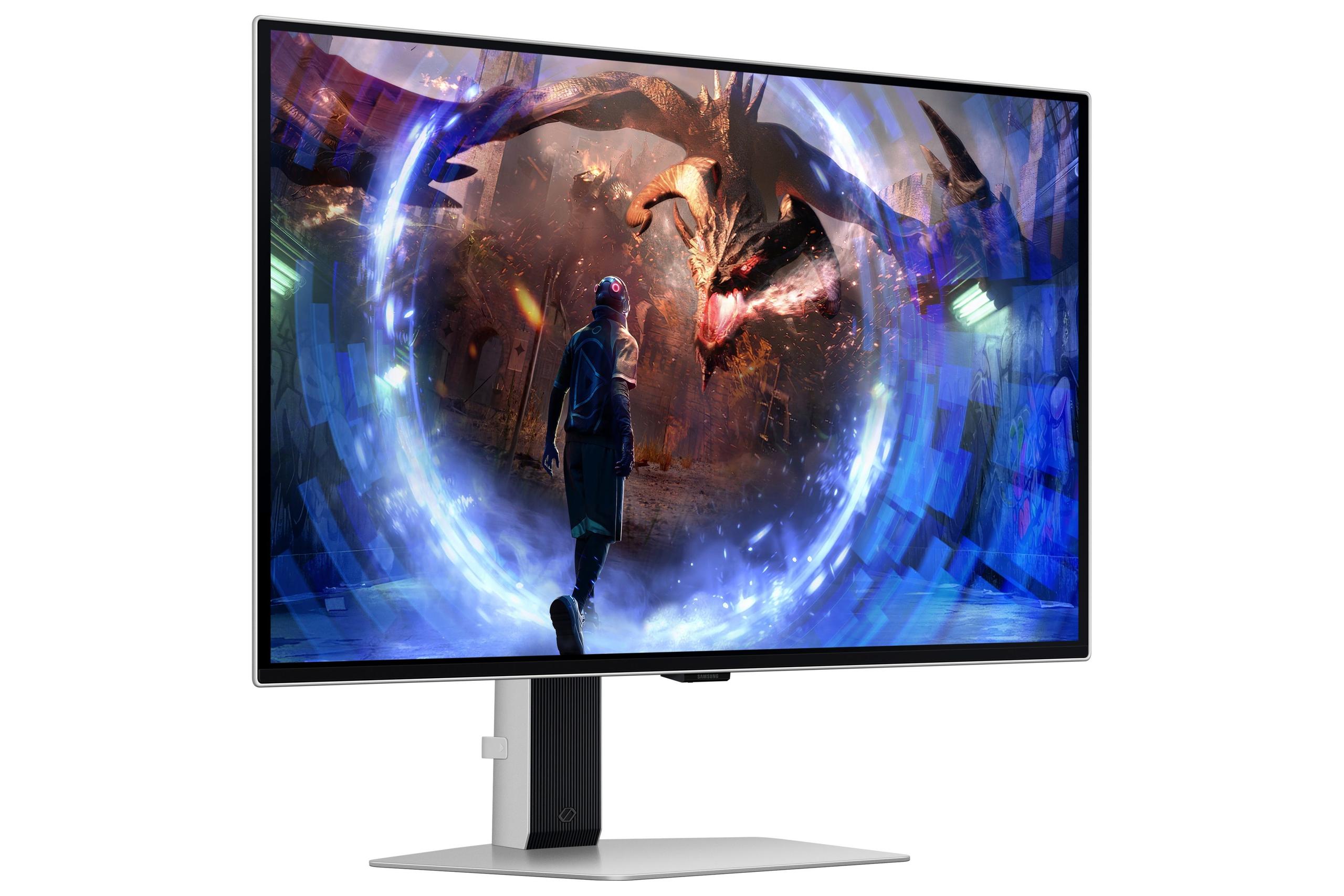
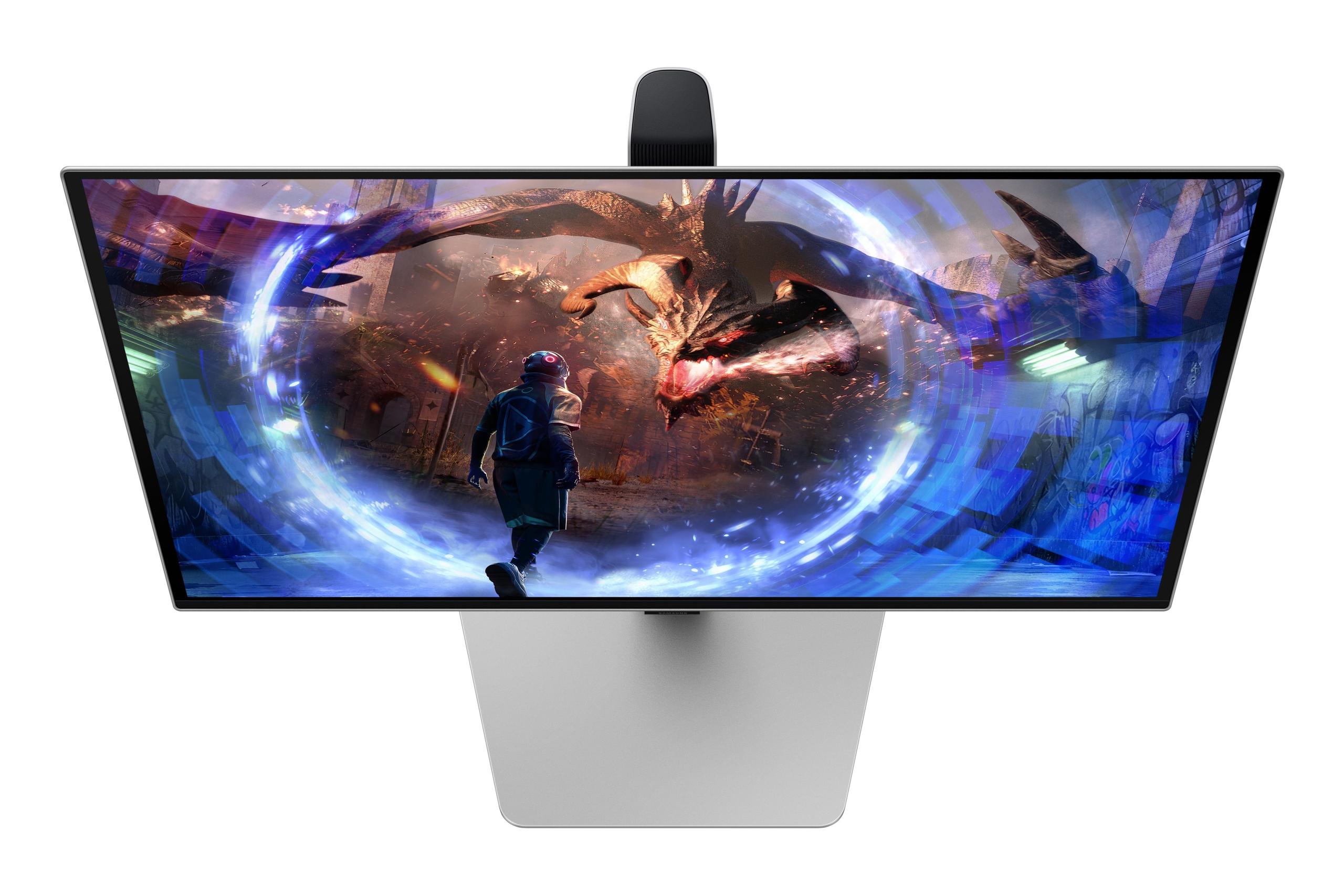
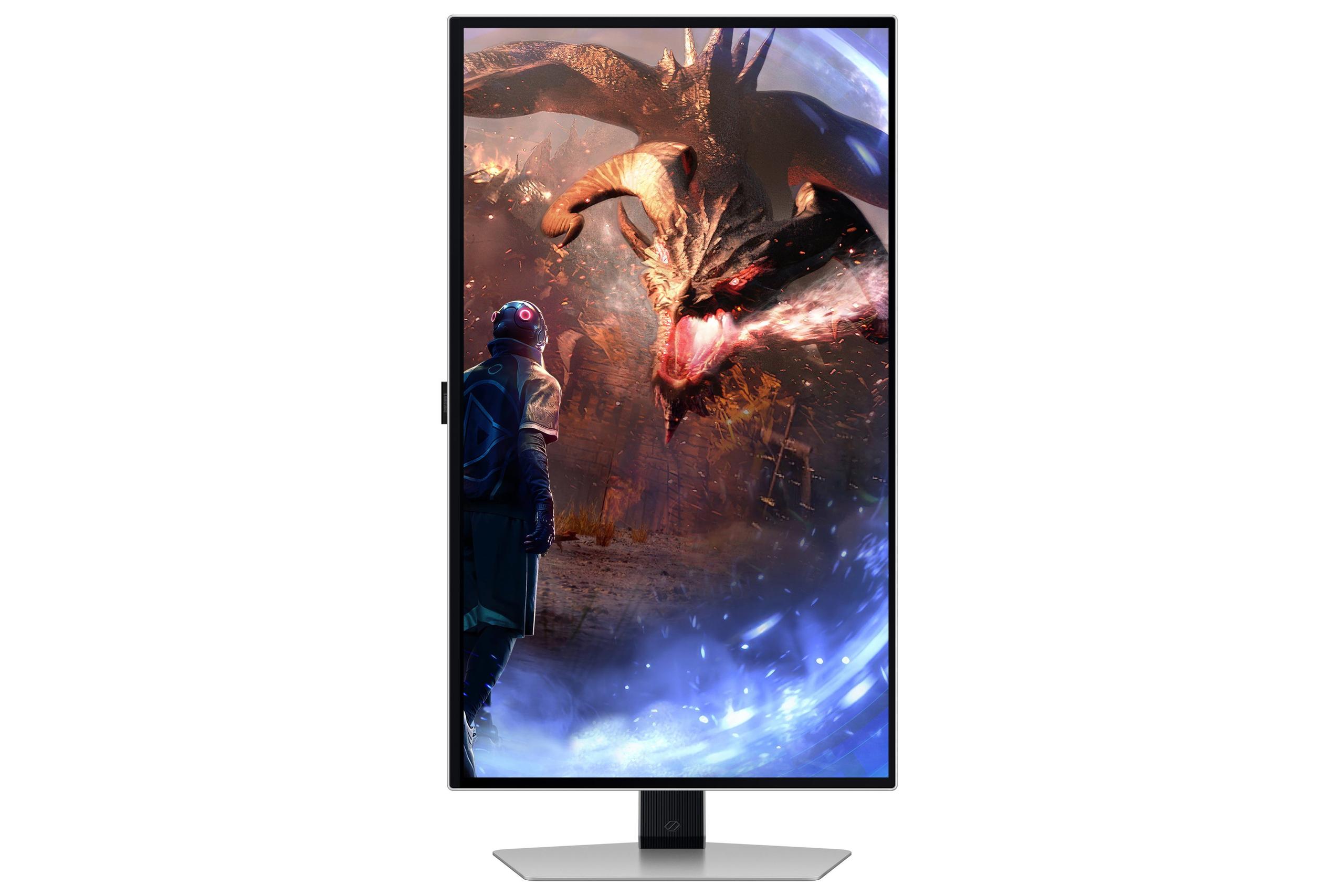

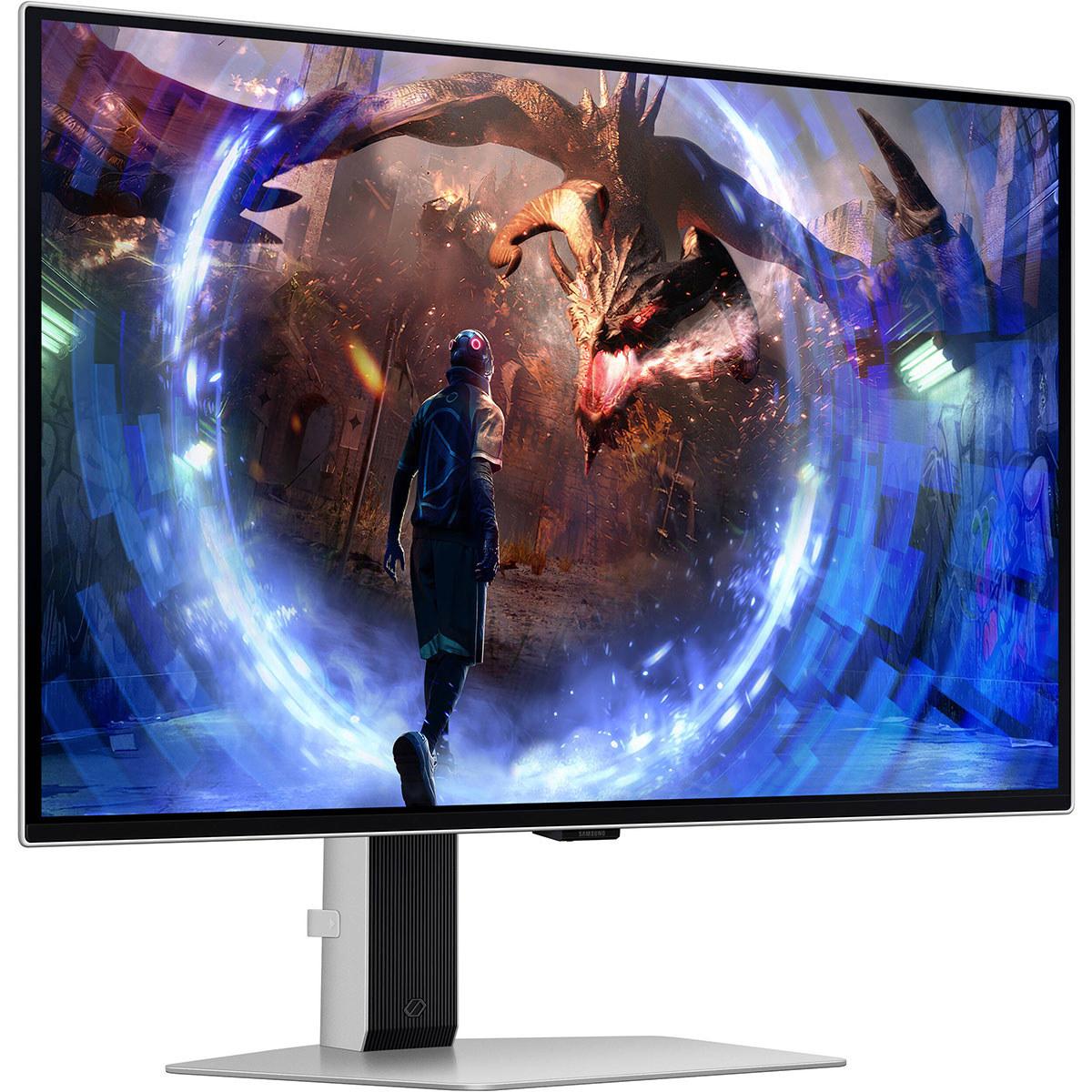











If you've been eyeing the premium gaming monitor market, you've probably noticed OLED displays taking center stage. Both the Samsung 27" Odyssey OLED G6 and GIGABYTE MO27Q2 represent the current pinnacle of 27-inch gaming display technology, but they take notably different approaches to achieving excellence. Let me walk you through what makes each special and help you figure out which one deserves your hard-earned money.
Before diving into the specifics, it's worth understanding what we're dealing with here. OLED (Organic Light-Emitting Diode) technology represents a massive leap forward from traditional LCD panels. Unlike LCD monitors that require a backlight shining through layers of liquid crystals, OLED displays have pixels that emit their own light. This means when a pixel needs to be black, it simply turns off completely - creating true blacks that no LCD can match.
The gaming monitor landscape has evolved dramatically since 2023. We've seen the introduction of QD-OLED (Quantum Dot OLED) technology, refresh rates pushing beyond 240Hz, and sophisticated burn-in protection systems that make OLED displays much more practical for daily computer use. Both the Samsung Odyssey OLED G6 and GIGABYTE MO27Q2 emerged in 2024 as part of this new generation, incorporating lessons learned from earlier OLED gaming displays.
When evaluating monitors in this category, several factors matter most: refresh rate capabilities, color reproduction, HDR performance, and long-term reliability. The sweet spot for resolution remains QHD (2560×1440) at 27 inches, offering the perfect balance of detail and performance that doesn't overwhelm even high-end graphics cards.
Here's where things get interesting. While both monitors use OLED technology, they implement it differently, and this difference ripples through every aspect of their performance.
The Samsung Odyssey OLED G6 uses what's called W-OLED (White OLED), where white OLED subpixels shine through color filters to create the final image. It's a proven technology that's been refined over several years, offering consistent brightness and excellent reliability.
The GIGABYTE MO27Q2, on the other hand, uses Samsung's QD-OLED panels - the same technology found in Samsung's own high-end TVs. QD-OLED works by using blue OLED subpixels as a backlight, which then excites quantum dots to produce red and green colors. This approach delivers a wider color gamut, displaying 1.07 billion colors compared to the Samsung monitor's 1 billion colors.
In practical terms, this means the GIGABYTE monitor produces more saturated, vibrant colors - particularly noticeable in warm tones like desert landscapes or sunset scenes. The reds are richer, oranges more vivid, and overall color volume is enhanced. However, QD-OLED can be more sensitive to ambient lighting conditions, sometimes appearing slightly purple-tinted in very bright rooms.
The most headline-grabbing difference between these monitors is refresh rate: 360Hz for the Samsung versus 240Hz for the GIGABYTE. But here's the thing - this difference only matters if you can actually use it.
Refresh rate, measured in Hertz (Hz), represents how many times per second your monitor can display a new image. Higher refresh rates create smoother motion and can reduce input lag - the delay between when you move your mouse and see the result on screen. For competitive gaming, especially fast-paced shooters like Counter-Strike or Valorant, this can provide a genuine advantage.
However, to benefit from 360Hz, your system needs to consistently deliver over 240 frames per second. That means having a top-tier graphics card and playing less demanding esports titles. For most gaming scenarios - including single-player adventures, RPGs, or even many competitive games on high settings - you won't see the difference between 240Hz and 360Hz.
Both monitors deliver identical 0.03ms response times (Gray-to-Gray), which measures how quickly pixels can change from one color to another. This is exceptionally fast and eliminates motion blur almost entirely. For comparison, most high-end LCD gaming monitors manage around 1ms, making both OLED options significantly more responsive.
This is where both monitors truly excel, though in slightly different ways. OLED technology provides infinite contrast ratios - literally infinite, because true black pixels emit no light at all. This creates image depth and pop that's impossible to achieve with LCD technology.
The GIGABYTE MO27Q2 covers 99% of the DCI-P3 color space, which is the cinema standard and significantly wider than the older sRGB standard most monitors target. This translates to more lifelike colors in games and media. I've found QD-OLED displays particularly impressive for immersive single-player games where color accuracy enhances the experience - think the warm desert tones in Red Dead Redemption or the alien landscapes in No Man's Sky.
Both monitors peak at around 250 nits for typical brightness - lower than many high-end LCD monitors but sufficient for most environments. The key advantage isn't raw brightness but how that brightness is distributed. OLED's per-pixel control means bright highlights can coexist with deep shadows in the same frame, creating more realistic lighting than any LCD can manage.
For HDR (High Dynamic Range) content, both monitors support HDR10+ Gaming, which provides better tone mapping for gaming content compared to standard HDR10. However, their relatively modest peak brightness means they won't deliver the same impact as high-end Mini-LED displays in very bright HDR scenes. They excel instead in contrast and color accuracy.
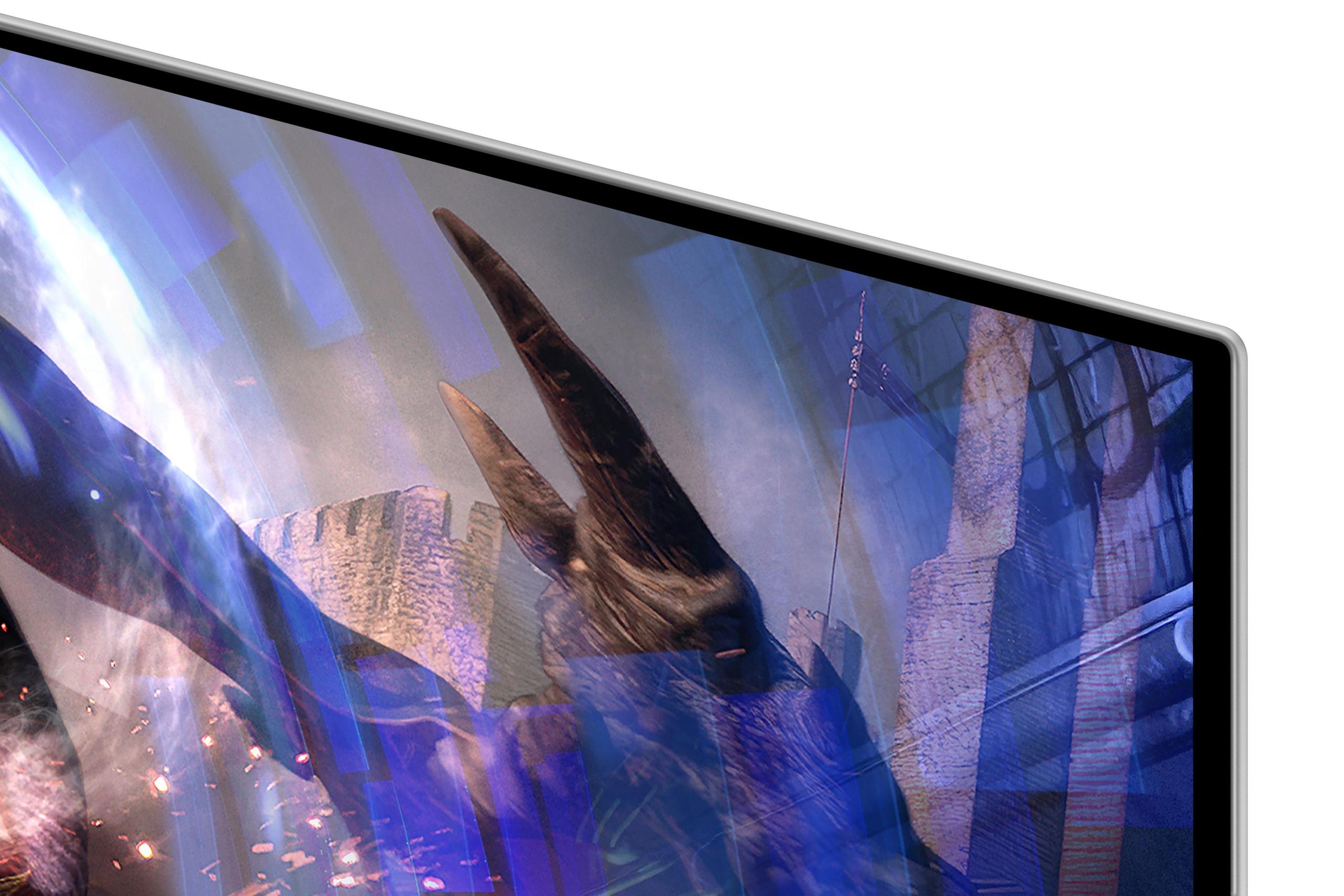
One area where the Samsung Odyssey OLED G6 pulls ahead is glare handling. Samsung's OLED Glare Free technology uses a sophisticated matte coating that significantly reduces reflections without sacrificing image quality - a difficult balance to achieve.
Traditional anti-glare coatings often make displays look slightly hazy or reduce color vibrancy. Samsung's approach maintains the deep blacks and vibrant colors of OLED while making the display usable even near windows or under bright overhead lighting. If your gaming setup faces windows or you can't control ambient lighting, this feature alone might justify the Samsung's higher price.
The GIGABYTE monitor uses a more conventional glossy finish with basic anti-glare treatment. While this preserves maximum color vibrancy and contrast, it can be challenging to use in bright environments.
Here's something that might surprise you: the power consumption difference between these monitors is dramatic. The Samsung Odyssey OLED G6 draws 140W during typical use, while the GIGABYTE MO27Q2 consumes just 41W.
This isn't just about being environmentally conscious - it's about real cost over time. Assuming average usage of 6 hours daily and electricity costs of $0.12 per kWh, the Samsung would cost approximately $35 more per year to operate. Over a typical 5-year monitor lifespan, that's $175 in additional electricity costs, plus more heat generation in your room.
The power difference likely stems from the different panel technologies and the Samsung's more sophisticated anti-glare processing, but it's worth factoring into your total cost of ownership.
The GIGABYTE MO27Q2 includes built-in 5W stereo speakers, while the Samsung has none. Built-in monitor speakers are rarely audiophile-quality, but they serve an important purpose for many users.
Having integrated audio means fewer cables, less desk clutter, and convenience for casual media consumption or video calls. The GIGABYTE's speakers are adequate for system sounds and basic audio, though serious gamers and media enthusiasts will still want dedicated speakers or headphones for the best experience.
For home theater use - and yes, these monitors work excellently as bedroom or small room displays - built-in audio can be surprisingly convenient. Both monitors support HDMI 2.1, making them compatible with PlayStation 5, Xbox Series X/S, and modern streaming devices.
Both monitors offer comprehensive connectivity, but with different emphases. The GIGABYTE includes more modern features like USB-C with KVM (Keyboard, Video, Mouse) switching, allowing you to control multiple devices with one set of peripherals. This is particularly valuable for users who switch between a gaming desktop and work laptop.
The Samsung focuses more on gaming-specific features, with enhanced FreeSync Premium Pro support (vs standard FreeSync on the GIGABYTE) and specialized gaming modes. Both support NVIDIA G-Sync compatibility for tear-free gaming regardless of your graphics card choice.
OLED burn-in - permanent image retention from static elements - was a major concern in early OLED displays. Both monitors implement sophisticated protection systems that make burn-in much less likely during normal use.
The Samsung features OLED Safeguard+ with a unique Dynamic Cooling System that uses a pulsating heat pipe to manage panel temperature more effectively than traditional graphite sheets. Heat is a primary factor in OLED degradation, so better thermal management directly translates to longer panel life.
The GIGABYTE uses AI-based OLED Care with intelligent algorithms that detect static elements and implement protective measures automatically. Both approaches are effective, and both companies back their monitors with 3-year warranties that include burn-in coverage.
At the time of writing, the Samsung Odyssey OLED G6 commands a significant premium over the GIGABYTE MO27Q2 - roughly 50% more expensive for what amounts to higher refresh rate capability and superior glare handling.
For most users, the GIGABYTE offers better value. You're getting excellent OLED gaming performance, superior color reproduction from QD-OLED technology, built-in audio, and modern connectivity features for substantially less money. The 240Hz refresh rate is sufficient for the vast majority of gaming scenarios.
The Samsung justifies its premium for specific use cases: competitive esports players who can actually utilize 360Hz, users in bright environments who need superior glare control, or enthusiasts who want the absolute maximum refresh rate regardless of cost.
Both monitors excel as small-space entertainment displays. The 27-inch size works well for bedroom viewing or small apartments, and both support 4K input downscaling for console gaming. The infinite contrast of OLED technology makes movies and TV shows look exceptional, with deep blacks that rival dedicated OLED TVs.
The GIGABYTE's built-in speakers provide convenience for casual viewing, while both monitors' HDMI 2.1 support ensures compatibility with modern gaming consoles and streaming devices. For home theater use, the slightly better HDR performance and color volume of the GIGABYTE's QD-OLED panel might be preferable to the Samsung's higher refresh rate.
Choose the Samsung Odyssey OLED G6 if you're a competitive esports player who can consistently achieve 300+ fps in games like CS2, Valorant, or Overwatch 2. The superior glare handling also makes it the better choice if your setup faces windows or you can't control ambient lighting. If maximum refresh rate is worth the premium to you, and power consumption isn't a concern, the Samsung delivers on its promises.
The GIGABYTE MO27Q2 makes more sense for the majority of users. It offers 80% of the Samsung's gaming performance at roughly two-thirds the cost, plus additional features like speakers, better color reproduction, and more efficient operation. For content creators, the wider color gamut and superior text clarity of QD-OLED technology provide additional benefits beyond gaming.
Both represent the current state-of-the-art in gaming monitor technology, incorporating years of OLED development and refinement. The choice ultimately comes down to whether you need that absolute maximum refresh rate and superior glare handling, or if excellent performance with better overall value suits your needs and budget better.
The OLED gaming monitor market continues evolving rapidly, but both the Samsung Odyssey OLED G6 and GIGABYTE MO27Q2 represent mature, refined products that should serve users well for years to come. The main consideration is matching their specific strengths to your particular needs and environment.
| Samsung 27" Odyssey OLED G6 QHD 360Hz Gaming Monitor | GIGABYTE MO27Q2 27" QD-OLED QHD 240Hz Gaming Monitor |
|---|---|
| Refresh Rate - Only matters if you can achieve 300+ fps consistently | |
| 360Hz (advantage for competitive esports) | 240Hz (sufficient for 95% of gaming scenarios) |
| Panel Technology - Affects color reproduction and text clarity | |
| W-OLED with consistent HDR brightness | QD-OLED with enhanced color volume and vibrancy |
| Response Time - Both eliminate motion blur entirely | |
| 0.03ms GTG (instant pixel response) | 0.03ms GTG (instant pixel response) |
| Color Display - More colors create more realistic visuals | |
| 1 billion colors, 99% DCI-P3 coverage | 1.07 billion colors, 99% DCI-P3 coverage |
| Anti-Glare Technology - Critical for bright room usage | |
| OLED Glare Free technology (superior reflection control) | Standard glossy finish with basic anti-glare |
| Built-in Audio - Reduces desk clutter and cable management | |
| None (requires external speakers/headphones) | 2x 5W stereo speakers included |
| Power Consumption - Affects operating costs over time | |
| 140W (higher electricity bills, more heat) | 41W (energy efficient, cooler operation) |
| Adaptive Sync - Prevents screen tearing during gaming | |
| AMD FreeSync Premium Pro + NVIDIA G-Sync Compatible | AMD FreeSync + NVIDIA G-Sync Compatible |
| Connectivity - Modern features for multi-device setups | |
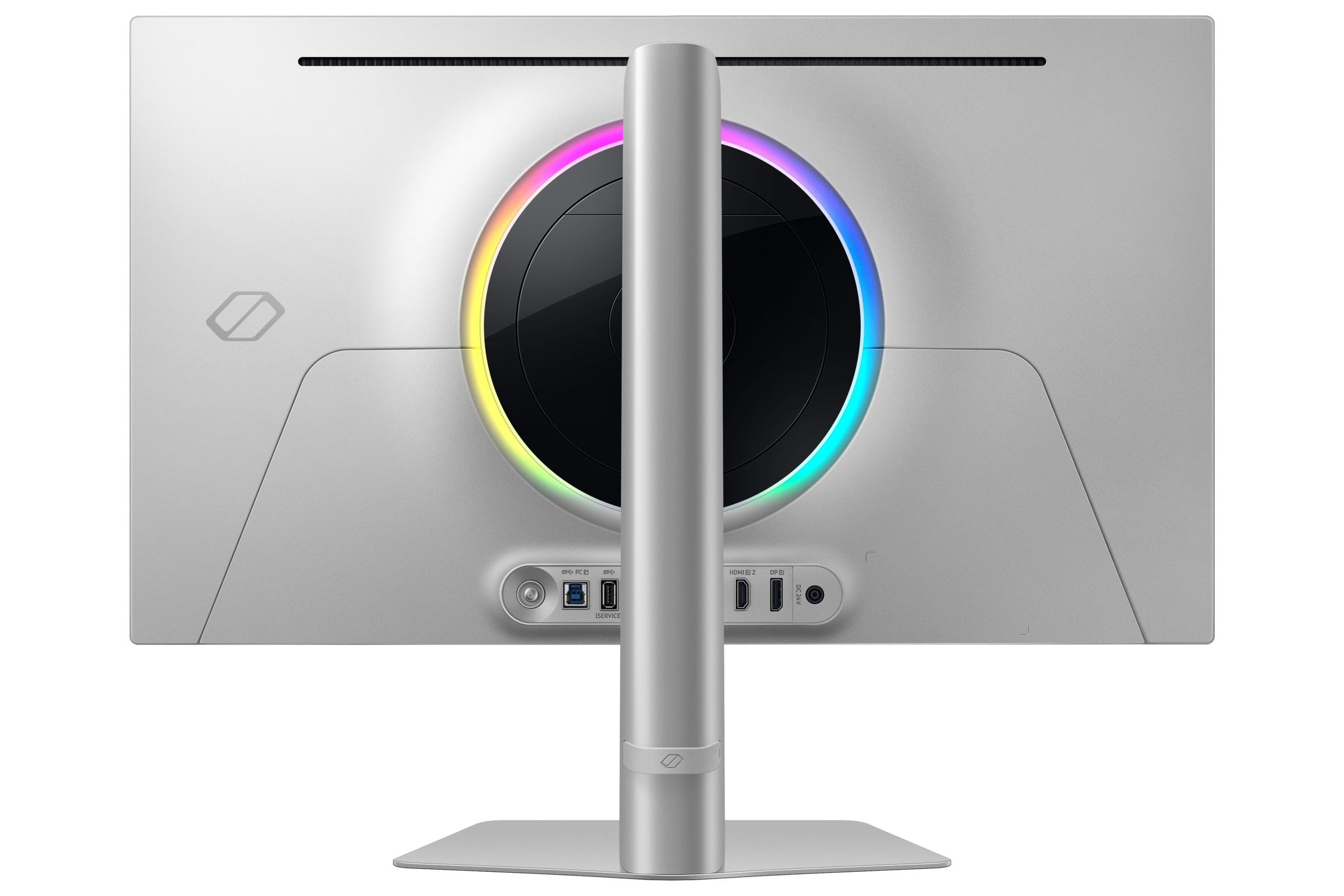
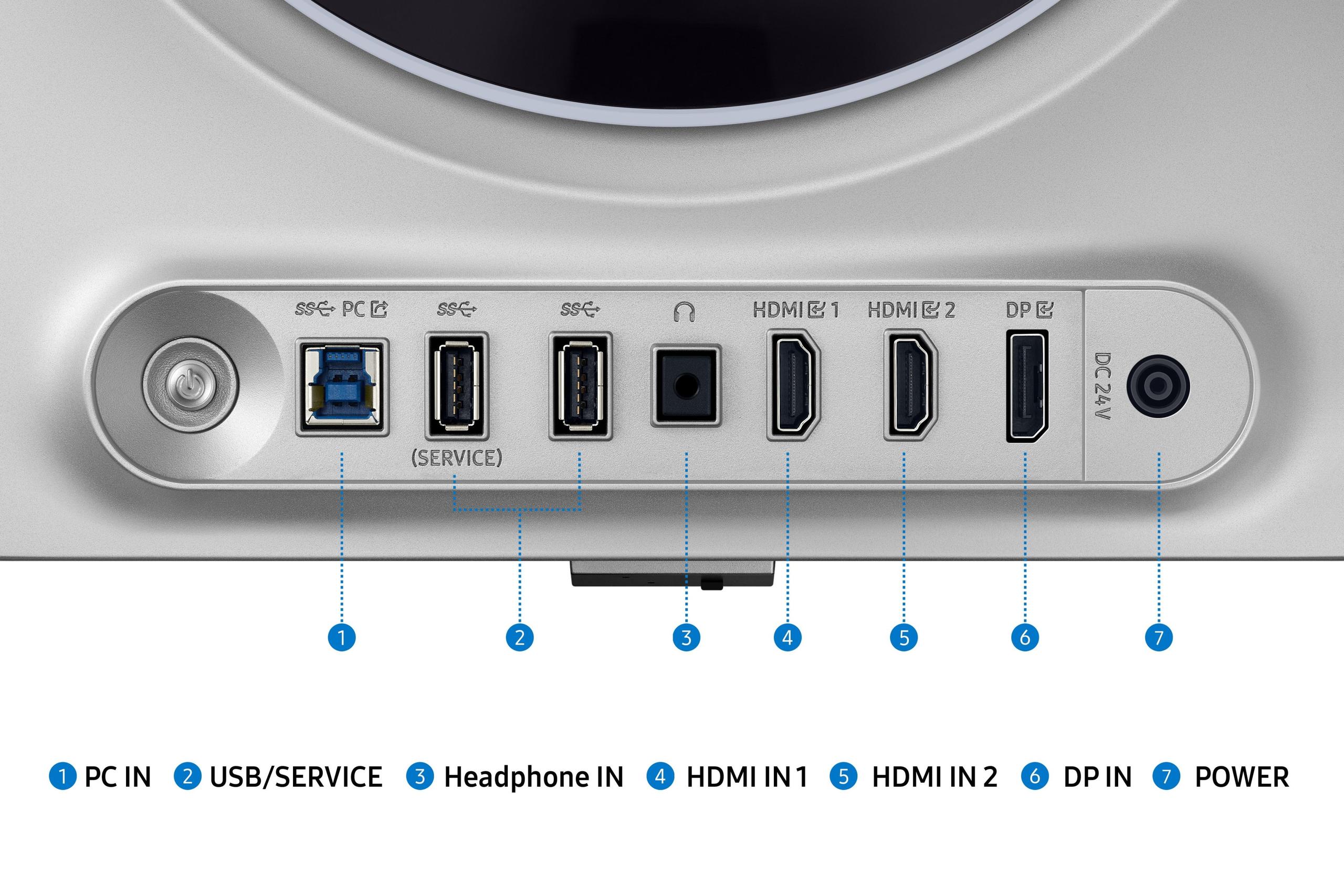
| DisplayPort 1.4, 2x HDMI 2.1, USB hub | DisplayPort 1.4, 2x HDMI 2.1, USB-C with KVM switching |
| Burn-in Protection - Ensures long-term panel reliability | |
| OLED Safeguard+ with Dynamic Cooling System | AI-based OLED Care with intelligent algorithms |
| Brightness - Adequate for most rooms but not ultra-bright spaces | |
| 250 nits typical, 1000 nits peak HDR | 250 nits typical, 1000 nits peak HDR |
| Warranty Coverage - Both include burn-in protection | |
| 3 years including OLED panel coverage | 3 years including OLED panel coverage |
Both the Samsung 27" Odyssey OLED G6 and GIGABYTE MO27Q2 deliver exceptional gaming performance with identical 0.03ms response times. The Samsung monitor offers 360Hz refresh rate versus the GIGABYTE's 240Hz, but this advantage only matters if you can consistently achieve over 240 fps in competitive games. For most gaming scenarios, both perform equally well.
The Samsung Odyssey OLED G6 uses traditional W-OLED technology for consistent brightness and reliability. The GIGABYTE MO27Q2 features QD-OLED technology, which produces more vibrant colors (1.07 billion vs 1 billion colors) and better text clarity. QD-OLED offers enhanced color volume but may be more sensitive to ambient lighting conditions.
The Samsung 27" Odyssey OLED G6 has an edge for competitive esports with its 360Hz refresh rate and FreeSync Premium Pro support. However, the advantage is only meaningful if you play games like CS2 or Valorant at 300+ fps consistently. For most competitive gamers, the GIGABYTE MO27Q2's 240Hz refresh rate provides excellent performance at better value.
Both the Samsung Odyssey OLED G6 and GIGABYTE MO27Q2 excel for console gaming with HDMI 2.1 support, perfect blacks, and infinite contrast ratios. The GIGABYTE monitor includes built-in speakers for convenience, while both deliver exceptional HDR gaming experiences with PlayStation 5 and Xbox Series X/S.
The GIGABYTE MO27Q2 produces more vibrant, saturated colors thanks to its QD-OLED technology, covering 99% DCI-P3 with enhanced reds and oranges. The Samsung monitor offers more consistent HDR brightness and superior glare handling. Both achieve infinite contrast ratios and perfect blacks that surpass any LCD display.
The Samsung 27" Odyssey OLED G6 significantly outperforms in bright environments with its OLED Glare Free technology, reducing reflections without sacrificing image quality. The GIGABYTE MO27Q2 uses a glossy finish that preserves maximum color vibrancy but can struggle with reflections in bright rooms or near windows.
The GIGABYTE MO27Q2 provides superior value, offering excellent OLED gaming performance, QD-OLED color technology, built-in speakers, and modern connectivity features for significantly less cost. The Samsung Odyssey OLED G6 commands a premium primarily for its 360Hz capability and superior glare handling.
Both monitors include advanced burn-in protection systems. The Samsung monitor features OLED Safeguard+ with a Dynamic Cooling System using pulsating heat pipe technology. The GIGABYTE MO27Q2 uses AI-based OLED Care with intelligent algorithms. Both come with 3-year warranties including burn-in coverage.
The GIGABYTE MO27Q2 offers better text clarity due to its QD-OLED subpixel structure at 27" 1440p resolution. It also includes USB-C connectivity with KVM switching for multi-device productivity setups. The Samsung Odyssey OLED G6 focuses more on gaming features with less emphasis on productivity enhancements.
The GIGABYTE MO27Q2 is significantly more energy efficient, consuming only 41W compared to the Samsung monitor's 140W power draw. This translates to lower electricity costs over time and less heat generation in your room, making the GIGABYTE more environmentally friendly and cost-effective to operate.
The GIGABYTE MO27Q2 offers more modern connectivity with USB-C input, KVM switching functionality, and a comprehensive USB hub. The Samsung Odyssey OLED G6 provides standard gaming connectivity with DisplayPort 1.4, dual HDMI 2.1, and basic USB ports. Both support the latest gaming console connections.
Both the Samsung 27" Odyssey OLED G6 and GIGABYTE MO27Q2 work excellently as bedroom or small space entertainment displays. The GIGABYTE monitor includes convenient built-in speakers and slightly better color reproduction for movies, while both deliver cinema-quality contrast with their OLED technology and support modern streaming devices via HDMI 2.1.
We've done our best to create useful and informative comparisons to help you decide what product to buy. Our research uses advanced automated methods to create this comparison and perfection is not possible - please contact us for corrections or questions. These are the sites we've researched in the creation of this article: bestbuy.com - gamesradar.com - gamesradar.com - versus.com - youtube.com - versus.com - player2.net.au - youtube.com - rtings.com - youtube.com - samsung.com - files.bbystatic.com - techpowerup.com - samsung.com - bestbuy.com - samsung.com - bhphotovideo.com - bestbuy.com - youtube.com - de.shi.com - pangoly.com - gigabyte.com - youtube.com - newegg.com - mezha.media - tech-critter.com - gigabyte.com - forum.pcmonitors.info - techspot.com - aorus.com - saltynewsnetwork.com - infiniarc.com - gigabyte.com - bestbuy.com - youtube.com - gigabyte.com - gigabyte.com - displayspecifications.com - aorus.com - gigabyte.com - gigabyte.com

Privacy Policy
Terms and Conditions - Affiliate Policy
Home Security
© Copyright 2008-2026.
11816 Inwood Rd #1211, Dallas, TX 75244