

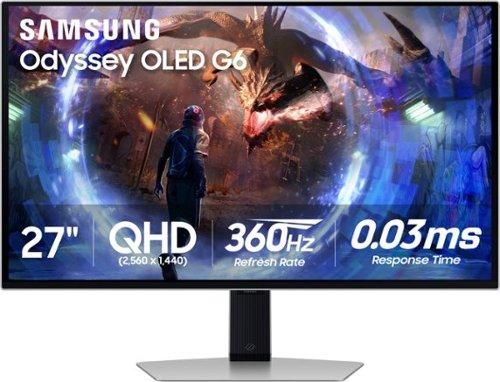
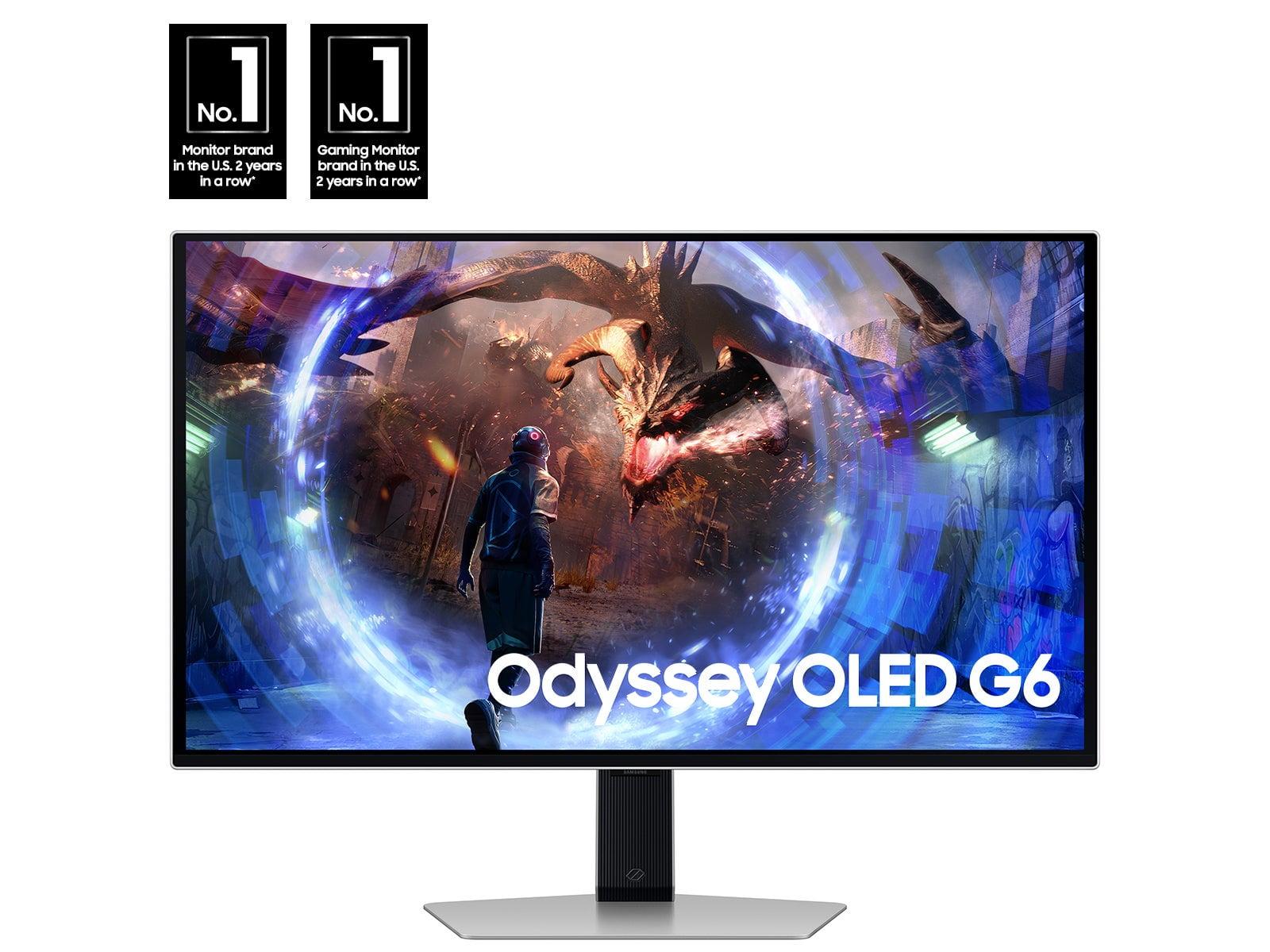

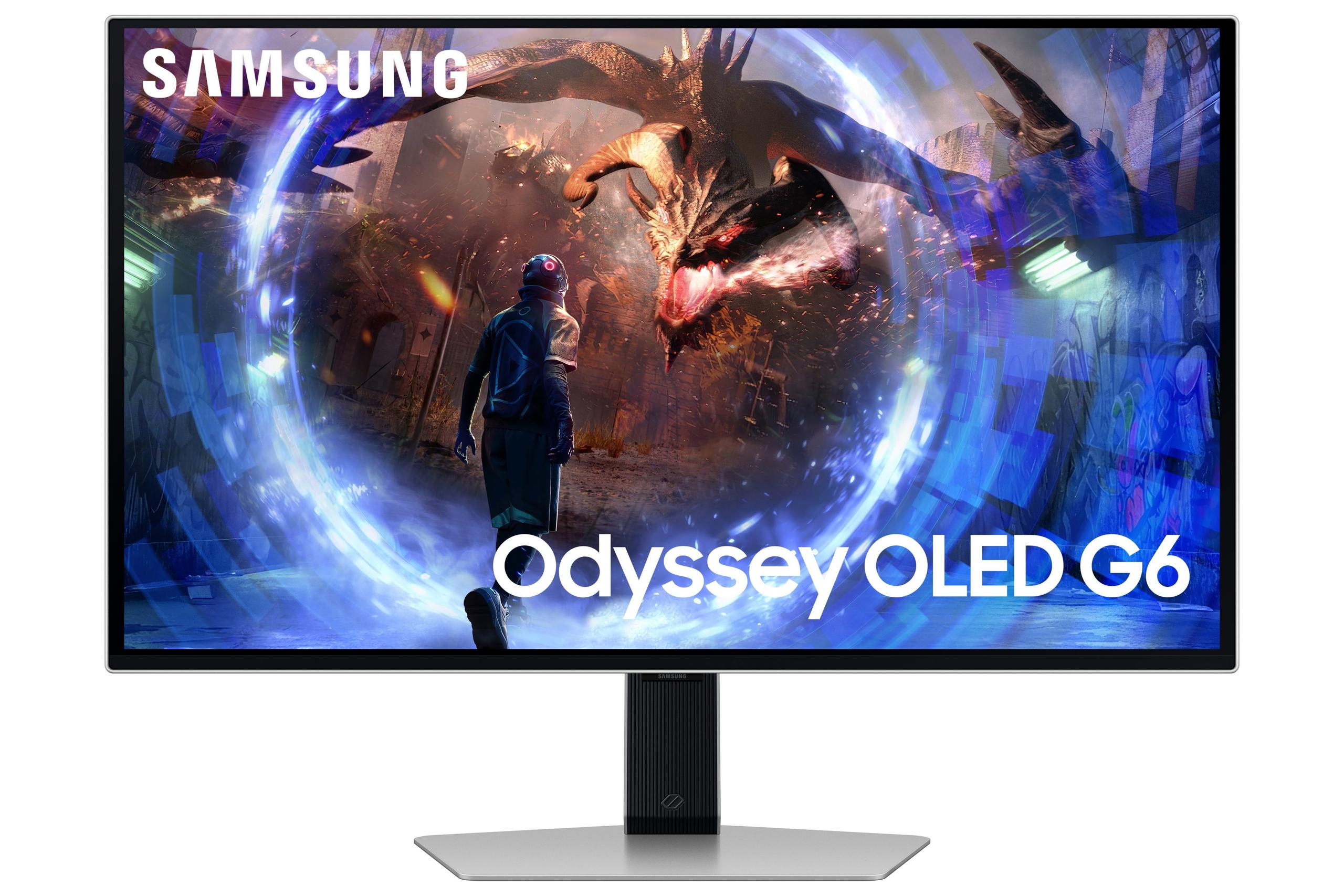
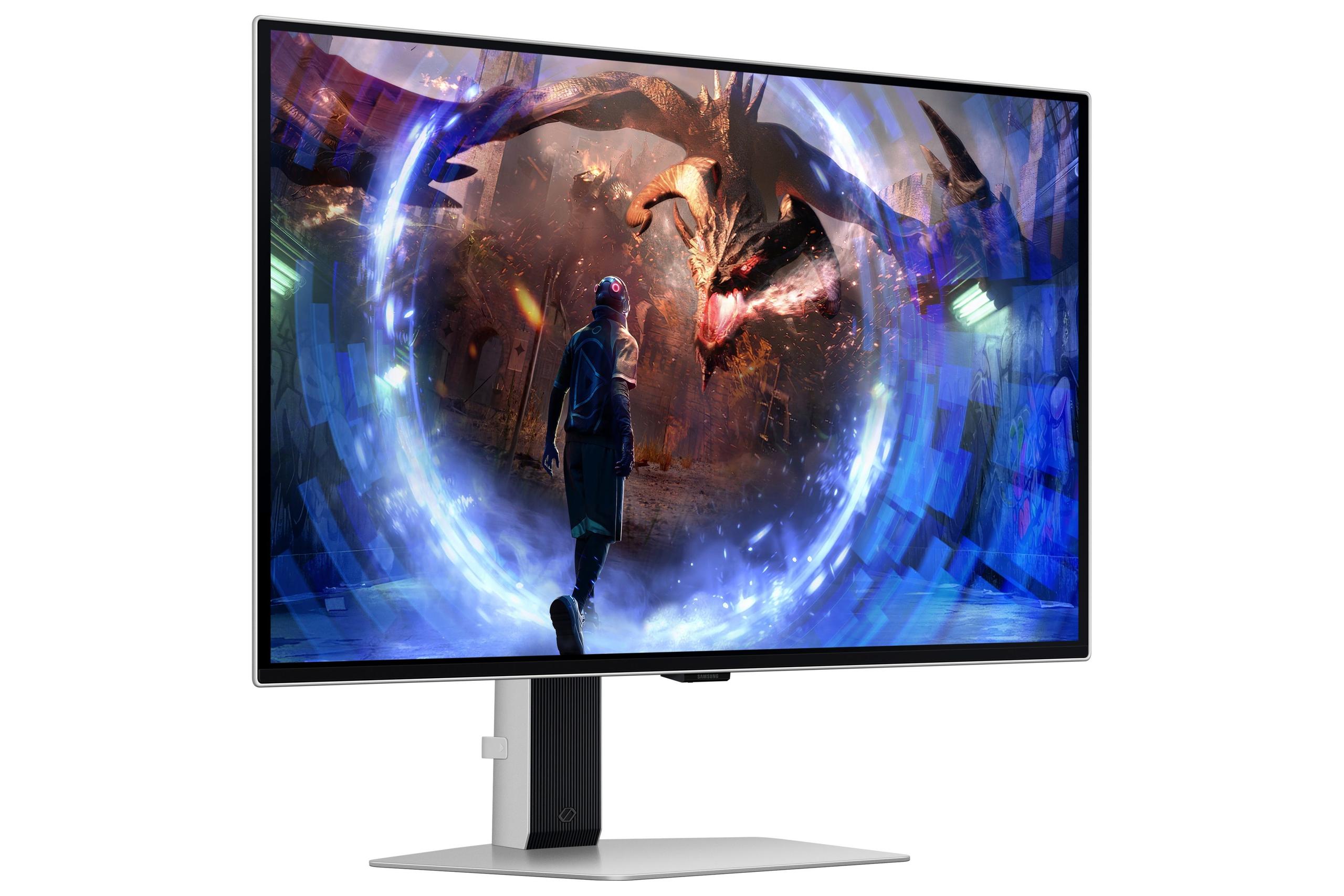
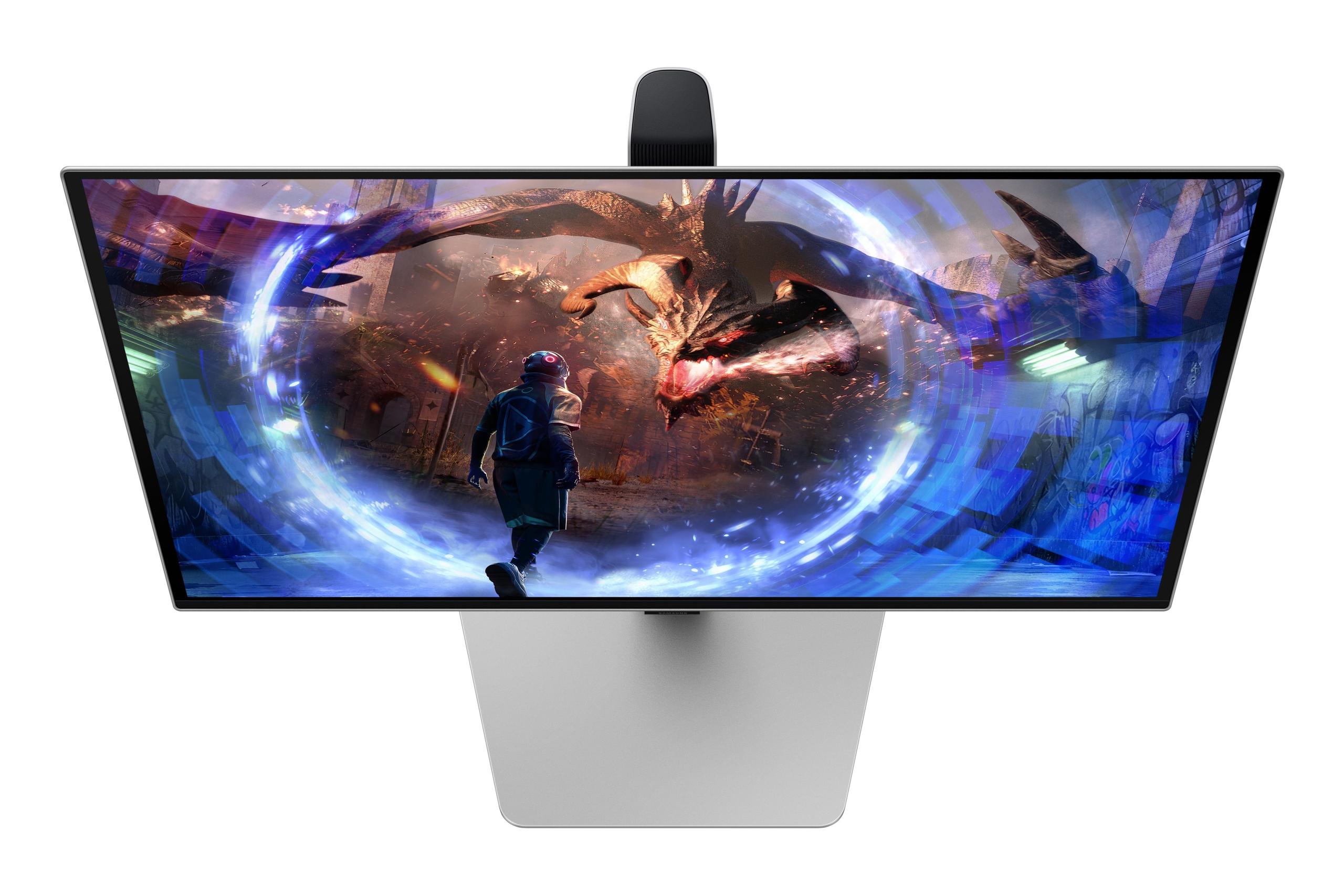
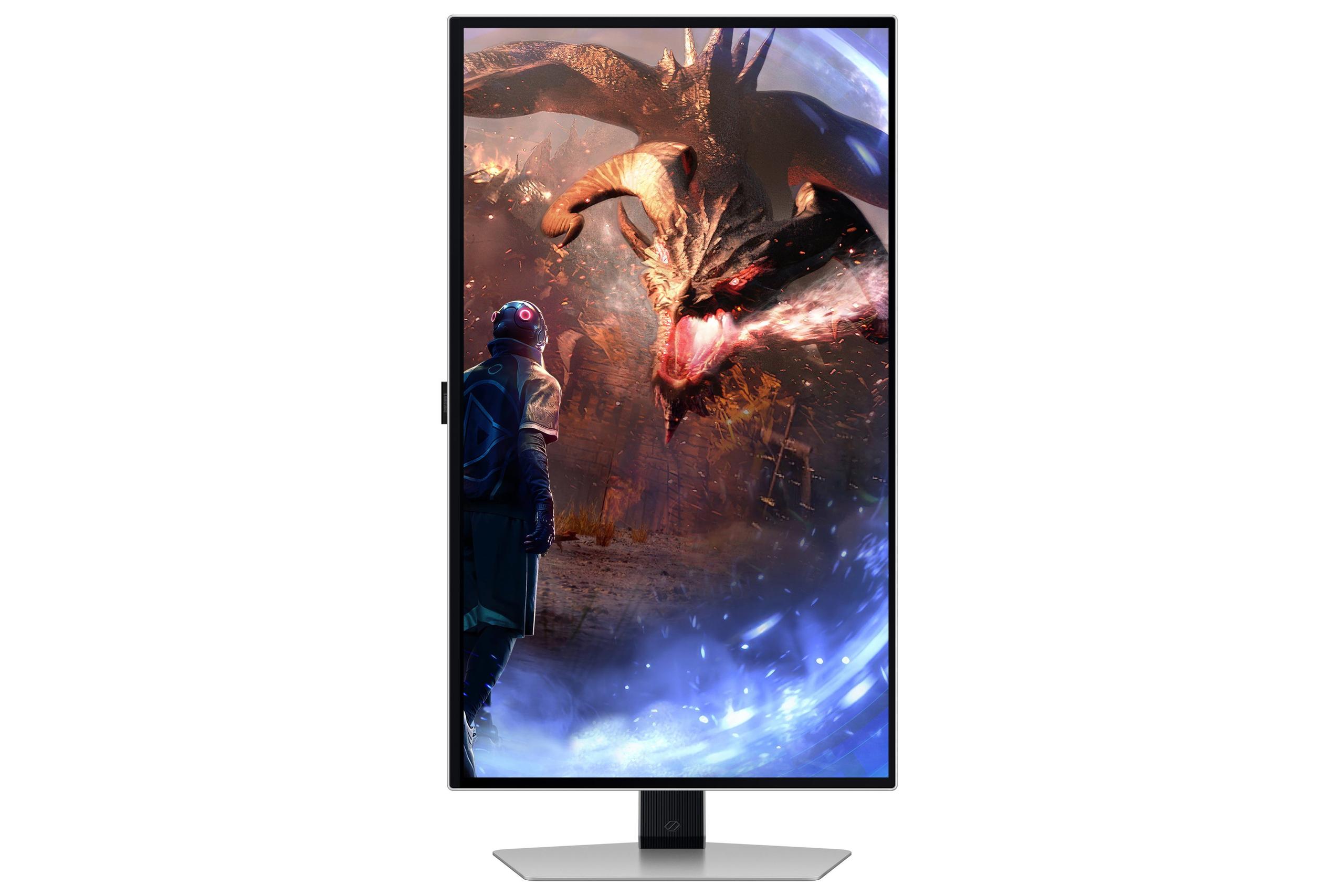

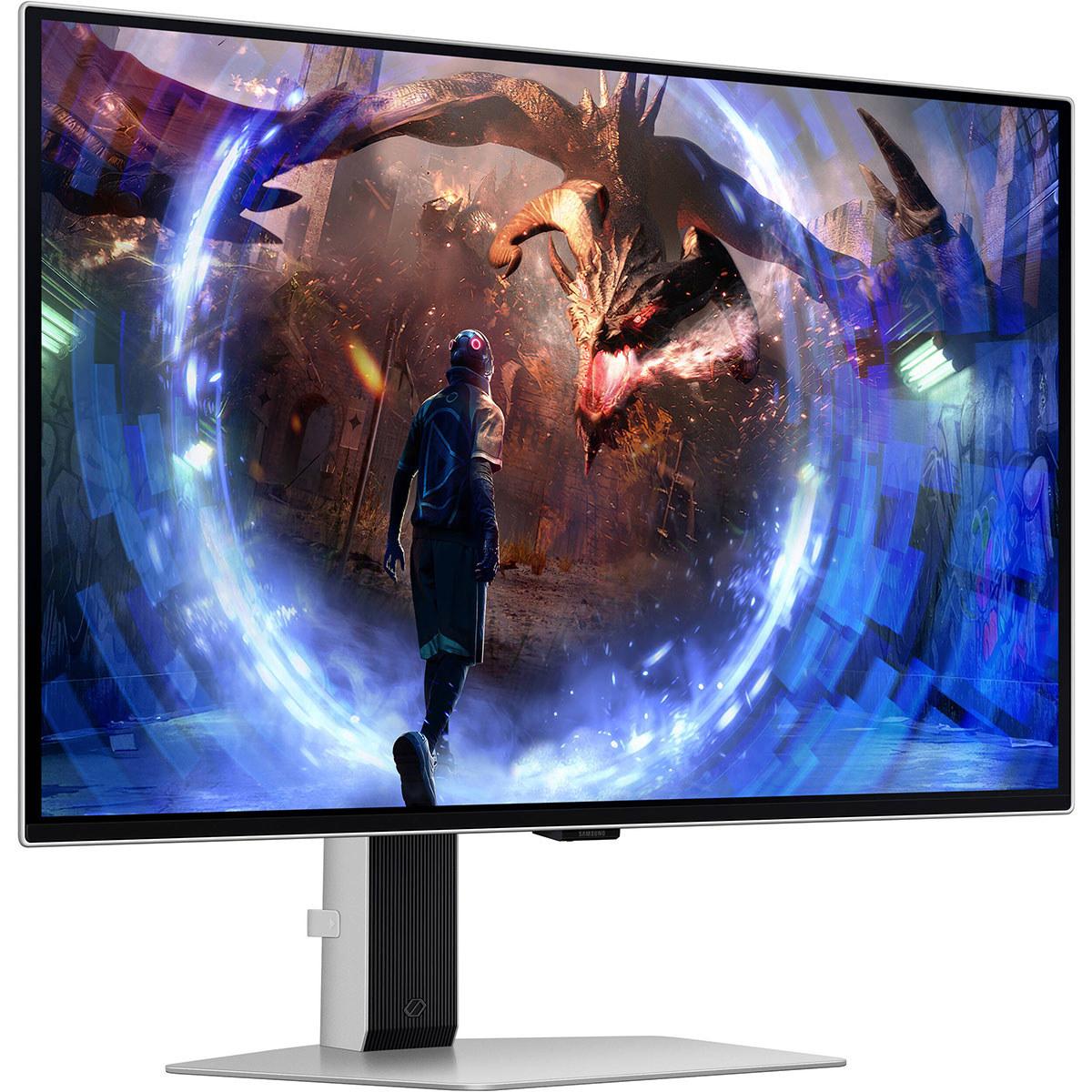









When it comes to premium gaming displays, OLED technology has revolutionized what we can expect from our monitors. The Samsung 27" Odyssey OLED G6 and ASUS ROG Strix OLED XG27UCDMG represent two compelling but distinctly different approaches to OLED gaming excellence. Both released in 2024, these monitors showcase how far display technology has advanced, but they make very different trade-offs that will appeal to different types of users.
Before diving into the specifics, it's worth understanding what makes OLED monitors special. Unlike traditional LCD displays that use a backlight shining through liquid crystals, OLED (Organic Light Emitting Diode) panels have pixels that produce their own light. This means when a pixel needs to show black, it simply turns off completely, creating perfect blacks and infinite contrast ratios—something LCD monitors can never achieve.
Both the Samsung Odyssey G6 and ASUS ROG Strix OLED use QD-OLED technology, which adds quantum dots to improve brightness and color reproduction over traditional OLED panels. Think of quantum dots as tiny crystals that help convert blue light into more accurate red and green colors, resulting in more vibrant and accurate imagery.
The key considerations when choosing between gaming OLED monitors come down to resolution versus refresh rate trade-offs, HDR performance, burn-in protection, and the specific features that matter most for your gaming style.
Here's where these two monitors take dramatically different paths. The Samsung Odyssey G6 focuses on delivering the fastest possible gaming experience with its 360Hz refresh rate at QHD resolution (2560×1440 pixels). Meanwhile, the ASUS ROG Strix OLED prioritizes visual fidelity with 4K resolution (3840×2160 pixels) while maintaining a still-excellent 240Hz refresh rate.
To put this in perspective, refresh rate refers to how many times per second your monitor can display a new image. Higher refresh rates mean smoother motion and potentially lower input lag (the delay between your mouse click and seeing the result on screen). The difference between 240Hz and 360Hz might seem massive on paper, but in practice, it's most noticeable to competitive esports players who've trained their eyes to detect these subtle improvements.
The resolution difference, however, is immediately apparent. The ASUS monitor displays 78% more pixels than the Samsung, resulting in significantly sharper text, clearer fine details in games, and better overall image quality. At normal viewing distances, text on the ASUS appears crisp and clear, while the Samsung might show slight pixelation up close.
The visual quality difference between these monitors extends far beyond just pixel count. The ASUS ROG Strix OLED delivers substantially better HDR (High Dynamic Range) performance, which affects how bright highlights and dark shadows appear in games and movies.
HDR is essentially the monitor's ability to display a wider range of brightness levels, from deep blacks to brilliant whites, more closely mimicking what your eyes see in real life. The ASUS monitor can reach peak brightness levels of 1,000 nits (a measure of brightness), while the Samsung G6 tops out around 250 nits. To put this in context, a typical indoor scene might be 100-200 nits, while direct sunlight can be over 100,000 nits. The ASUS can display much brighter highlights, making HDR content like sunsets, explosions, or bright magical effects in games appear more realistic and impactful.
Color accuracy also heavily favors the ASUS. With Delta E values under 2 (a measure of color accuracy where lower is better), it meets professional standards for content creation. The monitor covers 99% of the DCI-P3 color space, which is the standard used for digital cinema, ensuring that games and movies display colors as their creators intended.
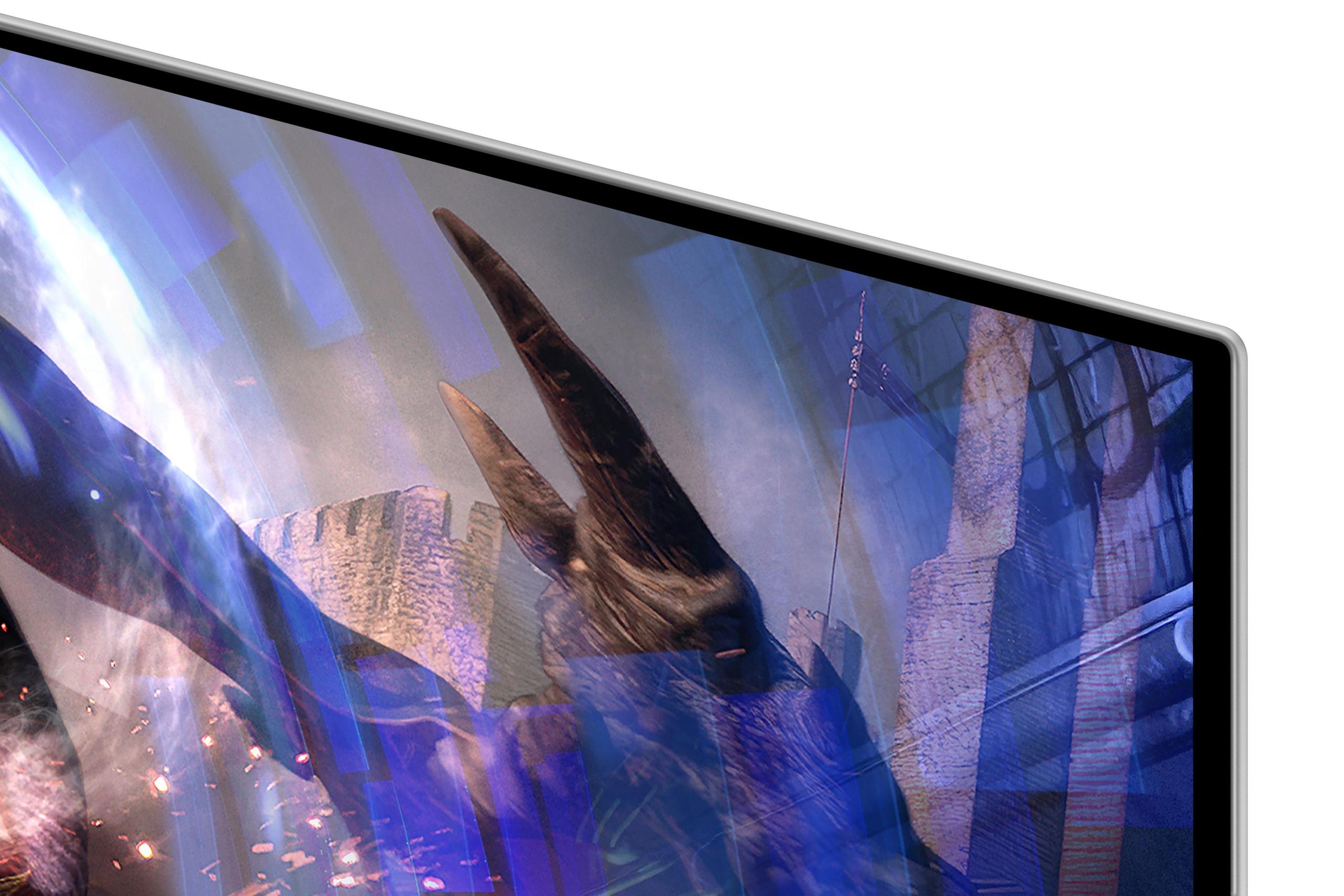
The Samsung monitor compensates for its HDR limitations with other strengths. Its matte screen coating (a surface treatment that diffuses light) significantly reduces reflections compared to the ASUS's glossy screen. If you're gaming in a bright room or near windows, the Samsung's anti-glare properties make it much more usable without needing to crank up the brightness or adjust lighting.
Both monitors deliver identical 0.03ms gray-to-gray response times, which measures how quickly pixels can change from one shade of gray to another. This is remarkably fast—traditional gaming monitors often have response times between 1-5ms. The ultra-low response time means virtually no ghosting or motion blur, even in the fastest-moving games.
Where they differ significantly is in refresh rate capabilities. The Samsung G6's 360Hz refresh rate provides the absolute smoothest motion possible on current display technology. In competitive games like Counter-Strike 2, Valorant, or Overwatch, this can provide a tangible advantage. The higher refresh rate means more frequent updates of enemy positions, potentially giving you a few milliseconds advantage in reaction time.
However, achieving 360Hz requires significant graphics processing power. Even high-end graphics cards struggle to maintain 360fps in modern games at QHD resolution. The ASUS monitor's 240Hz refresh rate is actually more practical for most current games, while its 4K resolution ensures you're getting maximum visual detail when your graphics card can handle it.
Both monitors support variable refresh rate technologies (AMD FreeSync Premium Pro and NVIDIA G-SYNC compatibility), which synchronize the monitor's refresh rate with your graphics card's output to eliminate screen tearing and stuttering. This works seamlessly across a wide range of frame rates, ensuring smooth gameplay whether you're hitting 60fps or 240fps.
The ASUS ROG Strix OLED incorporates more advanced technology overall. It uses Samsung's latest 4th-generation QD-OLED panels, which offer improved longevity and reduced risk of burn-in compared to earlier OLED generations. Burn-in occurs when static images (like UI elements or logos) remain on screen for extended periods, potentially leaving permanent shadows. While modern OLEDs are much more resistant to this issue, it's still a consideration for long gaming sessions.
The ASUS addresses burn-in concerns with several innovative features. Its Neo Proximity Sensor automatically detects when you've stepped away from the monitor and switches the display to black, preventing static images from remaining on screen. The OLED Anti-Flicker 2.0 technology reduces flicker by 20% compared to previous generations, which is particularly helpful when using variable refresh rates that can cause flickering on some OLED panels.
The Samsung G6 takes a different approach with its OLED Safeguard+ system, featuring a unique pulsating heat pipe cooling system—the first of its kind in gaming monitors. This actively moves coolant to dissipate heat more effectively than traditional graphite sheet cooling, potentially extending panel life.
Modern gaming setups often involve multiple devices, and connectivity becomes crucial. The ASUS monitor excels here with comprehensive connectivity options. Its USB-C port supports DisplayPort Alt Mode with 90W Power Delivery, meaning you can connect and charge a gaming laptop with a single cable while maintaining high refresh rates. This is particularly valuable for users who game on both desktop PCs and laptops.
The ASUS also includes USB hub functionality, allowing you to connect peripherals like keyboards and mice directly to the monitor. The Auto KVM feature lets you use the same keyboard and mouse across multiple connected devices, switching between them seamlessly.
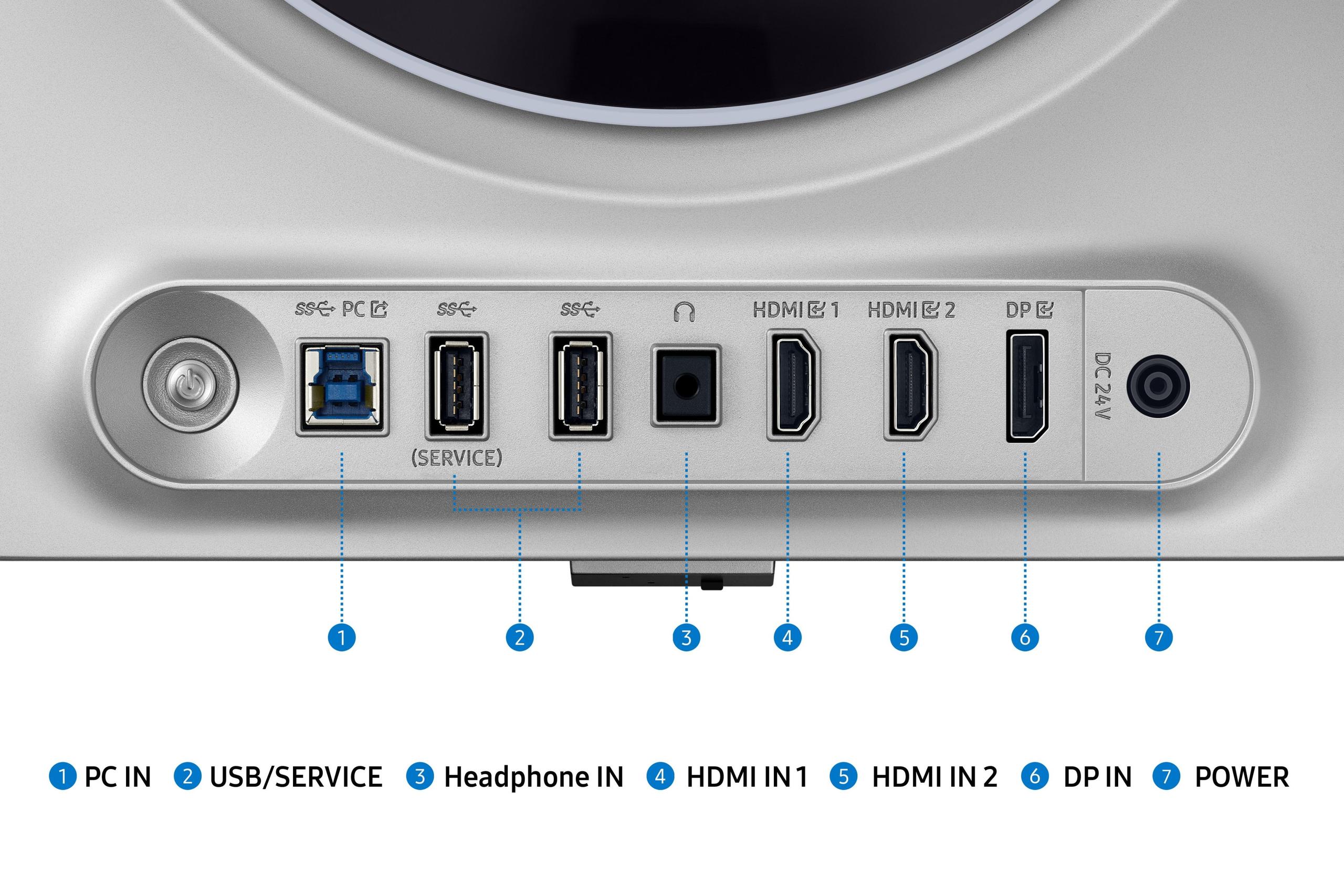
The Samsung G6 focuses more on core gaming connectivity with HDMI 2.1 and DisplayPort options but lacks the versatility of USB-C and hub features.
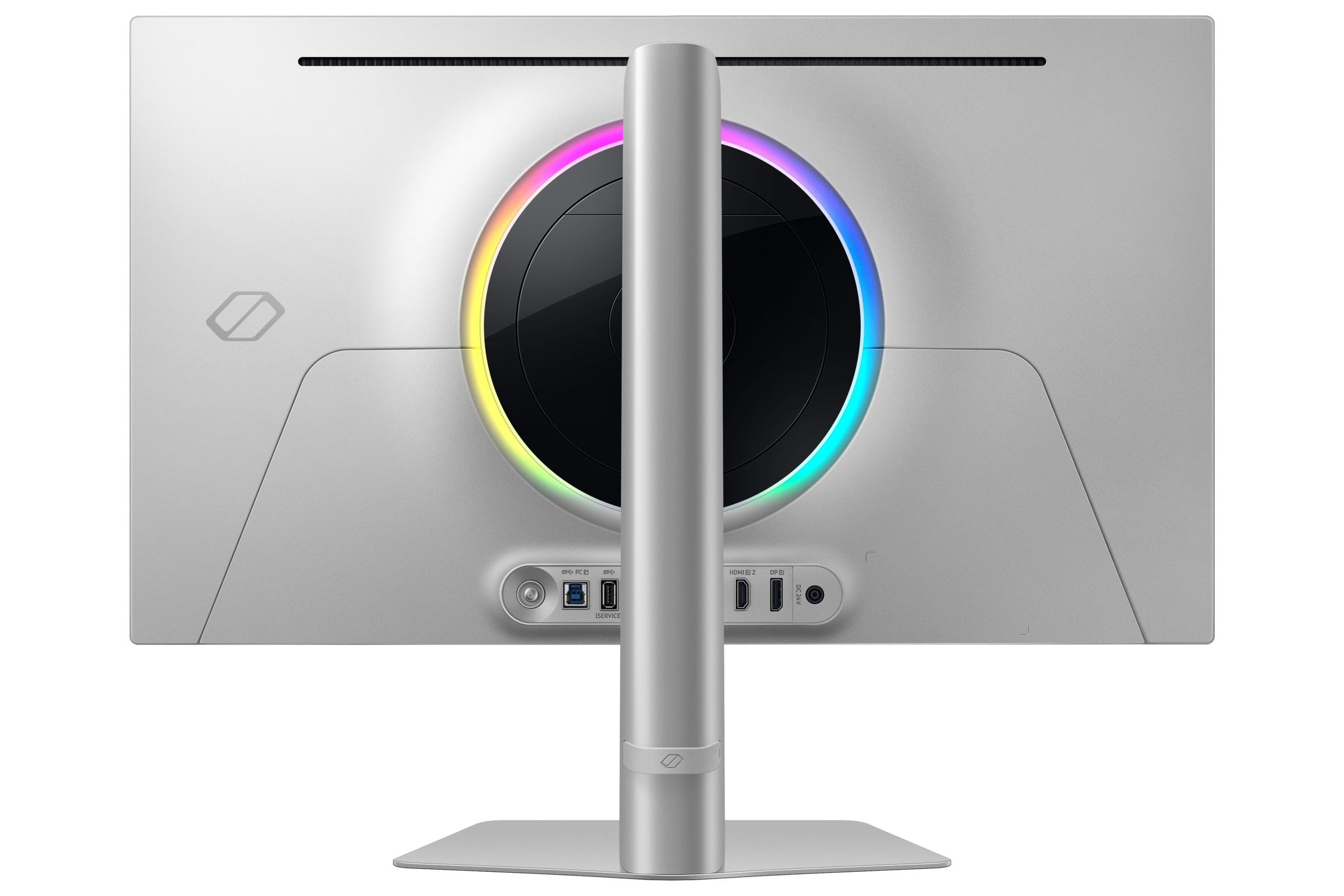
Both monitors reflect their manufacturers' design philosophies. The Samsung G6 embraces a gaming aesthetic with CoreLighting+ RGB lighting and a bold, angular design. The build quality feels premium, with a sturdy metal construction and fully adjustable ergonomic stand.
The ASUS ROG Strix OLED takes a more refined approach while still maintaining gaming credentials. Its stand includes thoughtful touches like an integrated phone holder and even a 1/4-inch tripod socket for mounting cameras—useful for content creators. The overall design is sleeker and more suitable for mixed-use environments where the monitor might serve both gaming and professional purposes.
If you're considering either monitor for media consumption beyond gaming, the ASUS is the clear choice. Its 4K resolution perfectly matches streaming content from Netflix, Disney+, and other services that offer 4K HDR content. The significantly higher peak brightness and superior color accuracy make movies and TV shows appear much more vibrant and true to the creators' intent.
The Samsung G6, while still excellent for media consumption, is limited by its QHD resolution and lower brightness. However, its matte coating might be preferable in living room setups where controlling ambient lighting is challenging.
At the time of writing, both monitors occupy similar price ranges in the premium gaming display segment, making this primarily a features and performance comparison rather than a budget decision. The value proposition depends entirely on your priorities.
The Samsung G6 offers exceptional value for competitive gamers who prioritize maximum refresh rates and don't need 4K resolution. Its anti-glare coating and robust cooling system make it a practical choice for dedicated gaming setups.
The ASUS ROG Strix OLED provides better long-term value for most users. Its 4K resolution ensures relevance as graphics cards become more powerful, while its superior HDR performance and comprehensive connectivity make it suitable for diverse use cases. The latest panel technology and advanced burn-in protection also suggest better longevity.
Choose the Samsung Odyssey OLED G6 if you're primarily focused on competitive esports gaming where every frame matters. If you're playing games like CS2, Valorant, or Overwatch at a high level, and you're willing to trade some visual fidelity for maximum smoothness, the 360Hz refresh rate provides a genuine advantage. The matte coating also makes it more practical for setups in bright rooms.
The ASUS ROG Strix OLED XG27UCDMG is the better choice for most gamers who want a premium display that excels across multiple use cases. Whether you're exploring vast open worlds in single-player games, enjoying HDR content, or occasionally doing creative work, the combination of 4K resolution, excellent HDR performance, and comprehensive features makes it more versatile.
Consider your gaming habits, room setup, and long-term needs. If you primarily play competitive multiplayer games and have a dedicated gaming room with controlled lighting, the Samsung's advantages in refresh rate and glare reduction might outweigh the resolution difference. However, if you enjoy a variety of games and want a monitor that can serve multiple purposes while still delivering excellent gaming performance, the ASUS represents a more well-rounded choice.
Both monitors represent the current state-of-the-art in OLED gaming displays, offering performance that was unimaginable just a few years ago. Your choice ultimately comes down to whether you prioritize the absolute fastest gaming experience or the best overall visual quality and versatility.
| Samsung 27" Odyssey OLED G6 | ASUS ROG Strix OLED XG27UCDMG |
|---|---|
| Resolution - Determines image sharpness and detail clarity | |
| QHD (2560×1440) - Good for competitive gaming | 4K (3840×2160) - Significantly sharper text and visuals |
| Refresh Rate - Higher rates provide smoother motion in fast games | |
| 360Hz - Maximum smoothness for esports | 240Hz - Excellent for all gaming, more GPU-friendly |
| Response Time - Lower is better for eliminating motion blur | |
| 0.03ms (identical performance) | 0.03ms (identical performance) |
| Peak HDR Brightness - Critical for vibrant HDR gaming and movies | |
| 250 nits - Basic HDR capability | 1,000 nits - Excellent HDR with bright highlights |
| Screen Coating - Affects reflections and image clarity | |
| Matte - Reduces glare but slightly hazier image | Glossy - Clearer image but more reflective |
| Color Accuracy - Important for content creation and realistic visuals | |
| Standard gaming accuracy | Delta E <2 - Professional-grade color precision |
| Panel Technology - Newer generations offer better longevity | |
| QD-OLED with advanced cooling system | 4th-gen QD-OLED with improved burn-in resistance |
| Connectivity - More options provide greater flexibility | |
| Standard gaming ports (HDMI 2.1, DP 1.4) | USB-C with 90W charging + comprehensive hub |
| Burn-in Protection - Essential for OLED longevity | |
| OLED Safeguard+ with heat pipe cooling | Neo Proximity Sensor + Anti-Flicker 2.0 technology |
| Best Use Case - Who each monitor serves best | |
| Competitive esports gamers prioritizing speed | Versatile users wanting premium visuals + gaming |
| Value Proposition - What you get for similar pricing | |
| Maximum refresh rate in QHD package | 4K resolution with excellent HDR at competitive price |
The Samsung 27" Odyssey OLED G6 is superior for competitive gaming due to its 360Hz refresh rate, providing the smoothest possible motion and potentially giving you a competitive edge in fast-paced esports titles. While the ASUS ROG Strix OLED XG27UCDMG offers excellent 240Hz performance, the Samsung G6 delivers that extra level of responsiveness that serious competitive gamers demand.
The fundamental difference is resolution versus refresh rate priorities. The Samsung Odyssey G6 focuses on maximum speed with 360Hz at QHD resolution (2560×1440), while the ASUS ROG Strix OLED emphasizes visual quality with 4K resolution (3840×2160) at 240Hz. This makes the ASUS monitor significantly sharper for detailed gaming and productivity work.
The ASUS ROG Strix OLED XG27UCDMG offers superior picture quality with 4K resolution, 1,000 nits peak brightness for excellent HDR, and professional-grade color accuracy (Delta E <2). The Samsung G6 provides good image quality but is limited to 250 nits brightness and QHD resolution, making the ASUS the clear winner for visual fidelity.
Yes, both monitors support HDR, but the ASUS ROG Strix OLED delivers significantly better HDR performance. With 1,000 nits peak brightness versus the Samsung G6's 250 nits, the ASUS monitor can display much brighter highlights and more impactful HDR effects in games and movies.
The ASUS ROG Strix OLED XG27UCDMG is far superior for media consumption. Its 4K resolution perfectly matches streaming content, while the high peak brightness and excellent color accuracy make movies appear vibrant and true to the creators' intent. The Samsung Odyssey G6 can handle media well but lacks the resolution and brightness for optimal viewing.
The ASUS ROG Strix OLED excels at productivity tasks thanks to its sharp 4K resolution that makes text crisp and clear, plus professional-grade color accuracy for creative work. The Samsung G6 can handle basic productivity but the lower QHD resolution may show pixelation in text at close viewing distances, making the ASUS the better choice for mixed gaming and work use.
The ASUS ROG Strix OLED XG27UCDMG offers superior connectivity with USB-C supporting 90W power delivery for laptops, USB hub functionality, and Auto KVM features. The Samsung Odyssey G6 provides standard gaming connectivity but lacks the versatility and convenience features of the ASUS monitor.
Both monitors include advanced burn-in protection, but use different approaches. The ASUS ROG Strix OLED features a Neo Proximity Sensor that automatically switches to black when you're away, plus 4th-generation QD-OLED technology with improved longevity. The Samsung G6 uses OLED Safeguard+ with a unique heat pipe cooling system to manage temperatures and prevent burn-in.
The Samsung 27" Odyssey OLED G6 handles bright rooms better due to its matte anti-glare coating that significantly reduces reflections. The ASUS ROG Strix OLED has a glossy screen that produces clearer images but creates more noticeable reflections in bright lighting conditions, making the Samsung more practical for challenging lighting environments.
Both monitors work excellently with gaming consoles through HDMI 2.1 connections. However, the ASUS ROG Strix OLED provides a better console experience with its 4K resolution matching PS5 and Xbox Series X output capabilities. The Samsung G6 works well with consoles but you won't utilize its full 360Hz refresh rate since consoles typically output at 60-120Hz.
Value depends on your priorities. The Samsung Odyssey G6 offers excellent value for competitive gamers who need maximum refresh rates. The ASUS ROG Strix OLED XG27UCDMG provides better overall value for most users, delivering 4K resolution, superior HDR, and comprehensive features at a similar price point, making the ASUS more versatile and future-proof.
For the Samsung G6, you'll need a high-end GPU like RTX 4070 or better to approach 360fps in competitive games at QHD. The ASUS ROG Strix OLED requires even more powerful hardware like RTX 4080/4090 for 4K gaming at high frame rates. Both monitors work well with mid-range cards at lower frame rates thanks to their variable refresh rate support.
We've done our best to create useful and informative comparisons to help you decide what product to buy. Our research uses advanced automated methods to create this comparison and perfection is not possible - please contact us for corrections or questions. These are the sites we've researched in the creation of this article: bestbuy.com - gamesradar.com - gamesradar.com - versus.com - youtube.com - versus.com - player2.net.au - youtube.com - rtings.com - youtube.com - samsung.com - files.bbystatic.com - techpowerup.com - samsung.com - bestbuy.com - samsung.com - bhphotovideo.com - bestbuy.com - youtube.com - de.shi.com - pangoly.com - bestbuy.com - rog.asus.com - forum.pcmonitors.info - rog.asus.com - windowscentral.com - versus.com - youtube.com - youtube.com - rtings.com - rtings.com - rog.asus.com - rog.asus.com - rog.asus.com - tenforums.com - rog.asus.com - techpowerup.com - bestbuy.com - newegg.com - displayspecifications.com - youtube.com - tftcentral.co.uk - displayninja.com

Privacy Policy
Terms and Conditions - Affiliate Policy
Home Security
© Copyright 2008-2026.
11816 Inwood Rd #1211, Dallas, TX 75244