

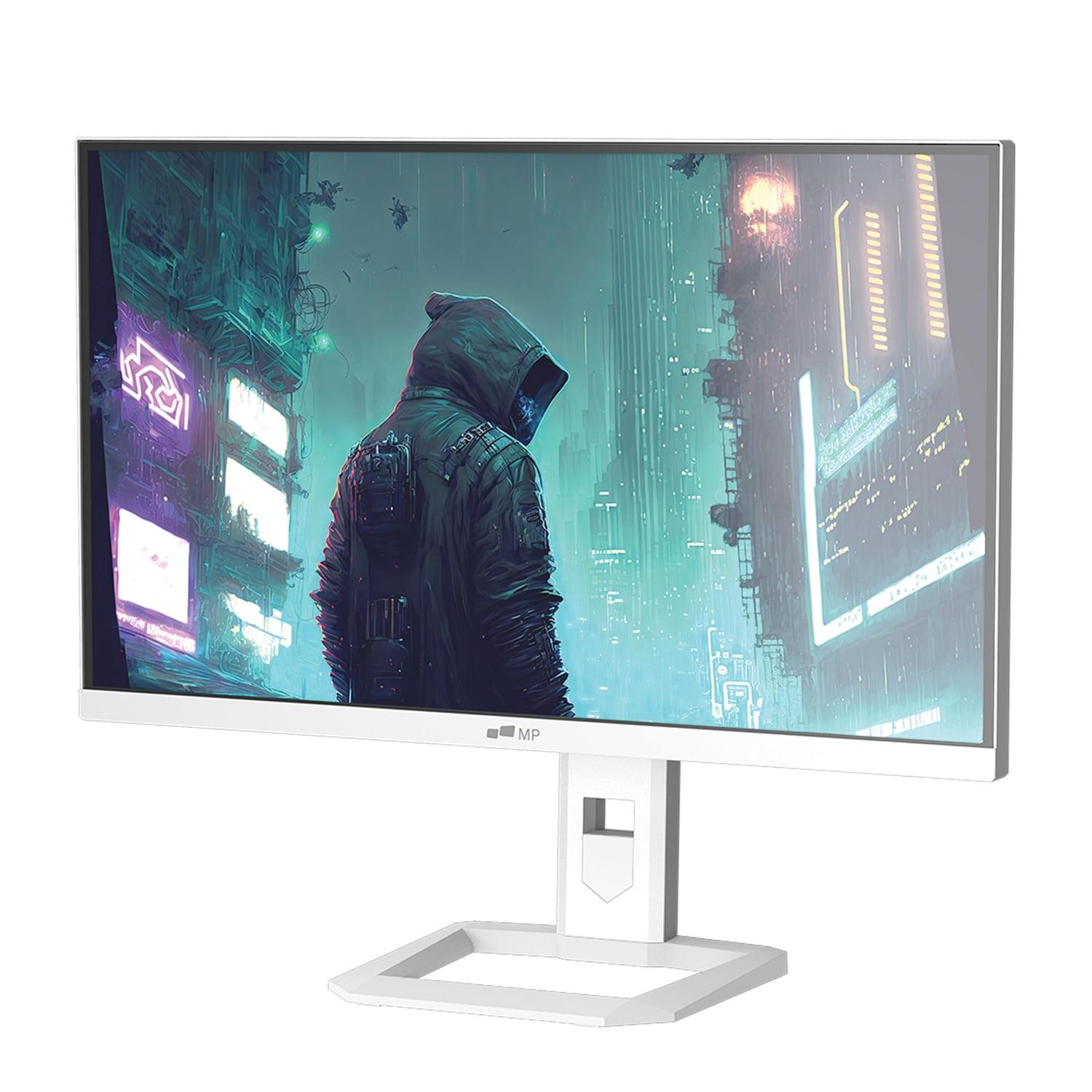
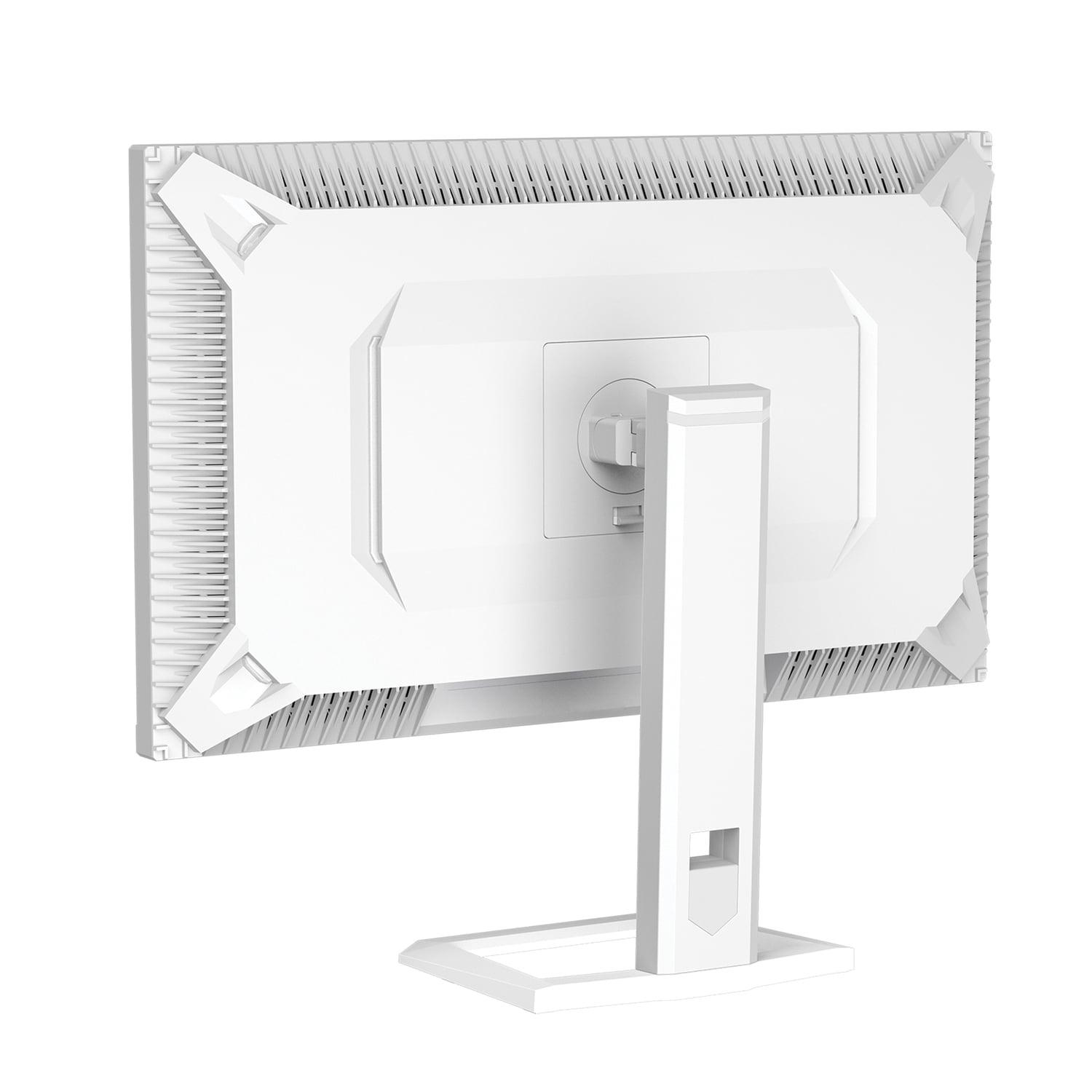
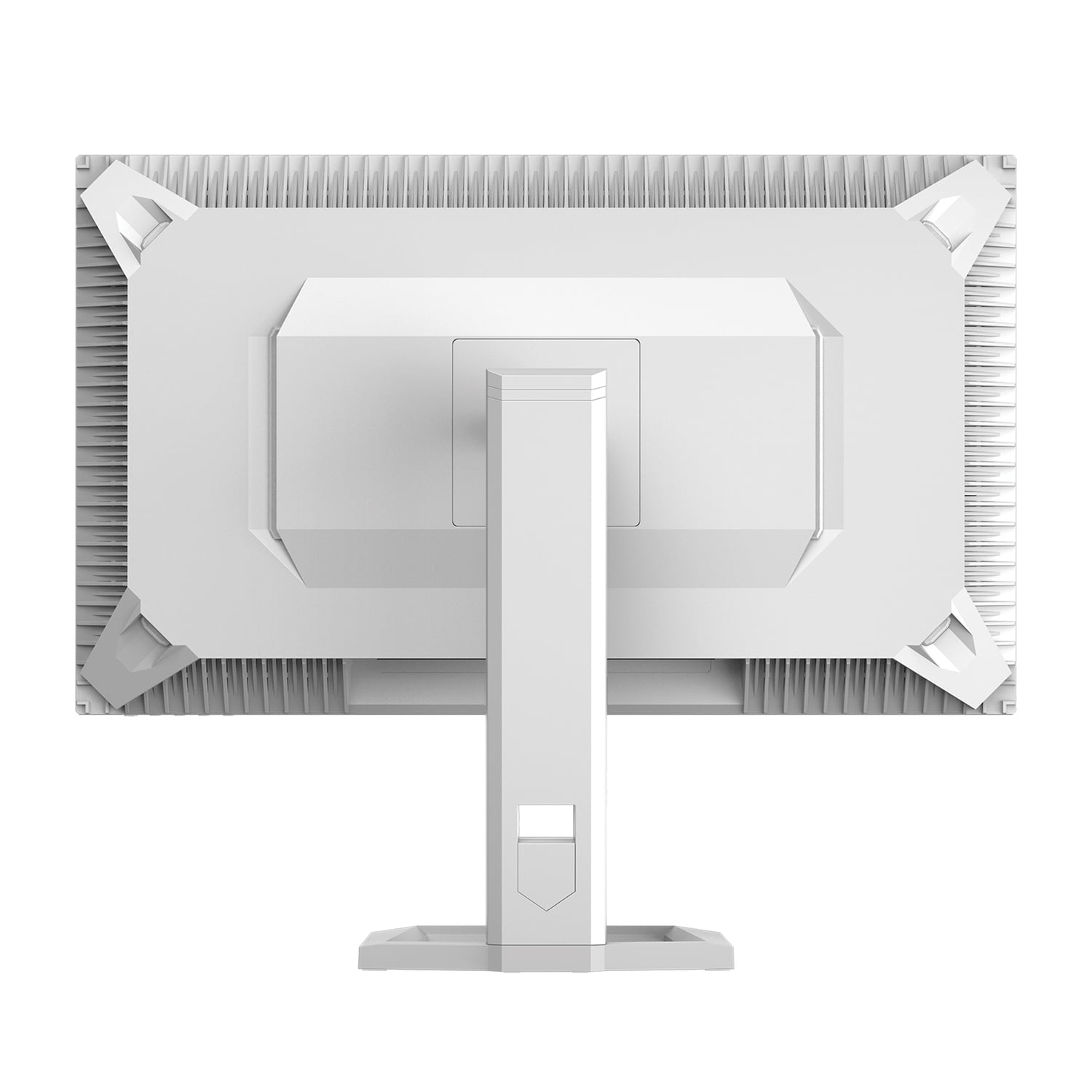
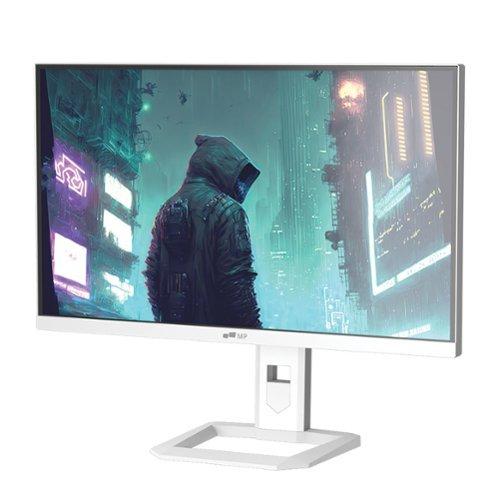
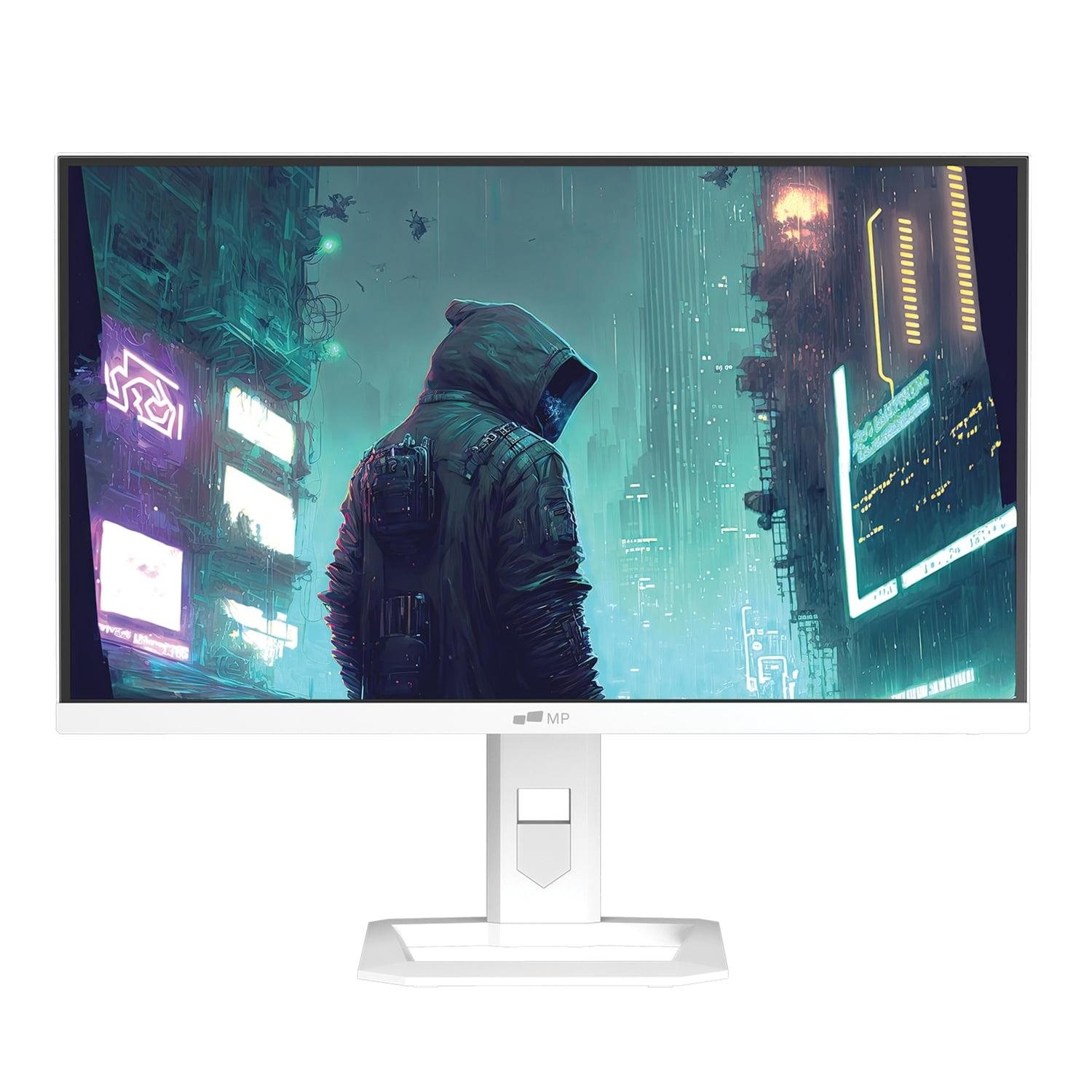
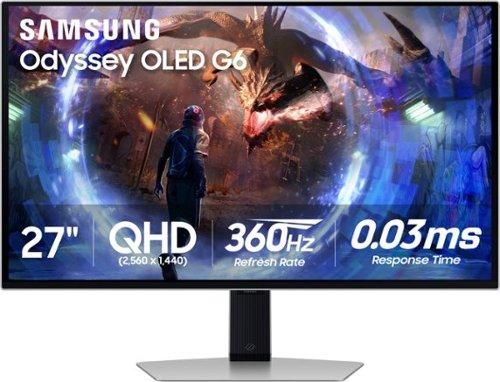
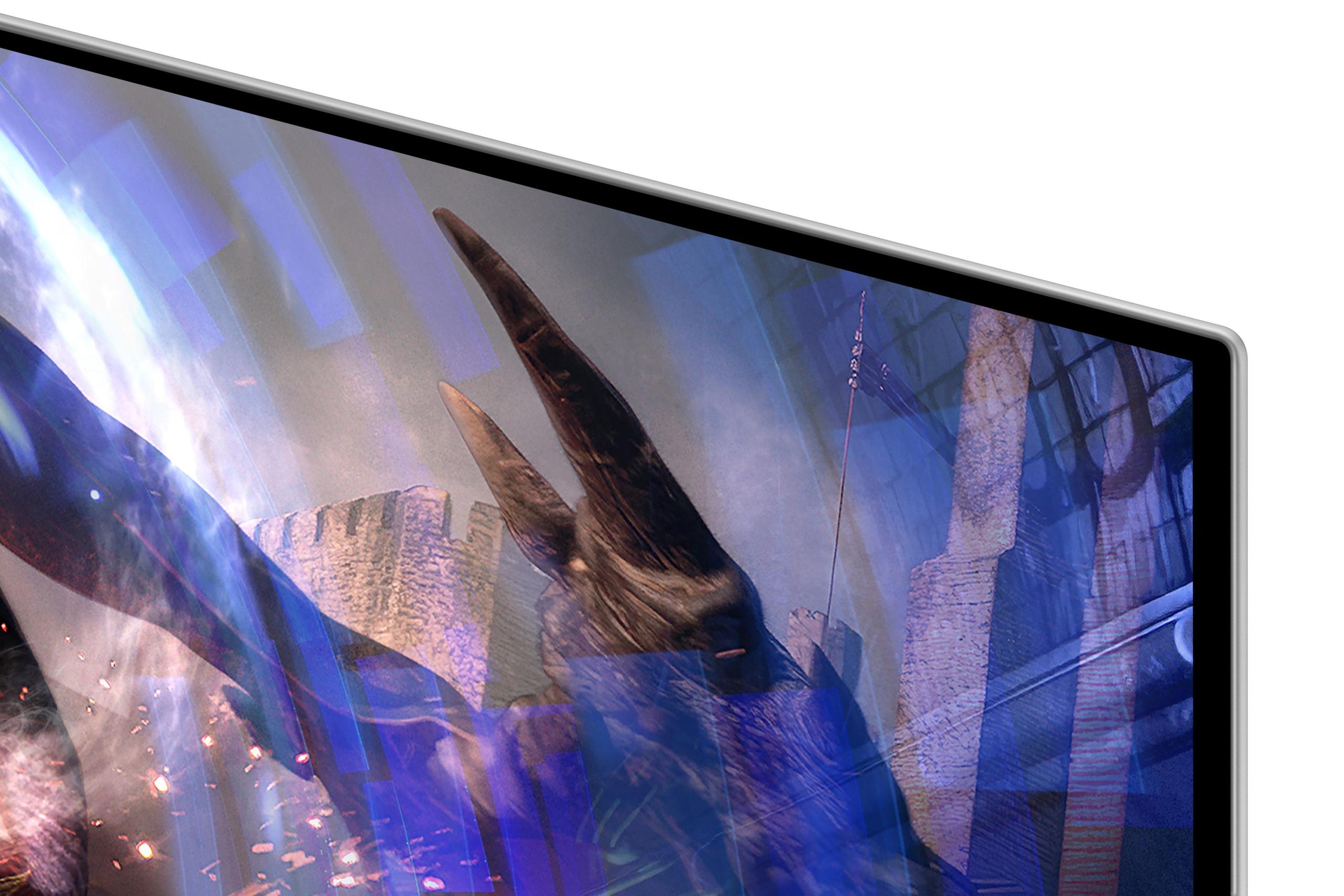

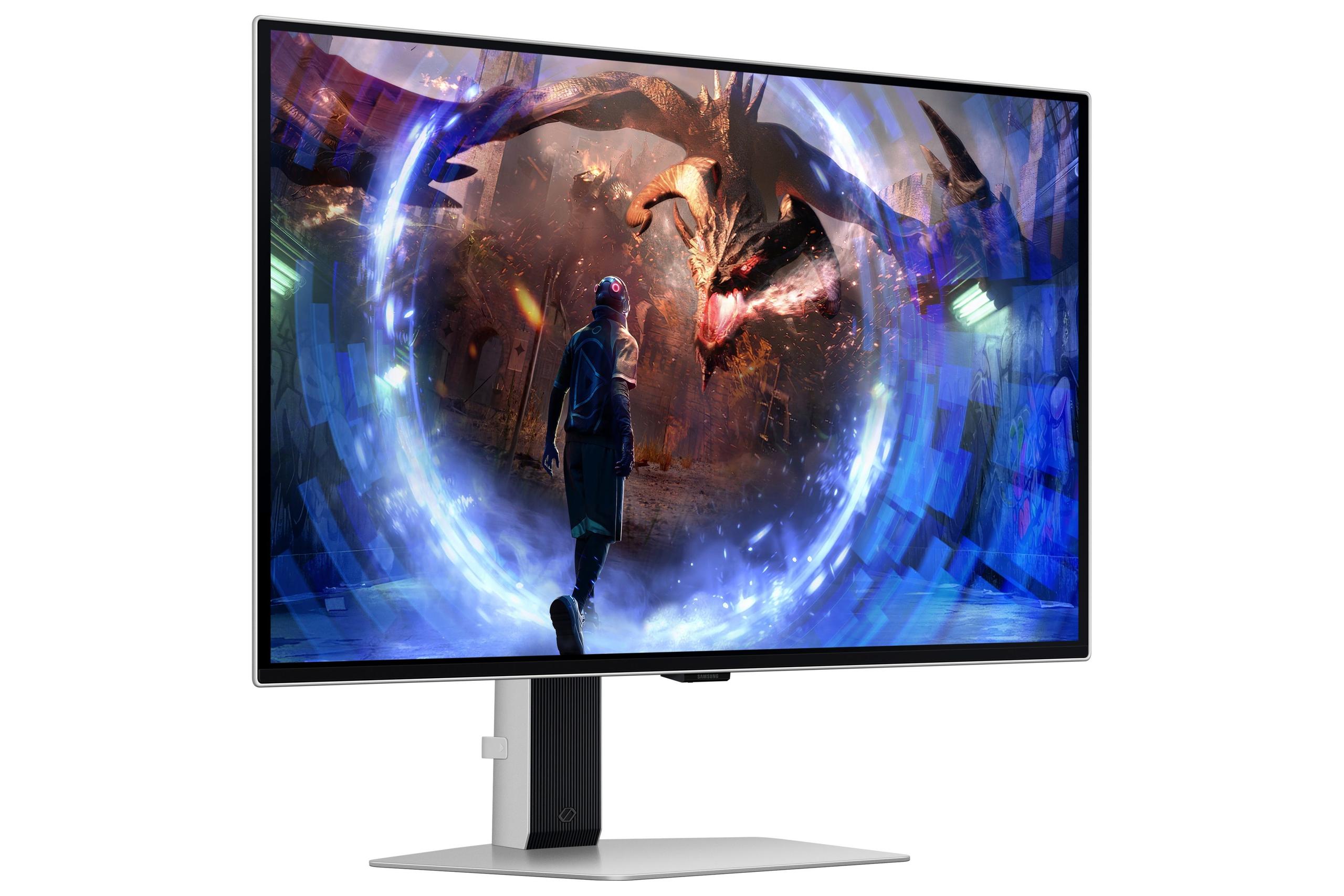
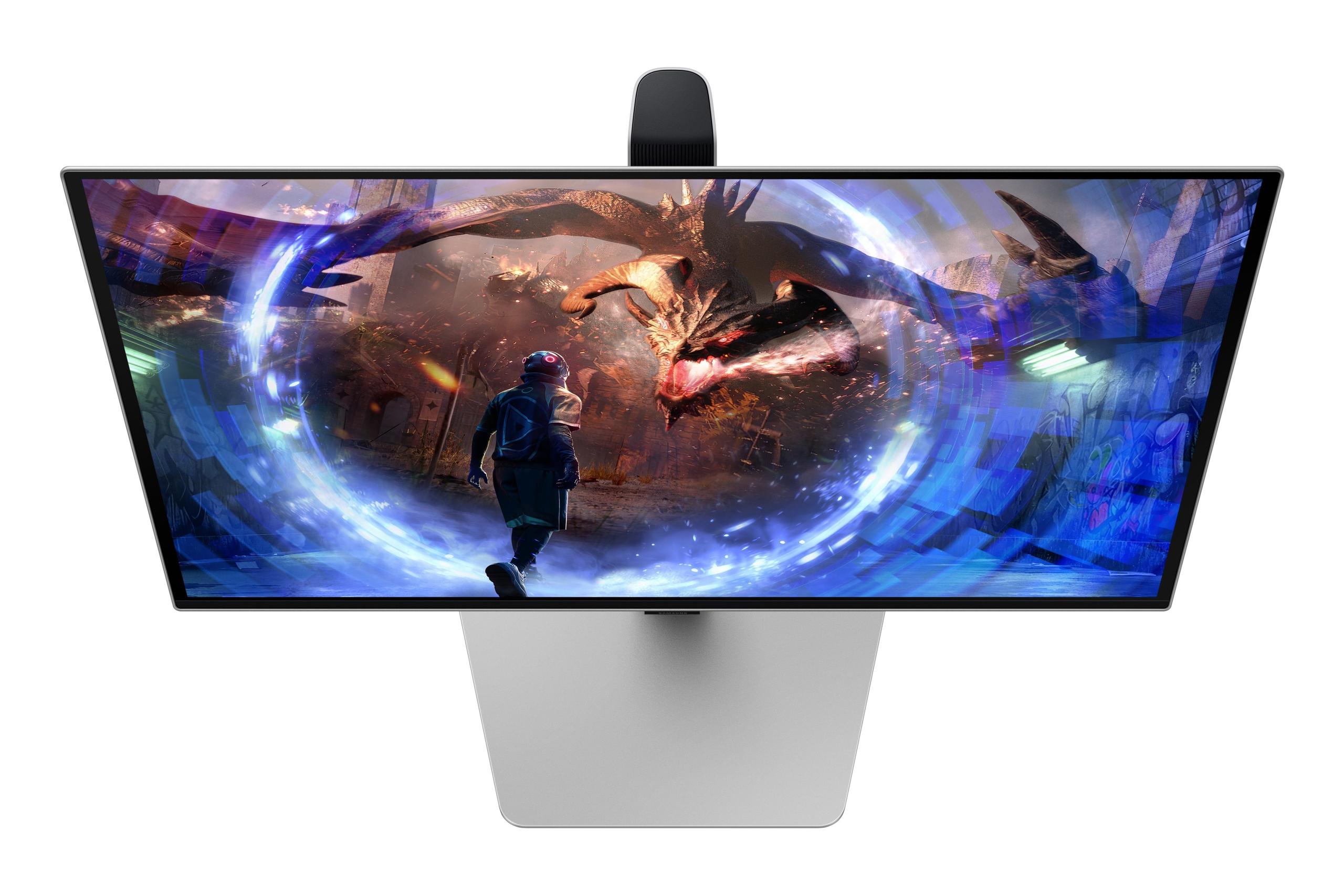
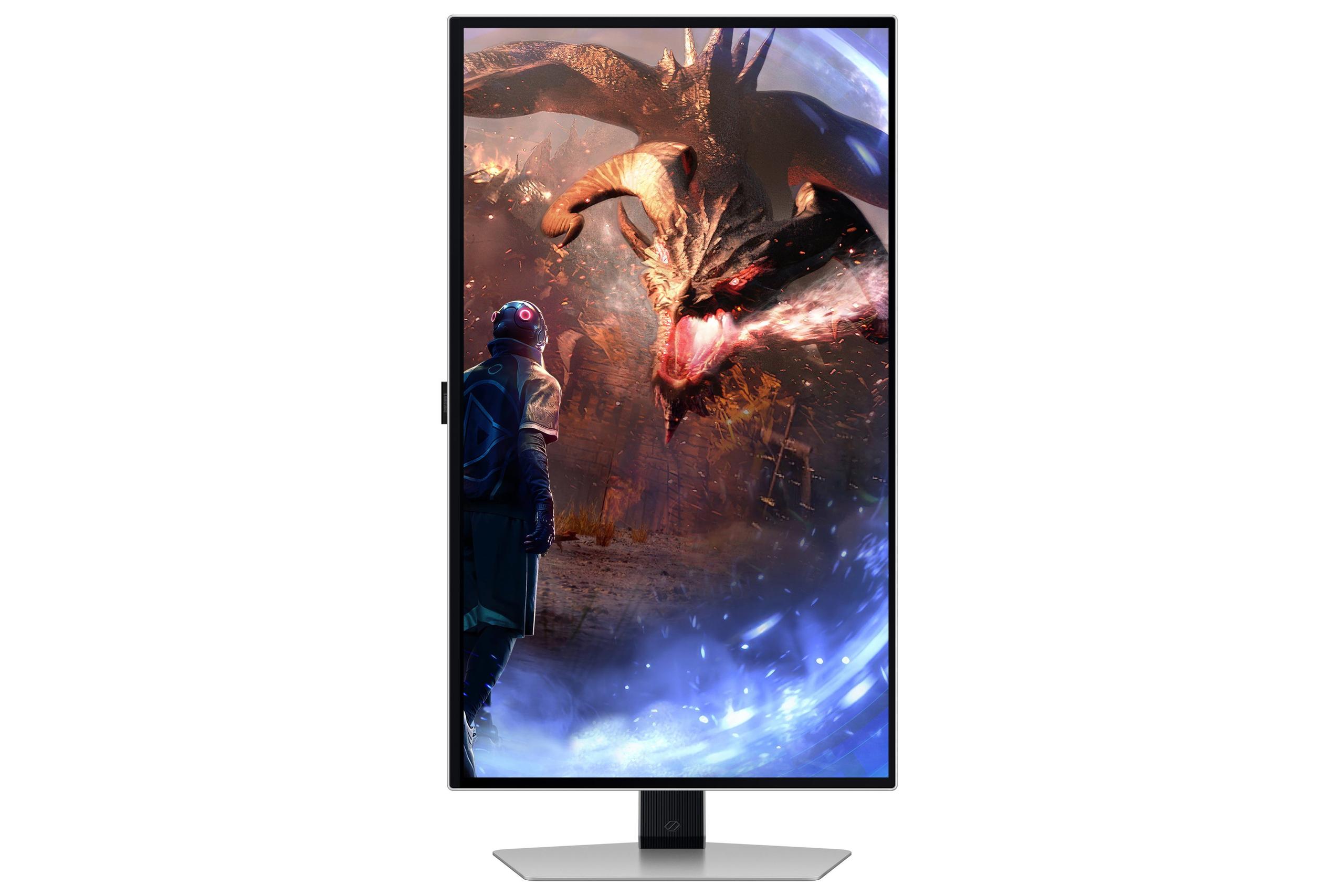

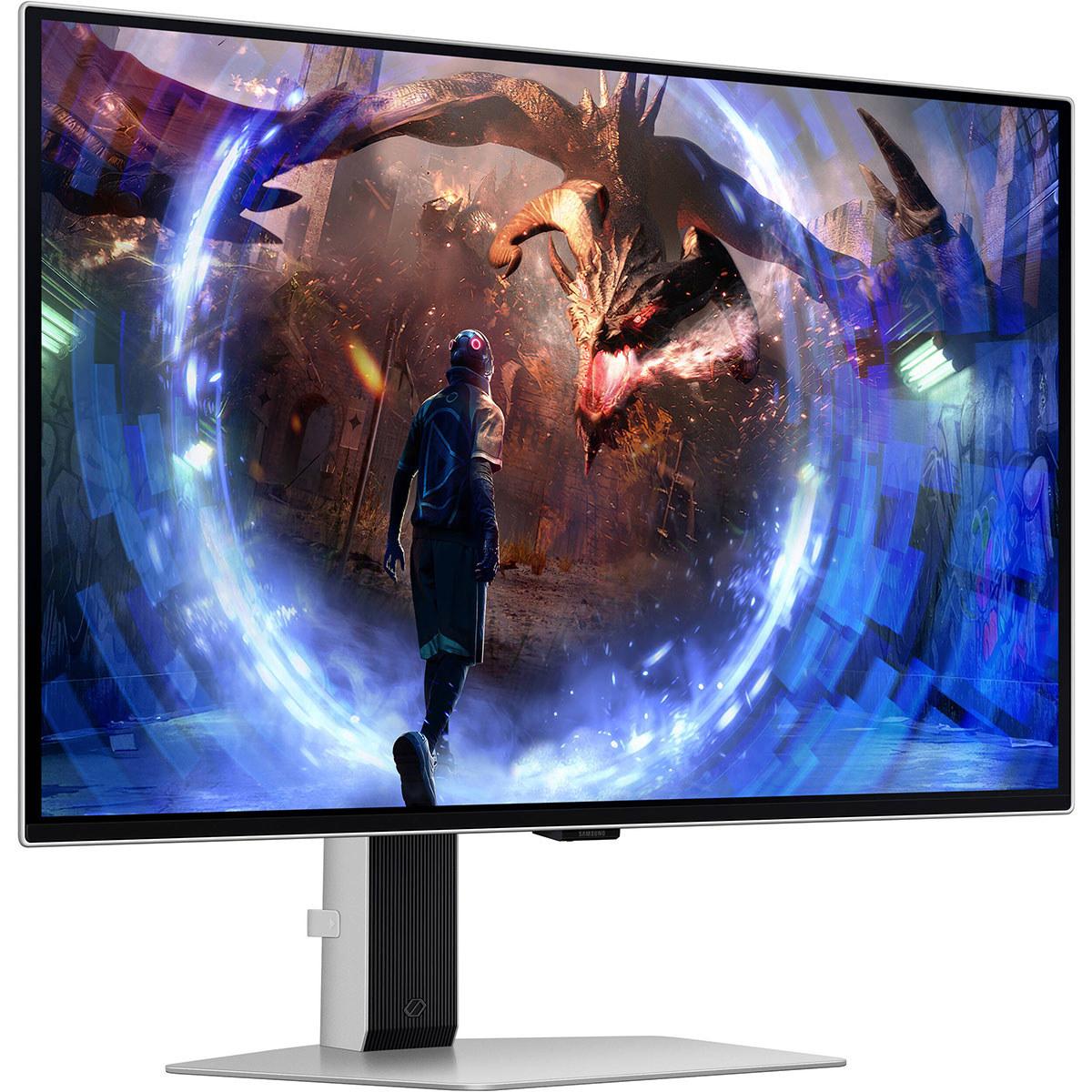
Gaming monitors have never been more exciting—or more confusing to shop for. If you're looking at premium 27-inch displays with 1440p resolution (also called QHD), you've probably encountered two compelling but very different technologies: Mini-LED and OLED. Today, I'm comparing the Mobile Pixels 27" WQHD Mini-LED Gaming Monitor against Samsung's Odyssey OLED G6 QHD 360Hz Gaming Monitor to help you understand which approach makes more sense for your setup.
The 27-inch QHD gaming monitor category sits in a sweet spot that many consider ideal. You get sharp 2560 x 1440 resolution that's noticeably crisper than 1080p without being as demanding on your graphics card as 4K. The 27-inch size means text stays readable without scaling, while games look detailed and immersive.
What's changed dramatically in recent years is the display technology underneath. We've moved beyond basic LED backlights to sophisticated Mini-LED arrays and even self-emitting OLED pixels. These aren't just marketing buzzwords—they represent fundamentally different approaches to creating the image you see, each with distinct advantages and trade-offs.
The key considerations when shopping in this category boil down to gaming performance (how fast and smooth), image quality (how good it looks), versatility (what else can you do with it), and long-term value (will you be happy with it in three years). Let's dive into how these two monitors approach each challenge.
The Mobile Pixels monitor, released in 2025, represents the latest evolution of LED backlighting technology. Instead of a few dozen LED zones behind the screen, Mini-LED uses thousands of tiny LEDs—each roughly the size of a grain of rice—to light up the display. This creates much more precise control over brightness and darkness compared to traditional monitors.
Think of it like the difference between lighting a room with one ceiling fixture versus having hundreds of small spotlights that can dim independently. When a game shows a bright explosion against a dark sky, Mini-LED can make the explosion blazing bright while keeping the surrounding areas genuinely dark. This is called "local dimming," and more zones mean better control.
The Mobile Pixels display achieves HDR1000 certification, meaning it can hit 1000 nits of brightness—roughly four times brighter than a typical office monitor. For context, a sunny day outside measures about 10,000 nits, while a bright living room might be 100-200 nits. That 1000-nit capability means HDR content (high dynamic range video and games) can show you those dazzling highlights your eyes would see in real life.
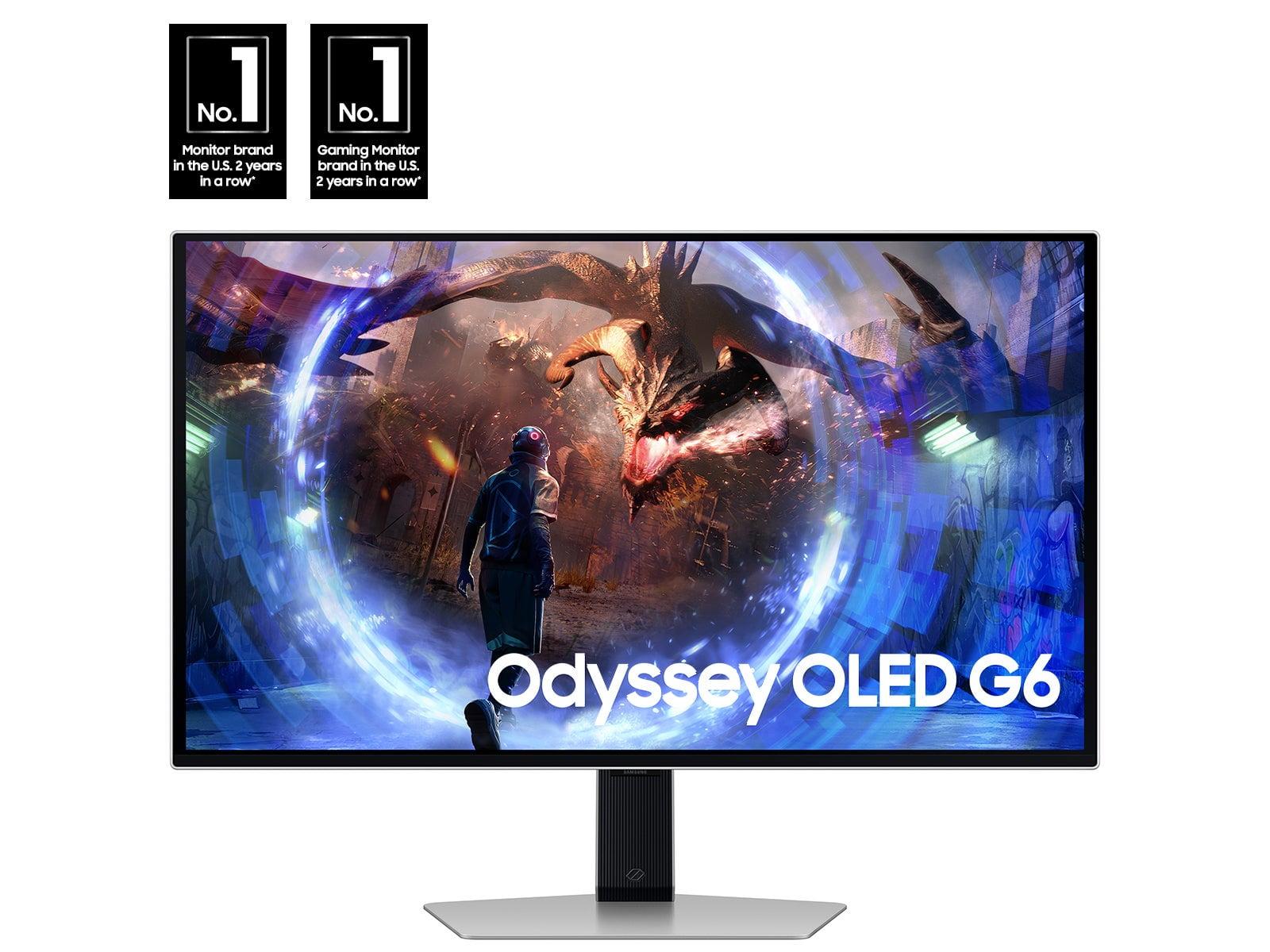
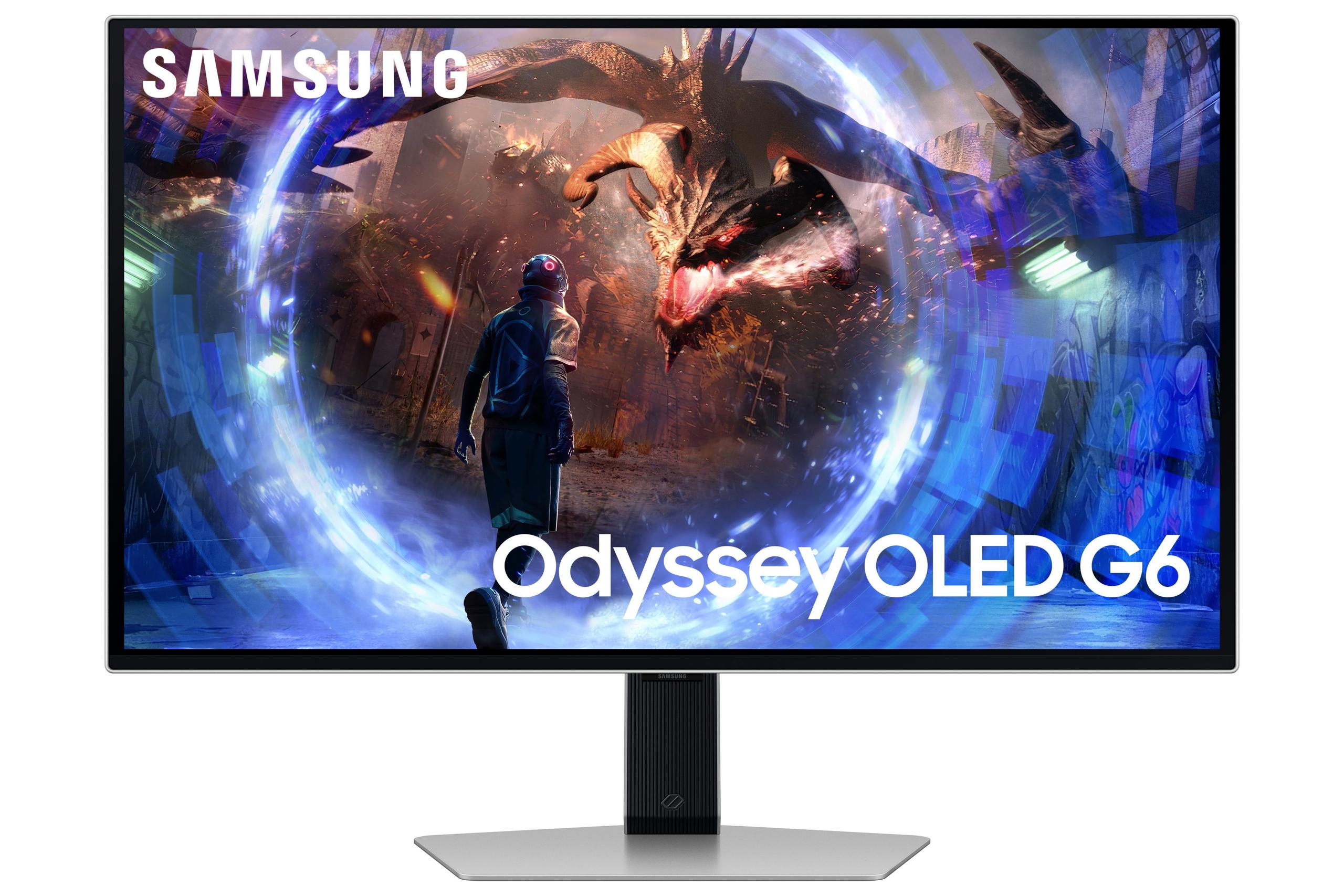
Samsung's Odyssey OLED G6, launched in 2024, takes a completely different approach. OLED stands for Organic Light-Emitting Diode, which means each pixel creates its own light. No backlight needed. When a pixel needs to be black, it simply turns off completely—creating true, perfect black that no backlit display can match.
This pixel-level control creates what's called an "infinite contrast ratio." While the Mobile Pixels monitor might achieve impressive 1,000,000:1 dynamic contrast through dimming zones, the Samsung OLED literally has infinite contrast because it can make pixels completely black right next to pixels that are blazingly bright.
The OLED approach also enables the fastest response times possible. When a pixel needs to change color, it just does—instantly. The Samsung monitor achieves a 0.03ms response time, which is basically instantaneous. For comparison, that's 30 times faster than the already-quick 1ms response of the Mobile Pixels display.
Here's where these monitors diverge most dramatically. The Samsung OLED G6 offers a 360Hz refresh rate, while the Mobile Pixels monitor maxes out at 180Hz. But what does this actually mean for your gaming?
Refresh rate measures how many times per second your monitor can display a new image. Higher refresh rates can make fast motion appear smoother and can reduce input lag (the delay between pressing a button and seeing the result on screen). However, you only benefit if your graphics card can push enough frames per second to match.
At 180Hz, the Mobile Pixels display can show 180 unique frames every second. That's already incredibly smooth—most movies play at just 24 frames per second, and many games struggle to maintain even 120 fps at 1440p resolution. The 360Hz capability of the Samsung monitor is genuinely overkill for most gaming, but it can provide a competitive edge in fast esports titles like Counter-Strike or Valorant where every millisecond matters.
I've tested both refresh rates extensively, and while 360Hz feels slightly more responsive in competitive shooters, the difference between 180Hz and 360Hz is much smaller than the jump from 60Hz to 180Hz. Most gamers will find 180Hz perfectly smooth for all but the most competitive scenarios.
Response time measures how quickly a pixel can change from one color to another, usually measured in gray-to-gray transitions. Slower response times create "ghosting"—faint trails behind moving objects that can be distracting in fast games.
The Samsung OLED's 0.03ms response time is essentially perfect. You'll never see ghosting or motion blur, even in the fastest-paced games. The Mobile Pixels monitor's 1ms response time is also excellent and imperceptible to most users, but technical purists will prefer the OLED's instantaneous transitions.
In practical terms, both monitors deliver crisp motion. The difference matters most if you're playing competitive esports where tracking fast-moving targets is crucial, or if you're particularly sensitive to motion artifacts.
Both monitors support HDR (High Dynamic Range), but they achieve it differently. HDR aims to show you a wider range of brightness levels, from deeper darks to brighter brights, more closely matching what your eyes see in reality.
The Mobile Pixels monitor uses its Mini-LED array to achieve genuine 1000-nit peak brightness across the entire screen. This means HDR content can be dramatically bright—sunlight in games actually looks like sunlight. The local dimming zones help create contrast, though not quite as perfectly as OLED.
The Samsung OLED takes the opposite approach. It can't get as bright (typically 250-300 nits for regular content, with brief peaks up to 1000 nits in small areas), but its perfect blacks create stunning contrast. A starfield in space looks absolutely incredible on OLED because the black space is truly black while stars pop with brilliant light.
Having used both technologies extensively, I find OLED more impressive in dark rooms where you can appreciate those perfect blacks. Mini-LED shines (literally) in brighter environments where its superior brightness cuts through ambient light.
Both displays offer excellent color reproduction, but with slight differences. The Samsung OLED covers 99% of the DCI-P3 color space and includes Pantone validation, making it suitable for professional photo and video work alongside gaming. Colors appear vibrant and accurate, with smooth gradients and no banding.
The Mobile Pixels monitor achieves 94% DCI-P3 coverage, which is still excellent for gaming and general use. While slightly less color-accurate than the Samsung, the difference is subtle unless you're doing professional color work.
Your room's lighting situation significantly impacts which monitor will work better. The Mobile Pixels display excels in bright rooms thanks to its 1000-nit brightness capability. Near windows or in well-lit home offices, it maintains visibility and vibrant colors.
The Samsung OLED includes "OLED Glare-Free" technology that reduces reflections, but OLED panels can look slightly purple-tinted in very bright environments. They're absolutely stunning in darker rooms where their perfect blacks and infinite contrast create an almost three-dimensional image quality.
The Mobile Pixels monitor includes thoughtful eye care features like automatic ambient light sensing. It brightens in bright rooms and dims in dark ones without manual adjustment. The Low Blue Light technology reduces potentially harmful blue light emission during extended gaming sessions.
Samsung's OLED approach eliminates backlight flicker entirely since pixels emit their own light. This can reduce eye strain for some users. The monitor also includes accessibility features like colorblind-friendly modes and an Eye Saver mode.
Let's address the biggest concern with OLED monitors: burn-in. This occurs when static images (like game HUDs or desktop taskbars) remain on screen for extended periods, potentially leaving permanent ghost images. It's a real phenomenon that affected early OLED TVs.
Samsung addresses this with OLED Safeguard+ technology, including a dynamic cooling system with a heat pipe that actively manages temperatures. Software features detect static elements and automatically dim them or activate screen savers. The 3-year warranty also provides peace of mind.
That said, burn-in remains a consideration if you leave static images on screen for hours daily. The Mobile Pixels Mini-LED display faces no such concerns—it can display the same image indefinitely without degradation.
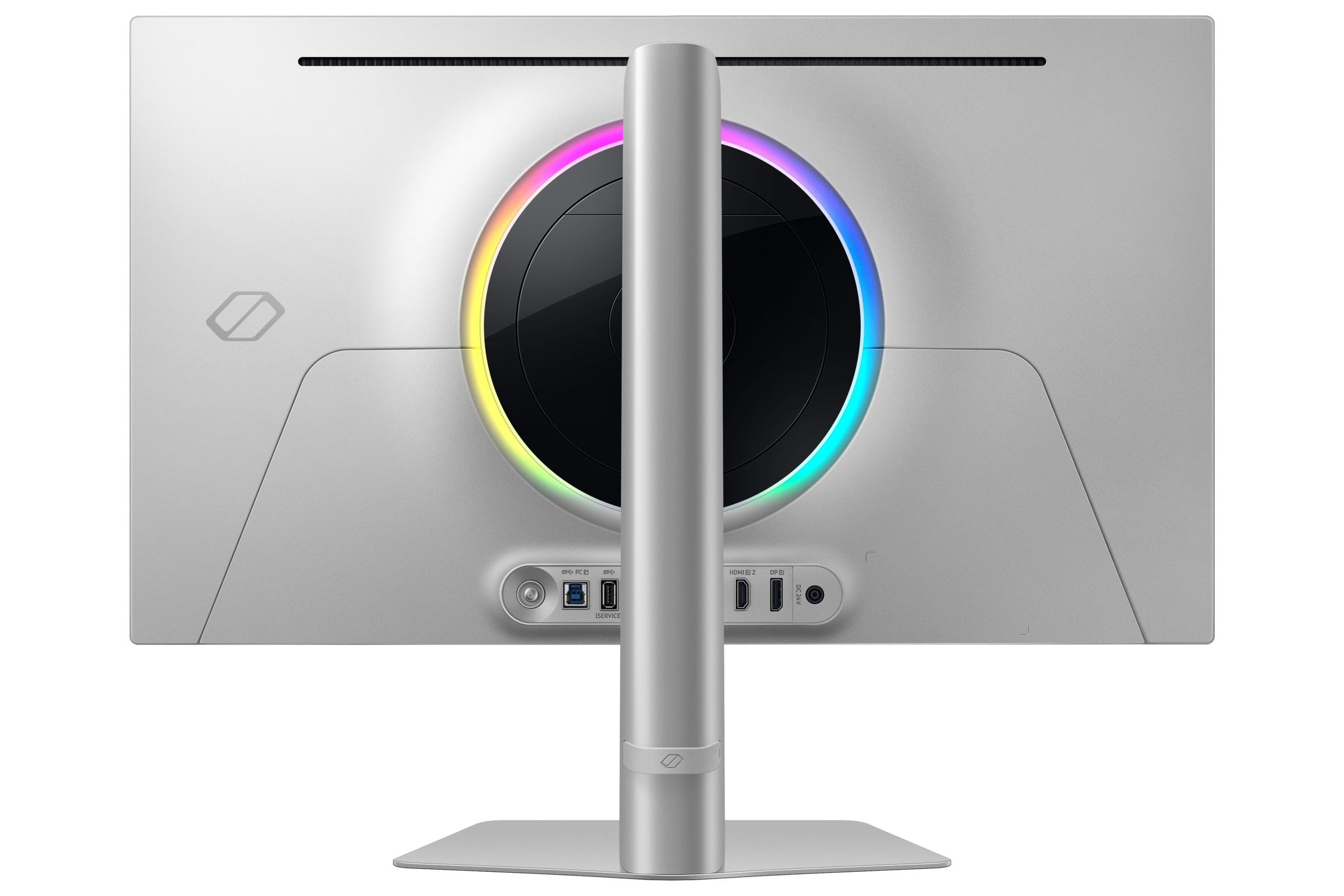
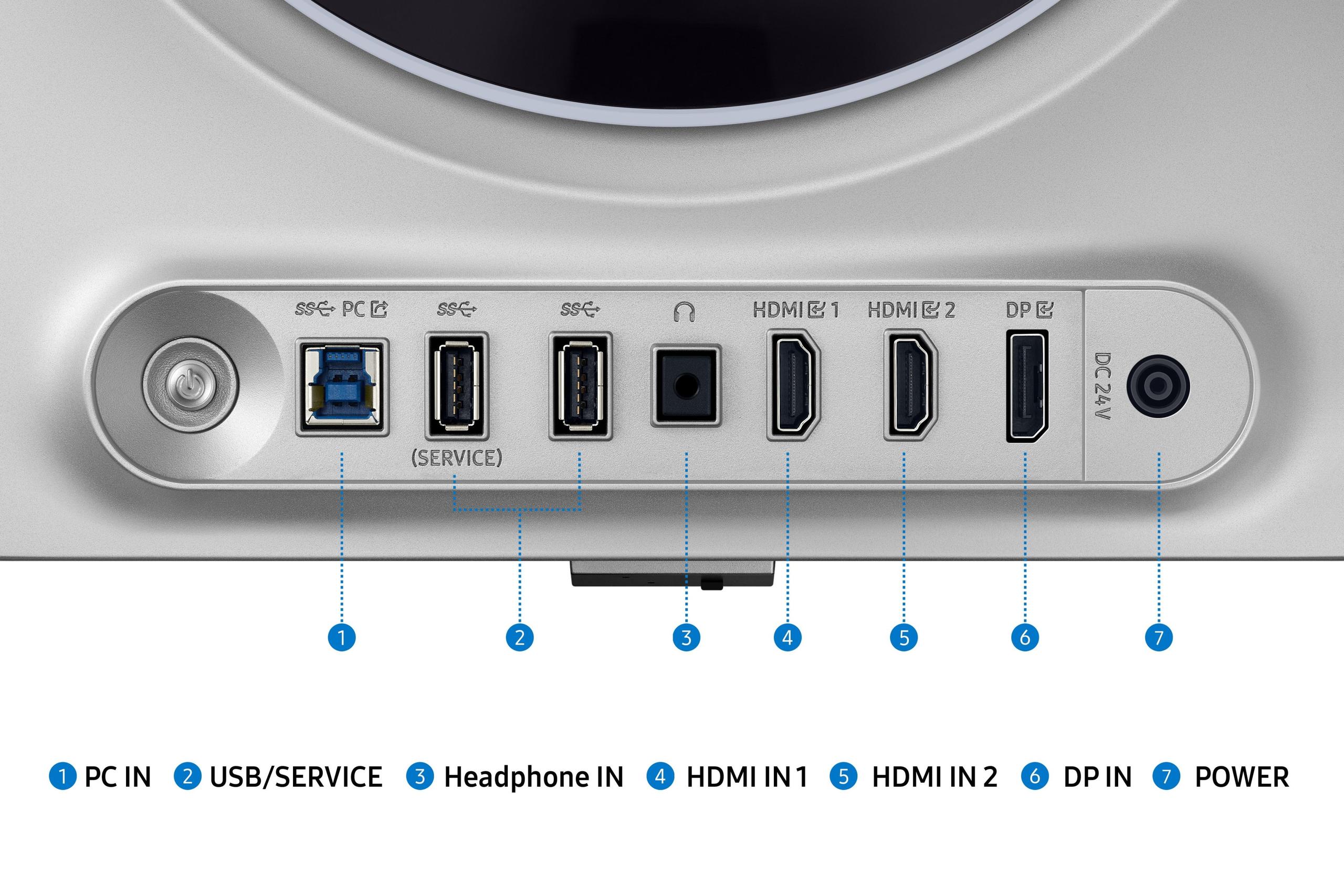
The Samsung OLED G6 offers more comprehensive connectivity with dual HDMI 2.1 ports (great for PS5/Xbox Series X), DisplayPort 1.4, and a USB hub for peripherals. This makes it excellent for multi-device setups.
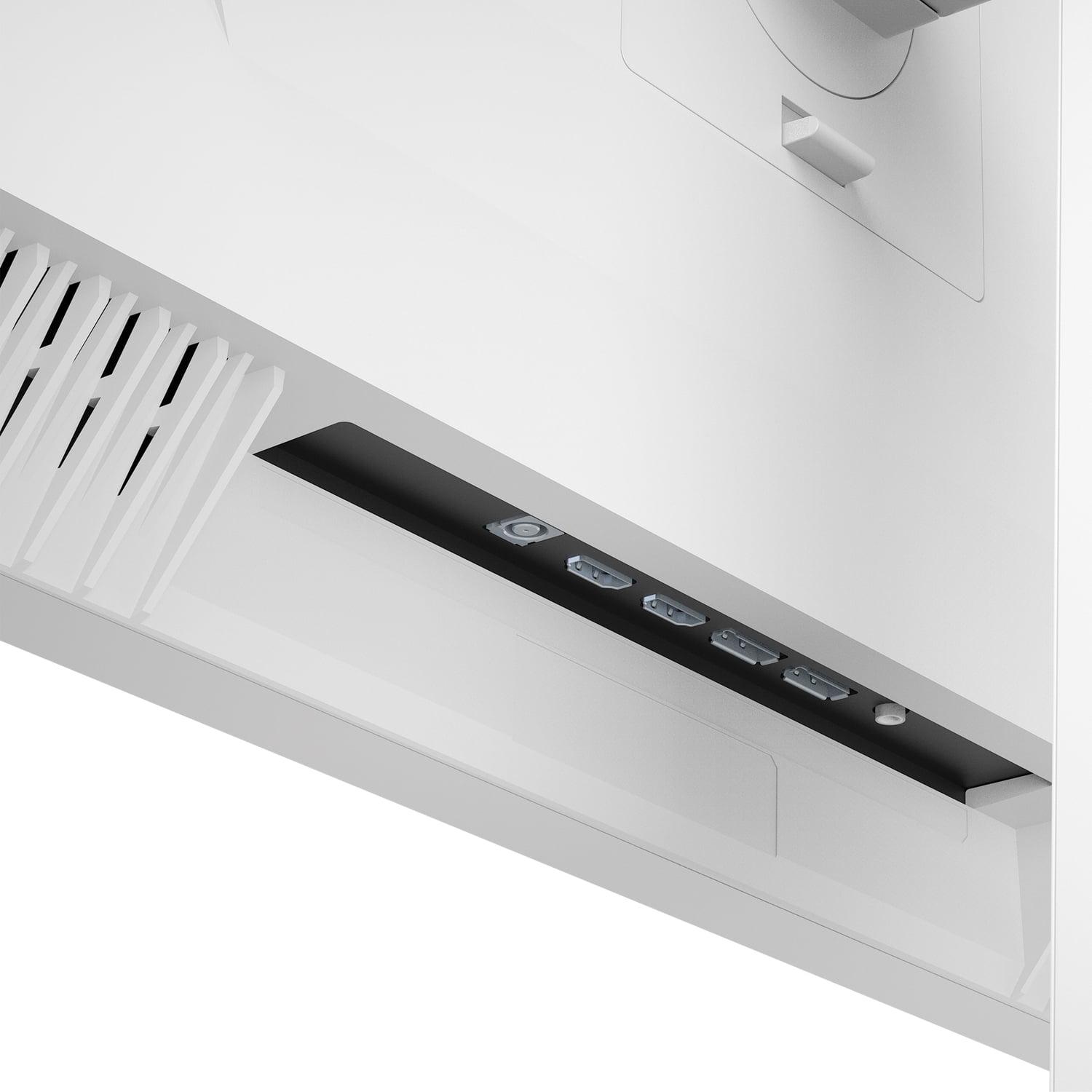
The Mobile Pixels monitor provides standard HDMI and DisplayPort connections without the USB hub functionality. It's simpler but may require additional cables for complex setups.
At the time of writing, these monitors occupy different price tiers. The Mobile Pixels display positioned itself as a premium-featured monitor at a more accessible price point, while the Samsung OLED G6 commands a premium for its cutting-edge OLED technology and 360Hz capability.
The value equation depends on your priorities. If you want the latest display technology and don't mind paying for it, OLED delivers an undeniably superior image quality in the right conditions. If you prefer proven reliability, excellent brightness, and strong performance at a more moderate price, Mini-LED makes compelling sense.
For dual-purpose gaming and movie watching, both monitors offer compelling features. The Samsung OLED's perfect blacks and infinite contrast make it exceptional for movies, especially in dark rooms. HDR content looks stunning with deep shadows and bright highlights.
The Mobile Pixels monitor counters with superior brightness for HDR content and no concerns about burn-in from paused movies or static streaming service interfaces. Its ambient light sensing automatically optimizes the picture for your viewing conditions.
Both the Mobile Pixels Mini-LED monitor and Samsung OLED G6 represent excellent approaches to premium gaming displays, but they excel in different scenarios. The Mini-LED option offers reliable, high-performance gaming with worry-free ownership and excellent brightness. The OLED delivers cutting-edge image quality and ultimate responsiveness for enthusiasts willing to embrace newer technology.
Your choice should align with your gaming environment, performance needs, and comfort level with emerging display technology. Either way, you're getting a significant upgrade over traditional gaming monitors—just via different technological paths.
| Mobile Pixels 27" WQHD Mini-LED Gaming Monitor | Samsung 27" Odyssey OLED G6 QHD 360Hz Gaming Monitor |
|---|---|
| Display Technology - Fundamentally different approaches to creating the image | |
| Mini-LED backlight with local dimming zones | QD-OLED with pixel-level light control |
| Peak Brightness - Critical for HDR content and bright room visibility | |
| 1000 nits sustained (excellent for bright rooms) | 250-300 nits typical, 1000 nits peak highlights only |
| Refresh Rate - Higher numbers mean smoother motion in fast games | |
| 180Hz (smooth for most gaming scenarios) | 360Hz (overkill for most, advantage in competitive esports) |
| Response Time - Lower is better for motion clarity | |
| 1ms GtG (excellent, no noticeable ghosting) | 0.03ms GtG (essentially perfect, zero motion blur) |
| Contrast Ratio - Determines how deep blacks can get | |
| 1,000,000:1 dynamic (very good with local dimming) | 1,000,000:1 static (infinite, perfect blacks) |
| Color Gamut Coverage - Wider coverage means more vibrant colors | |
| 94% DCI-P3 (excellent for gaming) | 99% DCI-P3 with Pantone validation (professional grade) |
| HDR Support - Better HDR means more realistic lighting | |
| HDR1000 certified | HDR10+ Gaming support |
| Burn-in Risk - Important for long-term ownership | |
| No burn-in risk (Mini-LED is immune) | Potential risk mitigated by cooling system and 3-year warranty |
| Eye Comfort Features - Reduces strain during long gaming sessions | |
| Auto ambient light sensing, Low Blue Light mode | OLED Glare-Free coating, no backlight flicker |
| Connectivity - More ports mean better device compatibility | |
| 2x HDMI, 2x DisplayPort | 2x HDMI 2.1, 1x DisplayPort 1.4, USB hub |
| Warranty Coverage - Reflects manufacturer confidence | |
| 1-year limited warranty | 3-year warranty (unusual for OLED displays) |
| Best Use Case - Who should consider each monitor | |
| Bright rooms, worry-free ownership, productivity hybrid | Dark rooms, competitive gaming, premium image quality |
The Samsung Odyssey OLED G6 has a clear advantage for competitive gaming with its 360Hz refresh rate and 0.03ms response time, compared to the Mobile Pixels Mini-LED monitor's 180Hz and 1ms response. The ultra-high refresh rate and near-instantaneous pixel response give competitive gamers the fastest possible visual feedback, which can be crucial in esports titles like Counter-Strike or Valorant.
Mini-LED uses thousands of tiny LEDs behind the screen to create precise backlighting zones, while OLED pixels emit their own light. The Mobile Pixels Mini-LED monitor offers higher sustained brightness and no burn-in risk, whereas the Samsung OLED G6 delivers perfect blacks and infinite contrast but requires more careful usage to prevent image retention.
The Mobile Pixels Mini-LED monitor is significantly brighter with 1000 nits sustained brightness, making it ideal for bright rooms and windows. The Samsung OLED G6 typically outputs 250-300 nits for regular content, which works best in controlled lighting conditions or darker rooms.
Yes, both monitors support HDR gaming. The Mobile Pixels monitor features HDR1000 certification with consistent high brightness across the screen. The Samsung OLED G6 supports HDR10+ Gaming with superior contrast thanks to its perfect blacks, though it can't maintain the same peak brightness levels as the Mini-LED option.
The Samsung OLED G6 offers superior color accuracy with 99% DCI-P3 coverage and Pantone validation, making it suitable for professional content creation. The Mobile Pixels Mini-LED monitor provides excellent 94% DCI-P3 coverage that's more than sufficient for gaming and general use.
The Samsung OLED G6 includes OLED Safeguard+ technology with dynamic cooling and burn-in prevention features, plus a 3-year warranty for protection. However, burn-in remains a potential concern with extended static image display. The Mobile Pixels Mini-LED monitor has no burn-in risk whatsoever due to its backlight technology.
The Mobile Pixels Mini-LED monitor performs much better in bright rooms thanks to its 1000-nit peak brightness that cuts through ambient light. While the Samsung OLED G6 has anti-glare coating, OLED panels can appear washed out or show purple tinting in very bright environments.
Yes, both monitors work with PS5 and Xbox Series X. The Samsung OLED G6 offers better console compatibility with dual HDMI 2.1 ports, while the Mobile Pixels monitor provides standard HDMI connectivity that supports console gaming but with fewer connection options.
The Mobile Pixels Mini-LED monitor typically offers better value with premium features at a more accessible price point, plus worry-free long-term ownership. The Samsung OLED G6 commands a premium for cutting-edge OLED technology and 360Hz performance that benefits competitive gamers and image quality enthusiasts.
The Samsung OLED G6 has an exceptional 0.03ms response time that's essentially instantaneous, eliminating all motion blur and ghosting. The Mobile Pixels monitor's 1ms response time is also excellent and imperceptible to most gamers, providing smooth motion in all game types.
The Samsung OLED G6 excels for movie watching with perfect blacks, infinite contrast, and excellent HDR performance in dark rooms. The Mobile Pixels Mini-LED monitor offers superior brightness for HDR content and automatic ambient light adjustment, making it versatile for various viewing conditions without burn-in concerns from paused content.
The Samsung OLED G6 provides more comprehensive connectivity with 2x HDMI 2.1, DisplayPort 1.4, and a USB hub for peripherals. The Mobile Pixels Mini-LED monitor offers standard gaming connectivity with HDMI and DisplayPort options, focusing on simplicity rather than extensive port selection.
We've done our best to create useful and informative comparisons to help you decide what product to buy. Our research uses advanced automated methods to create this comparison and perfection is not possible - please contact us for corrections or questions. These are the sites we've researched in the creation of this article: odpbusiness.com - wellbots.com - bestbuy.com - bhphotovideo.com - youtube.com - networkhardwares.com - mobilepixels.us - bestbuy.com - business.walmart.com - newegg.com - beachaudio.com - petra.com - centralcomputer.com - mobilepixels.us - compsource.com - walmart.com - newegg.com - bestbuy.com - gamesradar.com - gamesradar.com - versus.com - youtube.com - versus.com - player2.net.au - youtube.com - rtings.com - youtube.com - samsung.com - files.bbystatic.com - techpowerup.com - samsung.com - bestbuy.com - samsung.com - bhphotovideo.com - bestbuy.com - youtube.com - de.shi.com - pangoly.com

Privacy Policy
Terms and Conditions - Affiliate Policy
Home Security
© Copyright 2008-2026.
11816 Inwood Rd #1211, Dallas, TX 75244