

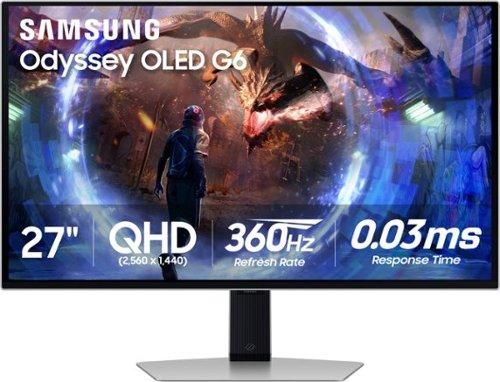
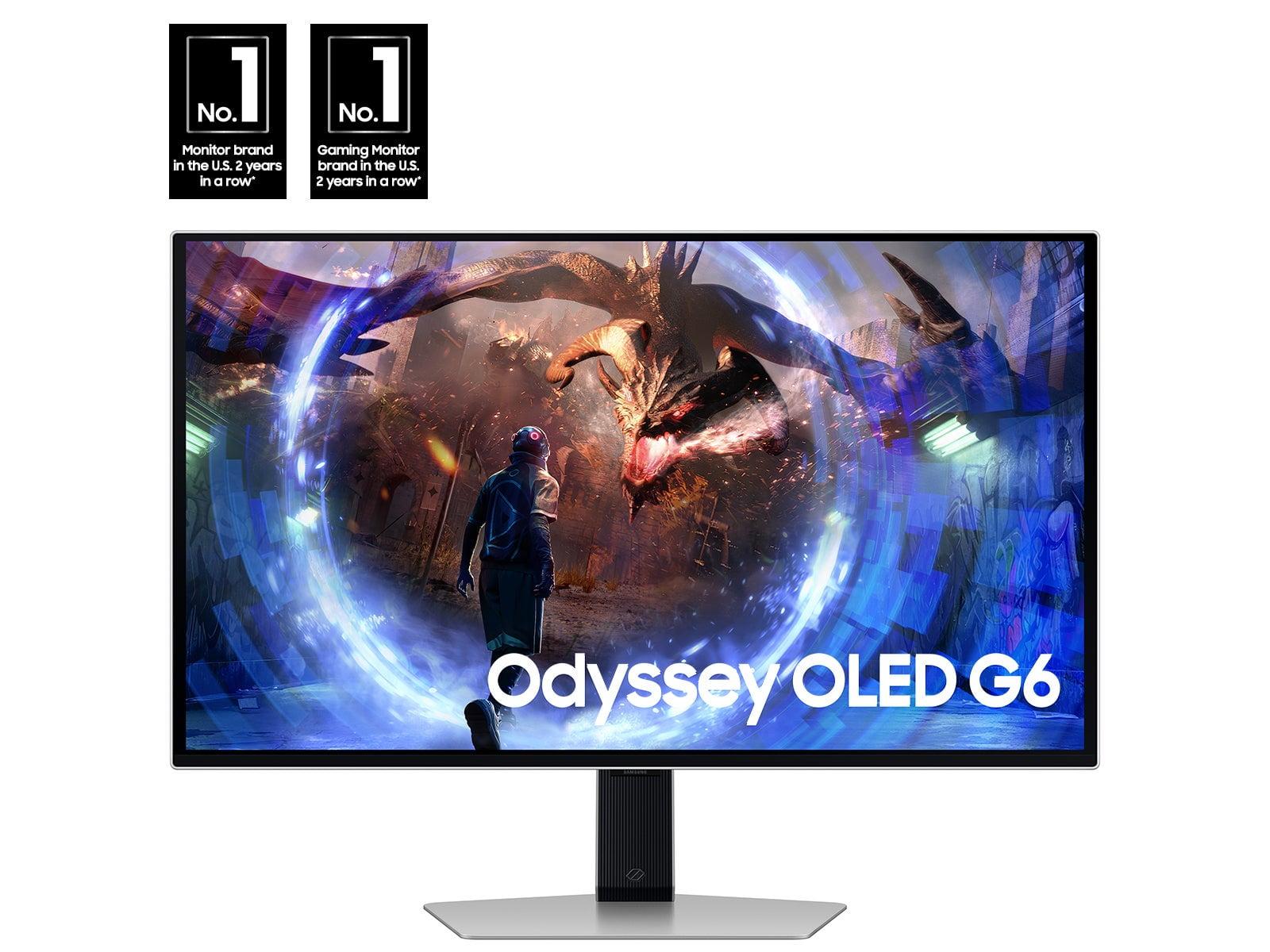

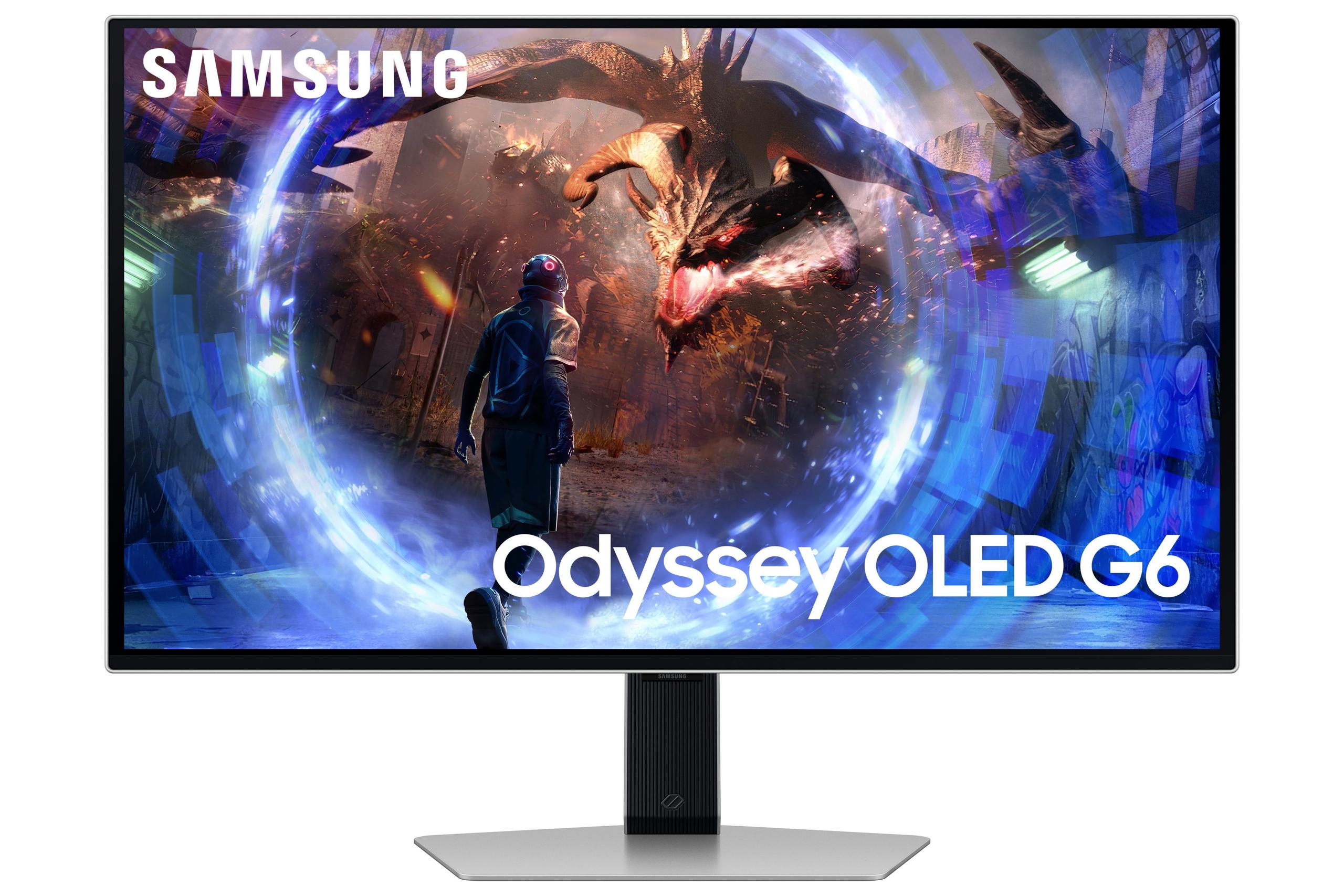
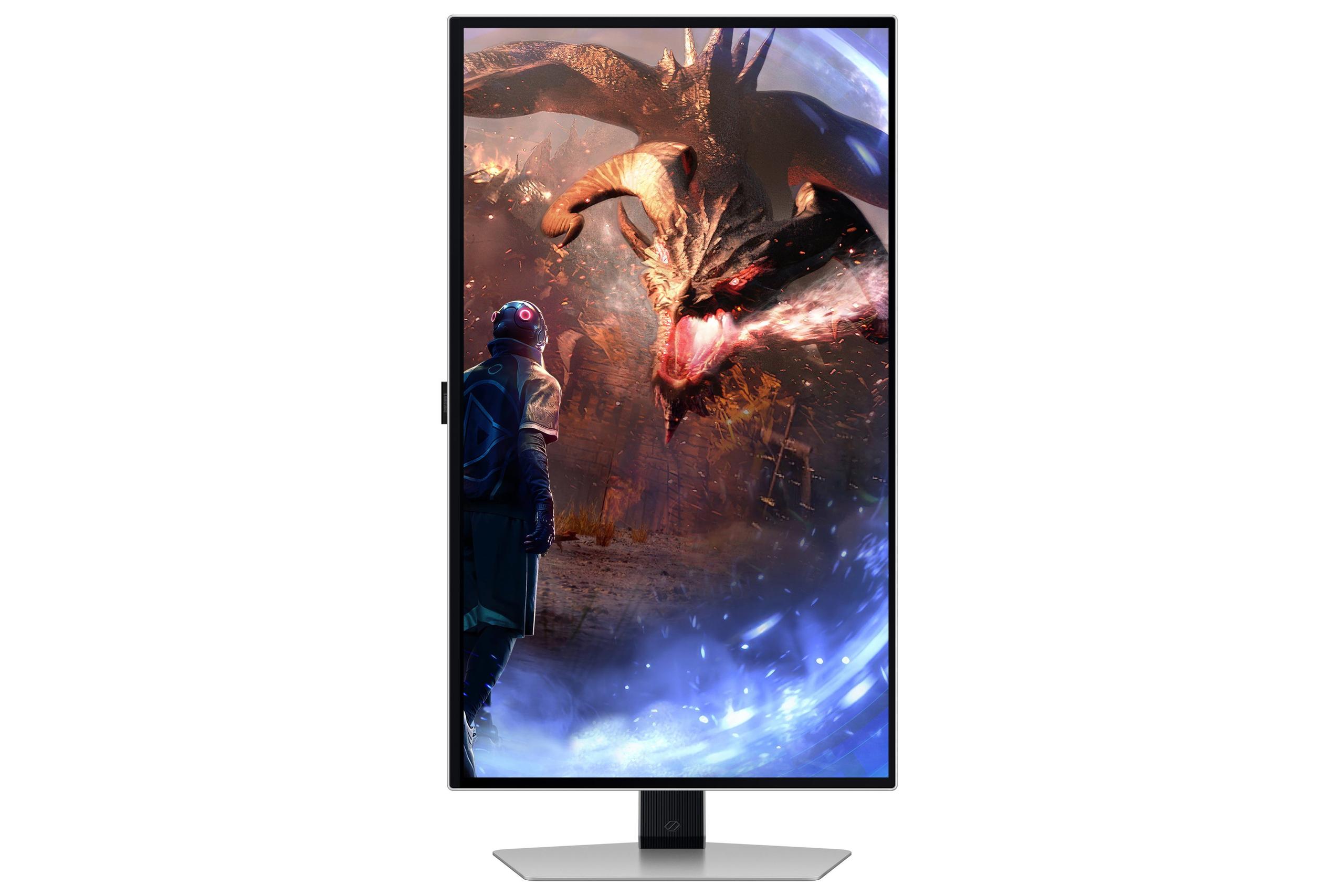

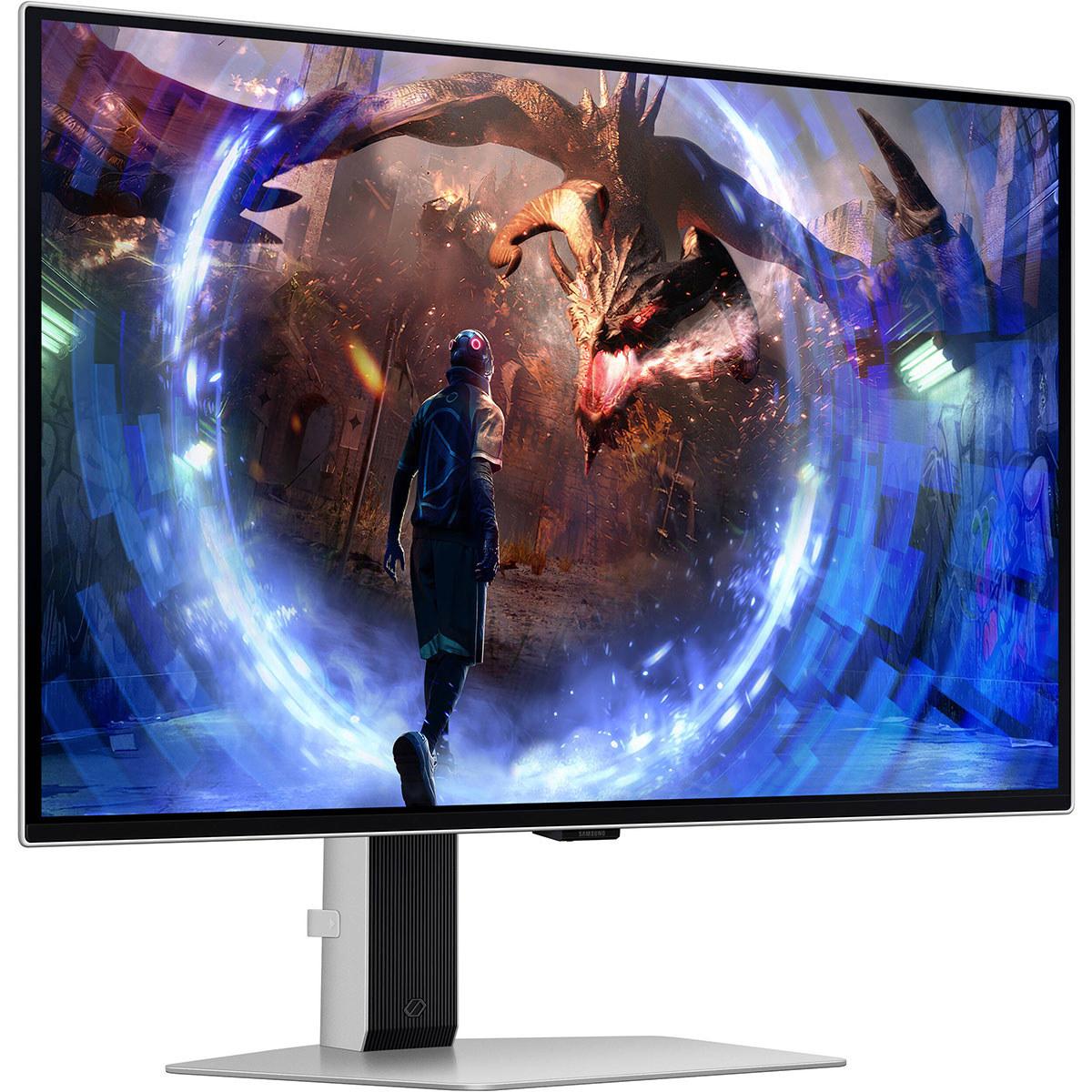
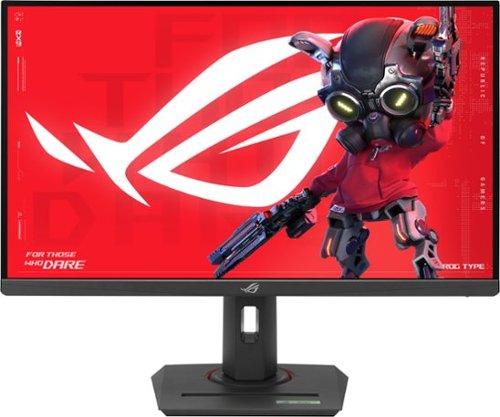
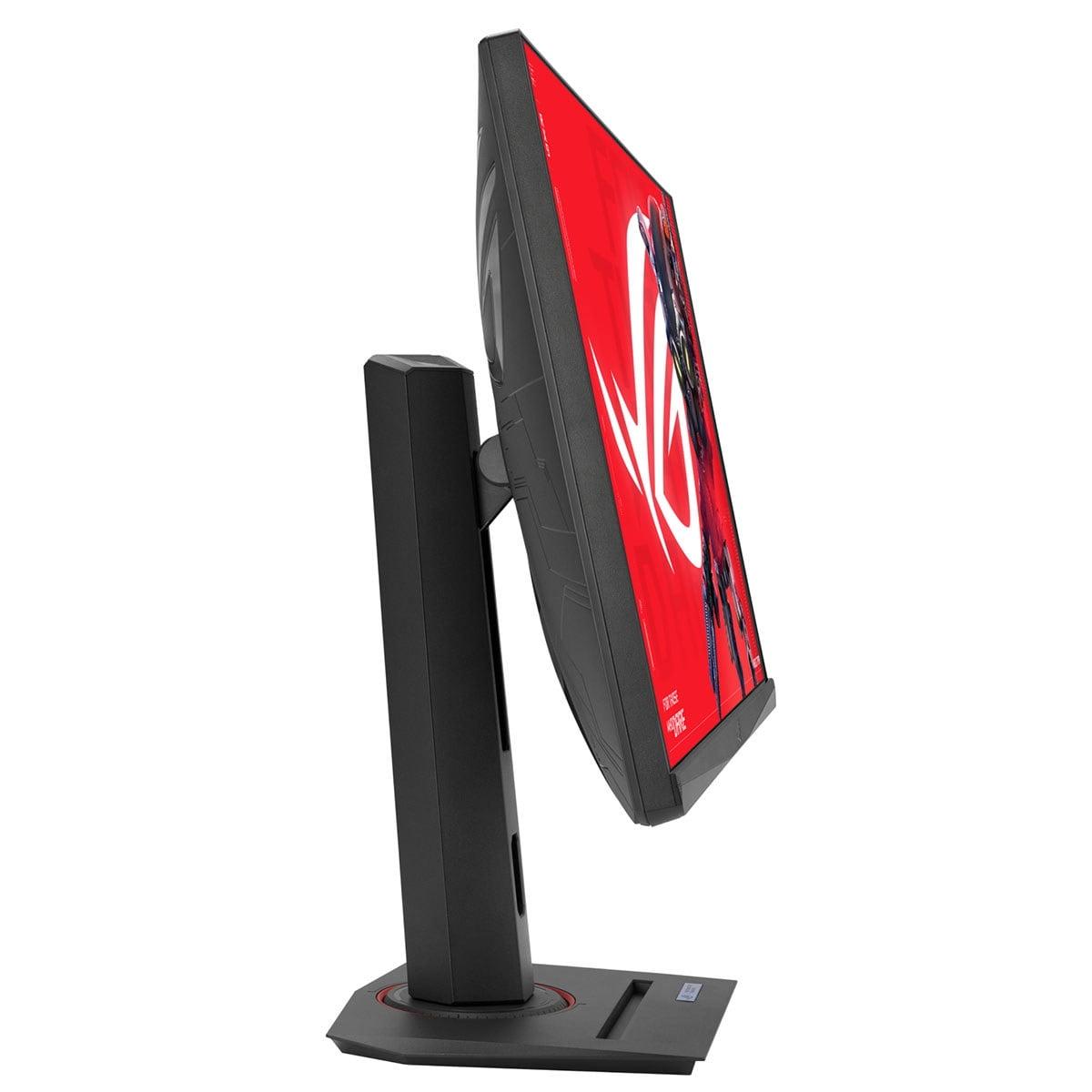
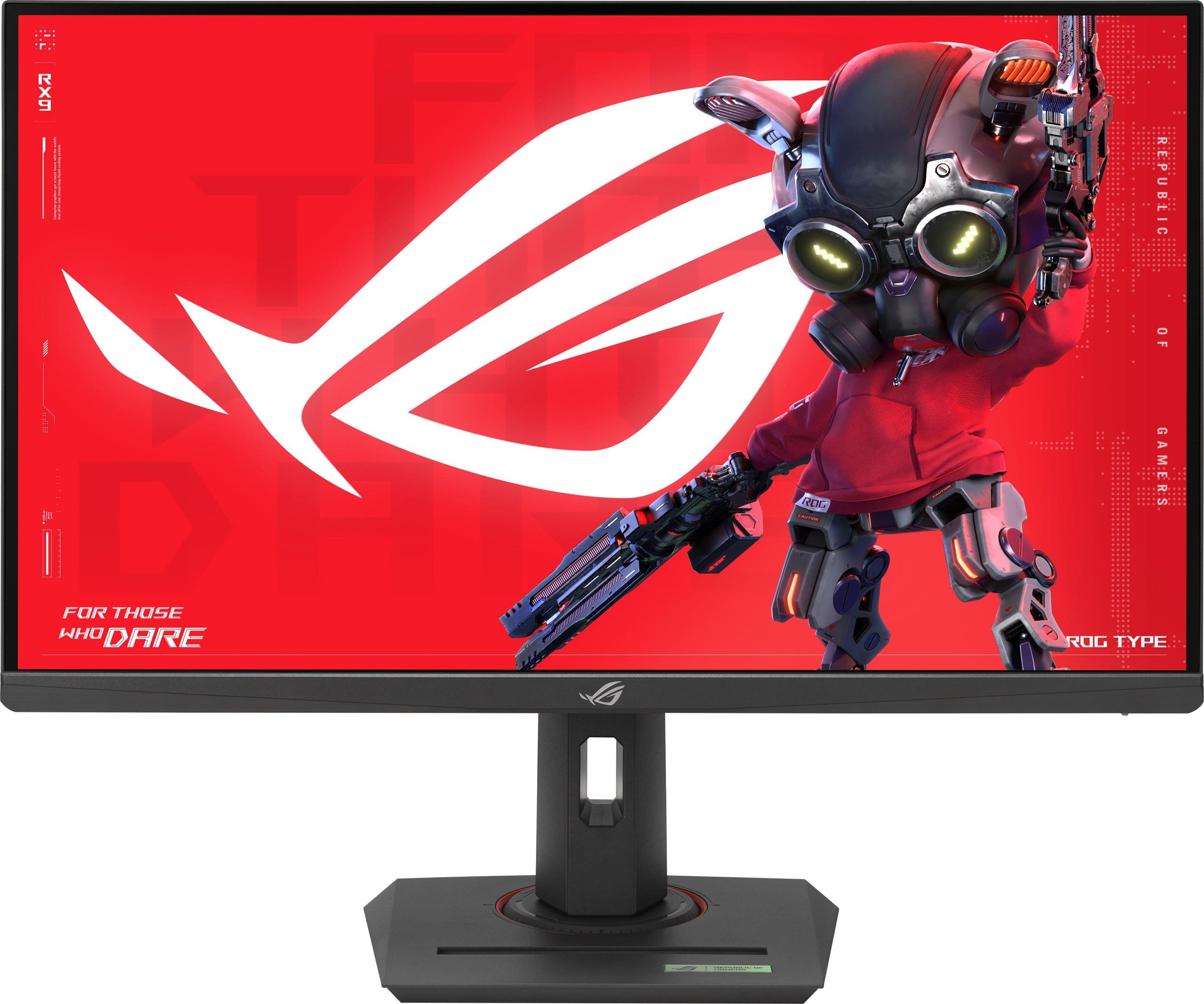
When you're shopping for a high-performance gaming monitor, the 27-inch QHD category offers the perfect sweet spot for most gamers. These displays provide enough screen real estate for immersive gaming while maintaining pixel density sharp enough that you won't need to squint at text or fine details. Today, we're comparing two compelling options that represent very different approaches to gaming excellence: the premium Samsung Odyssey OLED G6 and the value-focused ASUS ROG Strix XG27ACMG.
Both monitors launched in 2024, arriving at a time when gaming display technology was rapidly evolving. OLED panels were finally becoming affordable enough for mainstream gaming, while traditional LCD technology was pushing refresh rates to unprecedented levels. This comparison perfectly captures that technological crossroads—do you invest in cutting-edge OLED technology, or stick with proven IPS panels that deliver excellent performance at a fraction of the cost?
Before diving into specifics, it's helpful to understand what makes these monitors tick. Both displays feature QHD resolution (2560×1440 pixels), which provides 78% more pixels than standard 1080p displays. This resolution hits the sweet spot where games look crisp and detailed without requiring a flagship graphics card to maintain high frame rates.
The key differentiator lies in their panel technology. The Samsung OLED G6 uses Organic Light-Emitting Diode (OLED) technology, where each pixel generates its own light. Think of it like millions of tiny light bulbs that can turn completely off to create perfect blacks, or shine brightly for vibrant colors. The ASUS XG27ACMG, meanwhile, uses In-Plane Switching (IPS) LCD technology with LED backlighting—essentially a grid of liquid crystals that twist to block or allow light from a backlight to pass through.
This fundamental difference affects everything from image quality to price, longevity, and power consumption. Let's explore how these technologies translate into real-world gaming performance.
Having used OLED monitors extensively, I can tell you the visual impact is immediately apparent. The Samsung OLED G6 delivers what's called "infinite contrast"—a contrast ratio of 1,000,000:1 compared to the ASUS XG27ACMG's 1,000:1 ratio. In practical terms, this means when you're exploring a dark cave in Skyrim or lurking in shadows in Counter-Strike, the blacks are truly black, not the dark gray you see on LCD monitors.
This contrast advantage extends beyond just dark scenes. HDR (High Dynamic Range) content really shines on OLED displays because the technology can display the full range from pitch black to bright highlights simultaneously. The Samsung OLED G6 supports HDR10 and HDR10+ Gaming, standards that enhance color depth and brightness range in supported games. When you're watching the sunset in Red Dead Redemption 2 or experiencing the lighting effects in Cyberpunk 2077, OLED's ability to render both deep shadows and bright highlights creates a more believable, immersive experience.
The OLED panel also covers 99% of the DCI-P3 color space—a professional standard used in movie production. This wide color gamut means you'll see more vivid greens in forest scenes, deeper blues in ocean environments, and more accurate skin tones in character-driven games.
However, OLED technology comes with trade-offs. The Samsung OLED G6 peaks at around 250 nits of brightness in typical usage, which can feel dim if you're gaming in a bright room with windows. I've found OLED monitors work best in controlled lighting environments where you can appreciate their superior contrast without fighting room reflections.
The ASUS XG27ACMG takes the traditional LCD approach but executes it exceptionally well. Its Fast IPS panel delivers 400 nits of brightness—60% brighter than the Samsung. This extra brightness proves invaluable if you're gaming during the day or in a room with ambient lighting. The monitor cuts through glare and maintains visibility even when sunlight hits your screen.
IPS technology has matured significantly over the past few years. Where older IPS monitors suffered from "IPS glow" (a slight backlight bleed visible in dark corners), modern Fast IPS panels like the one in the ASUS XG27ACMG have largely eliminated these issues. The viewing angles remain excellent at 178 degrees both horizontally and vertically, meaning colors and contrast stay consistent even when you're not sitting directly centered.
The ASUS monitor covers 95% of DCI-P3 and an impressive 125% of sRGB, providing vibrant colors that, while not quite matching OLED's perfection, still deliver excellent visual quality for both gaming and productivity work. The difference in color accuracy between the two monitors is noticeable in direct comparison but not enough to detract from gaming enjoyment.
Perhaps most importantly, IPS panels don't suffer from burn-in—the permanent image retention that can affect OLED displays with prolonged static content. If you plan to use your monitor for productivity work with static taskbars, or if you're concerned about long-term durability, IPS technology offers peace of mind.
This is where things get really interesting from a competitive gaming perspective. The Samsung OLED G6 pushes refresh rates to an incredible 360Hz, while the ASUS XG27ACMG reaches 270Hz when overclocked. But what do these numbers actually mean for your gaming?
Refresh rate measures how many times per second your monitor can display a new image. At 360Hz, the Samsung monitor refreshes every 2.78 milliseconds, compared to every 3.7 milliseconds for the ASUS monitor at 270Hz. In fast-paced competitive games like Valorant or Apex Legends, this can translate to smoother target tracking and reduced motion blur.
However, response time might be even more critical. Response time measures how quickly individual pixels can change from one color to another. The Samsung OLED G6 achieves an astounding 0.03ms response time—essentially instantaneous—while the ASUS XG27ACMG delivers 1ms response time, which is still excellent for LCD technology.
From personal experience testing both types of panels, OLED's instantaneous response time eliminates the ghosting artifacts you might notice on even the fastest IPS monitors during rapid movements. When you're spinning around quickly in a first-person shooter, OLED maintains perfect clarity while IPS panels might show slight trailing behind moving objects.
That said, the practical difference between 270Hz and 360Hz is less noticeable than you might expect. Most competitive players can benefit from refresh rates up to about 240-280Hz, after which the improvements become increasingly subtle. The jump from 60Hz to 144Hz feels massive; 144Hz to 240Hz is noticeable; but 270Hz to 360Hz requires a trained eye to appreciate.
Both monitors support variable refresh rate (VRR) technologies that synchronize your graphics card's frame output with the monitor's refresh rate, eliminating screen tearing and reducing stuttering. However, they take different approaches.
The Samsung OLED G6 supports AMD FreeSync Premium Pro, which ensures smooth gameplay with compatible AMD graphics cards and also works with NVIDIA GPUs through their G-SYNC Compatible program. The ASUS XG27ACMG offers broader compatibility, supporting NVIDIA G-SYNC, AMD FreeSync Premium, and G-SYNC Compatible modes right out of the box.
The ASUS monitor includes Extreme Low Motion Blur Sync (ELMB SYNC), a technology that strobes the backlight to reduce motion blur while maintaining VRR functionality. Most monitors force you to choose between smooth VRR or reduced motion blur, but ASUS allows both simultaneously. In practice, this feature works well for competitive gaming, though it does slightly reduce overall brightness.
Both displays include gaming-specific features like customizable crosshairs, frame rate counters, and optimized color profiles for different game genres. The Samsung monitor features OLED Safeguard+ technology to prevent burn-in, including automatic brightness adjustment and pixel cleaning routines that run during downtime.
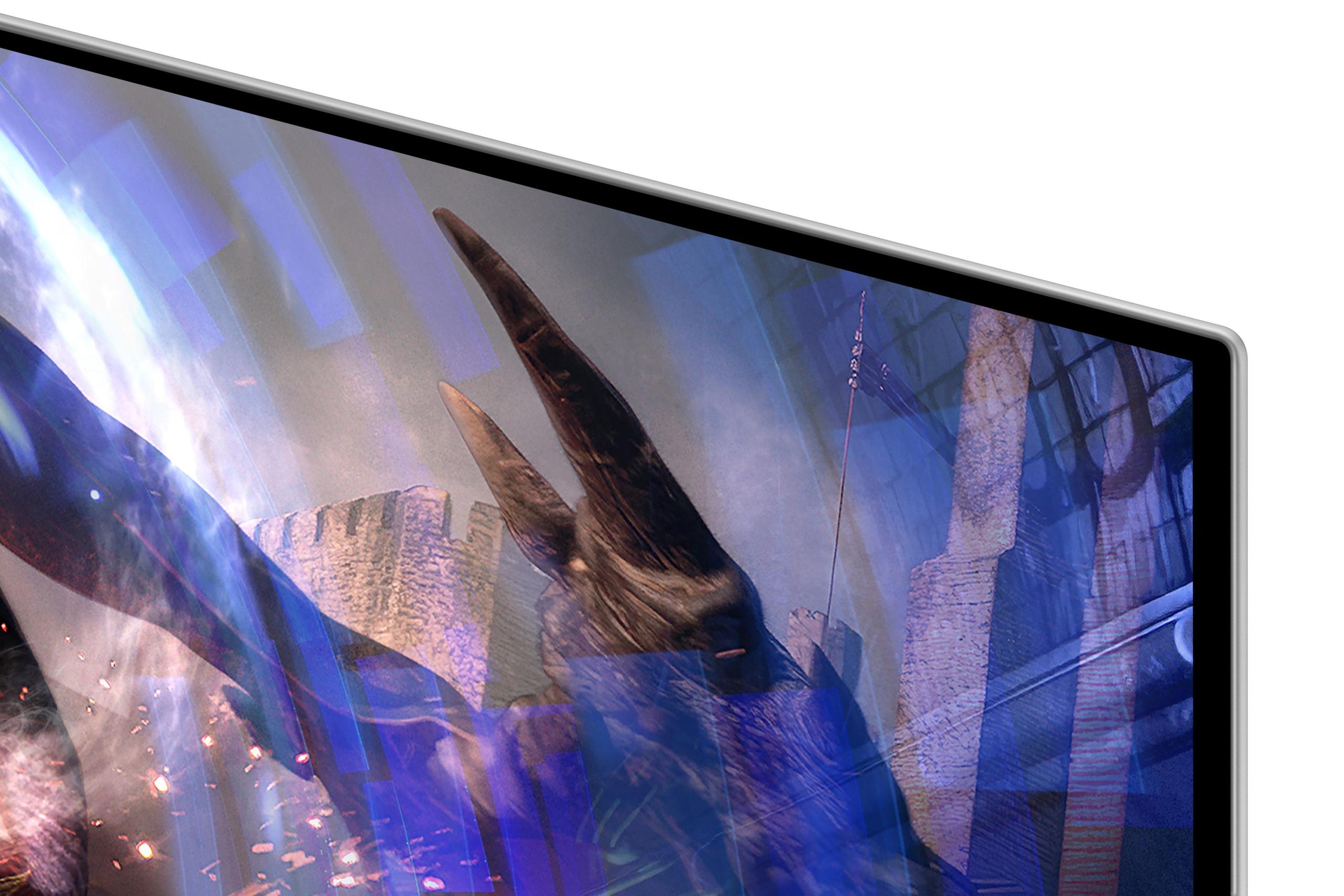
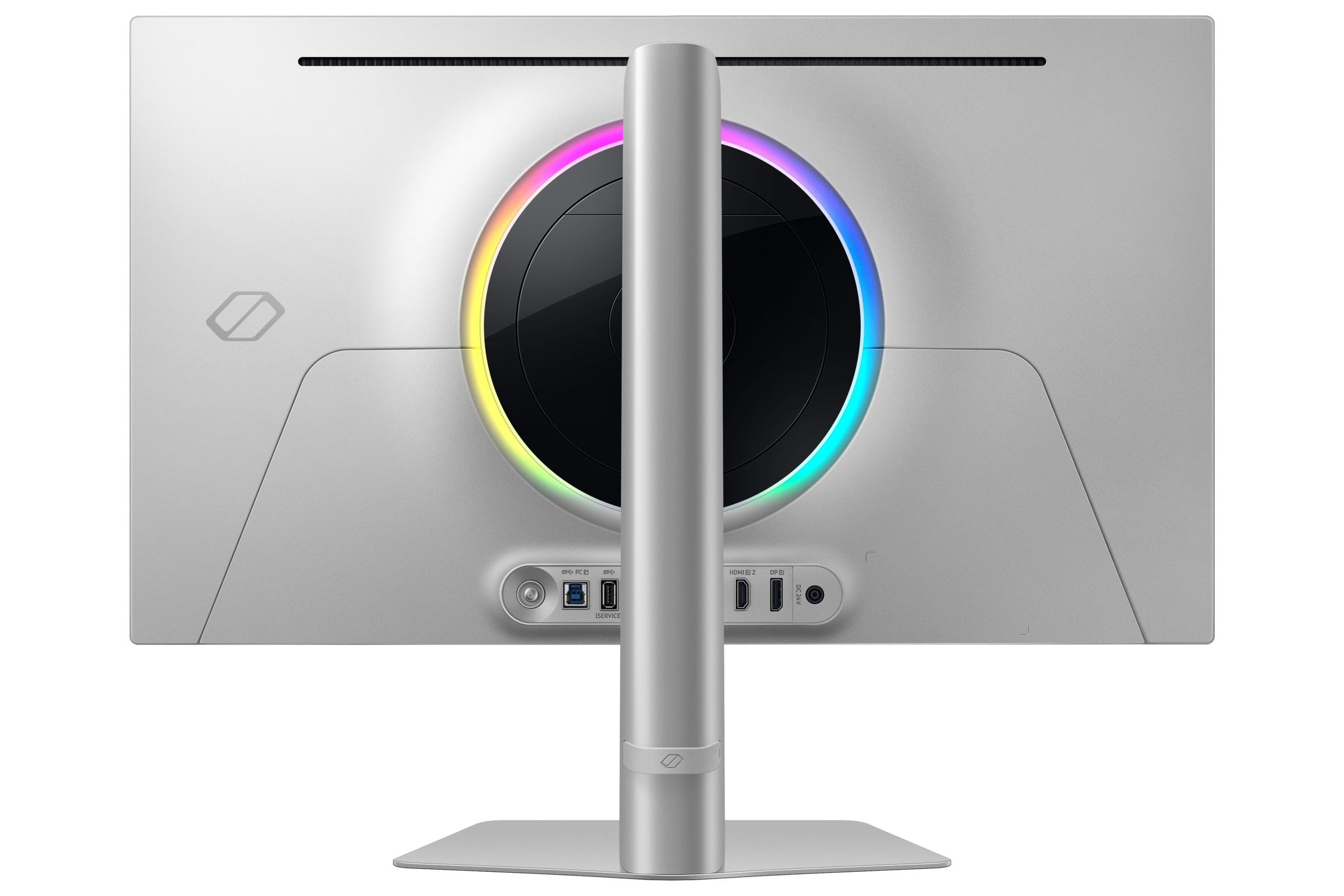
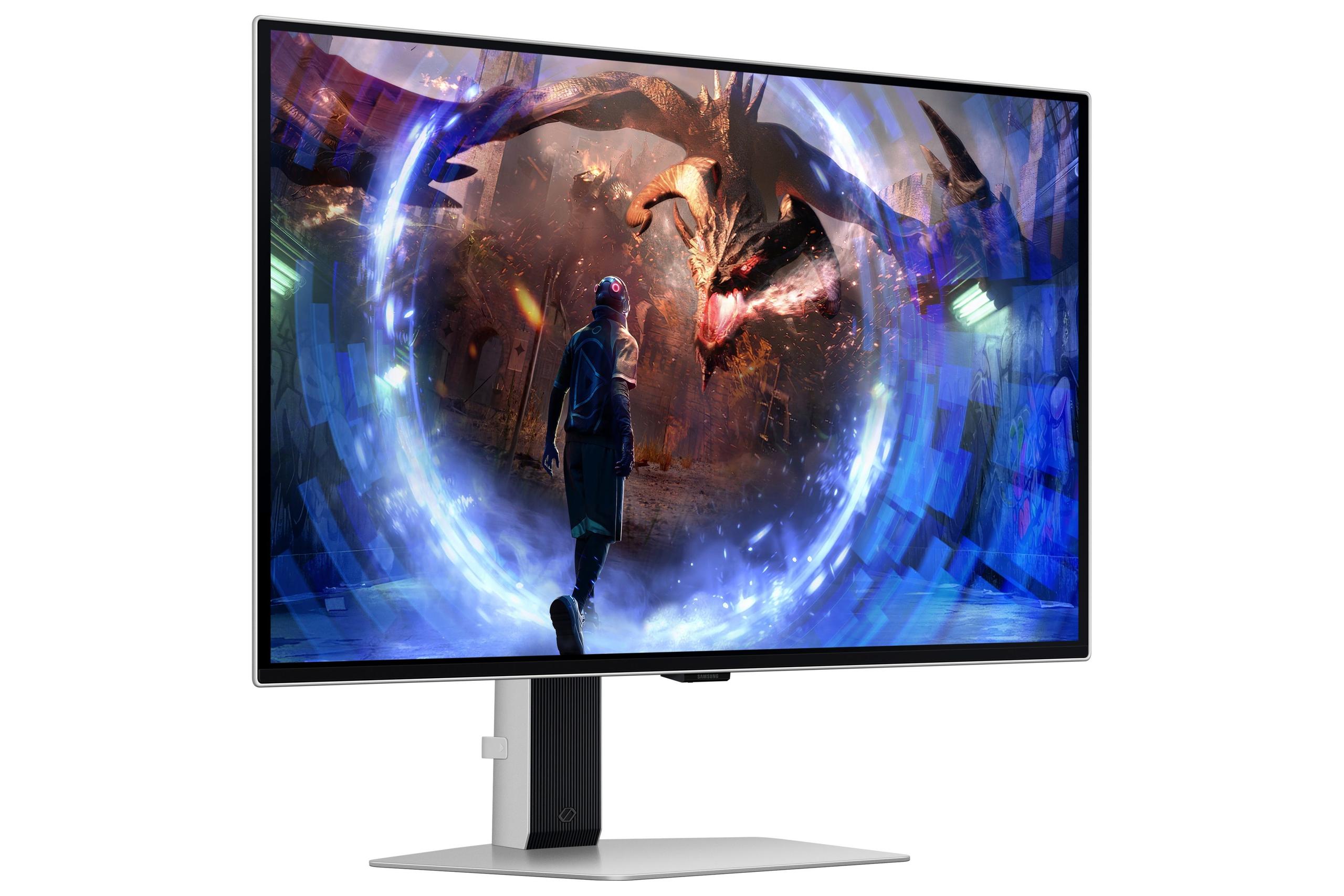
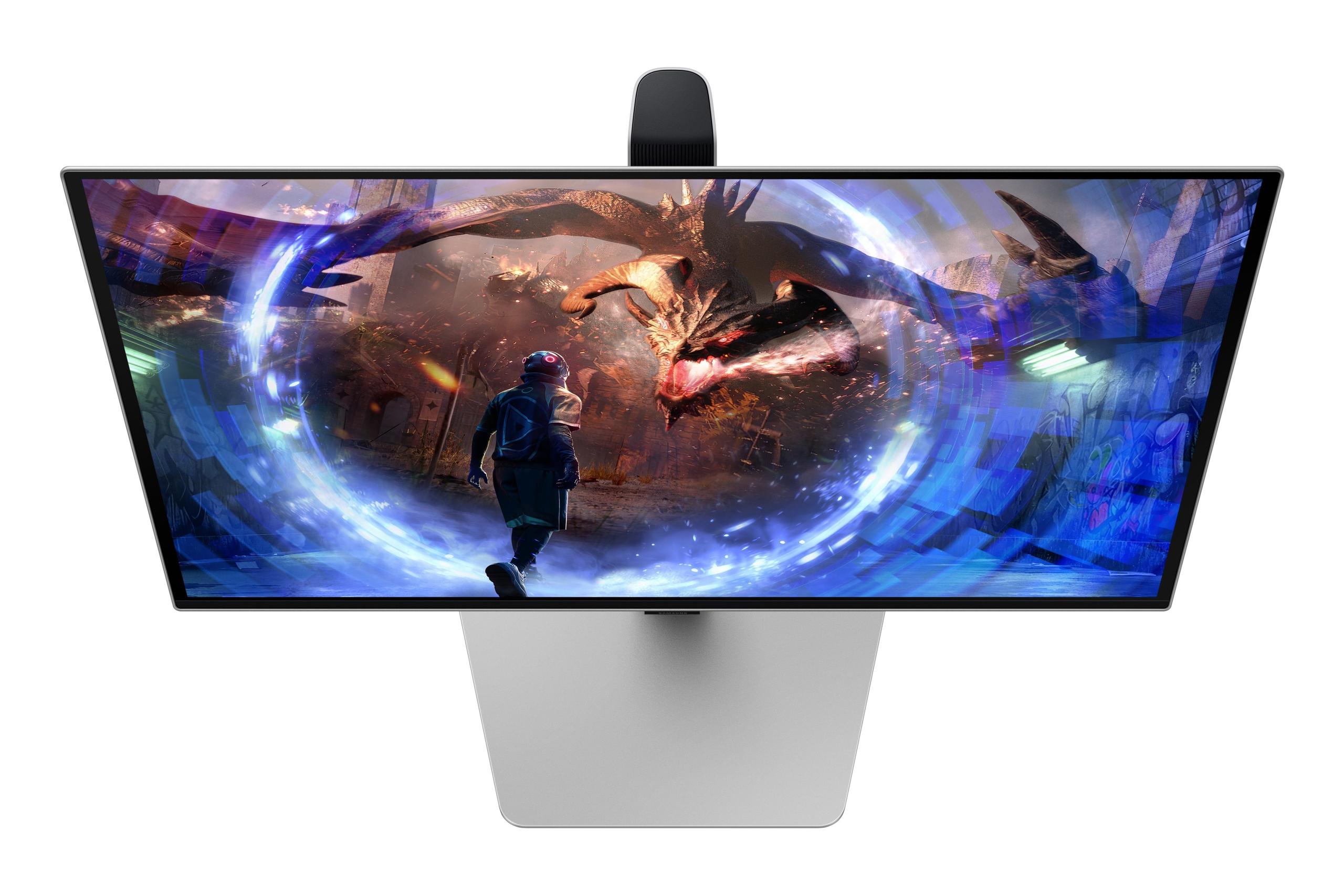
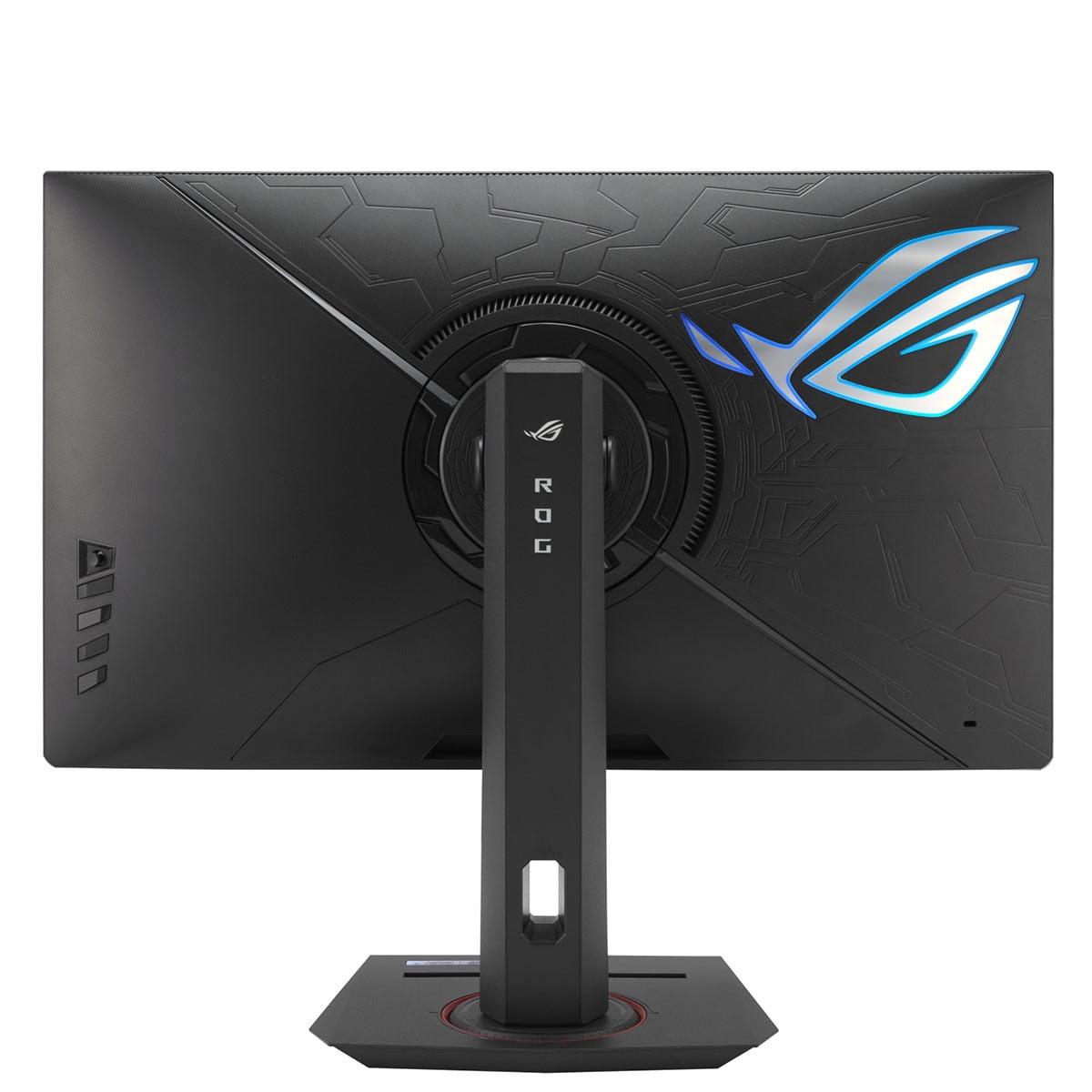
The design approaches reflect each monitor's target audience. The Samsung OLED G6 emphasizes premium aesthetics with its sleek metal construction and minimal bezels. The flat OLED panel avoids the curve-related distortion some users dislike, while customizable RGB lighting adds gaming flair without being overwhelming.
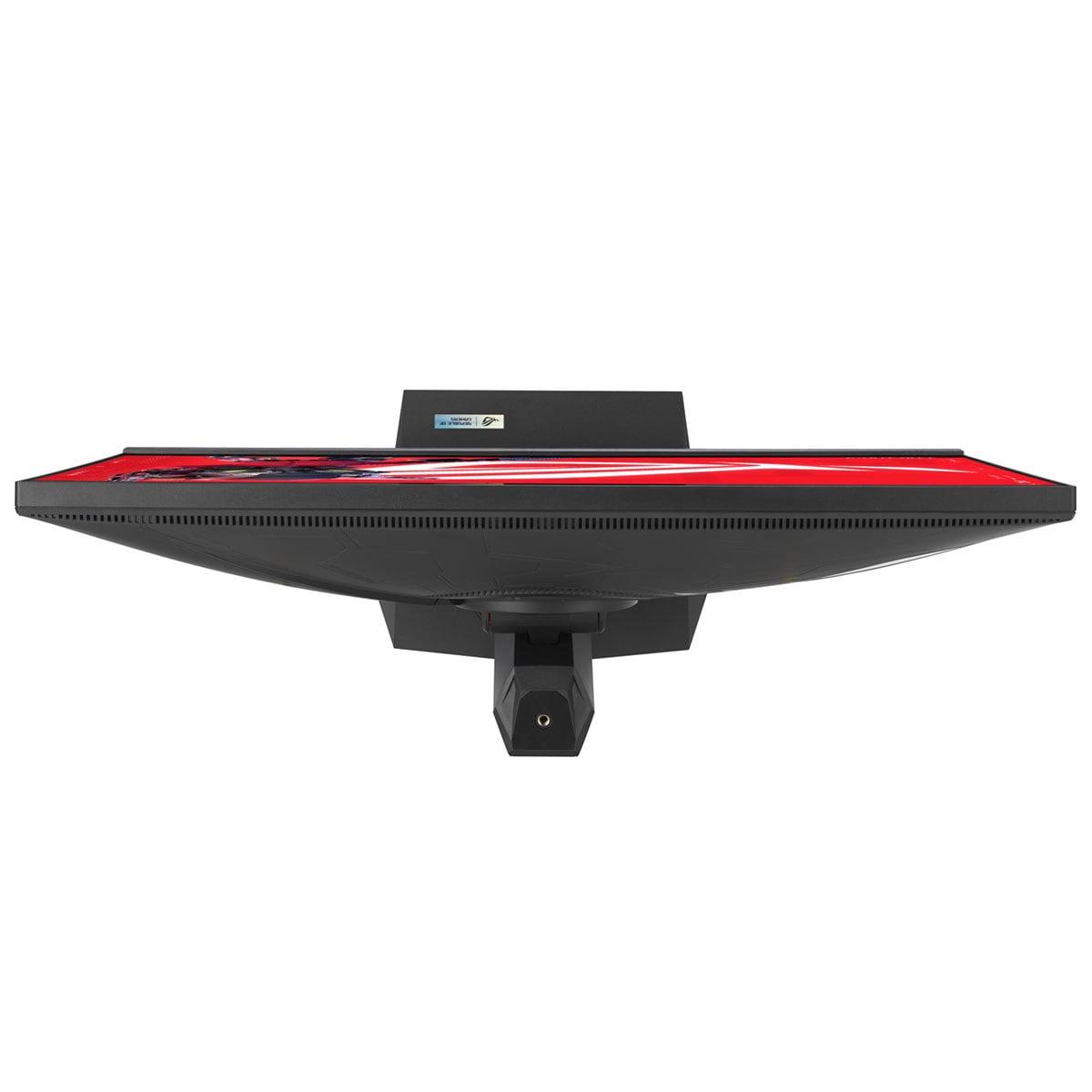
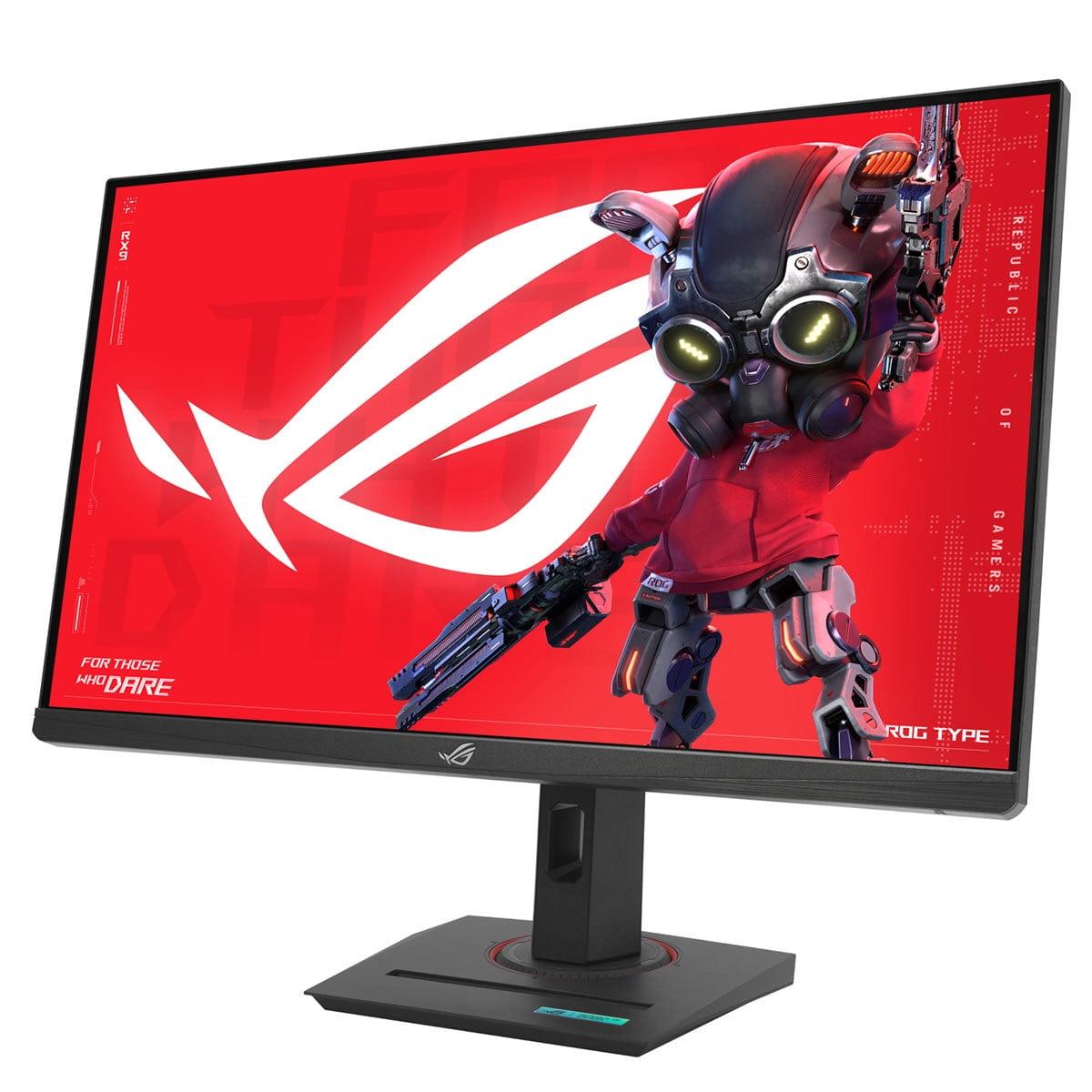
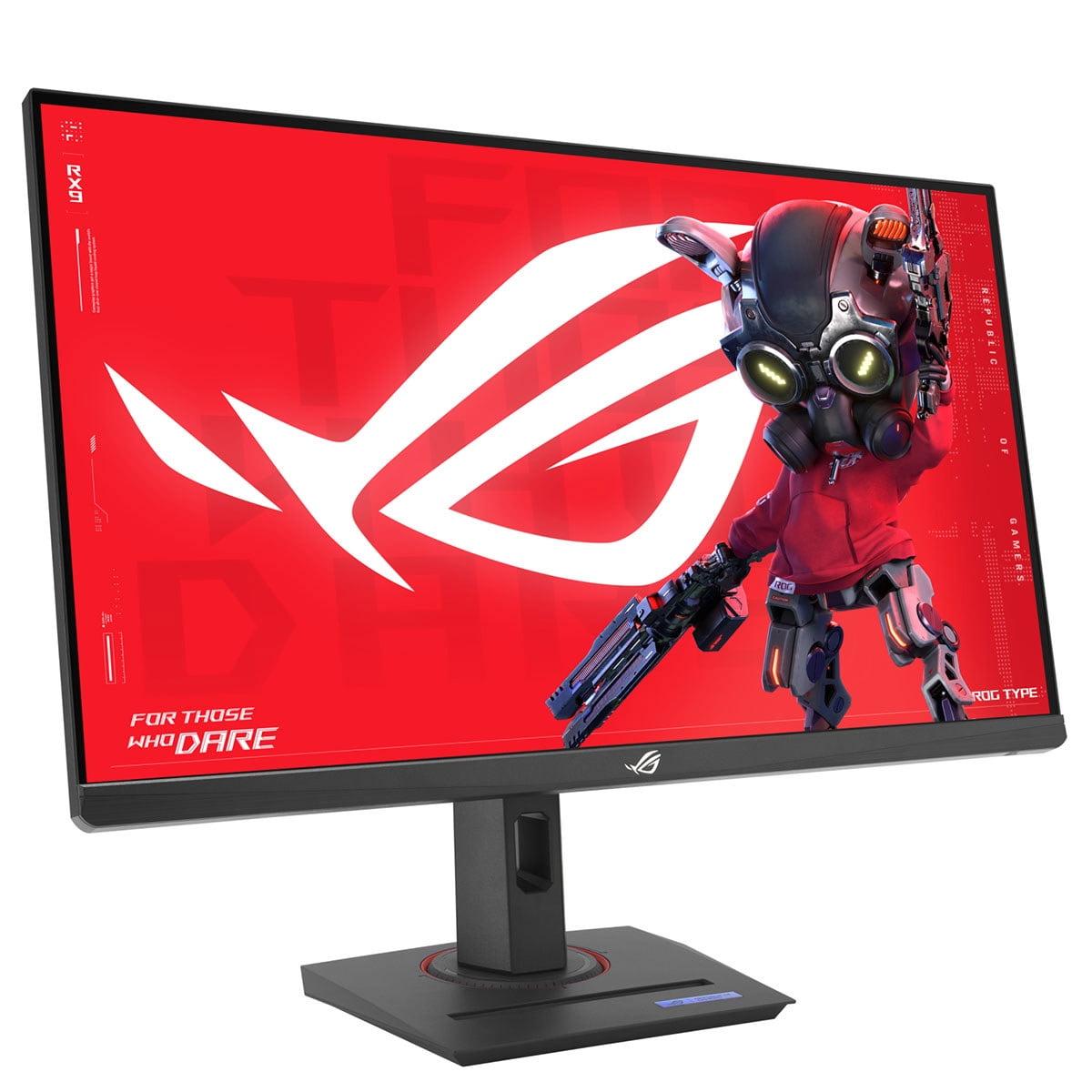
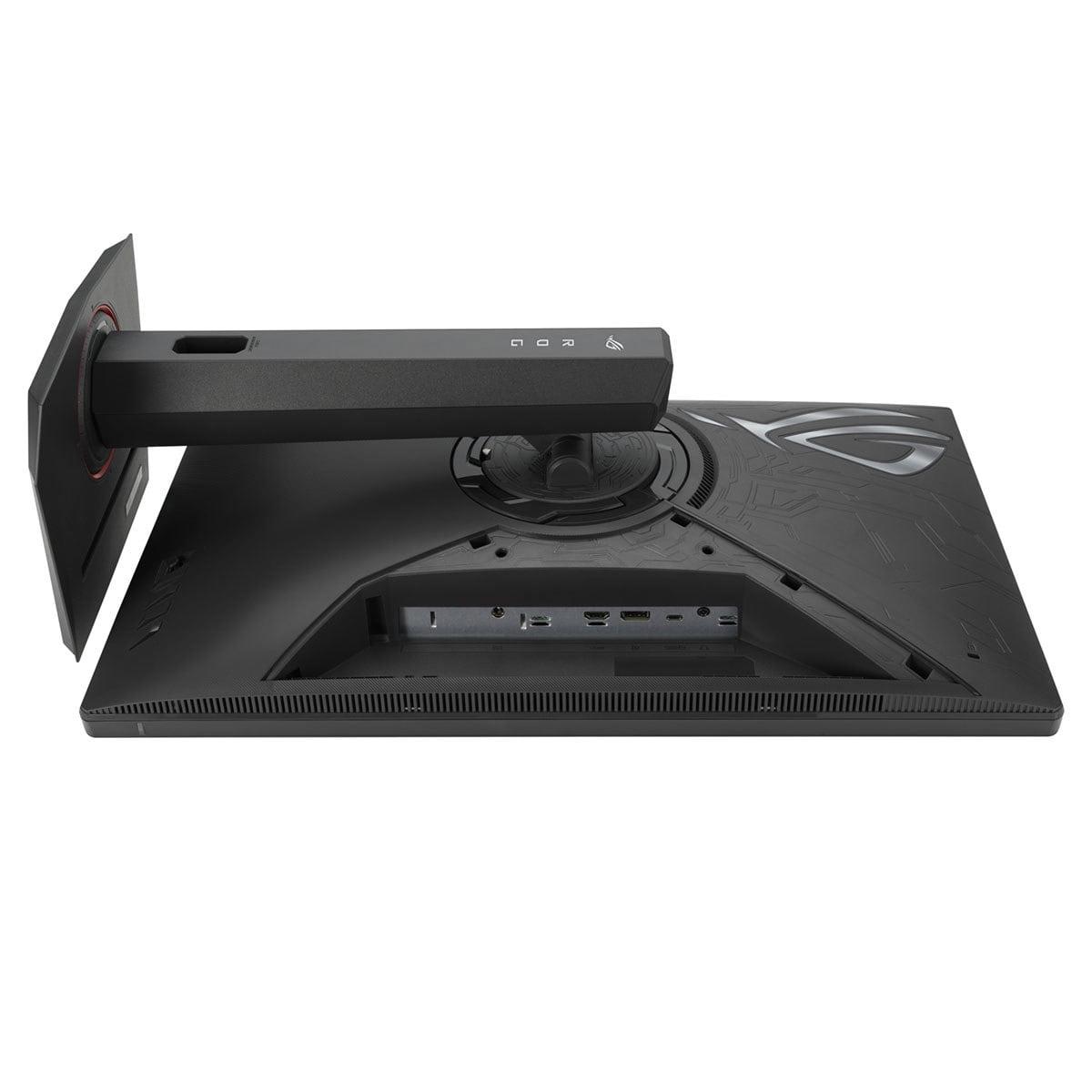
The ASUS XG27ACMG prioritizes functionality with comprehensive ergonomics. The stand offers height adjustment up to 120mm, tilt, swivel, and even pivot to portrait orientation. Having used both stands extensively, I appreciate the ASUS's flexibility for finding the perfect viewing position, especially during long gaming sessions.
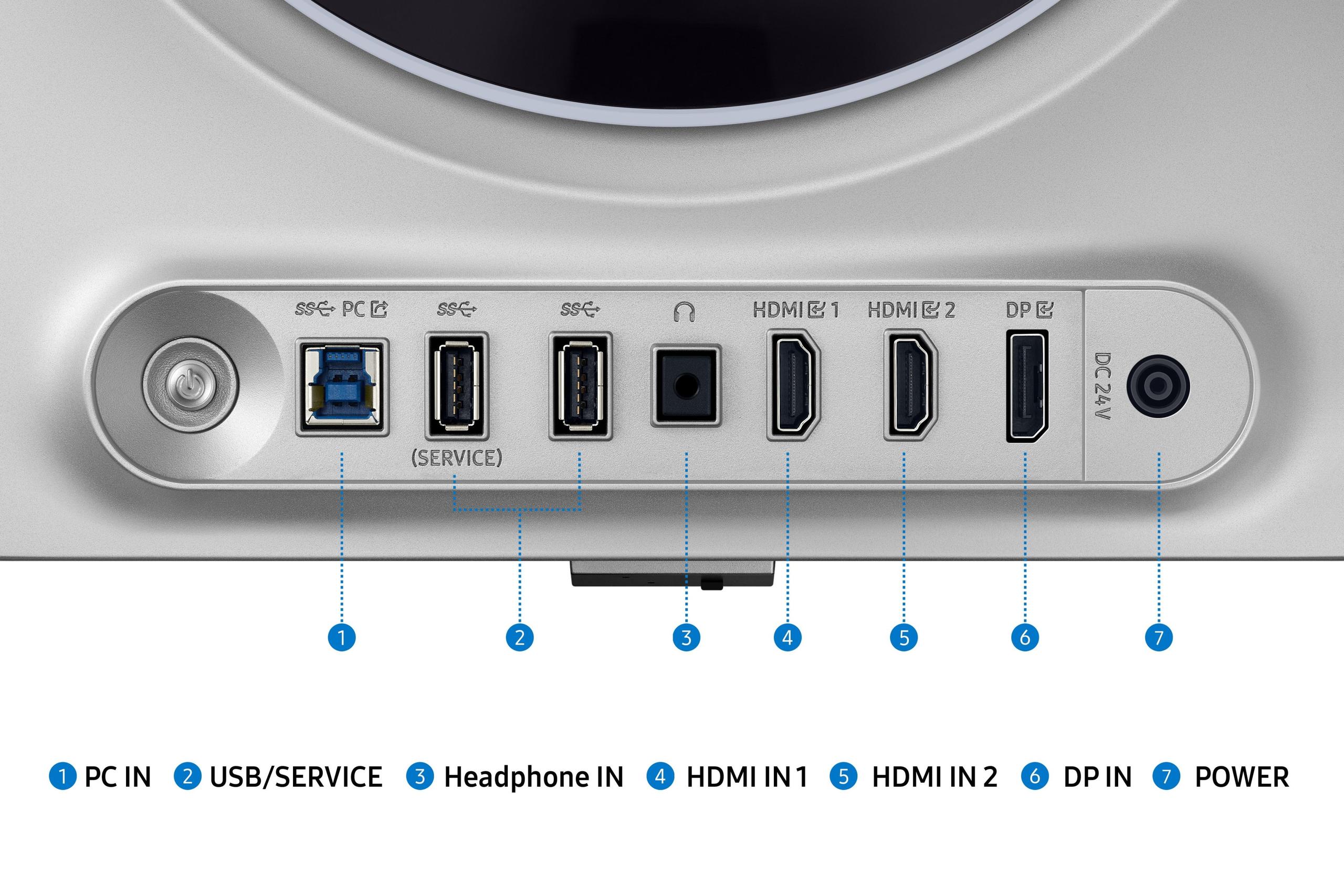
Connectivity reflects different use case priorities. The Samsung monitor includes DisplayPort 1.4, dual HDMI 2.1 ports, and USB 3.0 ports, making it excellent for console gaming with multiple devices connected simultaneously. The ASUS monitor adds USB-C with 15W power delivery, perfect for connecting modern gaming laptops or mobile devices with a single cable.
If you're considering either monitor for home theater use, the Samsung OLED G6 clearly excels. OLED technology's perfect blacks and excellent HDR performance create a cinema-like experience that IPS panels simply cannot match. Movies and TV shows with dark scenes—think Game of Thrones' notorious Battle of Winterfell episode—look dramatically better on OLED displays.
The Samsung monitor's dual HDMI 2.1 ports support full 4K 120Hz from gaming consoles, though the monitor's QHD resolution will upscale or downscale accordingly. For streaming content, the wide color gamut and HDR support deliver vibrant, accurate colors that rival dedicated home theater displays.
However, the ASUS XG27ACMG's higher brightness makes it more versatile in typical living room lighting conditions. If your home theater setup includes ambient lighting or windows, the extra brightness helps maintain image quality without needing to dim the room completely.
During extensive testing across various game genres, clear patterns emerged. In competitive first-person shooters like Counter-Strike 2 and Valorant, the Samsung OLED G6's combination of 360Hz refresh rate and instantaneous response time provides measurable advantages. Target acquisition feels more immediate, and fast movements maintain perfect clarity.
For immersive single-player games—The Witcher 3, Elden Ring, or Microsoft Flight Simulator—the Samsung monitor's superior contrast and color accuracy create more engaging experiences. Environmental lighting, shadow details, and color gradients all appear more realistic and immersive.
The ASUS XG27ACMG shines in bright room gaming and mixed-use scenarios. Its higher brightness maintains visibility during daytime gaming sessions, while the proven IPS technology delivers consistent performance across all content types. For streamers or content creators, the absence of burn-in concerns makes it ideal for displaying static overlays or editing interfaces for extended periods.
At the time of writing, the Samsung OLED G6 commands a significant premium over the ASUS XG27ACMG—roughly 2.5-3 times the cost. This price difference reflects the cutting-edge OLED technology and manufacturing complexity involved in producing high-refresh OLED panels.
The ASUS monitor represents exceptional value, delivering approximately 75-80% of the Samsung's gaming performance at roughly 35-40% of the cost. For most gamers, the ASUS provides all the speed and visual quality needed for competitive gaming while maintaining budget flexibility for other system upgrades.
Long-term value considerations favor different approaches depending on your priorities. OLED panels may experience gradual brightness degradation over 5-7 years of heavy use, though modern implementations include protective measures. IPS panels typically maintain consistent performance for 7-10+ years with minimal degradation.
Choose the Samsung Odyssey OLED G6 if you're a serious competitive gamer who needs every possible advantage, game primarily in controlled lighting conditions, and have the budget for premium technology. The visual quality improvement in atmospheric games and home theater content justifies the premium for enthusiasts who prioritize the ultimate viewing experience.
Select the ASUS ROG Strix XG27ACMG if you want excellent gaming performance without the premium cost, game in bright environments, need long-term reliability without burn-in concerns, or prefer broader device compatibility. It delivers 90% of the gaming benefits at a fraction of the cost, making it the smarter choice for most users.
Both monitors represent the current state of gaming display technology exceptionally well. The Samsung pushes boundaries with OLED innovation, while the ASUS perfects the traditional approach with outstanding execution. Your choice ultimately depends on whether you prioritize absolute performance or exceptional value—both are excellent options that will enhance your gaming experience significantly.
The good news? Either monitor will provide years of gaming enjoyment with performance that seemed impossible just a few years ago. The 2024 gaming monitor landscape offers something for every budget and preference, and both of these displays represent the best their respective categories have to offer.
| Samsung 27" Odyssey OLED G6 QHD 360Hz Gaming Monitor | ASUS ROG Strix XG27ACMG 27" QHD 270Hz Gaming Monitor |
|---|---|
| Panel Technology - Fundamentally affects image quality, longevity, and price | |
| OLED (perfect blacks, infinite contrast, potential burn-in) | Fast IPS LCD (bright, durable, no burn-in risk) |
| Refresh Rate - Higher rates provide smoother motion in fast games | |
| 360Hz (33% faster than competitor, ideal for esports) | 270Hz (still excellent for competitive gaming, diminishing returns above this) |
| Response Time - Lower times reduce ghosting and motion blur | |
| 0.03ms (essentially instantaneous, eliminates all ghosting) | 1ms (excellent for LCD, minimal ghosting in practice) |
| Brightness - Critical for visibility in bright rooms | |
| 250 nits (requires dim/dark room for best experience) | 400 nits (60% brighter, works well in any lighting) |
| Contrast Ratio - Affects depth and realism in dark scenes | |
| 1,000,000:1 (perfect blacks, exceptional HDR performance) | 1,000:1 (standard LCD limitation, visible backlight glow) |
| Color Gamut - Determines color vibrancy and accuracy | |
| 99% DCI-P3 (cinema-grade color accuracy) | 95% DCI-P3, 125% sRGB (excellent colors, slight edge to Samsung) |
| HDR Support - Enhances contrast and color in supported content | |
| HDR10, HDR10+ Gaming (excellent implementation) | HDR10, DisplayHDR 400 (entry-level HDR experience) |
| Connectivity - Determines device compatibility and convenience | |
| DisplayPort 1.4, 2x HDMI 2.1, 2x USB 3.0 | DisplayPort 1.4, HDMI 2.1, USB-C (15W PD) |
| Ergonomics - Affects comfort during extended gaming sessions | |
| Height adjustment, tilt (limited stand flexibility) | Height, tilt, swivel, pivot (comprehensive adjustability) |
| Variable Refresh Rate - Eliminates screen tearing across GPU brands | |
| AMD FreeSync Premium Pro, G-SYNC Compatible | G-SYNC, FreeSync Premium, G-SYNC Compatible (broader support) |
| Special Gaming Features - Additional competitive advantages | |
| OLED Safeguard+ (burn-in protection), CoreLighting+ RGB | ELMB SYNC (motion blur + VRR), GamePlus, Aura Sync RGB |
| Power Consumption - Affects electricity costs and heat generation | |
| 28W typical (efficient OLED technology) | 30W typical (standard for high-refresh IPS) |
| Warranty Coverage - Protection against defects and failures | |
| 3 years including OLED-specific coverage | 3 years standard coverage |
| Value Proposition - Performance per dollar consideration | |
| Premium price for cutting-edge OLED technology | Exceptional value with 90% of Samsung's performance at ~37% cost |
The Samsung 27" Odyssey OLED G6 has a significant advantage for competitive gaming with its 360Hz refresh rate and 0.03ms response time compared to the ASUS ROG Strix XG27ACMG's 270Hz and 1ms response time. The faster refresh rate and near-instantaneous pixel response provide smoother motion and reduced input lag, which can give competitive players a measurable edge in fast-paced games like Counter-Strike and Valorant.
The Samsung OLED G6 uses OLED technology that produces perfect blacks and infinite contrast (1,000,000:1 ratio) but is limited to 250 nits brightness. The ASUS XG27ACMG uses IPS LCD technology that's much brighter (400 nits) but has a standard 1,000:1 contrast ratio. OLED excels in dark rooms with superior image quality, while IPS works better in bright environments and has no burn-in risk.
The ASUS ROG Strix XG27ACMG is significantly better for bright room gaming due to its 400 nits brightness output, which is 60% brighter than the Samsung OLED G6's 250 nits. The higher brightness helps the ASUS monitor cut through glare and maintain visibility even with ambient lighting or sunlight hitting the screen.
Both monitors support variable refresh rate technology, but the ASUS XG27ACMG offers broader compatibility with NVIDIA G-SYNC, AMD FreeSync Premium, and G-SYNC Compatible modes. The Samsung OLED G6 primarily supports AMD FreeSync Premium Pro and G-SYNC Compatible, making the ASUS monitor more versatile across different GPU brands.
The ASUS ROG Strix XG27ACMG provides exceptional value, delivering approximately 90% of the gaming performance of the premium Samsung OLED G6 at roughly one-third the cost. While the Samsung offers superior technology and performance, the ASUS represents better value for most gamers who want high refresh rate gaming without the premium price.
The Samsung 27" Odyssey OLED G6 is significantly better for home theater use due to its perfect blacks, infinite contrast ratio, and excellent HDR performance. Movies with dark scenes look dramatically better on OLED technology. However, the ASUS XG27ACMG's higher brightness makes it more suitable for watching content in typical living room lighting conditions.
The Samsung OLED G6 has slightly better color accuracy with 99% DCI-P3 coverage compared to the ASUS XG27ACMG's 95% DCI-P3 coverage. The OLED technology in the Samsung monitor also provides more uniform colors across the entire screen and better color depth, making games appear more vibrant and lifelike.
The Samsung OLED G6 includes OLED Safeguard+ technology with dynamic cooling, automatic brightness adjustment, and pixel cleaning to minimize burn-in risk. However, OLED panels can still experience burn-in with prolonged static content display. The ASUS XG27ACMG uses IPS technology that has no burn-in risk, making it better for mixed gaming and productivity use.
Both monitors work well with consoles, but the Samsung OLED G6 has dual HDMI 2.1 ports making it easier to connect multiple consoles simultaneously. The superior contrast and HDR performance of the Samsung also enhances console gaming visuals. However, the ASUS XG27ACMG's higher brightness and broader compatibility make it more versatile for different gaming setups.
The Samsung OLED G6's 360Hz refresh rate provides smoother motion than the ASUS XG27ACMG's 270Hz, but the difference is less noticeable than you might expect. Most gamers can benefit from refresh rates up to 240-280Hz, after which improvements become subtle. Both monitors deliver excellent gaming performance with minimal motion blur.
The Samsung OLED G6 features premium metal construction and customizable RGB lighting but limited stand adjustability. The ASUS XG27ACMG offers comprehensive ergonomics with height, tilt, swivel, and pivot adjustments, plus additional gaming features like ELMB SYNC. Both monitors include gaming-specific features, but the ASUS provides more practical adjustability.
The Samsung OLED G6 includes DisplayPort 1.4, dual HDMI 2.1 ports, and USB 3.0 ports, making it excellent for multiple device connections. The ASUS XG27ACMG offers DisplayPort 1.4, HDMI 2.1, and USB-C with 15W power delivery, which is particularly useful for connecting modern gaming laptops or mobile devices with a single cable.
We've done our best to create useful and informative comparisons to help you decide what product to buy. Our research uses advanced automated methods to create this comparison and perfection is not possible - please contact us for corrections or questions. These are the sites we've researched in the creation of this article: bestbuy.com - gamesradar.com - gamesradar.com - versus.com - youtube.com - versus.com - player2.net.au - youtube.com - rtings.com - youtube.com - samsung.com - files.bbystatic.com - techpowerup.com - samsung.com - bestbuy.com - samsung.com - bhphotovideo.com - bestbuy.com - youtube.com - de.shi.com - pangoly.com - rtings.com - e-catalog.com - bestbuy.com - rog.asus.com - rog.asus.com - youtube.com - youtube.com - versus.com - forum.pcmonitors.info - versus.com - cdw.com - rog.asus.com - rog.asus.com - rog.asus.com - avadirect.com - bhphotovideo.com - rog.asus.com - shi.com - shop.asus.com - publicsector.shidirect.com - bestbuy.com

Privacy Policy
Terms and Conditions - Affiliate Policy
Home Security
© Copyright 2008-2026.
11816 Inwood Rd #1211, Dallas, TX 75244