

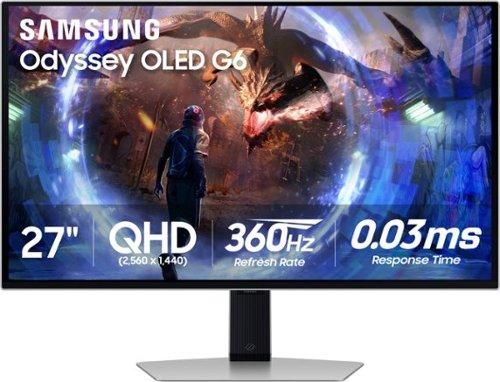
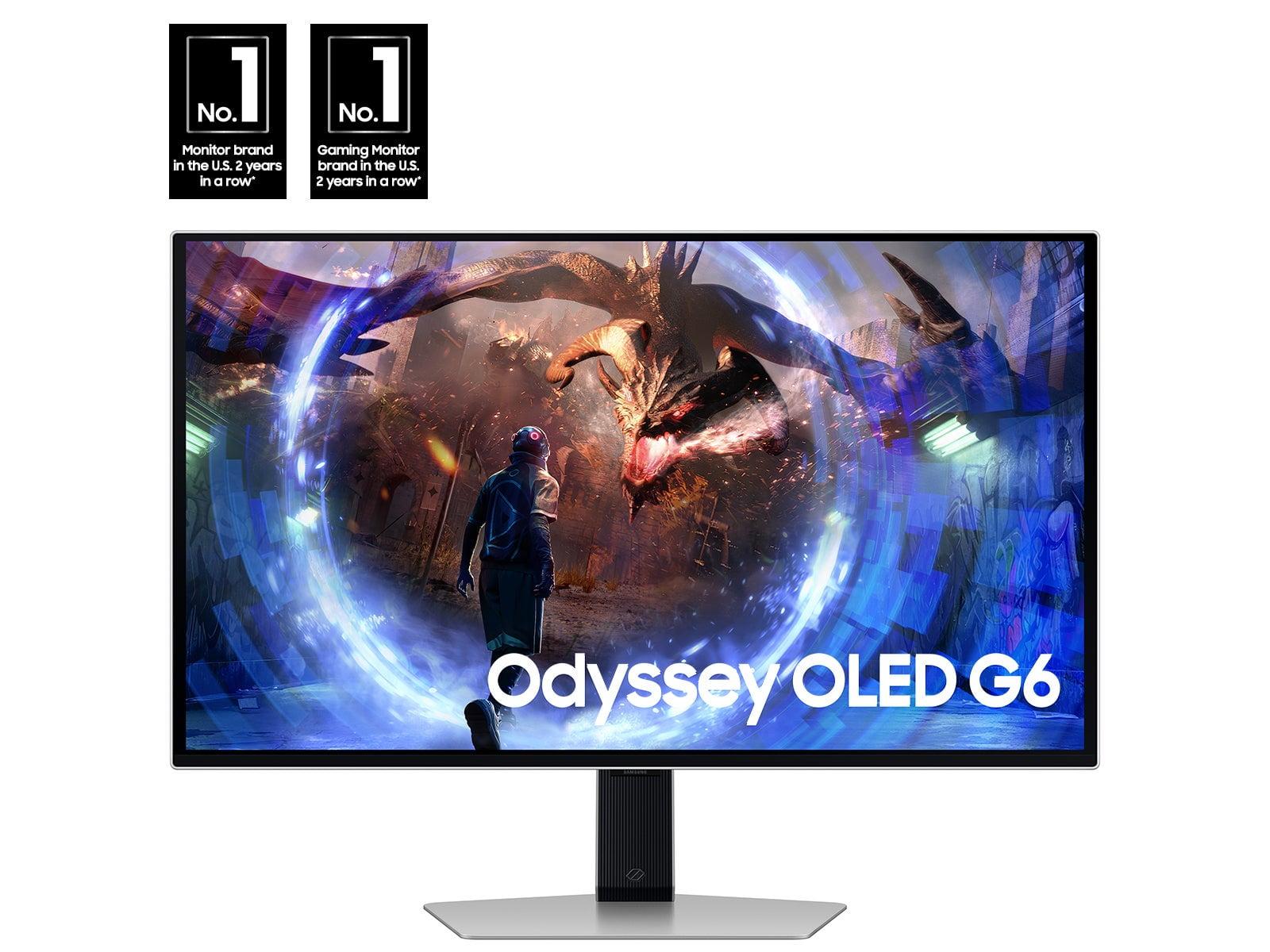

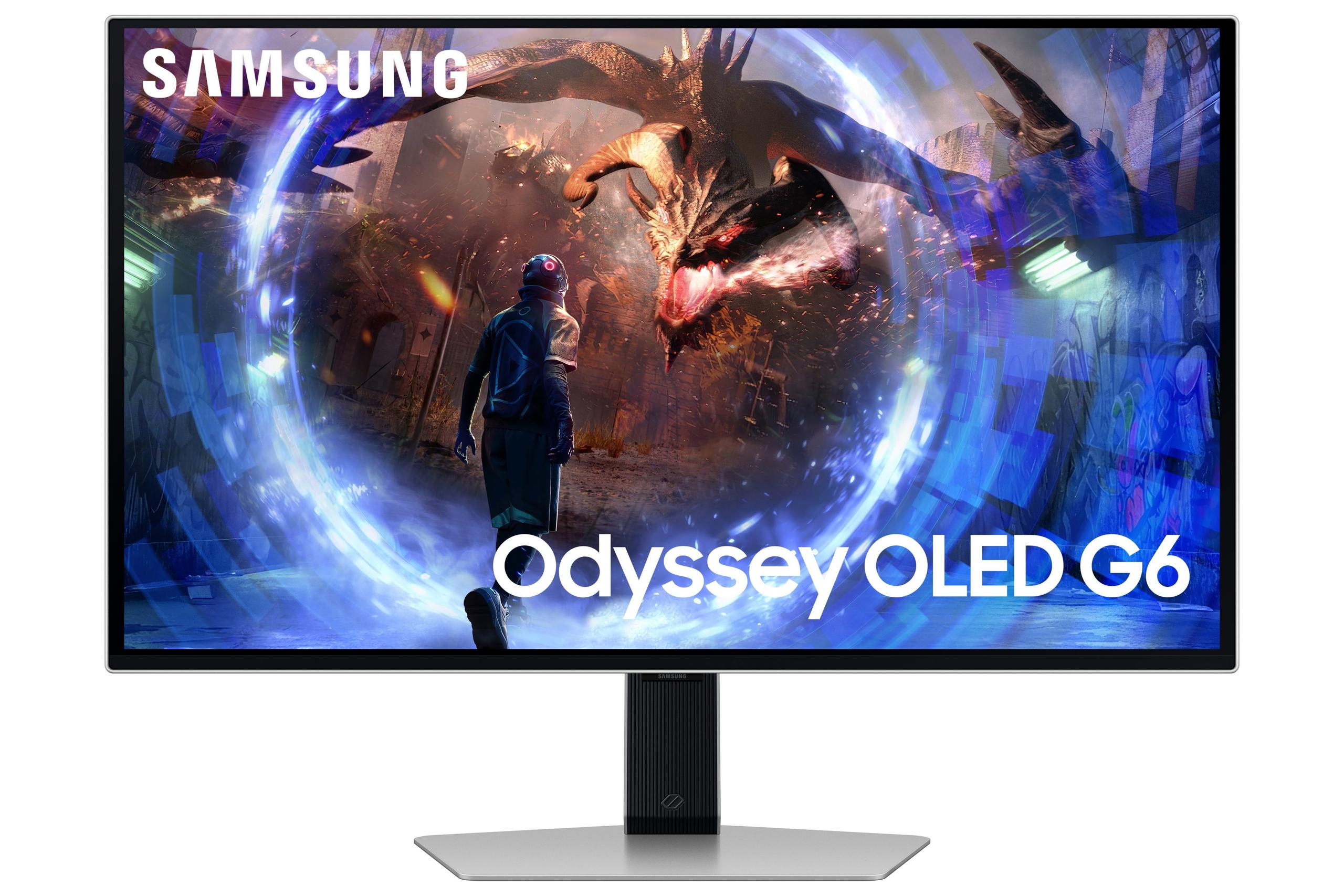
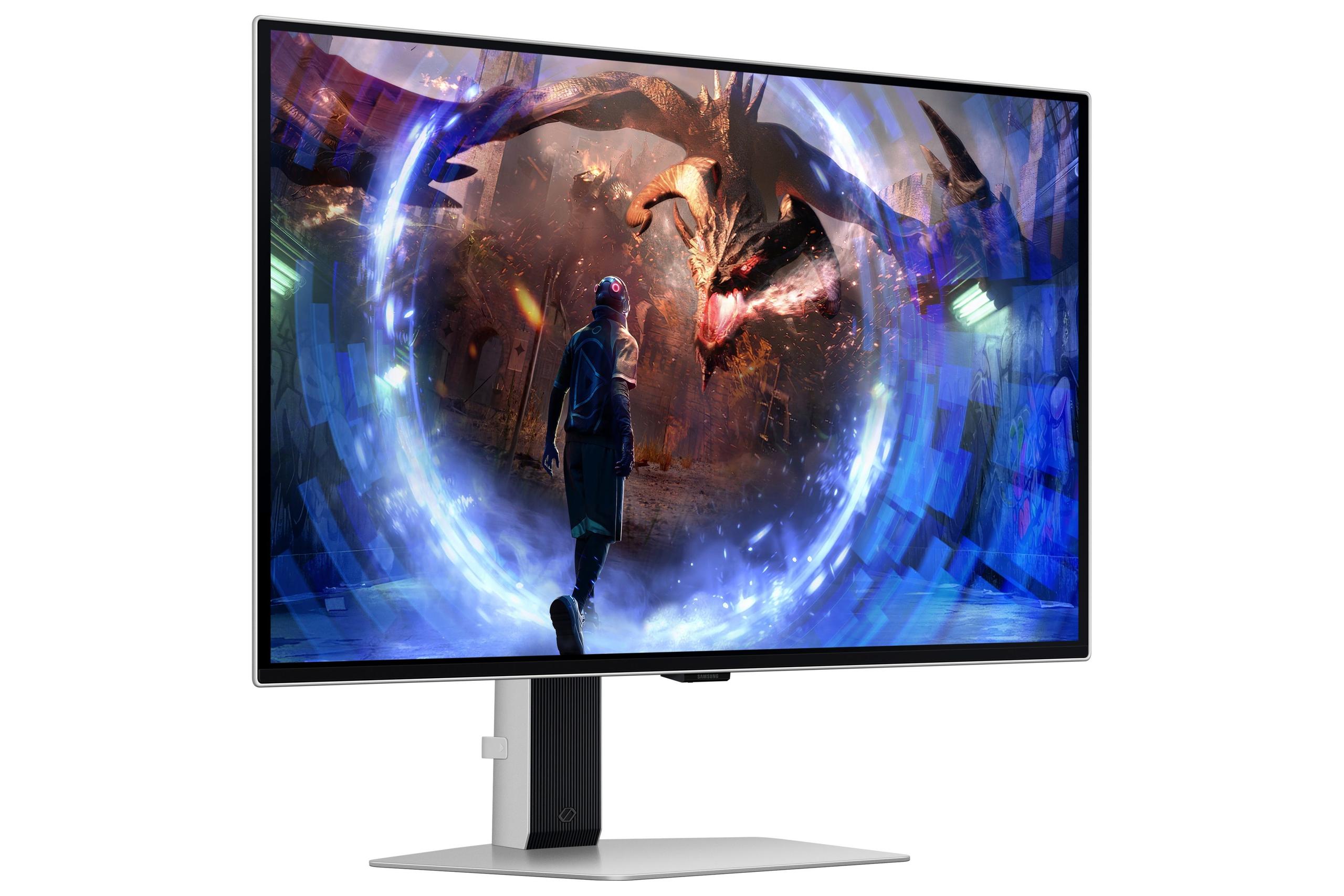
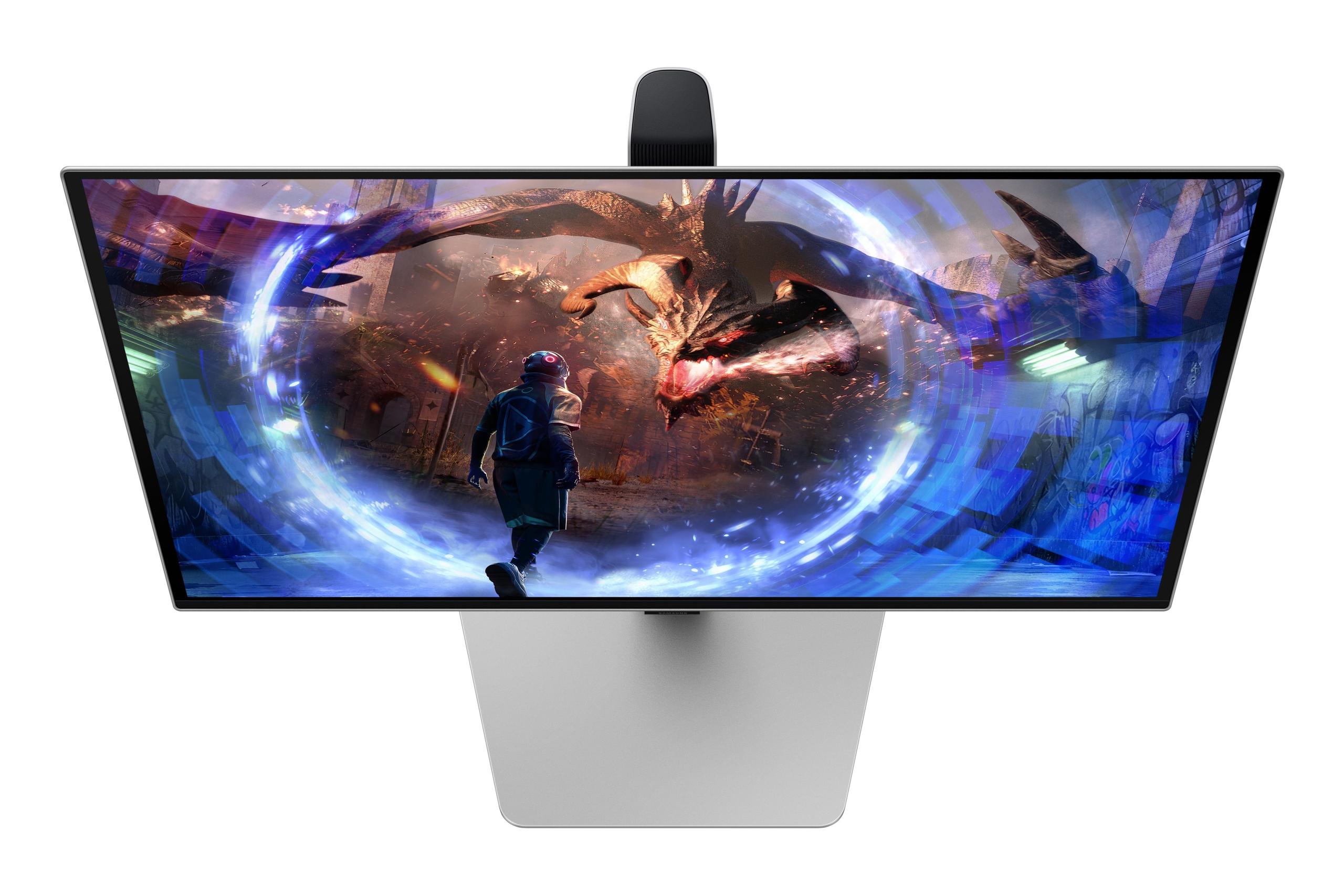
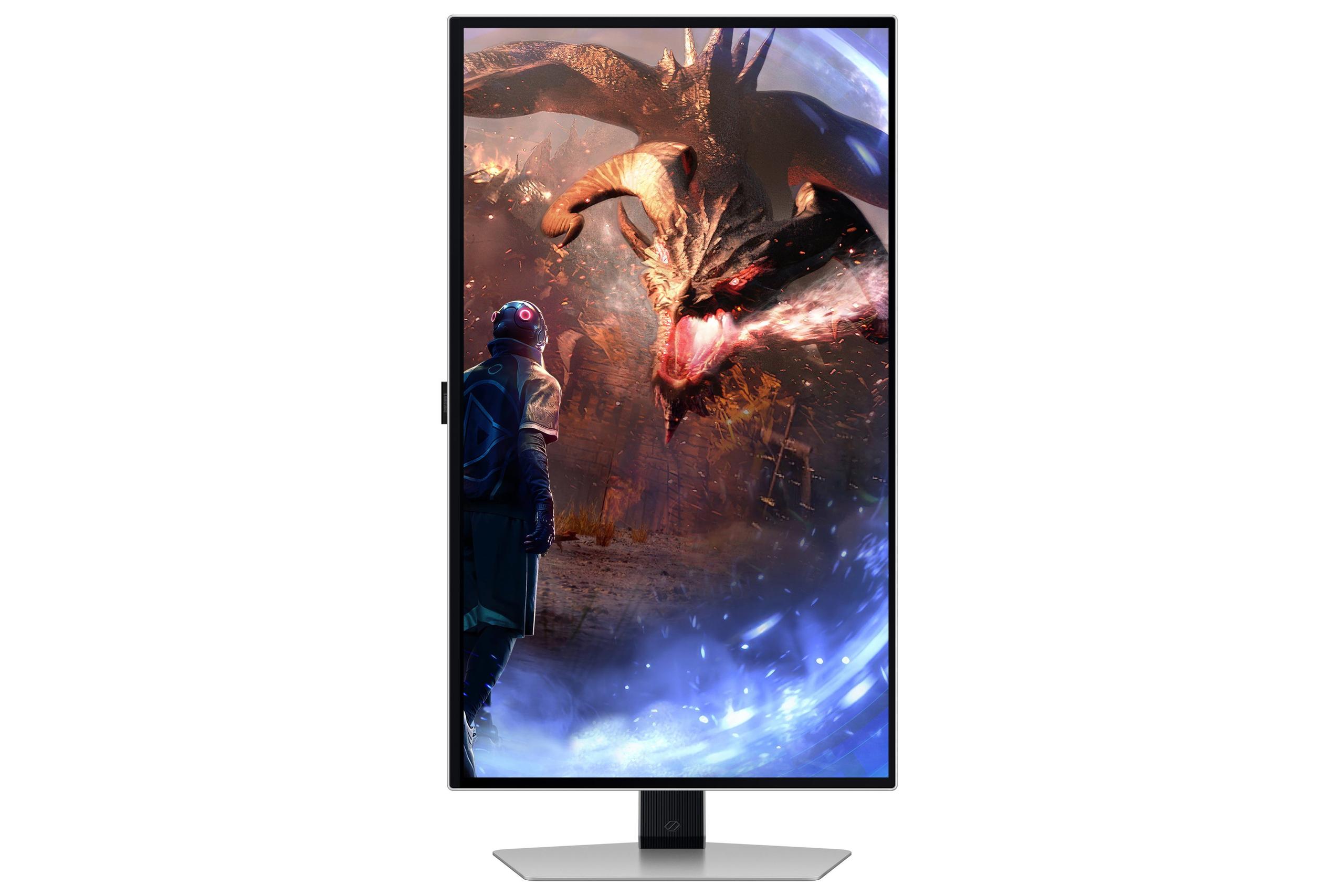

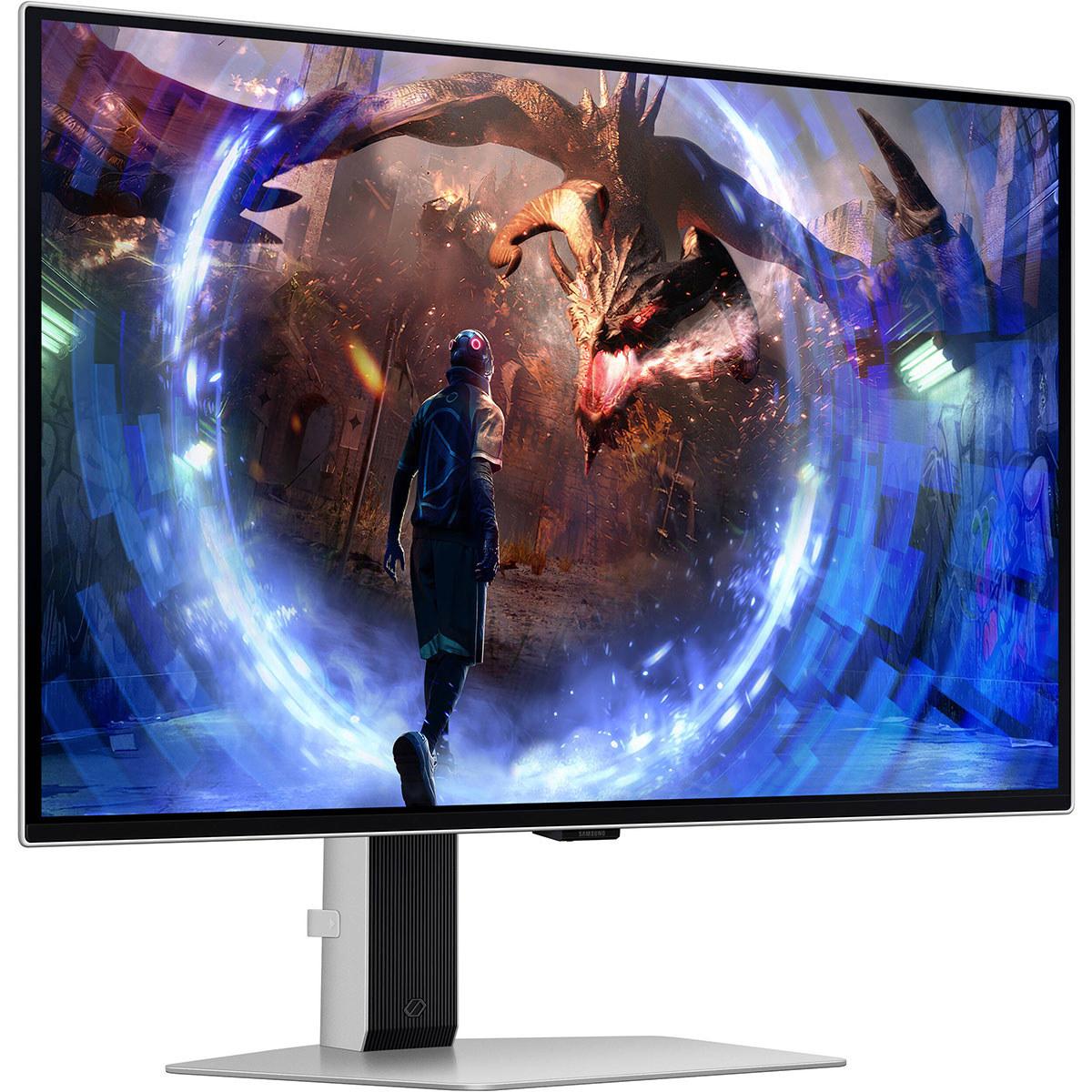
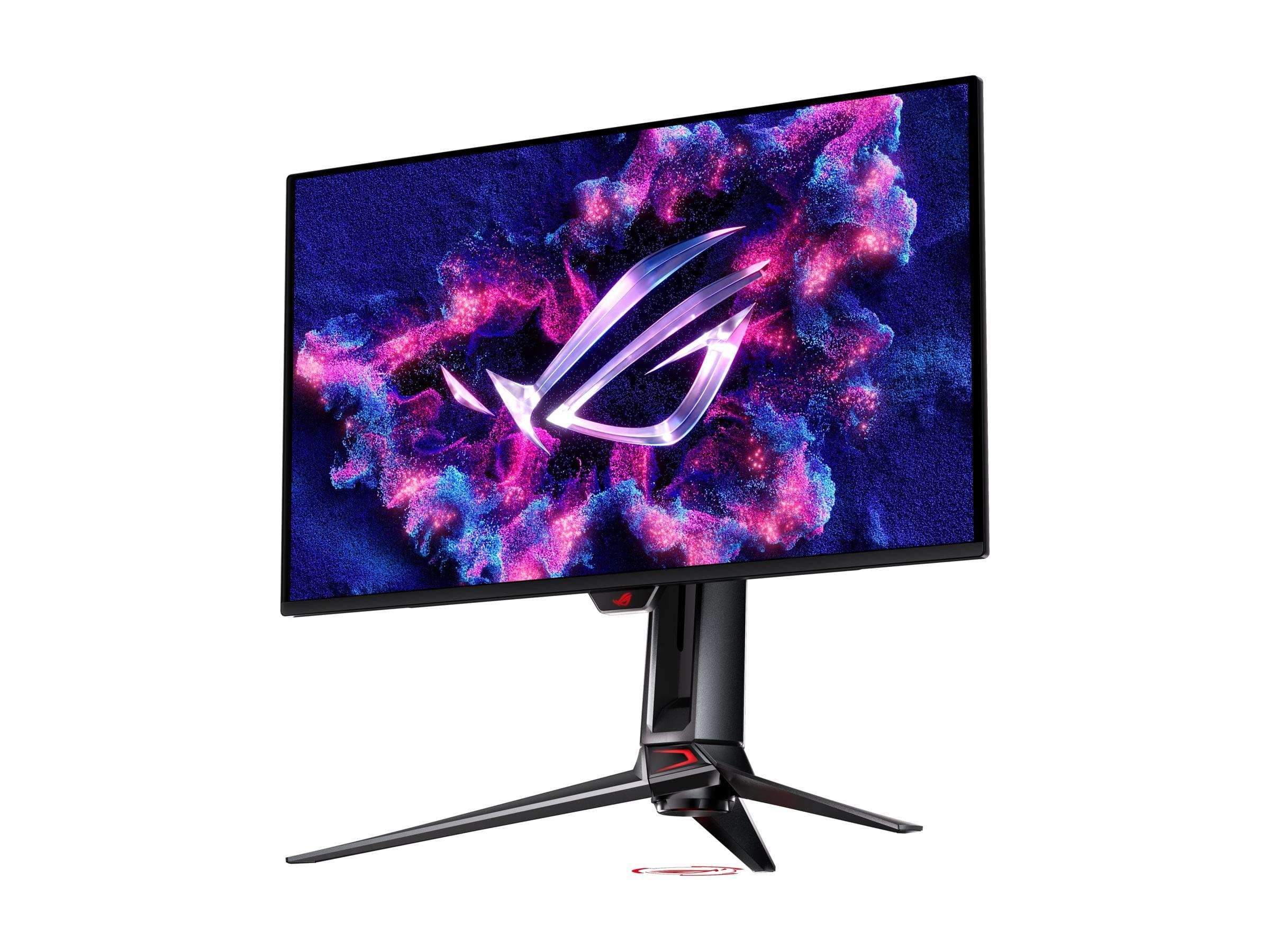
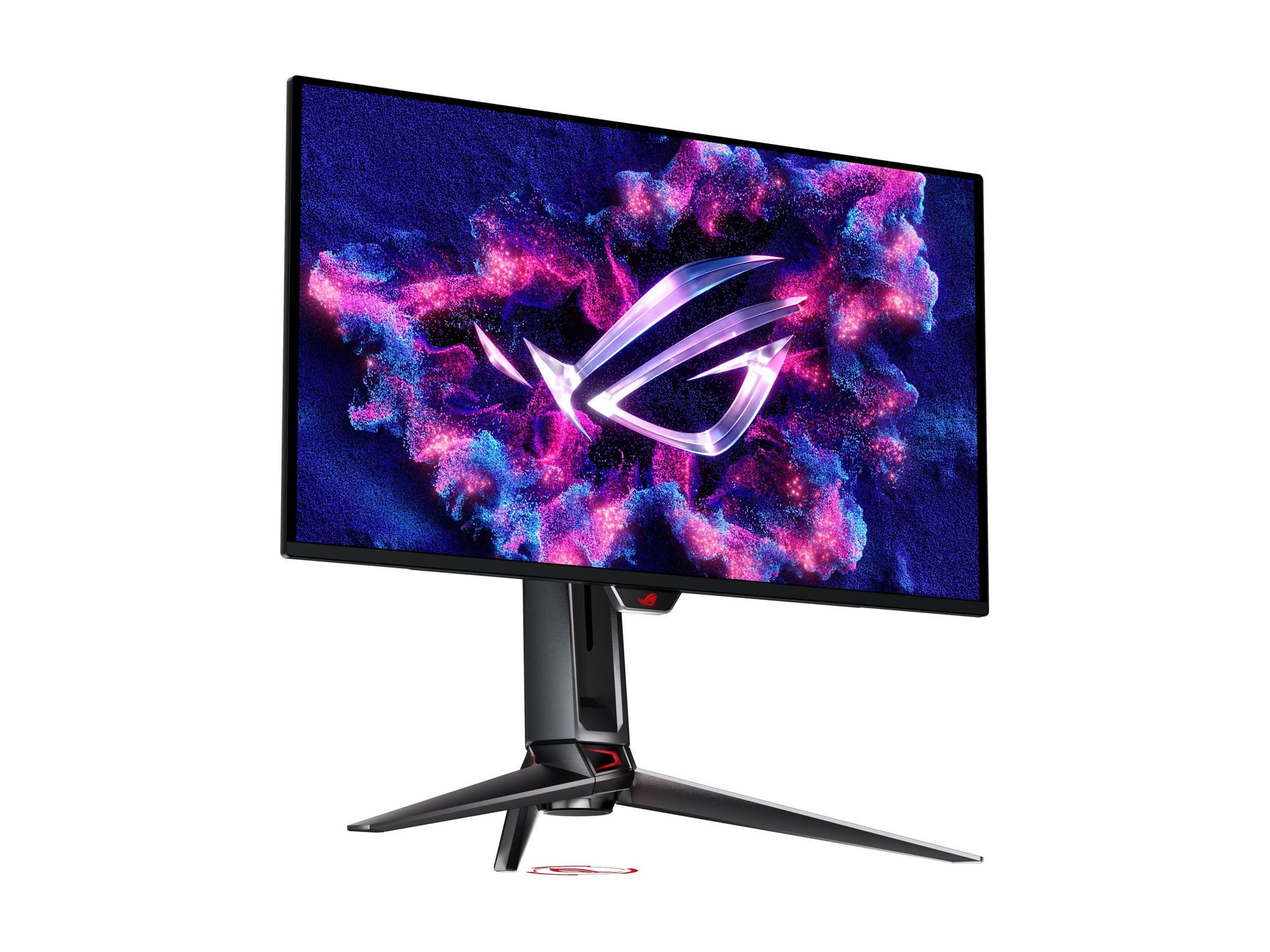
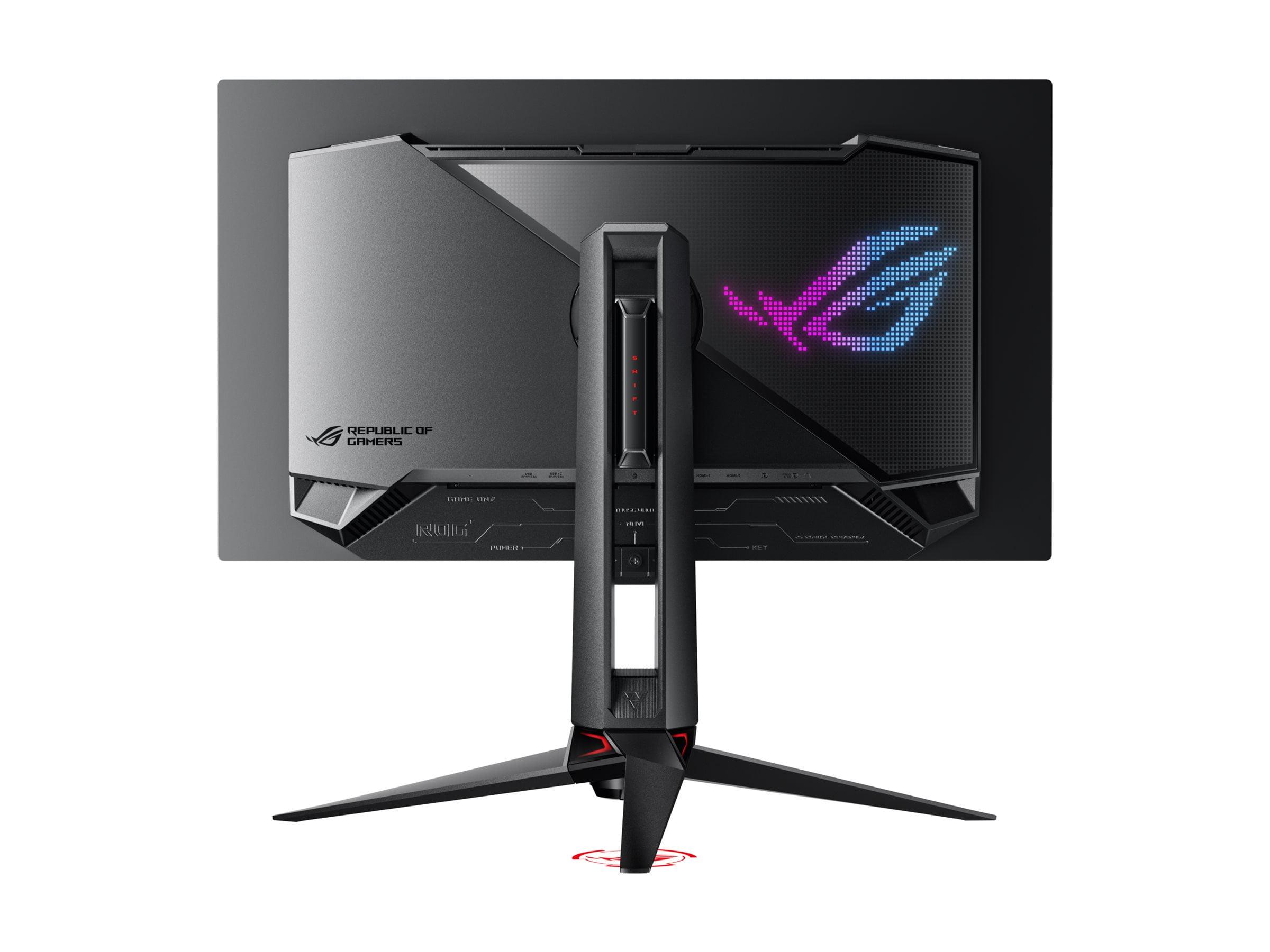
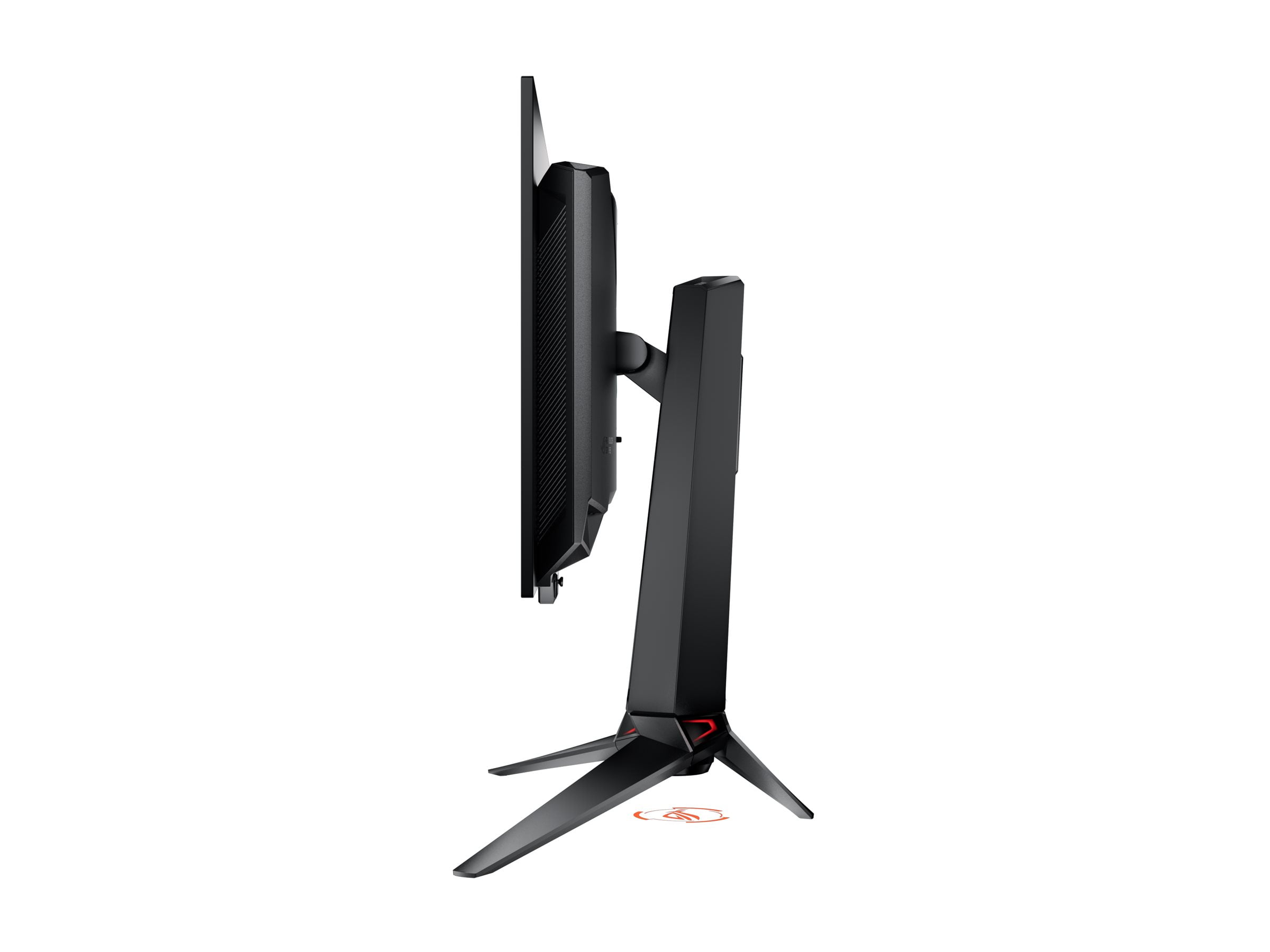
Choosing a premium gaming monitor has never been more exciting—or more complicated. OLED technology has finally matured to the point where it's not just viable for gaming but actually superior to traditional LCD panels in many ways. Today, we're comparing two standout monitors that represent different philosophies in OLED gaming: the Samsung 27" Odyssey OLED G6 and the ASUS ROG Swift OLED PG27UCDM.
Both monitors deliver that jaw-dropping OLED experience with perfect blacks and vibrant colors, but they take distinctly different approaches to performance and features. Understanding these differences will help you make the right choice for your specific needs and budget.
Before diving into our comparison, let's establish what makes OLED monitors special. Unlike traditional LCD monitors that use backlights, OLED (Organic Light-Emitting Diode) panels have pixels that produce their own light. This means when a pixel needs to display black, it simply turns off completely, creating true black levels that LCD panels can't match.
This technology brings several advantages: infinite contrast ratios (the difference between the darkest and brightest parts of an image), exceptional color accuracy, and incredibly fast response times. The trade-off? OLED panels are more expensive and can potentially suffer from burn-in if static images are displayed for extended periods.
When evaluating OLED gaming monitors, the key considerations are resolution versus refresh rate, gaming performance features, productivity capabilities, and overall value. Some monitors prioritize maximum speed for competitive gaming, while others focus on visual fidelity and versatility.
The Samsung Odyssey OLED G6, released in 2024, represents the speed-first approach. It features a 27-inch QHD (2560×1440) resolution display with an impressive 360Hz refresh rate. Samsung designed this monitor specifically for competitive gamers who need every possible advantage in fast-paced esports titles.
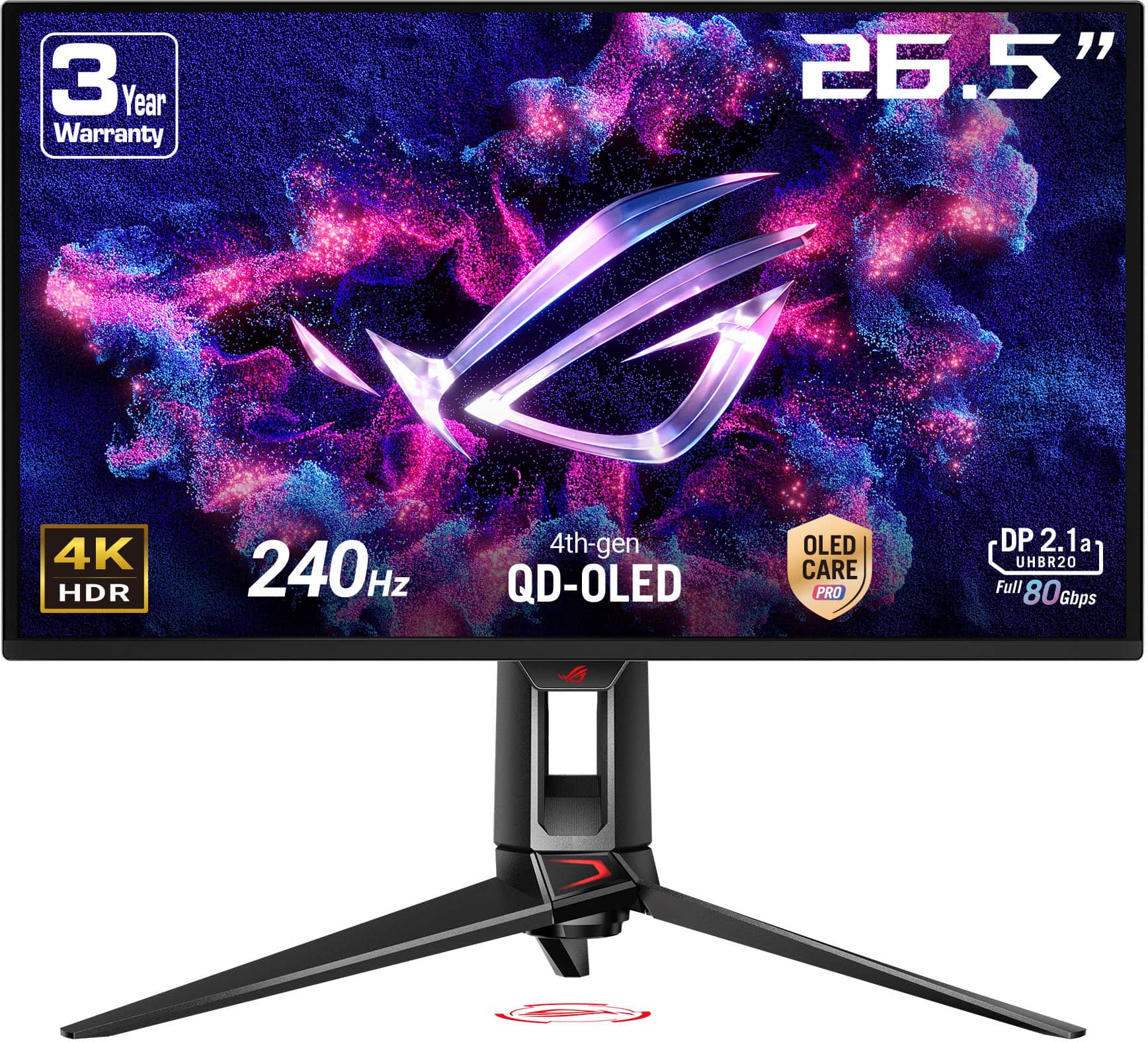
The ASUS ROG Swift PG27UCDM, also arriving in 2024, takes the visual fidelity route. It offers the same 27-inch size but steps up to 4K resolution (3840×2160) with a 240Hz refresh rate. ASUS positioned this monitor as a premium option for gamers who want the sharpest possible image quality without sacrificing high refresh rate gaming.
At the time of writing, the Samsung monitor typically costs several hundred dollars less than the ASUS model, making the value equation an important part of the decision.
Both monitors excel in response time performance, achieving identical 0.03ms gray-to-gray response times. This measurement indicates how quickly pixels can change from one shade of gray to another, and both monitors represent the current pinnacle of display technology in this regard. For context, many gaming monitors still struggle to achieve sub-1ms response times, so 0.03ms is extraordinarily fast.
In practical terms, this means both monitors eliminate motion blur and ghosting almost entirely. Whether you're tracking enemies in a first-person shooter or following fast-moving objects in racing games, both displays deliver crystal-clear motion that won't hold back your performance.
Here's where the fundamental difference becomes apparent. The Samsung G6 pushes refresh rates to 360Hz, meaning it can display up to 360 unique frames per second. The ASUS PG27UCDM tops out at 240Hz, still exceptionally high but notably lower.
In competitive esports like Counter-Strike 2, Valorant, or Rocket League, this difference can be meaningful. If your graphics card can push frame rates above 240fps, the Samsung monitor can display those extra frames, potentially giving you a slight edge in reaction time and target tracking. The difference between seeing a new frame every 4.17ms (240Hz) versus every 2.78ms (360Hz) might seem tiny, but in competitive gaming, every millisecond counts.
However, there's an important caveat: you need a powerful graphics card to take advantage of these high refresh rates, especially at higher resolutions. Most current GPUs struggle to maintain 240fps consistently in modern games, let alone 360fps.
The ASUS monitor delivers 4K resolution with 166 pixels per inch (PPI), compared to the Samsung's QHD resolution at 108 PPI. This difference is immediately noticeable. Text appears sharper, game details are more defined, and user interface elements look cleaner on the 4K display.
From a competitive gaming perspective, higher resolution can actually provide advantages beyond just visual appeal. Enemies at distance are easier to spot, fine details in maps become more visible, and crosshairs appear more precise. However, 4K gaming demands significantly more graphics processing power, which might limit your ability to maintain high frame rates.
Both monitors support variable refresh rate (VRR) technologies that synchronize the display's refresh rate with your graphics card's output, eliminating screen tearing and reducing stuttering. The Samsung G6 includes AMD FreeSync Premium Pro and NVIDIA G-Sync compatibility, while the ASUS PG27UCDM offers the same technologies plus additional AdaptiveSync Display certification.
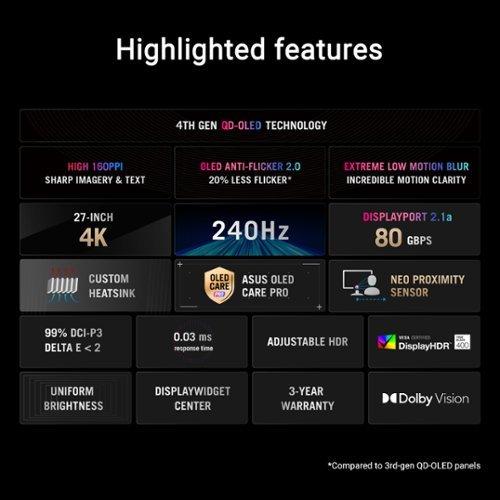
One notable issue with OLED VRR implementation is flicker, where the brightness appears to fluctuate as frame rates change. The ASUS monitor includes "OLED Anti-Flicker 2.0" technology that reduces this effect by 20% compared to previous generations, though it doesn't eliminate the issue entirely. This can be particularly noticeable in dark scenes where frame rates vary significantly.
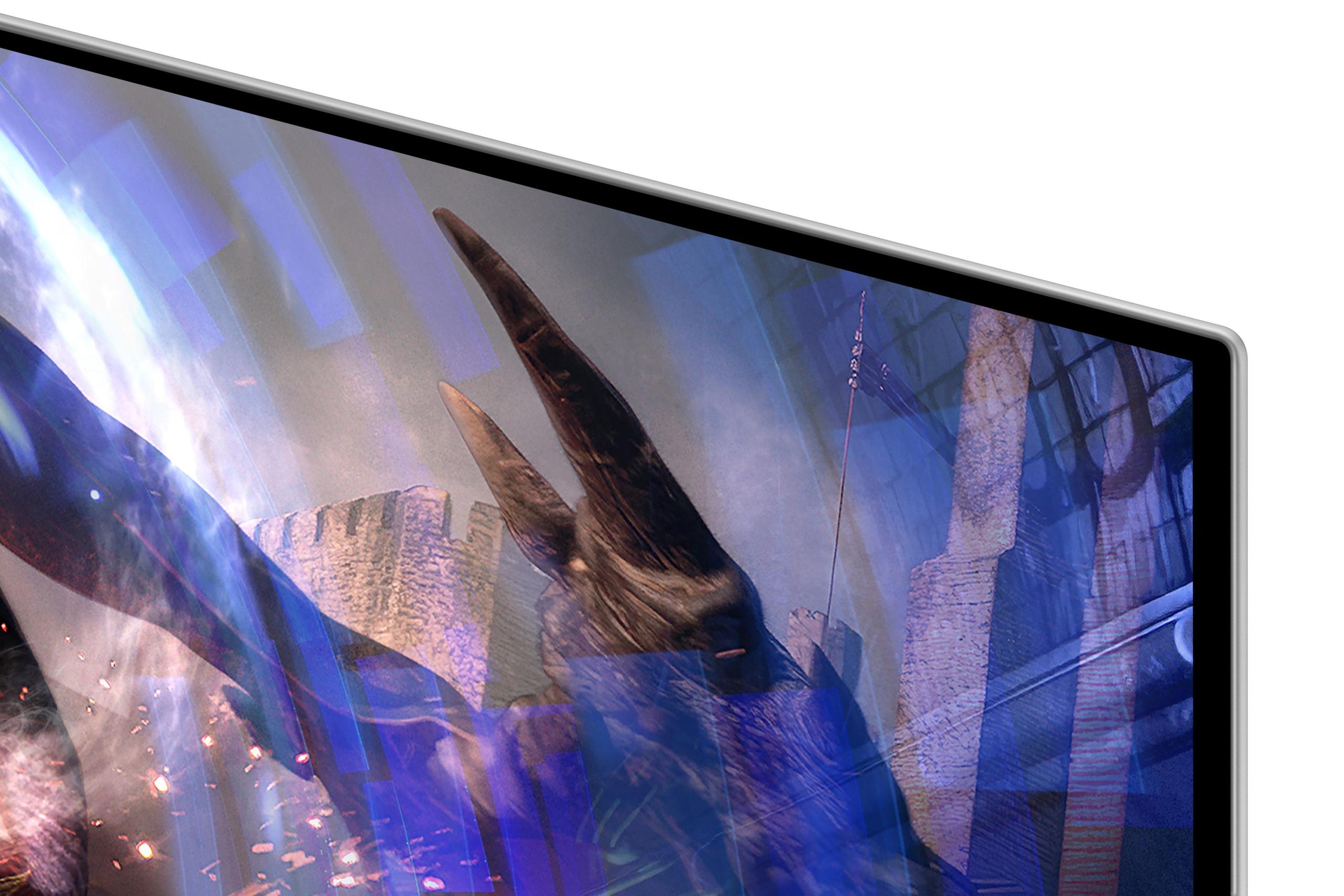
Both monitors utilize advanced OLED panel technology, but with different implementations. The Samsung G6 uses Quantum Dot OLED (QD-OLED) technology with a matte finish that significantly reduces glare and reflections. This makes it more versatile in various lighting conditions, from bright rooms to setups near windows.
The ASUS PG27UCDM employs fourth-generation QD-OLED technology, which promises improved longevity and better color performance. It covers 99% of the DCI-P3 color space and 145% of sRGB, delivering incredibly vibrant and accurate colors. The monitor comes factory-calibrated with Delta E < 2 color accuracy, making it suitable for content creation work alongside gaming.
Peak brightness differs between the monitors, with the ASUS model reaching 450 nits in SDR (Standard Dynamic Range) mode and up to 1,000 nits for HDR highlights. The Samsung G6 typically reaches around 250 nits, which is adequate for most environments but may feel dim in very bright rooms.
For HDR (High Dynamic Range) content, the ASUS monitor supports Dolby Vision in addition to standard HDR10 formats, providing better tone mapping and color handling for compatible content. This makes a noticeable difference when watching HDR movies or playing games with HDR support.
The resolution difference becomes most apparent when using these monitors for non-gaming tasks. The ASUS 4K display renders text significantly more clearly, making it comfortable for extended reading, coding, or content creation work. The Samsung QHD panel, while still sharp, shows more visible pixels when viewed up close, which can cause eye fatigue during text-heavy tasks.
The ASUS PG27UCDM offers more advanced connectivity with DisplayPort 2.1 support, enabling full 4K 240Hz performance without compression. It also includes 90W USB-C power delivery, sufficient to charge most laptops while providing video signal through a single cable. The built-in KVM (Keyboard, Video, Mouse) switch allows you to control multiple devices with one set of peripherals.
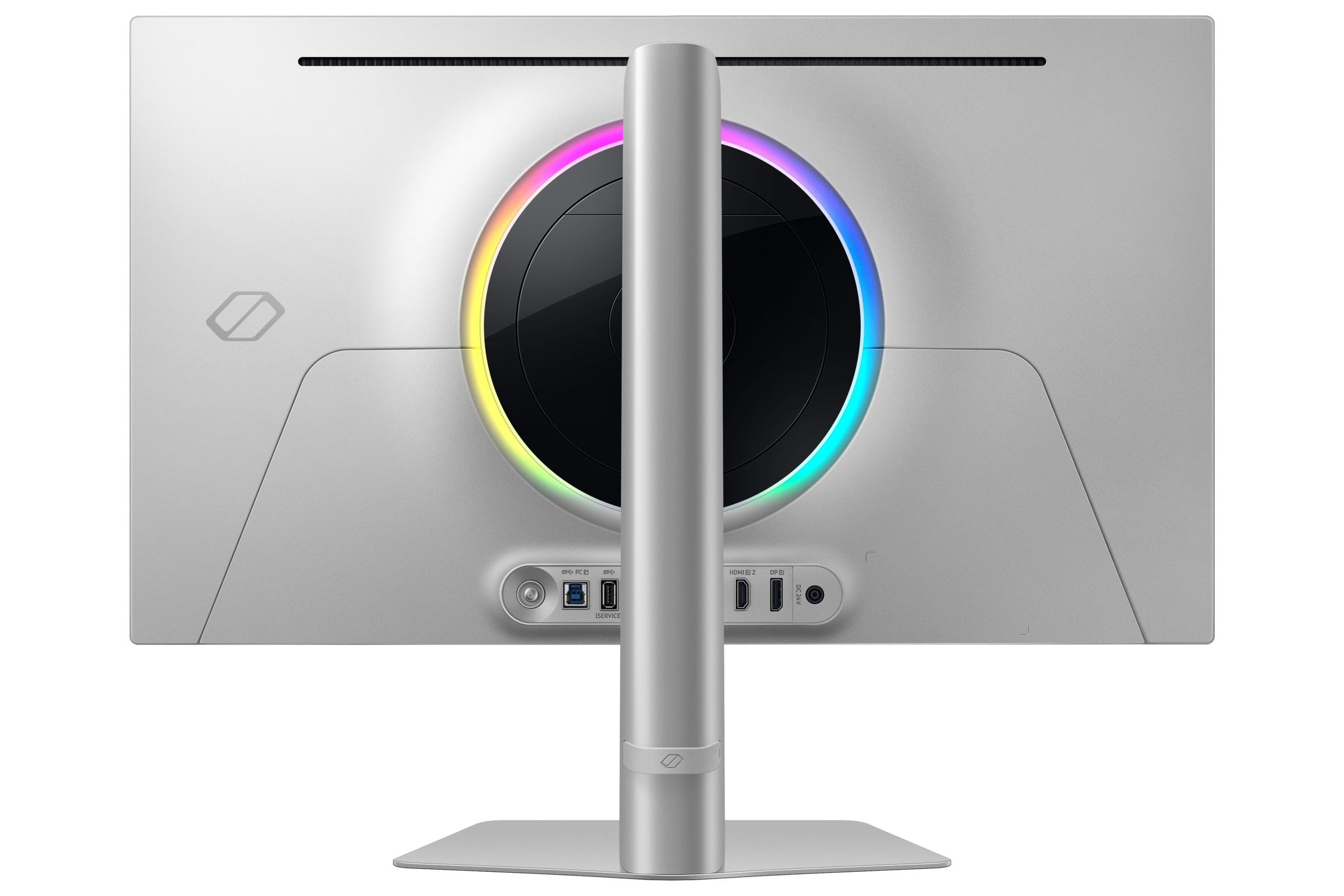
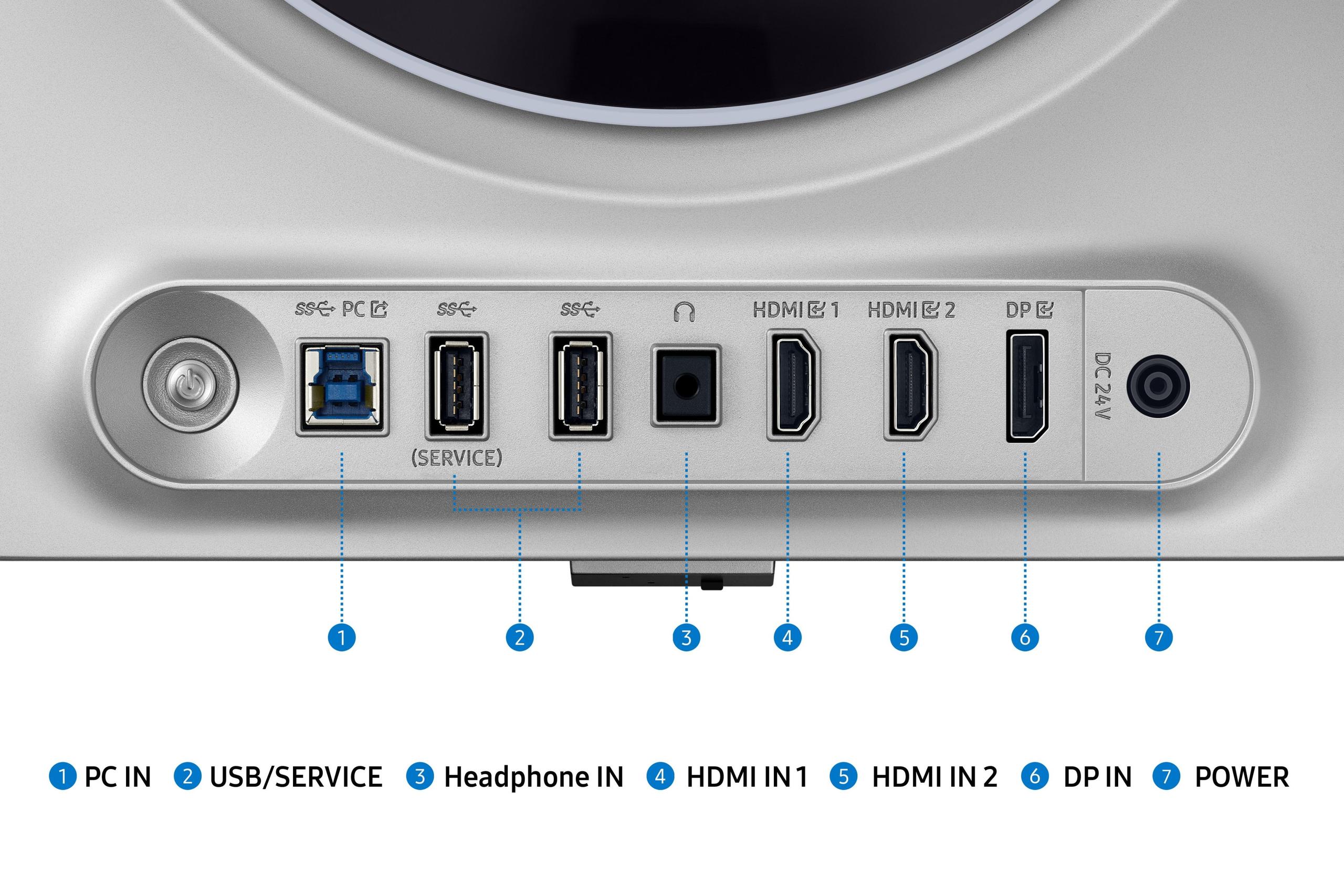
The Samsung G6 uses DisplayPort 1.4, which is perfectly adequate for its QHD resolution and high refresh rate. However, its USB-C port only provides 28W power delivery, suitable for phones and tablets but insufficient for laptop charging.
Both manufacturers implement burn-in prevention technologies, but with different approaches. The Samsung monitor features OLED Safeguard+ with a Dynamic Cooling System that uses a pulsating heat pipe to manage temperatures more effectively than traditional graphite sheets. This innovative cooling system helps maintain panel performance during extended gaming sessions.
The ASUS model includes OLED Care Pro with a proximity sensor that automatically switches to a black screen when it detects you've stepped away. This feature helps prevent static images from causing burn-in while you're away from your desk. It also includes screen move functionality that slightly shifts the image periodically to prevent static elements from causing issues.
For esports enthusiasts playing titles like CS2, Valorant, or League of Legends, the Samsung G6 offers compelling advantages. The 360Hz refresh rate can provide a measurable benefit when your system can push frame rates above 240fps. The lower resolution also means you're more likely to achieve these high frame rates with mid-to-high-end graphics cards.
I've found that the difference between 240Hz and 360Hz is subtle but noticeable in fast-paced scenarios. Tracking moving targets feels slightly smoother, and the reduced input lag can improve reaction times in competitive situations. However, the benefit diminishes if your graphics card can't consistently maintain frame rates above 240fps.
For story-driven games and visually impressive titles, the ASUS 4K monitor transforms the gaming experience. Games like Cyberpunk 2077, Red Dead Redemption 2, and Horizon Zero Dawn benefit enormously from the additional detail and clarity that 4K resolution provides. Environmental textures appear more realistic, character models show finer details, and the overall immersion improves significantly.
The 240Hz refresh rate, while lower than the Samsung's 360Hz, still provides buttery-smooth motion that enhances the cinematic quality of single-player games. Most story-driven games don't require the absolute maximum refresh rates that competitive esports demand.
The ASUS monitor excels as a dual-purpose display for creators who game. The 4K resolution makes video editing timelines more detailed, and the excellent color accuracy helps ensure your content looks correct across different devices. The 90W USB-C power delivery and KVM switch functionality make it practical for laptop-based workflows.
The Samsung G6, while capable for basic productivity tasks, feels limited by its QHD resolution when working with detailed content or multiple windows simultaneously.
Both monitors can serve as compact home theater displays, but with different strengths. The ASUS model provides a more cinematic experience with its 4K resolution and Dolby Vision support, making it excellent for streaming movies and shows. The higher brightness also helps with HDR content viewing.
The Samsung G6 offers advantages in bright living room environments due to its superior anti-glare coating. The lower resolution becomes less noticeable at typical viewing distances for movie watching, though the smaller 27-inch size limits its appeal as a primary TV replacement.
To maximize either monitor's potential, you'll need appropriate graphics hardware. For the Samsung G6, a GeForce RTX 4070 or Radeon RX 7800 XT can drive most esports titles at 360fps while maintaining excellent visual quality. AAA games might require settings adjustments to reach maximum refresh rates.
The ASUS 4K monitor demands more GPU power, with a GeForce RTX 4080 or RTX 4090 recommended for optimal 4K gaming performance at high refresh rates. Lesser cards can still benefit from the superior image quality, but you may need to accept lower frame rates or reduced settings.
Both monitors represent current-generation OLED technology, but they're positioned differently for future gaming trends. The ASUS 4K display aligns with the industry's movement toward higher resolutions, as more games and consoles support 4K gaming. The Samsung monitor focuses on maximizing performance with current hardware capabilities.
You're primarily focused on competitive gaming and want every possible advantage that high refresh rates can provide. The Samsung monitor delivers exceptional esports performance at a more accessible price point. It's ideal if you have a mid-to-high-end graphics card and prefer to maximize frame rates over resolution.
The superior anti-glare coating makes it versatile for various lighting conditions, and the lighter weight makes it easier to transport for LAN parties or tournaments. If your monitor budget is limited but you want to experience premium OLED gaming, this represents excellent value.
You want the best possible visual quality combined with high refresh rate gaming. The ASUS monitor excels at both competitive gaming and single-player experiences, making it ideal for gamers who enjoy a variety of titles. The 4K resolution future-proofs your setup as games continue to improve visually.
The productivity features make it excellent for content creators or anyone who uses their gaming monitor for work. If you have a high-end graphics card and prefer a single premium monitor that handles everything well, the additional cost is justified by its versatility and advanced features.
Both monitors represent excellent examples of modern OLED technology, but they serve different priorities. The Samsung G6 maximizes competitive gaming performance at an attractive price point, while the ASUS PG27UCDM provides superior visual quality and productivity features at a premium cost.
Consider your primary use cases, graphics card capability, and budget constraints. Either choice will deliver an outstanding gaming experience that represents a significant upgrade from traditional LCD monitors. The OLED technology in both ensures you'll enjoy perfect blacks, vibrant colors, and exceptionally fast response times regardless of which direction you choose.
The decision ultimately comes down to whether you prioritize maximum refresh rates for competitive advantages or prefer the superior image quality and versatility that 4K resolution provides. Both approaches have merit, and both monitors execute their respective visions exceptionally well.
| Samsung 27" Odyssey OLED G6 | ASUS ROG Swift OLED PG27UCDM |
|---|---|
| Resolution - Higher resolution means sharper images but requires more GPU power | |
| QHD 2560 x 1440 (108 PPI) | 4K 3840 x 2160 (166 PPI) |
| Refresh Rate - Higher rates provide smoother motion for competitive gaming | |
| 360Hz (best for esports where every frame counts) | 240Hz (excellent for all gaming scenarios) |
| Response Time - Lower is better for eliminating motion blur | |
| 0.03ms (GTG) | 0.03ms (GTG) |
| Panel Technology - Both use advanced OLED but with different benefits | |
| QD-OLED with matte anti-glare coating | 4th-gen QD-OLED with improved longevity |
| Brightness - Higher brightness better for well-lit rooms | |
| 250 nits (adequate for most environments) | 450 nits SDR / 1,000 nits HDR peak |
| Color Accuracy - Important for content creation and visual quality | |
| 99% DCI-P3 coverage, good out-of-box accuracy | 99% DCI-P3, 145% sRGB, Delta E < 2 factory calibrated |
| HDR Support - Enhanced contrast and colors in compatible content | |
| HDR10, HDR10+ Gaming | HDR10, Dolby Vision, VESA DisplayHDR 400 True Black |
| Connectivity - More ports and higher bandwidth enable better compatibility | |
| DisplayPort 1.4, 2x HDMI 2.1, USB-C 28W | DisplayPort 2.1, 2x HDMI 2.1, USB-C 90W, KVM switch |
| OLED Protection - Burn-in prevention extends display lifespan | |
| OLED Safeguard+ with Dynamic Cooling System | OLED Care Pro with proximity sensor and screen move |
| Weight - Lighter monitors are easier to adjust and transport | |
| 6.9 kg (more portable for gaming setups) | 7.6 kg (heavier but includes more premium features) |
| Best For - Target user scenarios where each excels | |
| Competitive esports gaming, budget-conscious OLED buyers | Mixed gaming/productivity, content creators, visual enthusiasts |
Both the Samsung Odyssey OLED G6 and ASUS ROG Swift PG27UCDM offer exceptional gaming performance with identical 0.03ms response times. The Samsung G6 provides higher 360Hz refresh rates for competitive esports, while the ASUS PG27UCDM delivers superior visual clarity with 4K resolution at 240Hz. Choose Samsung for maximum speed or ASUS for better image quality.
The ASUS ROG Swift PG27UCDM offers significantly sharper images with 4K resolution (166 PPI) compared to the Samsung G6's QHD resolution (108 PPI). The ASUS also provides higher brightness (450 nits vs 250 nits) and Dolby Vision support. However, the Samsung monitor features superior anti-glare coating for bright room use.
The Samsung Odyssey OLED G6 is better suited for competitive gaming with its 360Hz refresh rate, providing smoother motion in fast-paced esports titles like CS2 and Valorant. The lower QHD resolution also allows graphics cards to achieve higher frame rates more easily, maximizing the benefit of the high refresh rate.
The ASUS ROG Swift PG27UCDM is significantly better for productivity due to its 4K resolution providing sharper text and more screen real estate. It also includes 90W USB-C power delivery, KVM switch functionality, and factory color calibration. The Samsung G6 is adequate for basic tasks but less ideal for extended text work.
The Samsung Odyssey OLED G6 typically offers better value for gaming-focused users, providing premium OLED performance at a lower price point. The ASUS PG27UCDM costs more but justifies the premium with 4K resolution, advanced connectivity, and productivity features for mixed-use scenarios.
The ASUS ROG Swift PG27UCDM provides superior HDR performance with Dolby Vision support, higher peak brightness (1,000 nits), and 4K resolution for sharper movie details. The Samsung G6 offers good HDR10 support but with lower brightness levels and QHD resolution limiting detail in cinematic content.
The ASUS ROG Swift PG27UCDM is clearly superior for content creation, offering 4K resolution for detailed video editing, factory color calibration (Delta E < 2), and 90W USB-C connectivity for laptop workflows. The Samsung G6 has good color accuracy but the lower resolution limits professional creative work.
Both monitors include advanced burn-in protection. The Samsung G6 features OLED Safeguard+ with an innovative Dynamic Cooling System using pulsating heat pipes. The ASUS PG27UCDM includes OLED Care Pro with proximity sensor technology that automatically activates a black screen when you step away, plus screen move functionality.
The Samsung Odyssey OLED G6 works well with mid-to-high-end cards like RTX 4070 or RX 7800 XT for high refresh gaming at QHD. The ASUS PG27UCDM benefits from more powerful cards like RTX 4080 or RTX 4090 to fully utilize 4K gaming at high frame rates.
The ASUS ROG Swift PG27UCDM offers superior connectivity with DisplayPort 2.1, 90W USB-C power delivery, and a built-in KVM switch for multi-device setups. The Samsung G6 includes standard DisplayPort 1.4 and HDMI 2.1 ports but only 28W USB-C power delivery.
Both monitors work excellently with PlayStation 5 and Xbox Series X/S consoles. The Samsung G6 provides smooth 120Hz gaming with its anti-glare coating helping in living room setups. The ASUS PG27UCDM offers superior visual quality with 4K resolution matching console capabilities, though the higher refresh rates are primarily beneficial for PC gaming.
The ASUS ROG Swift PG27UCDM is ideal for mixed use, combining excellent gaming performance with productivity features like sharp 4K text, KVM switching between devices, and laptop charging via USB-C. The Samsung G6 excels primarily at gaming but may feel limited for extensive work tasks due to lower resolution.
We've done our best to create useful and informative comparisons to help you decide what product to buy. Our research uses advanced automated methods to create this comparison and perfection is not possible - please contact us for corrections or questions. These are the sites we've researched in the creation of this article: bestbuy.com - gamesradar.com - gamesradar.com - versus.com - youtube.com - versus.com - player2.net.au - youtube.com - rtings.com - youtube.com - samsung.com - files.bbystatic.com - techpowerup.com - samsung.com - bestbuy.com - samsung.com - bhphotovideo.com - bestbuy.com - youtube.com - de.shi.com - pangoly.com - tomshardware.com - thepcenthusiast.com - rtings.com - youtube.com - rtings.com - rog.asus.com - tweaktown.com - youtube.com - youtube.com - versus.com - rog.asus.com - rog.asus.com - newegg.com - rog.asus.com - cdw.com - pcmonitors.info - displayspecifications.com - rog.asus.com - bhphotovideo.com - techpowerup.com - shi.com - bhphotovideo.com

Privacy Policy
Terms and Conditions - Affiliate Policy
Home Security
© Copyright 2008-2026.
11816 Inwood Rd #1211, Dallas, TX 75244