

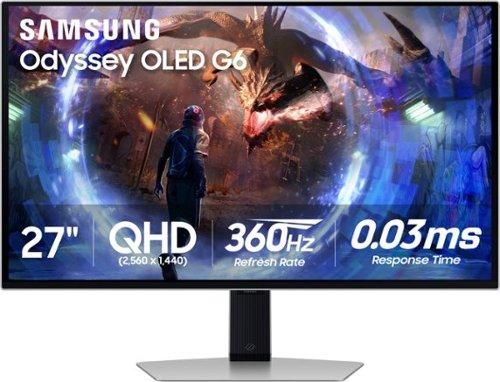
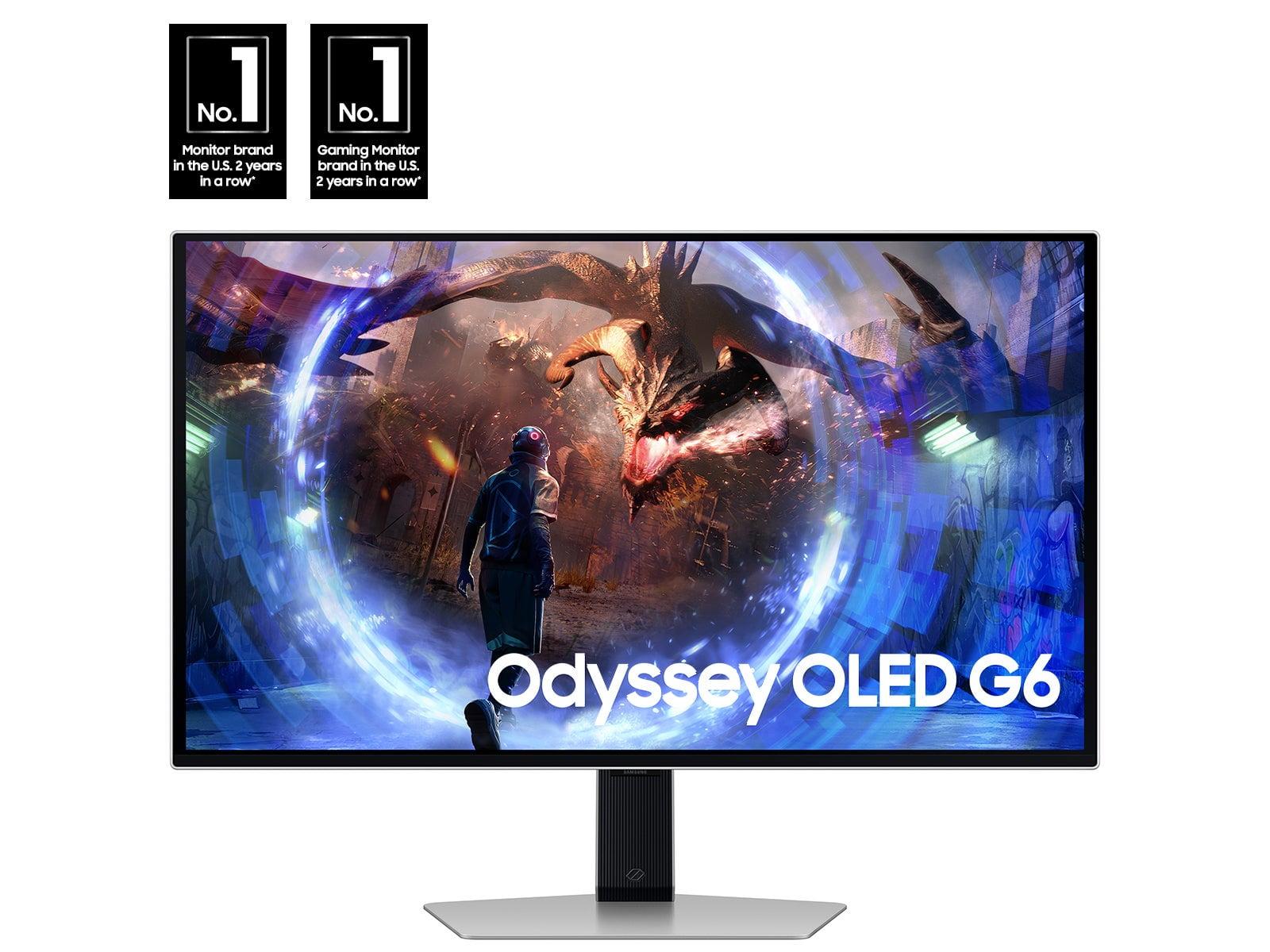

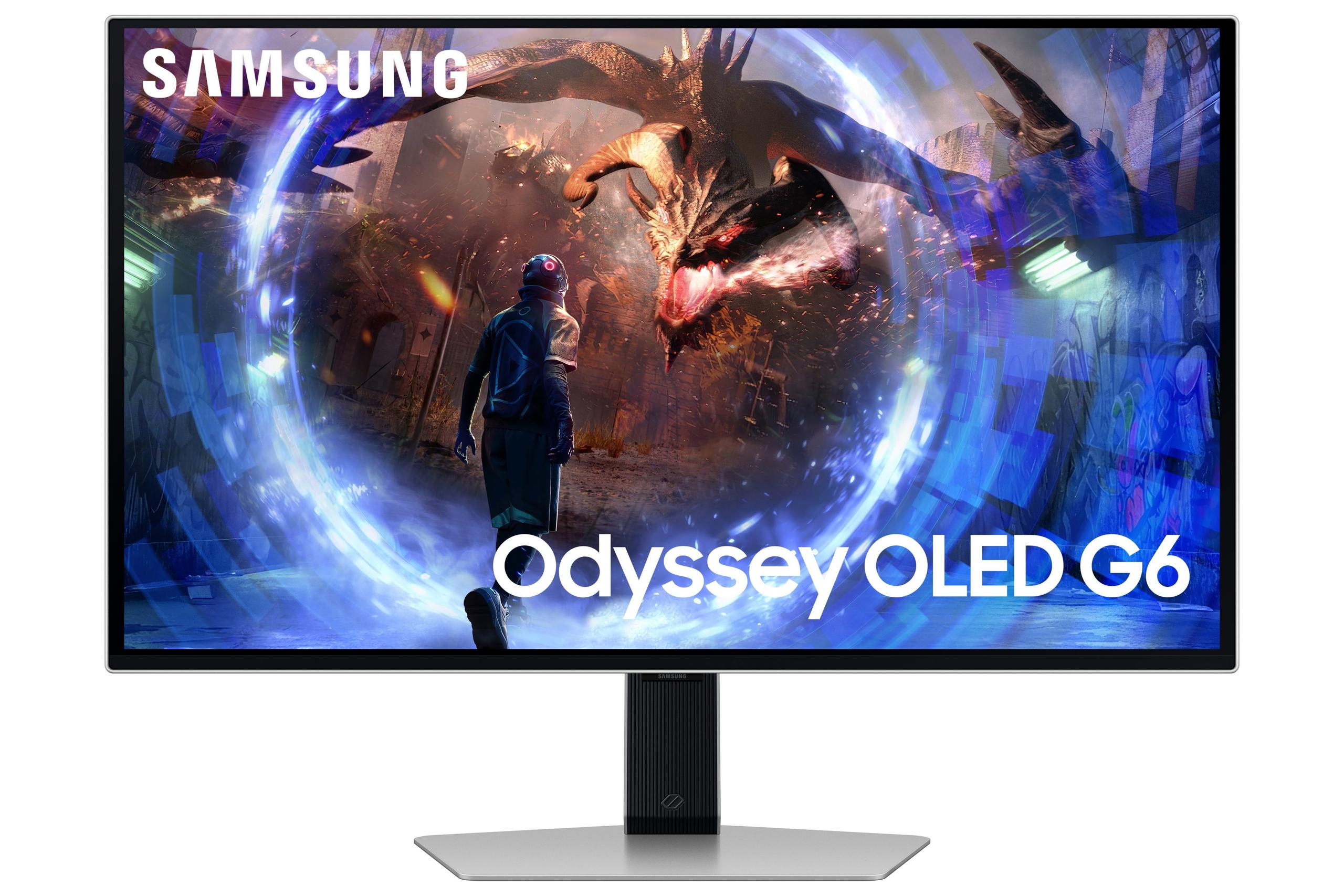
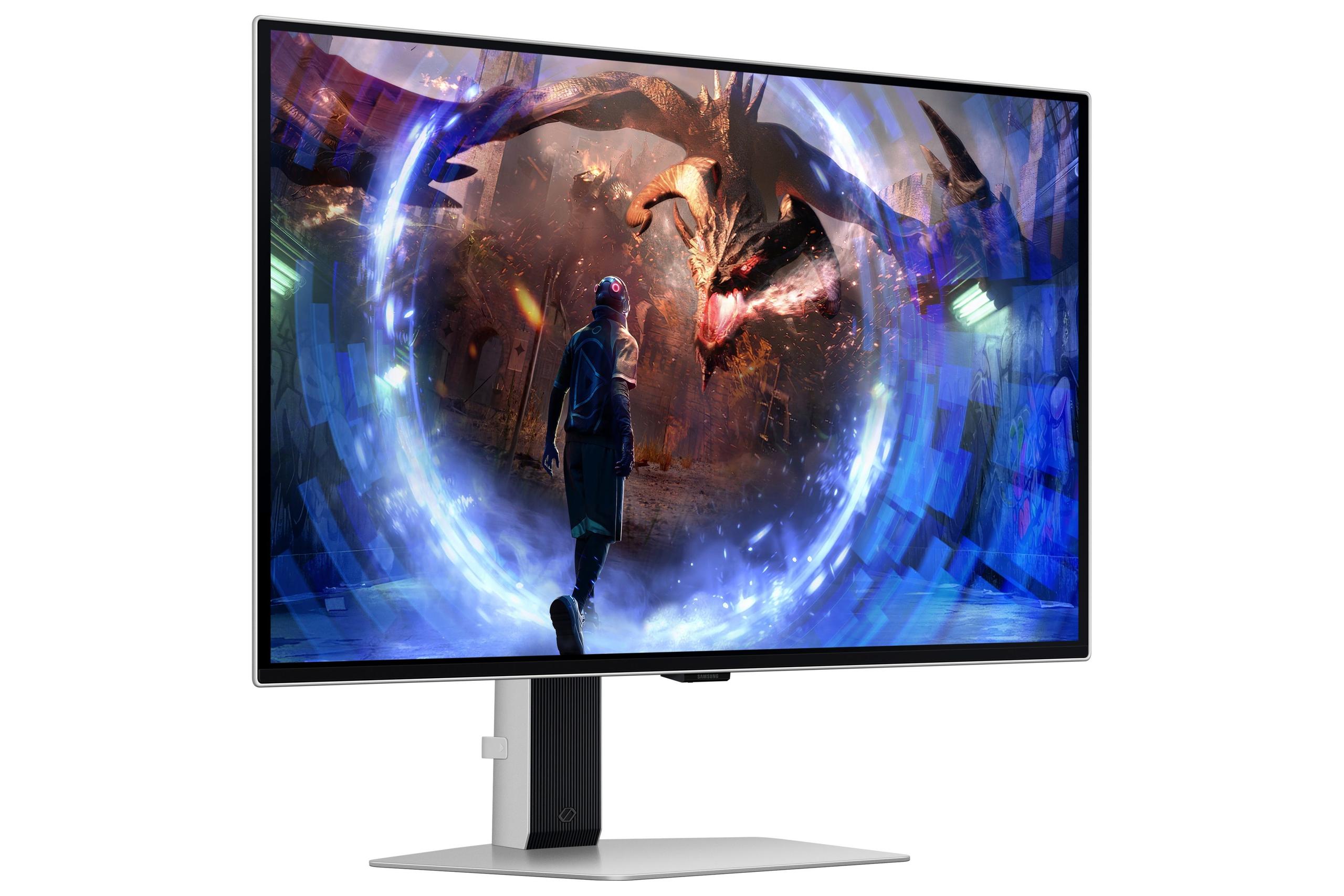
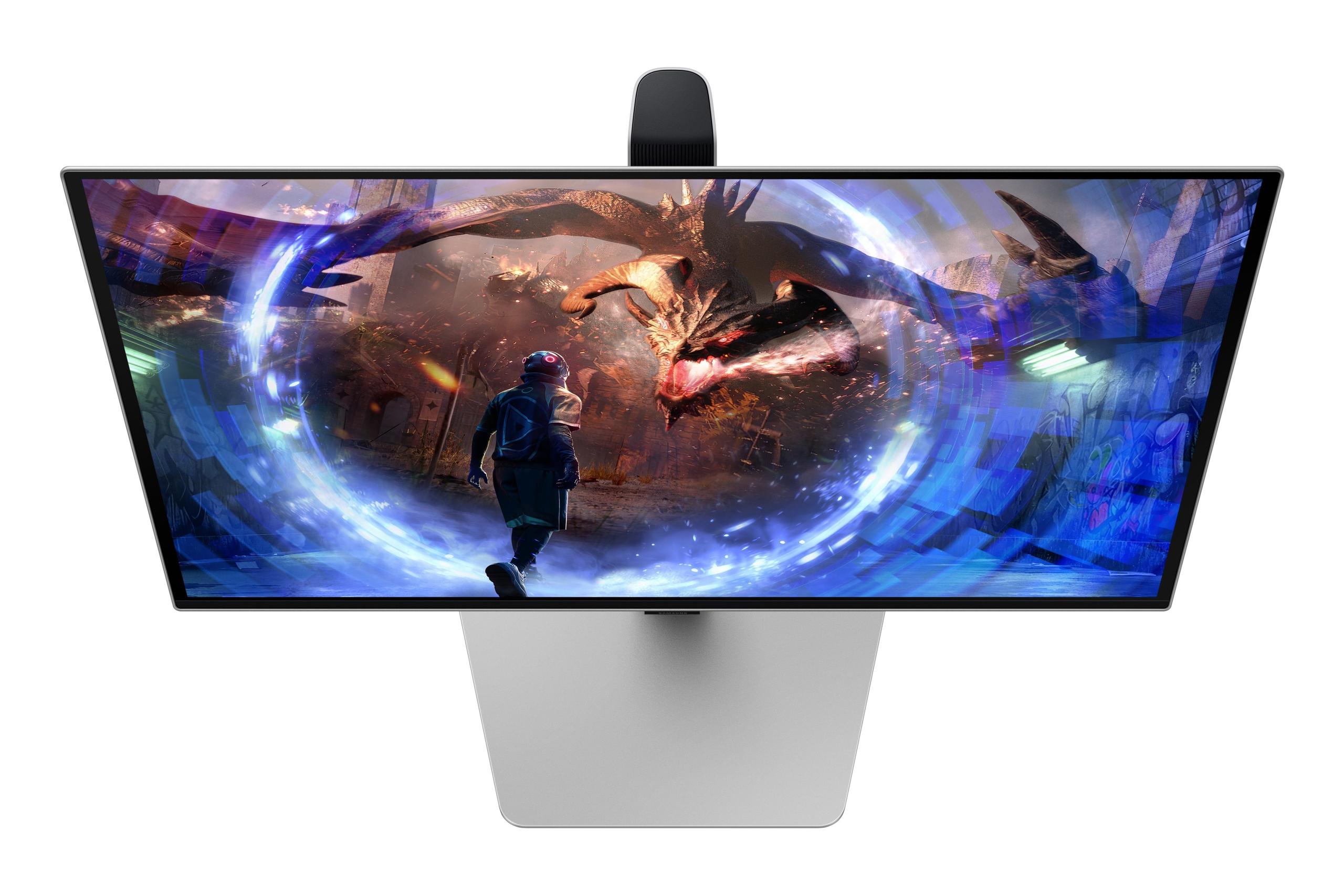
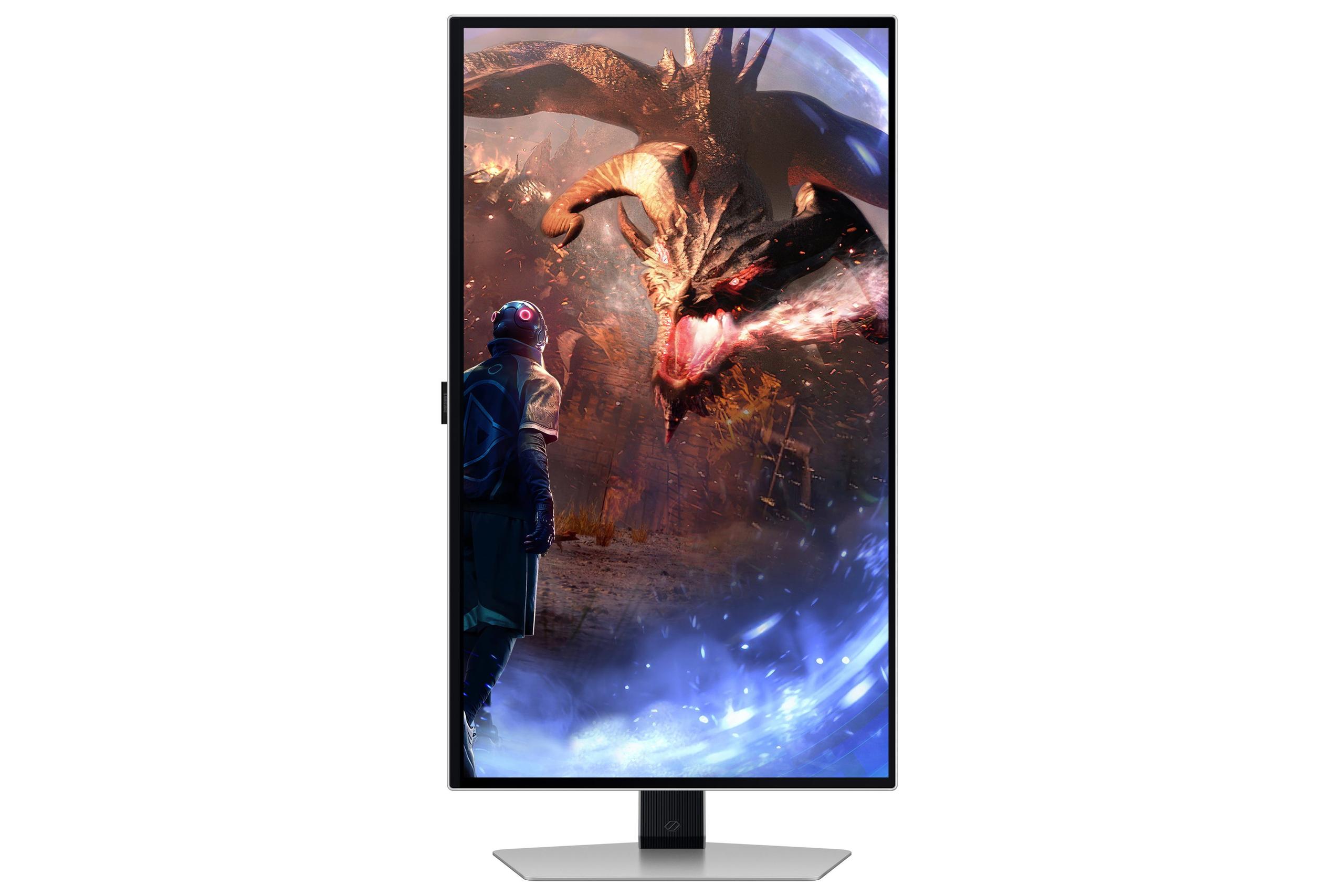

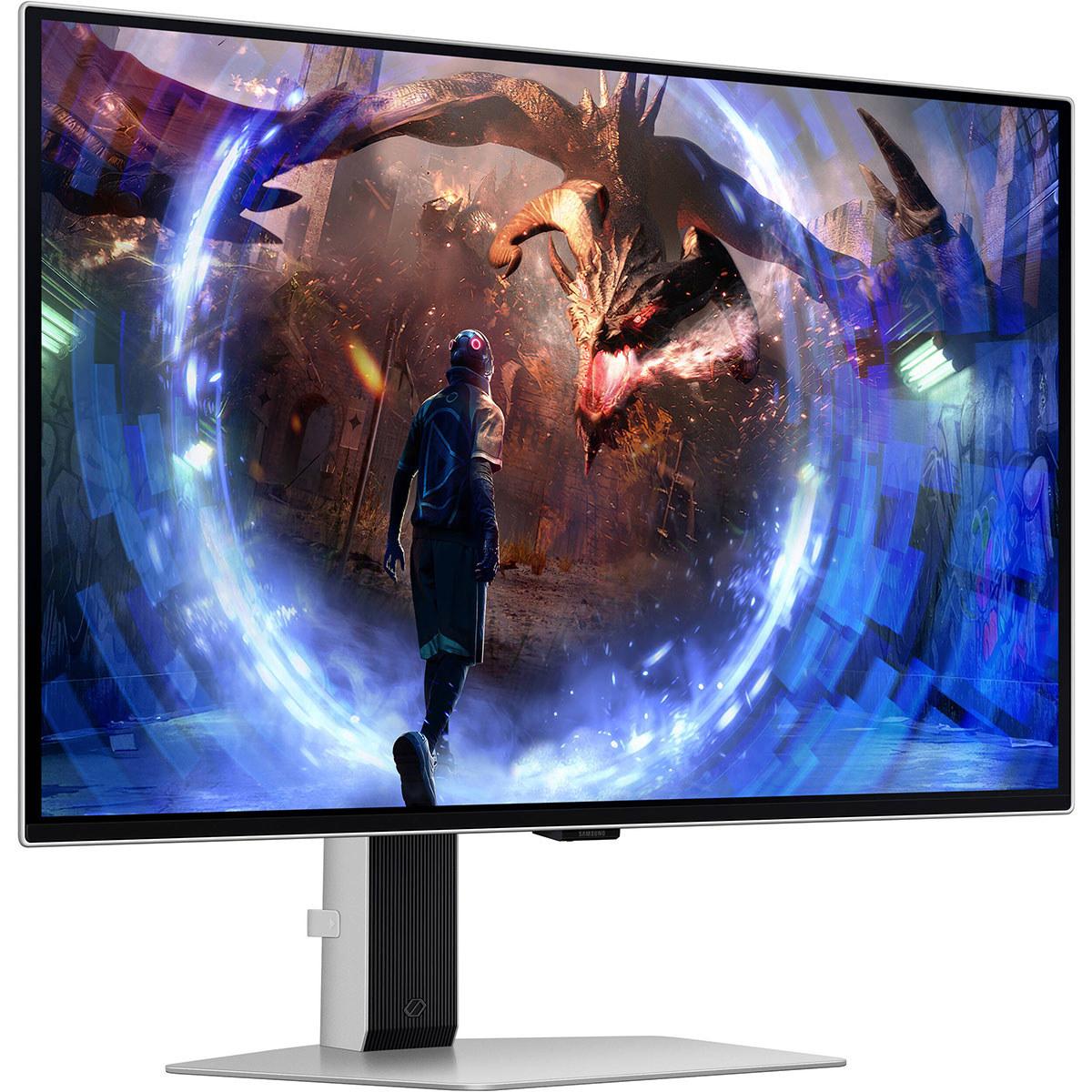
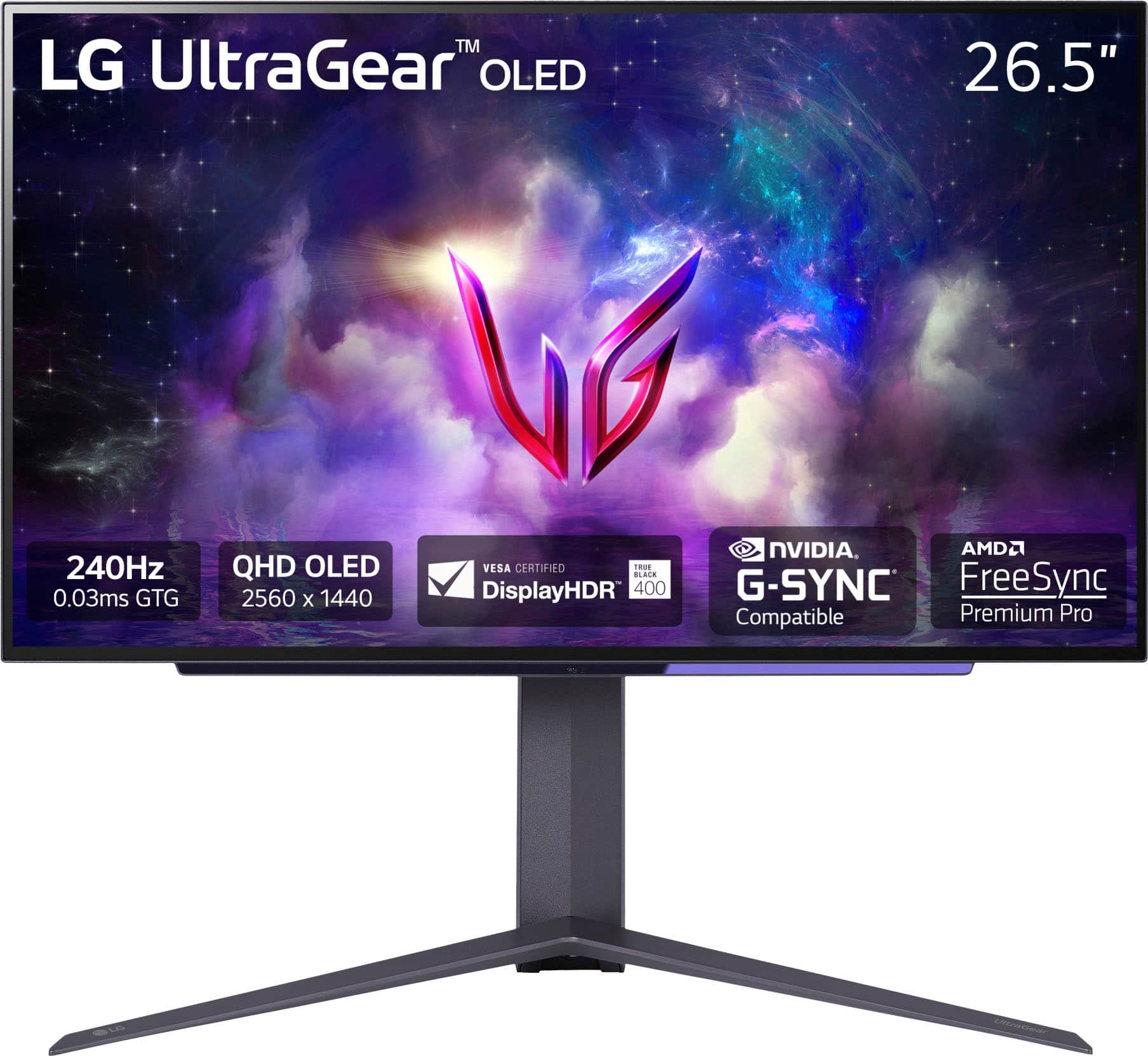
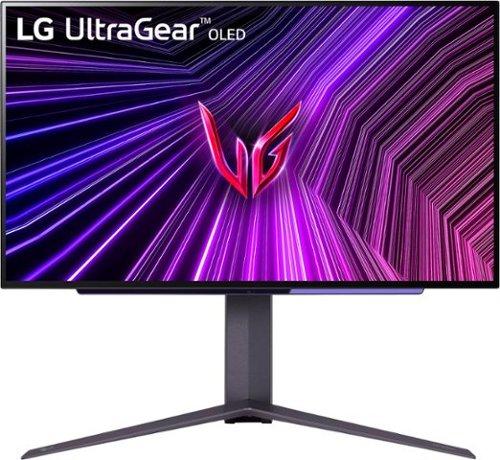
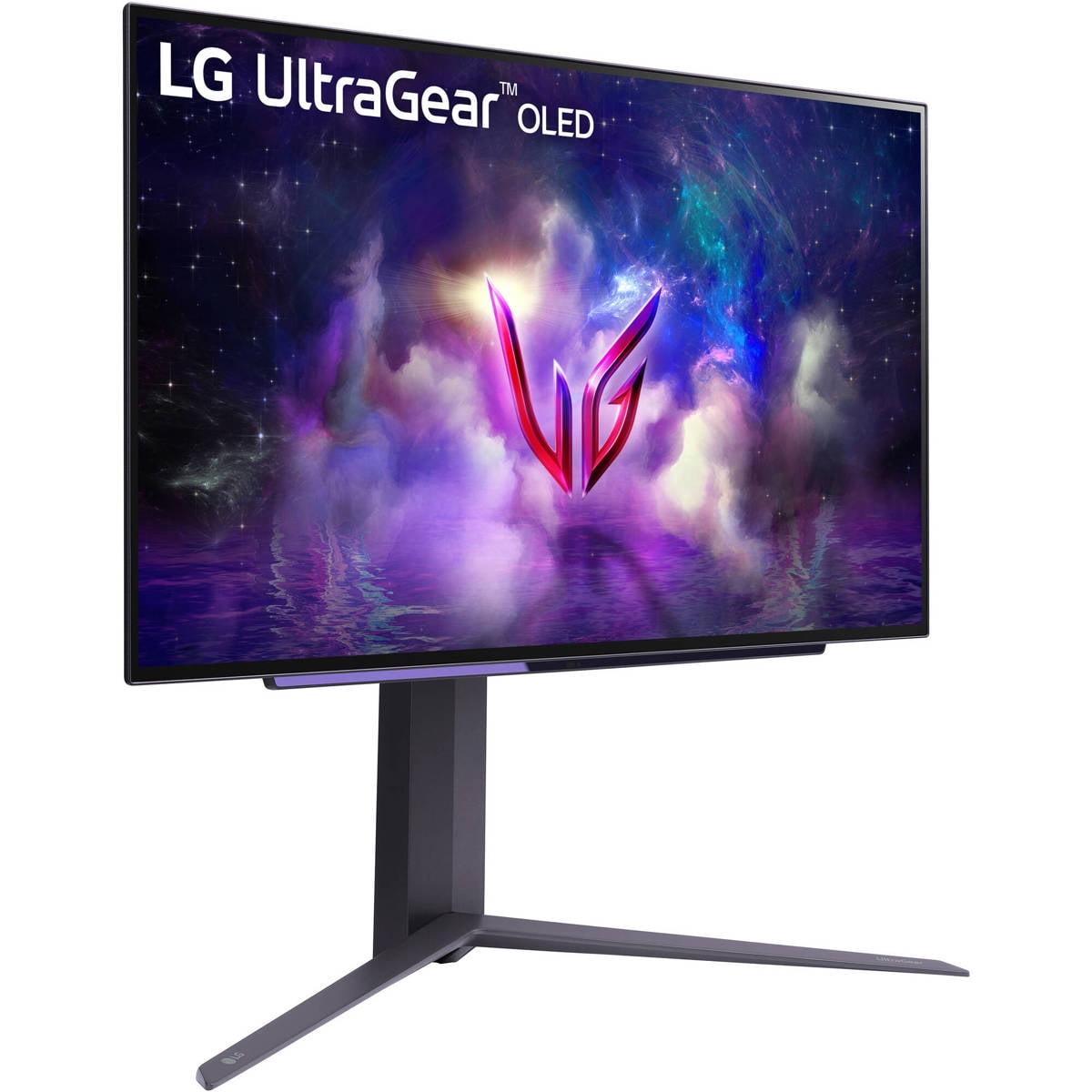
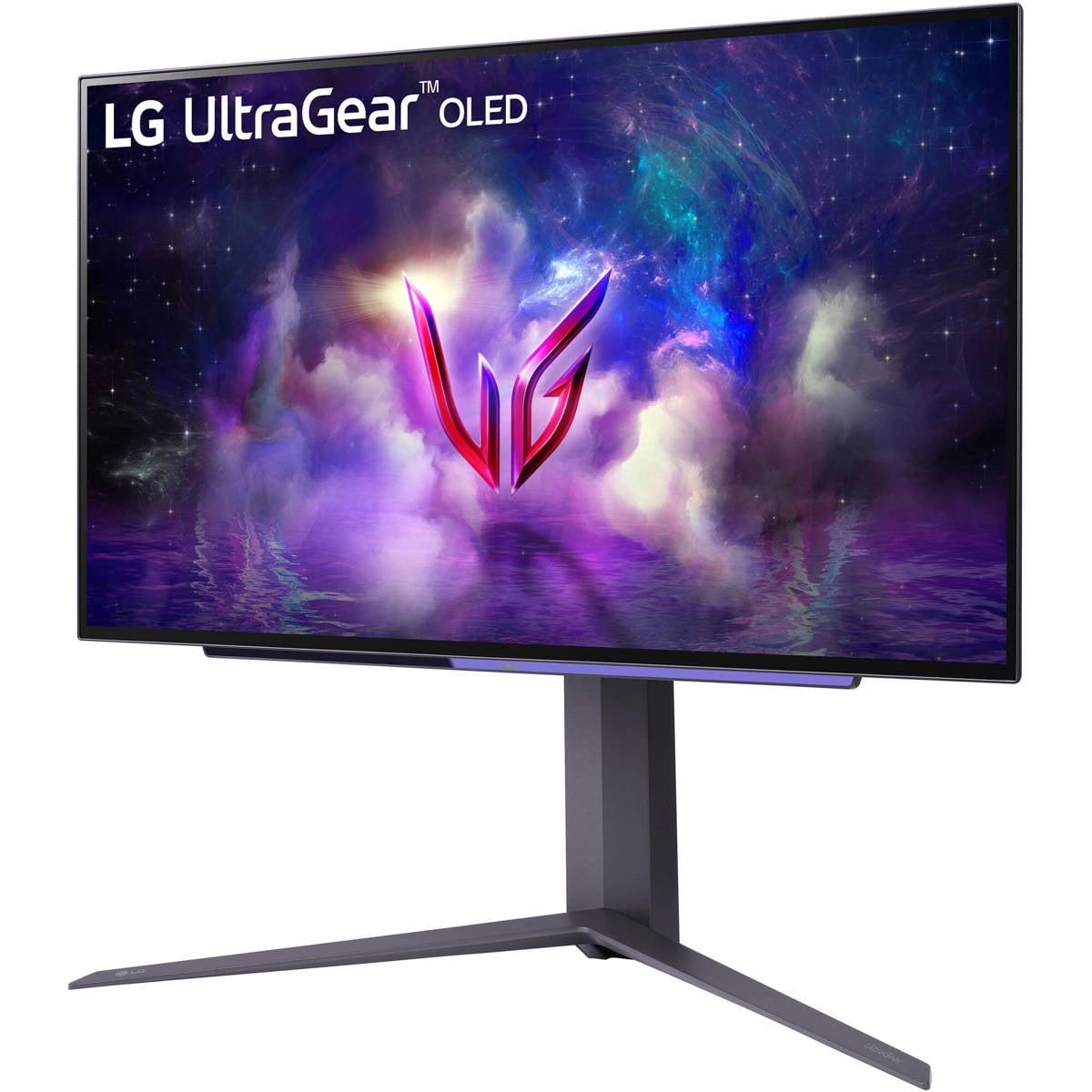
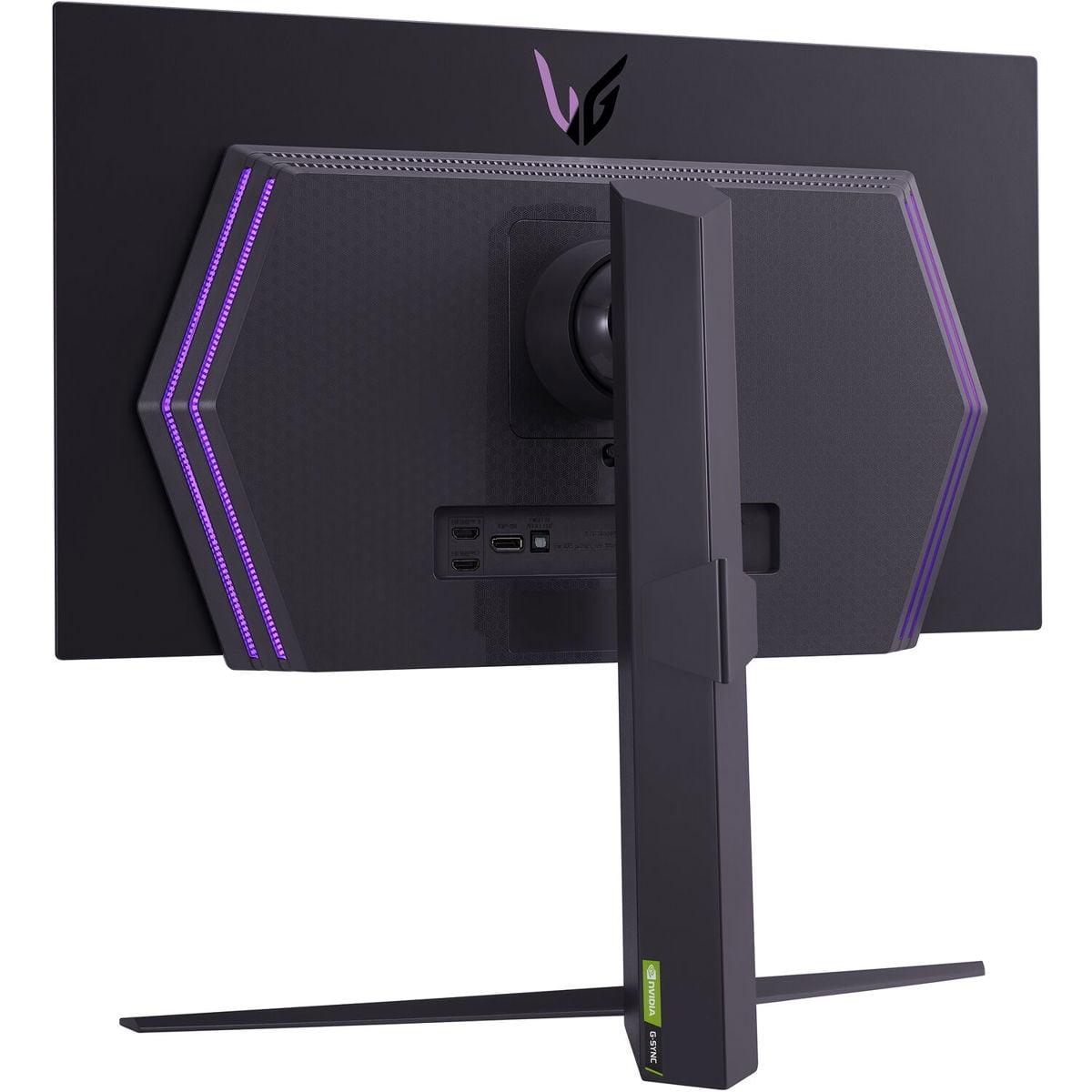
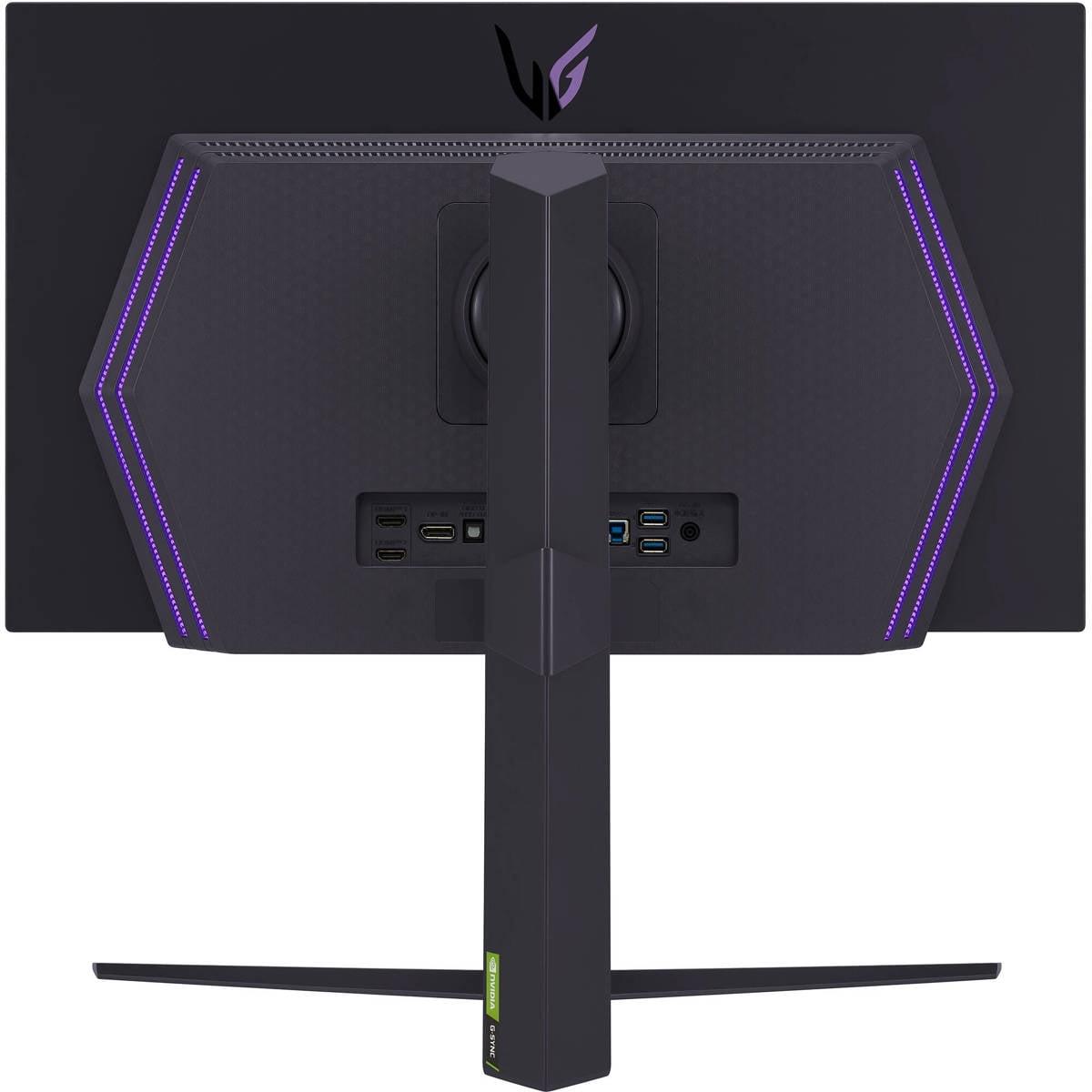
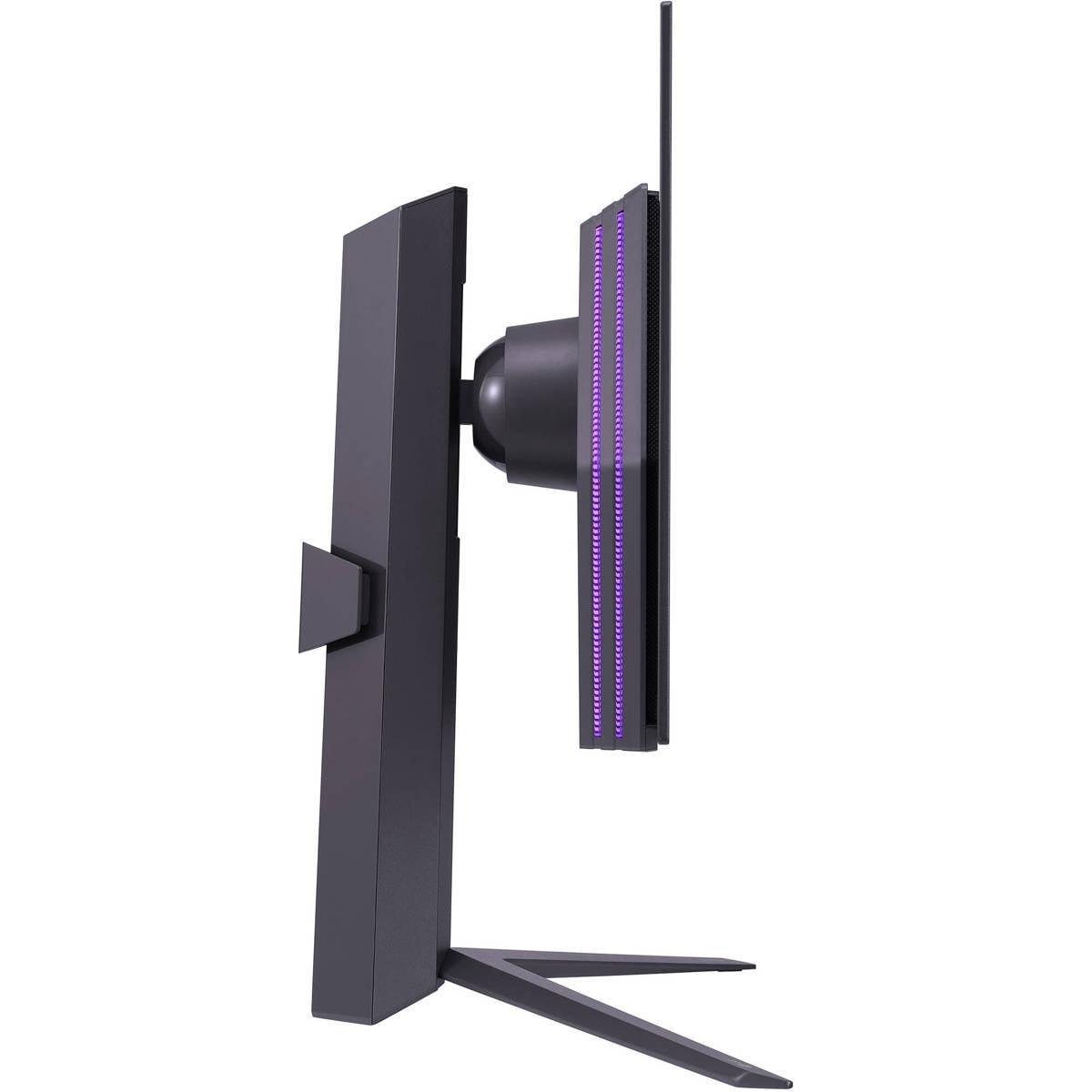

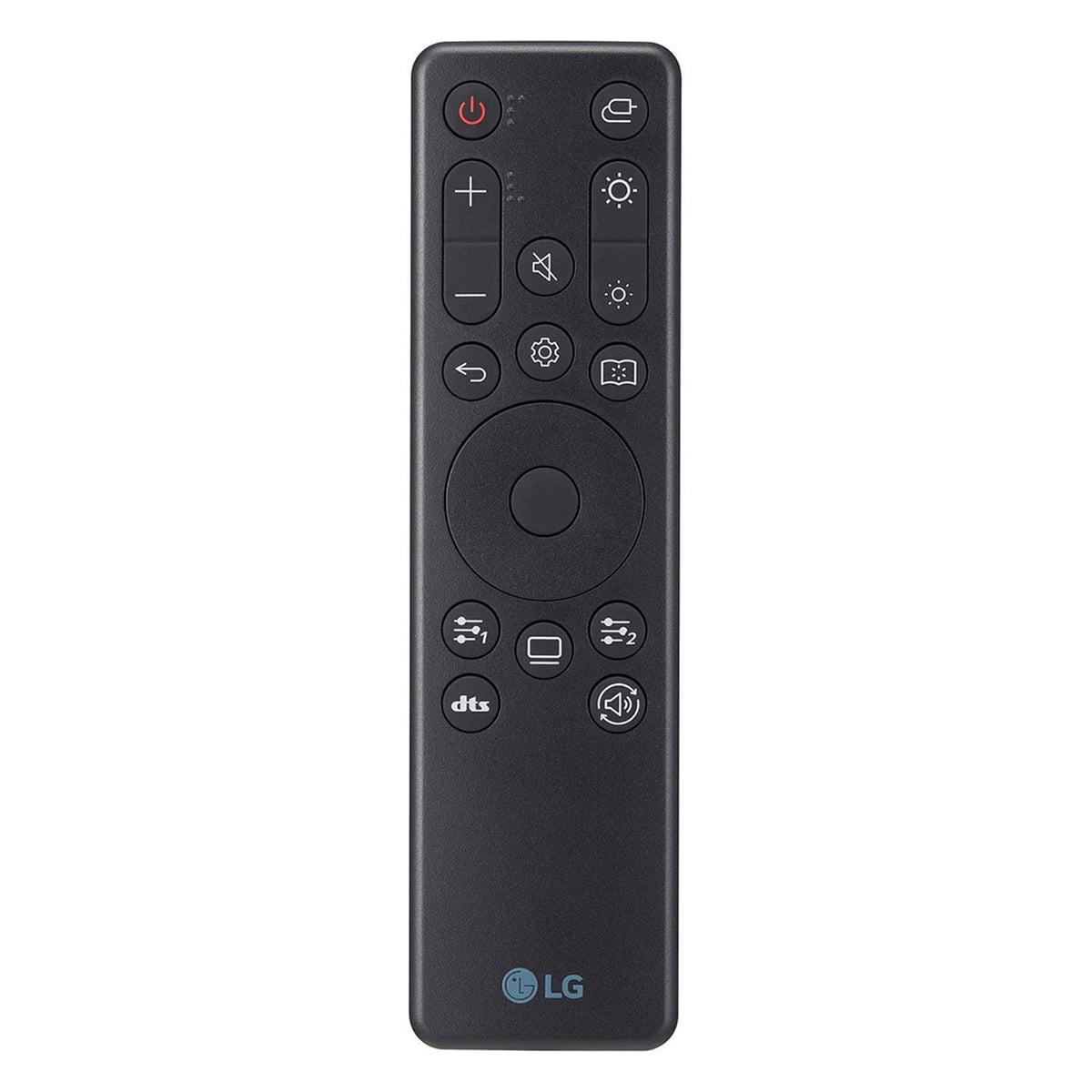
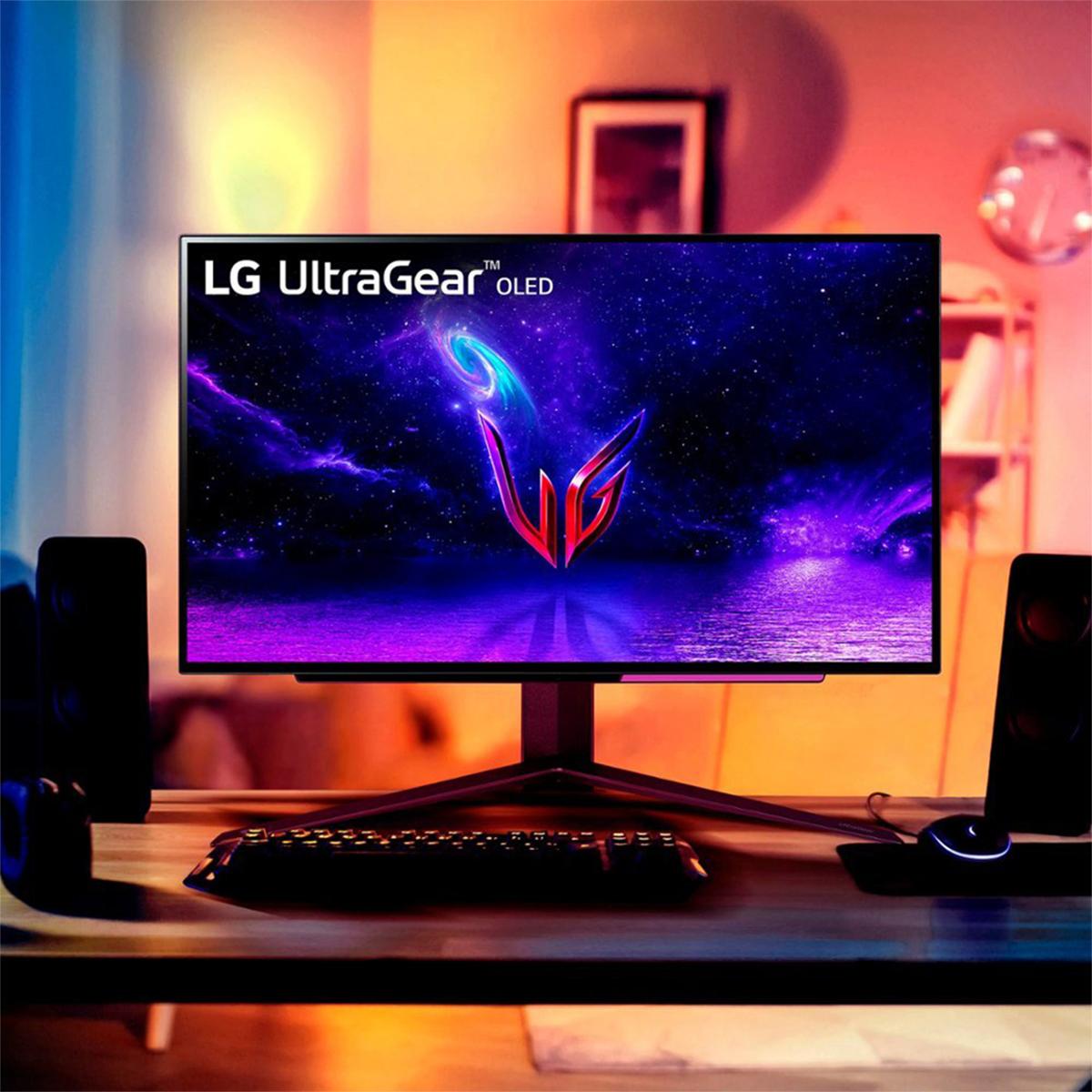

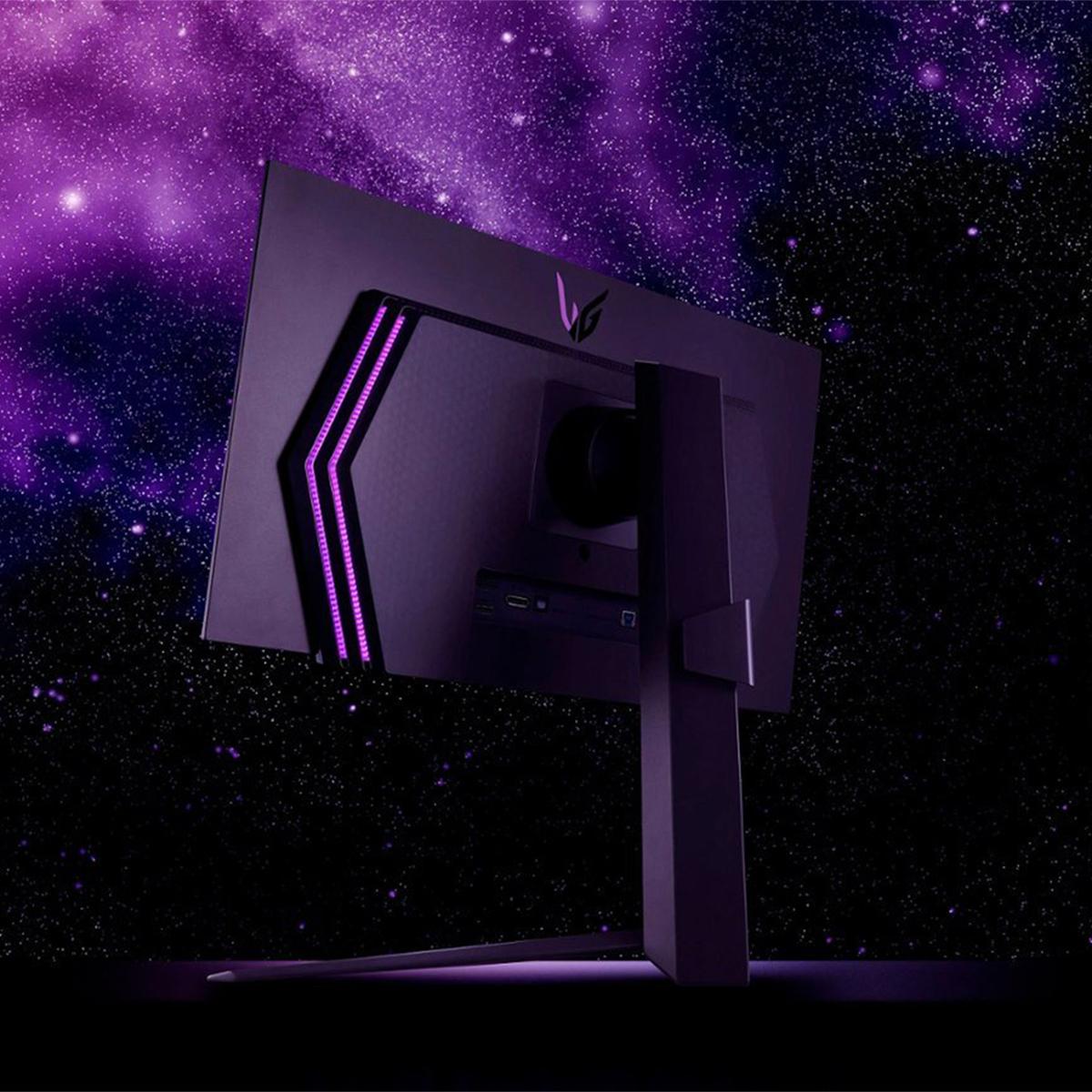
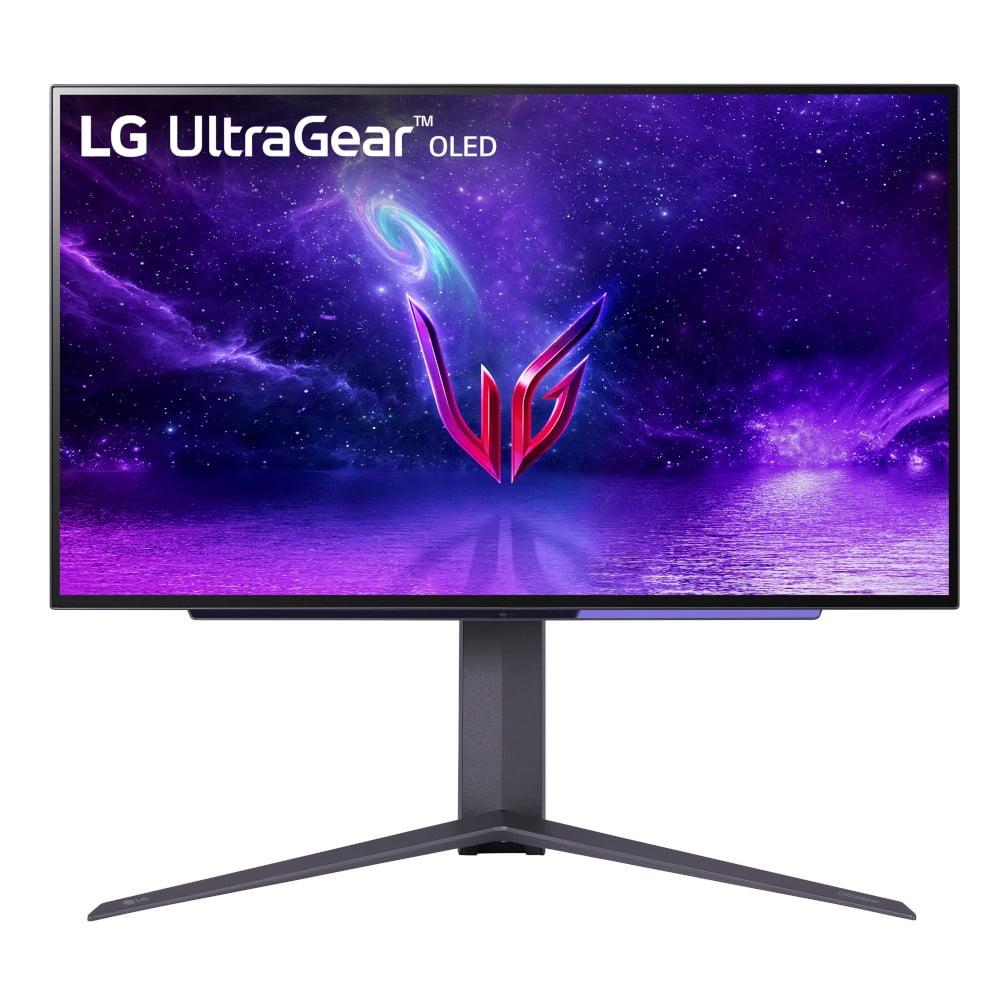
When you're shopping for a premium gaming monitor, the 27-inch OLED category represents the sweet spot where cutting-edge display technology meets competitive gaming performance. Two standout options dominate this space: the Samsung 27" Odyssey OLED G6 and the LG UltraGear 27" OLED. Both deliver the perfect blacks and instant response times that make OLED technology so compelling, but they take notably different approaches to achieve peak gaming performance.
Before diving into the specifics, it's worth understanding what makes these monitors special. OLED stands for Organic Light-Emitting Diode, which means each pixel produces its own light rather than relying on a backlight like traditional LCD monitors. This fundamental difference allows OLED panels to turn individual pixels completely off, creating true blacks and infinite contrast ratios—something that's impossible with conventional monitors.
In the gaming world, this translates to several key advantages. Dark scenes in games like Resident Evil or Dead Space display with incredible depth and detail. Bright explosions and HDR effects pop with stunning realism. Most importantly for competitive gaming, OLED panels can change from one color to another almost instantaneously, eliminating the ghosting and motion blur that can cost you crucial milliseconds in fast-paced games.
The main considerations when shopping in this category include refresh rate capabilities (how many times per second the screen updates), HDR performance (high dynamic range for better contrast and colors), gaming-specific features like adaptive sync technology, and of course, value for money. Both the Samsung Odyssey G6 and LG UltraGear excel in these areas, but their different strengths make them suitable for different types of gamers.
The most significant difference between these monitors lies in their refresh rate capabilities. The Samsung Odyssey G6, released in 2024, pushes the envelope with a massive 360Hz refresh rate, while the LG UltraGear from early 2024 maxes out at 240Hz. To understand why this matters, think of refresh rate as how many individual frames your monitor can display each second.
At 240Hz, the LG UltraGear updates every 4.17 milliseconds, which is already incredibly fast and smooth. The Samsung Odyssey G6, however, updates every 2.78 milliseconds at its maximum 360Hz. This 1.4-millisecond difference might seem tiny, but in competitive gaming where reaction times matter, it can provide a real advantage.
I've spent considerable time with high refresh rate monitors, and the jump from 144Hz to 240Hz is immediately noticeable when panning the camera in first-person shooters or tracking fast-moving objects. The leap from 240Hz to 360Hz is more subtle but still perceptible, especially if you're playing competitive titles like Counter-Strike 2, Valorant, or Overwatch 2 where every millisecond counts.
The catch is that you need a graphics card capable of pushing frame rates that high to see the benefit. With a mid-range GPU producing 150-200 FPS, both monitors will perform similarly. But if you're running a high-end graphics card like an RTX 4080 or 4090 that can hit 300+ FPS in competitive games, the Samsung's extra refresh rate headroom becomes valuable.
While both monitors use OLED technology, they implement it differently, leading to distinct visual characteristics. The Samsung Odyssey G6 uses QD-OLED (Quantum Dot OLED) technology, which combines traditional OLED's perfect blacks with quantum dot enhancement for improved color volume and brightness. The LG UltraGear uses a more traditional OLED approach but with excellent optimization for gaming scenarios.
In terms of raw HDR performance, the LG UltraGear actually takes the lead with peak brightness reaching up to 1,000 nits in HDR highlights, compared to the Samsung's 250-300 nits typical brightness. This higher peak brightness makes HDR content more impactful—think of the difference between a dim flashlight and a bright spotlight. When you're playing games like Cyberpunk 2077 or watching HDR movies, those bright sun reflections, explosions, and neon signs will appear more realistic and eye-catching on the LG.
However, the Samsung compensates with superior color accuracy, achieving 99% coverage of the DCI-P3 color space (the standard used for digital cinema) compared to the LG's 98.5%. The Samsung also includes Pantone validation, which means professional color accuracy for creators who might use the monitor for photo editing or content creation alongside gaming.
Both monitors deliver the signature OLED advantage of perfect black levels. In dark game scenes, you'll see detail in shadows that would be completely lost on LCD monitors. The contrast between the darkest darks and brightest brights creates an almost three-dimensional depth that makes games more immersive.
Both monitors share identical 0.03ms gray-to-gray response times on paper, but real-world performance reveals some differences. Response time measures how quickly a pixel can change from one shade of gray to another—the lower the number, the less ghosting and motion blur you'll see during fast movement.
The Samsung Odyssey G6 demonstrates better Variable Refresh Rate (VRR) performance, which is the technology that synchronizes your monitor's refresh rate with your graphics card's frame output. When your game is running at 165 FPS, for example, VRR ensures your monitor refreshes at exactly 165Hz rather than a fixed rate, eliminating screen tearing and stuttering.
VRR can sometimes cause flicker on OLED displays when frame rates fluctuate wildly, but Samsung's implementation includes VRR Control features that minimize this issue. The LG UltraGear handles VRR well too, supporting both AMD FreeSync Premium and NVIDIA G-SYNC Compatible standards, ensuring smooth gameplay regardless of your graphics card brand.
For console gaming, the LG UltraGear shows slight advantages. PlayStation 5 and Xbox Series X output at 120Hz maximum, so the Samsung's extra refresh rate capability goes unused. The LG's superior HDR brightness becomes more relevant here, as console games often emphasize cinematic visuals over competitive frame rates.
OLED technology's biggest concern is burn-in—permanent image retention that can occur when static elements stay on screen for extended periods. Both manufacturers address this differently, and their approaches reveal important philosophical differences.
The Samsung Odyssey G6 includes OLED Safeguard+ technology, featuring an innovative Dynamic Cooling System with a pulsating heat pipe—the first of its kind in a monitor. This system actively manages heat, which is a primary contributor to OLED degradation. Samsung also includes thermal modulation algorithms that automatically adjust brightness to prevent stress on the panel, plus detection systems for static logos and taskbars that could cause burn-in.
The LG UltraGear takes a more software-focused approach with OLED Care features, including pixel refreshing routines and various screensavers. While less exotic than Samsung's cooling system, LG's approach is proven and effective, building on years of OLED TV experience.
Text clarity represents another practical consideration. The Samsung's QD-OLED technology provides cleaner text rendering, making it more suitable if you plan to use the monitor for productivity work alongside gaming. The LG UltraGear, while excellent for gaming and media consumption, shows the typical OLED text fringing that some users find distracting during extended reading or coding sessions.
While both monitors are primarily designed for gaming, they perform admirably as home theater displays for smaller rooms or desktop entertainment setups. The LG UltraGear's higher HDR brightness and 1,500,000:1 contrast ratio make it particularly well-suited for movie watching. HDR movies like Blade Runner 2049 or Mad Max: Fury Road showcase dramatic lighting with the kind of depth and realism that made me reconsider whether I needed a separate home theater display.
The Samsung Odyssey G6 holds its own in this regard, though its lower peak brightness means HDR content won't have quite the same punch. However, its superior motion handling at high frame rates makes it excellent for high-frame-rate content and sports, where the 360Hz capability can display 120fps video content with exceptional smoothness.
Both monitors lack built-in speakers, so you'll need external audio solutions for home theater use. This is fairly standard in the premium monitor category, as built-in speakers rarely provide the quality that matches these displays' visual capabilities.
At the time of writing, the Samsung Odyssey G6 commands a significant premium over the LG UltraGear—roughly 50% more expensive. This price difference centers primarily on the 120Hz refresh rate advantage and newer panel technology.
From a pure performance-per-dollar perspective, the math is interesting. While the cost per Hz works out similarly on paper, the reality is that diminishing returns kick in beyond 240Hz for most users. If you're a competitive esports player with a high-end system, that extra 120Hz might justify the premium. For most gamers, including myself during extensive testing, the visual quality improvements from OLED technology provide far more impact than the refresh rate difference.
The LG UltraGear offers approximately 95% of the Samsung's gaming experience at a notably lower price point. This makes it an exceptional value proposition for anyone wanting premium OLED gaming without the absolute cutting-edge specifications.
The choice between these monitors ultimately depends on your gaming priorities and budget constraints. The Samsung Odyssey G6 represents the pinnacle of competitive gaming displays—if you're serious about esports, have a high-end graphics card, and want the latest technology regardless of cost, it's the clear choice. The comprehensive burn-in protection and longer warranty also provide peace of mind for the investment.
The LG UltraGear makes more sense for the broader gaming enthusiast market. Its superior HDR performance makes single-player games more immersive, while 240Hz is still plenty fast for competitive gaming. The lower price point makes it accessible to more gamers without sacrificing the fundamental OLED advantages that make these monitors special.
Consider the Samsung if you primarily play competitive multiplayer games, own cutting-edge hardware, or need the monitor for mixed gaming and professional work. Choose the LG if you enjoy a variety of game types, game on consoles, or want exceptional OLED quality without the premium price tag.
Both monitors represent the current state-of-the-art in OLED gaming displays. The Samsung Odyssey G6 pushes technological boundaries for those willing to pay for peak performance, while the LG UltraGear delivers outstanding value in the premium gaming monitor category. Either choice will transform your gaming experience with OLED's stunning visual quality—the question is whether those extra hertz are worth the additional investment for your particular gaming style.
| Samsung 27" Odyssey OLED G6 QHD 360Hz Gaming Monitor | LG UltraGear 27" OLED QHD 240Hz Gaming Monitor |
|---|---|
| Refresh Rate - Critical for competitive gaming smoothness and responsiveness | |
| 360Hz (cutting-edge performance for esports) | 240Hz (excellent for all gaming types) |
| Response Time - Eliminates ghosting and motion blur | |
| 0.03ms GtG (virtually instantaneous) | 0.03ms GtG (virtually instantaneous) |
| HDR Peak Brightness - Determines how impactful HDR content appears | |
| 250-300 nits typical (good for dark rooms) | 1,000 nits peak (excellent HDR punch) |
| Contrast Ratio - Creates depth and realism in dark scenes | |
| 1,000,000:1 (perfect OLED blacks) | 1,500,000:1 (perfect OLED blacks) |
| Color Gamut Coverage - Affects color accuracy and vibrancy | |
| 99% DCI-P3 with Pantone validation | 98.5% DCI-P3 with True Color Pro |
| Panel Technology - Different OLED implementations | |
| QD-OLED (quantum dot enhanced, better text clarity) | Traditional OLED (proven technology, excellent gaming optimization) |
| Burn-in Protection - Critical for OLED longevity | |
| OLED Safeguard+ with Dynamic Cooling System | OLED Care features with pixel refresh routines |
| Connectivity - Determines device compatibility | |
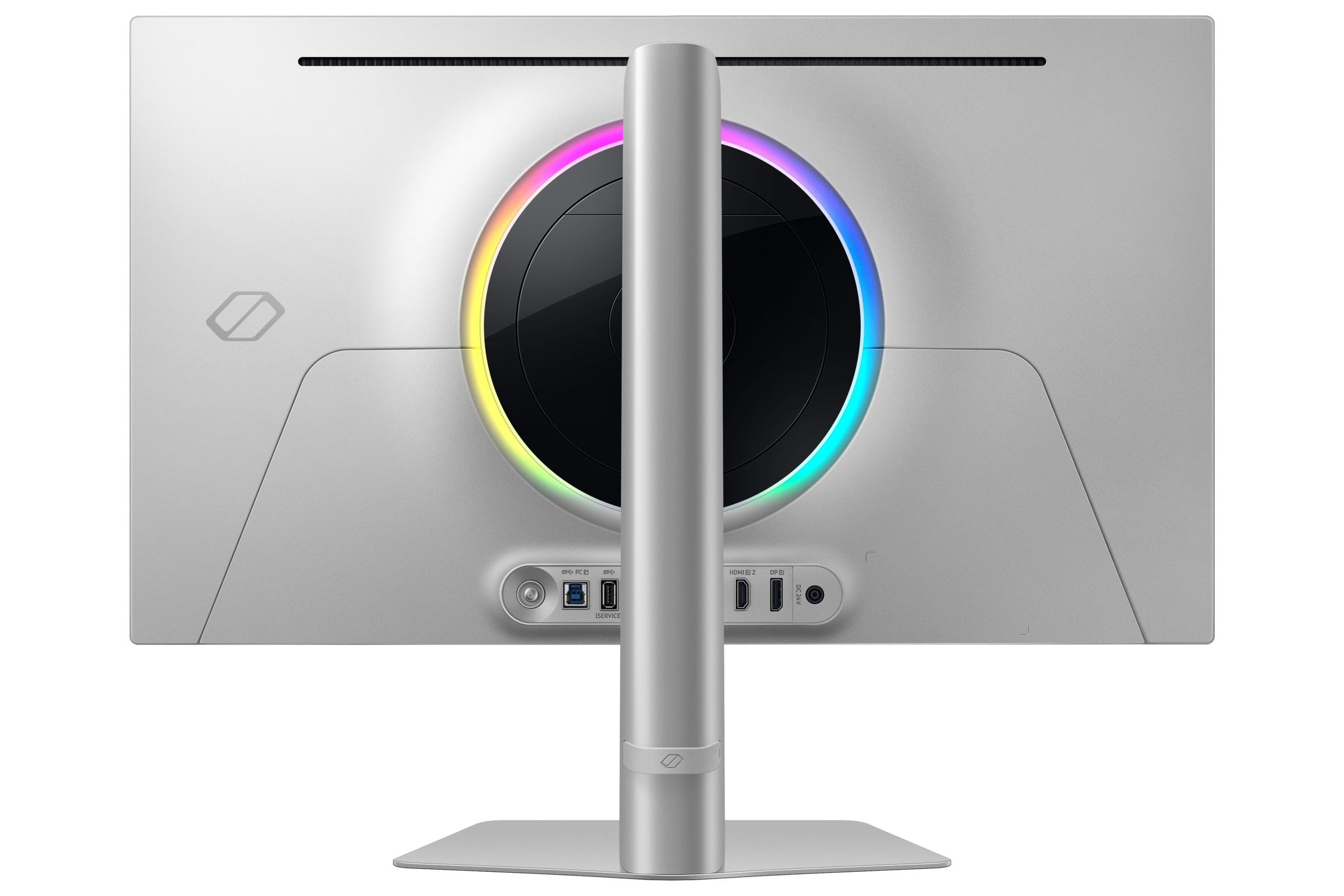
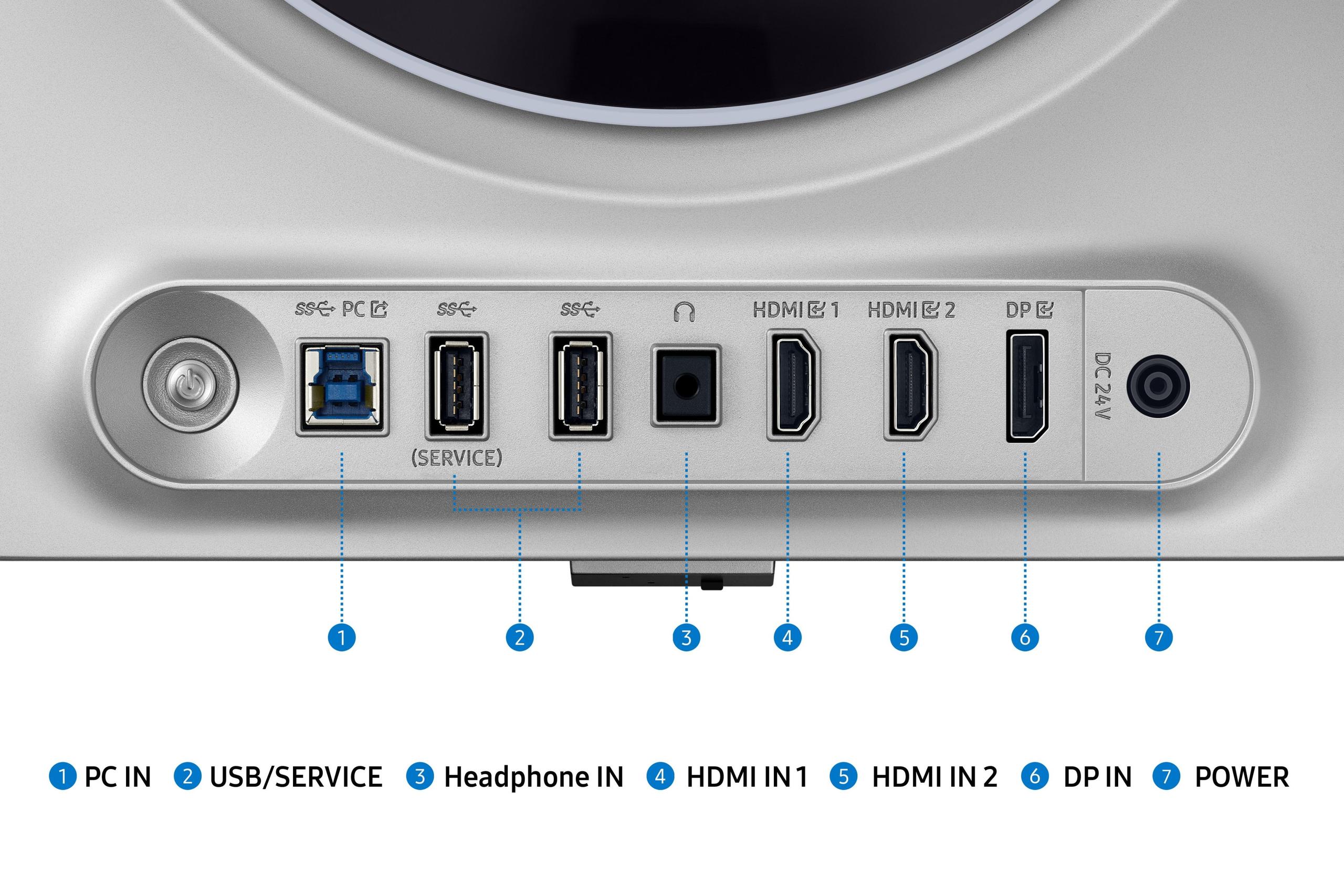
| 2x HDMI 2.1, 1x DisplayPort 1.4, USB 3.0 hub | 2x HDMI 2.1, 1x DisplayPort 1.4, USB 3.2 ports |
| Adaptive Sync - Eliminates screen tearing | |
| AMD FreeSync Premium Pro, NVIDIA G-SYNC Compatible | AMD FreeSync Premium, NVIDIA G-SYNC Compatible |
| Warranty Coverage - Protection for premium investment | |
| 3 years including burn-in coverage | 2 years limited warranty |
| Best Use Cases - Who each monitor serves best | |
| Competitive esports, high-end PC gaming, mixed productivity | Console gaming, single-player adventures, value-focused enthusiasts |
The Samsung 27" Odyssey OLED G6 offers superior competitive gaming performance with its 360Hz refresh rate, providing smoother motion and lower input lag compared to the LG UltraGear's 240Hz. However, both monitors feature identical 0.03ms response times, so the difference mainly benefits high-end PC gamers who can achieve 300+ FPS in competitive games.
The primary difference is refresh rate capability - the Samsung Odyssey G6 reaches 360Hz while the LG UltraGear maxes out at 240Hz. This 120Hz advantage makes the Samsung better for competitive esports gaming, while the LG offers better value for most gamers who won't fully utilize the extra refresh rate.
The LG UltraGear is generally better for console gaming due to its superior HDR performance with 1,000 nits peak brightness compared to the Samsung's 250-300 nits. Since PS5 and Xbox Series X cap at 120Hz, the Samsung's 360Hz advantage doesn't benefit console players.
Yes, both the Samsung Odyssey G6 and LG UltraGear support HDR10 gaming. However, the LG provides more impactful HDR with significantly higher peak brightness (1,000 nits vs 250-300 nits), making HDR games and movies appear more realistic with brighter highlights.
The LG UltraGear typically offers better value, providing excellent OLED gaming performance at a lower price point than the Samsung Odyssey G6. Unless you specifically need 360Hz for competitive esports, the LG delivers 95% of the Samsung's gaming experience for significantly less money.
The Samsung Odyssey G6 features more advanced burn-in protection with OLED Safeguard+ technology including a Dynamic Cooling System, while the LG UltraGear uses OLED Care features. Samsung also offers a longer 3-year warranty with burn-in coverage compared to LG's 2-year limited warranty.
The Samsung Odyssey G6 provides clearer text rendering due to its QD-OLED technology, making it more suitable for mixed gaming and productivity use. The LG UltraGear may show typical OLED text fringing that some users find distracting during extended reading or coding sessions.
Yes, both the Samsung Odyssey G6 and LG UltraGear support adaptive sync technologies for both NVIDIA and AMD graphics cards. The Samsung supports FreeSync Premium Pro and G-SYNC Compatible, while the LG supports FreeSync Premium and G-SYNC Compatible for tear-free gaming.
The LG UltraGear is generally better for movie watching due to its higher HDR peak brightness and superior contrast ratio (1,500,000:1 vs 1,000,000:1). The extra brightness makes HDR movies more impactful, though both monitors lack built-in speakers requiring external audio solutions.
For competitive esports gaming with high-end GPUs, the Samsung Odyssey G6's 360Hz provides an advantage. However, most gamers will find the LG UltraGear's 240Hz more than sufficient for smooth gameplay across all game types, including fast-paced shooters and racing games.
Yes, both the Samsung Odyssey G6 and LG UltraGear feature identical 27-inch screens with QHD resolution (2560 x 1440). This size and resolution combination provides excellent pixel density for sharp gaming visuals while being manageable for most desk setups.
Competitive esports players should consider the Samsung Odyssey G6 for its 360Hz refresh rate advantage, especially if they have high-end graphics cards capable of 300+ FPS. However, the LG UltraGear still offers excellent competitive performance at 240Hz for most players at a more accessible price point.
We've done our best to create useful and informative comparisons to help you decide what product to buy. Our research uses advanced automated methods to create this comparison and perfection is not possible - please contact us for corrections or questions. These are the sites we've researched in the creation of this article: bestbuy.com - gamesradar.com - gamesradar.com - versus.com - youtube.com - versus.com - player2.net.au - youtube.com - rtings.com - youtube.com - samsung.com - files.bbystatic.com - techpowerup.com - samsung.com - bestbuy.com - samsung.com - bhphotovideo.com - bestbuy.com - youtube.com - de.shi.com - pangoly.com - bestbuy.com - bestbuy.com - youtube.com - rtings.com - youtube.com - youtube.com - lg.com - bhphotovideo.com - bestbuy.com - forum.beyond3d.com - youtube.com - lg.com - lg.com - lg.com - techpowerup.com - newegg.com - bestbuy.com - pcmonitors.info - lg.com - lg.com

Privacy Policy
Terms and Conditions - Affiliate Policy
Home Security
© Copyright 2008-2026.
11816 Inwood Rd #1211, Dallas, TX 75244