

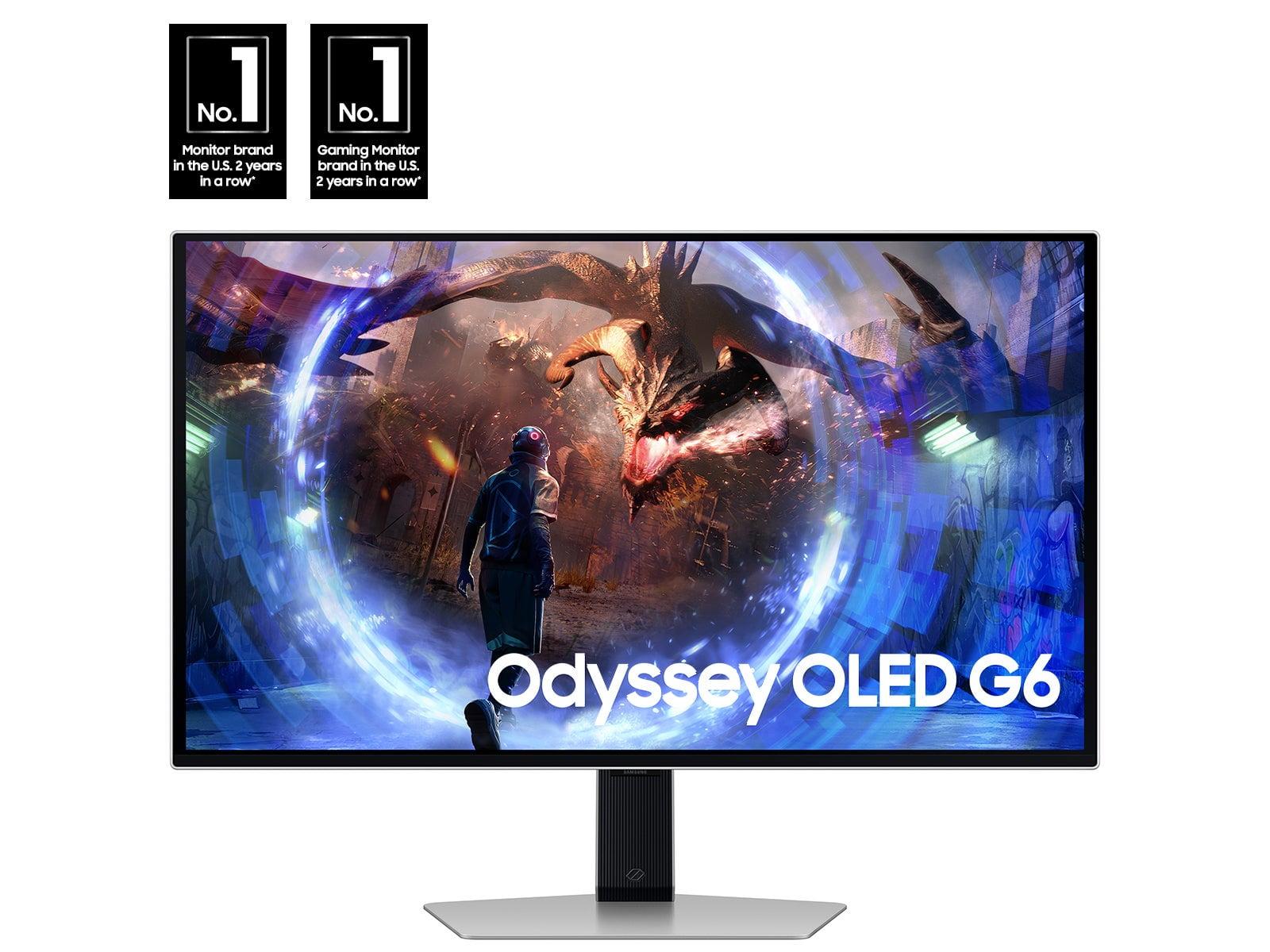

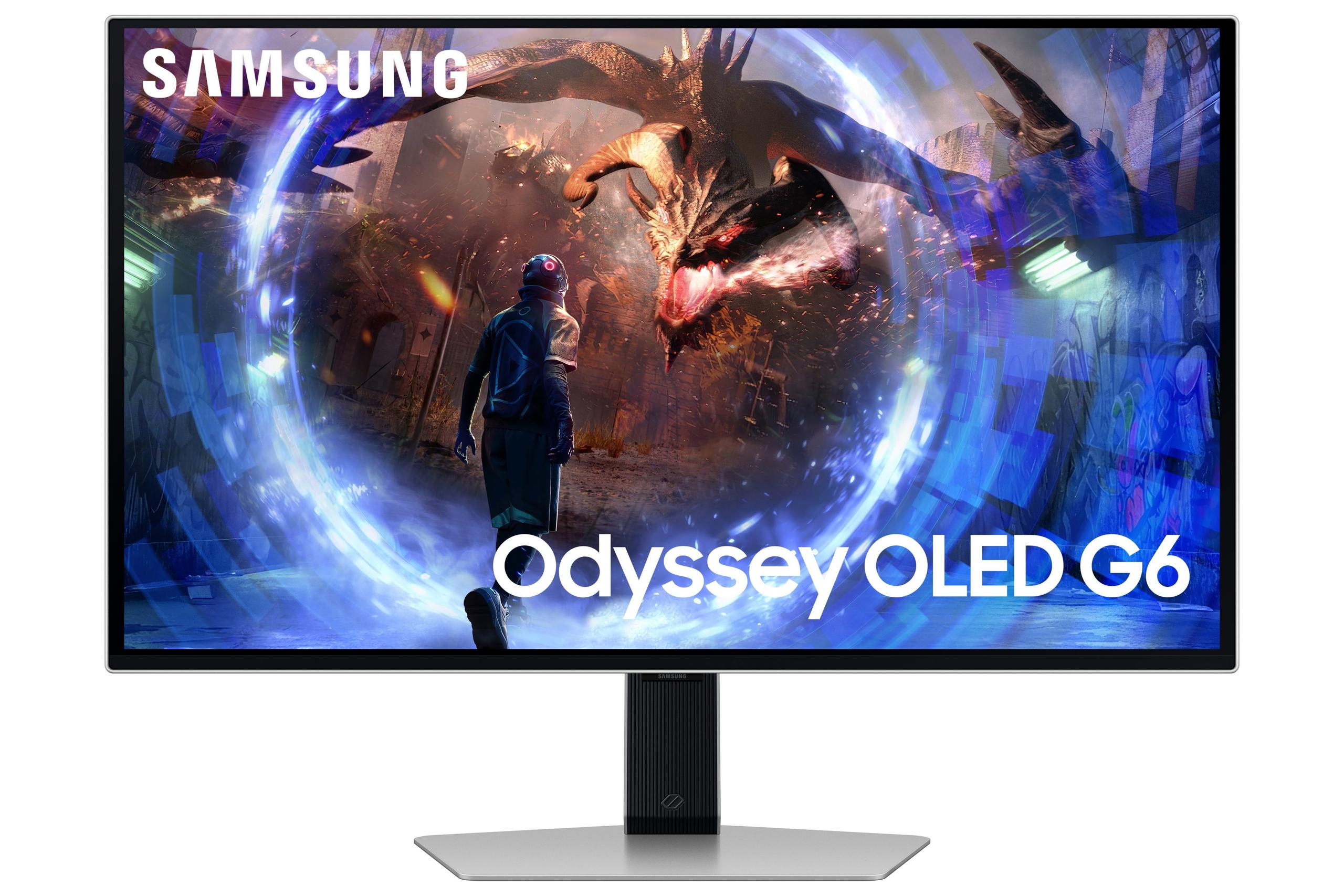
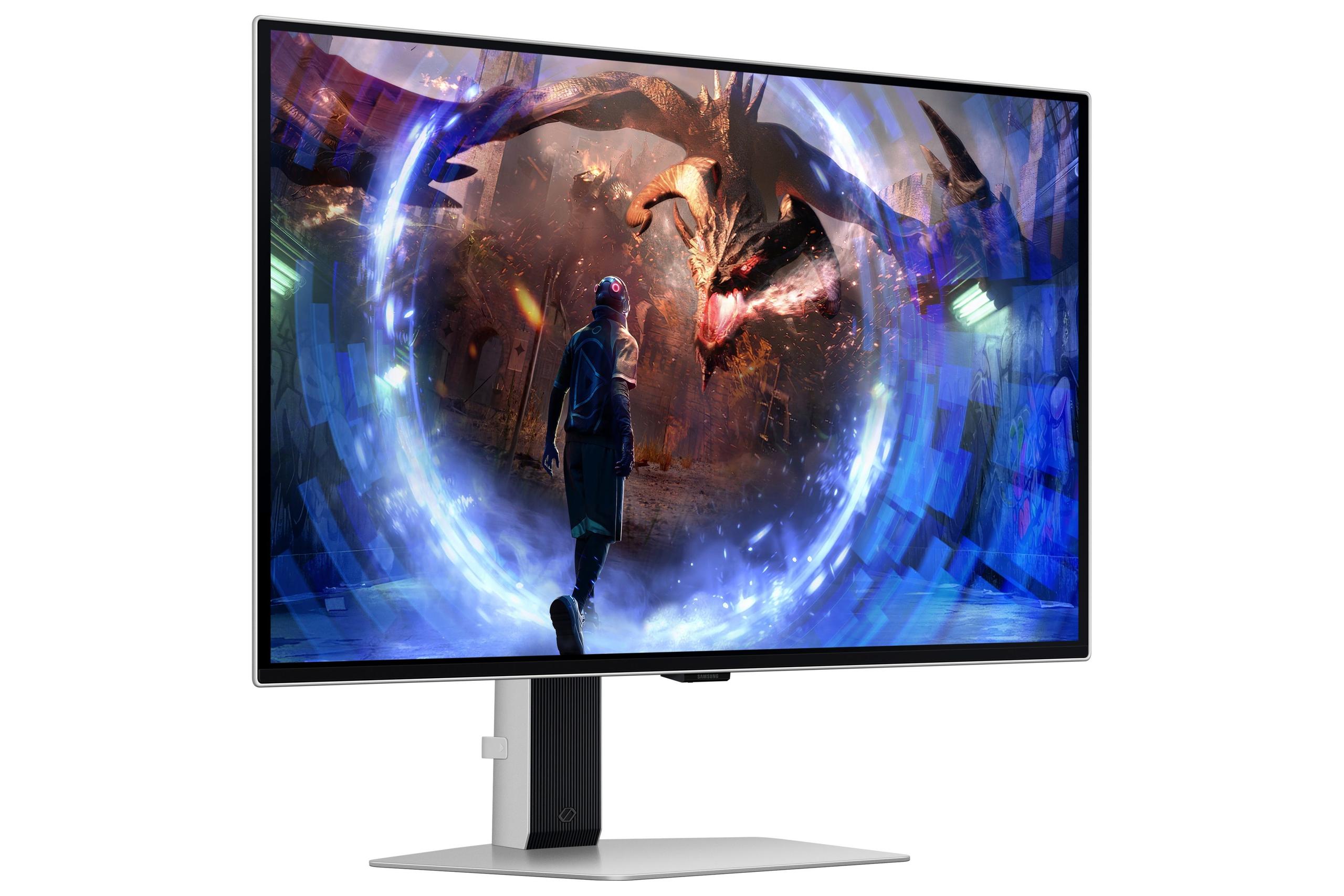
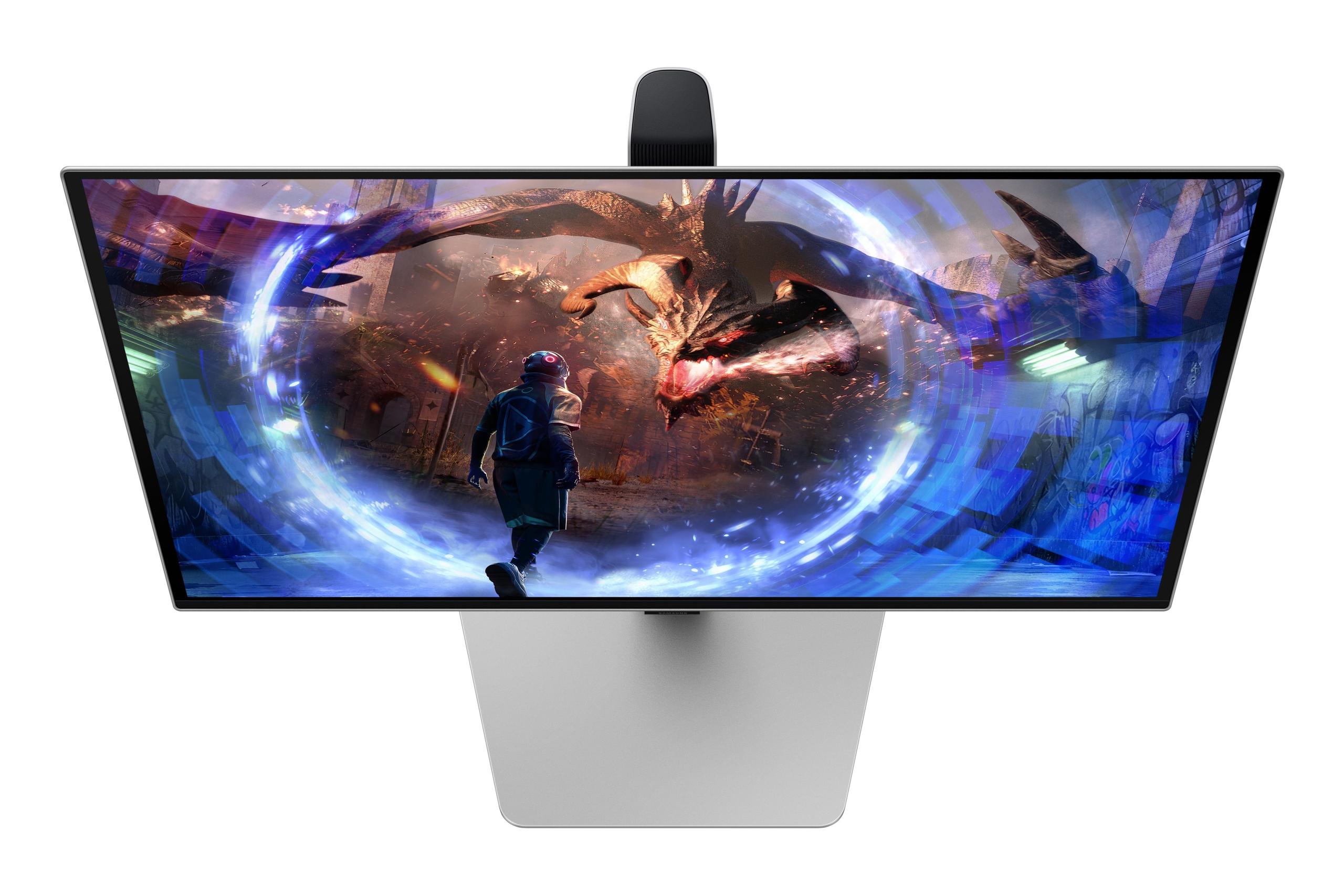
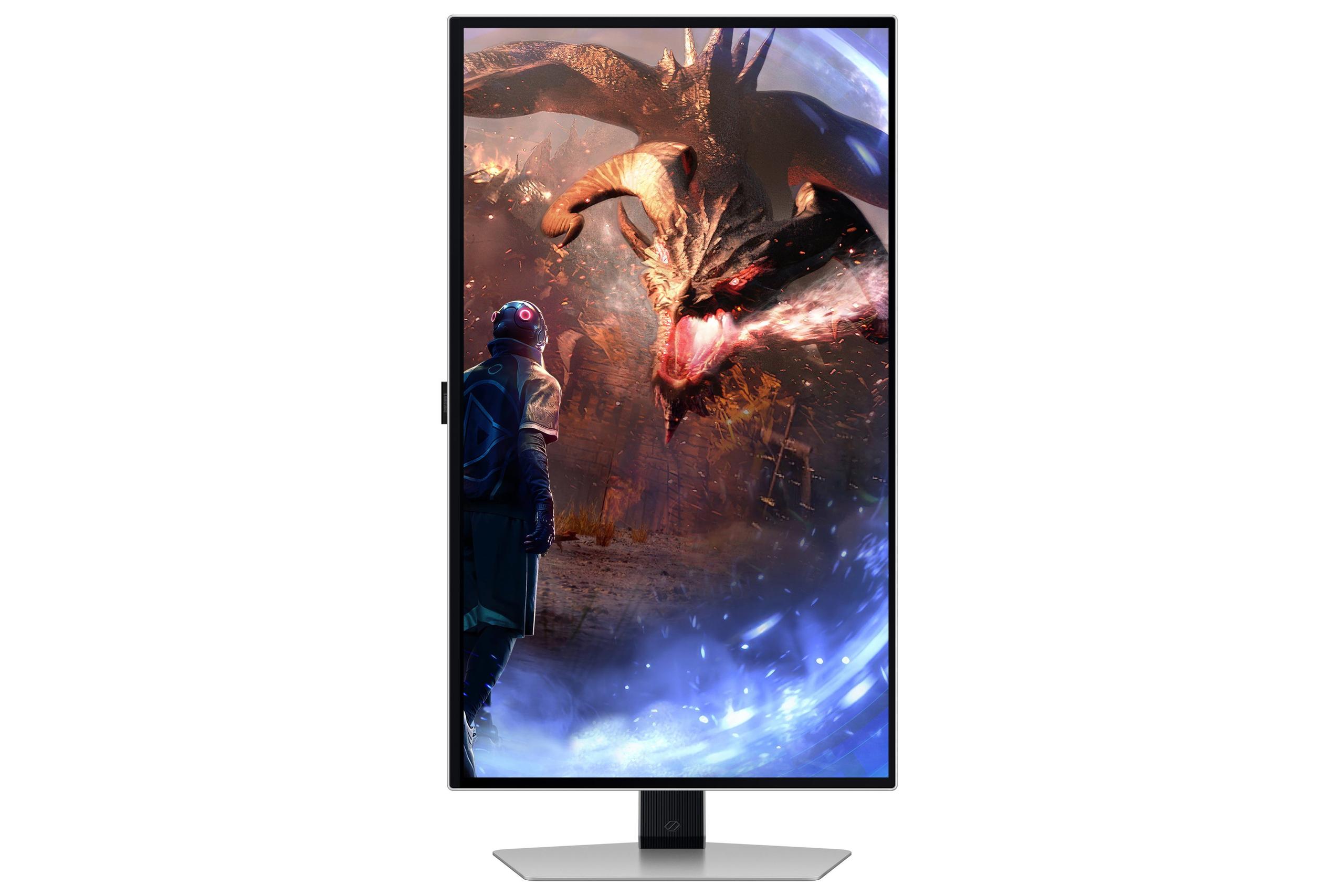

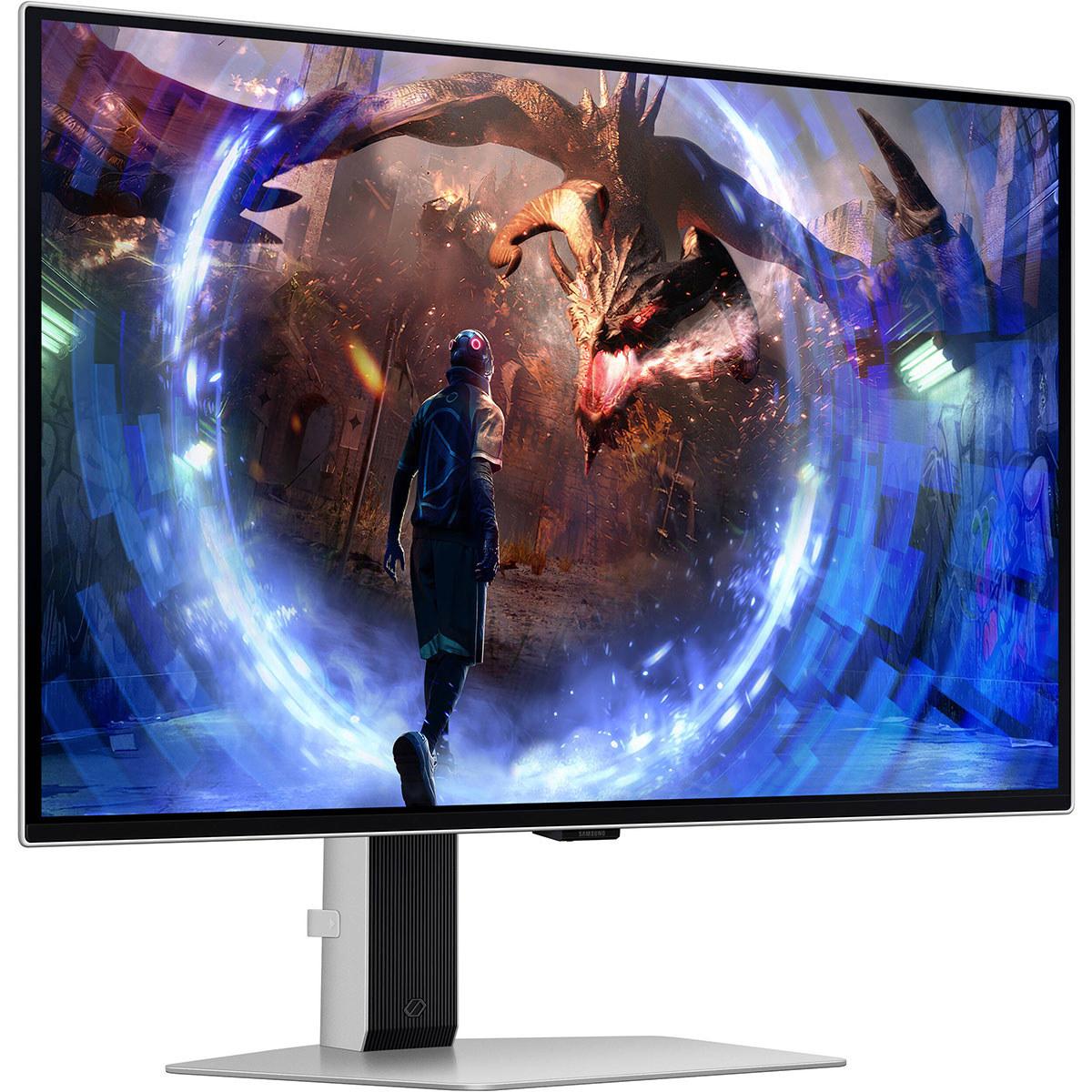







Shopping for a premium gaming monitor in 2024? You're facing some incredible options that would have seemed like science fiction just a few years ago. The Samsung 27" Odyssey OLED G6 and LG UltraGear 27" 4K 240Hz Dual Mode Gaming Monitor represent two different philosophies in high-end display technology, each pushing the boundaries of what's possible in their own unique ways.
At the time of writing, both monitors occupy similar premium price points, making this comparison particularly relevant for anyone looking to invest in cutting-edge display technology. The question isn't really which one is "better" – it's which approach better matches what you actually do with your monitor.
Before diving into the specifics, let's talk about what makes these monitors special. We're dealing with two different approaches to solving the same core challenge: delivering the best possible gaming experience on a 27-inch screen.
Gaming monitors have evolved dramatically since the early days of heavy CRT displays. Today's premium models balance several competing demands: resolution (how sharp the image looks), refresh rate (how smooth motion appears), response time (how quickly pixels can change colors), and color quality (how vivid and accurate colors appear).
The fundamental trade-off has traditionally been between resolution and refresh rate. Higher resolutions require more processing power from your graphics card, which can limit how many frames per second you can achieve. Similarly, driving higher refresh rates often means making compromises elsewhere. What makes both the Samsung G6 and LG UltraGear remarkable is how they push these traditional boundaries.
Panel technology plays a huge role here too. OLED (Organic Light-Emitting Diode) displays can turn individual pixels completely off, creating perfect blacks and incredible contrast ratios. Traditional LCD panels use backlights that shine through liquid crystal layers, which means they can't achieve true black – there's always some light leaking through.
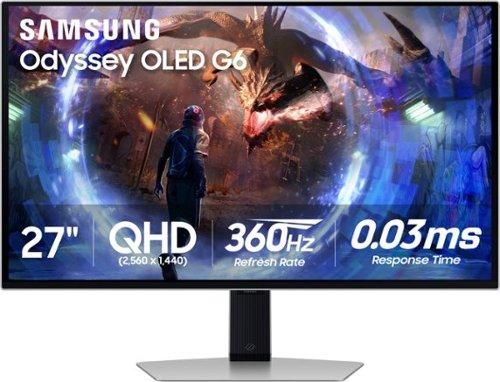
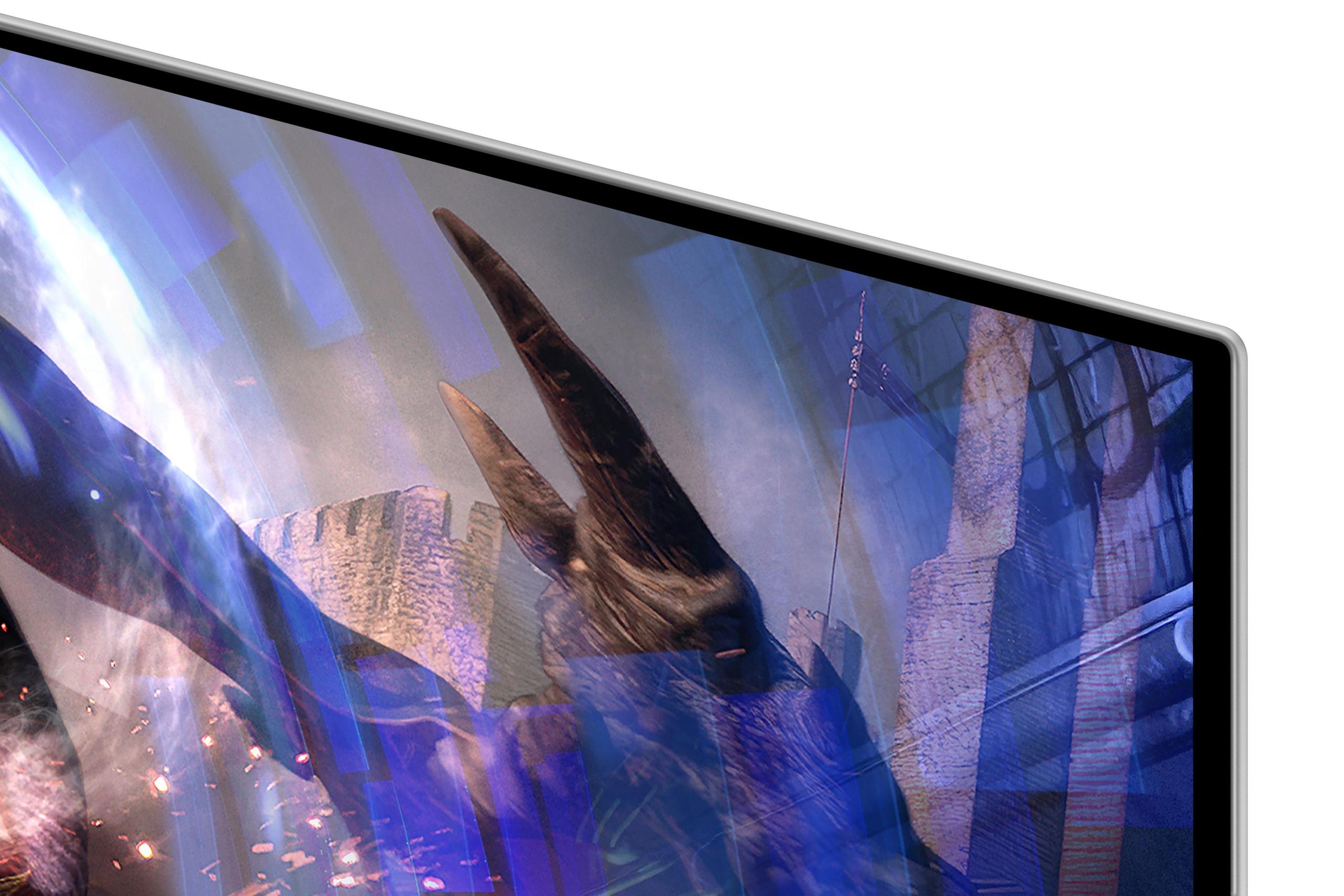
The Samsung Odyssey OLED G6, released in 2024, takes a "refresh rate first" approach. It uses QD-OLED (Quantum Dot OLED) technology, which combines the perfect blacks of OLED with quantum dots that enhance color brightness and vibrancy. Think of quantum dots as tiny particles that glow specific colors when hit with light – they help create more saturated and accurate colors than traditional OLED panels.
At 2560×1440 resolution (QHD), the Samsung G6 delivers 1.77 times more pixels than standard 1080p, providing crisp detail without the massive graphics card demands of 4K gaming. But the real star is that 360Hz refresh rate – meaning the screen can display 360 unique frames every second. For context, most people can barely perceive differences above 240Hz, but in competitive gaming, every millisecond matters.
The QD-OLED panel achieves a 0.03ms response time, which is essentially instantaneous. When a pixel needs to change from one color to another, it happens faster than you can blink. This eliminates ghosting (when fast-moving objects leave trails) and ensures that what you see matches what's happening in the game with minimal delay.
Samsung has also addressed one of OLED's biggest concerns: burn-in. This happens when static images (like UI elements or taskbars) get "burned" into the screen permanently. The G6 includes OLED Safeguard+ technology with a Dynamic Cooling System that uses a pulsating heat pipe – essentially a tiny cooling system inside the monitor that helps prevent the damage caused by heat buildup.
The LG UltraGear 27" 4K, also released in 2024, takes the opposite approach: maximum visual clarity first, with impressive speed as a bonus. Its 3840×2160 4K resolution delivers 2.25 times more pixels than the Samsung's QHD display, resulting in incredibly sharp images that make text crystal clear and game details pop.
But here's where it gets interesting – this isn't just a 4K monitor. The LG UltraGear features something called Dual Mode, which lets you switch between 4K at 240Hz and 1080p at 480Hz. That 480Hz mode is faster than anything the Samsung G6 offers, creating an incredibly responsive feel for competitive gaming.
The monitor uses Nano IPS Black technology, which is LG's answer to OLED's superior contrast. Traditional IPS panels suffer from "IPS glow" – a whitish haze that appears in dark corners of the screen. Nano IPS Black significantly reduces this issue while maintaining the wide viewing angles and color accuracy that IPS panels are known for. It achieves a 2000:1 contrast ratio, which is impressive for an LCD panel, though still far below OLED's infinite contrast.
The 1ms response time is slightly slower than the Samsung's 0.03ms, but in practical terms, both are fast enough that you won't notice ghosting or trailing in games.
For competitive gaming – think Counter-Strike 2, Valorant, or Overwatch 2 – every advantage counts. Professional esports players often prefer higher refresh rates over higher resolutions because smoother motion can mean the difference between spotting an enemy first or missing a crucial shot.
The Samsung G6's 360Hz refresh rate provides the smoothest possible motion at QHD resolution. When you're tracking enemies across the screen or making quick flick shots, that extra smoothness can provide a real advantage. I've found that the jump from 240Hz to 360Hz is subtle but noticeable in fast-paced games – movements feel more fluid, and there's less perceived lag between mouse movements and on-screen action.
The LG UltraGear's Dual Mode capability is fascinating here. At 1080p/480Hz, it's actually faster than the Samsung, delivering incredibly responsive gameplay. However, you're sacrificing visual quality for that speed. The 4K/240Hz mode provides excellent competitive gaming performance while maintaining sharp visuals.
Both monitors support variable refresh rate technologies (G-Sync and FreeSync), which synchronize the monitor's refresh rate with your graphics card's frame rate. This eliminates screen tearing – that annoying visual artifact where the top and bottom halves of the screen show different frames simultaneously.
For games like Cyberpunk 2077, The Witcher 3, or Red Dead Redemption 2, visual quality often trumps raw speed. These games are designed to showcase cutting-edge graphics, detailed textures, and cinematic experiences.
The LG UltraGear's 4K resolution really shines here. Text in games is razor-sharp, distant objects maintain detail, and the overall image quality is simply superior. When you're exploring vast open worlds or appreciating detailed character models, those extra pixels make a meaningful difference.
However, the Samsung G6's OLED technology has its own advantages. The perfect black levels create incredible contrast in dark scenes – think exploring caves in Skyrim or sneaking through shadows in stealth games. Colors appear more vibrant, and HDR (High Dynamic Range) content looks more realistic. The infinite contrast ratio means that bright explosions against dark skies look exactly as they should, without the gray haze that LCD panels can introduce.
Both monitors work well with PlayStation 5 and Xbox Series X, but there are important differences. The LG UltraGear is better suited for console gaming because it can display native 4K content from these systems. Consoles output 4K resolution in many games, so you're seeing the image exactly as intended.
The Samsung G6's QHD resolution means consoles need to downscale their 4K output, which can result in slightly less sharp images. However, the OLED's superior contrast and color performance can make games look more vibrant and immersive even at the lower resolution.
The technology difference between these monitors goes deeper than just marketing terms. OLED displays create light at the pixel level – each tiny dot on the screen can produce its own light and turn completely off when displaying black. This creates what's called an infinite contrast ratio because the difference between the brightest white and darkest black is essentially unlimited.
IPS (In-Plane Switching) panels like the one in the LG UltraGear use a backlight that shines through liquid crystal layers. Even when pixels are "black," some light still comes through, creating a gray rather than true black. The Nano IPS Black technology improves this significantly, but it can't match OLED's perfect blacks.
However, IPS panels have their own advantages. They typically get brighter than OLED panels, which is helpful in well-lit rooms. The LG UltraGear can reach 670 nits peak brightness compared to the Samsung G6's more modest brightness levels. This makes LCD panels better for daytime use or rooms with lots of ambient light.
One concern that comes up frequently with OLED displays is burn-in – permanent image retention that can occur when static elements remain on screen for extended periods. The Samsung G6 addresses this with several technologies: a Dynamic Cooling System that actively manages heat, algorithms that detect static content and adjust brightness accordingly, and automatic screensavers.
In my experience, burn-in is less of an issue than it used to be, especially with these newer protection systems. However, it's still something to consider if you plan to use the monitor for extensive productivity work with static taskbars, browser tabs, or desktop icons.
The LG UltraGear doesn't have burn-in concerns, making it more suitable for mixed use scenarios where you might have static content on screen for hours at a time.
Both monitors support HDR (High Dynamic Range), which expands the range of colors and brightness levels that can be displayed. However, they implement HDR differently.
The Samsung G6's OLED technology provides superior HDR performance in dark scenes because it can display true blacks alongside bright highlights. When you see a sunset in a game, the bright sun and dark shadows can coexist on screen with realistic contrast.
The LG UltraGear supports VESA DisplayHDR 600, which means it can display HDR content with peak brightness up to 600 nits in small areas. It uses edge-lit local dimming – the backlight can be dimmed in specific zones to improve contrast, though not as precisely as OLED's per-pixel control.
For color accuracy, the LG UltraGear offers hardware calibration capability, which is valuable for content creators who need precise color representation. The monitor can be calibrated using professional tools to ensure colors match industry standards.
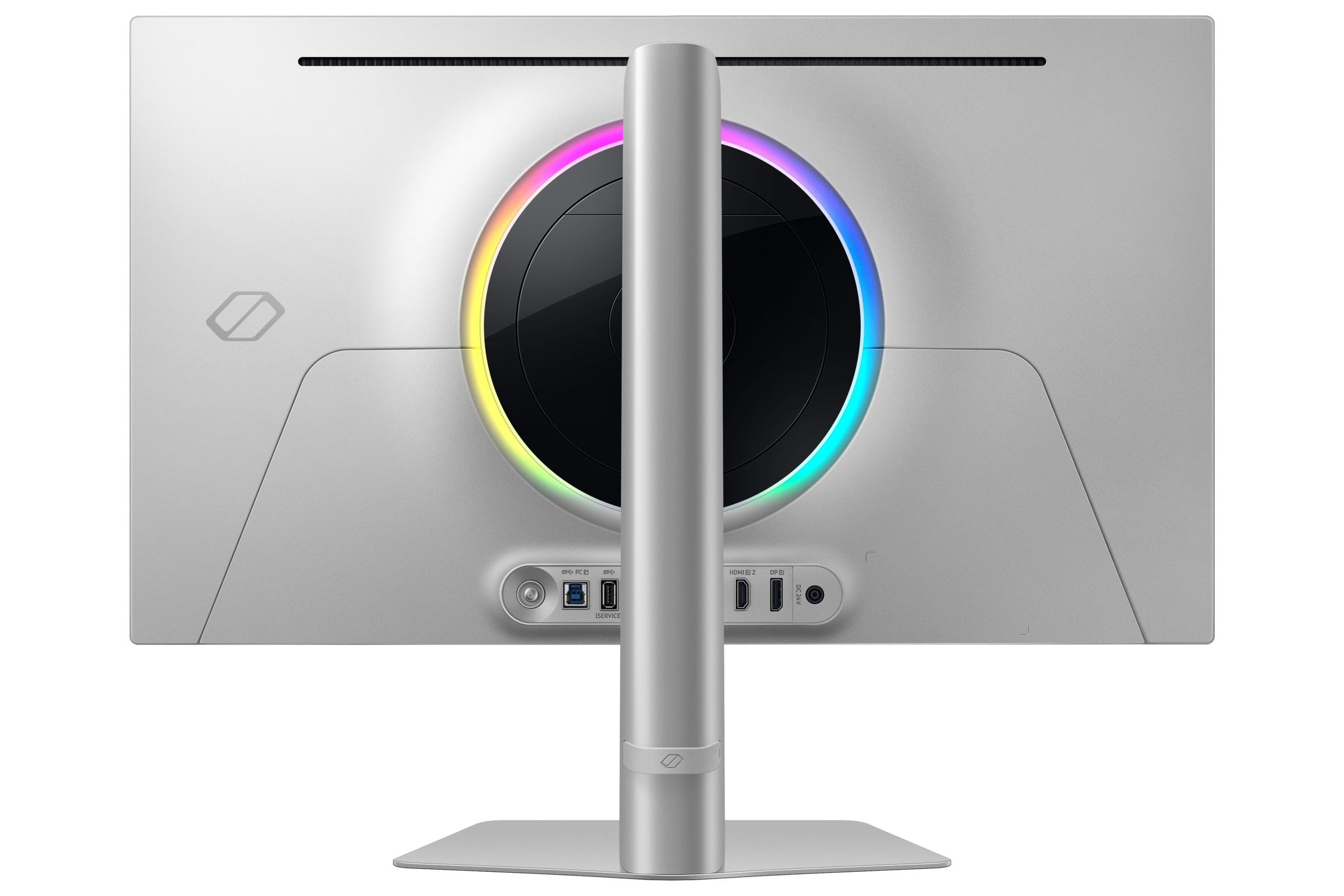
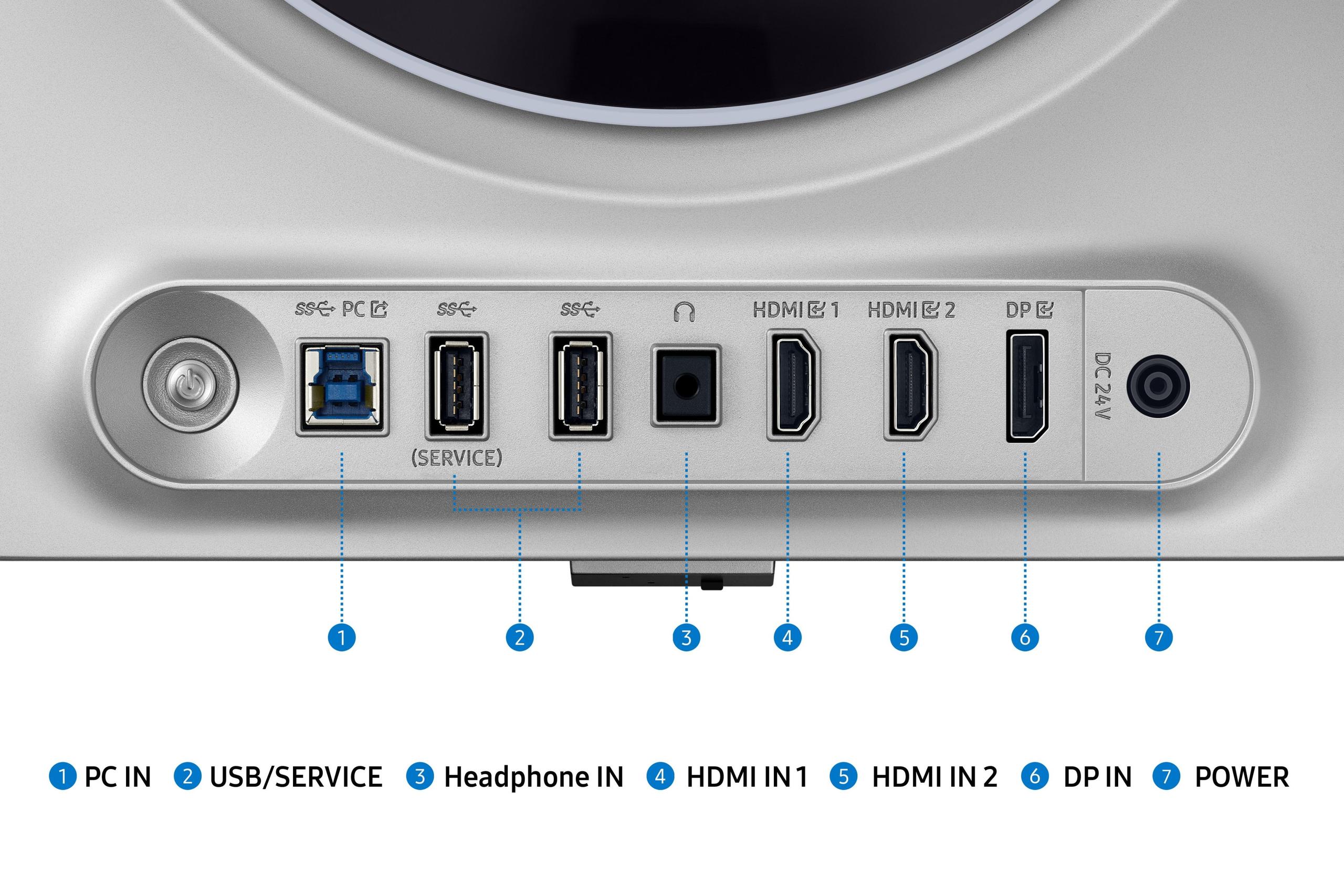
Both monitors include modern connectivity options, but with slight differences. The LG UltraGear features DisplayPort 2.1, which has higher bandwidth capacity for future graphics cards and higher resolution/refresh rate combinations. It also includes dual HDMI 2.1 ports for console gaming.
The Samsung G6 includes DisplayPort 1.4 and dual HDMI 2.1 ports, which is sufficient for its current specifications but may be more limiting for future upgrades.
If you're considering using either monitor as part of a home theater setup, there are several factors to consider. The Samsung G6's OLED technology provides cinematic black levels that make movies look fantastic in dark rooms. The wide color gamut and HDR support create an immersive viewing experience for streaming content.
However, the LG UltraGear's higher resolution is better for mixed content consumption. 4K movies and shows display at native resolution, providing the sharp detail that modern streaming services offer.
Both monitors are 27 inches, which is on the smaller side for dedicated home theater use. If you're sitting more than a few feet away, you might not fully appreciate the benefits of either display technology.
The choice between the Samsung Odyssey OLED G6 and LG UltraGear 27" 4K ultimately comes down to your priorities and use cases.
Choose the Samsung G6 if you're primarily focused on competitive gaming, especially esports titles where the 360Hz refresh rate provides a tangible advantage. The OLED technology creates stunning visuals with perfect contrast, making single-player games incredibly immersive. It's also the better choice if you game primarily in darker environments where OLED's superior contrast really shines.
The LG UltraGear is the more versatile choice if you want the sharpest possible image quality and plan to use your monitor for a variety of tasks. The 4K resolution future-proofs your setup for next-generation graphics cards, and the Dual Mode feature provides flexibility for different gaming scenarios. It's also better for productivity work and content creation thanks to its higher resolution and lack of burn-in concerns.
Both monitors represent significant investments in display technology, and at the time of writing, both offer excellent value in their respective approaches. The Samsung G6 maximizes gaming performance with OLED visual quality, while the LG UltraGear provides maximum flexibility with cutting-edge resolution and refresh rate options.
Consider your primary use case, your graphics card's capabilities, and your room's lighting conditions. Either choice will deliver a premium gaming experience that would have been impossible just a few years ago – the question is which approach better matches your specific needs and preferences.
| Samsung 27" Odyssey OLED G6 | LG UltraGear 27" 4K 240Hz Dual Mode Gaming Monitor |
|---|---|
| Display Resolution - Higher resolution means sharper images but requires more GPU power | |
| 2560 x 1440 (QHD) - Great balance of clarity and performance | 3840 x 2160 (4K) - 2.25x more pixels for ultra-sharp detail |
| Panel Technology - Determines contrast, color accuracy, and potential burn-in risk | |
| QD-OLED with infinite contrast and perfect blacks | Nano IPS Black with 2000:1 contrast, no burn-in concerns |
| Refresh Rate - Higher rates provide smoother motion in fast games | |
| 360Hz native - Maximum competitive gaming advantage | 240Hz at 4K or 480Hz at 1080p (Dual Mode) - Flexible performance |
| Response Time - Lower is better for eliminating motion blur | |
| 0.03ms (GtG) - Virtually instantaneous pixel response | 1ms (GtG) - Still excellent for gaming with no noticeable lag |
| HDR Performance - Better HDR creates more realistic lighting and colors | |
| HDR10+ Gaming with perfect OLED blacks | VESA DisplayHDR 600 with edge-lit local dimming |
| Peak Brightness - Higher brightness better for well-lit rooms | |
| ~250 nits SDR (OLED limitation) - Best in darker environments | 670 nits peak - Better for bright rooms and daytime use |
| Color Gamut - Wider coverage means more vibrant and accurate colors | |
| 99% DCI-P3 with QD-OLED enhancement - Exceptionally vivid colors | 99% DCI-P3 with hardware calibration support - Professional accuracy |
| Connectivity - Modern ports enable full feature utilization | |
| DisplayPort 1.4, 2x HDMI 2.1, USB hub | DisplayPort 2.1, 2x HDMI 2.1, USB hub with more ports |
| Special Features - Unique capabilities that differentiate the products | |
| OLED Safeguard+ burn-in protection, VRR flicker reduction | Dual Mode switching, hardware calibration, no burn-in risk |
| Warranty Coverage - Important protection for premium display investment | |
| 3-year comprehensive warranty - Industry-leading coverage | 1-year standard warranty - Typical LCD monitor coverage |
| Best Use Cases - Who should choose each monitor | |
| Competitive esports gaming, dark room gaming, maximum motion clarity | 4K gaming, content creation, mixed productivity use, console gaming |
The Samsung 27" Odyssey OLED G6 is superior for competitive gaming thanks to its 360Hz refresh rate and 0.03ms response time. The higher refresh rate provides smoother motion tracking, which is crucial for esports titles like Counter-Strike 2 and Valorant. However, the LG UltraGear 27" 4K offers a unique advantage with its Dual Mode feature, allowing you to switch to 1080p at 480Hz for even faster response times when maximum speed matters more than visual quality.
The Samsung G6 uses QD-OLED technology, which provides perfect blacks, infinite contrast, and more vibrant colors by controlling light at the pixel level. The LG UltraGear uses Nano IPS Black technology, which offers better brightness, no burn-in risk, and superior text clarity. OLED excels in dark rooms with cinematic content, while IPS performs better in bright environments and for productivity work.
Image quality depends on your priorities. The LG UltraGear 27" 4K delivers sharper images with 2.25x more pixels than the Samsung G6, making text and fine details incredibly crisp. However, the Samsung's OLED panel provides superior contrast with perfect blacks and more vibrant colors. For overall sharpness, choose the LG; for contrast and color depth, choose the Samsung.
Both monitors support console gaming, but the LG UltraGear is better optimized for consoles since it can display native 4K content from PS5 and Xbox Series X. The Samsung G6 requires consoles to downscale from 4K to QHD, though its superior OLED contrast can make games appear more vibrant even at lower resolution. Both support HDMI 2.1 for full console feature compatibility.
For home entertainment, the Samsung 27" Odyssey OLED G6 provides a more cinematic experience with perfect blacks and superior HDR performance, especially in dark rooms. The LG UltraGear offers sharper 4K content that matches streaming service quality, making it better for detailed content viewing. However, both 27-inch monitors are relatively small for dedicated home theater use compared to larger displays.
The Samsung G6 includes advanced OLED Safeguard+ technology with Dynamic Cooling System, thermal modulation, and automatic detection of static content to prevent burn-in. While modern OLED protection is very effective, some burn-in risk remains with prolonged static content display. The LG UltraGear 27" 4K has no burn-in risk whatsoever, making it safer for productivity work with static UI elements.
Both monitors typically occupy similar premium price points, making this a feature-versus-feature comparison. The Samsung G6 offers premium OLED technology with a 3-year warranty, providing excellent long-term value. The LG UltraGear delivers future-proof 4K resolution with versatile Dual Mode functionality. Value depends on whether you prioritize OLED visual quality or 4K resolution flexibility.
The Samsung 27" Odyssey OLED G6 offers 360Hz at QHD resolution, providing the smoothest motion for competitive gaming. The LG UltraGear provides 240Hz at 4K or can switch to 480Hz at 1080p through its Dual Mode feature. For consistent high-refresh gaming, the Samsung excels, while the LG offers more flexibility to optimize performance per game.
The LG UltraGear 27" 4K is superior for professional work, offering hardware calibration support, higher resolution for detailed editing, and no burn-in risk with static interfaces. The 4K resolution provides more screen real estate and sharper text. The Samsung G6 offers excellent color accuracy but carries burn-in risks that make it less suitable for extended productivity sessions with static content.
Both monitors include modern gaming connectivity. The LG UltraGear features DisplayPort 2.1 and dual HDMI 2.1 ports, providing better future-proofing for next-generation graphics cards. The Samsung 27" Odyssey OLED G6 includes DisplayPort 1.4 and dual HDMI 2.1 ports, which is sufficient for current gaming needs. Both offer USB hubs for peripheral connectivity.
The LG UltraGear 27" 4K performs significantly better in bright environments with its higher peak brightness (670 nits) and anti-glare coating. The Samsung G6 uses OLED Glare Free technology to reduce reflections, but its lower brightness makes it better suited for darker gaming environments. For daytime use or well-lit rooms, the LG is the clear winner.
The LG UltraGear offers better future-proofing with its 4K resolution, DisplayPort 2.1 connectivity, and Dual Mode capability that adapts to different gaming scenarios. As games become more demanding and graphics cards more powerful, 4K will become the standard. The Samsung 27" Odyssey OLED G6 excels with current technology but may be limited by its QHD resolution as gaming evolves toward higher resolutions.
We've done our best to create useful and informative comparisons to help you decide what product to buy. Our research uses advanced automated methods to create this comparison and perfection is not possible - please contact us for corrections or questions. These are the sites we've researched in the creation of this article: bestbuy.com - gamesradar.com - gamesradar.com - versus.com - youtube.com - versus.com - player2.net.au - youtube.com - rtings.com - youtube.com - samsung.com - files.bbystatic.com - techpowerup.com - samsung.com - bestbuy.com - samsung.com - bhphotovideo.com - bestbuy.com - youtube.com - de.shi.com - pangoly.com - bestbuy.com - displayninja.com - rtings.com - youtube.com - lg.com - rtings.com - tftcentral.co.uk - bestbuy.com - techpowerup.com - lg.com - lg.com - lg.com

Privacy Policy
Terms and Conditions - Affiliate Policy
Home Security
© Copyright 2008-2026.
11816 Inwood Rd #1211, Dallas, TX 75244