









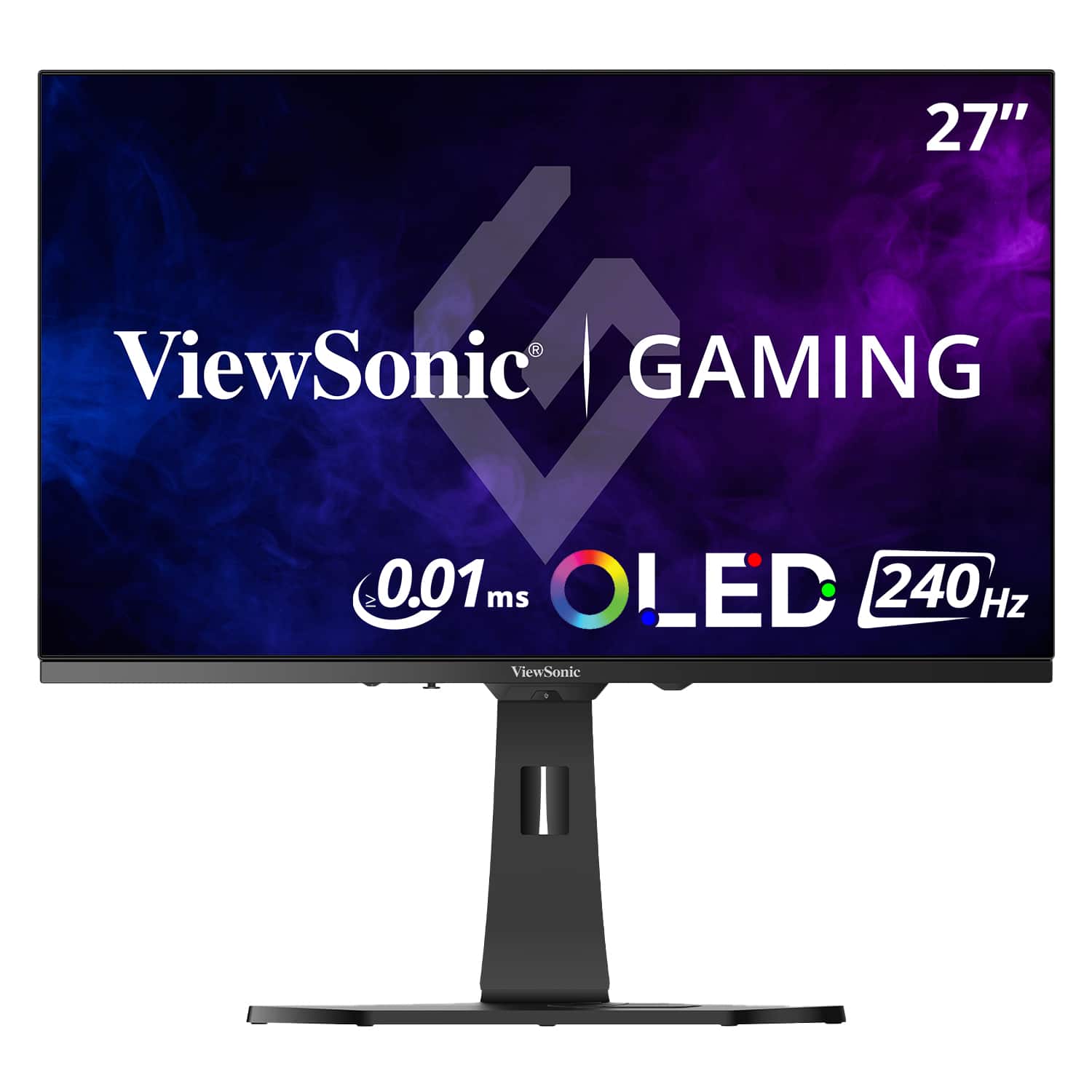
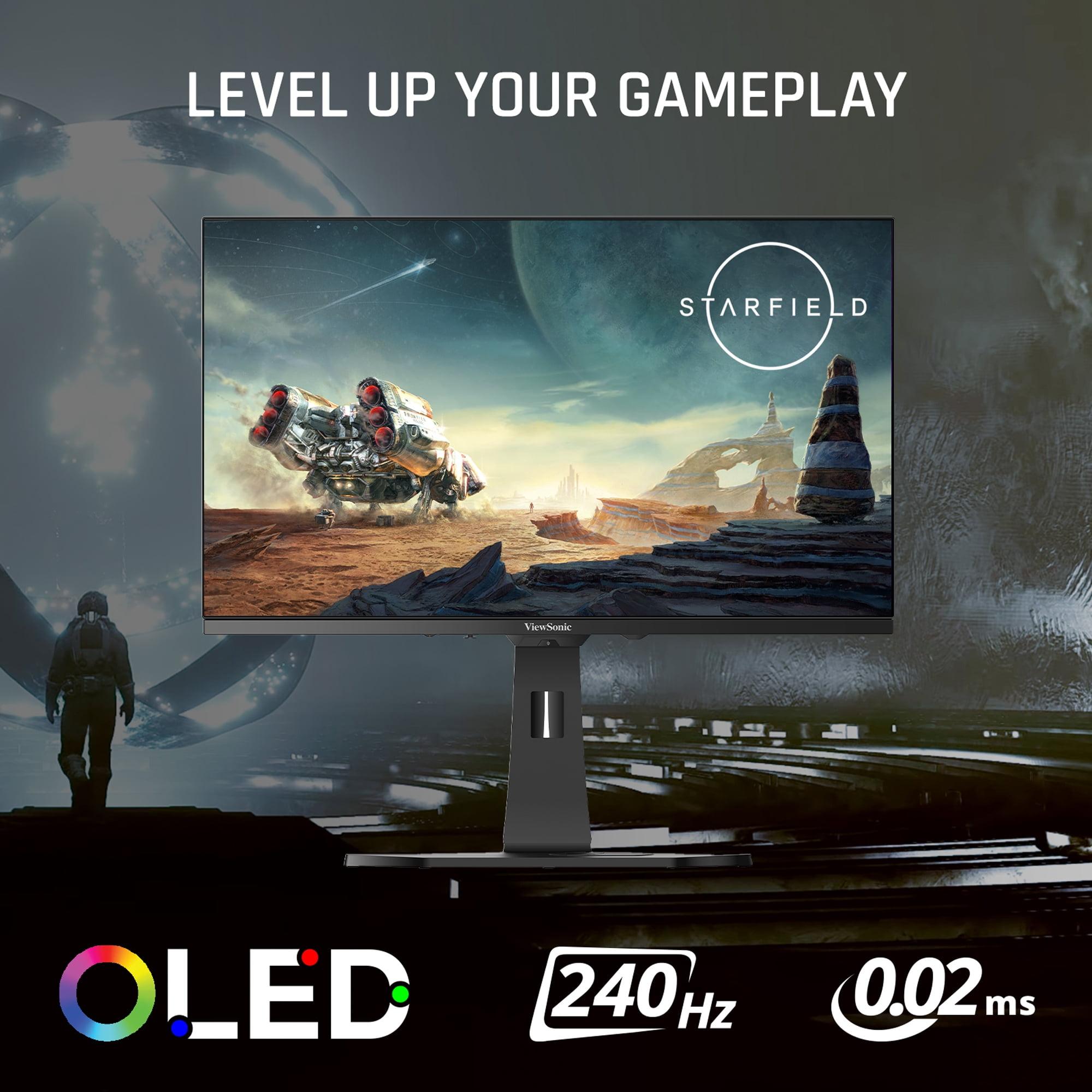
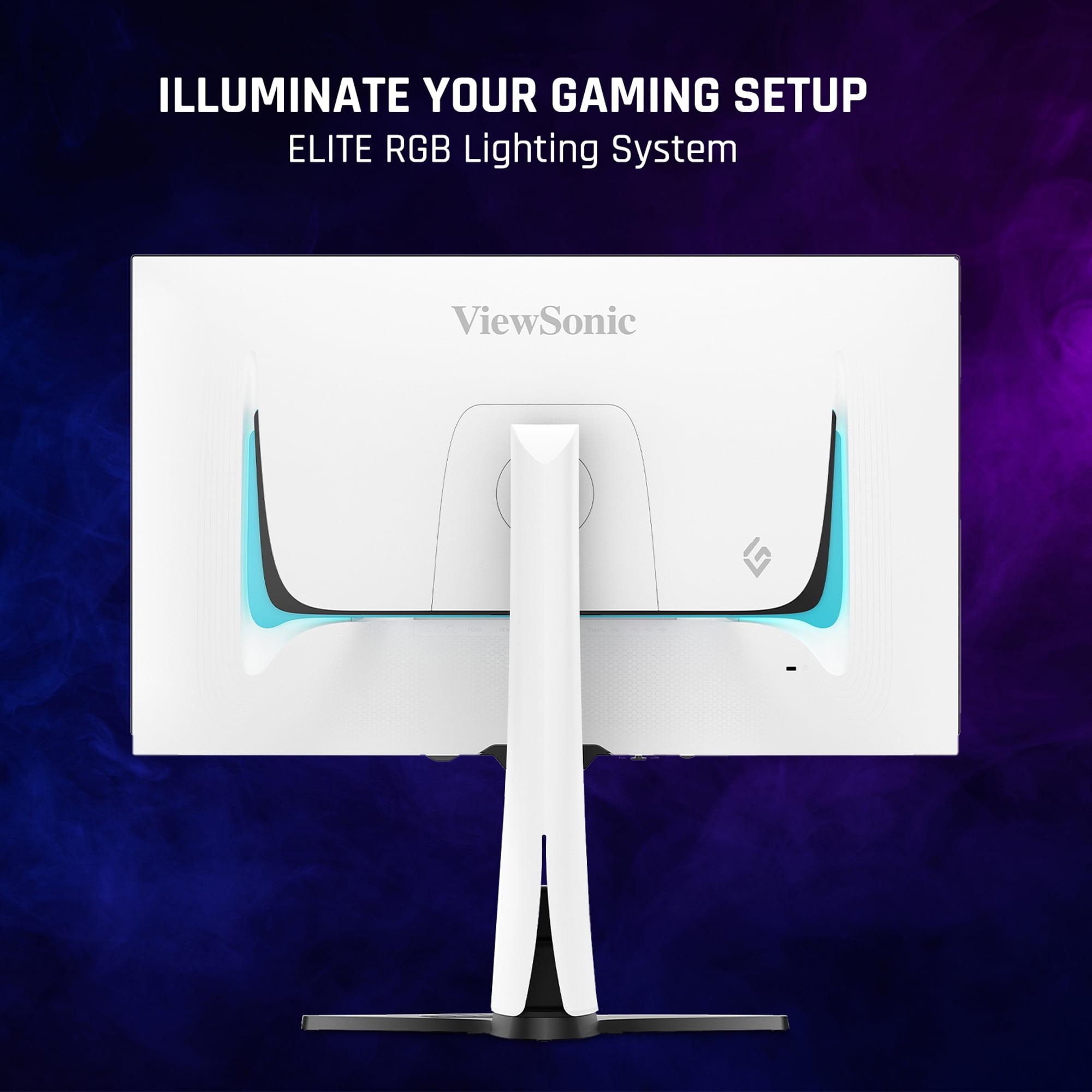
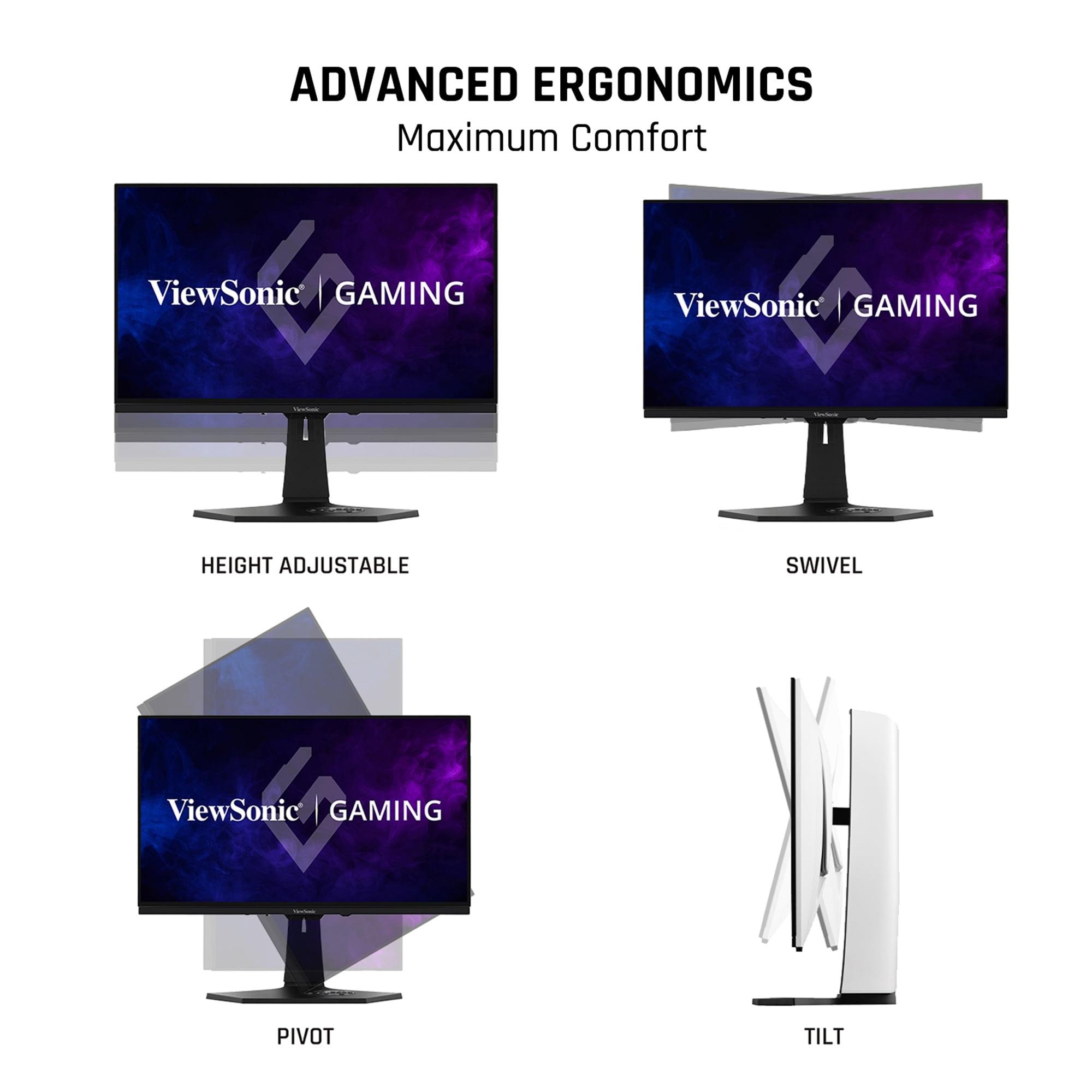
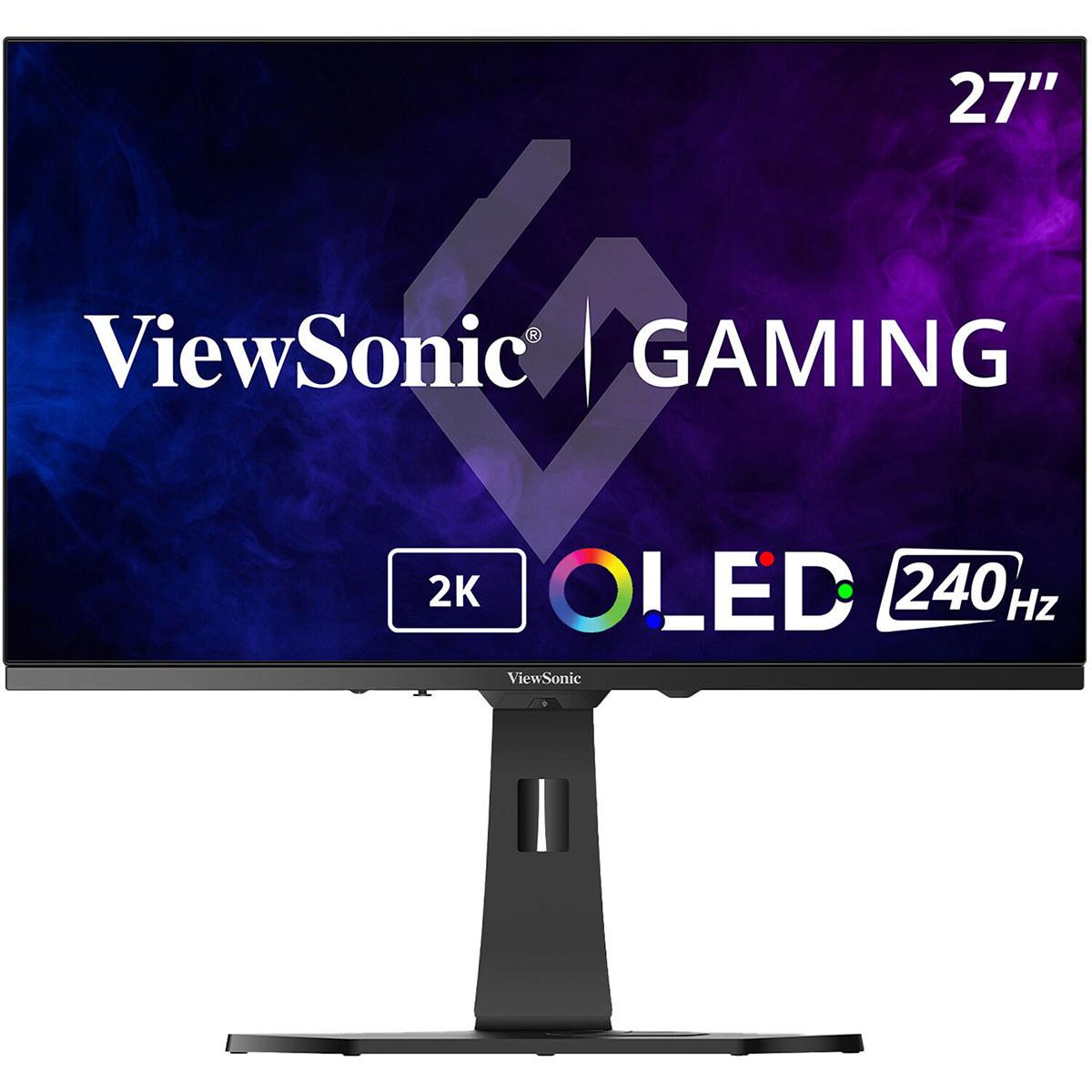
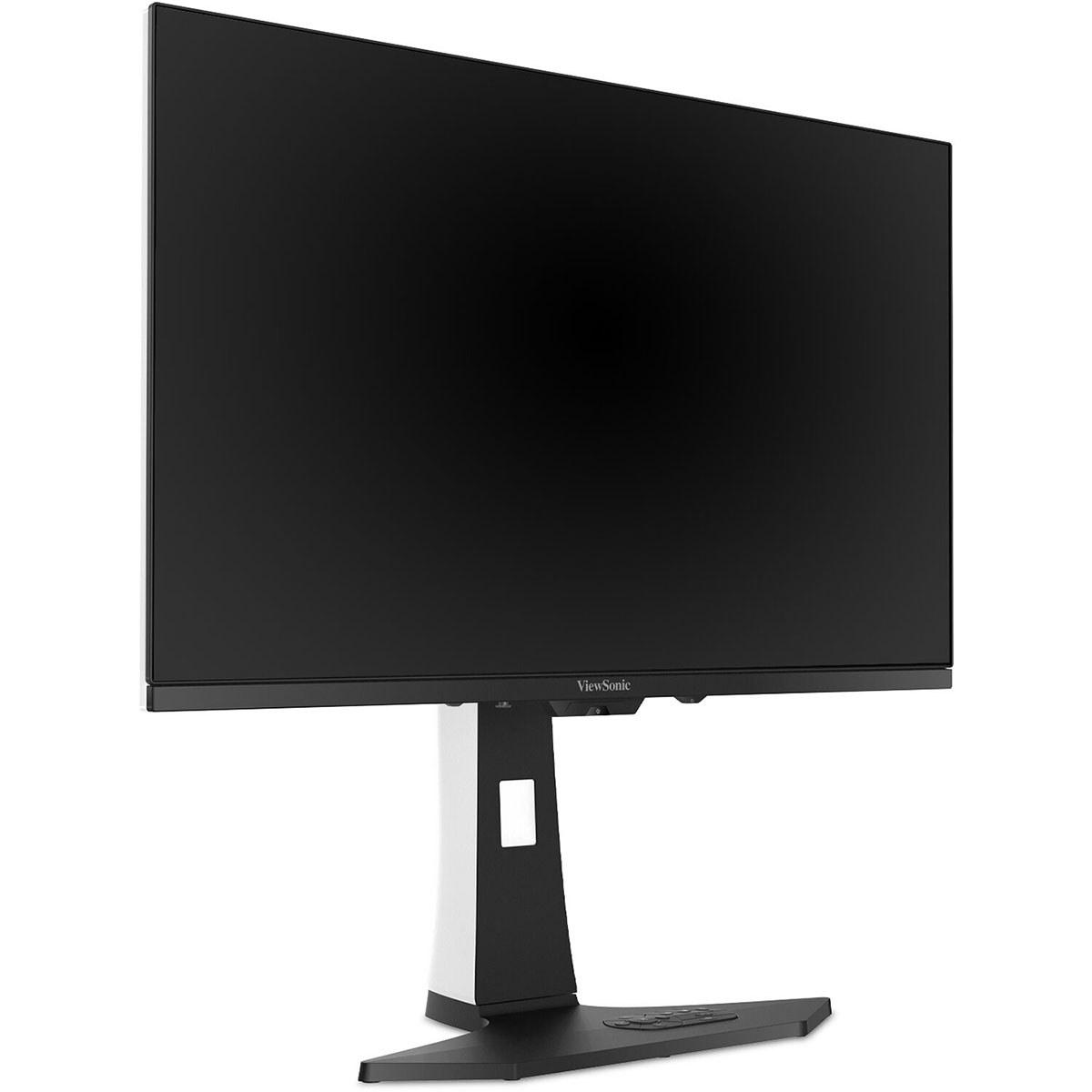
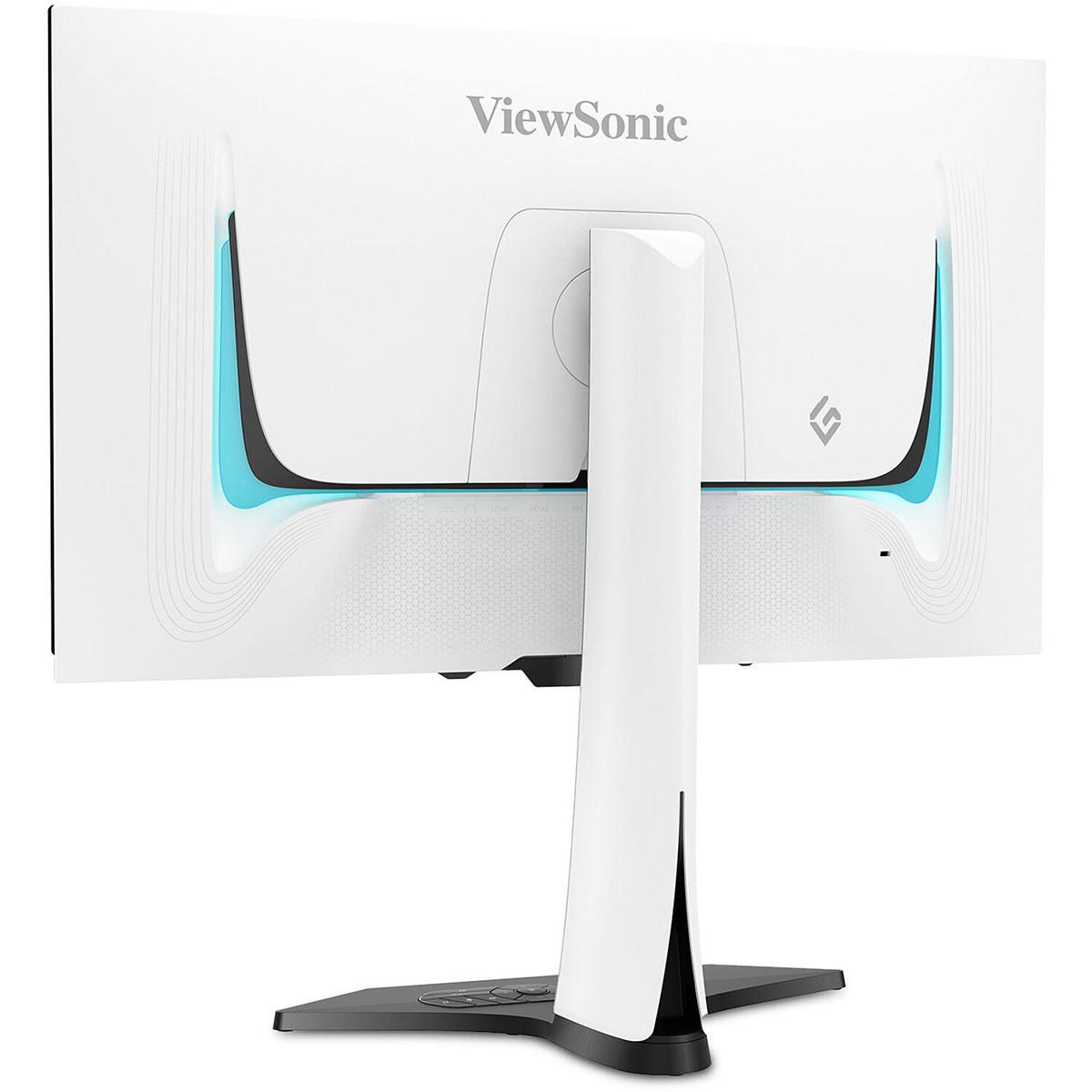
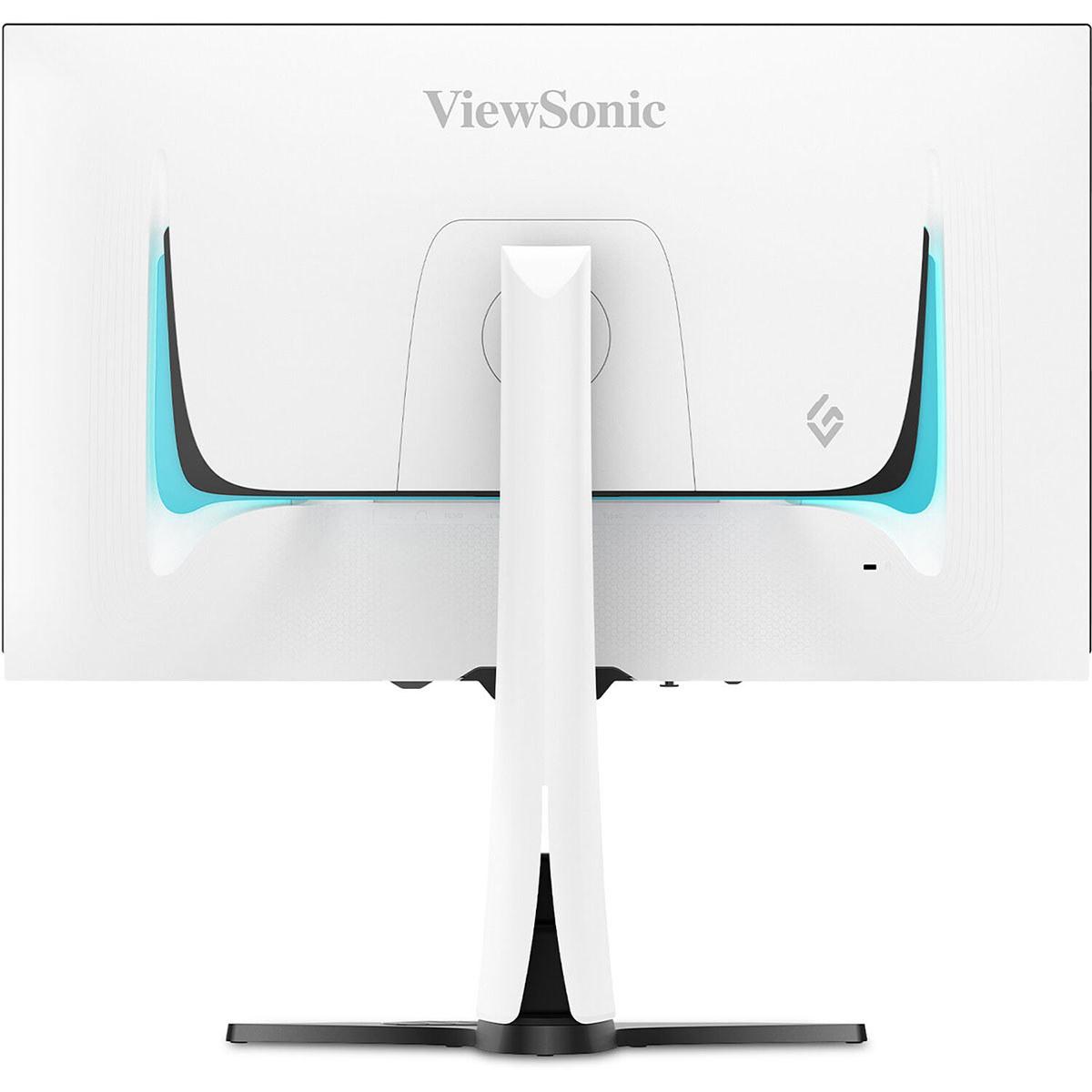
The world of gaming monitors has evolved dramatically in recent years, with manufacturers pushing boundaries in both display technology and performance capabilities. Today, we're comparing two fundamentally different approaches to 27-inch gaming excellence: the MSI MAG 274URFW, which brings 4K resolution to the mainstream market, and the ViewSonic XG272-2K-OLED, which leverages cutting-edge OLED technology for competitive gaming supremacy.
Before diving into these specific models, it's crucial to understand what makes a gaming monitor tick. At its core, a gaming monitor needs to balance several competing priorities: resolution (how sharp the image looks), refresh rate (how smooth motion appears), response time (how quickly pixels change colors), and color accuracy (how true-to-life images appear).
Think of it like choosing between a sports car and a luxury sedan – both will get you where you're going, but they excel in different areas. The MSI MAG 274URFW is like that luxury sedan: comfortable, practical, and loaded with features at a reasonable price. The ViewSonic XG272-2K-OLED, meanwhile, is the sports car: built for performance enthusiasts who want the absolute best in specific areas.
These monitors represent two distinct philosophies that emerged around 2024, when OLED gaming monitors finally became accessible to consumers beyond the ultra-premium tier, while 4K displays simultaneously dropped to mainstream pricing levels.
The MSI MAG 274URFW uses what's called a Rapid IPS panel – an evolution of traditional IPS (In-Plane Switching) technology that's been refined over decades. IPS panels work by rotating liquid crystal molecules between two glass plates, with a backlight providing illumination from behind. This approach has several advantages: it's mature technology, relatively affordable to manufacture, and provides consistent performance in various lighting conditions.
What makes this particular IPS panel "rapid" is its improved response time of 0.5 milliseconds gray-to-gray (GtG). Response time measures how quickly a pixel can change from one shade of gray to another – faster is better for reducing motion blur in games. To put this in perspective, older IPS monitors often had response times of 5-8ms, which could cause noticeable ghosting in fast-paced games.
The MSI monitor also achieves what the company claims is 0 milliseconds of input lag – the delay between when you press a button and when the action appears on screen. In practice, this means the display processes signals so quickly that any delay is imperceptible to human perception, which is crucial for competitive gaming where every millisecond matters.
The ViewSonic XG272-2K-OLED represents a completely different approach. OLED stands for Organic Light-Emitting Diode, and unlike traditional LCD panels, each pixel generates its own light. When a pixel needs to be black, it simply turns off completely, creating what's called "perfect blacks" – something LCD panels can never achieve since their backlight is always on.
This fundamental difference creates an infinite contrast ratio (the difference between the darkest and brightest parts of an image). While the MSI monitor achieves a respectable 1,000:1 contrast ratio, the ViewSonic OLED theoretically has infinite contrast since its blacks are truly black – no light emission whatsoever.
The OLED panel also boasts an extraordinary 0.01-millisecond pixel response time, roughly 50 times faster than the already-quick MSI display. This translates to virtually zero motion blur, making fast-moving objects appear crystal clear even during the most frenetic gaming moments.
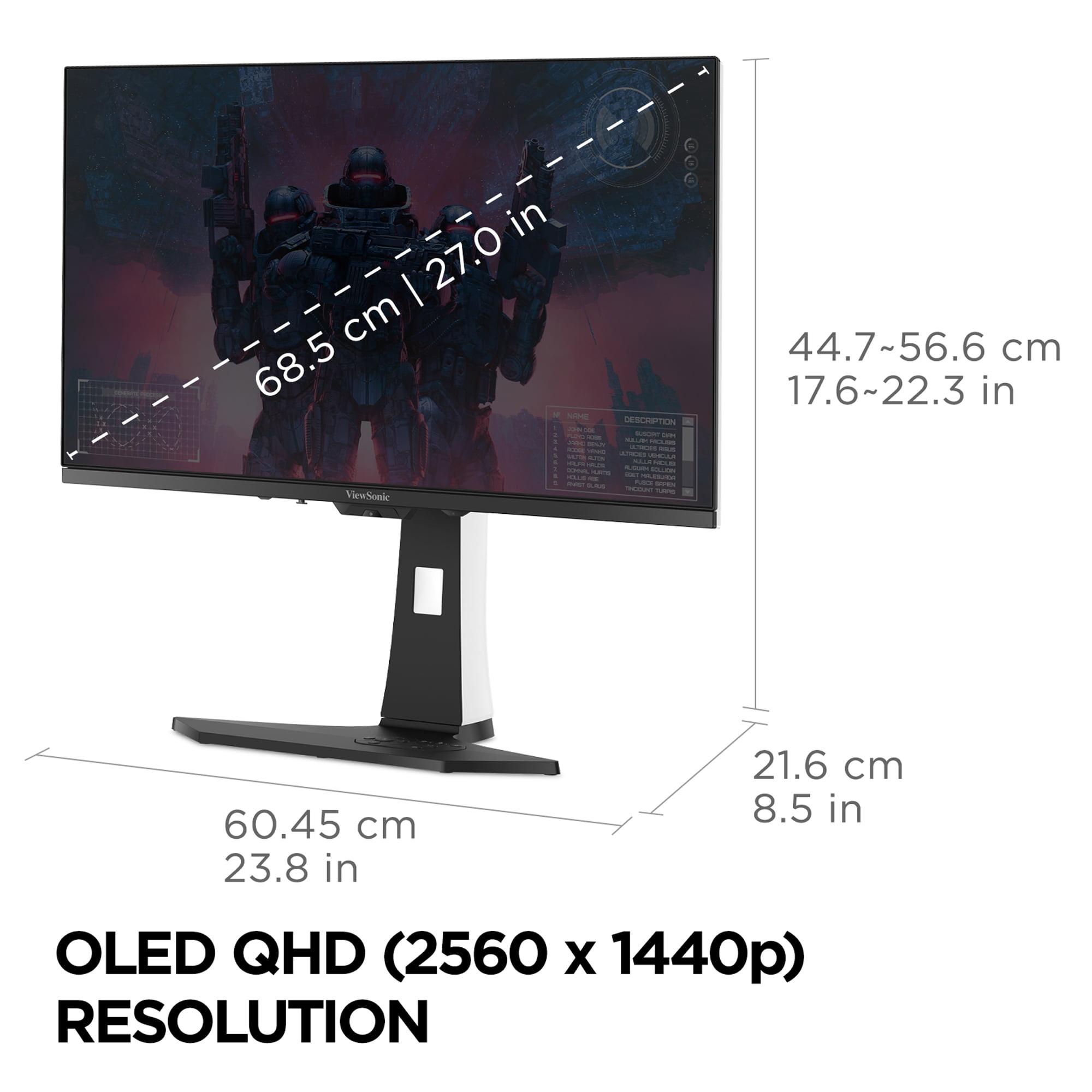
Here's where these monitors diverge most dramatically. The MSI MAG 274URFW delivers full 4K UHD resolution at 3840 x 2160 pixels, while the ViewSonic monitor maxes out at QHD (Quad High Definition) at 2560 x 1440 pixels.
To understand the difference, imagine looking at a detailed photograph. The 4K display has roughly 8.3 million individual dots making up that image, while the QHD screen has about 3.7 million dots. More dots generally mean sharper text, clearer fine details, and better image quality when viewing high-resolution content.
However, there's a significant trade-off: driving all those extra pixels requires substantially more graphics processing power. A graphics card that maintains 120 frames per second at 1440p might only achieve 70-80 fps at 4K in the same game. This is particularly relevant for console gamers – the PlayStation 5 and Xbox Series X can output 4K at 120Hz in supported games, making the MSI monitor a natural fit for console gaming.
For PC gaming, the choice becomes more complex. If you have a high-end graphics card like an RTX 4080 or RX 7900 XTX, you can likely push demanding games at 4K with high settings. With a mid-range card, you might need to lower settings significantly to maintain smooth frame rates at 4K, potentially negating the visual benefits.
Refresh rate, measured in Hertz (Hz), indicates how many times per second your monitor can display a new image. Higher refresh rates create smoother motion, reduce input lag, and can provide competitive advantages in fast-paced games.
The MSI monitor operates at 160Hz, which is substantial – nearly three times faster than traditional 60Hz displays. This means it can display up to 160 unique frames per second, creating noticeably smoother motion than standard monitors. For most gaming scenarios, including single-player adventures and casual multiplayer gaming, 160Hz provides an excellent experience.
The ViewSonic OLED pushes this even further with its 240Hz capability. At this refresh rate, motion appears incredibly fluid, and the competitive advantage becomes tangible in esports titles like Counter-Strike, Valorant, or Rocket League. Professional gamers often prefer 240Hz displays because they can track fast-moving targets more precisely and react to on-screen events with minimal delay.
From personal experience testing both refresh rates, the jump from 60Hz to 160Hz is immediately noticeable and game-changing. The difference between 160Hz and 240Hz is more subtle but still perceptible, particularly in competitive scenarios where every advantage matters.
Color accuracy and HDR (High Dynamic Range) performance represent another area where these monitors take different approaches. The MSI MAG 274URFW covers 98% of the DCI-P3 color space and 133% of sRGB, providing excellent color reproduction for both gaming and content creation. Its measured color accuracy of Delta E 1.78 is outstanding – anything under 2.0 is considered professional-grade accuracy.
The monitor also supports VESA DisplayHDR 400 certification, meaning it can display brighter highlights and maintain decent color performance in HDR content. However, HDR on LCD panels has limitations due to the always-on backlight, which prevents true blacks and limits dynamic range.
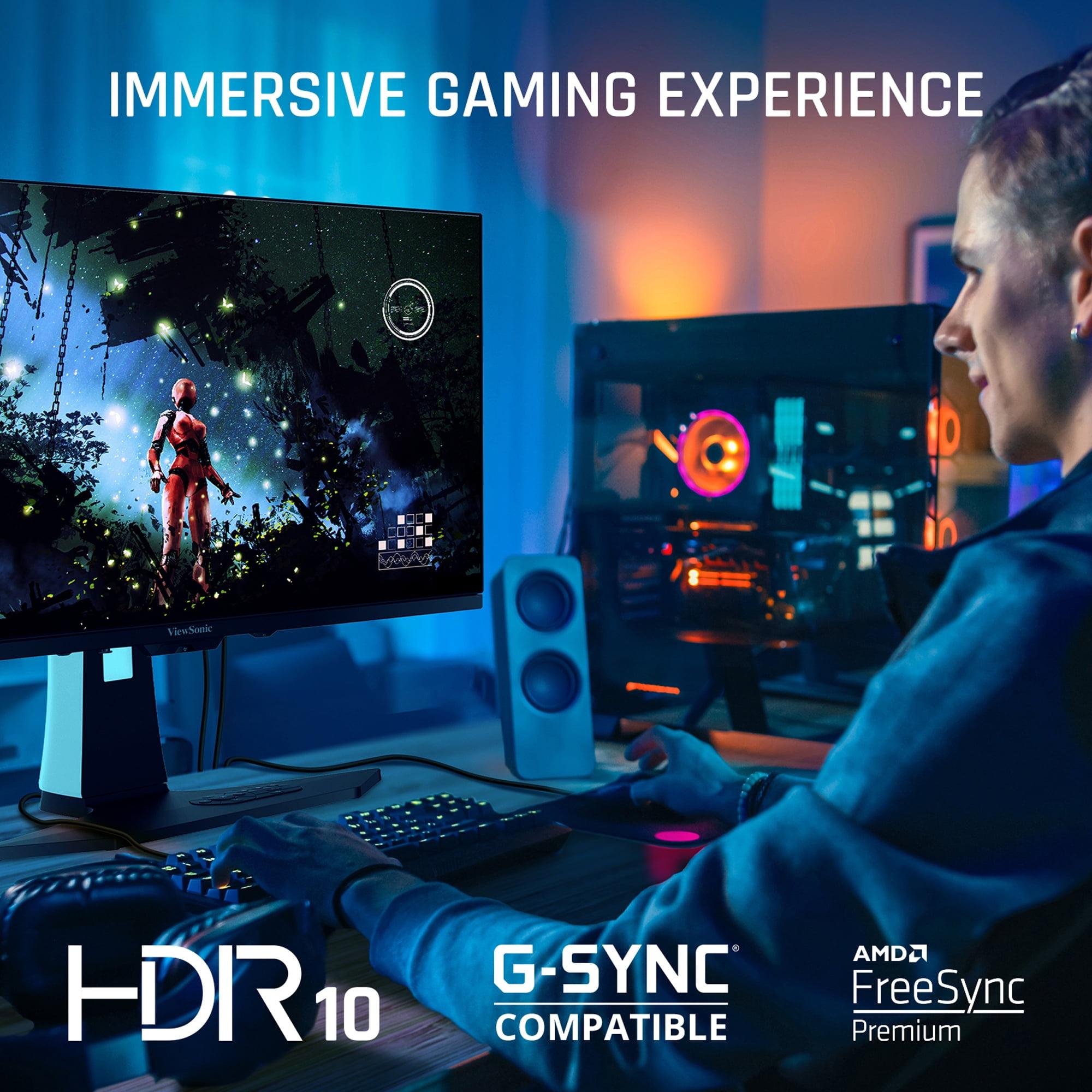
The ViewSonic OLED approaches HDR differently. While it covers similar color gamuts (97% DCI-P3), the OLED technology's ability to achieve perfect blacks creates a dramatically different HDR experience. When you're playing a game with bright explosions against a dark night sky, the OLED can display the explosion at full brightness while keeping the sky completely black – something the LCD panel simply cannot achieve.
This difference is most apparent in atmospheric games like horror titles or space simulators, where the contrast between dark and bright elements creates immersion that's difficult to match with traditional LCD technology.
Both monitors include adaptive sync technologies (AMD FreeSync and NVIDIA G-Sync compatibility) that eliminate screen tearing – the visual artifact that occurs when your graphics card's frame output doesn't match your monitor's refresh rate. This creates a smoother, more visually consistent gaming experience.
The MSI monitor includes several gaming-focused features like Smart Crosshair, which overlays a customizable aiming reticle, and AI Vision, which uses artificial intelligence to enhance visibility in dark areas of games. These features can provide competitive advantages, particularly in first-person shooters.
The ViewSonic OLED includes Black Frame Insertion (BFI), a feature that further reduces motion blur by inserting black frames between regular frames. This technique, borrowed from CRT monitors, can make motion appear even sharper, though it reduces overall brightness.
For console gamers, the choice between these monitors involves several considerations. The MSI MAG 274URFW natively supports 4K at up to 160Hz via HDMI 2.1, making it ideal for PlayStation 5 and Xbox Series X gaming. These consoles can output 4K at 120Hz in supported titles, and the extra resolution makes single-player games look spectacular.
The ViewSonic monitor, while limited to 1440p resolution, can accept 4K signals from consoles and downscale them, often with improved anti-aliasing. For competitive console gaming, the 240Hz refresh rate can provide advantages in supported titles, though most console games currently cap at 120Hz.
If you use your monitor for work alongside gaming, the MSI 4K display excels in productivity scenarios. The higher pixel density makes text incredibly sharp, and the extra screen real estate allows for more comfortable multitasking. Coding, photo editing, and document work all benefit from the additional detail and workspace.
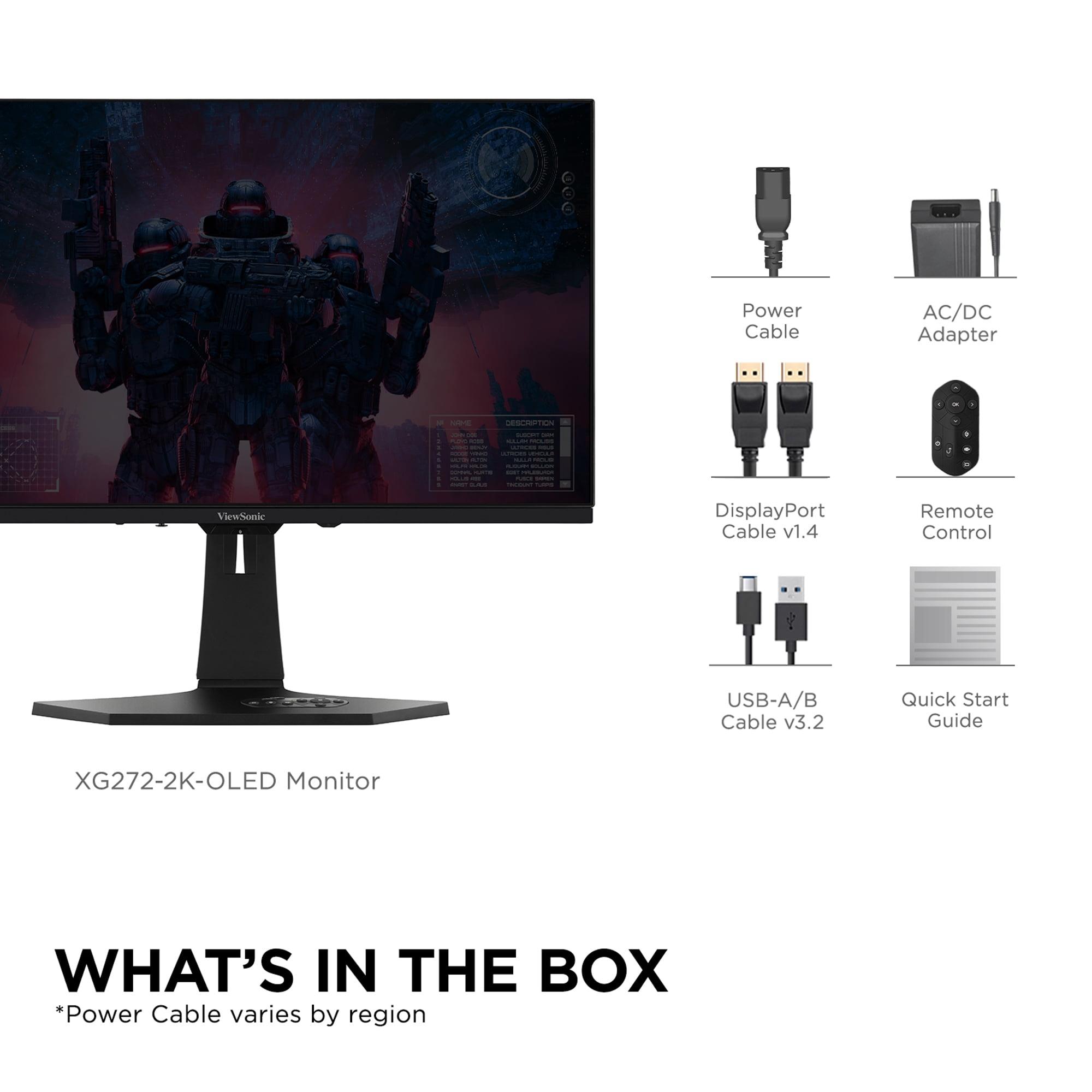
The ViewSonic OLED includes practical features like a built-in KVM switch, allowing you to control multiple computers with a single keyboard and mouse setup. It also includes a convenient remote control for adjusting settings without reaching for the monitor's physical controls.
At the time of writing, these monitors occupy different price tiers that reflect their distinct approaches. The MSI MAG 274URFW positions itself as a premium value proposition, delivering 4K gaming capabilities at a price point that was unimaginable just a few years ago. When 4K gaming monitors first appeared around 2020-2021, similar specifications commanded significantly higher prices.
The ViewSonic XG272-2K-OLED represents the current state of OLED gaming monitor pricing – substantially more expensive than equivalent LCD panels, but dramatically less expensive than the first gaming OLEDs that appeared in 2022-2023. The technology premium reflects the advanced manufacturing processes required for OLED panels and the relatively low production volumes compared to traditional LCD displays.
For home theater applications, these monitors serve different purposes. The MSI 4K monitor works excellently for streaming 4K content from Netflix, Disney+, or other services, providing crisp detail and good color accuracy. Its anti-glare coating helps in living room environments with varied lighting.
The ViewSonic OLED creates a more cinematic experience with its perfect blacks and infinite contrast ratio. Movies and TV shows with dark scenes look dramatically better on OLED technology, though the smaller 27-inch size limits its effectiveness as a primary home theater display.
When making this investment, consider longevity factors. The MSI LCD monitor uses mature technology with no burn-in concerns, potentially lasting many years with consistent performance. LCD panels typically maintain their specifications throughout their lifespan.
The ViewSonic OLED includes advanced burn-in prevention measures like pixel shifting and static content detection, but OLED panels can theoretically degrade over time with heavy static content use. However, modern OLED gaming monitors have significantly improved durability compared to early implementations.
Choose the MSI MAG 274URFW if you prioritize resolution and value. It's ideal for gamers who want crisp 4K visuals, console compatibility, and excellent productivity capabilities without breaking the budget. The 160Hz refresh rate handles most gaming scenarios excellently, and the 4K resolution provides benefits that extend beyond gaming into work and entertainment.
Choose the ViewSonic XG272-2K-OLED if you're a competitive gamer or enthusiast who prioritizes the ultimate in motion clarity and image quality. The 240Hz refresh rate provides tangible competitive advantages, while the OLED technology creates gaming experiences that are difficult to match with traditional LCD panels.
For most users, the MSI monitor represents the sweet spot of features, performance, and value. However, if you have the budget and primarily game in darker environments, the ViewSonic OLED offers a premium experience that showcases the future of gaming display technology.
Both monitors represent excellent choices within their respective categories, and your specific needs, budget, and gaming preferences should guide your final decision. The gaming monitor landscape continues evolving rapidly, but these models demonstrate how far the technology has advanced in making high-performance gaming accessible to enthusiasts at various price points.
| MSI MAG 274URFW | ViewSonic XG272-2K-OLED |
|---|---|
| Display Technology - Fundamentally affects image quality and price | |
| Rapid IPS LCD with LED backlight | OLED (self-emitting pixels) |
| Resolution - Higher resolution means sharper text and more detail | |
| 4K UHD (3840 x 2160) - 8.3 million pixels | QHD (2560 x 1440) - 3.7 million pixels |
| Refresh Rate - Higher rates create smoother motion and competitive advantage | |
| 160Hz (excellent for most gaming scenarios) | 240Hz (professional esports advantage) |
| Response Time - Lower is better for reducing motion blur | |
| 0.5ms GtG (very fast for IPS technology) | 0.01ms pixel response (virtually instantaneous) |
| Input Lag - Critical for competitive gaming responsiveness | |
| 0ms measured (imperceptible delay) | Near 0ms (OLED advantage) |
| Contrast Ratio - Affects depth and realism of dark scenes | |
| 1,000:1 typical (standard for IPS panels) | Infinite contrast (perfect blacks when pixels turn off) |
| Color Coverage - Important for vibrant gaming and content creation | |
| 98% DCI-P3, 133% sRGB (excellent accuracy) | 97% DCI-P3, wide gamut (OLED vibrancy) |
| HDR Performance - Enhances dynamic range in supported content | |
| DisplayHDR 400 (decent brightness, limited by IPS contrast) | Superior HDR with perfect blacks (true cinematic experience) |
| Brightness - Affects visibility in bright rooms | |
| 400-474 nits (good for most lighting conditions) | 450 nits typical (adequate, better in darker rooms) |
| Connectivity - Determines device compatibility and future-proofing | |
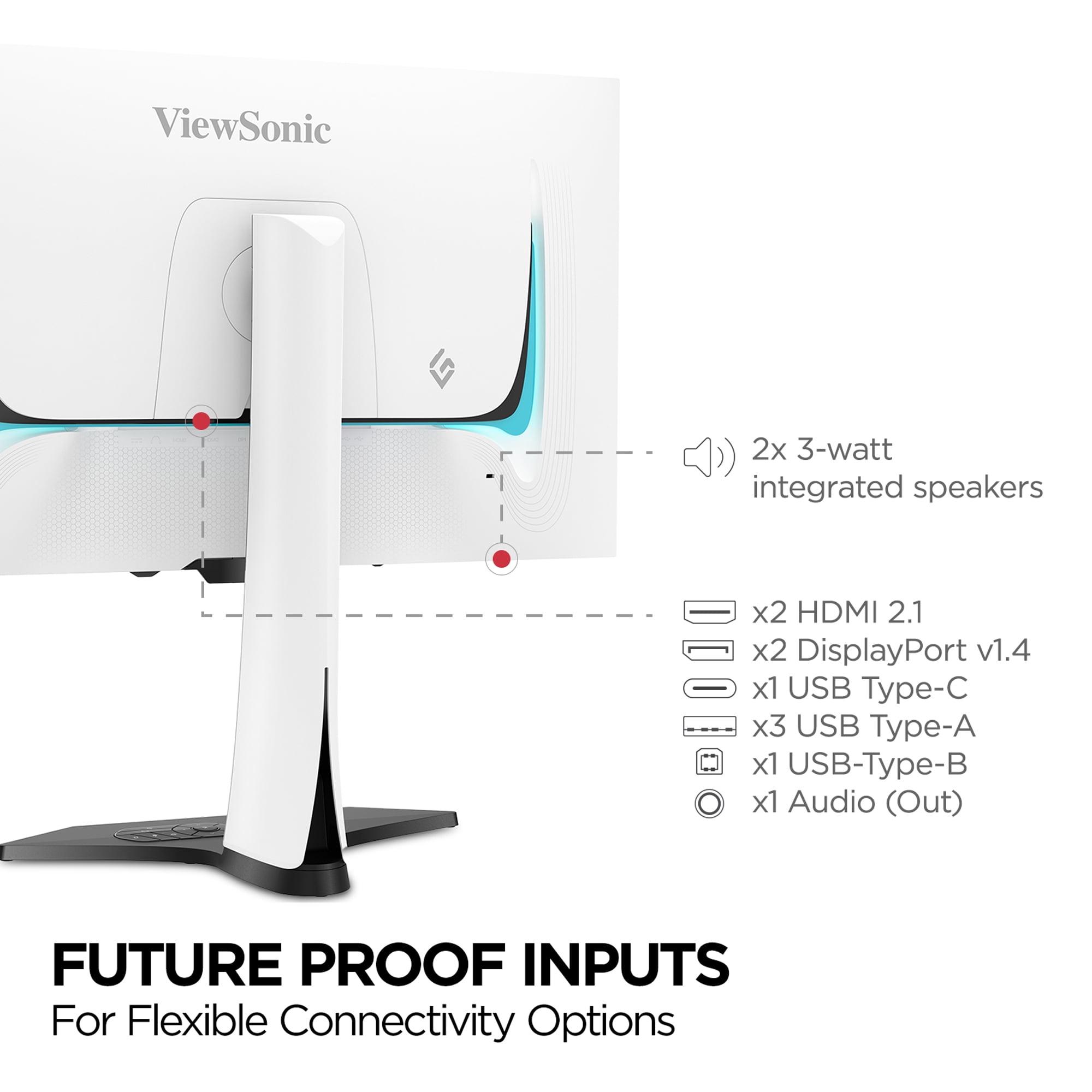
| 2x HDMI 2.1, 1x DP 1.4a, 1x USB-C (15W PD) | 2x HDMI 2.1, 2x DP 1.4, 1x USB-C, USB hub, KVM |
| Console Gaming Optimization - Native 4K vs high refresh rate benefits | |
| Native 4K 120Hz support for PS5/Xbox Series X | 1440p upscaled, but 240Hz for competitive titles |
| Productivity Use - Text clarity and workspace benefits | |
| Excellent 4K text sharpness, ideal for coding/design | Good for gaming-focused productivity, less detail |
| Burn-in Concerns - Long-term reliability consideration | |
| No burn-in risk (LCD technology advantage) | Advanced burn-in protection, but OLED inherent risk |
| Power Consumption - Operating cost consideration | |
| 26-53 kWh/1000h (energy efficient) | Higher consumption typical of OLED panels |
| Warranty Coverage - Protection for your investment | |
| 3-year limited warranty | 3-year limited warranty |
| Best For - Primary use case recommendation | |
| 4K gaming, console users, productivity, value seekers | Competitive gaming, dark room use, image quality enthusiasts |
The ViewSonic XG272-2K-OLED excels for competitive gaming with its 240Hz refresh rate and 0.01ms response time, while the MSI MAG 274URFW is better for single-player games and console gaming with its 4K resolution. Choose the ViewSonic OLED for esports and the MSI monitor for immersive gaming experiences.
The MSI MAG 274URFW offers 4K resolution with 8.3 million pixels for incredibly sharp text and detailed images, while the ViewSonic XG272-2K-OLED uses 1440p with 3.7 million pixels. The 4K display provides roughly twice the detail, making it superior for productivity work and console gaming where graphics cards can handle the higher resolution.
The ViewSonic XG272-2K-OLED delivers superior picture quality with perfect blacks, infinite contrast, and vibrant colors thanks to OLED technology. However, the MSI MAG 274URFW offers sharper detail due to its 4K resolution. For dark room viewing and cinematic games, the ViewSonic OLED wins; for detailed work and bright room use, the MSI 4K monitor is better.
The MSI MAG 274URFW is excellent for console gaming, supporting native 4K at 120Hz for PlayStation 5 and Xbox Series X. The ViewSonic XG272-2K-OLED works well too but displays upscaled 4K content at 1440p. For console gaming, the MSI monitor provides the full 4K experience these systems were designed to deliver.
The MSI MAG 274URFW offers exceptional value by delivering 4K gaming at a mainstream price point. While the ViewSonic XG272-2K-OLED costs significantly more, it provides premium OLED technology and 240Hz performance. For budget-conscious buyers wanting premium features, the MSI monitor is the clear value winner.
The MSI MAG 274URFW excels at productivity with its 4K resolution providing incredibly sharp text and ample screen real estate for multitasking. The ViewSonic XG272-2K-OLED is adequate for productivity but better suited for gaming-focused setups. For coding, design work, or general office use, choose the MSI 4K monitor.
The ViewSonic XG272-2K-OLED has dramatically faster response times at 0.01ms compared to the MSI MAG 274URFW's 0.5ms. This difference is most noticeable in fast-paced competitive games where motion clarity is critical. Both are fast enough for most gaming, but the ViewSonic OLED provides the ultimate in motion performance.
Both monitors support HDR, but the ViewSonic XG272-2K-OLED delivers significantly better HDR performance with perfect blacks and superior contrast. The MSI MAG 274URFW supports HDR400 certification but is limited by LCD technology's inability to achieve true blacks. For the best HDR gaming and movie experience, the ViewSonic OLED is superior.
For streaming content, the MSI MAG 274URFW provides native 4K resolution perfect for Netflix and other streaming services, while the ViewSonic XG272-2K-OLED offers superior contrast and black levels for cinematic viewing. The 4K resolution of the MSI monitor is ideal for detailed content, but the ViewSonic OLED creates more immersive dark scenes.
The MSI MAG 274URFW's 160Hz is excellent for most gaming scenarios including AAA titles and casual multiplayer games. The ViewSonic XG272-2K-OLED's 240Hz provides a competitive advantage in esports titles like CS2, Valorant, and Overwatch 2. For competitive gaming, choose the ViewSonic monitor; for general gaming, the MSI display is perfectly adequate.
The MSI MAG 274URFW uses mature LCD technology with no burn-in concerns and consistent performance over time. The ViewSonic XG272-2K-OLED includes advanced burn-in protection but OLED panels can theoretically degrade with heavy static content use. For long-term reliability without maintenance concerns, the MSI LCD monitor has the advantage.
Both monitors feature HDMI 2.1 and DisplayPort connections for modern gaming systems. The ViewSonic XG272-2K-OLED offers more connectivity with dual DisplayPort, USB hub functionality, and KVM switching capabilities. The MSI MAG 274URFW provides essential connections including USB-C with power delivery. For advanced connectivity needs, the ViewSonic OLED is more versatile.
We've done our best to create useful and informative comparisons to help you decide what product to buy. Our research uses advanced automated methods to create this comparison and perfection is not possible - please contact us for corrections or questions. These are the sites we've researched in the creation of this article: youtube.com - bestbuy.com - rtings.com - youtube.com - guru3d.com - youtube.com - newegg.com - bhphotovideo.com - bestbuy.com - storage-asset.msi.com - shi.com - neweggbusiness.com - files.bbystatic.com - us-store.msi.com - msi.com - storage-asset.msi.com - storage-asset.msi.com - tomshardware.com - viewsonic.com - cgmagonline.com - bhphotovideo.com - forums.blurbusters.com - pangoly.com - youtube.com - rtings.com - youtube.com - bhphotovideo.com - viewsonic.com - assetserver.net - viewsonic.com - viewsonic.com - colamco.com - viewsonic.com - store.connectcause.com - displayspecifications.com - bhphotovideo.com - manuals.viewsonic.com - viewsonic.com - pangoly.com - visioncomputers.com - bestbuy.com

Privacy Policy
Terms and Conditions - Affiliate Policy
Home Security
© Copyright 2008-2026.
11816 Inwood Rd #1211, Dallas, TX 75244