









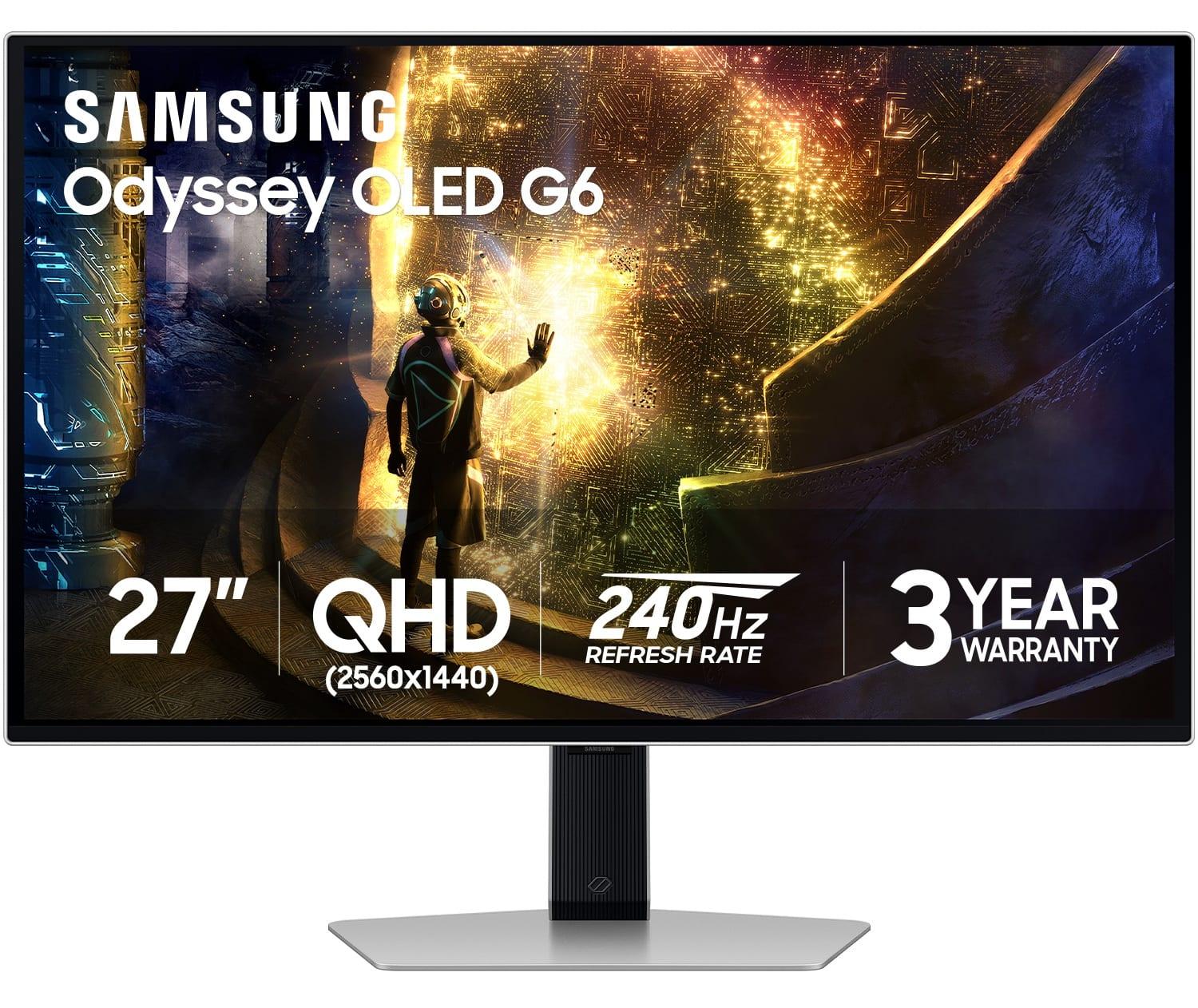
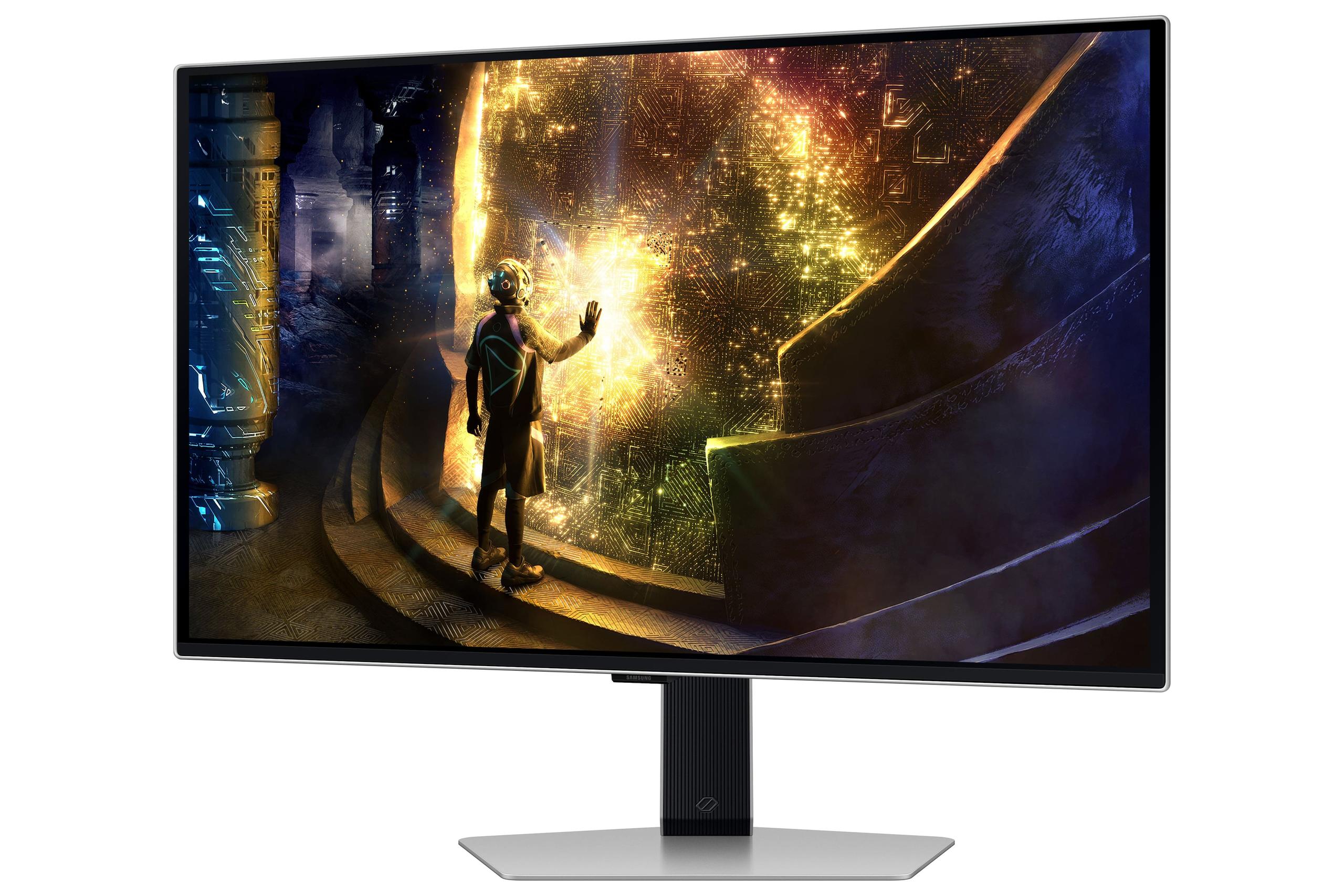

Gaming monitors have come a long way since the chunky CRT displays of the early 2000s. Today's gaming displays are engineering marvels that can make or break your gaming experience, whether you're climbing ranked ladders in competitive shooters or exploring vast open worlds. Two monitors that perfectly illustrate the current state of gaming display technology are the MSI MAG 274URFW and the Samsung Odyssey OLED G6. Both launched in 2024, representing the latest thinking in gaming monitor design, but they take completely different approaches to delivering exceptional gaming experiences.
Before diving into these specific monitors, it's worth understanding what makes a gaming monitor different from a regular display. Gaming monitors prioritize three key metrics that directly impact your performance: refresh rate (how many times per second the screen updates), response time (how quickly pixels can change color), and input lag (the delay between your action and seeing it on screen).
The gaming monitor market has split into several camps over the past few years. Some manufacturers chase the highest possible refresh rates - we're now seeing 480Hz and even 540Hz displays. Others focus on image quality with technologies like OLED and mini-LED backlighting. Still others prioritize resolution, pushing 4K gaming into the mainstream. The MSI MAG 274URFW and Samsung Odyssey OLED G6 represent two of these philosophies perfectly.
The most fundamental difference between these monitors lies in their display technology, and this choice affects everything else about how they perform.
The Samsung Odyssey OLED G6 uses what's called QD-OLED technology - a relatively new advancement that combines quantum dots with organic light-emitting diodes. Each pixel produces its own light, meaning when a pixel needs to be black, it simply turns off completely. This creates what we call "perfect blacks" and an infinite contrast ratio. In practical terms, this means when you're sneaking through dark areas in games like Metro Exodus or Resident Evil, the shadows look truly dark while lit areas remain bright and vibrant.
The MSI MAG 274URFW, on the other hand, uses IPS (In-Plane Switching) LCD technology with LED backlighting. This is a more traditional approach where a backlight illuminates liquid crystal pixels from behind. While this means blacks aren't truly black - they're more of a dark gray - IPS technology offers excellent color accuracy and viewing angles. The trade-off is that you get higher peak brightness and zero risk of burn-in, which can be a concern with OLED displays over time.
From my experience testing both technologies, OLED creates a more dramatic, cinema-like experience that's particularly stunning in darker games or movies. However, IPS displays like the MSI MAG 274URFW perform better in bright rooms and offer more consistent performance across different content types.
Both monitors excel at color reproduction but in different ways. The Samsung OLED G6 covers 99% of the DCI-P3 color space - the standard used in movie production - and because of its perfect blacks, colors appear more saturated and vibrant. It supports HDR10 and HDR10+ Gaming, and here's where OLED technology really shines: HDR (High Dynamic Range) requires both bright highlights and dark shadows to work effectively, and only OLED can deliver true blacks.
The MSI MAG 274URFW actually covers a broader range of color standards, including 133% of sRGB (the standard for web content), 98% DCI-P3, and 93% Adobe RGB (important for photo editing). While it's VESA DisplayHDR 400 certified, the HDR experience is more limited due to the IPS panel's contrast limitations. However, for content creation work alongside gaming, the broader color gamut support makes it more versatile.
Here's where these monitors take dramatically different approaches, and your choice here will significantly impact both performance and visual quality.
The MSI MAG 274URFW runs at 4K resolution (3840 x 2160), which means it has 8.3 million pixels packed into that 27-inch screen. This translates to incredibly sharp text, detailed game textures, and the ability to see fine details that simply aren't visible at lower resolutions. In games like Microsoft Flight Simulator or Cyberpunk 2077, the difference is immediately apparent - distant objects remain crisp, text overlays are razor-sharp, and the overall image has a clarity that's hard to appreciate until you've experienced it.
The downside? 4K gaming is demanding. Even with a high-end graphics card like an RTX 4080 or RX 7800 XT, you'll struggle to hit 160fps in demanding games at 4K. You'll often need to choose between visual settings and frame rate, or use technologies like DLSS or FSR to boost performance.
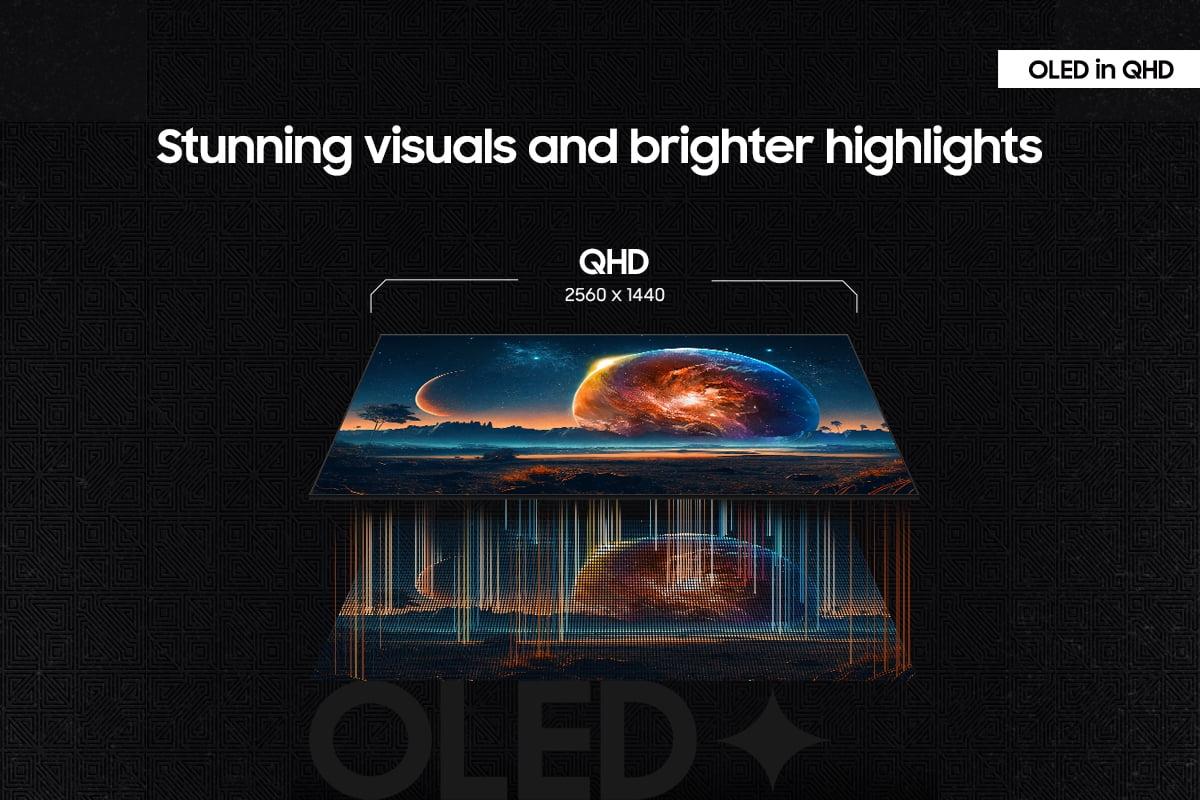
The Samsung OLED G6 uses QHD resolution (2560 x 1440), which sits between 1080p and 4K. This might seem like a step backward, but there's solid reasoning behind it. QHD has about 3.7 million pixels - less than half of 4K - making it much easier for graphics cards to achieve high frame rates. When you're targeting 360Hz refresh rates, this resolution makes that goal actually achievable with current GPU technology.
QHD at 27 inches provides about 108 pixels per inch, which is still plenty sharp for gaming. While text isn't as crisp as 4K, the difference in gaming is less noticeable when you're focused on movement and action rather than reading fine text.
This is where the philosophical differences between these monitors become most apparent, and where your gaming preferences should guide your decision.
The Samsung OLED G6 runs at up to 360Hz, meaning it can display 360 unique frames every second. To put this in perspective, a typical TV runs at 60Hz, and many older gaming monitors topped out at 144Hz. The jump from 144Hz to 360Hz is particularly noticeable in fast-paced competitive games like Counter-Strike 2, Valorant, or Apex Legends. Fast-moving objects appear smoother, tracking enemies becomes easier, and the overall responsiveness feels more immediate.
The MSI MAG 274URFW maxes out at 160Hz, which is still excellent but about 2.25 times slower than the Samsung. For most gaming scenarios, 160Hz provides smooth, enjoyable gameplay. However, if you're serious about competitive gaming, that extra refresh rate can provide a tangible advantage.
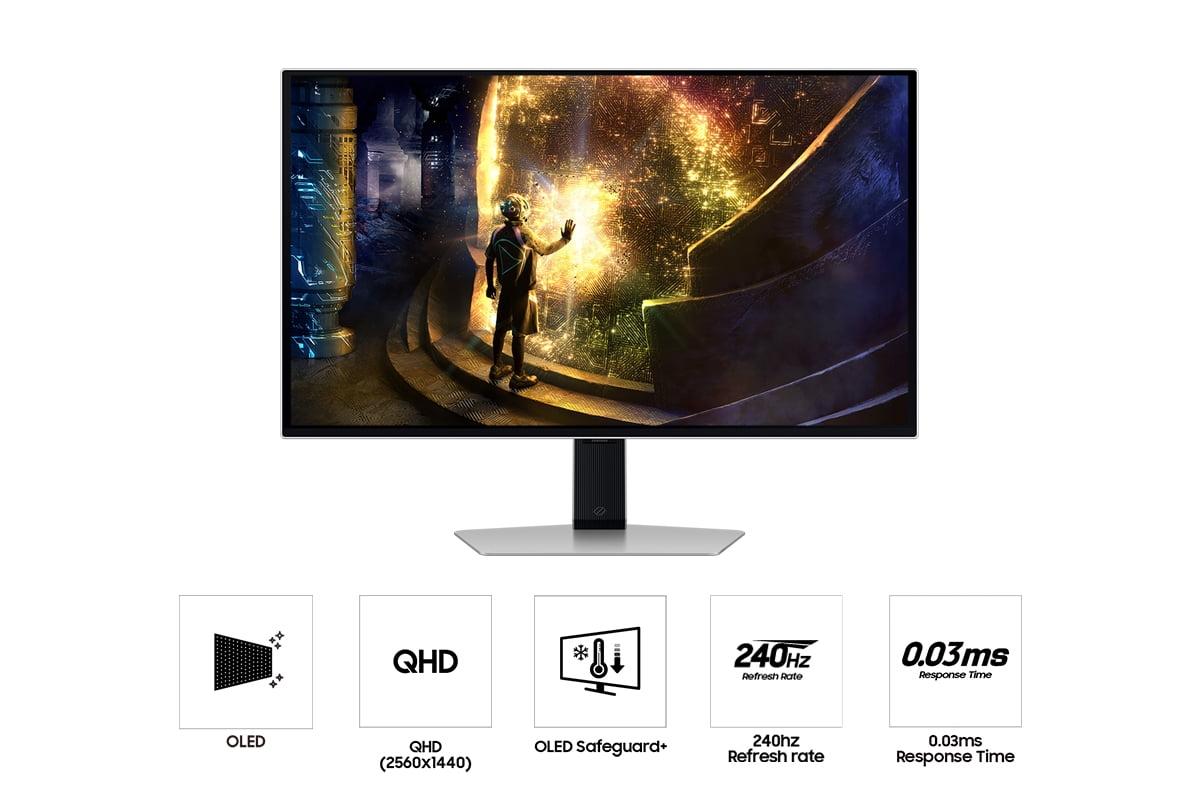
Response time measures how quickly pixels can change from one color to another, and it's crucial for preventing motion blur and ghosting effects. The Samsung OLED G6 boasts an incredible 0.03ms response time, which is essentially instantaneous. OLED technology has an inherent advantage here because pixels turn on and off immediately rather than transitioning through liquid crystal states.
The MSI MAG 274URFW achieves 0.5ms response time, which is still very fast for LCD technology. In practice, both monitors will provide clean, blur-free motion, but the Samsung has a slight edge in the most demanding scenarios.
Both monitors support adaptive sync technologies that synchronize the display's refresh rate with your graphics card's output, eliminating screen tearing and stuttering. The Samsung OLED G6 includes AMD FreeSync Premium Pro, which adds features like low framerate compensation - when your frame rate drops below the monitor's minimum refresh rate, the technology kicks in to maintain smooth motion.
The MSI MAG 274URFW supports AMD FreeSync Premium and is also compatible with NVIDIA's G-Sync technology. Both approaches work well, though the Samsung's Premium Pro certification includes additional features that can help in challenging performance scenarios.
Both monitors represent premium build quality but with different design approaches that reflect their target audiences.
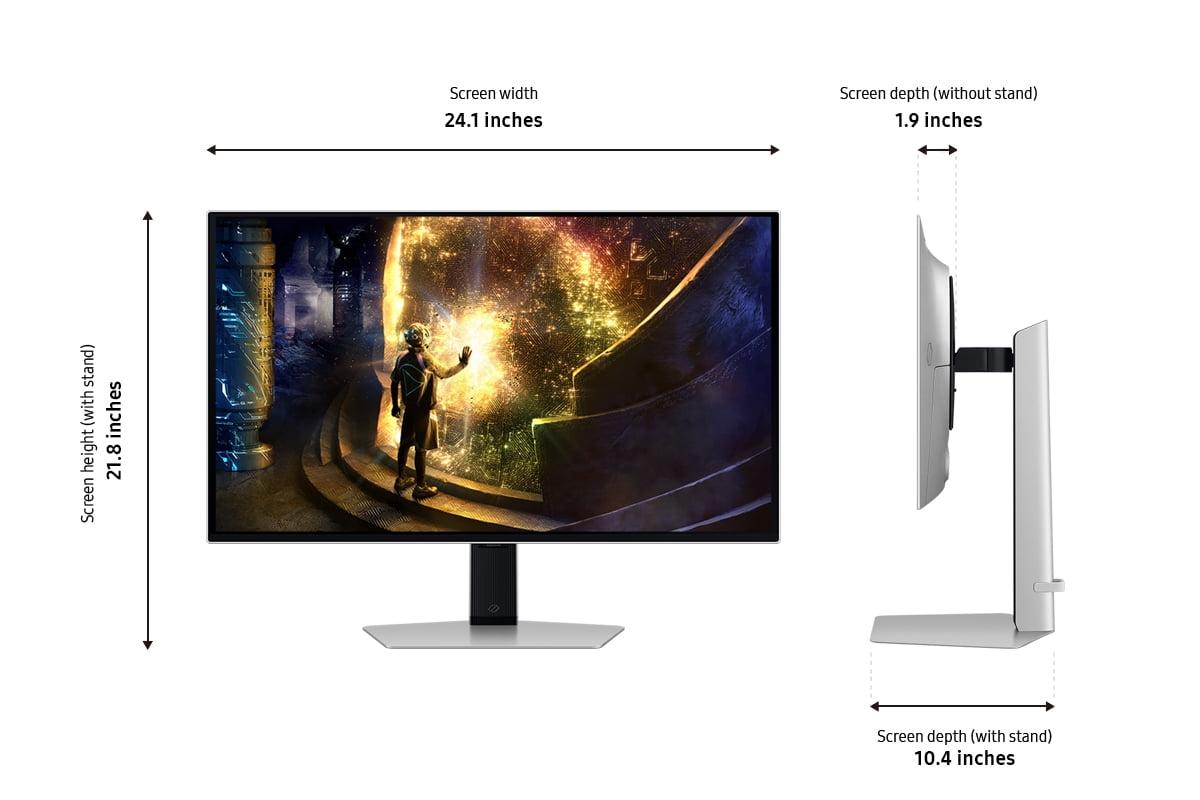
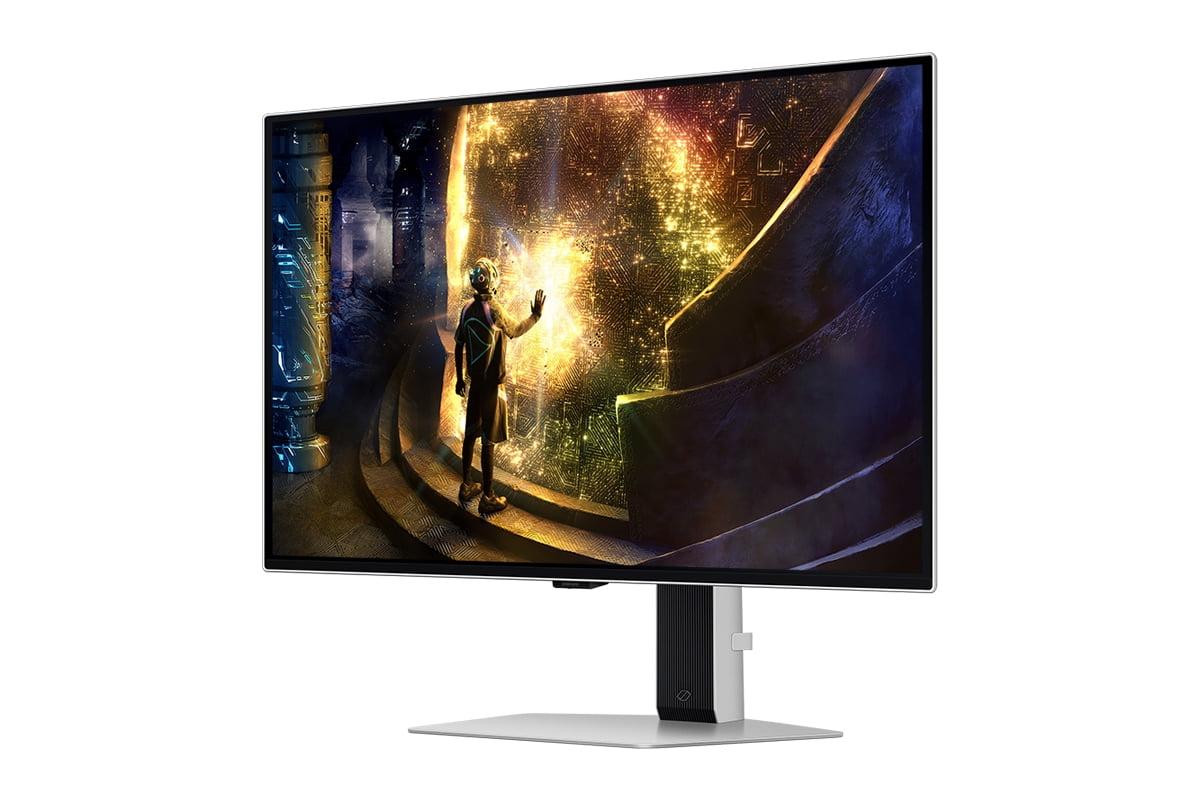
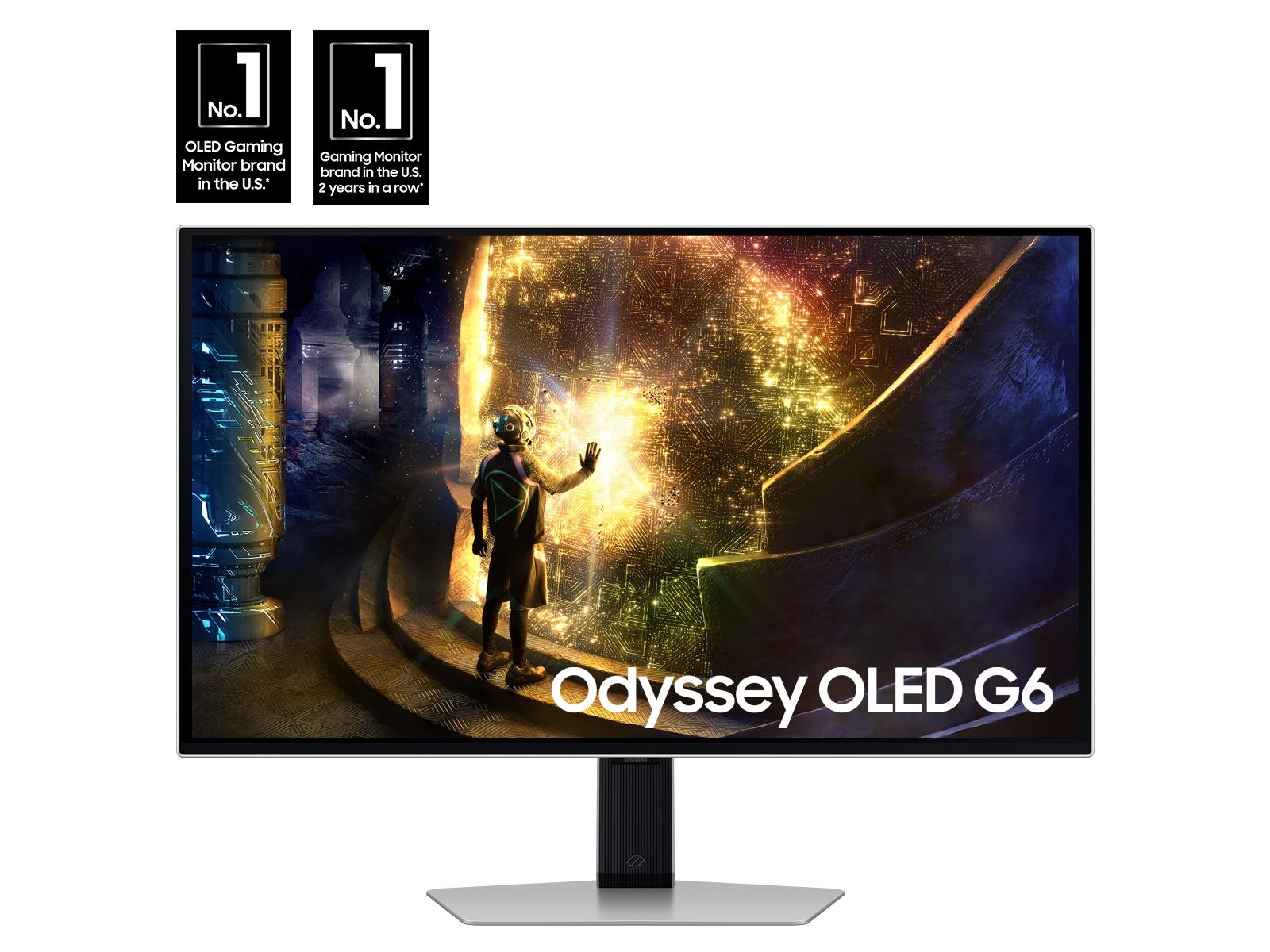
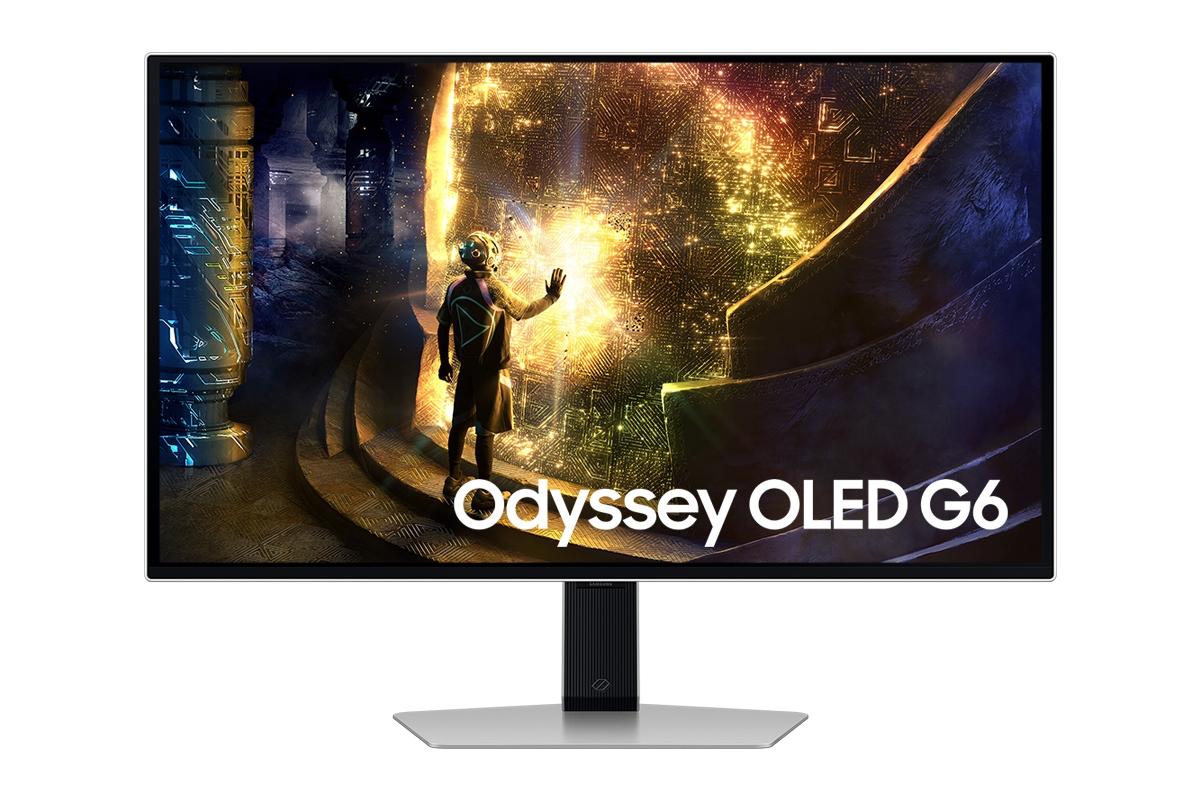
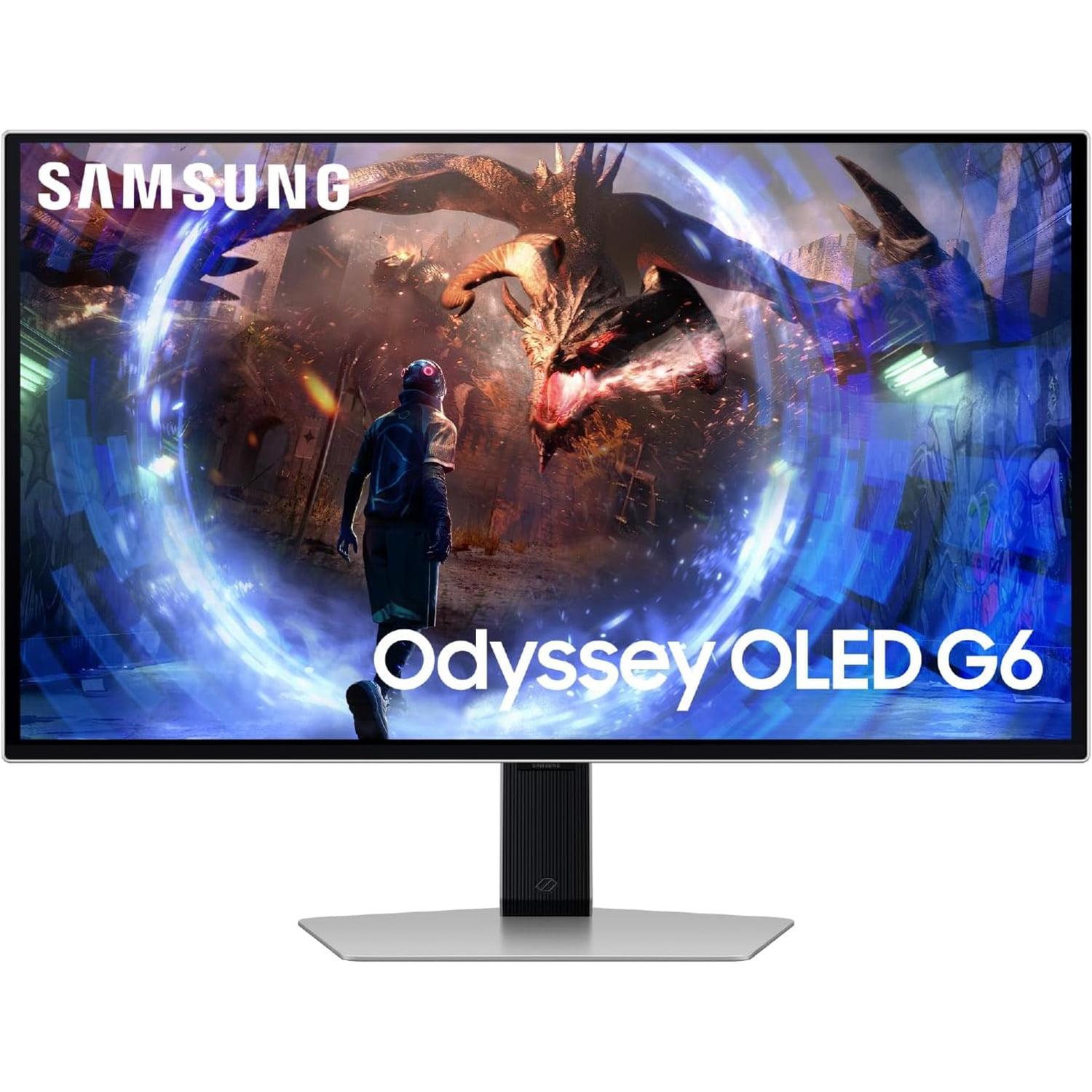
The Samsung OLED G6 showcases a sleek, futuristic design with RGB lighting on the back and a remarkably thin profile at just 49mm thick. The engineering required to fit OLED panels into such thin enclosures is impressive, and it makes the monitor look more like a piece of art than a computer peripheral. The stand provides full ergonomic adjustment - height, tilt, swivel, and pivot - ensuring you can find the perfect viewing position for long gaming sessions.
The MSI MAG 274URFW takes a more understated approach with its white color scheme and thicker 69mm profile, necessary to accommodate the LED backlighting system. The build quality is solid, and the stand offers the same range of adjustments as the Samsung. The white aesthetic is refreshing in a market dominated by black gaming peripherals, and it fits well in modern, minimalist setups.
This is where the technology differences become practically important. LCD displays like the MSI MAG 274URFW have proven longevity with no risk of burn-in, where static images can permanently mark the screen. You can leave your desktop, taskbar, or game HUD displayed indefinitely without concern.
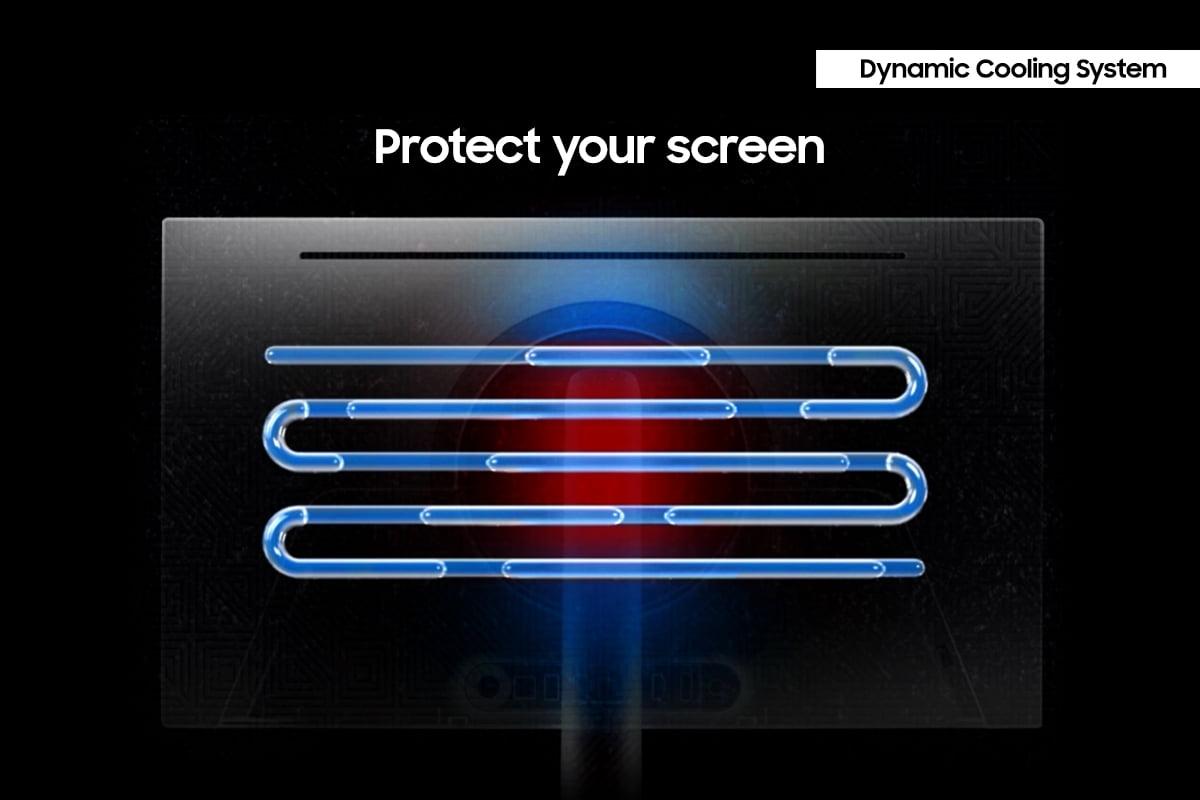
OLED displays, including the Samsung OLED G6, can develop burn-in over time with static images, though Samsung has implemented several mitigation technologies. The OLED Safeguard+ system includes pixel shifting, automatic brightness adjustments, and detection algorithms that dim static elements like logos and taskbars. At the time of writing, Samsung covers burn-in under warranty for normal usage, showing confidence in their protection systems.
Both monitors recognize that modern gaming setups often involve multiple devices - gaming PCs, consoles, laptops, and streaming devices.
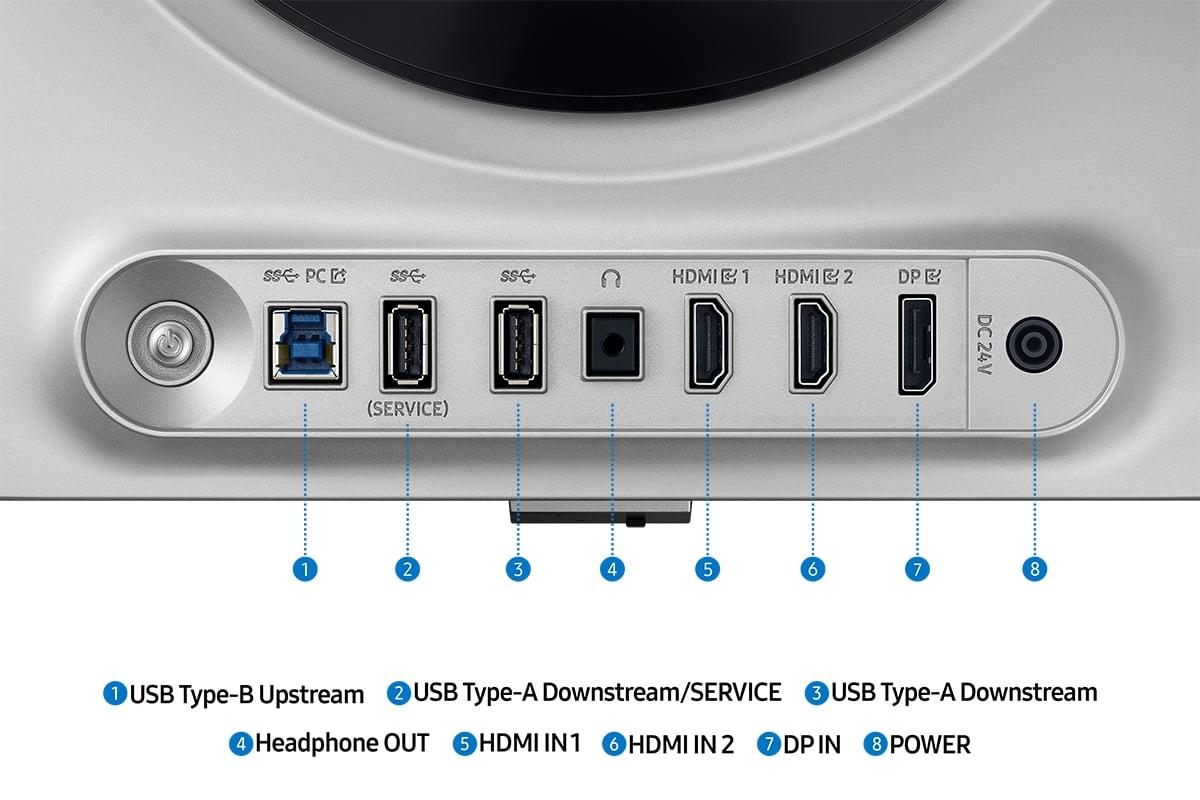
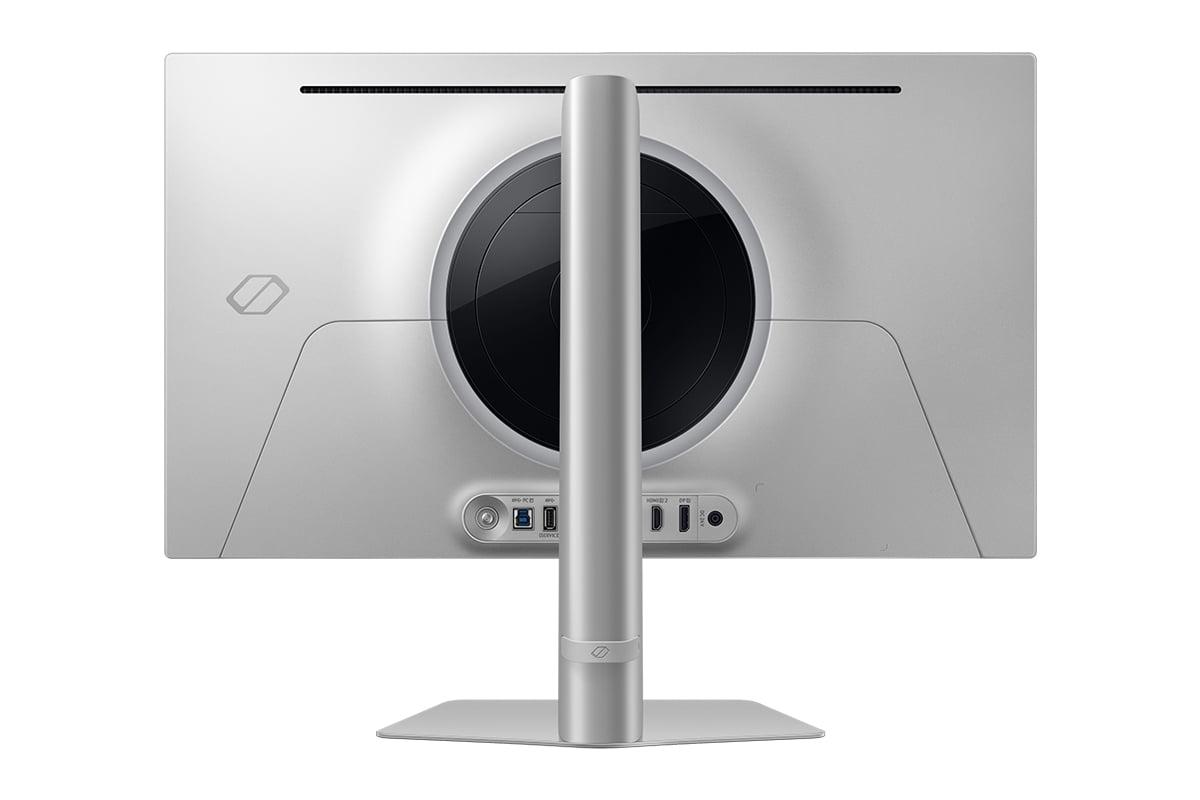
The Samsung OLED G6 includes two HDMI 2.1 ports and one DisplayPort 1.4, plus a small USB hub with two USB 3.0 ports. The HDMI 2.1 support is crucial for next-generation consoles like PlayStation 5 and Xbox Series X, enabling 4K gaming at up to 120Hz from consoles.
The MSI MAG 274URFW offers similar connectivity but adds a USB-C port with DisplayPort Alt Mode and 15W power delivery. This is particularly useful if you use a laptop for gaming or work, as you can connect video, audio, and charging through a single cable.
Having used both types of displays extensively, I can share some insights about how these differences play out in actual gaming scenarios.
For competitive gaming, the Samsung OLED G6 provides clear advantages. The 360Hz refresh rate and 0.03ms response time create an incredibly responsive experience that can genuinely improve your performance in games like Counter-Strike 2 or Valorant. The difference is subtle but real - tracking fast-moving targets feels more natural, and the reduced input lag can mean the difference between winning and losing close duels.
However, there's a caveat: you need a powerful GPU to take advantage of this performance. Achieving 300+ fps at QHD in modern games requires high-end hardware and often reduced visual settings.
For single-player games, story-driven experiences, and visually stunning titles, the MSI MAG 274URFW often provides a better experience. The 4K resolution reveals details in games like Red Dead Redemption 2, Cyberpunk 2077, or Microsoft Flight Simulator that simply aren't visible at QHD. Text and UI elements are crisp, and the overall image quality is superior for slower-paced, visually-focused gaming.
The trade-off is frame rate - you'll typically run these games at 60-120fps rather than the 200+ fps possible at QHD, but for single-player experiences, this is usually perfectly adequate.
Both monitors work well with modern consoles, but in different ways. The Samsung OLED G6 can display PlayStation 5 and Xbox Series X games at up to 120Hz in supported titles, and the OLED's superior contrast makes HDR games look spectacular.
The MSI MAG 274URFW supports 4K gaming from consoles at up to 120Hz, providing the full resolution these systems can output. For console gaming, both approaches have merit - the Samsung provides smoother motion in supported games, while the MSI offers maximum detail and resolution.
While both monitors are primarily designed for gaming, they can serve double duty for movie watching and content consumption.
The Samsung OLED G6 excels as a secondary display for movies and streaming content. The perfect blacks and vibrant colors create a cinema-like experience that's particularly impressive with HDR content from services like Netflix or Disney+. The 27-inch size is perfect for desktop viewing distances.
The MSI MAG 274URFW provides excellent color accuracy and brightness that works well in various lighting conditions, making it versatile for both entertainment and productivity tasks.
At the time of writing, these monitors sit in the premium gaming display segment, with prices reflecting their advanced features and technologies. The Samsung OLED G6 commands a premium for its cutting-edge OLED technology and ultra-high refresh rate, while the MSI MAG 274URFW offers excellent value for its 4K resolution and solid gaming performance.
The Samsung represents the current pinnacle of competitive gaming display technology, while the MSI provides a more balanced approach that serves multiple use cases well. Your choice should align with your priorities and budget constraints.
After extensive consideration of both monitors, here's my recommendation for different user types:
Choose the Samsung Odyssey OLED G6 if:
Choose the MSI MAG 274URFW if:
Both monitors represent excellent choices within their respective niches. The Samsung OLED G6 pushes the boundaries of gaming performance, while the MSI MAG 274URFW provides a well-rounded experience that serves multiple purposes effectively. Your choice should ultimately align with your gaming preferences, hardware capabilities, and budget considerations.
The gaming monitor market continues to evolve rapidly, with new technologies and improvements appearing regularly. Both of these 2024 releases showcase the current state of the art in their respective approaches, and either will provide years of excellent gaming experiences when matched to the right use case and user preferences.
| MSI MAG 274URFW 27" 4K 160Hz Gaming Monitor | Samsung 27" Odyssey OLED G6 QHD 360Hz Gaming Monitor |
|---|---|
| Display Technology - Fundamentally affects image quality and longevity | |
| Rapid IPS LCD with LED backlighting (no burn-in risk, proven reliability) | QD-OLED (perfect blacks, infinite contrast, potential burn-in over time) |
| Resolution - Determines sharpness and GPU requirements | |
| 4K (3840 x 2160) - 163 PPI for ultra-sharp text and details | QHD (2560 x 1440) - 108 PPI balances sharpness with performance |
| Refresh Rate - Critical for competitive gaming smoothness | |
| 160Hz (excellent for most gaming, easier to achieve at 4K) | 360Hz (ultimate competitive advantage, requires powerful GPU) |
| Response Time - Affects motion blur and ghosting | |
| 0.5ms GtG (very fast for LCD, minimal motion blur) | 0.03ms GtG (near-instantaneous OLED switching) |
| Contrast Ratio - Determines depth and HDR impact | |
| 1,000:1 typical (standard LCD limitation, washed-out blacks) | 1,000,000:1 static (perfect blacks create cinematic depth) |
| Peak Brightness - Important for HDR and bright room usage | |
| 400 nits (excellent for bright environments and productivity) | 250 nits typical (best in darker rooms, exceptional HDR peaks) |
| Color Gamut Coverage - Affects vibrancy and professional work | |
| 133% sRGB, 98% DCI-P3, 93% Adobe RGB (excellent for content creation) | 99% DCI-P3 (focused on gaming and entertainment) |
| Adaptive Sync Technology - Eliminates screen tearing | |
| AMD FreeSync Premium, NVIDIA G-Sync compatible | AMD FreeSync Premium Pro with enhanced features |
| Connectivity - Determines device compatibility | |
| 2x HDMI 2.1, 1x DisplayPort 1.4a, 1x USB-C with 15W power delivery | 2x HDMI 2.1, 1x DisplayPort 1.4, 2x USB 3.0 hub |
| Physical Design - Affects desk space and aesthetics | |
| White finish, 69mm thick, 6.4kg (distinctive look, LED backlight bulk) | RGB lighting, 49mm thin, 6.9kg (premium OLED engineering) |
| Target Use Case - Best suited for different gaming styles | |
| 4K gaming, productivity, mixed use, single-player immersion | Competitive esports, fast-paced gaming, dark room entertainment |
| Value Proposition - Performance per dollar considerations | |
| Better value for resolution and versatility, future-proof 4K | Premium price for cutting-edge speed and OLED quality |
The Samsung Odyssey OLED G6 is superior for competitive gaming with its 360Hz refresh rate and 0.03ms response time. These ultra-fast specs provide smoother motion tracking and more responsive gameplay in esports titles like Counter-Strike 2 and Valorant. While the MSI MAG 274URFW offers solid 160Hz performance, the Samsung's higher refresh rate gives competitive players a genuine advantage.
The primary difference is their approach: the MSI MAG 274URFW prioritizes 4K resolution for sharp, detailed visuals, while the Samsung Odyssey OLED G6 focuses on ultra-high 360Hz refresh rates for maximum gaming speed. The MSI uses IPS LCD technology, while the Samsung employs OLED for perfect blacks and infinite contrast.
The Samsung Odyssey OLED G6 delivers superior picture quality with perfect blacks, infinite contrast ratio, and vibrant colors thanks to its OLED technology. However, the MSI MAG 274URFW offers sharper text and details due to its 4K resolution, plus higher brightness for well-lit rooms. Choose Samsung for contrast and color depth, MSI for sharpness and brightness.
Both monitors support next-gen consoles excellently. The MSI MAG 274URFW can display full 4K resolution from PS5 and Xbox Series X at up to 120Hz in supported games. The Samsung Odyssey OLED G6 provides smooth 120Hz gaming at QHD resolution with superior HDR performance, making console games look more cinematic.
The MSI MAG 274URFW excels for content creation with its 4K resolution providing ultra-sharp text and broader color gamut coverage (133% sRGB, 93% Adobe RGB). The higher resolution makes photo editing, video work, and productivity tasks much easier. The Samsung Odyssey OLED G6 focuses primarily on gaming performance rather than professional content creation.
Yes, both support HDR but differently. The Samsung Odyssey OLED G6 provides exceptional HDR performance with its perfect blacks and high contrast, supporting HDR10 and HDR10+ Gaming. The MSI MAG 274URFW offers VESA DisplayHDR 400 certification, but the HDR experience is more limited due to IPS panel contrast limitations.
The MSI MAG 274URFW requires significantly more GPU power due to its 4K resolution, needing high-end cards like RTX 4080 or better to achieve high frame rates. The Samsung Odyssey OLED G6 is easier to drive at QHD resolution, making its 360Hz refresh rate more achievable with mid-range to high-end graphics cards.
The MSI MAG 274URFW has zero burn-in risk due to its LCD technology, making it worry-free for extended use with static images. The Samsung Odyssey OLED G6 uses OLED technology which can develop burn-in over time, though Samsung includes OLED Safeguard+ protection systems and covers burn-in under warranty for normal usage.
The MSI MAG 274URFW is superior for single-player games due to its 4K resolution revealing incredible detail in games like Cyberpunk 2077 and Red Dead Redemption 2. The sharp visuals enhance immersion and allow you to see fine details that aren't visible at lower resolutions. The Samsung Odyssey OLED G6 offers beautiful contrast but less overall detail.
The Samsung Odyssey OLED G6 has an exceptional 0.03ms response time due to OLED's instantaneous pixel switching, virtually eliminating all motion blur. The MSI MAG 274URFW offers 0.5ms response time, which is still very fast for LCD technology and provides clean motion in most gaming scenarios.
The MSI MAG 274URFW typically offers better value with its 4K resolution, solid gaming performance, and versatility for both gaming and productivity work. The Samsung Odyssey OLED G6 commands a premium for its cutting-edge OLED technology and ultra-high refresh rate, making it worthwhile primarily for serious competitive gamers who can utilize its advanced features.
Both work well for entertainment, but differently. The Samsung Odyssey OLED G6 provides a cinema-like experience with perfect blacks and vibrant HDR colors, making it excellent for movie watching in dark rooms. The MSI MAG 274URFW offers sharp 4K detail for streaming content and works better in bright rooms due to its higher peak brightness.
We've done our best to create useful and informative comparisons to help you decide what product to buy. Our research uses advanced automated methods to create this comparison and perfection is not possible - please contact us for corrections or questions. These are the sites we've researched in the creation of this article: youtube.com - bestbuy.com - rtings.com - youtube.com - guru3d.com - youtube.com - newegg.com - bhphotovideo.com - bestbuy.com - storage-asset.msi.com - shi.com - neweggbusiness.com - files.bbystatic.com - us-store.msi.com - msi.com - storage-asset.msi.com - storage-asset.msi.com - bestbuy.com - gamesradar.com - gamesradar.com - versus.com - lowyat.net - youtube.com - player2.net.au - versus.com - rtings.com - youtube.com - samsung.com - files.bbystatic.com - bestbuy.com - samsung.com - samsung.com - bestbuy.com - de.shi.com - bhphotovideo.com - pangoly.com - youtube.com

Privacy Policy
Terms and Conditions - Affiliate Policy
Home Security
© Copyright 2008-2026.
11816 Inwood Rd #1211, Dallas, TX 75244