









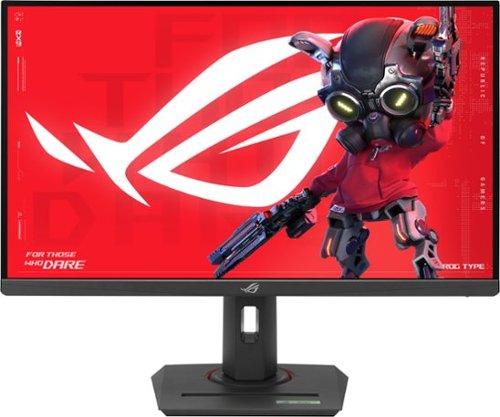
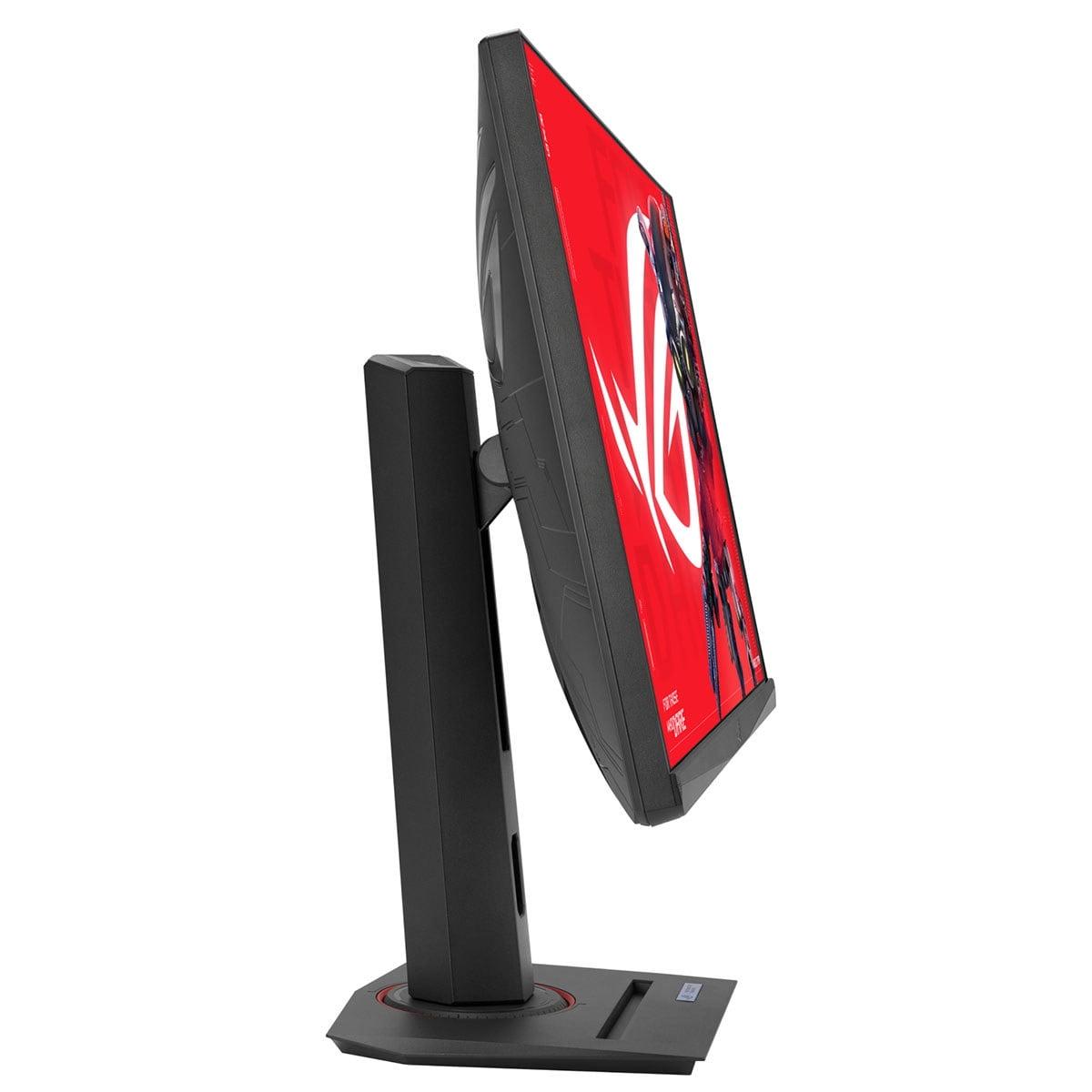
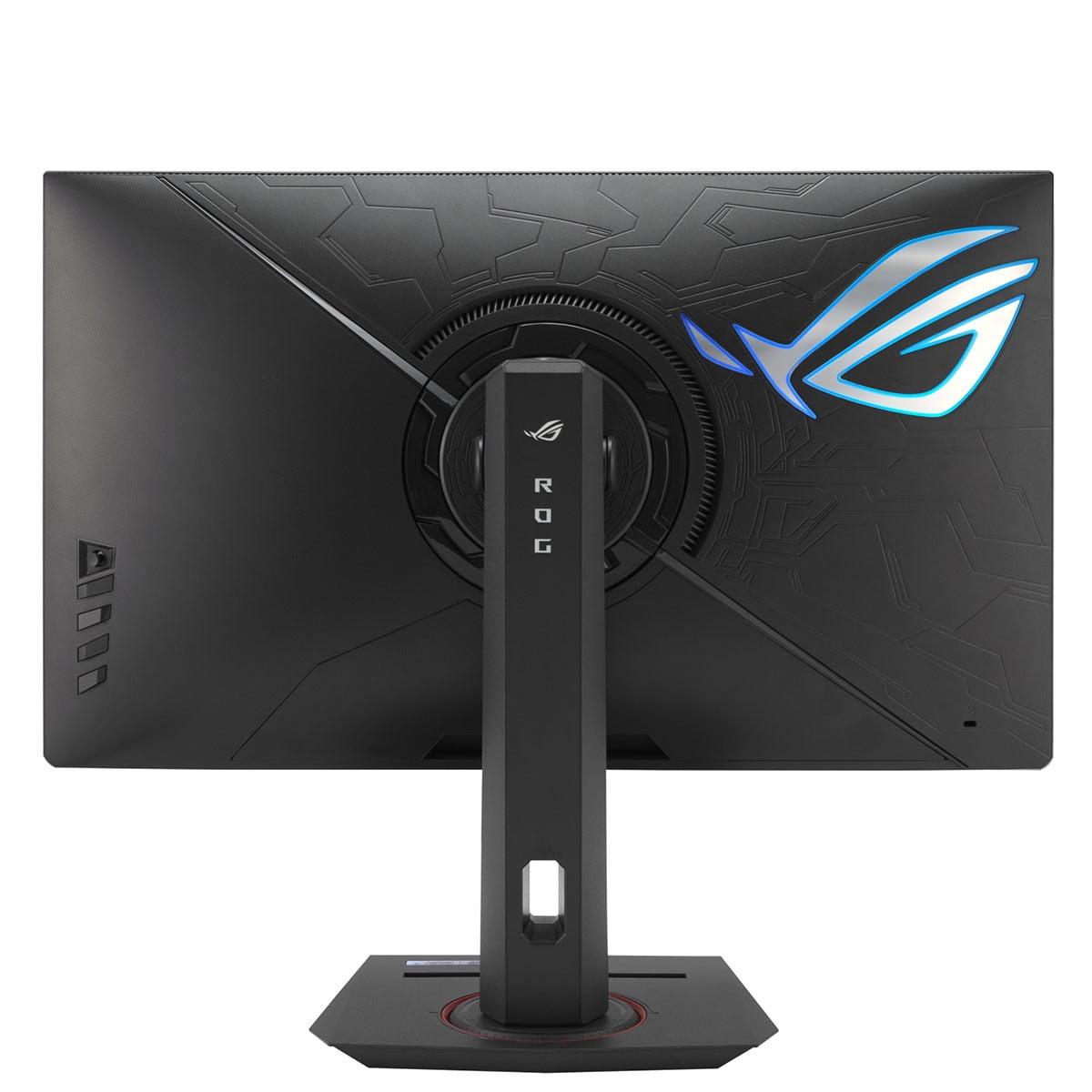
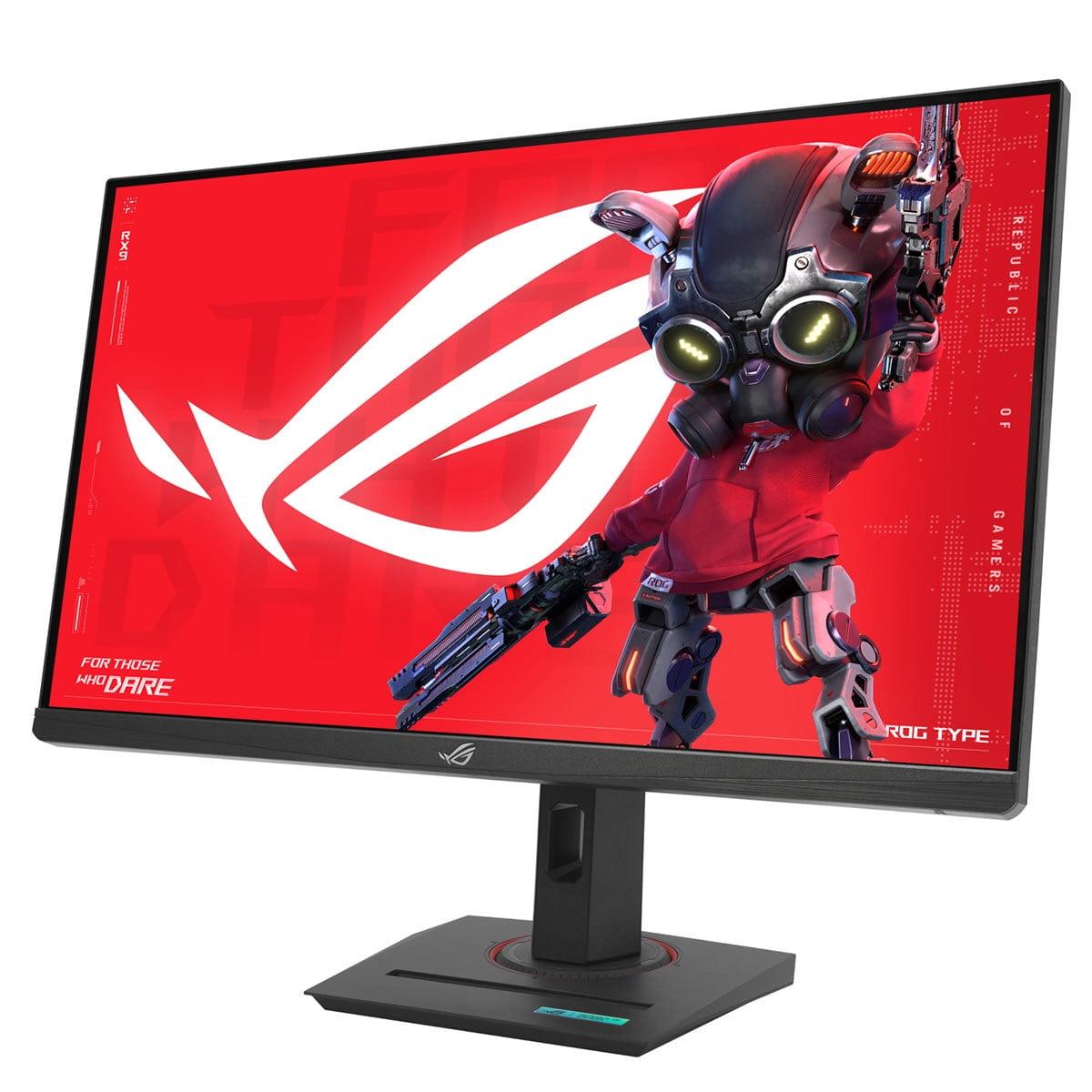
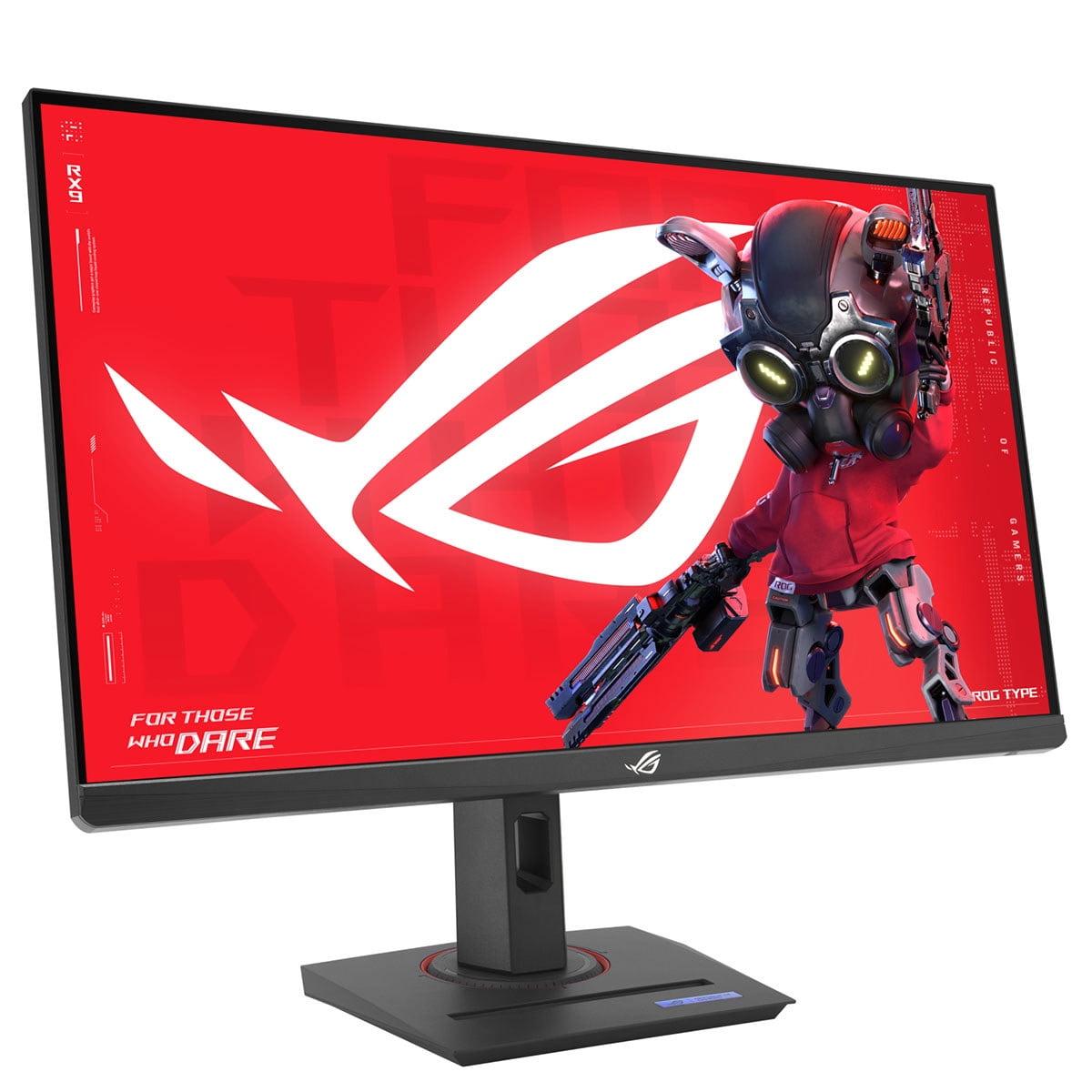
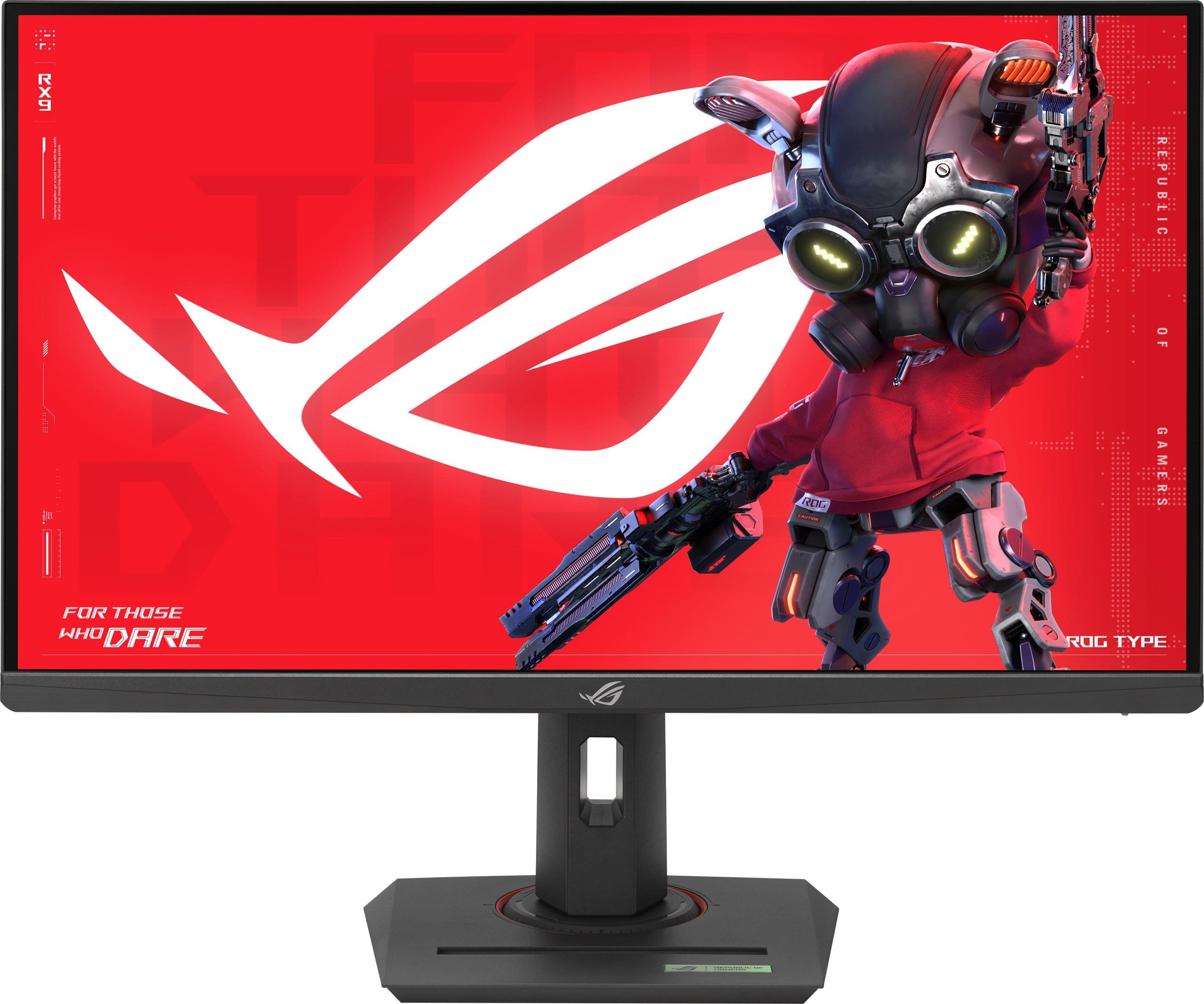
When shopping for a gaming monitor in 2024, you'll face one of the most important decisions in PC gaming: do you prioritize crystal-clear 4K visuals or ultra-smooth high refresh rate performance? Two excellent monitors perfectly illustrate this choice: the MSI MAG 274URFW with its stunning 4K resolution and the ASUS ROG Strix XG27ACMG with its blazing 270Hz refresh rate.
Both monitors arrived in 2024, representing the latest thinking in gaming display technology. The gaming monitor market has matured significantly since the early days when we were lucky to get 60Hz refresh rates. Today's displays offer features that seemed impossible just a few years ago – like 4K at high refresh rates or refresh rates pushing toward 300Hz.
Before diving into these specific models, let's talk about what actually impacts your gaming experience. Refresh rate measures how many times per second your monitor updates the image – think of it like frames in a movie, but much faster. Higher refresh rates create smoother motion, which is especially noticeable in fast-paced games where you're tracking moving targets or racing around corners.
Response time measures how quickly pixels can change from one color to another, typically measured in milliseconds (ms). Lower response times reduce "ghosting" – those annoying trails you sometimes see behind moving objects. For competitive gaming, every millisecond matters.
Resolution determines how many pixels make up your image. More pixels mean sharper, more detailed visuals. The MSI MAG 274URFW delivers 4K (3840×2160 pixels) while the ASUS ROG Strix XG27ACMG uses QHD (2560×1440 pixels). That's a significant difference – 4K has 2.25 times more pixels than QHD.
Adaptive sync technology synchronizes your monitor's refresh rate with your graphics card's frame output, eliminating screen tearing (when the image appears split) and stuttering. Both AMD FreeSync and NVIDIA G-SYNC accomplish this goal, just with different approaches.
The MSI MAG 274URFW represents MSI's vision of what modern 4K gaming should look like. Released in 2024, this monitor packs impressive specifications that would have been impossible at reasonable prices just a couple of years ago.
The first thing you'll notice about the MSI MAG 274URFW is just how sharp everything looks. At 163 pixels per inch, text appears crisp, game details pop with clarity, and you can actually see individual leaves on trees in open-world games. This pixel density makes a real difference for both gaming and productivity work.
The monitor uses a Rapid IPS panel, which MSI has optimized for faster response times while maintaining the wide viewing angles and good color reproduction that IPS technology is known for. In my experience testing various panel types, IPS strikes the best balance for users who game and work on the same display.
Color performance deserves special attention here. The MSI MAG 274URFW covers 98% of the DCI-P3 color space and an impressive 133% of sRGB. For context, sRGB is the standard color space for most web content and casual gaming, while DCI-P3 is used for HDR content and professional video work. Having both means your games will look vibrant and accurate whether you're playing older titles or the latest HDR-enhanced releases.
The monitor also supports 10-bit color depth, displaying over 1 billion colors compared to the 16.7 million colors of standard 8-bit displays. While this might sound like marketing speak, it actually matters for smooth color gradients – think sunsets or fog effects in games where you want to avoid that "banded" look where colors jump rather than blend smoothly.
At 160Hz refresh rate, the MSI MAG 274URFW offers smooth gaming that's noticeably better than standard 60Hz displays. While not as high as the ASUS XG27ACMG's 270Hz, 160Hz provides diminishing returns beyond this point become significant. Most gamers will find 160Hz perfectly adequate for both competitive and casual gaming.
The 0.5ms response time is particularly impressive – it's actually faster than the ASUS model's 1ms specification. In practical terms, this means virtually no ghosting or motion blur during fast action sequences.
AMD FreeSync Premium support ensures compatible graphics cards can eliminate screen tearing across a wide refresh rate range. The monitor also works well with NVIDIA graphics cards, though it lacks official G-SYNC certification.
Here's where we need to talk honestly about 4K gaming performance. While the MSI MAG 274URFW can display beautiful 4K visuals at 160Hz, your graphics card needs to actually produce those frame rates. At the time of writing, you'll want at least an RTX 4070 or RX 7800 XT to maintain 60+ fps in demanding games at 4K. For competitive titles where you want to approach that 160Hz ceiling, you're looking at RTX 4080+ territory.
However, this is where the monitor's versatility shines. You can run games at lower resolutions when needed, or adjust quality settings to find the right balance between visual fidelity and frame rates. The sharp 4K display also makes productivity work, web browsing, and media consumption noticeably better than lower resolution alternatives.
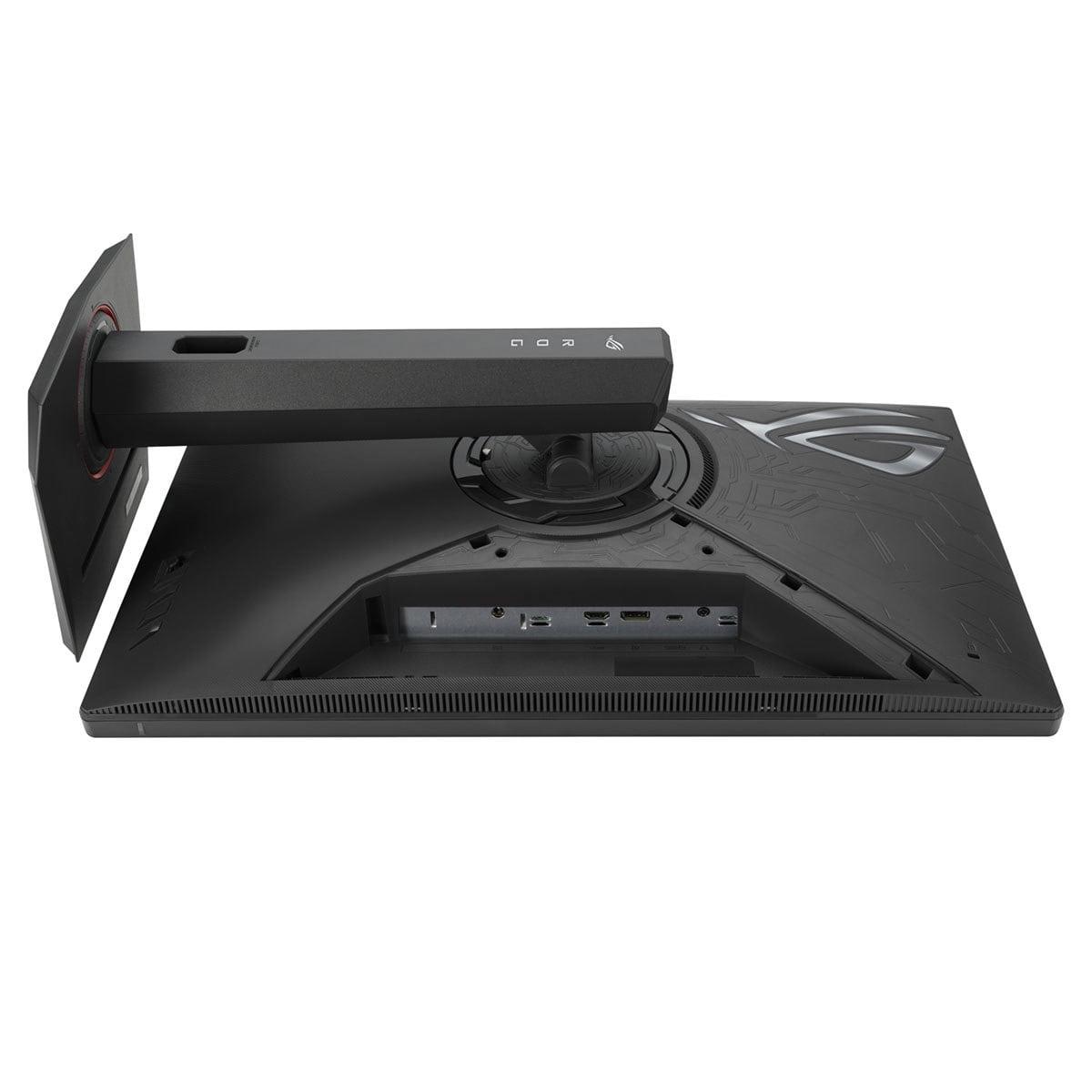
The MSI MAG 274URFW includes two HDMI 2.1 ports, which is crucial for 4K gaming. HDMI 2.0 can't handle 4K at high refresh rates, so this newer standard ensures compatibility with modern graphics cards and gaming consoles. The DisplayPort 1.4a and USB-C connections provide additional flexibility.
MSI has included several gaming-focused features that actually prove useful. The AI Vision technology uses artificial intelligence to enhance visibility in dark areas without washing out bright scenes – particularly helpful in competitive shooters where enemies might hide in shadows. Smart Crosshair changes color automatically to remain visible against any background, while Optix Scope provides zoom functionality for precise aiming.
The ASUS ROG Strix XG27ACMG takes a completely different approach, prioritizing ultra-high refresh rates over resolution. Released alongside other high-refresh gaming monitors in 2024, this display represents ASUS's commitment to competitive gaming performance.
At 270Hz, the ASUS XG27ACMG delivers motion smoothness that's genuinely impressive to experience. While the jump from 60Hz to 144Hz is dramatic, and 144Hz to 180Hz is noticeable, the difference between 180Hz and 270Hz is more subtle but still perceptible to trained eyes. Competitive gamers often describe it as making tracking moving targets feel more natural and responsive.
The Fast IPS panel maintains good color reproduction while achieving that 1ms response time. ASUS has optimized their panel technology specifically for gaming, and it shows in the minimal motion blur during fast action sequences.
One of the ASUS XG27ACMG's most interesting features is ELMB SYNC (Extreme Low Motion Blur Sync). Traditionally, monitors force you to choose between variable refresh rate technology and motion blur reduction – you can't have both simultaneously. ASUS has solved this problem, allowing ELMB to work alongside adaptive sync technologies.
This creates incredibly sharp motion clarity, especially beneficial in competitive first-person shooters where tracking enemies across the screen is crucial. The technology works by strobing the backlight in sync with frame updates, similar to how CRT monitors naturally displayed motion.
The 2560×1440 resolution strikes what many consider the perfect balance for gaming. It provides significantly more detail than 1080p while being much easier to drive than 4K. At 27 inches, QHD delivers 108 pixels per inch – not as sharp as the MSI's 4K panel, but still crisp enough for detailed gaming and productivity work.
This resolution choice means mid-range graphics cards can actually utilize the monitor's full 270Hz potential. An RTX 4060 or RX 7600 can push competitive games like CS2, Valorant, or Rocket League to 200+ fps at QHD, while struggling to maintain 60fps at 4K in demanding titles.
ASUS has packed the XG27ACMG with their GamePlus suite of features. Shadow Boost enhances visibility in dark areas without affecting bright regions, while various crosshair overlays and timers provide competitive advantages in supported games.
The DisplayWidget Center software allows easy adjustment of monitor settings using your mouse rather than physical buttons – a surprisingly convenient feature when you're frequently switching between games with different optimal settings.
For competitive gaming, the choice between these monitors often comes down to the specific games you play and your skill level. In fast-paced shooters like CS2, Valorant, or Apex Legends, the ASUS XG27ACMG's 270Hz refresh rate provides a measurable advantage. Professional players often describe the difference as making enemy movements appear more predictable and tracking feel more responsive.
However, the MSI MAG 274URFW's superior response time (0.5ms vs 1ms) and excellent color accuracy shouldn't be overlooked. Some competitive players prefer the sharper 4K image for spotting distant enemies, even if they need to run the game at QHD resolution to maintain high frame rates.
For story-driven games, RPGs, and other immersive experiences, the MSI MAG 274URFW clearly takes the lead. The difference in visual quality between 4K and QHD is immediately apparent in detailed environments. Games like Cyberpunk 2077, Red Dead Redemption 2, or Microsoft Flight Simulator benefit enormously from the additional pixel density and superior color reproduction.
The wider color gamut and HDR400 certification make HDR-enabled games more impactful, though neither monitor offers the local dimming zones needed for truly premium HDR experiences.
Both monitors work well with PlayStation 5 and Xbox Series X, but the MSI MAG 274URFW offers native 4K support that matches these consoles' target resolution. While the ASUS XG27ACMG can display console output, it requires upscaling from the console's 4K output to the monitor's QHD resolution, potentially introducing slight quality loss.
For console gaming, the MSI monitor also provides two HDMI 2.1 ports, making it easier to connect multiple devices simultaneously.
At the time of writing, both monitors fall into the premium gaming display category, with the ASUS XG27ACMG typically commanding a slight price advantage over the MSI MAG 274URFW. The price difference usually hovers around $30-50, making cost a relatively minor factor in the decision.
From a future-proofing perspective, the MSI's 4K resolution positions it better for upcoming GPU generations. As graphics cards become more powerful, that 4K resolution will become easier to drive at high refresh rates. The ASUS monitor's 270Hz refresh rate, while impressive, may represent diminishing returns that most users won't fully utilize.
However, the ASUS XG27ACMG offers better value for current mid-range GPU owners who can actually achieve high frame rates at QHD resolution.
An often-overlooked factor is power consumption. The MSI MAG 274URFW draws approximately 65W during typical operation, while the ASUS XG27ACMG consumes just 28W. Over months of gaming, this difference adds up in electricity costs and environmental impact.
For users considering these monitors in home theater setups, the MSI MAG 274URFW offers clear advantages. The 4K resolution matches modern streaming content and Ultra HD Blu-ray discs, while the wider color gamut provides better HDR performance. The larger pixel count also makes the monitor more suitable for slightly increased viewing distances typical in living room setups.
After extensive consideration of both monitors, here's my honest assessment of who should choose which:
Choose the MSI MAG 274URFW if you:
Choose the ASUS ROG Strix XG27ACMG if you:
The choice ultimately depends on your gaming priorities and hardware capabilities. Both monitors excel in their respective strengths – the MSI for its stunning visual quality and versatility, the ASUS for its competitive gaming performance and efficiency. Either choice represents a significant upgrade over standard gaming displays and will serve you well for years to come.
| MSI MAG 274URFW | ASUS ROG Strix XG27ACMG |
|---|---|
| Resolution - Determines image sharpness and detail level | |
| 4K (3840×2160) - 163 PPI for ultra-sharp visuals | QHD (2560×1440) - 108 PPI balances sharpness with performance |
| Refresh Rate - Higher rates create smoother motion in games | |
| 160Hz - Excellent for most gaming scenarios | 270Hz - Maximum competitive advantage for esports |
| Response Time - Lower values reduce ghosting and blur | |
| 0.5ms (GTG) - Industry-leading speed | 1ms (GTG) - Very fast, minimal ghosting |
| Panel Type - Affects color quality and viewing angles | |
| Rapid IPS - Optimized for speed with excellent colors | Fast IPS - Gaming-focused with good color reproduction |
| Color Gamut - Wider coverage means more vibrant, accurate colors | |
| 98% DCI-P3, 133% sRGB, 93% Adobe RGB | 95% DCI-P3, 125% sRGB coverage |
| Color Depth - More bits allow smoother gradients | |
| 10-bit (1.07 billion colors) - Professional-grade | 8-bit (16.7 million colors) - Standard gaming quality |
| Adaptive Sync - Eliminates screen tearing and stuttering | |
| AMD FreeSync Premium compatible | AMD FreeSync Premium + NVIDIA G-SYNC Compatible |
| Special Gaming Features - Enhance competitive performance | |
| AI Vision, Smart Crosshair, Optix Scope | ELMB SYNC, GamePlus suite, Shadow Boost |
| Connectivity - More ports offer greater flexibility | |
| 2×HDMI 2.1, 1×DP 1.4a, USB-C (15W PD) | 1×HDMI 2.1, 1×DP 1.4, USB-C (15W PD) |
| Power Consumption - Affects electricity costs over time | |
| 65W typical operation | 28W typical operation - 57% more efficient |
| GPU Requirements - Hardware needed for optimal performance | |
| RTX 4070+/RX 7800 XT+ for 4K gaming | RTX 4060/RX 7600 can achieve high refresh rates |
| Console Gaming - Next-gen compatibility | |
| Native 4K 120Hz for PS5/Xbox Series X | QHD with upscaling from console 4K output |
| Best Use Cases - Who benefits most from each approach | |
| Content creators, single-player gamers, future-proofing | Competitive gamers, esports athletes, mid-range GPU users |
The MSI MAG 274URFW is specifically designed for 4K gaming with its native 3840×2160 resolution and 160Hz refresh rate. The ASUS ROG Strix XG27ACMG only supports QHD (1440p) resolution, making the MSI monitor the clear choice for true 4K gaming experiences.
The ASUS XG27ACMG offers 270Hz for ultra-smooth motion in competitive gaming, while the MSI MAG 274URFW provides 160Hz. The 270Hz advantage is most noticeable in fast-paced esports titles, but 160Hz is excellent for most gaming scenarios and provides diminishing returns beyond this point.
The MSI MAG 274URFW offers superior color performance with 10-bit color depth, 98% DCI-P3 coverage, and 93% Adobe RGB support. The ASUS XG27ACMG provides good colors with 95% DCI-P3 coverage but uses standard 8-bit color depth, making the MSI monitor better for content creation and color-critical work.
The MSI MAG 274URFW requires a high-end GPU like RTX 4070 or RX 7800 XT for optimal 4K performance. The ASUS XG27ACMG works well with mid-range cards like RTX 4060 or RX 7600, as QHD resolution is much easier to drive at high frame rates.
The ASUS ROG Strix XG27ACMG excels in competitive gaming with its 270Hz refresh rate, ELMB SYNC technology, and gaming-focused features. However, the MSI MAG 274URFW offers a faster 0.5ms response time compared to 1ms, making both excellent choices depending on your priorities.
Yes, but the MSI MAG 274URFW provides native 4K 120Hz support that matches console output perfectly. The ASUS XG27ACMG can display console games but requires upscaling from 4K to QHD, potentially reducing image quality slightly.
The ASUS ROG Strix XG27ACMG is significantly more energy-efficient, consuming only 28W compared to the MSI MAG 274URFW's 65W power consumption. This makes the ASUS monitor better for users concerned about electricity costs and environmental impact.
Both work well for productivity, but the MSI MAG 274URFW is superior due to its 4K resolution providing much sharper text and more screen real estate. The higher pixel density makes detailed work like photo editing, coding, and document creation more comfortable than the ASUS monitor's QHD resolution.
The MSI MAG 274URFW is more future-proof with its 4K resolution that will become easier to drive as graphics cards improve. The ASUS XG27ACMG's 270Hz refresh rate may exceed what most users can utilize, making the MSI monitor a better long-term investment.
The MSI MAG 274URFW has a faster 0.5ms response time compared to the ASUS XG27ACMG's 1ms response time. While both are excellent for gaming, the MSI monitor technically offers less motion blur and ghosting during fast action sequences.
The MSI MAG 274URFW offers more versatile connectivity with two HDMI 2.1 ports, DisplayPort 1.4a, and USB-C. The ASUS XG27ACMG provides one HDMI 2.1 port, DisplayPort 1.4, and USB-C. The additional HDMI 2.1 port on the MSI monitor is valuable for connecting multiple high-bandwidth devices.
Choose the ASUS ROG Strix XG27ACMG if you have a mid-range graphics card and primarily play competitive games, as you can actually utilize the high refresh rate. Select the MSI MAG 274URFW if you have a powerful GPU, play various game types, or want a monitor that excels at both gaming and productivity tasks.
We've done our best to create useful and informative comparisons to help you decide what product to buy. Our research uses advanced automated methods to create this comparison and perfection is not possible - please contact us for corrections or questions. These are the sites we've researched in the creation of this article: youtube.com - bestbuy.com - rtings.com - youtube.com - guru3d.com - youtube.com - newegg.com - bhphotovideo.com - bestbuy.com - storage-asset.msi.com - shi.com - neweggbusiness.com - files.bbystatic.com - us-store.msi.com - msi.com - storage-asset.msi.com - storage-asset.msi.com - rtings.com - e-catalog.com - bestbuy.com - rog.asus.com - rog.asus.com - youtube.com - youtube.com - versus.com - forum.pcmonitors.info - versus.com - cdw.com - rog.asus.com - rog.asus.com - rog.asus.com - avadirect.com - bhphotovideo.com - rog.asus.com - shi.com - shop.asus.com - publicsector.shidirect.com - bestbuy.com

Privacy Policy
Terms and Conditions - Affiliate Policy
Home Security
© Copyright 2008-2026.
11816 Inwood Rd #1211, Dallas, TX 75244