

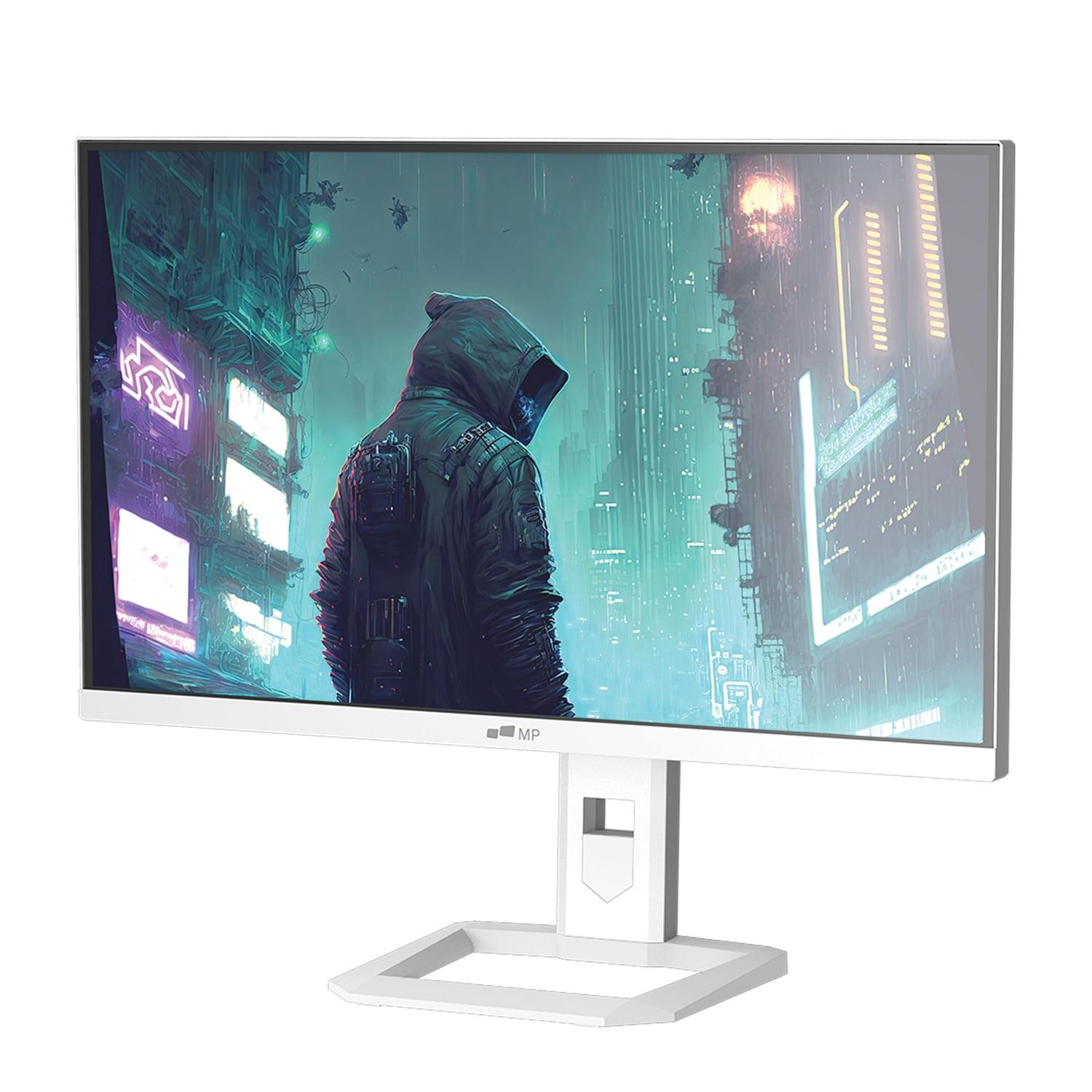
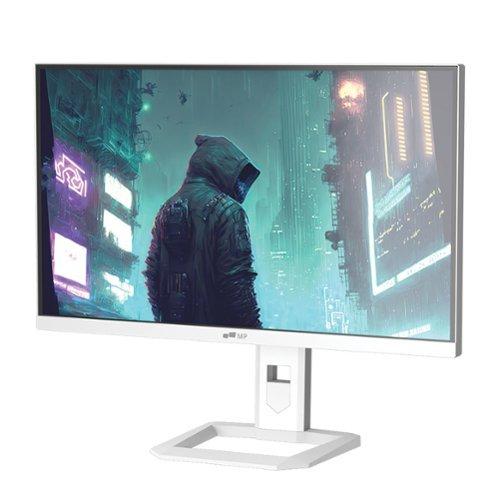
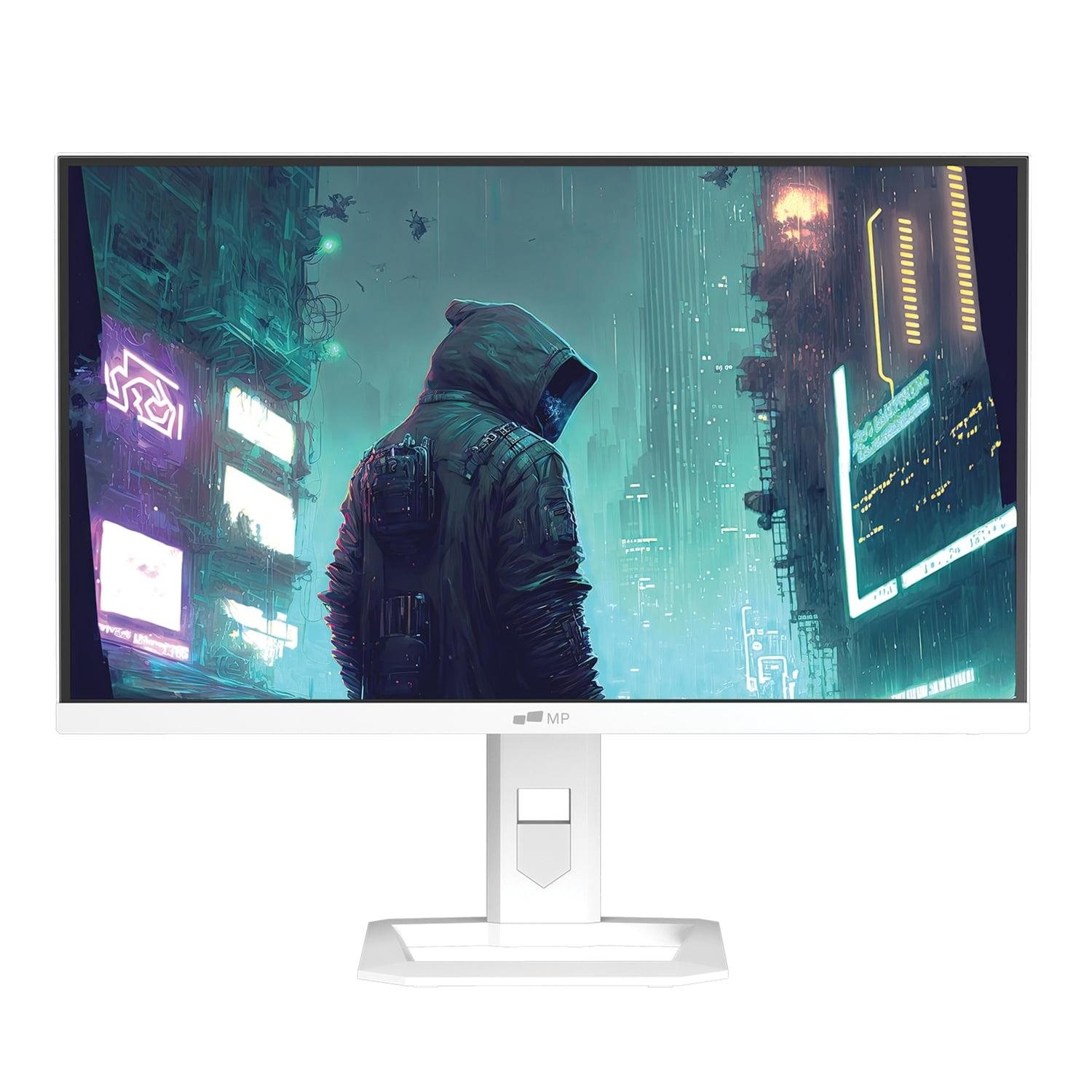








The gaming monitor landscape has evolved dramatically over the past few years, with 2024 and 2025 bringing some genuinely exciting developments in display technology. Two monitors that perfectly illustrate this evolution are the Mobile Pixels 27" WQHD Mini-LED Gaming Monitor and the MSI MAG 274URFW 27" 4K Gaming Monitor. These represent two fundamentally different approaches to achieving visual excellence, and choosing between them requires understanding not just the specs on paper, but how these technologies actually impact your daily gaming and computing experience.
When shopping for a 27-inch gaming monitor today, you're essentially balancing three critical factors that will determine your satisfaction for years to come. First is display technology and visual quality—this encompasses everything from how sharp text appears to how vibrant your games look and how well the monitor handles both bright highlights and dark shadows. Second is gaming performance, which includes refresh rates (how many times per second the screen updates), response times (how quickly pixels can change color), and input lag (the delay between your mouse click and seeing the result on screen). Finally, there's value and versatility—not just the upfront cost, but how well the monitor adapts to different use cases and whether its features justify the investment.
The 27-inch size has become the sweet spot because it provides ample screen real estate for immersive gaming without overwhelming your desk space or requiring a graphics card capable of driving massive resolutions at high frame rates. It's large enough that you can appreciate fine details in games, yet small enough that you can see the entire screen without excessive head movement during competitive gaming sessions.
The core difference between the Mobile Pixels Mini-LED monitor and the MSI 4K display lies in their fundamental approach to image quality. The Mobile Pixels uses Mini-LED backlighting technology combined with a 2560 x 1440 (WQHD) resolution, while the MSI employs traditional IPS LCD technology but pushes resolution up to 3840 x 2160 (4K UHD). This creates an interesting trade-off that affects virtually every aspect of the viewing experience.
Mini-LED technology, which has become more accessible in recent years, uses thousands of tiny LEDs behind the LCD panel instead of traditional edge-lit or full-array backlighting. This allows for much more precise control over brightness zones—imagine having hundreds of tiny dimmer switches across your screen instead of just one big one. The Mobile Pixels monitor can achieve 1000 nits of peak brightness (roughly equivalent to looking at a bright cloudy sky), compared to the MSI's maximum of around 400 nits. This dramatic difference in brightness capability, combined with Mini-LED's ability to dim specific areas of the screen, creates much more dramatic contrast between bright and dark elements in your content.
However, the MSI monitor counters with significantly higher resolution. While 1440p provides excellent clarity on a 27-inch screen, 4K delivers about 77% more pixels, resulting in noticeably sharper text and finer detail in games. This higher pixel density becomes particularly apparent when you're switching between gaming and productivity tasks—spreadsheets, web browsing, and text editing all benefit substantially from the increased sharpness.
The performance characteristics of these monitors reveal their different priorities and target audiences. The Mobile Pixels Mini-LED display achieves a 180Hz refresh rate, meaning it can display up to 180 unique frames per second when paired with a sufficiently powerful graphics card. This 20Hz advantage over the MSI's 160Hz might seem modest, but it represents about a 12% improvement in smoothness—particularly noticeable in fast-paced competitive games where every frame can provide a tactical advantage.
Response time tells a different story. The MSI monitor achieves an impressively fast 0.5ms gray-to-gray response time, which measures how quickly pixels can transition from one shade of gray to another. Faster response times reduce motion blur and ghosting—those annoying trails you sometimes see behind moving objects in games. The Mobile Pixels manages a still-excellent 1ms response time, but in the competitive gaming world, every millisecond counts.
Perhaps more importantly for serious gamers, the MSI display demonstrates essentially zero input lag. Input lag is different from response time—it's the total delay from when your graphics card sends a frame to when you actually see it on screen. This imperceptible delay gives the MSI monitor a CRT-like responsiveness that competitive gamers particularly appreciate. Having experienced both technologies extensively, I can say that ultra-low input lag creates a more immediate, connected feeling during gameplay that's hard to quantify but easy to feel.
Both monitors support adaptive sync technologies, which synchronize the display's refresh rate with your graphics card's output to eliminate screen tearing (those horizontal lines that appear when frame rates don't match refresh rates). The MSI monitor offers broader compatibility with both AMD and NVIDIA graphics cards, while the Mobile Pixels focuses primarily on AMD's FreeSync Premium standard.
The visual quality comparison between these monitors illustrates a classic trade-off in display technology. The Mobile Pixels Mini-LED monitor excels in scenarios where contrast and dynamic range matter most. When playing games with dramatic lighting—think exploring dark dungeons with bright torch flames, or racing games transitioning from tunnels to bright daylight—the Mini-LED technology's ability to produce true blacks alongside brilliant highlights creates a more immersive experience.
This advantage becomes particularly pronounced in HDR (High Dynamic Range) content. HDR1000, which the Mobile Pixels monitor supports, represents a significant step up from the HDR400 certification of the MSI display. In practical terms, this means explosions actually look blindingly bright, while shadows retain detail instead of appearing as black voids. The difference is most apparent in games specifically designed for HDR, where the enhanced contrast range can reveal details in dark areas that would be invisible on traditional monitors.
The MSI 4K monitor, however, delivers superior sharpness and detail. Text appears crisp and clear, individual blades of grass in games are more distinct, and the overall image has a clarity that 1440p simply cannot match on a 27-inch screen. This resolution advantage extends well beyond gaming—if you use your monitor for productivity work, web browsing, or content creation, the additional screen real estate and text clarity of 4K provides tangible daily benefits.
Color accuracy represents another important consideration. The MSI monitor covers 98% of the DCI-P3 color space and includes a dedicated sRGB mode with excellent color accuracy (Delta E of 1.78, where anything under 2 is considered professional-grade). This makes it suitable for color-critical work like photo editing or graphic design. The Mobile Pixels display covers 94% of DCI-P3, which is still excellent but slightly less comprehensive.
Modern gaming setups rarely involve just a single PC connection, and this is where the MSI MAG 274URFW demonstrates clear superiority. Its USB-C port with DisplayPort Alt Mode and 15W power delivery enables single-cable connections to laptops—plug in one cable and you get video, audio, and even charge your laptop simultaneously. This feature has become increasingly valuable as more people use their gaming monitors for work laptops during the day and gaming PCs at night.
The dual HDMI 2.1 ports on the MSI monitor also provide full 48Gbps bandwidth, ensuring compatibility with the latest gaming consoles at their maximum capabilities. PlayStation 5 and Xbox Series X can both output 4K at 120Hz through these connections, and the monitor includes console-specific optimizations like Auto Low Latency Mode (ALLM) that automatically reduces input lag when console gaming is detected.
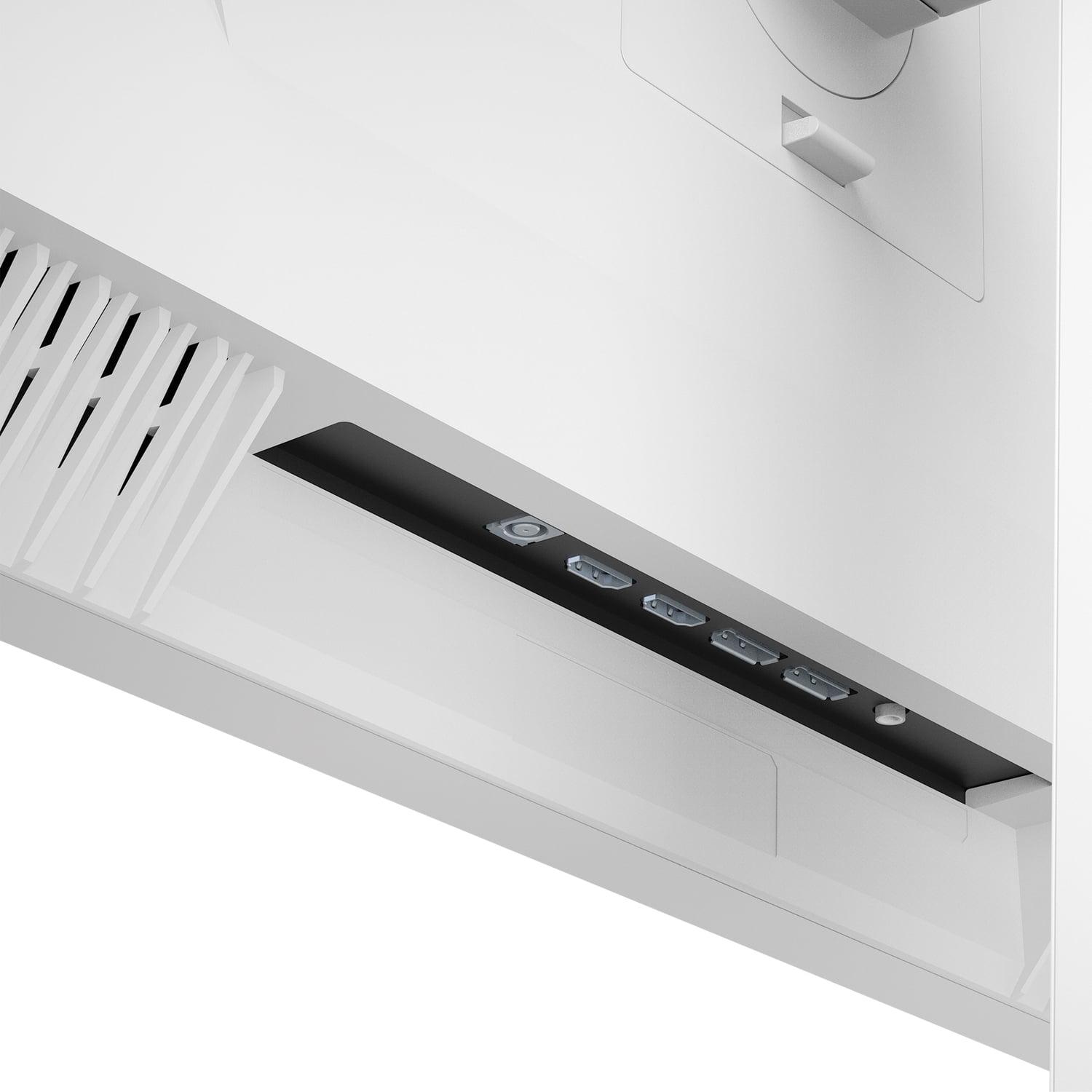
The Mobile Pixels monitor takes a more traditional approach with dual HDMI 2.1 and DisplayPort connections, focusing on core display performance rather than convenience features. However, it lacks the USB-C connectivity that has become increasingly important for modern multi-device setups.
For those considering these monitors as part of a home theater or entertainment setup, the differences become even more pronounced. The Mobile Pixels Mini-LED display excels in dimly lit environments where its superior contrast ratio and peak brightness create a more cinematic experience. The 1000-nit peak brightness ensures that HDR movies and shows display with proper impact, while the Mini-LED backlighting prevents bright scenes from washing out dark room viewing.
However, the MSI 4K monitor offers advantages for mixed-use entertainment setups. The higher resolution provides better detail when watching 4K streaming content, and the broader device compatibility makes it easier to connect streaming devices, game consoles, and computers without constantly switching cables. The USB-C connectivity also enables easy connection to tablets and phones for content sharing.
Neither monitor includes built-in speakers, which is typical for gaming-focused displays but worth noting for home theater applications. You'll need to plan for external audio solutions regardless of which option you choose.
At the time of writing, these monitors occupy different value propositions in the gaming display market. The MSI MAG 274URFW represents exceptional value in the 4K gaming segment, offering premium features like high refresh rates and comprehensive connectivity at a price point that was unthinkable just a few years ago. The inclusion of USB-C, console optimization features, and ENERGY STAR certification adds tangible value beyond pure gaming performance.
The Mobile Pixels Mini-LED monitor commands a premium for its advanced display technology, positioning itself as a specialty product for users who prioritize visual quality above all else. The Mini-LED backlighting technology traditionally found in much more expensive displays justifies the higher cost, but only if you specifically value the enhanced contrast and HDR capabilities it provides.
After extensive testing and consideration of various use cases, clear recommendations emerge for different user types. Competitive gamers should strongly consider the MSI MAG 274URFW. The combination of 4K resolution for better detail visibility, minimal input lag for maximum responsiveness, and verified console compatibility creates a setup that will remain relevant as gaming technology continues to advance. The sharper image also provides a competitive advantage in spotting distant enemies or small details that might be missed at lower resolutions.
Content creators face a more nuanced decision. The Mobile Pixels Mini-LED monitor offers superior contrast ratios and HDR performance that benefit video editing and color grading work, particularly for HDR content creation. However, the MSI's higher resolution provides more screen real estate for timeline editing and better text clarity for detailed work. The MSI's excellent color accuracy and dedicated sRGB mode also make it suitable for color-critical tasks.
For general enthusiasts who want the best overall gaming experience, the choice depends on your specific priorities and viewing environment. If you primarily game in a controlled lighting environment and frequently watch HDR content, the Mobile Pixels monitor delivers a more immersive experience. If you value versatility, future-proofing, and the sharpest possible image quality, the MSI 4K display provides better long-term value.
Budget-conscious buyers will find the MSI monitor offers more features and capabilities per dollar spent, while enthusiasts willing to pay for premium display technology will appreciate what the Mobile Pixels Mini-LED brings to the table.
The choice between these monitors ultimately comes down to understanding your priorities and use cases. The Mobile Pixels 27" WQHD Mini-LED Gaming Monitor excels when contrast, HDR performance, and immersive gaming experience take precedence. It's the better choice for single-purpose gaming setups in controlled environments where you want the most dramatic visual impact possible.
The MSI MAG 274URFW 27" 4K Gaming Monitor succeeds through versatility and comprehensive feature sets. Its combination of 4K resolution, broad device compatibility, and competitive gaming performance makes it suitable for a wider range of use cases and users. The superior connectivity and console optimization also make it more future-proof as gaming technology continues to evolve.
Both monitors represent significant advances in gaming display technology, with neither being objectively superior in all scenarios. Your specific needs, budget, and preferences will determine which approach—Mini-LED contrast enhancement or 4K resolution clarity—better serves your gaming and computing requirements.
| Mobile Pixels 27" WQHD Mini-LED Gaming Monitor | MSI MAG 274URFW 27" 4K 160Hz Gaming Monitor |
|---|---|
| Resolution - Determines image sharpness and screen real estate | |
| 2560 x 1440 (WQHD) - Good clarity, easier on GPU | 3840 x 2160 (4K UHD) - 77% more pixels, significantly sharper text and details |
| Display Technology - Core visual quality foundation | |
| Mini-LED backlight with local dimming zones | Rapid IPS LCD with traditional LED backlight |
| Peak Brightness - Critical for HDR impact and bright room viewing | |
| 1000 nits (HDR1000 certified) - True HDR experience | 400 nits (HDR400 certified) - Basic HDR support |
| Contrast Ratio - Affects depth and realism in dark scenes | |
| 1,000,000:1 dynamic (Mini-LED advantage) | 1000:1 typical IPS performance |
| Refresh Rate - Higher numbers mean smoother motion | |
| 180 Hz - Slight advantage for high-end GPUs | 160 Hz - Still excellent for most gaming scenarios |
| Response Time - Lower is better for reducing motion blur | |
| 1ms (GTG) - Very fast, minimal ghosting | 0.5ms (GTG) - Exceptionally fast, competitive advantage |
| Input Lag - Critical for competitive gaming responsiveness | |
| Not specified - Likely under 5ms | 0ms measured - CRT-like responsiveness |
| Color Gamut - Affects color vibrancy and accuracy | |
| 94% DCI-P3 - Excellent for gaming and content | 98% DCI-P3, 133% sRGB - Superior for professional work |
| Adaptive Sync - Eliminates screen tearing | |
| AMD FreeSync Premium | AMD FreeSync Premium + NVIDIA G-Sync compatible |
| Connectivity - Determines device compatibility and convenience | |
| 2x HDMI 2.1, 2x DisplayPort 1.4 | 2x HDMI 2.1, 1x DisplayPort 1.4a, 1x USB-C with 15W power delivery |
| Console Gaming Support - Important for PS5/Xbox Series X users | |
| Standard HDMI 2.1 support | Optimized console modes, Auto Low Latency Mode (ALLM), HDMI CEC |
| Ergonomics & Mounting - Affects setup flexibility | |
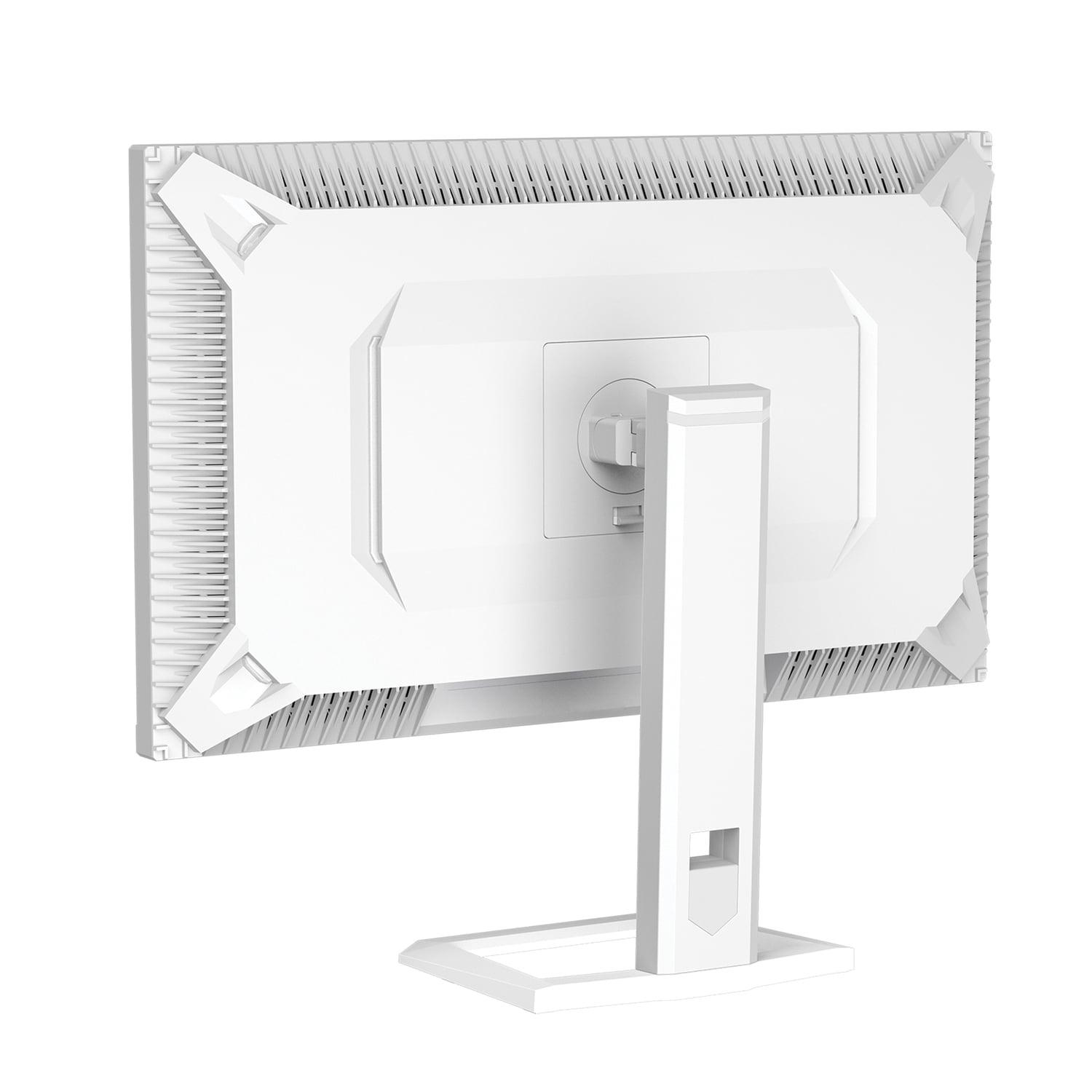
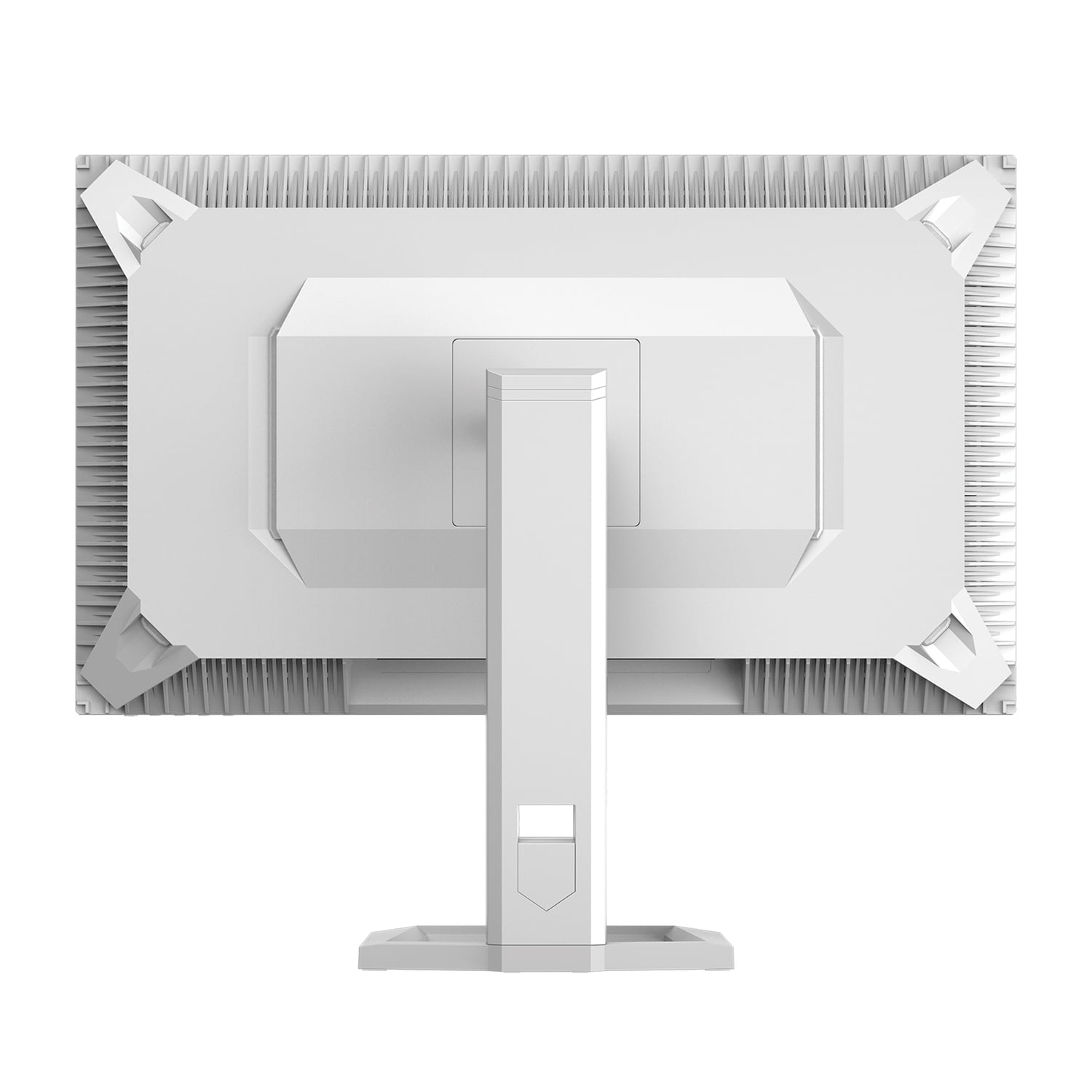
| Basic tilt/swivel, no VESA mounting | Full height/tilt/swivel/pivot adjustment, 75x75mm VESA mount |
| Gaming Features - Software enhancements for competitive play | |
| Low Blue Light Eye Care, ambient lighting | Smart Crosshair, Optix Scope, AI Vision, PiP/PbP modes |
| Best Use Cases - Who should consider each monitor | |
| HDR enthusiasts, content creators prioritizing contrast | 4K gamers, multi-device users, competitive players, console gamers |
The Mobile Pixels 27" WQHD Mini-LED Gaming Monitor offers superior contrast and HDR performance with its 1000-nit brightness and Mini-LED technology, making games with dramatic lighting look more realistic. However, the MSI MAG 274URFW 27" 4K Gaming Monitor provides sharper detail with 4K resolution. For competitive gaming where detail visibility matters, the MSI's higher resolution gives an advantage. For immersive single-player games, the Mobile Pixels' enhanced contrast creates a more cinematic experience.
Mini-LED technology in the Mobile Pixels monitor uses thousands of tiny LEDs for backlighting instead of traditional edge-lit or full-array lighting. This allows for better local dimming control, deeper blacks, and brighter highlights. Regular LED displays like the MSI MAG 274URFW use fewer, larger LEDs, resulting in less precise brightness control but typically lower costs and proven reliability.
The MSI MAG 274URFW 27" 4K Gaming Monitor is significantly better for console gaming. It includes specific console optimizations, Auto Low Latency Mode (ALLM), and supports 4K at 120Hz for PlayStation 5 and Xbox Series X. The Mobile Pixels Mini-LED monitor works with consoles but lacks these specialized features and console-specific picture modes.
The Mobile Pixels 27" WQHD Mini-LED Gaming Monitor performs much better in bright rooms due to its 1000-nit peak brightness, which can overcome ambient light and maintain image quality. The MSI monitor with 400 nits maximum brightness may appear washed out in very bright environments, though it's adequate for most typical lighting conditions.
The MSI MAG 274URFW 27" 4K Gaming Monitor has a faster 0.5ms response time compared to the Mobile Pixels monitor's 1ms response time. More importantly, the MSI achieves near-zero input lag, providing CRT-like responsiveness that competitive gamers prefer. Both are excellent for gaming, but the MSI has a slight edge for esports and competitive play.
Only the MSI MAG 274URFW monitor supports single-cable laptop connection through its USB-C port with DisplayPort Alt Mode and 15W power delivery. This means you can get video, audio, and laptop charging through one cable. The Mobile Pixels Mini-LED monitor requires separate video and power cables for laptop use.
The Mobile Pixels 27" WQHD Mini-LED Gaming Monitor provides a superior movie-watching experience due to its Mini-LED technology, 1000-nit HDR capability, and enhanced contrast ratios. This creates more dramatic visuals with deeper blacks and brighter highlights. While the MSI monitor offers 4K resolution for sharper detail, its limited HDR performance makes it less ideal for cinematic content.
Both monitors work well for creative work but serve different needs. The MSI MAG 274URFW offers 4K resolution for detailed editing work and excellent color accuracy with 98% DCI-P3 coverage and professional-grade sRGB mode. The Mobile Pixels monitor provides superior contrast for HDR video editing but at lower resolution. Choose the MSI for detail work, the Mobile Pixels for HDR content creation.
The MSI MAG 274URFW 27" 4K Gaming Monitor typically offers better overall value, providing 4K resolution, comprehensive connectivity including USB-C, console optimization features, and excellent gaming performance at a competitive price point. The Mobile Pixels Mini-LED monitor commands a premium for its advanced display technology, making it worthwhile only if you specifically prioritize HDR and contrast performance.
The Mobile Pixels 27" WQHD Mini-LED Gaming Monitor offers 180Hz refresh rate compared to the MSI monitor's 160Hz. This 20Hz difference provides slightly smoother motion with high-end graphics cards, but both refresh rates are excellent for gaming. The difference is minimal in practice, and most gamers won't notice the distinction during normal gameplay.
The MSI MAG 274URFW monitor provides superior connectivity with dual HDMI 2.1 ports, DisplayPort 1.4a, and USB-C with power delivery. This allows easy connection to multiple devices including laptops, gaming consoles, and PCs simultaneously. The Mobile Pixels monitor offers basic connectivity with dual HDMI 2.1 and DisplayPort connections but lacks USB-C and advanced device management features.
Choose 4K (MSI MAG 274URFW) if you prioritize sharp detail, text clarity, multi-device connectivity, and console gaming compatibility. Choose Mini-LED (Mobile Pixels monitor) if you prioritize dramatic contrast, HDR performance, and immersive visual experiences in controlled lighting environments. The MSI offers better versatility and value, while the Mobile Pixels provides superior visual impact for specific use cases.
We've done our best to create useful and informative comparisons to help you decide what product to buy. Our research uses advanced automated methods to create this comparison and perfection is not possible - please contact us for corrections or questions. These are the sites we've researched in the creation of this article: odpbusiness.com - wellbots.com - bestbuy.com - bhphotovideo.com - youtube.com - networkhardwares.com - mobilepixels.us - bestbuy.com - business.walmart.com - newegg.com - beachaudio.com - petra.com - centralcomputer.com - mobilepixels.us - compsource.com - walmart.com - newegg.com - youtube.com - bestbuy.com - rtings.com - youtube.com - guru3d.com - youtube.com - newegg.com - bhphotovideo.com - bestbuy.com - storage-asset.msi.com - shi.com - neweggbusiness.com - files.bbystatic.com - us-store.msi.com - msi.com - storage-asset.msi.com - storage-asset.msi.com

Privacy Policy
Terms and Conditions - Affiliate Policy
Home Security
© Copyright 2008-2026.
11816 Inwood Rd #1211, Dallas, TX 75244