









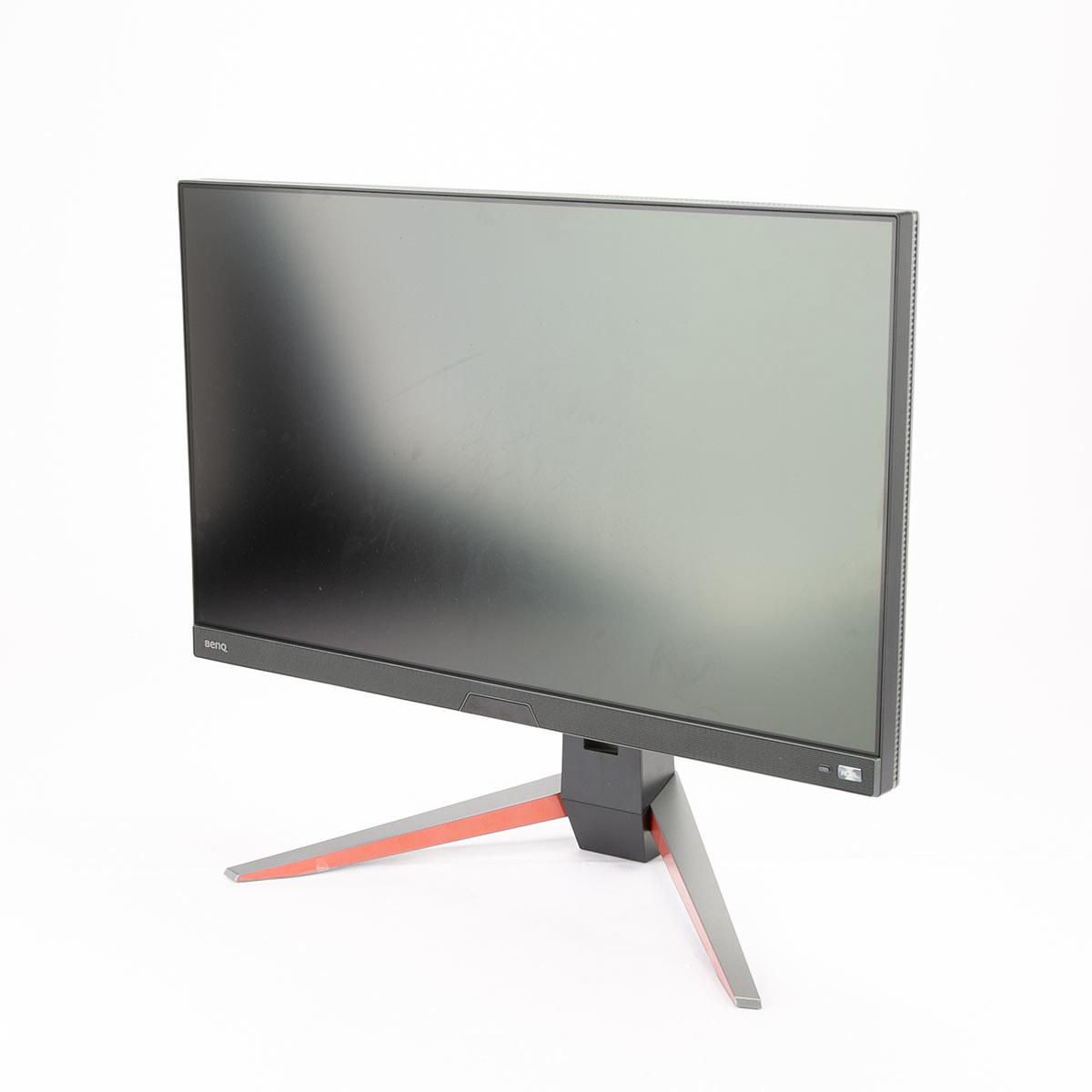
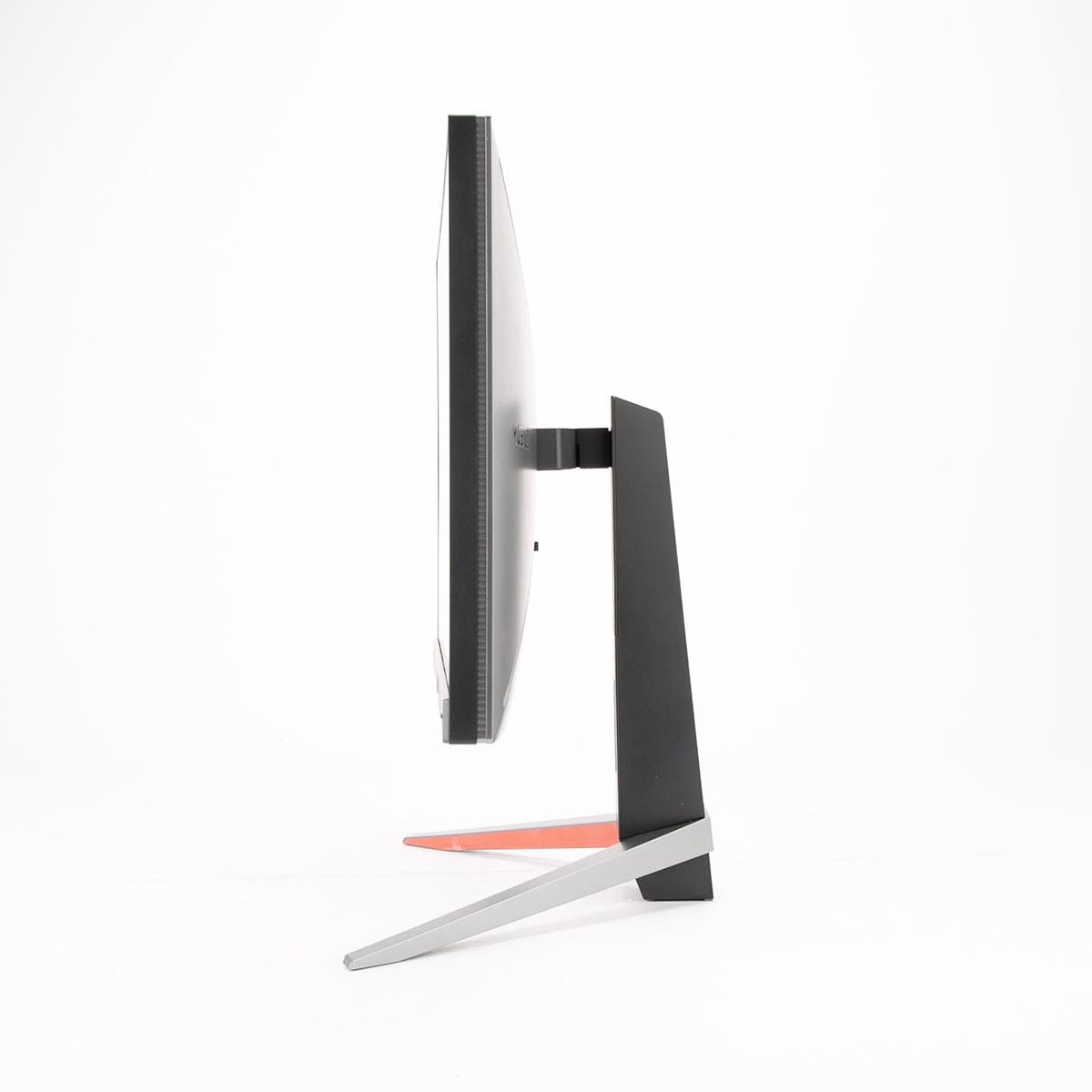
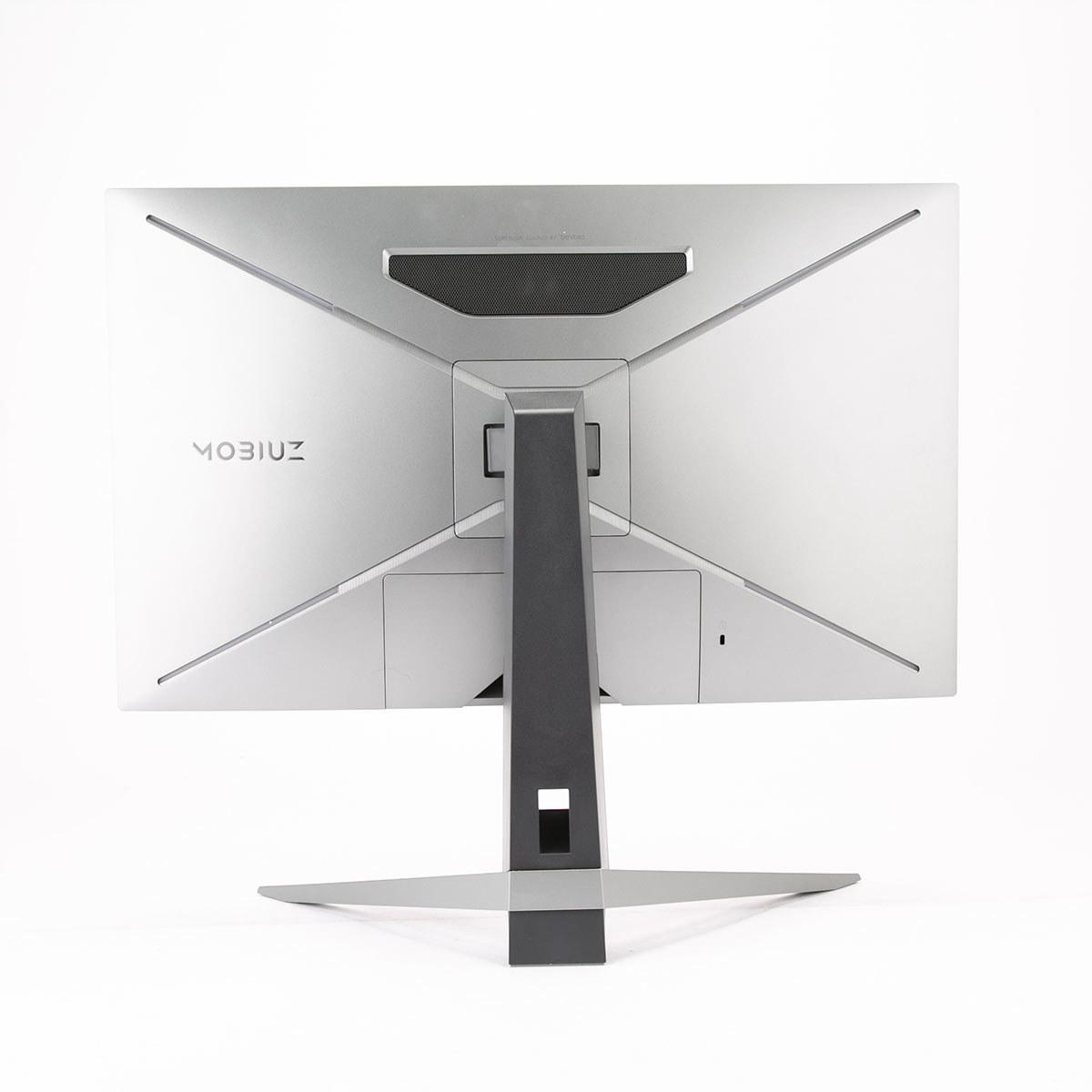
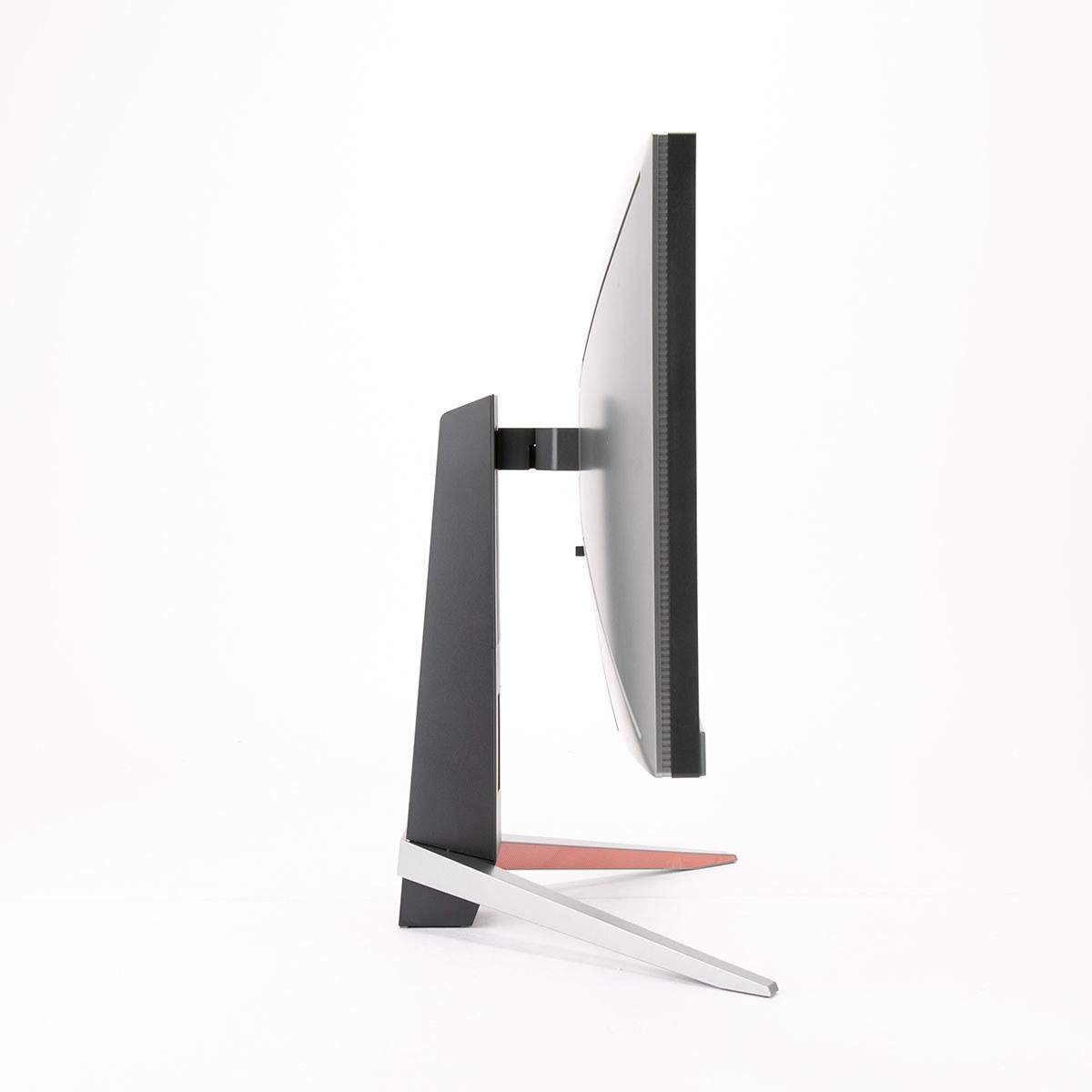
When shopping for a gaming monitor in 2024, you'll quickly discover that manufacturers are pushing two very different philosophies. Some prioritize cramming as many pixels as possible into the screen for razor-sharp detail, while others chase the highest refresh rates for buttery-smooth motion. The MSI MAG 274URFW and BenQ MOBIUZ EX270QM represent these competing approaches perfectly, and understanding their differences will help you make the right choice for your gaming setup.
Modern gaming monitors have evolved far beyond the basic 60Hz displays that dominated just a few years ago. Today's displays offer a complex mix of features that can dramatically impact your gaming experience. The most important specifications to understand are resolution (how many pixels fit on the screen), refresh rate (how many times per second the image updates), response time (how quickly pixels can change colors), and panel type (the underlying display technology).
Resolution determines how sharp and detailed your games will look. Higher resolutions like 4K pack more pixels into the same screen size, making text crisper and game textures more detailed. However, more pixels also mean your graphics card has to work much harder to maintain smooth frame rates.
Refresh rate, measured in hertz (Hz), tells you how many times per second your monitor can display a new image. A 60Hz monitor shows 60 new images per second, while a 240Hz display can show 240. Higher refresh rates make motion appear smoother and can give competitive gamers a real advantage by showing enemy movements sooner.
Response time measures how quickly individual pixels can change from one color to another, typically measured in milliseconds (ms). Faster response times reduce motion blur and ghosting—those annoying trails you sometimes see behind fast-moving objects in games.
The MSI MAG 274URFW, released in 2024, represents MSI's push into affordable 4K gaming. This 27-inch monitor packs 3840 x 2160 pixels (what we call 4K or UHD resolution) running at up to 160Hz. That's a substantial leap from the 4K displays of just a few years ago, which typically maxed out at 60Hz and cost twice as much.
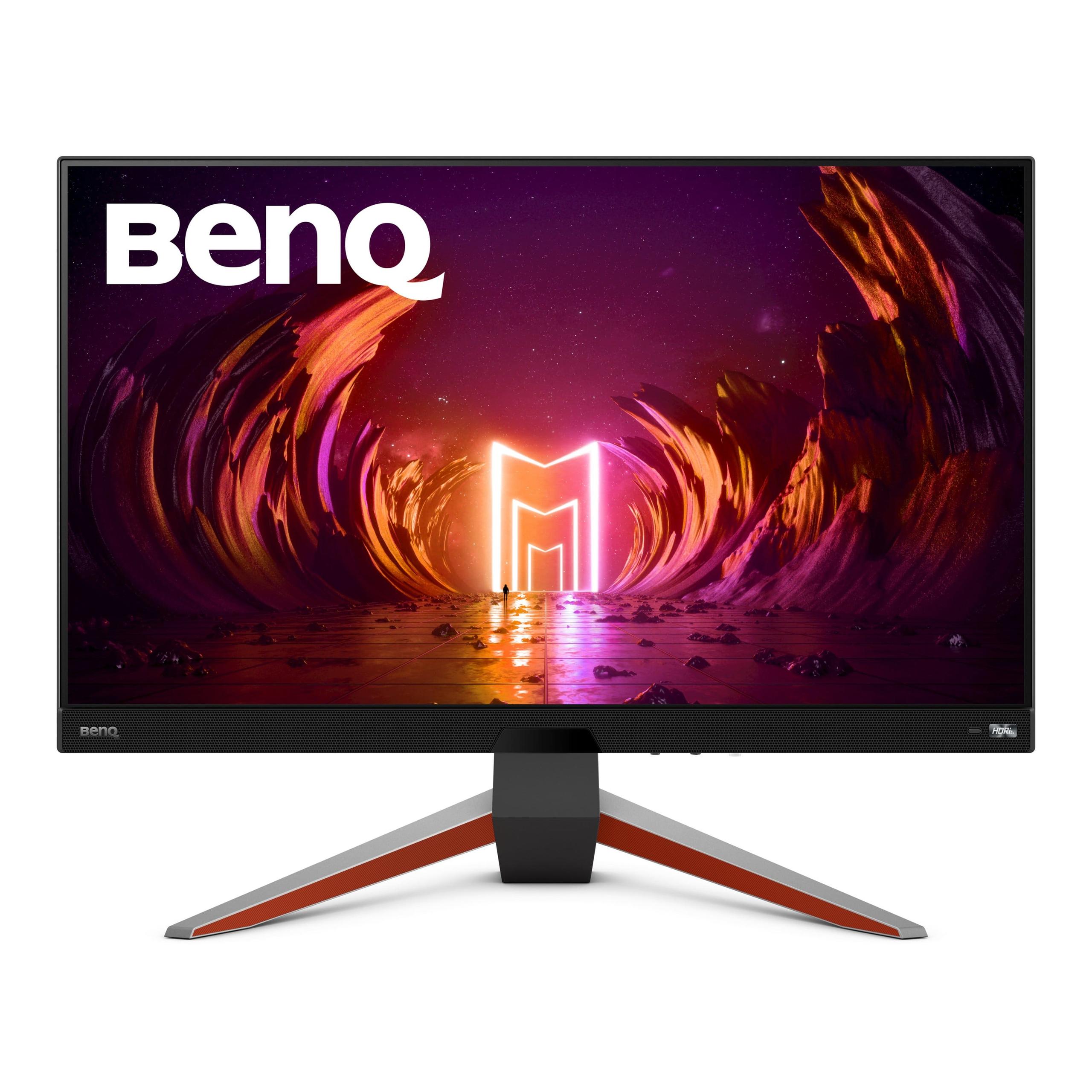
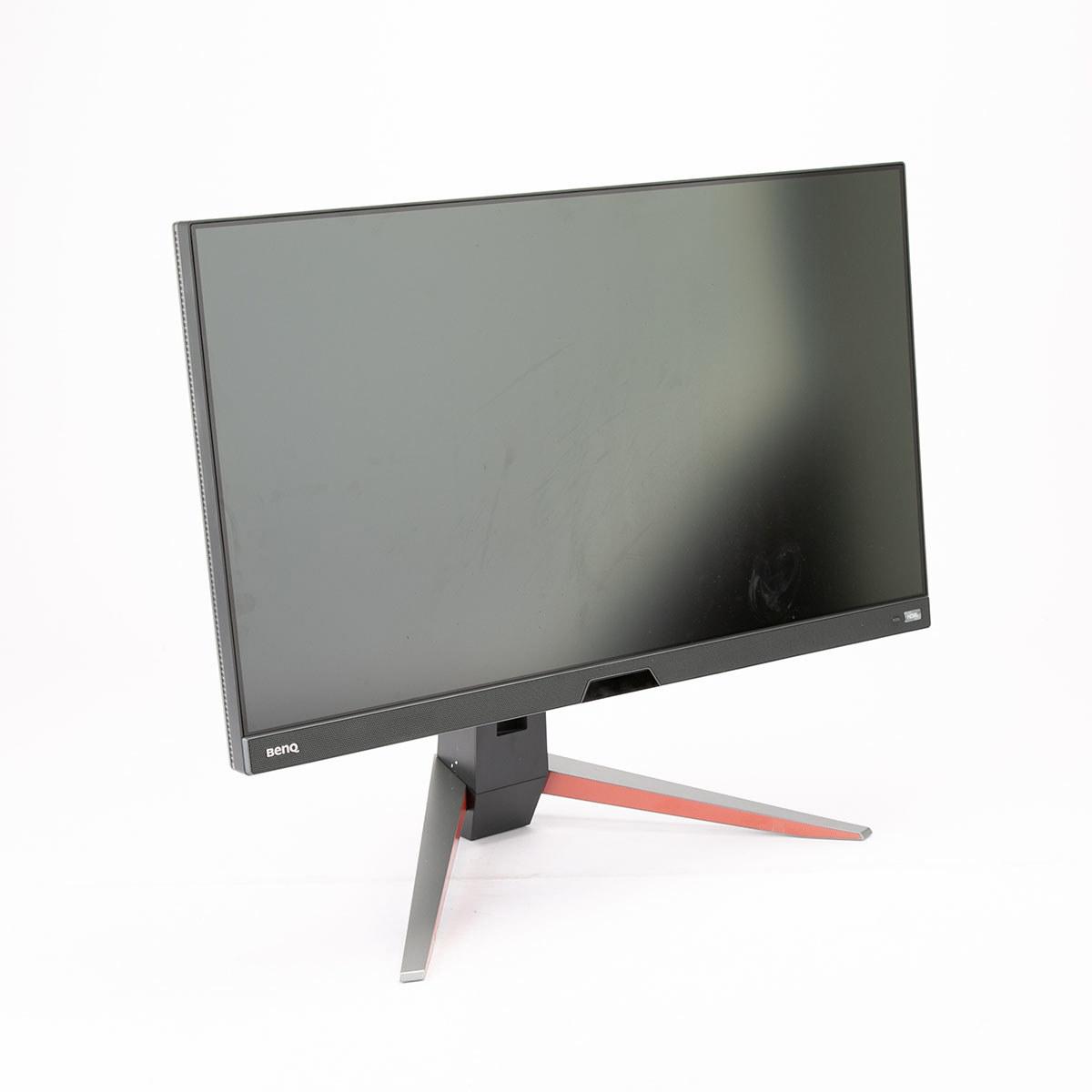
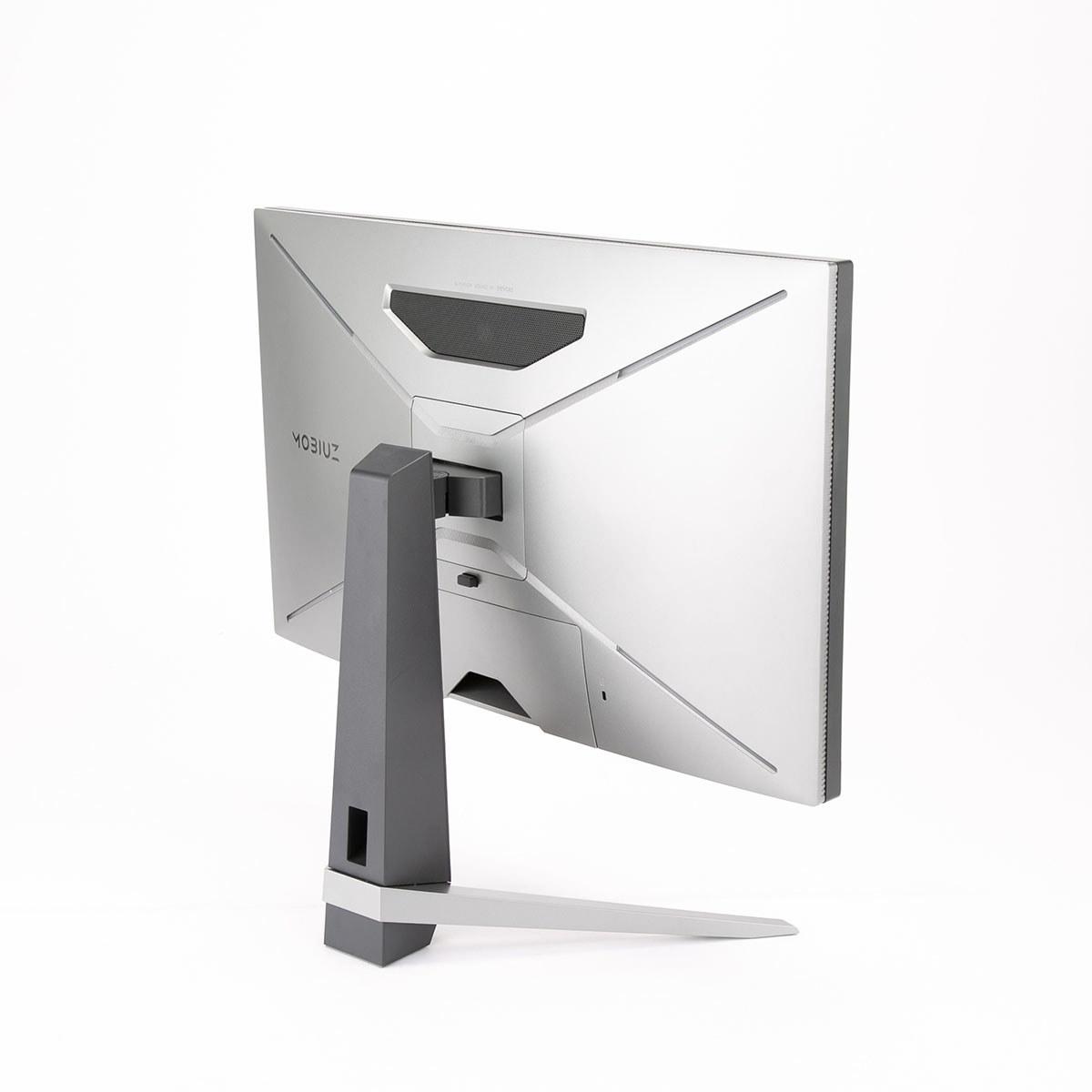
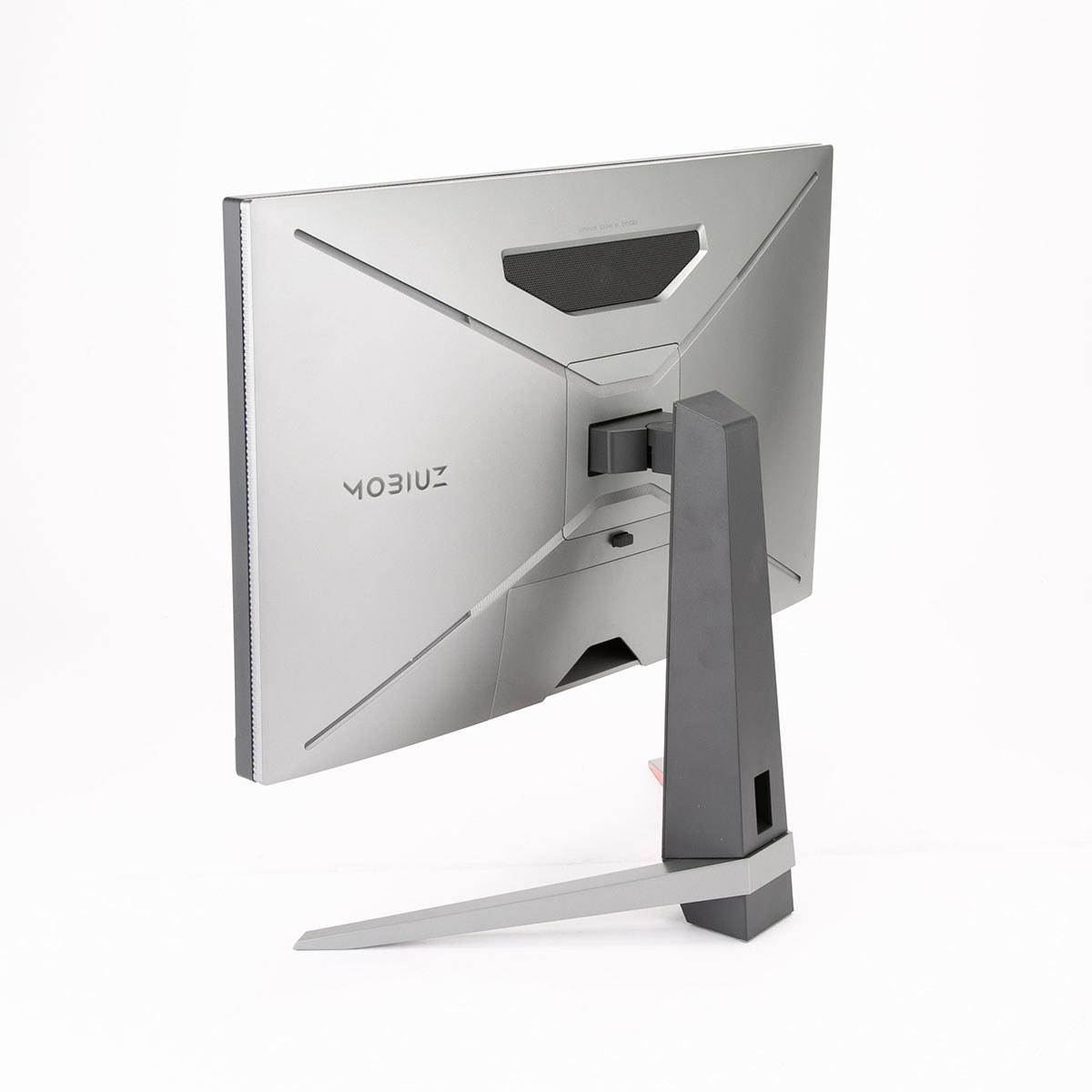
On the other side, the BenQ MOBIUZ EX270QM launched in 2023 as BenQ's answer to the esports monitor arms race. It runs at 2560 x 1440 pixels (called QHD or 1440p) but pushes that resolution at a blistering 240Hz refresh rate. This monitor also includes something most gaming displays skip entirely—a real audio system with stereo speakers and a dedicated subwoofer.
Both monitors use IPS panel technology, which offers the best balance of color accuracy, viewing angles, and response times. IPS panels have improved dramatically over the past few years, with modern versions achieving response times that used to require TN panels while maintaining much better colors and viewing angles.
The resolution difference between these monitors is massive and immediately noticeable. The MSI MAG 274URFW delivers 163 pixels per inch, while the BenQ EX270QM provides 109 pixels per inch. In practical terms, this means text looks noticeably sharper on the MSI, game textures show more detail, and you can fit more content on screen for productivity work.
I've spent considerable time with both 4K and 1440p displays at 27 inches, and the difference is most apparent in text-heavy applications and games with fine details. Reading articles, coding, or examining intricate game environments all benefit from the extra pixel density. However, the difference becomes less noticeable during fast-paced gaming when you're focused on action rather than admiring textures.
The BenQ's 1440p resolution hits what many consider the sweet spot for current gaming hardware. Most graphics cards from the RTX 4060 Ti and up can comfortably drive 1440p at high refresh rates, while 4K still demands top-tier hardware for optimal performance. This resolution also scales perfectly for gaming—you're not squinting at tiny interface elements or dealing with awkward scaling issues that sometimes plague 4K displays.
Both monitors support over 1 billion colors through 10-bit color depth (achieved through 8-bit + Frame Rate Control), and both cover 98% of the DCI-P3 color space. This wide color gamut means more vibrant, lifelike colors in games and movies that support it. The MSI goes further with 133% sRGB coverage and 93% Adobe RGB coverage, making it more suitable if you're doing photo editing or other color-critical work alongside gaming.
Here's where these monitors diverge most dramatically. The BenQ's 240Hz refresh rate provides an experience that's hard to describe until you've tried it. Motion appears incredibly smooth, and in competitive games, you can track enemy movements with precision that lower refresh rates simply can't match. The difference between 144Hz and 240Hz might seem subtle on paper, but it's immediately apparent when playing fast-paced shooters or racing games.
The MSI's 160Hz refresh rate still delivers excellent gaming performance—significantly smoother than standard 60Hz or 75Hz displays. For most single-player games and even many multiplayer titles, 160Hz provides more than enough smoothness while prioritizing the visual detail that 4K resolution offers.
Response times tell an interesting story. The MSI claims 0.5ms GTG (Gray-to-Gray) response time, while the BenQ specifies 1ms. In real-world testing, both monitors deliver virtually lag-free gaming experiences. The slight difference in specifications won't impact your gaming performance noticeably, and both monitors handle fast motion without significant ghosting or blurring.
Both displays support adaptive sync technology—AMD FreeSync on both monitors, with the MSI specifically supporting FreeSync Premium. Adaptive sync synchronizes your monitor's refresh rate with your graphics card's output, eliminating screen tearing and reducing stuttering. This technology works with both AMD and modern NVIDIA graphics cards, ensuring smooth gameplay even when frame rates fluctuate.
HDR (High Dynamic Range) support differs notably between these monitors. The BenQ achieves DisplayHDR 600 certification, meaning it can reach 600 nits of peak brightness for HDR content. The MSI meets DisplayHDR 400 standards with 400 nits peak brightness. In practical terms, the BenQ provides more impactful HDR with brighter highlights and better contrast in supported games and movies.
The BenQ's HDRi technology stands out as particularly clever. It uses an integrated light sensor to automatically adjust HDR performance based on your room's lighting conditions. This means HDR content looks optimal whether you're gaming in a dark room at night or dealing with sunlight streaming through windows during the day.
Both monitors include eye-care features that have become standard on modern displays. Anti-flicker technology eliminates the subtle screen flickering that can cause eye strain during long gaming sessions. Low blue light modes reduce the harsh blue light that can disrupt sleep patterns, and both monitors offer various color temperature adjustments for comfort.
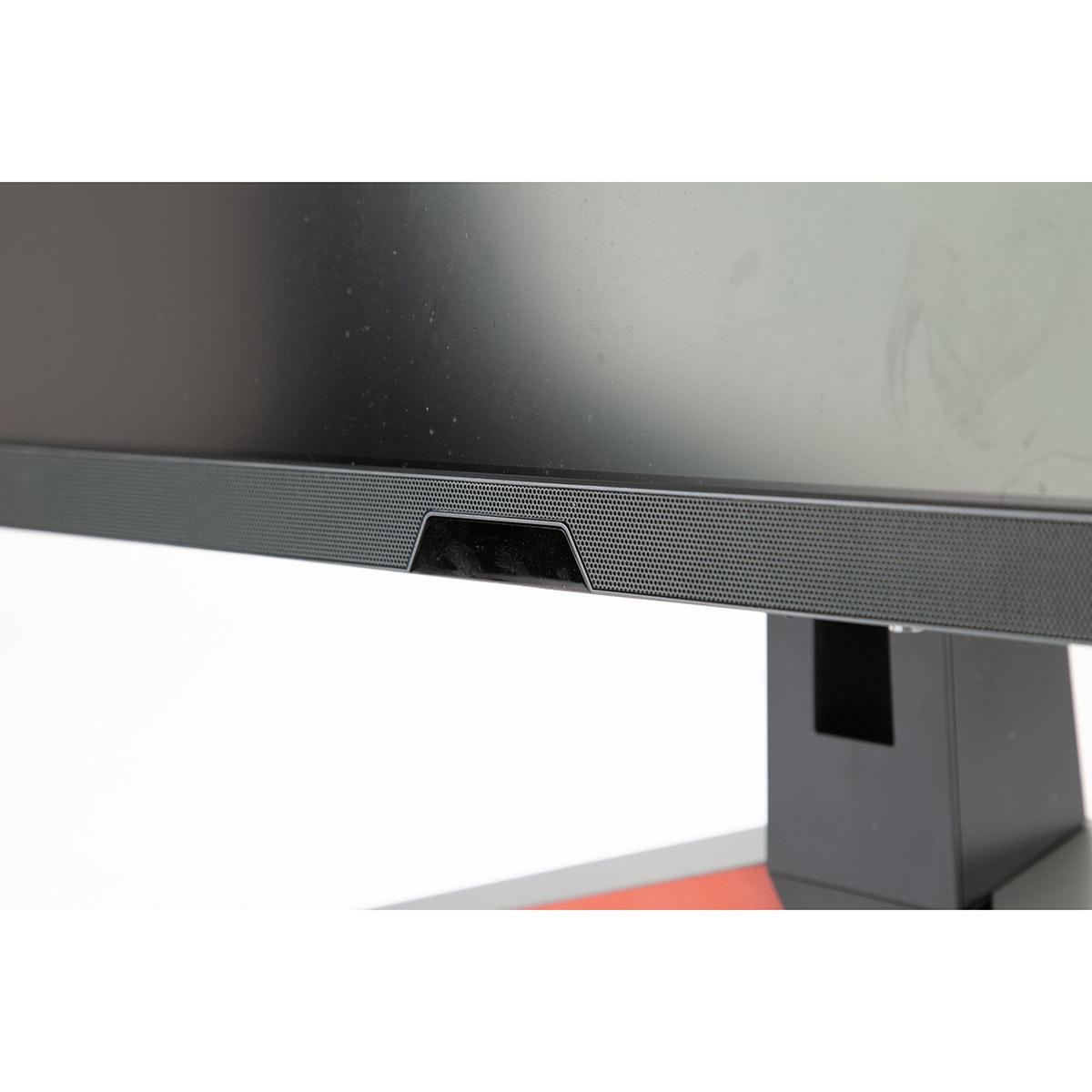
This is where the BenQ MOBIUZ EX270QM really differentiates itself. Instead of the tiny, barely-functional speakers found on most monitors, BenQ includes a legitimate 2.1 audio system. You get two 2-watt stereo speakers plus a dedicated 5-watt subwoofer, all tuned by BenQ's treVolo audio brand. The result is monitor audio that doesn't embarrass itself—clear dialogue, decent music reproduction, and even some bass response.
I've tested dozens of gaming monitors over the years, and most have speakers that sound like they're coming from a tin can. The BenQ's audio system won't replace a good set of dedicated speakers or headphones, but it's genuinely usable for casual gaming and media consumption. This is particularly valuable if you're setting up a clean gaming space where you don't want external speakers cluttering your desk.
The MSI MAG 274URFW takes a more comprehensive approach to connectivity. It includes two HDMI 2.1 ports, DisplayPort 1.4a, and USB-C with DisplayPort Alt Mode and 15W power delivery. This makes it incredibly versatile—you can connect a gaming PC via DisplayPort, a PlayStation 5 or Xbox Series X via HDMI 2.1, and even charge and display from a laptop via USB-C all simultaneously.
HDMI 2.1 support on both monitors is crucial for console gaming. Both the PlayStation 5 and Xbox Series X can output 4K at 120Hz over HDMI 2.1, and having multiple ports means you can connect both consoles plus a PC without constantly swapping cables.
While both monitors excel for desktop gaming, they can also serve in home theater setups with some considerations. The MSI's 4K resolution makes it ideal for movie watching, providing the full detail of 4K streaming content and Ultra HD Blu-rays. The larger pixel count also means you can sit closer to the screen without seeing individual pixels.
The BenQ's integrated audio system actually provides an advantage in casual home theater use. You won't need separate speakers for watching movies or streaming content, though serious movie enthusiasts will still want a dedicated sound system.
Both monitors support the major HDR formats found in movies and streaming content, though the BenQ's higher peak brightness provides more impactful HDR in bright room conditions.
At the time of writing, both monitors occupy the premium end of their respective categories, with the MSI commanding a modest price premium over the BenQ. However, the value equation depends entirely on your priorities and hardware.
The MSI delivers 2.25 times more pixels than the BenQ for a relatively small price increase. If you value visual detail and have the graphics card horsepower to drive 4K gaming, this represents excellent value. You're essentially getting future-proofing as graphics cards continue improving.
Conversely, the BenQ provides 50% higher refresh rates at a lower price point. For competitive gamers where every frame matters, this delivers better value. You also get that integrated audio system, which saves money on separate speakers.
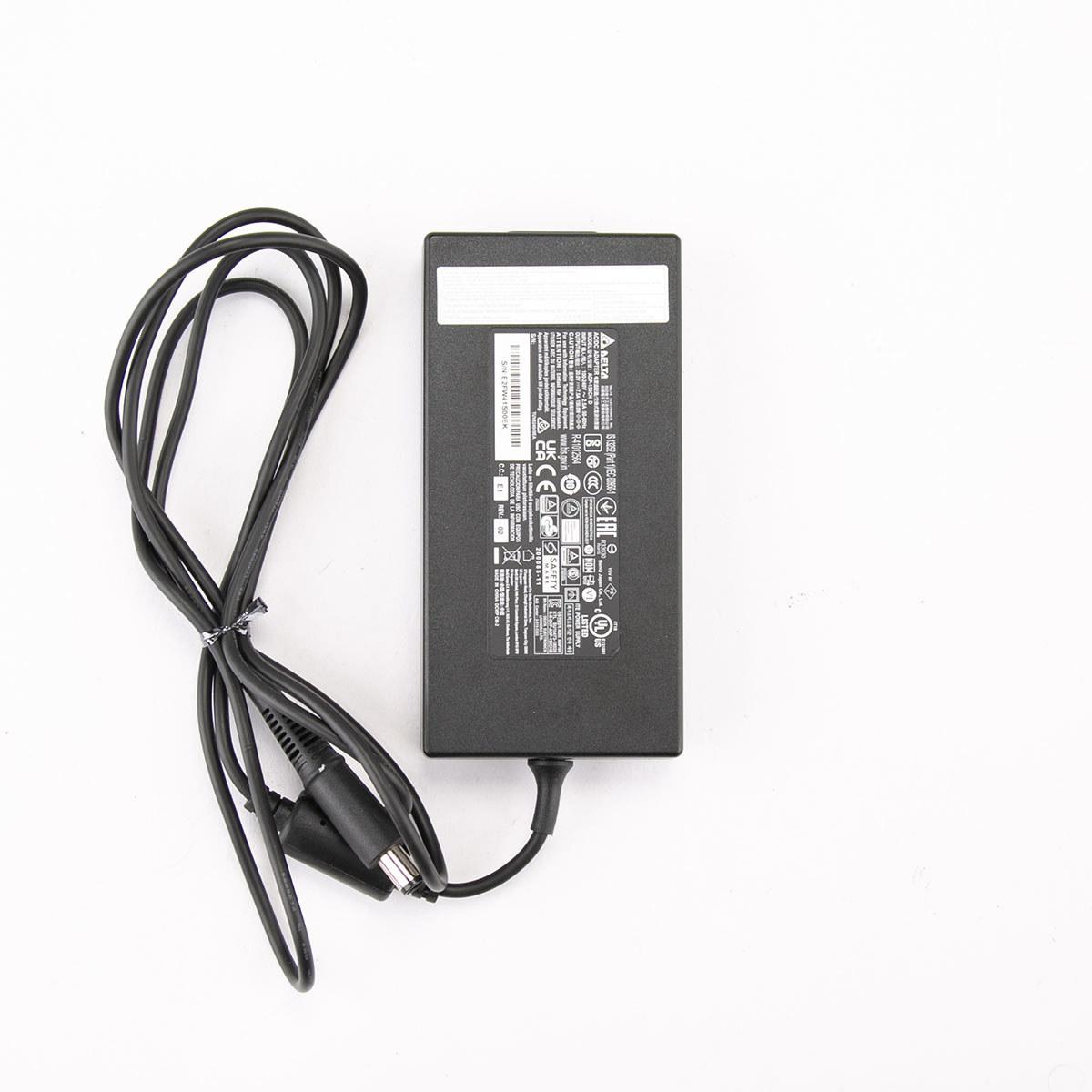
Power consumption favors the BenQ significantly, drawing roughly 45 watts less power during typical use. Over years of ownership, this translates to meaningful savings on electricity costs.
The decision between these monitors ultimately comes down to understanding your gaming priorities and hardware capabilities.
Choose the MSI MAG 274URFW if you primarily play single-player games where visual detail matters more than competitive advantages. Games like Cyberpunk 2077, Red Dead Redemption 2, or Microsoft Flight Simulator showcase the extra pixel density beautifully. This monitor also excels if you use your setup for productivity work—the sharp text and accurate colors make it excellent for coding, writing, or photo editing.
You'll need substantial graphics card power to maximize the MSI's potential. An RTX 4070 Ti or better (or AMD equivalent) is really the minimum for comfortable 4K gaming at higher settings. With lesser hardware, you'll find yourself turning down graphics settings or running games at lower resolutions, which defeats the purpose of buying a 4K monitor.
The BenQ MOBIUZ EX270QM makes more sense for competitive multiplayer gaming. If you spend most of your time in Counter-Strike, Valorant, Apex Legends, or similar fast-paced titles, the 240Hz refresh rate provides tangible advantages. Enemy movements appear smoother, and your reactions feel more immediate.
Hardware requirements are much more forgiving with the BenQ. Graphics cards from the RTX 4060 Ti upward can achieve high frame rates at 1440p in most games, letting you actually utilize that 240Hz refresh rate. The integrated audio system also appeals to streamlined setups where desk space is at a premium.
For console gaming, both monitors work well, though they serve different purposes. The MSI provides the full 4K experience that next-gen consoles were designed for, while the BenQ delivers maximum smoothness in competitive titles that support 120Hz modes.
Both the MSI MAG 274URFW and BenQ MOBIUZ EX270QM represent excellent choices that excel in different scenarios. Neither is objectively better—they simply prioritize different aspects of the gaming experience.
The MSI appeals to gamers who want the sharpest, most detailed visuals possible and have the hardware to support them. It's also more versatile for mixed gaming and productivity use.
The BenQ targets competitive gamers who prioritize smoothness and responsiveness above all else, while offering better value and more manageable hardware requirements.
Your choice should align with both your gaming preferences and your hardware reality. There's no point buying a 4K monitor if your graphics card struggles with 1440p, just as there's limited benefit to 240Hz if you're playing turn-based strategy games. Consider what you actually play, what hardware you have, and where you want to be in two years when making this investment.
| MSI MAG 274URFW | BenQ MOBIUZ EX270QM |
|---|---|
| Resolution - Determines image sharpness and detail quality | |
| 4K UHD (3840 x 2160) - 163 PPI for razor-sharp text and textures | QHD (2560 x 1440) - 109 PPI balances sharpness with performance |
| Refresh Rate - Critical for smooth motion and competitive gaming | |
| 160Hz (excellent for most gaming scenarios) | 240Hz (maximum smoothness for esports competition) |
| Response Time - Affects motion blur and ghosting | |
| 0.5ms GTG (virtually lag-free gaming) | 1ms GTG (excellent responsiveness) |
| Panel Technology - Impacts color accuracy and viewing angles | |
| Rapid IPS (enhanced speed with IPS color quality) | Standard IPS (proven color accuracy and wide viewing angles) |
| HDR Support - Enhances contrast and color in compatible content | |
| DisplayHDR 400 (400 nits peak brightness) | DisplayHDR 600 (600 nits for more impactful HDR) |
| Color Gamut - Determines color richness and professional use | |
| 98% DCI-P3, 93% Adobe RGB, 133% sRGB (excellent for content creation) | 98% DCI-P3 (great for gaming, adequate for creative work) |
| Audio System - Built-in sound quality | |
| No speakers (requires external audio solution) | 2.1 system with subwoofer (surprisingly good integrated audio) |
| Connectivity Options - Versatility for multiple devices | |
| 2x HDMI 2.1, 1x DP 1.4a, USB-C with 15W PD | 2x HDMI 2.1, 1x DP 1.4, USB 3.0 hub |
| Adaptive Sync Technology - Eliminates screen tearing | |
| AMD FreeSync Premium (works with NVIDIA GPUs too) | AMD FreeSync Premium Pro (enhanced HDR gaming support) |
| Graphics Card Requirements - Hardware needed for optimal performance | |
| RTX 4070 Ti or better for high settings at 4K | RTX 4060 Ti or better can achieve 240Hz at 1440p |
| Power Consumption - Long-term operational costs | |
| Up to 98W (higher electricity costs) | ~55W typical (more energy efficient) |
| Special Features - Unique selling points | |
| USB-C connectivity, broader color support | HDRi auto-optimization, integrated quality audio, remote control |
The BenQ MOBIUZ EX270QM is superior for competitive gaming due to its 240Hz refresh rate, which provides smoother motion tracking and faster enemy detection in esports titles. The higher refresh rate gives you a tangible advantage in fast-paced games like Counter-Strike, Valorant, and Apex Legends. While the MSI MAG 274URFW offers excellent gaming performance at 160Hz, competitive players will benefit more from the BenQ's maximum refresh rate.
Choose the MSI MAG 274URFW with 4K resolution if you prioritize visual detail and have a high-end graphics card (RTX 4070 Ti or better). The extra pixels provide sharper textures and clearer text, making it ideal for single-player games and productivity work. Select the BenQ MOBIUZ EX270QM with 1440p resolution if you want the best balance of performance and visual quality, as most modern GPUs can easily drive 1440p at high refresh rates.
The MSI MAG 274URFW demands significantly more GPU power due to its 4K resolution. You'll need at least an RTX 4070 Ti or equivalent to maintain high frame rates at 4K settings. The BenQ MOBIUZ EX270QM is much more forgiving, working well with mid-range cards like the RTX 4060 Ti and above, making it more accessible for budget-conscious gamers.
Both monitors excel with next-gen consoles, but serve different purposes. The MSI MAG 274URFW delivers the full 4K experience consoles were designed for, supporting 4K at 120Hz over HDMI 2.1. The BenQ MOBIUZ EX270QM provides maximum smoothness for competitive console games that support 120Hz modes, though at 1440p resolution instead of native 4K.
The BenQ MOBIUZ EX270QM significantly outperforms with its 2.1 audio system featuring stereo speakers and a dedicated subwoofer. This provides surprisingly good sound quality that eliminates the need for separate speakers in many setups. The MSI MAG 274URFW lacks built-in speakers entirely, requiring external audio solutions for sound.
The BenQ MOBIUZ EX270QM offers superior HDR with DisplayHDR 600 certification, reaching 600 nits peak brightness for more impactful highlights and contrast. It also features HDRi technology that automatically optimizes HDR based on room lighting. The MSI MAG 274URFW supports DisplayHDR 400 with 400 nits peak brightness, providing decent but less dramatic HDR performance.
The MSI MAG 274URFW excels for productivity due to its 4K resolution providing razor-sharp text and more screen real estate. Its broader color gamut coverage (93% Adobe RGB, 133% sRGB) also makes it better for photo editing and color-critical work. While the BenQ EX270QM handles productivity tasks well, the lower pixel density makes text less crisp for extended reading and detailed work.
Both monitors deliver excellent gaming responsiveness. The MSI MAG 274URFW claims a slightly faster 0.5ms GTG response time compared to the BenQ's 1ms specification. In real-world gaming, this difference is negligible, and both monitors provide virtually lag-free experiences with minimal motion blur or ghosting during fast-paced gaming sessions.
The MSI MAG 274URFW provides more comprehensive connectivity with dual HDMI 2.1 ports, DisplayPort 1.4a, and USB-C with 15W power delivery. This makes it more versatile for connecting multiple devices simultaneously. The BenQ MOBIUZ EX270QM offers solid connectivity with dual HDMI 2.1 and DisplayPort, plus a USB 3.0 hub, but lacks the convenient USB-C option.
The BenQ MOBIUZ EX270QM is significantly more energy efficient, consuming approximately 55W during typical use compared to the MSI MAG 274URFW's consumption of up to 98W. Over years of ownership, the BenQ will result in noticeably lower electricity bills, making it the more environmentally friendly and cost-effective choice for long-term operation.
The MSI MAG 274URFW is superior for single-player gaming where visual detail matters most. Games like Cyberpunk 2077, Red Dead Redemption 2, and Microsoft Flight Simulator showcase the benefits of 4K resolution with sharper textures and more immersive visuals. While the BenQ EX270QM still provides excellent single-player gaming, the extra refresh rate provides less benefit in slower-paced games.
The MSI MAG 274URFW offers better future-proofing with its 4K resolution, as graphics cards continue improving and 4K gaming becomes more mainstream. However, the BenQ MOBIUZ EX270QM provides immediate value with lower hardware requirements, integrated audio savings, and reduced power consumption. Your choice should depend on whether you prioritize current performance optimization or future display longevity.
We've done our best to create useful and informative comparisons to help you decide what product to buy. Our research uses advanced automated methods to create this comparison and perfection is not possible - please contact us for corrections or questions. These are the sites we've researched in the creation of this article: youtube.com - bestbuy.com - rtings.com - youtube.com - guru3d.com - youtube.com - newegg.com - bhphotovideo.com - bestbuy.com - storage-asset.msi.com - shi.com - neweggbusiness.com - files.bbystatic.com - us-store.msi.com - msi.com - storage-asset.msi.com - storage-asset.msi.com - bgeek.eu - youtube.com - tomshardware.com - youtube.com - t3.com - versus.com - pcgamer.com - versus.com - gamesradar.com - pangoly.com - benq.eu - techaeris.com - shi.com - benq.com - bestbuy.com - benq.com - displayspecifications.com - benq.com - benq.eu - bhphotovideo.com - benq.com

Privacy Policy
Terms and Conditions - Affiliate Policy
Home Security
© Copyright 2008-2026.
11816 Inwood Rd #1211, Dallas, TX 75244