









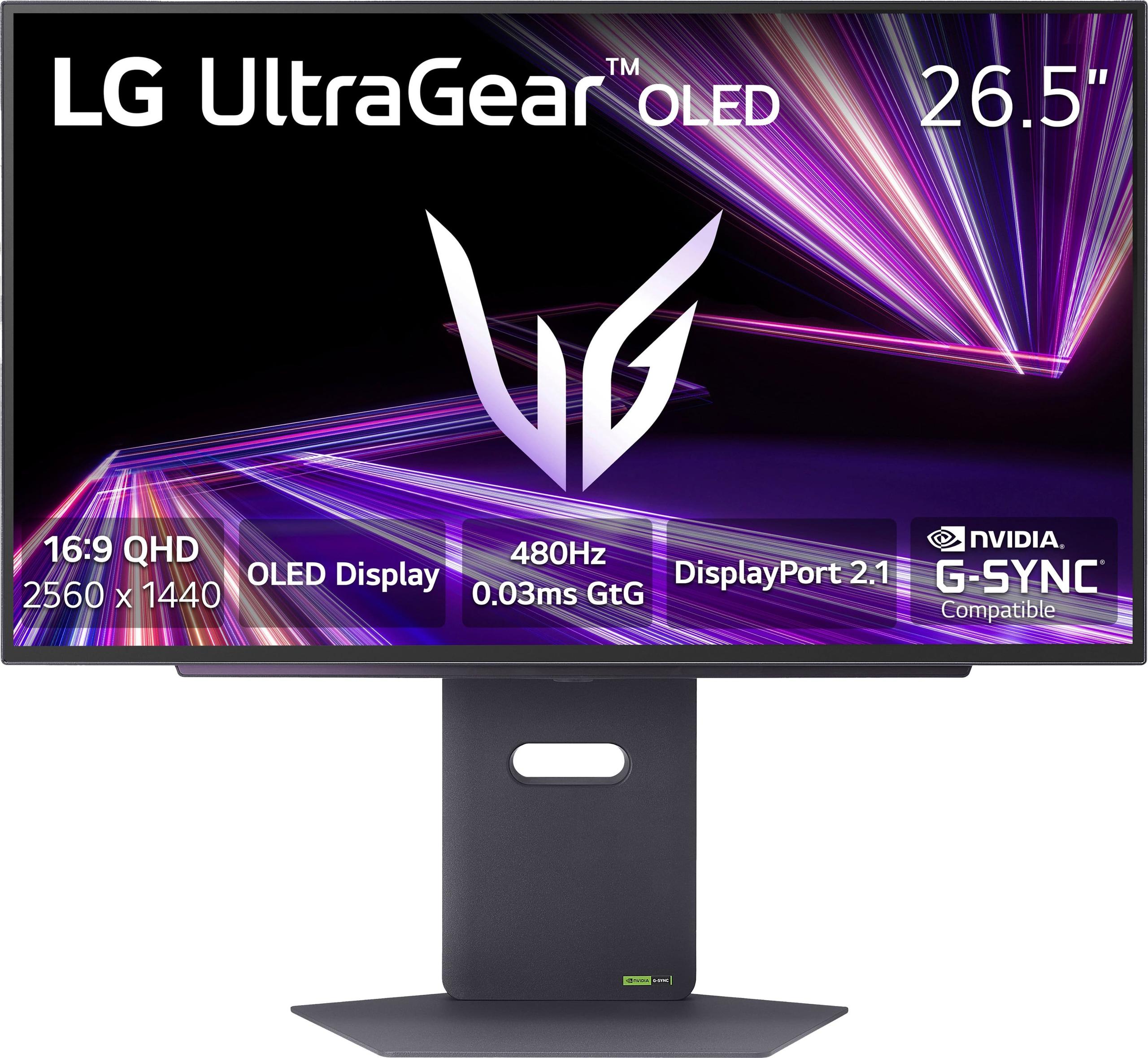
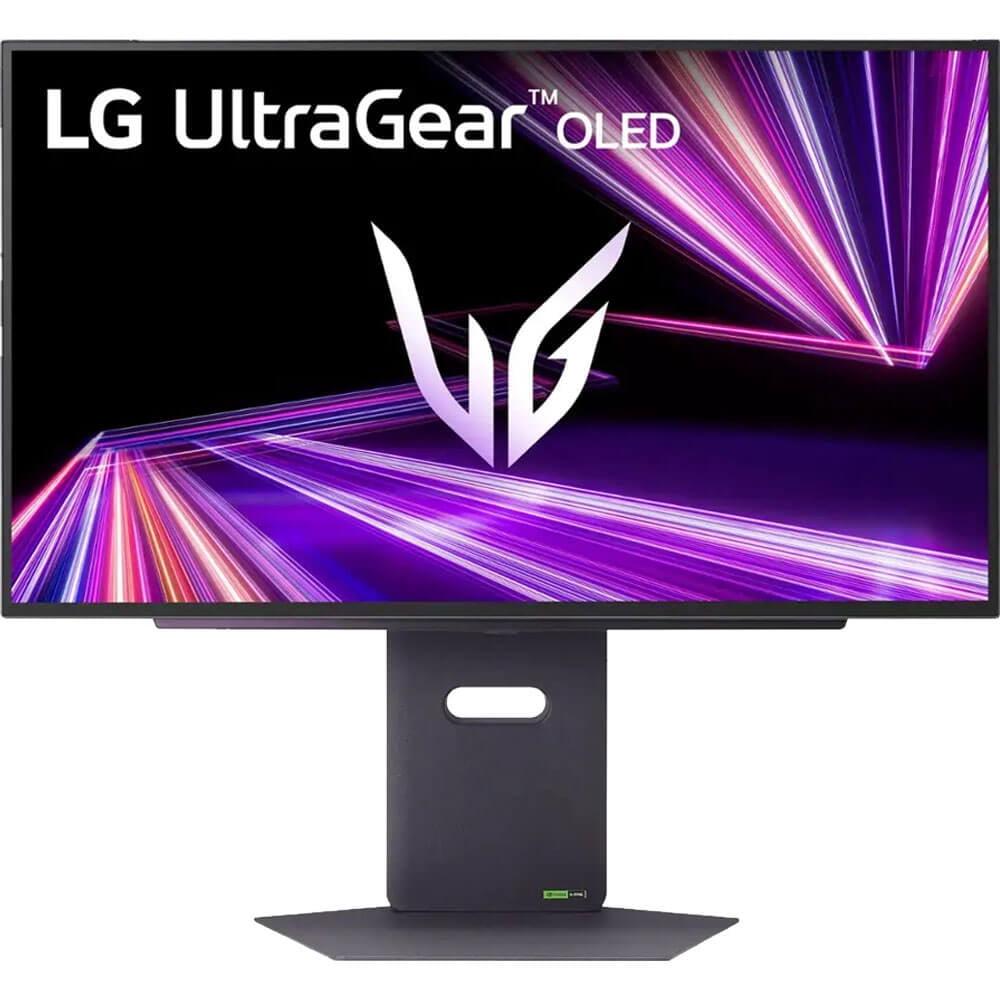

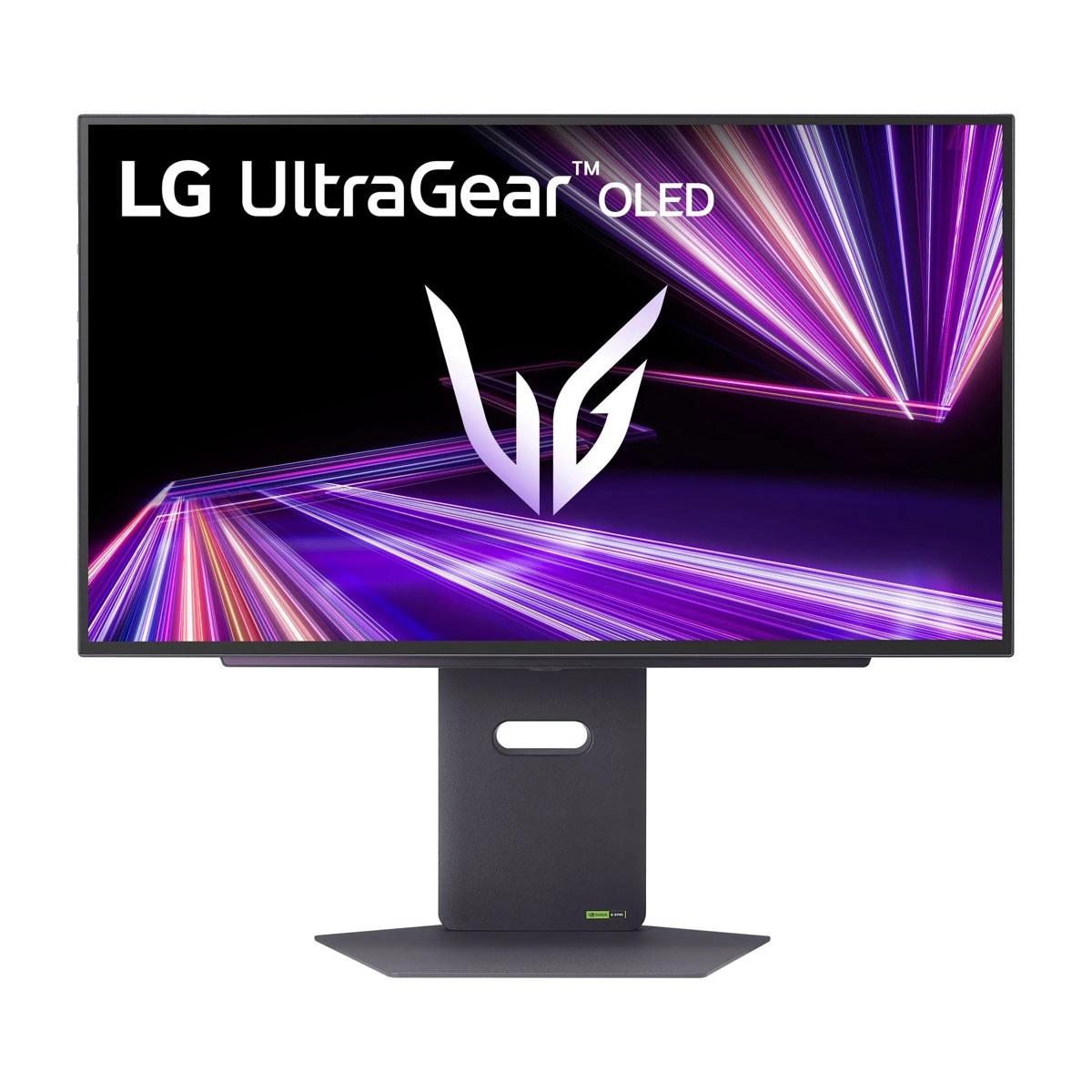
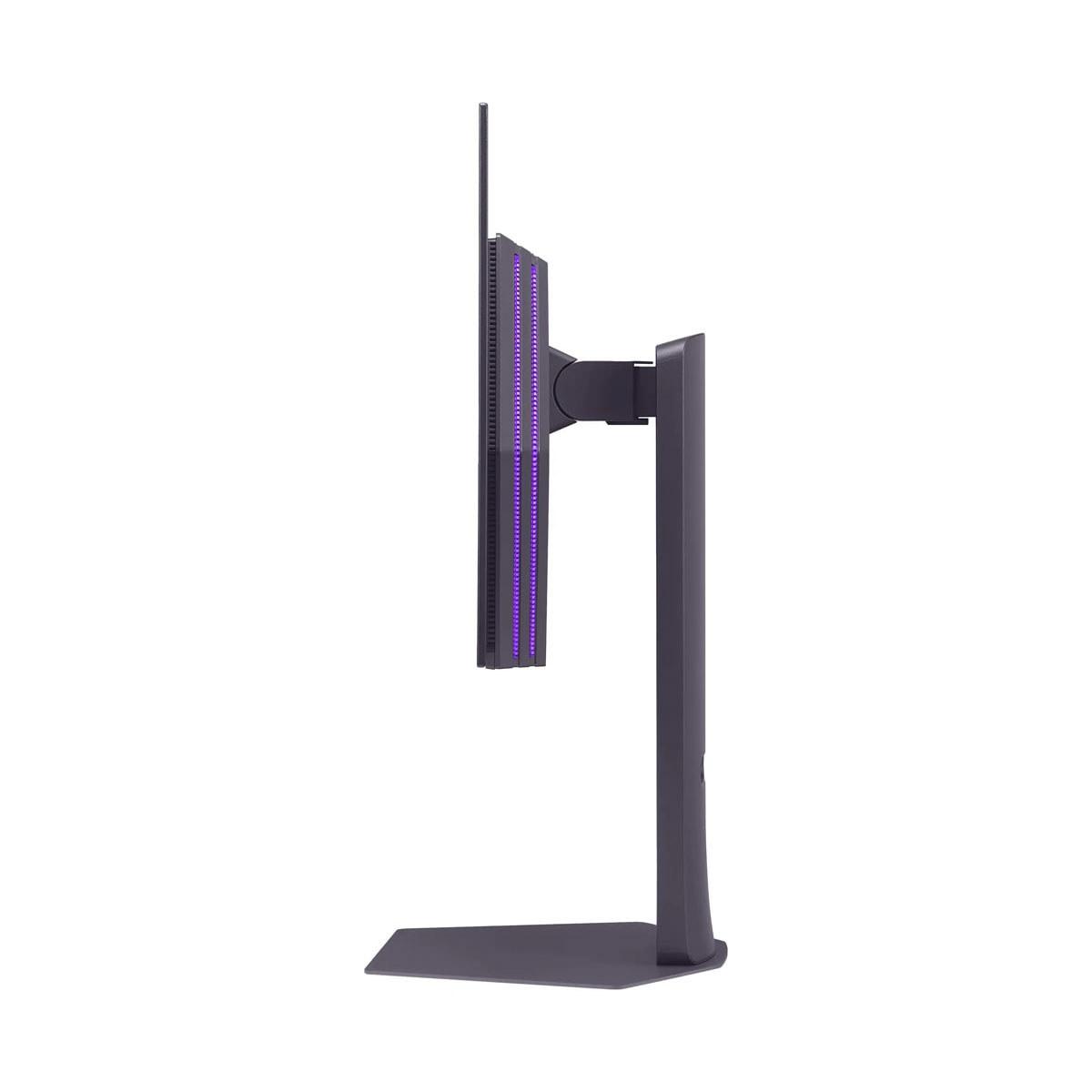
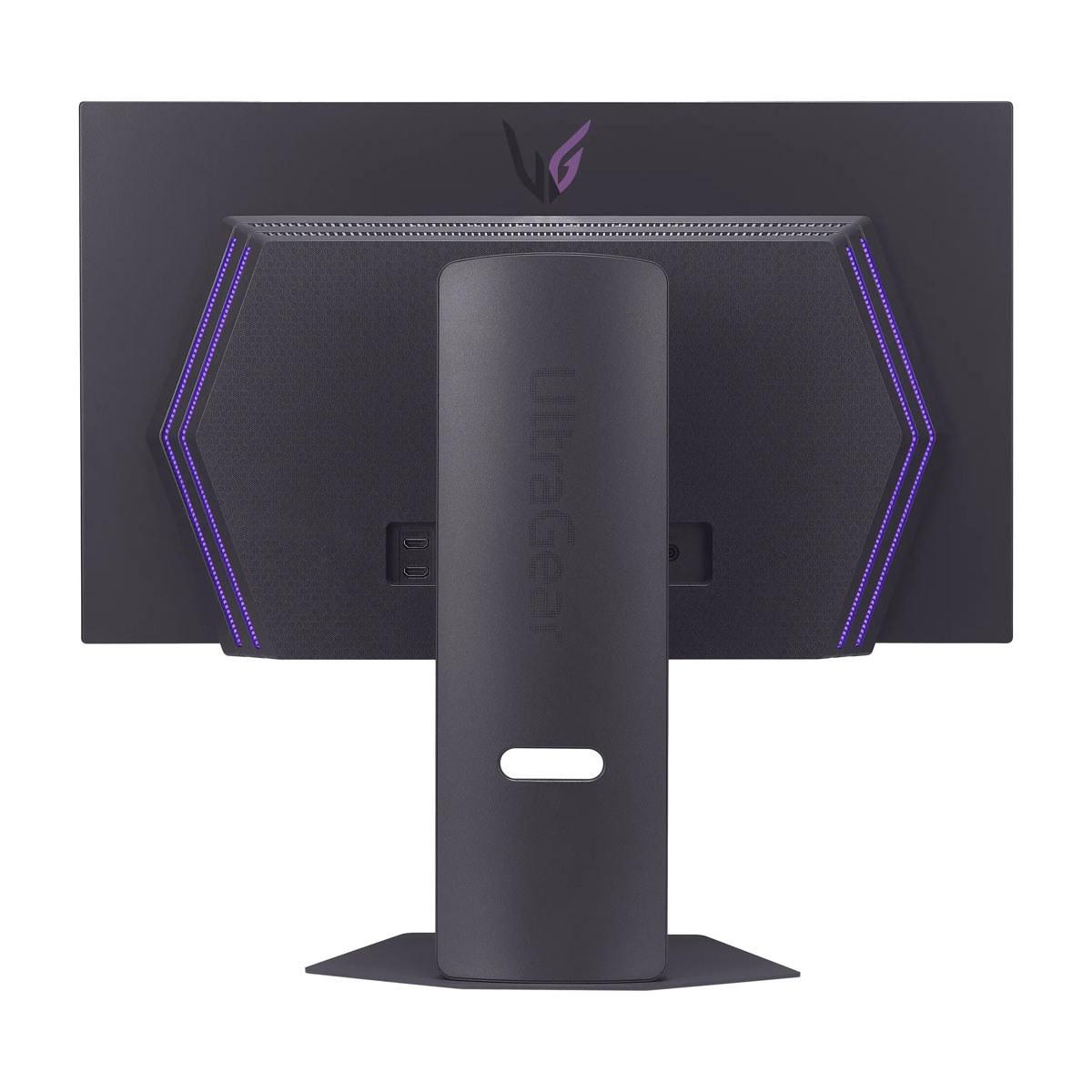
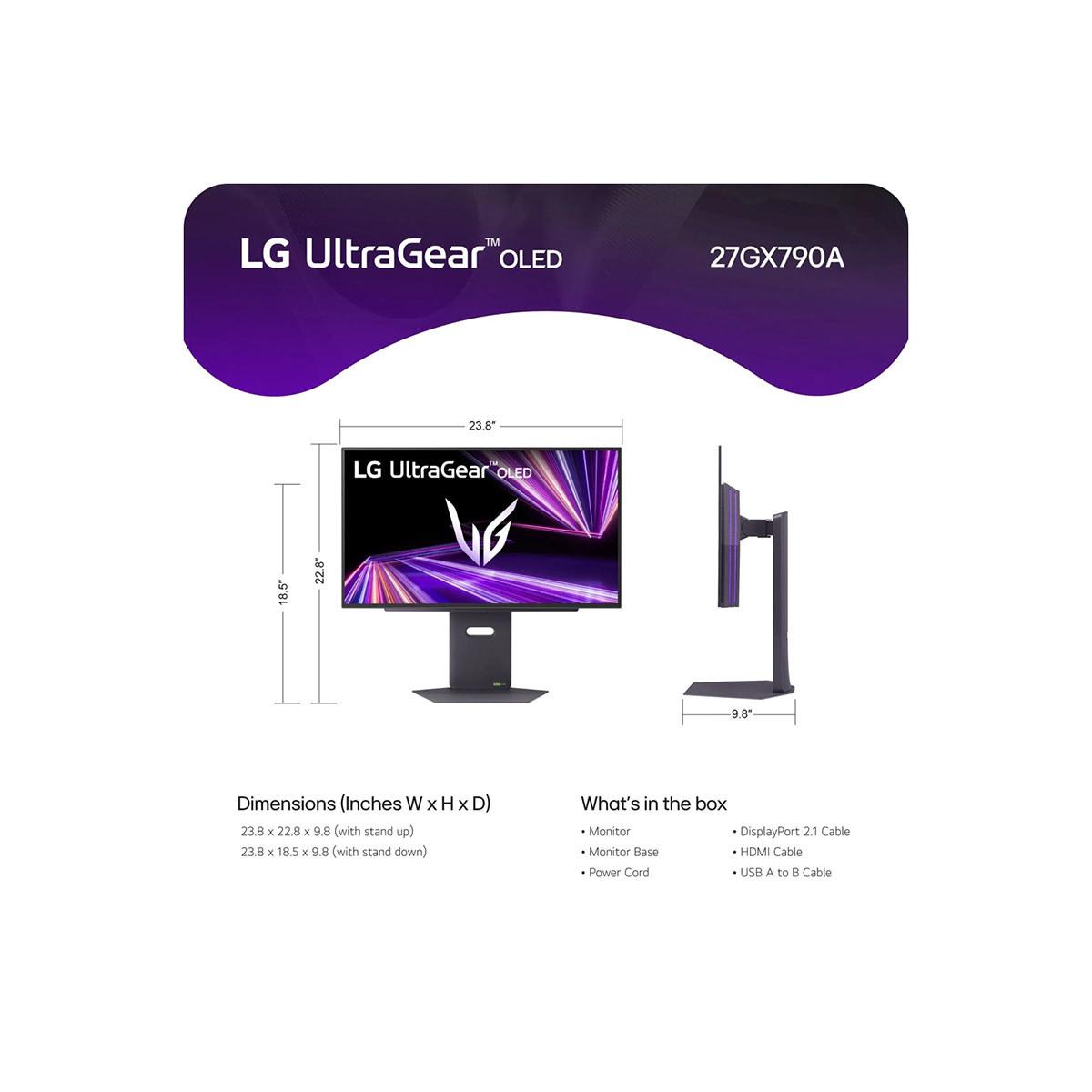
Choosing the right gaming monitor has become surprisingly complex in 2024. Two excellent options that perfectly illustrate this complexity are the MSI MAG 274URFW and the LG UltraGear 27" OLED QHD 480Hz. These monitors represent fundamentally different philosophies: one prioritizes incredible visual detail through 4K resolution, while the other pushes refresh rates to unprecedented heights. Let me break down everything you need to know to make the right choice for your setup.
Before diving into specifics, it's crucial to understand what makes a gaming monitor different from a regular display. Gaming monitors prioritize three key areas: refresh rate (how many times per second the screen updates), response time (how quickly pixels can change colors), and input lag (the delay between your action and seeing it on screen). These factors directly impact how smooth and responsive your games feel.
The gaming monitor market has evolved dramatically since 2020. We've seen the rise of OLED technology in gaming displays, refresh rates pushing beyond 240Hz, and 4K becoming more accessible. The MSI MAG 274URFW, released in 2024, represents the maturation of affordable 4K gaming, while the LG UltraGear 27" OLED, also from 2024, showcases the bleeding edge of competitive gaming technology.
The most obvious difference between these monitors is resolution. The MSI MAG 274URFW delivers true 4K (3840×2160 pixels), while the LG UltraGear uses QHD resolution (2560×1440 pixels). This might seem like a simple spec comparison, but the implications run much deeper.
4K resolution means you're getting 8.3 million pixels on your screen – that's 78% more than 1440p's 3.7 million pixels. In practical terms, this translates to incredibly sharp text, detailed game environments, and future-proofing for upcoming titles that will leverage higher resolutions. When I'm playing single-player games like Cyberpunk 2077 or editing photos, that extra detail makes a noticeable difference. Text is crisp enough that I can comfortably use the monitor for work without eye strain.
However, there's a trade-off. Higher resolution demands more GPU power. Your graphics card has to push 78% more pixels every frame, which means lower frame rates unless you have high-end hardware. A GTX 4070 might achieve 120fps in a competitive shooter at 1440p but only 80fps at 4K with the same settings.
The LG UltraGear takes a different approach. At 1440p, it's the sweet spot for many gamers – still sharp enough for modern gaming but not so demanding that it cripples your frame rates. This resolution choice enables the monitor's party trick: that incredible 480Hz refresh rate.
Here's where things get interesting. The MSI monitor offers 160Hz, which is excellent by most standards. To put this in perspective, most TVs run at 60Hz, and even gaming consoles typically target 120Hz. At 160Hz, motion appears significantly smoother than standard displays – fast-paced games feel more fluid, and competitive advantages become noticeable.
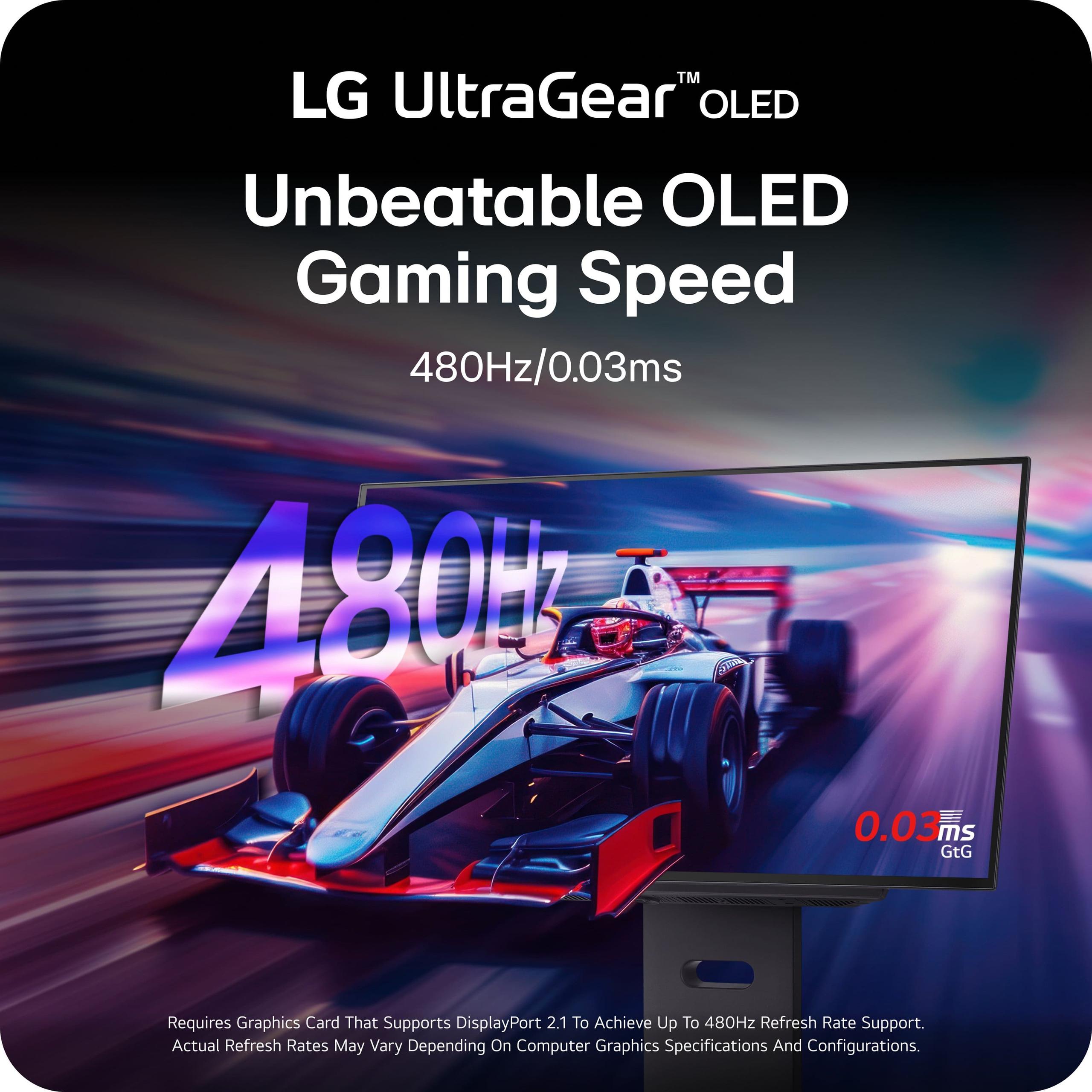
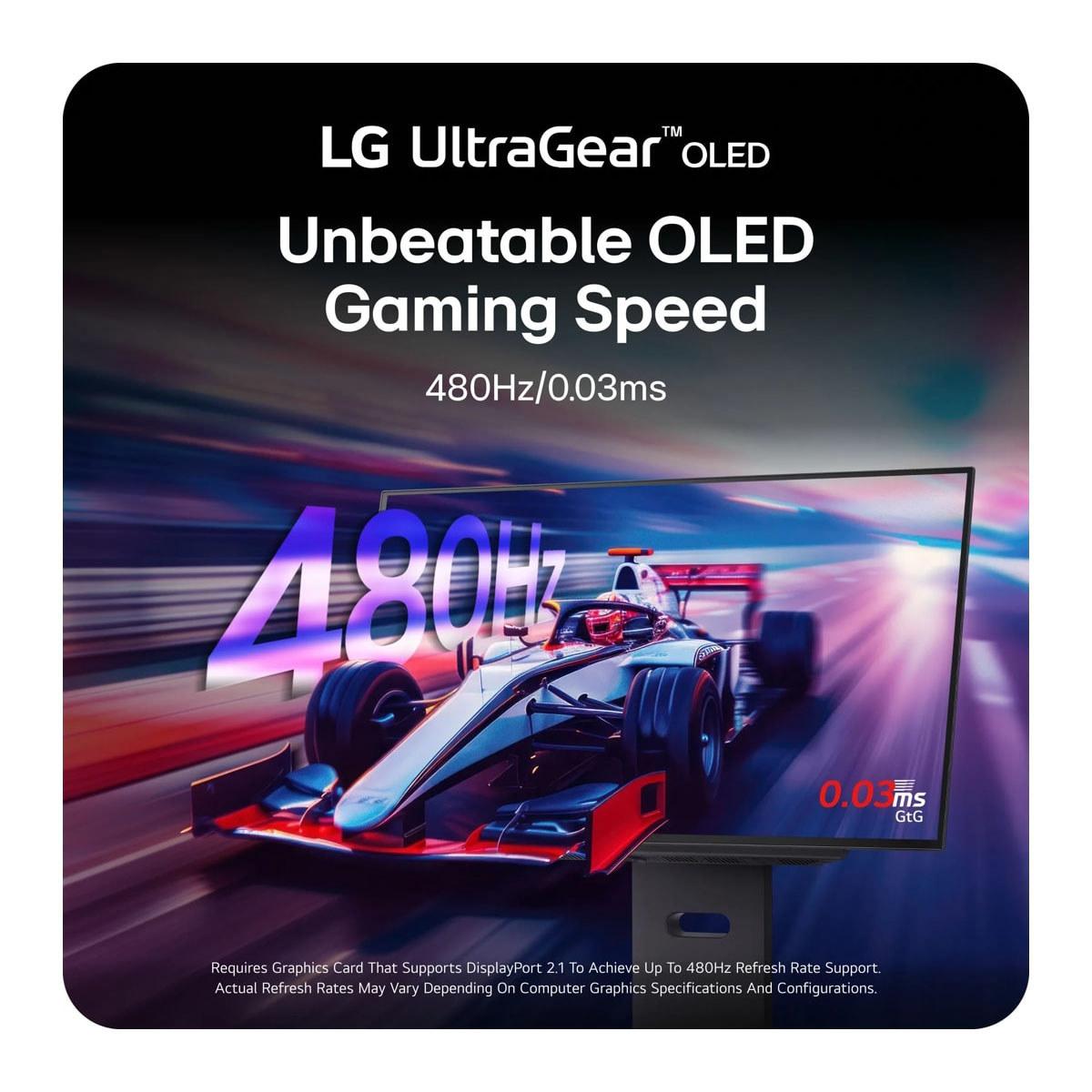
But then there's the LG UltraGear with its mind-bending 480Hz refresh rate. This is currently the fastest QHD OLED monitor available, and the numbers are almost absurd. We're talking about the screen updating nearly 8 times per second compared to a standard TV. The practical impact? In competitive games like Counter-Strike 2 or Valorant, you can literally see enemies peek around corners earlier than opponents using slower displays.
I'll be honest – the difference between 240Hz and 480Hz isn't as dramatic as jumping from 60Hz to 144Hz. But for serious competitive players, those extra milliseconds of visual information can mean the difference between winning and losing crucial rounds. It's diminishing returns, but at the highest levels of play, every advantage matters.
The MSI MAG 274URFW uses IPS (In-Plane Switching) technology, which has been the gold standard for color-accurate gaming monitors. IPS panels offer consistent colors from different viewing angles, good brightness levels, and proven reliability. They don't suffer from burn-in issues and typically last for many years without degradation.
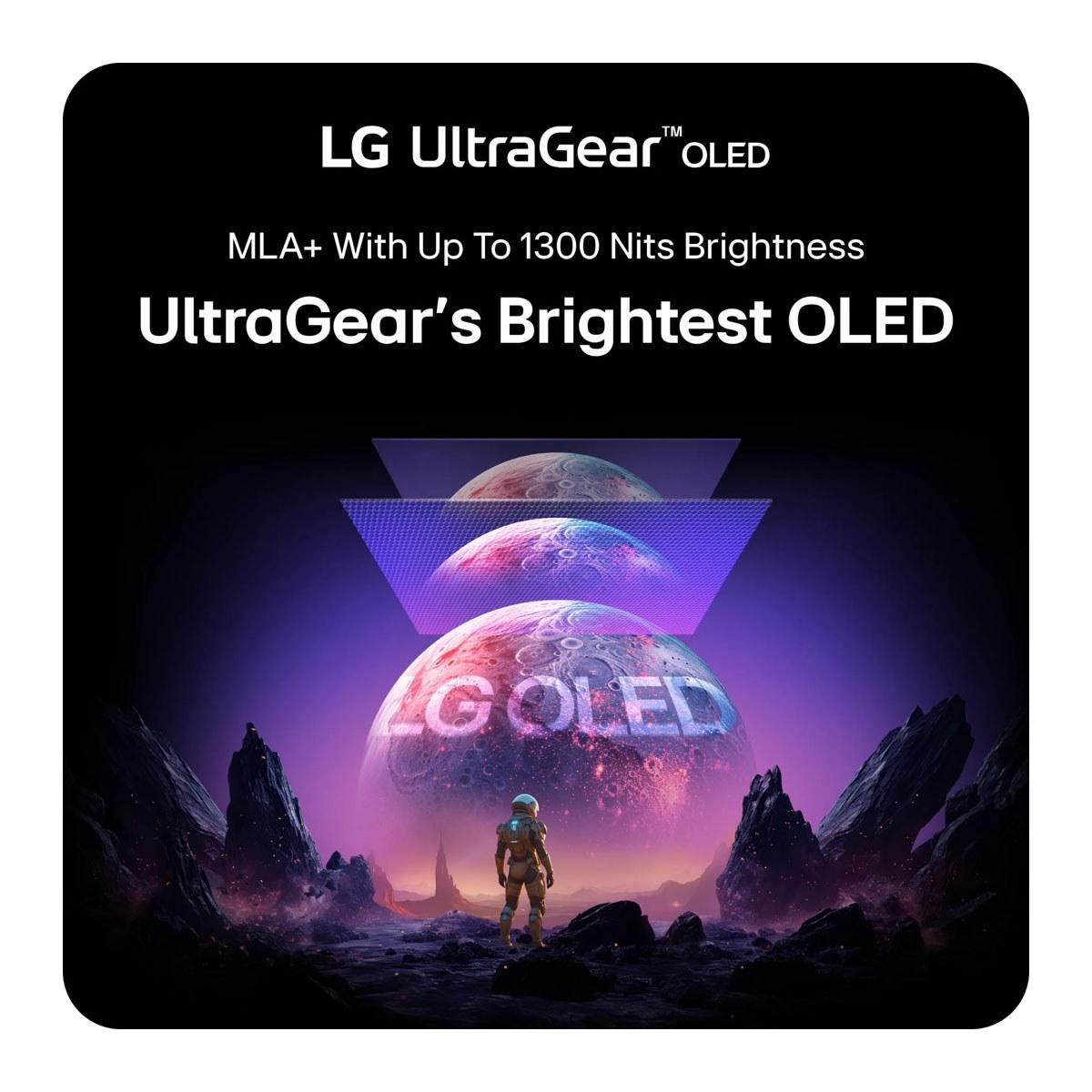
The LG UltraGear employs OLED (Organic Light-Emitting Diode) technology with some impressive enhancements. Unlike IPS panels that require a backlight, each OLED pixel produces its own light. This means true black levels – when a pixel is off, it's completely black, not the dark gray you get with LCD technology.
The contrast difference is dramatic. The MSI monitor achieves around 1,000:1 contrast ratio, which is typical for IPS panels. The LG OLED reaches 1,500,000:1 contrast. In dark game scenes, like creeping through shadows in a horror game, the OLED's perfect blacks create an incredibly immersive experience that IPS simply can't match.
OLED also brings superior HDR (High Dynamic Range) performance. The LG monitor is VESA DisplayHDR True Black 400 certified, meaning it can display both deep blacks and bright highlights simultaneously. When playing HDR games, explosions pop with brightness while shadows retain detail – it's genuinely impressive.
However, OLED has potential downsides. Burn-in is a real concern where static images (like UI elements) can permanently ghost on the screen if displayed for extended periods. LG includes OLED Care features to mitigate this, but it requires some user awareness. The MSI IPS panel has no such concerns.
Response time measures how quickly pixels can change from one color to another, typically measured in Gray-to-Gray (GtG) transitions. The MSI MAG 274URFW achieves 0.5ms GtG, which is excellent for IPS technology and eliminates motion blur in fast-paced games.
The LG UltraGear takes this to an extreme with 0.03ms response time. That's seventeen times faster than the MSI and approaches the theoretical limits of current display technology. In practical terms, fast-moving objects appear sharper with less trailing or ghosting artifacts. It's the kind of specification that competitive esports players obsess over.
For context, older LCD monitors often had 8-16ms response times, which created noticeable motion blur during fast camera movements or quick character actions. Both these monitors eliminate those issues entirely, but the OLED's advantage becomes apparent in side-by-side comparisons during extremely fast motion sequences.
When it comes to actual gaming performance, your choice depends heavily on what you play. The MSI MAG 274URFW excels in visually rich single-player games. Playing Red Dead Redemption 2 or Microsoft Flight Simulator at 4K reveals incredible detail that enhances immersion. The 160Hz refresh rate still provides smooth gameplay, and HDMI 2.1 connectivity ensures full compatibility with PlayStation 5 and Xbox Series X at their native 4K resolution.
For competitive gaming, the LG UltraGear is purpose-built for performance. Games like CS2, Valorant, and Overwatch 2 can actually reach 300-400fps on high-end systems, allowing you to utilize that 480Hz refresh rate. The 0.03ms response time means your actions translate to screen updates with virtually no delay.
The choice often comes down to your hardware and gaming preferences. If you have a high-end GPU (RTX 4080 or better) and play competitive titles, the LG monitor maximizes your system's potential. If you prefer story-driven games or have mid-range hardware, the MSI monitor's 4K resolution provides more immediate visual benefits.
Both monitors support modern connectivity standards, but with important differences. The MSI MAG 274URFW includes dual HDMI 2.1 ports and DisplayPort 1.4a, which adequately handles 4K at 160Hz. It also features USB-C connectivity with 15W power delivery, useful for laptop connections.
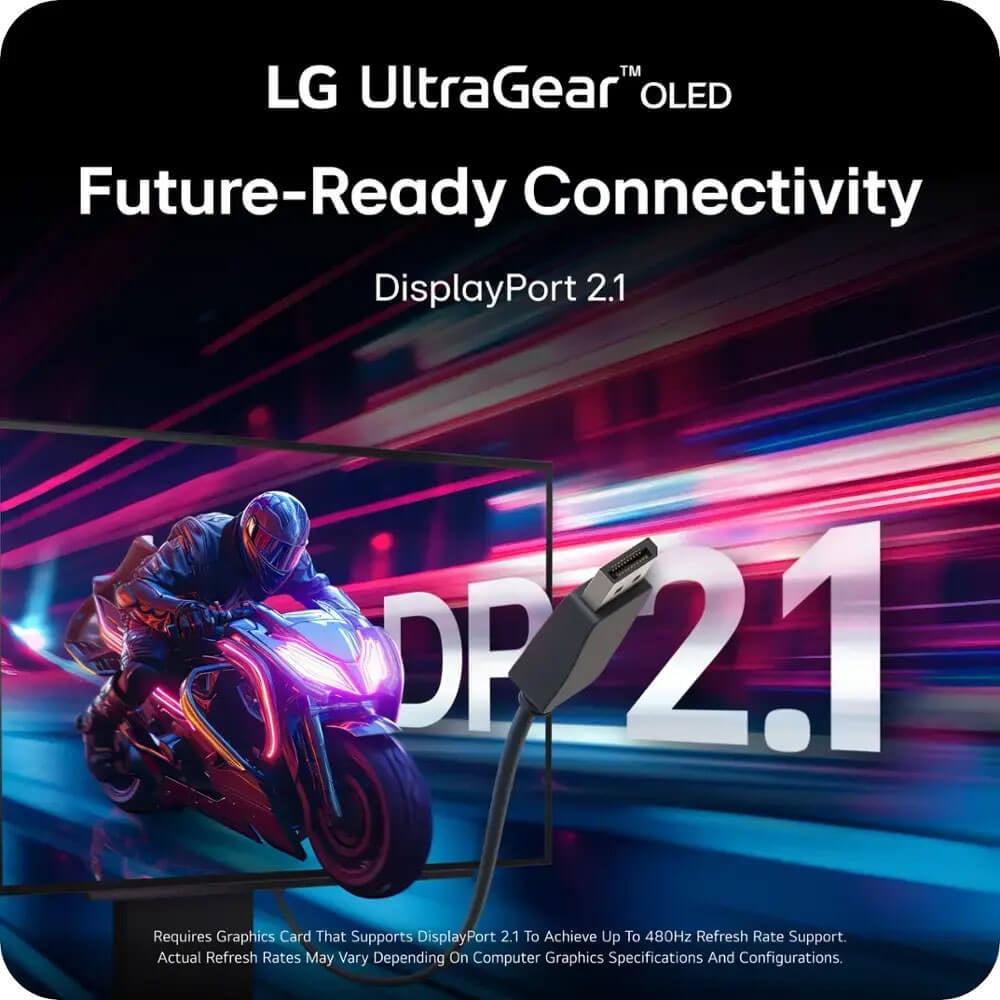
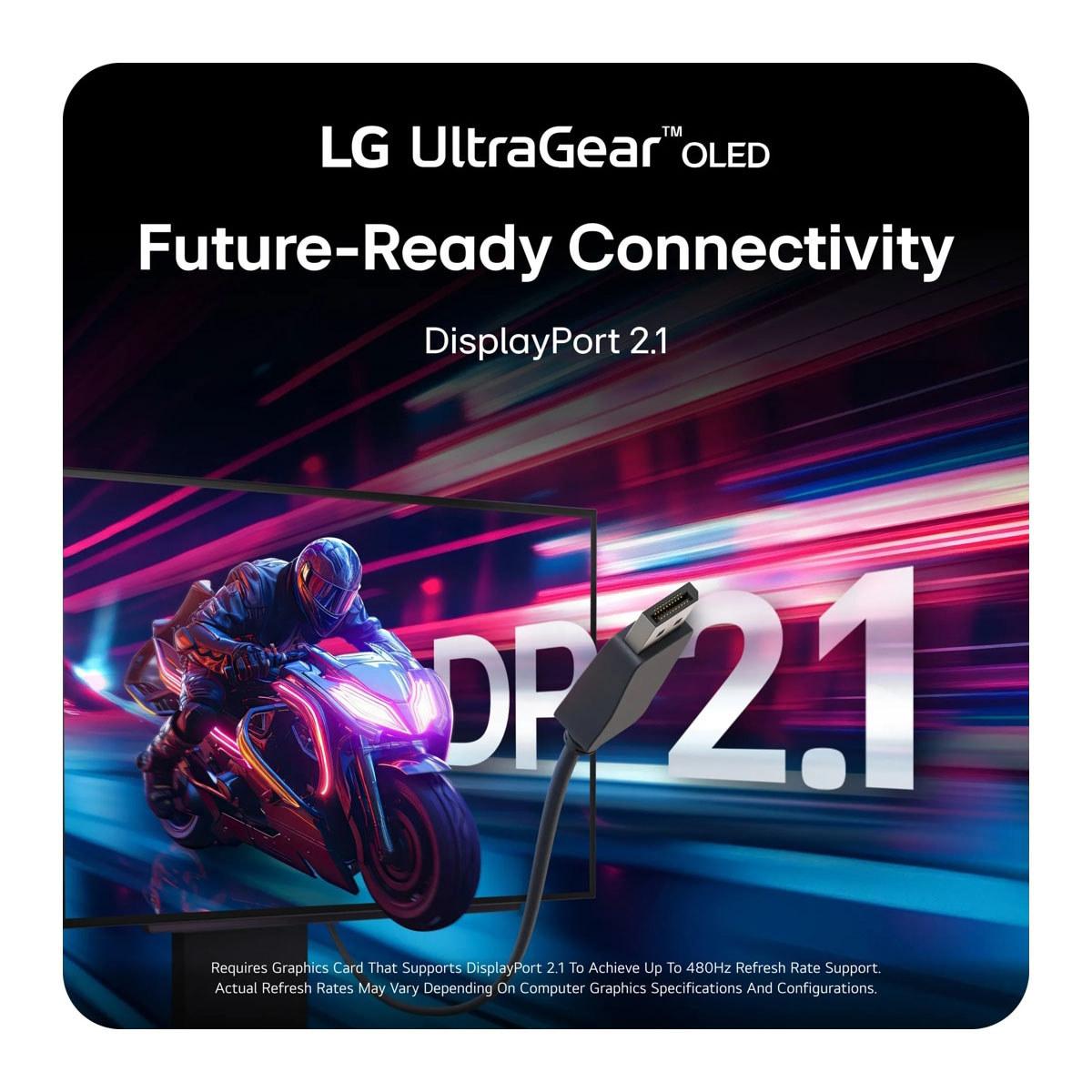
The LG UltraGear includes DisplayPort 2.1, which offers 67% more bandwidth than DisplayPort 1.4. This future-proofs the monitor for next-generation graphics cards expected in 2025 that might push even higher refresh rates or resolutions. For users planning long-term upgrades, this connectivity advantage could prove valuable.
Both monitors support Adaptive Sync technologies (G-Sync and FreeSync), which eliminate screen tearing by synchronizing the display's refresh rate with your graphics card's frame output. This ensures smooth gameplay even when frame rates fluctuate.
At the time of writing, these monitors occupy different price segments, with the MSI MAG 274URFW positioned as a value-oriented 4K option, while the LG UltraGear commands a premium for its cutting-edge OLED technology and extreme refresh rate.
The MSI monitor offers exceptional value for 4K gaming. When you consider the cost per pixel and the inclusion of premium features like HDMI 2.1 and USB-C connectivity, it represents one of the best price-to-performance ratios in 4K gaming monitors. It's particularly attractive for users who want to future-proof their setup without breaking the bank.
The LG UltraGear justifies its premium pricing through technological innovation. The 480Hz refresh rate, OLED panel quality, and DisplayPort 2.1 connectivity represent the current pinnacle of gaming display technology. For serious competitive players or early technology adopters, the performance advantages can warrant the investment.
For living room or home theater setups, the MSI MAG 274URFW offers distinct advantages. Its 4K resolution matches modern streaming content and gaming consoles, while the matte coating reduces reflections in varied lighting conditions. The monitor's HDMI 2.1 connectivity seamlessly integrates with entertainment systems.
The LG UltraGear, while impressive, is less suitable for traditional home theater use. The 1440p resolution doesn't fully utilize 4K content, and OLED's potential for burn-in makes it less ideal for displaying static UI elements from streaming apps or cable boxes for extended periods.
The MSI MAG 274URFW is ideal for users who:
The LG UltraGear 27" OLED is perfect for users who:
Ultimately, your choice should align with your gaming priorities and hardware capabilities. If you're building a well-rounded gaming setup that handles everything from AAA story games to occasional competitive play, the MSI MAG 274URFW provides incredible 4K value that will satisfy most users.
However, if you're serious about competitive gaming, have high-end hardware, and want the absolute best performance available, the LG UltraGear represents the current pinnacle of gaming display technology. Its OLED quality and 480Hz refresh rate create a gaming experience that simply wasn't possible just a few years ago.
Both monitors excel in their respective domains, representing different but equally valid approaches to gaming display design. The key is matching their strengths to your specific needs and gaming style.
| MSI MAG 274URFW | LG UltraGear 27" OLED QHD 480Hz |
|---|---|
| Resolution - Determines sharpness and detail level | |
| 3840 x 2160 (4K UHD) - 78% more pixels for crisp detail | 2560 x 1440 (QHD) - Balanced resolution for high frame rates |
| Display Technology - Affects contrast, colors, and longevity | |
| IPS LCD - Reliable, no burn-in risk, consistent performance | WOLED - Perfect blacks, superior HDR, potential burn-in concerns |
| Refresh Rate - Higher rates mean smoother motion | |
| 160Hz - Excellent for most gaming, good value | 480Hz - Extreme competitive advantage, requires high-end GPU |
| Response Time - Lower is better for motion clarity | |
| 0.5ms (GtG) - Eliminates motion blur effectively | 0.03ms (GtG) - Near-instantaneous, best-in-class performance |
| Contrast Ratio - Higher ratios create more dramatic visuals | |
| 1,000:1 (typical IPS performance) | 1,500,000:1 (perfect OLED blacks vs bright highlights) |
| Color Coverage - More coverage means richer, accurate colors | |
| 133% sRGB, 98% DCI-P3 - Excellent for gaming and work | 98.5% DCI-P3 - Superior color accuracy with OLED vibrancy |
| HDR Support - Better HDR means more realistic lighting | |
| VESA DisplayHDR 400 (limited by IPS contrast) | VESA DisplayHDR True Black 400 (true HDR with perfect blacks) |
| Connectivity - Determines compatibility with devices | |
| 2x HDMI 2.1, 1x DP 1.4a, USB-C - Great console support | 2x HDMI 2.1, 1x DP 2.1 - Future-proof with next-gen bandwidth |
| Target Use Case - Who benefits most from each monitor | |
| 4K gaming, console compatibility, mixed productivity use | Competitive esports, high-end PC gaming, cutting-edge performance |
| Value Proposition - Best bang for your buck | |
| Exceptional 4K value with premium features | Premium performance investment for serious gamers |
The MSI MAG 274URFW is specifically designed for 4K gaming with its native 3840x2160 resolution and 160Hz refresh rate. It offers true 4K detail that makes games look incredibly sharp and detailed. The LG UltraGear 27" OLED only supports 1440p resolution, so while it has superior image quality through OLED technology, you won't get the pixel density and sharpness that 4K provides for gaming.
The LG UltraGear 27" OLED offers 480Hz refresh rate, which is three times faster than the MSI MAG 274URFW's 160Hz. This means the LG monitor can display up to 480 frames per second, providing incredibly smooth motion in competitive games. However, you need a very powerful graphics card to reach these frame rates, and the difference is most noticeable in fast-paced esports games rather than typical gaming scenarios.
The LG UltraGear 27" OLED has superior picture quality thanks to its OLED technology, which delivers perfect blacks, infinite contrast ratio, and more vibrant colors. The MSI MAG 274URFW uses IPS LCD technology, which provides good color accuracy and brightness but can't match OLED's contrast performance. However, the MSI monitor's 4K resolution provides sharper detail and text clarity.
The MSI MAG 274URFW is excellent for console gaming, supporting 4K at 120Hz for PlayStation 5 and Xbox Series X through its HDMI 2.1 ports. The LG UltraGear 27" OLED works with consoles but is limited to 1440p resolution, so you won't get the full 4K experience that next-gen consoles can provide.
The LG UltraGear 27" OLED is superior for competitive gaming with its 480Hz refresh rate and 0.03ms response time, providing the fastest possible response for esports. The MSI MAG 274URFW offers solid competitive performance at 160Hz with 0.5ms response time, which is excellent for most players but not quite at the bleeding edge of competitive specifications.
Both monitors support HDR, but the LG UltraGear 27" OLED offers superior HDR performance with VESA DisplayHDR True Black 400 certification, thanks to its ability to display perfect blacks alongside bright highlights. The MSI MAG 274URFW supports VESA DisplayHDR 400 but is limited by typical LCD contrast ratios, so HDR content won't appear as dramatic.
The MSI MAG 274URFW offers exceptional value, providing 4K resolution and solid gaming features at a much lower price point than OLED alternatives. The LG UltraGear 27" OLED commands a premium for its cutting-edge OLED technology and 480Hz refresh rate, making it better value only for users who specifically need those high-end features.
The MSI MAG 274URFW is excellent for productivity thanks to its 4K resolution, which provides incredibly sharp text and plenty of screen real estate for multitasking. The LG UltraGear 27" OLED can be used for productivity, but its 1440p resolution provides less workspace, and OLED technology has potential burn-in concerns with static UI elements displayed for long periods.
Both monitors offer modern connectivity with HDMI 2.1 ports for console gaming. The MSI MAG 274URFW includes two HDMI 2.1 ports, DisplayPort 1.4a, and USB-C with power delivery. The LG UltraGear 27" OLED features two HDMI 2.1 ports and DisplayPort 2.1, which offers more bandwidth for future graphics cards and higher performance scenarios.
The MSI MAG 274URFW uses proven IPS LCD technology that typically lasts many years without degradation and has no burn-in risk. The LG UltraGear 27" OLED uses newer OLED technology that can potentially develop burn-in over time if static images are displayed frequently, though it includes protective features to minimize this risk and comes with a dedicated OLED warranty.
The MSI MAG 274URFW excels at single-player games due to its 4K resolution, which makes game worlds look incredibly detailed and immersive. The LG UltraGear 27" OLED also provides an excellent single-player experience with superior contrast and colors that make dark scenes more atmospheric, though you sacrifice some sharpness compared to 4K resolution.
If you have a high-end gaming PC capable of 300+ fps in competitive games, the LG UltraGear 27" OLED maximizes your system's potential with its 480Hz refresh rate and superior display quality. For users with powerful PCs who prefer visual detail over extreme refresh rates, the MSI MAG 274URFW provides stunning 4K gaming that showcases your hardware's graphics capabilities.
We've done our best to create useful and informative comparisons to help you decide what product to buy. Our research uses advanced automated methods to create this comparison and perfection is not possible - please contact us for corrections or questions. These are the sites we've researched in the creation of this article: youtube.com - bestbuy.com - rtings.com - youtube.com - guru3d.com - youtube.com - newegg.com - bhphotovideo.com - bestbuy.com - storage-asset.msi.com - shi.com - neweggbusiness.com - files.bbystatic.com - us-store.msi.com - msi.com - storage-asset.msi.com - storage-asset.msi.com - bestbuy.com - bhphotovideo.com - engadget.com - newegg.com - youtube.com - bestbuy.com - techpowerup.com - techpowerup.com - rtings.com - lg.com - lgnewsroom.com - rtings.com - bestbuy.com - jonesapplianceandtv.com - thefrogpadappliances.com - lg.com - lg.com - lg.com - techpowerup.com - lg.com - lg.com

Privacy Policy
Terms and Conditions - Affiliate Policy
Home Security
© Copyright 2008-2026.
11816 Inwood Rd #1211, Dallas, TX 75244