

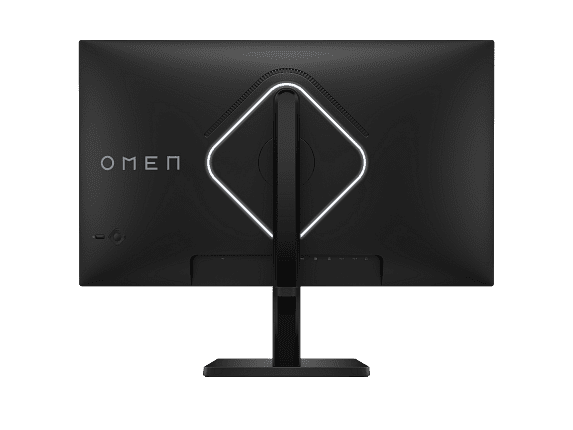
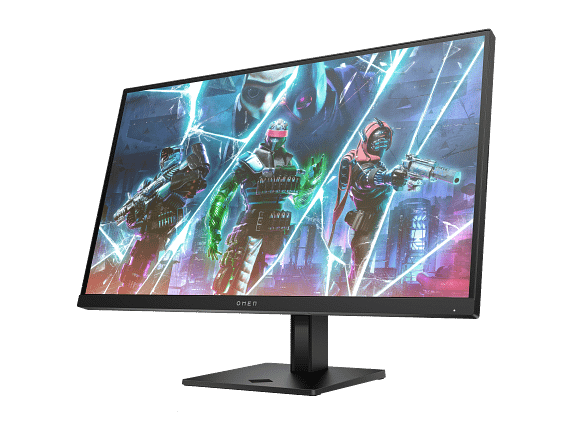
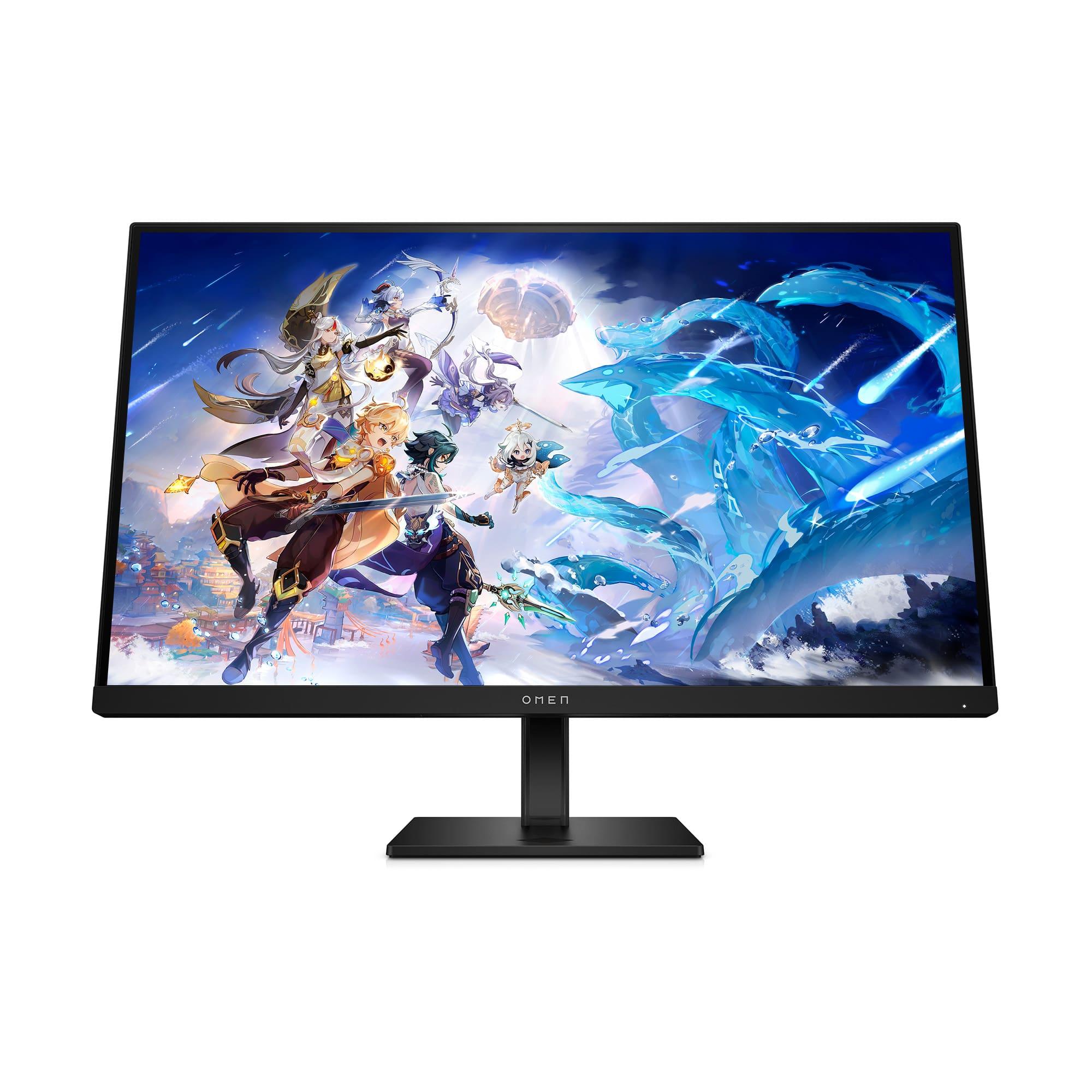
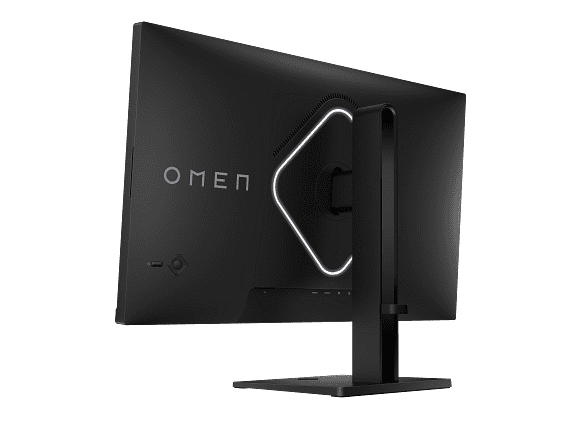
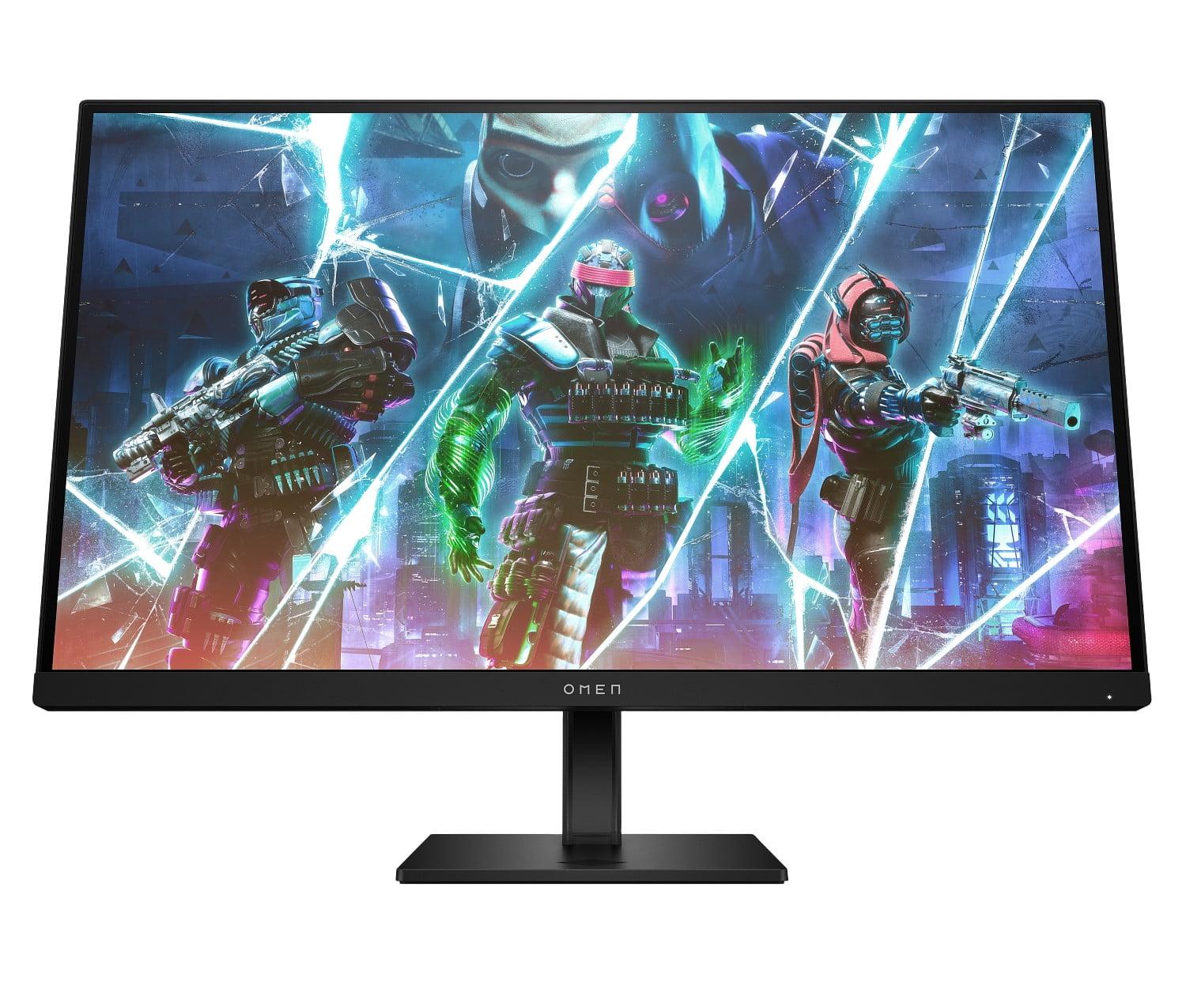
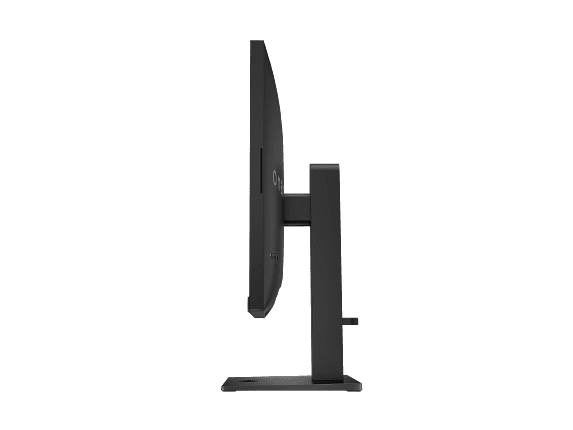









Choosing a gaming monitor in 2024 feels like picking between a race car and a luxury sedan—both will get you where you're going, but the journey will be completely different. The HP OMEN 27s FHD 240Hz Gaming Monitor and MSI MAG 274URFW 27" 4K 160Hz Gaming Monitor represent two fundamentally different philosophies in gaming display technology, and understanding their strengths will help you make the right choice for your setup.
Before diving into specifics, it's crucial to understand what separates modern gaming monitors from regular displays. Gaming monitors prioritize three key areas: refresh rate (how many times per second the screen updates), response time (how quickly pixels can change color), and input lag (the delay between your mouse click and seeing the result on screen).
Traditional monitors might refresh at 60Hz, updating the image 60 times per second. Gaming monitors push this much higher—the HP OMEN 27s hits 240Hz, while the MSI MAG 274URFW reaches 160Hz at 4K resolution. This matters because higher refresh rates create smoother motion, making it easier to track enemies in competitive games and reducing eye strain during long sessions.
The choice between these monitors ultimately comes down to prioritizing competitive performance versus visual quality. Think of it like choosing between a high-performance sports car designed for track racing versus a premium SUV built for comfort and versatility.
Released in 2023, the HP OMEN 27s represents HP's commitment to competitive gaming performance. This monitor uses an IPS panel—a display technology that offers consistent colors and wide viewing angles—combined with aggressive refresh rate optimization.
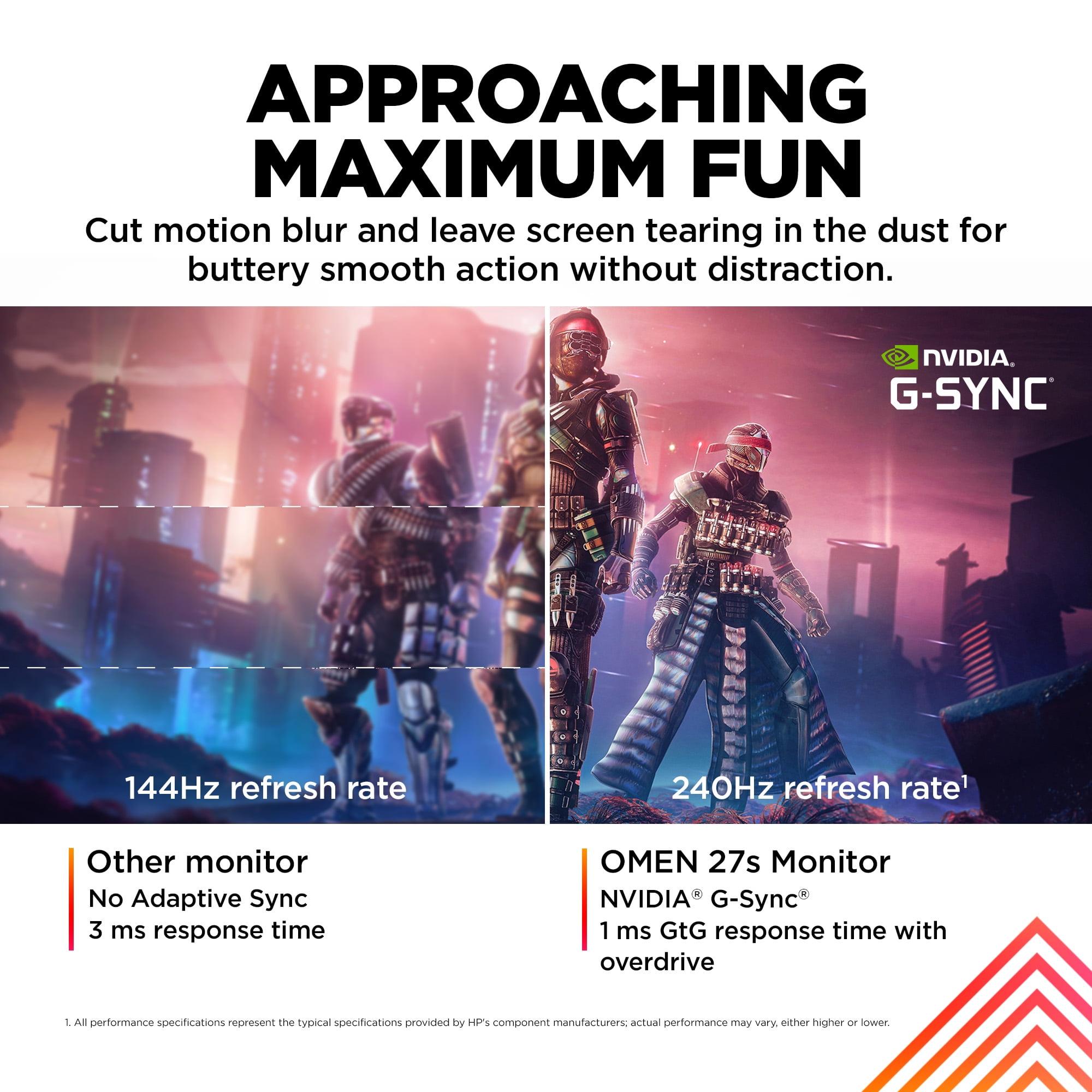
The standout feature is that blazing 240Hz refresh rate paired with a 1ms gray-to-gray (GtG) response time. Gray-to-gray measures how quickly a pixel can transition from one shade of gray to another, which directly impacts motion blur. At 240Hz, each frame displays for just 4.17 milliseconds, compared to 16.7ms on a standard 60Hz display. This creates an almost CRT-like smoothness that competitive gamers swear by.
What's particularly impressive about the OMEN 27s is its implementation of both NVIDIA G-SYNC compatibility and AMD FreeSync Premium. These adaptive sync technologies eliminate screen tearing—that ugly horizontal line that appears when your graphics card pumps out frames faster than your monitor can display them. The monitor essentially synchronizes its refresh rate with your GPU's output, creating buttery-smooth gameplay even when frame rates fluctuate.
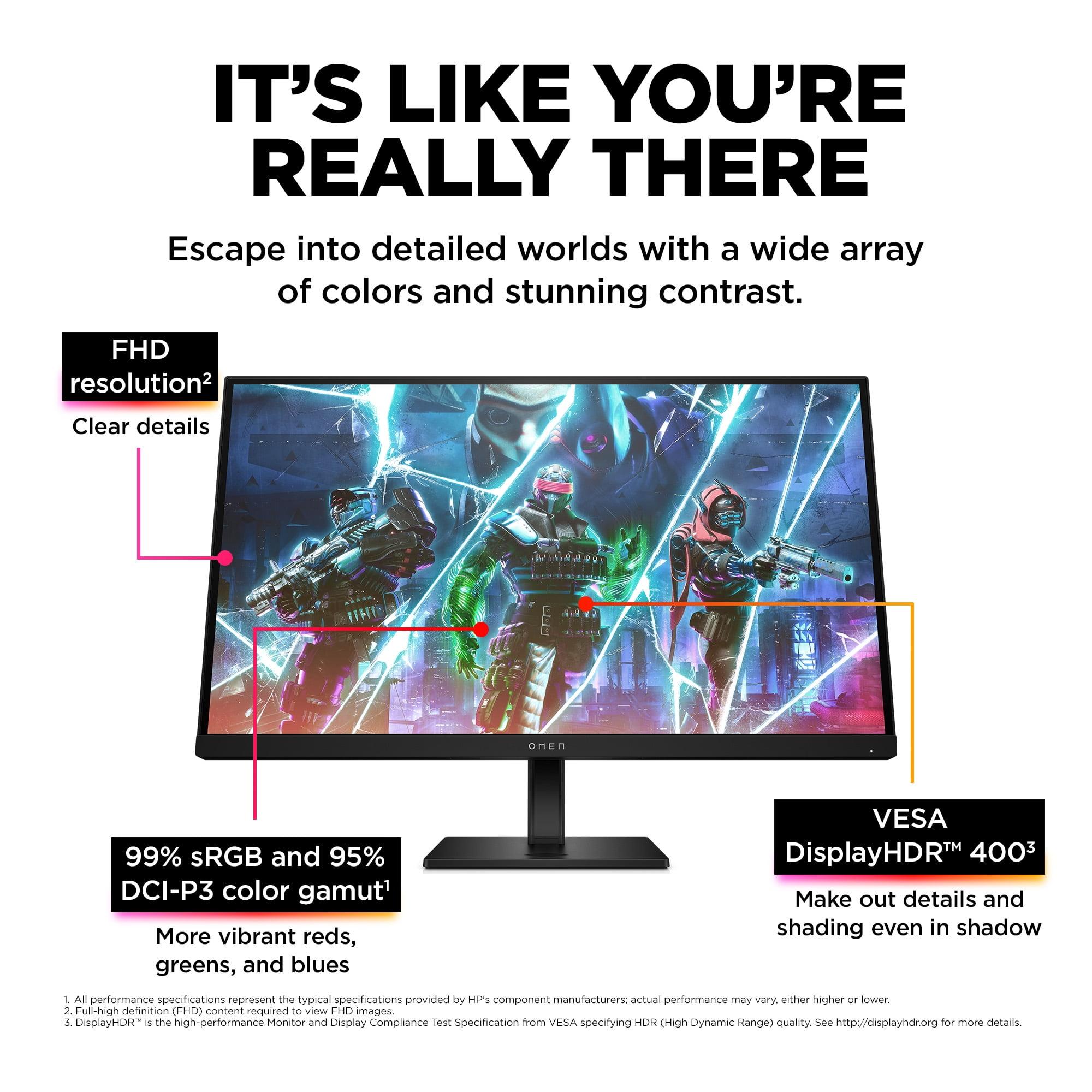
Here's where things get interesting: the HP OMEN 27s uses a 1920x1080 resolution on a 27-inch panel. This gives you roughly 82 pixels per inch (PPI), which means individual pixels are visible if you look closely. For competitive gaming, this is often considered a feature rather than a bug. Lower resolution means your graphics card can push higher frame rates more easily, and many esports professionals prefer 1080p for this exact reason.
The color performance is surprisingly robust for a speed-focused display. With 99% sRGB coverage and 95% DCI-P3 support, the OMEN 27s delivers vibrant, accurate colors. The 400-nit brightness and VESA DisplayHDR 400 certification mean HDR content looks noticeably better than standard displays, though it's not going to rival premium HDR experiences.
HP's OMEN Gaming Hub software unlocks some clever features, including custom crosshair overlays that can be positioned anywhere on screen. This might sound gimmicky, but it's genuinely useful in games without built-in crosshairs or when you want consistent aiming reference across different titles.
The monitor's VESA ClearMR 6000 certification is worth understanding—this relatively new standard measures motion clarity during fast movement. A rating of 6000 indicates excellent performance, meaning fast-moving objects remain sharp and distinct even during intense action sequences.
The MSI MAG 274URFW, released in late 2024, takes a completely different approach. This monitor prioritizes visual fidelity while still delivering excellent gaming performance, using MSI's Rapid IPS technology to achieve both goals.
At 3840x2160 resolution, the MSI monitor packs 163 pixels per inch—exactly double the pixel density of the HP OMEN 27s. This creates incredibly sharp text and detailed game textures, but demands significantly more from your graphics card. To hit 160Hz at 4K in demanding games, you'll need at least an RTX 4070 or RX 7800 XT, with RTX 4080/4090 class cards being ideal for consistent high refresh rates.
The 0.5ms response time (minimum specification) is actually faster than the HP monitor on paper, though real-world performance differences at these levels are minimal. What's more impressive is maintaining this speed while processing four times as many pixels.
Where the MSI MAG 274URFW truly shines is color reproduction. The 133% sRGB coverage means it can display colors more saturated than the standard web colorspace, while 98% DCI-P3 coverage handles modern HDR content beautifully. Most importantly, it covers 93% of Adobe RGB—a colorspace used in professional photography and design work.
This makes the MSI monitor genuinely dual-purpose. During the day, it's excellent for photo editing, video work, or any task requiring color accuracy. In the evening, it transforms into a premium gaming display. The 10-bit color depth (achieved through 8-bit + Frame Rate Control) can display over a billion color variations, creating smooth gradients without banding artifacts.
MSI's AI Vision technology represents a newer approach to competitive gaming features. Instead of simple overlays, it uses artificial intelligence to dynamically enhance visibility in dark areas while maintaining overall image quality. This is particularly useful in games like Escape from Tarkov or Hunt: Showdown, where spotting enemies in shadows can determine victory.
The Smart Crosshair feature goes beyond the HP monitor's static overlays by automatically changing color based on background content, ensuring it's always visible. Optix Scope provides multi-level zoom functionality—essentially a built-in sniper scope for long-range precision.
The connectivity story reveals how these monitors target different users. The HP OMEN 27s includes two USB-A ports, creating a simple hub for connecting gaming peripherals directly to the monitor. This reduces cable clutter and makes it easy to switch between different computers.
The MSI MAG 274URFW takes a more premium approach with HDMI 2.1 support, enabling full 4K 120Hz gaming on PlayStation 5 and Xbox Series X. The USB-C port with Power Delivery can charge laptops while transmitting video, making it excellent for mixed PC/laptop setups.
When evaluating gaming monitor performance, focus on these key areas:
Input lag is crucial for competitive gaming—the total delay from mouse click to pixel change. Both monitors achieve essentially zero input lag (under 1ms), putting them among the fastest displays available.
Motion clarity during fast movement separates good gaming monitors from great ones. The HP OMEN 27s excels here due to its 240Hz refresh rate, while the MSI monitor uses advanced overdrive algorithms to maintain clarity despite the higher pixel count.
Adaptive sync range determines how smoothly games play when frame rates fluctuate. Both monitors support wide VRR ranges, but the MSI model handles console gaming scenarios better with its HDMI 2.1 implementation.
For living room gaming, the MSI MAG 274URFW is the clear winner. The 4K resolution makes text readable from couch distance, while the superior color accuracy enhances movie and streaming content. HDMI 2.1 support means it works perfectly with next-gen consoles, and the Auto Low-Latency Mode ensures responsive gaming without manual settings changes.
The HP OMEN 27s works better as a dedicated gaming station. While it handles media consumption adequately, the 1080p resolution shows its limitations on larger screens or when viewing from typical living room distances.
At the time of writing, the HP OMEN 27s typically costs significantly less than the MSI monitor, making it excellent value for competitive gamers on tighter budgets. The money saved can go toward a better graphics card or other peripherals.
The MSI MAG 274URFW commands a premium price but justifies it through versatility and longevity. As graphics cards become more powerful and 4K gaming becomes mainstream, this monitor will remain relevant longer. It's also the better choice if you need one display for both work and gaming.
Since 2023-2024, we've seen significant improvements in high refresh 4K gaming thanks to technologies like DLSS 3 Frame Generation and FSR 3. These make the MSI monitor more practical with current hardware than similar displays were just two years ago.
Choose the HP OMEN 27s if competitive gaming is your primary focus. Esports professionals and serious FPS players will appreciate the maximum refresh rate and excellent motion clarity. It's also the smart choice if you're building a gaming setup on a budget or have a mid-range graphics card.
The MSI MAG 274URFW makes sense for enthusiast gamers who want the best visual experience and plan to use their monitor for multiple purposes. Content creators, console gamers, and anyone who values image quality over pure speed will find it more satisfying long-term.
My personal preference leans toward the MSI monitor for most users. While the HP OMEN 27s excels in its specific niche, the versatility and future-proofing of 4K gaming make the MSI model a better investment for the majority of gamers. The visual improvement from 1080p to 4K on a 27-inch display is dramatic, and the performance penalty continues to shrink as graphics cards improve.
However, if you're primarily playing competitive multiplayer games like Counter-Strike 2, Valorant, or Apex Legends, and you want every possible advantage, the HP OMEN 27s remains the superior choice. That extra 80Hz refresh rate and lower system requirements create a meaningful competitive edge that serious players will appreciate.
Both monitors represent excellent engineering within their respective philosophies. Your choice should align with your primary use case, current hardware capabilities, and whether you value peak performance in specific scenarios versus overall versatility and visual excellence.
| HP OMEN 27s FHD 240Hz Gaming Monitor | MSI MAG 274URFW 27" 4K 160Hz Gaming Monitor |
|---|---|
| Resolution & Pixel Density - Critical for image sharpness and GPU requirements | |
| 1920 x 1080 (82 PPI) - Easier to drive at high framerates | 3840 x 2160 (163 PPI) - Four times sharper, requires powerful GPU |
| Refresh Rate - Higher rates create smoother motion and competitive advantage | |
| 240Hz - Maximum smoothness for esports gaming | 160Hz - Excellent for high-end gaming while maintaining 4K quality |
| Response Time - Lower times reduce motion blur in fast games | |
| 1ms GtG with Overdrive - Optimized for competitive gaming | 0.5ms GtG minimum - Slightly faster despite higher resolution |
| Panel Technology - Affects color accuracy and viewing angles | |
| IPS with wide viewing angles and good colors | Rapid IPS with enhanced speed and premium color reproduction |
| Color Coverage - Important for content creation and visual quality | |
| 99% sRGB, 95% DCI-P3 - Good for gaming and basic work | 133% sRGB, 98% DCI-P3, 93% Adobe RGB - Professional-grade colors |
| HDR Support - Enhanced contrast and brightness for supported content | |
| VESA DisplayHDR 400 with 400 nits brightness | VESA DisplayHDR 400 with 400+ nits brightness and better color volume |
| Adaptive Sync - Eliminates screen tearing for smooth gameplay | |
| NVIDIA G-SYNC compatible, AMD FreeSync Premium | AMD FreeSync Premium, Variable Refresh Rate (VRR) |
| Gaming Features - Specialized tools for competitive advantage | |
| Custom crosshair, VESA ClearMR 6000 certification | AI Vision, Smart Crosshair, Optix Scope zoom, Auto Low-Latency Mode |
| Connectivity - Modern ports for PC and console gaming | |
| 2x HDMI 2.0, 1x DisplayPort 1.4, USB hub with 2x USB-A | 2x HDMI 2.1, 1x DisplayPort 1.4a, USB-C with 15W Power Delivery |
| Console Compatibility - Next-gen gaming performance | |
| Limited to 1080p 240Hz on consoles | Full 4K 120Hz support for PS5/Xbox Series X via HDMI 2.1 |
| Ergonomics - Adjustability for comfortable viewing | |
| Height, tilt, pivot, swivel adjustments with VESA mount | Height (110mm), tilt, pivot, swivel adjustments with VESA mount |
| Target User - Best suited for specific gaming styles | |
| Competitive esports players, FPS enthusiasts, budget-conscious gamers | Enthusiast gamers, content creators, console gamers, multi-purpose users |
| Hardware Requirements - GPU power needed for optimal performance | |
| RTX 3060/RX 6600 XT for 240fps in esports titles | RTX 4070/RX 7800 XT minimum for 4K 160Hz gaming |
The HP OMEN 27s FHD 240Hz Gaming Monitor is superior for competitive gaming due to its 240Hz refresh rate and 1ms response time. The higher refresh rate provides smoother motion tracking and reduced input lag, which are crucial for esports titles like Counter-Strike 2, Valorant, and Apex Legends. The MSI MAG 274URFW at 160Hz is still excellent but prioritizes visual quality over pure competitive performance.
The primary difference is resolution versus refresh rate. The HP OMEN 27s offers 1080p at 240Hz for maximum speed, while the MSI MAG 274URFW 27" 4K 160Hz Gaming Monitor delivers 4K resolution at 160Hz for superior visual quality. This represents a fundamental trade-off between competitive performance and image sharpness.
The MSI MAG 274URFW requires significantly more GPU power due to its 4K resolution. You'll need at least an RTX 4070 or RX 7800 XT for smooth 4K gaming at high refresh rates. The HP OMEN 27s can achieve 240fps with mid-range cards like the RTX 3060 or RX 6600 XT in esports games.
The MSI MAG 274URFW is far superior for console gaming, featuring HDMI 2.1 ports that support 4K 120Hz on PlayStation 5 and Xbox Series X. The HP OMEN 27s FHD 240Hz Gaming Monitor is limited to 1080p output from consoles and lacks the modern connectivity features console gamers need.
The MSI MAG 274URFW excels for professional work with 133% sRGB, 98% DCI-P3, and 93% Adobe RGB color coverage, plus 4K resolution for sharp text and detailed images. The HP OMEN 27s offers decent colors but the 1080p resolution limits its usefulness for detailed creative work.
The MSI MAG 274URFW 27" 4K 160Hz Gaming Monitor offers 163 pixels per inch compared to 82 PPI on the HP OMEN 27s. This means the MSI monitor displays four times more detail, with noticeably sharper text, clearer game textures, and better overall image clarity.
The HP OMEN 27s FHD 240Hz Gaming Monitor typically offers better value for competitive gamers focused solely on performance. The MSI MAG 274URFW commands a premium price but justifies it through versatility, serving both gaming and professional use cases effectively.
Both monitors feature VESA DisplayHDR 400 certification, but the MSI MAG 274URFW delivers a more impressive HDR experience thanks to its wider color gamut and 10-bit color depth. The HP OMEN 27s supports HDR but with more limited color volume due to its standard sRGB coverage.
The MSI MAG 274URFW 27" 4K 160Hz Gaming Monitor is significantly better for immersive single-player games, offering stunning 4K visuals, superior color accuracy, and excellent HDR performance. The HP OMEN 27s focuses on competitive gaming performance rather than visual immersion.
The HP OMEN 27s includes 2x HDMI 2.0, DisplayPort 1.4, and a USB hub with 2x USB-A ports. The MSI MAG 274URFW offers more modern connectivity with 2x HDMI 2.1, DisplayPort 1.4a, and USB-C with Power Delivery, making it better for mixed PC/console setups.
The MSI MAG 274URFW offers better future-proofing with 4K resolution, HDMI 2.1, and premium color accuracy that will remain valuable as technology advances. The HP OMEN 27s FHD 240Hz Gaming Monitor serves competitive gamers excellently now but may feel outdated sooner due to its 1080p resolution.
Both monitors offer 400+ nits brightness suitable for moderately bright rooms. The MSI MAG 274URFW 27" 4K 160Hz Gaming Monitor handles reflections slightly better due to its superior anti-glare coating, while the HP OMEN 27s includes HP Eye Ease technology to reduce blue light and eye strain during long gaming sessions.
We've done our best to create useful and informative comparisons to help you decide what product to buy. Our research uses advanced automated methods to create this comparison and perfection is not possible - please contact us for corrections or questions. These are the sites we've researched in the creation of this article: bestbuy.com - hp.com - shi.com - hp.com - bestbuy.com - hp.com - tomshardware.com - hp.com - rtings.com - hp.com - displayspecifications.com - support.hp.com - publicsector.shidirect.com - objects.icecat.biz - files.bbystatic.com - hp.com - displayspecifications.com - youtube.com - bestbuy.com - rtings.com - youtube.com - guru3d.com - youtube.com - newegg.com - bhphotovideo.com - bestbuy.com - storage-asset.msi.com - shi.com - neweggbusiness.com - files.bbystatic.com - us-store.msi.com - msi.com - storage-asset.msi.com - storage-asset.msi.com

Privacy Policy
Terms and Conditions - Affiliate Policy
Home Security
© Copyright 2008-2026.
11816 Inwood Rd #1211, Dallas, TX 75244