









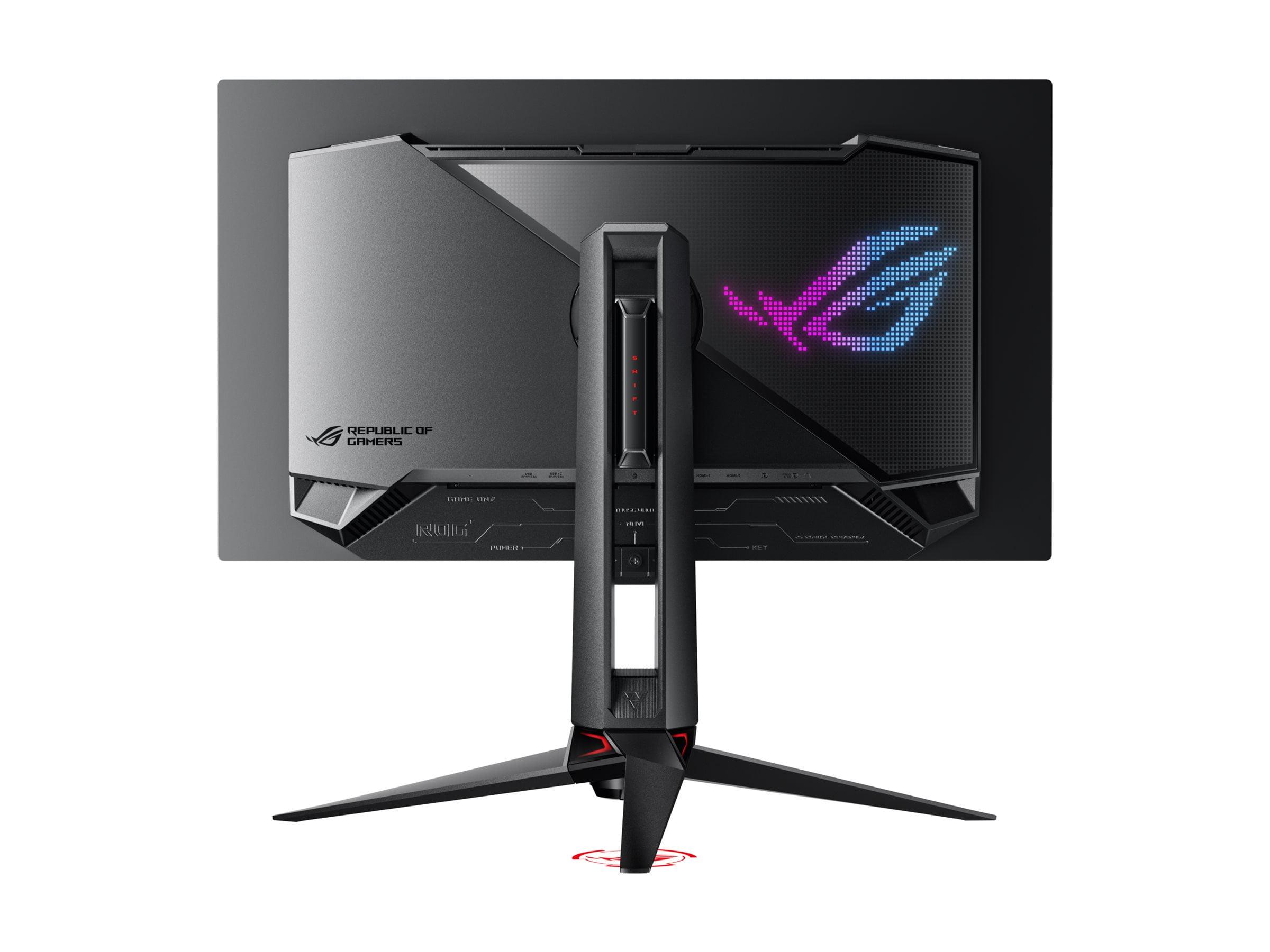
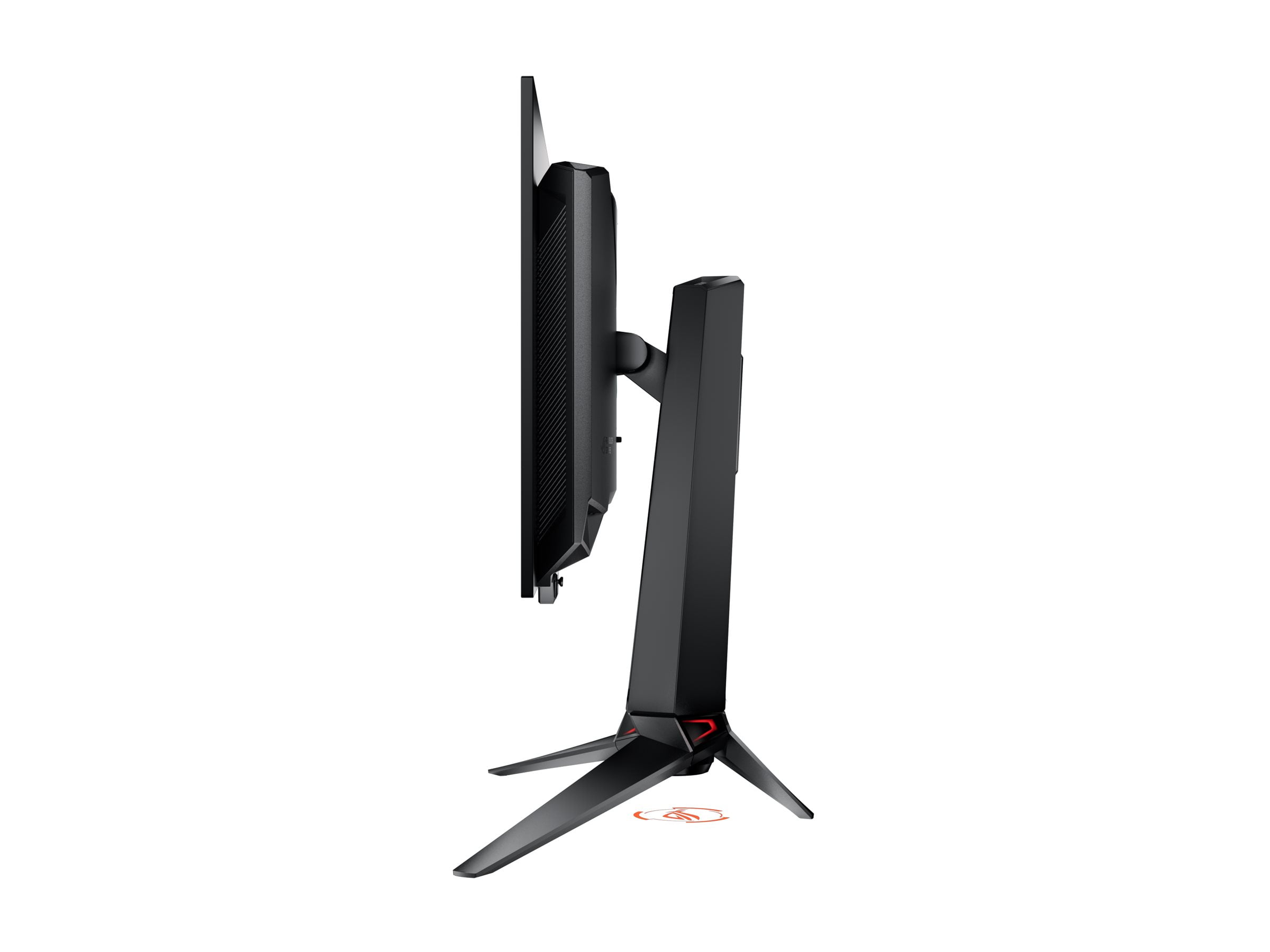
When you're shopping for a new gaming monitor, the 27-inch 4K category offers some of the most compelling options available today. These displays hit that sweet spot where you get incredibly sharp visuals without needing a massive desk, and they're perfect for both gaming and productivity work. Today, we're comparing two monitors that represent very different philosophies in this space: the budget-friendly MSI MAG 274URFW and the premium ASUS ROG Swift OLED PG27UCDM.
At the time of writing, these monitors sit about $700 apart in price, which might seem like a huge gap for similar-sized displays. But as we'll discover, that difference reflects fundamentally different technologies and target audiences. Let's dive into what makes each monitor special and help you figure out which one deserves a spot on your desk.
Before we get into the specifics, let's talk about why 27-inch 4K monitors have become so popular. At this size, you get a pixel density of around 163 pixels per inch (PPI), which means text looks incredibly crisp and game details pop in ways that larger 4K displays just can't match. It's like the difference between looking at a magazine photo versus a billboard – the closer pixel density creates a more refined image.
The main things to consider when shopping in this category include panel technology (which affects everything from colors to lifespan), refresh rate capabilities (how smooth motion looks), HDR performance (how good bright and dark scenes appear), and connectivity options (what devices you can plug in). The MSI MAG 274URFW and ASUS ROG Swift OLED PG27UCDM take dramatically different approaches to each of these areas.
The most fundamental difference between these monitors lies in their panel technology. The MSI MAG 274URFW, released in 2024, uses what's called Rapid IPS technology – an evolution of traditional LCD panels that improves response times while maintaining the color accuracy IPS is known for. Think of IPS like a reliable, well-understood technology that's been refined over many years.
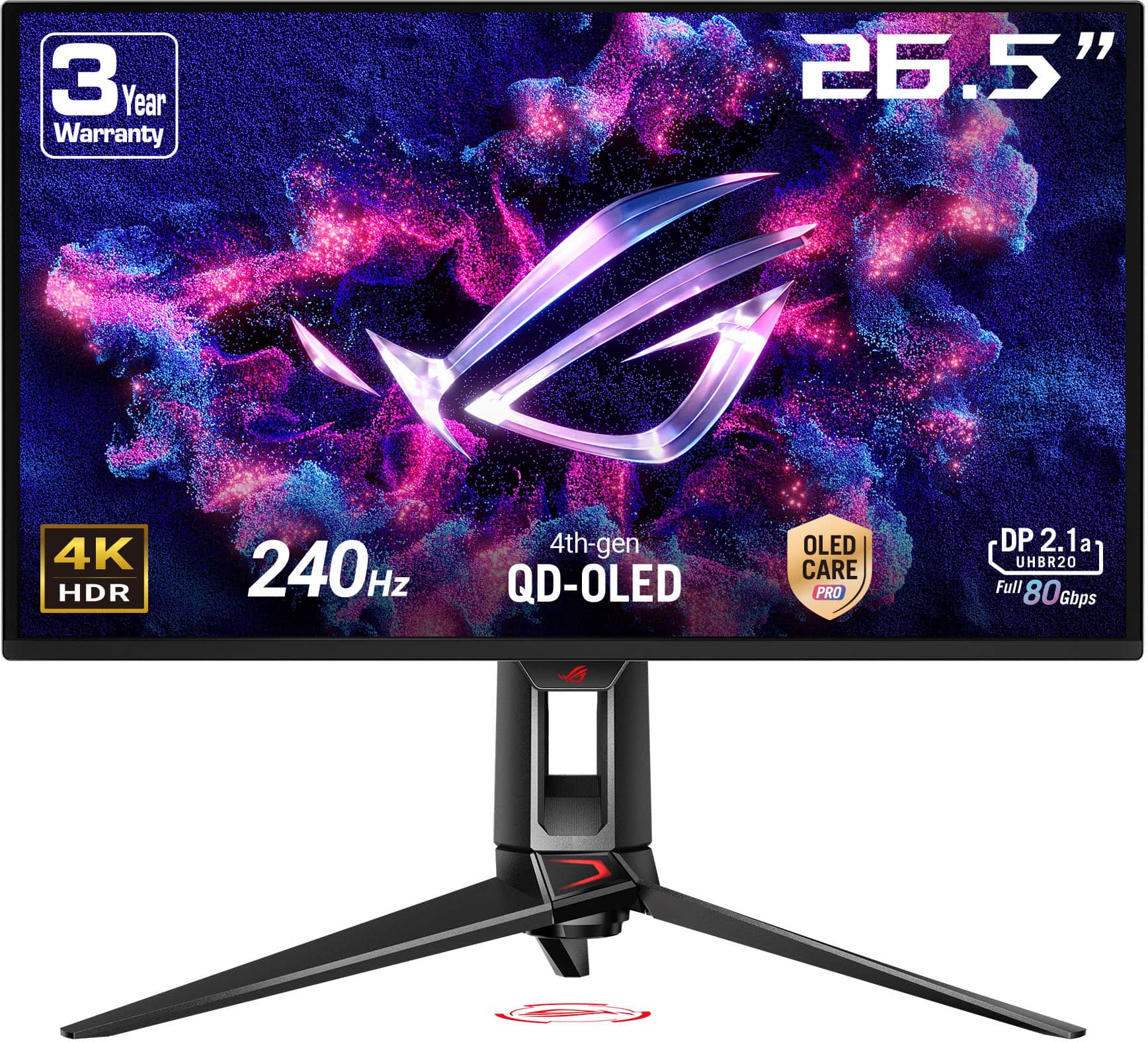
The ASUS ROG Swift OLED PG27UCDM, launching in early 2025, represents the cutting edge with its fourth-generation QD-OLED panel. OLED stands for Organic Light-Emitting Diode, and unlike traditional LCD panels that need a backlight, each pixel in an OLED display produces its own light. This means when a pixel needs to be black, it simply turns off completely – creating perfect blacks that IPS panels simply cannot achieve.
QD-OLED adds another layer of sophistication by incorporating quantum dots (QD), which are tiny particles that convert blue light into incredibly pure red and green colors. This combination delivers both OLED's perfect blacks and quantum dot's exceptional color purity. The fourth-generation panel in the ASUS monitor also promises better longevity and reduced burn-in risk compared to earlier OLED generations.
Here's where these monitors really start to diverge. The MSI MAG 274URFW delivers what you'd expect from a quality IPS panel: consistent colors, wide viewing angles, and a respectable 1000:1 contrast ratio. It covers 98% of the DCI-P3 color space, which is the standard for digital cinema, meaning colors look vibrant and accurate. The 400 nits of peak brightness is sufficient for most HDR content, though it won't make highlights truly pop.
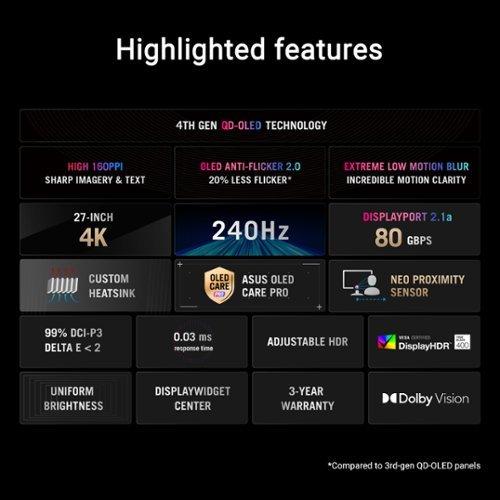
But when you fire up the ASUS ROG Swift OLED, the difference is immediately apparent. That 1,500,000:1 contrast ratio isn't just a number on a spec sheet – it translates to blacks so deep they seem to disappear into the screen bezel. Colors appear more saturated and natural thanks to the 99% DCI-P3 coverage and factory calibration that achieves Delta E values under 2 (anything under 3 is considered professional-grade accuracy).
The HDR experience showcases this difference most dramatically. While the MSI monitor supports HDR400, which provides some improvement over standard content, the ASUS display with its HDR400 True Black certification and Dolby Vision support creates those jaw-dropping moments where bright explosions seem to leap off the screen while shadows retain perfect detail.
I've spent time with both types of panels, and while IPS technology has served me well for years, experiencing OLED's infinite contrast is genuinely transformative. Games like Cyberpunk 2077 or movies shot with careful attention to lighting take on an almost three-dimensional quality that's hard to describe until you see it yourself.
When it comes to gaming performance, both monitors excel, but in different ways. The MSI MAG 274URFW offers a 160Hz refresh rate with a 0.5ms response time, which translates to smooth motion in fast-paced games and minimal ghosting (those blurry trails that can follow moving objects). For most gamers, including competitive players, 160Hz provides more than enough headroom for smooth gameplay.
The ASUS ROG Swift OLED pushes performance even further with its 240Hz refresh rate and extraordinary 0.03ms response time. To put that in perspective, the OLED's response time is more than 16 times faster than the already-quick IPS panel. This means virtually zero motion blur, even in the most demanding fast-paced games. If you're playing competitive shooters or racing games where every millisecond counts, this difference is noticeable.
Both monitors support variable refresh rate technology – the MSI model works with AMD FreeSync Premium, while the ASUS display supports both FreeSync Premium Pro and G-Sync compatibility. This technology synchronizes your graphics card's frame output with the monitor's refresh rate, eliminating screen tearing (those horizontal lines that can appear when frame rates don't match).
However, OLED displays have one quirk worth mentioning: VRR flicker. When frame rates fluctuate rapidly, especially in darker scenes, you might notice slight brightness variations. It's not a deal-breaker, but it's something to be aware of if you're sensitive to such changes.
Both monitors recognize that modern setups require extensive connectivity. The MSI MAG 274URFW includes DisplayPort 1.4a, dual HDMI 2.1 ports, and USB-C with 15W power delivery. This covers most use cases, including next-gen consoles that can output 4K at 120Hz through HDMI 2.1.
The ASUS ROG Swift OLED goes further with DisplayPort 2.1a supporting the full 80Gbps bandwidth. This future-proofs the monitor for graphics cards that can actually push 4K at 240Hz without compression – something current GPUs struggle with but future generations will handle. The USB-C port delivers 90W power delivery, enough to charge most laptops while providing video signal, and there's a built-in KVM switch for easily switching between multiple computers.
One particularly clever feature on the ASUS monitor is the Neo Proximity Sensor, which detects when you've stepped away from your desk and automatically switches to a black screen. This helps prevent OLED burn-in while saving power – though some users report it can be overly sensitive during intense gaming sessions where you might sit very still.
At the time of writing, the price difference between these monitors reflects their fundamental technology gap. The MSI MAG 274URFW represents excellent value for those entering 4K gaming, delivering solid performance at a price point that won't break the bank. You're getting a reliable, well-built monitor with good color accuracy and gaming performance that will serve you well for years.
The ASUS ROG Swift OLED PG27UCDM commands a significant premium, but you're paying for cutting-edge display technology that simply wasn't available in consumer monitors just a few years ago. The visual quality improvement is substantial, and if you consume a lot of HDR content or play visually stunning games, the investment can be justified.
Consider this: if you're upgrading from a 1080p monitor, the MSI option will provide a dramatic improvement in image quality at a reasonable cost. If you're already using a good 4K display and want the absolute best visual experience available, the ASUS OLED delivers transformational image quality that's immediately apparent.
Both monitors work well as desktop displays for streaming content, but they approach home theater use differently. The MSI MAG 274URFW lacks built-in speakers, so you'll need headphones or external speakers for audio. Its IPS panel provides consistent brightness across all content types, and the matte coating helps reduce reflections in brighter rooms.
The ASUS ROG Swift OLED excels for movie watching thanks to its perfect blacks and Dolby Vision support, which many streaming services now offer. However, it also lacks speakers and is better suited to darker viewing environments where its anti-reflection coating can do its job effectively. The infinite contrast ratio makes movies feel more cinematic, especially content mastered with HDR in mind.
For casual streaming and YouTube videos, both perform well, though the OLED's superior contrast makes dark scenes more engaging. If you're planning to use your monitor for both gaming and as a secondary TV, the visual quality difference favors the ASUS option, despite the higher cost.
IPS panels like the one in the MSI MAG 274URFW are known for their longevity. You won't worry about burn-in from static elements like taskbars or game HUDs, and the panel should maintain its performance characteristics for many years. The three-year warranty provides peace of mind, and replacement costs are reasonable if issues arise outside the warranty period.
OLED technology requires more consideration. While the ASUS monitor includes OLED Care Pro features like automatic pixel cleaning and screen savers to prevent burn-in, you'll still want to avoid leaving static images on screen for extended periods. The good news is that modern OLED panels, especially fourth-generation ones, are much more resistant to burn-in than early generations. Many users report years of heavy use without issues, but it's still something to keep in mind.
Choose the MSI MAG 274URFW if you want excellent 4K gaming performance without the premium price tag. It's perfect for gamers who primarily play modern titles, do productivity work, or want to upgrade from 1080p without a massive investment. The color accuracy makes it suitable for photo editing and content creation, while the reliable IPS technology means fewer worries about long-term use.
The ASUS ROG Swift OLED PG27UCDM is the choice for enthusiasts who want the absolute best visual experience available. If you play visually stunning single-player games, watch a lot of HDR content, or simply want cutting-edge technology, the image quality improvement justifies the premium cost. Competitive gamers who can benefit from 240Hz refresh rates will also appreciate the performance advantage.
Consider your usage patterns honestly. If you spend hours each day gaming or watching content, the daily enjoyment from superior image quality might justify the higher cost. If you primarily play competitive games where frame rate matters more than visual fidelity, or if budget is a primary concern, the MSI option delivers excellent performance at a much more accessible price point.
Both monitors represent solid choices within their respective segments, and either will provide years of excellent service. The decision ultimately comes down to how much you value cutting-edge display technology versus getting great performance at a reasonable price. In my experience, both approaches have merit – it's just a matter of matching the monitor to your priorities and budget.
| MSI MAG 274URFW | ASUS ROG Swift OLED PG27UCDM |
|---|---|
| Panel Technology - Determines image quality, contrast, and longevity | |
| Rapid IPS with LED backlight | 4th-generation QD-OLED |
| Refresh Rate - Higher rates provide smoother motion in fast games | |
| 160Hz (more than adequate for most gaming) | 240Hz (competitive gaming advantage) |
| Response Time - Lower is better for reducing motion blur | |
| 0.5ms GtG (very fast for IPS) | 0.03ms GtG (virtually instantaneous) |
| Contrast Ratio - Affects how deep blacks appear and overall image depth | |
| 1,000:1 typical (standard for IPS panels) | 1,500,000:1 infinite (perfect OLED blacks) |
| Peak Brightness - Higher values improve HDR and bright room viewing | |
| 400 nits (adequate for HDR400) | 1,000 nits HDR / 250 nits SDR (excellent HDR impact) |
| Color Coverage - More coverage means more vibrant, accurate colors | |
| 98% DCI-P3, 133% sRGB | 99% DCI-P3, 145% sRGB with factory calibration |
| HDR Support - Better HDR provides more realistic lighting in games/movies | |
| VESA DisplayHDR 400 | VESA DisplayHDR 400 True Black + Dolby Vision |
| VRR Technology - Eliminates screen tearing for smoother gameplay | |
| AMD FreeSync Premium | G-Sync Compatible + FreeSync Premium Pro |
| Connectivity - Determines what devices you can connect | |
| DP 1.4a, 2x HDMI 2.1, USB-C 15W | DP 2.1a (80Gbps), 2x HDMI 2.1, USB-C 90W + USB hub |
| Gaming Features - Extra tools for competitive advantage | |
| Smart Crosshair, AI Vision, Optix Scope | KVM switch, Neo Proximity Sensor, OLED Care Pro |
| Build Quality - Affects durability and premium feel | |
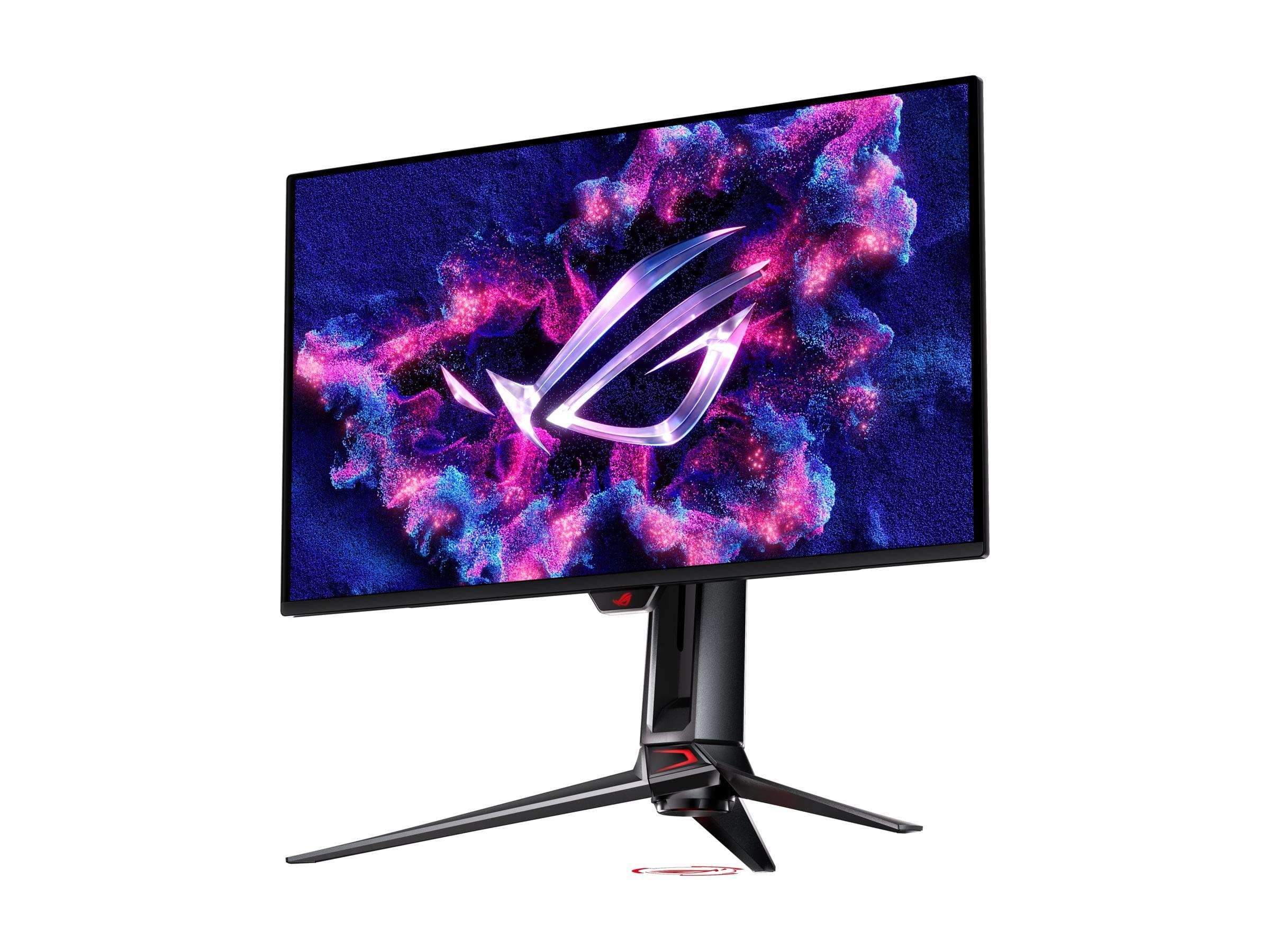
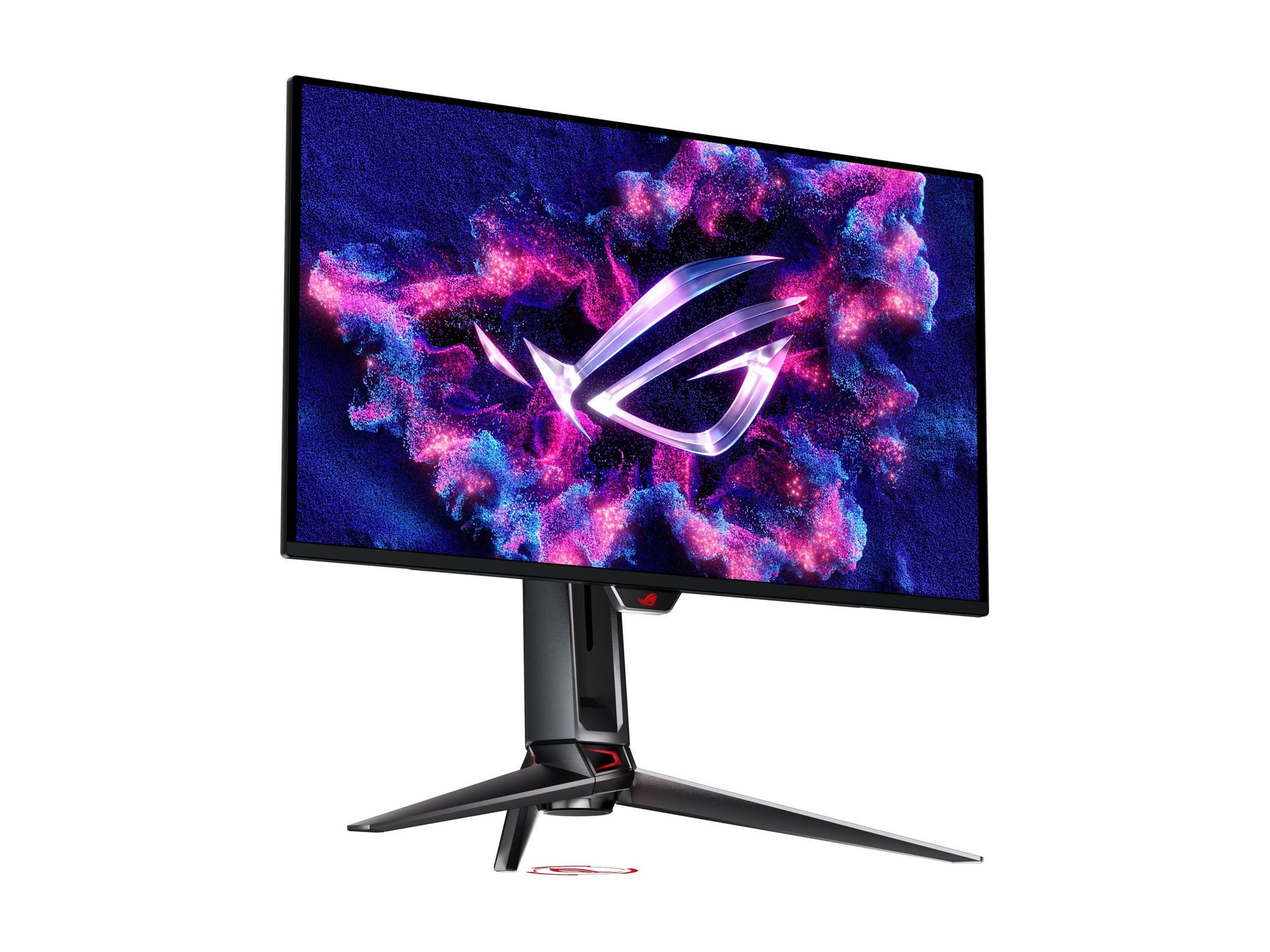
| White bezeless design with RGB lighting | Premium ROG aesthetic with RGB projector |
| Burn-in Risk - Important for long-term ownership | |
| None (IPS technology immune to burn-in) | Minimal with OLED Care features (modern OLED much improved) |
| Best For - Primary use cases where each monitor excels | |
| Budget 4K gaming, productivity work, worry-free ownership | Premium gaming, HDR content, ultimate image quality |
The primary difference is panel technology. The MSI MAG 274URFW uses traditional IPS LCD technology with LED backlighting, while the ASUS ROG Swift OLED PG27UCDM features cutting-edge QD-OLED technology. This means the ASUS delivers perfect blacks, infinite contrast, and more vibrant colors, while the MSI offers reliable performance without burn-in concerns at a much lower price point.
The ASUS ROG Swift OLED PG27UCDM has the edge for competitive gaming with its 240Hz refresh rate and 0.03ms response time compared to the MSI MAG 274URFW's 160Hz and 0.5ms response time. However, both monitors provide excellent gaming performance, and the MSI's specs are more than adequate for most competitive players at a significantly lower cost.
Yes, both the MSI MAG 274URFW and ASUS ROG Swift OLED PG27UCDM support 4K resolution. The MSI reaches up to 160Hz while the ASUS goes up to 240Hz. Both include HDMI 2.1 ports for console gaming at 4K 120Hz with PlayStation 5 and Xbox Series X.
The ASUS ROG Swift OLED PG27UCDM significantly outperforms the MSI MAG 274URFW in HDR content. The ASUS supports Dolby Vision and HDR400 True Black with perfect blacks and 1,000 nits peak brightness, while the MSI offers standard HDR400 with 400 nits brightness and limited contrast enhancement.
The MSI MAG 274URFW has no burn-in risk since it uses IPS technology. The ASUS ROG Swift OLED PG27UCDM has minimal burn-in risk thanks to modern 4th-generation OLED panels and built-in OLED Care Pro features like automatic pixel cleaning and the Neo Proximity Sensor that turns off the screen when you're away.
For movie watching, the ASUS ROG Swift OLED PG27UCDM is superior due to its perfect blacks, infinite contrast, and Dolby Vision support. Dark scenes appear truly black rather than gray, creating a more cinematic experience. The MSI MAG 274URFW still provides good image quality but can't match OLED's contrast performance.
Both monitors include DisplayPort and dual HDMI 2.1 ports. The MSI MAG 274URFW has USB-C with 15W power delivery, while the ASUS ROG Swift OLED PG27UCDM offers DisplayPort 2.1 with full 80Gbps bandwidth, USB-C with 90W power delivery, and a built-in USB hub with KVM switching capabilities.
The MSI MAG 274URFW provides excellent value for budget-conscious buyers, delivering solid 4K gaming performance at a fraction of the cost. The ASUS ROG Swift OLED PG27UCDM offers premium performance and cutting-edge technology but at a significantly higher price point that may only be justified for enthusiast users.
Both monitors excel for productivity thanks to their sharp 4K resolution and 27-inch size. The MSI MAG 274URFW offers consistent brightness and no burn-in concerns for static elements like taskbars. The ASUS ROG Swift OLED PG27UCDM provides superior contrast and color accuracy but requires more care with static elements during extended use.
The ASUS ROG Swift OLED PG27UCDM comes factory-calibrated with Delta E < 2 accuracy and covers 99% DCI-P3, making it excellent for color-critical work. The MSI MAG 274URFW covers 98% DCI-P3 and supports user calibration, offering good accuracy at a lower price point for content creators on a budget.
Both monitors include gaming-specific features. The MSI MAG 274URFW offers Smart Crosshair, AI Vision, and Optix Scope for competitive advantages. The ASUS ROG Swift OLED PG27UCDM includes more advanced features like KVM switching, proximity sensors, and comprehensive OLED care functions, plus broader VRR support for both AMD and NVIDIA graphics cards.
Choose the MSI MAG 274URFW if you want excellent 4K gaming performance at a budget-friendly price, don't need the absolute highest refresh rates, or prefer worry-free ownership without burn-in concerns. Choose the ASUS ROG Swift OLED PG27UCDM if you prioritize ultimate image quality, play visually demanding games, consume HDR content regularly, or want cutting-edge display technology regardless of the premium cost.
We've done our best to create useful and informative comparisons to help you decide what product to buy. Our research uses advanced automated methods to create this comparison and perfection is not possible - please contact us for corrections or questions. These are the sites we've researched in the creation of this article: youtube.com - bestbuy.com - rtings.com - youtube.com - guru3d.com - youtube.com - newegg.com - bhphotovideo.com - bestbuy.com - storage-asset.msi.com - shi.com - neweggbusiness.com - files.bbystatic.com - us-store.msi.com - msi.com - storage-asset.msi.com - storage-asset.msi.com - tomshardware.com - thepcenthusiast.com - rtings.com - youtube.com - rtings.com - rog.asus.com - tweaktown.com - youtube.com - youtube.com - versus.com - rog.asus.com - rog.asus.com - newegg.com - rog.asus.com - cdw.com - pcmonitors.info - displayspecifications.com - rog.asus.com - bhphotovideo.com - techpowerup.com - shi.com - bhphotovideo.com

Privacy Policy
Terms and Conditions - Affiliate Policy
Home Security
© Copyright 2008-2026.
11816 Inwood Rd #1211, Dallas, TX 75244