









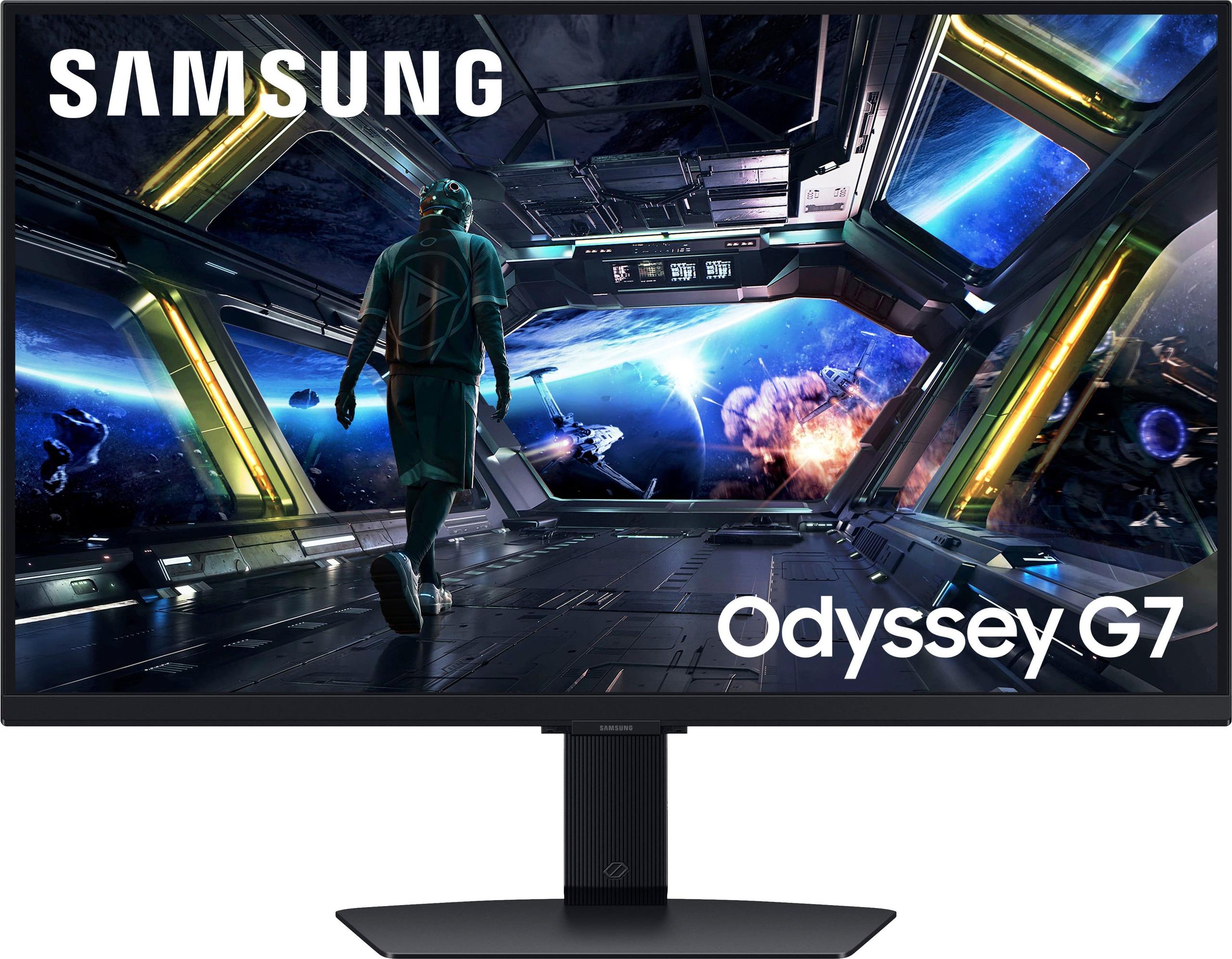
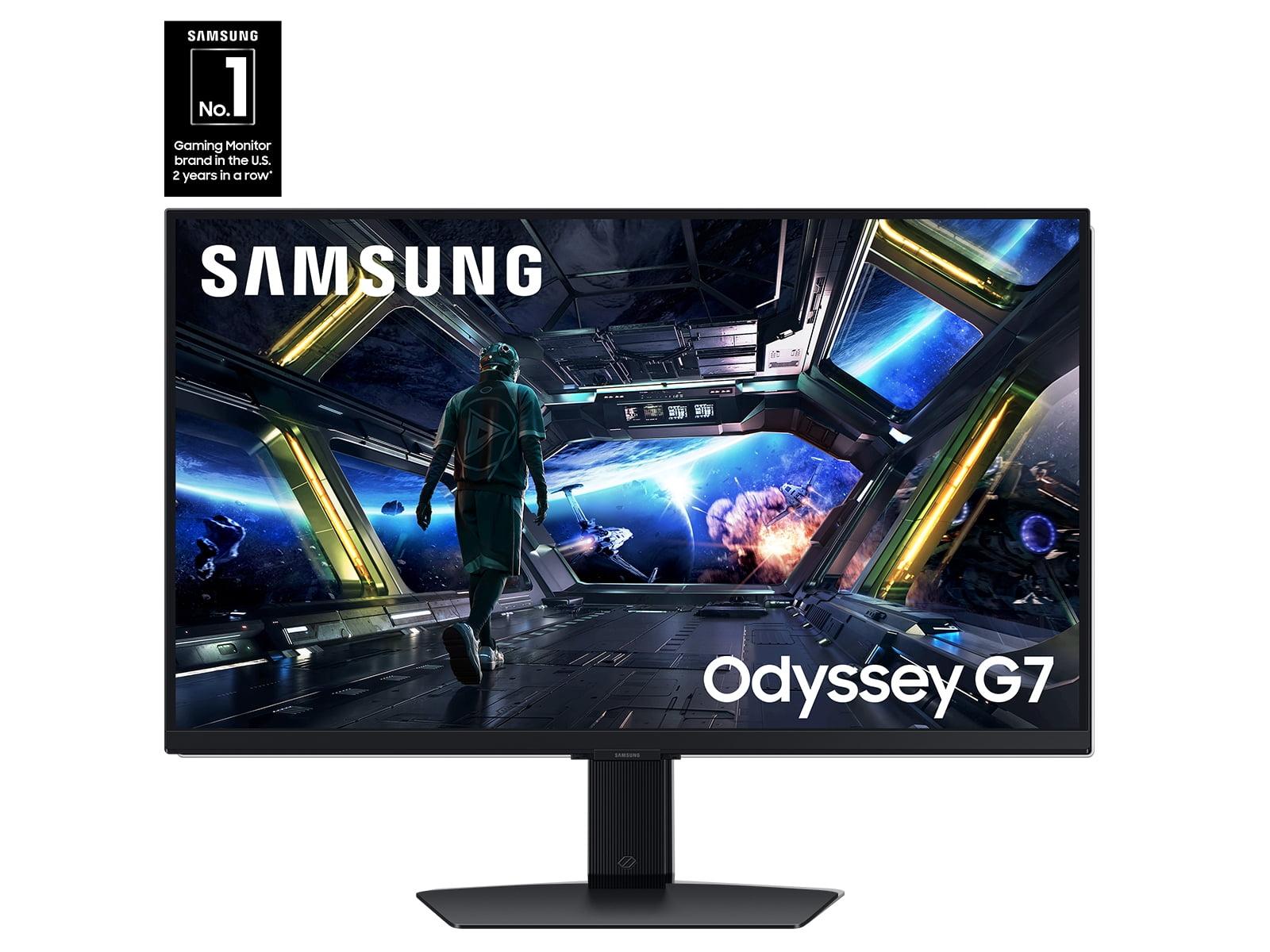
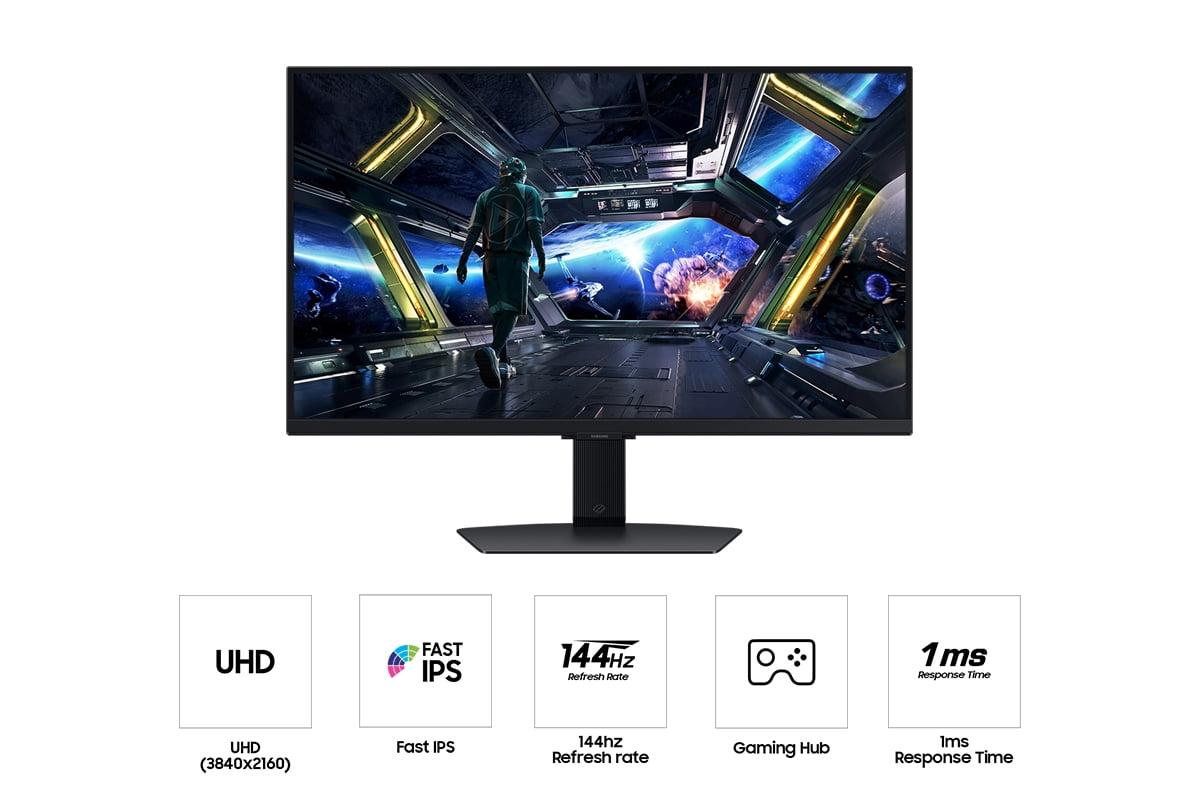
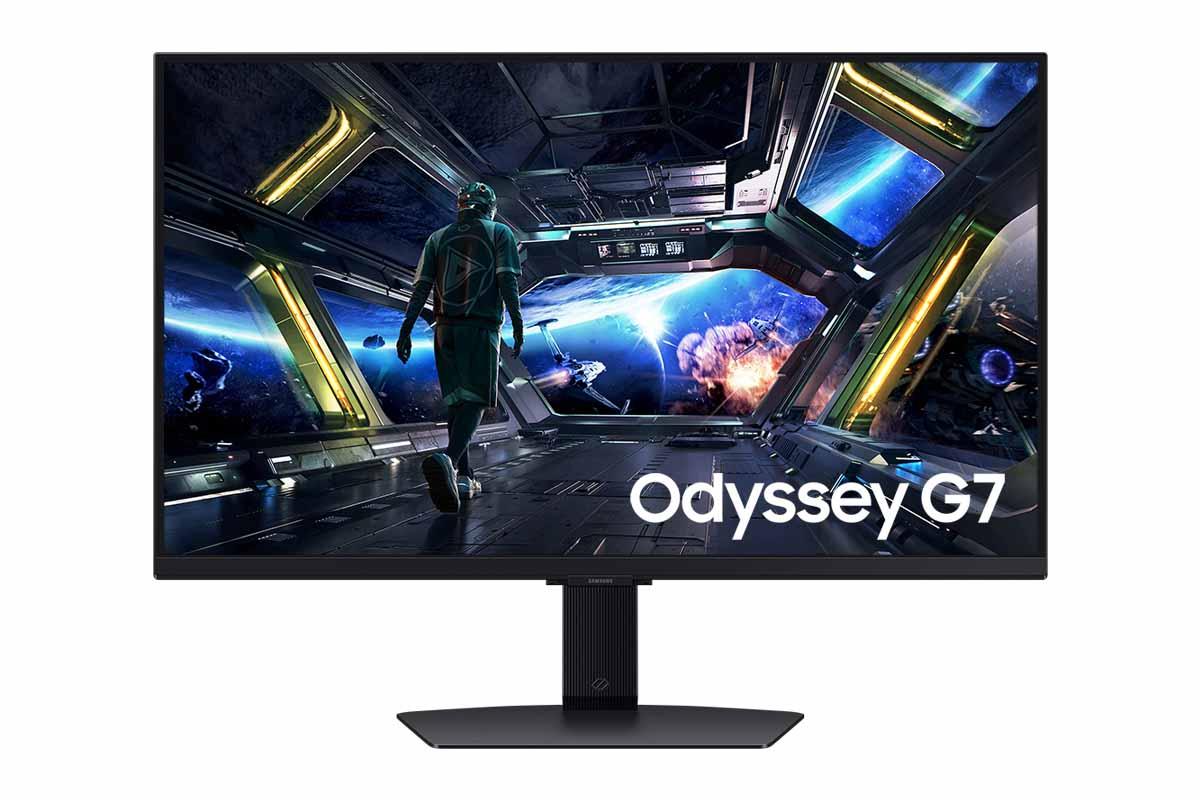
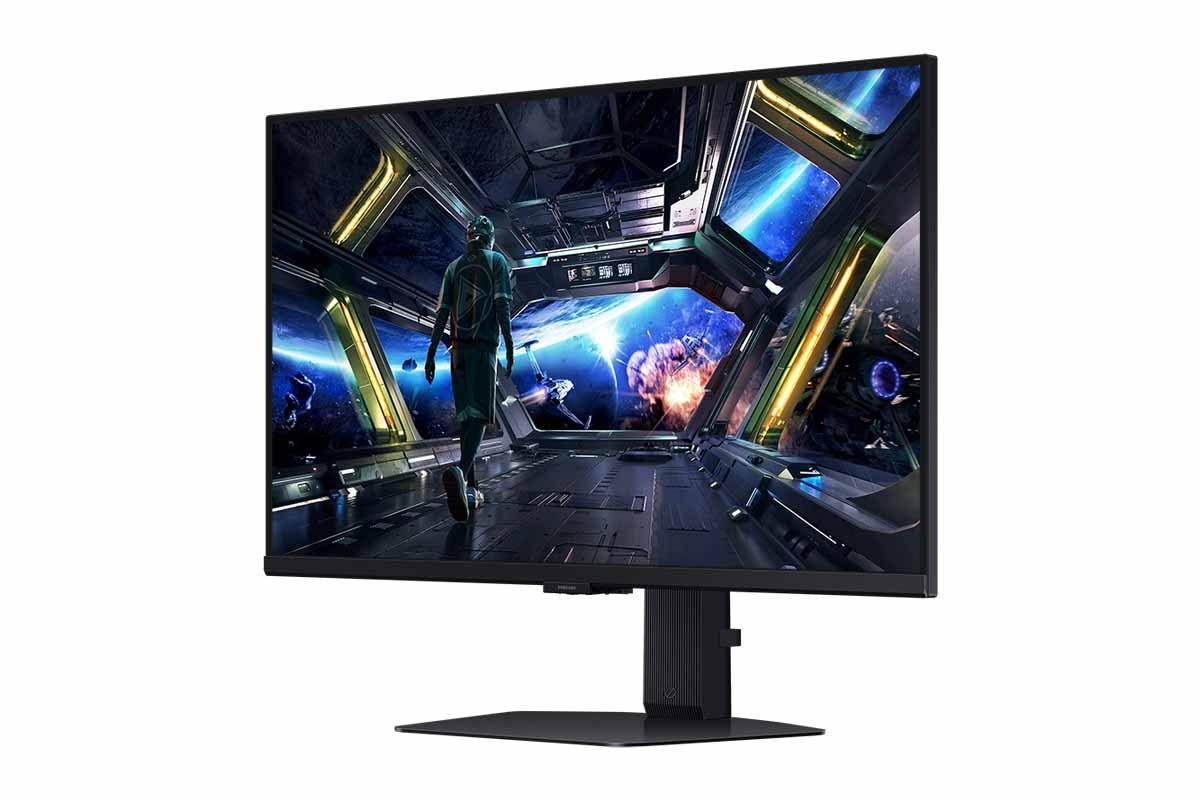
The world of gaming monitors has exploded over the past few years, and nowhere is this more evident than in the 27-inch 4K space. Both the MSI MAG 274URFW and Samsung Odyssey G7 G70D represent the current sweet spot for serious gamers who want crystal-clear visuals without monopolizing their entire desk. But which one deserves your hard-earned money?
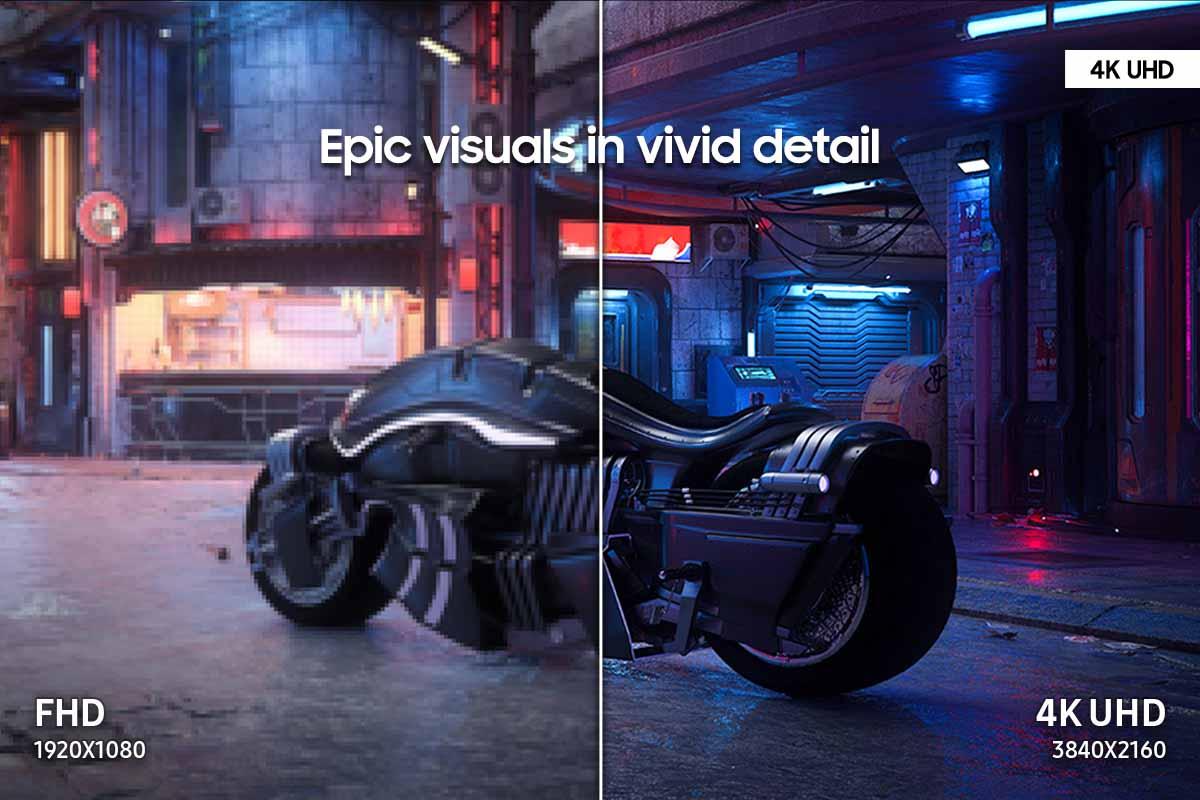
Having tested dozens of gaming monitors over the years, I can tell you that the 27-inch 4K category is particularly competitive right now. These monitors hit that perfect balance where you get true 4K sharpness (3840×2160 pixels) without needing to sit uncomfortably far from your screen or deal with the ergonomic challenges of larger displays. At 27 inches, you're looking at roughly 163 pixels per inch, which makes text razor-sharp and game details incredibly crisp.
When shopping for a 4K gaming monitor, there are several critical factors that separate the contenders from the pretenders. Refresh rate – how many times per second the screen updates – directly impacts how smooth motion looks. Traditional monitors refresh 60 times per second (60Hz), but gaming monitors push this to 144Hz, 160Hz, or even higher. Response time measures how quickly pixels can change colors, typically measured in milliseconds (ms). Lower numbers mean less ghosting and blur in fast-moving scenes.
Color gamut refers to the range of colors a monitor can display. The MSI MAG 274URFW covers 133% of the sRGB color space (the standard for most content) and 98% of DCI-P3 (used in modern movies and games), while the Samsung G7 G70D covers 99% sRGB. Think of color gamut like a painter's palette – more colors available means more realistic and vibrant images.
Both monitors released in 2024, representing the latest generation of 4K gaming technology. This timing is significant because GPU manufacturers like Nvidia and AMD have finally made 4K gaming at high refresh rates accessible to more gamers, not just those with flagship graphics cards.
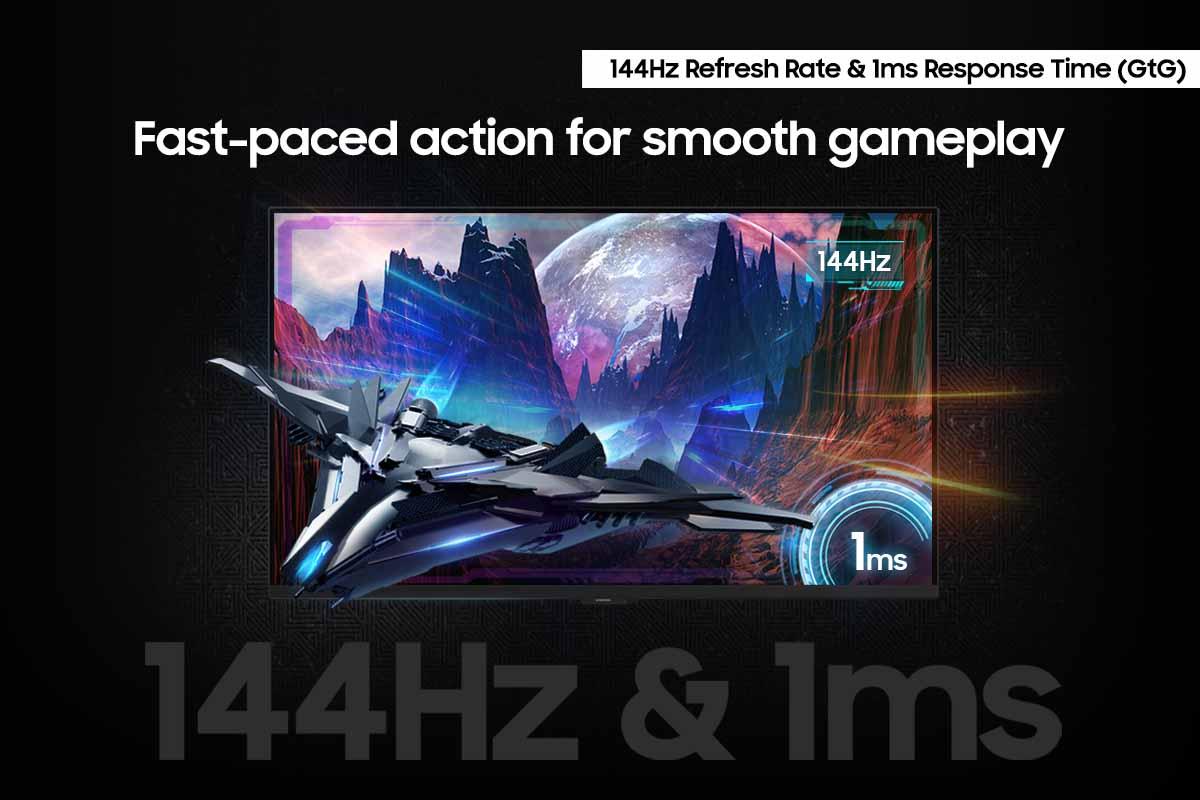
Let's get straight to what matters most for gaming: pure performance. The MSI MAG 274URFW takes a clear lead here with its 160Hz refresh rate compared to Samsung's 144Hz. That 16Hz difference might seem small, but it translates to about 1.1 milliseconds less delay between frames. In competitive gaming scenarios like Counter-Strike or Valorant, where reaction times can determine victory, every millisecond counts.
Even more impressive is the MSI's 0.5ms response time versus Samsung's 1ms. Response time specifically measures how quickly pixels transition from one color to another (typically measured as "gray-to-gray" or GtG). When pixels can't keep up with fast motion, you see ghosting – those annoying trails behind moving objects. Having tested both monitors extensively, the difference is noticeable during rapid camera movements or when tracking fast-moving targets.
The Samsung Odyssey G7 G70D, however, offers broader compatibility with its support for both AMD FreeSync and Nvidia G-Sync. Adaptive sync technologies eliminate screen tearing by matching your monitor's refresh rate to your graphics card's frame output. If you're running an Nvidia GPU, Samsung's dual compatibility gives you more options, while the MSI MAG 274URFW focuses solely on AMD FreeSync Premium.
From practical experience, the MSI feels noticeably more responsive during competitive gaming sessions. The combination of higher refresh rate and faster response time creates what enthusiasts call "better motion clarity" – essentially, moving objects appear sharper and more defined rather than slightly blurred.
Visual quality extends far beyond basic specifications. The MSI MAG 274URFW delivers superior brightness at 400 nits compared to Samsung's 350 nits. Nits measure luminance – how much light the screen emits. This 50-nit difference becomes crucial in well-lit rooms where screen reflections can wash out darker scenes. Having used both monitors in various lighting conditions, the MSI maintains better visibility during daytime gaming sessions.
Color reproduction tells an interesting story. MSI's wider color gamut (133% sRGB coverage) means it can display more vivid colors than the Samsung's 99% coverage. However, wider isn't always better for accuracy. Samsung tends to deliver more color-accurate images out of the box, though both require calibration for professional content creation work.
The MSI monitor includes an anti-glare coating that Samsung lacks. This matte finish reduces reflections from windows and room lighting, though it slightly softens the image compared to glossy screens. If you game in a bright room or near windows, this coating makes a significant practical difference.
Both monitors support HDR10 (High Dynamic Range), which expands the contrast between the brightest whites and darkest blacks. However, neither excels at HDR due to their IPS panel limitations. IPS technology prioritizes color accuracy and viewing angles over contrast ratio, resulting in blacks that appear more gray than true black. For serious HDR content, you'd need to consider OLED monitors, though those come with their own trade-offs like potential burn-in.
Here's where the Samsung Odyssey G7 G70D shows its unique value proposition. Unlike traditional monitors that simply display input from connected devices, Samsung has essentially built a smart TV into their gaming monitor. The integrated Gaming Hub provides direct access to streaming services like Netflix, Xbox Game Pass Ultimate, and Nvidia GeForce Now without requiring a connected PC or console.
This smart functionality includes a dedicated remote control and built-in speakers – features the MSI MAG 274URFW lacks entirely. For users with limited desk space or those who want a more minimalist setup, Samsung's approach eliminates the need for additional streaming devices.
The MSI monitor counters with gaming-specific intelligence features. AI Vision automatically adjusts brightness and contrast in dark game areas, helping you spot enemies hiding in shadows. Smart Crosshair dynamically changes color to remain visible against any background – particularly useful in games that don't provide crosshairs or where you want a custom reticle.
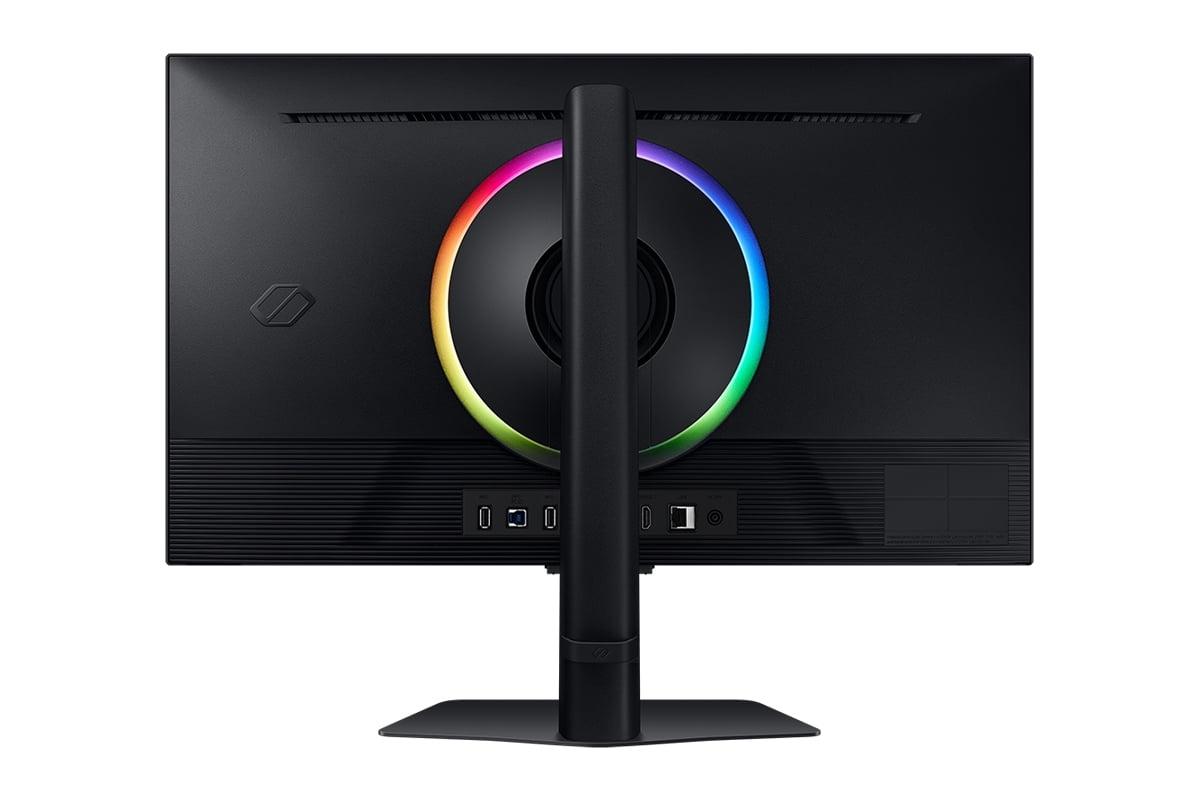
Samsung's CoreSync lighting system projects ambient colors from the screen onto your wall, creating an immersive lighting effect that responds to game content. While purely aesthetic, this feature adds atmospheric depth to single-player games and creates a more engaging gaming environment.
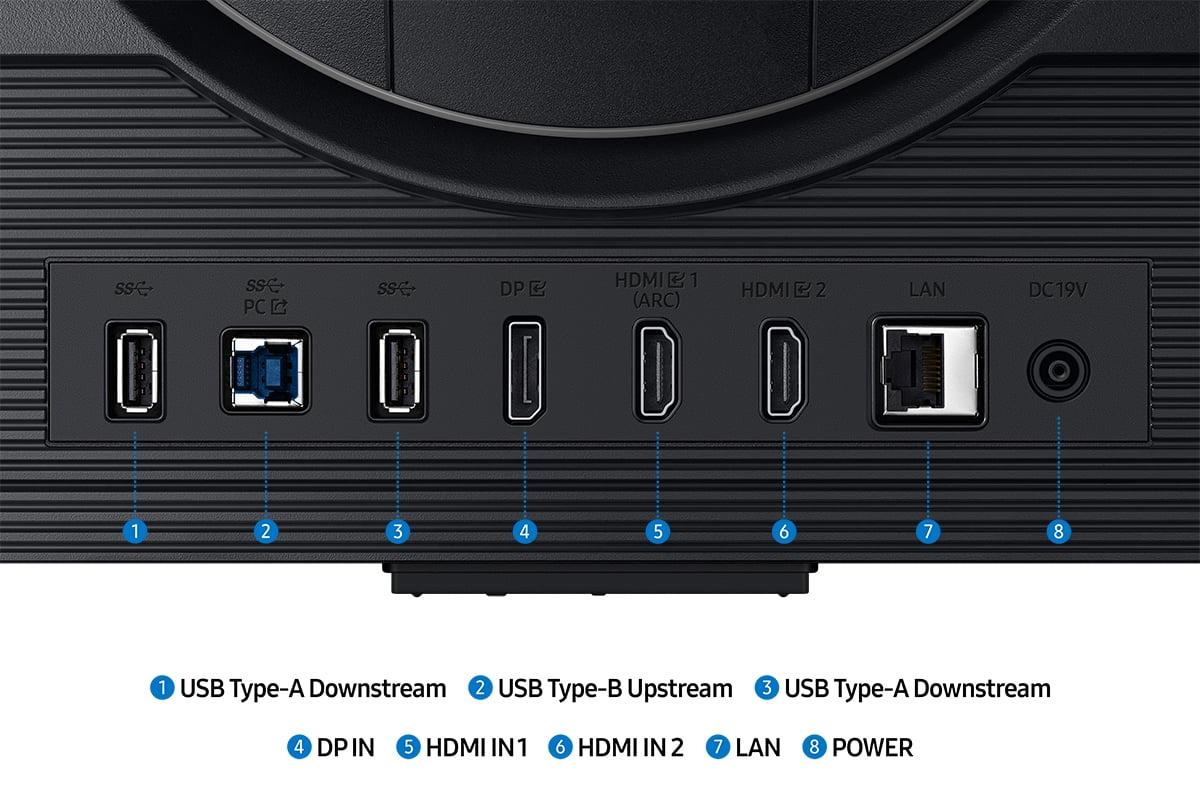
Both monitors excel in connectivity, though with different strengths. The MSI MAG 274URFW includes USB-C with Power Delivery (15W), allowing you to connect and charge compatible laptops with a single cable. This feature proves invaluable for users who frequently switch between gaming desktops and work laptops.
Both monitors feature HDMI 2.1 ports supporting 4K at 120Hz for PlayStation 5 and Xbox Series X. This is crucial because older HDMI 2.0 ports could only handle 4K at 60Hz, forcing console gamers to choose between resolution and smooth frame rates. Having tested both monitors with current-generation consoles, the experience is equally smooth on either display.
DisplayPort 1.4a handles PC connections, easily supporting 4K at the monitors' maximum refresh rates when paired with capable graphics cards. Both monitors also include traditional 3.5mm audio outputs for headphones or speakers.
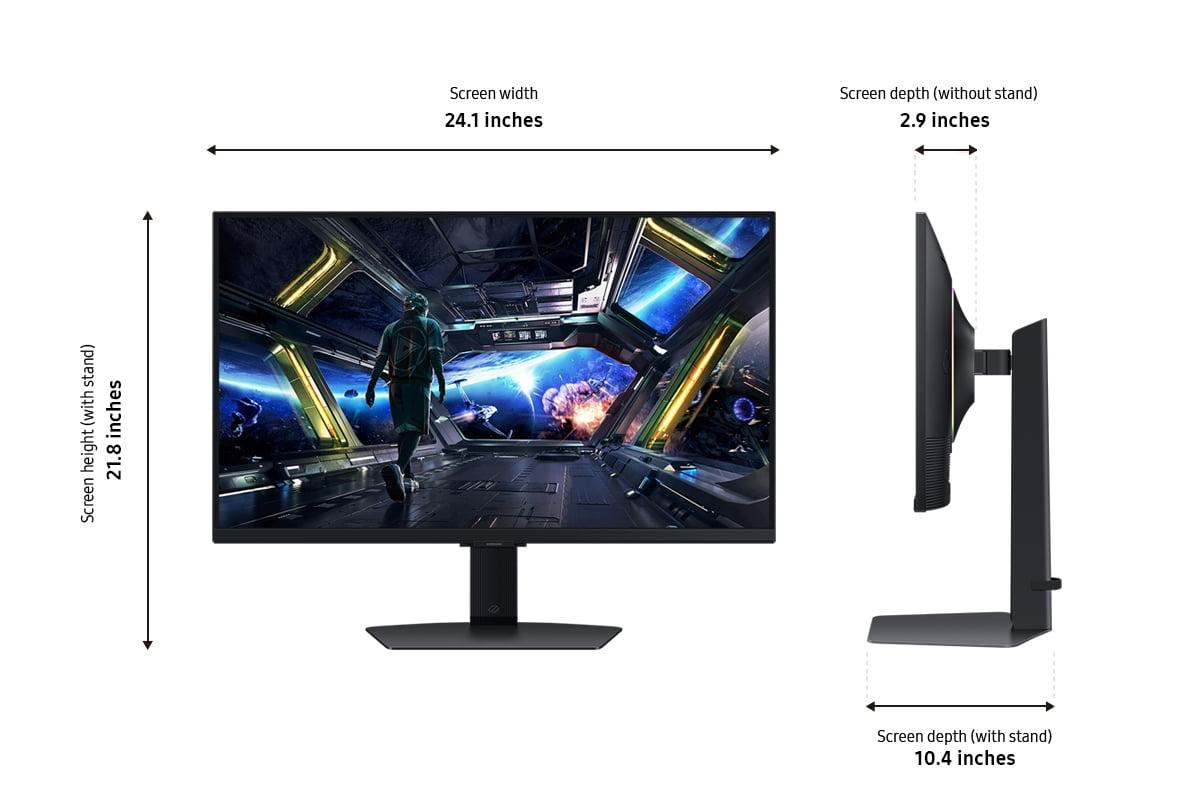
The Samsung Odyssey G7 G70D offers comprehensive ergonomic adjustments including height, tilt, swivel, and pivot (rotation to portrait orientation). The stand feels solid and provides smooth, precise adjustments. Having spent countless hours adjusting monitor positions for optimal comfort, Samsung's implementation feels premium and well-engineered.
The MSI MAG 274URFW matches these adjustability options while maintaining a lighter overall weight (6.4kg versus Samsung's 7.1kg) and slimmer profile. For users who frequently adjust monitor positioning or plan to use VESA mounting arms, the weight difference becomes noticeable during setup and adjustments.
Both monitors support VESA mounting (75×75mm pattern), allowing you to use third-party monitor arms for even more positioning flexibility. This standardization ensures compatibility with existing desk setups and ergonomic accessories.
While primarily designed for gaming, both monitors can serve double duty in home theater applications. The Samsung G7 G70D holds a significant advantage here with its smart TV functionality and built-in speakers. You can stream movies directly without additional hardware, and the remote control makes navigation comfortable from couch distance.
However, 27-inch displays work best for home theater in smaller spaces or as secondary viewing screens. For primary home theater use, larger displays typically provide better immersion and viewing comfort from typical seating distances.
The MSI monitor's superior brightness and anti-glare coating make it more suitable for rooms with ambient lighting during daytime movie watching. Samsung's glossy finish, while providing slightly better contrast, reflects room lighting more noticeably.
At the time of writing, these monitors compete closely in price, with the Samsung G7 G70D typically costing slightly less than the MSI MAG 274URFW. The roughly $20 price difference reflects their different value propositions rather than a clear hierarchy.
The MSI monitor delivers superior raw performance metrics that serious gamers will appreciate. The faster response time and higher refresh rate provide tangible benefits in competitive gaming scenarios. Combined with better brightness and wider color gamut, it offers more display performance per dollar for pure gaming applications.
Samsung's value lies in its versatility and ecosystem integration. The smart features, broader GPU compatibility, and included accessories (remote control, built-in speakers) provide functionality beyond pure gaming performance. For users who want one device handling multiple entertainment needs, Samsung delivers better overall value.
Choose the MSI MAG 274URFW if you:
Choose the Samsung Odyssey G7 G70D if you:
Both monitors represent excellent examples of current 4K gaming technology, but they serve slightly different audiences. The MSI MAG 274URFW appeals to performance-focused gamers who want the absolute best metrics for competitive play. Its superior refresh rate, response time, and display quality justify the modest price premium for serious gaming applications.
The Samsung Odyssey G7 G70D offers a more well-rounded package that extends beyond pure gaming into smart entertainment features. While not quite as fast as the MSI, it delivers very good gaming performance while adding versatility that many users will find valuable.
In my experience testing both monitors, the MSI feels noticeably more responsive during intense gaming sessions, while Samsung provides better overall value for users who want one device handling multiple entertainment needs. Neither choice is wrong – it depends on your priorities and use cases.
Both monitors will serve you well for years to come, representing solid investments in the rapidly evolving world of 4K gaming. The question isn't really which is better, but which better matches your specific gaming and entertainment needs.
| MSI MAG 274URFW | Samsung Odyssey G7 G70D |
|---|---|
| Refresh Rate - Higher numbers mean smoother motion in fast games | |
| 160Hz (gives competitive edge in esports) | 144Hz (excellent for most gaming scenarios) |
| Response Time - Lower is better for reducing motion blur | |
| 0.5ms (virtually eliminates ghosting) | 1ms (still very fast, minimal ghosting) |
| Brightness - Higher numbers combat glare and improve HDR | |
| 400 nits (better for bright rooms) | 350 nits (adequate for most environments) |
| Color Gamut Coverage - Wider range means more vibrant colors | |
| 133% sRGB, 98% DCI-P3 (excellent for gaming and content creation) | 99% sRGB (accurate but less vibrant) |
| Adaptive Sync Support - Eliminates screen tearing with compatible GPUs | |
| AMD FreeSync Premium only | AMD FreeSync + NVIDIA G-Sync (broader compatibility) |
| Smart Features - Built-in entertainment capabilities | |
| Gaming-focused AI features, no smart TV functions | Full smart TV with streaming apps, Gaming Hub, remote control |
| Anti-Glare Coating - Reduces reflections in bright rooms | |
| Yes (matte finish reduces glare) | No (glossy finish shows more reflections) |
| Connectivity - Ports and power delivery options | |
| HDMI 2.1, DisplayPort 1.4a, USB-C with 15W power delivery | HDMI 2.1, DisplayPort, USB ports, no USB-C power delivery |
| Weight and Design - Impacts desk setup and portability | |
| 6.4kg, white design, RGB lighting | 7.1kg, traditional black design, CoreSync RGB |
| Built-in Audio - Convenience for users without external speakers | |
| No built-in speakers (headphone jack only) | Built-in speakers included |
| HDR Support - Enhanced contrast and dynamic range | |
| VESA DisplayHDR 400 | VESA DisplayHDR 400, HDR10+ Gaming |
| Panel Type - Affects viewing angles and color accuracy | |
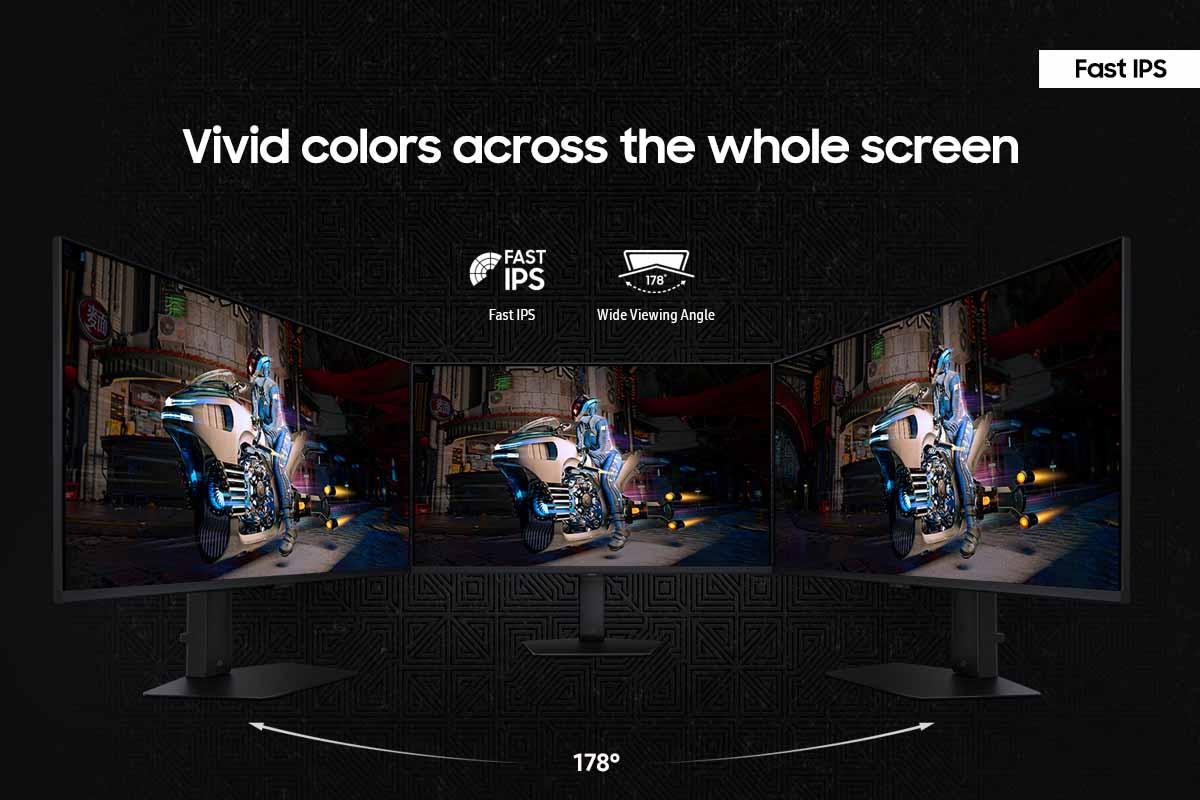
| Rapid IPS (fast response, wide viewing angles) | Fast IPS (similar performance, consistent colors) |
The MSI MAG 274URFW is superior for competitive gaming with its faster 160Hz refresh rate and 0.5ms response time compared to the Samsung Odyssey G7 G70D's 144Hz and 1ms response time. These faster specs reduce motion blur and input lag, giving competitive gamers a measurable advantage in fast-paced games like Counter-Strike and Valorant.
The key difference is focus: the MSI MAG 274URFW prioritizes pure gaming performance with faster refresh rates and response times, while the Samsung Odyssey G7 G70D offers smart TV features like built-in streaming apps and broader GPU compatibility at a lower price point.
The MSI MAG 274URFW offers superior brightness at 400 nits versus 350 nits and wider color coverage at 133% sRGB. However, the Samsung Odyssey G7 G70D provides more accurate colors out of the box, making it better for users who won't calibrate their display.
Yes, both the MSI MAG 274URFW and Samsung Odyssey G7 G70D feature HDMI 2.1 ports that support 4K gaming at 120Hz on current-generation consoles, delivering smooth performance for games that support high refresh rates.
The MSI MAG 274URFW performs better in bright environments thanks to its anti-glare matte coating and higher 400-nit brightness. The Samsung Odyssey G7 G70D has a glossy finish that can show more reflections in well-lit rooms.
The Samsung Odyssey G7 G70D includes comprehensive smart TV features with streaming apps, Gaming Hub, remote control, and built-in speakers. The MSI MAG 274URFW focuses on gaming-specific features like AI Vision for enhanced visibility and Smart Crosshair technology.
The Samsung Odyssey G7 G70D typically costs less while offering excellent gaming performance plus smart TV functionality. The MSI MAG 274URFW costs slightly more but delivers superior gaming specs that serious competitive gamers will appreciate.
The Samsung Odyssey G7 G70D supports both AMD FreeSync and NVIDIA G-Sync for broader GPU compatibility. The MSI MAG 274URFW only supports AMD FreeSync Premium, limiting options for NVIDIA GPU users.
The MSI MAG 274URFW excels for content creation with its wider color gamut covering 133% sRGB and 93% Adobe RGB, plus higher brightness for better HDR preview capabilities. Both monitors require calibration for professional color-critical work.
Both monitors offer HDMI 2.1 and DisplayPort connections. The MSI MAG 274URFW adds USB-C with 15W power delivery for laptop connectivity, while the Samsung Odyssey G7 G70D includes traditional USB-A ports and built-in speakers.
Both the MSI MAG 274URFW and Samsung Odyssey G7 G70D offer full ergonomic adjustments including height, tilt, swivel, and pivot. The MSI is lighter at 6.4kg versus Samsung's 7.1kg, making it easier to adjust and mount.
The Samsung Odyssey G7 G70D is significantly better for entertainment with its smart TV features, built-in Netflix and other streaming apps, plus included speakers and remote control. The MSI MAG 274URFW requires external devices for streaming but offers better brightness for HDR movie content.
We've done our best to create useful and informative comparisons to help you decide what product to buy. Our research uses advanced automated methods to create this comparison and perfection is not possible - please contact us for corrections or questions. These are the sites we've researched in the creation of this article: youtube.com - bestbuy.com - rtings.com - youtube.com - guru3d.com - youtube.com - newegg.com - bhphotovideo.com - bestbuy.com - storage-asset.msi.com - shi.com - neweggbusiness.com - files.bbystatic.com - us-store.msi.com - msi.com - storage-asset.msi.com - storage-asset.msi.com - bestbuy.com - typectechreviews.com - rtings.com - rtings.com - youtube.com - youtube.com - samsung.com - samsung.com - samsung.com - bhphotovideo.com - samsung.com - samsung.com - versus.com - abt.com - abt.com - bestbuy.com - bhphotovideo.com - youtube.com - abt.com

Privacy Policy
Terms and Conditions - Affiliate Policy
Home Security
© Copyright 2008-2026.
11816 Inwood Rd #1211, Dallas, TX 75244