









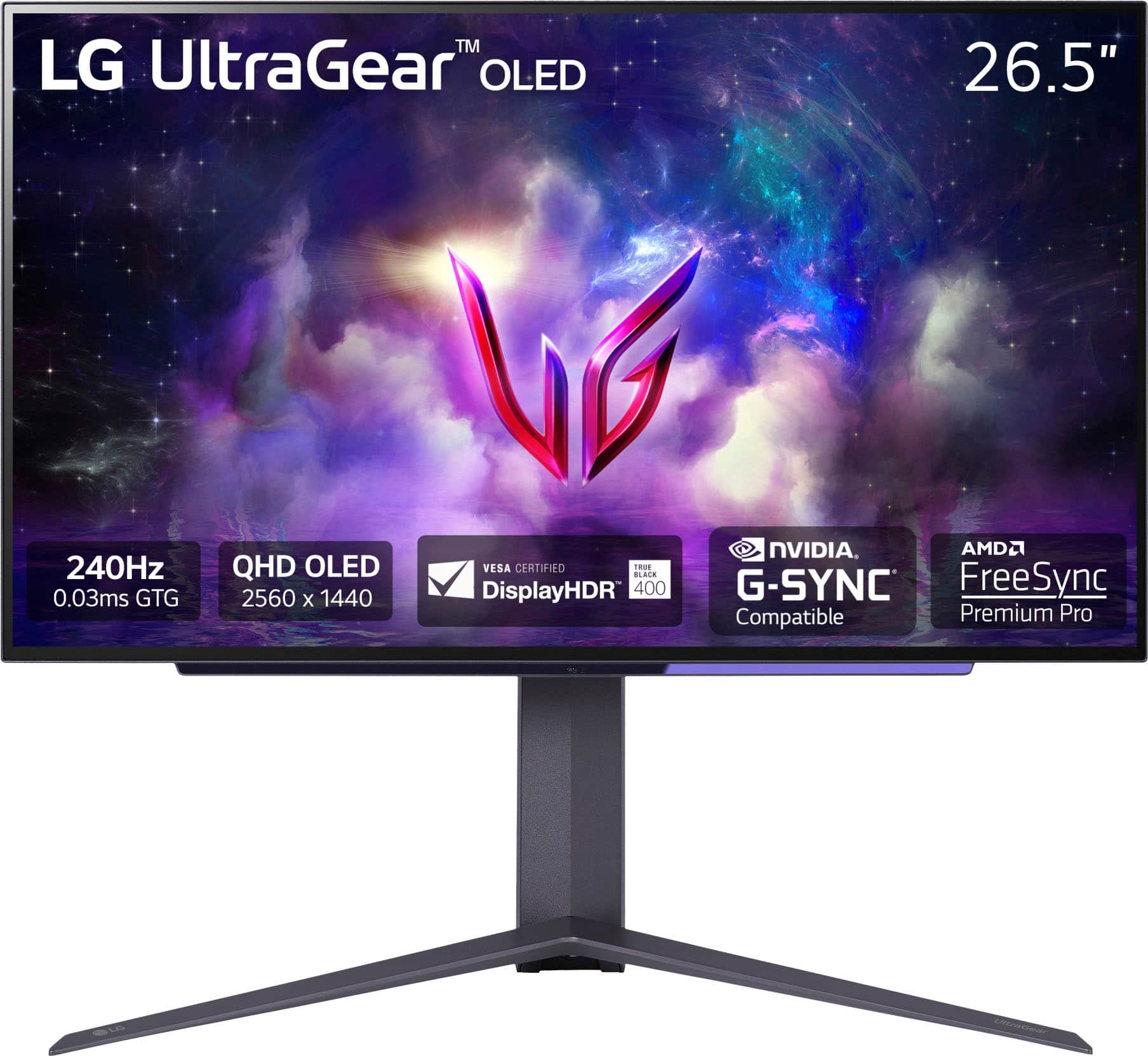
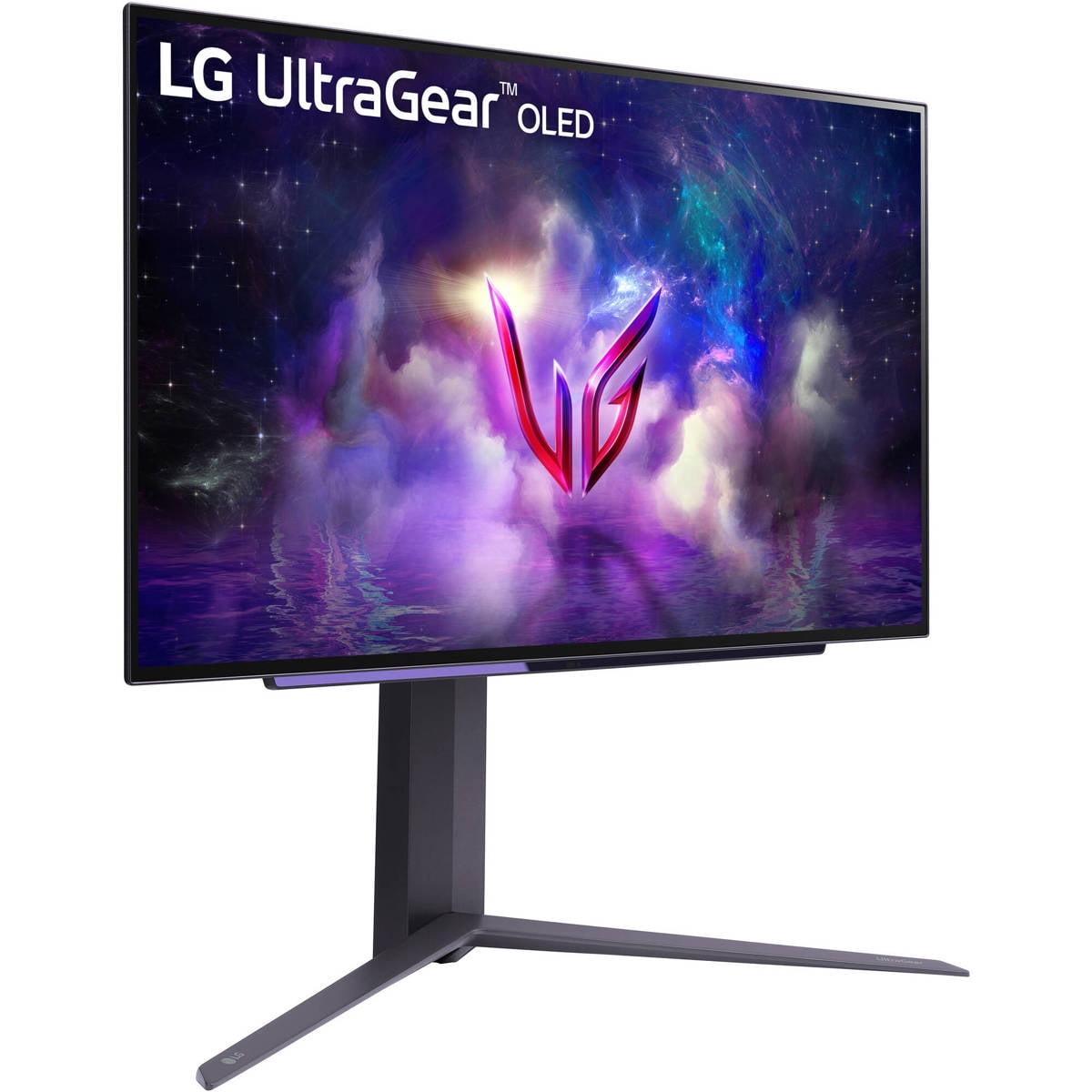
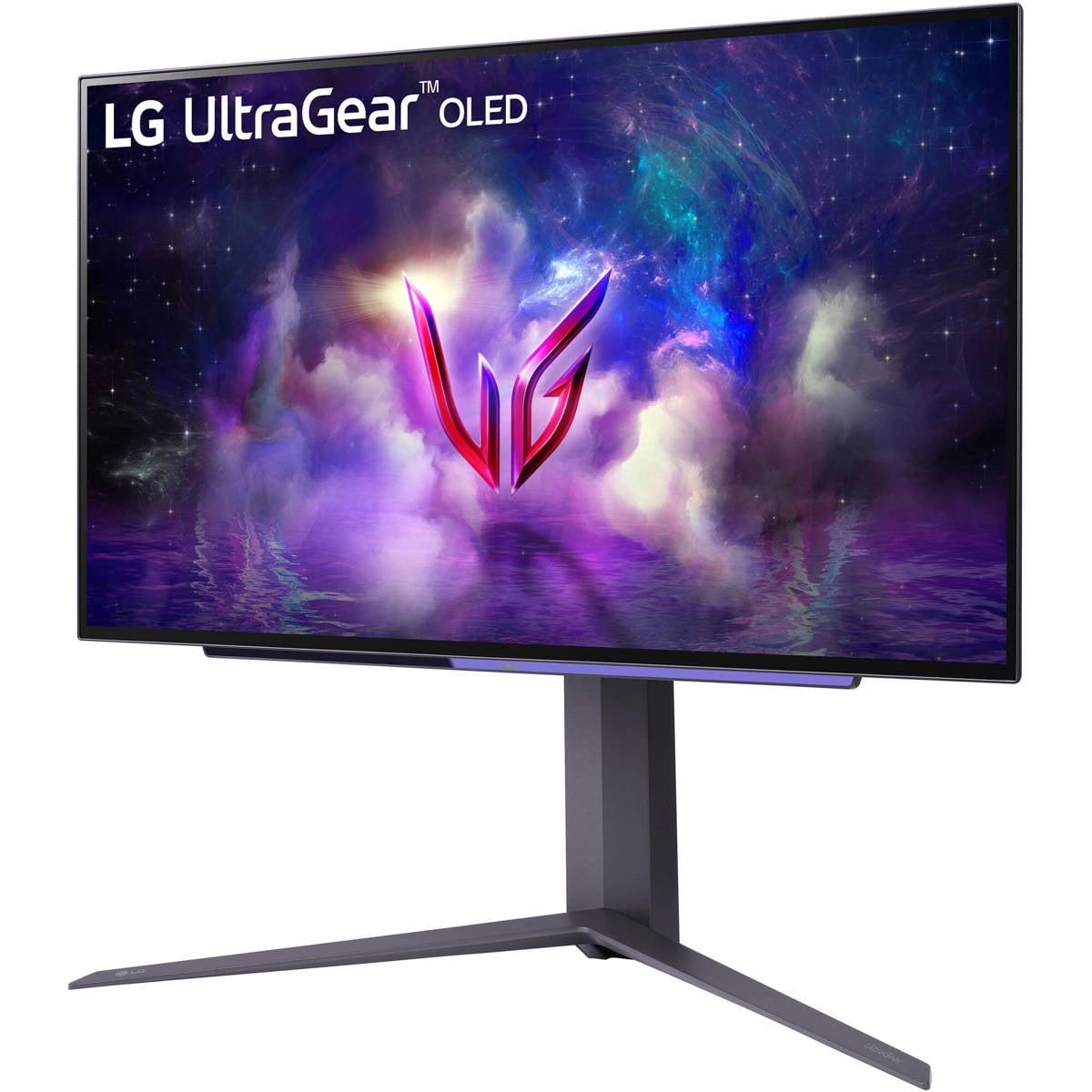


Gaming monitors have become incredibly sophisticated over the past few years, with manufacturers pushing the boundaries of both resolution and refresh rates. Today, we're comparing two fundamentally different approaches to high-performance gaming: the MSI MAG 274URFW, which prioritizes crystal-clear 4K resolution, and the LG UltraGear 27" OLED, which focuses on blazing-fast 240Hz performance with premium OLED technology.
Both monitors hit the market in 2024, representing the latest thinking in gaming display technology. Since their release, we've seen continued improvements in GPU performance that make both approaches more viable than ever before. The question isn't which monitor is objectively better—it's which philosophy matches your gaming style and needs.
Gaming monitors today serve multiple masters. They need to deliver smooth, tear-free gaming performance while also providing accurate colors for content creation and sharp text for productivity work. The two main approaches we see are resolution-focused monitors that prioritize image sharpness and detail, versus refresh-rate-focused displays that maximize motion smoothness and competitive gaming performance.
Panel technology plays a huge role here. IPS (In-Plane Switching) panels like the one in the MSI MAG 274URFW offer consistent colors and viewing angles with no risk of burn-in, making them reliable workhorses. OLED (Organic Light Emitting Diode) panels like the LG UltraGear OLED can turn individual pixels completely off, creating perfect blacks and infinite contrast ratios, but they require more careful handling to avoid permanent image retention.
The refresh rate versus resolution debate has intensified as GPUs have become more powerful. A 4K monitor at 160Hz demands significantly more processing power than a 1440p monitor at 240Hz—we're talking about pushing 2.25 times more pixels at the higher resolution. This creates interesting trade-offs that affect both your gaming experience and your hardware requirements.
The MSI MAG 274URFW uses what MSI calls "Rapid IPS" technology, which represents the latest evolution of IPS panel design. Traditional IPS panels were known for slower response times, but Rapid IPS achieves a 0.5ms gray-to-gray response time—that's the time it takes for a pixel to change from one shade of gray to another. This matters because slower response times create ghosting, where you see faint trails behind moving objects.
What I appreciate about the MSI monitor is its approach to color accuracy. With 133% sRGB coverage and 98% DCI-P3 coverage, it delivers colors that pop without being oversaturated. The DCI-P3 color space is what Hollywood uses for digital cinema, so games and movies that support this wider color gamut will look more vibrant and lifelike. The monitor also supports 1.07 billion colors through 8-bit + FRC (Frame Rate Control), which uses dithering to simulate 10-bit color depth even though the underlying panel is 8-bit.
The matte anti-glare coating is a practical choice that reduces reflections, making the monitor usable in various lighting conditions. This is particularly important for a 4K monitor where you'll likely be sitting closer to the screen and reflections could be more distracting.
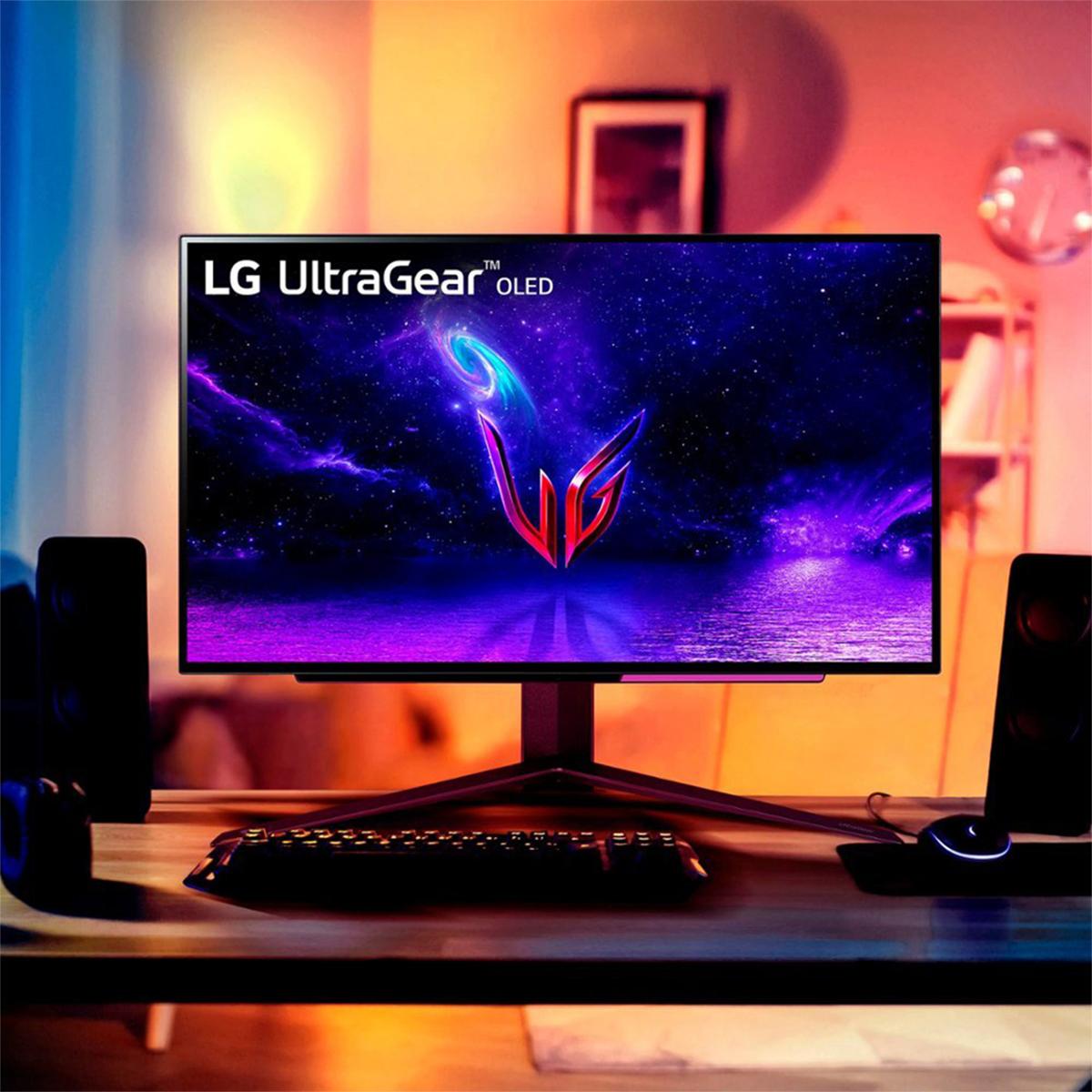
The LG UltraGear OLED represents a completely different philosophy. OLED technology doesn't use a backlight at all—each pixel emits its own light. When a pixel needs to display black, it simply turns off completely, creating perfect blacks and an essentially infinite contrast ratio of 1,500,000:1. This is why OLED displays look so dramatic, especially in dark scenes where you can see details in shadows that would be washed out on other display types.
The 0.03ms response time of the LG OLED is nearly instantaneous—that's 16 times faster than the already-quick MSI monitor. At this speed, motion blur becomes virtually non-existent. Combined with the 240Hz refresh rate, every 1/240th of a second brings a completely new frame with perfect pixel transitions. For competitive gaming, this creates an almost CRT-like experience with incredible motion clarity.
However, OLED technology comes with trade-offs. The organic compounds that create the light degrade over time, and uneven wear can lead to burn-in if static images are displayed for extended periods. Modern OLED monitors include various protective features like pixel shifting and automatic brightness limiting to minimize these risks, but they remain considerations for long-term use.
Response time is often misunderstood, but it's crucial for gaming performance. When you're tracking enemies in a first-person shooter or following a racing line in a driving game, pixel response time directly affects how clearly you can see moving objects. The MSI monitor's 0.5ms response time is excellent for an IPS panel and results in clean, sharp motion in most gaming scenarios.
The LG OLED's 0.03ms response time is in a different league entirely. In practice, this means virtually zero motion blur even in the fastest-paced games. I've found this particularly noticeable in competitive shooters where tracking fast-moving targets is critical—the OLED's motion clarity provides a genuine competitive advantage.
Refresh rate determines how many times per second your monitor can display a new image. The MSI monitor's 160Hz refresh rate means it can display up to 160 unique frames per second, provided your graphics card can generate them. This is a significant improvement over traditional 60Hz monitors and creates noticeably smoother motion, especially in camera pans and fast-paced action sequences.
The LG OLED's 240Hz refresh rate pushes this even further. The difference between 160Hz and 240Hz is more subtle than the jump from 60Hz to 160Hz, but it's still meaningful for competitive gaming. At 240Hz, input lag is reduced, and the smoothness of motion is unparalleled. However, you need a powerful graphics card to fully utilize this refresh rate, especially at 1440p resolution.
Input lag—the delay between when you press a button and when you see the result on screen—is critical for competitive gaming. Both monitors excel here, with the MSI monitor measuring essentially zero input lag and the LG OLED optimized for ultra-low latency gaming. This means your mouse movements and keyboard inputs translate to on-screen action without perceptible delay, creating that responsive feeling that competitive gamers demand.
The MSI monitor's 4K resolution provides 8.3 million pixels compared to the LG OLED's 3.7 million pixels at 1440p. This translates to noticeably sharper text, more detailed game textures, and better overall image clarity. At 27 inches, 4K provides a pixel density of 163 pixels per inch, making individual pixels virtually invisible at normal viewing distances.
This resolution advantage becomes particularly apparent in strategy games, RPGs, and any content where fine detail matters. User interface elements are crisp and readable, and you can see more detail in distant objects within games. For productivity work alongside gaming, the extra screen real estate is invaluable—you can fit more windows on screen and text remains sharp at smaller sizes.
While the LG OLED has fewer pixels, each pixel can produce perfect blacks and incredibly bright highlights. The contrast ratio advantage is dramatic—where the MSI monitor might display dark gray instead of true black, the OLED displays perfect black by simply turning pixels off entirely.
This creates a more immersive viewing experience, especially in darker games or when watching movies. HDR (High Dynamic Range) content looks significantly more impactful on the OLED, with bright highlights that seem to pop off the screen and shadow details that remain visible even in dark scenes. The 1000 nits peak brightness in HDR mode, combined with perfect blacks, creates a dynamic range that IPS panels simply cannot match.
Both monitors include HDMI 2.1 ports, which are essential for modern gaming. HDMI 2.1 supports the bandwidth needed for high refresh rates at high resolutions and includes features like Variable Refresh Rate (VRR) and Auto Low Latency Mode (ALLM) for optimal console gaming.
The MSI monitor includes a USB-C port with DisplayPort Alt Mode and 15W Power Delivery, allowing you to connect and charge a laptop with a single cable. This makes it more versatile for users who switch between gaming desktops and work laptops.
For console gaming, the MSI monitor's 4K resolution perfectly matches the native output of PlayStation 5 and Xbox Series X consoles. The LG OLED requires the console to upscale from 1440p to display content, though modern consoles handle this well, and the OLED's superior motion clarity often compensates for the resolution difference in fast-paced games.
In a home theater or living room setup, these monitors serve different purposes. The MSI monitor's 4K resolution makes it excellent for movie watching, especially with 4K Blu-rays or streaming content. The larger pixel count ensures you can see all the detail that cinematographers intended, and the IPS panel's consistent brightness works well in various lighting conditions.
The LG OLED creates a more cinematic experience despite its lower resolution. The perfect blacks and high contrast ratio make movies feel more immersive, especially in darker scenes. However, the glossy screen finish can be problematic in bright rooms, and the burn-in risk makes it less suitable as an always-on display for streaming video or TV content.
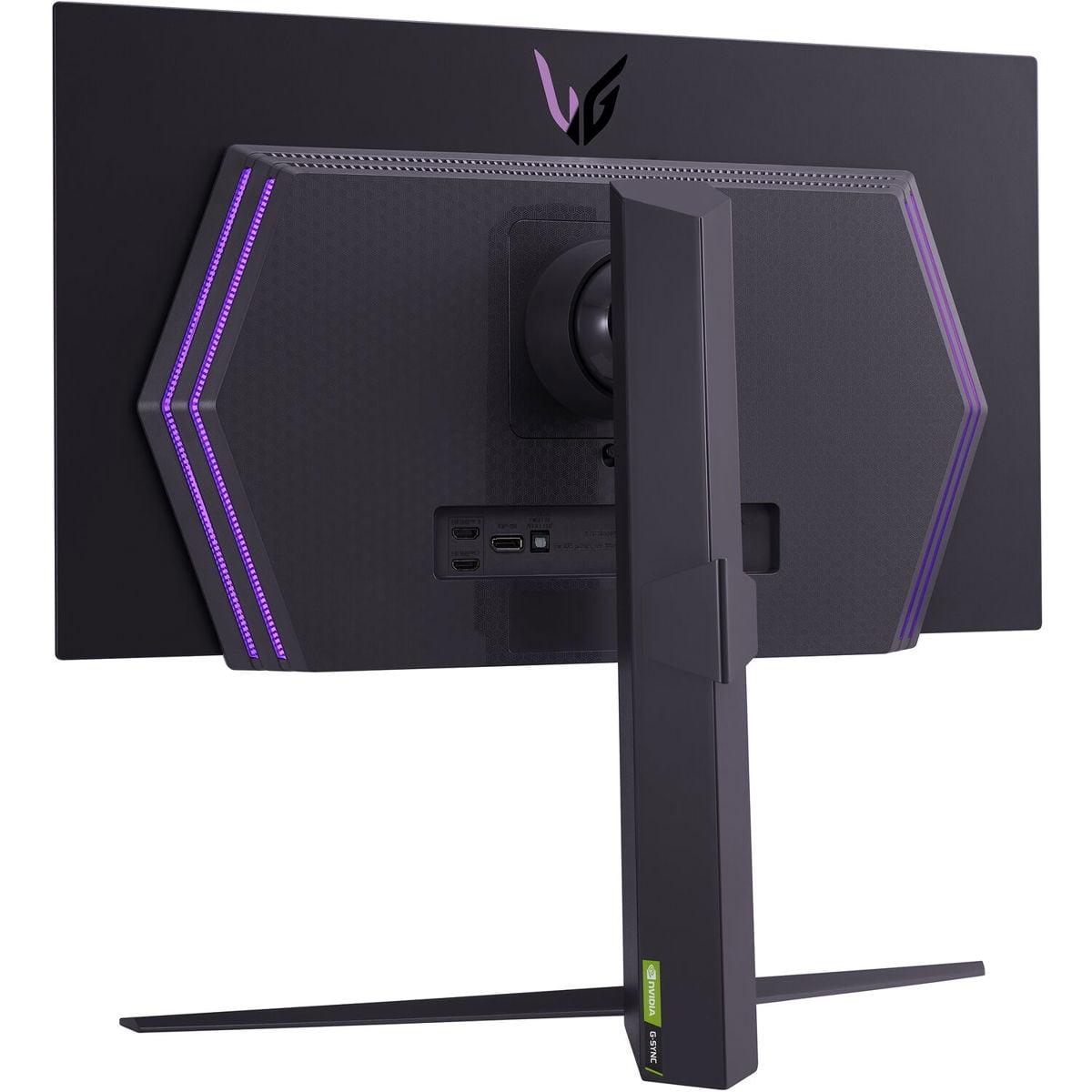
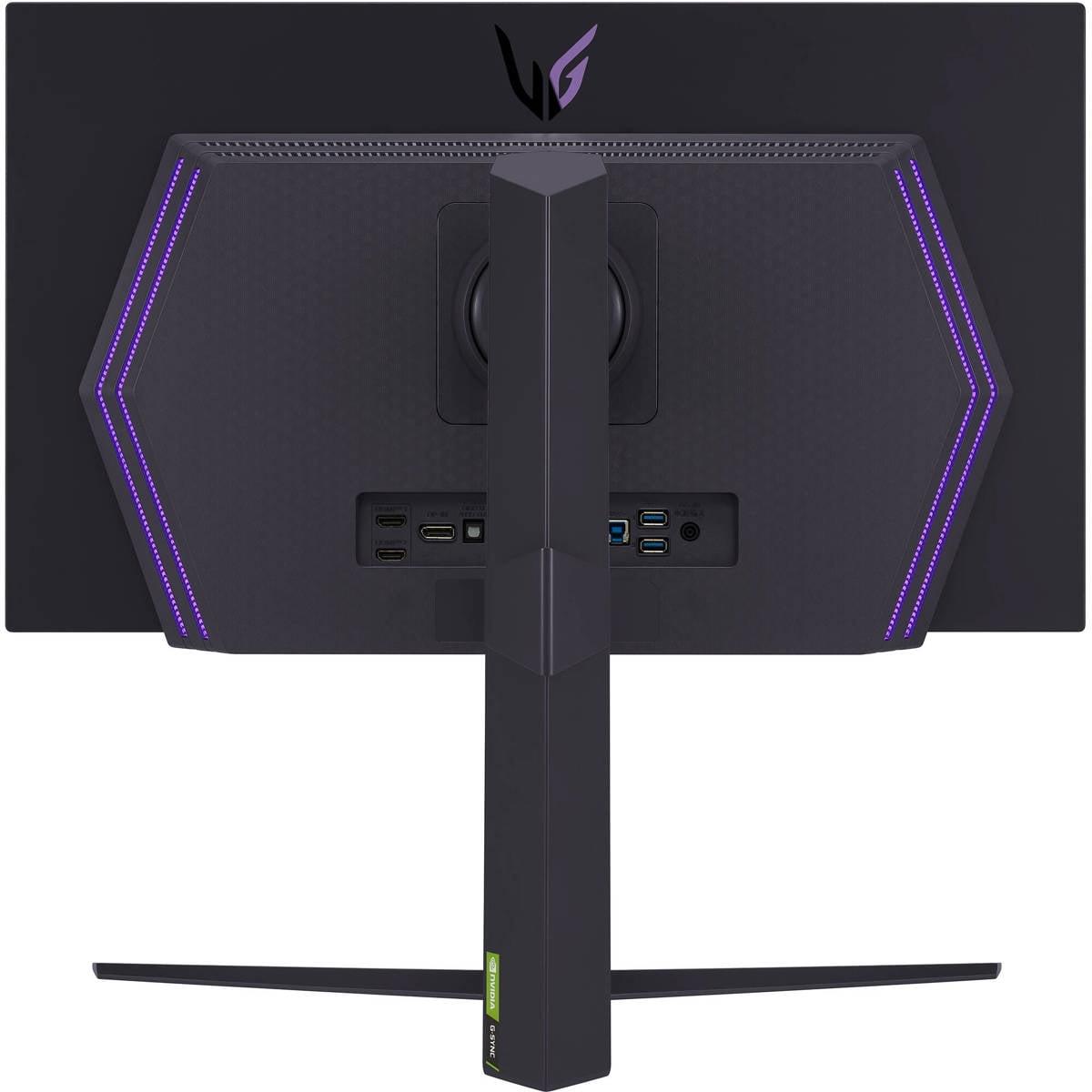
Both monitors offer comprehensive ergonomic adjustments, but they approach design differently. The MSI monitor features a distinctive white design with customizable RGB lighting, making it a statement piece in gaming setups. The flat panel and matte coating provide consistent image quality regardless of viewing angle.
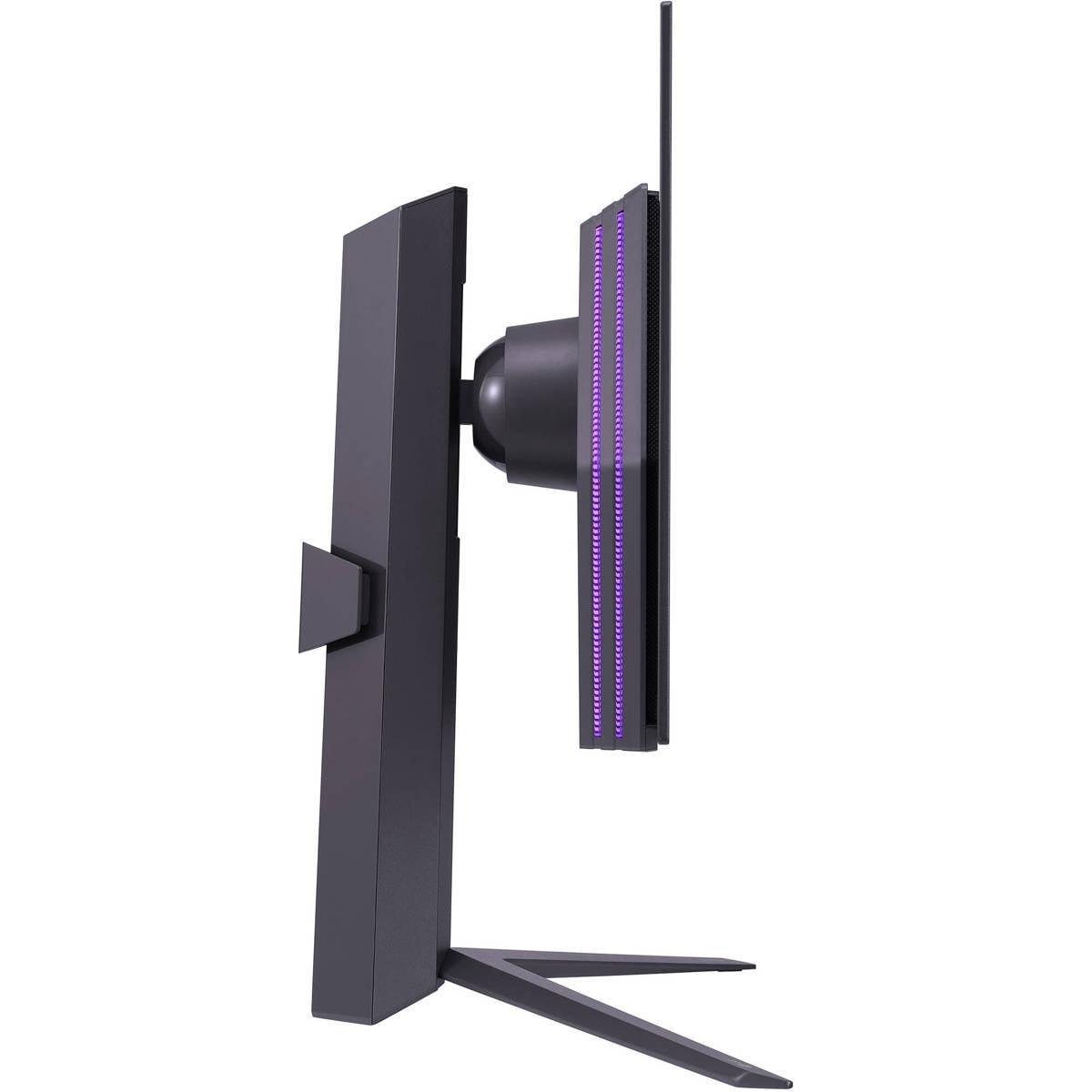
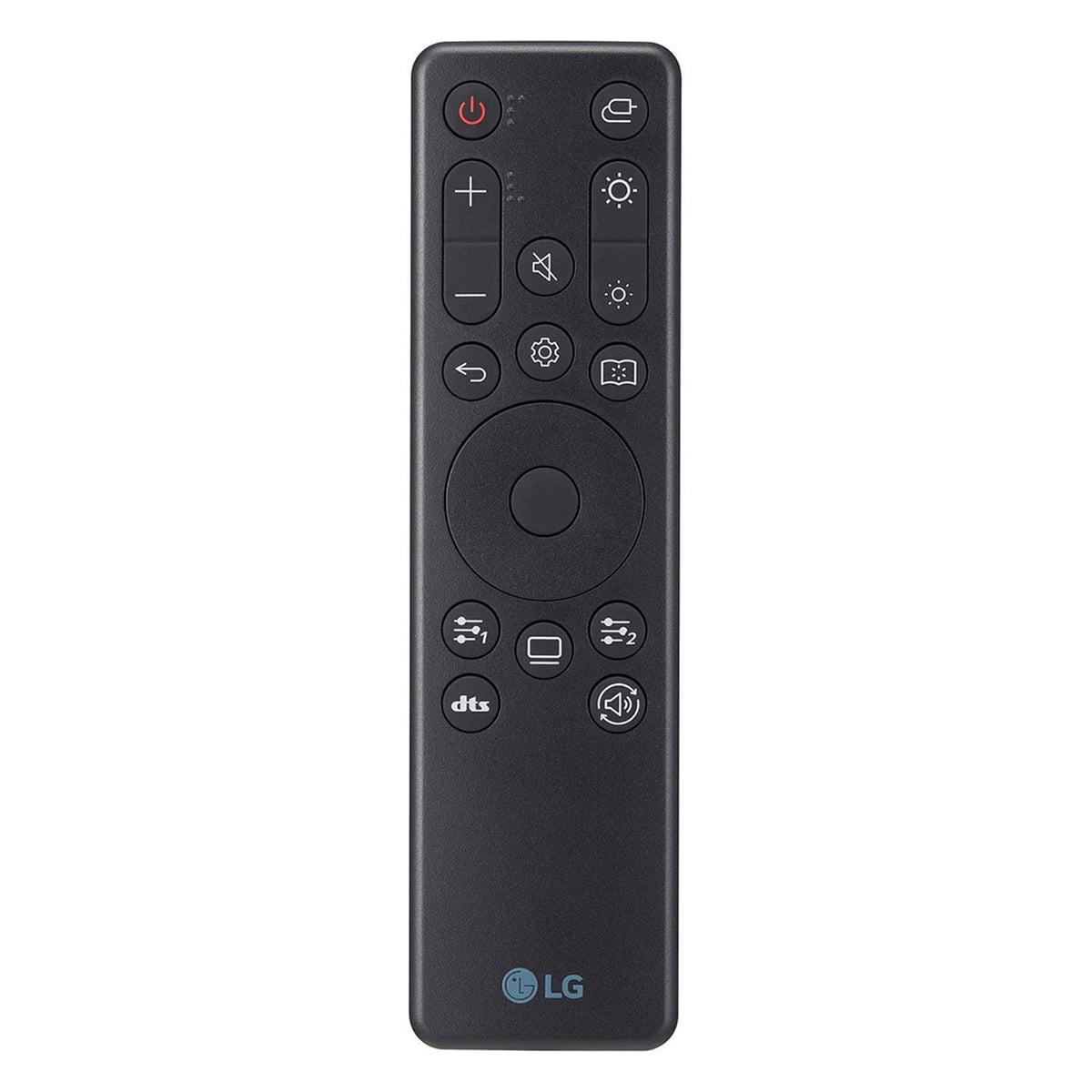
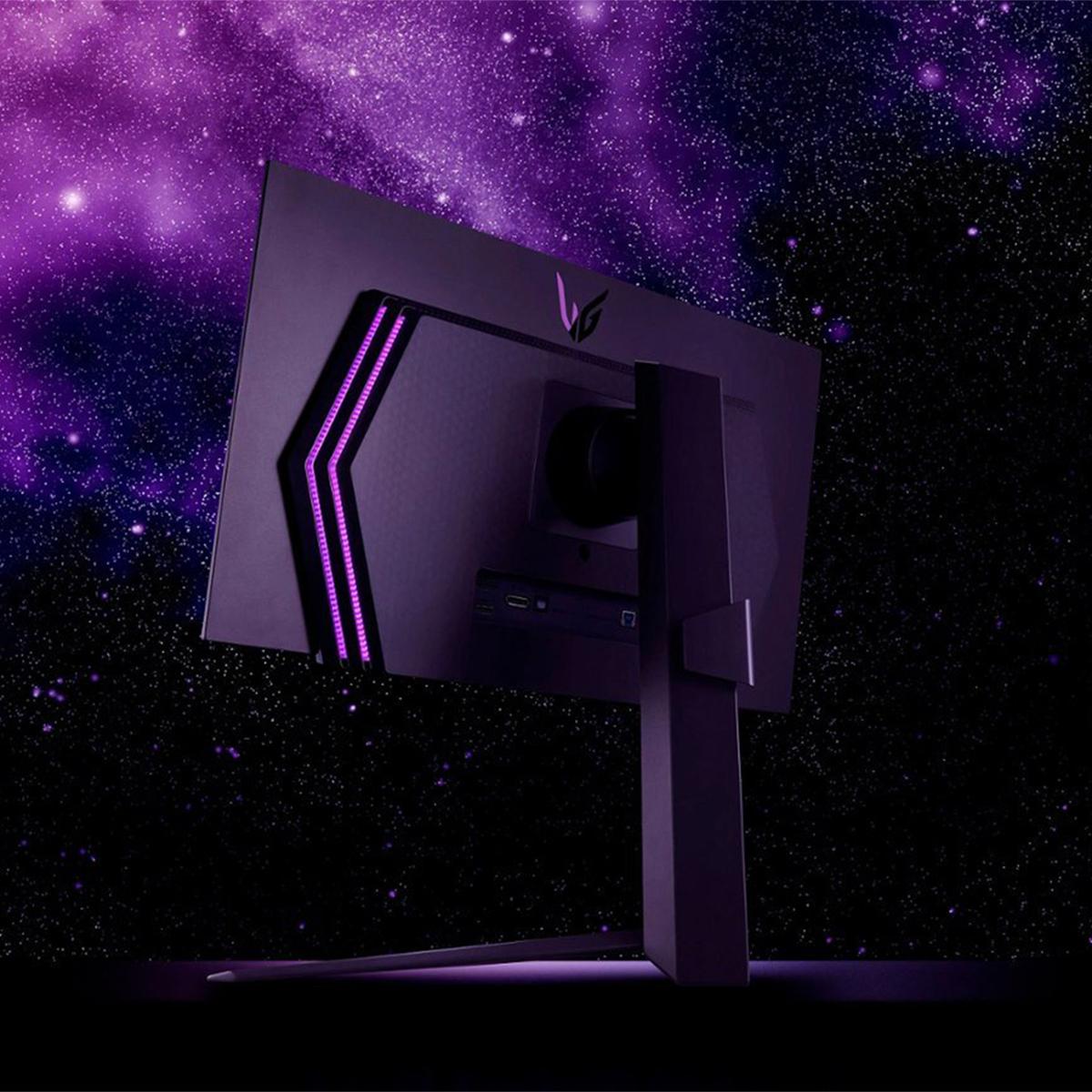
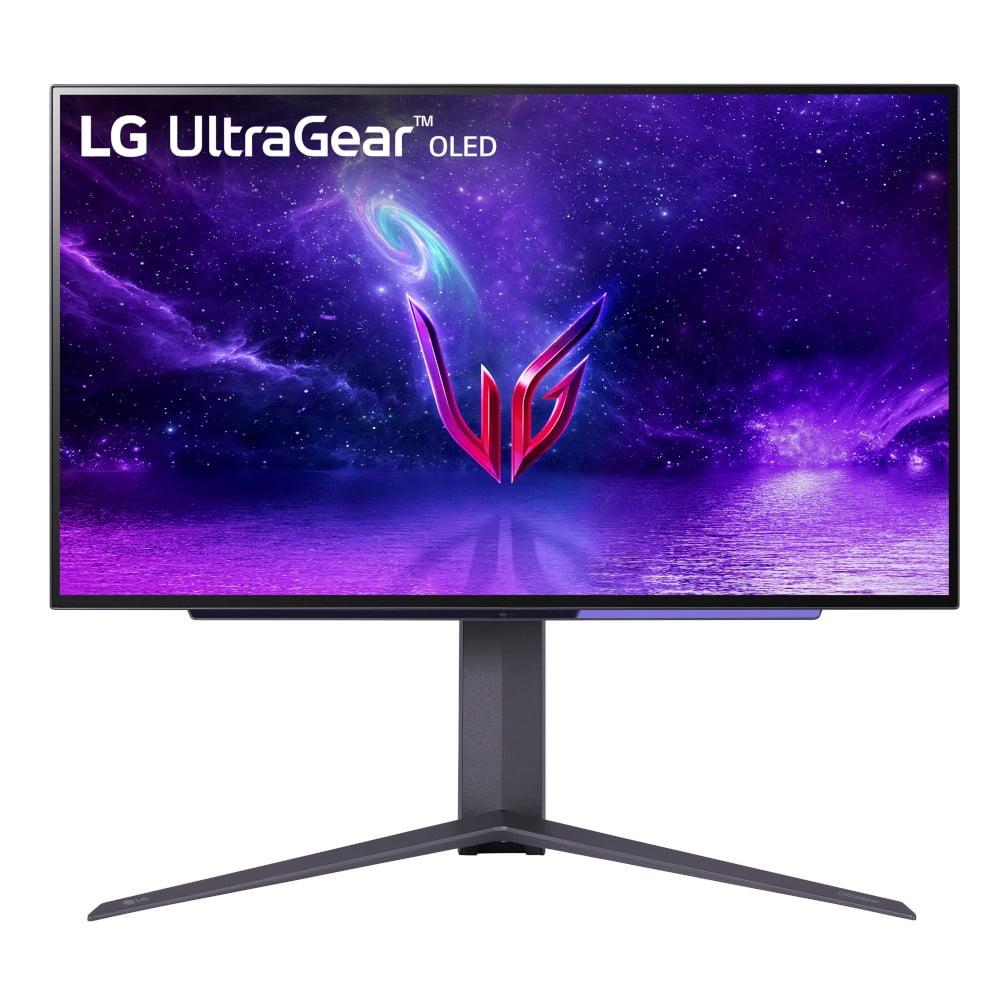
The LG OLED emphasizes a premium, minimalist aesthetic with virtually no bezels and a sleek profile. The included remote control is a nice touch for media consumption, though the on-screen display navigation can be less intuitive than traditional joystick controls.
At the time of writing, the MSI monitor represents exceptional value in the 4K gaming monitor space. Its combination of high resolution, fast refresh rate, and color accuracy typically costs significantly more from other manufacturers. The pricing makes it accessible to enthusiast gamers who want premium features without the absolute highest-end cost.
The LG OLED commands a premium price that reflects its cutting-edge technology. OLED manufacturing is still expensive, and the gaming-optimized features add to the cost. However, for users who prioritize the ultimate gaming experience and can afford the premium, the performance justifies the investment.
You want the sharpest possible image quality and plan to use your monitor for both gaming and productivity work. The MSI monitor excels for content creators who need accurate colors and high resolution, gamers who play a mix of competitive and single-player titles, and anyone who wants a reliable, long-term display without burn-in concerns. It's particularly good for console gamers who want to see every detail in their games at native 4K resolution.
The 4K resolution also future-proofs your setup—as graphics cards become more powerful, you'll be able to push higher frame rates at this resolution without needing to upgrade your monitor.
You prioritize gaming performance above all else and want the most responsive, smooth experience possible. The LG OLED is ideal for competitive gamers who play primarily fast-paced multiplayer games, enthusiasts who want the latest display technology, and anyone who games primarily in controlled lighting conditions where the OLED can show off its superior contrast.
The 240Hz refresh rate provides a competitive advantage in esports titles, and the perfect motion clarity makes tracking targets and reading the game state easier in chaotic situations.
Both monitors represent excellent choices, but they serve different gaming philosophies. The MSI MAG 274URFW delivers outstanding value with its combination of 4K resolution, solid gaming performance, and versatility for multiple use cases. It's the better choice for most gamers who want a single monitor that does everything well.
The LG UltraGear OLED is a specialized tool for serious gaming enthusiasts. Its superior motion performance and dramatic visual quality create an unmatched gaming experience, but it requires careful use and comes at a premium price.
Consider your primary use cases, budget, and gaming preferences carefully. If you play a variety of games and use your monitor for work or content consumption, the MSI's 4K resolution and reliability make it the smarter choice. If you're primarily focused on competitive gaming and want the absolute best performance, the LG OLED's 240Hz refresh rate and perfect motion clarity justify the investment.
Both monitors will serve you well, but understanding these fundamental differences ensures you'll choose the one that best matches your needs and preferences.
| MSI MAG 274URFW 27" 4K 160Hz Gaming Monitor | LG UltraGear 27" OLED QHD 240Hz Gaming Monitor |
|---|---|
| Panel Technology - Determines image quality, reliability, and longevity | |
| Rapid IPS with matte coating (no burn-in risk, consistent brightness, good for mixed use) | OLED with glossy finish (perfect blacks, infinite contrast, requires careful use) |
| Resolution - Affects image sharpness and GPU requirements | |
| 4K (3840×2160) - 2.25x more pixels for sharper detail but demands more GPU power | QHD (2560×1440) - Lower GPU requirements, still sharp at 27" |
| Refresh Rate - Critical for competitive gaming smoothness | |
| 160Hz (excellent for most gaming, good balance with 4K resolution) | 240Hz (maximum competitive advantage, overkill for casual gaming) |
| Response Time - Eliminates motion blur and ghosting | |
| 0.5ms GtG (very fast for IPS, minimal ghosting in fast games) | 0.03ms GtG (virtually instantaneous, perfect motion clarity) |
| Contrast Ratio - Affects HDR quality and dark scene detail | |
| 1,000:1 typical (standard IPS limitation, blacks appear grayish) | 1,500,000:1 infinite (perfect blacks, dramatic HDR impact) |
| Peak Brightness - Important for HDR content and bright room use | |
| 400 nits (adequate for SDR, limited HDR impact) | 1,000 nits in HDR mode (excellent HDR performance, bright highlights) |
| Color Coverage - Determines color accuracy for gaming and content creation | |
| 98% DCI-P3, 133% sRGB (excellent color accuracy, great for productivity) | 98.5% DCI-P3 with True Color Pro (slightly better color accuracy) |
| Console Compatibility - How well it works with PS5/Xbox Series X | |
| Perfect 4K match for console output, HDMI 2.1 supports 4K 120Hz | Requires upscaling from console's 4K output to 1440p, but 240Hz capable |
| Productivity Use - Suitability for work and content creation | |
| Excellent (4K resolution ideal for detailed work, no burn-in concerns) | Limited (burn-in risk with static elements, lower resolution reduces workspace) |
| Burn-in Risk - Long-term reliability consideration | |
| None (IPS technology immune to permanent image retention) | Present (requires varied content and careful usage patterns) |
| Ergonomics - Stand adjustability and mounting options | |
| Full adjustment (height, tilt, swivel, pivot), VESA 75×75mm mount | Height, tilt, swivel adjustment, VESA 100×100mm mount, includes remote |
| Connectivity - Ports and device compatibility | |
| 2×HDMI 2.1, 1×DisplayPort 1.4a, 1×USB-C with 15W power delivery | 2×HDMI 2.1, 1×DisplayPort 1.4, USB hub functionality |
| Value Proposition - Best use cases for the investment | |
| Exceptional value for 4K gaming and mixed use, future-proof resolution | Premium performance for competitive gaming enthusiasts, cutting-edge tech |
The LG UltraGear 27" OLED QHD 240Hz Gaming Monitor is superior for competitive gaming due to its 240Hz refresh rate and 0.03ms response time. These specs provide maximum smoothness and virtually eliminate motion blur, giving you a competitive edge in fast-paced games like Counter-Strike or Valorant. The MSI MAG 274URFW is still excellent for gaming at 160Hz, but the OLED's higher refresh rate makes it the better choice for serious competitive players.
The MSI MAG 274URFW 27" 4K 160Hz Gaming Monitor offers 4K resolution (3840×2160) with 8.3 million pixels, while the LG UltraGear OLED has 1440p resolution (2560×1440) with 3.7 million pixels. 4K provides sharper text, more detailed game textures, and better image clarity. However, 1440p requires less GPU power and allows for higher frame rates, making it popular among competitive gamers.
Picture quality depends on your priorities. The LG UltraGear 27" OLED delivers superior contrast with perfect blacks and vibrant colors thanks to OLED technology. The MSI MAG 274URFW offers higher resolution for sharper detail but has limited contrast due to IPS panel limitations. For dark scenes and HDR content, OLED wins; for sharp text and detailed images, 4K IPS takes the lead.
OLED technology in the LG UltraGear monitor provides perfect blacks, infinite contrast, and faster response times, creating more immersive gaming experiences. However, IPS technology in the MSI monitor offers no burn-in risk, consistent brightness, and better suitability for mixed use including productivity work. OLED is better for dedicated gaming, while IPS is more versatile for general use.
The MSI MAG 274URFW 27" 4K 160Hz Gaming Monitor matches consoles perfectly since PS5 and Xbox Series X output native 4K resolution. Both monitors support HDMI 2.1 for 120Hz gaming, but the LG UltraGear OLED requires upscaling from the console's 4K output to its 1440p native resolution. For console gaming, the MSI's native 4K resolution provides the most authentic experience.
Refresh rate determines how many frames per second your monitor can display. The LG UltraGear 27" OLED at 240Hz can show 240 unique frames per second, creating incredibly smooth motion. The MSI MAG 274URFW at 160Hz is still excellent and sufficient for most gamers. Higher refresh rates reduce input lag and provide smoother gameplay, but you need a powerful graphics card to fully utilize 240Hz.
The MSI MAG 274URFW 27" 4K 160Hz Gaming Monitor is significantly better for productivity work. Its 4K resolution provides more screen real estate, sharper text, and better detail for photo editing or coding. The IPS panel has no burn-in risk from static elements like taskbars or browser windows. The LG UltraGear OLED isn't recommended for heavy productivity use due to burn-in concerns with static interface elements.
Response time affects motion clarity and ghosting in fast-moving scenes. The LG UltraGear 27" OLED has an exceptional 0.03ms response time, virtually eliminating motion blur. The MSI monitor at 0.5ms is still very fast for an IPS panel and provides clean motion in most games. For competitive gaming, the OLED's faster response time provides a noticeable advantage in tracking moving targets.
The LG UltraGear 27" OLED QHD 240Hz Gaming Monitor delivers superior HDR with 1000 nits peak brightness and infinite contrast ratio, making bright highlights pop and maintaining detail in dark areas. The MSI MAG 274URFW supports HDR400 but is limited by its 400 nits brightness and 1000:1 contrast ratio typical of IPS panels. For impactful HDR gaming and movie watching, OLED technology provides a much better experience.
Both monitors include HDMI 2.1 and DisplayPort connections. The MSI MAG 274URFW adds a USB-C port with 15W power delivery for laptop connectivity, making it more versatile for users who switch between devices. The LG UltraGear OLED includes USB hub functionality and a remote control. Both support modern gaming features like VRR and ALLM for optimal console compatibility.
The choice depends on your preferences. The MSI MAG 274URFW 27" 4K 160Hz Gaming Monitor excels in story games with its 4K resolution showing incredible detail in game worlds, character models, and environments. The LG UltraGear OLED creates more immersive atmospheres with perfect blacks and vibrant colors, especially impressive in darker games. Both are excellent, but 4K resolution provides more visual detail while OLED offers better contrast and atmosphere.
For long-term reliability, the MSI MAG 274URFW has the advantage with IPS technology that doesn't suffer from burn-in and maintains consistent performance over time. The LG UltraGear 27" OLED requires more careful use to prevent burn-in from static images, though modern OLED panels include protective features. Consider your usage patterns: if you use your monitor for varied content including work, the MSI monitor is more reliable long-term.
We've done our best to create useful and informative comparisons to help you decide what product to buy. Our research uses advanced automated methods to create this comparison and perfection is not possible - please contact us for corrections or questions. These are the sites we've researched in the creation of this article: youtube.com - bestbuy.com - rtings.com - youtube.com - guru3d.com - youtube.com - newegg.com - bhphotovideo.com - bestbuy.com - storage-asset.msi.com - shi.com - neweggbusiness.com - files.bbystatic.com - us-store.msi.com - msi.com - storage-asset.msi.com - storage-asset.msi.com - bestbuy.com - bestbuy.com - youtube.com - rtings.com - youtube.com - youtube.com - lg.com - bhphotovideo.com - bestbuy.com - forum.beyond3d.com - youtube.com - lg.com - lg.com - lg.com - techpowerup.com - newegg.com - bestbuy.com - pcmonitors.info - lg.com - lg.com

Privacy Policy
Terms and Conditions - Affiliate Policy
Home Security
© Copyright 2008-2026.
11816 Inwood Rd #1211, Dallas, TX 75244