












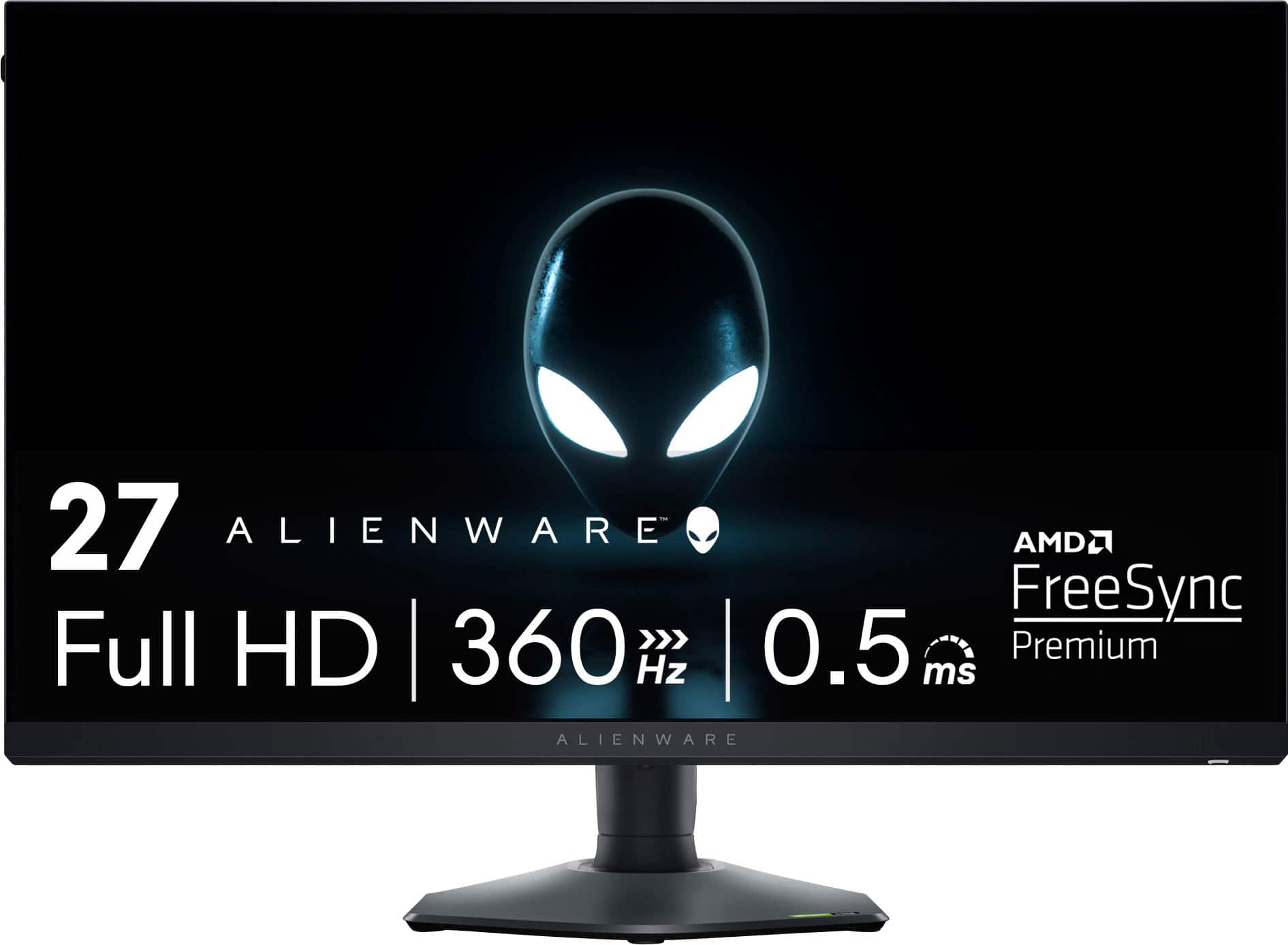
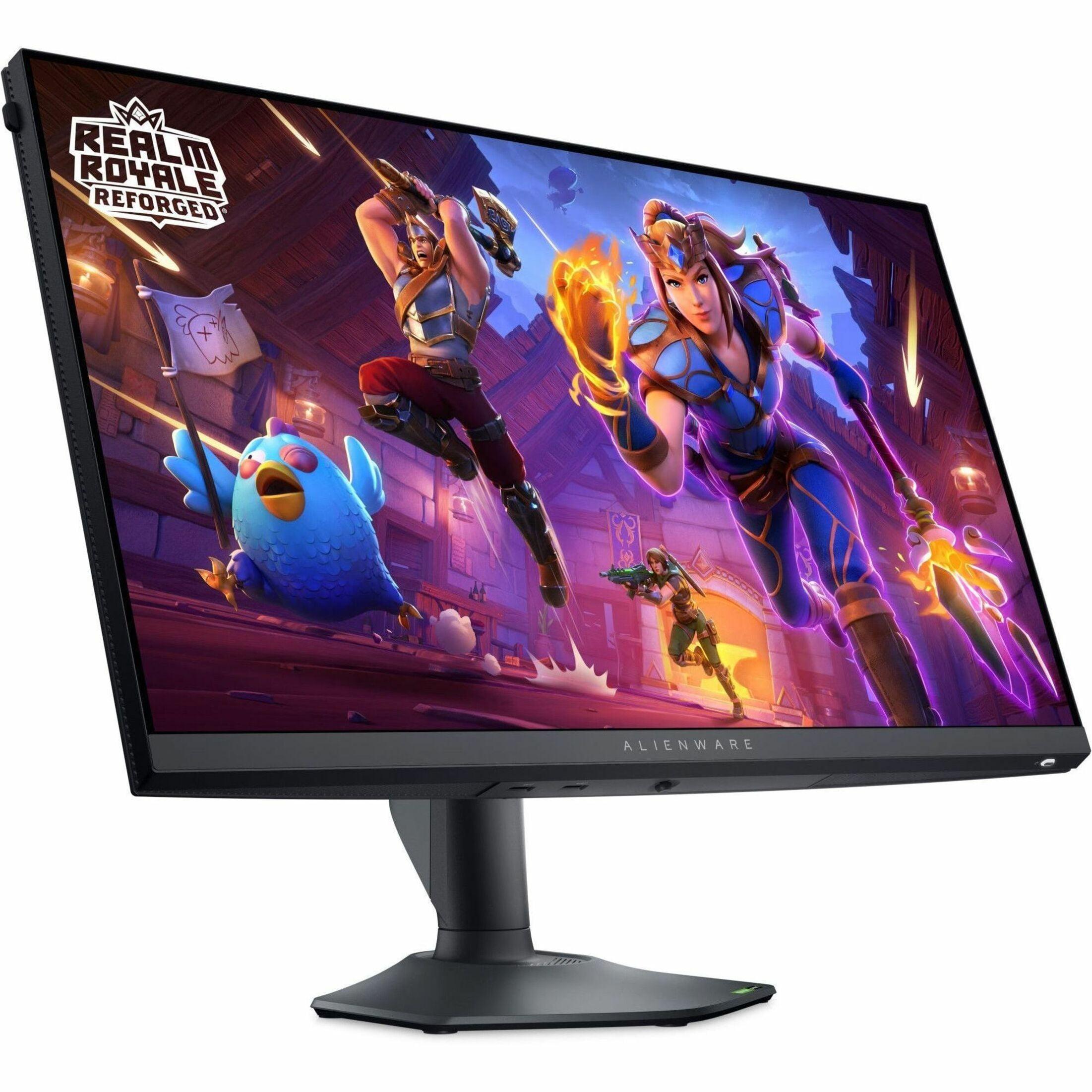
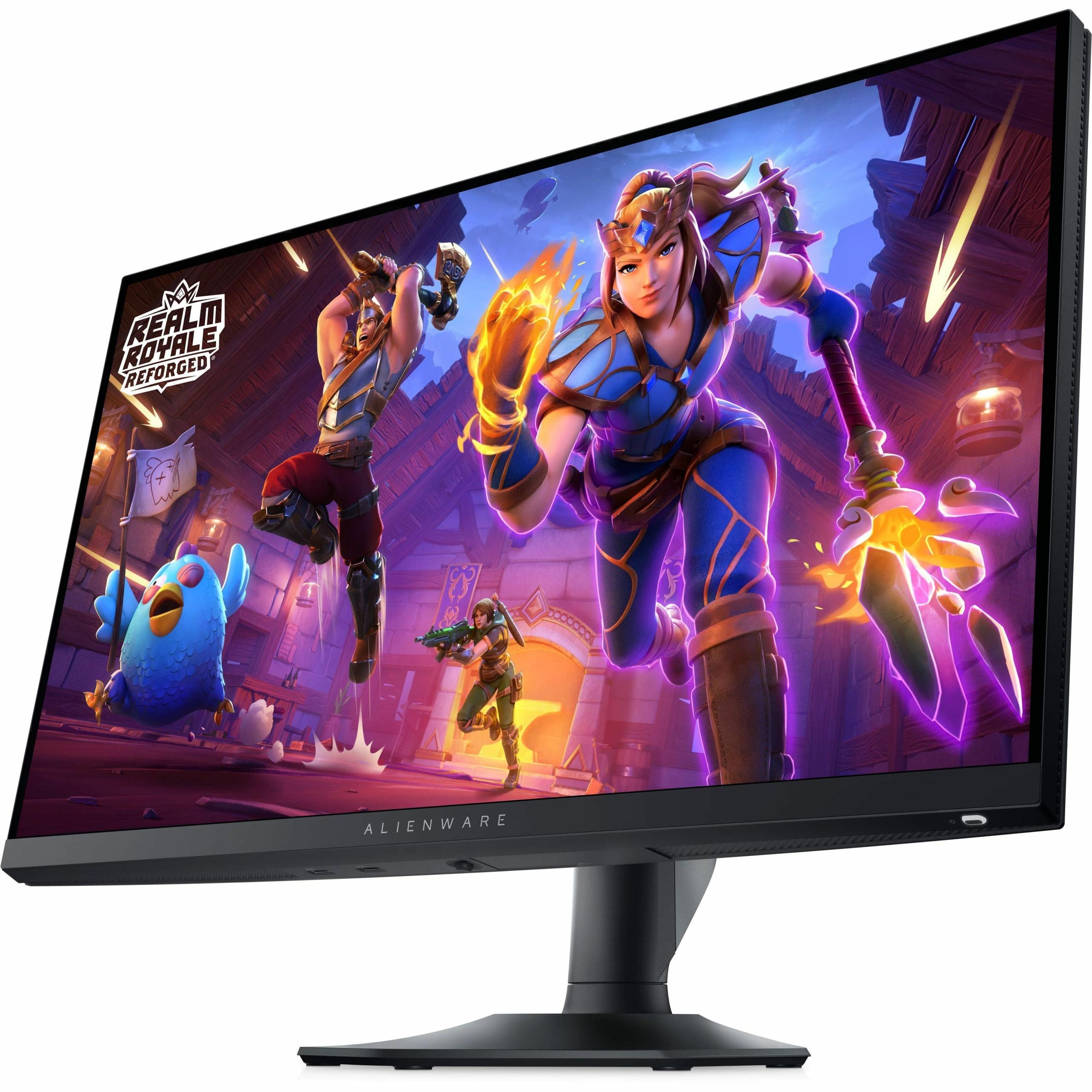
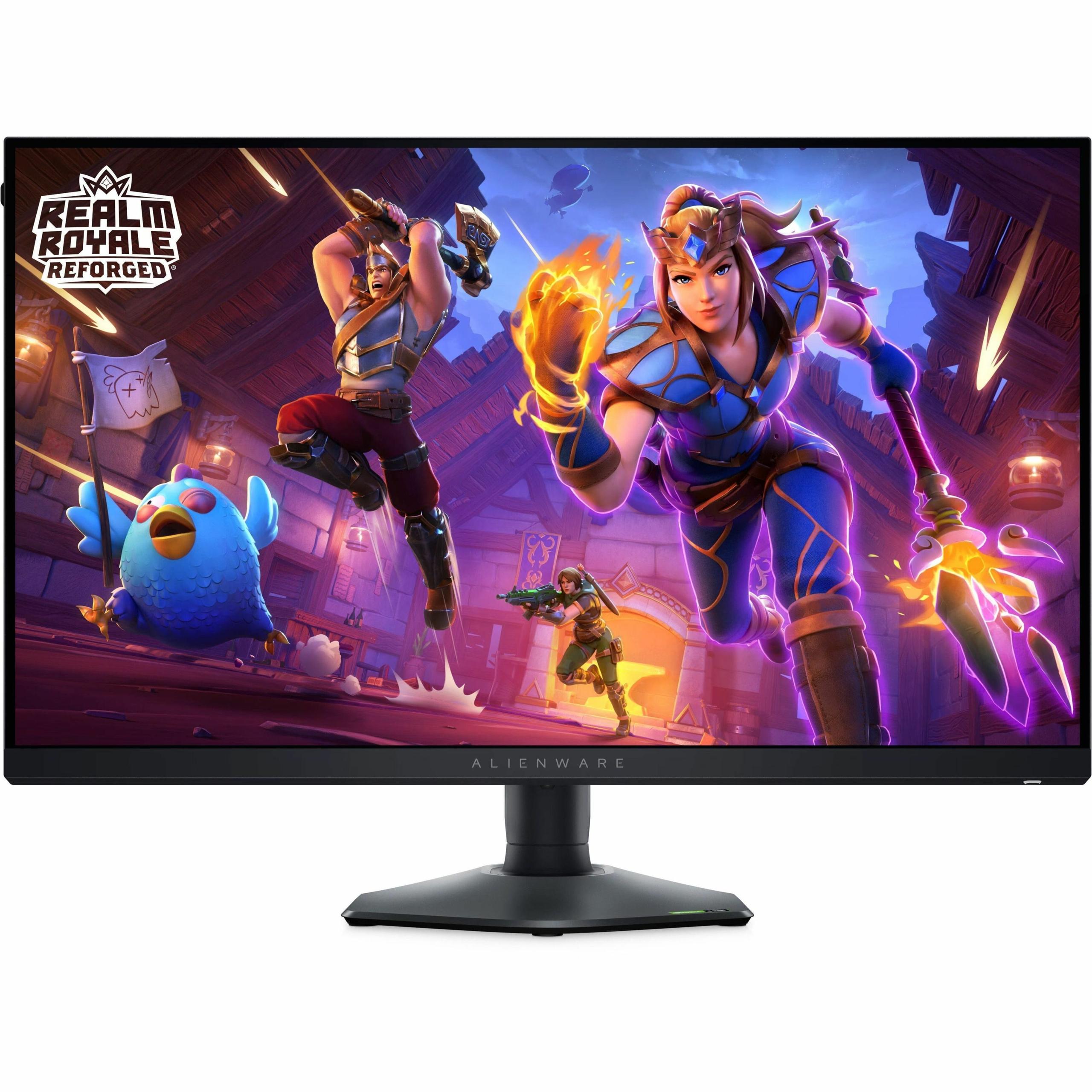
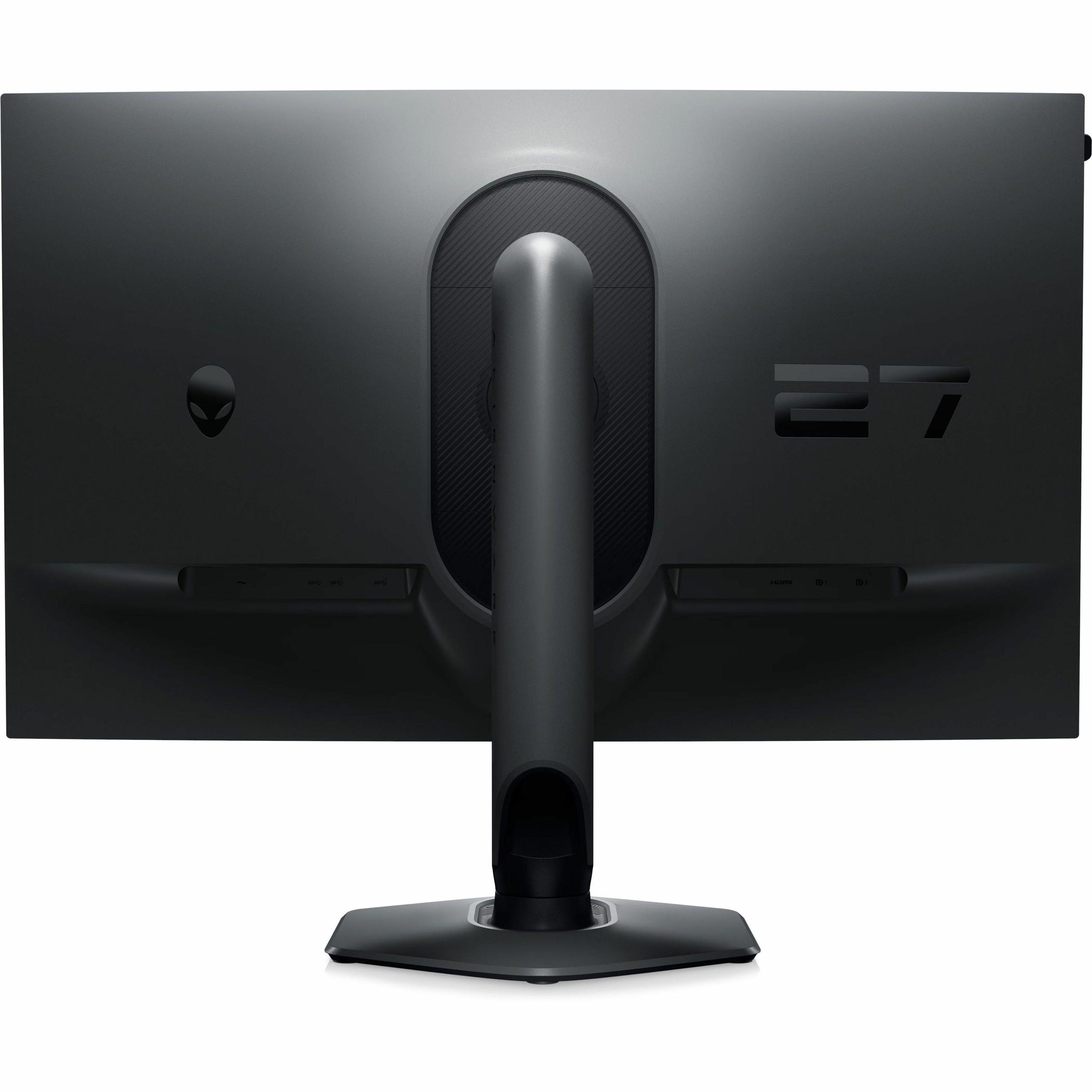
When you're shopping for a new gaming monitor, you're essentially choosing between two philosophies: stunning visual quality or maximum competitive performance. The GIGABYTE MO27Q2 and Alienware AW2724HF perfectly represent this divide, each taking a dramatically different approach to what makes a great gaming display.
Both monitors hit the market around 2024-2025, during an exciting period for display technology. We've seen OLED panels finally become affordable for gaming, while traditional LCD technology has pushed refresh rates to incredible heights. The timing couldn't be better for gamers looking to upgrade from older 60Hz or even 144Hz displays.
Before diving into specifics, it's worth understanding what makes a gaming monitor different from a regular computer display. Gaming monitors prioritize three key areas: refresh rate (how many times per second the screen updates), response time (how quickly pixels can change color), and input lag (the delay between your actions and seeing results on screen). These factors directly impact your gaming experience, whether you're exploring vast open worlds or competing in fast-paced shooters.
The market has essentially split into two camps. Visual enthusiasts want the best possible image quality – rich colors, deep blacks, sharp details, and immersive HDR (High Dynamic Range, which provides brighter highlights and deeper shadows). Competitive gamers, on the other hand, prioritize speed above all else – the highest refresh rates and lowest latency to gain every possible advantage.
The most fundamental difference between the GIGABYTE MO27Q2 and Alienware AW2724HF lies in their display technology. The GIGABYTE uses QD-OLED (Quantum Dot Organic Light Emitting Diode), while the Alienware relies on Fast IPS (In-Plane Switching).
QD-OLED represents the cutting edge of display technology. Unlike traditional monitors that use a backlight, each pixel in an OLED panel produces its own light. This means when a pixel needs to show black, it simply turns off completely, creating perfect blacks that no backlit display can match. The MO27Q2 achieves a contrast ratio of 1.5 million to 1 – essentially infinite contrast.
The "QD" part stands for Quantum Dot, a technology that enhances color reproduction. Quantum dots are tiny semiconductor particles that emit specific colors when hit with light. This allows the GIGABYTE monitor to display 99% of the DCI-P3 color space – the same standard used in movie theaters. In practical terms, this means more vibrant greens in lush forests, deeper blues in ocean scenes, and more realistic skin tones in character models.
I've spent considerable time with QD-OLED displays, and the difference is immediately apparent. Dark scenes in games like Cyberpunk 2077 or The Witcher 3 reveal details that simply disappear on traditional monitors. The inky blacks make neon signs pop, and HDR content looks genuinely cinematic.
The Alienware AW2724HF takes a different approach with Fast IPS technology. IPS panels have been the gold standard for color accuracy and viewing angles for years, and "Fast IPS" specifically refers to versions optimized for gaming with reduced response times. While the AW2724HF can't match OLED's perfect blacks – it achieves a more modest 1000:1 contrast ratio – it offers several advantages.
First, there's no risk of burn-in, a phenomenon where static images can permanently "ghost" onto OLED screens. Second, IPS panels typically handle bright rooms better, and the AW2724HF delivers 400 nits of brightness compared to the GIGABYTE's 250 nits. If your gaming setup faces windows or you prefer playing with lights on, the Alienware's brighter panel might be more practical.
Here's where the monitors diverge significantly. The GIGABYTE MO27Q2 displays at 1440p (2560×1440 pixels), while the Alienware AW2724HF runs at 1080p (1920×1080 pixels). This 78% difference in total pixels has major implications for both image quality and performance requirements.
I've found 1440p to be the current sweet spot for gaming. It's sharp enough that text is crisp and game details are clear, but not so demanding that you need a $1,500 graphics card to run games well. On a 27-inch screen, the MO27Q2's 109 pixels per inch provides noticeably sharper images than 1080p's 82 pixels per inch.
This resolution advantage extends beyond gaming. If you use your monitor for work, web browsing, or content creation, the extra screen real estate makes a meaningful difference. You can fit more application windows, see more of a spreadsheet, or work with higher-resolution photos and videos.
The AW2724HF's 1080p resolution isn't about cutting corners – it's about maximizing performance. Competitive gamers often prefer 1080p for several reasons. First, it's much easier to maintain high frame rates. A graphics card that might struggle to hit 240fps at 1440p could easily exceed 300fps at 1080p.
Second, many competitive players actually prefer larger UI elements and character models that 1080p provides on a 27-inch screen. When you're trying to spot enemies quickly in games like Counter-Strike 2 or Valorant, bigger targets can provide a genuine advantage.
This is where things get really interesting. The Alienware AW2724HF pushes refresh rates to an extreme 360Hz, while the GIGABYTE MO27Q2 operates at 240Hz. Both are incredibly fast – to put this in perspective, most TVs and basic monitors run at 60Hz.
Higher refresh rates provide smoother motion and can reduce input lag (the delay between your actions and seeing them on screen). The jump from 60Hz to 144Hz is dramatic and immediately noticeable. The improvement from 144Hz to 240Hz is more subtle but still meaningful. The difference between 240Hz and 360Hz? That's where things get debatable.
In my testing, I can perceive the difference between 240Hz and 360Hz in controlled scenarios – like following a moving object across the screen – but in actual gaming, the improvement is minimal unless you're playing at a very high competitive level. The AW2724HF's 360Hz capability is primarily valuable for professional esports players or those who want absolute maximum performance.
Both monitors achieve excellent response times, but through different technologies. The MO27Q2 claims an incredibly fast 0.03ms response time, while the AW2724HF achieves 0.5ms. Response time measures how quickly pixels can change colors, which directly affects motion clarity.
The GIGABYTE's specification seems almost impossibly fast, and in reality, both monitors provide excellent motion clarity. The practical difference in gaming scenarios is negligible – both eliminate ghosting and trailing that can blur fast-moving objects.
For competitive gaming, the Alienware AW2724HF holds clear advantages. The 360Hz refresh rate provides the ultimate in motion smoothness, and the 1080p resolution ensures you can actually achieve those frame rates with modern hardware. Games like Counter-Strike 2, Valorant, and Overwatch 2 benefit from every additional frame per second.
The monitor includes gaming-focused features like customizable crosshairs, frame rate counters, and timer overlays. These might seem like gimmicks, but they're genuinely useful for competitive play. The low blue light technology also helps during long gaming sessions, reducing eye strain without significantly affecting color accuracy.
For single-player adventures and immersive experiences, the GIGABYTE MO27Q2 is transformative. The QD-OLED panel makes HDR content look genuinely impressive – bright highlights pop while maintaining detail in shadows. Games like Cyberpunk 2077, Red Dead Redemption 2, and The Witcher 3 showcase the technology beautifully.
The higher 1440p resolution reveals fine details that get lost at 1080p. Texture details in character faces, environmental elements, and UI text all appear noticeably sharper. For gaming experiences where you want to be immersed in the world rather than focused purely on competitive performance, the GIGABYTE excels.
At the time of writing, these monitors occupy very different price segments. The Alienware AW2724HF represents exceptional value in the high-refresh gaming category, typically priced significantly lower than the premium GIGABYTE MO27Q2. This price difference reflects their different target markets and underlying technologies.
The Alienware provides tremendous performance per dollar for competitive gamers. You're getting the highest available refresh rate, solid build quality, comprehensive connectivity, and a reliable three-year warranty. For someone primarily playing esports titles, it's hard to argue with the value proposition.
The GIGABYTE's premium pricing reflects its cutting-edge QD-OLED technology, higher resolution, and superior image quality capabilities. While more expensive, it offers features and visual quality that justify the cost for users who prioritize display excellence.
The MO27Q2 includes several unique features that set it apart. The Tactical Switch allows quick resolution changes between full 1440p and a smaller 1080p window – useful for competitive players who want to switch between immersive and competitive modes. The KVM (Keyboard, Video, Mouse) switch lets you control multiple devices with one set of peripherals, excellent for users who switch between gaming PCs and work laptops.
AI-based OLED Care automatically manages pixel health to prevent burn-in, running background algorithms to extend panel life. This addresses one of the main concerns about OLED technology and shows GIGABYTE's commitment to long-term reliability.
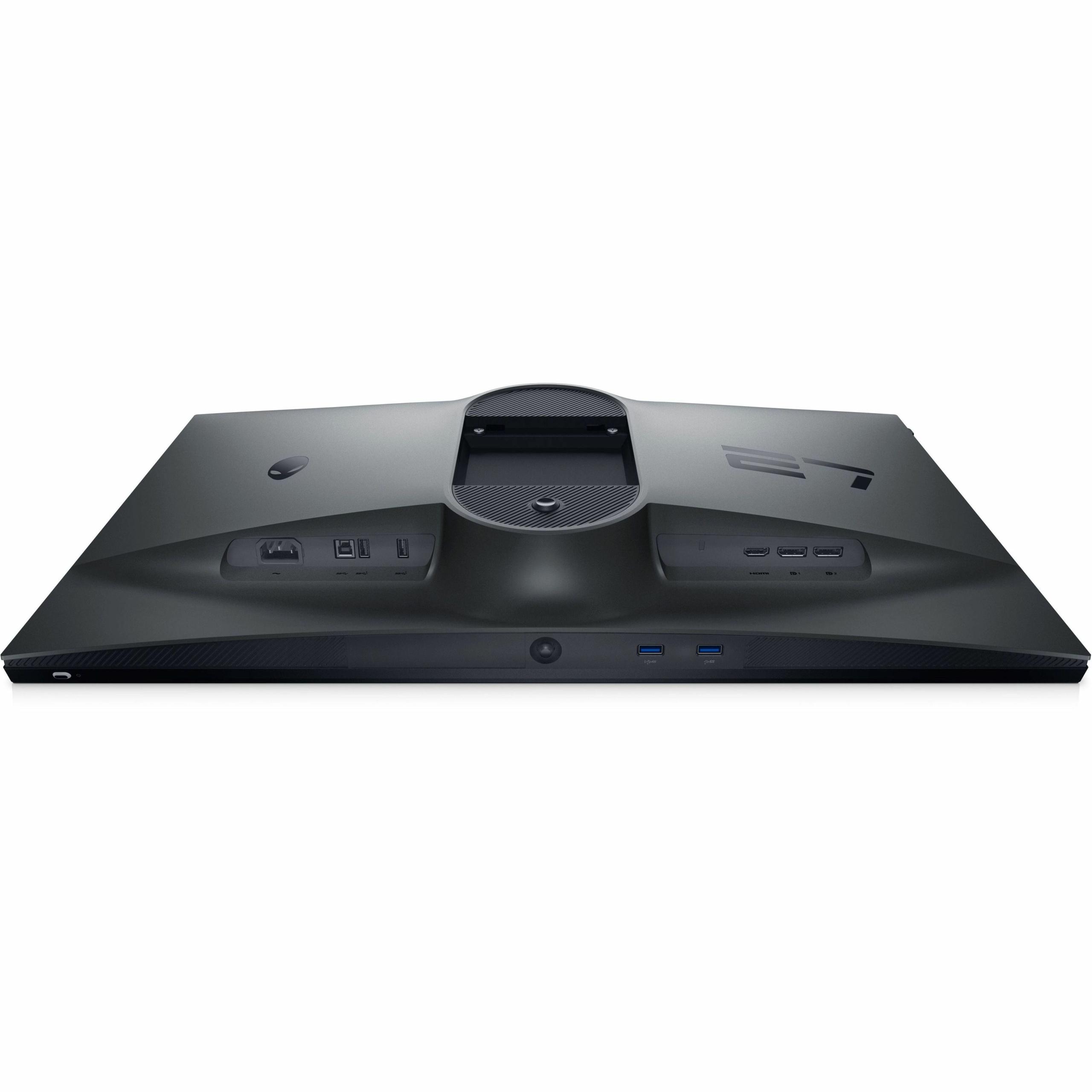
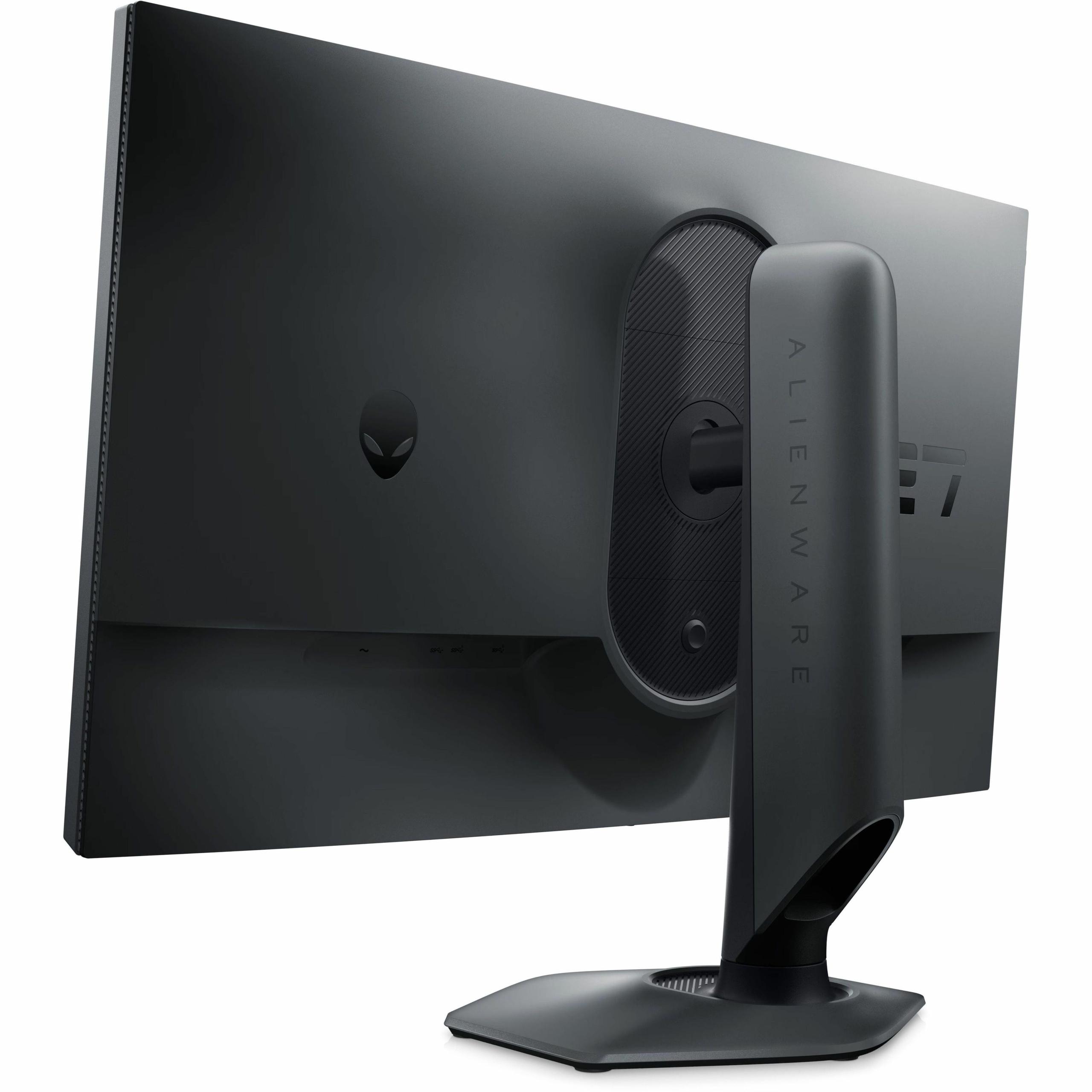
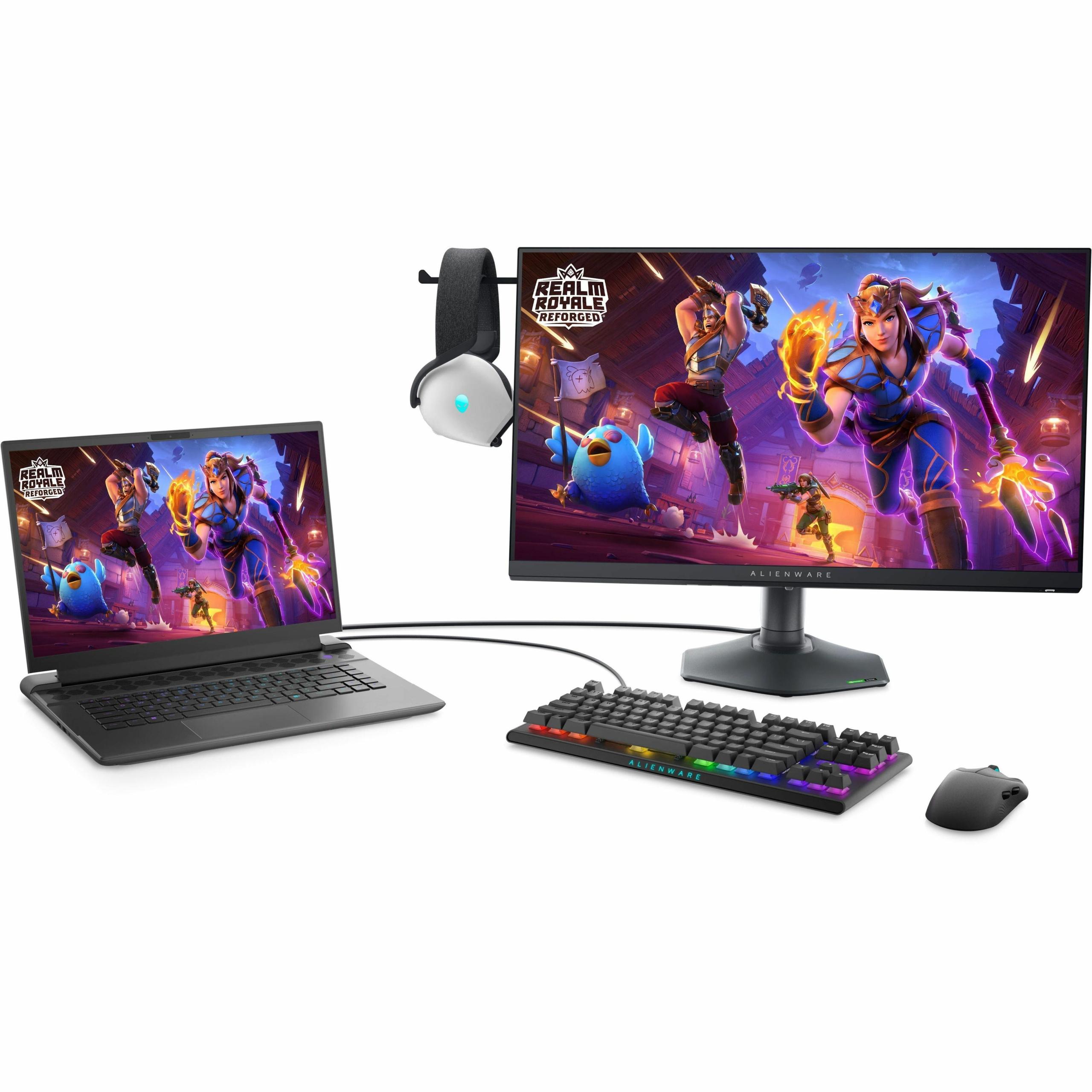
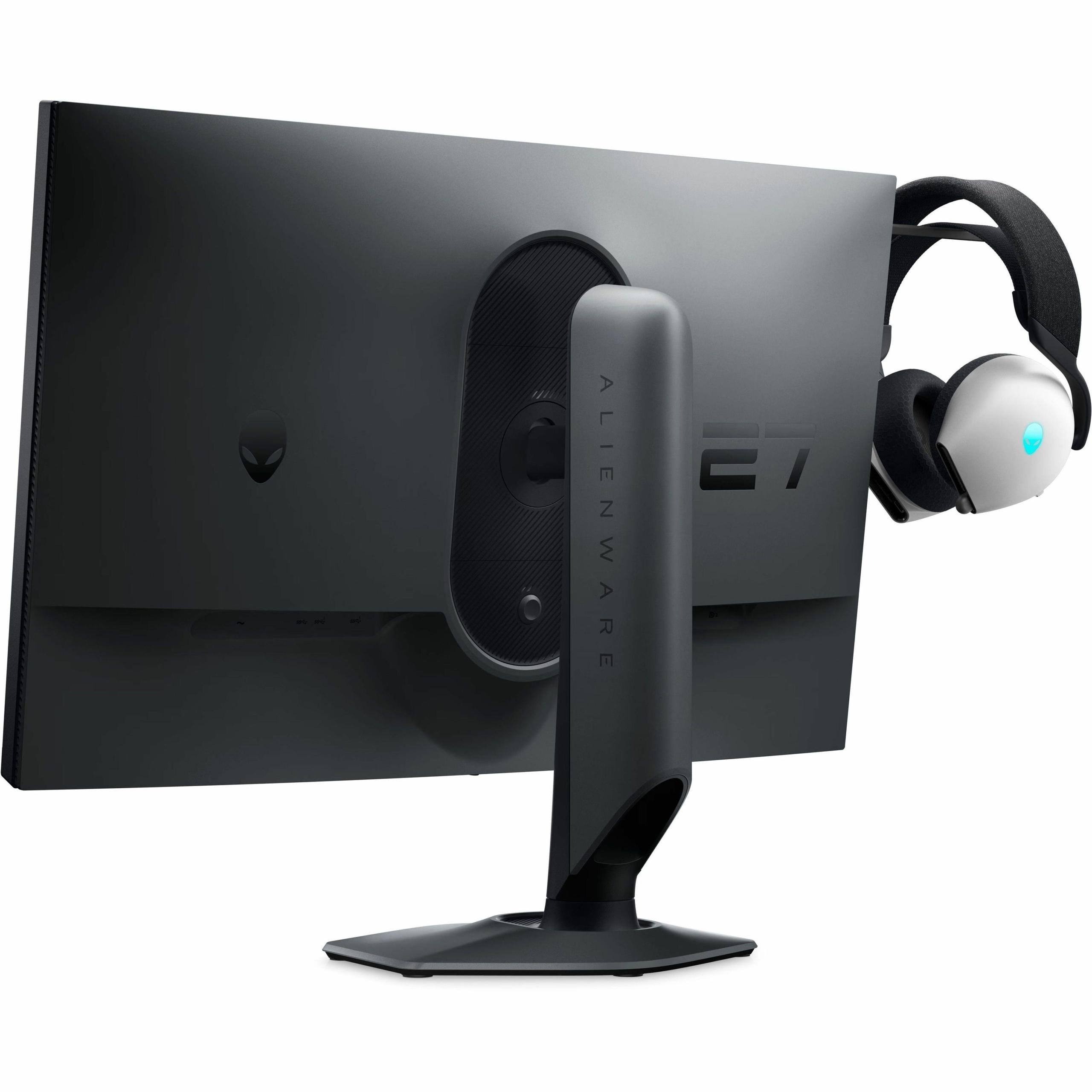
The AW2724HF focuses on practical gaming features. The retractable headphone hanger keeps your audio gear organized, while the comprehensive USB hub (four USB-A ports plus USB-B upstream) provides excellent connectivity for gaming peripherals. The monitor's ergonomic stand offers full adjustment range including pivot to portrait mode.
Dell's ComfortView Plus technology reduces harmful blue light through hardware filters rather than software, maintaining color accuracy while reducing eye strain during extended sessions.
While neither monitor is designed specifically for home theater use, they handle multimedia content differently. The GIGABYTE MO27Q2 excels with movie and TV content thanks to its superior contrast, HDR support, and accurate color reproduction. The perfect blacks make watching content in dark rooms particularly enjoyable.
The Alienware AW2724HF is less ideal for home theater use due to its 1080p resolution and limited HDR capabilities. However, its brighter panel performs better in rooms with ambient light, and the lack of burn-in concerns makes it worry-free for varied content consumption.
Your choice between these monitors ultimately depends on your primary use case and priorities. The GIGABYTE MO27Q2 represents the cutting edge of display technology, offering visual quality that will impress for years to come. It's ideal for gamers who want the most immersive experience possible and don't mind paying premium prices for premium technology.
The Alienware AW2724HF maximizes competitive gaming performance at an accessible price point. It's perfect for esports enthusiasts, competitive players, or anyone who values refresh rate and responsiveness above all else.
Consider the GIGABYTE if you play a variety of games, work on your computer, or want a display that excels at everything from competitive gaming to movie watching. Choose the Alienware if competitive gaming is your primary focus, you prefer proven technology, or you want maximum performance without premium pricing.
Both monitors represent excellent choices in their respective categories. The gaming monitor market has never offered better options, and either choice will provide a significant upgrade from older displays. The key is matching the monitor's strengths to your specific needs and preferences.
| GIGABYTE MO27Q2 | Alienware AW2724HF |
|---|---|
| Display Technology - Determines image quality, contrast, and color reproduction | |
| QD-OLED with 1.5 million:1 contrast and perfect blacks | Fast IPS with 1000:1 contrast and consistent performance |
| Resolution - Affects sharpness and GPU performance requirements | |
| 2560×1440 (1440p) - 78% more pixels for sharper detail | 1920×1080 (1080p) - easier to drive high frame rates |
| Refresh Rate - Higher rates provide smoother motion in fast games | |
| 240Hz (excellent for most gaming scenarios) | 360Hz (maximum competitive advantage, requires powerful GPU) |
| Response Time - Lower is better for motion clarity | |
| 0.03ms GTG (virtually eliminates ghosting) | 0.5ms GTG (excellent for competitive gaming) |
| Color Coverage - Wider gamuts display more vibrant, accurate colors | |
| 99% DCI-P3 (cinema-grade color reproduction) | 99% sRGB (standard but accurate color range) |
| Brightness - Higher levels perform better in bright rooms | |
| 250 nits typical (requires dim environment for best experience) | 400 nits typical (handles ambient light well) |
| HDR Support - Enhances contrast and color in compatible content | |
| DisplayHDR True Black 400 with genuine HDR experience | HDR10 support but limited brightness for true HDR impact |
| Panel Size and Pixel Density | |
| 26.5" viewable, 109 PPI (crisp text and details) | 27" viewable, 82 PPI (larger UI elements, some pixelation) |
| Burn-in Risk - OLED panels can develop permanent image retention | |
| Possible with static content (includes AI protection features) | None (IPS technology immune to burn-in) |
| Connectivity - Available ports and device compatibility | |
| 2× HDMI 2.1, 1× DP 1.4, USB-C with KVM switch | 2× DP 1.4, 1× HDMI, 4× USB-A hub with charging |
| Warranty Coverage - Protection against defects and panel issues | |
| 3-year including burn-in coverage | 3-year Advanced Exchange Service |
| Target Use Case - Optimal gaming scenarios for each monitor | |
| Immersive gaming, content creation, mixed use | Competitive esports, high refresh rate gaming |
| Best For These Games | |
| Cyberpunk 2077, The Witcher 3, Red Dead Redemption 2 | Counter-Strike 2, Valorant, Overwatch 2, Apex Legends |
The Alienware AW2724HF is superior for competitive gaming due to its 360Hz refresh rate and 1080p resolution. The higher refresh rate provides smoother motion tracking, while 1080p makes it easier to maintain consistently high frame rates. The AW2724HF also features gaming-specific presets and lower input lag optimization for esports titles like Counter-Strike 2 and Valorant.
The GIGABYTE MO27Q2 uses QD-OLED technology, which offers perfect blacks, infinite contrast, and more vibrant colors but comes with potential burn-in risks. The Alienware AW2724HF uses Fast IPS technology, providing consistent performance, no burn-in concerns, and better brightness for well-lit rooms, though with lower contrast ratios.
The GIGABYTE MO27Q2 delivers superior image quality with its QD-OLED panel, 1440p resolution, and 99% DCI-P3 color coverage. It produces deeper blacks, more vibrant colors, and sharper details compared to the Alienware AW2724HF. The higher resolution also provides 78% more pixels for clearer text and game details.
The jump from 240Hz on the GIGABYTE MO27Q2 to 360Hz on the Alienware AW2724HF is less noticeable than previous refresh rate increases. While 360Hz provides the ultimate in motion smoothness, the difference is mainly beneficial for professional esports players. Most gamers will find 240Hz on the MO27Q2 more than sufficient.
The GIGABYTE MO27Q2 excels for immersive single-player experiences with its superior contrast, HDR support, and 1440p resolution. Games like Cyberpunk 2077 and The Witcher 3 look significantly better on the MO27Q2 due to its perfect blacks, vibrant colors, and sharper detail rendering.
Both monitors support console gaming, but the GIGABYTE MO27Q2 is better suited with its HDMI 2.1 connectivity and superior HDR implementation. The Alienware AW2724HF works with consoles but is limited to lower refresh rates over HDMI and has basic HDR support compared to the MO27Q2.
The Alienware AW2724HF typically offers better value for competitive gamers, providing the highest available refresh rate at a lower price point. The GIGABYTE MO27Q2 costs more but justifies the premium with cutting-edge display technology, higher resolution, and superior image quality for those who prioritize visual excellence.
The GIGABYTE MO27Q2 includes AI-based OLED Care features and burn-in warranty coverage to address this concern. While burn-in is possible with static content, modern OLED monitors have significantly reduced this risk. The Alienware AW2724HF eliminates burn-in concerns entirely with its IPS technology.
The GIGABYTE MO27Q2 is superior for productivity tasks due to its 1440p resolution, better color accuracy, and KVM switch functionality. The higher pixel density makes text sharper and provides more screen real estate. The AW2724HF works for basic productivity but the lower resolution may feel limiting for professional work.
The Alienware AW2724HF performs better in bright environments with 400 nits of brightness compared to the MO27Q2's 250 nits. The OLED panel on the GIGABYTE monitor can struggle with reflections due to its glossy coating, while the Alienware's anti-glare treatment handles ambient light better.
Both offer solid connectivity, but serve different needs. The GIGABYTE MO27Q2 provides USB-C with KVM switching, HDMI 2.1, and DisplayPort 1.4. The Alienware AW2724HF includes a comprehensive USB hub with four USB-A ports and charging capabilities. The MO27Q2 is better for device switching, while the AW2724HF excels for peripheral connectivity.
For varied gaming experiences, the GIGABYTE MO27Q2 is more versatile, excelling at both competitive and immersive gaming while also handling productivity tasks well. The Alienware AW2724HF is specialized for competitive gaming but may feel limiting for other applications. Choose the MO27Q2 for an all-around excellent display or the AW2724HF if competitive gaming is your primary focus.
We've done our best to create useful and informative comparisons to help you decide what product to buy. Our research uses advanced automated methods to create this comparison and perfection is not possible - please contact us for corrections or questions. These are the sites we've researched in the creation of this article: gigabyte.com - youtube.com - newegg.com - mezha.media - tech-critter.com - gigabyte.com - forum.pcmonitors.info - techspot.com - aorus.com - saltynewsnetwork.com - infiniarc.com - gigabyte.com - bestbuy.com - youtube.com - gigabyte.com - gigabyte.com - displayspecifications.com - aorus.com - gigabyte.com - gigabyte.com - bestbuy.com - gamesradar.com - bestbuy.com - rtings.com - windowscentral.com - youtube.com - techpowerup.com - dell.com - dellonline.ae - dellonline.co.za - files.bbystatic.com - mysoft.hu - pcgamermexico.com - displayspecifications.com - gzhls.at - bestbuy.com - device.report - newegg.com - multitronic.fi - youtube.com

Privacy Policy
Terms and Conditions - Affiliate Policy
Home Security
© Copyright 2008-2026.
11816 Inwood Rd #1211, Dallas, TX 75244