

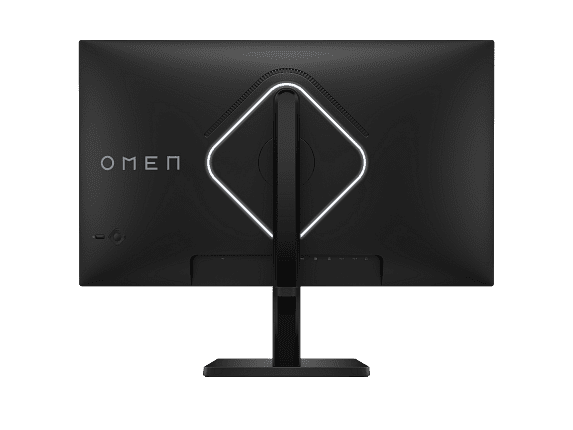
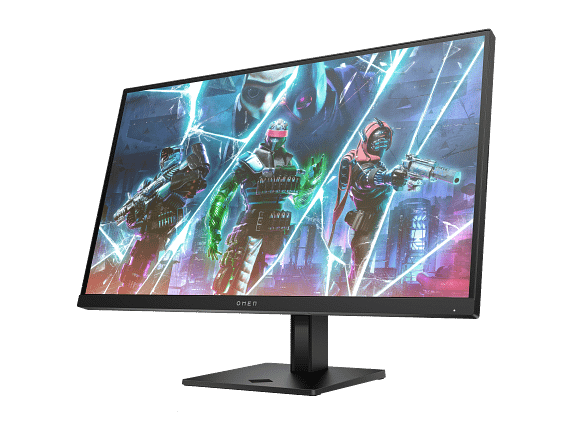
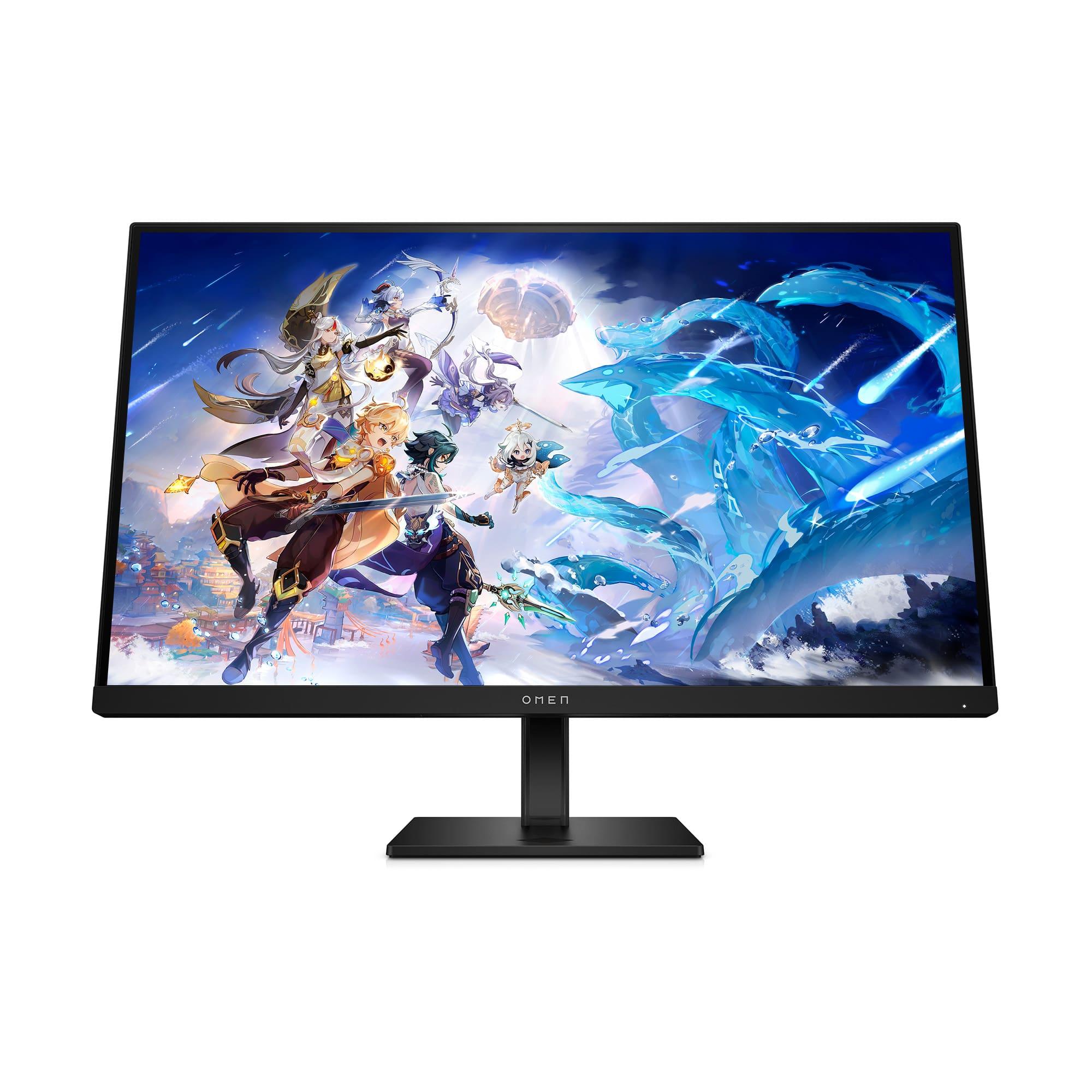
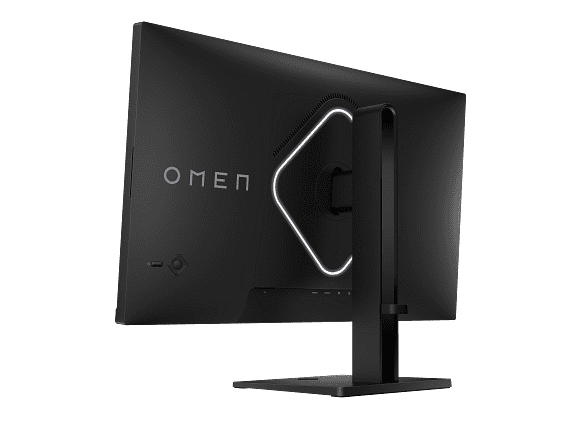
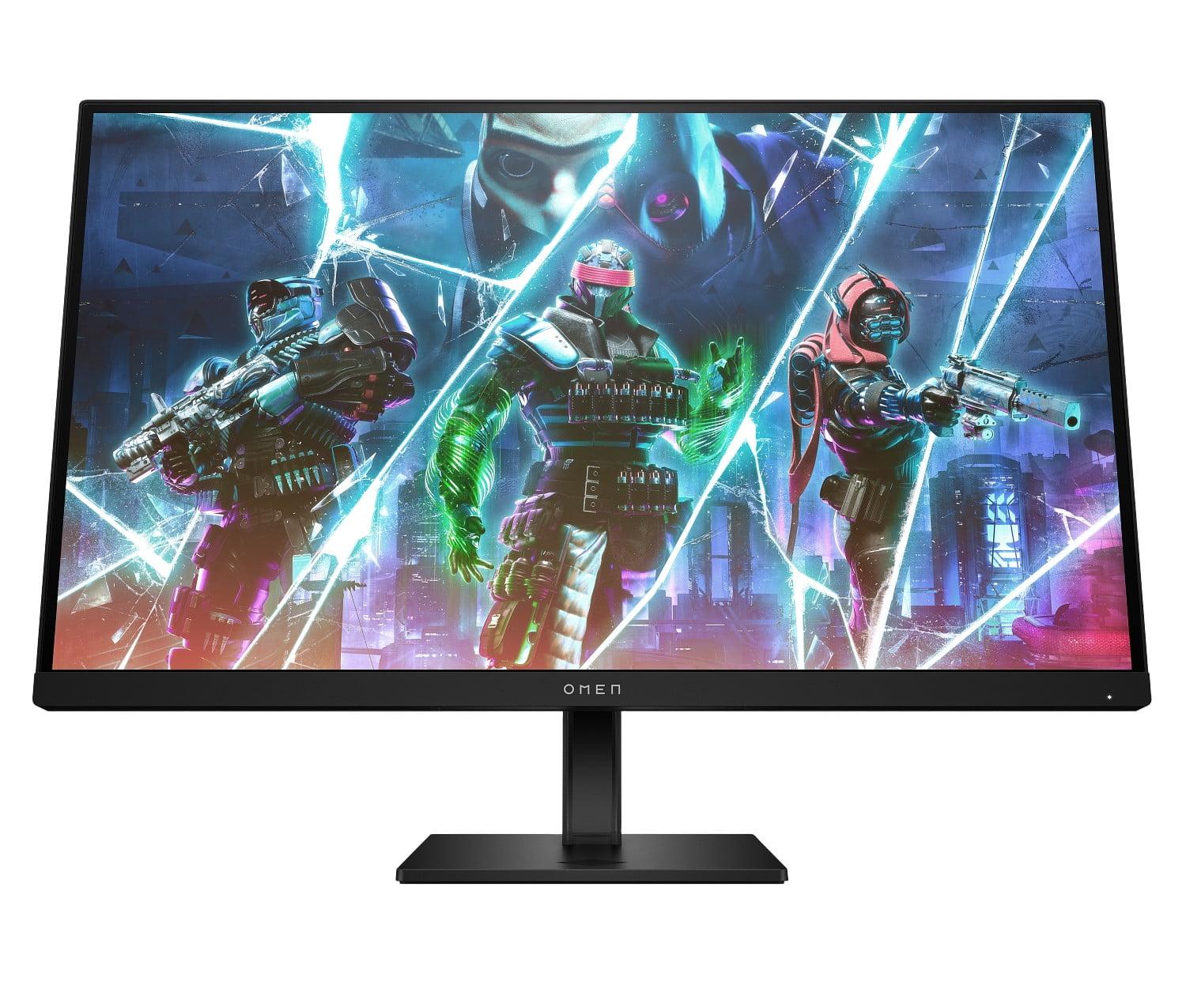
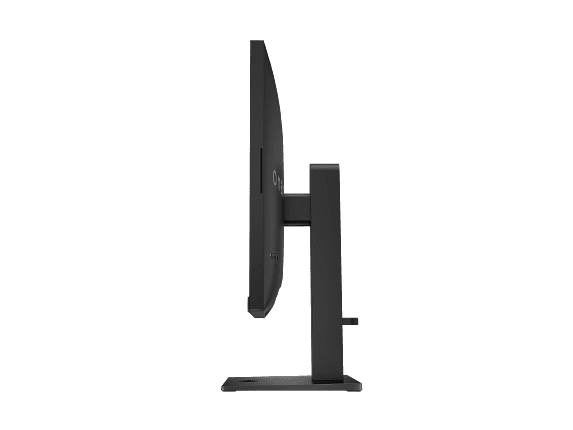












The gaming monitor market has evolved dramatically over the past few years, with 2023 and 2024 bringing some genuinely exciting developments. Two monitors that perfectly illustrate this evolution are the HP OMEN 27s and the GIGABYTE MO27Q2—both 27-inch displays running at a blazing 240Hz refresh rate, but representing completely different approaches to high-performance gaming displays.
Understanding these differences isn't just about specs on paper. It's about knowing which technology will actually make your games look and feel better, and whether the premium features justify the extra cost. Let's dive deep into what makes these monitors tick and help you figure out which one belongs on your desk.
Gaming monitors have come a long way from the basic 60Hz displays that dominated just a decade ago. The jump to 120Hz felt revolutionary, but 240Hz has become the new battleground for serious gamers. This ultra-high refresh rate means the screen updates 240 times per second, creating incredibly smooth motion that can give competitive players a real advantage.
But here's the thing: not all 240Hz monitors are created equal. The technology powering the display—whether it's traditional LCD or cutting-edge OLED—makes a massive difference in how those 240 frames per second actually look and feel.
The HP OMEN 27s, released in 2023, represents the mature LCD approach. It uses IPS (In-Plane Switching) technology, which has been refined over years to deliver consistent colors and wide viewing angles. On the other side, the GIGABYTE MO27Q2, launched in 2024, showcases the latest QD-OLED technology—a hybrid approach that combines the perfect blacks of OLED with the color enhancement of quantum dots.
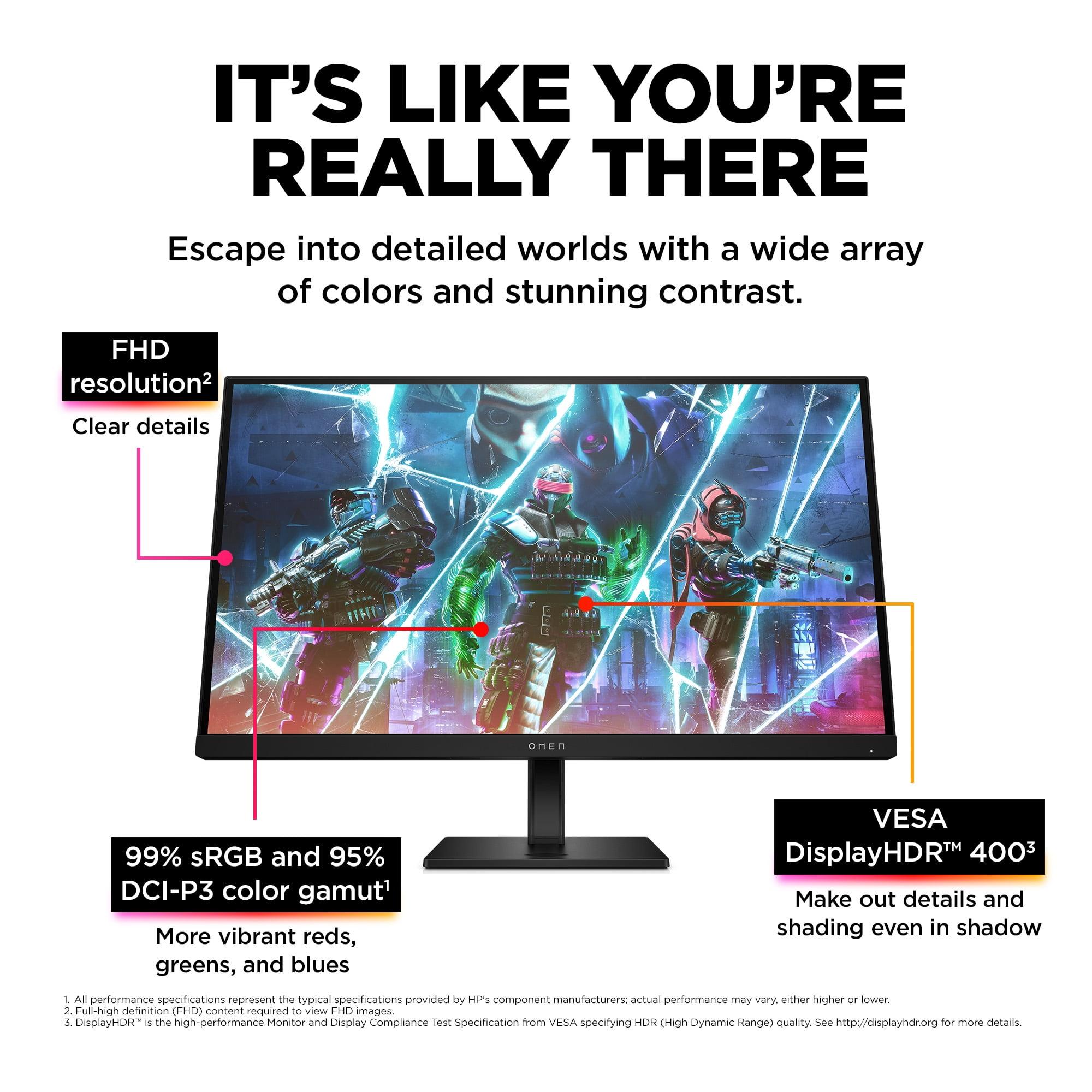
The HP OMEN 27s builds on IPS LCD technology that's proven itself reliable over decades. IPS panels work by liquid crystals rotating to control light passing through, which gives them excellent color consistency across wide viewing angles—up to 178 degrees in this case. The panel covers 99% of the sRGB color space and 95% of DCI-P3, which translates to accurate, vibrant colors that work well for both gaming and content creation.
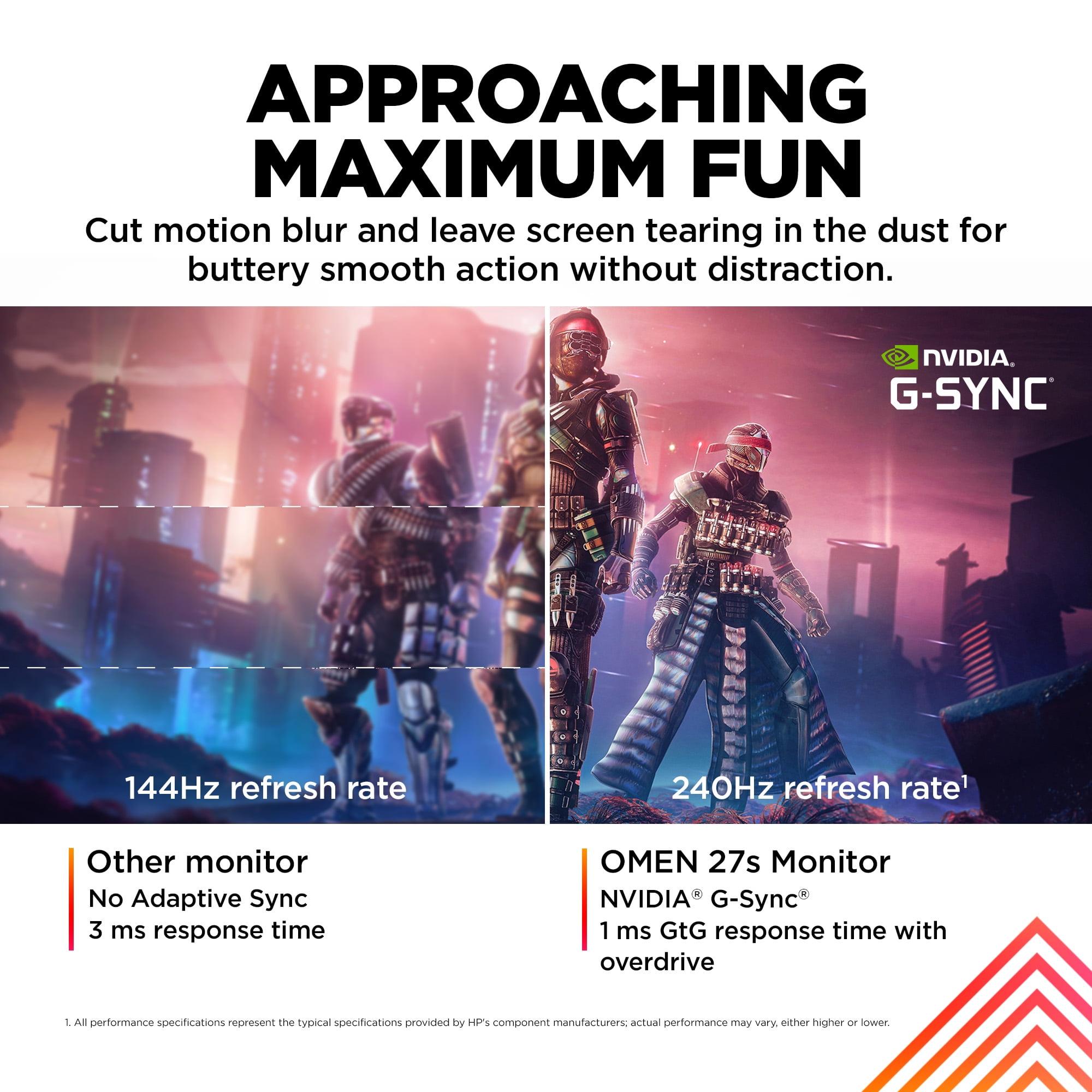
What's particularly impressive about this monitor is its response time of 1ms gray-to-gray (GtG) when using the Overdrive feature. Response time measures how quickly pixels can change from one shade of gray to another—crucial for preventing ghosting (those blurry trails behind moving objects). At 400 nits brightness with a 1000:1 contrast ratio, it delivers solid performance for most lighting conditions.
The anti-glare coating deserves mention too. This special treatment reduces reflections from room lights and windows, making it easier to game for extended periods without eye strain. It's a practical feature that often gets overlooked but makes a real difference in daily use.
The GIGABYTE MO27Q2 takes a fundamentally different approach with its QD-OLED panel from Samsung. OLED (Organic Light-Emitting Diode) technology means each pixel produces its own light—when a pixel needs to be black, it simply turns off completely. This creates perfect blacks and an effectively infinite contrast ratio, something LCD panels simply cannot match.
The "QD" part stands for Quantum Dot, a layer of microscopic semiconductor particles that enhance color production. This combination results in 99% DCI-P3 coverage with 10-bit color depth, meaning it can display over a billion different colors compared to the 16.7 million colors of typical 8-bit panels.
The response time is where OLED really shines—0.03ms is practically instantaneous and eliminates motion blur entirely. This isn't marketing fluff; the difference is genuinely visible when comparing side-by-side with LCD monitors. Fast-paced games like first-person shooters benefit enormously from this near-zero latency.
Here's where these monitors diverge significantly. The HP OMEN 27s uses Full HD resolution (1920×1080), giving it 82 pixels per inch (PPI). The GIGABYTE MO27Q2 jumps to QHD resolution (2560×1440) with 109 PPI—that's 77% more pixels covering the same screen area.
This difference matters more than you might think. At 27 inches, FHD can look somewhat pixelated, especially if you're used to higher-resolution displays. Text isn't as crisp, and fine details in games can appear jagged. However, there's a significant upside: your graphics card doesn't have to work as hard. A mid-range GPU can easily push 240fps in competitive games like Counter-Strike or Valorant at 1080p, while maintaining that same frame rate at 1440p requires substantially more horsepower.
The QHD resolution of the GIGABYTE MO27Q2 provides noticeably sharper imagery. Text is crisp, game textures show more detail, and the overall visual experience feels more premium. But this comes with the trade-off of requiring a high-end graphics card to maintain 240fps in demanding games.
For esports and competitive gaming, the HP OMEN 27s makes a compelling case. Its FHD resolution means even a RTX 4060 or RX 7600 can maintain 240fps+ in popular competitive titles. The 1ms response time with overdrive eliminates ghosting, and the IPS panel provides consistent colors across the entire screen—important when you need to spot enemies in dark corners.
The monitor supports both NVIDIA G-SYNC compatibility and AMD FreeSync Premium, which synchronize the display's refresh rate with your graphics card's frame output. This eliminates screen tearing (those horizontal lines that appear when frame rates don't match refresh rates) and reduces stuttering.
The GIGABYTE MO27Q2 takes competitive gaming to another level with its 0.03ms response time. This near-instantaneous pixel switching means clearer motion in fast-paced scenarios. The higher resolution also provides tactical advantages—you can spot distant enemies more easily, and fine details that might be lost at 1080p become visible.
For single-player games and visually stunning AAA titles, the GIGABYTE MO27Q2 is in a different league. The OLED technology transforms dark scenes—instead of the grayish blacks you get with LCD backlights, you see true darkness. This makes horror games genuinely scarier and gives space scenes the depth they deserve.
The VESA DisplayHDR True Black 400 certification means proper HDR support with the contrast needed to make highlights pop against dark backgrounds. While the HP OMEN 27s has VESA DisplayHDR 400 certification, LCD technology inherently can't achieve the same HDR impact as OLED.
Color accuracy also favors the GIGABYTE MO27Q2. The 10-bit color depth provides smoother color gradients, reducing banding in scenes with subtle color transitions like sunsets or fog effects.
We need to address OLED burn-in because it's a legitimate concern. Burn-in occurs when static elements (like UI elements or news tickers) remain on screen for extended periods, potentially leaving permanent ghost images. This was a major issue with early OLED TVs and monitors.
The GIGABYTE MO27Q2 includes AI-based OLED Care features designed to minimize this risk. These include pixel shifting (slightly moving the image to prevent static elements from staying in exactly the same pixels), screen savers, and logo detection algorithms. GIGABYTE also backs this up with a 3-year warranty that specifically covers burn-in—a confidence indicator worth noting.
That said, if you frequently leave static content on screen (like productivity apps with unchanging interfaces), the HP OMEN 27s eliminates this concern entirely. LCD panels don't suffer from burn-in, making them worry-free for mixed-use scenarios.
Both monitors offer solid connectivity, but with different approaches. The HP OMEN 27s provides comprehensive port selection with two HDMI 2.0 inputs, one DisplayPort 1.4, and a USB hub with upstream connection. The integrated 3-watt speakers won't replace a good headset, but they're convenient for casual use.
The GIGABYTE MO27Q2 steps up with more modern connectivity, including USB-C with KVM (Keyboard, Video, Mouse) functionality. This means you can connect a laptop via USB-C and seamlessly switch between your desktop and laptop with a single button, sharing the same keyboard and mouse. It's genuinely useful for people who work and game on the same setup.
A unique feature of the GIGABYTE MO27Q2 is the Tactical Switch—a dedicated button that quickly switches between full 27-inch QHD mode and a 24-inch FHD mode. Many professional esports players prefer smaller screen areas for competitive games, and this feature accommodates that preference without needing multiple monitors.
At the time of writing, these monitors sit in different value tiers, with the HP OMEN 27s positioned as a high-performance budget option and the GIGABYTE MO27Q2 as a premium choice. The price difference reflects genuine technological advancement, not just marketing positioning.
The HP OMEN 27s delivers excellent value for competitive gamers who prioritize high refresh rates over visual fidelity. You're getting proven IPS technology with all the features needed for serious gaming at a price point that doesn't require selling a kidney.
The GIGABYTE MO27Q2 commands a premium, but that premium buys you next-generation display technology. The superior contrast, color accuracy, and response times represent genuine improvements that enhance the gaming experience in measurable ways.
While primarily gaming monitors, both can serve home theater duties with varying success. The HP OMEN 27s works well for casual movie watching, but the 1080p resolution feels dated for a 27-inch screen when streaming 4K content gets downscaled.
The GIGABYTE MO27Q2 excels as a home theater display. The OLED technology makes movies look stunning with perfect blacks and vibrant colors. HDR content truly shines, and the 1440p resolution provides a good balance between sharpness and compatibility with various content sources.
However, consider the size factor—27 inches is relatively small for home theater use unless you're sitting quite close. Both monitors work better as personal displays than room-filling entertainment centers.
The HP OMEN 27s is perfect for:
The GIGABYTE MO27Q2 is ideal for:
These monitors represent two valid approaches to high-refresh gaming. The HP OMEN 27s proves that you don't need to spend a fortune to get excellent gaming performance, while the GIGABYTE MO27Q2 showcases what's possible when price isn't the primary constraint.
The technology gap is real and meaningful. OLED's superior contrast, color accuracy, and response times provide genuine improvements to the gaming experience. Whether those improvements justify the price premium depends on your priorities, budget, and gaming habits.
If you're primarily playing competitive esports titles and want the highest possible frame rates, the HP OMEN 27s delivers exceptional value. If you want the best possible visual experience and have the hardware to drive it, the GIGABYTE MO27Q2 is worth the investment.
Both represent solid choices in their respective segments, and either will significantly upgrade your gaming experience from a standard 60Hz display. The question isn't whether these monitors are good—it's which philosophy aligns better with how you actually use your computer.
| HP OMEN 27s FHD 240Hz Gaming Monitor | GIGABYTE MO27Q2 27" QD-OLED QHD 240Hz Gaming Monitor |
|---|---|
| Panel Technology - Determines contrast, colors, and longevity | |
| IPS LCD with quantum dot enhancement | Samsung QD-OLED with perfect blacks |
| Resolution - Higher resolution means sharper images but requires more GPU power | |
| 1920 × 1080 (FHD) - 82 PPI | 2560 × 1440 (QHD) - 109 PPI |
| Response Time - Lower is better for eliminating motion blur in fast games | |
| 1ms GTG with Overdrive | 0.03ms GTG (33x faster than LCD) |
| Refresh Rate - Both deliver ultra-smooth 240Hz gaming | |
| 240Hz via DisplayPort and HDMI | 240Hz via DisplayPort and HDMI |
| Contrast Ratio - Higher contrast creates more realistic images | |
| 1,000:1 (typical LCD limitation) | 1,500,000:1 (effectively infinite with OLED) |
| Color Gamut - Wider coverage means more vibrant, accurate colors | |
| 99% sRGB, 95% DCI-P3 | 99% DCI-P3 with 10-bit color depth |
| Peak Brightness - Higher brightness better for HDR and bright rooms | |
| 400 nits with VESA DisplayHDR 400 | 1000 nits peak with VESA DisplayHDR True Black 400 |
| Variable Refresh Rate - Eliminates screen tearing | |
| NVIDIA G-SYNC Compatible + AMD FreeSync Premium | AMD FreeSync Premium Pro + NVIDIA G-SYNC Compatible |
| Burn-in Risk - Important consideration for long-term use | |
| No burn-in risk (LCD technology) | Potential OLED burn-in with static content (3-year warranty coverage) |
| Connectivity - More ports mean better flexibility | |
| 2× HDMI 2.0, 1× DisplayPort 1.4, USB hub, 3.5mm audio | 2× HDMI 2.1, 1× DisplayPort 1.4, USB-C with KVM, USB hub |
| Ergonomics - Essential for comfortable long gaming sessions | |
| Height, tilt, pivot, swivel adjustments + VESA mount | Height, tilt, pivot, swivel adjustments + VESA mount |
| Unique Features - Standout capabilities that differentiate each monitor | |
| HP Eye Ease certification, custom crosshairs via OMEN Gaming Hub | Tactical Switch (27" QHD ↔ 24" FHD), AI-based OLED Care, KVM functionality |
| Best For - Who should consider each monitor | |
| Competitive esports gaming, budget-conscious buyers, mid-range GPUs | Premium AAA gaming, content creation, high-end GPU owners |
| Value Proposition - What you get for your money | |
| Excellent 240Hz performance at accessible price point | Cutting-edge QD-OLED technology with premium features |
The HP OMEN 27s uses traditional IPS LCD technology at 1080p resolution, while the GIGABYTE MO27Q2 features cutting-edge QD-OLED technology at 1440p resolution. The OLED monitor delivers perfect blacks, faster response times, and sharper images, but costs significantly more than the LCD option.
Both monitors excel at competitive gaming with 240Hz refresh rates. The HP OMEN 27s is ideal for esports due to its 1080p resolution allowing mid-range GPUs to maintain 240fps easily. The GIGABYTE MO27Q2 offers superior motion clarity with its 0.03ms response time, but requires more powerful hardware to drive 1440p at high frame rates.
The HP OMEN 27s works well with mid-range cards like RTX 4060 or RX 7600 for competitive gaming. The GIGABYTE MO27Q2 really shines with high-end cards like RTX 4070 or better to take full advantage of its 1440p resolution at 240Hz.
The GIGABYTE MO27Q2 delivers superior image quality with its QD-OLED panel offering perfect blacks, infinite contrast, and 10-bit color depth. The HP OMEN 27s provides good IPS LCD image quality with wide viewing angles, but cannot match OLED's contrast and color performance.
The GIGABYTE MO27Q2 includes AI-based OLED care features and a 3-year burn-in warranty to address this concern. Modern OLED monitors are much more resistant to burn-in than earlier generations. The HP OMEN 27s has no burn-in risk as an LCD monitor.
The HP OMEN 27s offers excellent value for budget-conscious gamers wanting 240Hz performance. The GIGABYTE MO27Q2 costs more but provides premium QD-OLED technology that justifies the price difference for enthusiasts seeking the best image quality.
Both monitors support console gaming well. The HP OMEN 27s handles 1080p console gaming perfectly with its HDMI 2.0 ports. The GIGABYTE MO27Q2 offers enhanced console features with HDMI 2.1 support and superior HDR performance for next-gen console experiences.
The HP OMEN 27s is safer for productivity with no burn-in risk and anti-glare coating. The GIGABYTE MO27Q2 offers sharper 1440p resolution and better color accuracy for creative work, but requires caution with static content due to OLED burn-in potential.
The GIGABYTE MO27Q2 provides genuine HDR experience with VESA DisplayHDR True Black 400 and perfect blacks. The HP OMEN 27s has VESA DisplayHDR 400 certification but cannot achieve the same HDR impact due to LCD backlight limitations.
The GIGABYTE MO27Q2 offers more modern connectivity with HDMI 2.1, USB-C with KVM functionality, and the ability to switch between devices seamlessly. The HP OMEN 27s provides solid connectivity with HDMI 2.0, DisplayPort, and USB hub features.
Yes, the difference is significant. The HP OMEN 27s offers 1ms response time which is excellent for LCD. The GIGABYTE MO27Q2 achieves 0.03ms response time - that's 33 times faster and virtually eliminates all motion blur for the smoothest possible gaming experience.
Choose the HP OMEN 27s if you want excellent 240Hz gaming performance at a reasonable price, have a mid-range GPU, or prioritize reliability without burn-in concerns. Pick the GIGABYTE MO27Q2 if you want the absolute best image quality, have a high-end GPU, and are willing to pay premium prices for cutting-edge QD-OLED technology.
We've done our best to create useful and informative comparisons to help you decide what product to buy. Our research uses advanced automated methods to create this comparison and perfection is not possible - please contact us for corrections or questions. These are the sites we've researched in the creation of this article: bestbuy.com - hp.com - shi.com - hp.com - bestbuy.com - hp.com - tomshardware.com - hp.com - rtings.com - hp.com - displayspecifications.com - support.hp.com - publicsector.shidirect.com - objects.icecat.biz - files.bbystatic.com - hp.com - displayspecifications.com - gigabyte.com - youtube.com - newegg.com - mezha.media - tech-critter.com - gigabyte.com - forum.pcmonitors.info - techspot.com - aorus.com - saltynewsnetwork.com - infiniarc.com - gigabyte.com - bestbuy.com - youtube.com - gigabyte.com - gigabyte.com - displayspecifications.com - aorus.com - gigabyte.com - gigabyte.com

Privacy Policy
Terms and Conditions - Affiliate Policy
Home Security
© Copyright 2008-2026.
11816 Inwood Rd #1211, Dallas, TX 75244