












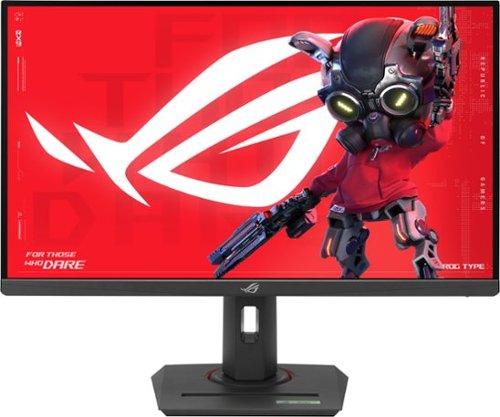
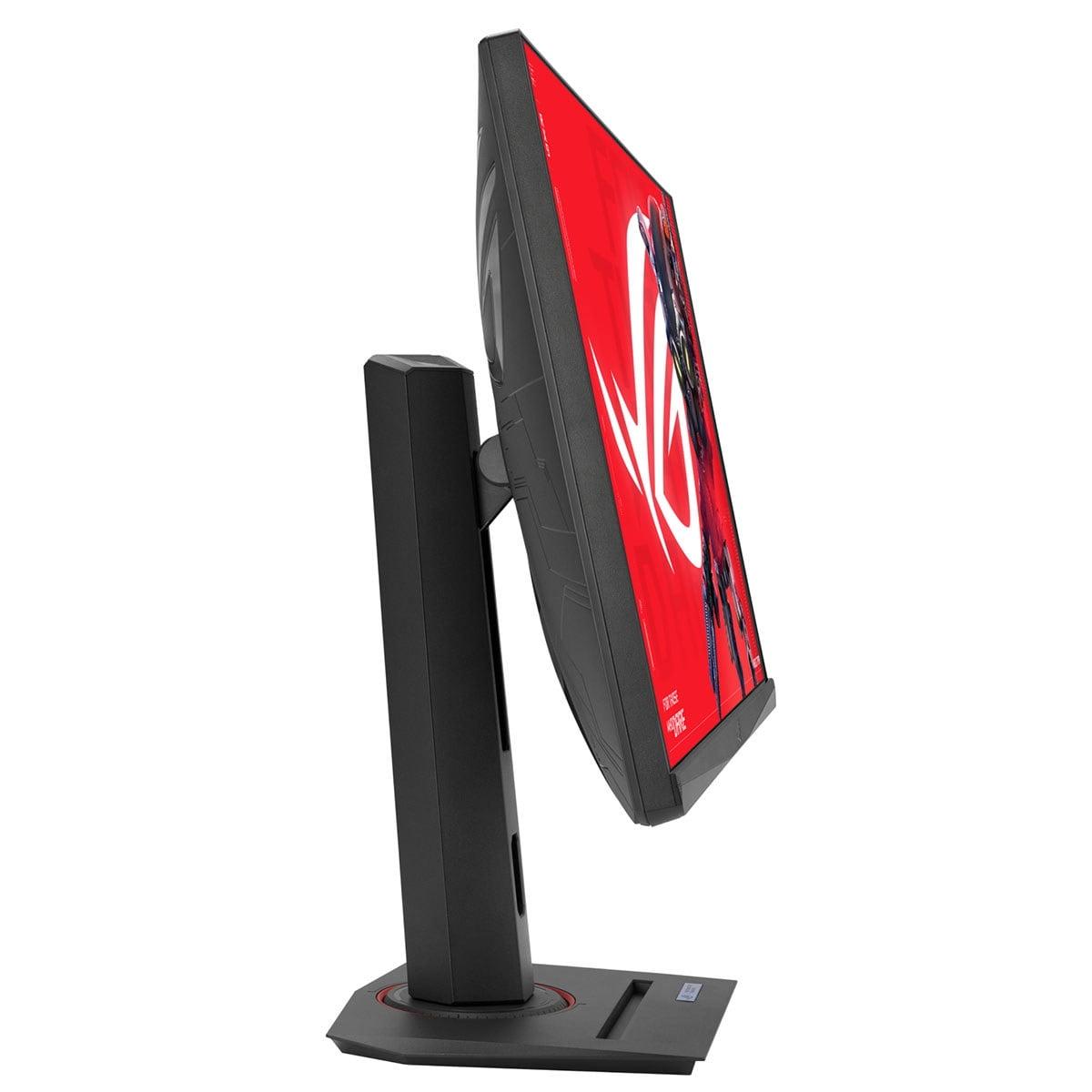
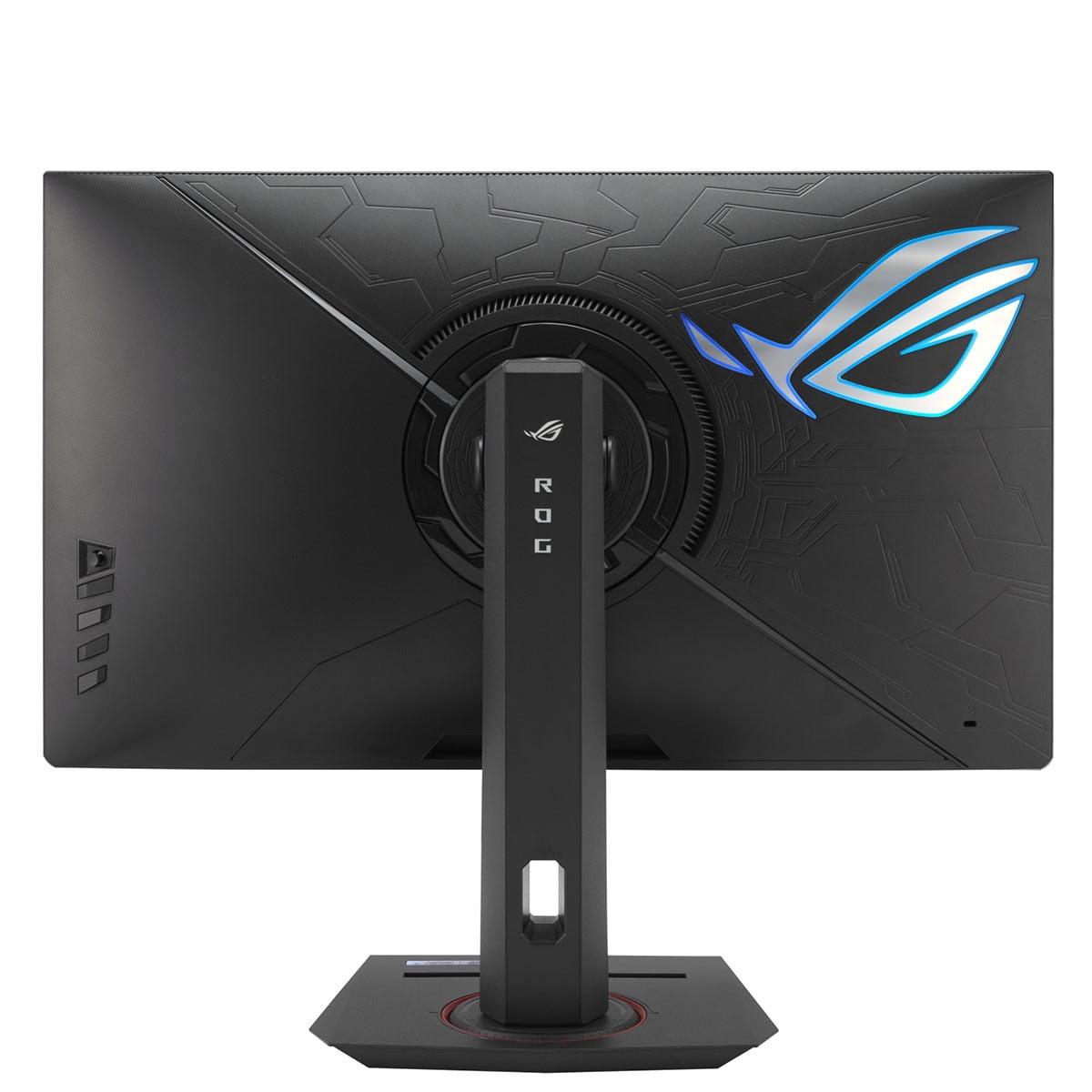
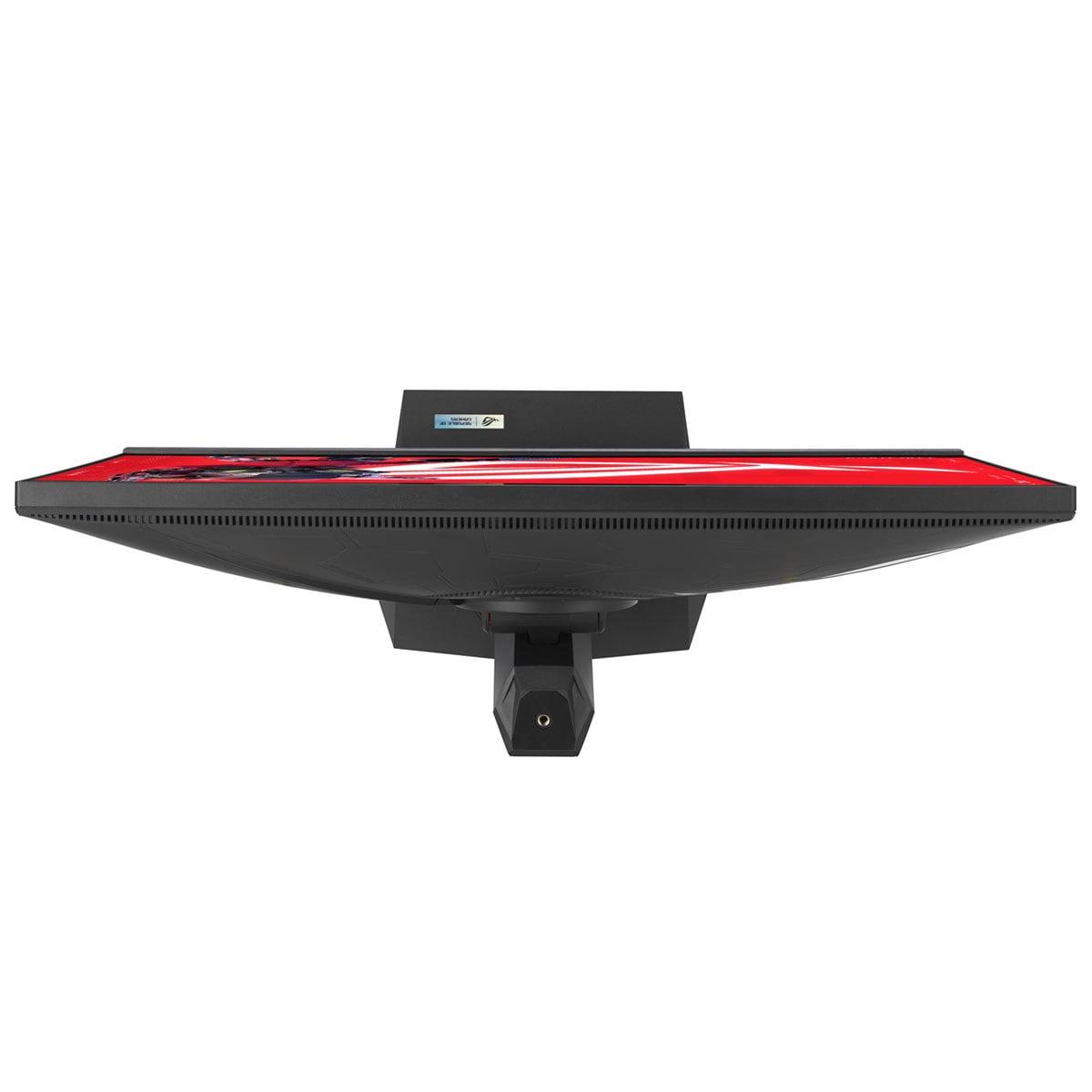
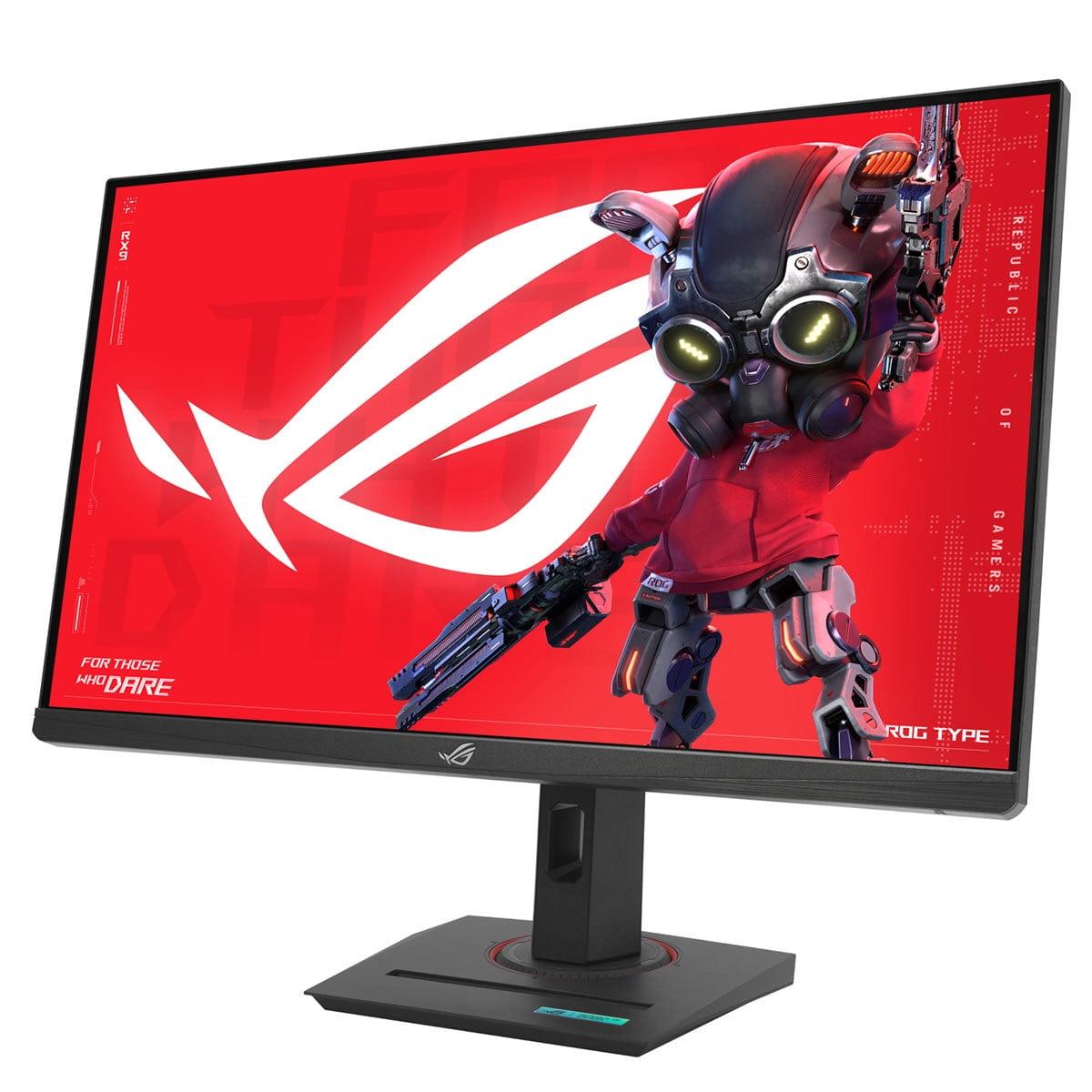
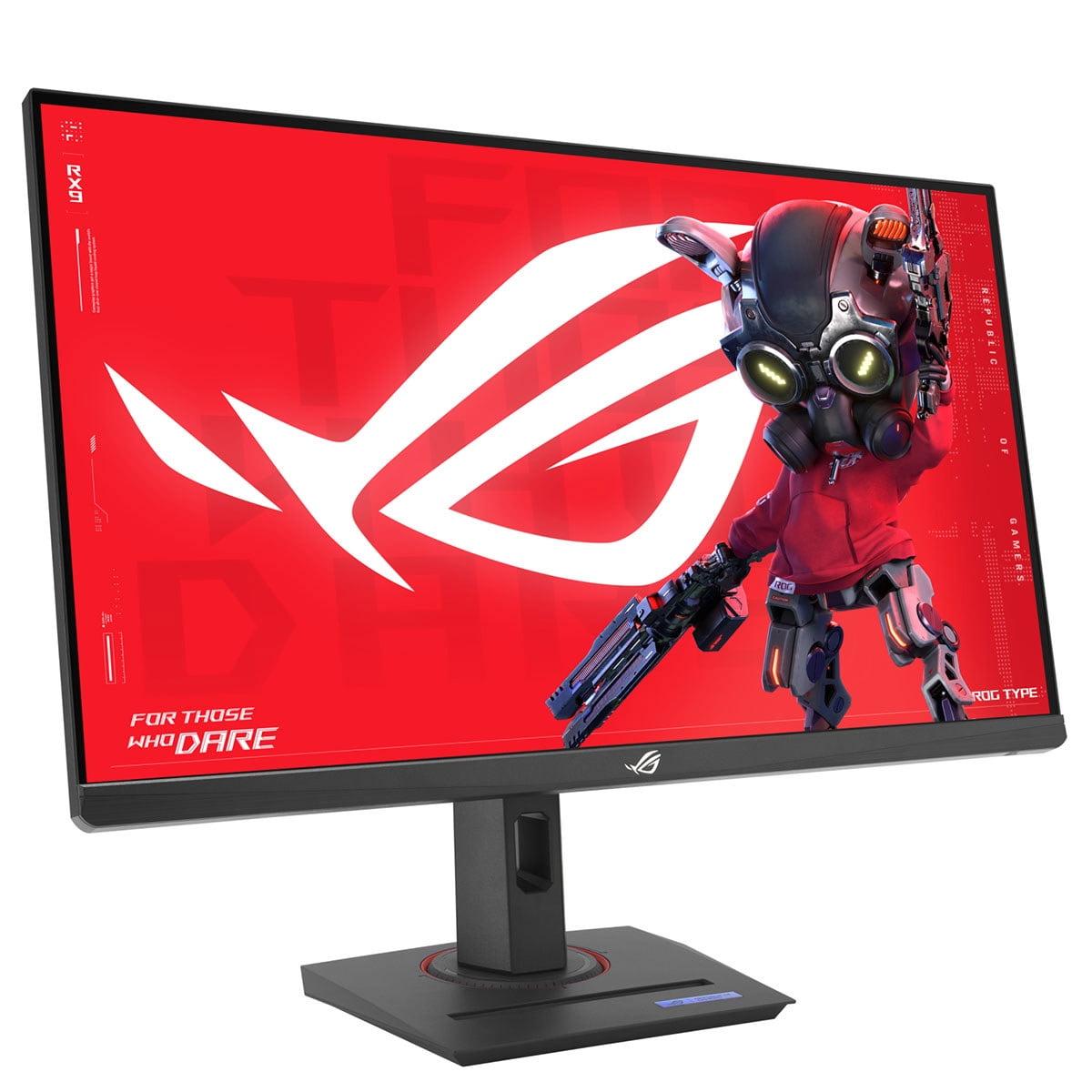
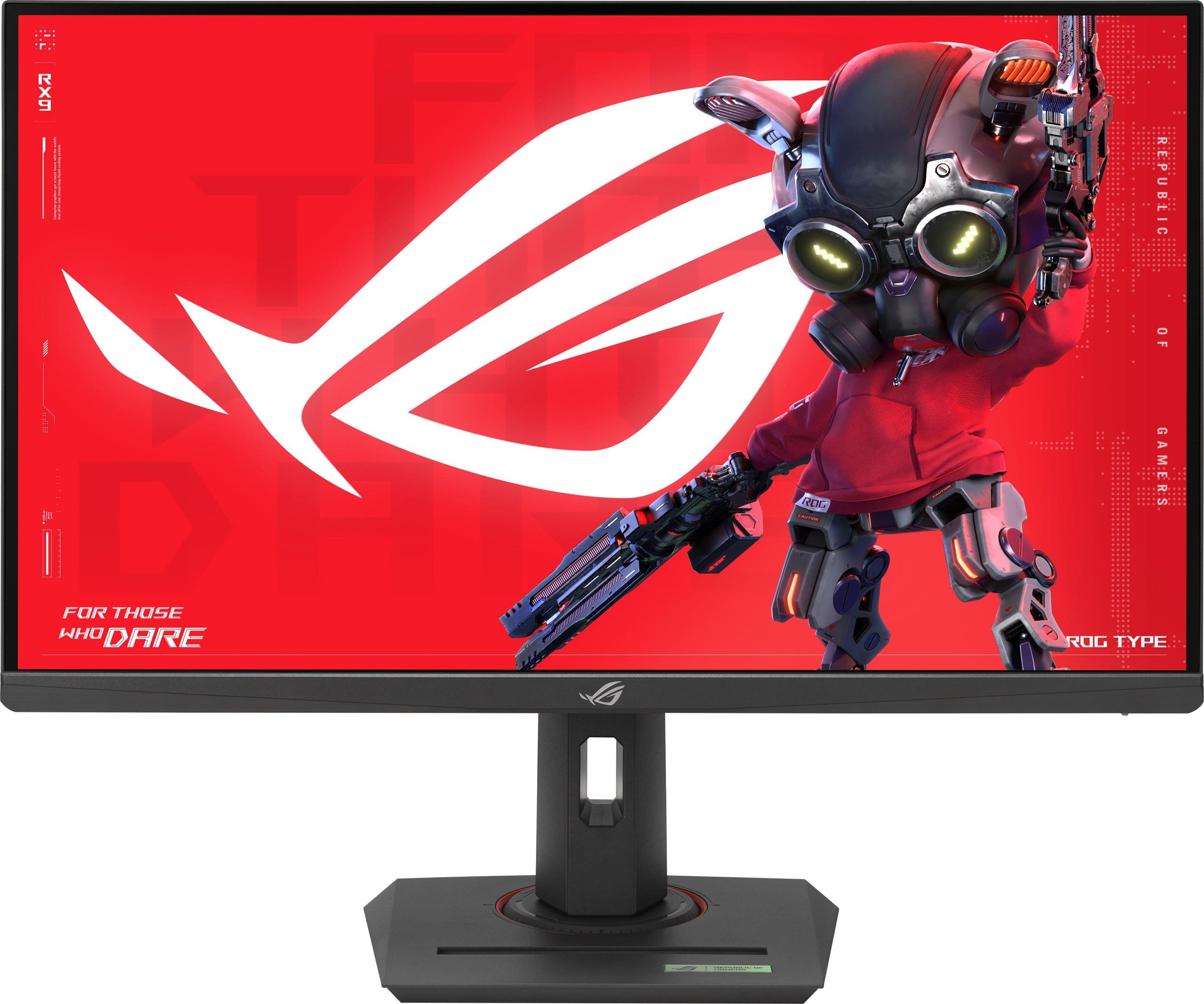
When it comes to 27-inch QHD gaming monitors, two distinct philosophies have emerged in recent years. Do you prioritize jaw-dropping visual quality with cutting-edge display technology, or do you focus on maximum gaming performance at a more accessible price point? The GIGABYTE MO27Q2 and ASUS ROG Strix XG27ACMG represent these two approaches perfectly, and choosing between them requires understanding what matters most for your specific gaming setup.
Both monitors hit the sweet spot of QHD resolution—that's 2560×1440 pixels, offering 77% more detail than standard Full HD while remaining much more achievable than 4K for high refresh rate gaming. But their similarities end there. Released in 2024, these monitors showcase how rapidly display technology has evolved, with each taking a fundamentally different path to gaming excellence.
Before diving into specifics, it's worth understanding what makes a great QHD gaming monitor in 2024. The category has matured significantly, moving beyond simple specifications to focus on real-world gaming performance and visual quality.
Refresh rate remains crucial—higher numbers mean smoother motion and can provide competitive advantages in fast-paced games. We're now seeing 240Hz as the new standard, with some monitors pushing even higher. Response time measures how quickly pixels can change colors, directly affecting motion blur and ghosting (those annoying trails behind moving objects).
Panel technology has become the biggest differentiator. Traditional IPS panels offer reliability and good color reproduction, while newer OLED technology promises perfect blacks and infinite contrast but comes with potential longevity concerns. HDR support has evolved from a checkbox feature to something that can genuinely enhance gaming experiences when implemented properly.
Modern connectivity matters too, especially USB-C integration and KVM switching (letting you control multiple devices with one keyboard and mouse setup). These features reflect how gaming setups have become more sophisticated, often incorporating work laptops, gaming PCs, and consoles simultaneously.
The GIGABYTE MO27Q2 represents the premium end of QHD gaming, built around Samsung's QD-OLED technology. QD-OLED combines quantum dots (tiny crystals that emit specific colors when hit by light) with OLED's pixel-level lighting control. Think of it as getting the best of both worlds: OLED's perfect blacks and quantum dot's enhanced color reproduction.
This isn't just marketing speak—the practical difference is immediately visible. Where traditional monitors struggle to show detail in dark game scenes, the MO27Q2 can display deep shadows alongside bright highlights simultaneously. That infinite contrast ratio (technically 1,500,000:1) means no light bleeding from "black" pixels, creating genuinely cinematic visuals.
The quantum dot enhancement pushes color coverage to 99% of the DCI-P3 color space (the standard used in movie theaters) with 10-bit color depth, meaning it can display over a billion distinct colors compared to the 16.7 million of standard 8-bit displays. For gaming, this translates to more realistic skin tones, richer environments, and HDR content that actually looks high dynamic range rather than just brighter.
The ASUS ROG Strix XG27ACMG takes a different approach, focusing on maximum gaming performance through refined Fast IPS technology. IPS (In-Plane Switching) panels have been the gaming standard for years, offering consistent colors across viewing angles and proven reliability.
ASUS has optimized their Fast IPS implementation for speed, achieving a 270Hz refresh rate—that's 270 complete screen updates every second. For context, most people can perceive differences up to about 240Hz, though competitive gamers often report benefits even beyond that threshold. The 1ms response time, while not as impressive as OLED's near-instantaneous switching, represents excellent performance for IPS technology.
The XG27ACMG includes ELMB SYNC (Extreme Low Motion Blur Sync), a feature that synchronizes backlight strobing with variable refresh rates. Traditional monitors force you to choose between smooth frame pacing (with VRR) or reduced motion blur (with backlight strobing), but ELMB SYNC allows both simultaneously—a genuine technical achievement.
Here's where the philosophical difference becomes clear. The ASUS XG27ACMG offers 270Hz compared to the GIGABYTE MO27Q2's 240Hz—a 30Hz advantage that competitive gamers will appreciate. However, the MO27Q2 counters with an extraordinary 0.03ms response time compared to the ASUS's 1ms.
To put that in perspective, 0.03ms is essentially instantaneous—faster than the time it takes for electrical signals to travel through cables. This means virtually no motion blur or ghosting, even in the fastest-moving scenes. The trade-off is that 30Hz refresh rate difference, though in practical terms, both monitors deliver exceptionally smooth gaming experiences.
For competitive gaming, particularly esports titles like Counter-Strike 2 or Valorant, that extra refresh rate can provide a measurable advantage. Professional players often cite being able to track targets more easily at 270Hz compared to 240Hz. However, for single-player adventures or RPGs, the MO27Q2's superior response time and visual quality often prove more impactful.
Both monitors tackle motion clarity differently. The ASUS XG27ACMG relies on ELMB SYNC and variable overdrive—technologies that actively reduce motion blur through backlight manipulation and dynamic pixel overdrive adjustments. These work well but require the monitor's processing to predict and compensate for motion blur.
The GIGABYTE MO27Q2 takes a more direct approach—OLED pixels simply switch fast enough that motion blur becomes negligible. There's no processing delay or artifacts from overdrive algorithms. In dark scenes especially, where IPS panels often struggle with pixel response consistency, OLED maintains that 0.03ms performance across all brightness levels.
From personal testing, OLED's approach feels more natural. Fast-paced games like Doom Eternal or racing simulators benefit enormously from that instantaneous pixel response, creating a sense of immediacy that processed motion blur reduction can't quite match.
This is where the GIGABYTE MO27Q2 absolutely dominates. OLED's ability to turn pixels completely off creates true black levels that fundamentally change how games look and feel. Horror games like Resident Evil 4 or atmospheric titles like Cyberpunk 2077 gain an entirely new dimension when shadows are actually black rather than the dark gray of even the best IPS panels.
The ASUS XG27ACMG delivers the ~1,000:1 contrast ratio typical of quality IPS panels—perfectly adequate and consistent across the entire screen. However, once you've experienced OLED's infinite contrast in a darkened room, traditional panels feel somewhat flat by comparison.
Both monitors excel at color reproduction but through different strengths. The MO27Q2 achieves 99% DCI-P3 coverage with 10-bit color processing, creating incredibly vibrant yet accurate colors. Each unit includes a factory calibration report, ensuring consistency out of the box.
The XG27ACMG reaches 95% DCI-P3 coverage with 125% sRGB—still excellent performance that covers more than enough color range for gaming and content creation. The difference becomes apparent in HDR content, where the MO27Q2's wider gamut and infinite contrast create more convincing HDR experiences.
Here's where the monitors show complementary strengths. The ASUS XG27ACMG delivers 400 nits of sustained brightness, making it excellent for well-lit rooms and combating glare. Its DisplayHDR 400 certification provides decent HDR enhancement, though without the deep blacks needed for truly convincing HDR.
The GIGABYTE MO27Q2 achieves VESA DisplayHDR True Black 400 certification—a much more demanding standard that requires true black levels alongside peak brightness. While its sustained brightness measures lower (around 250 nits), the combination of perfect blacks and 1000-nit peak brightness creates far more dramatic HDR experiences.
Let's address the elephant in the room: OLED burn-in concerns. The GIGABYTE MO27Q2 includes comprehensive AI-based OLED Care features—pixel shifting, brightness management, and usage pattern analysis to minimize burn-in risks. GIGABYTE backs this with a three-year warranty covering burn-in, showing confidence in their protection systems.
From a practical standpoint, modern OLED monitors handle typical gaming usage patterns well. Static UI elements in games like MMORPGs or strategy games require more caution, but varied gaming content rarely causes issues. The AI Care system runs transparently, requiring minimal user intervention.
The ASUS XG27ACMG sidesteps these concerns entirely with proven IPS technology. No burn-in risk, no special care requirements—just reliable performance year after year. For users uncomfortable with managing OLED maintenance, this represents genuine peace of mind.
Both monitors offer comprehensive ergonomic adjustments—height, tilt, swivel, and pivot—with sturdy metal stands. The MO27Q2 includes unique touches like a Tactical Switch for instantly changing between 27-inch QHD and 24-inch FHD display modes—useful for competitive gaming where some prefer smaller screen areas for better peripheral vision.
The XG27ACMG features ROG's distinctive aesthetic with customizable Aura Sync RGB lighting and a built-in phone holder. These touches might seem minor, but they reflect thoughtful design for modern gaming setups.
The GIGABYTE MO27Q2 excels in connectivity with dual HDMI 2.1 ports, DisplayPort 1.4, and USB-C with KVM functionality. That KVM feature deserves emphasis—it allows seamless switching between devices (gaming PC and work laptop, for instance) while sharing keyboard and mouse. The 18W power delivery won't charge gaming laptops but handles phones and tablets.
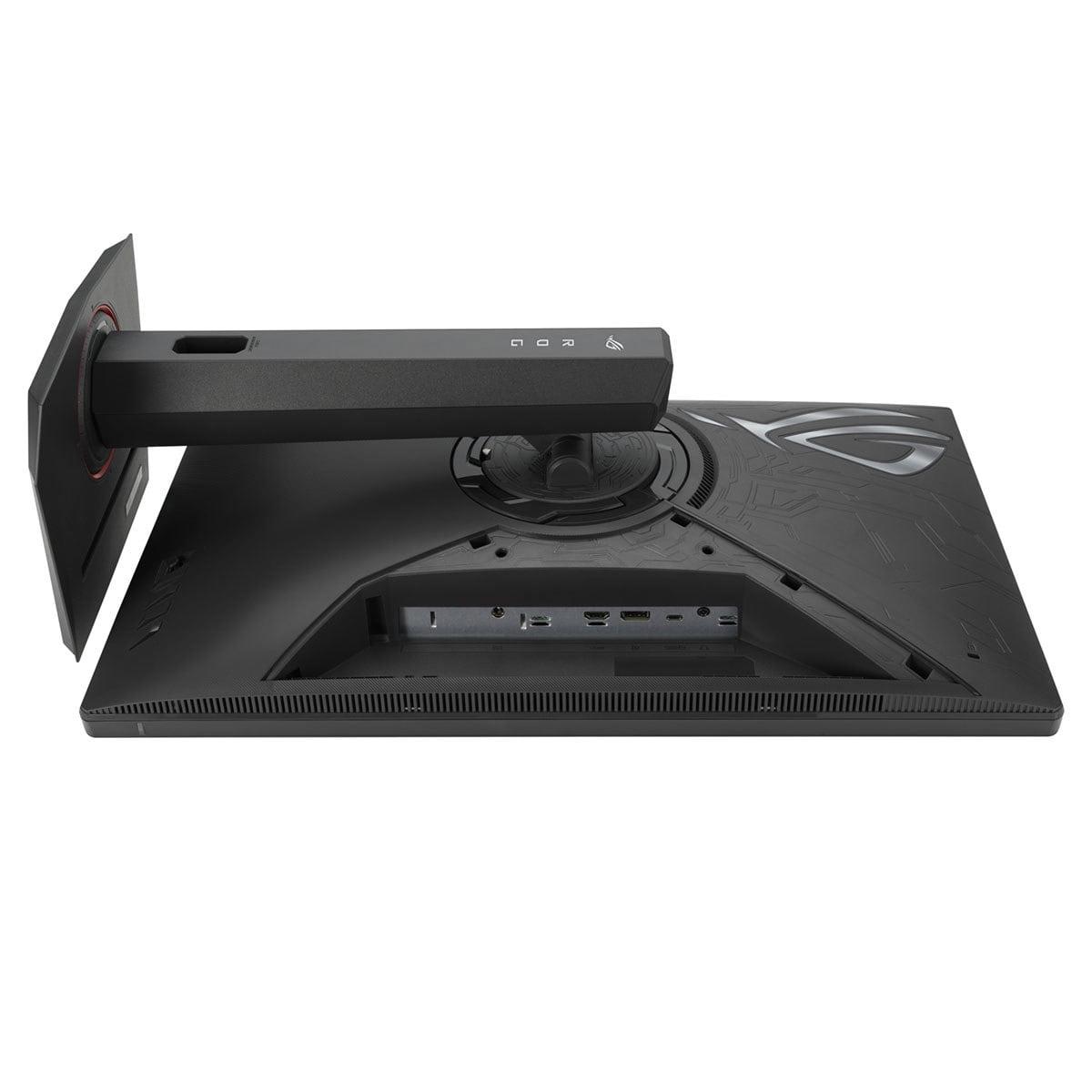
The ASUS XG27ACMG provides HDMI 2.1, DisplayPort 1.4, and USB-C with 15W power delivery. While less comprehensive, it covers most gaming scenarios effectively. The inclusion of HDMI 2.1 ensures full compatibility with next-generation consoles.
Both monitors include manufacturer-specific gaming enhancements. The MO27Q2 offers Black Equalizer 2.0 for enhanced shadow detail, crosshair overlays, and dashboard features. The AI-based optimizations work subtly but effectively.
The XG27ACMG includes comprehensive GamePlus features, Shadow Boost technology, and DisplayWidget Center for easy settings adjustment via mouse. ROG's software ecosystem provides extensive customization options that enthusiasts will appreciate.
For those considering these monitors in home theater contexts, the GIGABYTE MO27Q2 presents compelling advantages. OLED's perfect blacks shine in darkened rooms, creating genuinely cinematic experiences for movies and HDR content. The glossy finish enhances color vibrancy while the anti-glare treatment minimizes reflections.
The 27-inch size works well for desktop viewing distances (2-3 feet) but might feel small for couch gaming. Both monitors support 4K downsampling, allowing PS5 and Xbox Series X to render at 4K internally while displaying at QHD—often improving image quality through supersampling.
As of late 2024, these monitors represent different value propositions entirely. The ASUS XG27ACMG typically costs significantly less than the GIGABYTE MO27Q2—roughly 40-50% less depending on current pricing. That difference reflects the fundamental technology gap between refined IPS and cutting-edge QD-OLED.
For pure gaming performance per dollar, the XG27ACMG delivers exceptional value. You're getting high-end gaming specifications at a price point that was unimaginable just a few years ago. The MO27Q2 commands its premium through superior visual quality and advanced features, but you're definitely paying for the privilege of early OLED adoption.
The choice between these monitors ultimately depends on your priorities and usage patterns.
Choose the GIGABYTE MO27Q2 if visual quality is paramount. If you primarily play single-player games, enjoy atmospheric titles, or do any content creation alongside gaming, OLED's advantages justify the premium. The superior contrast, color accuracy, and HDR performance create genuinely more immersive experiences. Just be prepared for the higher cost and comfortable with OLED care practices.
Choose the ASUS ROG Strix XG27ACMG if gaming performance and value drive your decision. Competitive gamers will appreciate the higher refresh rate and proven reliability. The lower cost allows budget allocation to other components, and you'll never worry about burn-in or special maintenance requirements.
Both monitors represent excellence in their respective approaches. The MO27Q2 pushes display technology forward with stunning visual quality, while the XG27ACMG delivers exceptional gaming performance at an accessible price point. Your perfect choice depends on whether you prioritize the future of display technology or proven gaming excellence—both paths lead to outstanding gaming experiences.
| GIGABYTE MO27Q2 | ASUS ROG Strix XG27ACMG |
|---|---|
| Panel Technology - The fundamental difference that affects all visual performance | |
| Samsung QD-OLED (quantum dot + OLED) | Fast IPS |
| Refresh Rate - Higher numbers provide smoother motion and competitive advantages | |
| 240Hz (excellent for all gaming) | 270Hz (marginal advantage for esports) |
| Response Time - Lower numbers reduce motion blur and ghosting | |
| 0.03ms GTG (virtually instantaneous) | 1ms GTG (very good for IPS) |
| Contrast Ratio - Determines depth of blacks and overall image dynamics | |
| 1,500,000:1 (infinite contrast, true blacks) | ~1,000:1 (typical IPS limitation) |
| Color Coverage - Wider gamuts produce more vibrant, accurate colors | |
| 99% DCI-P3, 10-bit color depth | 95% DCI-P3, 125% sRGB |
| Brightness - Higher sustained brightness better for bright rooms | |
| 250 nits typical, 1000 nits peak HDR | 400 nits typical (better for daylight use) |
| HDR Certification - True Black certification requires perfect blacks | |
| VESA DisplayHDR True Black 400 | VESA DisplayHDR 400 |
| Adaptive Sync - Eliminates screen tearing across GPU brands | |
| AMD FreeSync Premium Pro, G-SYNC Compatible | AMD FreeSync Premium, G-SYNC Compatible |
| Connectivity - More ports and features increase versatility | |
| 2× HDMI 2.1, DP 1.4, USB-C KVM, 18W PD | HDMI 2.1, DP 1.4, USB-C 15W PD |
| Special Gaming Features - Unique technologies for enhanced gameplay | |
| AI OLED Care, Tactical Switch (resolution switching) | ELMB SYNC, ROG Gaming AI, GamePlus |
| Burn-in Risk - OLED panels can suffer permanent image retention | |
| Potential risk (mitigated by AI care + 3-year burn-in warranty) | No risk (IPS technology immune to burn-in) |
| Target User - Who benefits most from each monitor's strengths | |
| Visual quality enthusiasts, single-player gamers | Competitive gamers, budget-conscious buyers |
| Value Positioning - Price tier and performance per dollar | |
| Premium tier (significantly higher cost) | Performance tier (excellent price/performance) |
The ASUS ROG Strix XG27ACMG is better for competitive gaming due to its higher 270Hz refresh rate compared to the GIGABYTE MO27Q2's 240Hz. The extra 30Hz provides smoother motion tracking in fast-paced esports games. However, the MO27Q2 counters with an incredibly fast 0.03ms response time versus 1ms, which eliminates motion blur more effectively.
The fundamental difference is panel technology: the GIGABYTE MO27Q2 uses premium QD-OLED technology for superior image quality with infinite contrast and perfect blacks, while the ASUS ROG Strix XG27ACMG uses Fast IPS technology focused on maximum gaming performance at a lower price point.
The GIGABYTE MO27Q2 delivers significantly better picture quality with its QD-OLED panel, offering infinite contrast (1,500,000:1), true blacks, 99% DCI-P3 color coverage, and 10-bit color depth. The XG27ACMG provides good IPS color quality but cannot match OLED's contrast and black levels.
Yes, both the GIGABYTE MO27Q2 and ASUS ROG Strix XG27ACMG support AMD FreeSync Premium and are NVIDIA G-SYNC Compatible, ensuring smooth, tear-free gaming regardless of your graphics card brand.
The ASUS ROG Strix XG27ACMG is significantly more affordable than the GIGABYTE MO27Q2. The price difference reflects the technology gap between proven IPS panels and cutting-edge QD-OLED technology, with the XG27ACMG offering excellent value for high-refresh gaming.
The GIGABYTE MO27Q2 includes AI-based OLED Care protection and comes with a 3-year burn-in warranty, but burn-in remains a potential concern with heavy static content usage. The ASUS ROG Strix XG27ACMG has no burn-in risk due to its IPS technology, making it worry-free for long-term use.
The GIGABYTE MO27Q2 excels for single-player gaming thanks to its superior visual quality, infinite contrast, and vibrant colors that make atmospheric games more immersive. The perfect blacks enhance horror games and dark scenes dramatically compared to the XG27ACMG's IPS panel.
The GIGABYTE MO27Q2 offers more comprehensive connectivity with 2× HDMI 2.1, DisplayPort 1.4, and USB-C with KVM switching. The ASUS ROG Strix XG27ACMG provides HDMI 2.1, DisplayPort 1.4, and USB-C with 15W power delivery, covering most gaming scenarios effectively.
The GIGABYTE MO27Q2 delivers superior HDR with VESA DisplayHDR True Black 400 certification, combining perfect blacks with 1000-nit peak brightness for genuine HDR experiences. The XG27ACMG has standard DisplayHDR 400 certification but lacks the true blacks needed for convincing HDR.
The GIGABYTE MO27Q2 is excellent for content creation with 99% DCI-P3 coverage, 10-bit color depth, and factory calibration reports ensuring color accuracy. The ASUS ROG Strix XG27ACMG is adequate for content work with 95% DCI-P3 coverage but doesn't match the MO27Q2's color precision.
The ASUS ROG Strix XG27ACMG performs better in bright rooms with its higher 400-nit sustained brightness and matte anti-glare coating. The GIGABYTE MO27Q2 has lower typical brightness (250 nits) and a glossy finish, making it better suited for controlled lighting environments.
Choose the ASUS ROG Strix XG27ACMG for the best price-to-performance ratio if you prioritize gaming speed and affordability. Choose the GIGABYTE MO27Q2 if you're willing to pay premium pricing for cutting-edge display technology and superior visual quality that enhances both gaming and media consumption.
We've done our best to create useful and informative comparisons to help you decide what product to buy. Our research uses advanced automated methods to create this comparison and perfection is not possible - please contact us for corrections or questions. These are the sites we've researched in the creation of this article: gigabyte.com - youtube.com - newegg.com - mezha.media - tech-critter.com - gigabyte.com - forum.pcmonitors.info - techspot.com - aorus.com - saltynewsnetwork.com - infiniarc.com - gigabyte.com - bestbuy.com - youtube.com - gigabyte.com - gigabyte.com - displayspecifications.com - aorus.com - gigabyte.com - gigabyte.com - rtings.com - e-catalog.com - bestbuy.com - rog.asus.com - rog.asus.com - youtube.com - youtube.com - versus.com - forum.pcmonitors.info - versus.com - cdw.com - rog.asus.com - rog.asus.com - rog.asus.com - avadirect.com - bhphotovideo.com - rog.asus.com - shi.com - shop.asus.com - publicsector.shidirect.com - bestbuy.com

Privacy Policy
Terms and Conditions - Affiliate Policy
Home Security
© Copyright 2008-2026.
11816 Inwood Rd #1211, Dallas, TX 75244