












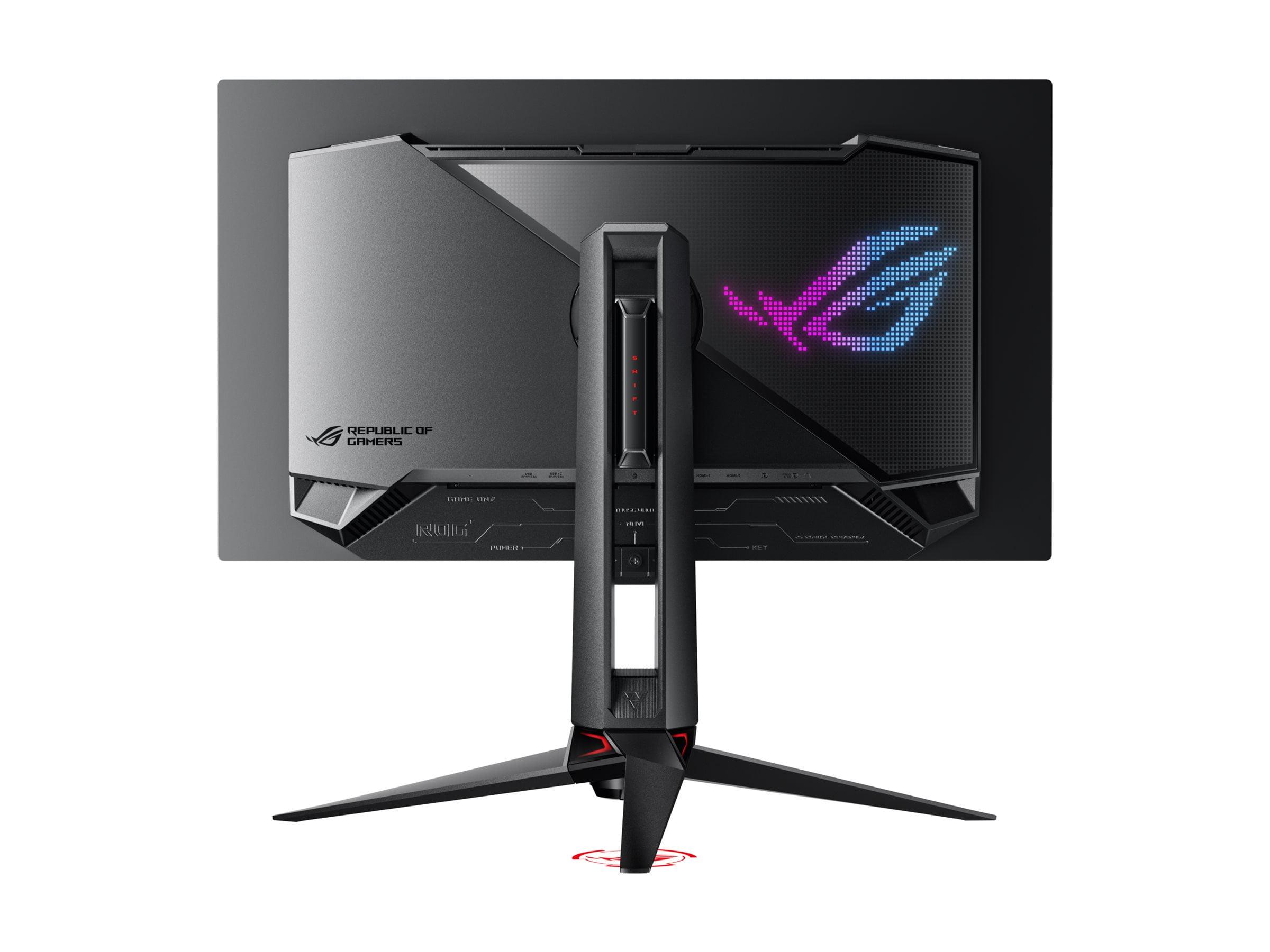
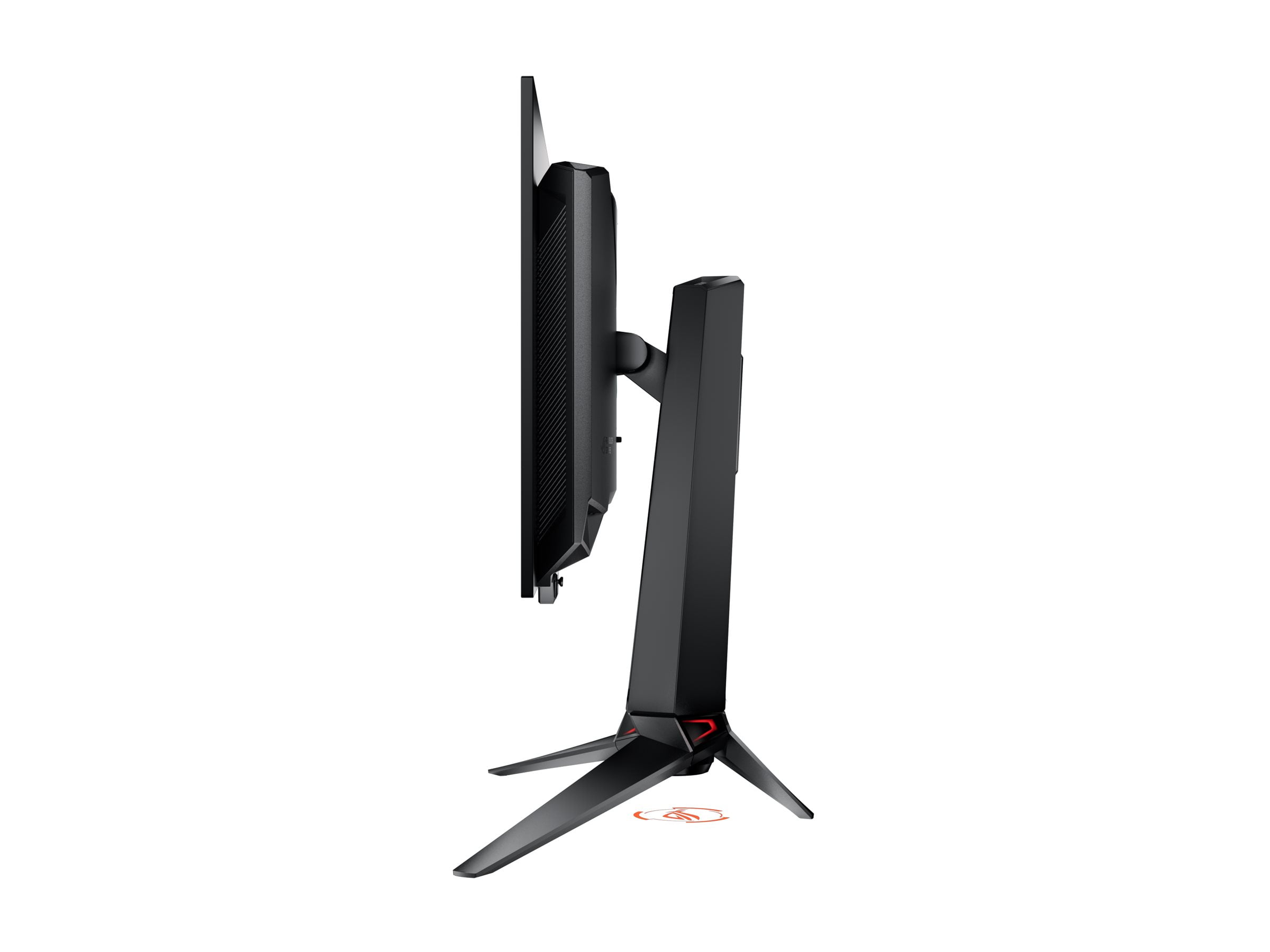
The world of gaming monitors has been revolutionized by QD-OLED technology, and nowhere is this more evident than in the 27-inch category. Two standout models perfectly illustrate the current landscape: the GIGABYTE MO27Q2 and the ASUS ROG Swift OLED PG27UCDM. Both launched in 2024, these monitors represent different philosophies in the ongoing debate between resolution and performance, offering gamers compelling yet distinct approaches to the ultimate display experience.
Before diving into specific models, it's worth understanding what makes QD-OLED displays so remarkable. Traditional OLED panels use organic compounds that emit light when electricity passes through them, creating perfect blacks since pixels can completely turn off. QD-OLED (Quantum Dot OLED) takes this a step further by combining a blue OLED backlight with quantum dots—tiny semiconductor particles that convert blue light into precise red and green wavelengths.
This hybrid approach delivers the infinite contrast ratio of OLED (since pixels can turn completely black) while achieving brighter, more saturated colors than traditional OLED panels. The result is imagery that pops off the screen with vibrant colors and deep shadows that you simply can't get from LCD-based monitors, even premium Mini-LED models.
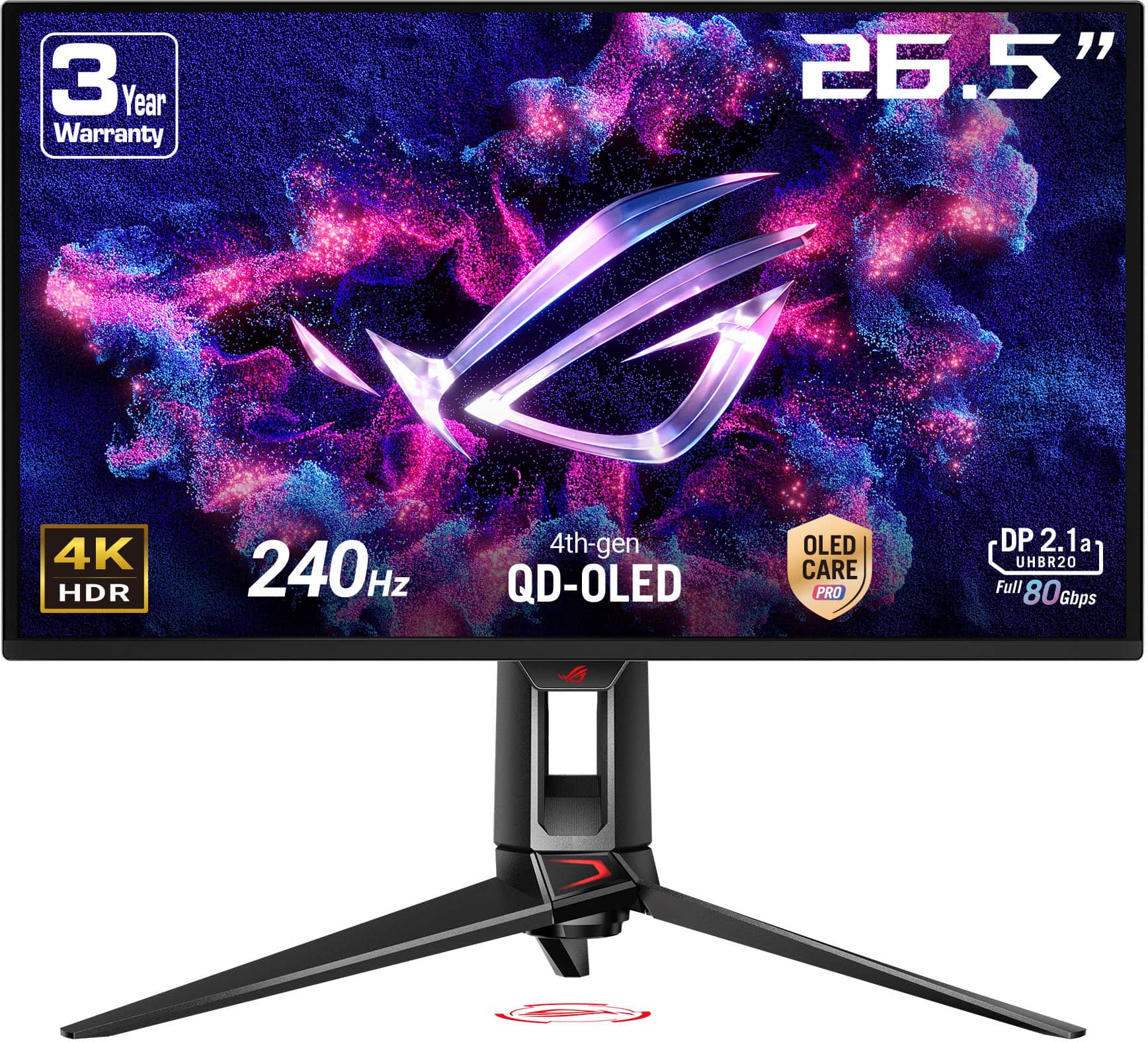
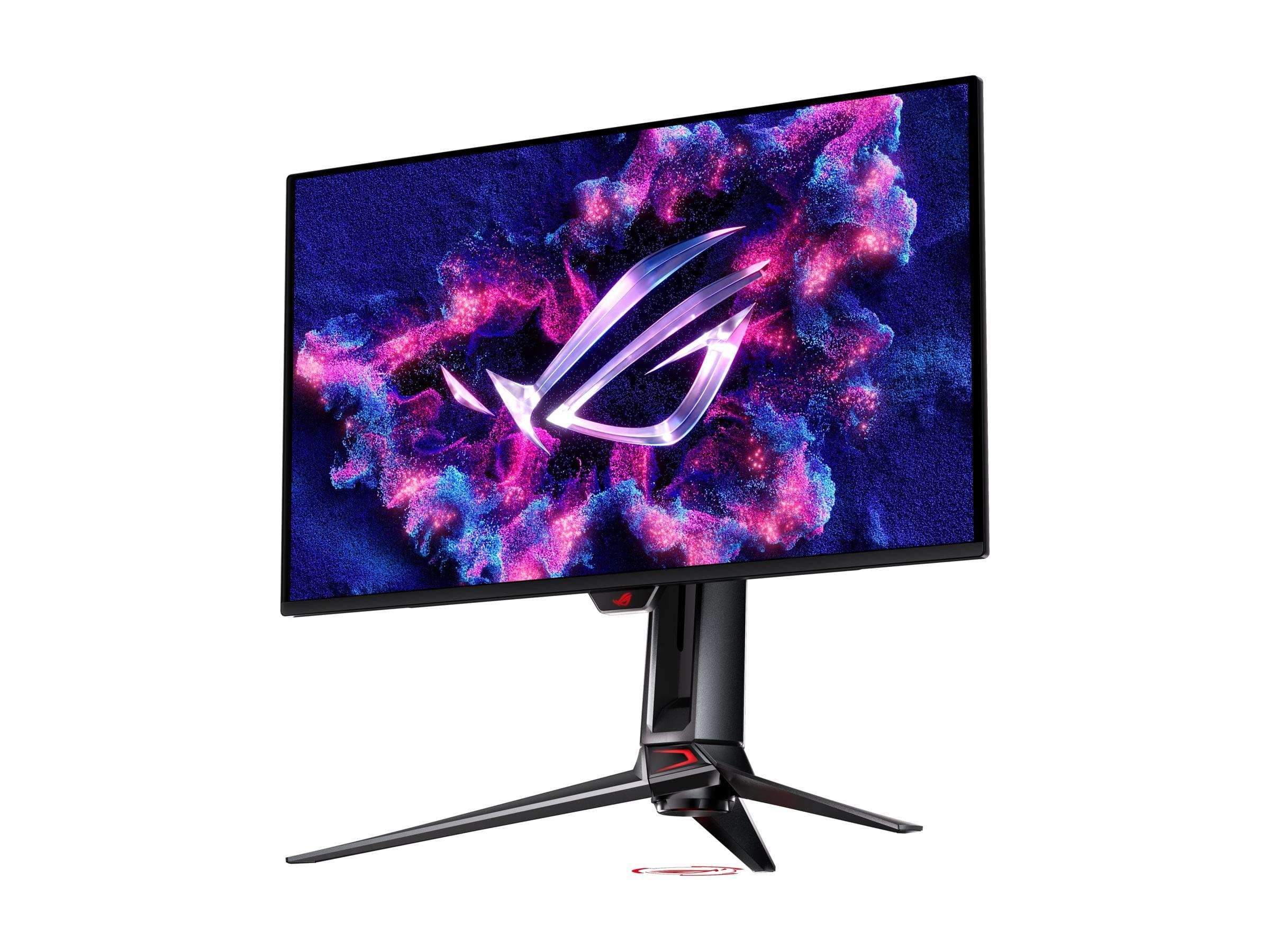
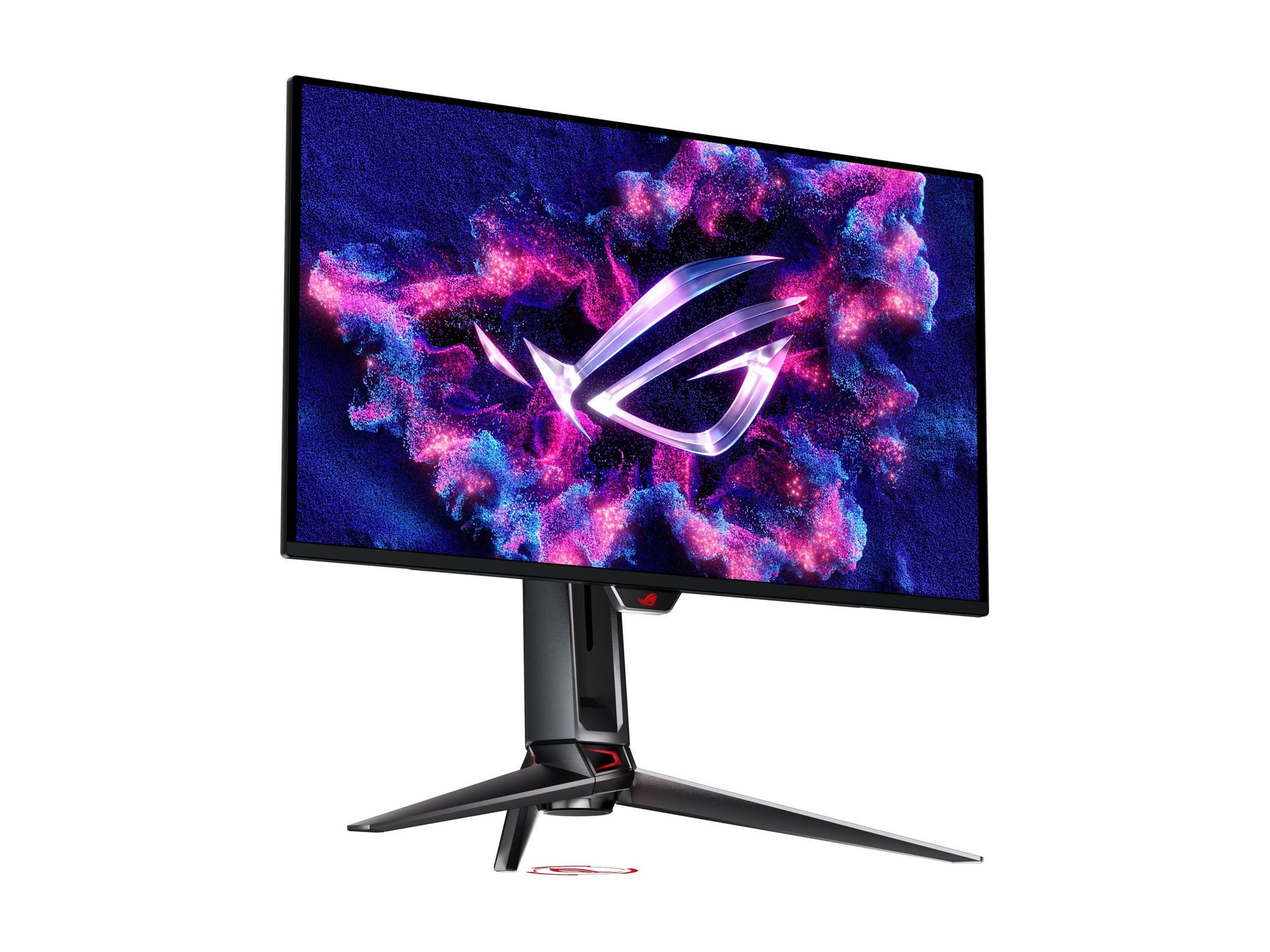
Both the GIGABYTE MO27Q2 and ASUS PG27UCDM harness this technology, but they apply it toward different goals. The GIGABYTE focuses on delivering QD-OLED excellence at 1440p resolution, while the ASUS pushes the boundaries with 4K detail. This fundamental difference shapes every aspect of their design and performance.
The most significant distinction between these monitors lies in their resolution approach. The GIGABYTE MO27Q2 delivers 2560×1440 pixels (commonly called QHD or 1440p), while the ASUS PG27UCDM provides full 4K resolution at 3840×2160 pixels. This isn't just a numbers game—it fundamentally changes how you'll use each monitor.
At 27 inches, the GIGABYTE MO27Q2 achieves 108 pixels per inch (PPI), which provides sharp, clear imagery that looks excellent for gaming and general use. Text is crisp, game details are well-defined, and the pixel density strikes an ideal balance for most users. I've found this resolution particularly sweet for competitive gaming, where you want sharp visuals without demanding too much from your graphics card.
The ASUS PG27UCDM, however, packs those 4K pixels into the same 27-inch space, resulting in 166 PPI. This higher pixel density creates noticeably sharper text and finer detail in games, particularly beneficial when you're trying to spot enemies at distance in competitive shooters or want to appreciate the intricate artwork in single-player adventures. The difference is immediately apparent when switching between the two—4K text looks substantially crisper, and fine details in games become more pronounced.
However, this resolution difference comes with significant performance implications. Your graphics card needs to push 77% more pixels with 4K compared to 1440p. In practical terms, a game running at 200 fps on the GIGABYTE MO27Q2 might only achieve 120-140 fps on the ASUS PG27UCDM with identical settings. This performance gap affects not just frame rates but also your hardware requirements and upgrade timeline.
Both monitors share identical specifications in their most crucial gaming metrics: 240Hz refresh rate and 0.03ms gray-to-gray (GTG) response time. These numbers represent the current pinnacle of display responsiveness. The 240Hz refresh rate means the screen updates 240 times per second, creating incredibly smooth motion that's particularly noticeable in fast-paced games. The 0.03ms response time ensures pixels change color almost instantaneously, eliminating the ghosting and trailing effects that can plague slower displays.
In practice, both the GIGABYTE MO27Q2 and ASUS PG27UCDM deliver equally responsive gaming experiences when you can feed them sufficient frame rates. The difference lies in how easily you can achieve those frame rates. The GIGABYTE MO27Q2's 1440p resolution allows even mid-range graphics cards like the RTX 4070 or RX 7800 XT to consistently hit high frame rates in competitive titles. You're more likely to actually utilize that 240Hz refresh rate, making every millisecond of responsiveness count in competitive gaming.
The ASUS PG27UCDM demands significantly more graphics horsepower to reach similar frame rates. You'll need at least an RTX 4080 or RX 7900 XTX to consistently approach 240 fps in demanding games, and even then, you might need to adjust settings. This creates an interesting dynamic: the ASUS provides superior image quality when you can drive it properly, but the GIGABYTE offers more consistent high-performance gaming with current hardware.
Both monitors support variable refresh rate (VRR) technologies including AMD FreeSync Premium Pro and NVIDIA G-SYNC compatibility, which synchronize the display refresh rate with your graphics card's output to eliminate screen tearing and stuttering. This feature is particularly valuable for the ASUS PG27UCDM, as it helps smooth out frame rate variations when your GPU struggles with 4K demands.
High Dynamic Range (HDR) represents one area where both monitors excel, though they approach it differently. HDR content contains a wider range of brightness levels than standard content, from deeper blacks to brighter highlights, creating more realistic and immersive visuals.
The GIGABYTE MO27Q2 offers two HDR modes to accommodate different preferences. Its True Black 400 mode limits peak brightness to around 450 nits (a measurement of brightness) but maintains color accuracy and the deep blacks that OLED is famous for. Alternatively, its boosted peak 1000 mode can reach up to 1000 nits in small highlights, making bright game elements like explosions or sunlight more impactful. This flexibility lets you choose between accuracy and impact depending on your content and preferences.
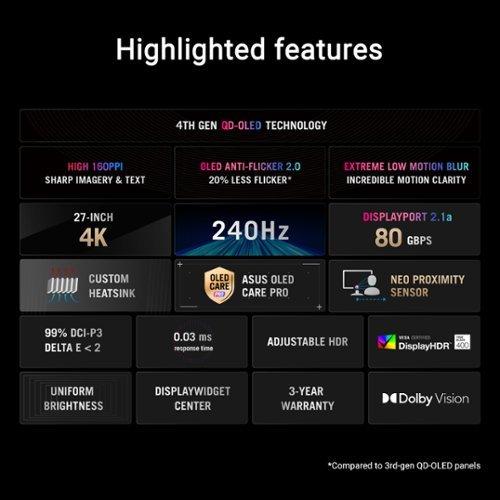
The ASUS PG27UCDM takes a more sophisticated approach with support for Dolby Vision, a premium HDR format that provides scene-by-scene optimization for the best possible image quality. Its HDR processing includes uniform brightness distribution and more advanced tone mapping, which helps maintain detail in both bright and dark areas simultaneously. If you watch movies or stream content in addition to gaming, these features provide a noticeably superior viewing experience.
Both monitors achieve 99% DCI-P3 color gamut coverage, which means they can display 99% of the colors used in digital cinema. This wide color gamut makes games and media appear more vibrant and lifelike than standard monitors. The ASUS PG27UCDM includes factory color calibration with delta E < 2 accuracy, meaning colors are virtually indistinguishable from reference standards—a feature particularly valuable for content creators or anyone who demands color accuracy.
Modern gaming monitors need to accommodate multiple devices and use cases, and both models deliver comprehensive connectivity with unique approaches. The GIGABYTE MO27Q2 includes 2 HDMI 2.1 ports, 1 DisplayPort 1.4 connection, and USB-C with 18W Power Delivery. The HDMI 2.1 ports support full 240Hz at 1440p and can handle 4K signals from gaming consoles at 120Hz, making it versatile for both PC and console gaming.
The ASUS PG27UCDM steps up with DisplayPort 2.1a, providing 80 Gbps of bandwidth—essential for driving uncompressed 4K at 240Hz. Its USB-C port delivers 90W Power Delivery, sufficient to charge laptops while providing display connectivity. This makes it particularly attractive for users who want to connect a work laptop and gaming desktop to the same display.
Both monitors include KVM (Keyboard, Video, Mouse) switch functionality, allowing you to control multiple connected devices with a single keyboard and mouse setup. This feature has become increasingly valuable as more people use both work laptops and gaming desktops, eliminating the need to constantly switch peripherals.
The GIGABYTE MO27Q2 includes built-in 5W stereo speakers, which, while not audiophile quality, provide convenient audio for casual use without requiring external speakers or headphones. The ASUS PG27UCDM lacks internal speakers, requiring external audio solutions for all media consumption.
Each monitor brings distinctive features that set it apart in the market. The GIGABYTE MO27Q2 introduces a Tactical Switch—a dedicated hardware button that instantly switches between standard 27-inch QHD mode and a 24-inch Full HD display area. This feature caters specifically to esports players who prefer the more focused viewing area of a smaller screen while maintaining the physical benefits of a 27-inch panel. It's a clever solution that addresses a real need in competitive gaming.
The ASUS PG27UCDM incorporates several cutting-edge technologies. Its Neo Proximity Sensor automatically detects when you step away from the monitor and switches to a black screen, helping prevent OLED burn-in while saving power. The monitor also includes a custom heatsink design for better thermal management during extended gaming sessions, and AI-powered features like adaptive crosshairs that automatically adjust color and style based on game backgrounds.
Both monitors implement OLED care features to extend panel lifespan and prevent burn-in—the main concern with OLED technology. These include pixel shifting, screen savers, and automatic brightness adjustments. The GIGABYTE MO27Q2 provides a 3-year warranty that specifically covers burn-in, demonstrating confidence in the panel's durability.
While primarily designed for gaming, both monitors can serve double duty as personal entertainment displays. The GIGABYTE MO27Q2 works well for this purpose thanks to its built-in speakers and excellent motion handling. The 1440p resolution provides sharp enough imagery for most streaming content while being easier to drive from devices like streaming sticks or laptops.
The ASUS PG27UCDM excels as an entertainment display with its 4K resolution and Dolby Vision support. Netflix, Amazon Prime, and other streaming services offer extensive 4K Dolby Vision content that looks stunning on this display. The higher resolution also makes it suitable for watching 4K movies from Blu-ray players or streaming devices, though you'll need external speakers or headphones for audio.
For gaming console use, both monitors offer excellent experiences with different strengths. The GIGABYTE MO27Q2 can accept 4K signals from PS5 or Xbox Series X and downscale them to 1440p, often providing better performance than native 4K gaming on those consoles. The ASUS PG27UCDM allows you to fully utilize the native 4K output of modern consoles, maximizing visual fidelity in supported games.
When these monitors launched in 2024, they represented different value propositions that remain relevant today. At the time of writing, the GIGABYTE MO27Q2 typically costs several hundred dollars less than the ASUS PG27UCDM, making it an attractive entry point into premium QD-OLED gaming. This price difference could fund a graphics card upgrade or other system improvements, potentially providing better overall gaming performance than investing in the higher-resolution display alone.
The ASUS PG27UCDM commands a premium price but justifies it with cutting-edge technology and future-proofing. Its 4K resolution will remain relevant longer as graphics cards become more powerful, and features like DisplayPort 2.1a and Dolby Vision support provide capabilities that may become more important over time.
Consider your upgrade timeline when making this decision. If you typically keep monitors for 3-5 years, the ASUS PG27UCDM's 4K resolution will likely serve you better as graphics cards improve. If you prefer upgrading more frequently or want to maximize current-generation performance, the GIGABYTE MO27Q2 provides excellent value with immediate benefits.
The choice between these excellent monitors ultimately depends on your specific needs, hardware, and priorities. Choose the GIGABYTE MO27Q2 if you prioritize consistent high frame rates in competitive gaming, want comprehensive features including built-in audio, and prefer spending less money while still getting premium QD-OLED performance. It's particularly well-suited for players with mid-range to high-end graphics cards who want to maximize their current hardware investment.
Opt for the ASUS PG27UCDM if visual fidelity is your primary concern, you have high-end graphics hardware (or plan to upgrade), and you value premium features like Dolby Vision and AI enhancements. It's ideal for users who split time between competitive gaming and content consumption, or anyone who wants the sharpest possible image quality for both work and play.
Both monitors represent the current state-of-the-art in QD-OLED technology, just applied toward different goals. The GIGABYTE MO27Q2 optimizes for performance and value at 1440p, while the ASUS PG27UCDM pushes the boundaries of what's possible with 4K gaming. Either choice will provide a transformative upgrade over traditional LCD monitors, with the perfect blacks, vibrant colors, and lightning-fast response times that make QD-OLED technology so compelling.
The monitor you choose should align with your gaming style, hardware capabilities, and long-term plans. Both the GIGABYTE MO27Q2 and ASUS PG27UCDM deliver exceptional experiences—they just excel in different ways for different users.
| GIGABYTE MO27Q2 | ASUS ROG Swift OLED PG27UCDM |
|---|---|
| Resolution & Pixel Density - Determines image sharpness and GPU requirements | |
| 2560×1440 (QHD) at 108 PPI | 3840×2160 (4K) at 166 PPI |
| Panel Technology - Affects color quality and longevity | |
| 3rd generation QD-OLED | 4th generation QD-OLED with Anti-Flicker 2.0 |
| Refresh Rate & Response Time - Critical for competitive gaming | |
| 240Hz, 0.03ms GTG (identical performance) | 240Hz, 0.03ms GTG (identical performance) |
| HDR Support - Impacts movie and game visual quality | |
| HDR10, dual brightness modes (450/1000 nits peak) | HDR10, Dolby Vision, uniform brightness distribution |
| Connectivity - Determines device compatibility and future-proofing | |
| 2×HDMI 2.1, 1×DP 1.4, USB-C (18W PD) | 2×HDMI 2.1, 1×DP 2.1a (80Gbps), USB-C (90W PD) |
| Built-in Audio - Convenience for casual use | |
| 2×5W stereo speakers included | No built-in speakers (external audio required) |
| Gaming Features - Enhanced competitive gaming experience | |
| Tactical Switch (instant resolution change), KVM switch | AI gaming features, Neo Proximity Sensor, KVM switch |
| OLED Care & Warranty - Protection against burn-in concerns | |
| AI-based OLED Care, 3-year burn-in warranty | ASUS PG27UCDM OLED Care Pro, custom heatsink |
| Color Accuracy - Important for content creation | |
| 99% DCI-P3, factory calibrated | 99% DCI-P3, Delta E < 2 professional calibration |
| Value Proposition - Performance per dollar consideration | |
| Excellent QD-OLED performance at aggressive pricing | Premium 4K experience with cutting-edge features |
The primary difference is resolution: the GIGABYTE MO27Q2 offers 1440p (QHD) resolution while the ASUS ROG Swift OLED PG27UCDM provides 4K resolution. This means the ASUS delivers sharper image quality with 166 pixels per inch compared to the GIGABYTE's 108 PPI, but requires significantly more graphics card power to achieve high frame rates.
The GIGABYTE MO27Q2 is generally better for competitive gaming due to its 1440p resolution allowing consistent high frame rates with mid-range graphics cards. Its unique Tactical Switch feature also lets you instantly switch to a 24-inch display area, which many esports players prefer for better focus during competitive matches.
Yes, both the GIGABYTE MO27Q2 and ASUS PG27UCDM offer identical 240Hz refresh rates and 0.03ms response times. The difference lies in how easily your graphics card can achieve those high frame rates - the GIGABYTE's lower resolution makes it easier to hit 240fps consistently.
The ASUS ROG Swift OLED PG27UCDM provides superior image quality with its 4K resolution, delivering noticeably sharper text and finer detail in games. It also supports Dolby Vision HDR processing and includes professional color calibration with Delta E < 2 accuracy, making it better for both gaming and content creation.
For the GIGABYTE MO27Q2, an RTX 4070 or RX 7800 XT can achieve high frame rates in most games. The ASUS PG27UCDM requires more powerful hardware like an RTX 4080 or RX 7900 XTX to consistently reach high frame rates at 4K resolution.
Both monitors excel for entertainment, but the ASUS ROG Swift OLED PG27UCDM has the advantage with native 4K resolution and Dolby Vision support for premium streaming content. However, the GIGABYTE MO27Q2 includes built-in speakers for convenience, while the ASUS requires external audio solutions.
The ASUS PG27UCDM offers superior connectivity with DisplayPort 2.1a (80Gbps bandwidth) and USB-C with 90W Power Delivery for laptop charging. The GIGABYTE MO27Q2 provides solid connectivity with DisplayPort 1.4 and USB-C with 18W Power Delivery, plus the convenience of built-in speakers.
Both monitors work excellently with PS5 and Xbox Series X. The GIGABYTE MO27Q2 can downscale 4K console signals to 1440p for potentially better performance, while the ASUS PG27UCDM displays native 4K output from consoles for maximum visual fidelity.
The GIGABYTE MO27Q2 typically offers better value, providing excellent QD-OLED performance at a significantly lower cost than the ASUS PG27UCDM. The price difference could be used for graphics card upgrades that might provide more gaming improvement than the resolution increase alone.
Both monitors include comprehensive OLED care features to prevent burn-in. The GIGABYTE MO27Q2 offers a 3-year warranty that specifically covers burn-in, while the ASUS PG27UCDM features advanced OLED Care Pro with a proximity sensor that automatically turns off the screen when you're away.
The ASUS ROG Swift OLED PG27UCDM is superior for content creation with its 4K resolution providing sharper text and more screen real estate. It also includes professional color calibration and Dolby Vision support, making it suitable for video editing and design work alongside gaming.
Choose the GIGABYTE MO27Q2 if you prioritize high frame rates and consistent performance with current graphics cards. Choose the ASUS PG27UCDM if you want maximum image quality, plan to upgrade your graphics card soon, or need the monitor for productivity work in addition to gaming.
We've done our best to create useful and informative comparisons to help you decide what product to buy. Our research uses advanced automated methods to create this comparison and perfection is not possible - please contact us for corrections or questions. These are the sites we've researched in the creation of this article: gigabyte.com - youtube.com - newegg.com - mezha.media - tech-critter.com - gigabyte.com - forum.pcmonitors.info - techspot.com - aorus.com - saltynewsnetwork.com - infiniarc.com - gigabyte.com - bestbuy.com - youtube.com - gigabyte.com - gigabyte.com - displayspecifications.com - aorus.com - gigabyte.com - gigabyte.com - tomshardware.com - thepcenthusiast.com - rtings.com - youtube.com - rtings.com - rog.asus.com - tweaktown.com - youtube.com - youtube.com - versus.com - rog.asus.com - rog.asus.com - newegg.com - rog.asus.com - cdw.com - pcmonitors.info - displayspecifications.com - rog.asus.com - bhphotovideo.com - techpowerup.com - shi.com - bhphotovideo.com

Privacy Policy
Terms and Conditions - Affiliate Policy
Home Security
© Copyright 2008-2026.
11816 Inwood Rd #1211, Dallas, TX 75244