












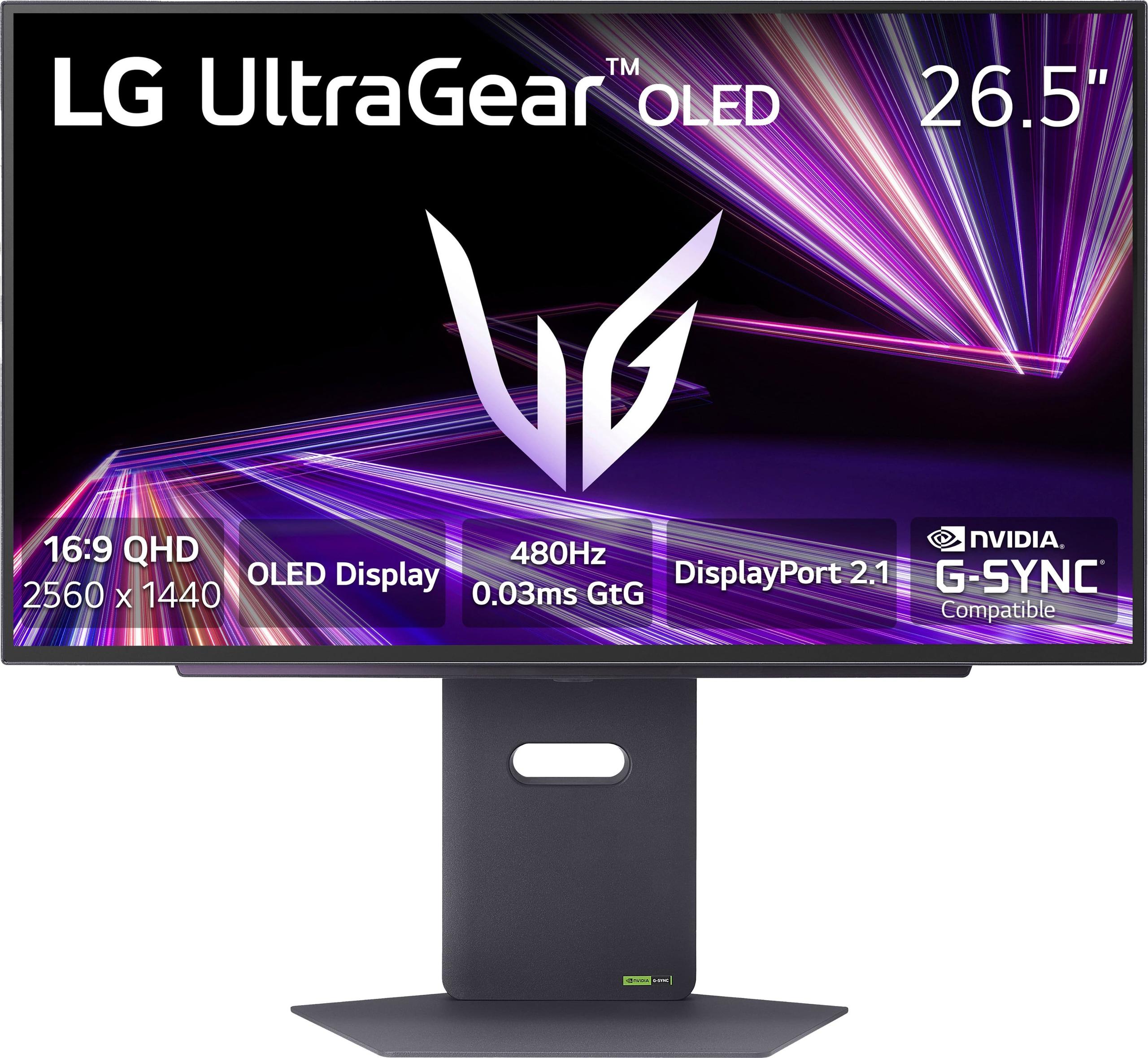
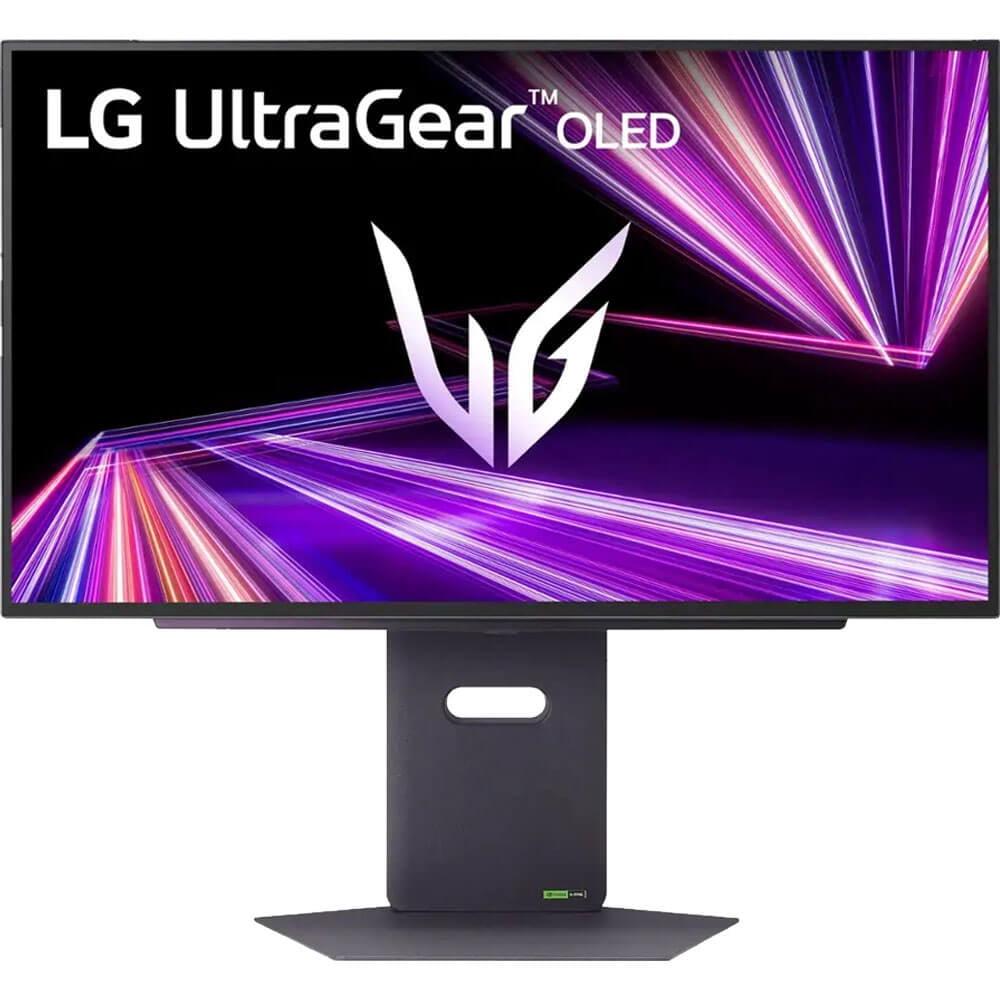
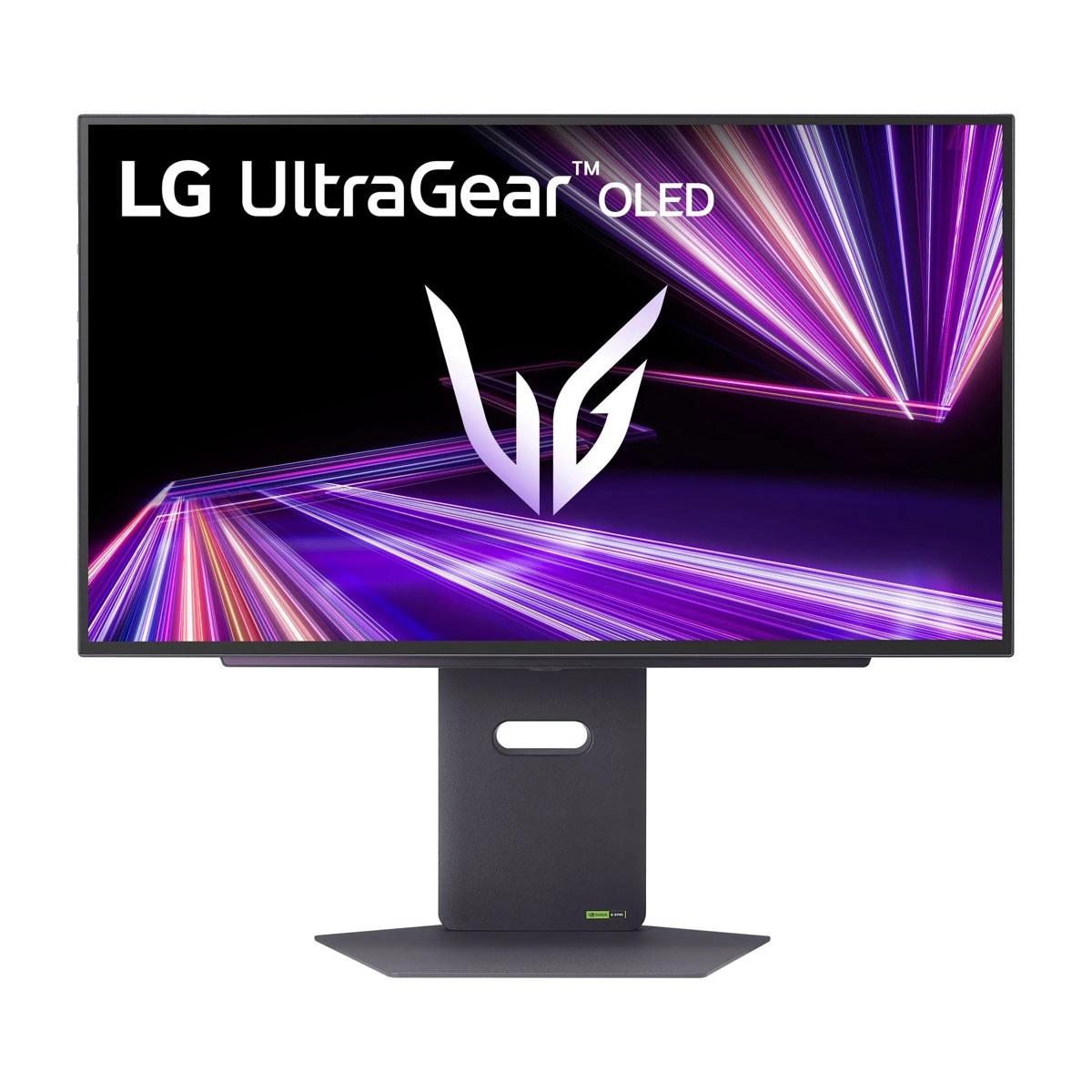
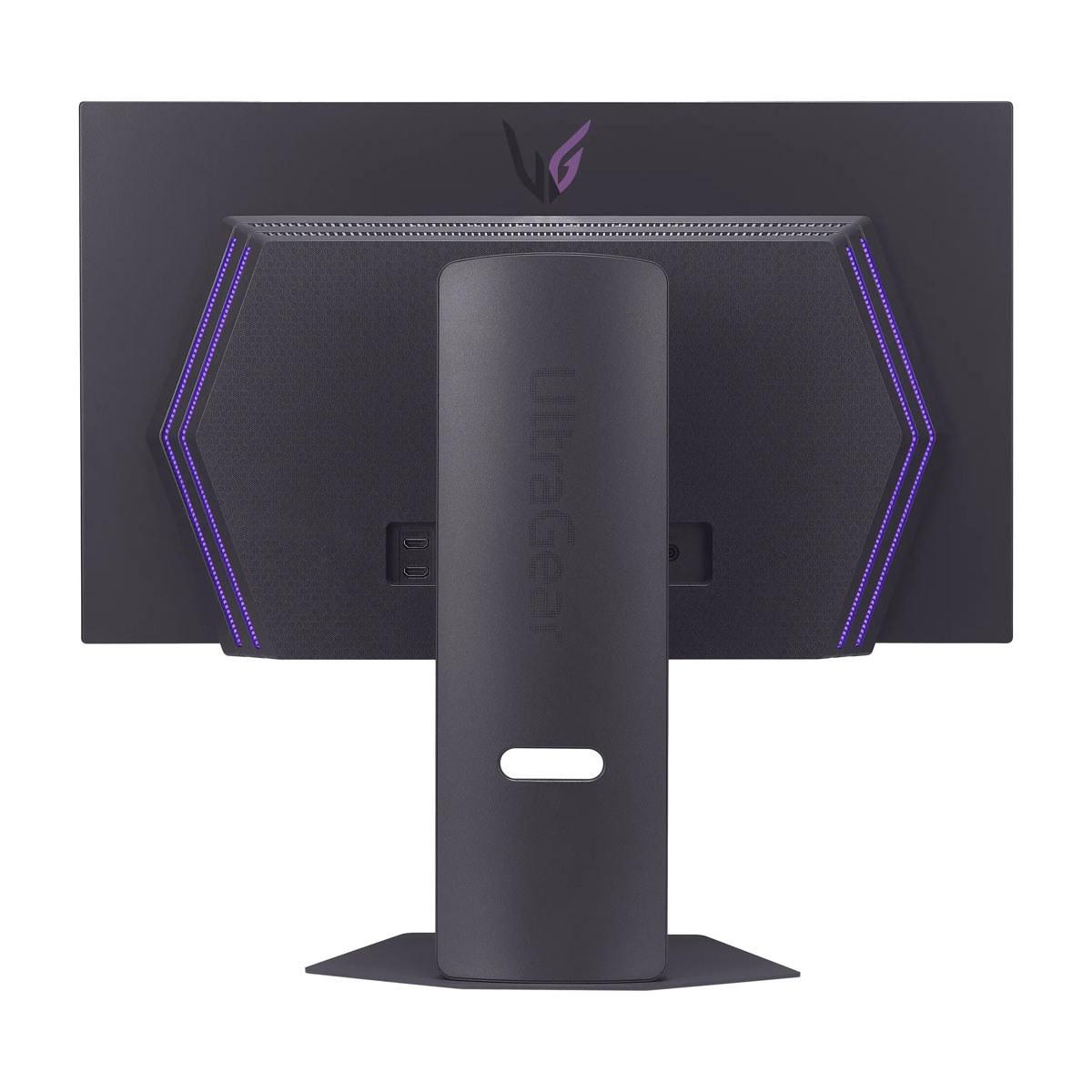
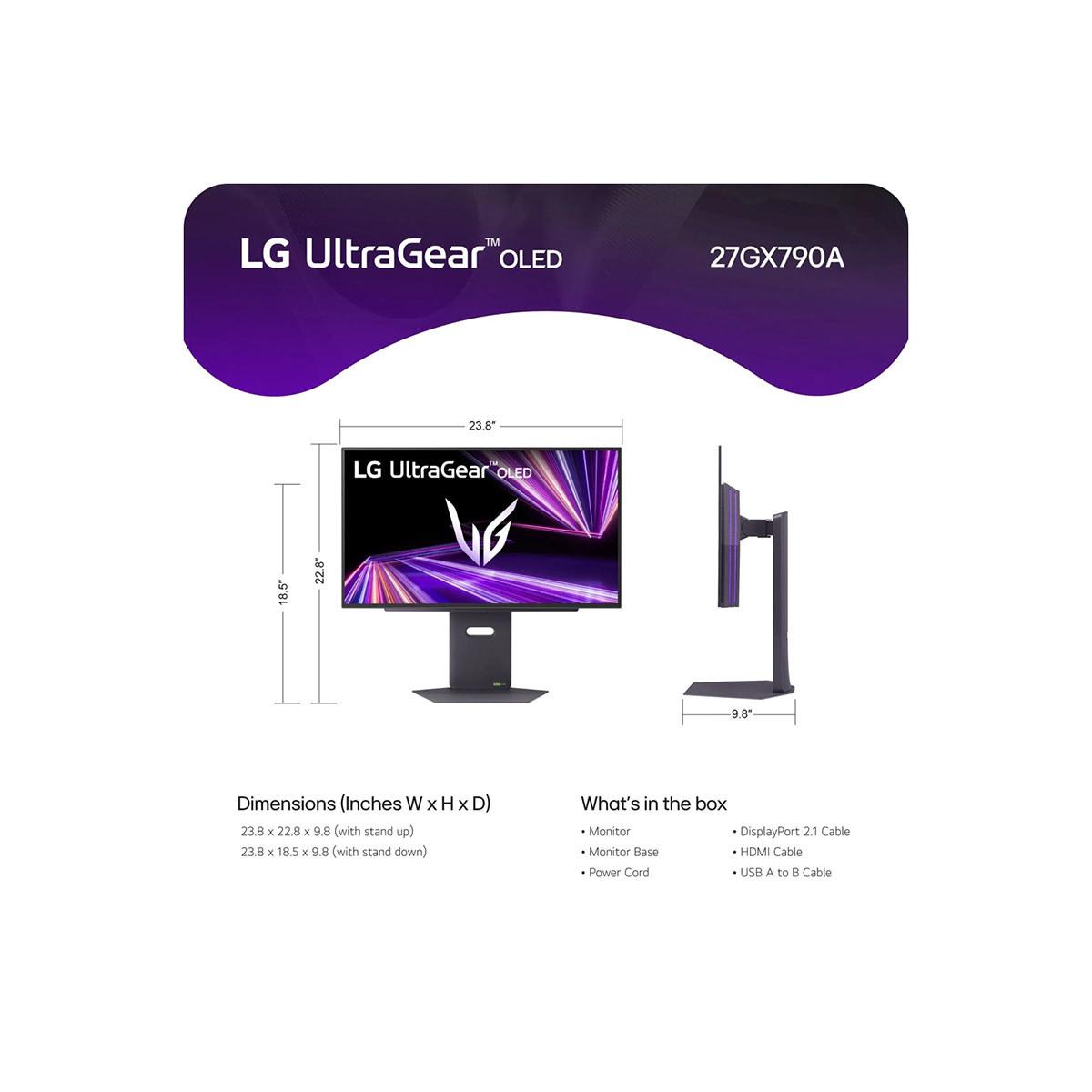
When I first started gaming on OLED monitors a few years back, the technology was still finding its footing in the PC gaming space. Fast forward to 2024 and 2025, and we're now seeing some truly impressive displays that push the boundaries of what's possible. Today, I'm diving deep into two standout monitors that represent different approaches to OLED gaming: the GIGABYTE MO27Q2 and the LG UltraGear 27" 480Hz.
Both monitors landed on the market relatively recently - the LG UltraGear arrived in late 2024, while the GIGABYTE MO27Q2 hit shelves in mid-2025. What makes this comparison particularly interesting is how these two displays showcase the rapid evolution of OLED gaming technology, with each taking a distinctly different path to deliver premium gaming experiences.
Before we dive into the specifics, let's talk about what makes OLED gaming monitors such a big deal. Unlike traditional LCD monitors that rely on backlights shining through liquid crystal layers, OLED displays use organic compounds that emit their own light when electricity is applied. This fundamental difference means each pixel can turn completely off, creating true blacks and infinite contrast ratios - something LCD technology simply cannot achieve.
The gaming benefits are immediately noticeable. Dark scenes in games like horror titles or space simulators look dramatically more immersive, while bright explosions and colorful worlds pop with incredible vibrancy. Response times are also exceptionally fast since there's no liquid crystal layer that needs to twist and change state.
However, OLED technology comes with trade-offs. These panels can suffer from burn-in (permanent image retention) if static images are displayed for extended periods, and they typically don't get as bright as high-end LCD monitors. They're also generally more expensive to manufacture, which translates to higher prices for consumers.
This is where things get really interesting. The GIGABYTE MO27Q2 uses Samsung's QD-OLED (Quantum Dot OLED) technology, while the LG UltraGear employs LG's traditional W-OLED (White OLED) approach. These aren't just marketing terms - they represent fundamentally different ways of creating an OLED display.
QD-OLED, found in the GIGABYTE monitor, starts with a blue OLED backlight and uses quantum dots - tiny semiconductor particles - to convert that blue light into red and green. This approach typically produces more saturated, vibrant colors and better color volume (how vivid colors remain at different brightness levels). When I've used QD-OLED displays, the difference is most noticeable in bright, colorful content where reds and greens appear more lifelike and punchy.
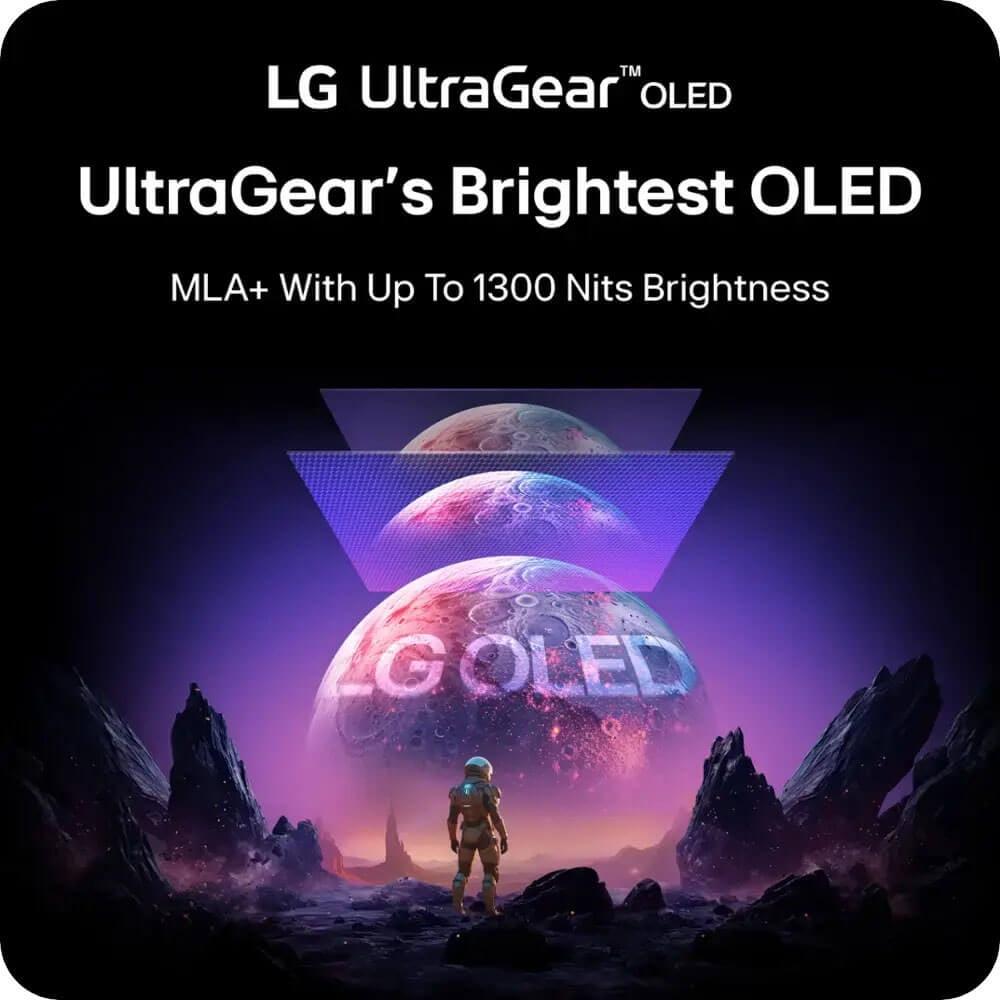
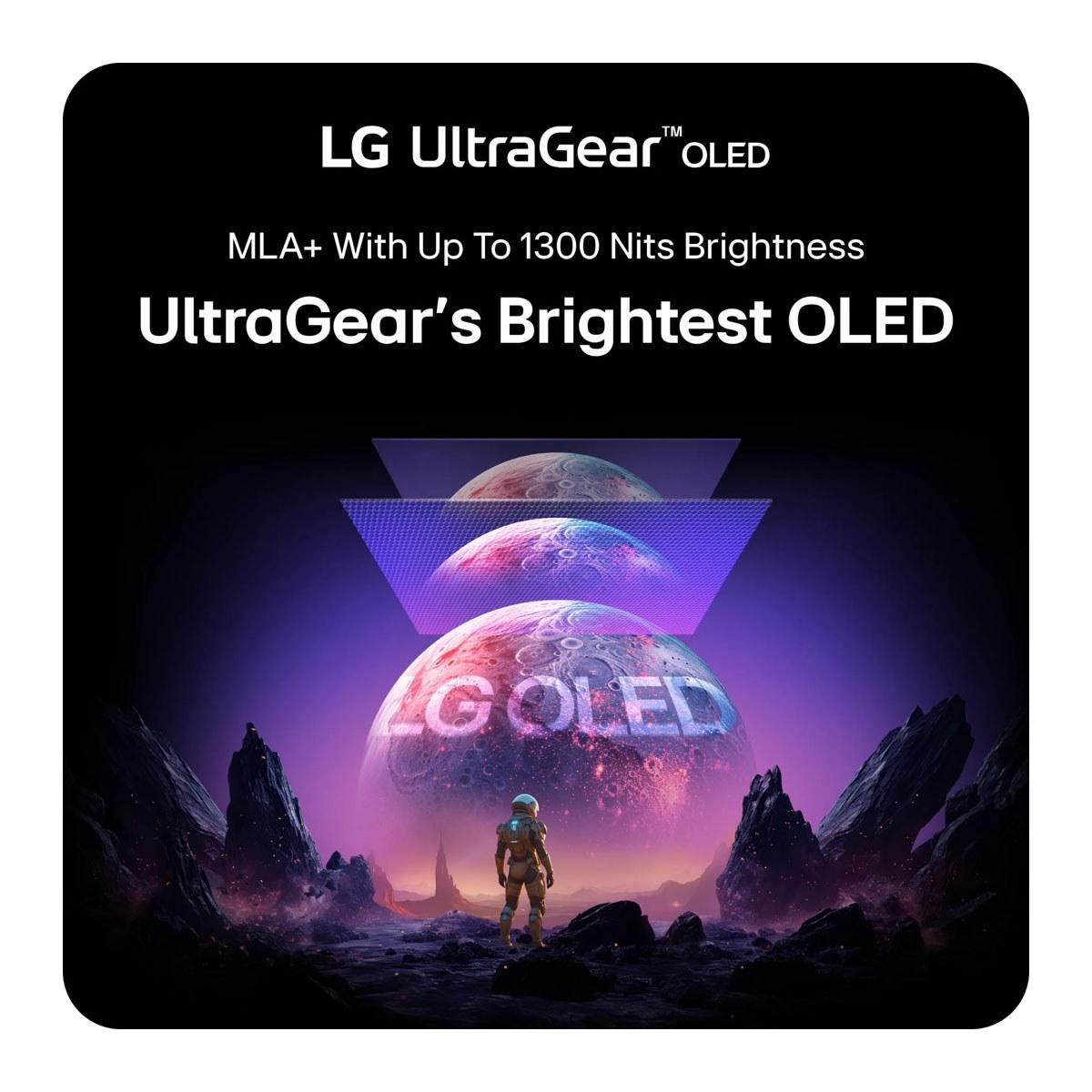
The LG UltraGear uses W-OLED technology, which creates white light from OLED pixels and then uses color filters to produce red, green, and blue. LG has enhanced their approach with Micro Lens Array+ (MLA+) technology, which uses microscopic lenses to direct more light toward the viewer. This innovation helps address one of OLED's traditional weaknesses - lower peak brightness - without increasing power consumption.
In practical terms, the GIGABYTE MO27Q2 will likely display more vivid, saturated colors that really pop in games, while the LG monitor may achieve higher peak brightness in HDR content, making bright scenes more impactful.
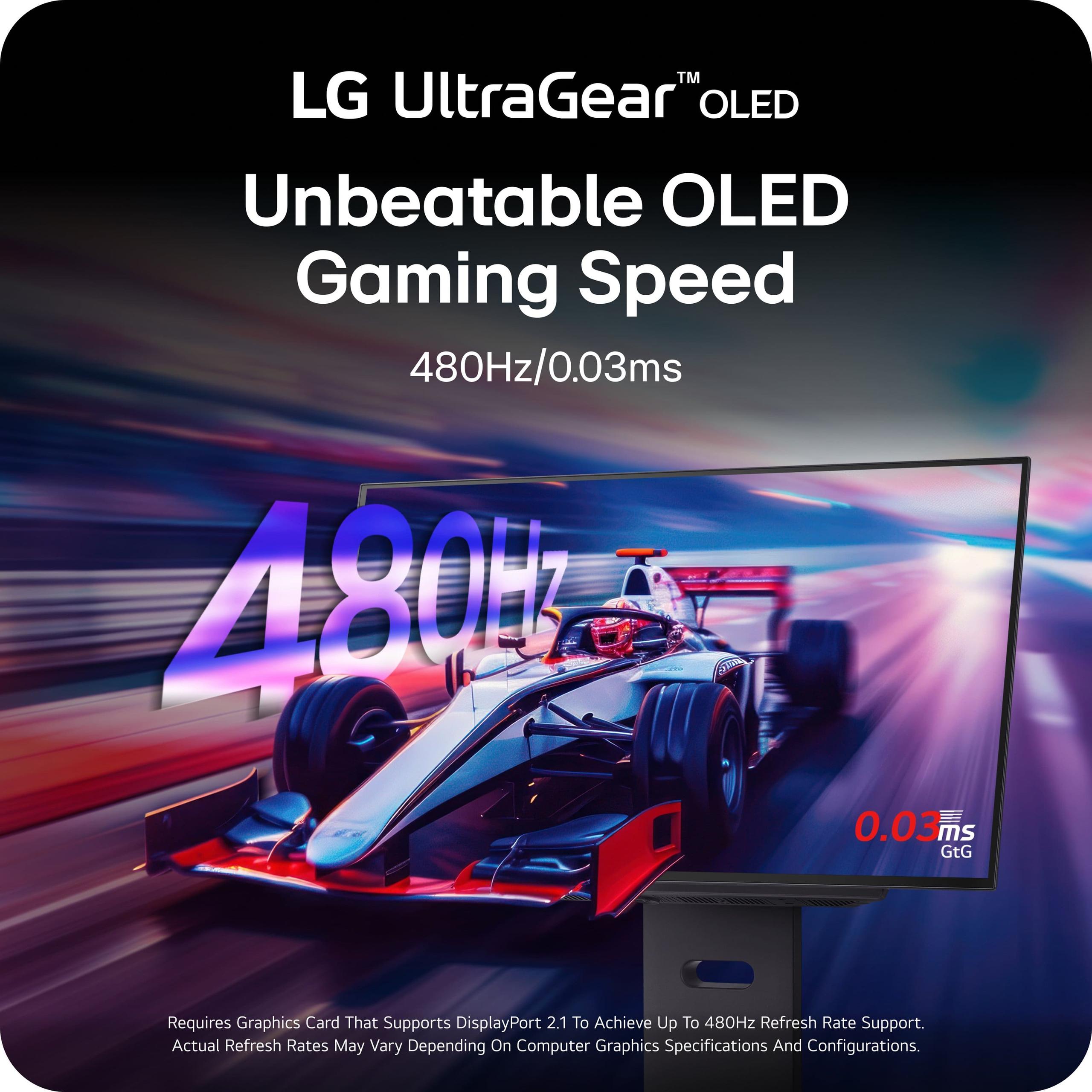
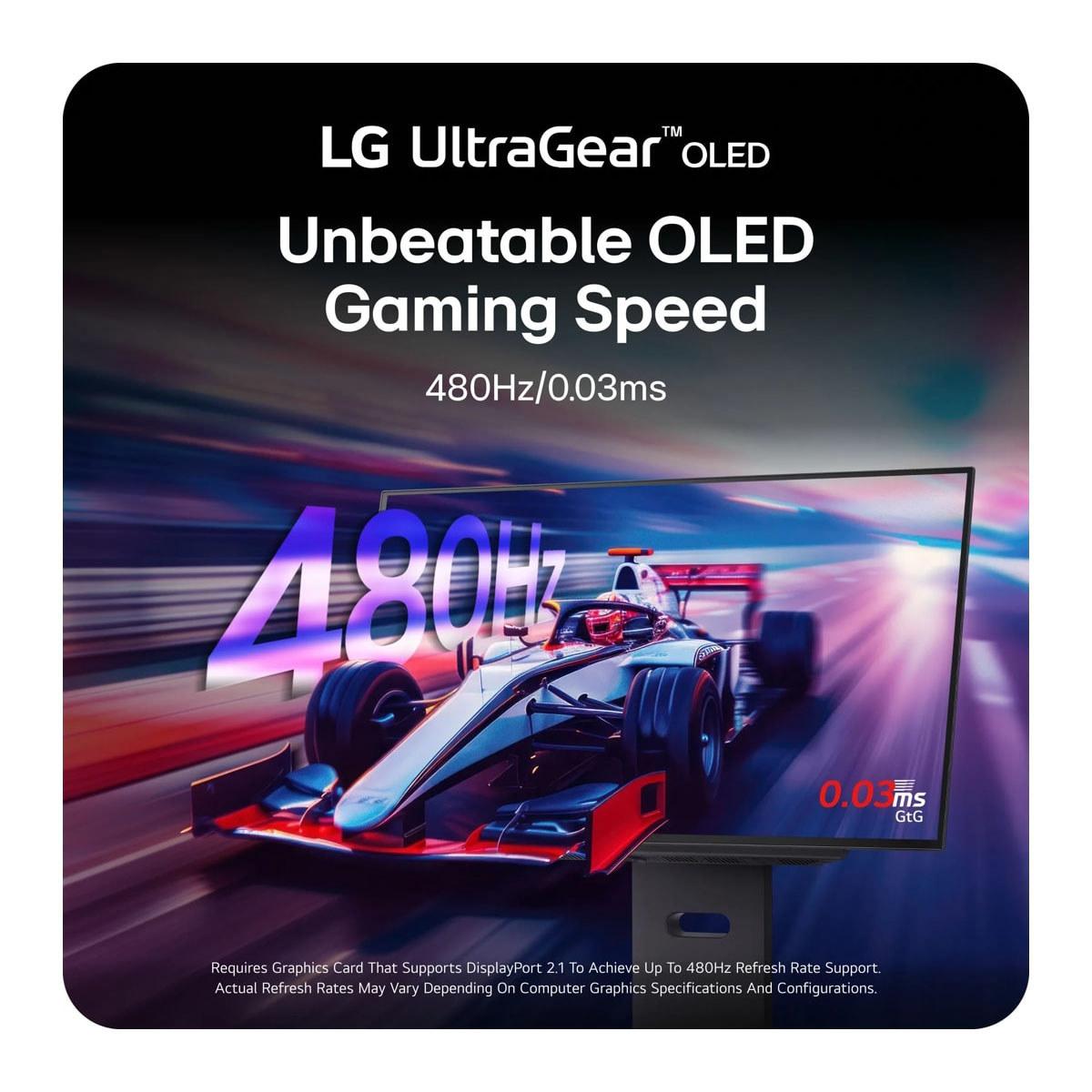
Here's where these monitors diverge most dramatically. The GIGABYTE MO27Q2 offers a 240Hz refresh rate, while the LG UltraGear pushes all the way to 480Hz. To understand why this matters, let's break down what refresh rate actually means.
Refresh rate, measured in Hz (hertz), indicates how many times per second your monitor can display a new image. Higher refresh rates result in smoother motion, reduced motion blur, and can provide competitive advantages in fast-paced games. However, there's a point of diminishing returns, and the jump from 240Hz to 480Hz is much less noticeable than the jump from 60Hz to 120Hz.
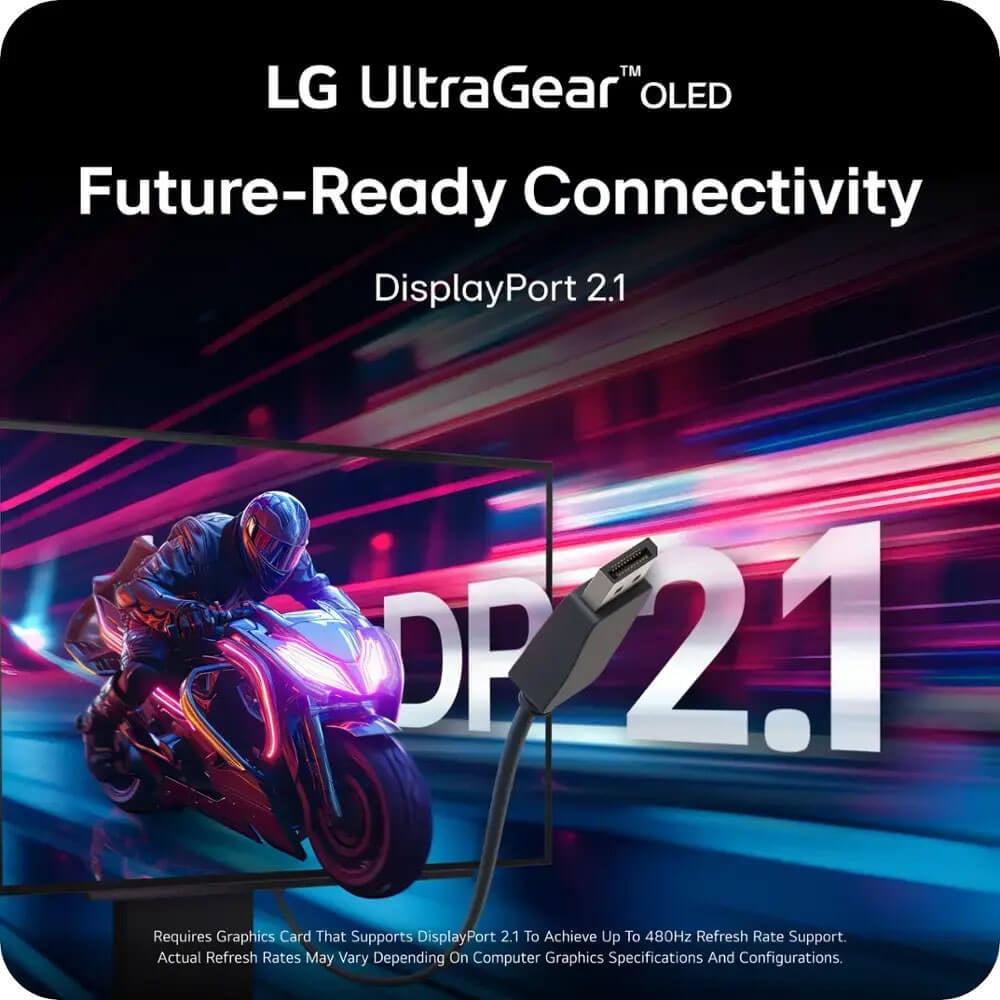
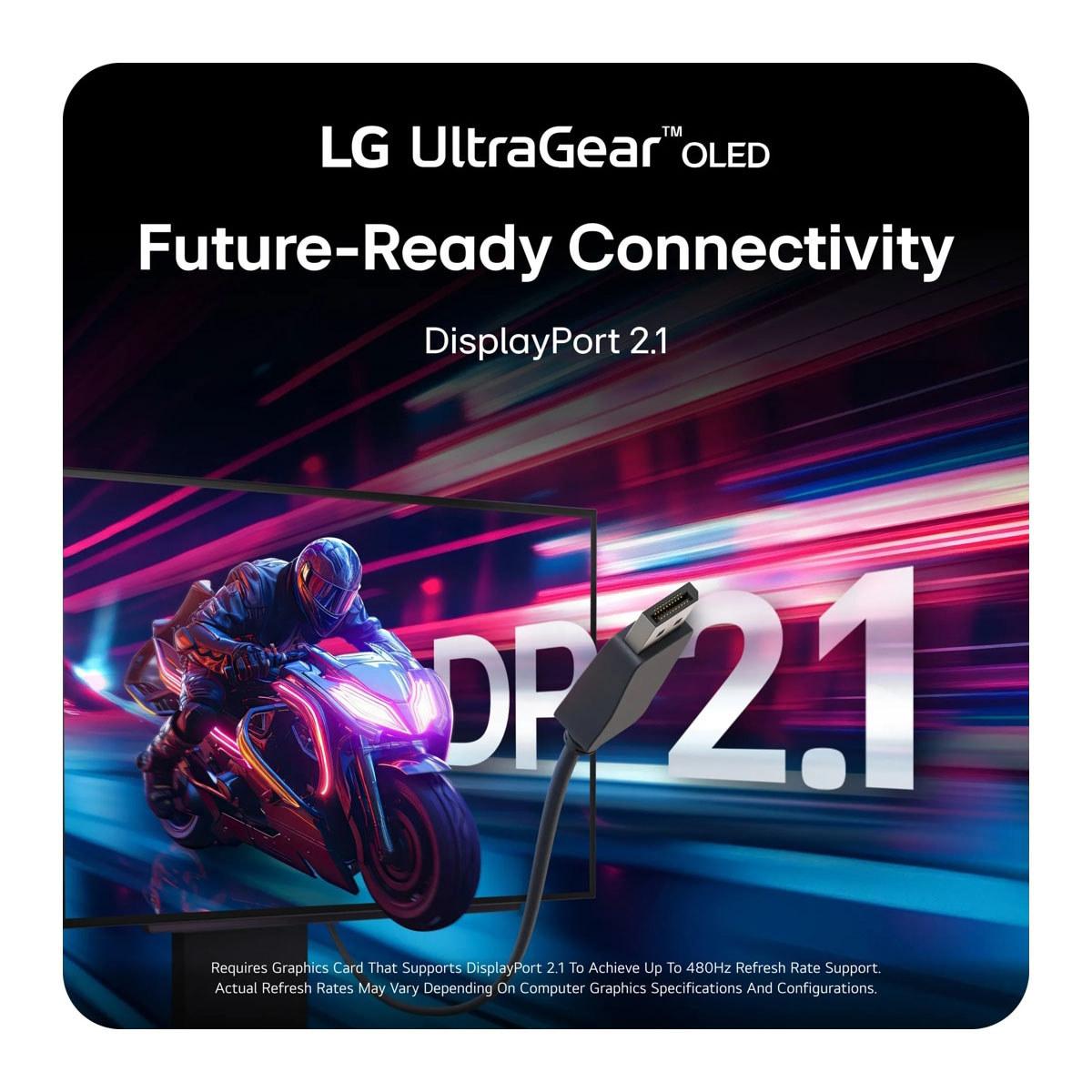
The LG's 480Hz capability is genuinely impressive from a technical standpoint. To achieve this, LG had to implement DisplayPort 2.1, which provides much higher bandwidth than the DisplayPort 1.4 found on the GIGABYTE monitor. This means the LG display can send 480 unique frames per second without any compression artifacts.
But here's the reality check: very few games can actually run at 480 FPS at 1440p resolution, even with the most powerful graphics cards available. You'd need something like a RTX 4090 or better, and even then, you'd likely need to play less demanding competitive titles like Counter-Strike 2 or Valorant. The GIGABYTE's 240Hz is much more achievable with mid-to-high-end GPUs and covers the vast majority of gaming scenarios effectively.
From my experience, the difference between 240Hz and 480Hz is subtle compared to lower refresh rate jumps. Most gamers will see more practical benefit from other features and better overall image quality than from the extra refresh rate headroom.
Both monitors excel in gaming-specific features, but they take different approaches. The GIGABYTE MO27Q2 includes what they call a "Tactical Switch" - a dedicated hardware button that lets you quickly switch between the full 27-inch display at 1440p and a smaller 24-inch area at 1080p. This feature caters to esports players who prefer smaller, more focused display areas for competitive gaming.
The GIGABYTE monitor also includes comprehensive KVM (Keyboard, Video, Mouse) functionality through its USB-C port. This means you can connect a work laptop and gaming PC to the same monitor and switch between them with a single button press, sharing the same keyboard and mouse. It's incredibly useful for people who work from home and game on the same setup.
The LG UltraGear focuses more on pure gaming performance. Its DisplayPort 2.1 connection eliminates the need for Display Stream Compression (DSC) when running at maximum refresh rate, which can introduce slight latency and compression artifacts. The monitor also includes RGB backlighting and DTS Headphone:X support for enhanced spatial audio when using compatible headphones.
Both monitors support adaptive sync technologies - AMD FreeSync and NVIDIA G-SYNC compatibility - which eliminate screen tearing and stuttering by synchronizing the monitor's refresh rate with your graphics card's output. They also feature identical 0.03ms response times, which is essentially instantaneous for gaming purposes.
High Dynamic Range (HDR) gaming is where OLED technology really shines, and both monitors are VESA DisplayHDR True Black 400 certified. This certification specifically recognizes displays that can produce true blacks (which only OLED can achieve) while maintaining good peak brightness.
The LG UltraGear has an advantage in peak brightness, capable of reaching up to 1,300 nits in small highlight areas thanks to its MLA+ technology. This makes bright HDR scenes more impactful - think of sun glare in racing games or muzzle flashes in shooters. The GIGABYTE MO27Q2 reaches lower peak brightness levels but maintains more consistent color accuracy across different brightness ranges due to its QD-OLED technology.
For typical HDR gaming scenarios, both monitors perform excellently. The perfect blacks make dark game scenes incredibly immersive, while the wide color gamuts (99% DCI-P3 for GIGABYTE, 98.5% for LG) ensure vibrant, lifelike colors.
However, it's worth noting that both monitors, like all current OLED displays, have relatively low sustained brightness for everyday desktop use. In bright rooms, you might find yourself wanting more peak brightness, though the excellent contrast helps maintain good visibility.
This is where the philosophy difference between these monitors becomes clear. The LG UltraGear is built for the future with DisplayPort 2.1, which provides massive bandwidth for high refresh rate gaming and future graphics card generations. It also includes two HDMI 2.1 ports, making it excellent for next-generation console gaming.
The GIGABYTE MO27Q2 takes a more practical approach with extensive current-generation connectivity. Along with DisplayPort 1.4 and dual HDMI 2.1 ports, it includes a comprehensive USB hub and that valuable KVM functionality. The monitor also includes built-in speakers, which the LG display lacks entirely.
For console gaming, both monitors work well, but there are some considerations. The PlayStation 5 and Xbox Series X can output 1440p at 120Hz, which both monitors handle perfectly. However, the GIGABYTE monitor's additional features like the tactical switch might be less relevant for console-only gaming.
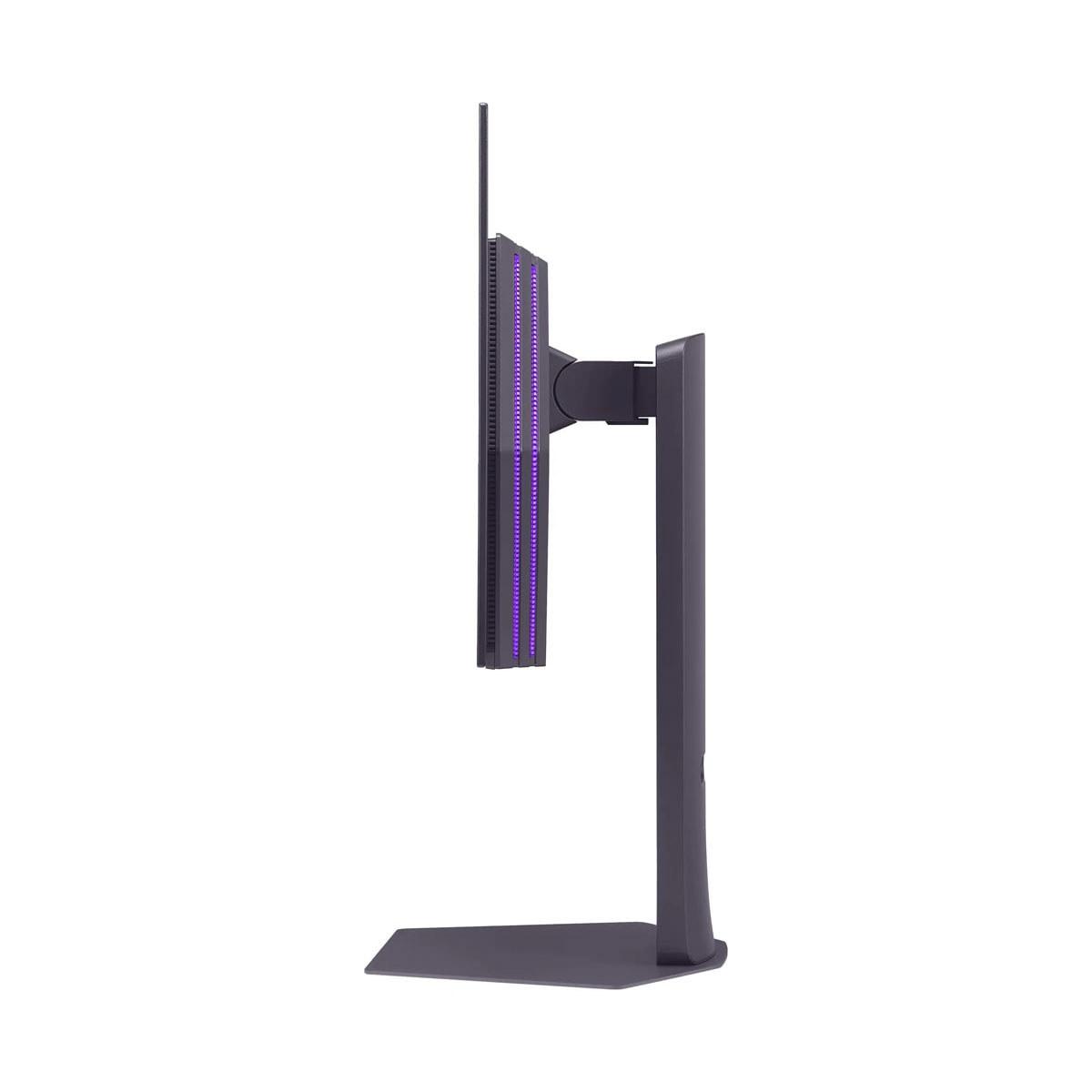
Both monitors feature premium build quality with fully adjustable stands supporting height, tilt, swivel, and pivot adjustments. The GIGABYTE MO27Q2 comes with a more comprehensive 3-year warranty that specifically covers OLED burn-in, while the LG monitor includes a standard 2-year OLED warranty.
Burn-in protection is crucial for OLED monitors. Both displays include various protective features like pixel shifting, automatic brightness limiting, and screen savers that activate during extended static image display. The GIGABYTE's longer warranty coverage provides extra peace of mind for this concern.
While these monitors are primarily designed for gaming, they can work well in home theater setups, especially for smaller rooms or desktop movie watching. The OLED technology provides cinema-quality blacks and excellent color reproduction for movies and TV shows.
The GIGABYTE MO27Q2 might be slightly better for mixed-use scenarios thanks to its built-in speakers and more comprehensive connectivity options. However, the 27-inch size means these are really more suited to near-field viewing rather than traditional living room setups.
For streaming content and movies, both monitors support HDR and have excellent color accuracy. The wide color gamuts ensure that HDR movies display with the intended visual impact.
At the time of writing, these monitors occupy different price tiers, with the GIGABYTE MO27Q2 positioned as the more value-oriented option despite its premium QD-OLED technology. The LG UltraGear commands a premium for its cutting-edge 480Hz refresh rate and DisplayPort 2.1 implementation.
The GIGABYTE monitor offers exceptional value for enthusiast gamers who want premium OLED quality without paying for features they might not fully utilize. Its comprehensive feature set, superior panel technology, and better warranty coverage make it appealing to a broader audience.
The LG UltraGear is more specialized, targeting competitive esports players and early adopters who want the absolute latest technology. You'll need high-end hardware to fully utilize its capabilities, and the benefits are most apparent in specific gaming scenarios.
Your choice between these monitors should depend primarily on your gaming habits, hardware, and budget priorities.
Choose the GIGABYTE MO27Q2 if you want the best overall OLED gaming experience at a more reasonable price point. Its QD-OLED technology provides superior color reproduction, the comprehensive feature set adds genuine utility, and the longer warranty coverage provides better long-term value. It's the smarter choice for most gaming enthusiasts who want premium display quality without paying for extreme specifications they might not fully utilize.
The LG UltraGear 480Hz makes sense if you're a competitive esports player where every frame advantage matters, or if you're an early adopter who wants the absolute cutting edge of display technology. You'll need flagship-tier graphics hardware to fully realize its potential, and you should be comfortable paying a premium for bragging rights and future-proofing.
Both monitors represent excellent examples of how far OLED gaming technology has progressed. The GIGABYTE MO27Q2 shows that premium OLED gaming can be more accessible, while the LG UltraGear demonstrates the incredible performance heights that are now possible. Your choice ultimately depends on whether you prioritize value and versatility or cutting-edge performance above all else.
| GIGABYTE MO27Q2 | LG UltraGear 27" OLED 480Hz |
|---|---|
| Panel Technology - Affects color quality and brightness characteristics | |
| QD-OLED (Samsung) - More vibrant colors, better color volume | W-OLED with MLA+ - Higher peak brightness, anti-glare coating |
| Refresh Rate - Higher rates provide smoother motion in competitive gaming | |
| 240Hz (easily achievable with mid-high end GPUs) | 480Hz (requires flagship GPU, diminishing returns above 240Hz) |
| Peak Brightness - Important for HDR impact and bright room usage | |
| 1,000 nits peak, ~250 nits typical (adequate for most scenarios) | 1,300 nits peak with MLA+ technology (better HDR punch) |
| Color Gamut - Wider coverage means more lifelike, saturated colors | |
| 99% DCI-P3 (excellent color reproduction) | 98.5% DCI-P3 (very good, slightly narrower than QD-OLED) |
| Connectivity - Future-proofing and device compatibility | |
| DisplayPort 1.4, 2× HDMI 2.1, USB-C with KVM | DisplayPort 2.1, 2× HDMI 2.1, basic USB 3.0 hub |
| Gaming Features - Specialized functionality for competitive play | |
| Tactical Switch (27" QHD ↔ 24" FHD), KVM switching | RGB backlighting, DTS Headphone:X audio processing |
| Built-in Audio - Convenience for users without external speakers | |
| 2× 5W stereo speakers included | No built-in speakers |
| Warranty Coverage - Protection against OLED burn-in concerns | |
| 3 years including burn-in protection | 2 years OLED limited warranty |
| Surface Coating - Affects reflections and color vibrancy | |
| Glossy with anti-glare (enhances colors, some reflections) | Anti-glare coating (reduces reflections, slight color impact) |
| Target User - Who benefits most from each monitor's strengths | |
| Enthusiast gamers wanting premium OLED at better value | Competitive esports players needing maximum refresh rate |
The GIGABYTE MO27Q2 provides better overall value for most gamers. It features superior QD-OLED panel technology, comprehensive connectivity including USB-C and KVM functionality, built-in speakers, and a 3-year warranty with burn-in protection. While the LG UltraGear offers cutting-edge 480Hz refresh rates, most users won't fully utilize this extreme performance, making the GIGABYTE MO27Q2 the smarter choice for premium OLED gaming.
The LG UltraGear offers 480Hz refresh rate compared to the GIGABYTE MO27Q2's 240Hz. While 480Hz provides theoretically smoother motion, the difference is much less noticeable than jumping from 60Hz to 240Hz. Most games can't achieve 480 FPS at 1440p resolution even with flagship GPUs, making the GIGABYTE's 240Hz more practical for the majority of gaming scenarios.
The GIGABYTE MO27Q2 uses QD-OLED technology that typically produces more vibrant, saturated colors with 99% DCI-P3 coverage. The LG UltraGear uses W-OLED with MLA+ technology that can achieve higher peak brightness (1,300 nits vs 1,000 nits). For overall color reproduction, the GIGABYTE monitor has an edge, while the LG display performs better in bright HDR highlights.
Both monitors excel with PlayStation 5 and Xbox Series X, supporting 1440p at 120Hz through their HDMI 2.1 ports. The GIGABYTE MO27Q2 offers additional convenience features like built-in speakers and KVM switching that console users might appreciate. The LG UltraGear's 480Hz advantage won't benefit console gaming since consoles cap at 120Hz output.
The GIGABYTE MO27Q2 provides more comprehensive connectivity with USB-C KVM functionality, allowing you to switch between devices with one button. It includes built-in speakers and a more extensive USB hub. The LG UltraGear features DisplayPort 2.1 for future-proofing but lacks USB-C and built-in audio, making the GIGABYTE monitor more versatile for multi-device setups.
For the GIGABYTE MO27Q2, mid-to-high-end GPUs like RTX 4070 or RX 7800 XT can achieve 240 FPS in many competitive games. The LG UltraGear requires flagship hardware like RTX 4090 or better to reach 480 FPS, and even then, only in less demanding esports titles. Most gamers will find the GIGABYTE's requirements more achievable.
The LG UltraGear offers the ultimate competitive advantage with 480Hz refresh rate and DisplayPort 2.1 for professional esports players. However, the GIGABYTE MO27Q2 includes a unique Tactical Switch feature that lets you quickly switch to a 24-inch display area, which many competitive players prefer. For most competitive gamers, the GIGABYTE monitor provides excellent performance at better value.
The GIGABYTE MO27Q2 offers superior warranty protection with 3 years of coverage including specific burn-in protection. The LG UltraGear provides a standard 2-year OLED warranty. Given OLED's potential for burn-in issues, the GIGABYTE's longer warranty coverage provides better peace of mind for long-term ownership.
Both monitors are VESA DisplayHDR True Black 400 certified with excellent contrast ratios. The LG UltraGear achieves higher peak brightness (1,300 nits) making bright HDR scenes more impactful. The GIGABYTE MO27Q2 offers more consistent color accuracy across brightness levels due to QD-OLED technology. Both provide exceptional HDR gaming experiences with perfect blacks.
The GIGABYTE MO27Q2 is better suited for mixed gaming and productivity use thanks to its KVM functionality, USB-C connectivity, and built-in speakers. The glossy QD-OLED panel provides excellent color accuracy for content creation. The LG UltraGear is more specialized for gaming, lacking built-in audio and productivity-focused features that make the GIGABYTE monitor more versatile.
Both the GIGABYTE MO27Q2 and LG UltraGear feature premium build quality with fully adjustable stands supporting height, tilt, swivel, and pivot adjustments. The GIGABYTE monitor includes a more robust warranty and additional features like the Tactical Switch hardware button. Both offer excellent ergonomics, but the GIGABYTE's longer warranty coverage suggests better long-term support.
Choose the GIGABYTE MO27Q2 if you want exceptional OLED gaming quality with practical features like KVM switching, built-in audio, and better warranty coverage. Select the LG UltraGear if you're a competitive esports player with flagship hardware who needs maximum refresh rate performance. For most users, the GIGABYTE monitor offers superior value and versatility.
We've done our best to create useful and informative comparisons to help you decide what product to buy. Our research uses advanced automated methods to create this comparison and perfection is not possible - please contact us for corrections or questions. These are the sites we've researched in the creation of this article: gigabyte.com - youtube.com - newegg.com - mezha.media - tech-critter.com - gigabyte.com - forum.pcmonitors.info - techspot.com - aorus.com - saltynewsnetwork.com - infiniarc.com - gigabyte.com - bestbuy.com - youtube.com - gigabyte.com - gigabyte.com - displayspecifications.com - aorus.com - gigabyte.com - gigabyte.com - bestbuy.com - bhphotovideo.com - engadget.com - newegg.com - youtube.com - bestbuy.com - techpowerup.com - techpowerup.com - rtings.com - lg.com - lgnewsroom.com - rtings.com - bestbuy.com - jonesapplianceandtv.com - thefrogpadappliances.com - lg.com - lg.com - lg.com - techpowerup.com - lg.com - lg.com

Privacy Policy
Terms and Conditions - Affiliate Policy
Home Security
© Copyright 2008-2026.
11816 Inwood Rd #1211, Dallas, TX 75244